Tell us anything

An idea, a bug, something you love. We read every note.

⌘↵ to send. The page you're on comes along.

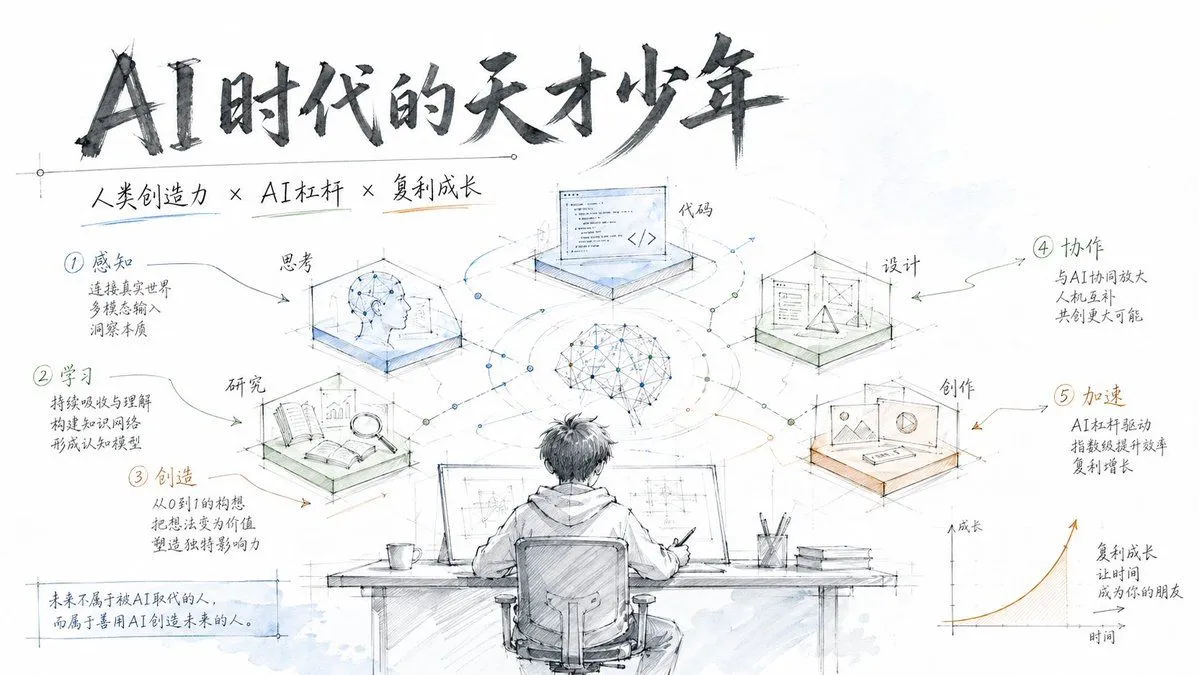
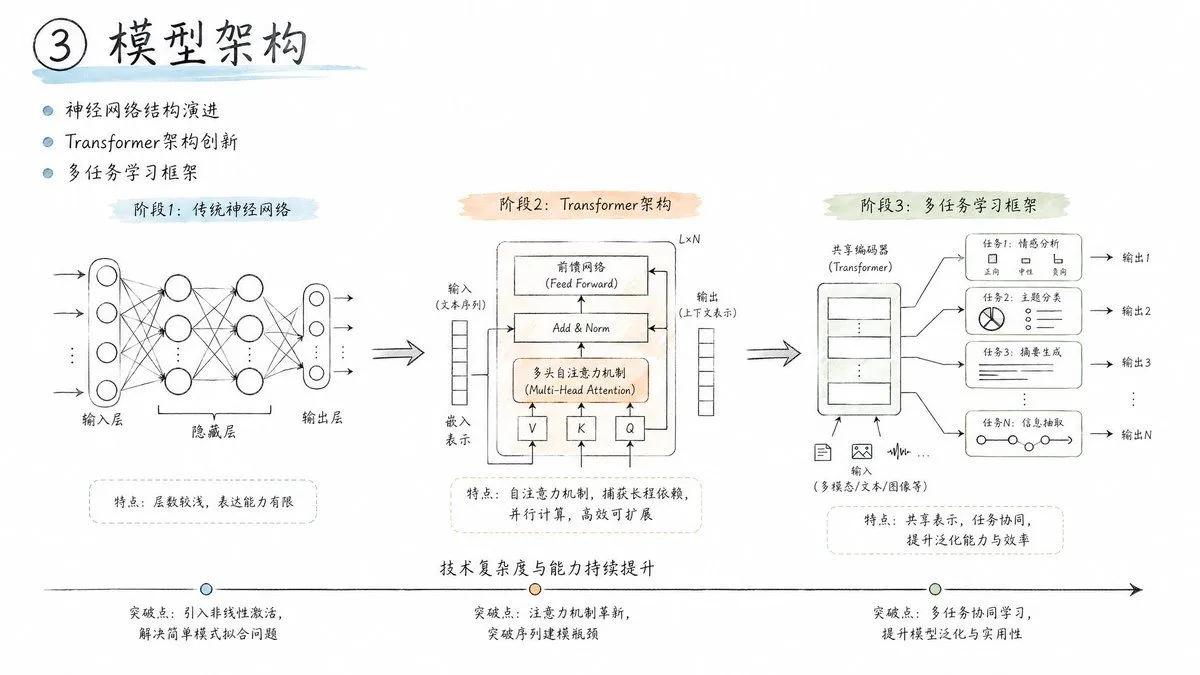
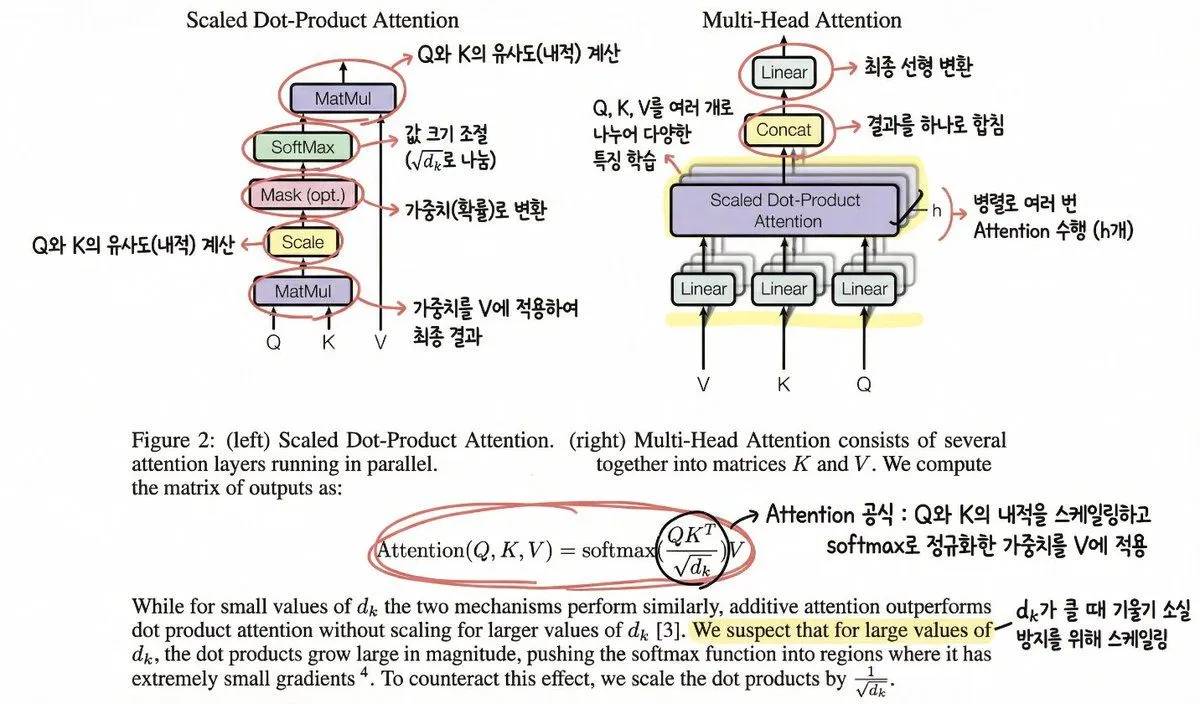
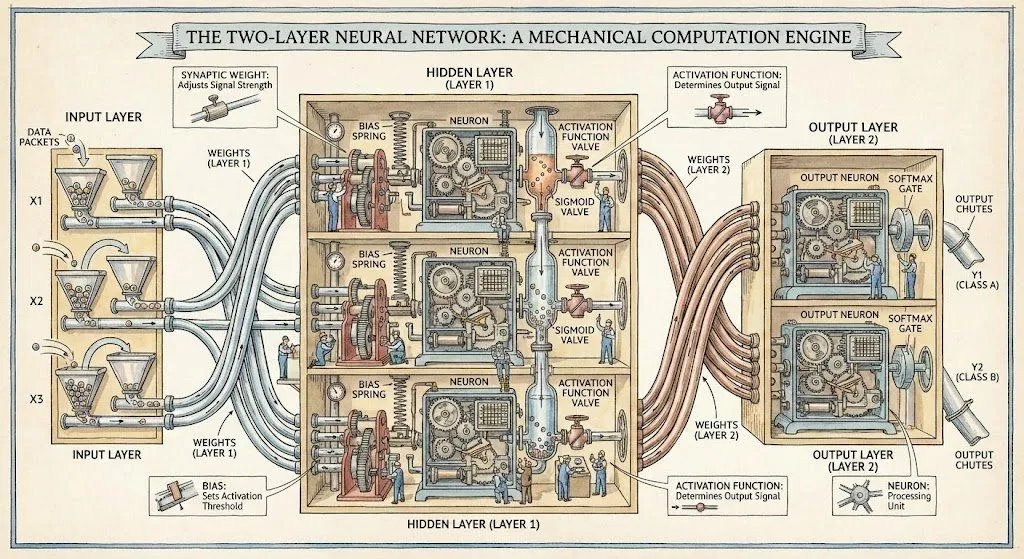
Engineering Sketch Aesthetic

Made with GPT Image 2 in ChatGPT by Library Explainers. Promptclay never generates images.

Did it work?

No reports yet. Tell others if it worked for you.

No comments yet. Be the first.

    Engineering Sketch Aesthetic

    GPT Image 216:9AI-generated

    Prompt

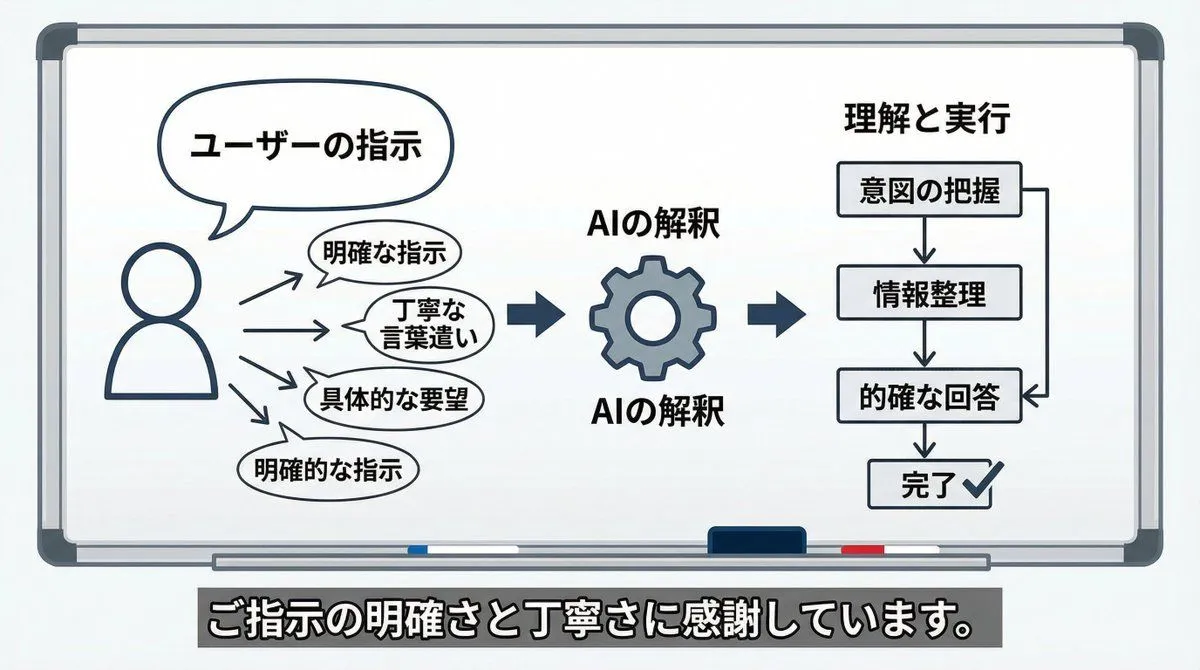
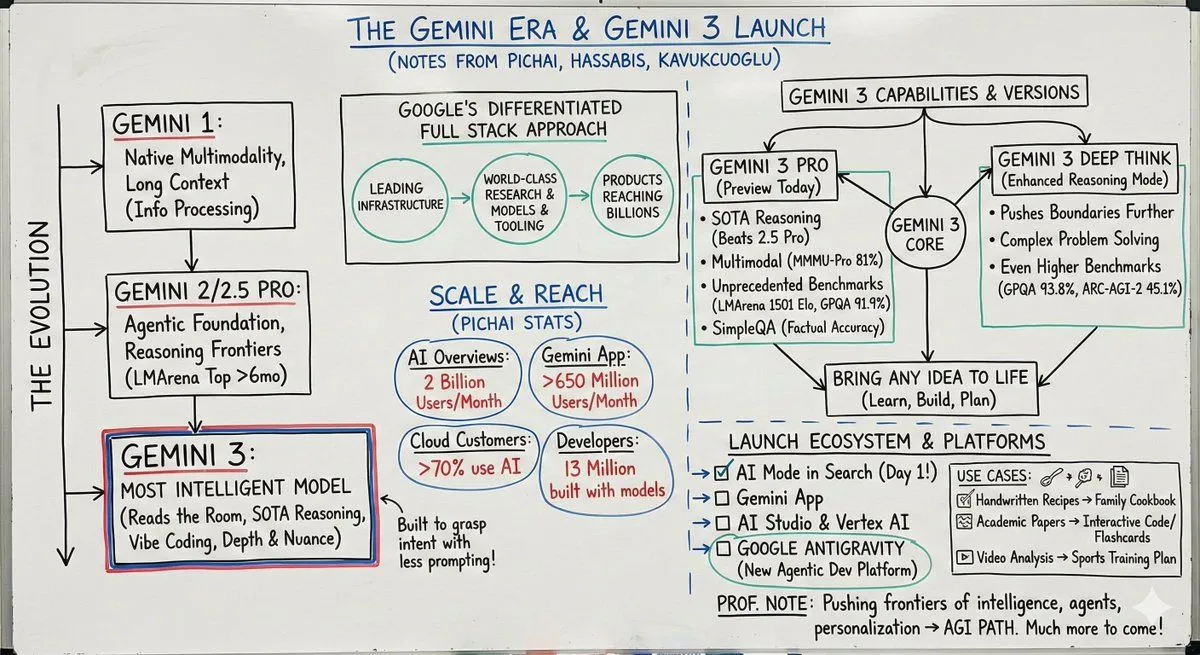
    - Pure white background, plenty of negative space - Engineering drawing line style (delicate, precise) - Handwritten title (dark gray) - Engineering annotation style to display steps - Light blue, light green, and light orange watercolor accents (high transparency) - Modern feel similar to Apple/Tesla product design sketches - Concise icons with step-by-step descriptions - Clean, professional, and tech-savvy

    Works in
    ChatGPT, Gemini
    Status
    Free to copy
    0
    DetailsVersions, settings and questions

    Written for

    What's in the prompt

    Subject
    Model
    GPT Image 2

    If your face changes

    keep my face exactly the same

    Questions

    Does this work in the ChatGPT app?
    Yes. Paste the prompt and attach your photo if it uses one.
    It changed my face. What do I do?
    Add "keep my face exactly the same" to the end and run it again.
    Can I use the images I make?
    Check the terms of the app you use. Promptclay never generates images and claims nothing you make.
    Similar prompts

    See more
    • Annotating the 'Attention Is All You Need' Paper
    • Two-layer neural network diagram in Stephen Biesty style
    • Minimalist Flowchart/Diagram Generation Style Guide
    • AI Perception Visualization (Nano Banana Pro)
    • Turn a paper into a professor’s whiteboard diagram
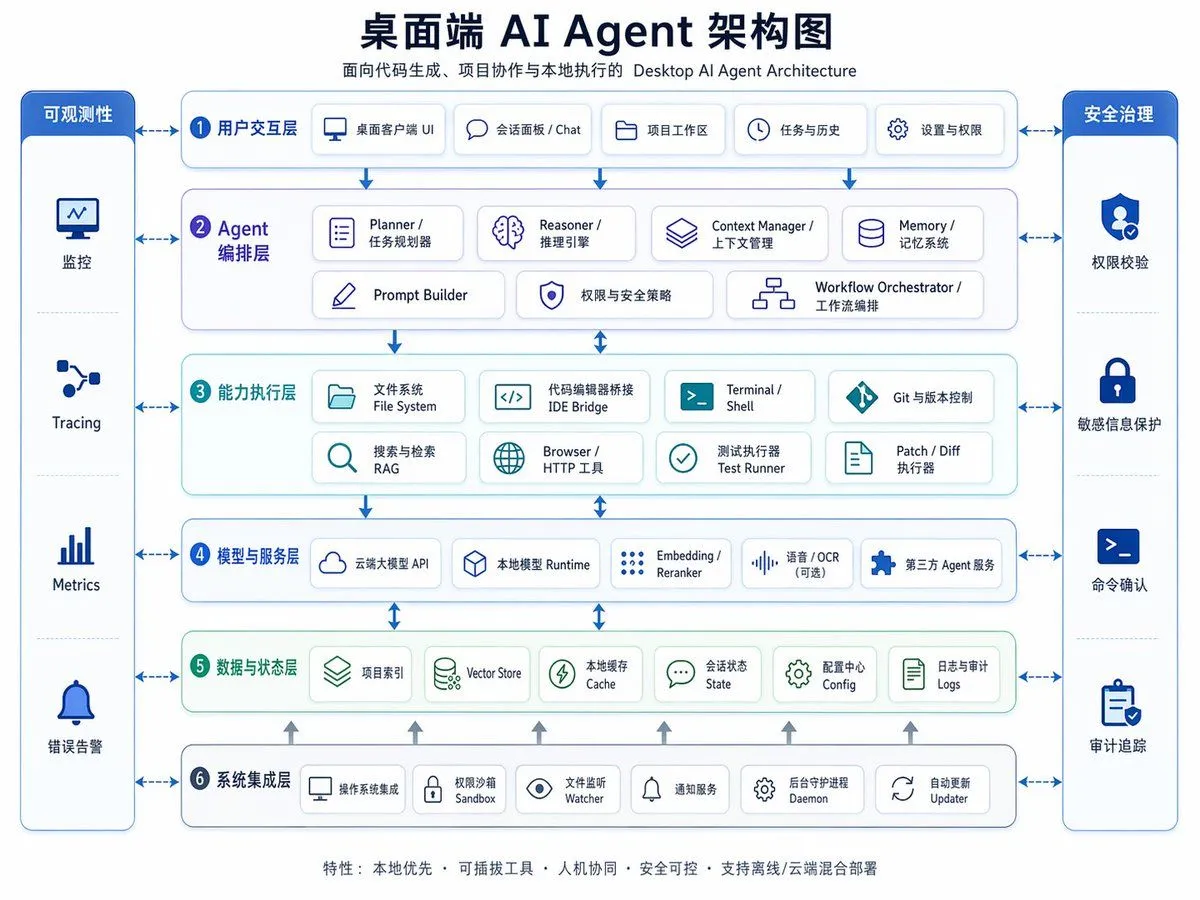
    • Desktop AI Agent Architecture Diagram
    • Modern Product Engineering Slides
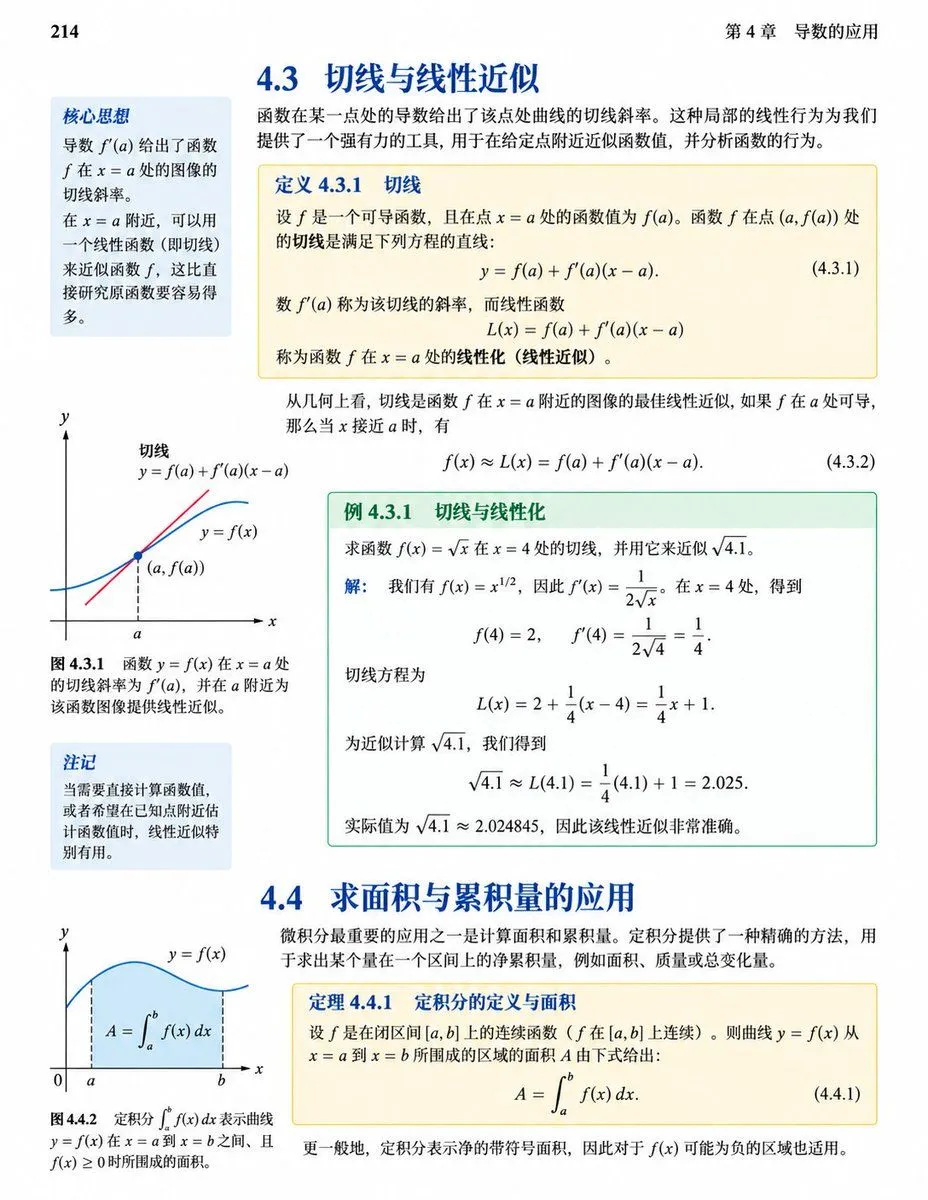
    • Calculus Textbook Page Redesign
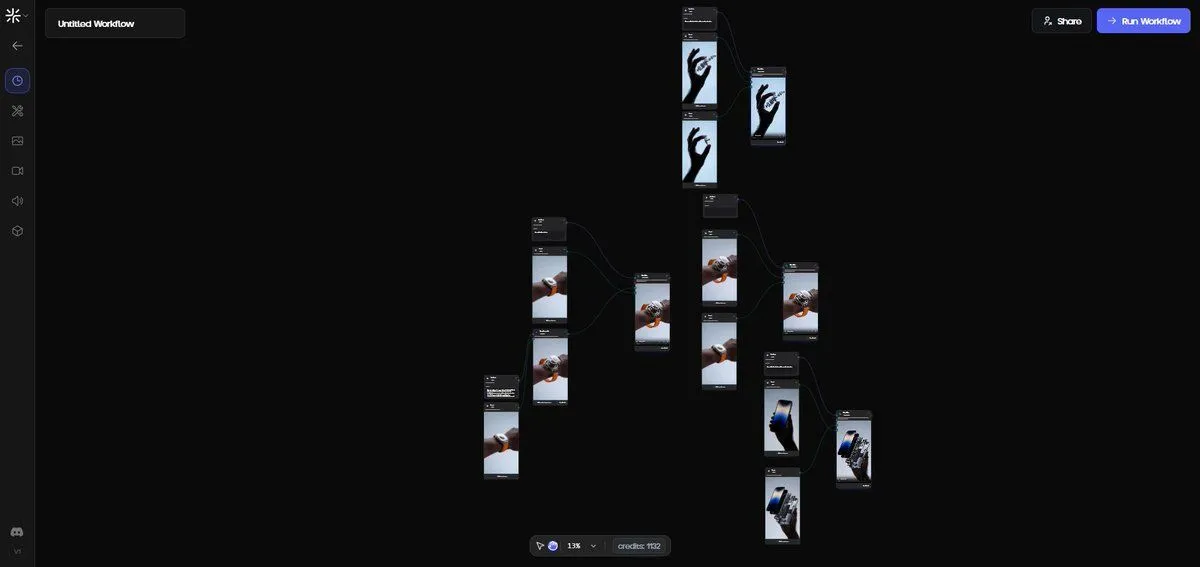
    • Exploded View Disassembly of Apple Watch Ultra and iPhone
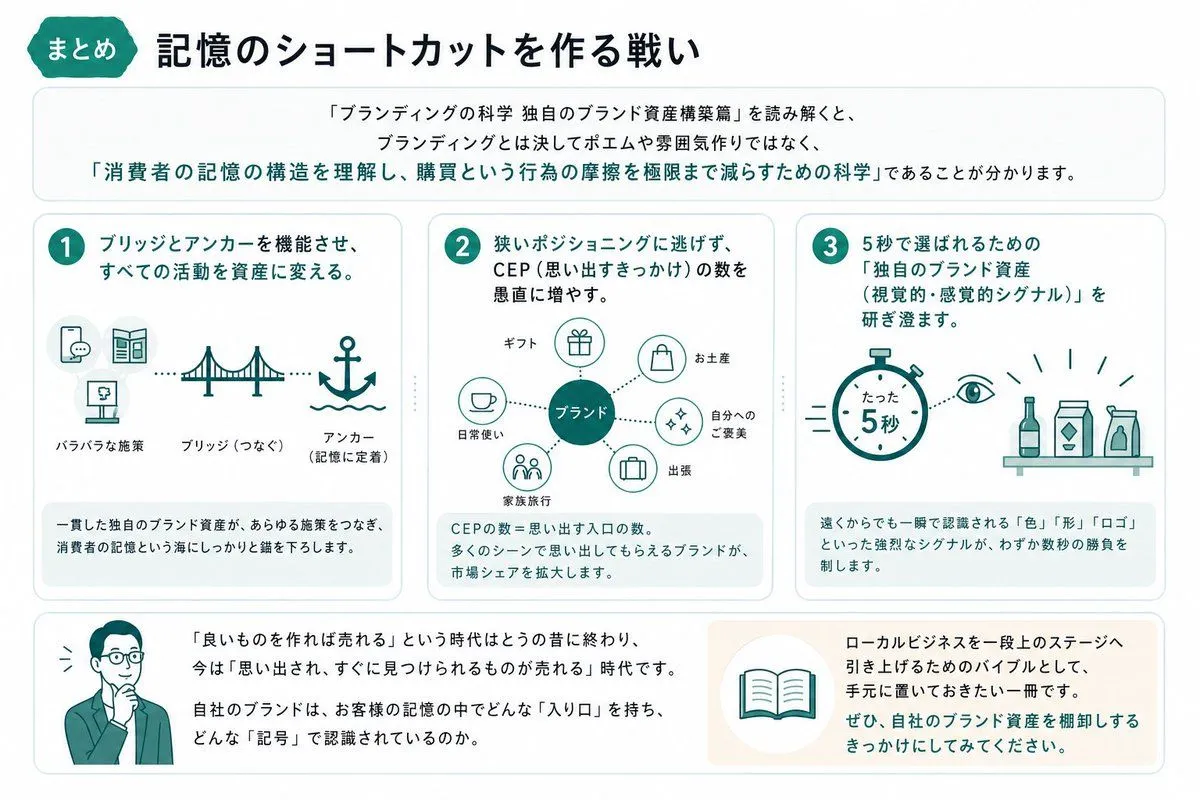
    • Japanese Branding Strategy Infographic
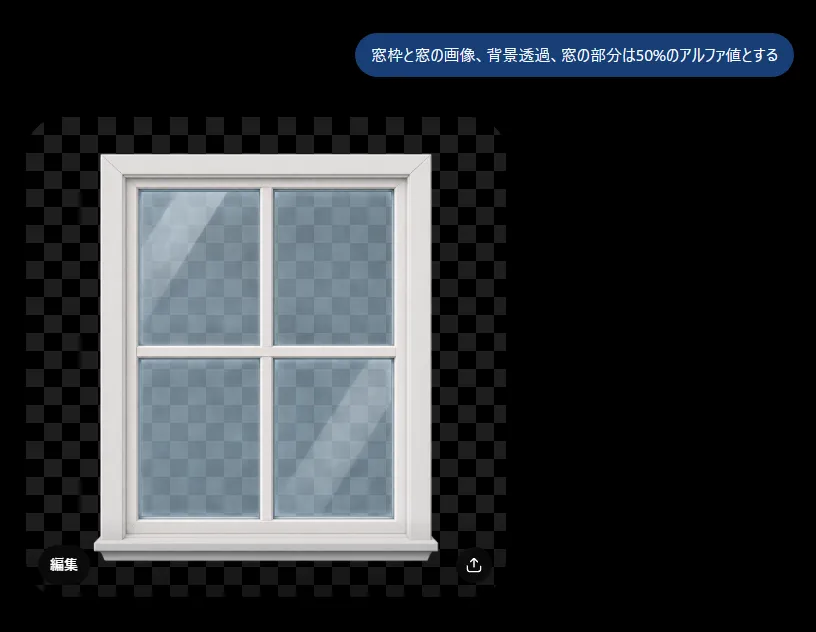
    • Transparent Window Alpha Demo
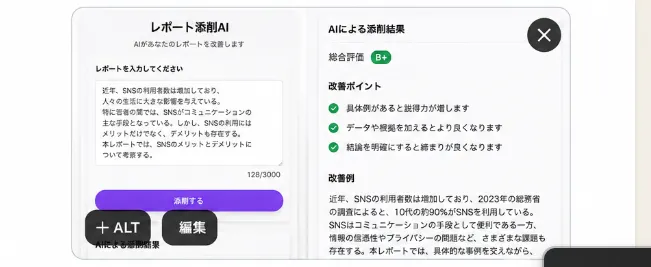
    • Japanese AI Report Correction App Mockup
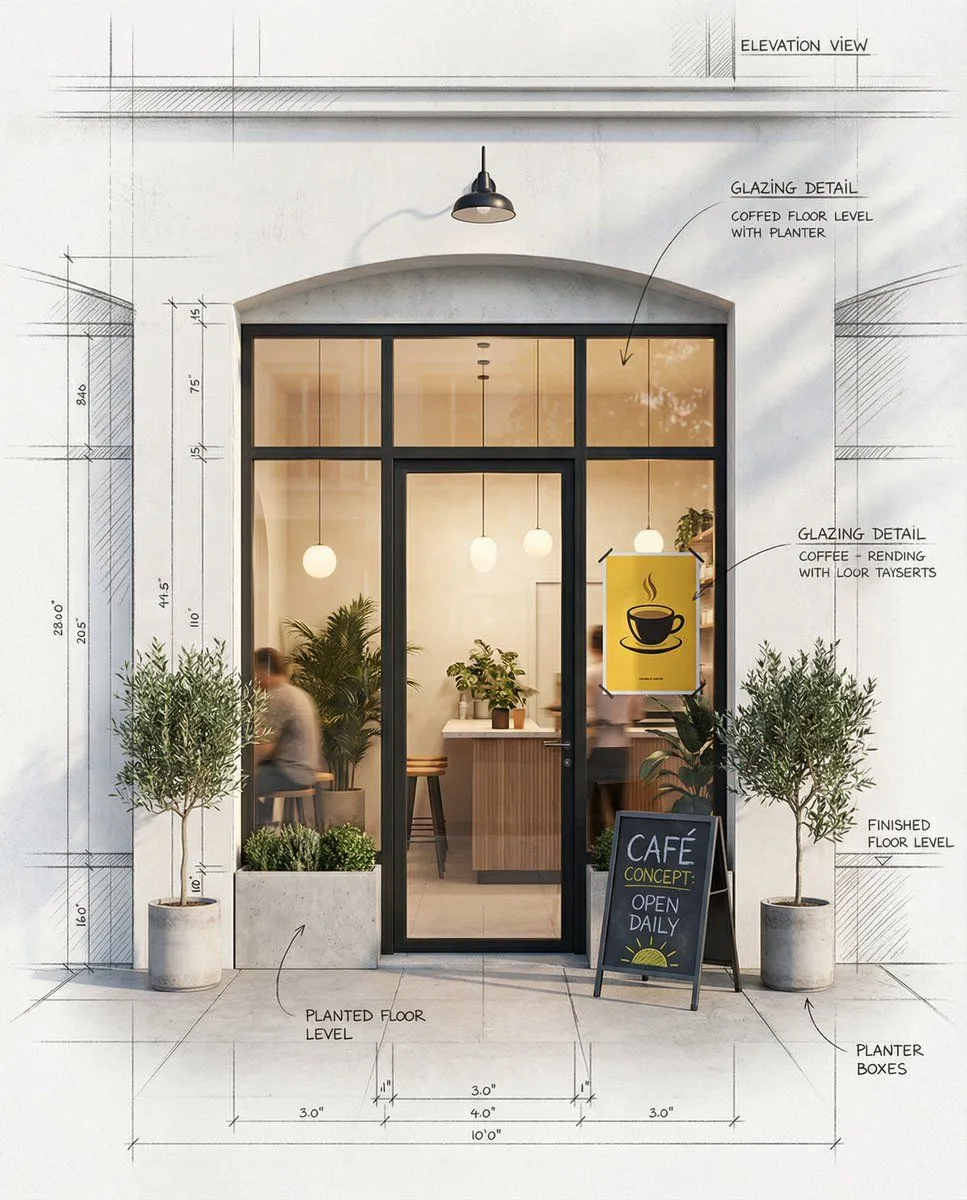
    • Architectural Concept Rendering: Sketch to Photorealism
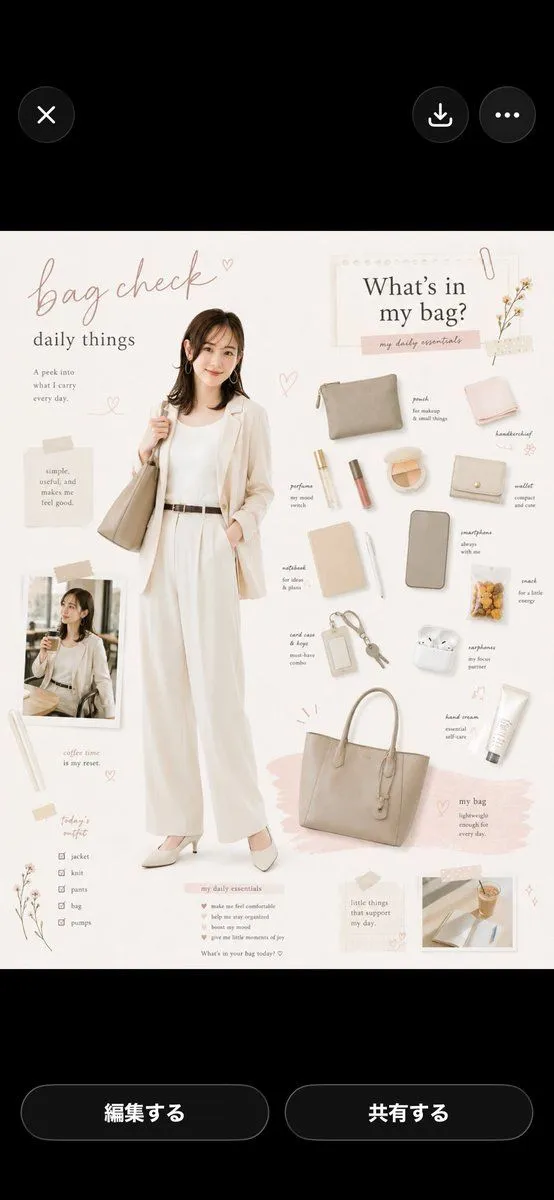
    • Bag Check Lifestyle Infographic
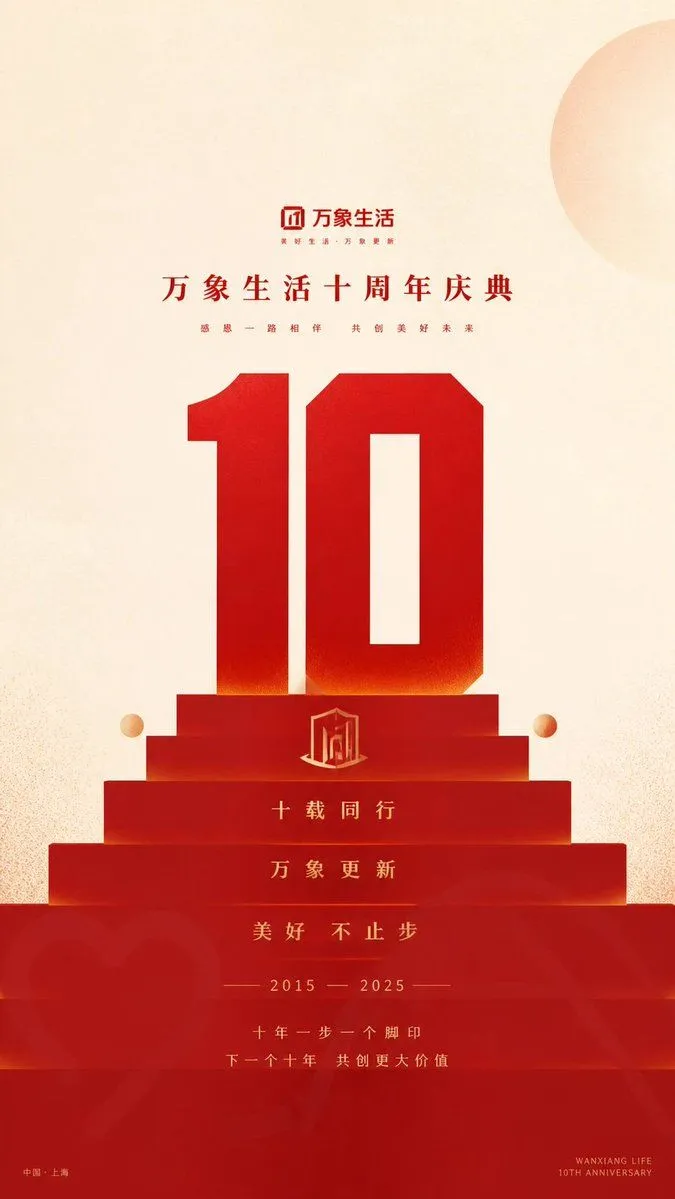
    • Geometric Milestone Celebration Poster
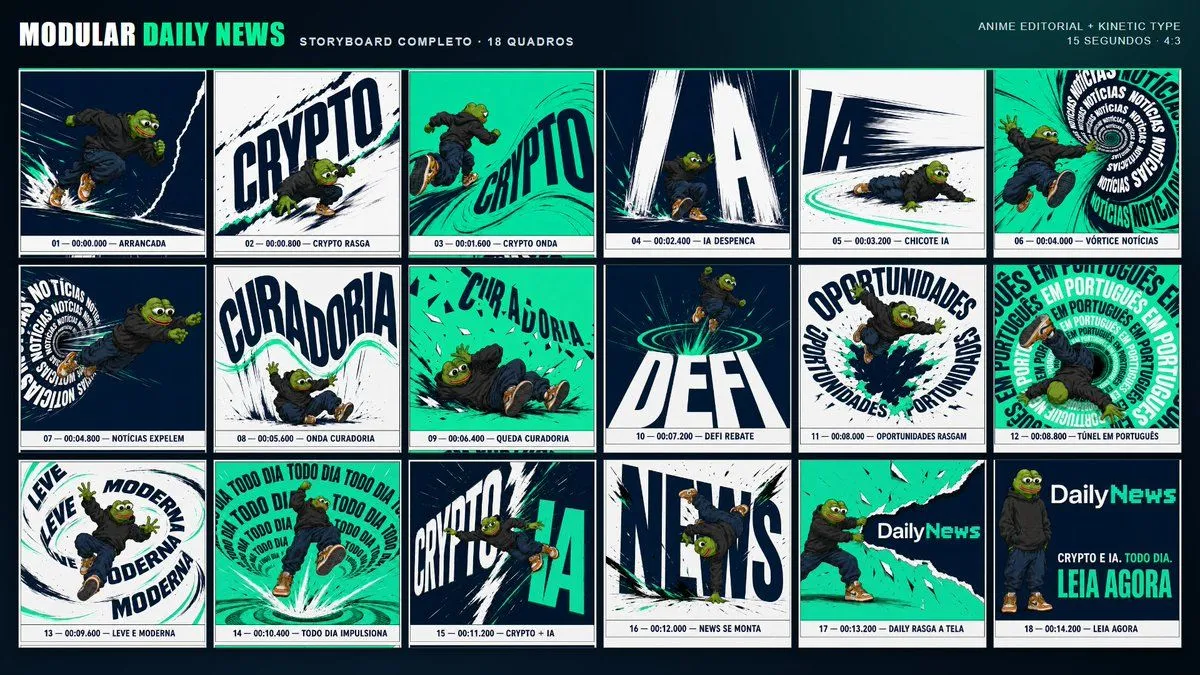
    • Kinetic News Storyboard Sheet
    • Mechanical Keyboard Product Page Mockup
    • Minimal GPT Image 2 Logo Lockup
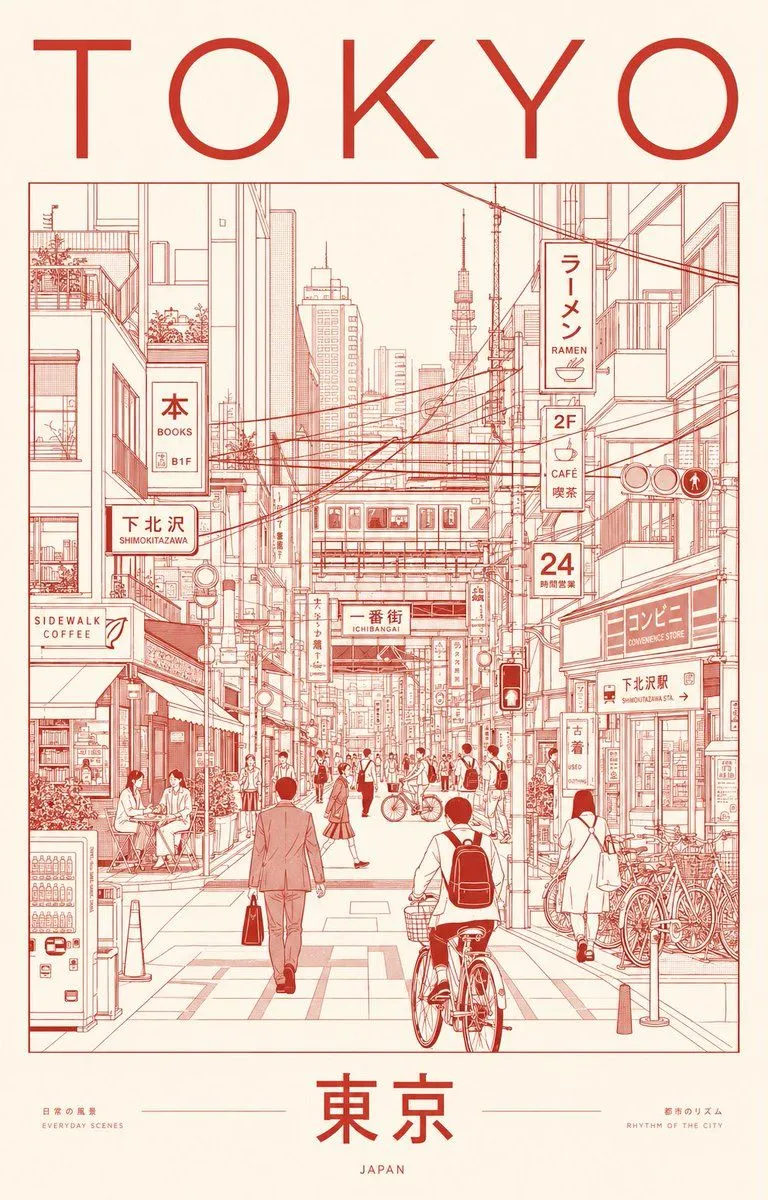
    • Minimalist Tokyo City Line-Art Poster
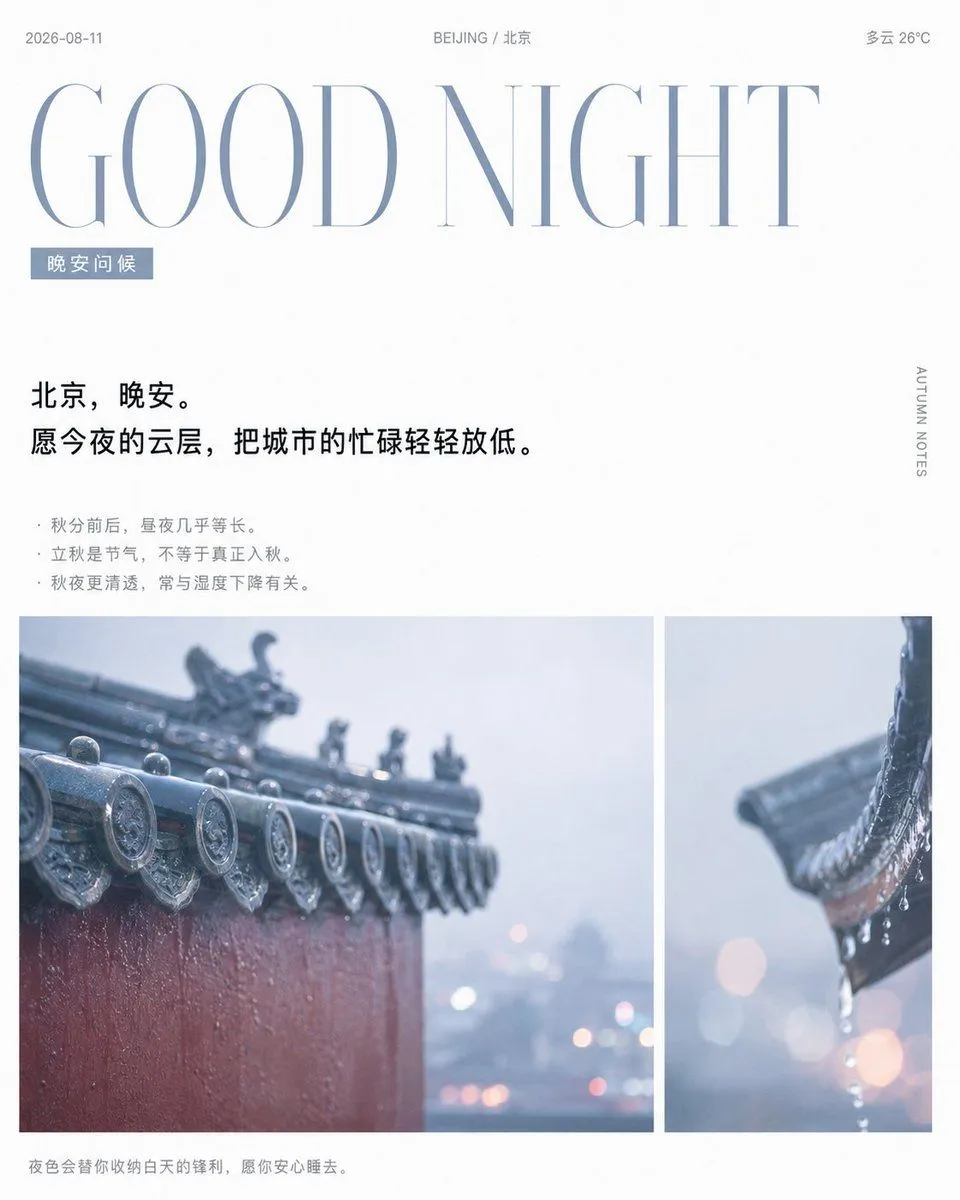
    • Rainy Beijing Good Night Poster
    • Retro Game Style Japanese Event Banner
    • Sloppy Doodle Cat Portrait
    • Tech Tutorial Thumbnail with UI Mockup
    • Vintage Brass Hanging Lantern

    Show more

    Run it on your phone

    1. Prompt copiedRead it

      - Pure white background, plenty of negative space - Engineering drawing line style (delicate, precise) - Handwritten title (dark gray) - Engineering annotation style to display steps - Light blue, light green, and light orange watercolor accents (high transparency) - Modern feel similar to Apple/Tesla product design sketches - Concise icons with step-by-step descriptions - Clean, professional, and tech-savvy

    2. Open your app

    3. Paste and run

      Press and hold the message box, then tap Paste. Add your photo first if the prompt uses one. You may need to sign in.

    Engineering Sketch Aesthetic