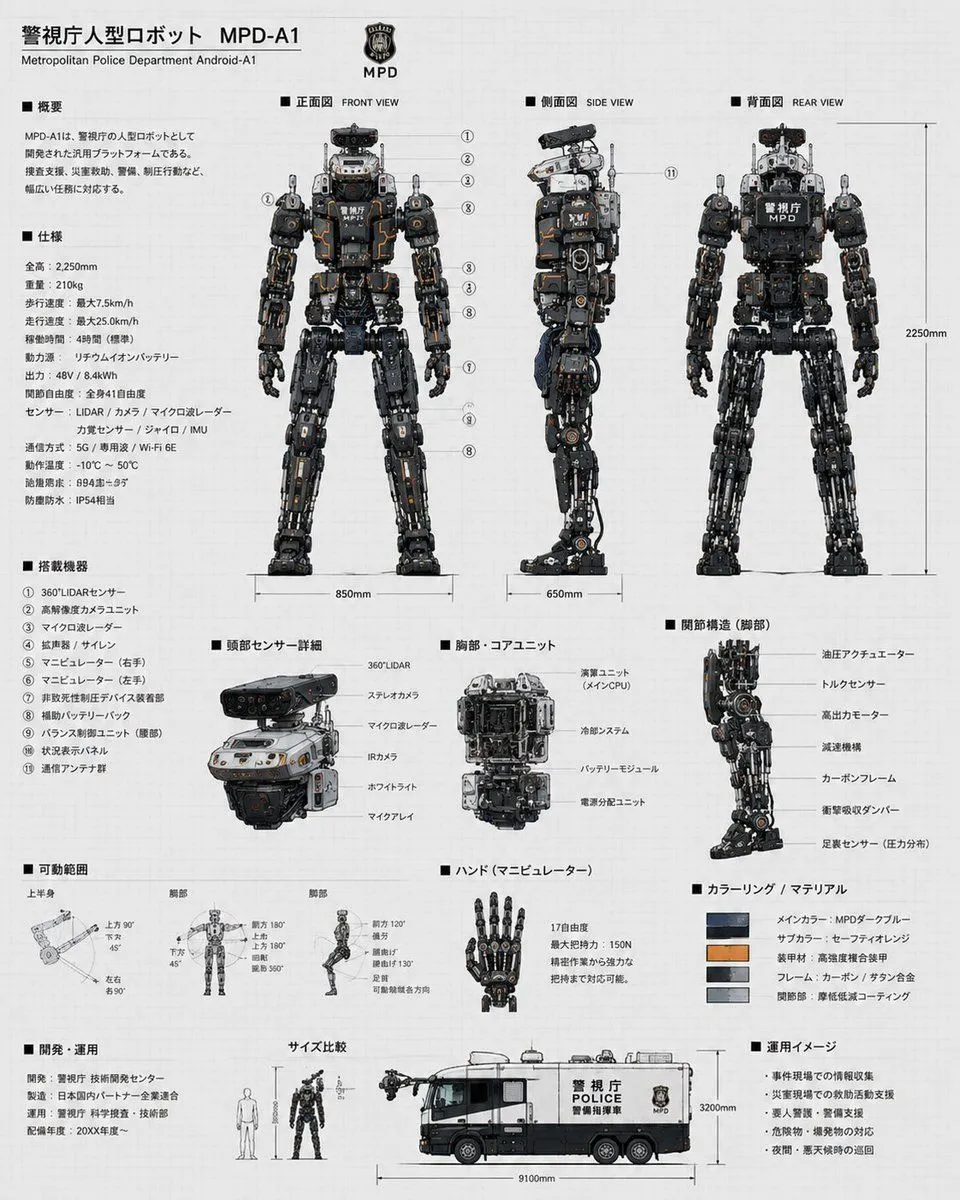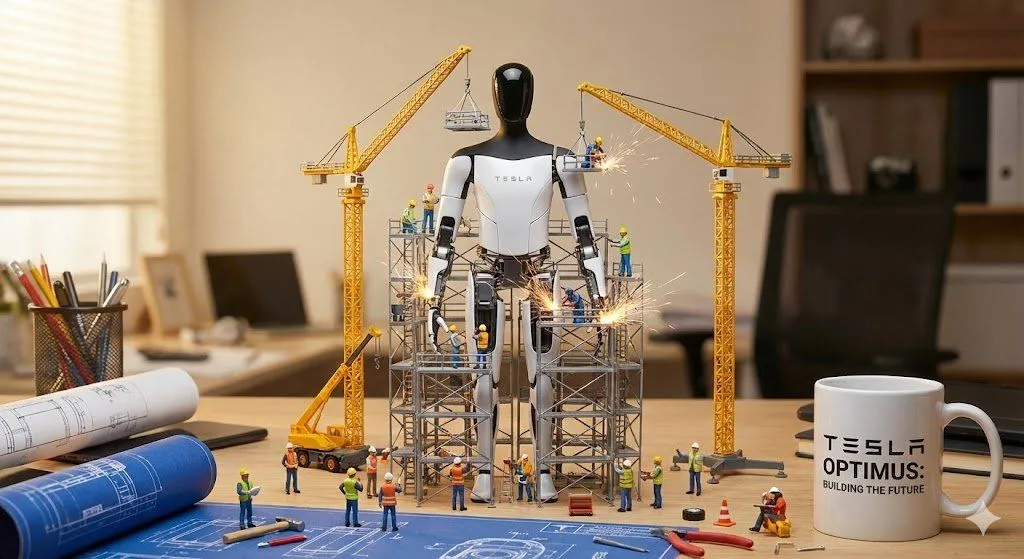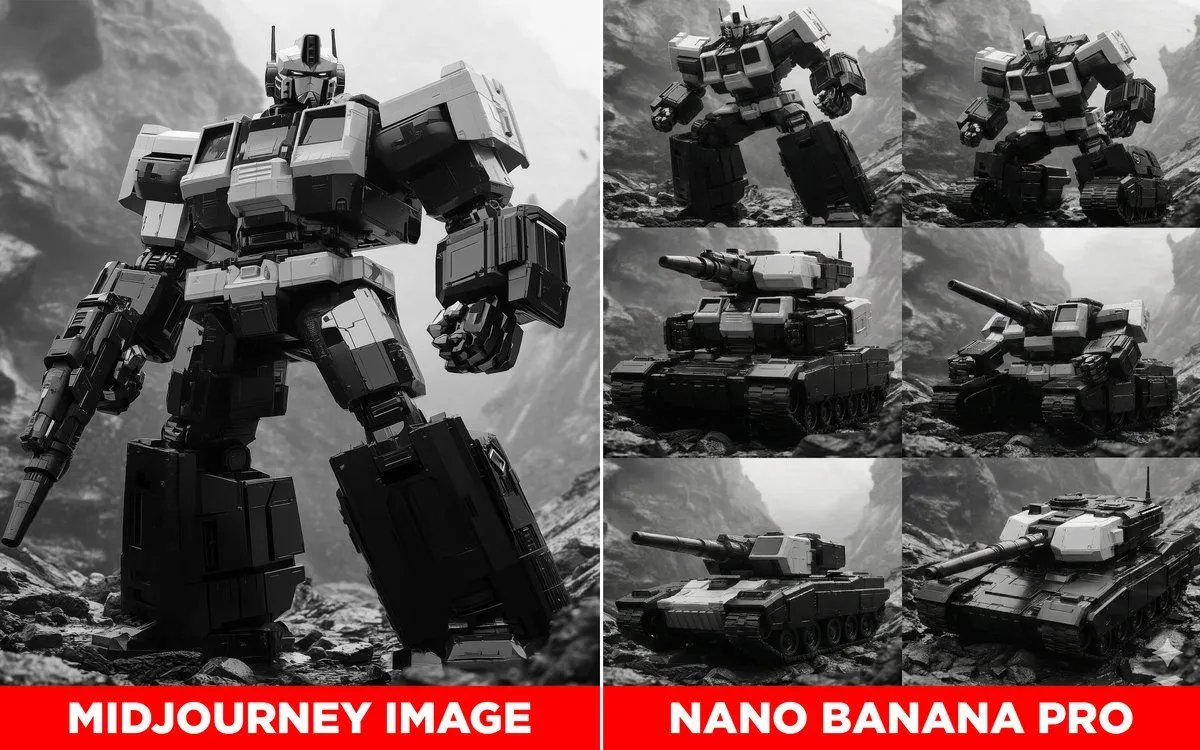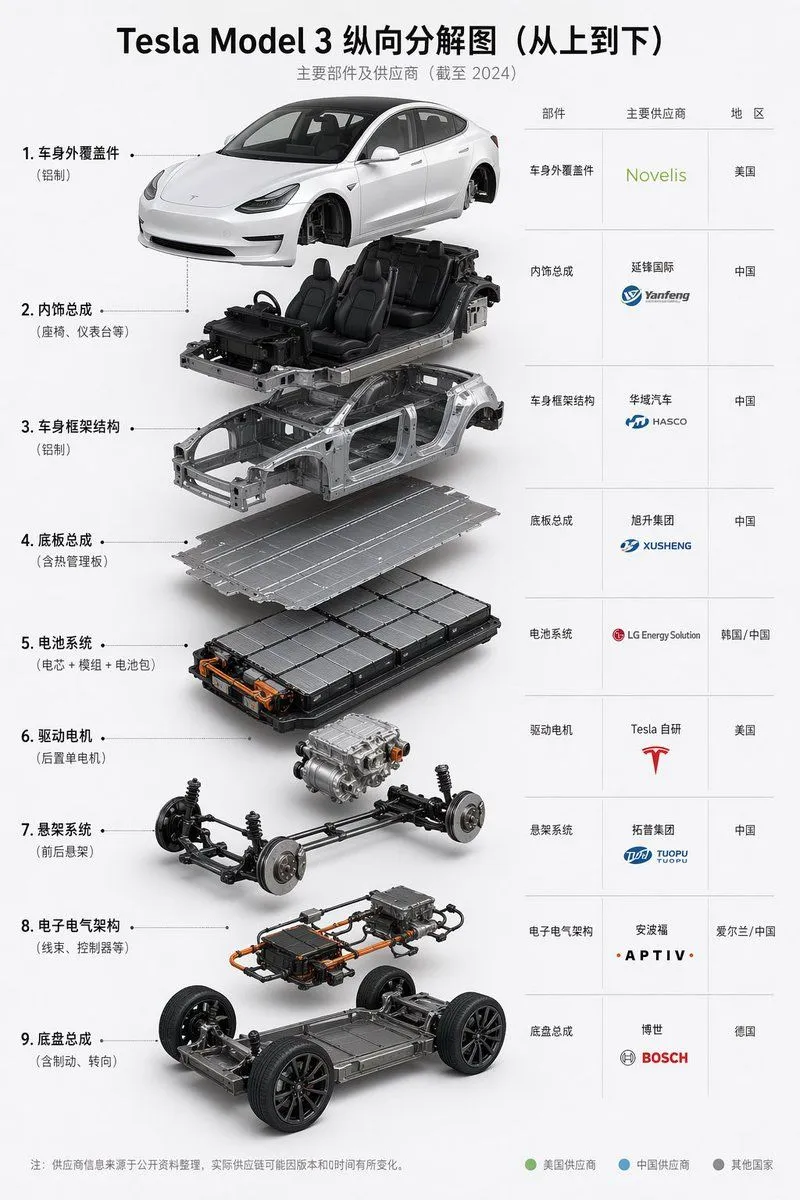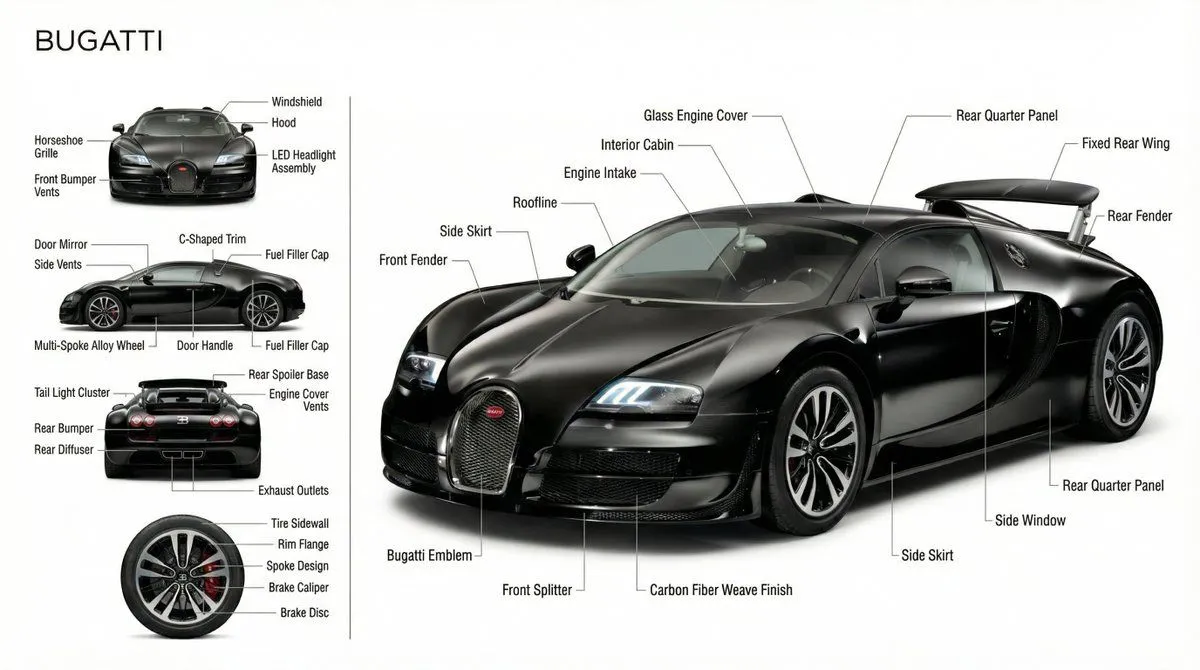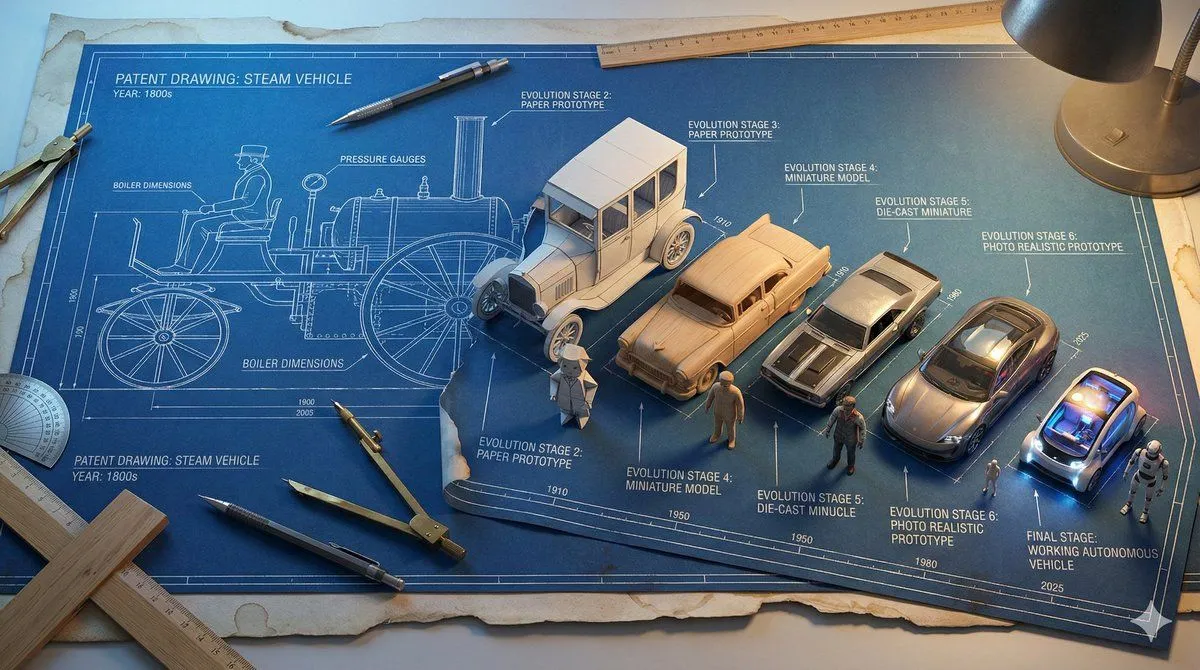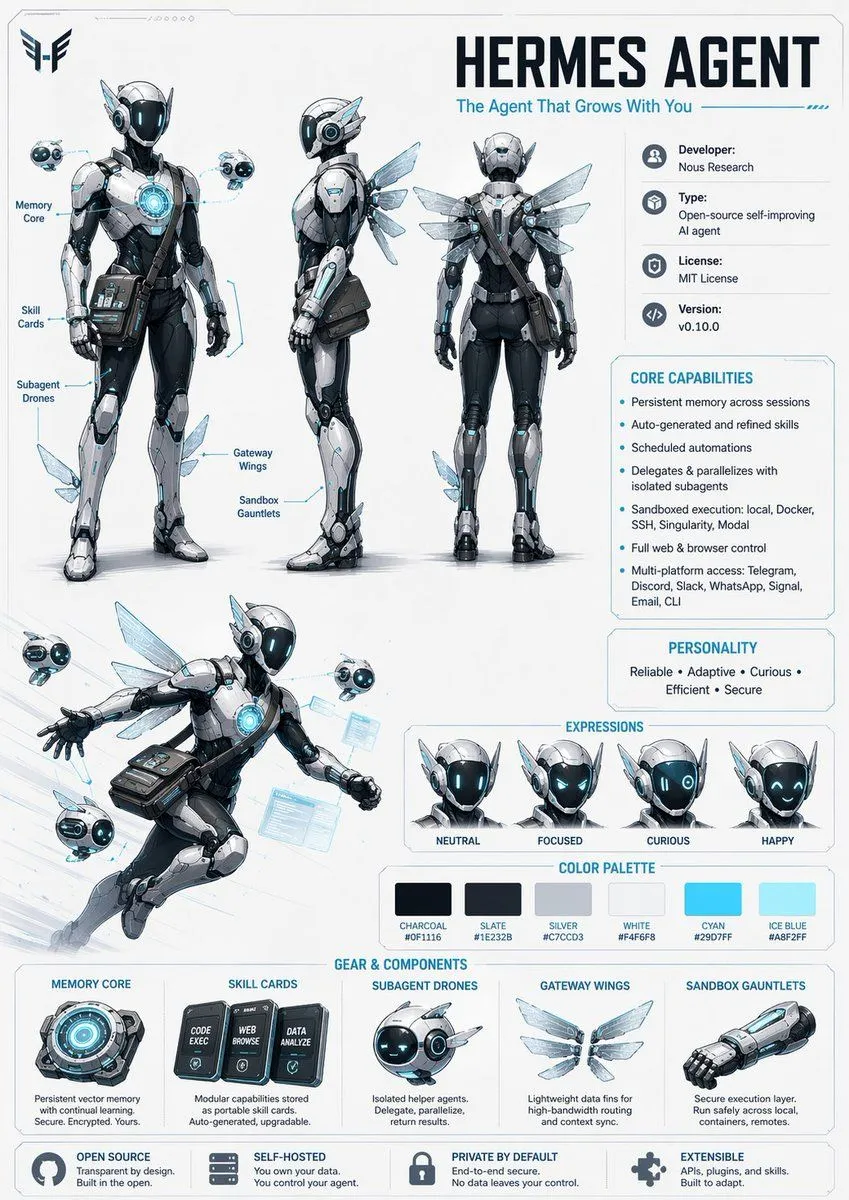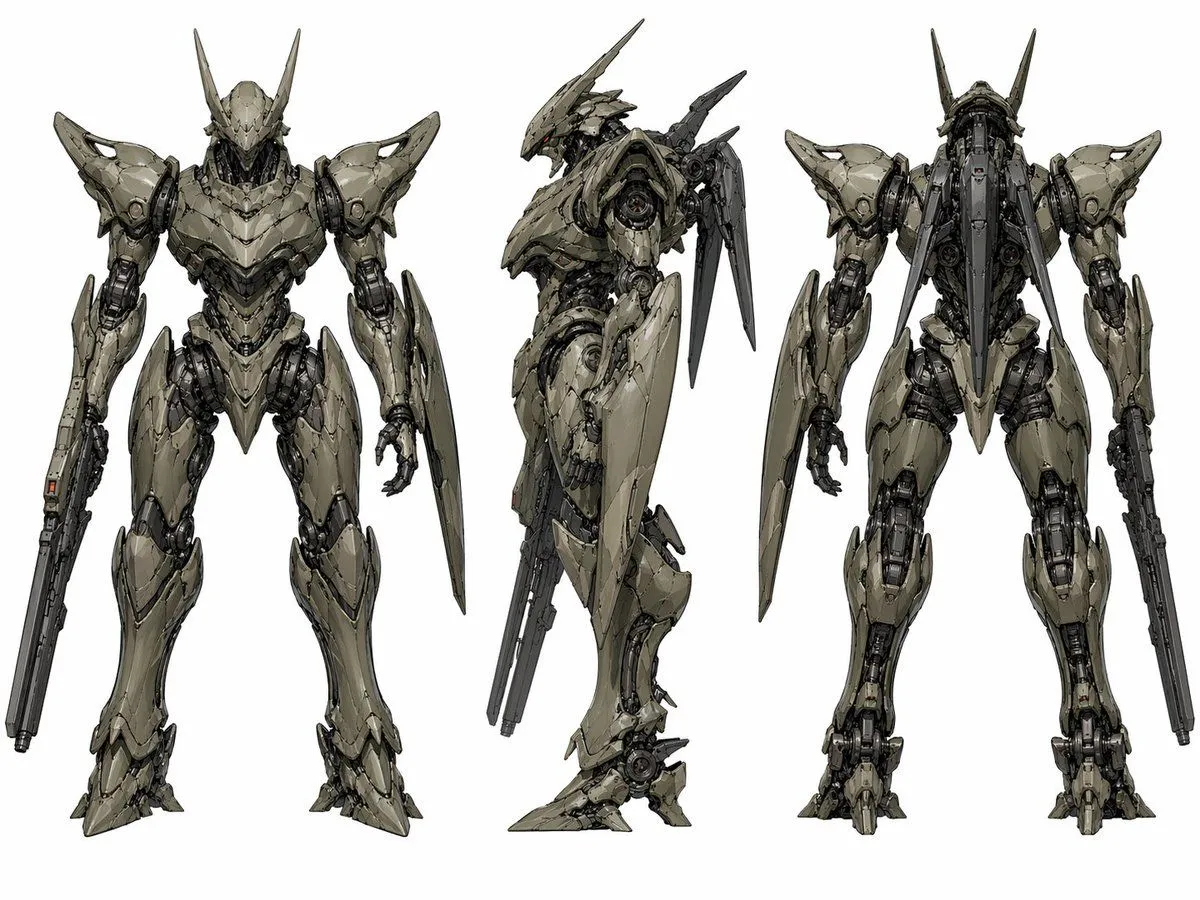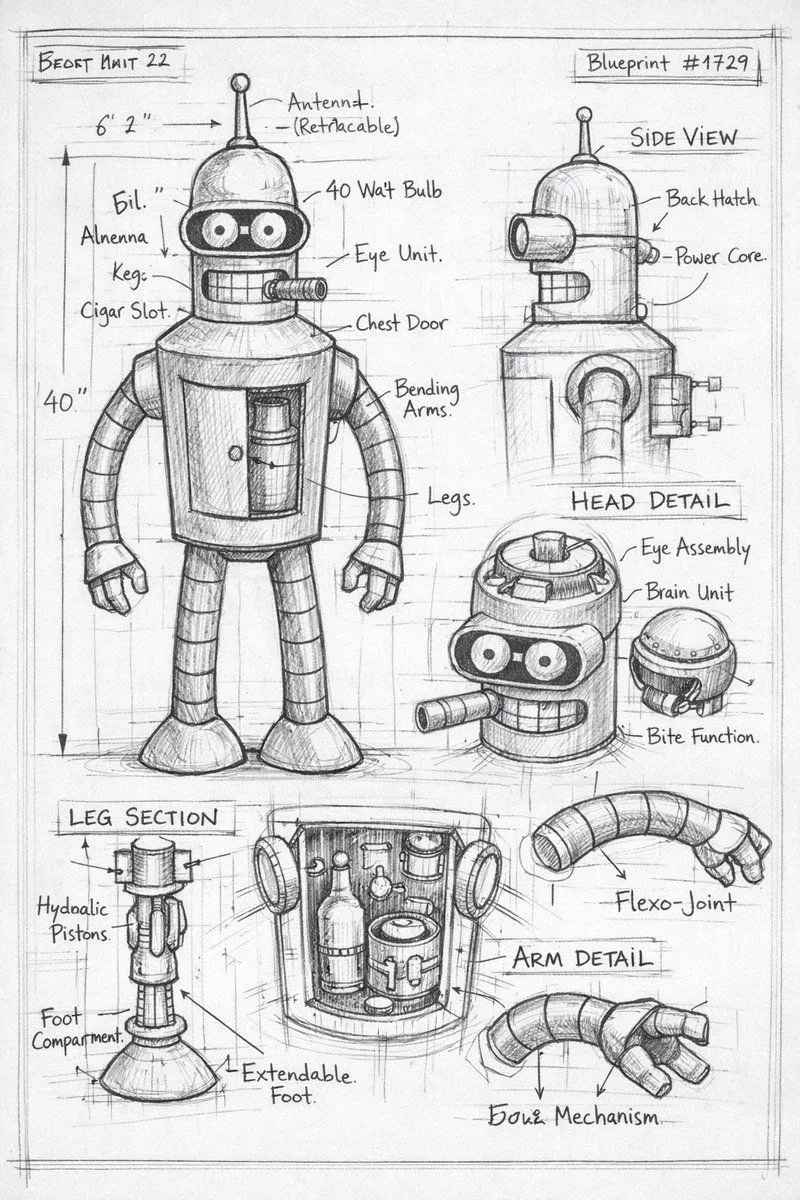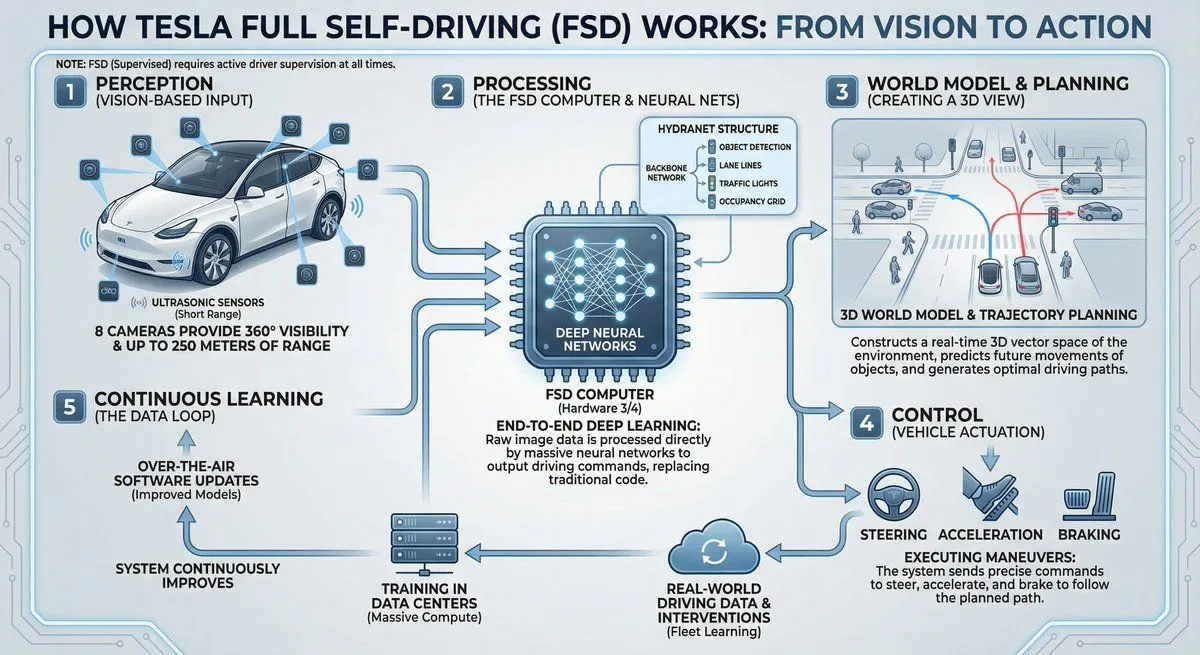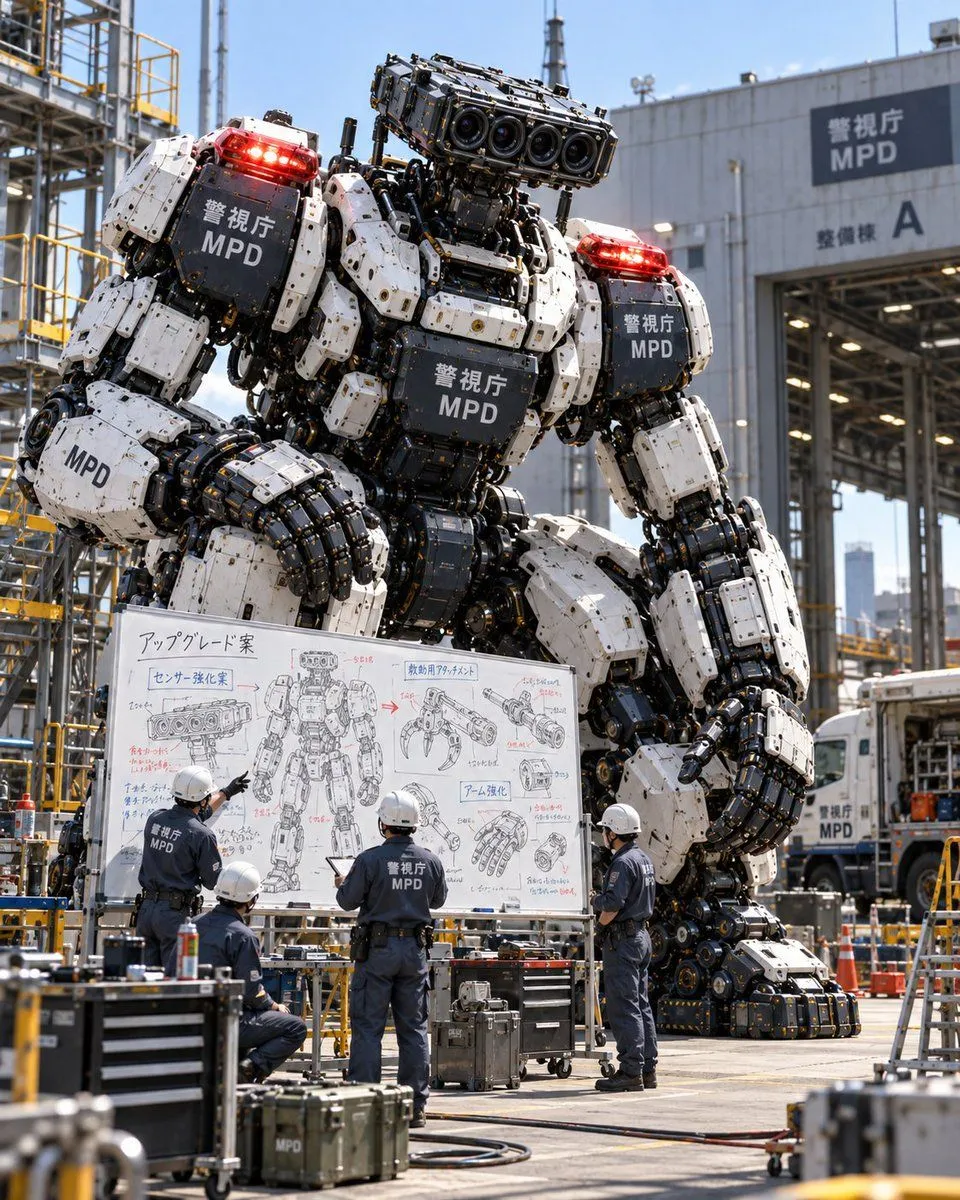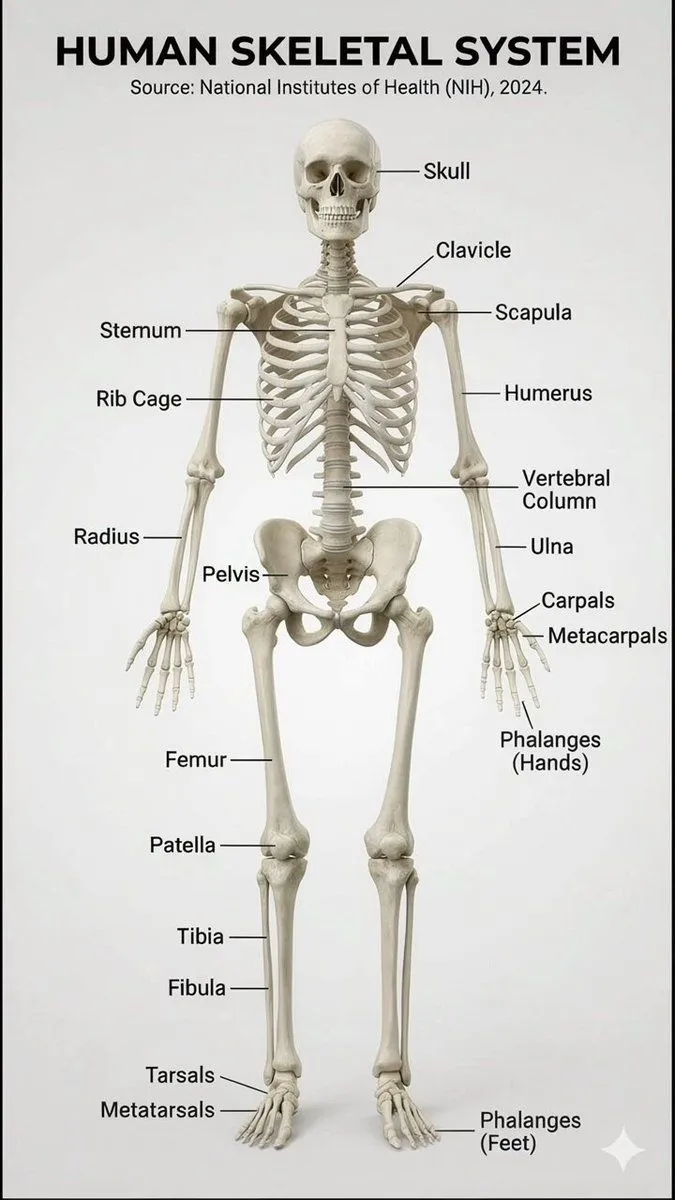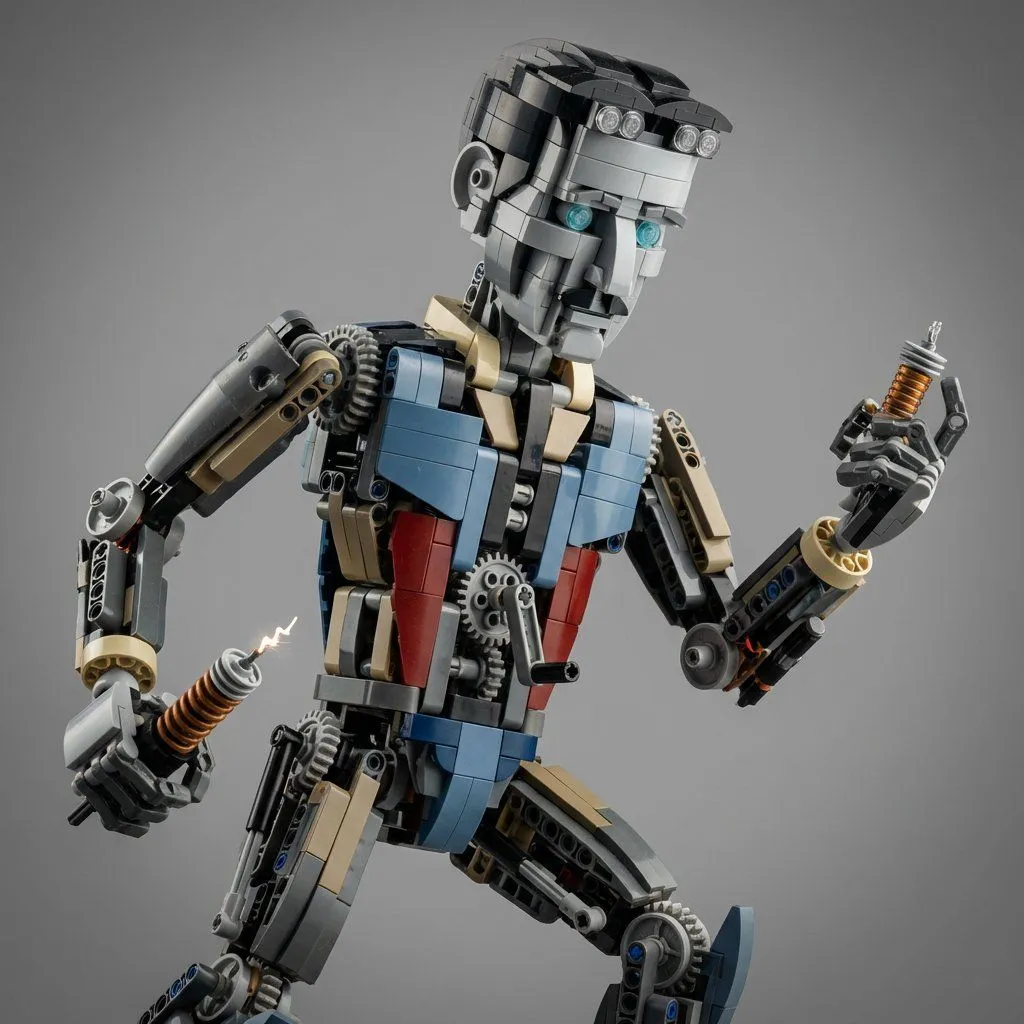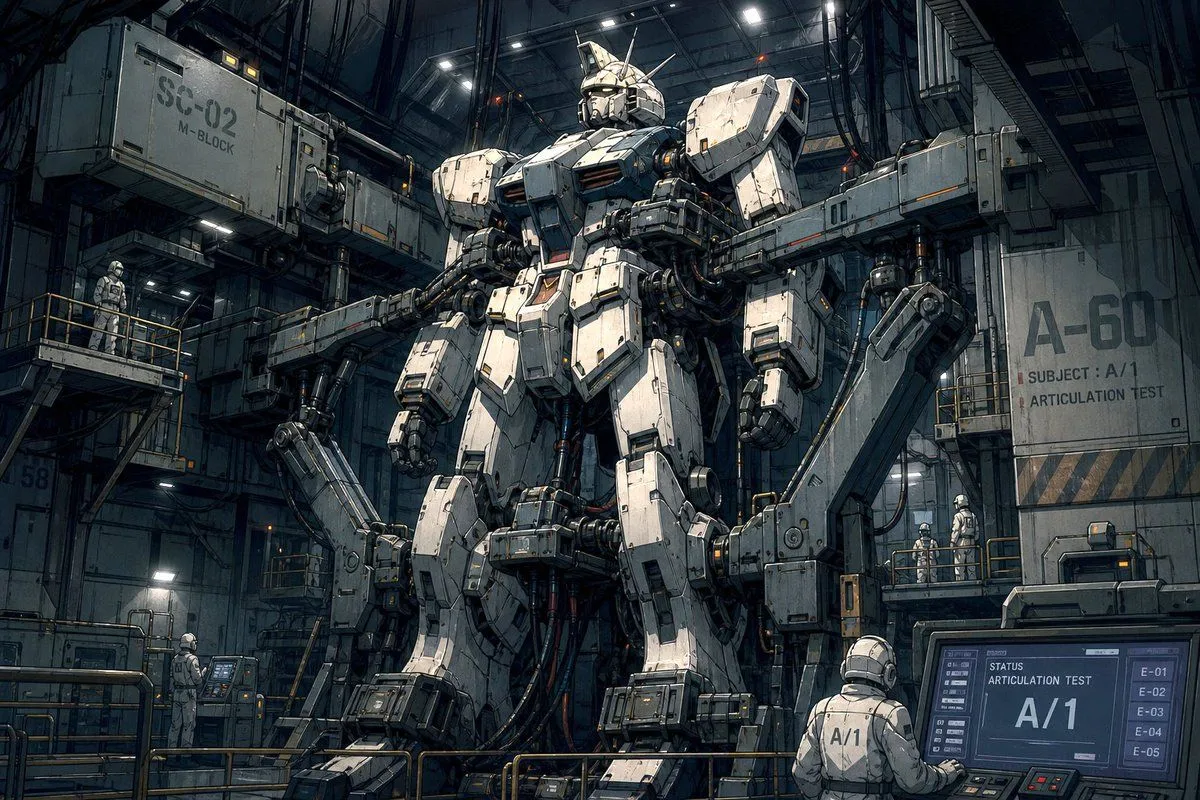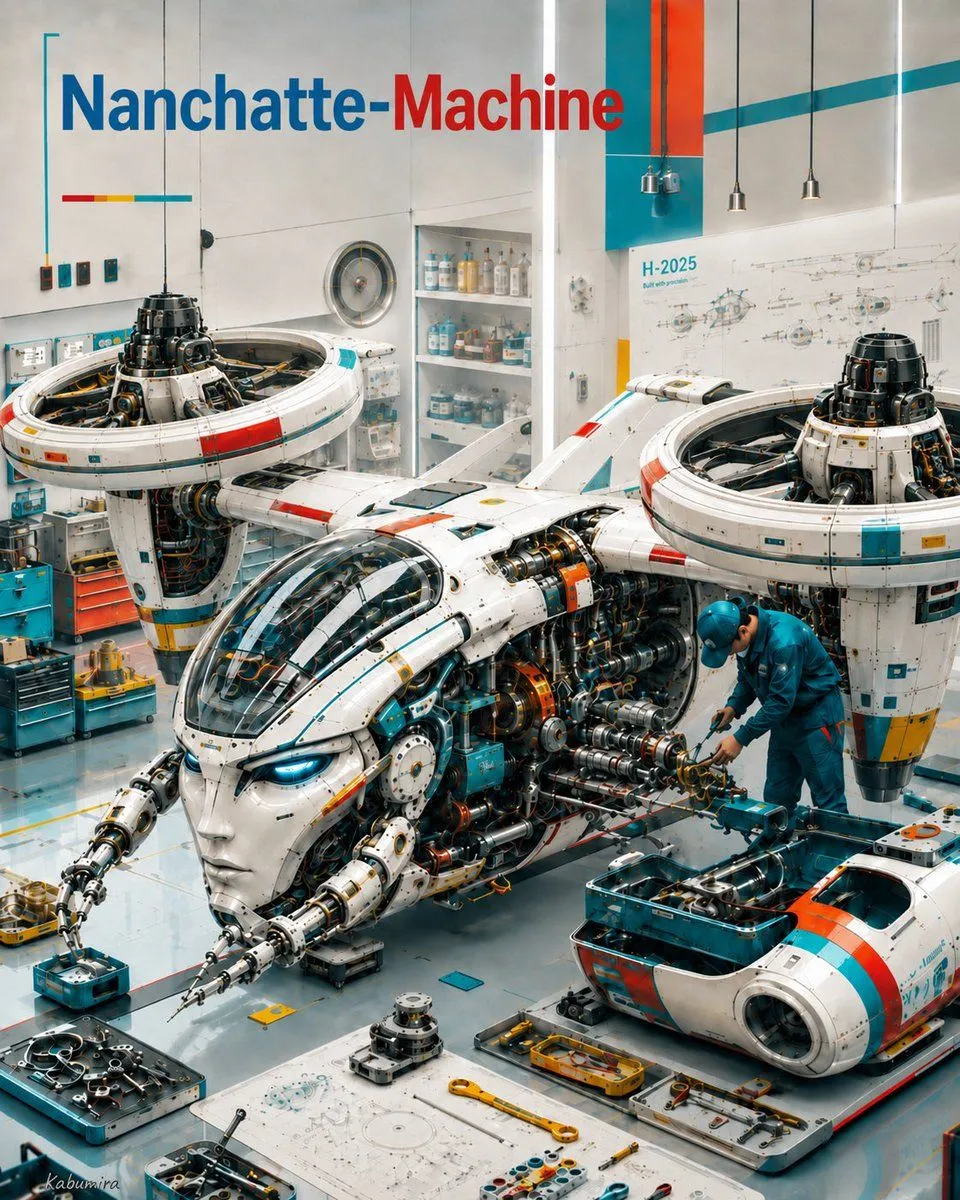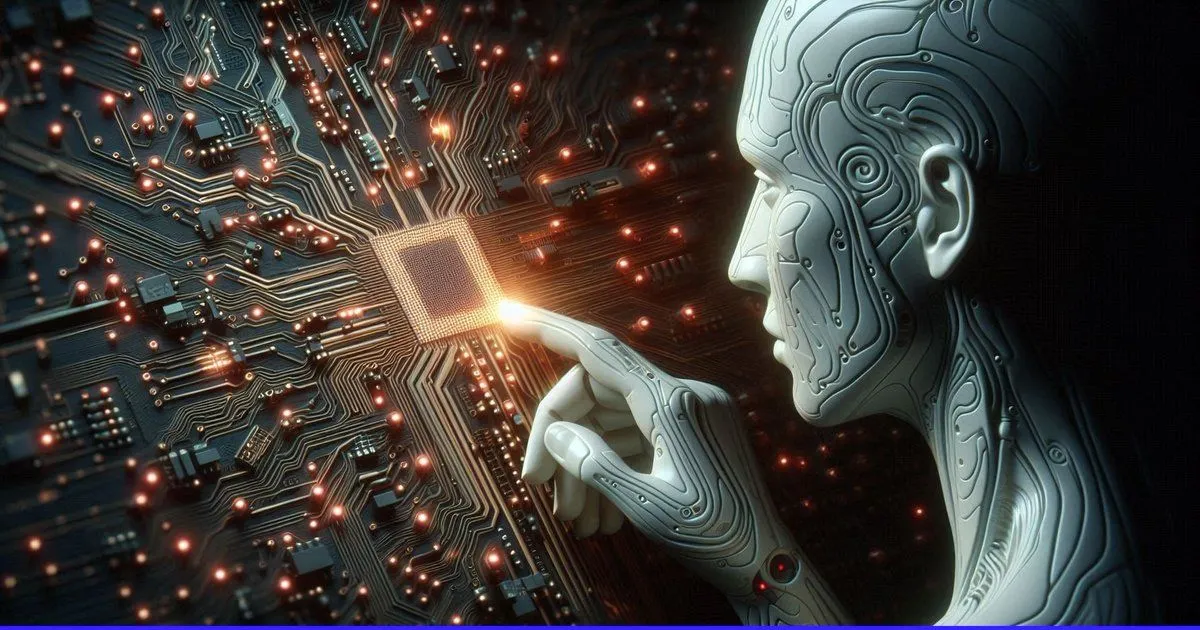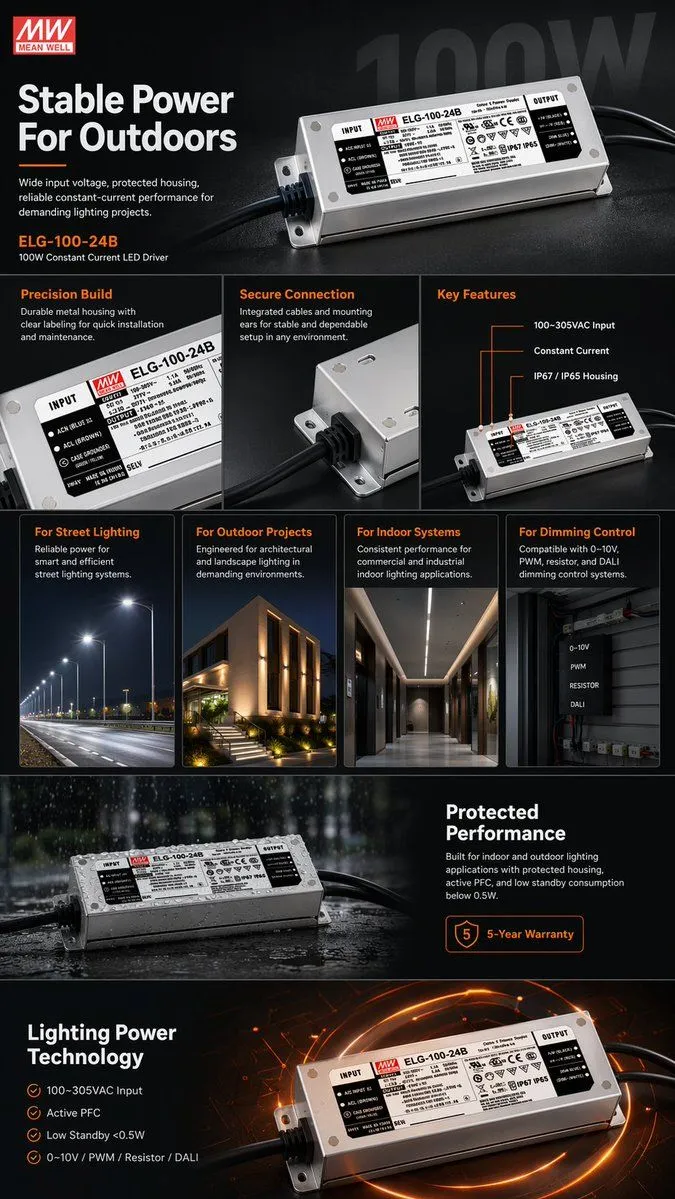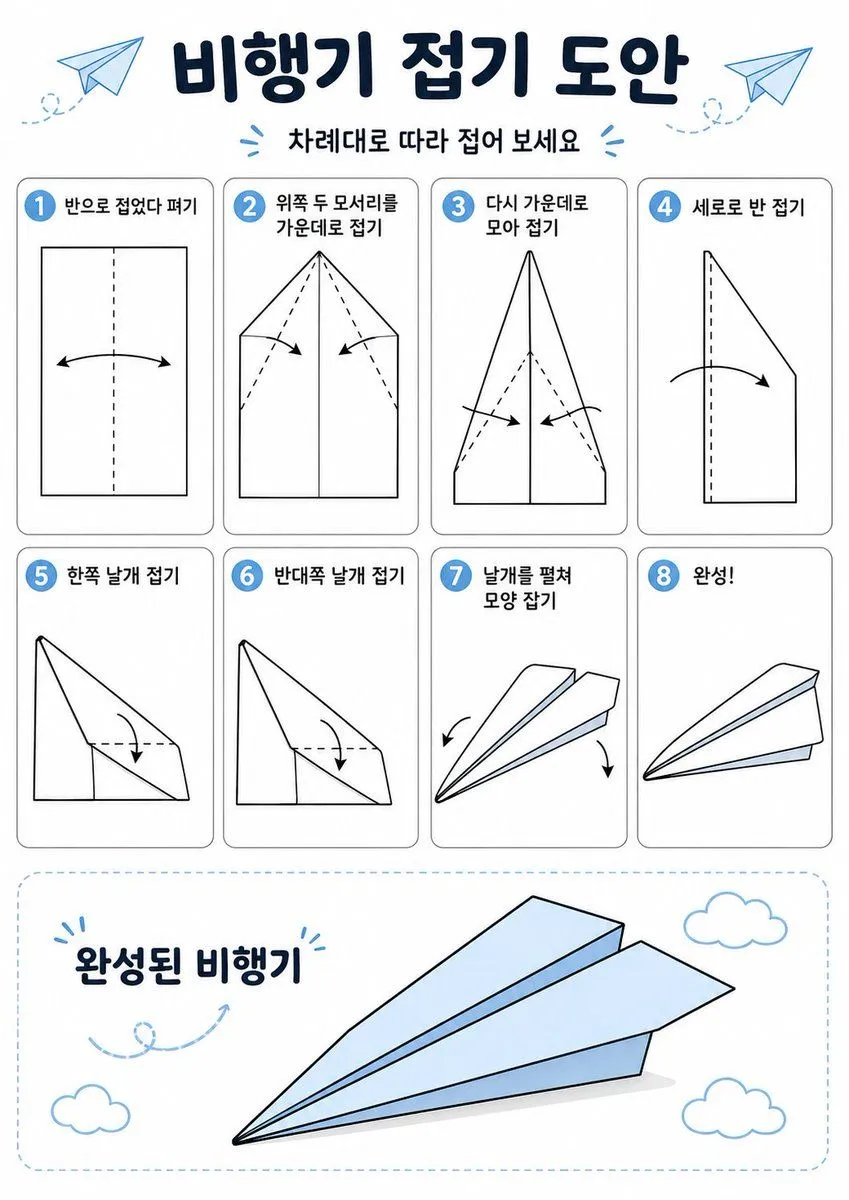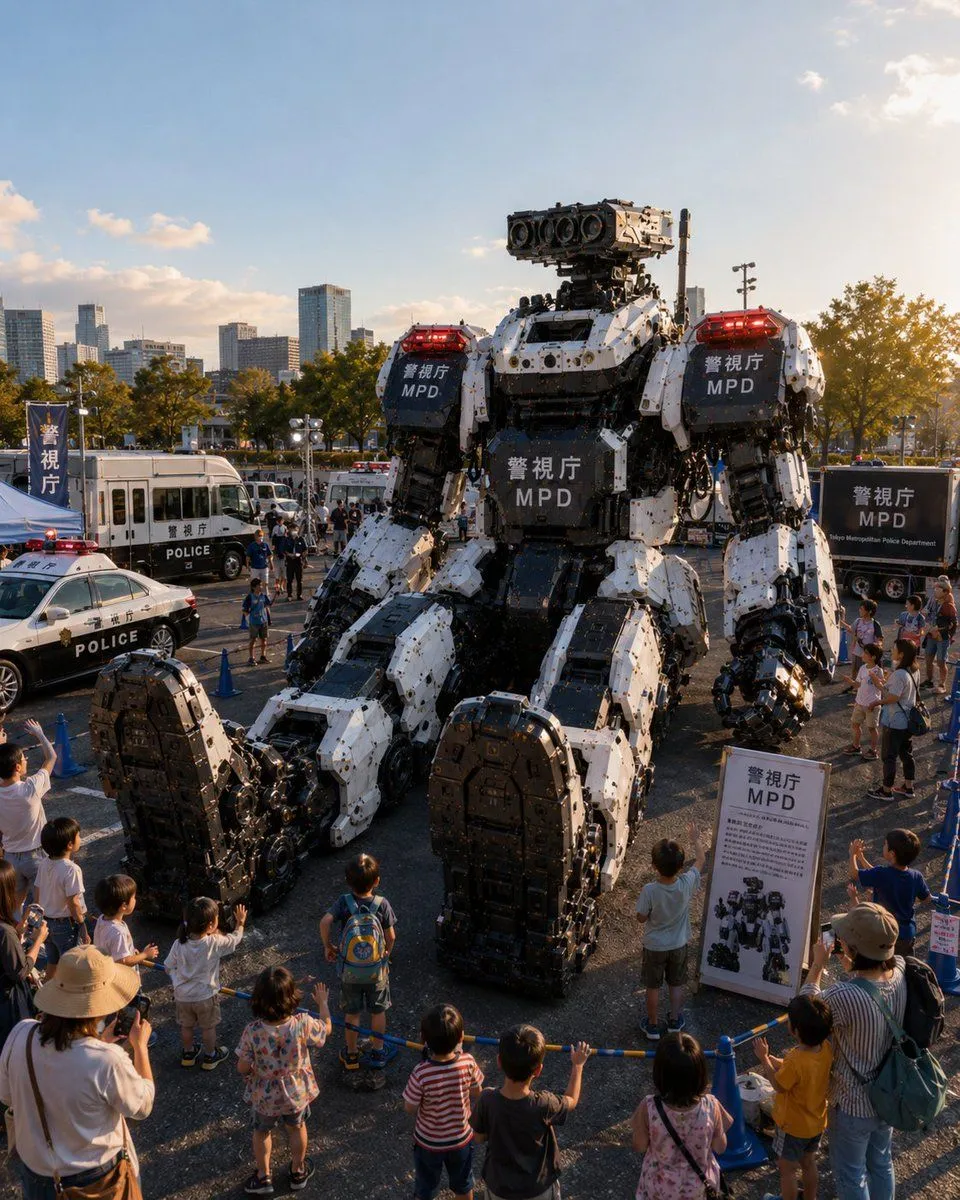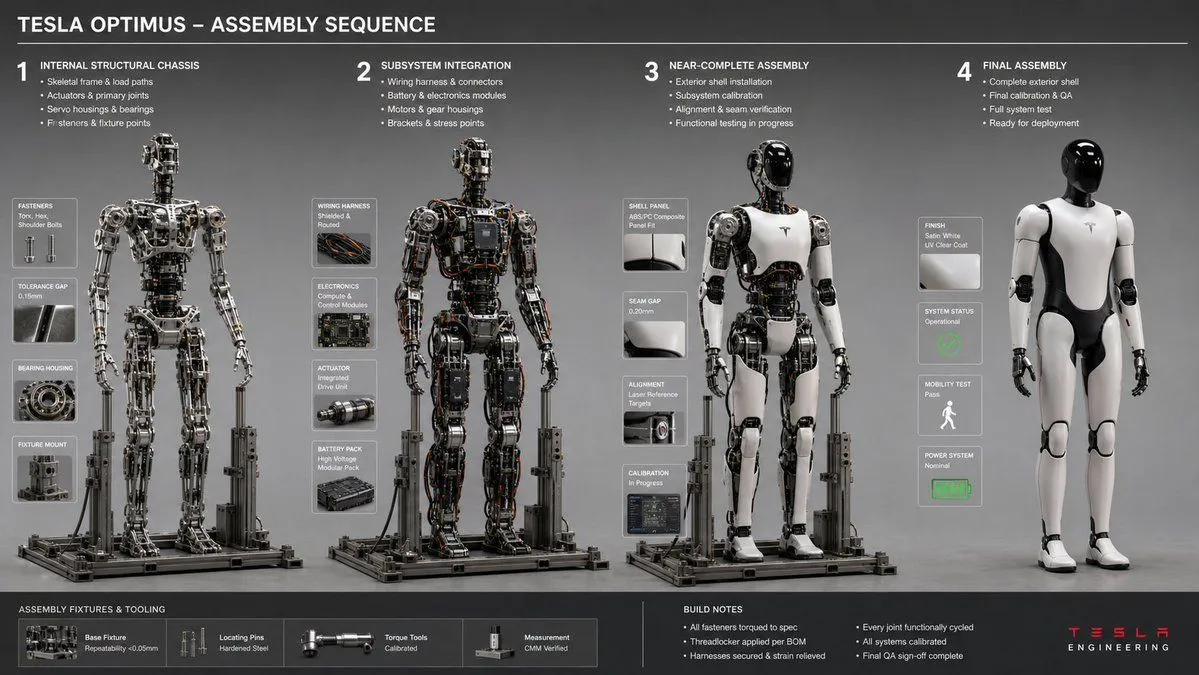
Made with GPT Image 2 in ChatGPT by Library Explainers. Promptclay never generates images.
Engineering Assembly Documentation Layout
Prompt
1 blank to fill16:9, do this for a {object}<assembly_seq> OBJECT: [INSERT OBJECT] STAGES: 4 RULE: AI infers logical build sequence from internal chassis to exterior shell. INFERENCE: Fastener types, jig/fixture shadows, tool marks, tolerance gaps, workspace debris. DOUBLE_INFER: Assembly order → stress points → wear patterns on tools/hands (if present). LAYOUT: Horizontal sequence, consistent lighting, isometric or 3/4 view. </assembly_seq> <render> STYLE: Engineering workflow documentation, neutral gray backdrop, sharp focus ::3 </render>
Preview of your prompt
16:9, do this for a Tesla Optimus Robot<assembly_seq> OBJECT: [INSERT OBJECT] STAGES: 4 RULE: AI infers logical build sequence from internal chassis to exterior shell. INFERENCE: Fastener types, jig/fixture shadows, tool marks, tolerance gaps, workspace debris. DOUBLE_INFER: Assembly order → stress points → wear patterns on tools/hands (if present). LAYOUT: Horizontal sequence, consistent lighting, isometric or 3/4 view. </assembly_seq> <render> STYLE: Engineering workflow documentation, neutral gray backdrop, sharp focus ::3 </render>
DetailsVersions, settings and questions
Written for
What's in the prompt
- Subject
- Model
- GPT Image 2
If your face changes
keep my face exactly the sameQuestions
- Does this work in the ChatGPT app?
- Yes. Paste the prompt and attach your photo if it uses one.
- It changed my face. What do I do?
- Add "keep my face exactly the same" to the end and run it again.
- Can I use the images I make?
- Check the terms of the app you use. Promptclay never generates images and claims nothing you make.
Did it work?
No reports yet. Tell others if it worked for you.