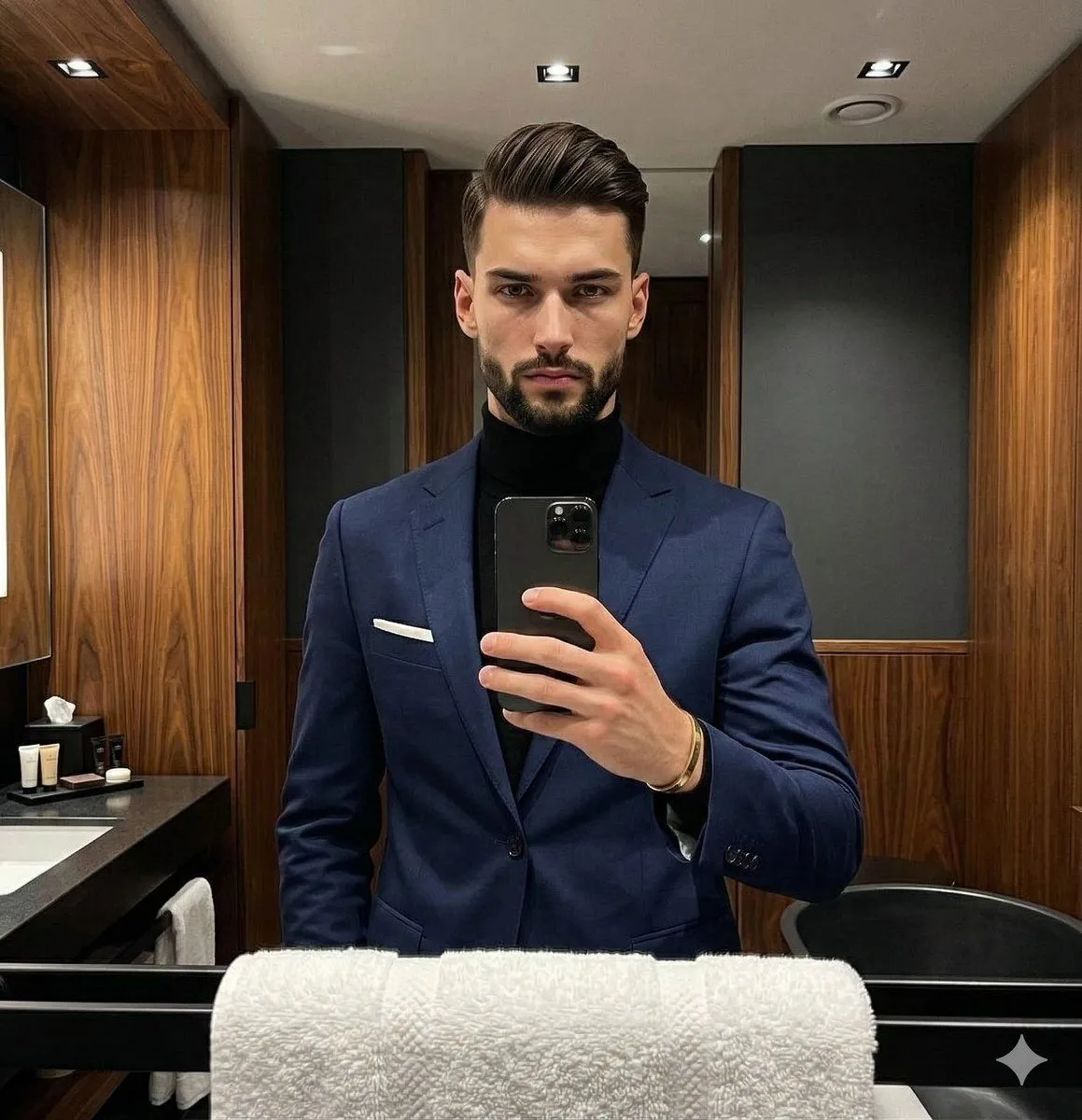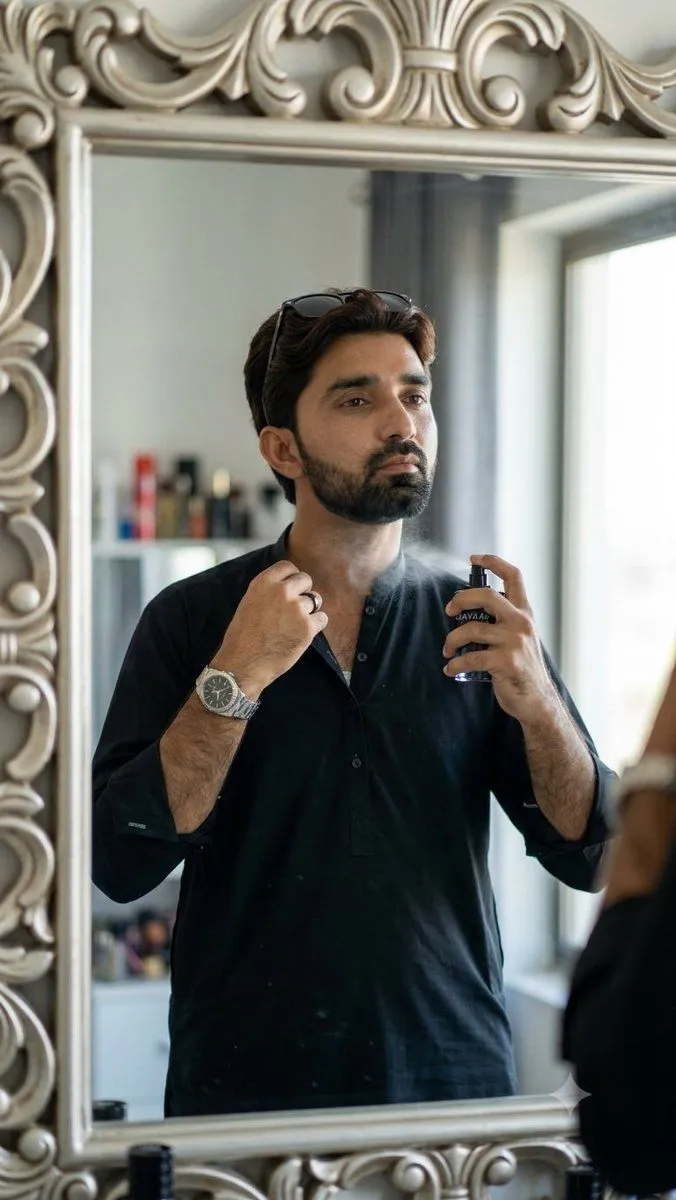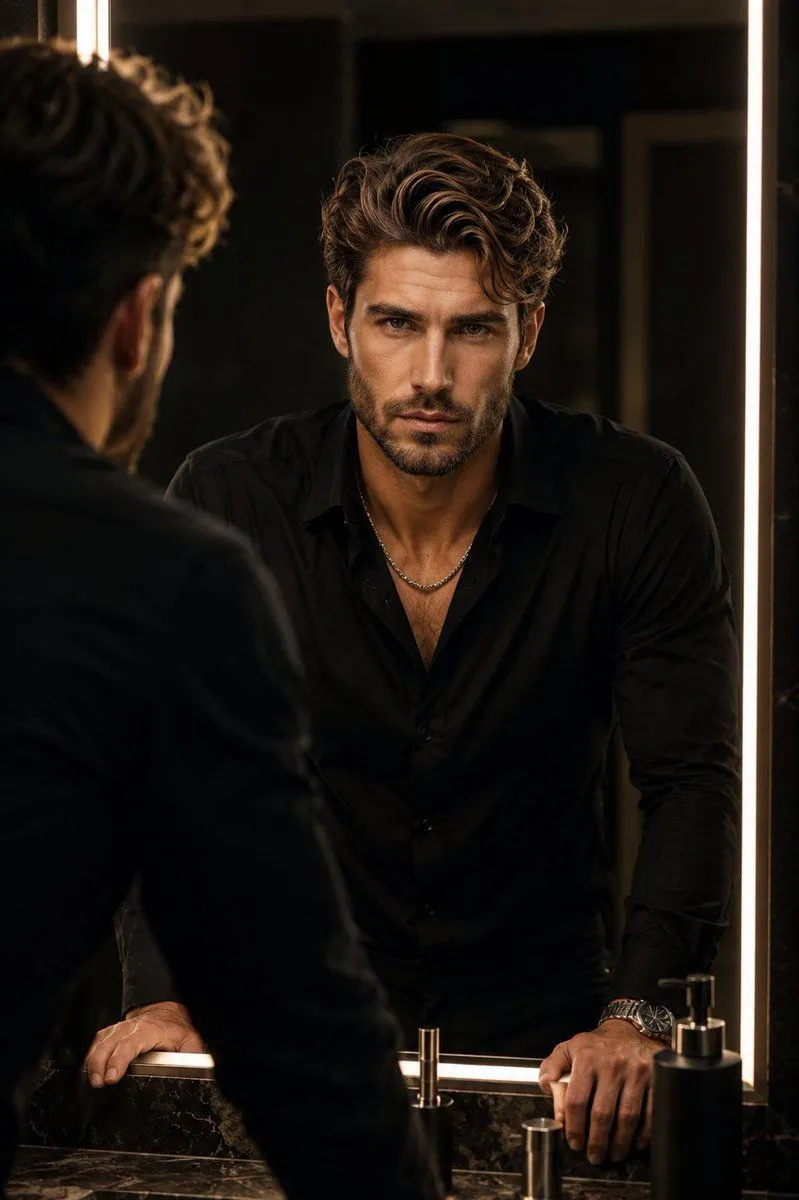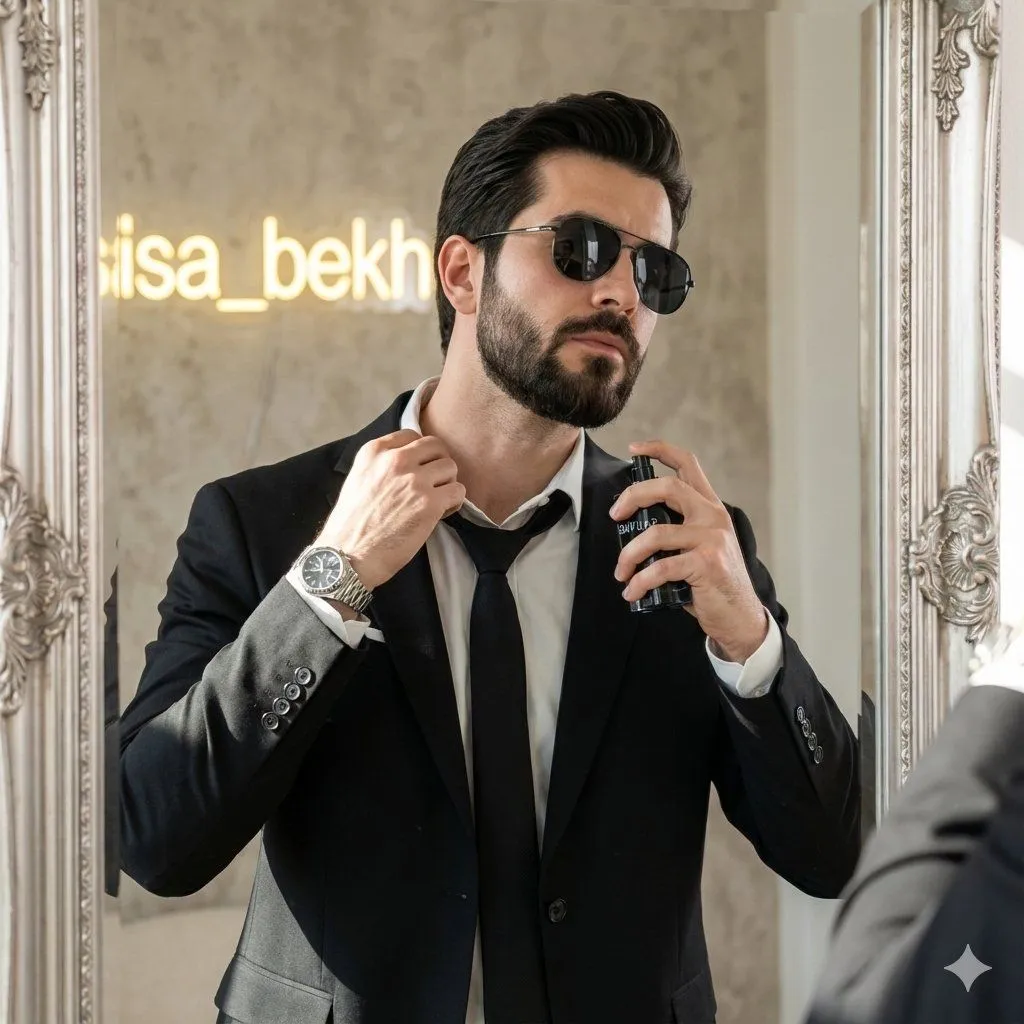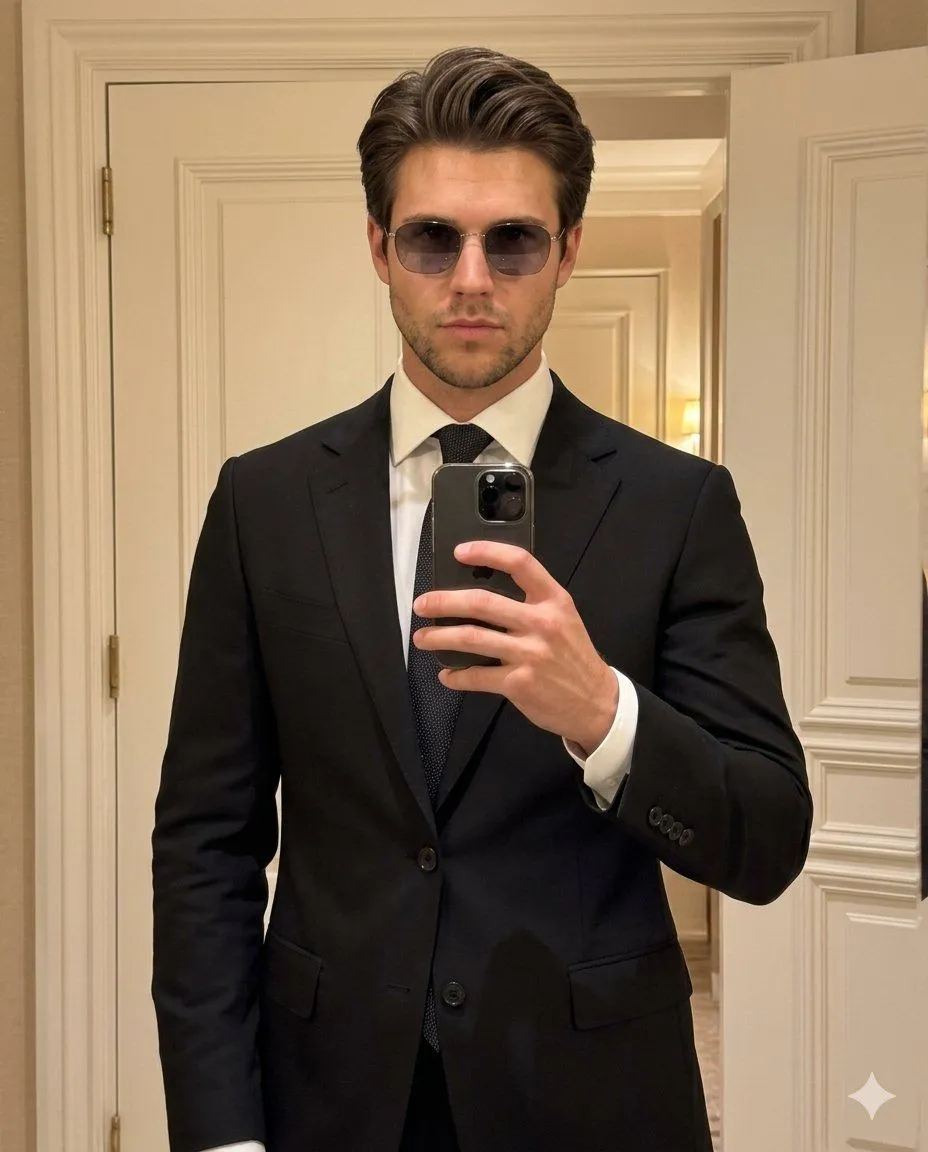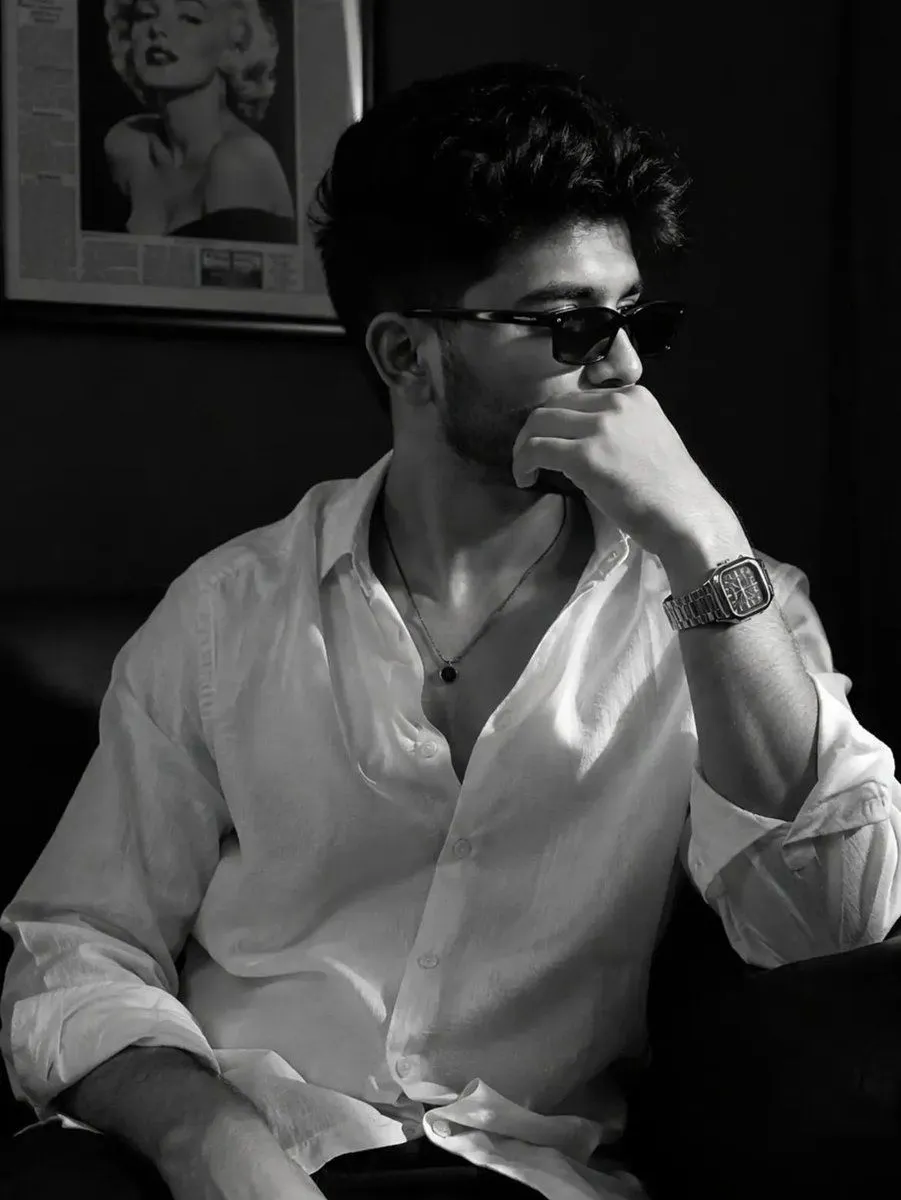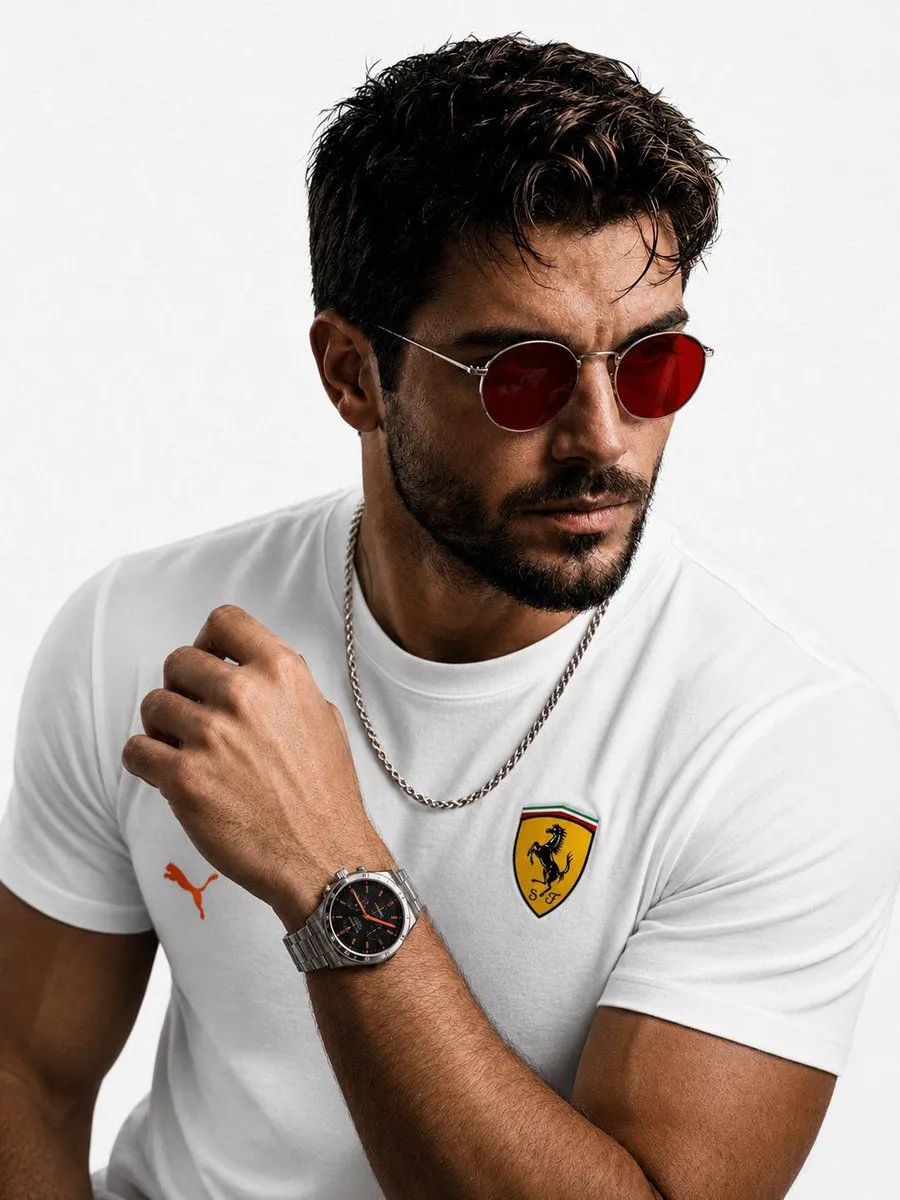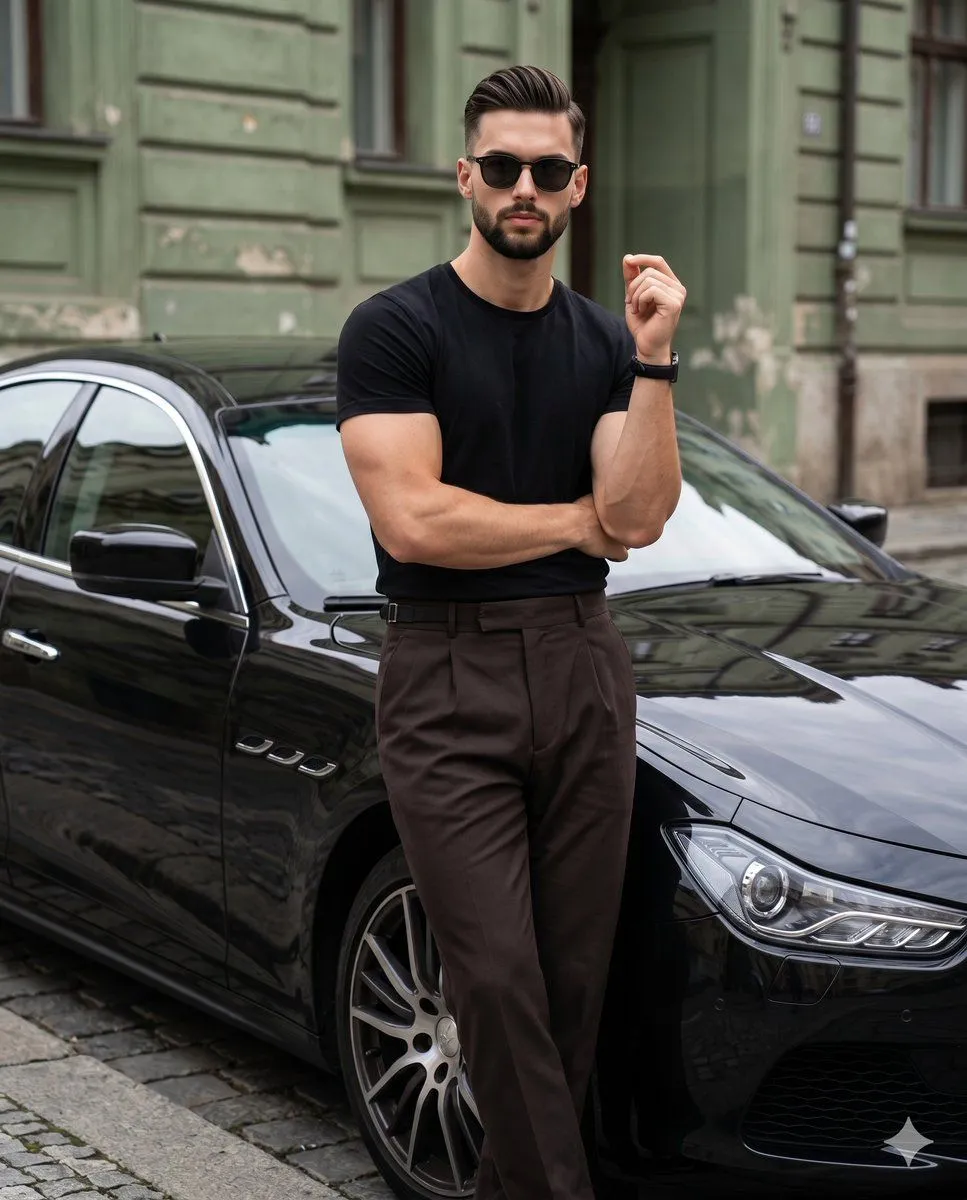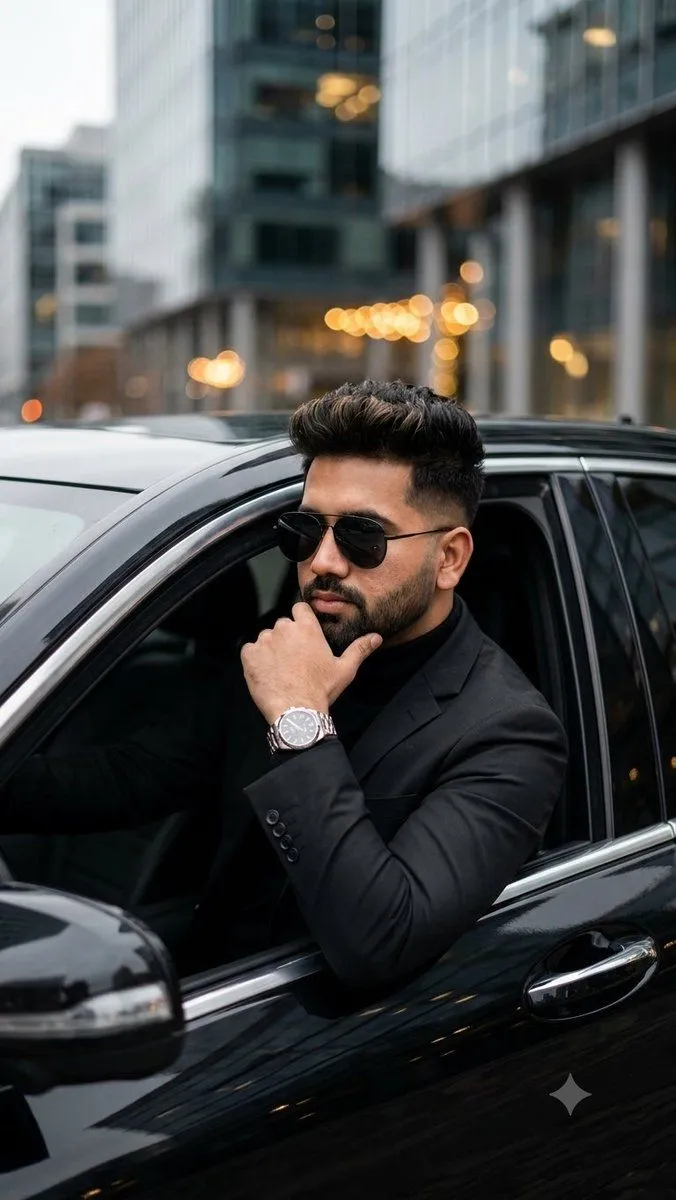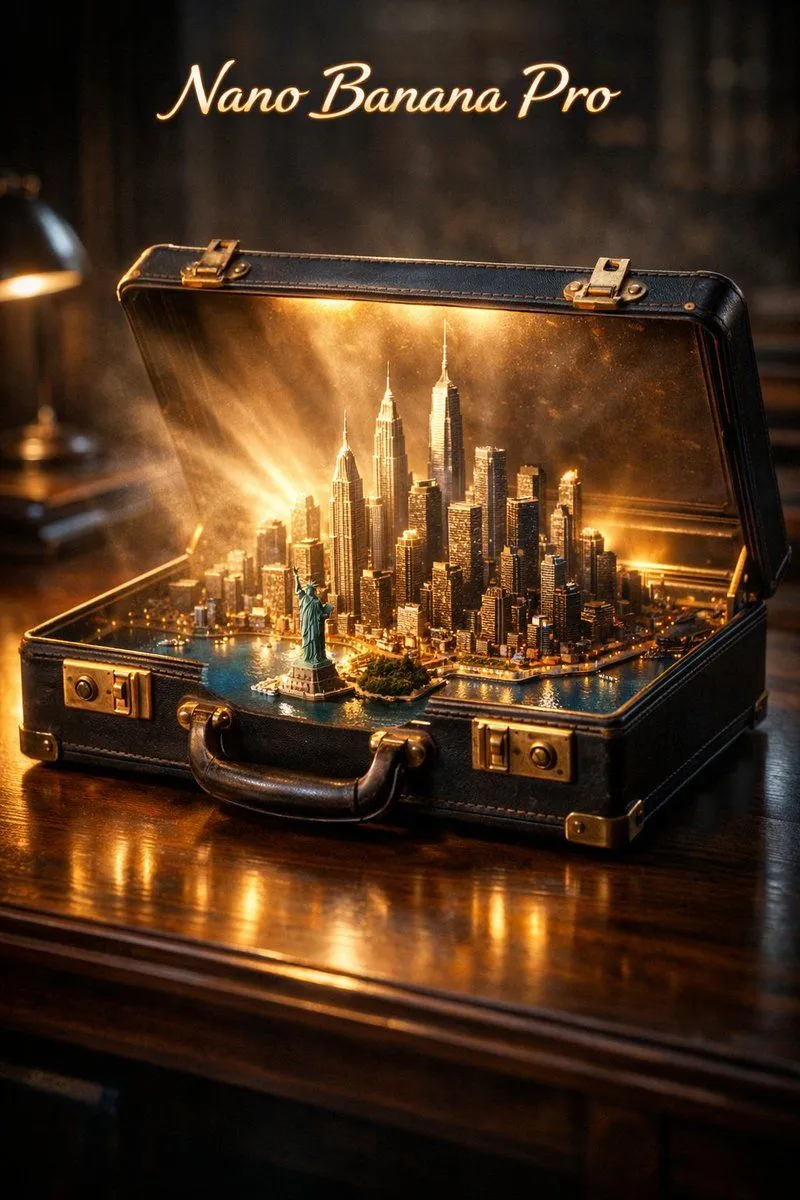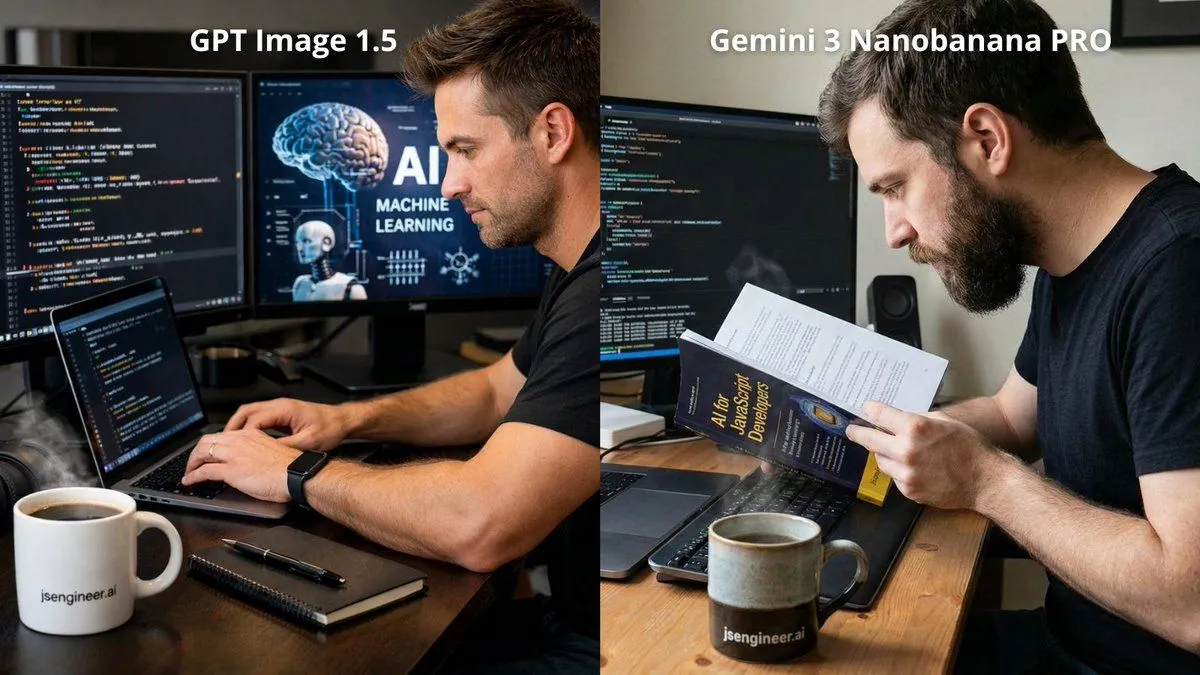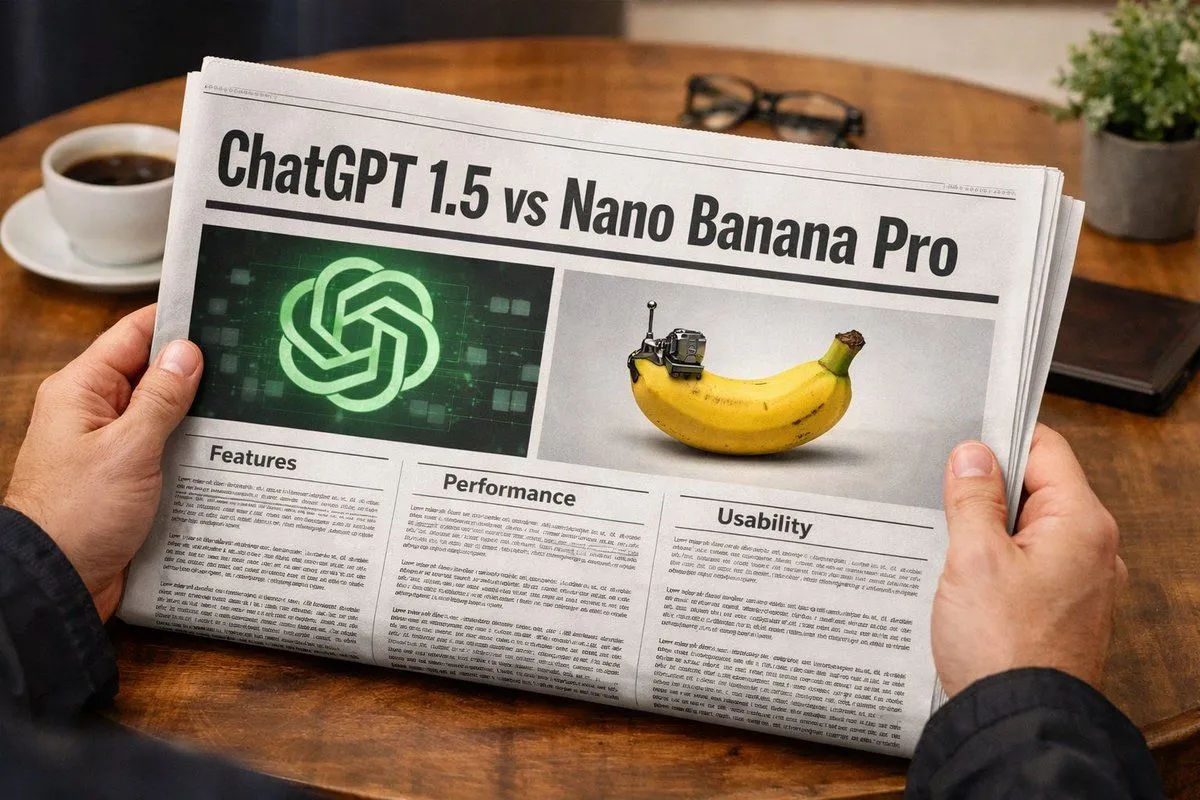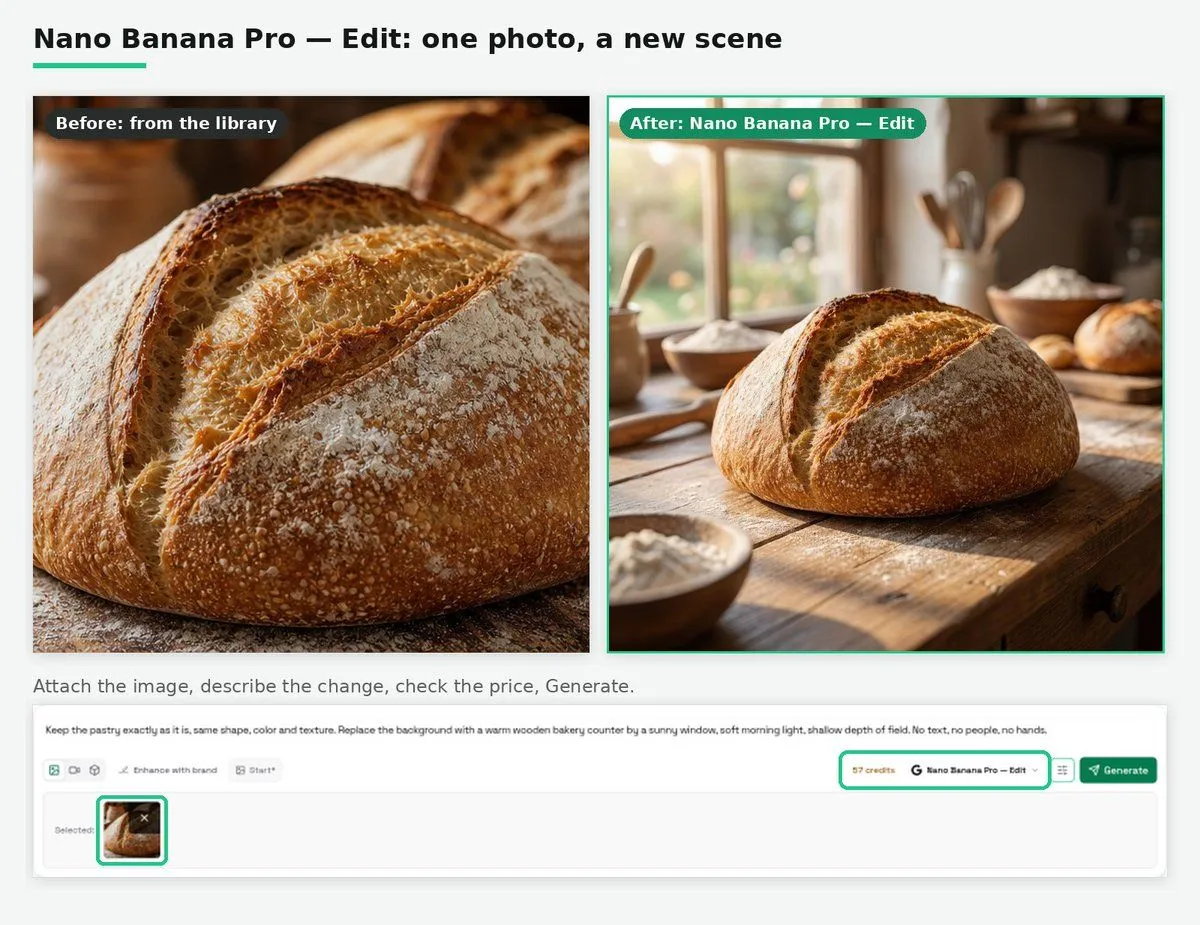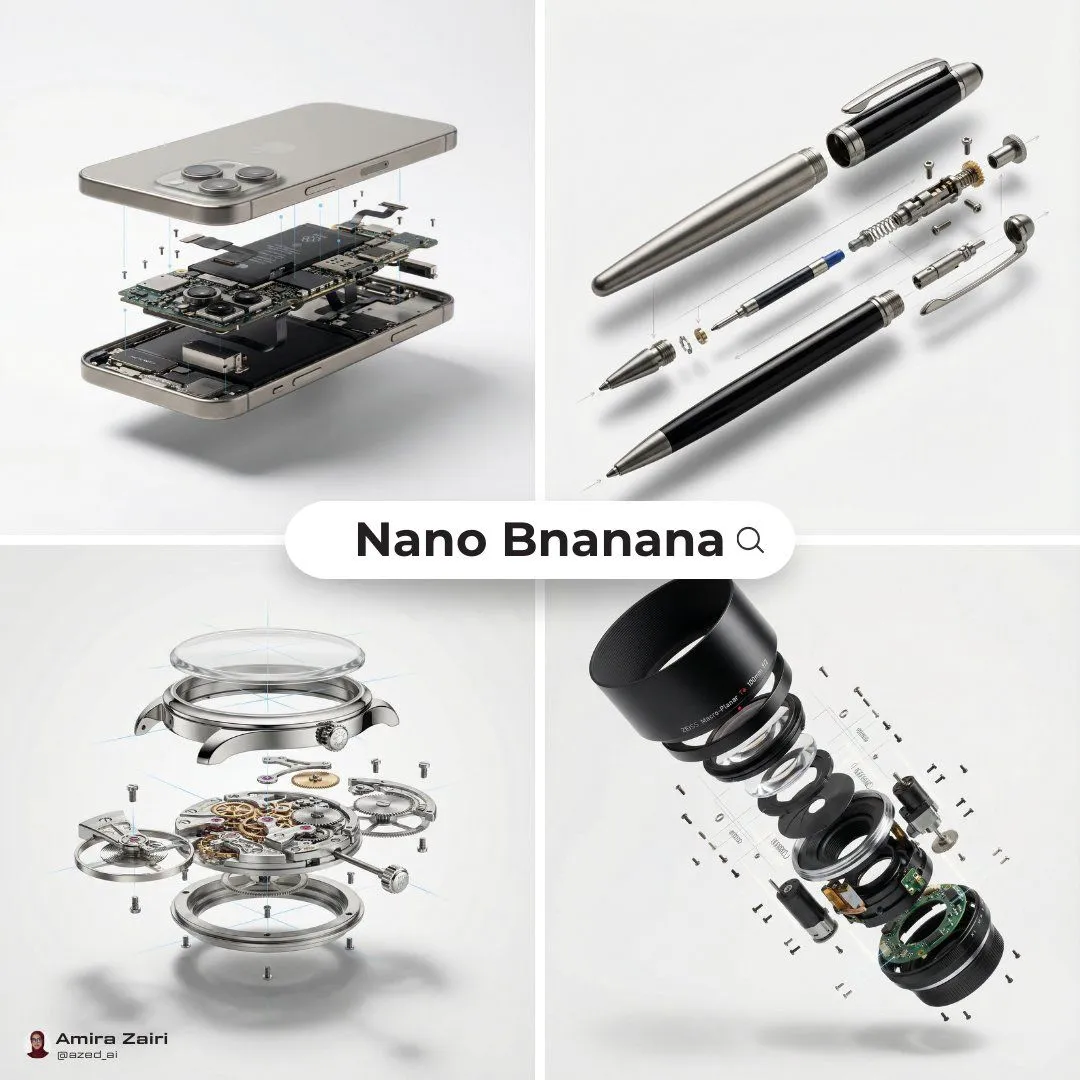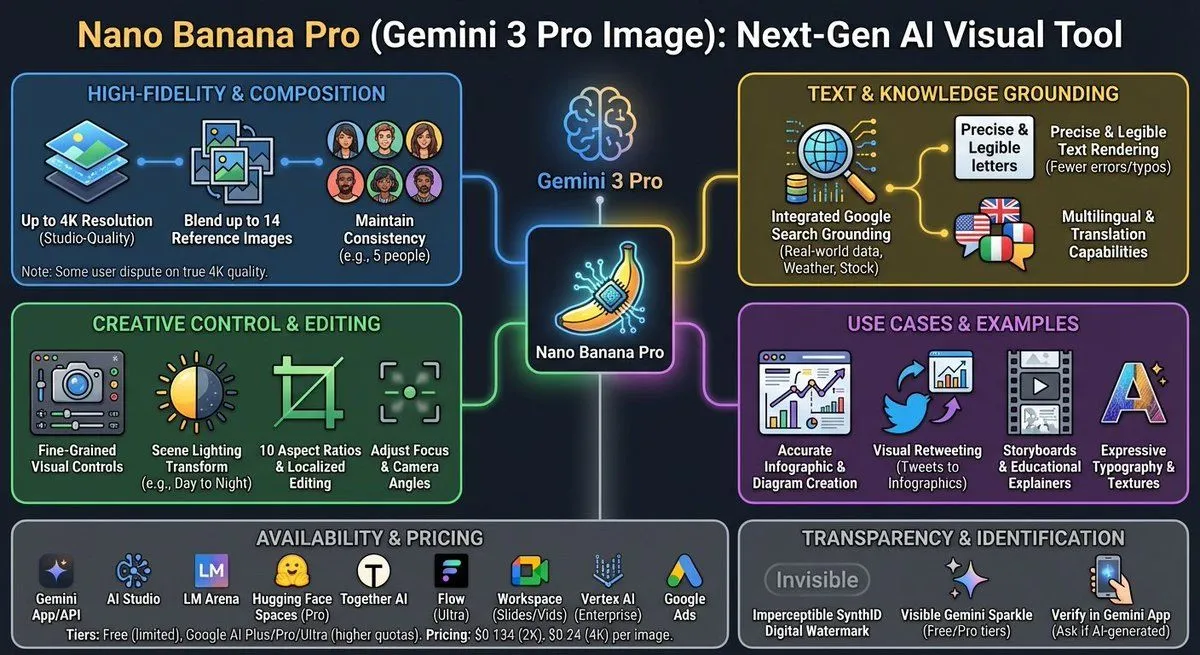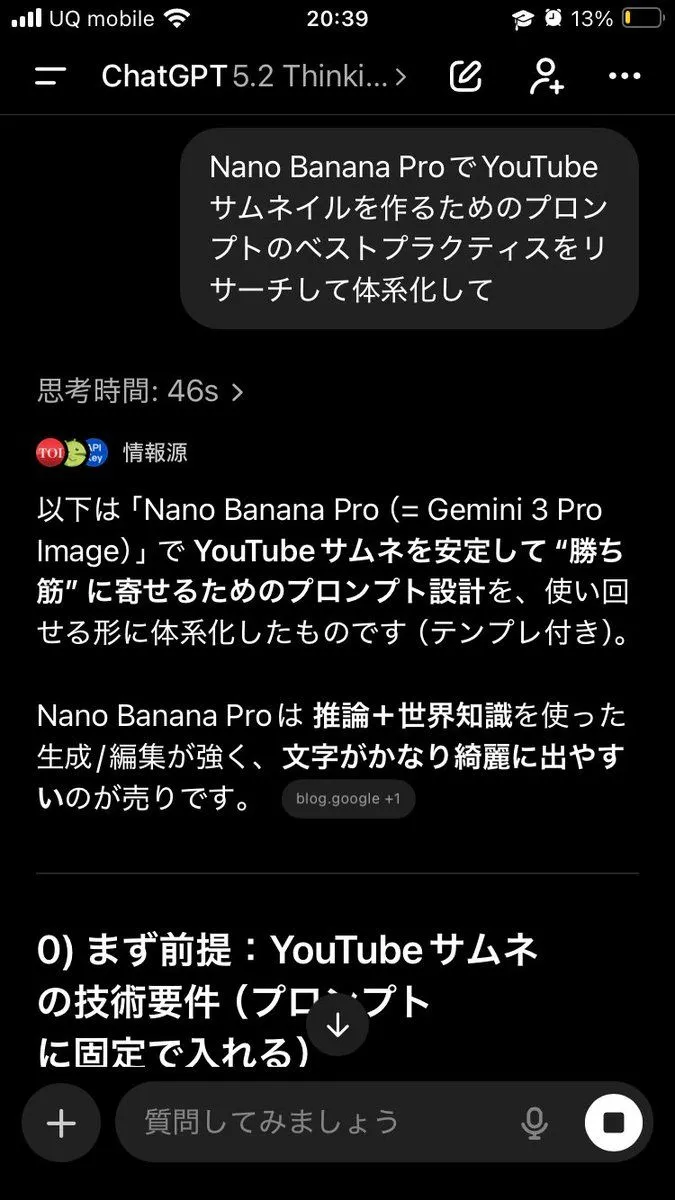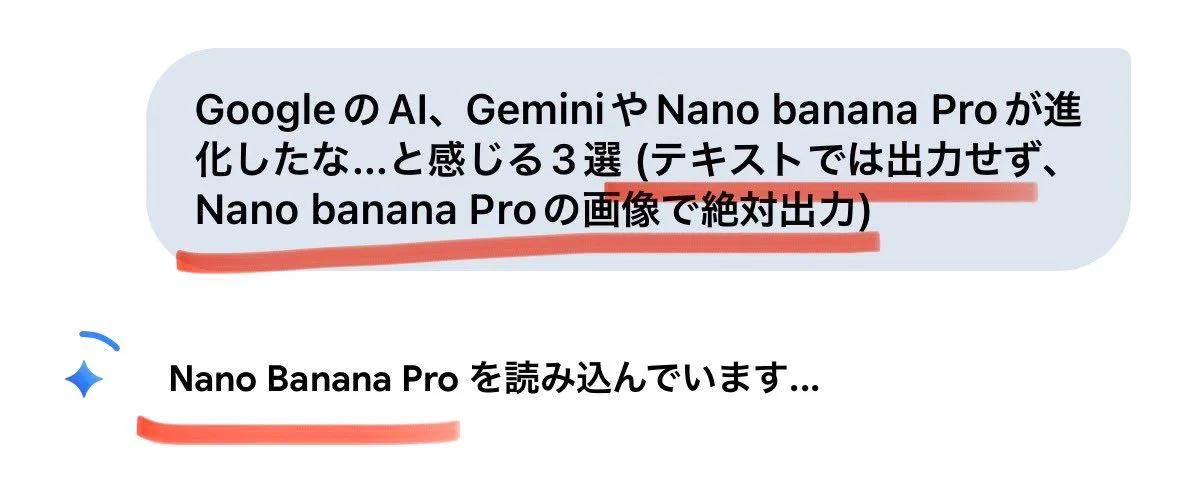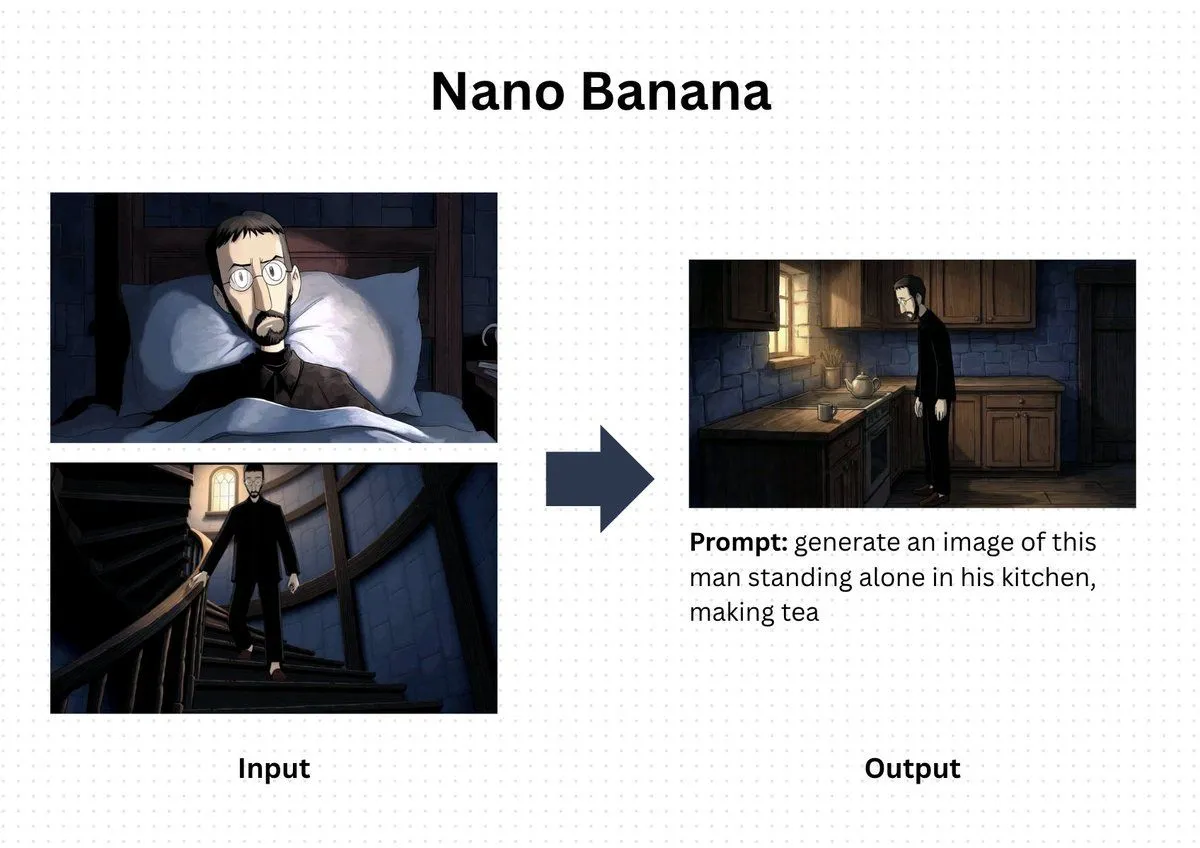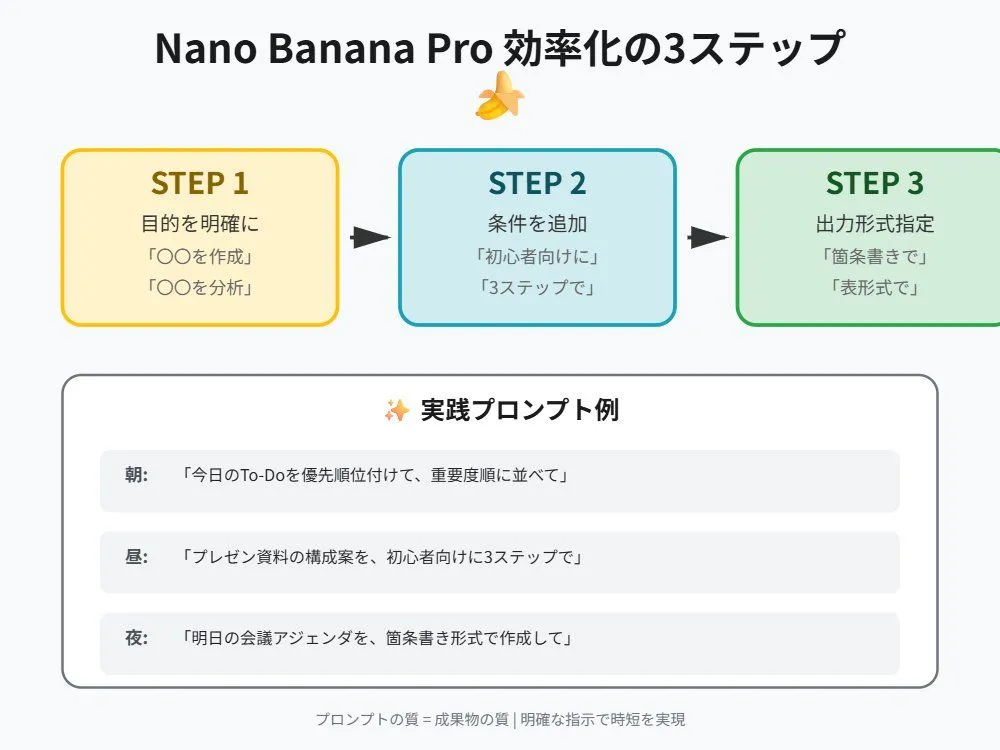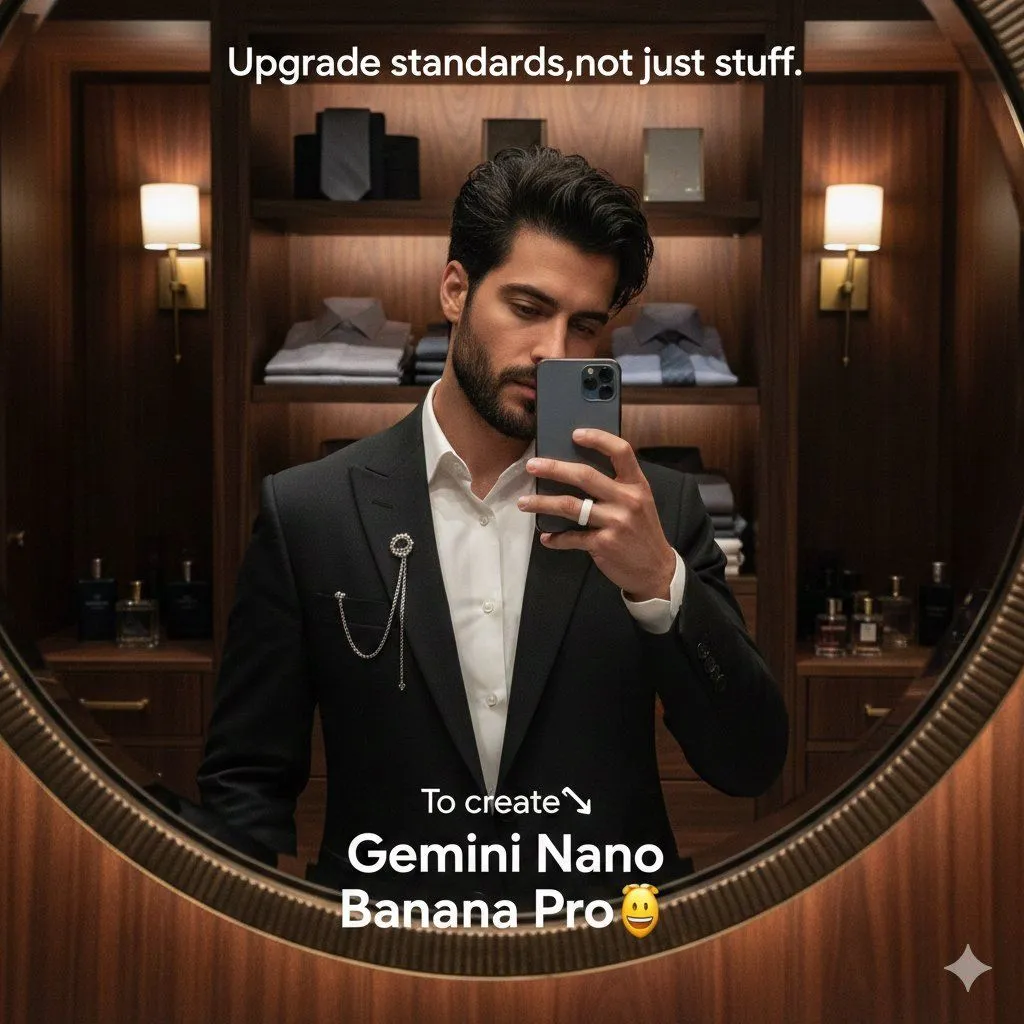
Made with Nano Banana Pro in Gemini by Library Social. Promptclay never generates images.
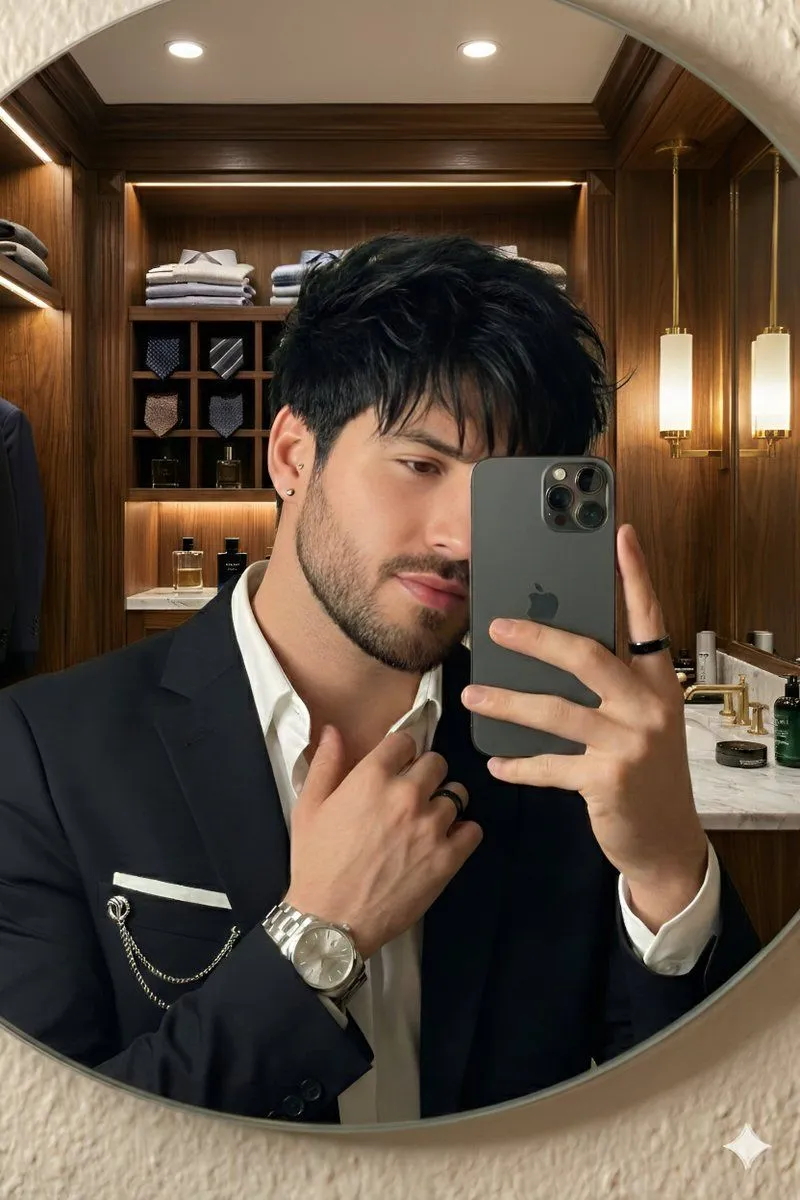
Editorial Luxury Lifestyle Selfie in a Walk-in Closet
Prompt
1 blank to fill{ subject:[ "identity": "Handsome young man with messy black hair and a well-groomed short beard", "pose": "party selfie, partially obscuring face with a slate-gray smartphone, looking down slightly", "expression": "Confident and calm" }, "attire": { "outerwear": "Tailored black blazer", "shirt": "Crisp white dress shirt, top button unbuttoned", "accessories": [ "Silver lapel pin with a delicate hanging chain", "Luxury shot/hotel", "Sleek white rings" ] }, "setting": { "location": "Luxurious walk-in closet", "elements": [ "Dark walnut wood paneling", "Shelves with folded shirts and silk gray ties", "Premium cologne bottles" ], "lighting": "Warm cinematic glow, LED, and gold wall sconces" }, "composition": { "framing": "Shot through a {mirror_shape} mirror with a textured rim", "style": "Photorealistic, editorial luxury lifestyle", "technical": "Shallow depth of field, sharp focus on subject, high-end digital photography" }, "camera": { "angle": "Eye-level", "lens": "85mm portrait lens", "settings": { "aperture": "f/1.8", "shutter_speed": "1/125s", "ISO": "200" } }, "mood": "Luxurious, confident, sophisticated", "output": { "resolution": "1024x1024", "format": "PNG", "style_strength": "high", "iterations": 1 } } }
Preview of your prompt
{ subject:[ "identity": "Handsome young man with messy black hair and a well-groomed short beard", "pose": "party selfie, partially obscuring face with a slate-gray smartphone, looking down slightly", "expression": "Confident and calm" }, "attire": { "outerwear": "Tailored black blazer", "shirt": "Crisp white dress shirt, top button unbuttoned", "accessories": [ "Silver lapel pin with a delicate hanging chain", "Luxury shot/hotel", "Sleek white rings" ] }, "setting": { "location": "Luxurious walk-in closet", "elements": [ "Dark walnut wood paneling", "Shelves with folded shirts and silk gray ties", "Premium cologne bottles" ], "lighting": "Warm cinematic glow, LED, and gold wall sconces" }, "composition": { "framing": "Shot through a circular mirror with a textured rim", "style": "Photorealistic, editorial luxury lifestyle", "technical": "Shallow depth of field, sharp focus on subject, high-end digital photography" }, "camera": { "angle": "Eye-level", "lens": "85mm portrait lens", "settings": { "aperture": "f/1.8", "shutter_speed": "1/125s", "ISO": "200" } }, "mood": "Luxurious, confident, sophisticated", "output": { "resolution": "1024x1024", "format": "PNG", "style_strength": "high", "iterations": 1 } } }
DetailsVersions, settings and questions
Written for
What's in the prompt
- Subject
- Model
- Nano Banana Pro
If your face changes
keep my face exactly the sameQuestions
- Does this work in the Gemini app?
- Yes. Gemini runs Nano Banana, so paste the prompt and attach your photo if it uses one.
- It changed my face. What do I do?
- Add "keep my face exactly the same" to the end and run it again.
- Can I use the images I make?
- Check the terms of the app you use. Promptclay never generates images and claims nothing you make.