Tell us anything

An idea, a bug, something you love. We read every note.

⌘↵ to send. The page you're on comes along.

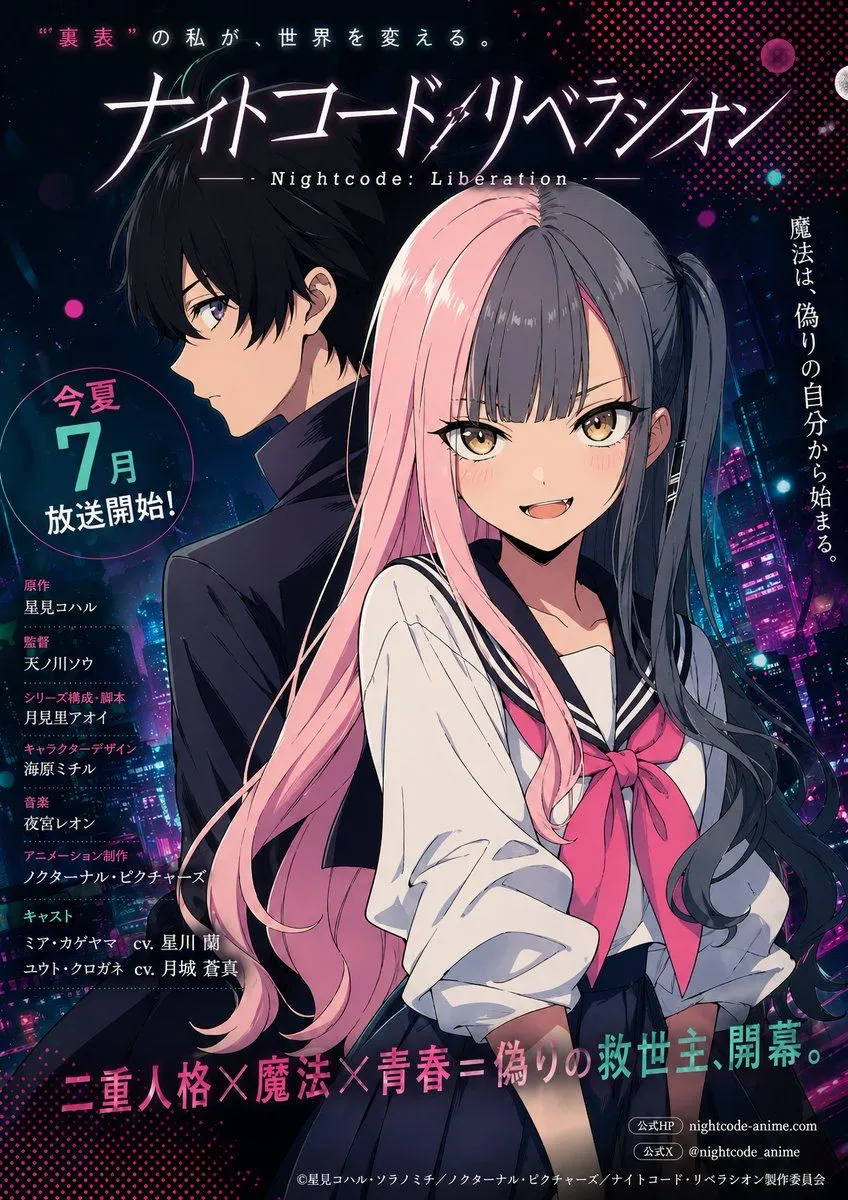
Drone Light Show Poster Transformation

Made with GPT Image 2.5 in ChatGPT by Library Typography. Promptclay never generates images.

Did it work?

No reports yet. Tell others if it worked for you.

No comments yet. Be the first.

    Drone Light Show Poster Transformation

    GPT Image 2.516:9AI-generated

    Prompt

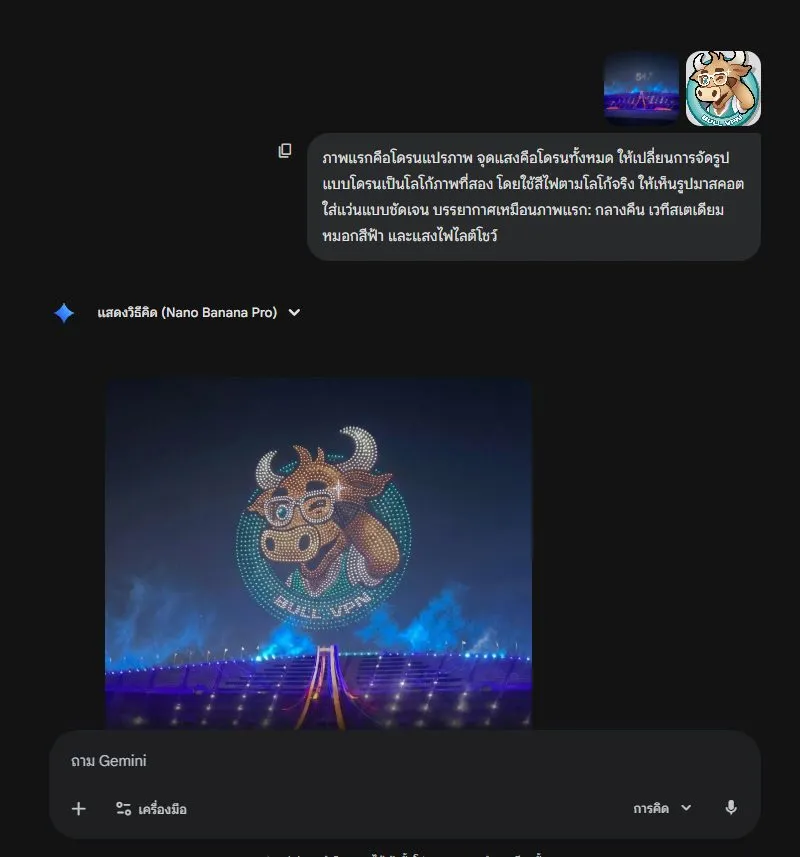
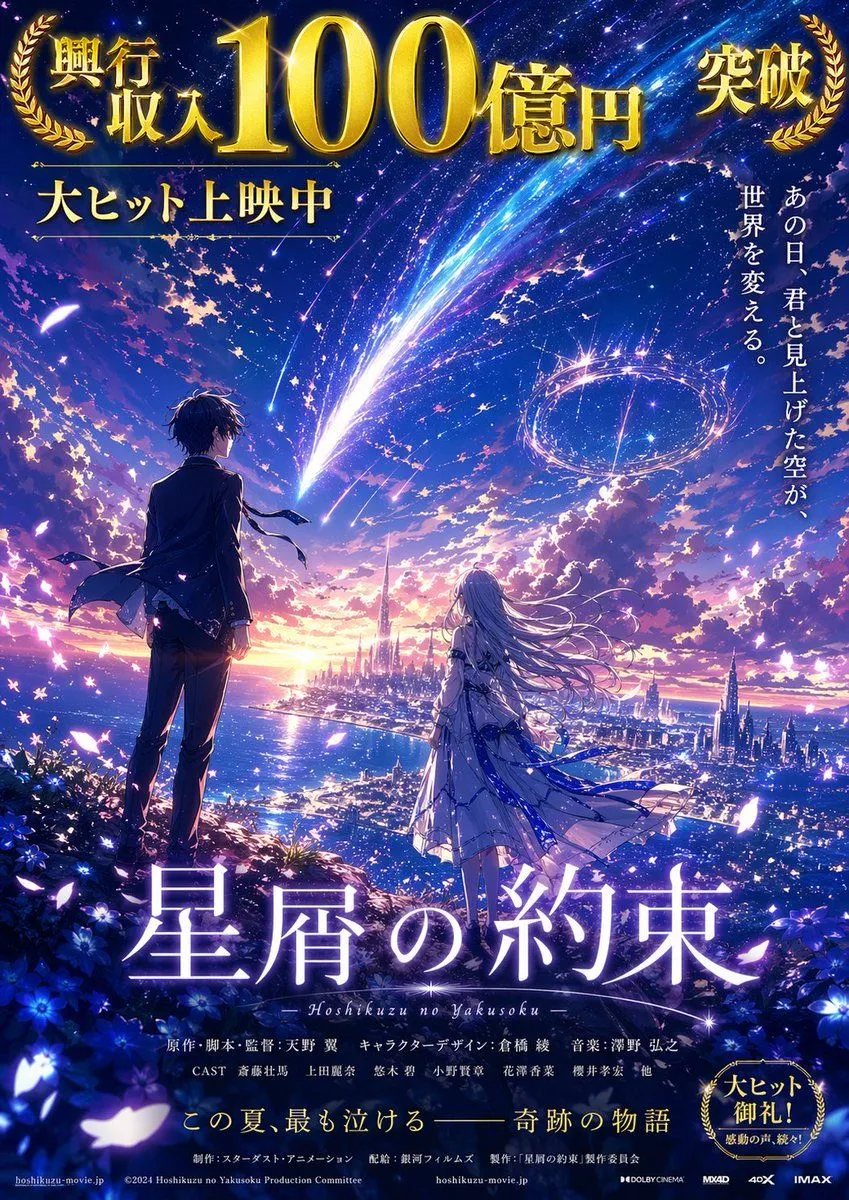
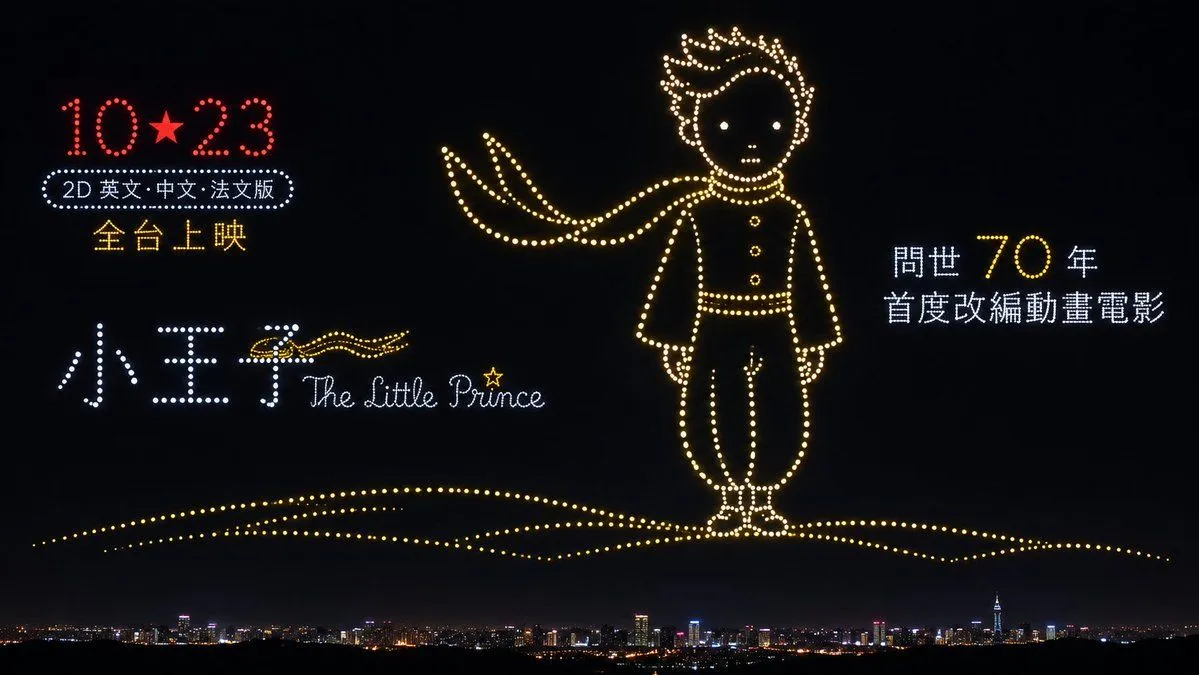
    Using the provided reference image, transform it into a realistic night-sky drone light show photograph. Replace the entire background with a deep black night sky and add a distant city skyline silhouette along the bottom edge with scattered warm window lights. Convert every element of the poster — the standing character figure, the flowing scarf, the date text "10★23", the Chinese title characters, the English script logo, and all surrounding promotional text — into glowing dot-matrix formations made of small, evenly spaced circular LED-like points of light, exactly as if hundreds of drones were holding position in the air to spell out the shapes. Color mapping for the light dots: keep the date digits and star red; render the main character outline, scarf, buttons, and ground dune lines in warm golden-yellow; render the large Chinese title characters and the smaller descriptive text blocks in cool white or pale blue; keep the English script logo in white with a single yellow star accent above the "i". The character should remain centered-right in the same pose (standing upright, facing forward, scarf trailing left), but now composed entirely of luminous dots rather than solid form. The dune/ground line beneath his feet becomes a curved arc of golden dots spanning the lower third of the frame. All text retains its original position and layout from the reference but is rendered as dotted-light typography against the dark sky.

    Works in
    ChatGPT, Gemini
    Status
    Free to copy
    0
    DetailsVersions, settings and questions

    Written for

    What's in the prompt

    Subject
    Model
    GPT Image 2.5

    If your face changes

    keep my face exactly the same

    Questions

    Does this work in the ChatGPT app?
    Yes. Paste the prompt and attach your photo if it uses one.
    It changed my face. What do I do?
    Add "keep my face exactly the same" to the end and run it again.
    Can I use the images I make?
    Check the terms of the app you use. Promptclay never generates images and claims nothing you make.
    Similar prompts

    See more
    • Drone Art Character Projection over Night Sea
    • Little Prince Shanghai Rain Poster
    • Drone Light Show Logo Transformation Prompt
    • Blockbuster Anime Sky Fantasy Poster
    • Shanghai Night Travel Journal
    • Epic Concept/Movie Poster Generator
    • Neon Anime Poster with Dual-Protagonist Mood
    • Photorealistic Fireworks Display Prompt for Dreamina AI
    • Santa Claus Fireworks over City Skyline
    • Surreal Desert with Twin Celestial Spheres
    • Shiv/God Created by Drones in Sky
    • Lamp Light Projection Poster
    • Hyper-realistic radio studio zoom-in promptVideo, 0:10
    • Cyberpunk Neon Dragon Awakening
    • Futuristic Branded Drone Product Poster
    • Futuristic Energy Drink Ad Poster
    • Cinematic Product Reveal of a Vintage Briefcase
    • Blind Box Camera Path Guide
    • Moonlit Cyber Super Heroine Flight
    • Yoichi Takahashi in Final Fantasy Style
    • Sora 2 Wind Turbine Scene PromptVideo, 0:15
    • Cinematic Night City with Visible Power Grid
    • Gold & Black Info-Product Thumbnail
    • Aviation-Themed UI Design System Board

    Show more

    Run it on your phone

    1. Prompt copiedRead it

      Using the provided reference image, transform it into a realistic night-sky drone light show photograph. Replace the entire background with a deep black night sky and add a distant city skyline silhouette along the bottom edge with scattered warm window lights. Convert every element of the poster — the standing character figure, the flowing scarf, the date text "10★23", the Chinese title characters, the English script logo, and all surrounding promotional text — into glowing dot-matrix formations made of small, evenly spaced circular LED-like points of light, exactly as if hundreds of drones were holding position in the air to spell out the shapes. Color mapping for the light dots: keep the date digits and star red; render the main character outline, scarf, buttons, and ground dune lines in warm golden-yellow; render the large Chinese title characters and the smaller descriptive text blocks in cool white or pale blue; keep the English script logo in white with a single yellow star accent above the "i". The character should remain centered-right in the same pose (standing upright, facing forward, scarf trailing left), but now composed entirely of luminous dots rather than solid form. The dune/ground line beneath his feet becomes a curved arc of golden dots spanning the lower third of the frame. All text retains its original position and layout from the reference but is rendered as dotted-light typography against the dark sky.

    2. Open your app

    3. Paste and run

      Press and hold the message box, then tap Paste. Add your photo first if the prompt uses one. You may need to sign in.

    Drone Light Show Poster Transformation