Tell us anything

An idea, a bug, something you love. We read every note.

⌘↵ to send. The page you're on comes along.

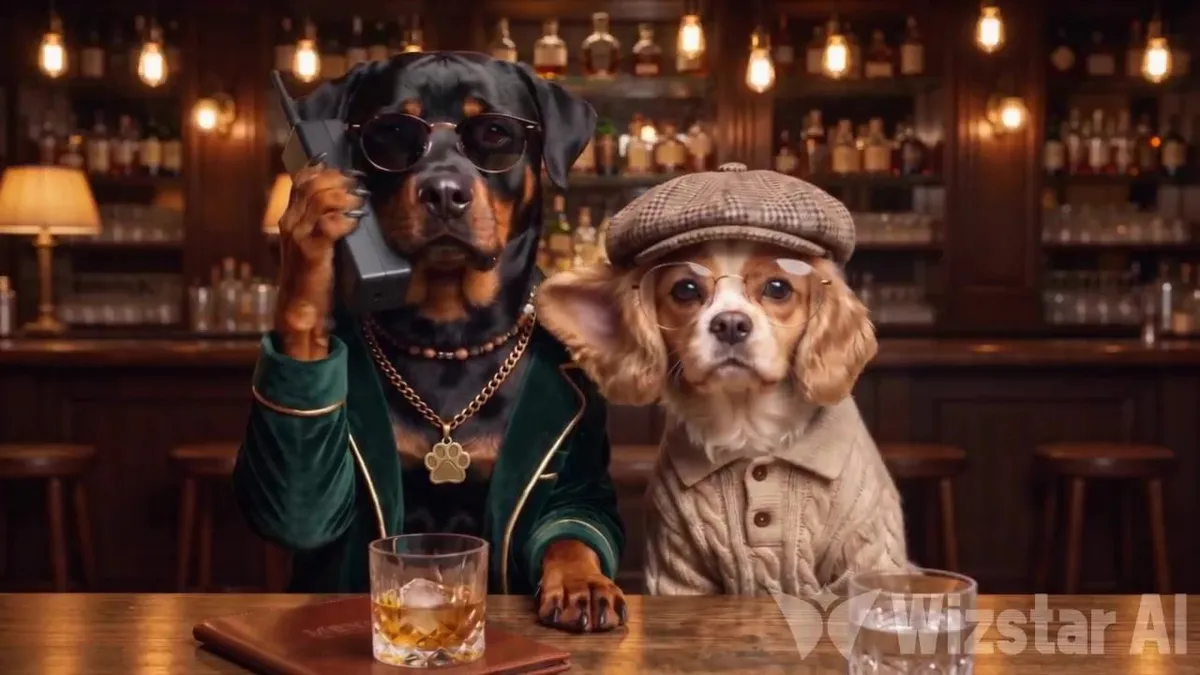
Dog Comedy Phone Call Scene

Made with Seedance 2.5 in Kling by Library Cinema. Promptclay never generates images.

Did it work?

No reports yet. Tell others if it worked for you.

No comments yet. Be the first.

    Dog Comedy Phone Call Scene

    Seedance 2.516:9AI-generated

    Prompt

    A photorealistic cinematic scene inside a cozy vintage luxury bar. A Rottweiler in a dark green velvet suit, gold paw pendant, and sunglasses is having a serious phone conversation using an old black brick phone. Beside him, a Cavalier King Charles Spaniel wearing a tweed flat cap, round glasses, and a beige cable-knit sweater secretly listens by raising ONLY the ear closest to the Rottweiler. The moment the Rottweiler turns suspiciously, the Spaniel instantly drops its ear, looks at the ceiling, and pretends to be innocent. As soon as the Rottweiler looks away, that SAME ear pops right back up! Keep the camera completely static in one continuous shot. Preserve both dogs' exact appearances and outfits. Use realistic canine movements, natural dog grumbles and occasional barks, with absolutely no human speech, music, or background noise. The result? A perfectly timed, mischievous comedy scene.

    Works in
    Kling
    Status
    Free to copy
    0
    DetailsVersions, settings and questions

    Written for

    What's in the prompt

    Subject
    Model
    Seedance 2.5

    If your face changes

    keep my face exactly the same

    Questions

    Does this work in the Kling app?
    Yes. Paste the prompt and attach your photo if it uses one.
    It changed my face. What do I do?
    Add "keep my face exactly the same" to the end and run it again.
    Can I use the images I make?
    Check the terms of the app you use. Promptclay never generates images and claims nothing you make.
    Similar prompts

    See more
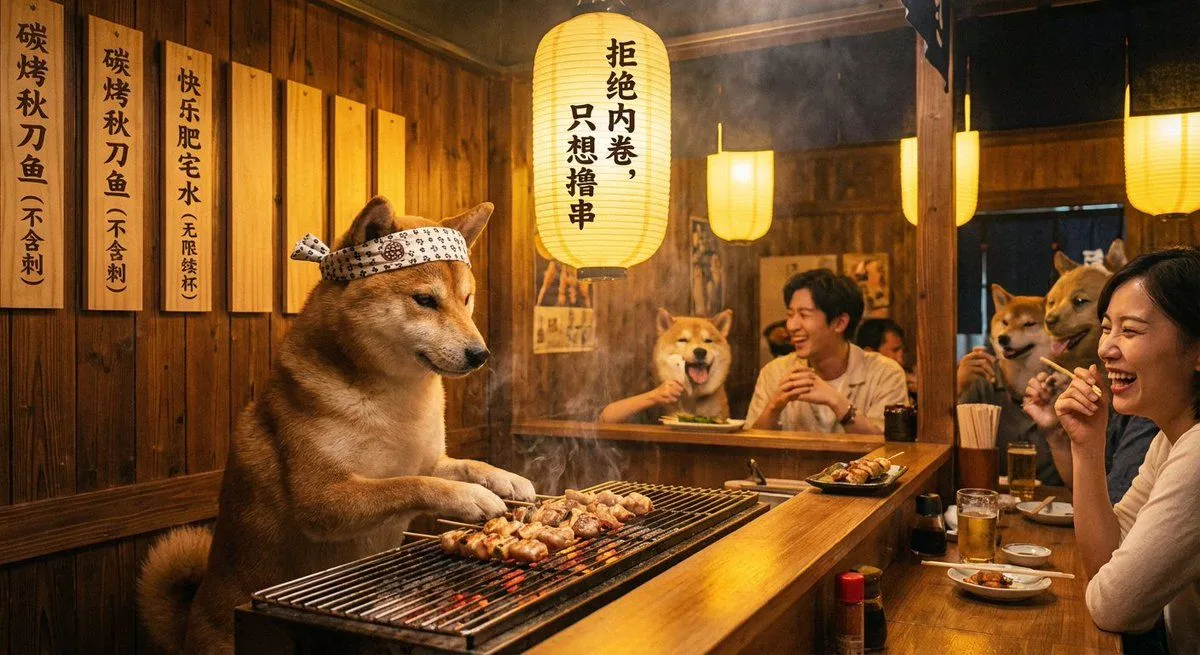
    • Dapper Dog Restaurant Photograph
    • 3D Anthropomorphic Snow Leopard Streetwear
    • Mobster Cats Playing Poker
    • Dog in Leather Cangaceiro Hat at a Bar
    • Cat Manager and Penguin Clerk
    • Autumn Squirrel Child Street Portrait
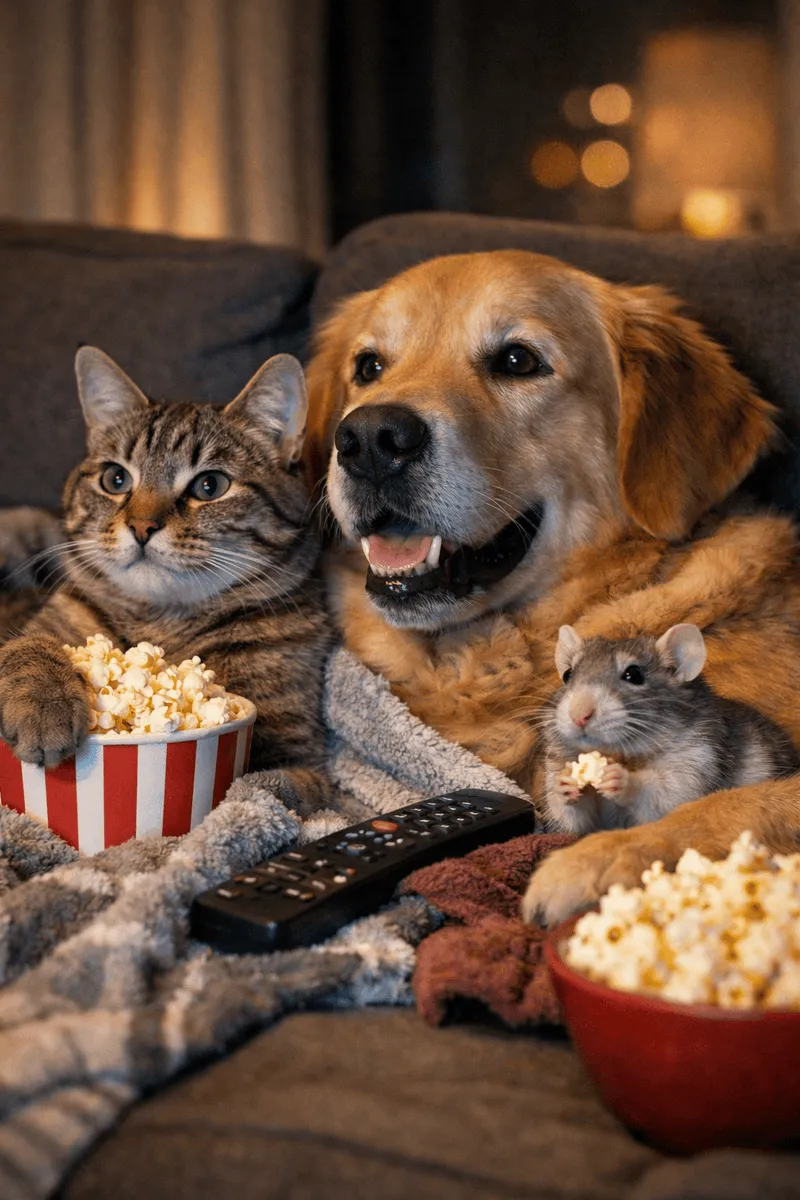
    • Animals watching a movie, DSLR photo
    • Classical Chinese poem illustration with text (duplicate)
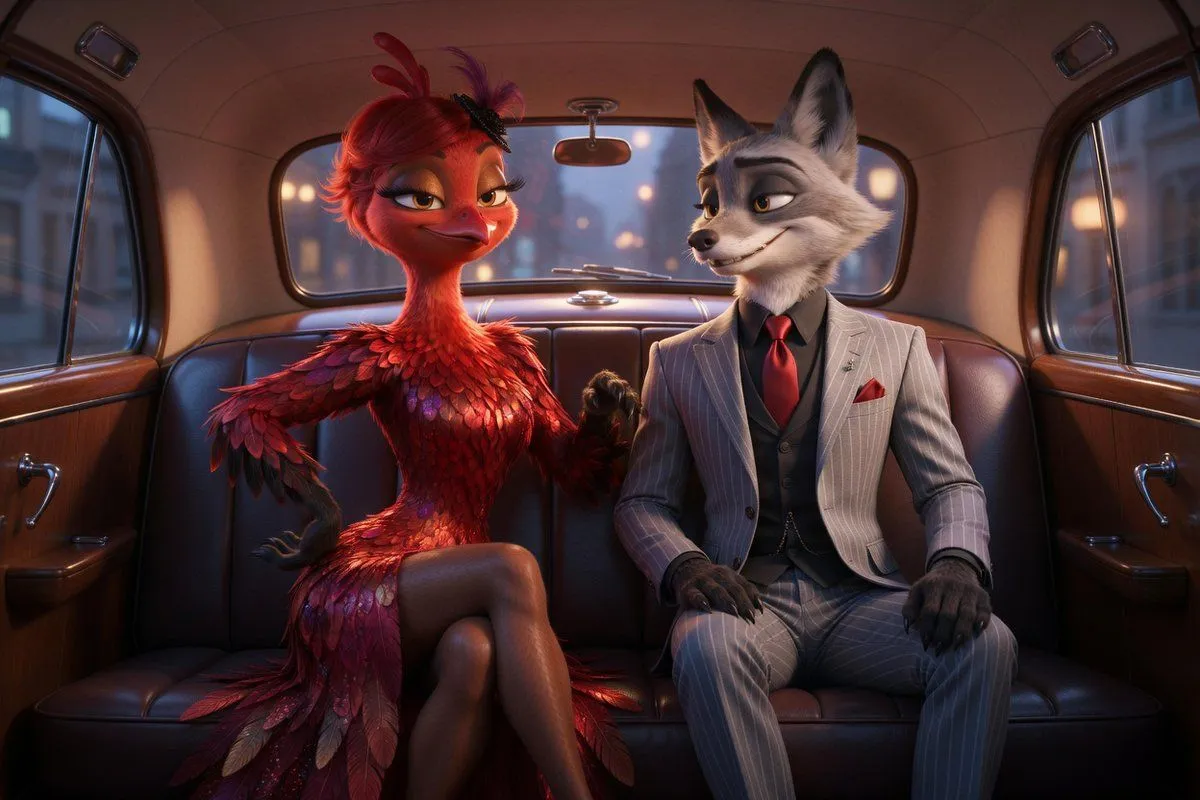
    • Cinematic Fox and Bird Taxi Scene
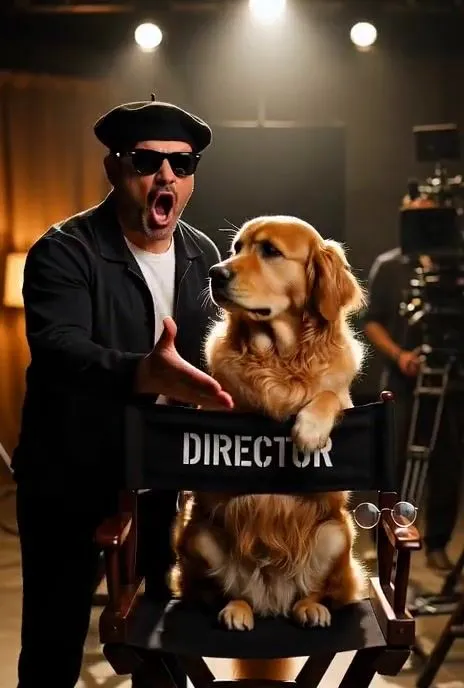
    • Dramatic Hollywood Director and Golden RetrieverVideo, 0:06
    • Luxury Car Portrait with Doberman
    • Man at a Bar with Moon Landing on TVVideo, 0:11
    • Vintage Workshop Diorama with Tabby Cats
    • Cinematic Street Photography with Face Reference
    • Vintage Bar Lace Dress Portrait
    • Cinematic Wide-Shot with Dog Fur Car
    • Cinematic Moody Portrait
    • Exploding Instant Noodle Action Photo
    • Monochrome Vintage Bar Gentleman
    • Luxury Fashion Throne Portrait
    • Abstract Surreal Visual Metaphor
    • Workflow for Style Transfer and Storyboard Generation
    • Fashion Illustration with Accessories
    • Golden Retriever Puppy in Autumn Leaves

    Show more

    Run it on your phone

    1. Prompt copiedRead it

      A photorealistic cinematic scene inside a cozy vintage luxury bar. A Rottweiler in a dark green velvet suit, gold paw pendant, and sunglasses is having a serious phone conversation using an old black brick phone. Beside him, a Cavalier King Charles Spaniel wearing a tweed flat cap, round glasses, and a beige cable-knit sweater secretly listens by raising ONLY the ear closest to the Rottweiler. The moment the Rottweiler turns suspiciously, the Spaniel instantly drops its ear, looks at the ceiling, and pretends to be innocent. As soon as the Rottweiler looks away, that SAME ear pops right back up! Keep the camera completely static in one continuous shot. Preserve both dogs' exact appearances and outfits. Use realistic canine movements, natural dog grumbles and occasional barks, with absolutely no human speech, music, or background noise. The result? A perfectly timed, mischievous comedy scene.

    2. Open your app

    3. Paste and run

      Press and hold the message box, then tap Paste. Add your photo first if the prompt uses one. You may need to sign in.