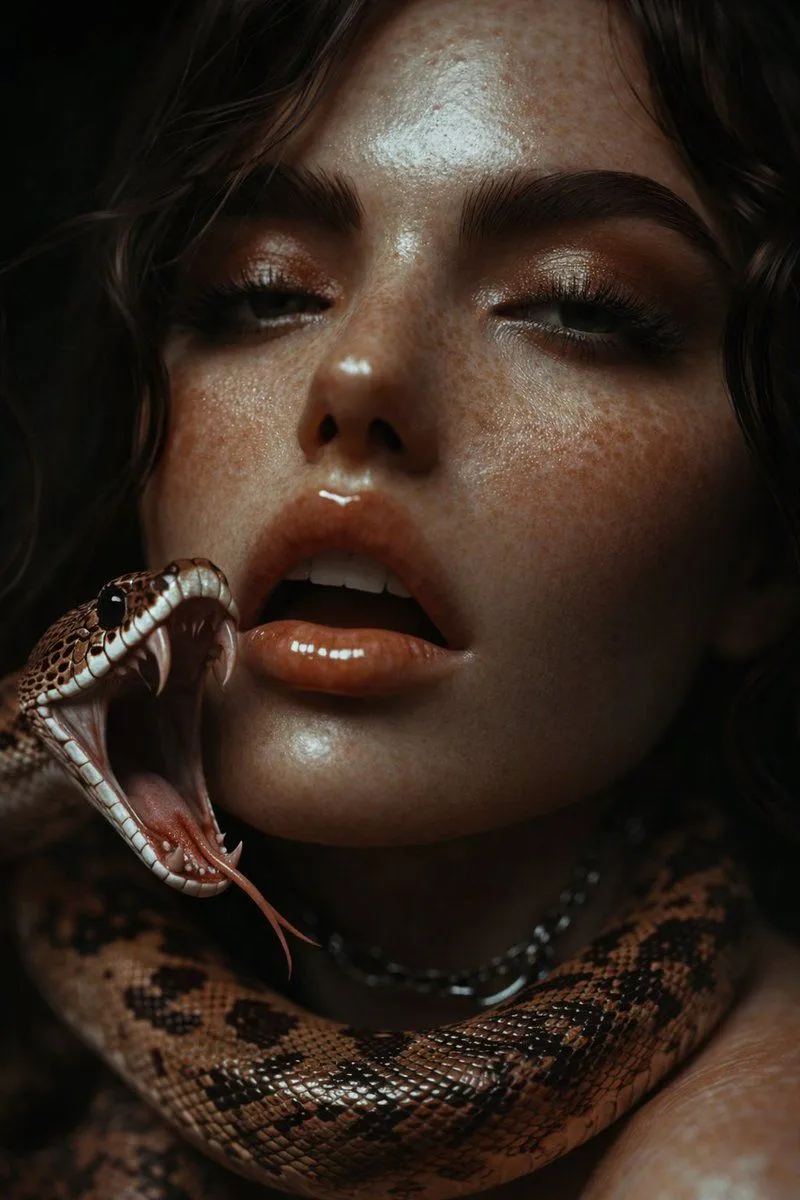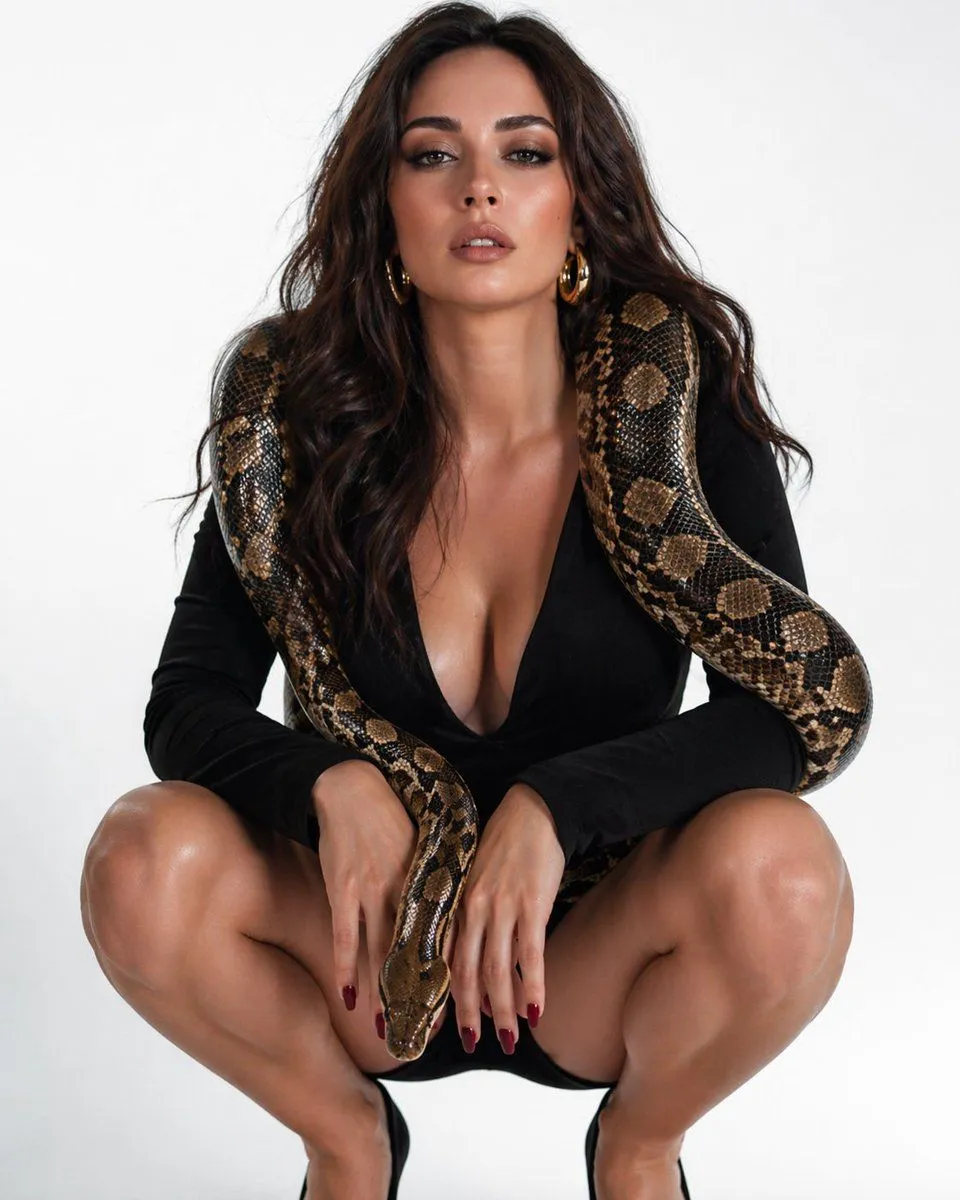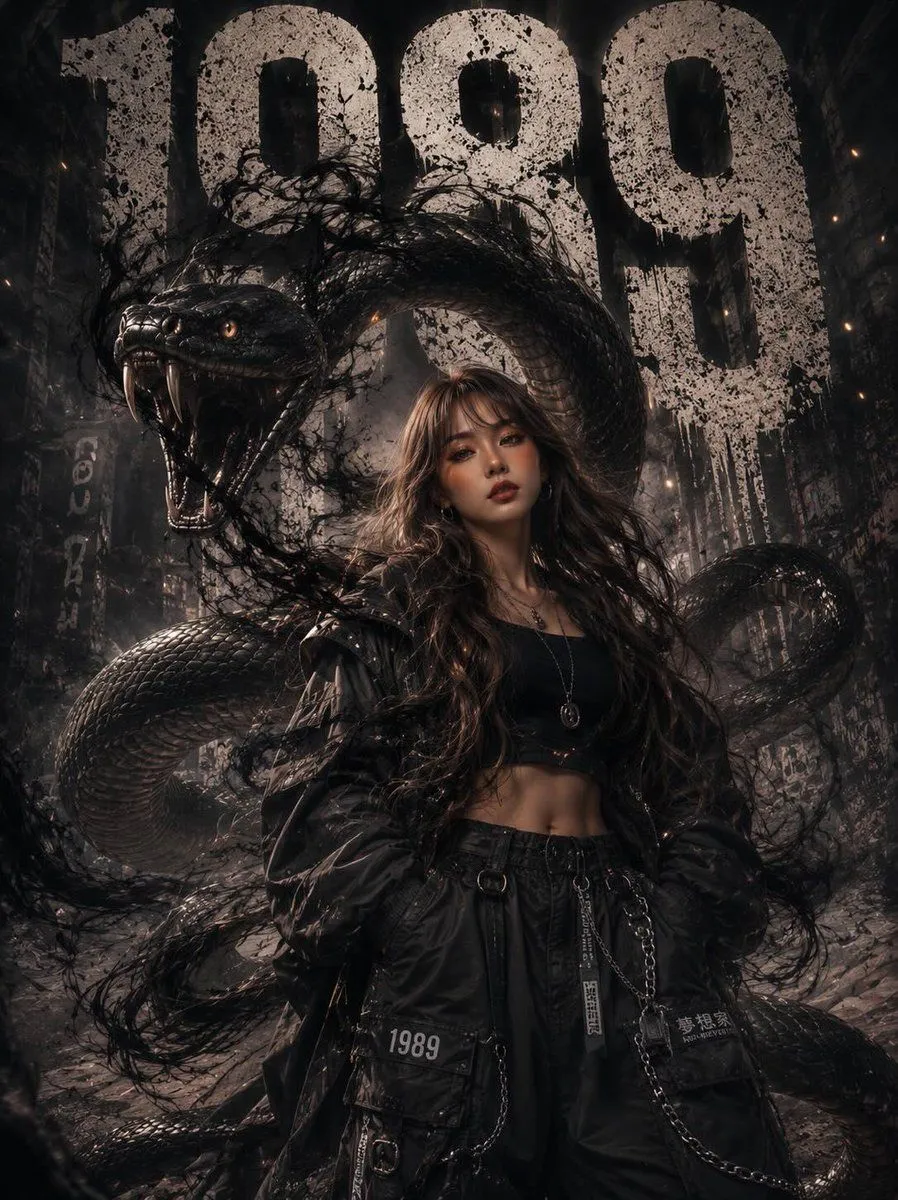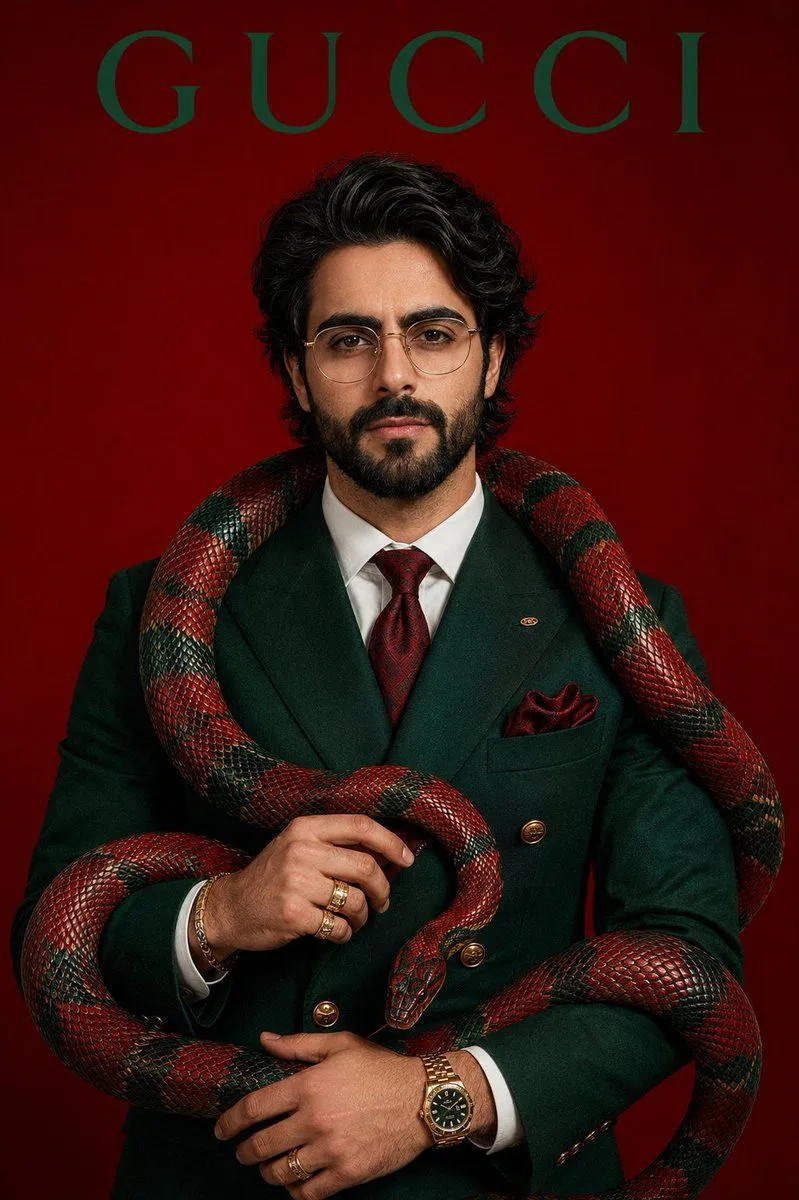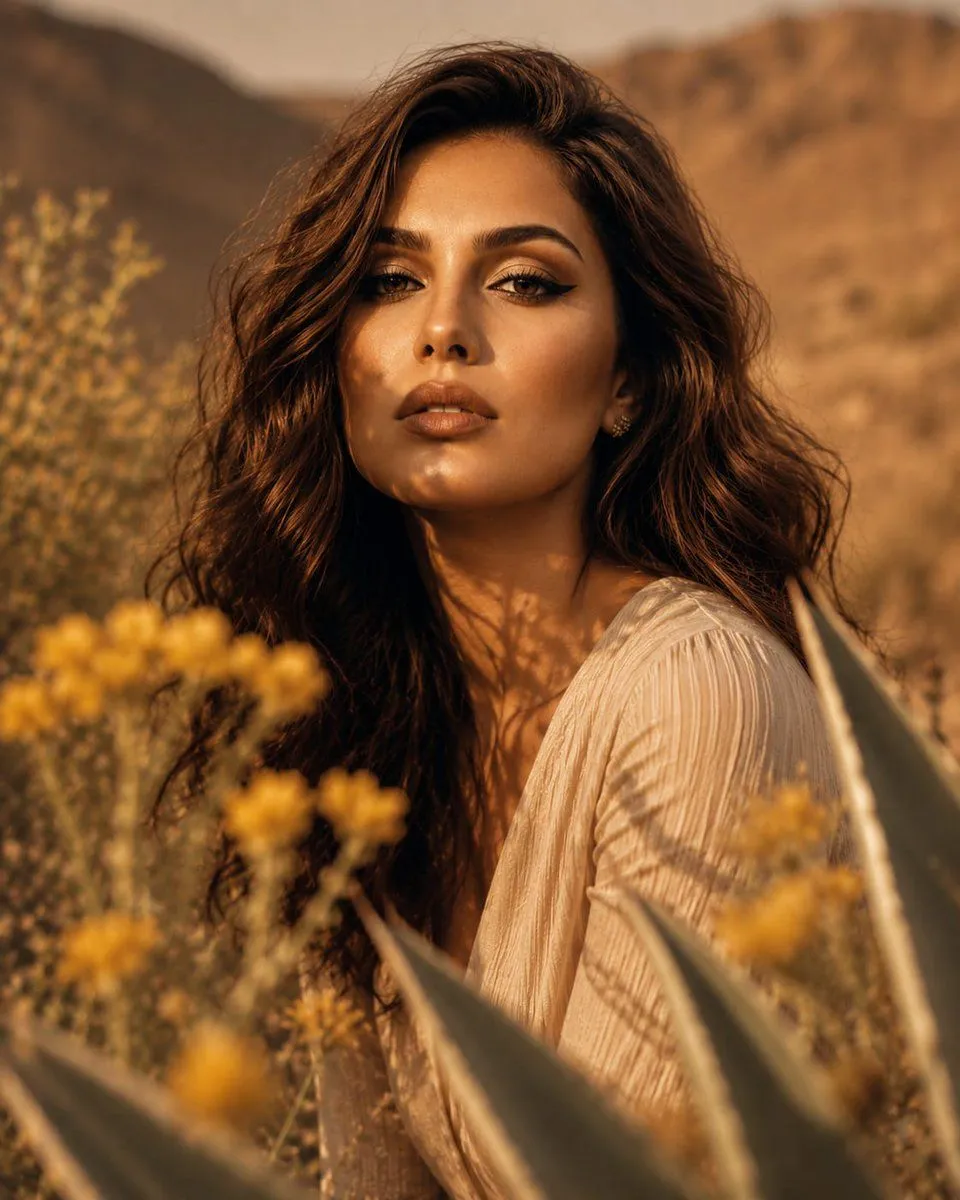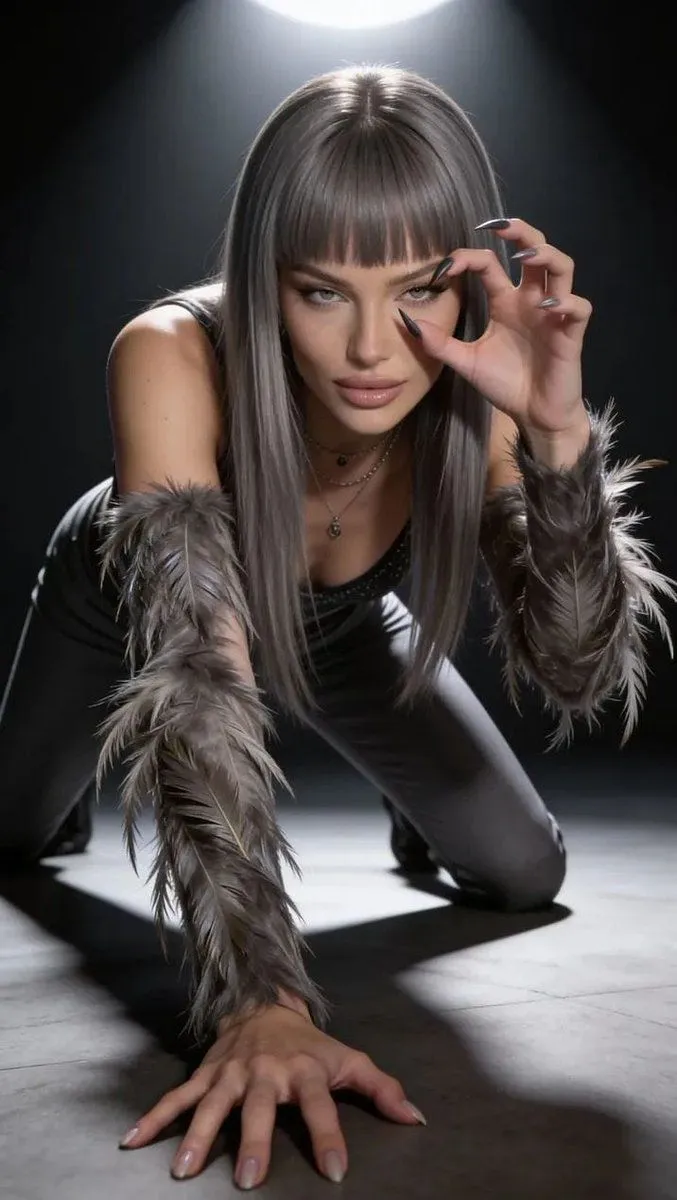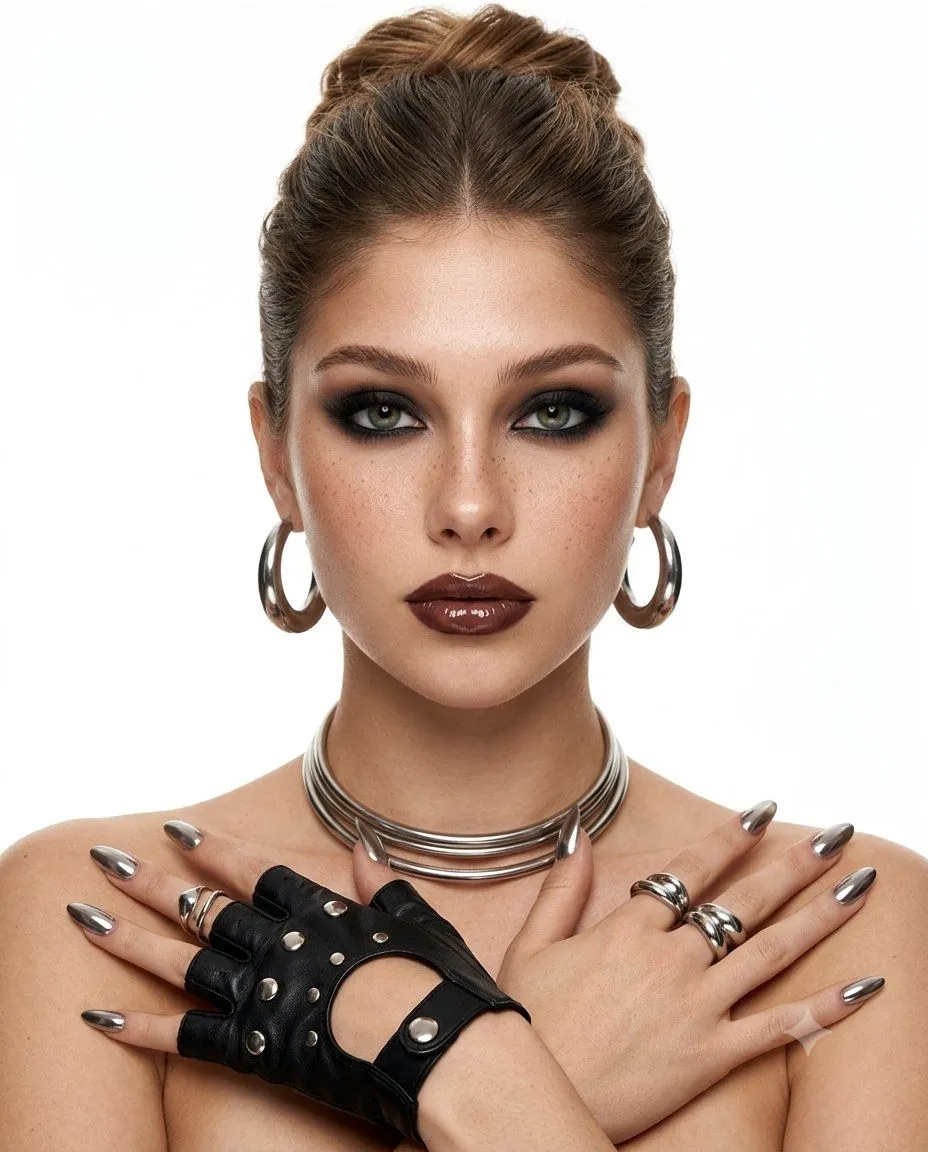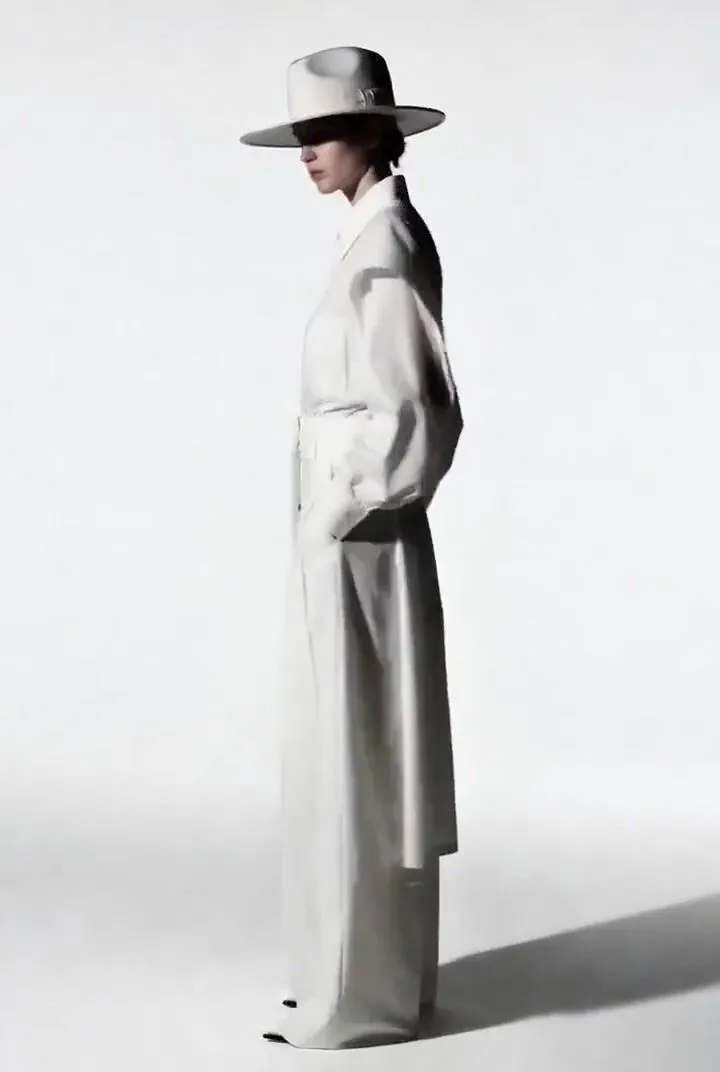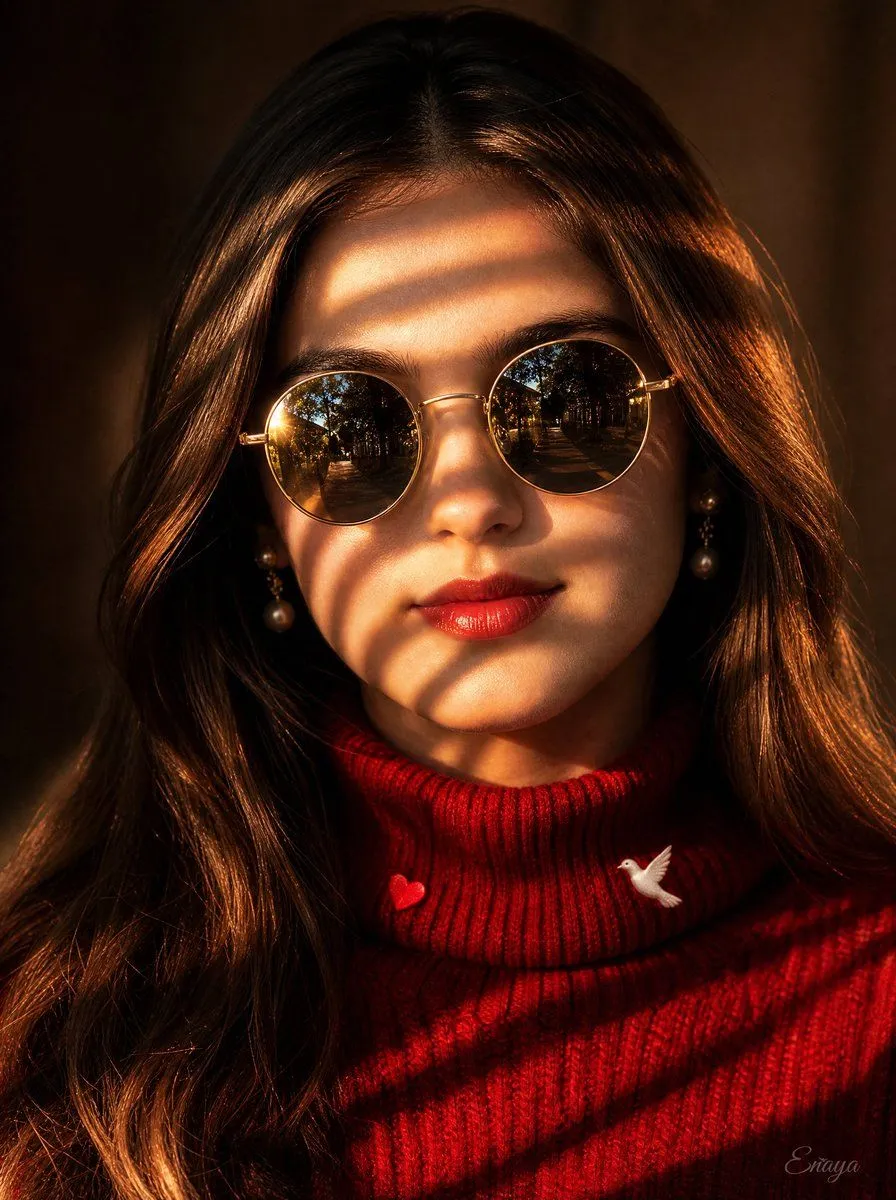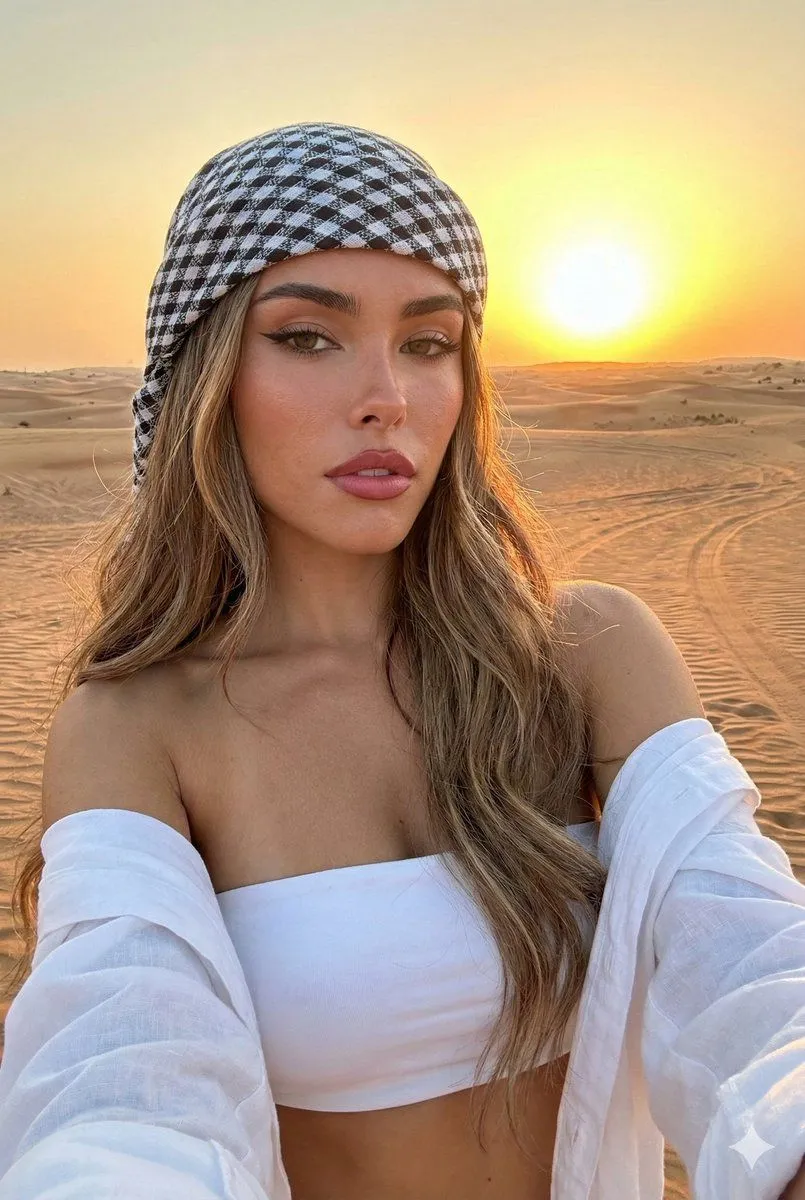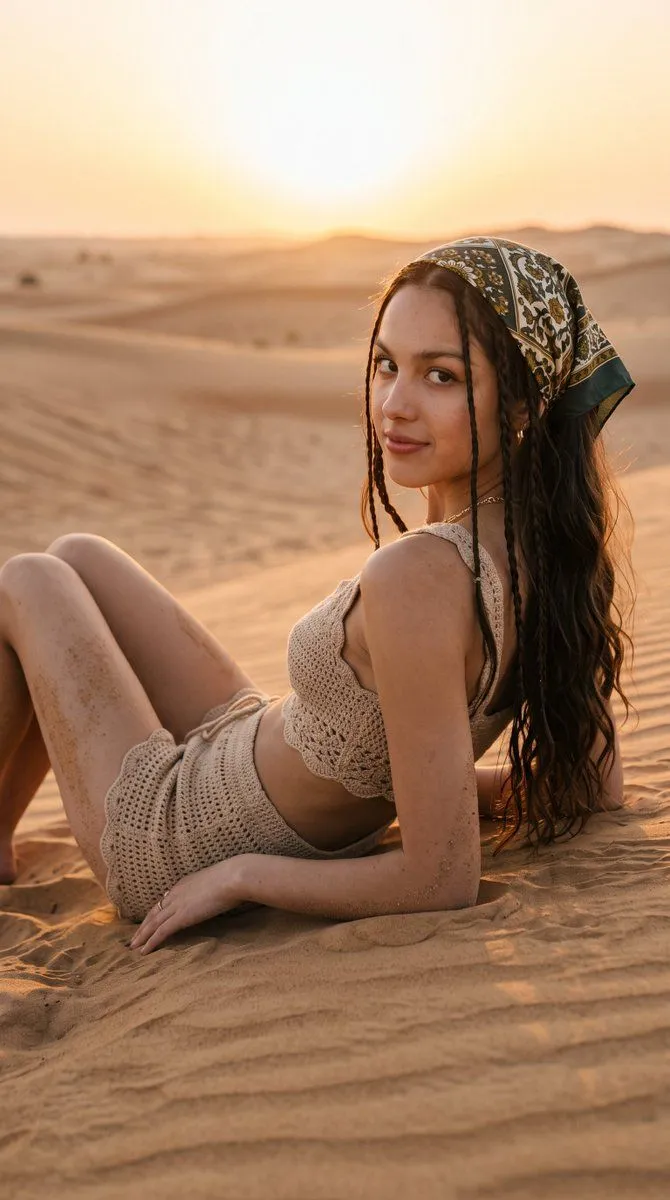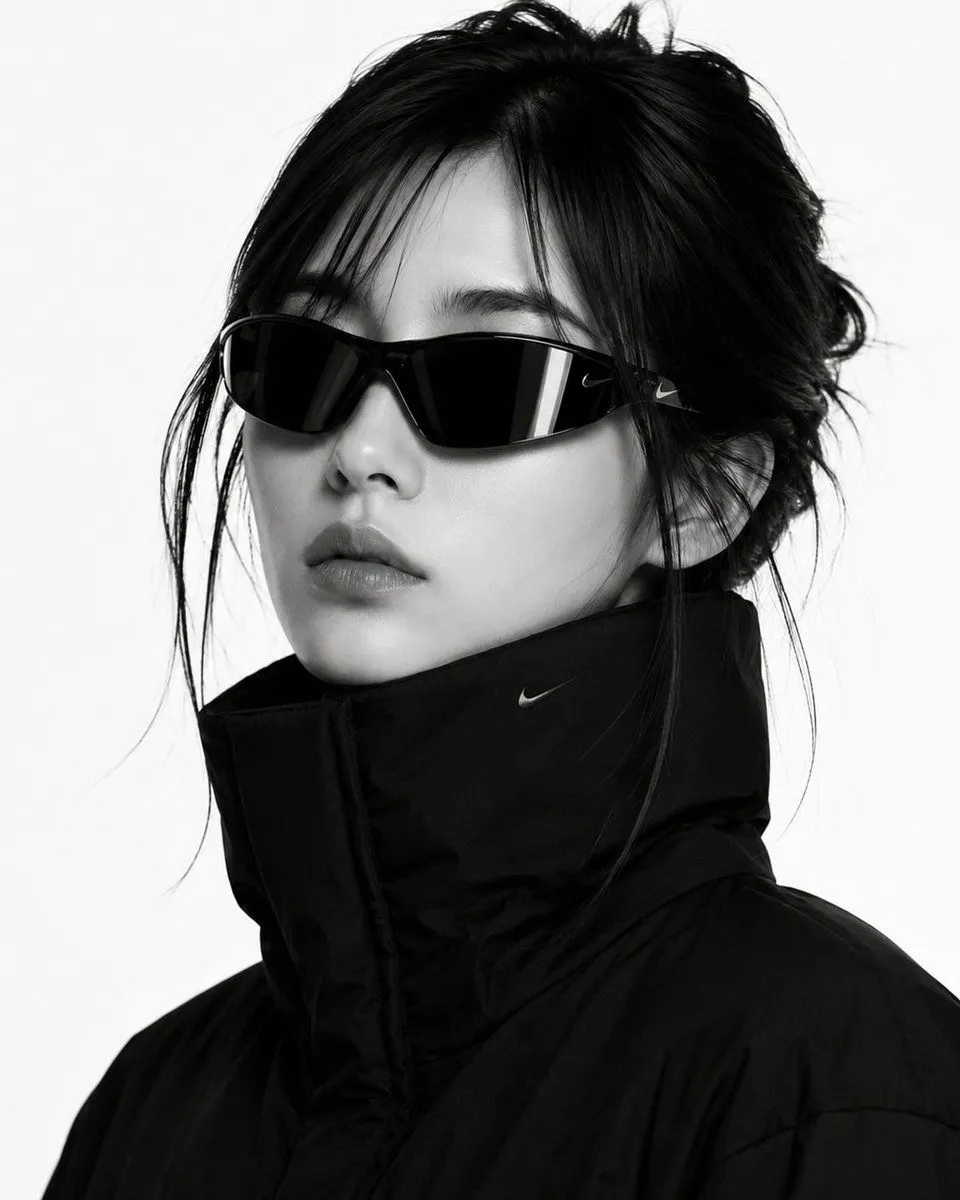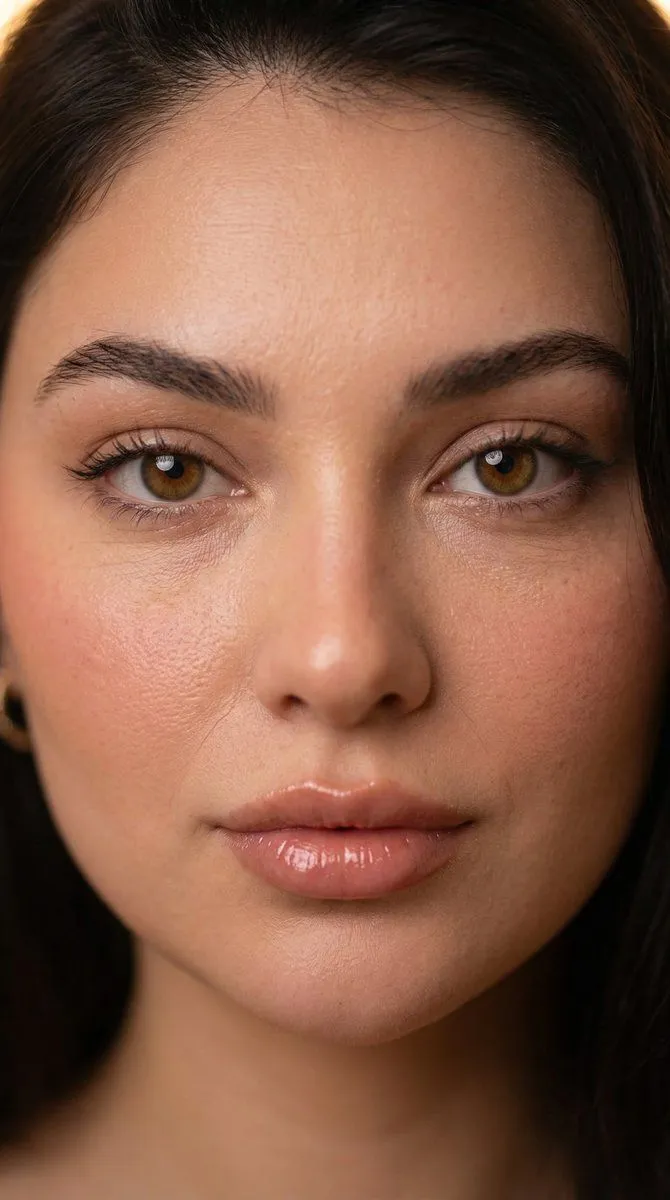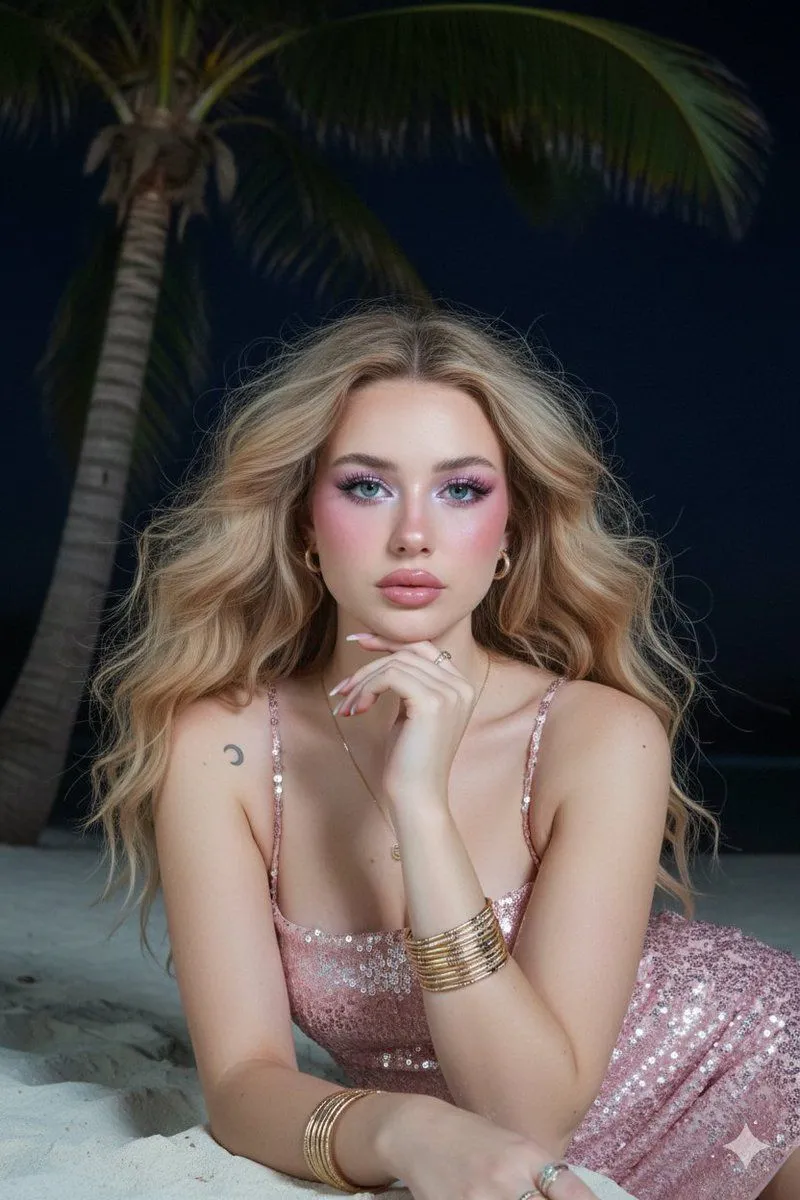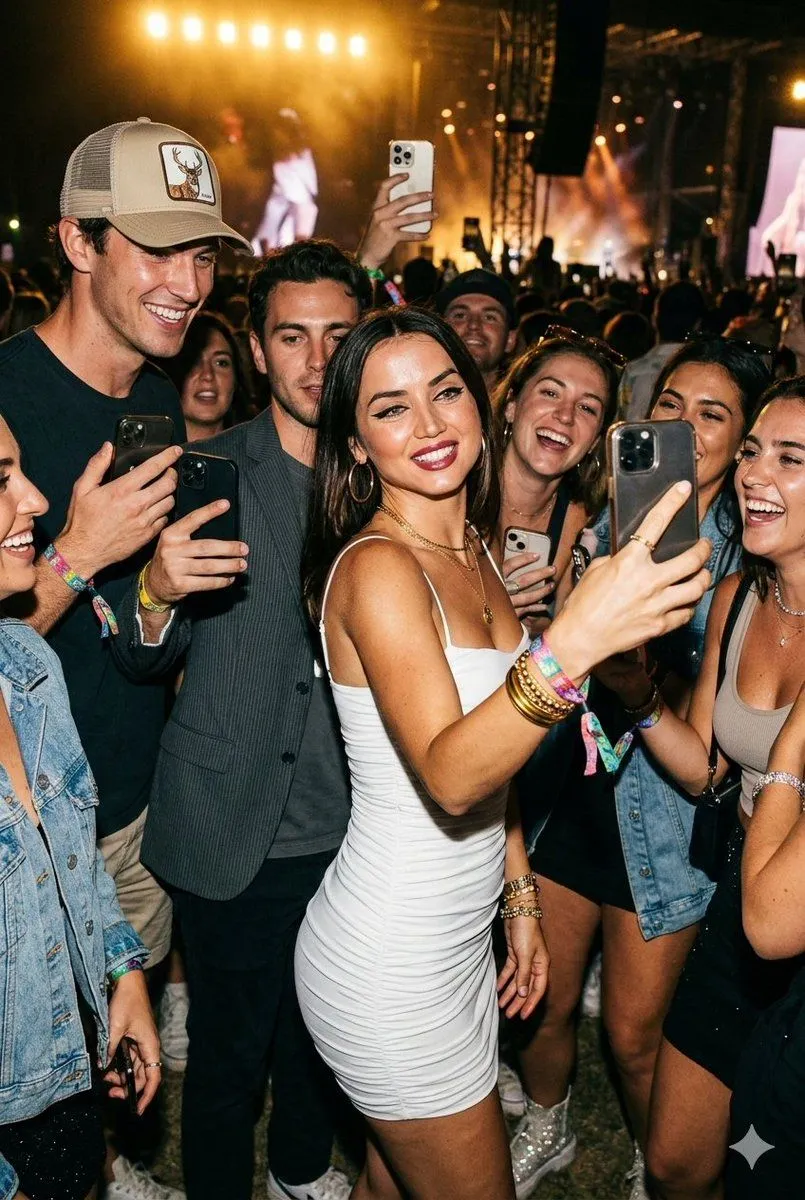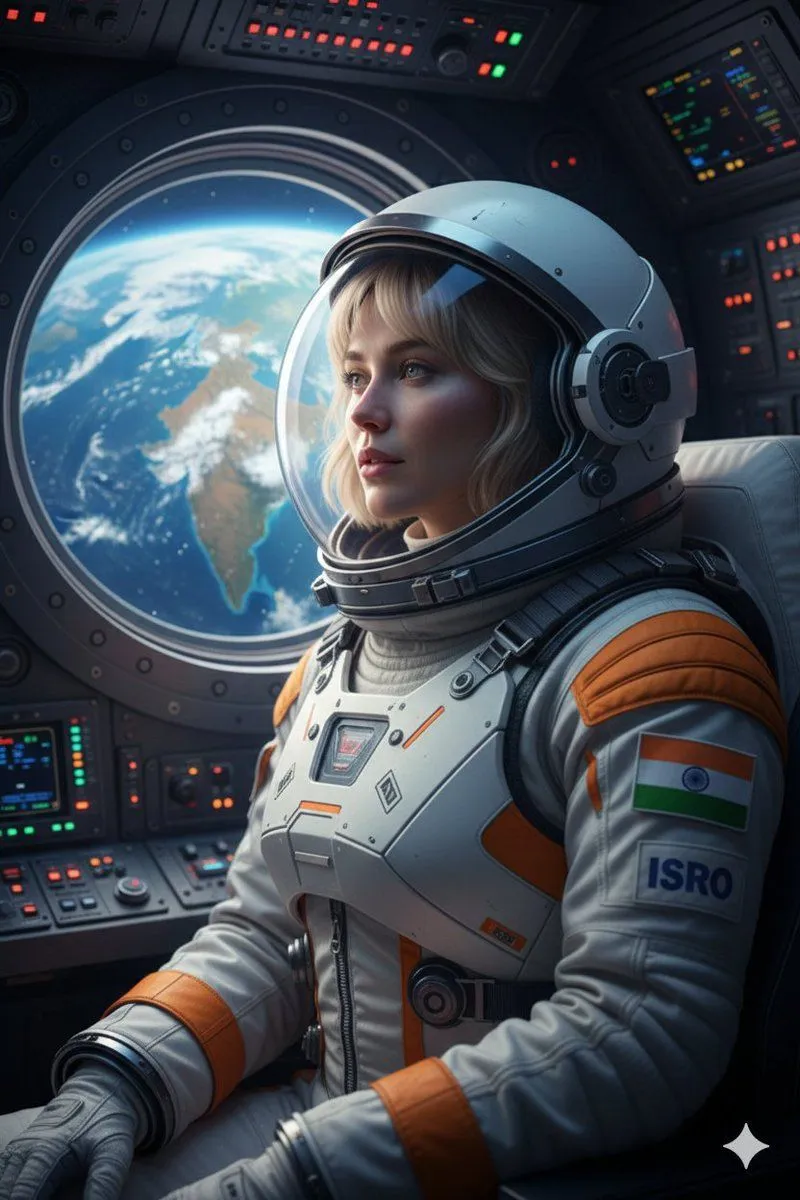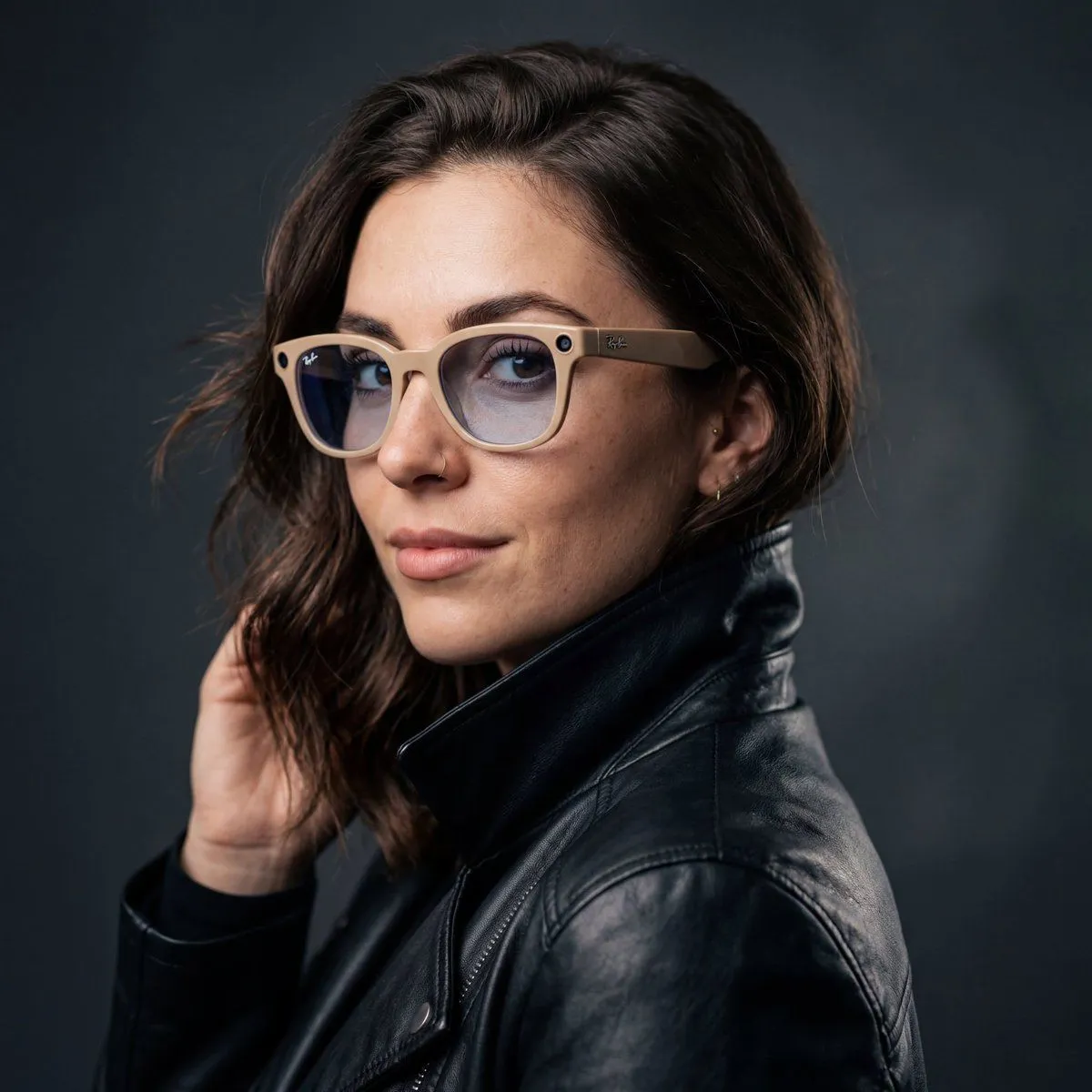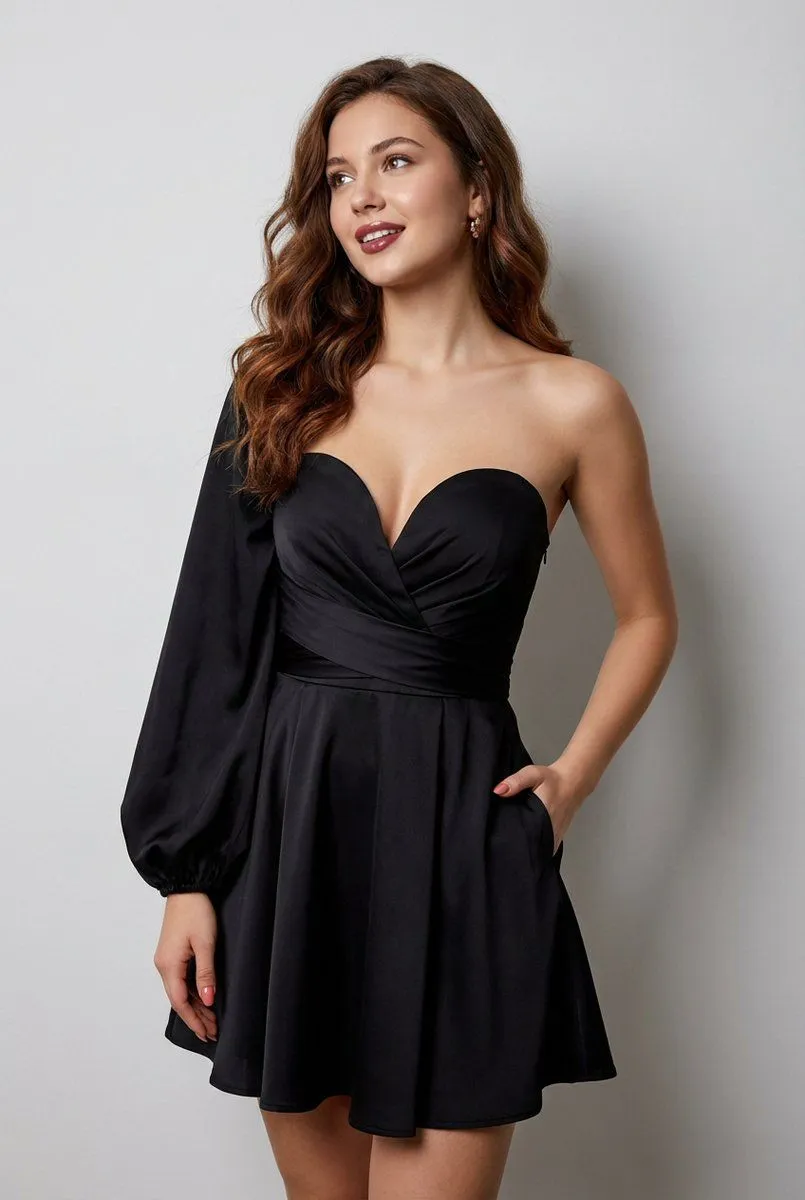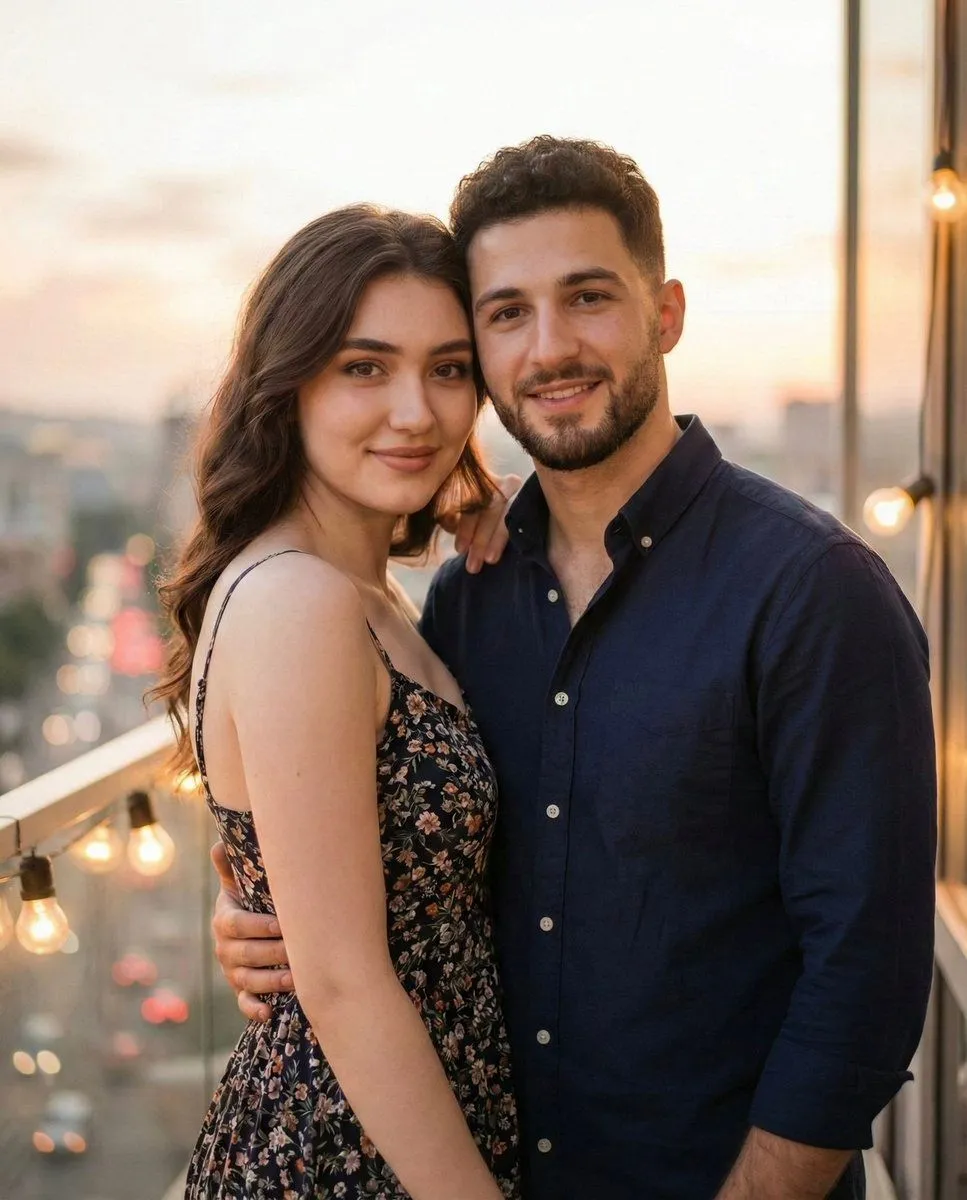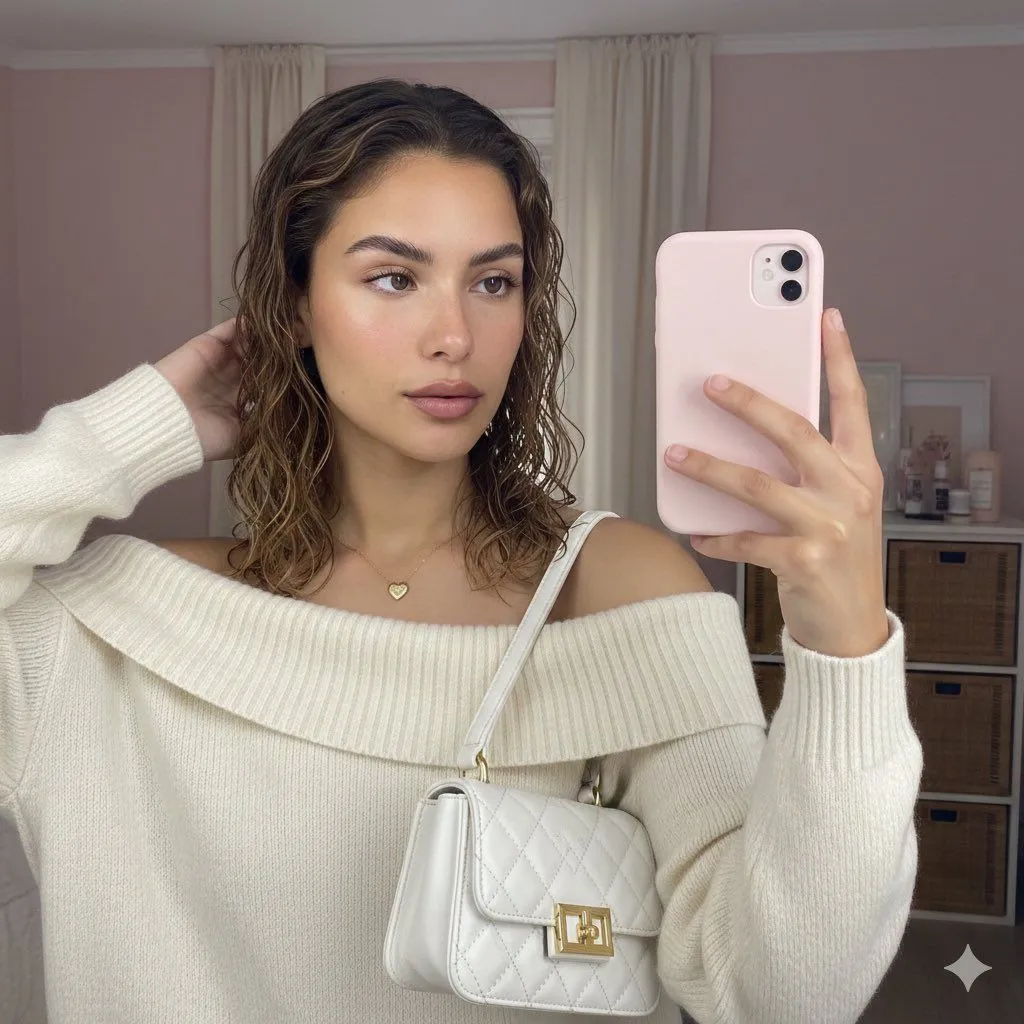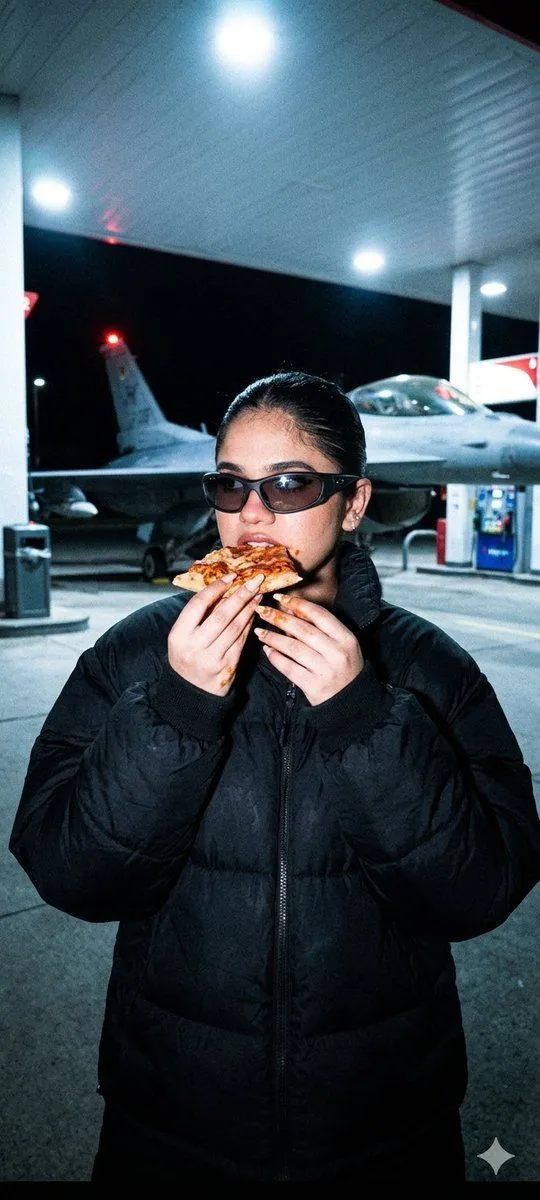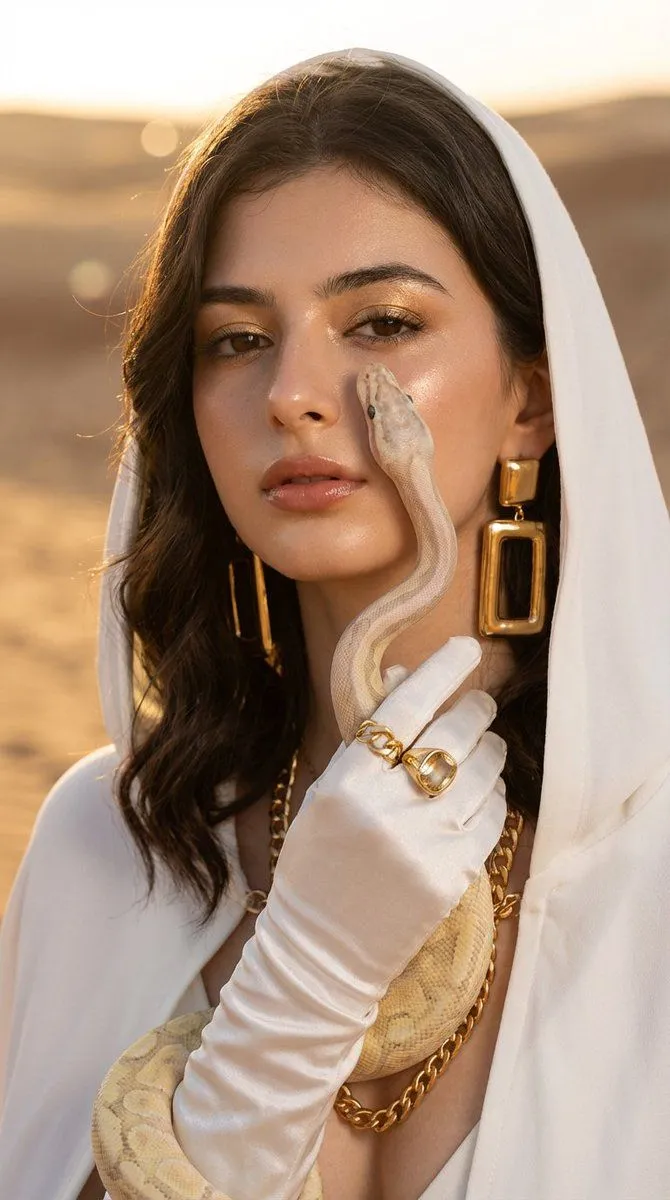
Made with Nano Banana Pro in Gemini by Library Social. Promptclay never generates images.
Did it work?
No reports yet. Tell others if it worked for you.
Desert Fashion with Python
Prompt
3 blanks to fillCreate a portrait, without changing the facial features. A close-up portrait of a {subject} in the {location}. She is wearing a white hooded cape and elegant white gloves. A {accessory} is crawling across her face and hand. The girl is looking directly into the camera with a confident gaze. Massive golden rectangular earrings, a thick gold chain on her neck, a gold ring with a stone over the glove. Makeup: Glossy makeup with a dewy skin effect, golden eyeshadow, emphasized lips in a natural shade. Wavy hair is visible from under the hood. Lighting: Soft 'golden hour', warm sunlight creating highlights on the skin and jewelry. Background: Blurred desert sand dunes, soft bokeh. Photorealism, high detail, depth of field, professional fashion photography, 8k, shot on an 85mm lens. Do not change the facial features.
Preview of your prompt
Create a portrait, without changing the facial features. A close-up portrait of a beautiful girl in the desert at sunset. She is wearing a white hooded cape and elegant white gloves. A light-colored snake (python) is crawling across her face and hand. The girl is looking directly into the camera with a confident gaze. Massive golden rectangular earrings, a thick gold chain on her neck, a gold ring with a stone over the glove. Makeup: Glossy makeup with a dewy skin effect, golden eyeshadow, emphasized lips in a natural shade. Wavy hair is visible from under the hood. Lighting: Soft 'golden hour', warm sunlight creating highlights on the skin and jewelry. Background: Blurred desert sand dunes, soft bokeh. Photorealism, high detail, depth of field, professional fashion photography, 8k, shot on an 85mm lens. Do not change the facial features.
DetailsVersions, settings and questions
Written for
What's in the prompt
- Subject
- Model
- Nano Banana Pro
If your face changes
keep my face exactly the sameQuestions
- Does this work in the Gemini app?
- Yes. Gemini runs Nano Banana, so paste the prompt and attach your photo if it uses one.
- It changed my face. What do I do?
- Add "keep my face exactly the same" to the end and run it again.
- Can I use the images I make?
- Check the terms of the app you use. Promptclay never generates images and claims nothing you make.