Tell us anything

An idea, a bug, something you love. We read every note.

⌘↵ to send. The page you're on comes along.

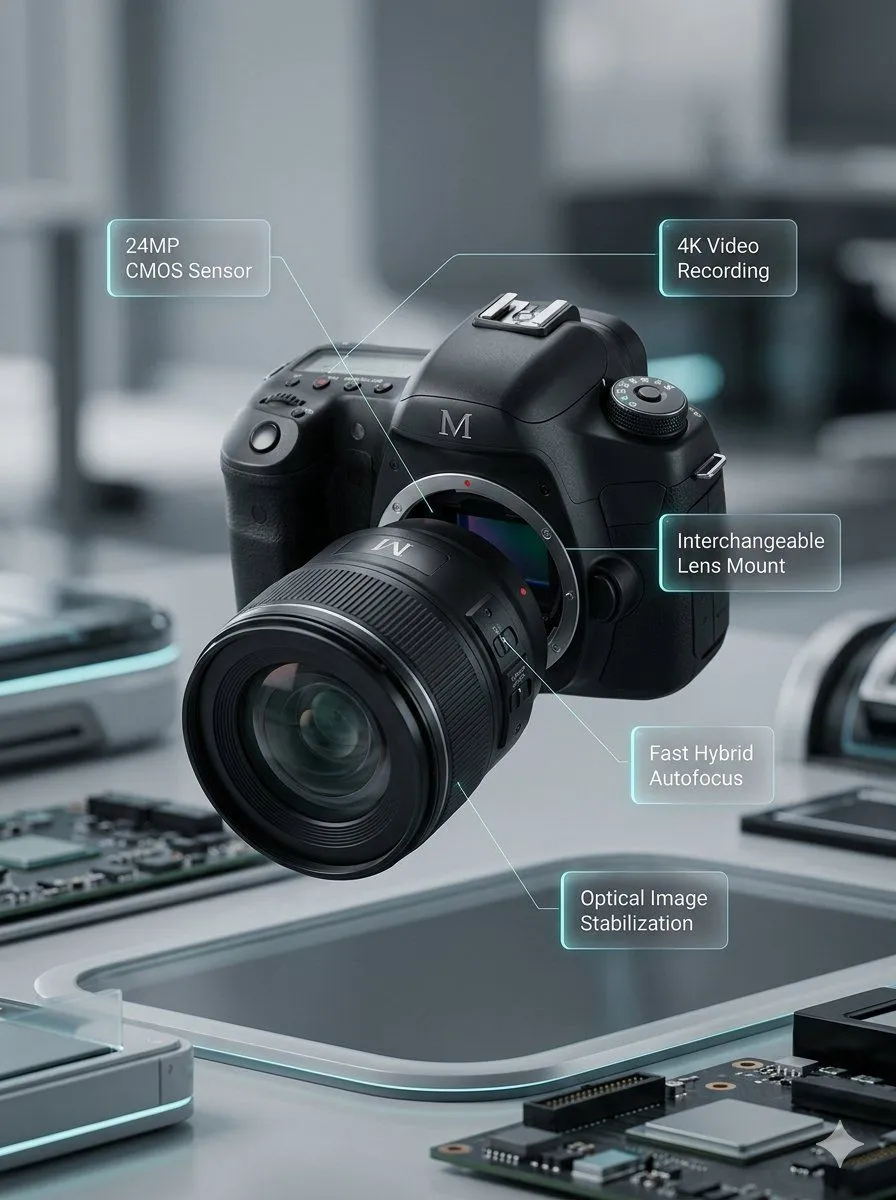
Deconstructed and Assembled M DSLR Camera Visualization

Made with Nano Banana Pro in Gemini by Library Product. Promptclay never generates images.

Did it work?

No reports yet. Tell others if it worked for you.

No comments yet. Be the first.

    Deconstructed and Assembled M DSLR Camera Visualization

    Nano Banana Pro3:4AI-generated

    Prompt

    Image Prompt 1: Clearly separate all components with visible spacing. Move the lens forward and split it into several segments. Separate the camera body into three sections: upper section moves upward, left section moves left, right section moves right. Use elements present on the assembled camera, add electronic parts inside. No annotations. Image Prompt 2: Create a realistic high-end product visualization of a fully assembled M DSLR camera with detachable lens floating slightly in the air. The device has a premium matte black body with subtle metallic details and engraved M branding. Background is a softly blurred modern tech environment with depth of field and subtle motion blur, no people visible. Cinematic studio lighting with realistic reflections and premium product rendering. Around the camera appear five minimalist technical UI annotations with thin lines pointing to components. Each annotation sits inside a small semi-transparent glass UI panel with soft glow and subtle cyan edge lighting, improving readability. Clean modern sans-serif typography. Annotations: 24MP CMOS Sensor 4K Video Recording Interchangeable Lens Mount Fast Hybrid Autofocus Optical Image Stabilization

    Works in
    Gemini, ChatGPT
    Status
    Free to copy
    0
    DetailsVersions, settings and questions

    Written for

    What's in the prompt

    Subject
    Model
    Nano Banana Pro

    If your face changes

    keep my face exactly the same

    Questions

    Does this work in the Gemini app?
    Yes. Gemini runs Nano Banana, so paste the prompt and attach your photo if it uses one.
    It changed my face. What do I do?
    Add "keep my face exactly the same" to the end and run it again.
    Can I use the images I make?
    Check the terms of the app you use. Promptclay never generates images and claims nothing you make.
    Similar prompts

    See more
    • Minimal Floating Product Shot
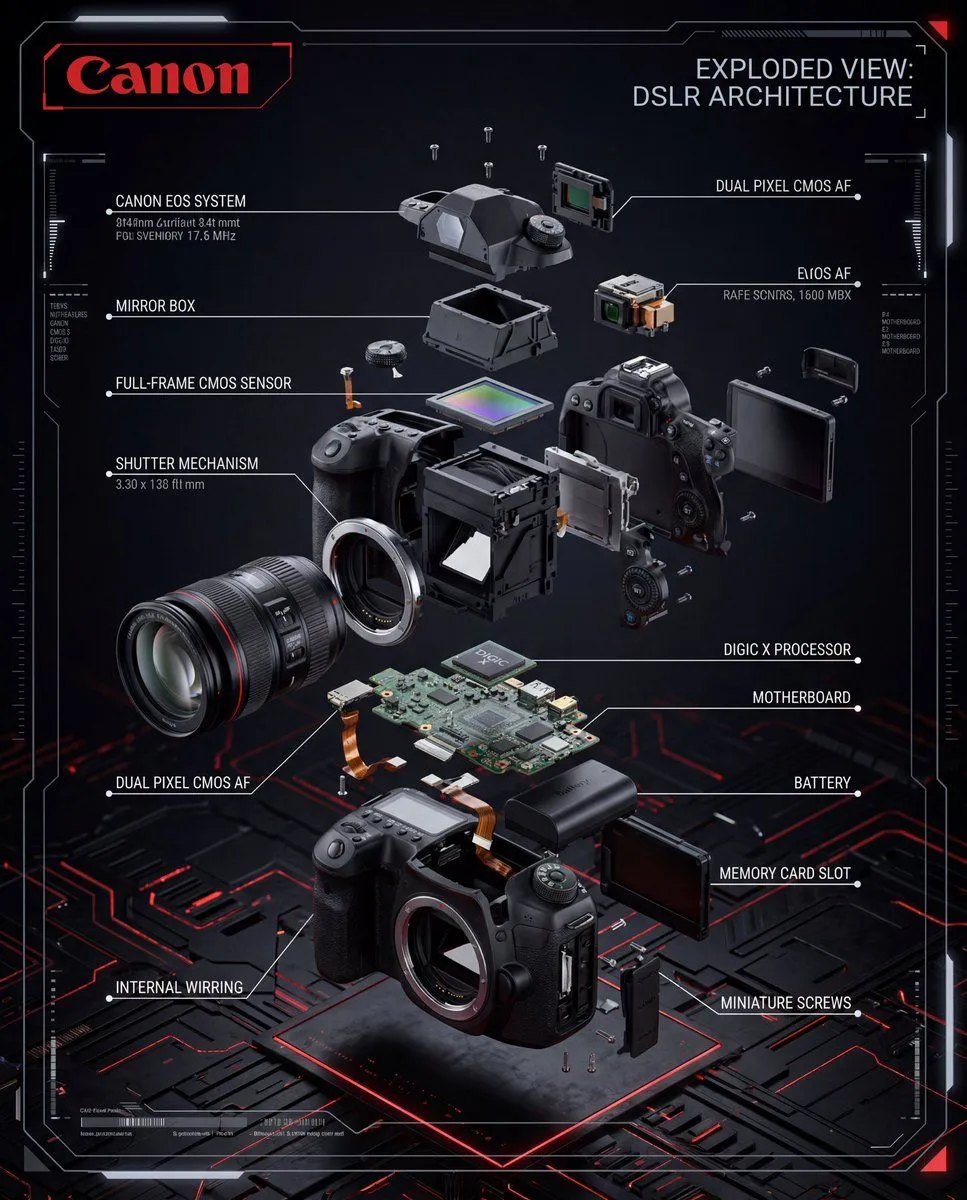
    • Exploded View DSLR Camera Illustration
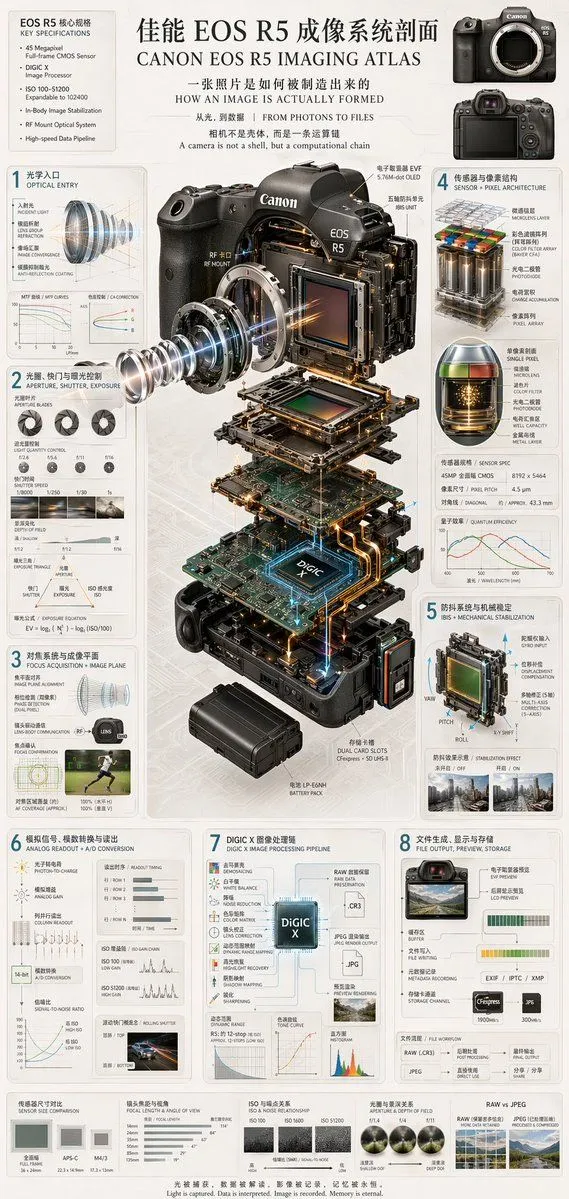
    • Exploded View DSLR Infographic
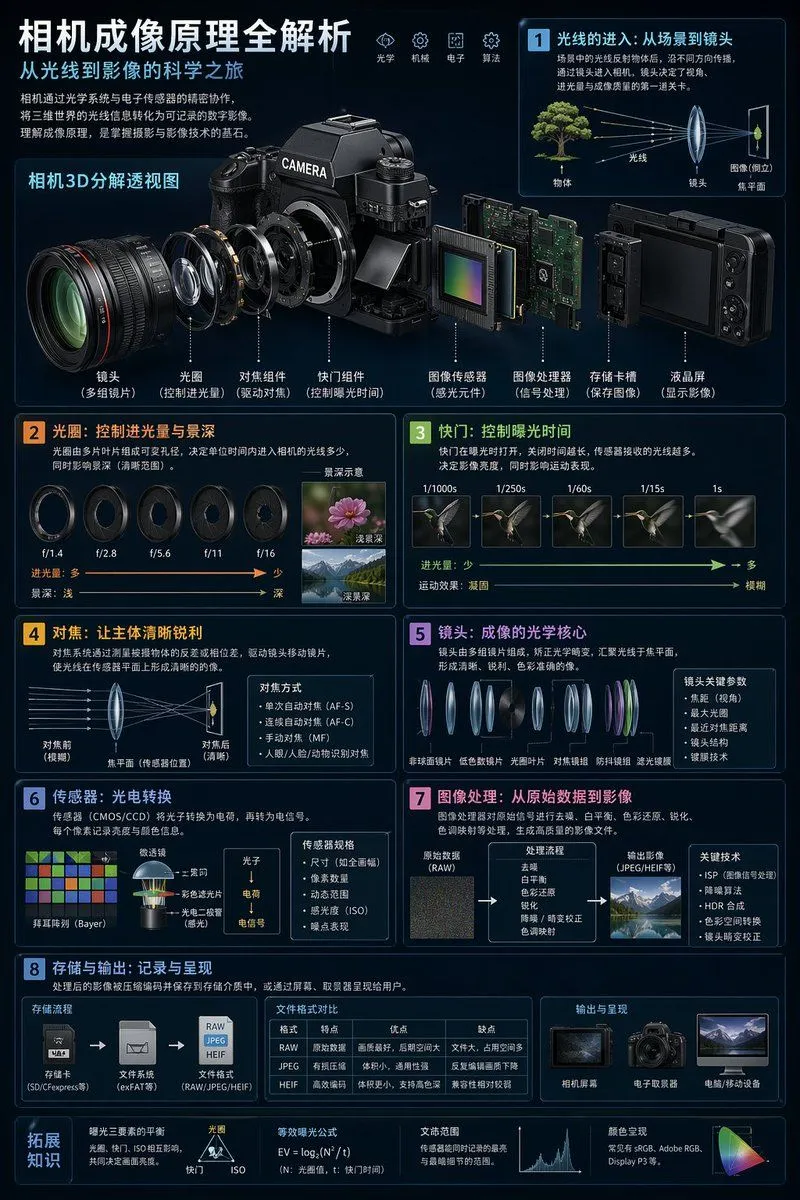
    • Camera Exploded View Infographic
    • Camera Imaging Technology Infographic
    • Digital Camera Screen Portrait
    • Cinematic Photographer Studio Portrait
    • Smart Doorbell Enclosure Product Render
    • Hybrid Transportation Device Design and Patent Generation
    • Premium Futuristic AI Workspace
    • Cyber-Luxury Smartwatch Product Grid Prompt
    • Crystal Hologram Product Photography Prompt
    • Giant Forced Perspective City Selfie
    • Futuristic AI Windows Login Poster
    • Alexander McQueen Sneaker Commercial Grid Prompt (3x3)
    • Giant Woman Filmmaker with Miniature Model
    • Glass Marble on Wet Slate
    • Floating Black Profile Card Concept
    • Minimalist 3D Isometric Car Showroom Model
    • High-Energy Commercial ScriptVideo, 0:15
    • Futuristic 3D Printing Lab Portrait
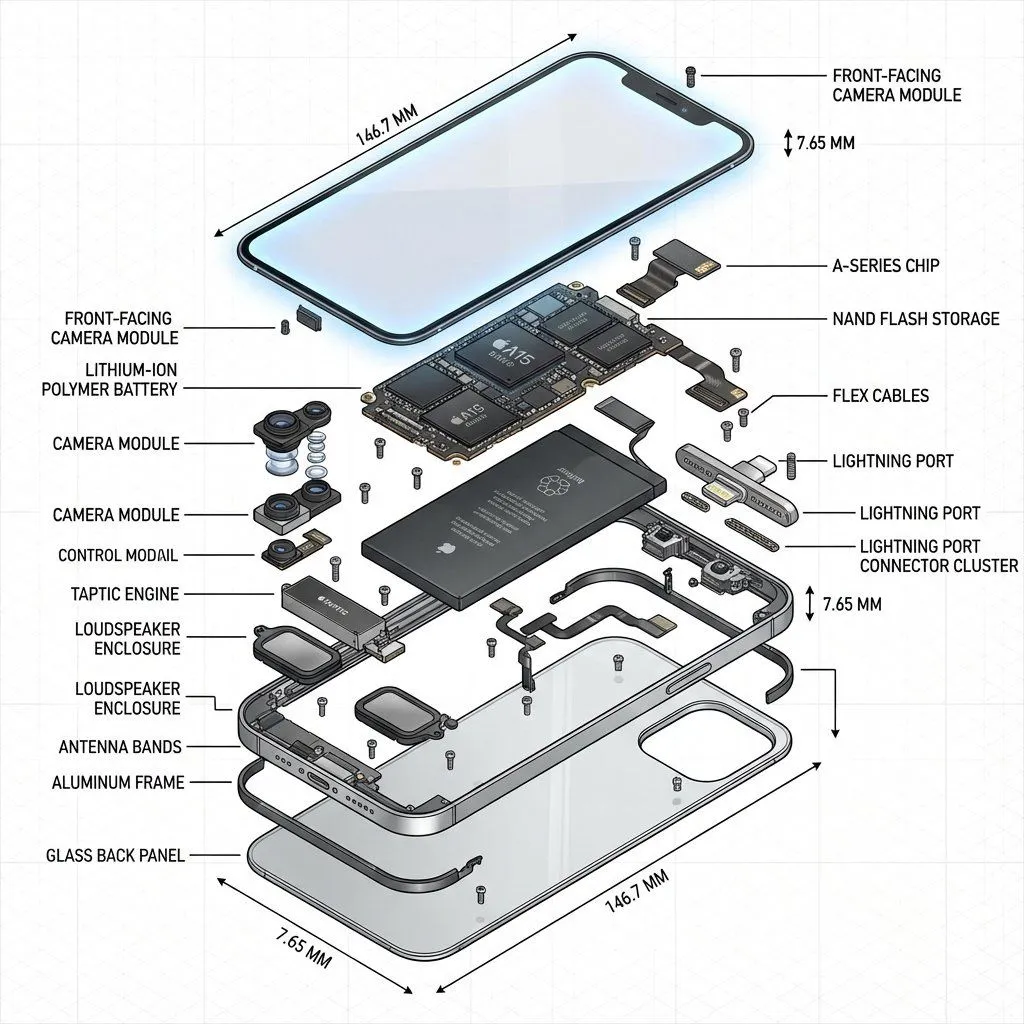
    • Exploded View Technical Diagram of an iPhone
    • Underwater MPD Police Robot Test
    • Cinematic Genius Portrait

    Show more

    Run it on your phone

    1. Prompt copiedRead it

      Image Prompt 1: Clearly separate all components with visible spacing. Move the lens forward and split it into several segments. Separate the camera body into three sections: upper section moves upward, left section moves left, right section moves right. Use elements present on the assembled camera, add electronic parts inside. No annotations. Image Prompt 2: Create a realistic high-end product visualization of a fully assembled M DSLR camera with detachable lens floating slightly in the air. The device has a premium matte black body with subtle metallic details and engraved M branding. Background is a softly blurred modern tech environment with depth of field and subtle motion blur, no people visible. Cinematic studio lighting with realistic reflections and premium product rendering. Around the camera appear five minimalist technical UI annotations with thin lines pointing to components. Each annotation sits inside a small semi-transparent glass UI panel with soft glow and subtle cyan edge lighting, improving readability. Clean modern sans-serif typography. Annotations: 24MP CMOS Sensor 4K Video Recording Interchangeable Lens Mount Fast Hybrid Autofocus Optical Image Stabilization

    2. Open your app

    3. Paste and run

      Press and hold the message box, then tap Paste. Add your photo first if the prompt uses one. You may need to sign in.

    Deconstructed and Assembled M DSLR Camera Visualization