Tell us anything

An idea, a bug, something you love. We read every note.

⌘↵ to send. The page you're on comes along.

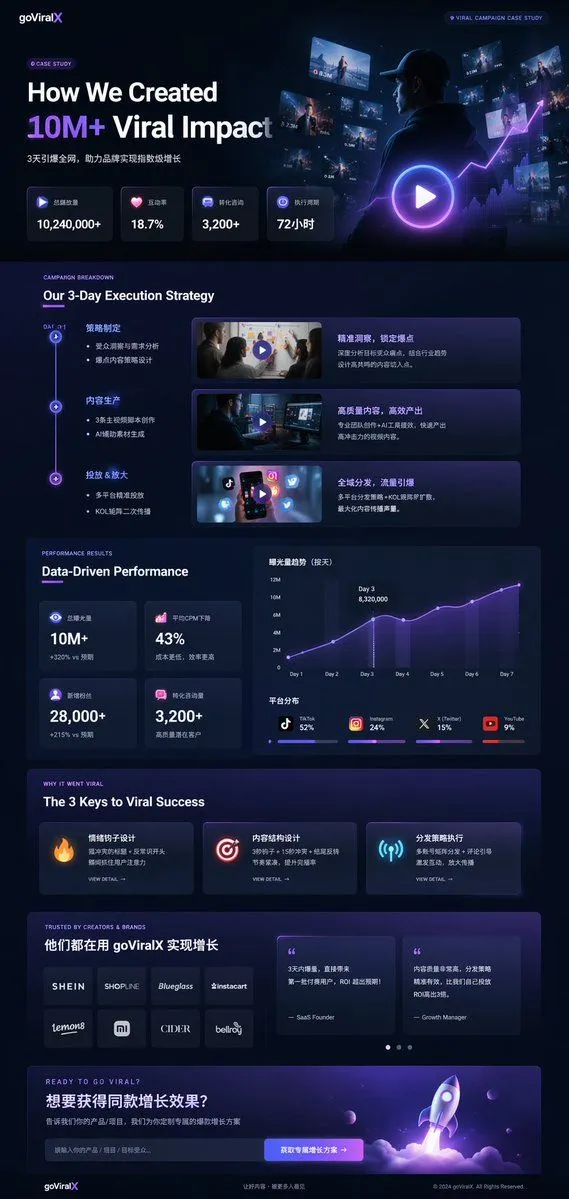
Dark Mode Marketing Case Study UI

Made with GPT Image 2 in ChatGPT by Library Brand. Promptclay never generates images.

Dark Mode Marketing Case Study UI

GPT Image 2AI-generated

Prompt

{ "type": "UI/UX landing page mockup", "theme": "dark mode, sleek modern aesthetic, glassmorphism, {argument name=\"primary accent color\" default=\"neon purple and blue\"} glowing accents", "header": { "logo": "{argument name=\"brand name\" default=\"goViralX\"}", "top_right_tag": "VIRAL CAMPAIGN CASE STUDY" }, "layout": { "sections": [ { "name": "Hero", "headline": "{argument name=\"hero headline\" default=\"How We Created 10M+ Viral Impact\"}", "subheadline": "3天引爆全网, 助力品牌实现指数级增长", "stats_row": { "count": 4, "labels": ["总播放量", "互动率", "转化咨询", "执行周期"], "values": ["{argument name=\"main statistic\" default=\"10,240,000+\"}", "18.7%", "3,200+", "72小时"] }, "visual": "cinematic shot of a person in a hoodie looking at glowing digital screens and graphs, large play button overlay" }, { "name": "Strategy", "title": "Our 3-Day Execution Strategy", "layout_type": "vertical timeline", "steps_count": 3, "elements_per_step": ["timeline node", "title", "bullet points", "video thumbnail with play button", "description box"] }, { "name": "Performance", "title": "Data-Driven Performance", "left_column": { "stat_cards_count": 4, "values": ["10M+", "43%", "28,000+", "3,200+"] }, "right_column": { "charts_count": 2, "chart_1": "line graph showing 7-day growth peaking at Day 3", "chart_2": "horizontal segmented bar chart showing platform distribution (TikTok 52%, Instagram 24%, X 15%, YouTube 9%)" } }, { "name": "Keys to Success", "title": "The 3 Keys to Viral Success", "cards_count": 3, "card_elements": ["glowing icon (fire, target, antenna)", "title", "description", "VIEW DETAIL link"] }, { "name": "Social Proof", "title": "TRUSTED BY CREATORS & BRANDS", "left_column": { "logos_count": 8, "grid": "2x4", "brands": ["SHEIN", "SHOPLINE", "Blueglass", "instacart", "lemon8", "mi", "CIDER", "bellroy"] }, "right_column": { "testimonial_cards_count": 2, "elements": ["quote", "author title (SaaS Founder, Growth Manager)"] } }, { "name": "Call to Action", "title": "READY TO GO VIRAL?", "interactive_elements": ["text input field", "glowing button with text '{argument name=\"call to action text\" default=\"获取专属增长方案 ->\"}'"], "visual": "3D render of a rocket ship taking off with purple and blue flames" } ] } }

Open in PicX Studio

Opens in a new tab with the prompt filled in or copied, ready to paste.

Works in
ChatGPT, Gemini
Status
Free to copy
DetailsVersions, settings and questions

Written for

What's in the prompt

Subject
Model
GPT Image 2

If your face changes

keep my face exactly the same

Questions

Does this work in the ChatGPT app?
Yes. Paste the prompt and attach your photo if it uses one.
It changed my face. What do I do?
Add "keep my face exactly the same" to the end and run it again.
Can I use the images I make?
Check the terms of the app you use. Promptclay never generates images and claims nothing you make.
0

Did it work?

No reports yet. Tell others if it worked for you.
No comments yet. Be the first.

    More like this

    See more
    • Dark AI Coding Dashboard UI
    • High-Tech Corporate KPI Presentation Slide
    • Universal Statistics Promotional Video PromptVideo, 0:06
    • Modern landing page design for Polyphonic
    • Glassmorphism SaaS-style PPT design prompt for Nano Banana Pro
    • AI Image Generator UI Mockup
    • Cyberpunk Flash Sale Landing Hero
    • Minimalistic Premium Website Landing Page Prompt
    • Men's Skincare Website Landing Page Mockup
    • Chinese GPT 5.5 Benchmark Infographic
    • Dark Research Figure Gallery UI
    • Gacha Game UI Mockup
    • Dark-Mode Christmas Gifting Website UI Design
    • Neon Loop Mode Music App Poster
    • Immersive Music Player UI Poster
    • Cyberpunk Zero Second Promo Banner
    • Generating Multiple Runnable Modes/States
    • Xiaohongshu 3D Creator Profile Card
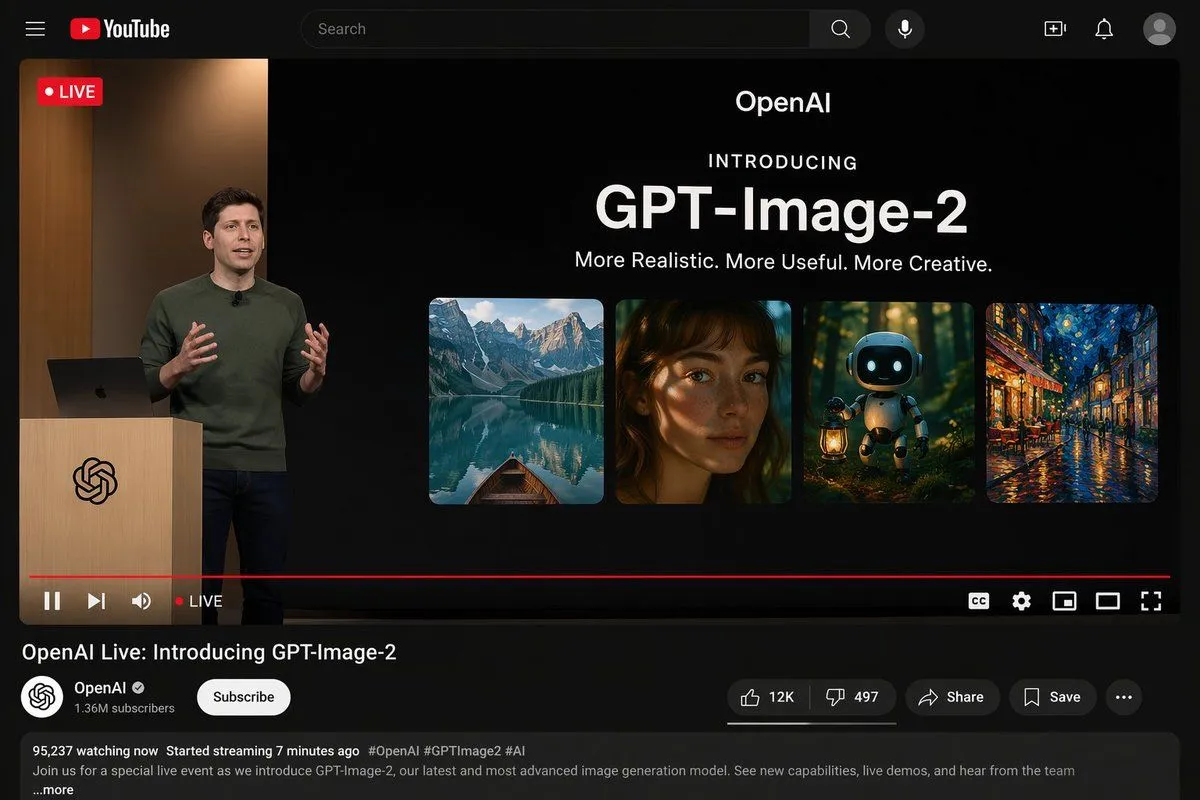
    • YouTube Live Presentation UI Mockup
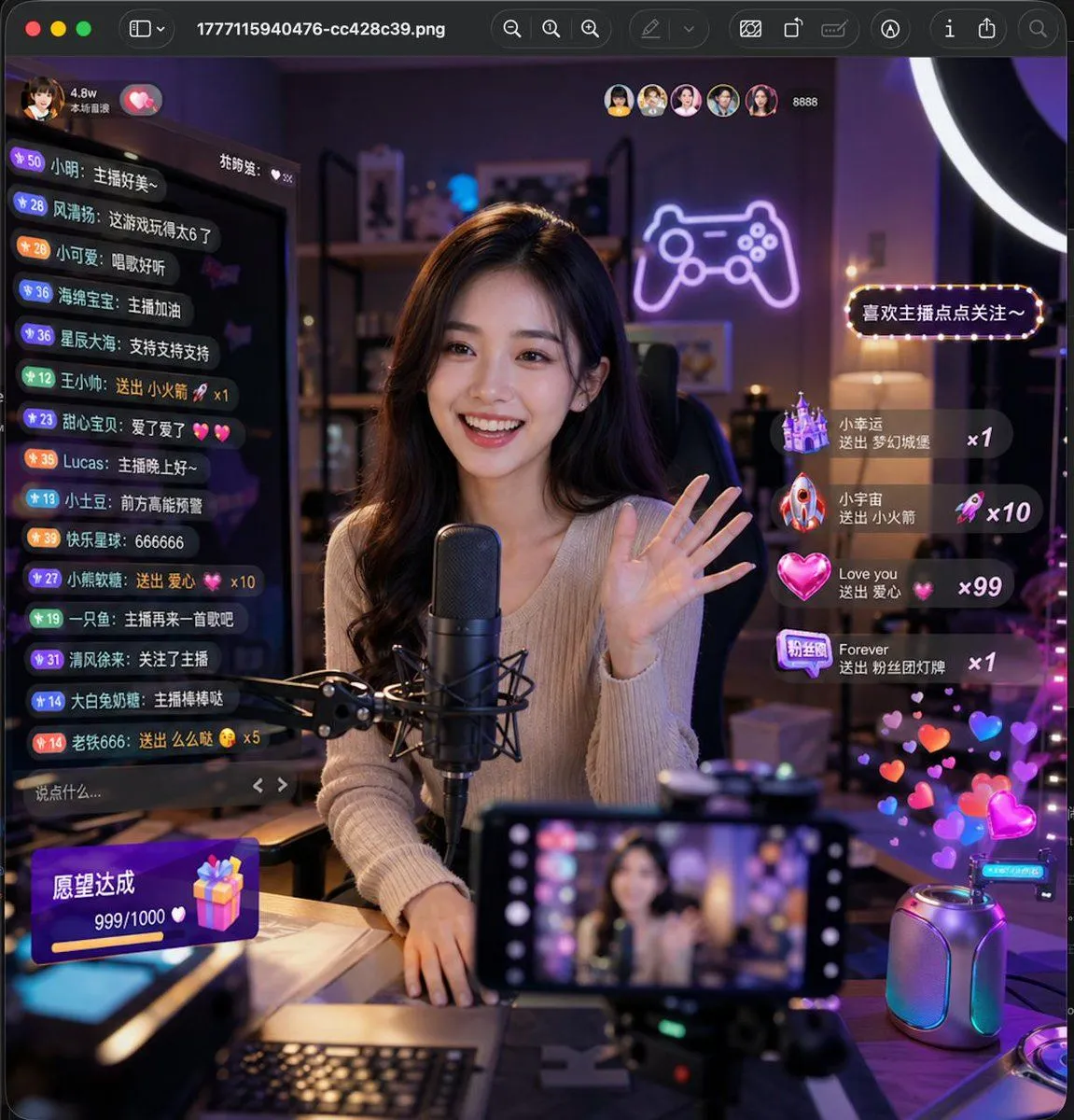
    • Lively Live Streaming Scene
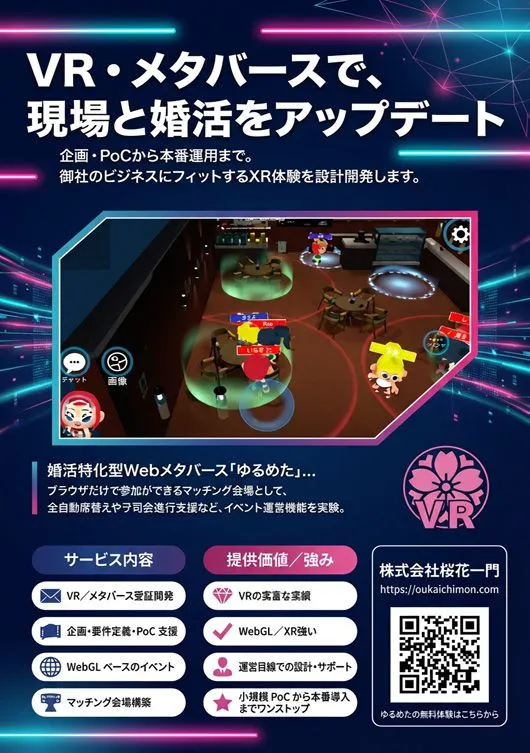
    • Flyer Redesign Prompt using Nano Banana Pro
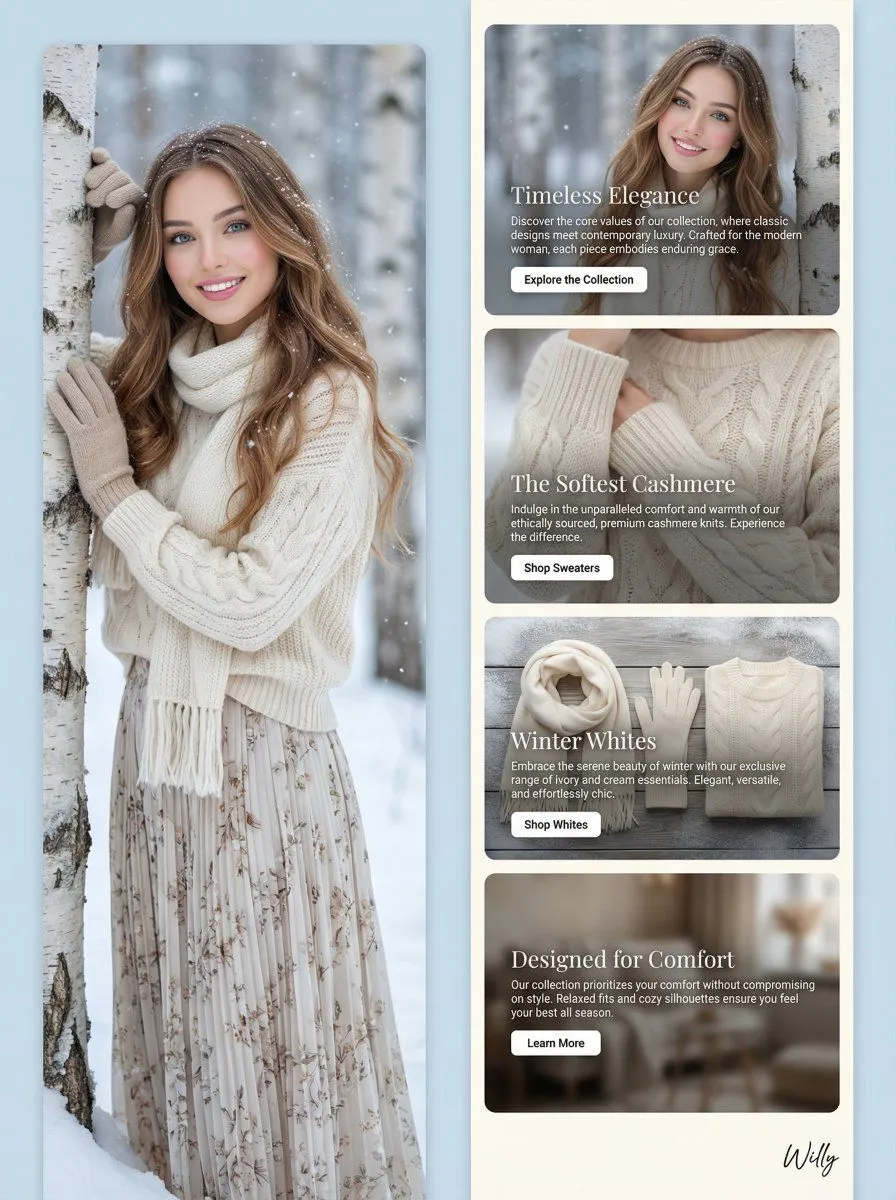
    • Winter Fashion Landing Page Design and Editorial Image
    • Luxury E-Commerce Landing Page Mockup
    • Generate a room that looks like life is being enjoyed to the fullest

    Show more

    Run it on your phone

    1. Prompt copiedRead it

      { "type": "UI/UX landing page mockup", "theme": "dark mode, sleek modern aesthetic, glassmorphism, {argument name=\"primary accent color\" default=\"neon purple and blue\"} glowing accents", "header": { "logo": "{argument name=\"brand name\" default=\"goViralX\"}", "top_right_tag": "VIRAL CAMPAIGN CASE STUDY" }, "layout": { "sections": [ { "name": "Hero", "headline": "{argument name=\"hero headline\" default=\"How We Created 10M+ Viral Impact\"}", "subheadline": "3天引爆全网, 助力品牌实现指数级增长", "stats_row": { "count": 4, "labels": ["总播放量", "互动率", "转化咨询", "执行周期"], "values": ["{argument name=\"main statistic\" default=\"10,240,000+\"}", "18.7%", "3,200+", "72小时"] }, "visual": "cinematic shot of a person in a hoodie looking at glowing digital screens and graphs, large play button overlay" }, { "name": "Strategy", "title": "Our 3-Day Execution Strategy", "layout_type": "vertical timeline", "steps_count": 3, "elements_per_step": ["timeline node", "title", "bullet points", "video thumbnail with play button", "description box"] }, { "name": "Performance", "title": "Data-Driven Performance", "left_column": { "stat_cards_count": 4, "values": ["10M+", "43%", "28,000+", "3,200+"] }, "right_column": { "charts_count": 2, "chart_1": "line graph showing 7-day growth peaking at Day 3", "chart_2": "horizontal segmented bar chart showing platform distribution (TikTok 52%, Instagram 24%, X 15%, YouTube 9%)" } }, { "name": "Keys to Success", "title": "The 3 Keys to Viral Success", "cards_count": 3, "card_elements": ["glowing icon (fire, target, antenna)", "title", "description", "VIEW DETAIL link"] }, { "name": "Social Proof", "title": "TRUSTED BY CREATORS & BRANDS", "left_column": { "logos_count": 8, "grid": "2x4", "brands": ["SHEIN", "SHOPLINE", "Blueglass", "instacart", "lemon8", "mi", "CIDER", "bellroy"] }, "right_column": { "testimonial_cards_count": 2, "elements": ["quote", "author title (SaaS Founder, Growth Manager)"] } }, { "name": "Call to Action", "title": "READY TO GO VIRAL?", "interactive_elements": ["text input field", "glowing button with text '{argument name=\"call to action text\" default=\"获取专属增长方案 ->\"}'"], "visual": "3D render of a rocket ship taking off with purple and blue flames" } ] } }

    2. Open your app

      This prompt is long, so it is copied instead of sent in the link. Paste it in the app.

    3. Paste and run

      Press and hold the message box, then tap Paste. Add your photo first if the prompt uses one. You may need to sign in.

    Dark Mode Marketing Case Study UI