Tell us anything

An idea, a bug, something you love. We read every note.

⌘↵ to send. The page you're on comes along.

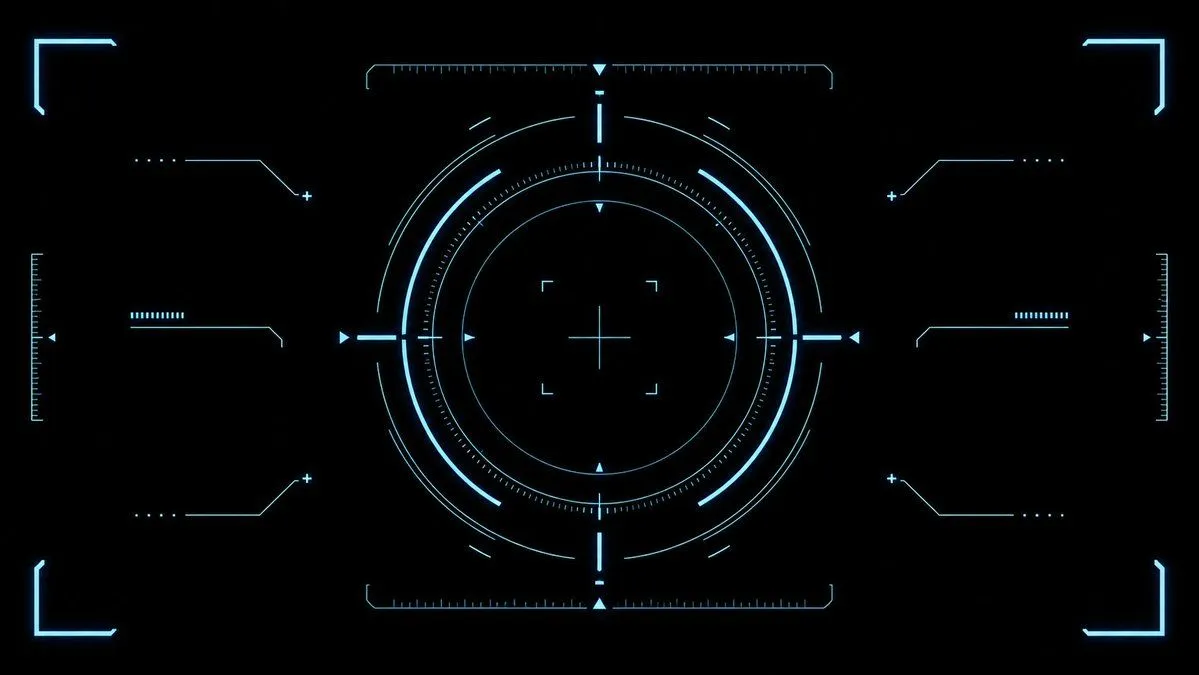
Cyan Sci-Fi HUD Reticle Overlay

Made with GPT Image 2 in ChatGPT, collected by Library Game Art. Promptclay never generates images.

Did it work?

No reports yet. Tell others if it worked for you.

No comments yet. Be the first.

    Cyan Sci-Fi HUD Reticle Overlay

    GPT Image 216:9AI-generated

    Prompt

    {"type":"futuristic sci-fi HUD interface effect asset","format":"wide 16:9 transparent-style graphic on pure black background","style":"minimal high-tech vector UI, clean cyan neon glow, thin luminous strokes, symmetrical targeting overlay, game interface / cockpit scanner aesthetic, no text, no logos, no humans","color_palette":{"primary":"{argument name=\"glow color\" default=\"electric cyan blue\"}","background":"{argument name=\"background color\" default=\"deep black\"}","line_weight":"ultra-thin technical lines with soft bloom"},"composition":{"overall":"perfectly centered, horizontally symmetrical heads-up display reticle with large circular target in the middle and decorative interface brackets around the edges","canvas":"{argument name=\"aspect ratio\" default=\"16:9 widescreen\"}","central_elements":{"count":10,"items":["1 large outer circular ring made from segmented arcs","1 bright inner circular ring","1 dotted micro-tick circular scale surrounding the inner ring","1 thin innermost circle","1 central crosshair with horizontal and vertical lines","4 small corner focus brackets around the crosshair","4 cardinal triangular pointers at top, bottom, left, and right of the circle","4 short bright radial bars at the cardinal directions","multiple fine calibration ticks along the circle","small broken outer orbit arcs for motion-graphic detail"]},"side_elements":{"count":6,"items":["3 left-side connector-line HUD widgets: top, middle, bottom","3 right-side connector-line HUD widgets: top, middle, bottom"],"details":"each side widget uses angled circuit-like lines, small dots, plus signs, and short ruler bars, mirrored left to right"},"edge_elements":{"count":8,"items":["4 glowing corner frame brackets, one in each corner","2 vertical ruler scales at the far left and far right edges","2 horizontal ruler scales centered near the top and bottom of the main circle","small triangular side markers near the left and right edges"]}},"lighting":"soft neon bloom around every line, crisp dark negative space, high contrast","rendering":"2D vector effect material, sharp clean geometry, anti-aliased, suitable as a transparent overlay or VFX asset","negative_prompt":"no words, no numbers, no icons with meaning, no cluttered background, no gradients except glow, no realistic objects, no characters"}

    Works in
    ChatGPT, Gemini
    Status
    Free to copy
    0
    DetailsVersions, settings and questions

    Written for

    What's in the prompt

    Subject
    Model
    GPT Image 2

    If your face changes

    keep my face exactly the same

    Questions

    Does this work in the ChatGPT app?
    Yes. Paste the prompt and attach your photo if it uses one.
    It changed my face. What do I do?
    Add "keep my face exactly the same" to the end and run it again.
    Can I use the images I make?
    Check the terms of the app you use. Promptclay never generates images and claims nothing you make.
    Similar prompts

    See more
    • Sci-Fi Light Freighter Schematic HUD
    • Annotate photo with hot-or-not console ratings
    • Neon M5Stack Usage Gauge
    • Futuristic Neon Tic-Tac-Toe UI
    • HUD battle power overlay for any character image
    • Abstract Motion Illusion Prompt
    • Futuristic Ohmni Access Landing Page
    • Futuristic AI Summit Poster
    • Anime Character Generation Workflow
    • Cyberpunk Formula Neo Racing HUD
    • Ultra-Wide Horizontal Game Level Concept
    • Retro HUD Claude Usage Gauge
    • Cyber-Luxury Smartwatch Product Grid Prompt
    • YouTube Subtitle Base Generation Prompt
    • 3D Artsy Video Game Controller Grid
    • Neon Japanese AI IDE Landing Poster
    • Futuristic Holographic Burj Khalifa Blueprint
    • Cyber Ninja Character Sheet
    • Y2K Chrome Plush Product Render
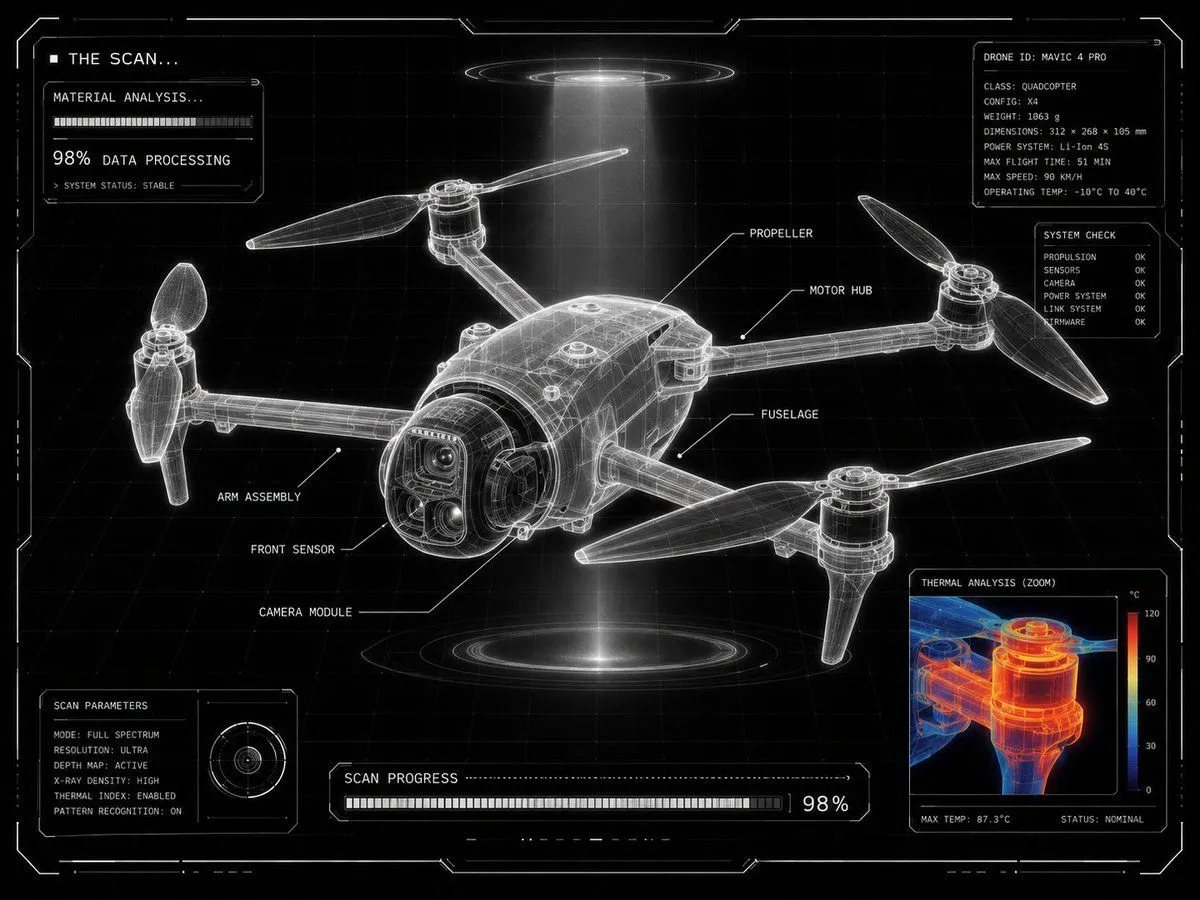
    • Futuristic Sci-Fi Laboratory Scan UI
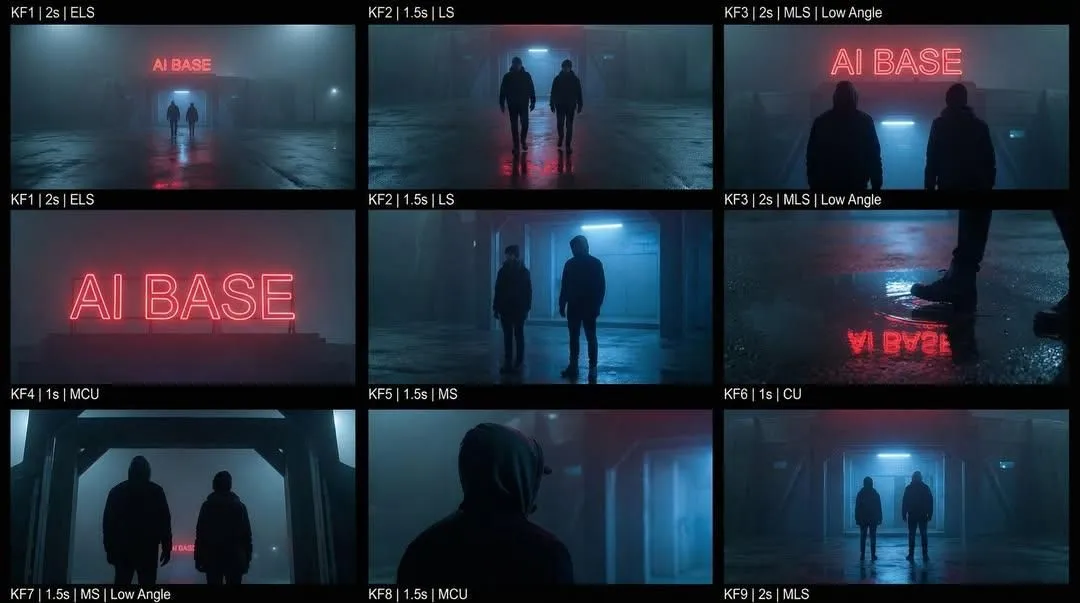
    • Cinematic Sci-Fi Storyboard Prompt for Nano Banana Pro
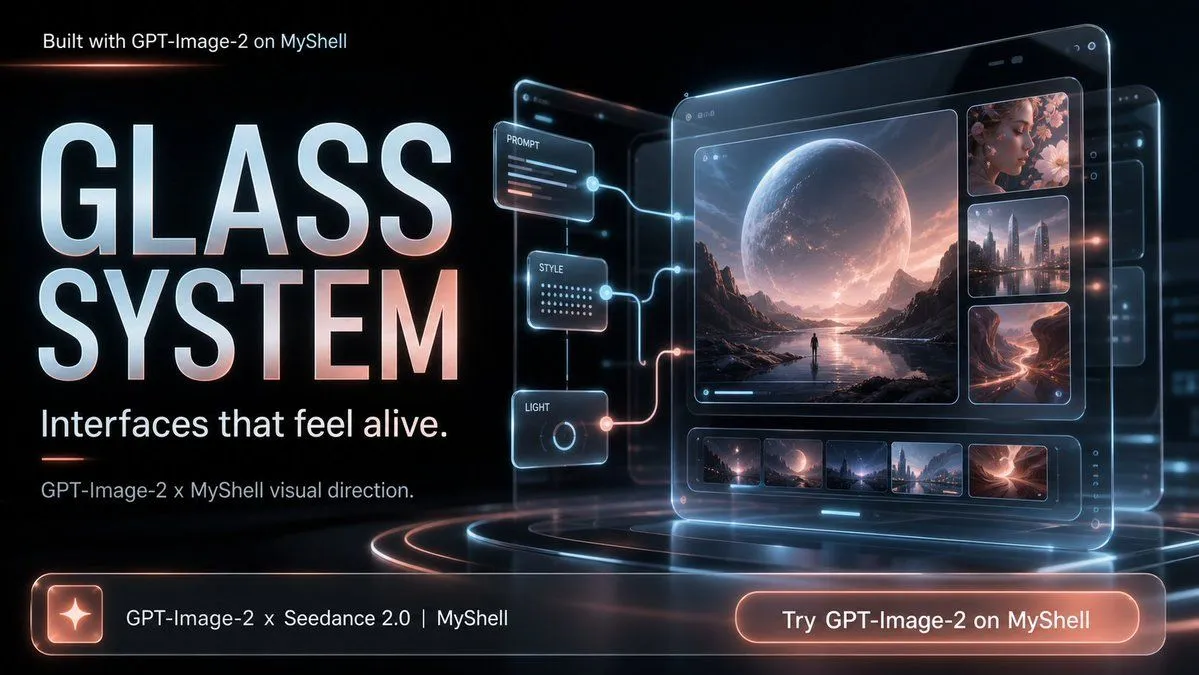
    • Futuristic Glass UI Product Banner
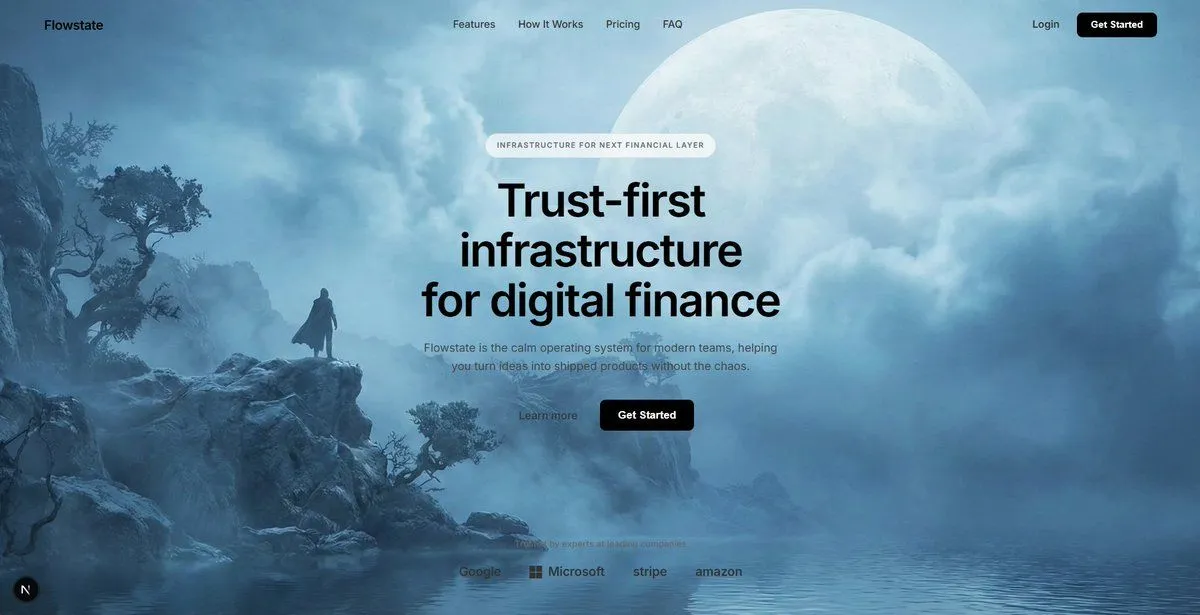
    • Cinematic Sci-Fi Landscape and Fintech UI Design Prompts
    • Neon Cyborg Girl Portrait Prompt

    Show more

    Run it on your phone

    1. Prompt copiedRead it

      {"type":"futuristic sci-fi HUD interface effect asset","format":"wide 16:9 transparent-style graphic on pure black background","style":"minimal high-tech vector UI, clean cyan neon glow, thin luminous strokes, symmetrical targeting overlay, game interface / cockpit scanner aesthetic, no text, no logos, no humans","color_palette":{"primary":"{argument name=\"glow color\" default=\"electric cyan blue\"}","background":"{argument name=\"background color\" default=\"deep black\"}","line_weight":"ultra-thin technical lines with soft bloom"},"composition":{"overall":"perfectly centered, horizontally symmetrical heads-up display reticle with large circular target in the middle and decorative interface brackets around the edges","canvas":"{argument name=\"aspect ratio\" default=\"16:9 widescreen\"}","central_elements":{"count":10,"items":["1 large outer circular ring made from segmented arcs","1 bright inner circular ring","1 dotted micro-tick circular scale surrounding the inner ring","1 thin innermost circle","1 central crosshair with horizontal and vertical lines","4 small corner focus brackets around the crosshair","4 cardinal triangular pointers at top, bottom, left, and right of the circle","4 short bright radial bars at the cardinal directions","multiple fine calibration ticks along the circle","small broken outer orbit arcs for motion-graphic detail"]},"side_elements":{"count":6,"items":["3 left-side connector-line HUD widgets: top, middle, bottom","3 right-side connector-line HUD widgets: top, middle, bottom"],"details":"each side widget uses angled circuit-like lines, small dots, plus signs, and short ruler bars, mirrored left to right"},"edge_elements":{"count":8,"items":["4 glowing corner frame brackets, one in each corner","2 vertical ruler scales at the far left and far right edges","2 horizontal ruler scales centered near the top and bottom of the main circle","small triangular side markers near the left and right edges"]}},"lighting":"soft neon bloom around every line, crisp dark negative space, high contrast","rendering":"2D vector effect material, sharp clean geometry, anti-aliased, suitable as a transparent overlay or VFX asset","negative_prompt":"no words, no numbers, no icons with meaning, no cluttered background, no gradients except glow, no realistic objects, no characters"}

    2. Open your app

      This prompt is long, so it is copied instead of sent in the link. Paste it in the app.

    3. Paste and run

      Press and hold the message box, then tap Paste. Add your photo first if the prompt uses one. You may need to sign in.

    Cyan Sci-Fi HUD Reticle Overlay