Tell us anything

An idea, a bug, something you love. We read every note.

⌘↵ to send. The page you're on comes along.

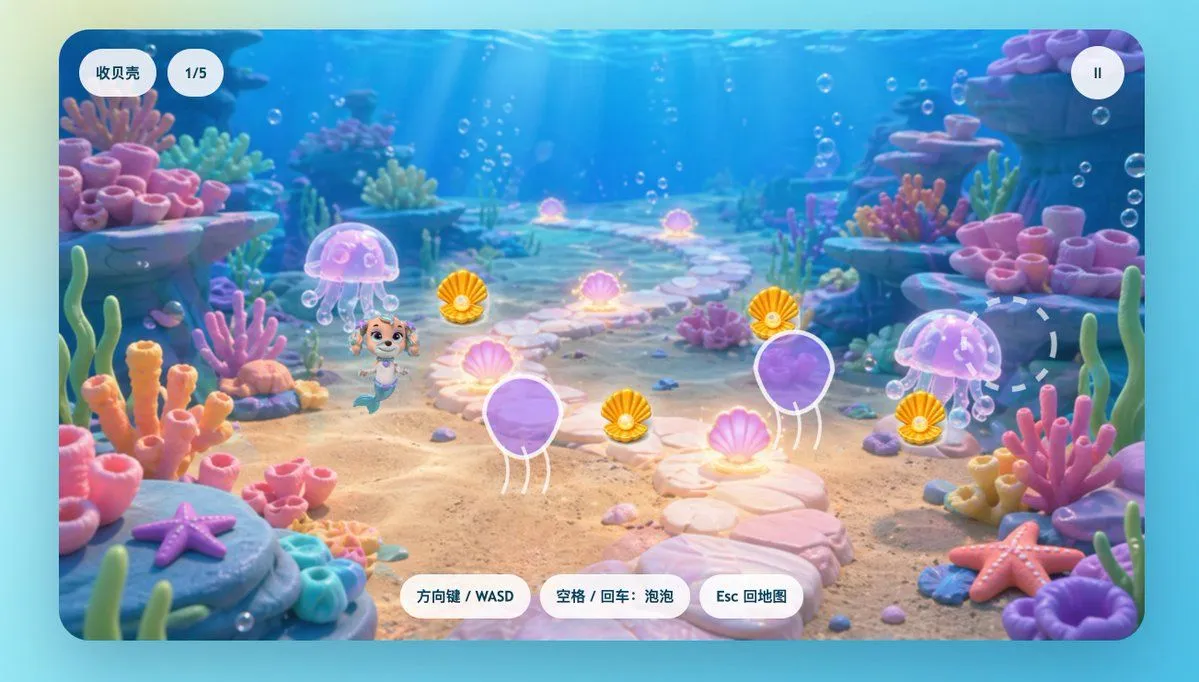
Cute Mermaid Puppy Underwater Game Screen

Made with GPT Image 2 in ChatGPT by Library Game Art. Promptclay never generates images.

Did it work?

No reports yet. Tell others if it worked for you.

No comments yet. Be the first.

    Cute Mermaid Puppy Underwater Game Screen

    GPT Image 216:9AI-generated

    Prompt

    A bright, whimsical underwater 2D game scene in a polished children’s animation style, shown as a full-screen level screenshot inside a rounded-rectangle game viewport. The setting is a colorful coral reef with a sandy seabed and a pale stone path winding from the foreground into the distance at center, creating depth. Sunbeams stream down through clear blue water from above, with many small air bubbles floating throughout the scene. Surround the path with soft, toy-like coral formations and sea plants in pastel pink, peach, lavender, turquoise, and mint, plus rocky ledges on both sides. Place 2 starfish in the foreground, one purple on the lower left rock and one pink-orange on the lower right. Add 2 translucent pink jellyfish, one left of center and one right of center, both gently glowing. Scatter 6 glowing pink clam shells along and beside the path, each emitting a soft magical aura. Add 4 golden-orange collectible shells with a pearl-like center, positioned near the middle play area. Include 2 large purple balloon-like jelly obstacles with white outlines and short dangling tentacles, one in the lower center-left and one in the mid-right. Near the left-center foreground, place a cute mermaid puppy character inspired by a preschool cartoon rescue dog: small smiling puppy face, big expressive eyes, light brown and cream fur, pink head accessory, teal mermaid tail, playful cheerful pose as if moving forward. On the right side, add a faint dashed circular target marker over the environment. Overlay simple mobile-game UI in Chinese: at the top left, two white rounded pill buttons, one reading "收贝壳" and one reading "1/5"; at the top right, a white circular pause button with "II". At the bottom center, place 3 white rounded instruction buttons with blue-gray text: "方向键 / WASD", "空格 / 回车:泡泡", and "Esc 回地图". Make the whole image glossy, soft-lit, kid-friendly, high-saturation but pastel-balanced, with a dreamy fantasy reef atmosphere and clean casual game-art composition.

    Works in
    ChatGPT, Gemini
    Status
    Free to copy
    0
    DetailsVersions, settings and questions

    Written for

    What's in the prompt

    Subject
    Model
    GPT Image 2

    If your face changes

    keep my face exactly the same

    Questions

    Does this work in the ChatGPT app?
    Yes. Paste the prompt and attach your photo if it uses one.
    It changed my face. What do I do?
    Add "keep my face exactly the same" to the end and run it again.
    Can I use the images I make?
    Check the terms of the app you use. Promptclay never generates images and claims nothing you make.

    Similar prompts

    See more
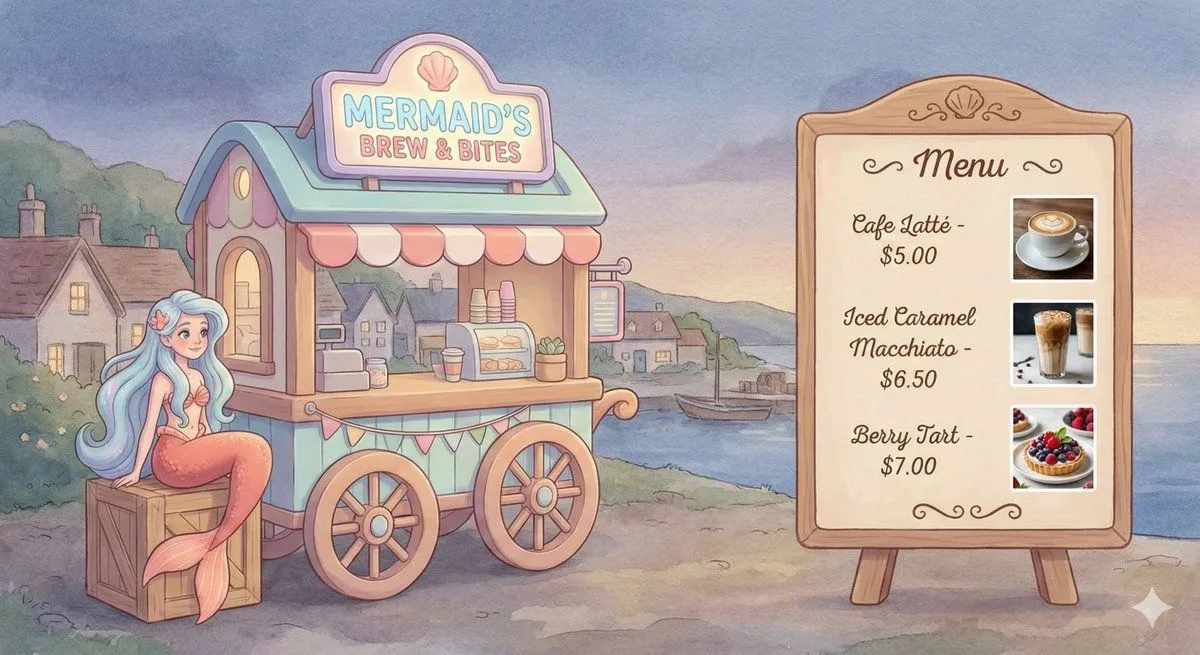
    • Dreamy Mermaid Café Illustration with Menu Display
    • Kawaii coffee dog vector illustration
    • Manga Generation Prompt: Good Morning Magic
    • Minimalist 3D Clay Render
    • Kawaii RPG Character Profile Sheet
    • Underwater Anime Mermaid Portrait
    • Secrets of the Sea Underwater Scene
    • Futuristic Sky Runner Robot
    • New Pokémon pixel art battle scene
    • Pixel Art Sprite Sheet Generation
    • 3D Polished Character Portrait (Pastel Anime Style)
    • Underwater Fantasy Romance Portrait
    • Floating Stone Cube Challenge
    • AI Assistant App UI Mockup
    • AI Chat Image Generation Screenshot
    • Minimalist Cinematic Vertical Poster with Character Reference
    • Prompt for UV Unwrapping a 3D Model
    • Chopin's Fantaisie-Impromptu in Lassen Style
    • Pastel Squid Maid Bedroom Illustration
    • Ten Rabbit AI Recruitment Poster Variations
    • Collectible Miniature Diorama of a Rugged Mining Settlement
    • Photorealistic Short Video App Screenshot
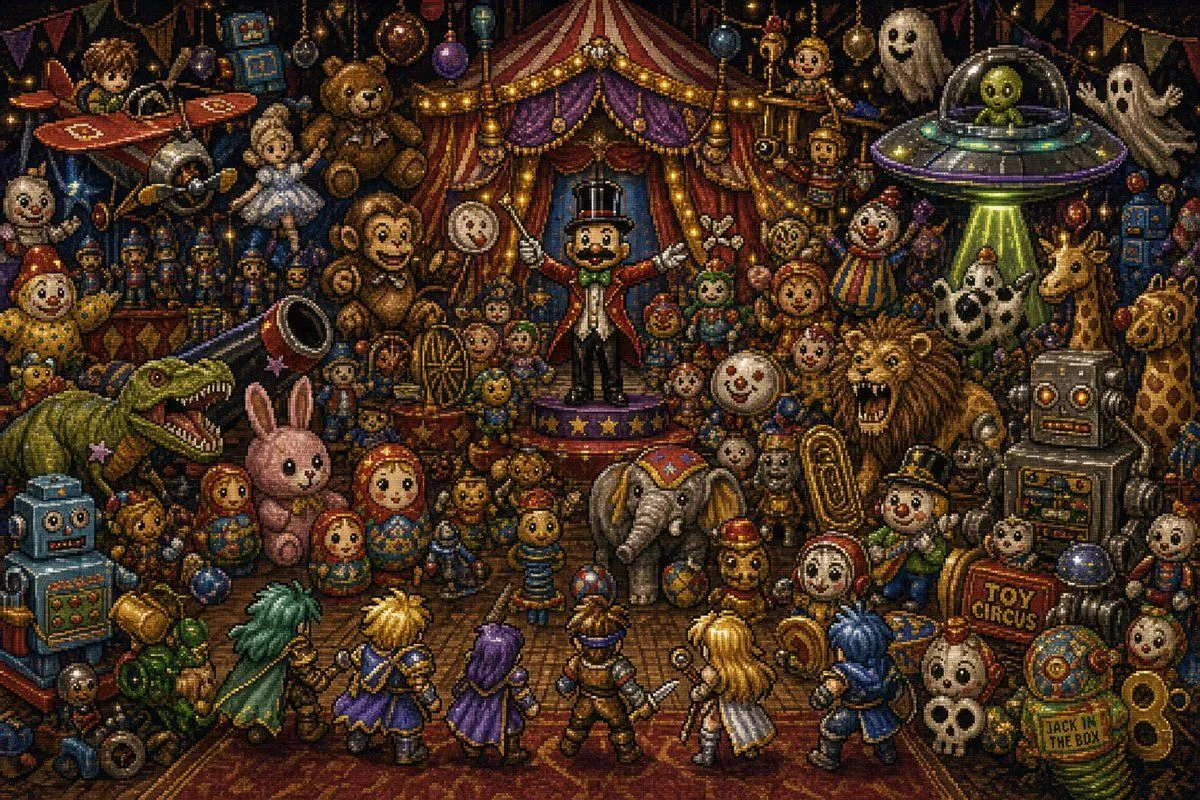
    • Toy Circus JRPG Battle
    • 3D Jungle Adventure Poster

    Show more

    Run it on your phone

    1. Prompt copiedRead it

      A bright, whimsical underwater 2D game scene in a polished children’s animation style, shown as a full-screen level screenshot inside a rounded-rectangle game viewport. The setting is a colorful coral reef with a sandy seabed and a pale stone path winding from the foreground into the distance at center, creating depth. Sunbeams stream down through clear blue water from above, with many small air bubbles floating throughout the scene. Surround the path with soft, toy-like coral formations and sea plants in pastel pink, peach, lavender, turquoise, and mint, plus rocky ledges on both sides. Place 2 starfish in the foreground, one purple on the lower left rock and one pink-orange on the lower right. Add 2 translucent pink jellyfish, one left of center and one right of center, both gently glowing. Scatter 6 glowing pink clam shells along and beside the path, each emitting a soft magical aura. Add 4 golden-orange collectible shells with a pearl-like center, positioned near the middle play area. Include 2 large purple balloon-like jelly obstacles with white outlines and short dangling tentacles, one in the lower center-left and one in the mid-right. Near the left-center foreground, place a cute mermaid puppy character inspired by a preschool cartoon rescue dog: small smiling puppy face, big expressive eyes, light brown and cream fur, pink head accessory, teal mermaid tail, playful cheerful pose as if moving forward. On the right side, add a faint dashed circular target marker over the environment. Overlay simple mobile-game UI in Chinese: at the top left, two white rounded pill buttons, one reading "收贝壳" and one reading "1/5"; at the top right, a white circular pause button with "II". At the bottom center, place 3 white rounded instruction buttons with blue-gray text: "方向键 / WASD", "空格 / 回车:泡泡", and "Esc 回地图". Make the whole image glossy, soft-lit, kid-friendly, high-saturation but pastel-balanced, with a dreamy fantasy reef atmosphere and clean casual game-art composition.

    2. Open your app

      This prompt is long, so it is copied instead of sent in the link. Paste it in the app.

    3. Paste and run

      Press and hold the message box, then tap Paste. Add your photo first if the prompt uses one. You may need to sign in.

    Cute Mermaid Puppy Underwater Game Screen