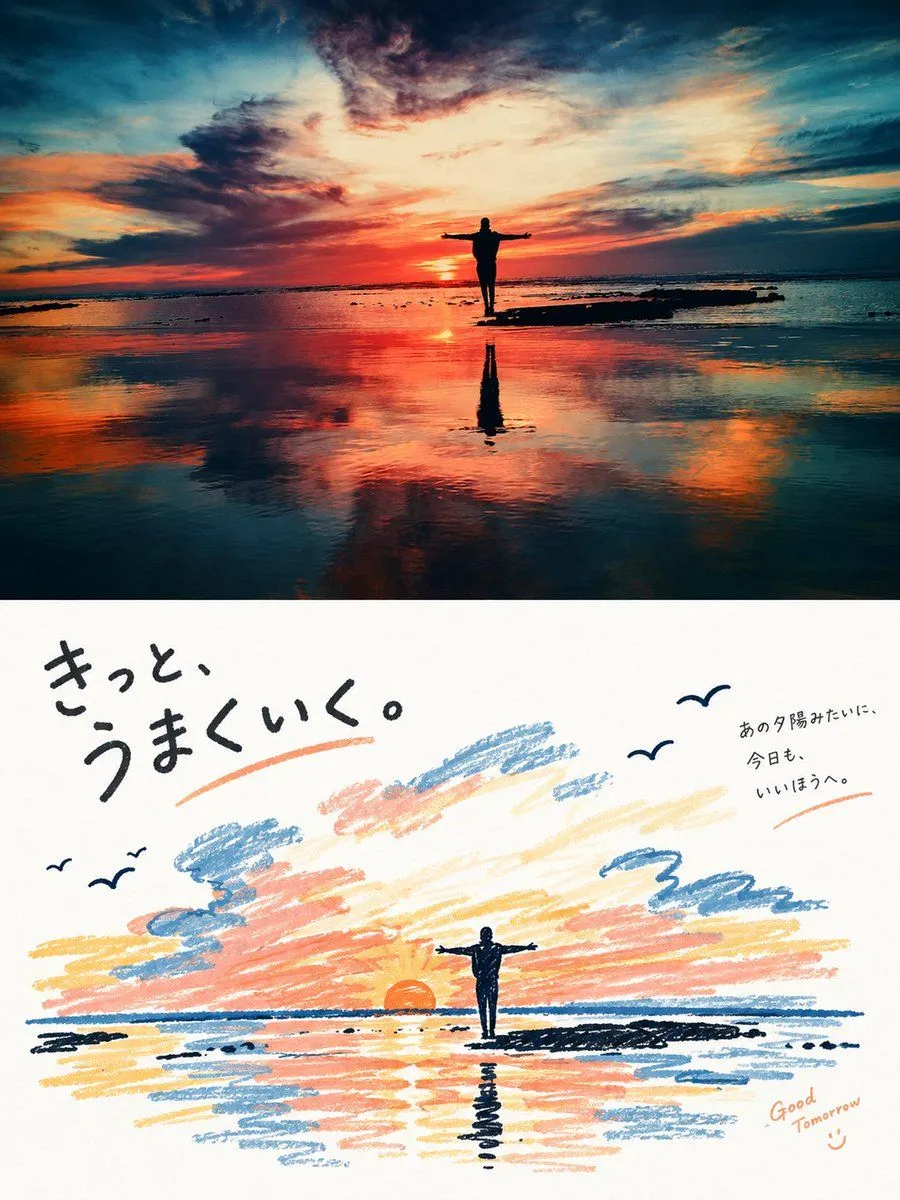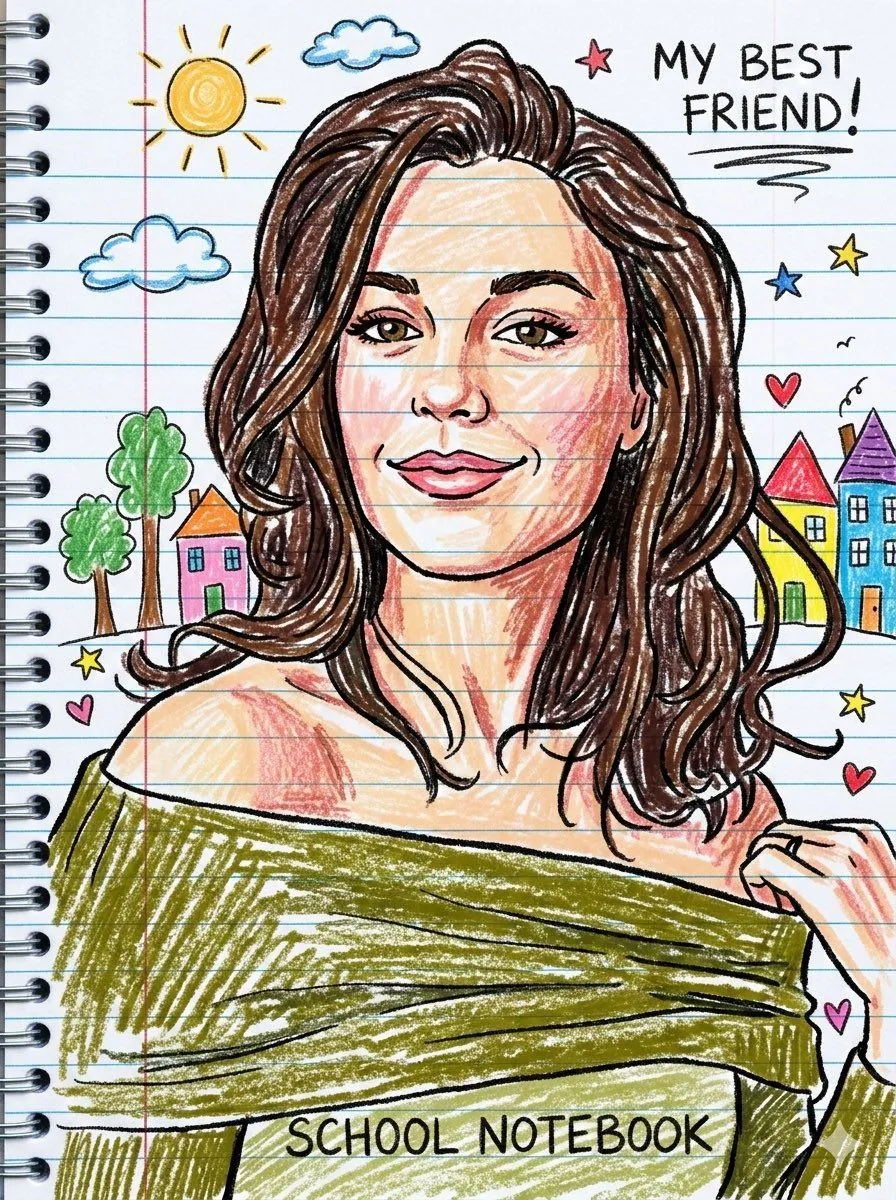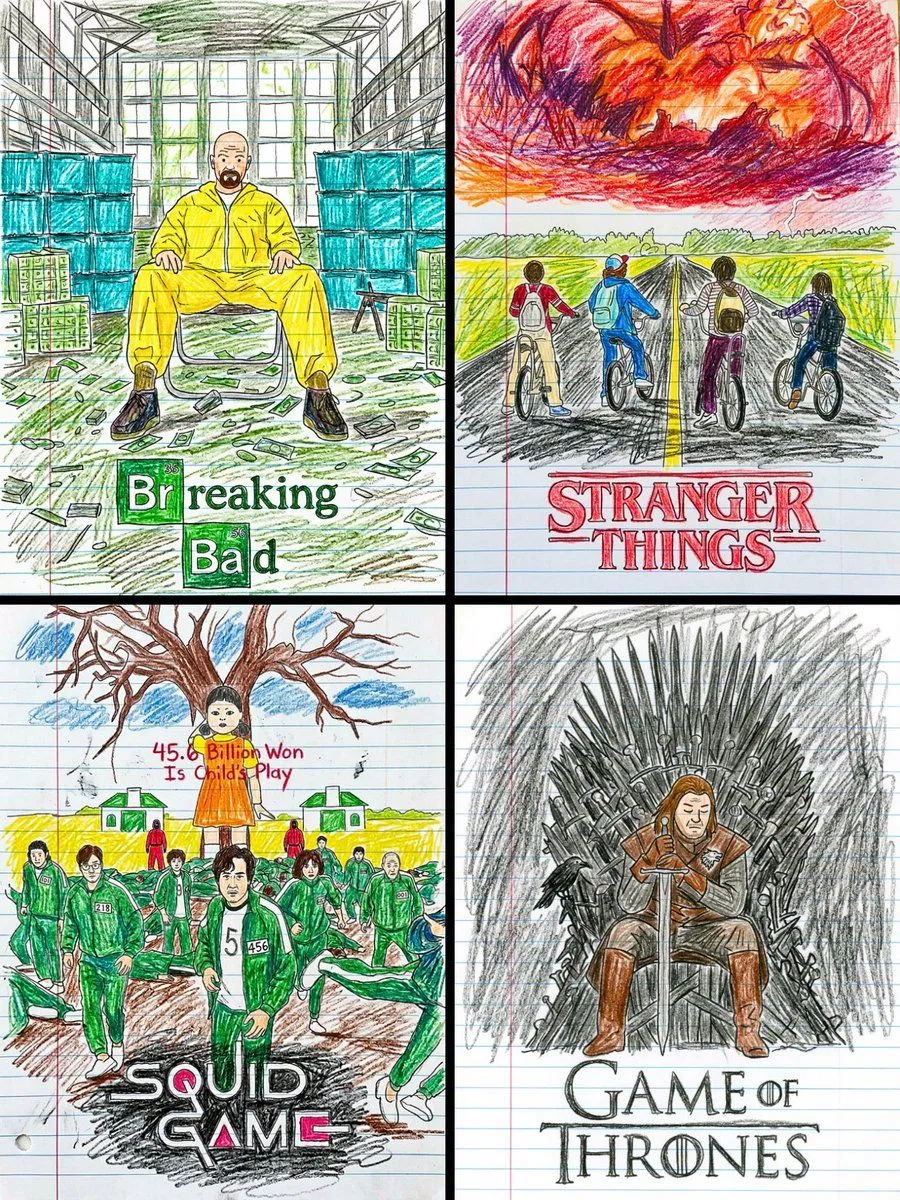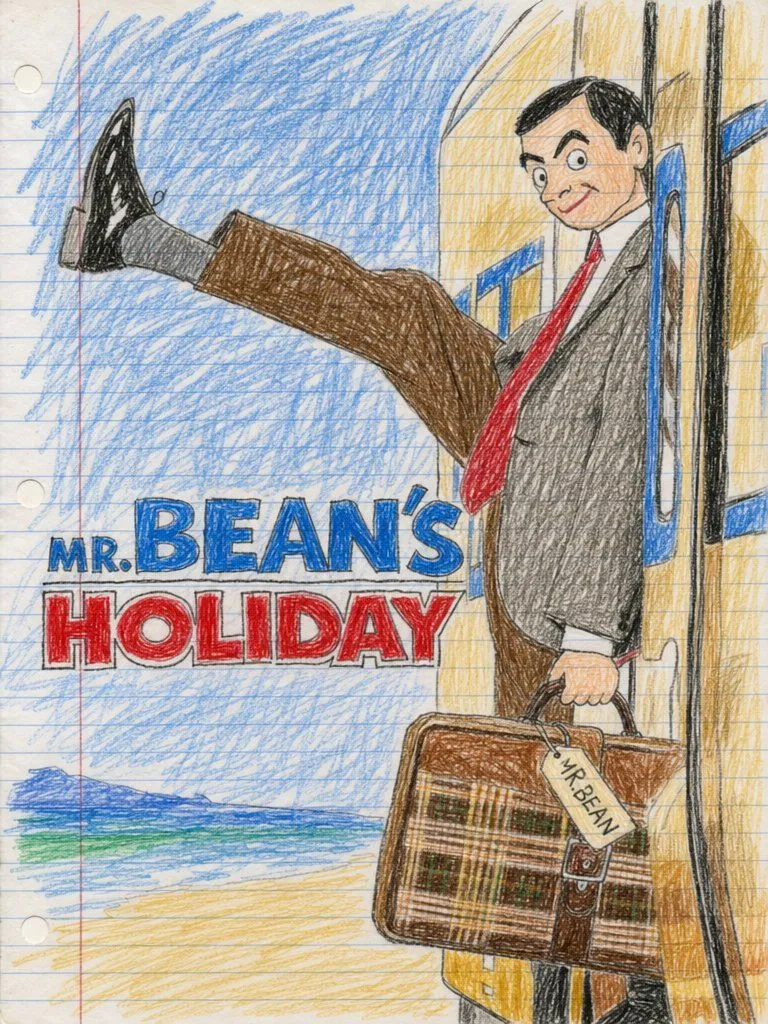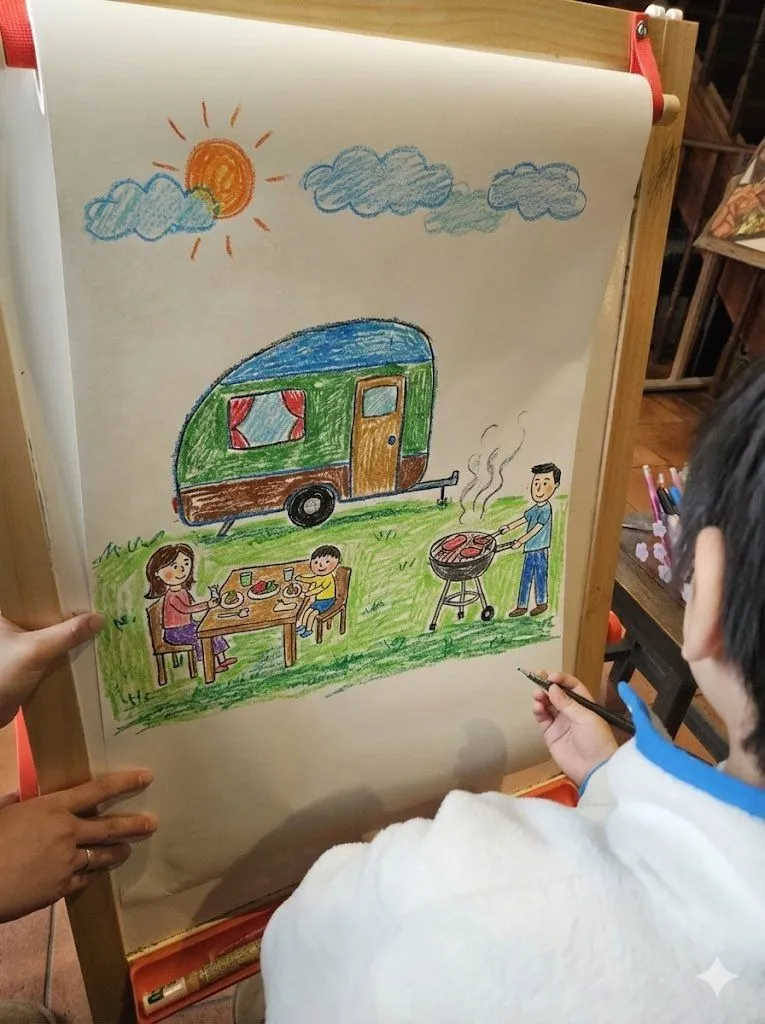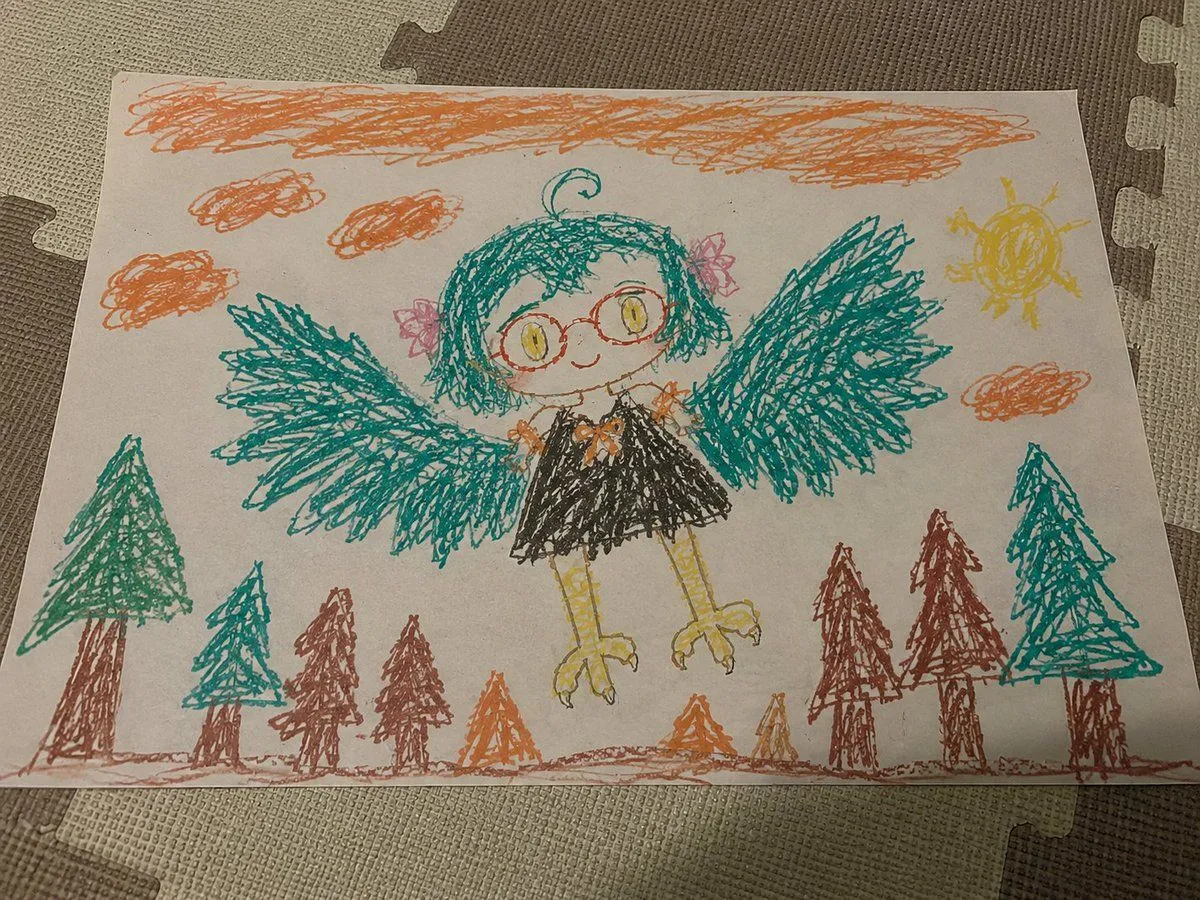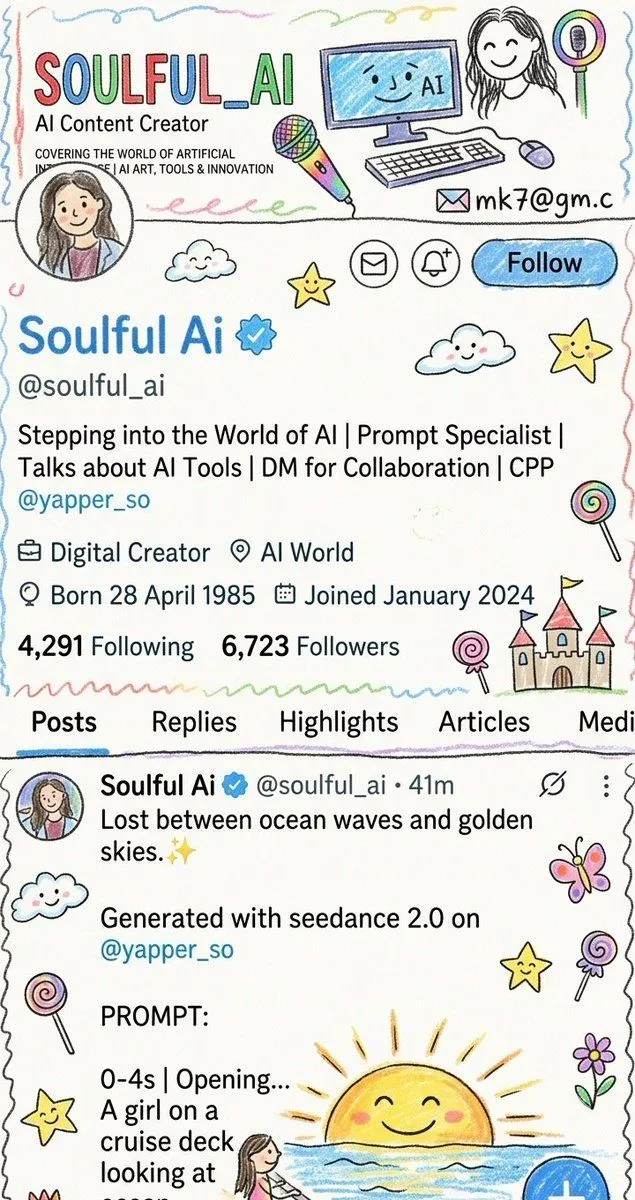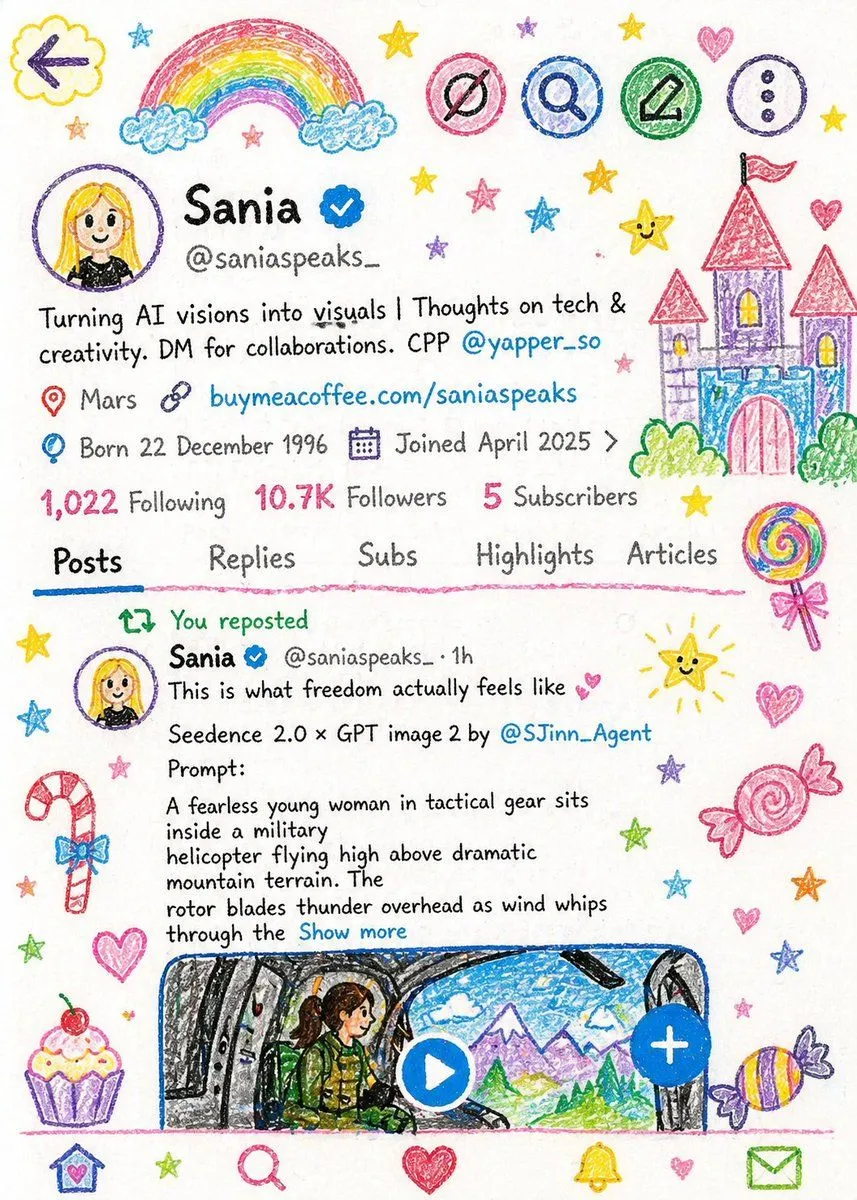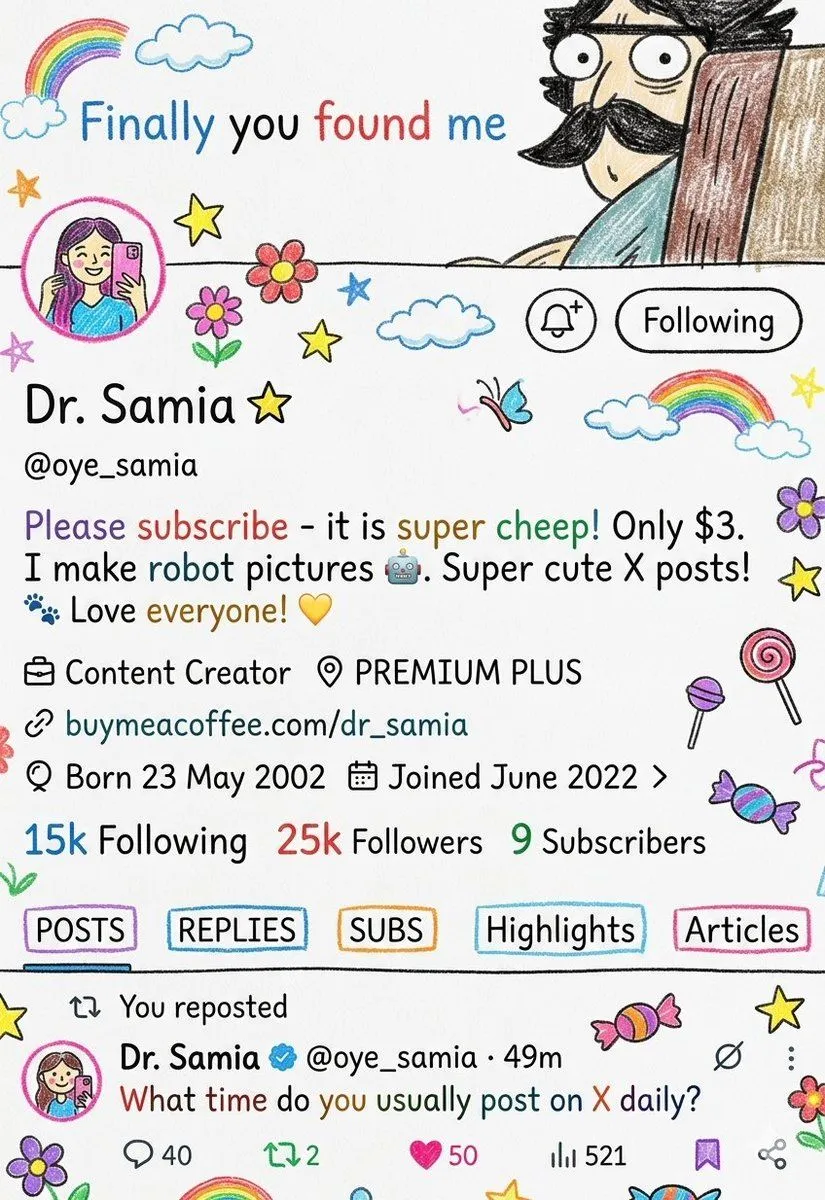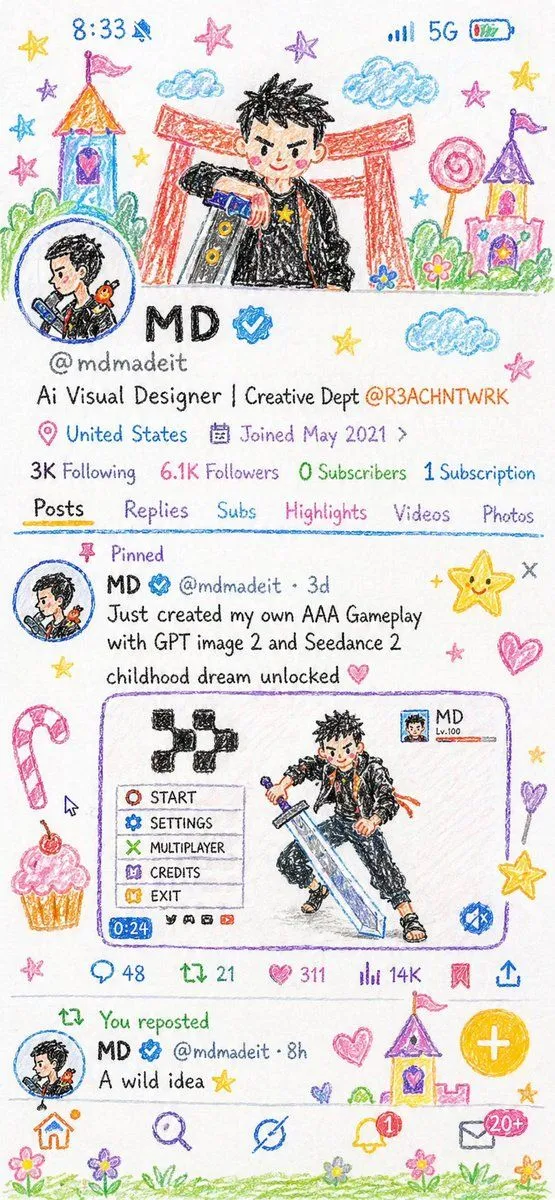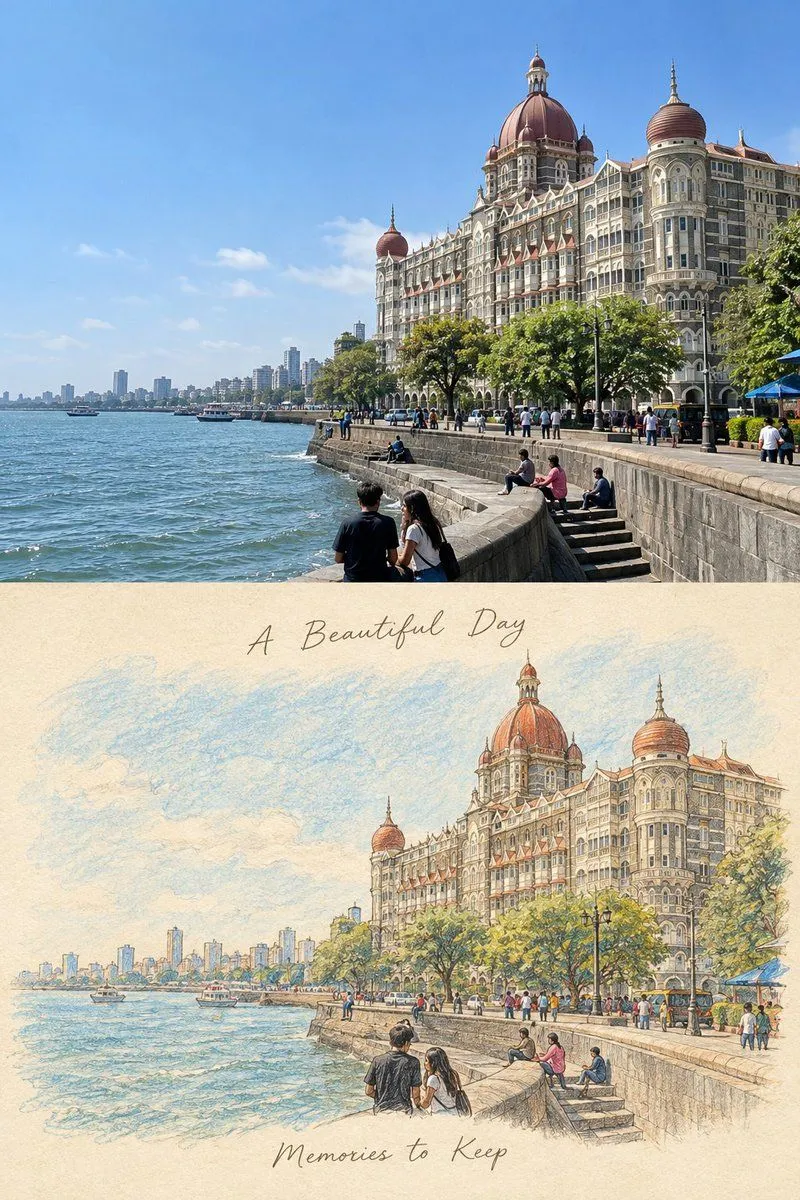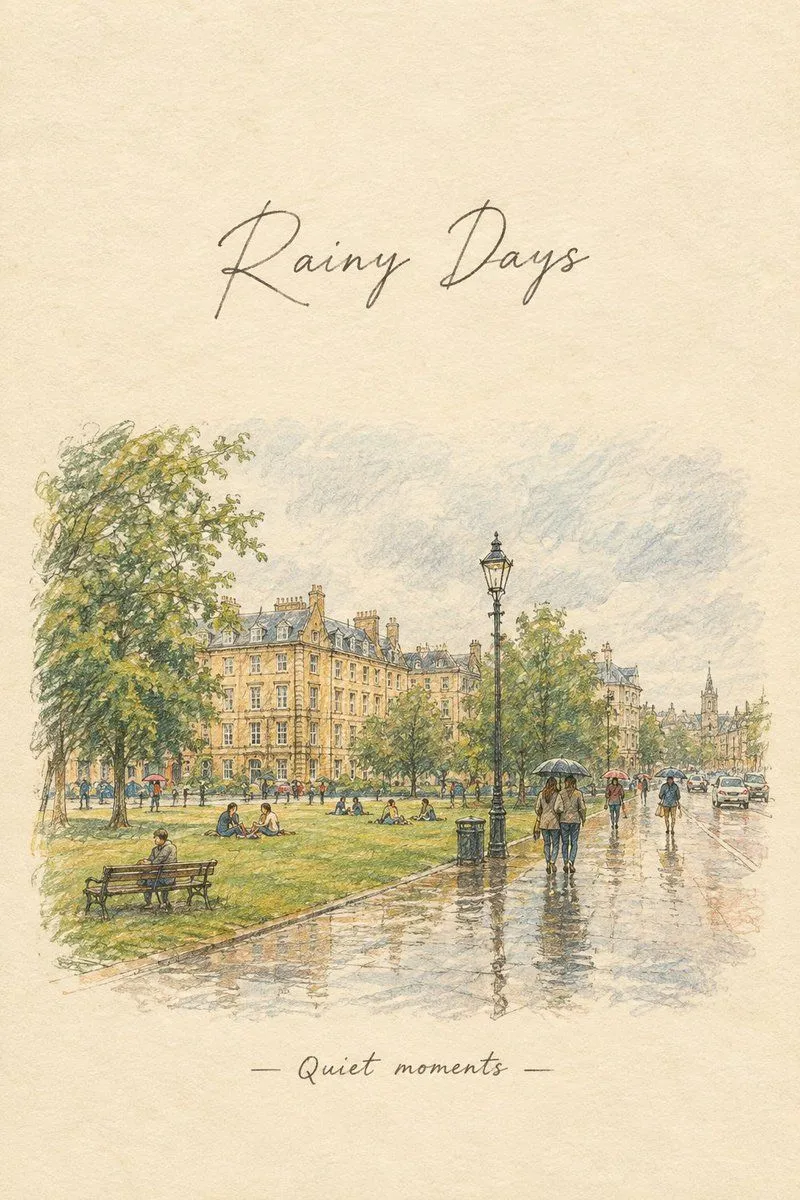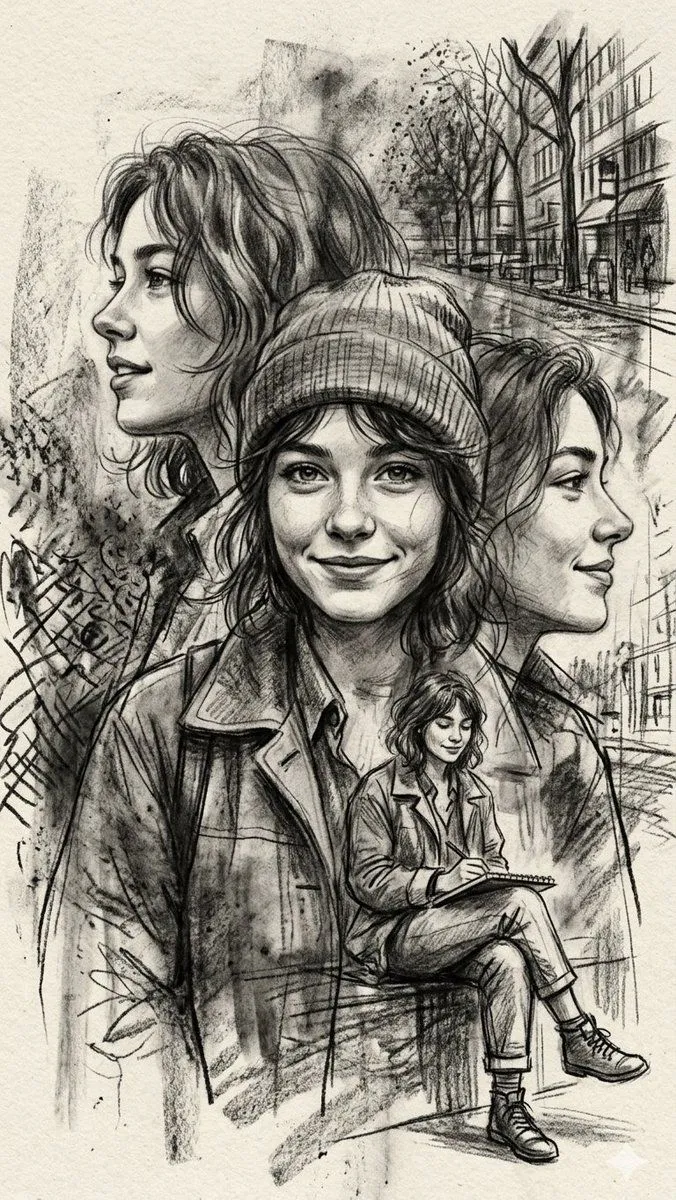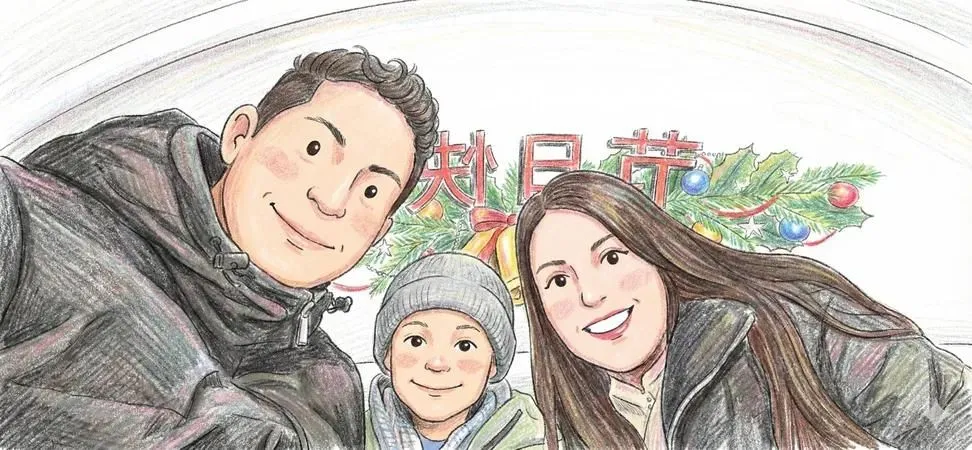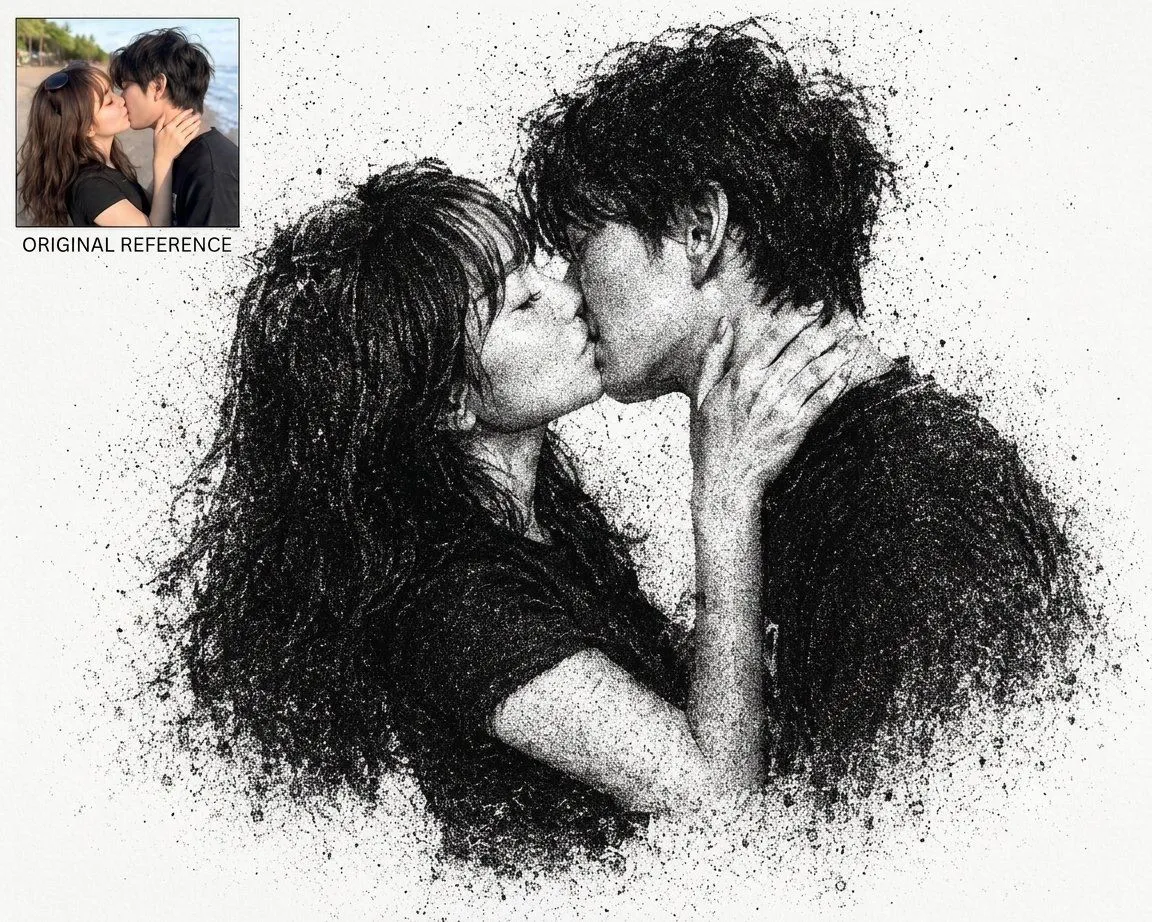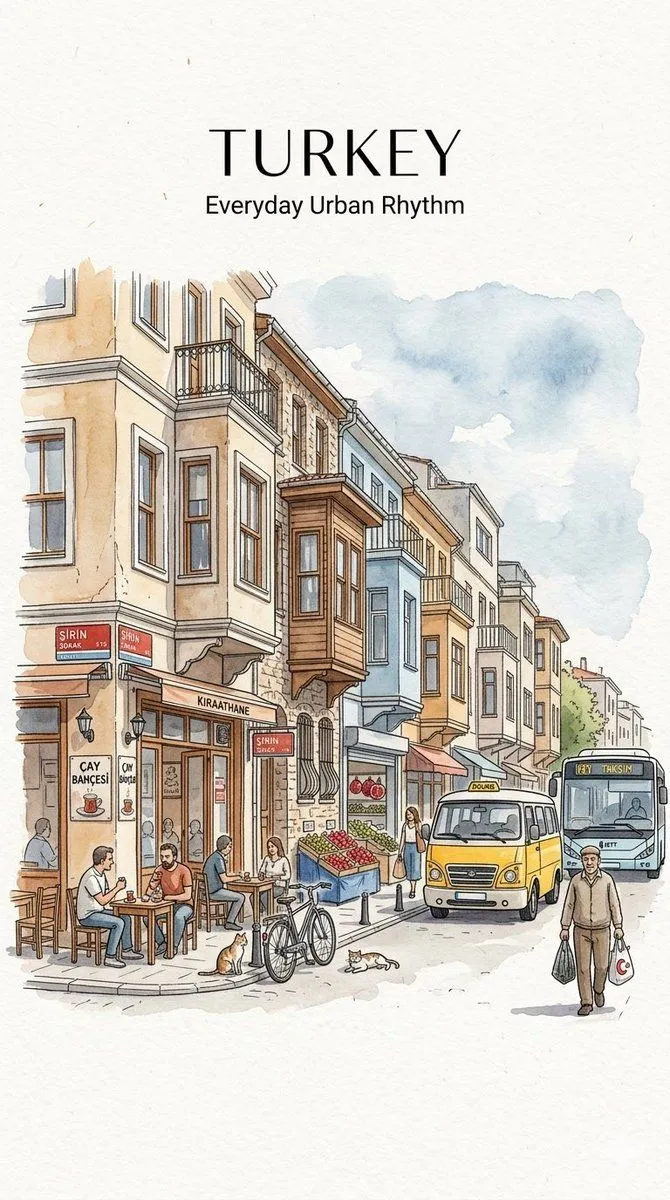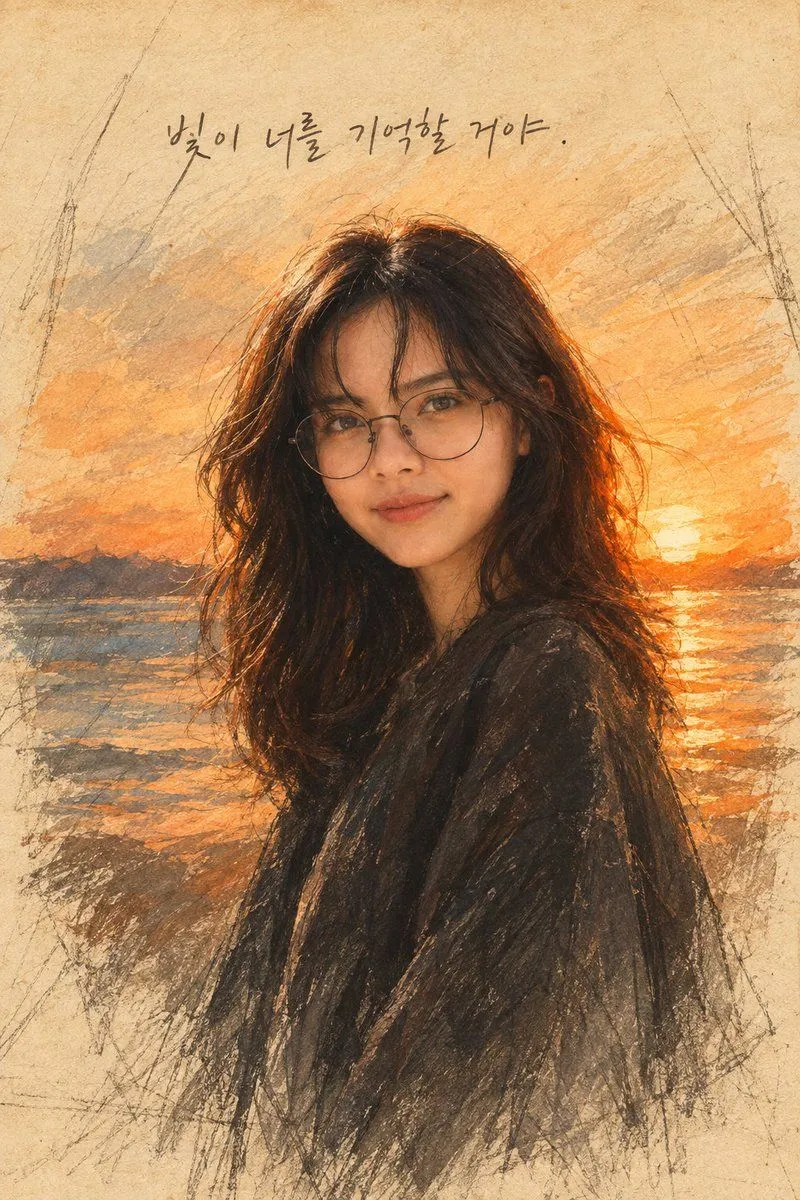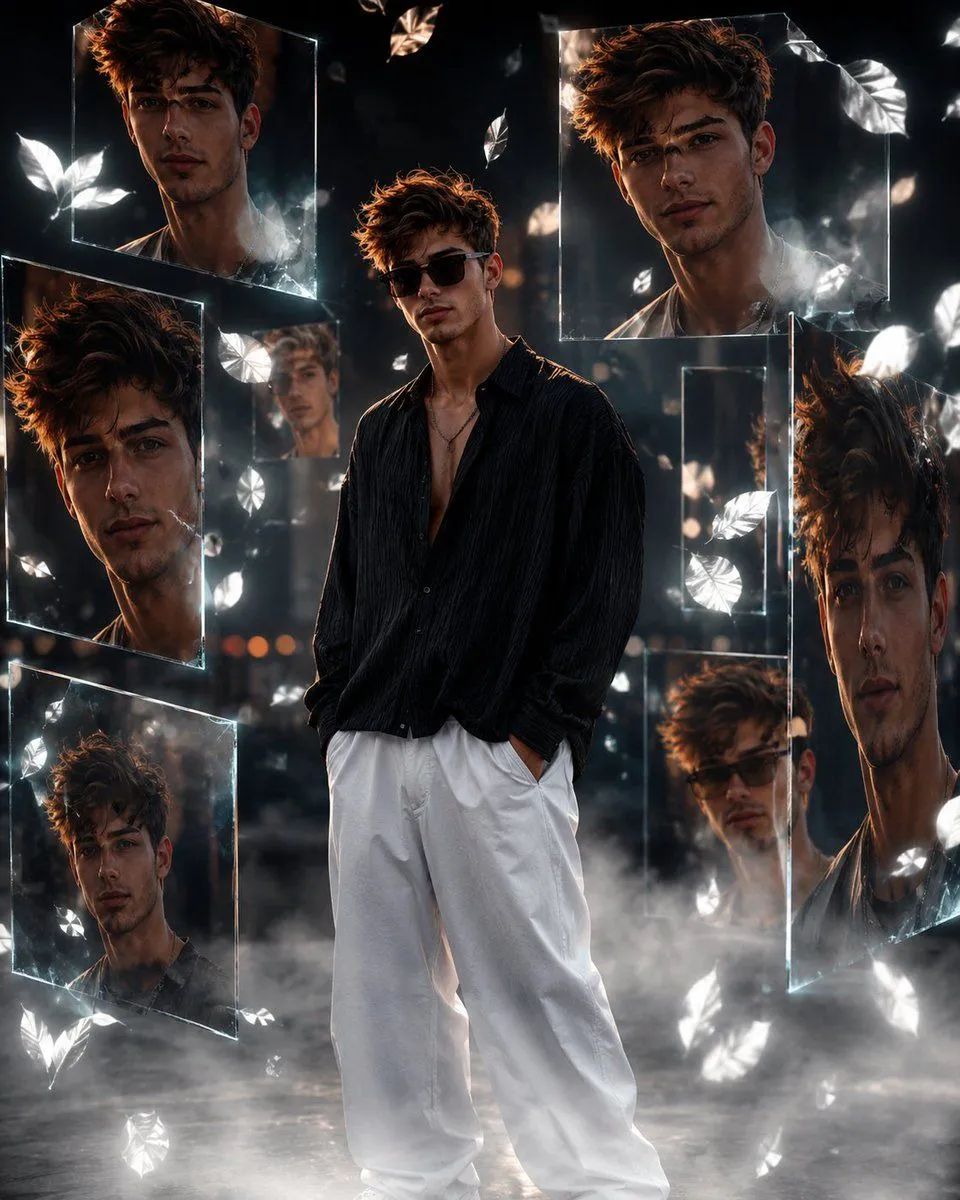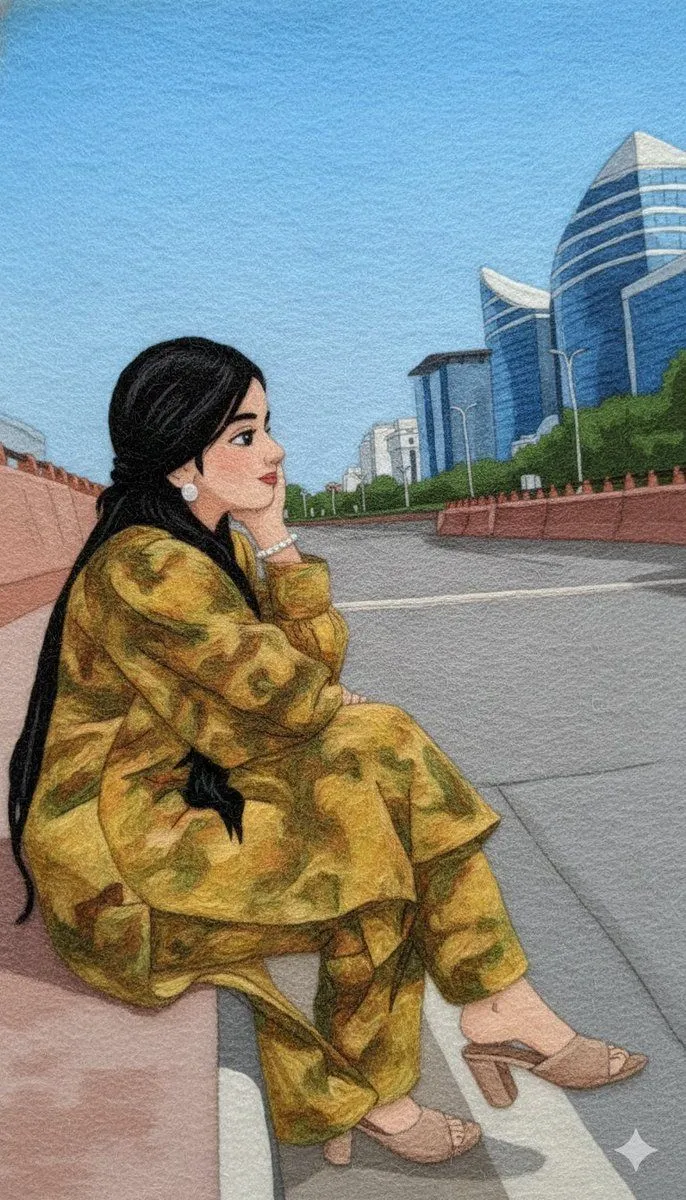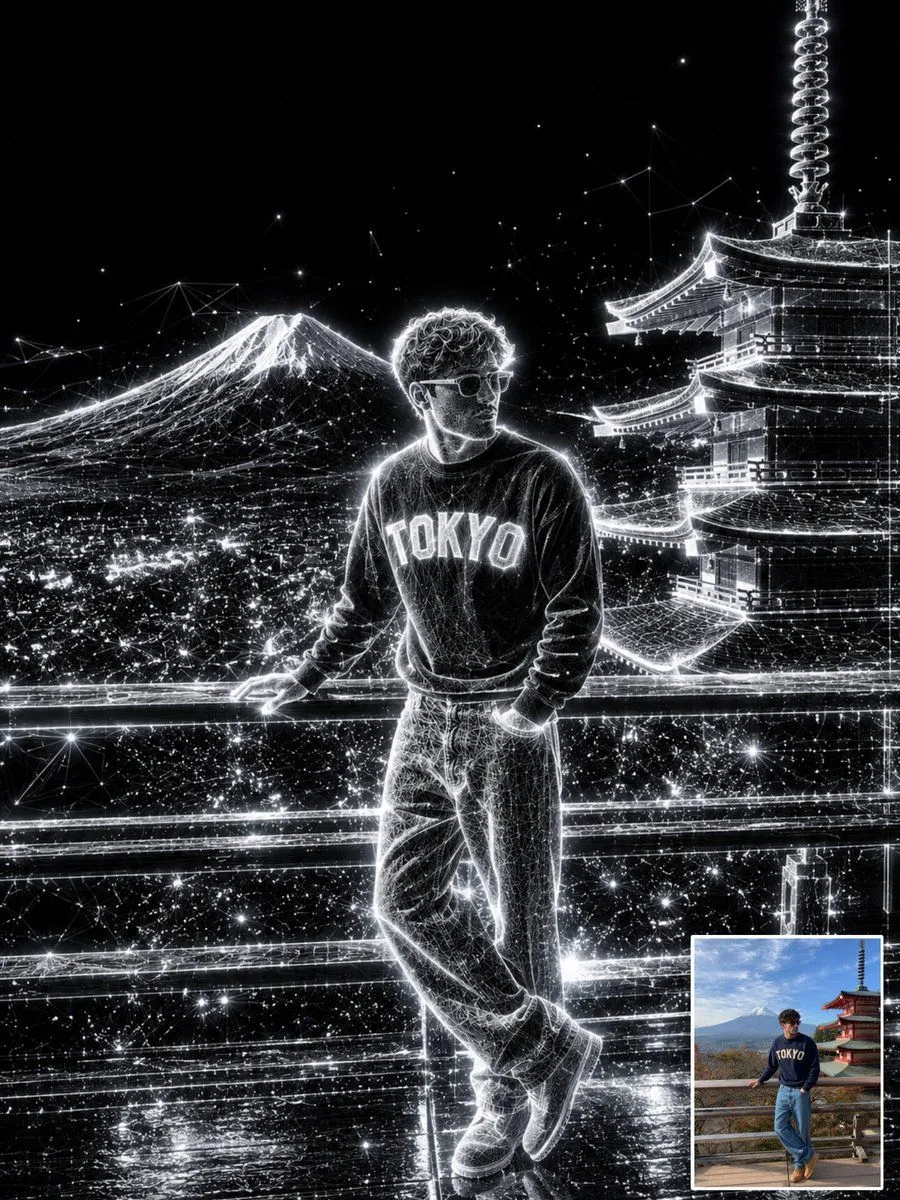
Made with GPT Image 2.5 in ChatGPT by Library Lifestyle. Promptclay never generates images.
Did it work?
No reports yet. Tell others if it worked for you.
Crayon Portrait Poster with Photo Inset
Prompt
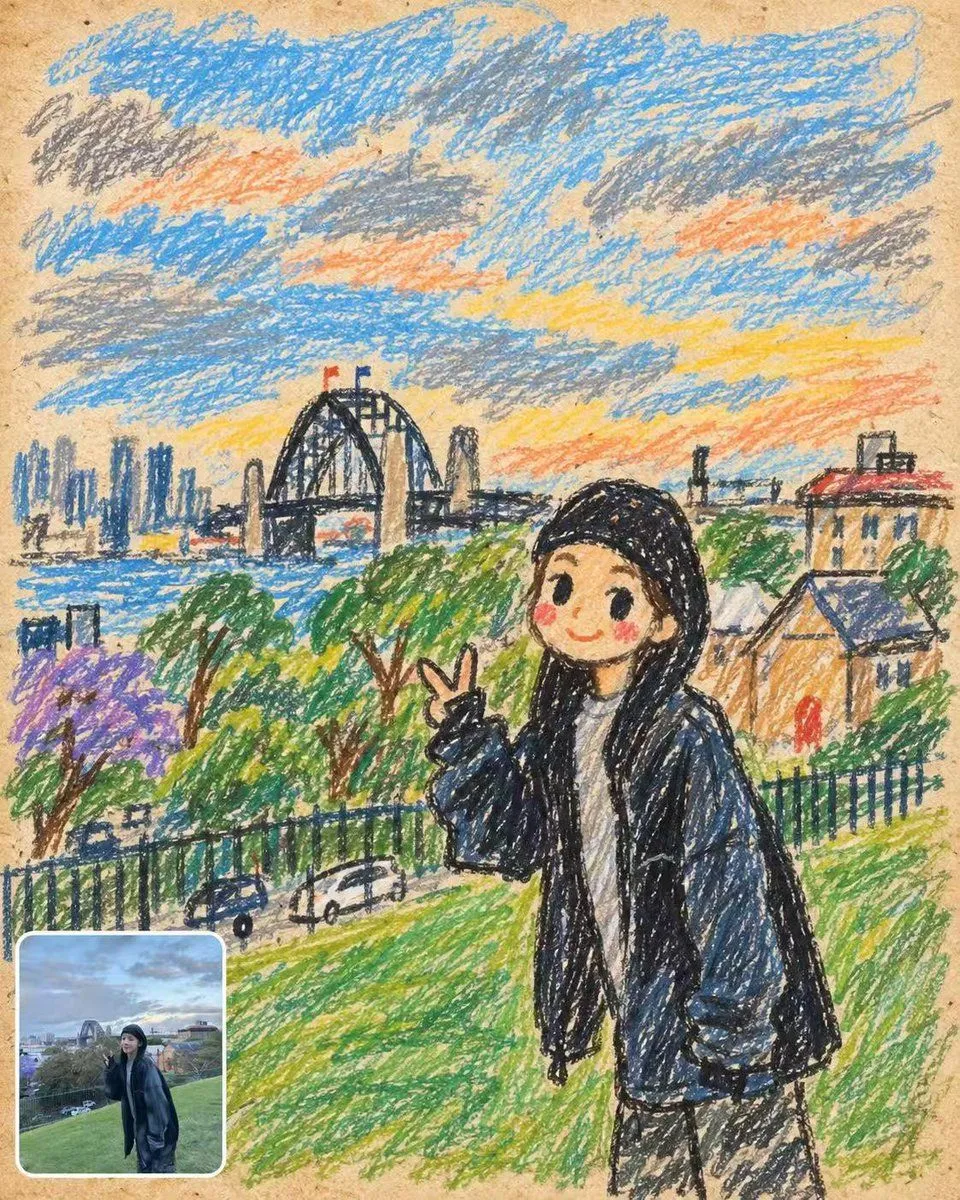
1 blank to fillCreate a vertical 4:5 social media poster that looks like a nostalgic child’s crayon drawing on tan recycled sketchbook paper. The main image should occupy almost the entire canvas: a cute, simplified crayon portrait of {character_description} standing on a green grassy hill, smiling with rosy cheeks and making a peace sign with one hand. Use rough wax-crayon strokes, uneven black outlines, scribbled coloring, childlike proportions, and visible paper grain. In the background, draw a harbor city landscape with exactly 7 main background element groups: 1) a blue river or bay across the middle, 2) a dark arched steel bridge with two small red flags, 3) a distant blue-gray city skyline on the left, 4) streaky blue, gray, orange, and yellow sunset clouds filling the sky, 5) leafy green trees and one purple flowering tree on the hillside, 6) small houses or buildings on the right with orange and blue roofs, and 7) a black fence and tiny cars along a road near the lower left. Add a small rounded-rectangle comparison window in the bottom-left corner, about one-sixth of the canvas width, with a thick white border and subtle shadow, showing a tiny realistic photo-like version of the same scene and pose; do not split the layout 50:50, keep the crayon drawing dominant. The overall mood is handmade, playful, warm, and slightly messy like a childhood travel sketch, with no captions, no watermark, and no extra UI elements.
Preview of your prompt
Create a vertical 4:5 social media poster that looks like a nostalgic child’s crayon drawing on tan recycled sketchbook paper. The main image should occupy almost the entire canvas: a cute, simplified crayon portrait of a young woman with long black hair wearing a black beanie, oversized dark navy jacket, white shirt, and dark pants standing on a green grassy hill, smiling with rosy cheeks and making a peace sign with one hand. Use rough wax-crayon strokes, uneven black outlines, scribbled coloring, childlike proportions, and visible paper grain. In the background, draw a harbor city landscape with exactly 7 main background element groups: 1) a blue river or bay across the middle, 2) a dark arched steel bridge with two small red flags, 3) a distant blue-gray city skyline on the left, 4) streaky blue, gray, orange, and yellow sunset clouds filling the sky, 5) leafy green trees and one purple flowering tree on the hillside, 6) small houses or buildings on the right with orange and blue roofs, and 7) a black fence and tiny cars along a road near the lower left. Add a small rounded-rectangle comparison window in the bottom-left corner, about one-sixth of the canvas width, with a thick white border and subtle shadow, showing a tiny realistic photo-like version of the same scene and pose; do not split the layout 50:50, keep the crayon drawing dominant. The overall mood is handmade, playful, warm, and slightly messy like a childhood travel sketch, with no captions, no watermark, and no extra UI elements.
DetailsVersions, settings and questions
Written for
What's in the prompt
- Subject
- Model
- GPT Image 2.5
If your face changes
keep my face exactly the sameQuestions
- Does this work in the ChatGPT app?
- Yes. Paste the prompt and attach your photo if it uses one.
- It changed my face. What do I do?
- Add "keep my face exactly the same" to the end and run it again.
- Can I use the images I make?
- Check the terms of the app you use. Promptclay never generates images and claims nothing you make.