Tell us anything

An idea, a bug, something you love. We read every note.

⌘↵ to send. The page you're on comes along.

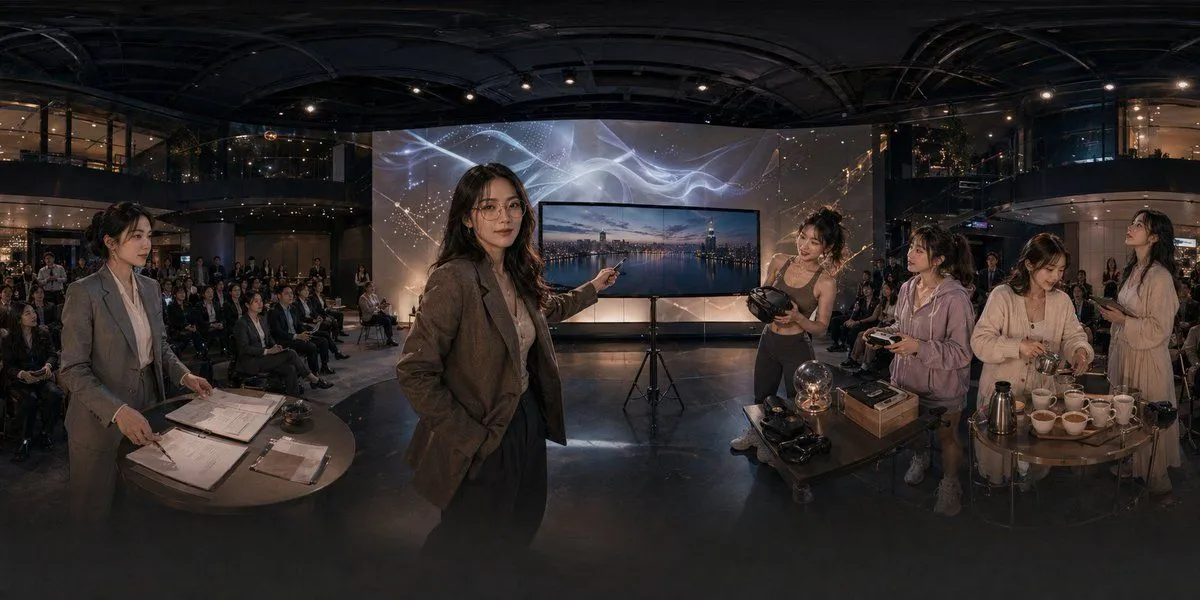
Corporate Meeting Photo Upgrade

Made with GPT Image 2 in ChatGPT by Library Brand. Promptclay never generates images.

Did it work?

No reports yet. Tell others if it worked for you.

No comments yet. Be the first.

    Corporate Meeting Photo Upgrade

    GPT Image 216:9AI-generated

    Prompt

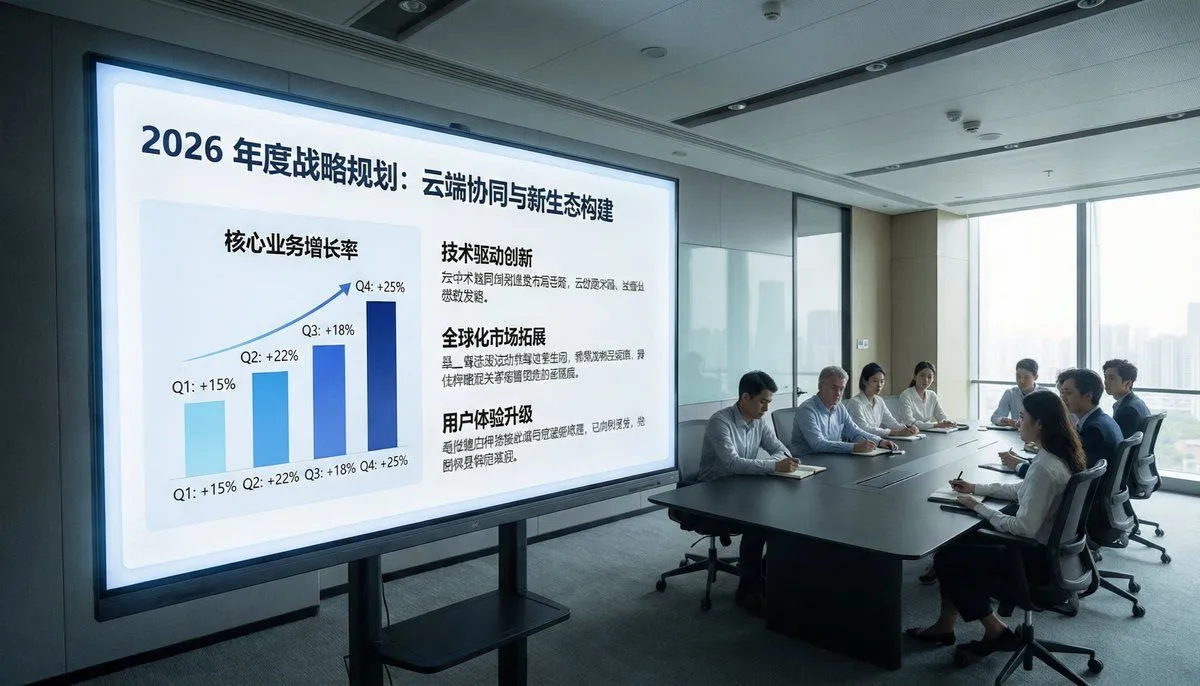
    Using the provided reference image, recreate the same business meeting as a polished, high-end corporate publicity photo from a new angle. Move the viewpoint closer to the presentation screen and shift to a wide front-left perspective so the display dominates the left side and the meeting table with the attendees sits on the right near large floor-to-ceiling windows. Replace the dim surveillance-camera look with bright natural daylight, clean modern office lighting, and a professional architectural interior feel. Remove all CCTV overlays, timestamps, recording indicators, floor/device text, and other security-camera artifacts. Upgrade the display content into a sleek keynote-style strategy slide in Chinese with the headline "2026年度战略规划:云端协同与新生态构建". On the left side of the slide, show 1 upward-trending quarterly bar chart labeled with 4 bars: Q1 +15%, Q2 +22%, Q3 +18%, Q4 +25%. On the right side, show 3 text sections with bold headings: "技术驱动创新", "全球化市场拓展", and "用户体验升级", each with short Chinese body copy beneath. Keep the scene photorealistic, with a premium corporate brand aesthetic, neat seating arrangement, and subtle face anonymization/soft blur on the people.

    Works in
    ChatGPT, Gemini
    Status
    Free to copy
    0
    DetailsVersions, settings and questions

    Written for

    What's in the prompt

    Subject
    Model
    GPT Image 2

    If your face changes

    keep my face exactly the same

    Questions

    Does this work in the ChatGPT app?
    Yes. Paste the prompt and attach your photo if it uses one.
    It changed my face. What do I do?
    Add "keep my face exactly the same" to the end and run it again.
    Can I use the images I make?
    Check the terms of the app you use. Promptclay never generates images and claims nothing you make.

    Similar prompts

    See more
    • Modern Boardroom Analytics Meeting
    • Futuristic Boardroom Analytics Meeting
    • Apple keynote-style event scene from text
    • Realistic Japanese Office Meeting
    • Image-to-Image Instruction for Clothing Swap
    • Ultra-Realistic Corporate Lifestyle Portrait
    • Panoramic Tech Event Atrium Scene
    • Inspirational business speech short video promptVideo, 0:15
    • Candid Editorial Conference Portrait Prompt with Identity Lock
    • Office Renovation and Decoration Prompt
    • Formal Boardroom Portrait AI Prompt
    • Professional Businesswoman Corporate Portrait
    • Professional Corporate Office Portrait
    • 8K Corporate High-Fashion Editorial JSON
    • High-Quality Photo of Elegant Chinese Woman in Luxury Car
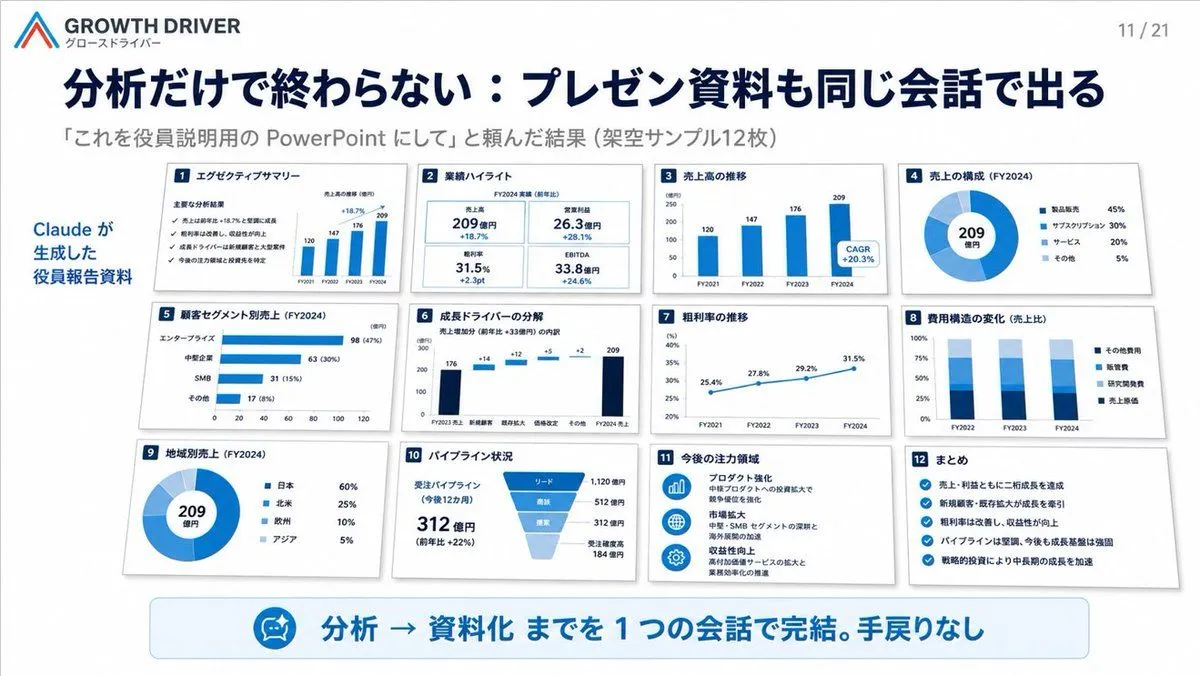
    • Japanese Codex Workshop Slide Deck Grid
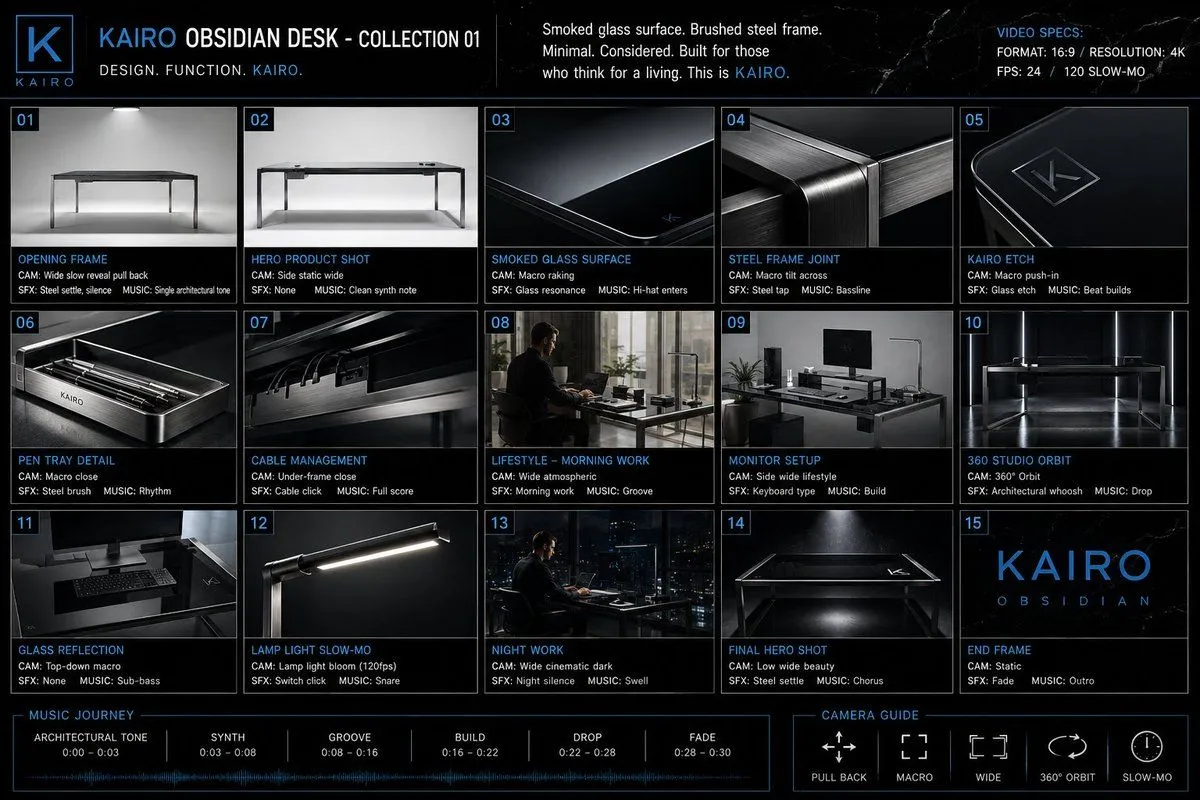
    • Automotive Commercial Storyboard Sheet
    • Futuristic AI Summit Poster
    • Android Quantum Lab Workstation
    • Premium Office Furniture Commercial Storyboard
    • AI-Generated Board Report Slide
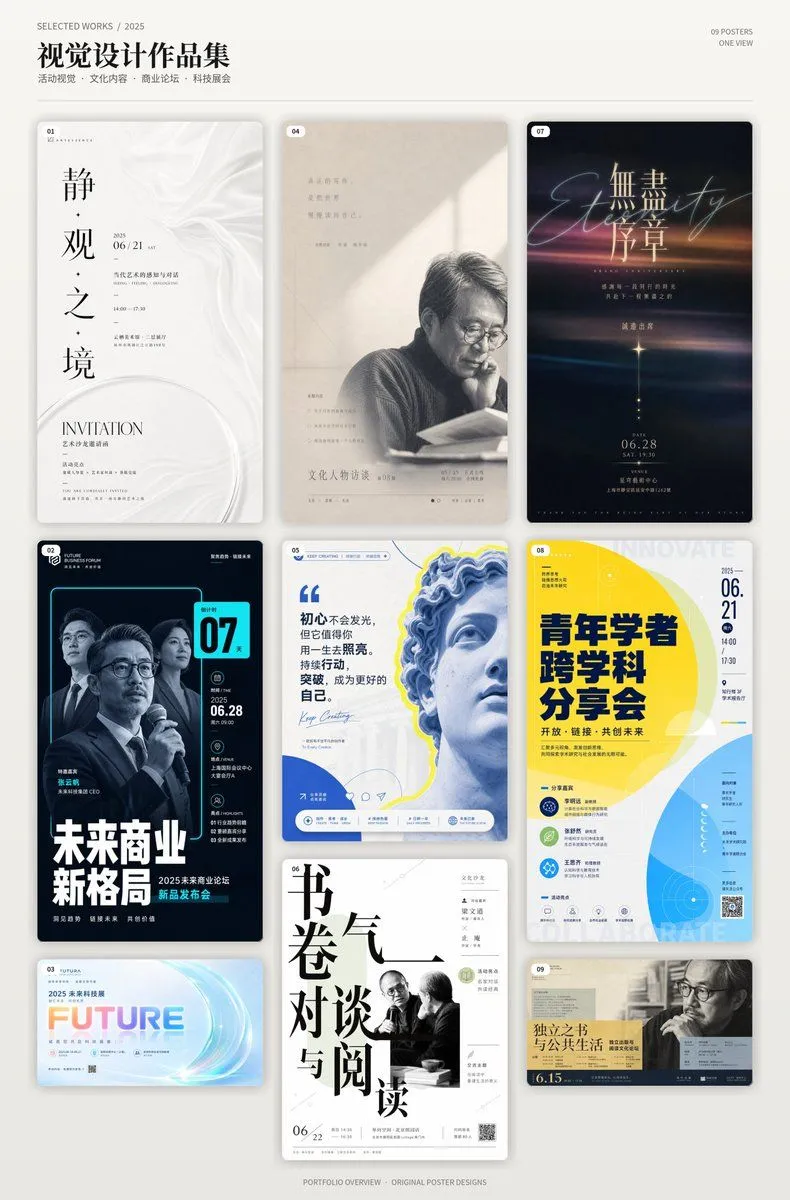
    • Chinese Event Poster Portfolio Board
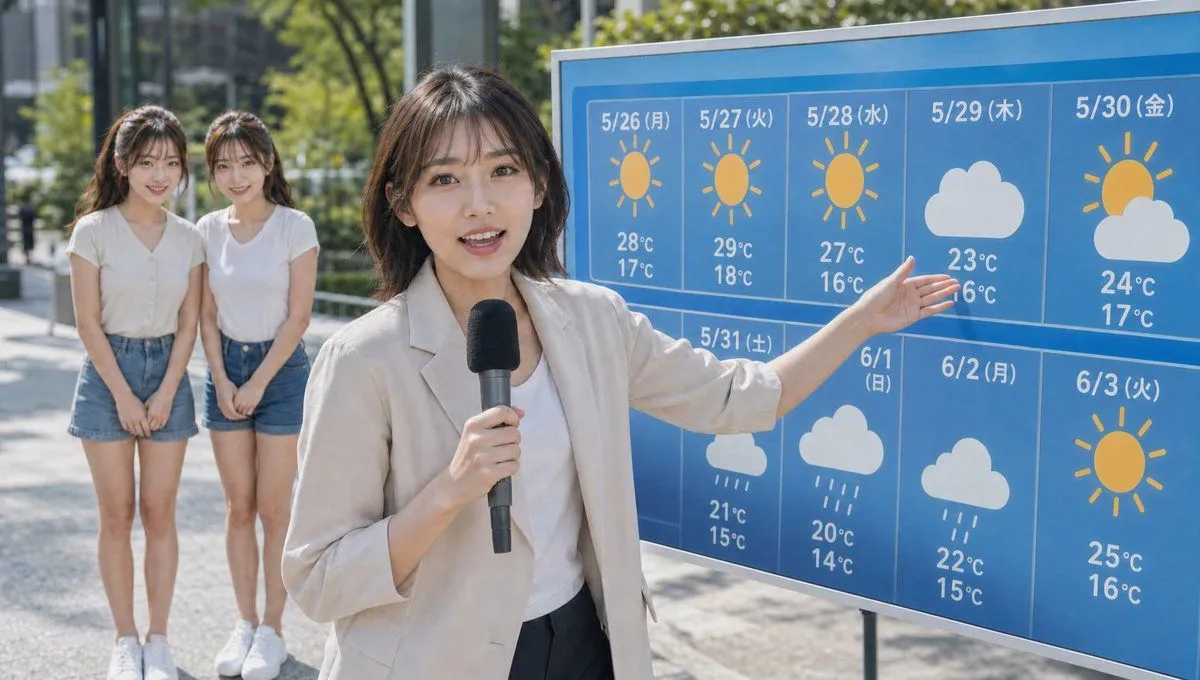
    • Live TV Weather Forecast Broadcast Scene
    • Futuristic Holographic Burj Khalifa Blueprint

    Show more

    Run it on your phone

    1. Prompt copiedRead it

      Using the provided reference image, recreate the same business meeting as a polished, high-end corporate publicity photo from a new angle. Move the viewpoint closer to the presentation screen and shift to a wide front-left perspective so the display dominates the left side and the meeting table with the attendees sits on the right near large floor-to-ceiling windows. Replace the dim surveillance-camera look with bright natural daylight, clean modern office lighting, and a professional architectural interior feel. Remove all CCTV overlays, timestamps, recording indicators, floor/device text, and other security-camera artifacts. Upgrade the display content into a sleek keynote-style strategy slide in Chinese with the headline "2026年度战略规划:云端协同与新生态构建". On the left side of the slide, show 1 upward-trending quarterly bar chart labeled with 4 bars: Q1 +15%, Q2 +22%, Q3 +18%, Q4 +25%. On the right side, show 3 text sections with bold headings: "技术驱动创新", "全球化市场拓展", and "用户体验升级", each with short Chinese body copy beneath. Keep the scene photorealistic, with a premium corporate brand aesthetic, neat seating arrangement, and subtle face anonymization/soft blur on the people.

    2. Open your app

    3. Paste and run

      Press and hold the message box, then tap Paste. Add your photo first if the prompt uses one. You may need to sign in.

    Corporate Meeting Photo Upgrade