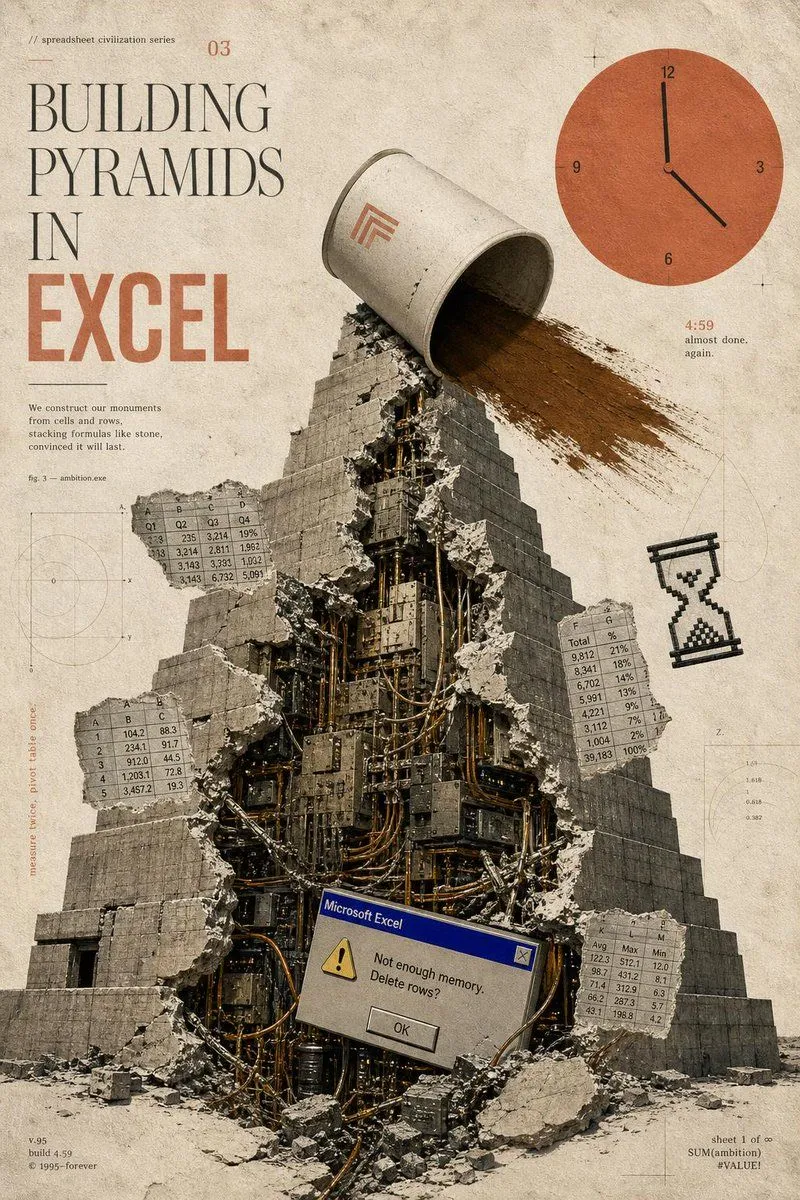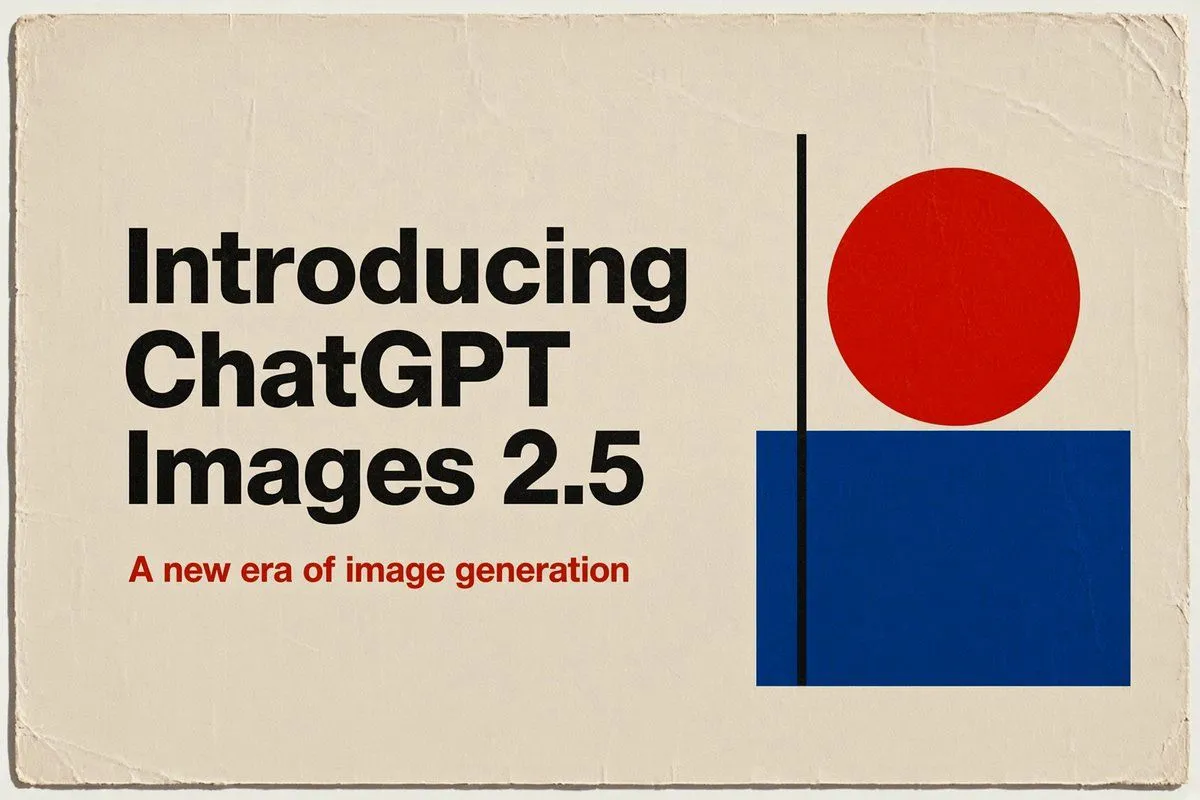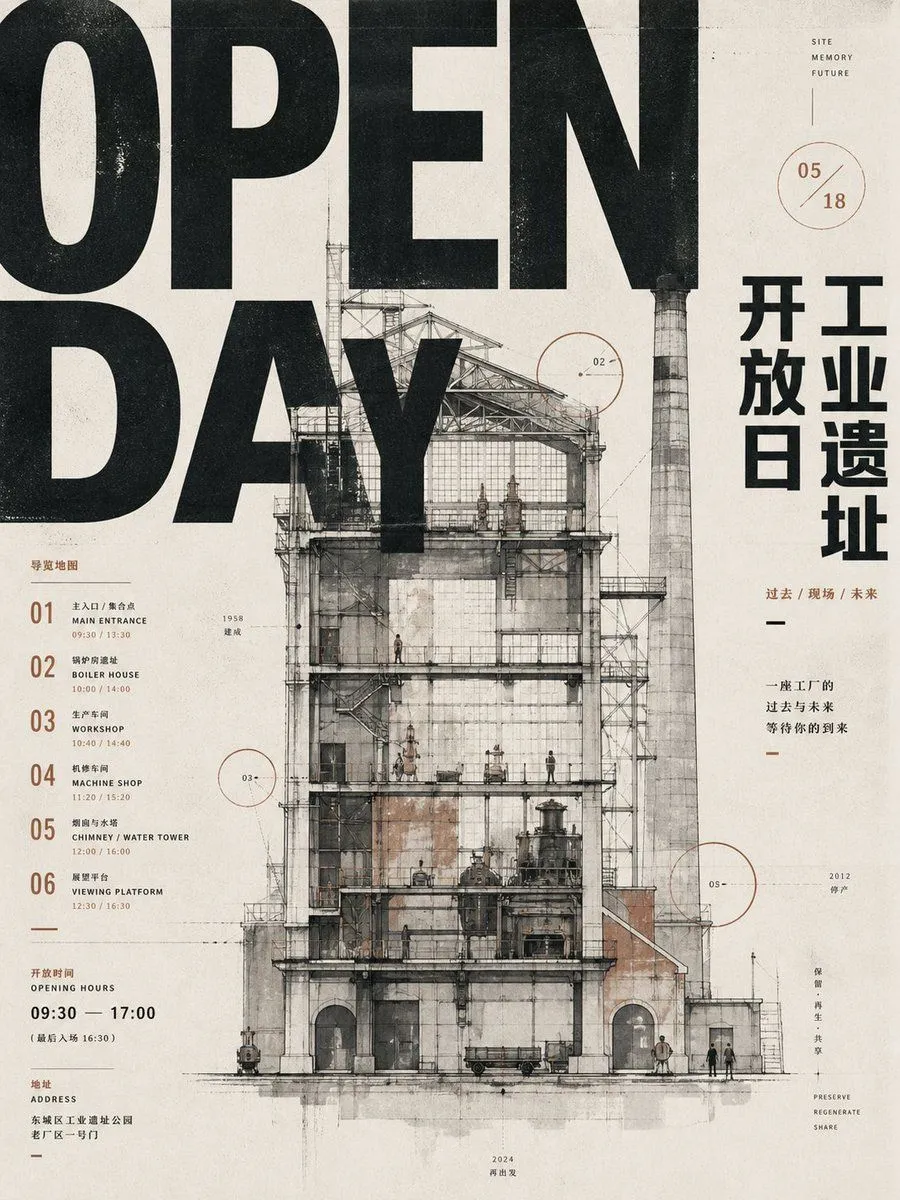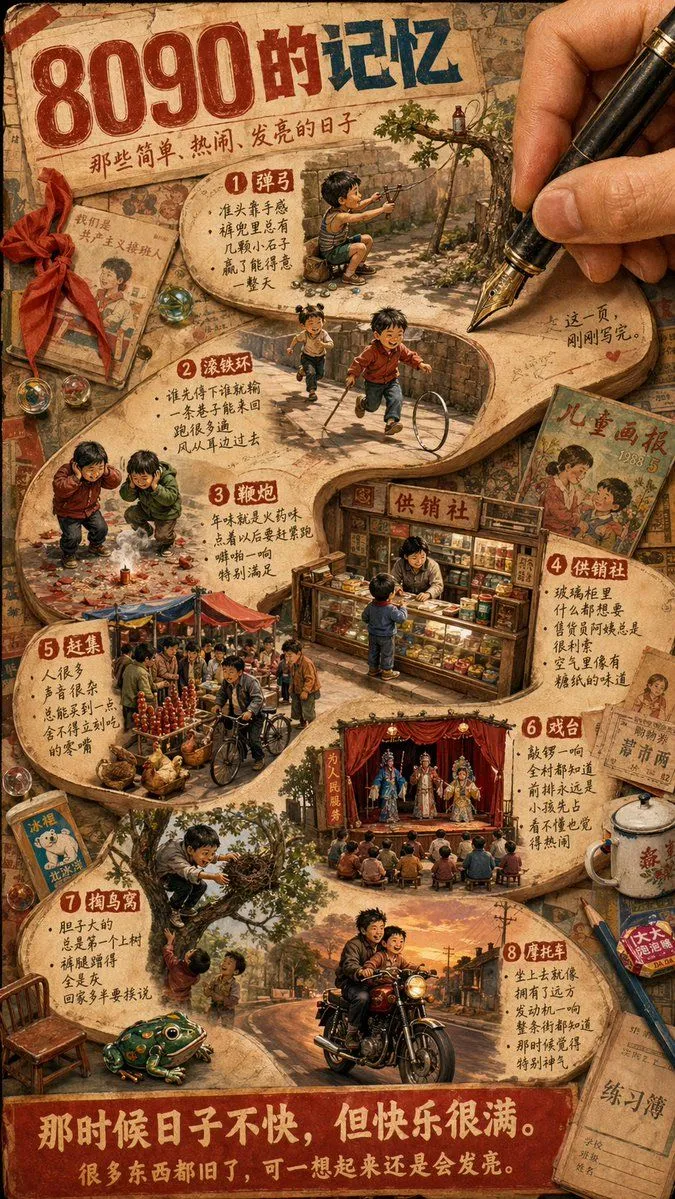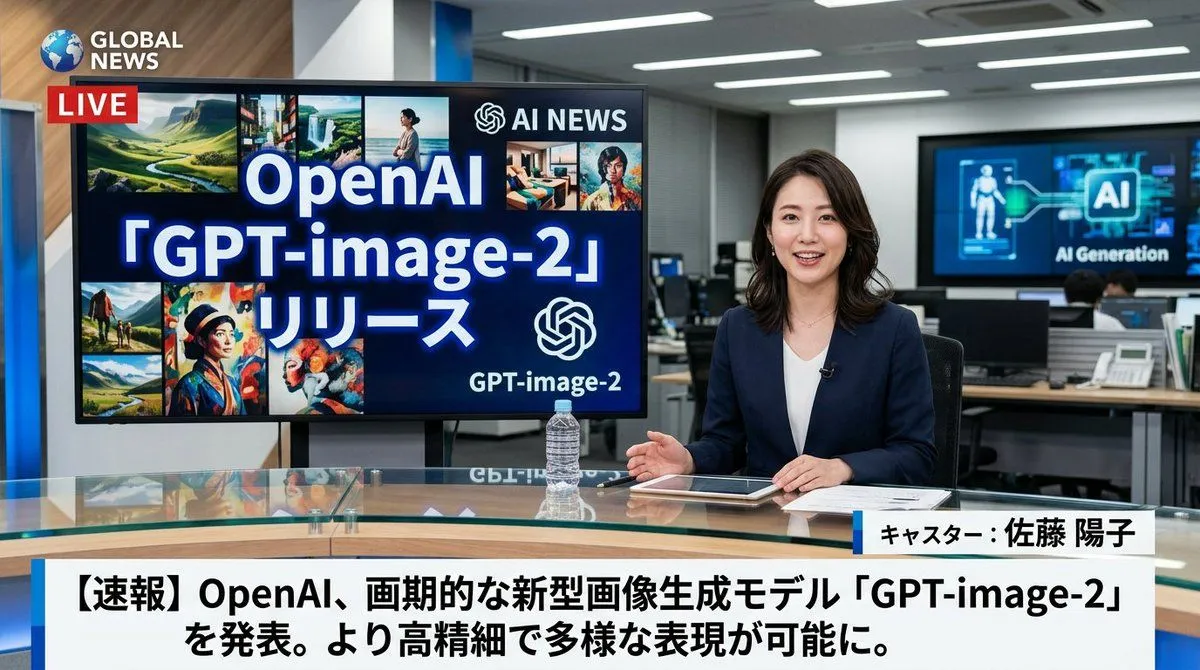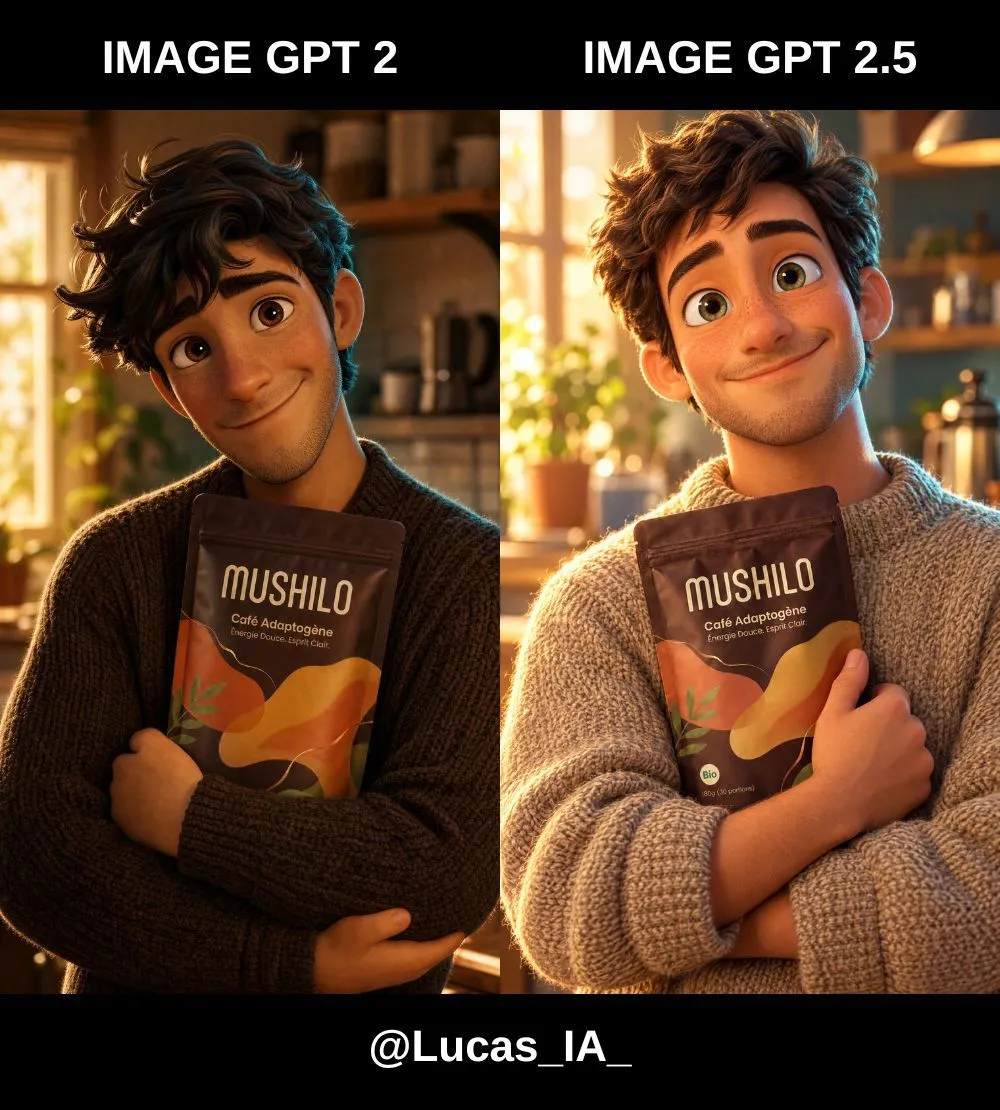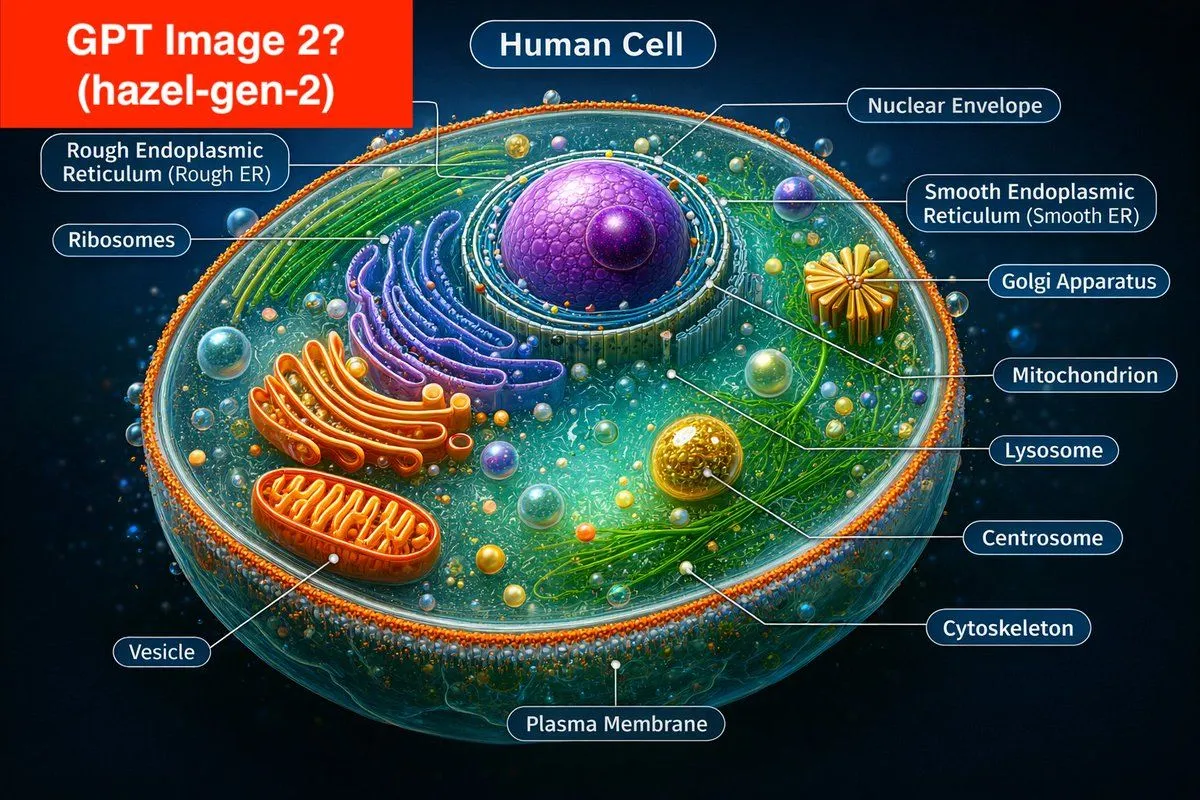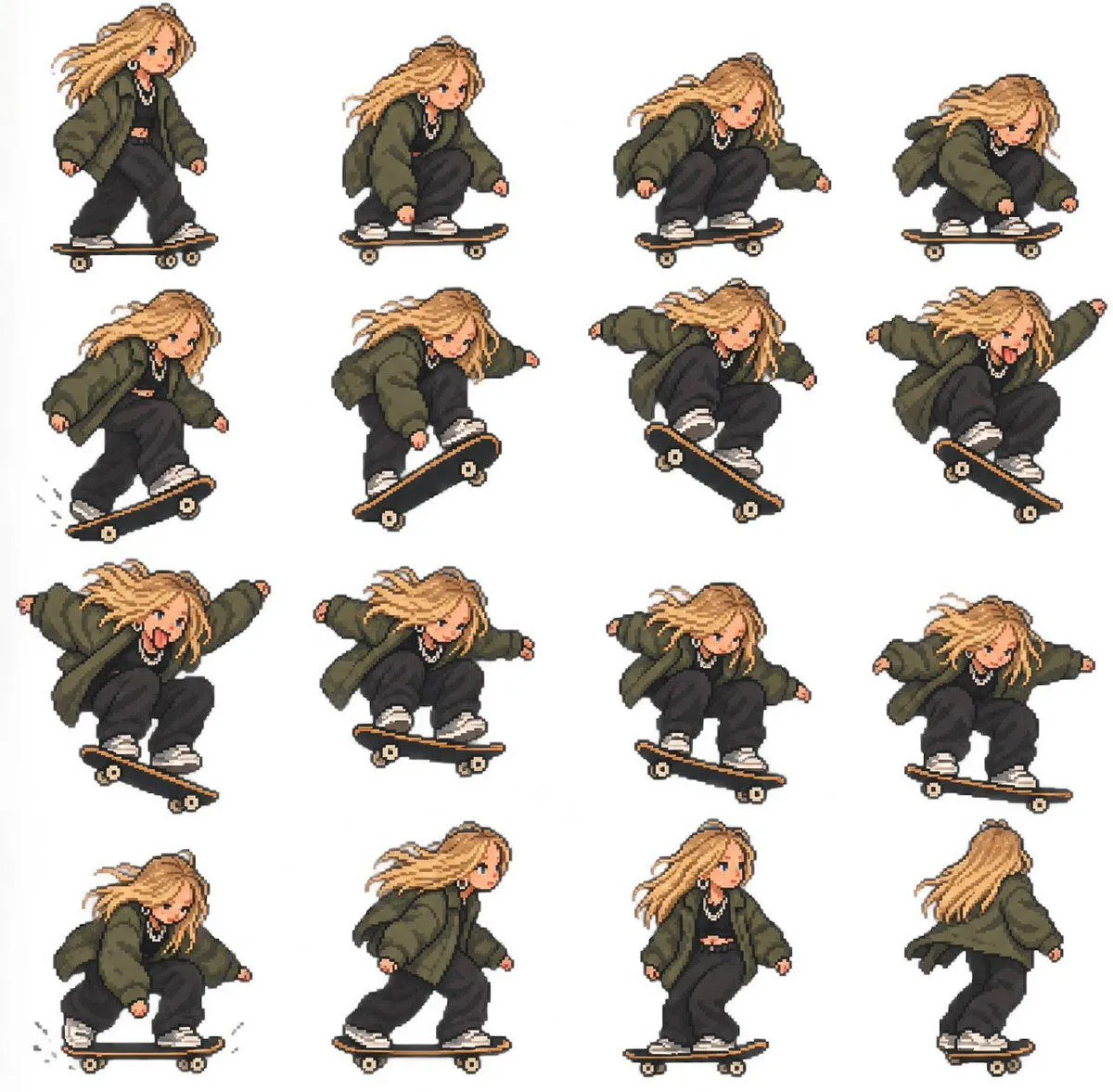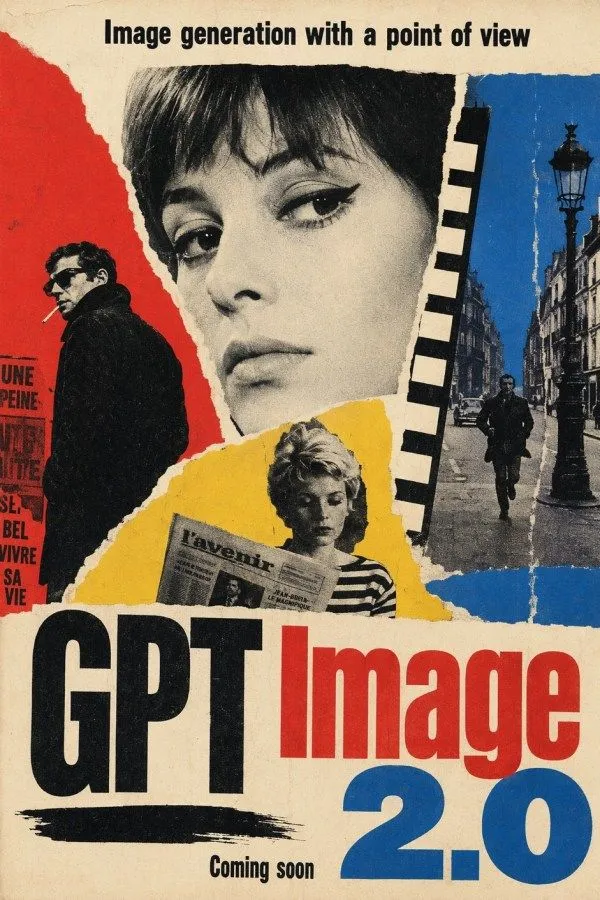
Made with GPT Image 2 in ChatGPT by Library Typography. Promptclay never generates images.
Did it work?
No reports yet. Tell others if it worked for you.
Constructivist GPT Image 2.0 Poster
Prompt
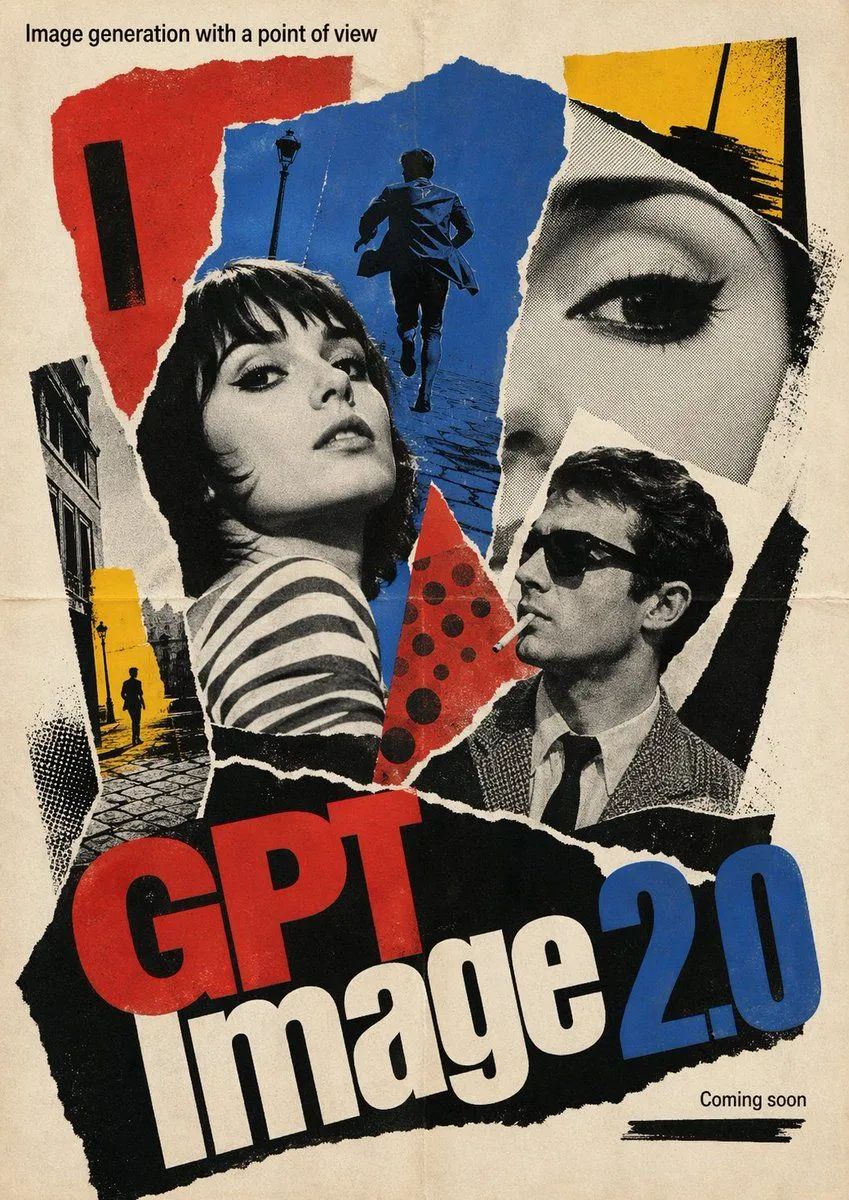
4 blanks to fillA vintage political-propaganda-style poster collage on aged beige paper with a worn, slightly stained texture and torn-paper edges throughout. The composition is a bold vertical poster with a strong constructivist and Soviet-inspired graphic design, using only black, red, blue, yellow, and off-white. At the very top, centered in bold black sans-serif text, place the headline {headline_text}. In the center, reserve a large vertical rectangular area as the dominant focal block, slightly taller than wide, filled with a plain muted beige-to-taupe gradient like a blank poster insert. Around it, build a torn-paper photomontage from 4 visible collage zones: on the left, a red paper field with a black-and-white cutout of a person in a dark coat seen from behind or in profile, next to fragments of French poster text; at the top behind the central rectangle, a partial black-and-white face or head fragment peeking out; on the right, a blue paper field with a black-and-white Paris-like street scene including 1 tall ornate lamppost, old buildings, 1 car, and 1 walking man; at the bottom center, a yellow torn-paper field with a cropped black-and-white figure holding a newspaper, wearing a striped shirt. Add a vertical strip of black rectangular blocks near the upper right edge of the central rectangle, like cut graphic bars. At the bottom, place the main title in huge heavy condensed typography: {brand_text}, with "GPT" in black and "Image" in bright red. Beneath and to the right, add an enormous {version_text} in vivid blue. Below the left title area, add a rough horizontal black brushstroke underline. Centered near the bottom, in smaller black text, write {footer_text}. The overall look should feel like mid-20th-century avant-garde poster art, rough torn collage, distressed print, high contrast halftone photography, imperfect paper registration, and bold editorial typography.
Preview of your prompt
A vintage political-propaganda-style poster collage on aged beige paper with a worn, slightly stained texture and torn-paper edges throughout. The composition is a bold vertical poster with a strong constructivist and Soviet-inspired graphic design, using only black, red, blue, yellow, and off-white. At the very top, centered in bold black sans-serif text, place the headline Image generation with a point of view. In the center, reserve a large vertical rectangular area as the dominant focal block, slightly taller than wide, filled with a plain muted beige-to-taupe gradient like a blank poster insert. Around it, build a torn-paper photomontage from 4 visible collage zones: on the left, a red paper field with a black-and-white cutout of a person in a dark coat seen from behind or in profile, next to fragments of French poster text; at the top behind the central rectangle, a partial black-and-white face or head fragment peeking out; on the right, a blue paper field with a black-and-white Paris-like street scene including 1 tall ornate lamppost, old buildings, 1 car, and 1 walking man; at the bottom center, a yellow torn-paper field with a cropped black-and-white figure holding a newspaper, wearing a striped shirt. Add a vertical strip of black rectangular blocks near the upper right edge of the central rectangle, like cut graphic bars. At the bottom, place the main title in huge heavy condensed typography: GPT Image, with "GPT" in black and "Image" in bright red. Beneath and to the right, add an enormous 2.0 in vivid blue. Below the left title area, add a rough horizontal black brushstroke underline. Centered near the bottom, in smaller black text, write Coming soon. The overall look should feel like mid-20th-century avant-garde poster art, rough torn collage, distressed print, high contrast halftone photography, imperfect paper registration, and bold editorial typography.
DetailsVersions, settings and questions
Written for
What's in the prompt
- Subject
- Model
- GPT Image 2
If your face changes
keep my face exactly the sameQuestions
- Does this work in the ChatGPT app?
- Yes. Paste the prompt and attach your photo if it uses one.
- It changed my face. What do I do?
- Add "keep my face exactly the same" to the end and run it again.
- Can I use the images I make?
- Check the terms of the app you use. Promptclay never generates images and claims nothing you make.