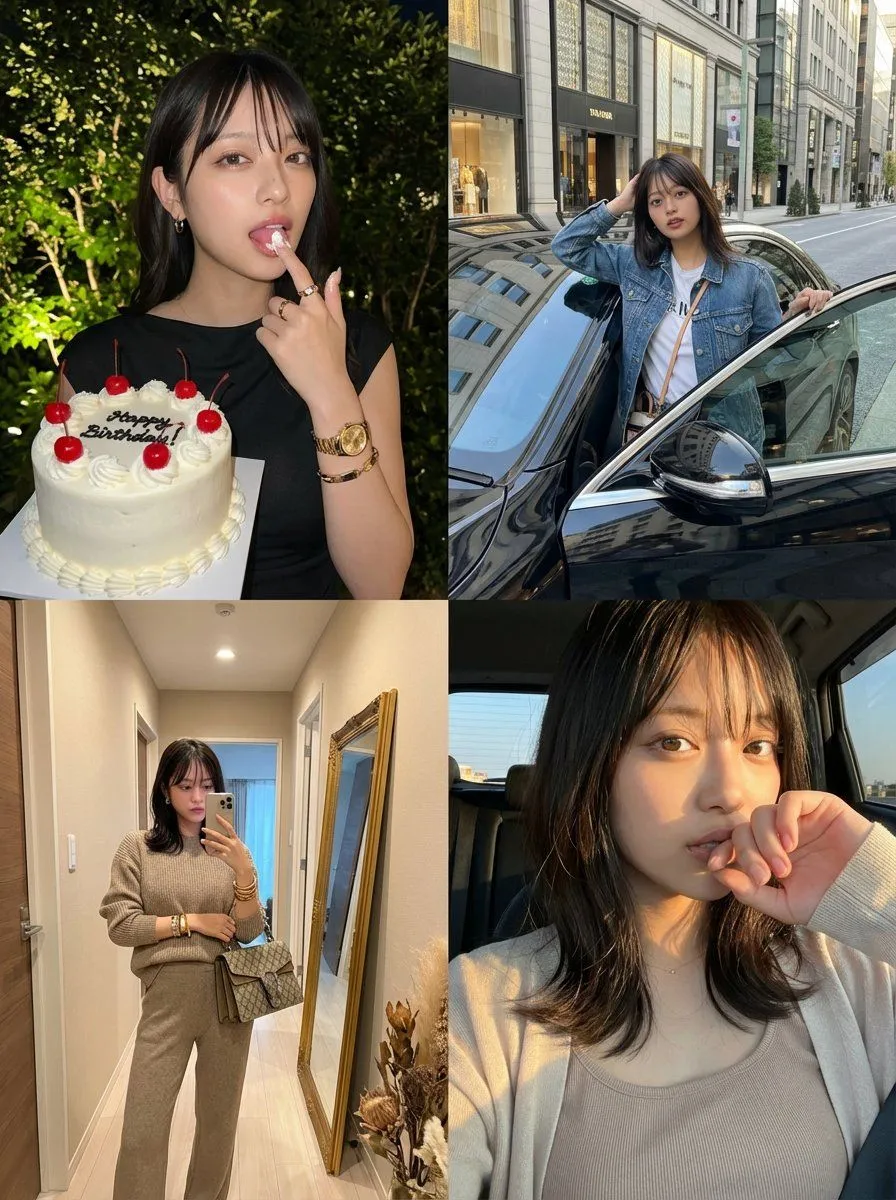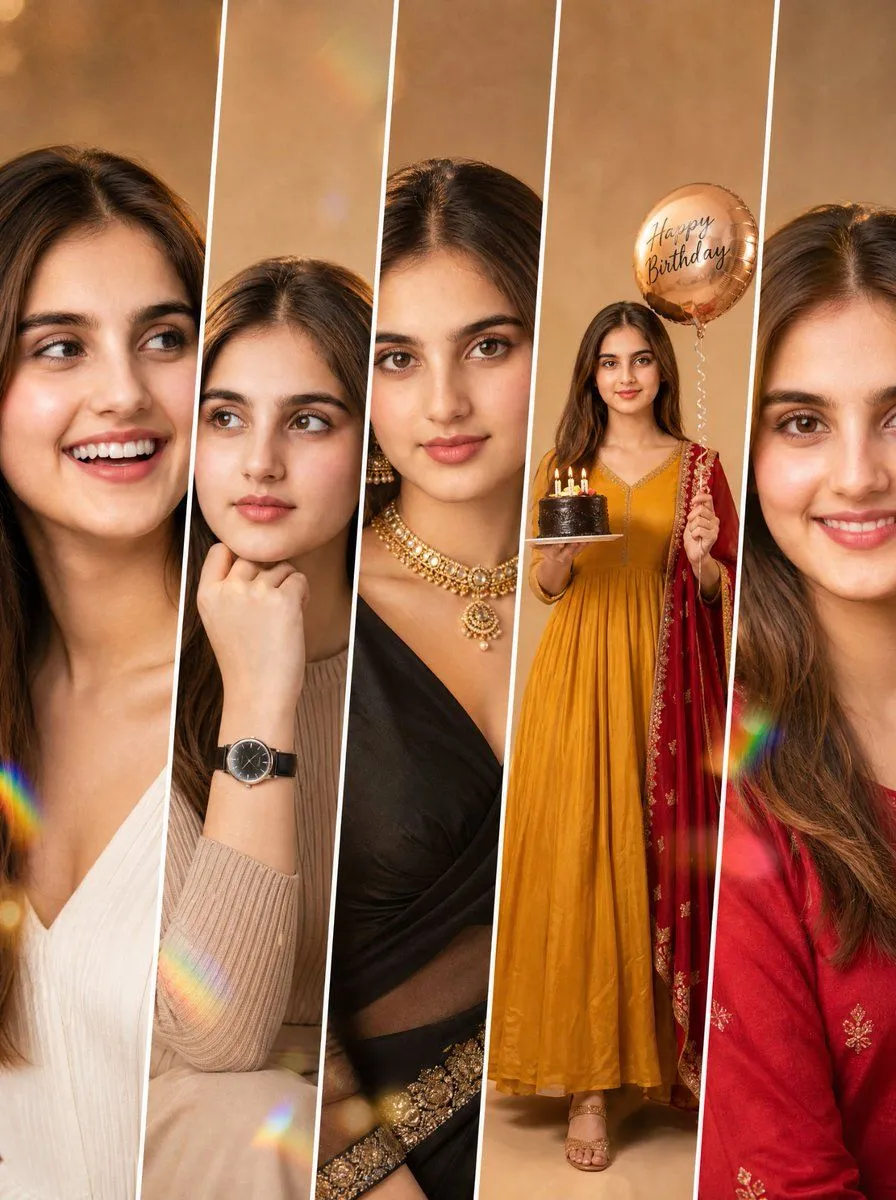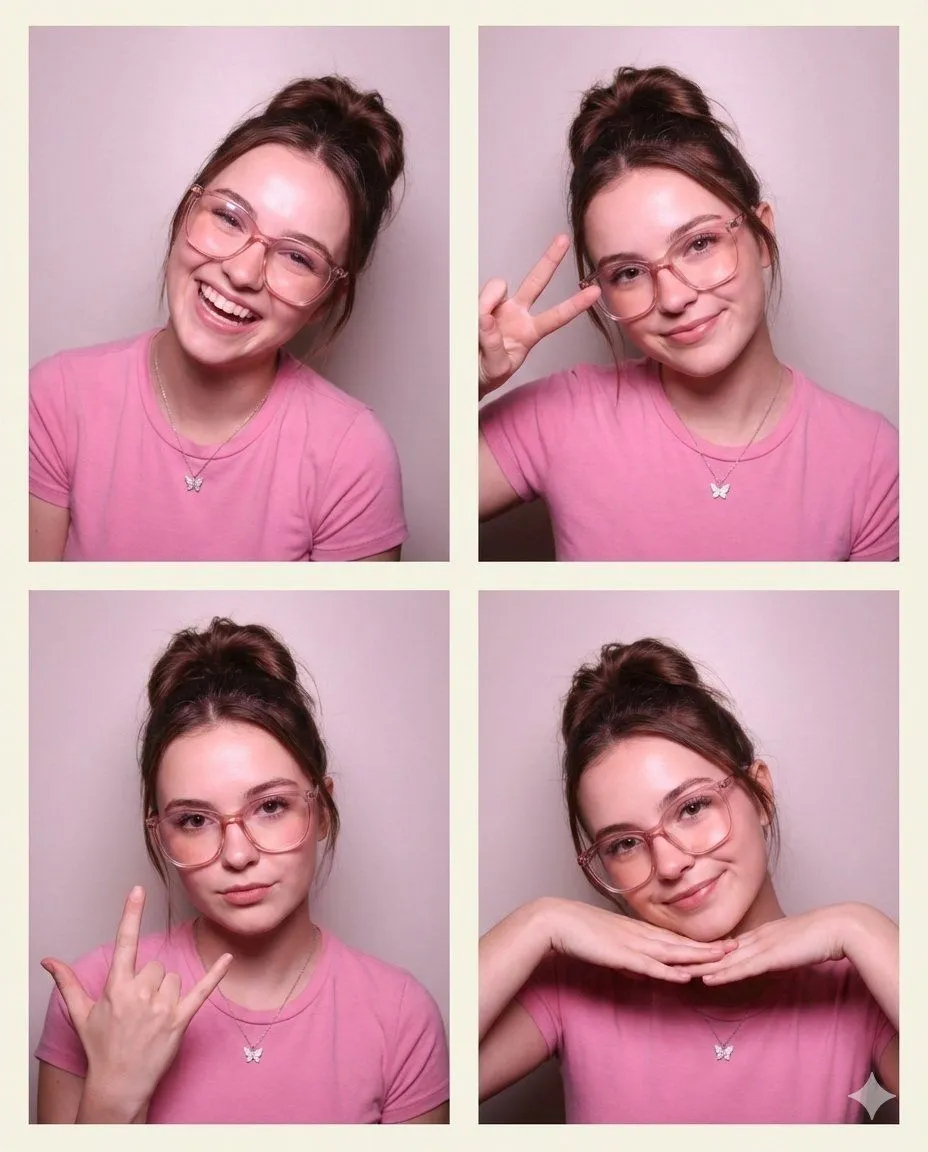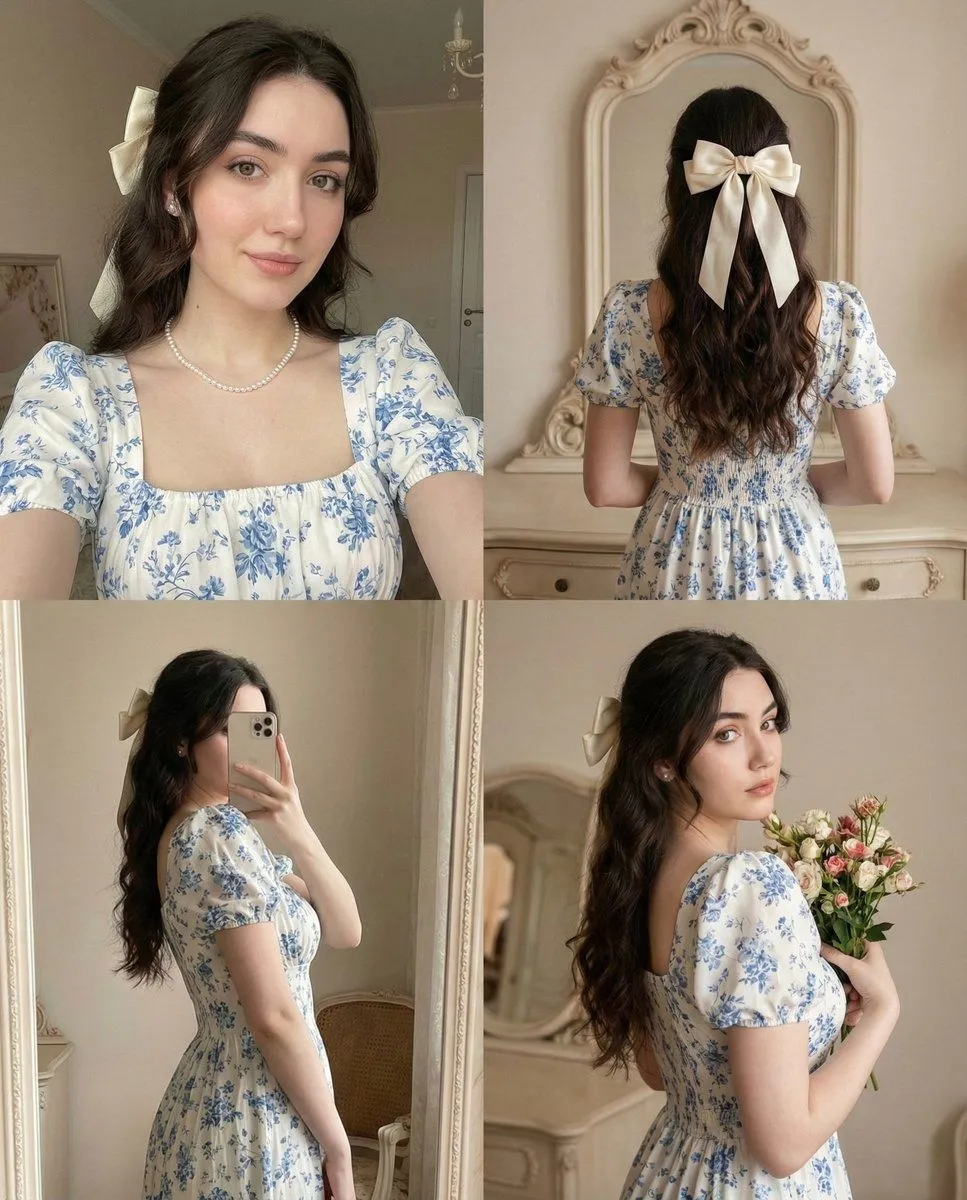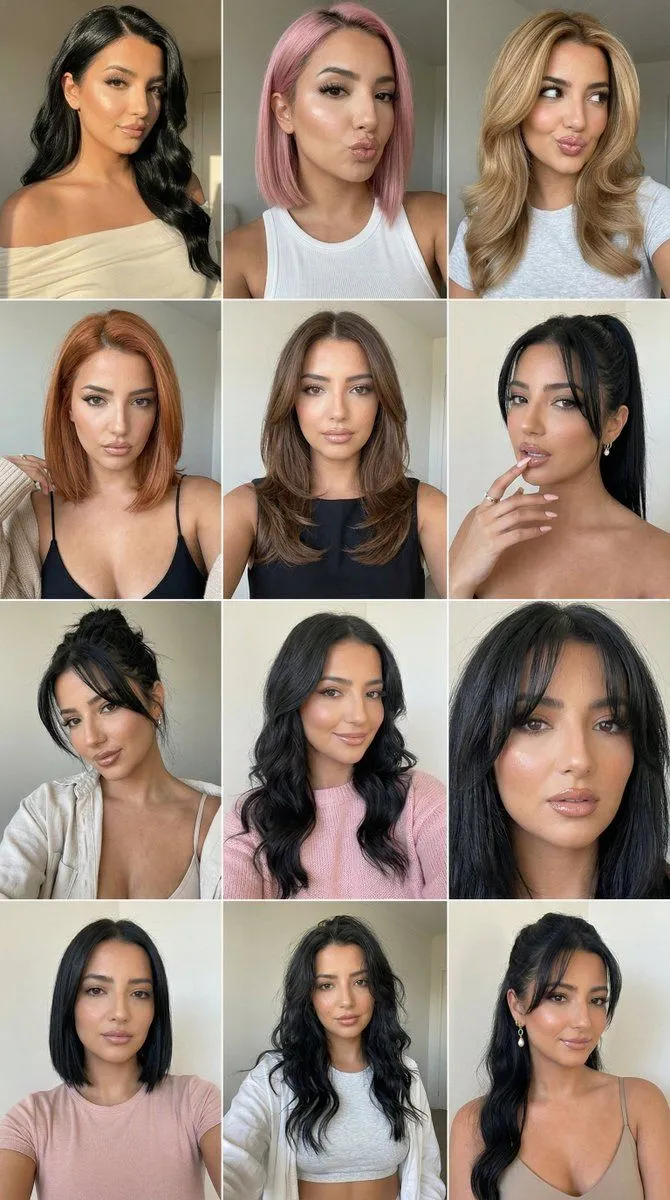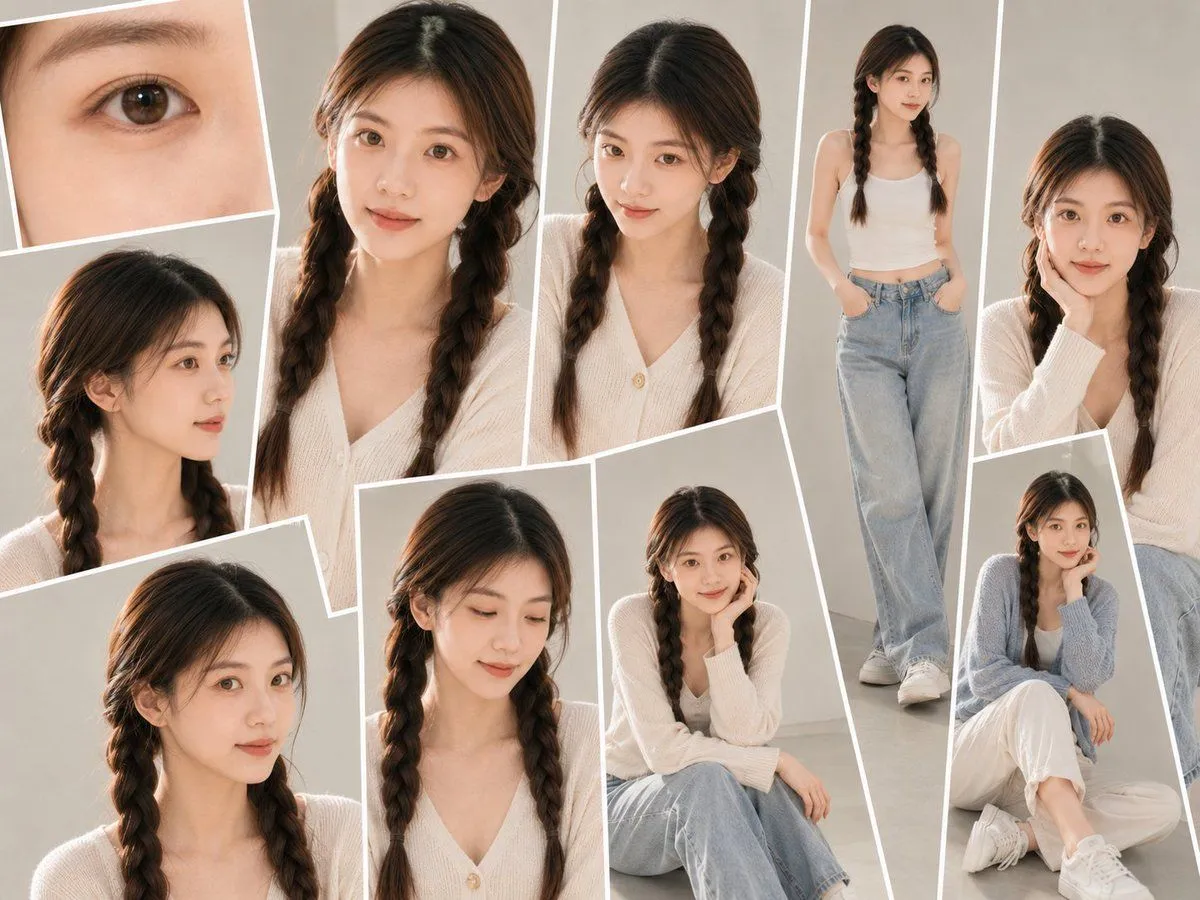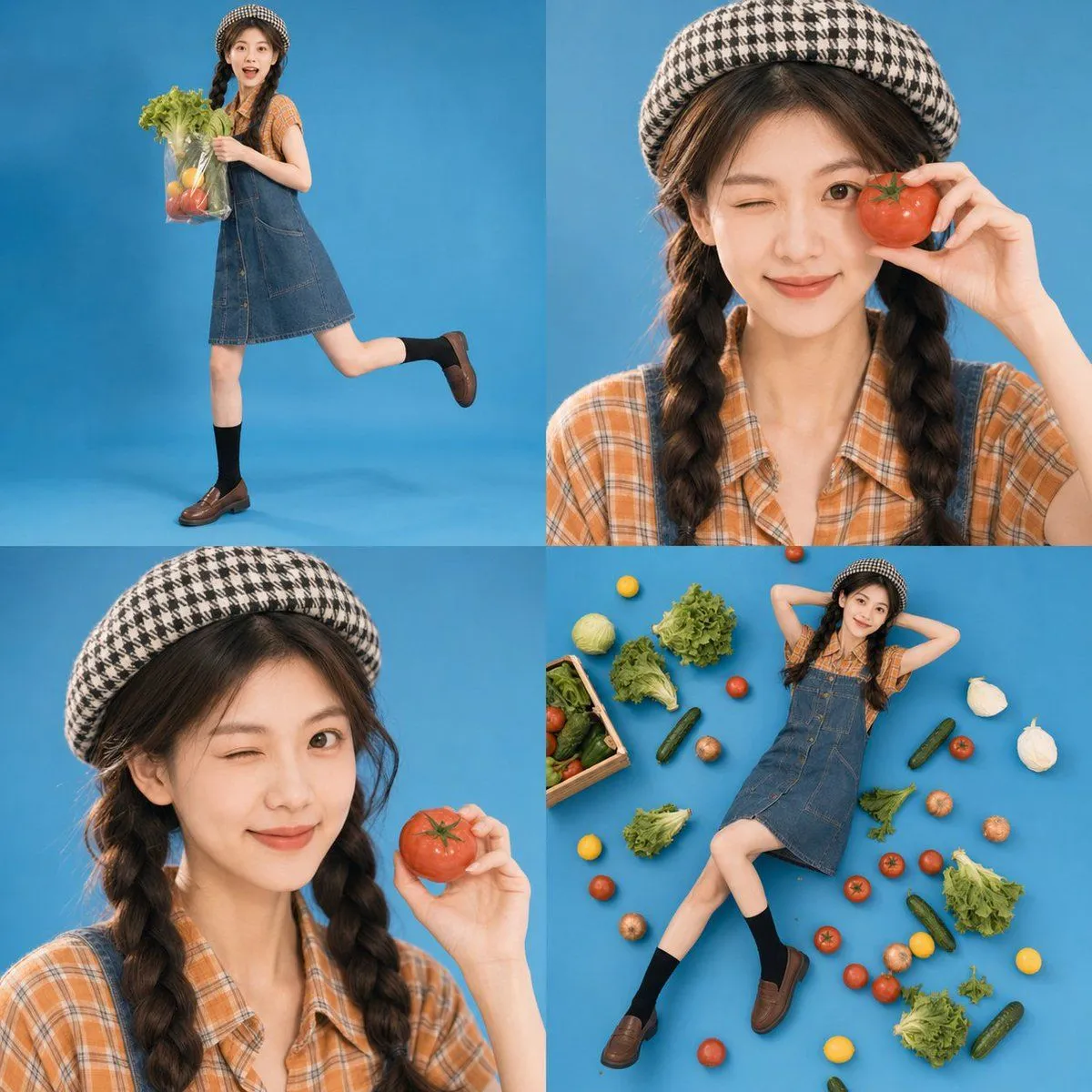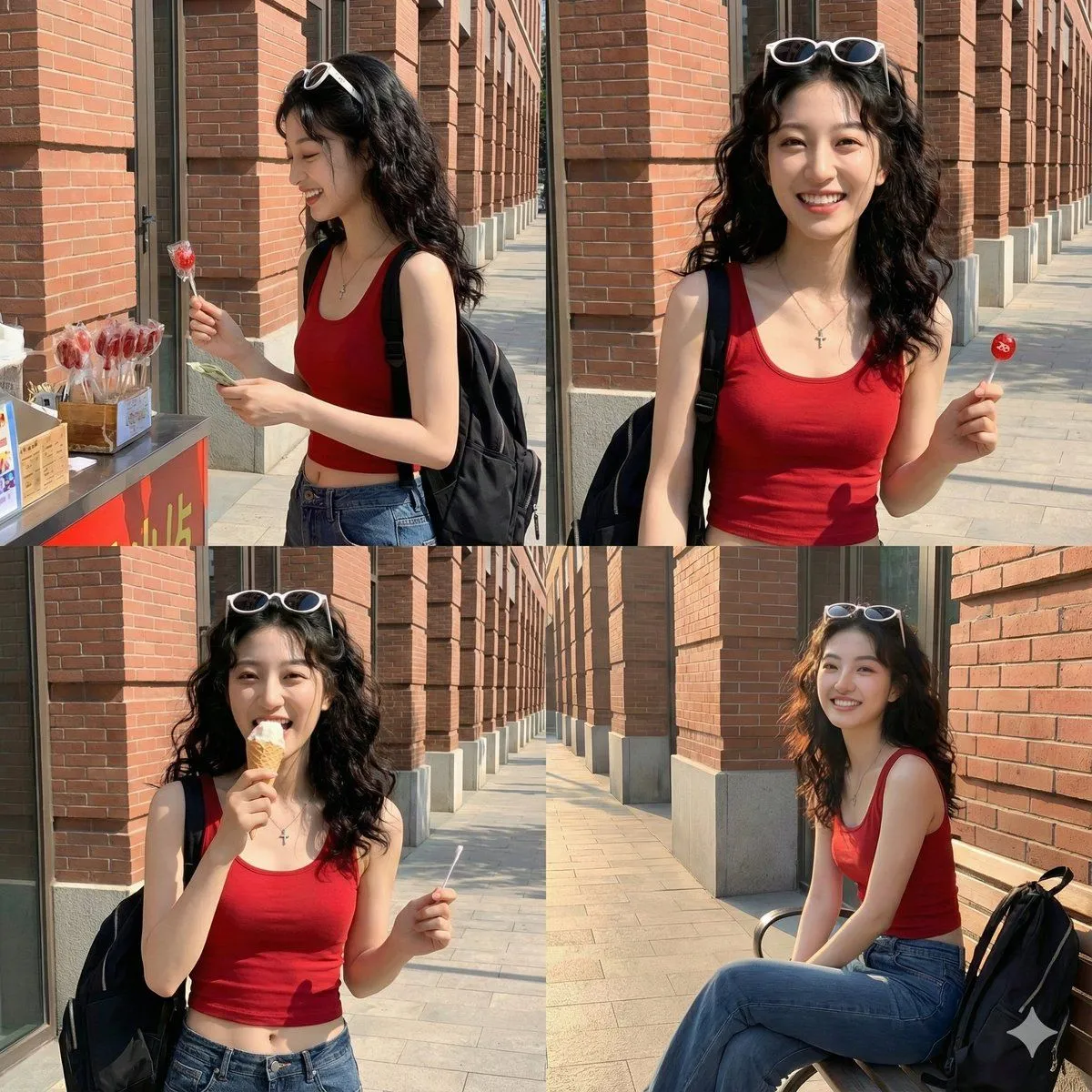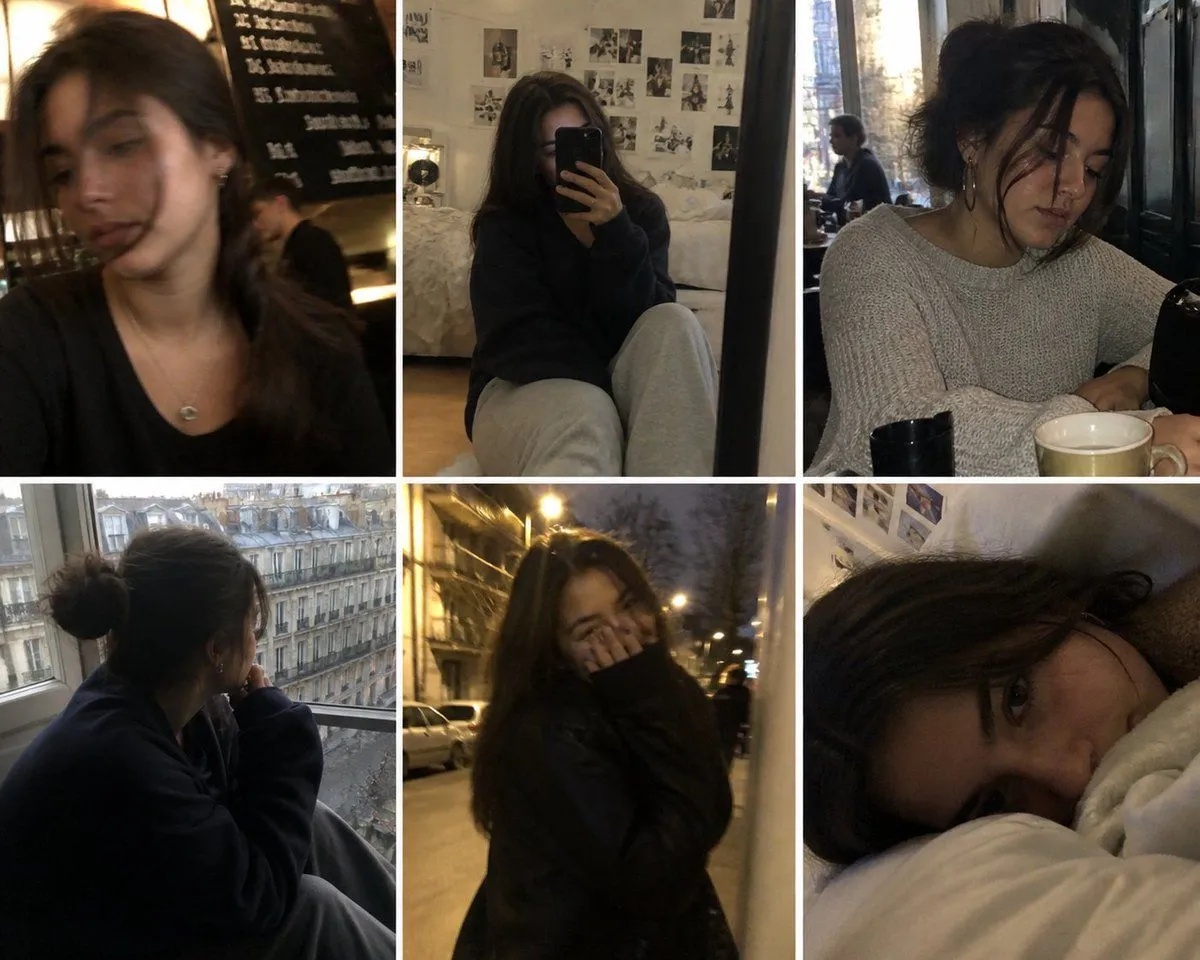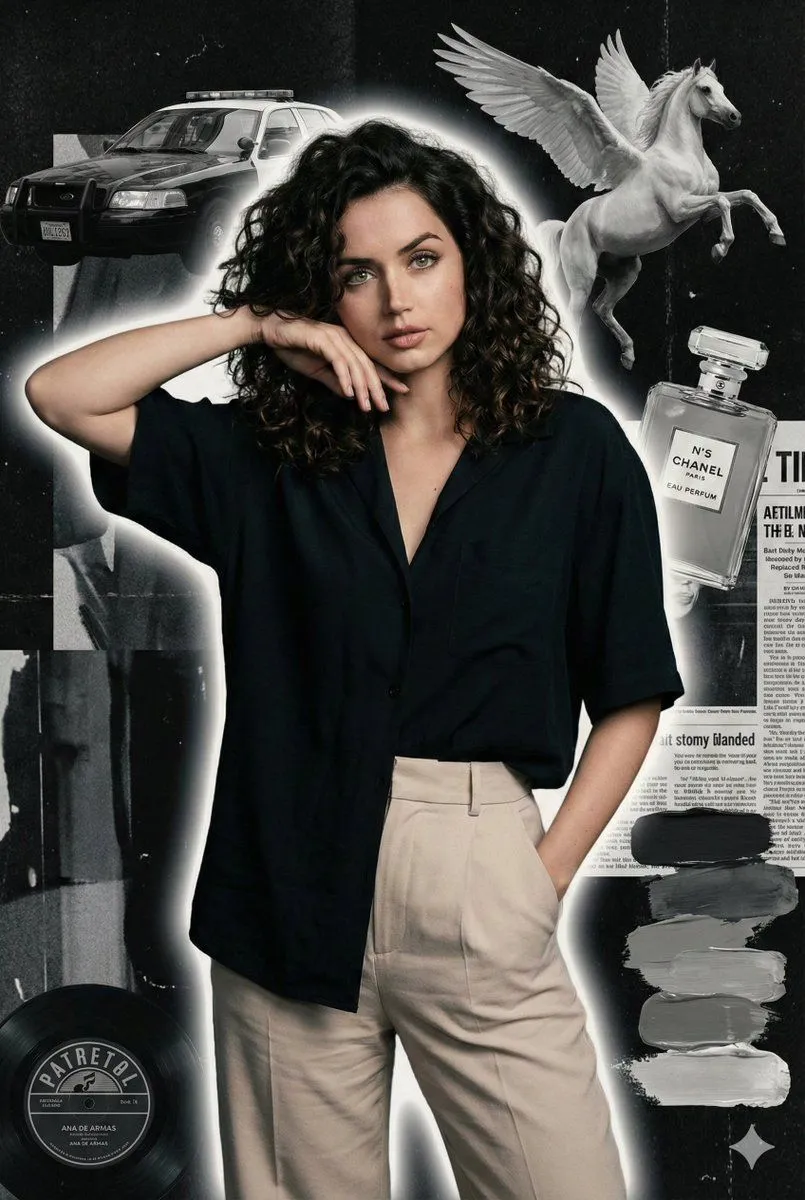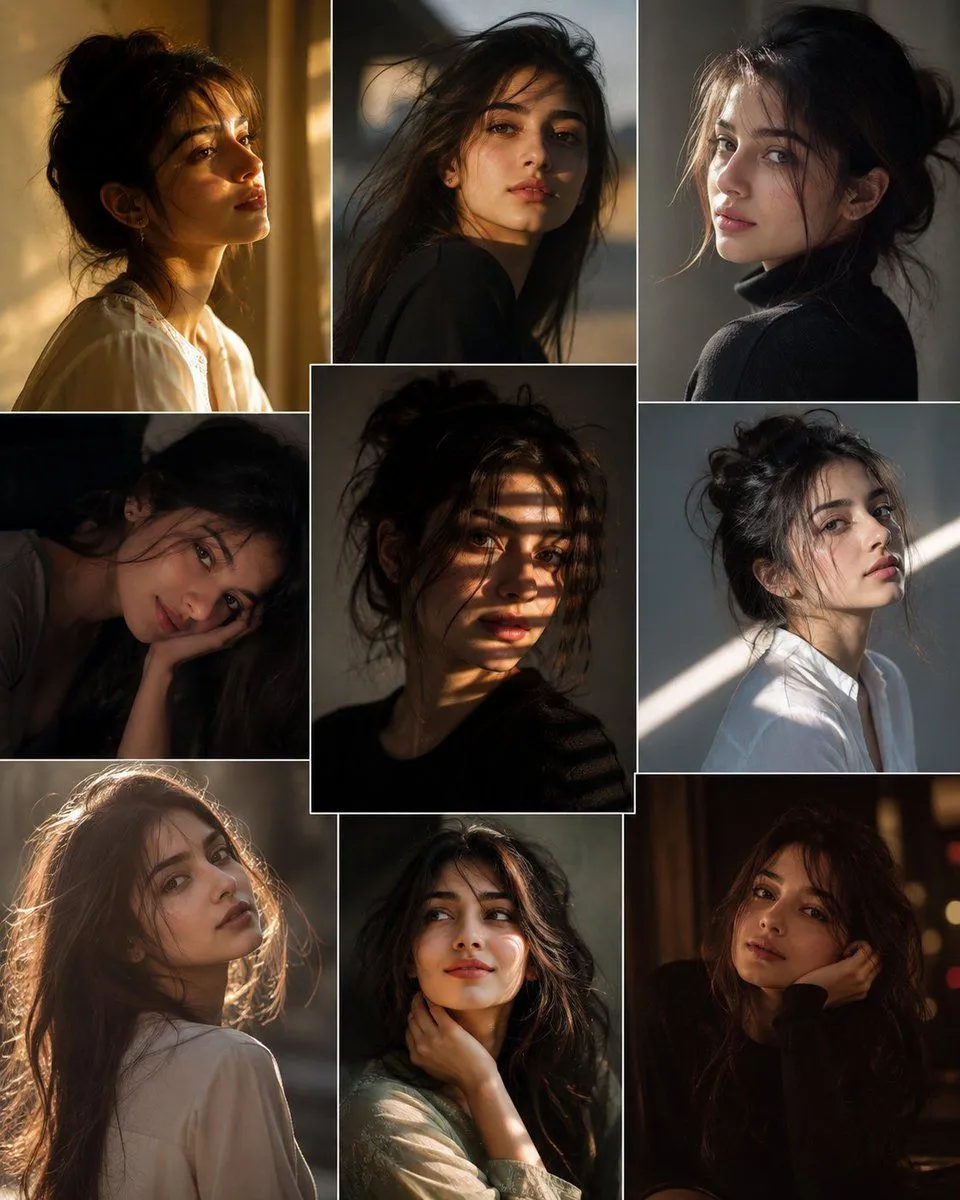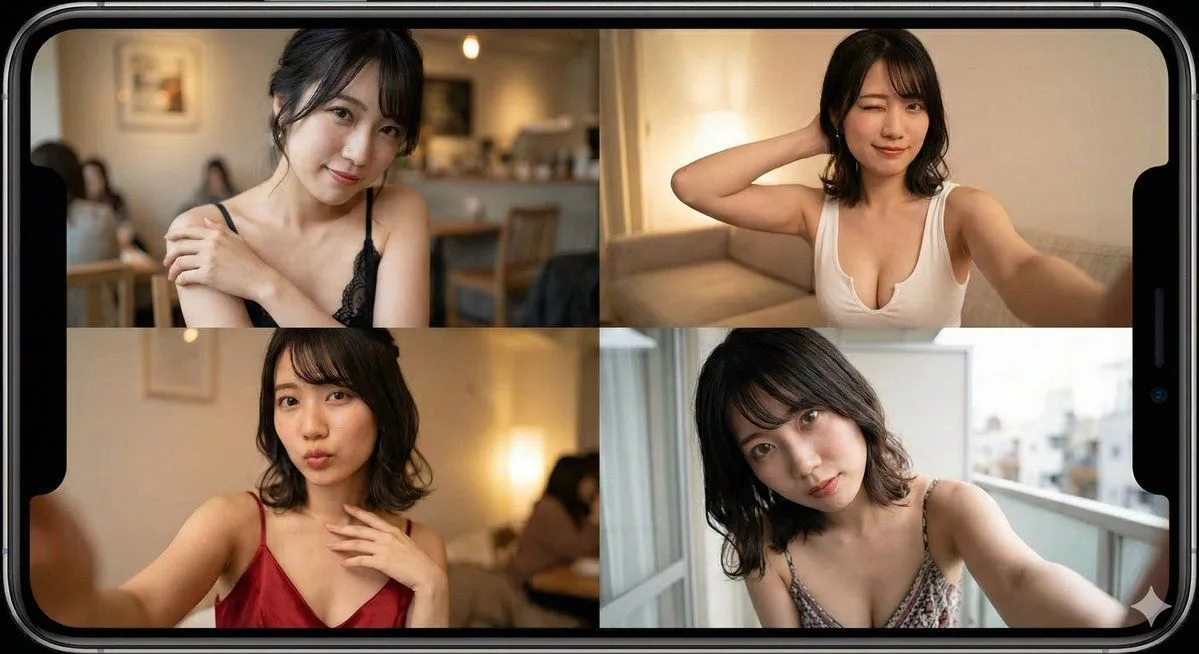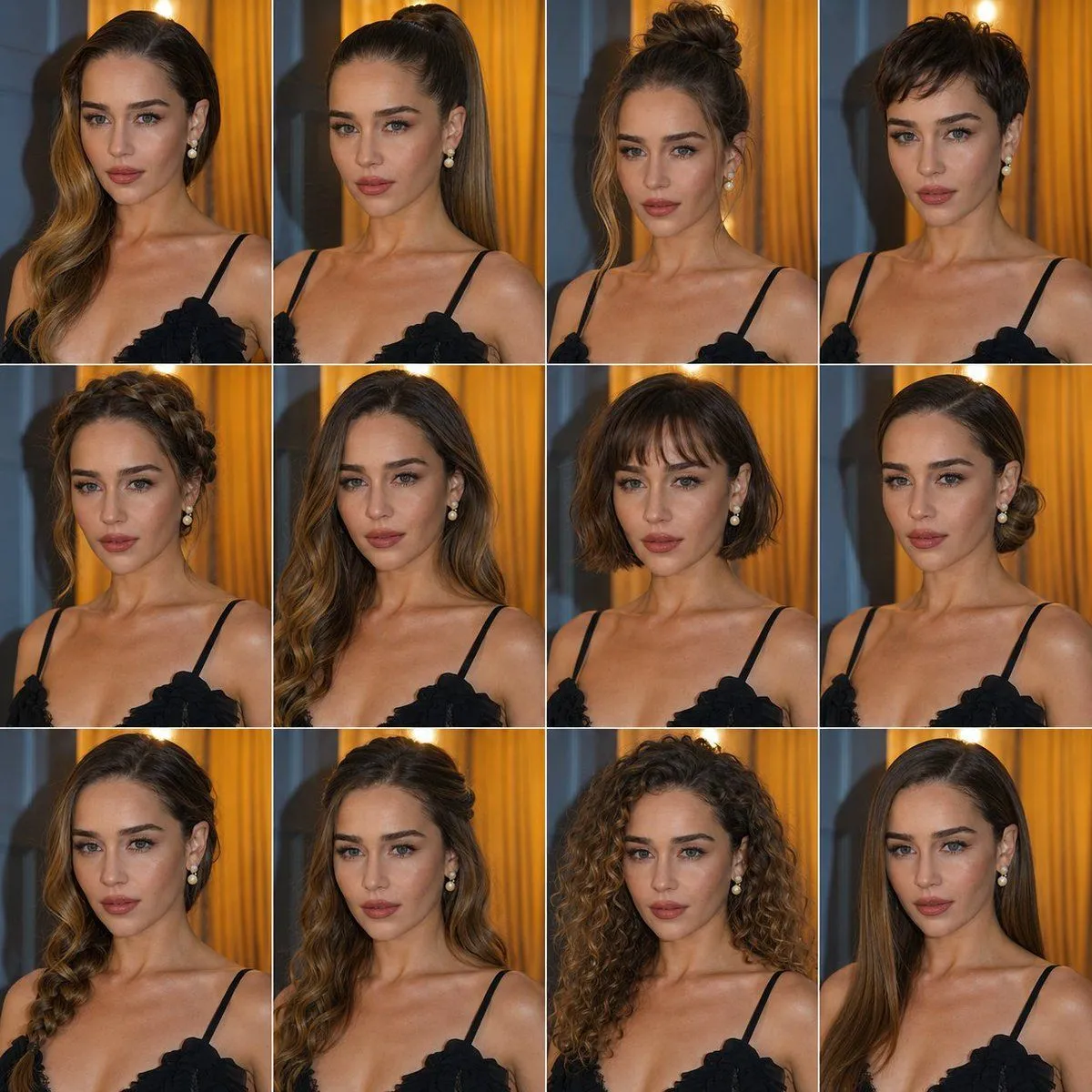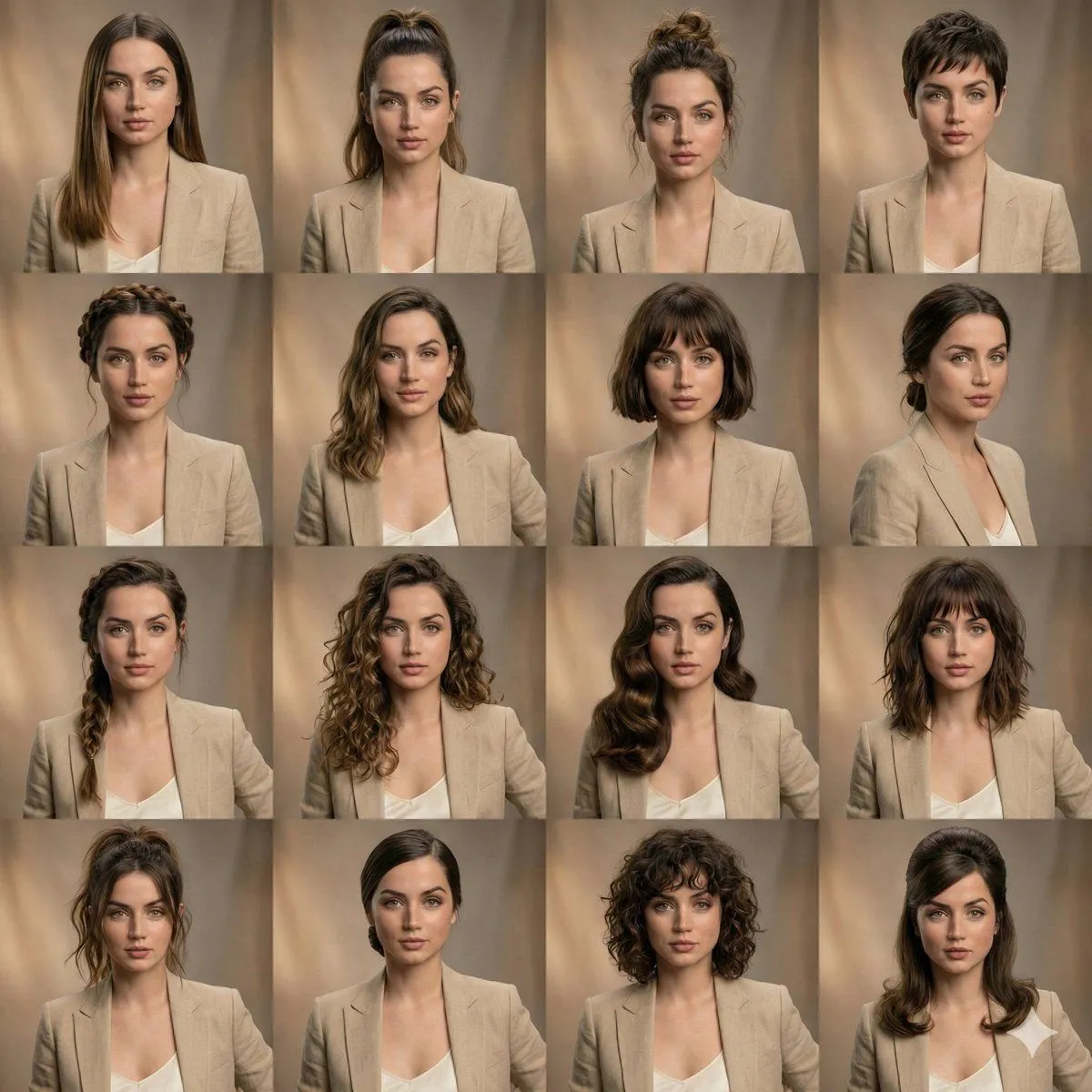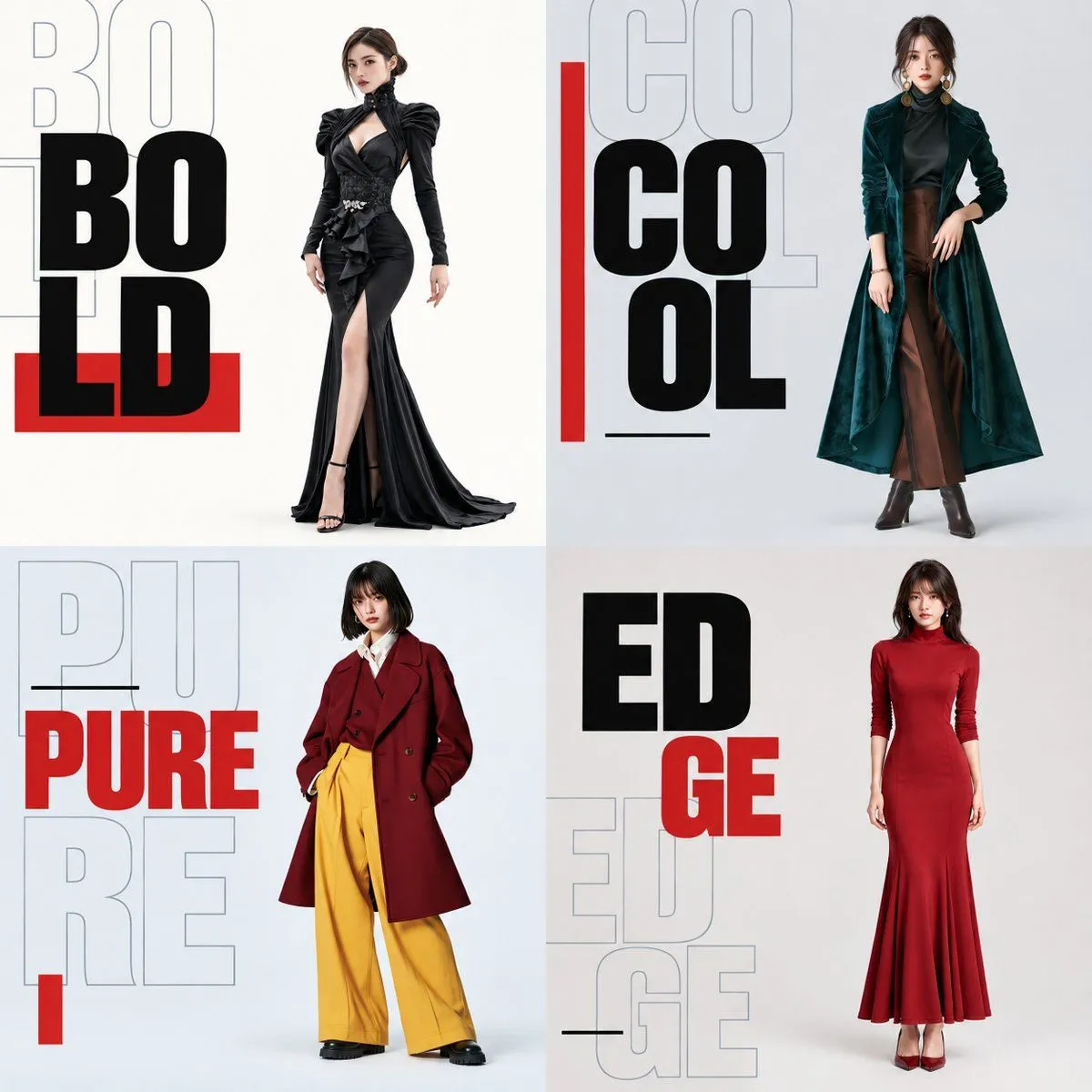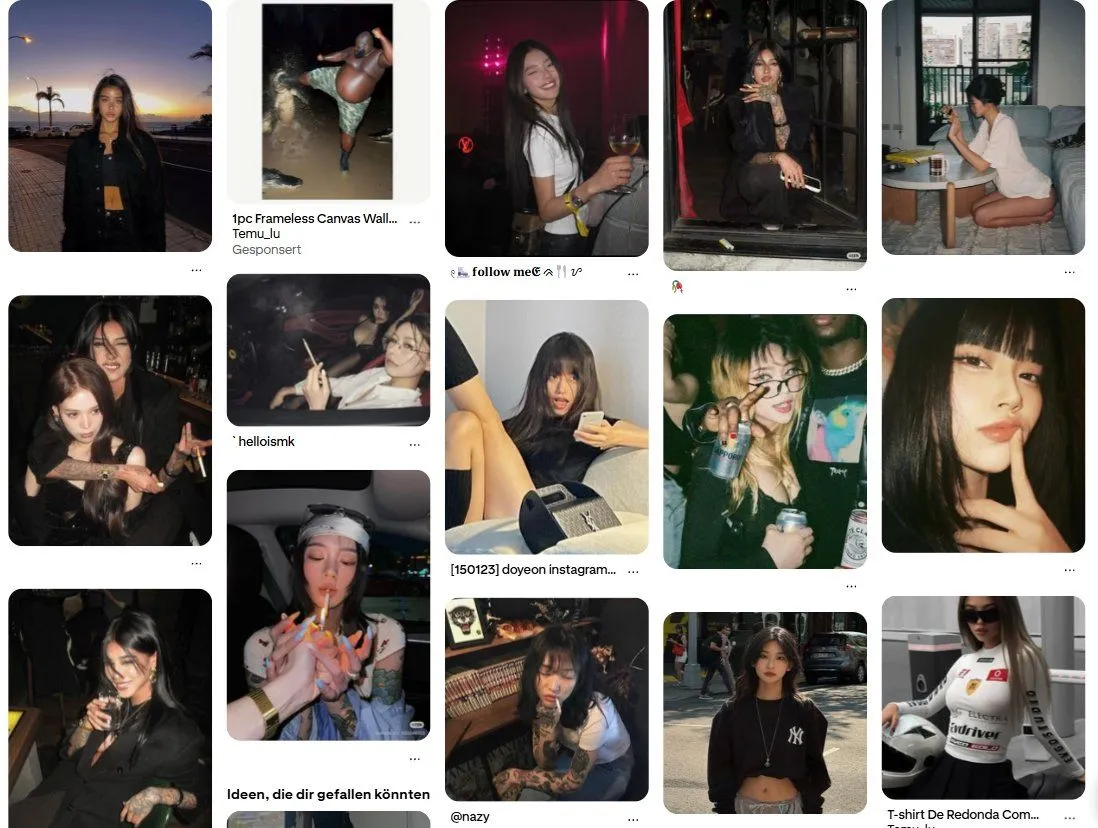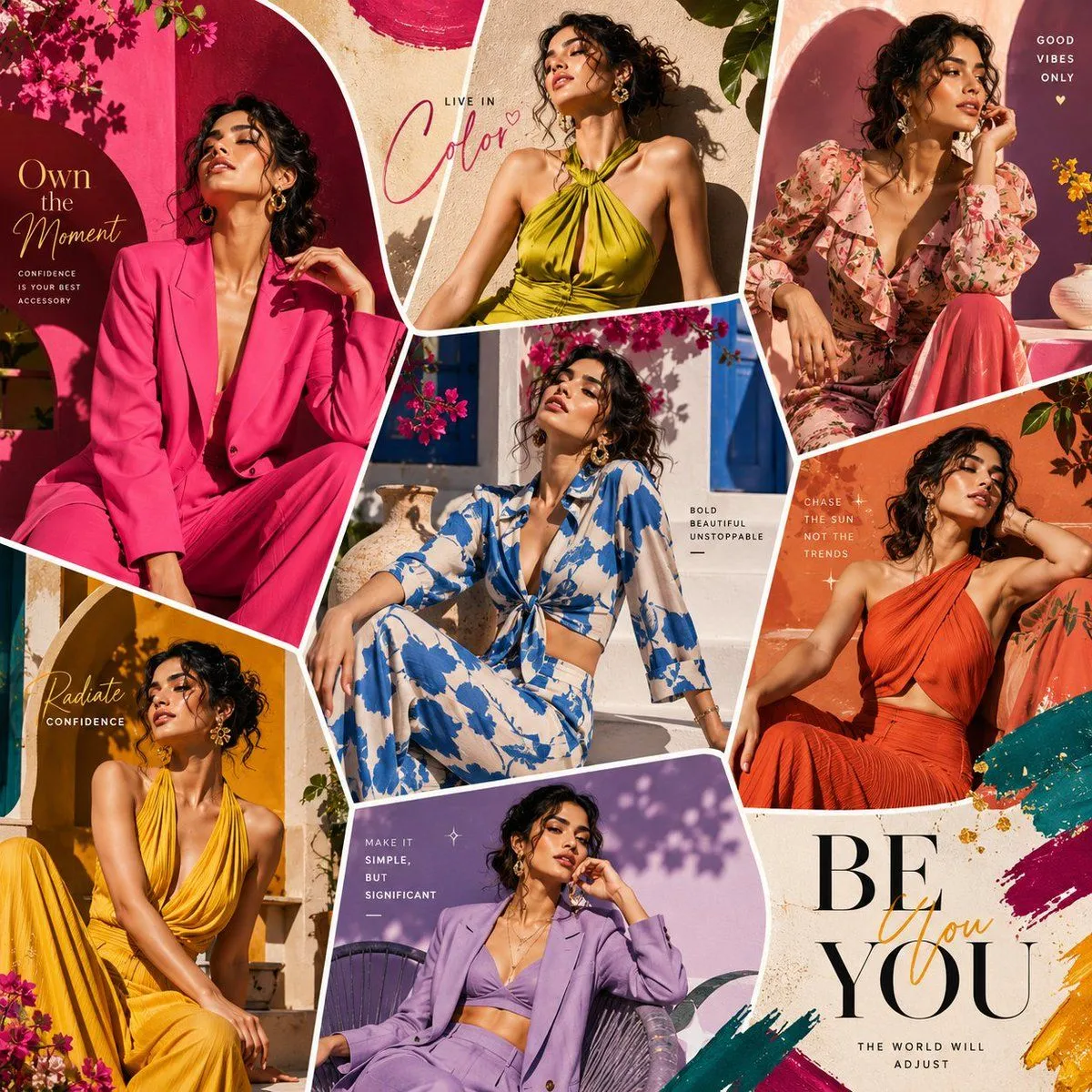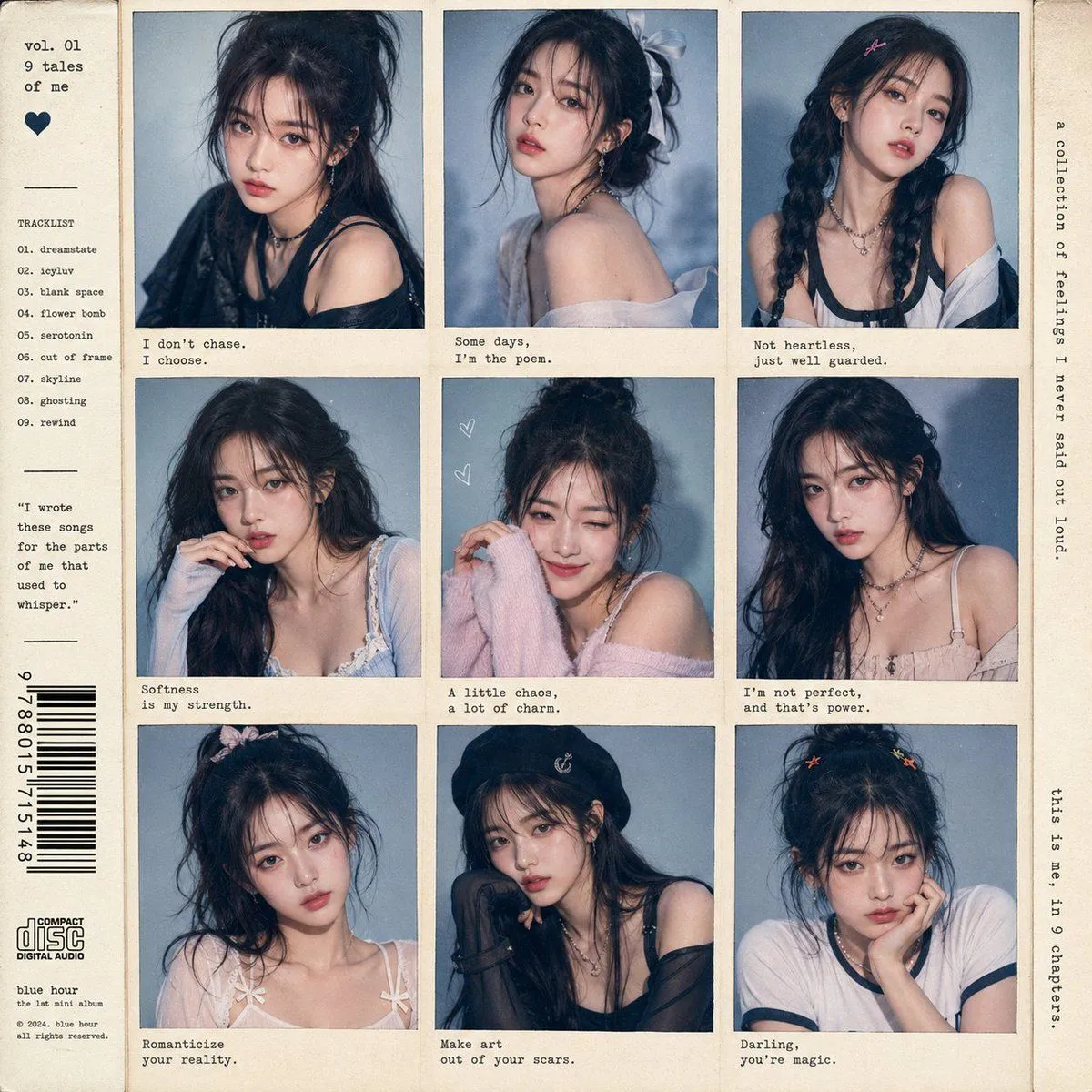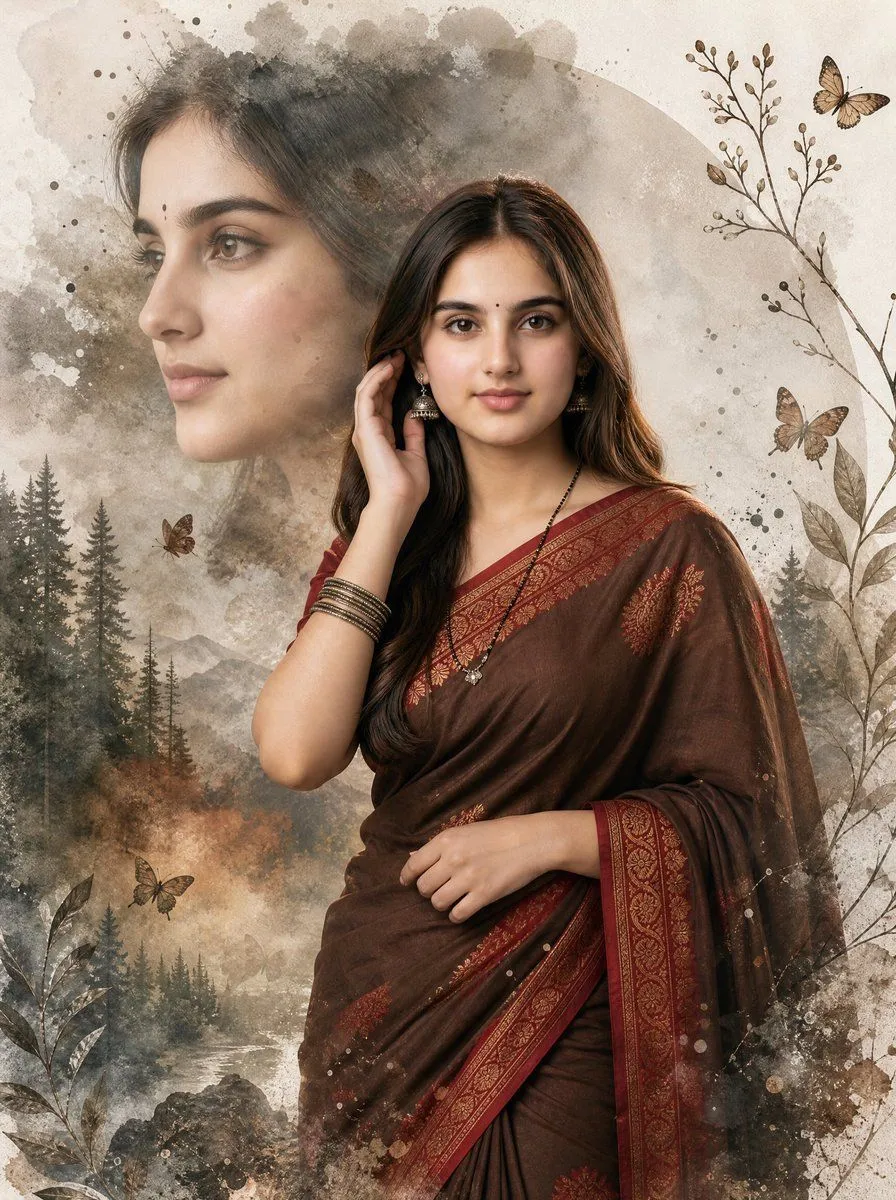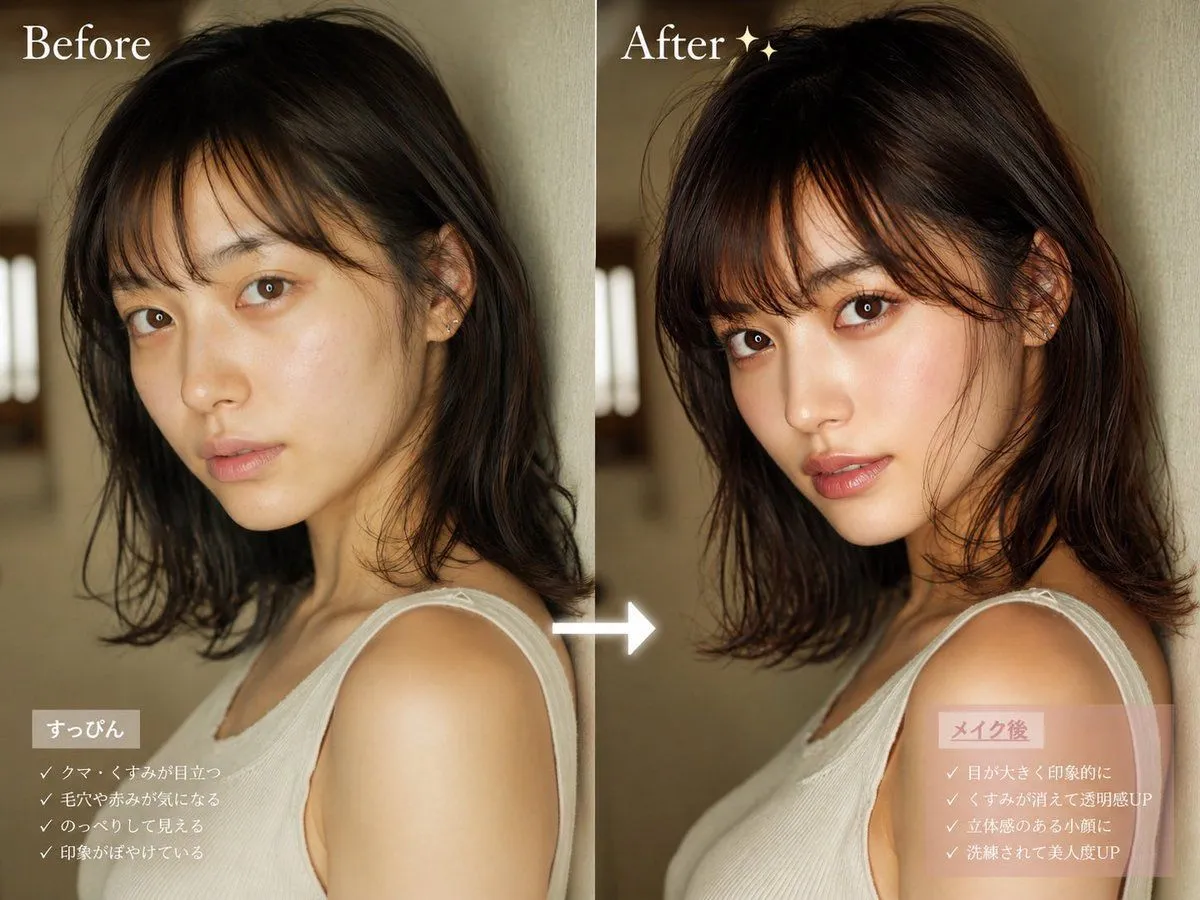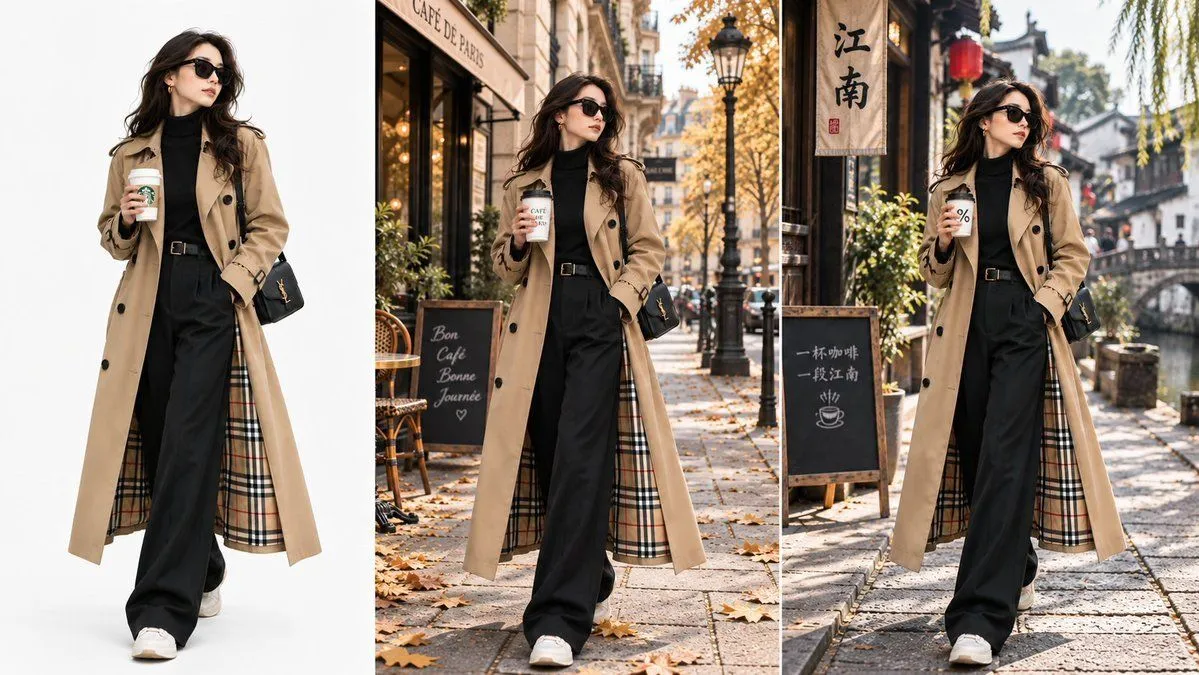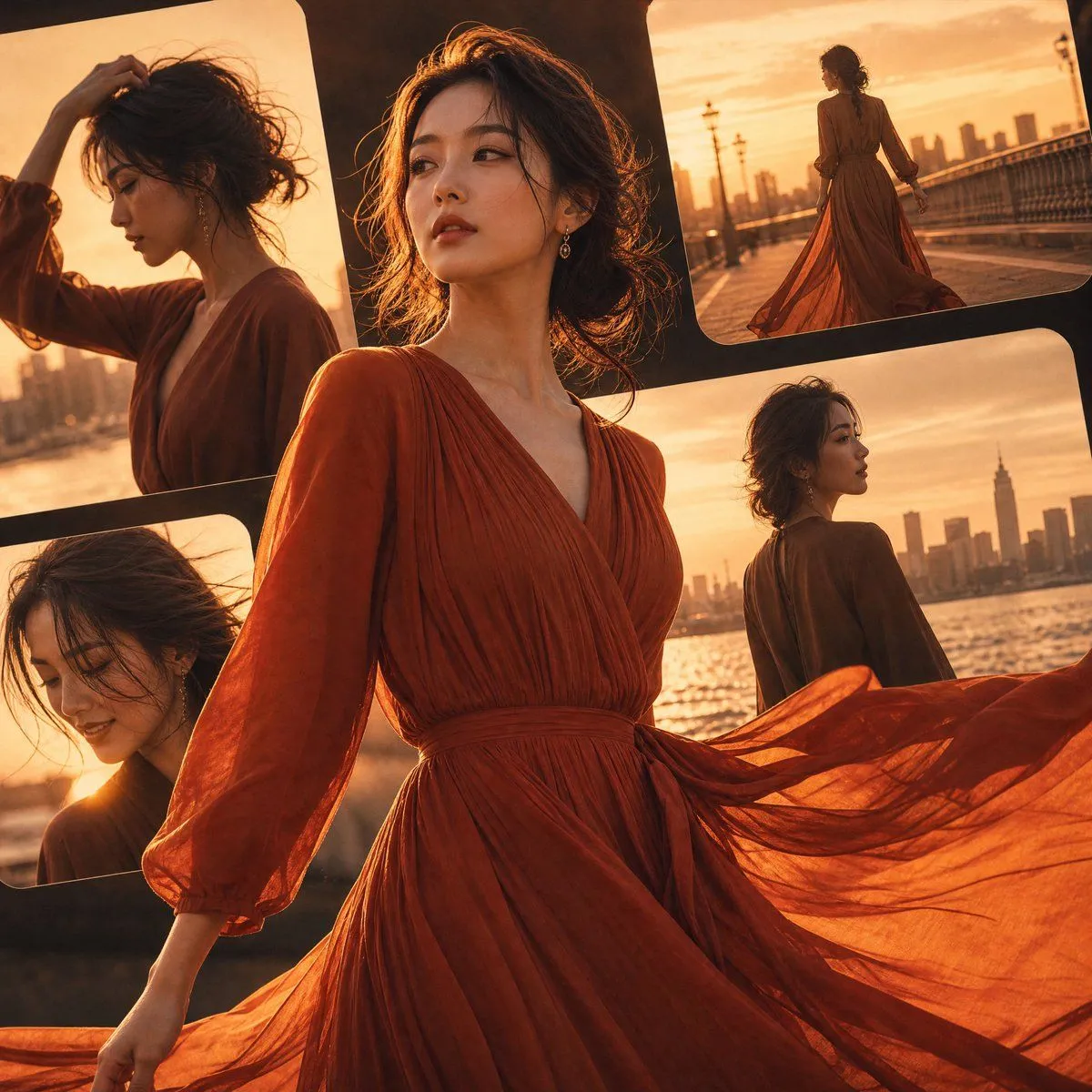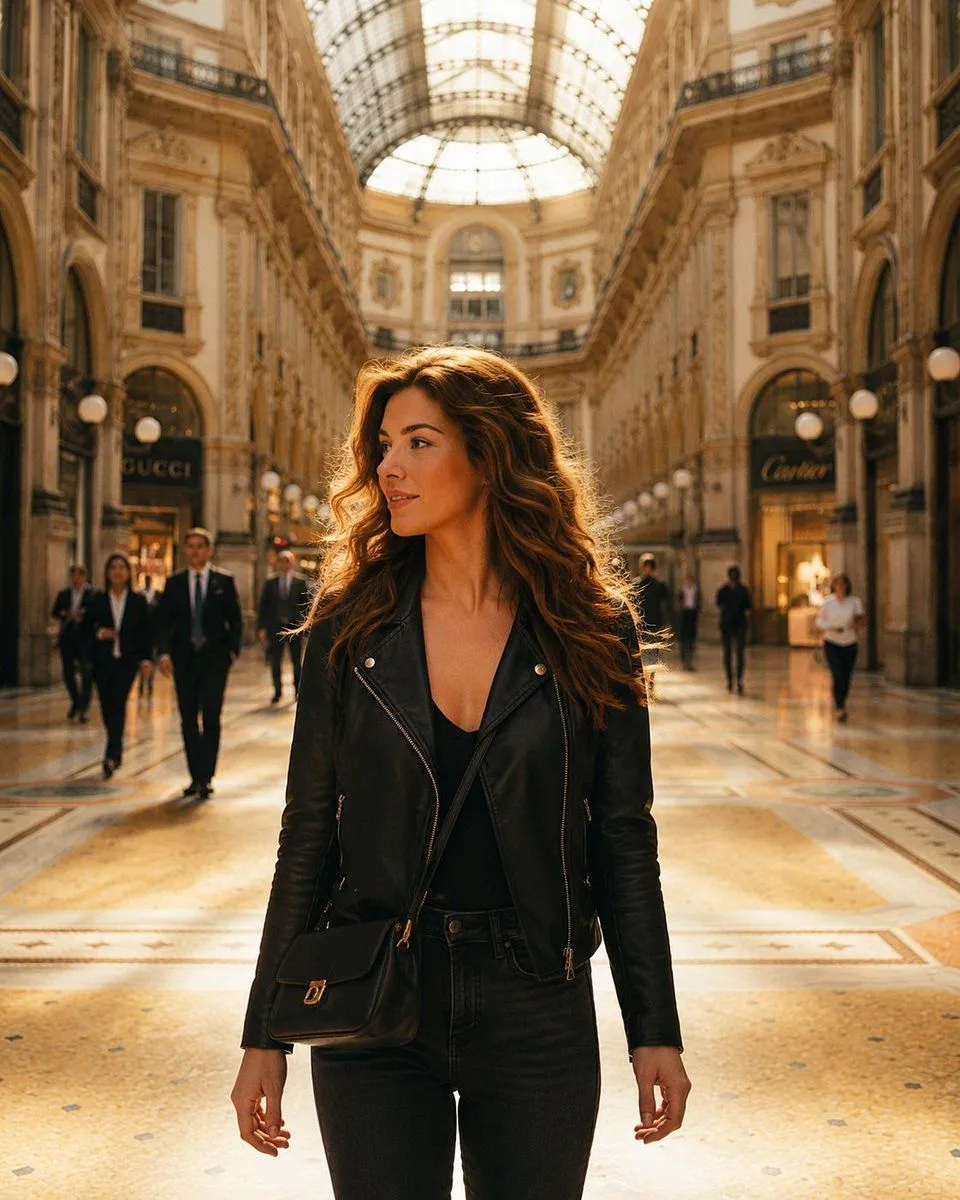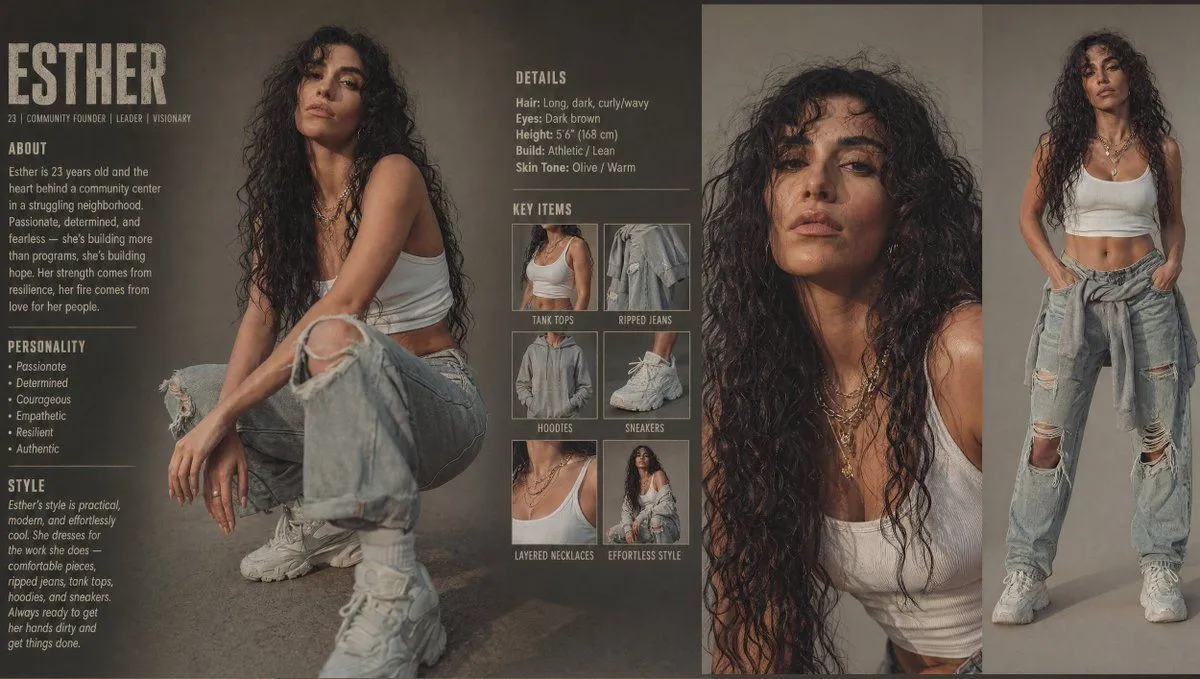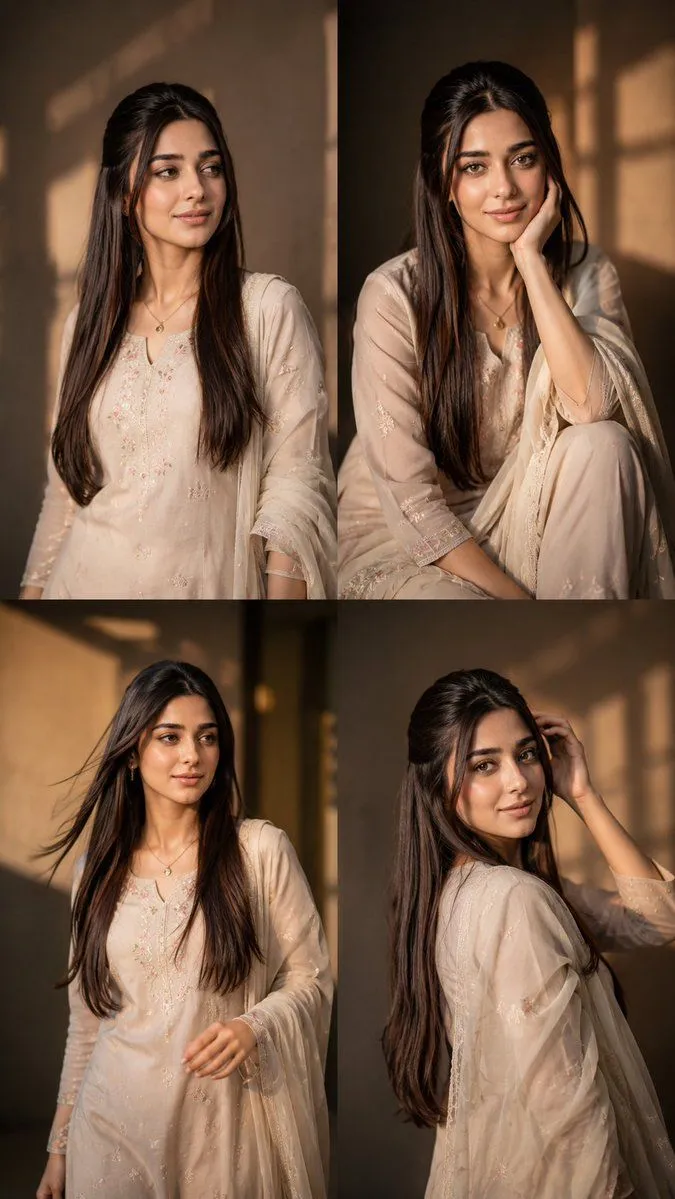
Made with GPT Image 2 in ChatGPT by Library Lifestyle. Promptclay never generates images.
Consistent Instagram Carousel Poses
Prompt
2 blanks to fillCreate a highly realistic 4-grid Instagram carousel featuring the SAME exact girl from the uploaded image. Analyze the uploaded image carefully and preserve the exact same aesthetic vibe, environment, lighting, mood, camera quality, outfit styling, hairstyle, accessories, and overall cinematic feel. Generate 4 DIFFERENT stylish poses that naturally match the uploaded image’s location and atmosphere, as if they were captured during the same photoshoot session. Maintain IDENTICAL facial features in all 4 frames with maximum face consistency. Preserve the exact same eyes, nose, lips, jawline, skin texture, hairstyle, hair color, body proportions, outfit details, accessories, and natural expression style from the uploaded image. The face must remain ultra realistic, sharp, detailed, and naturally human with no AI distortion or facial changes. 4 DIFFERENT POSES: 1st frame: confident standing pose looking away naturally with relaxed posture 2nd frame: candid sitting pose with soft expression and natural hand placement 3rd frame: walking or movement pose with cinematic candid energy 4th frame: over-shoulder or hair-touching pose with {aesthetic_style} aesthetic Each frame should have: different body posture different hand placement different camera composition different candid expression different aesthetic energy while still matching the original image vibe perfectly. Luxury influencer aesthetic, cinematic photography, realistic shadows, realistic hands, natural anatomy, DSLR quality, shallow depth of field, warm cinematic color grading, premium Instagram aesthetic, editorial fashion photography vibe, ultra detailed skin texture, realistic hair strands, photorealistic 8k. The final output should look like an authentic 4-photo carousel from the same aesthetic photoshoot with smooth visual consistency between all frames aspect ratio {aspect_ratio}
Preview of your prompt
Create a highly realistic 4-grid Instagram carousel featuring the SAME exact girl from the uploaded image. Analyze the uploaded image carefully and preserve the exact same aesthetic vibe, environment, lighting, mood, camera quality, outfit styling, hairstyle, accessories, and overall cinematic feel. Generate 4 DIFFERENT stylish poses that naturally match the uploaded image’s location and atmosphere, as if they were captured during the same photoshoot session. Maintain IDENTICAL facial features in all 4 frames with maximum face consistency. Preserve the exact same eyes, nose, lips, jawline, skin texture, hairstyle, hair color, body proportions, outfit details, accessories, and natural expression style from the uploaded image. The face must remain ultra realistic, sharp, detailed, and naturally human with no AI distortion or facial changes. 4 DIFFERENT POSES: 1st frame: confident standing pose looking away naturally with relaxed posture 2nd frame: candid sitting pose with soft expression and natural hand placement 3rd frame: walking or movement pose with cinematic candid energy 4th frame: over-shoulder or hair-touching pose with Pinterest / Gen-Z aesthetic Each frame should have: different body posture different hand placement different camera composition different candid expression different aesthetic energy while still matching the original image vibe perfectly. Luxury influencer aesthetic, cinematic photography, realistic shadows, realistic hands, natural anatomy, DSLR quality, shallow depth of field, warm cinematic color grading, premium Instagram aesthetic, editorial fashion photography vibe, ultra detailed skin texture, realistic hair strands, photorealistic 8k. The final output should look like an authentic 4-photo carousel from the same aesthetic photoshoot with smooth visual consistency between all frames aspect ratio 9:16
DetailsVersions, settings and questions
Written for
What's in the prompt
- Subject
- Model
- GPT Image 2
If your face changes
keep my face exactly the sameQuestions
- Does this work in the ChatGPT app?
- Yes. Paste the prompt and attach your photo if it uses one.
- It changed my face. What do I do?
- Add "keep my face exactly the same" to the end and run it again.
- Can I use the images I make?
- Check the terms of the app you use. Promptclay never generates images and claims nothing you make.
Did it work?
No reports yet. Tell others if it worked for you.