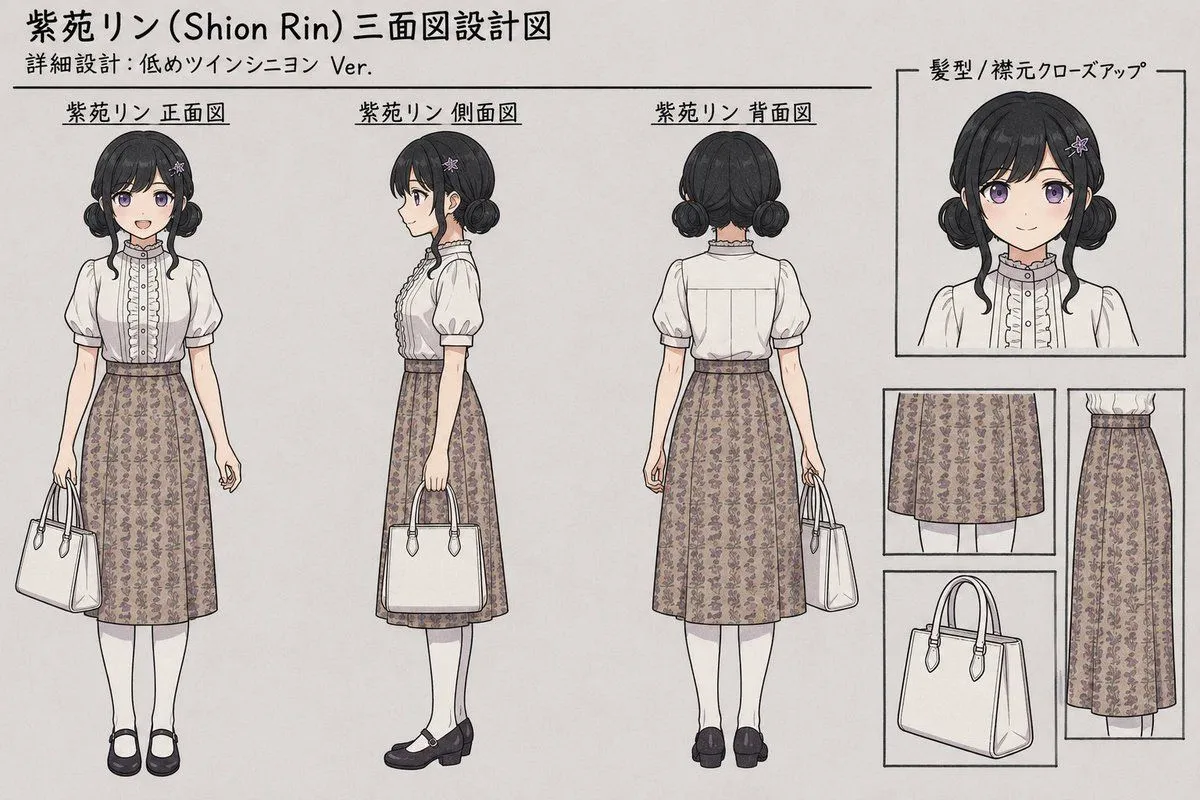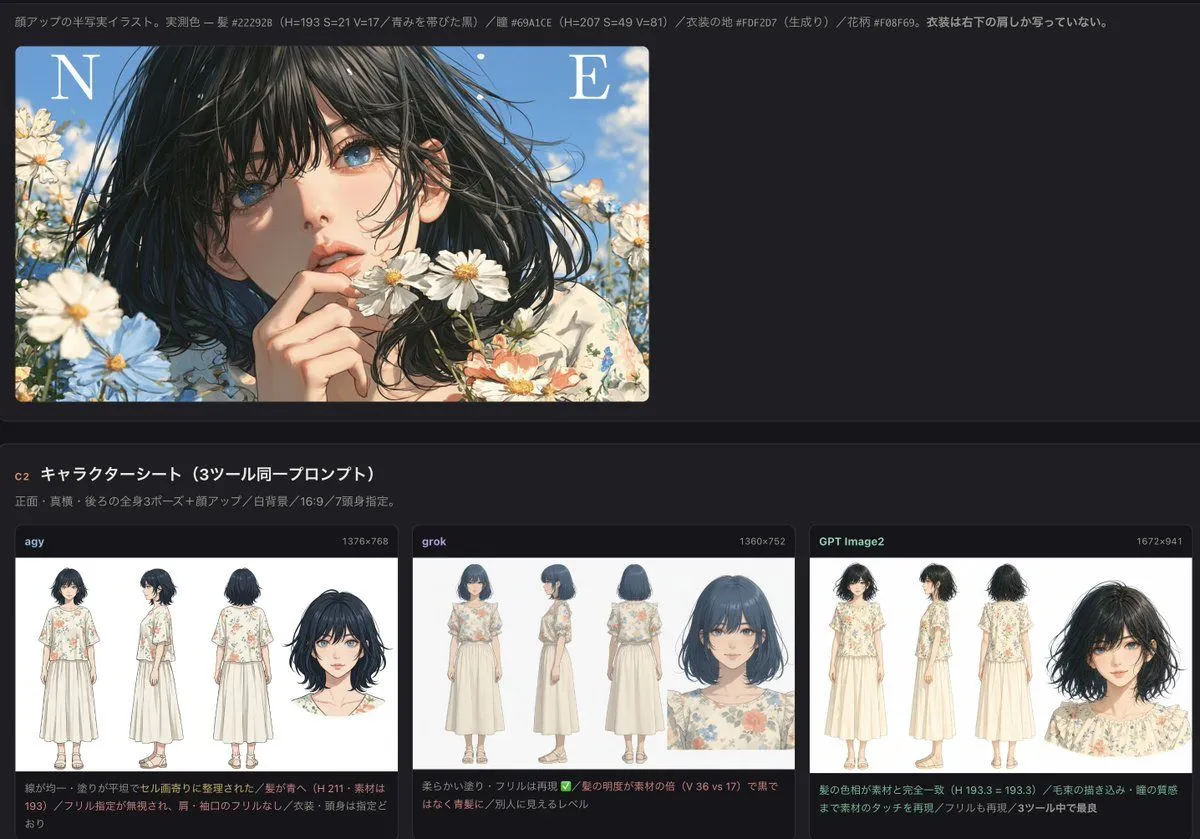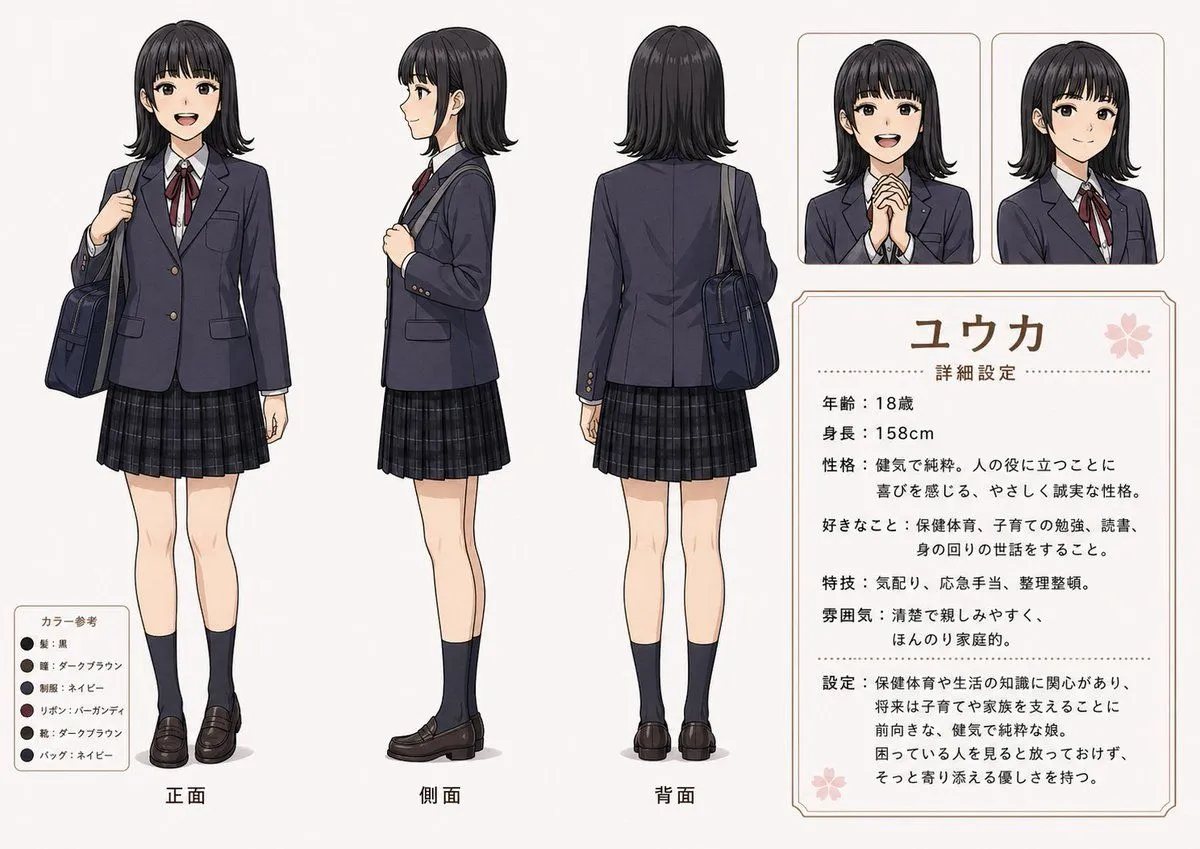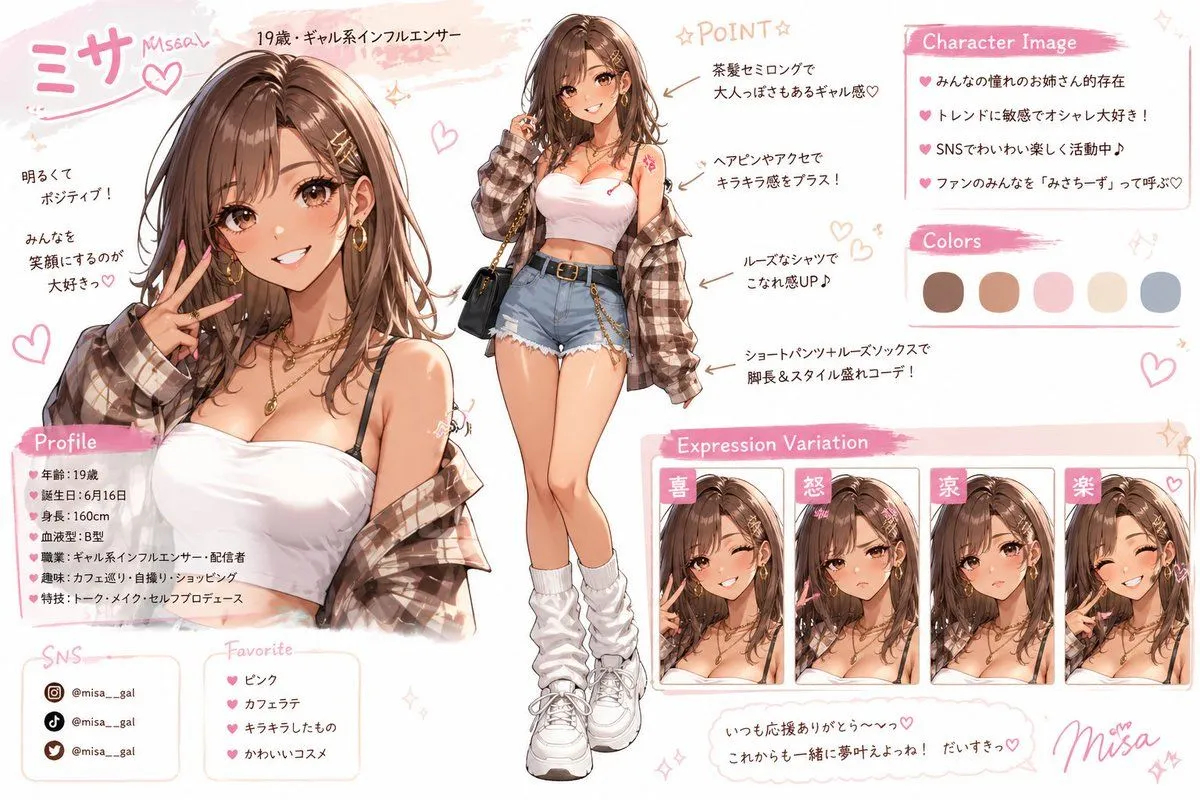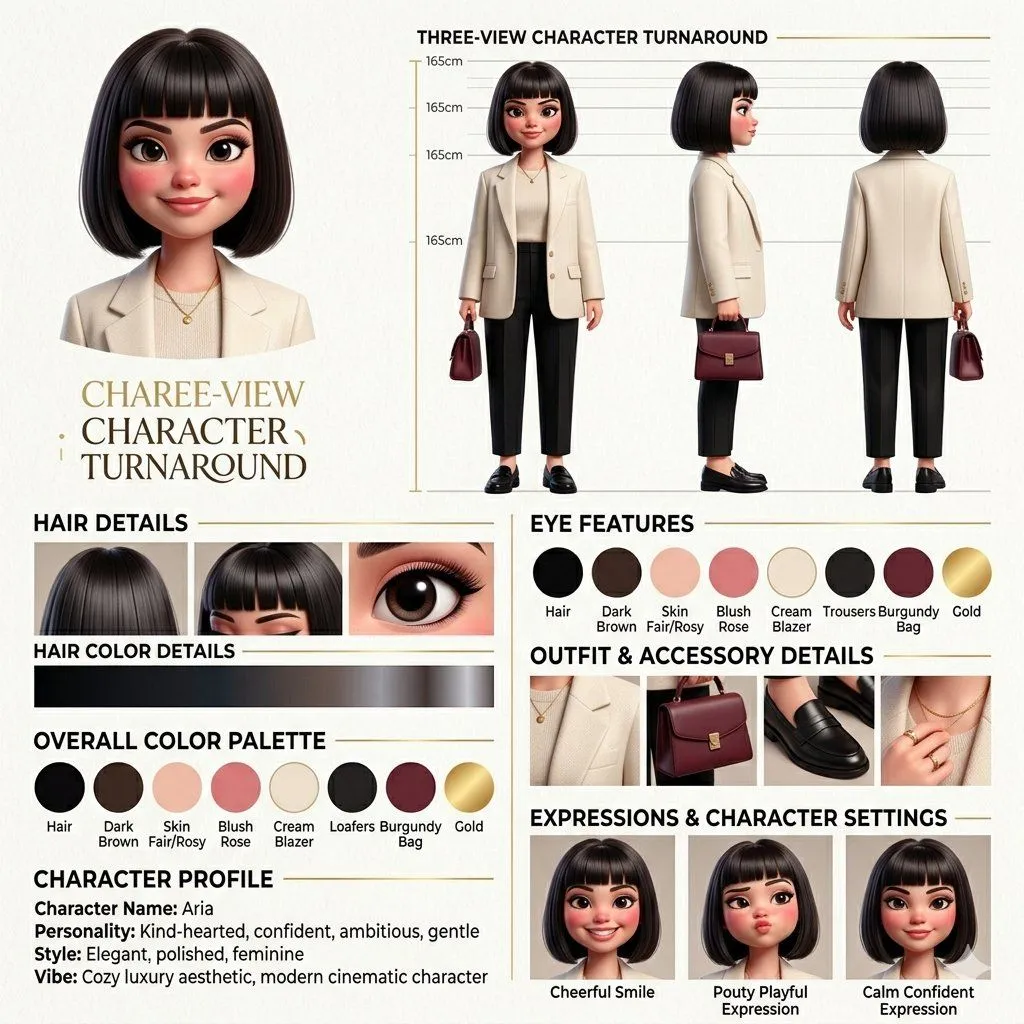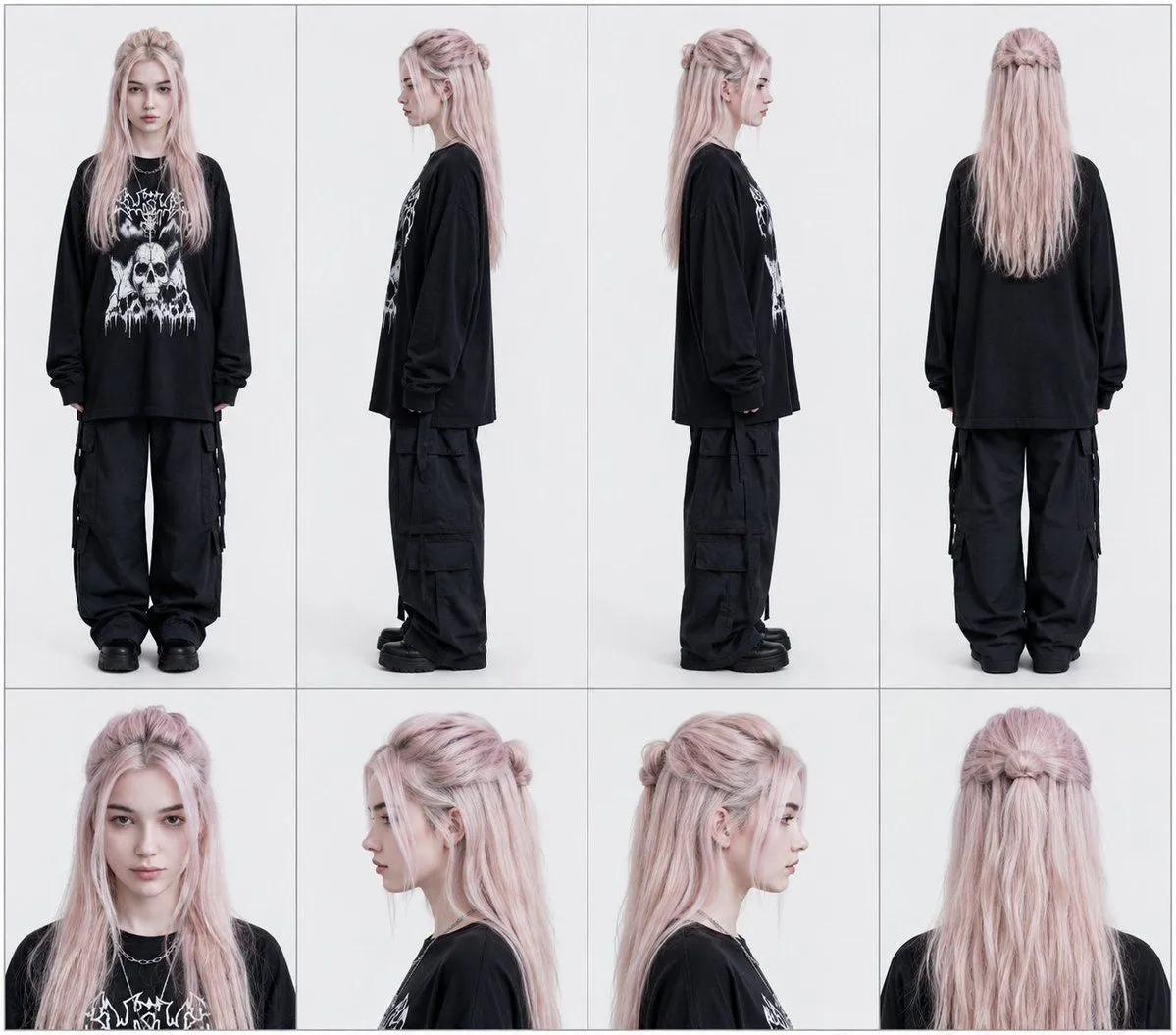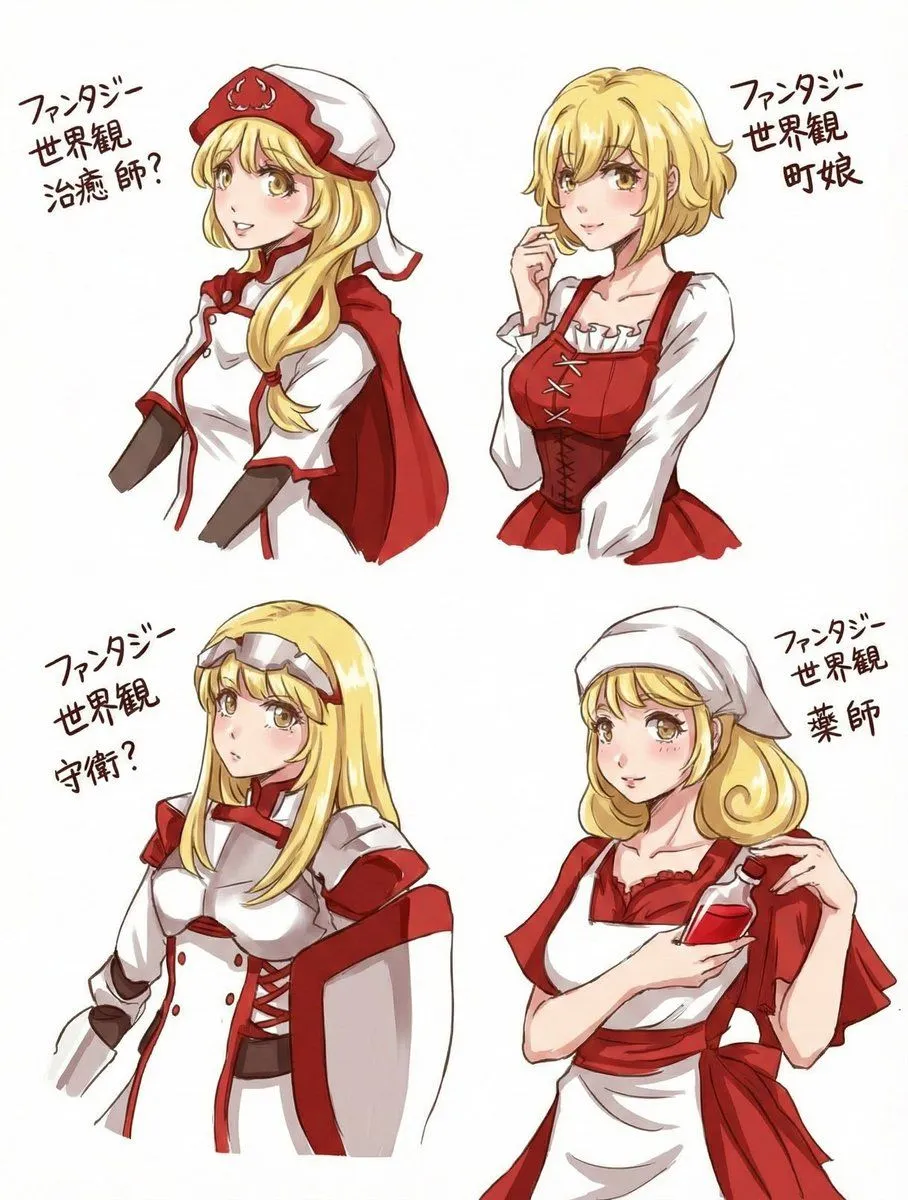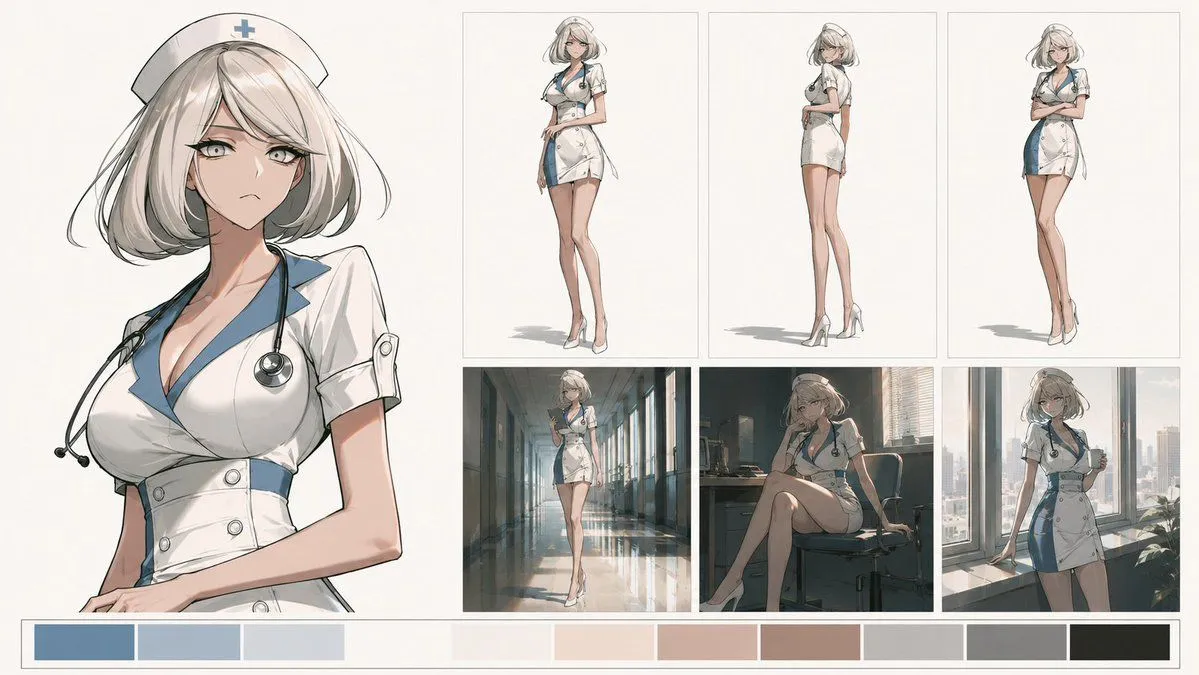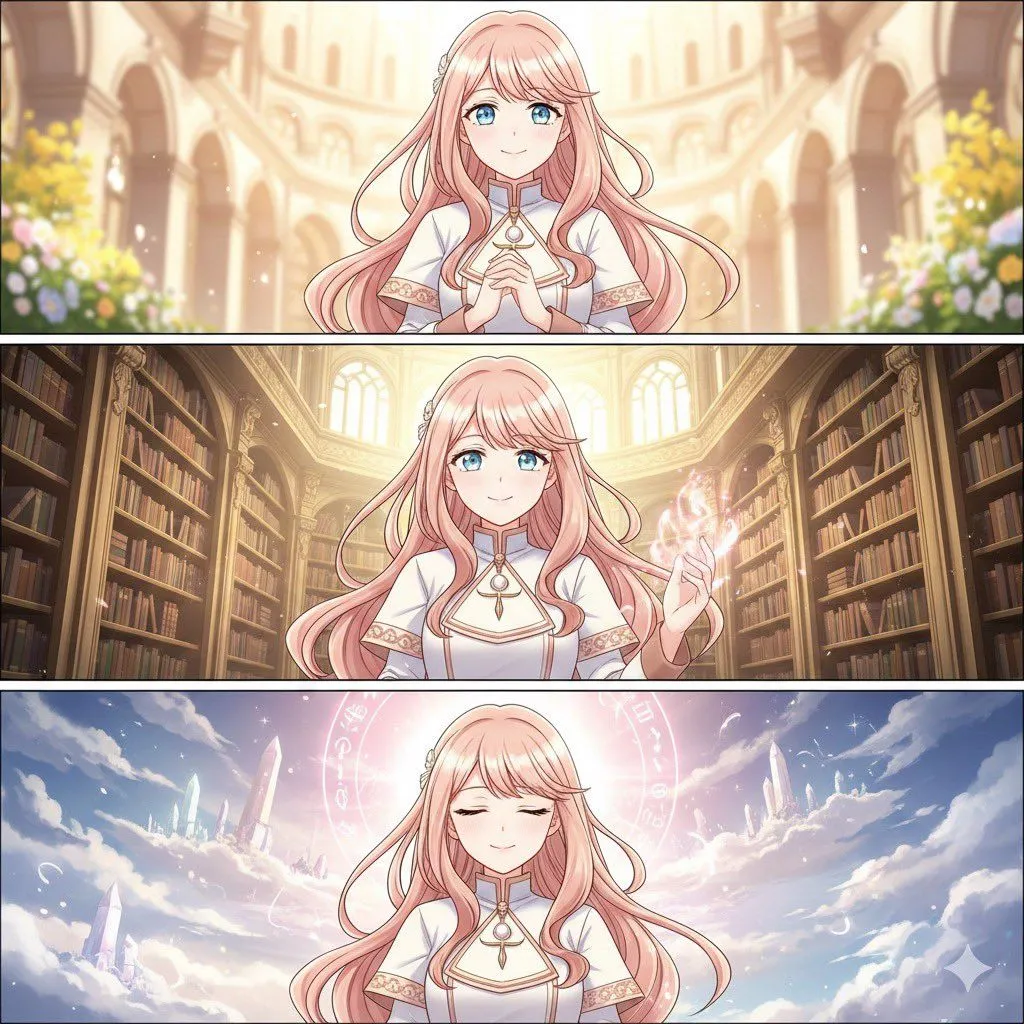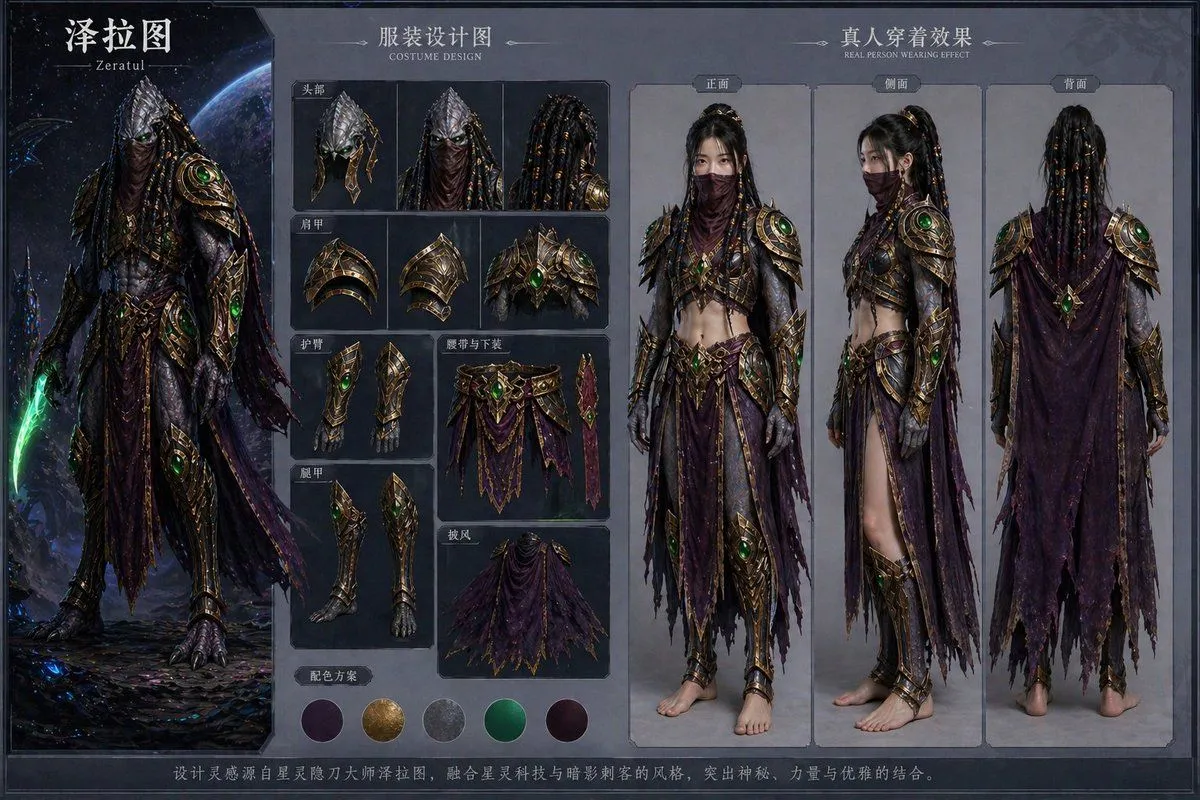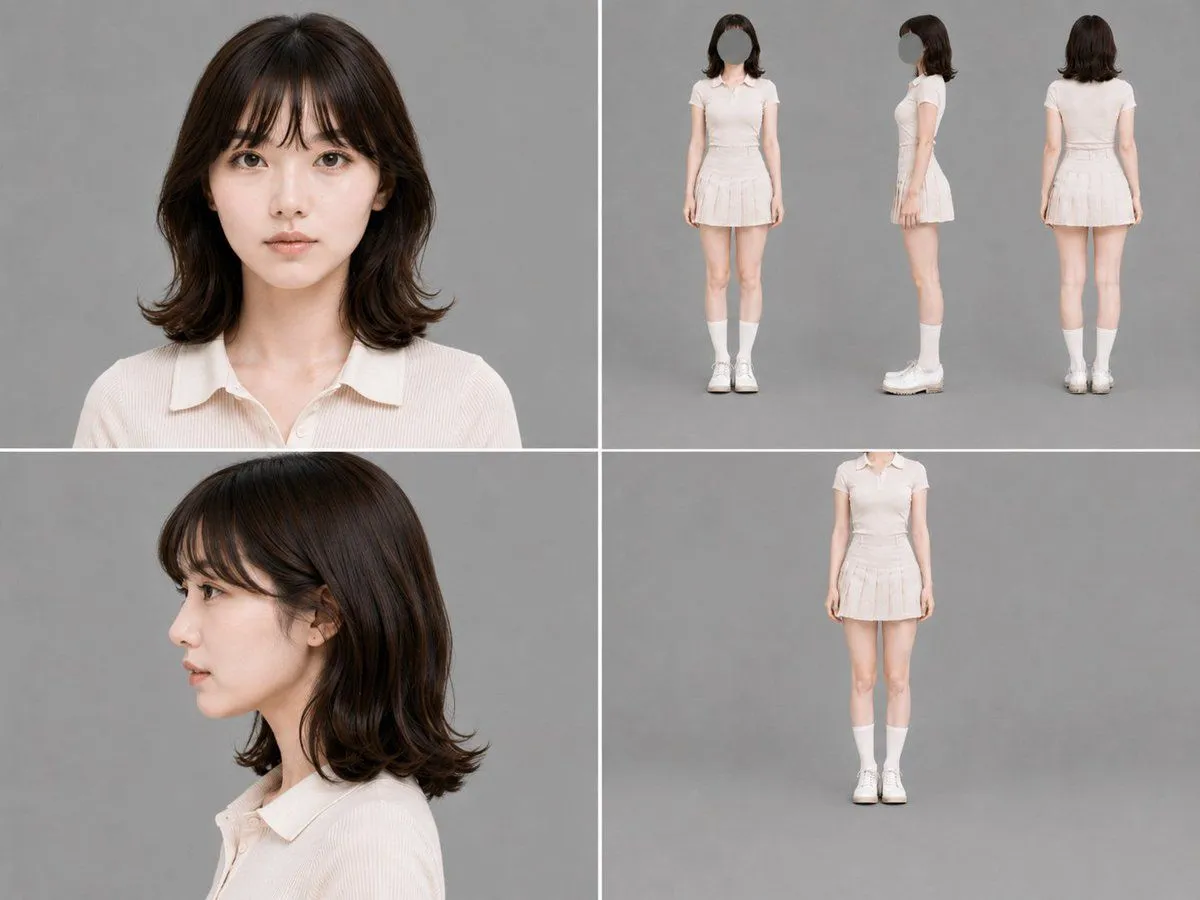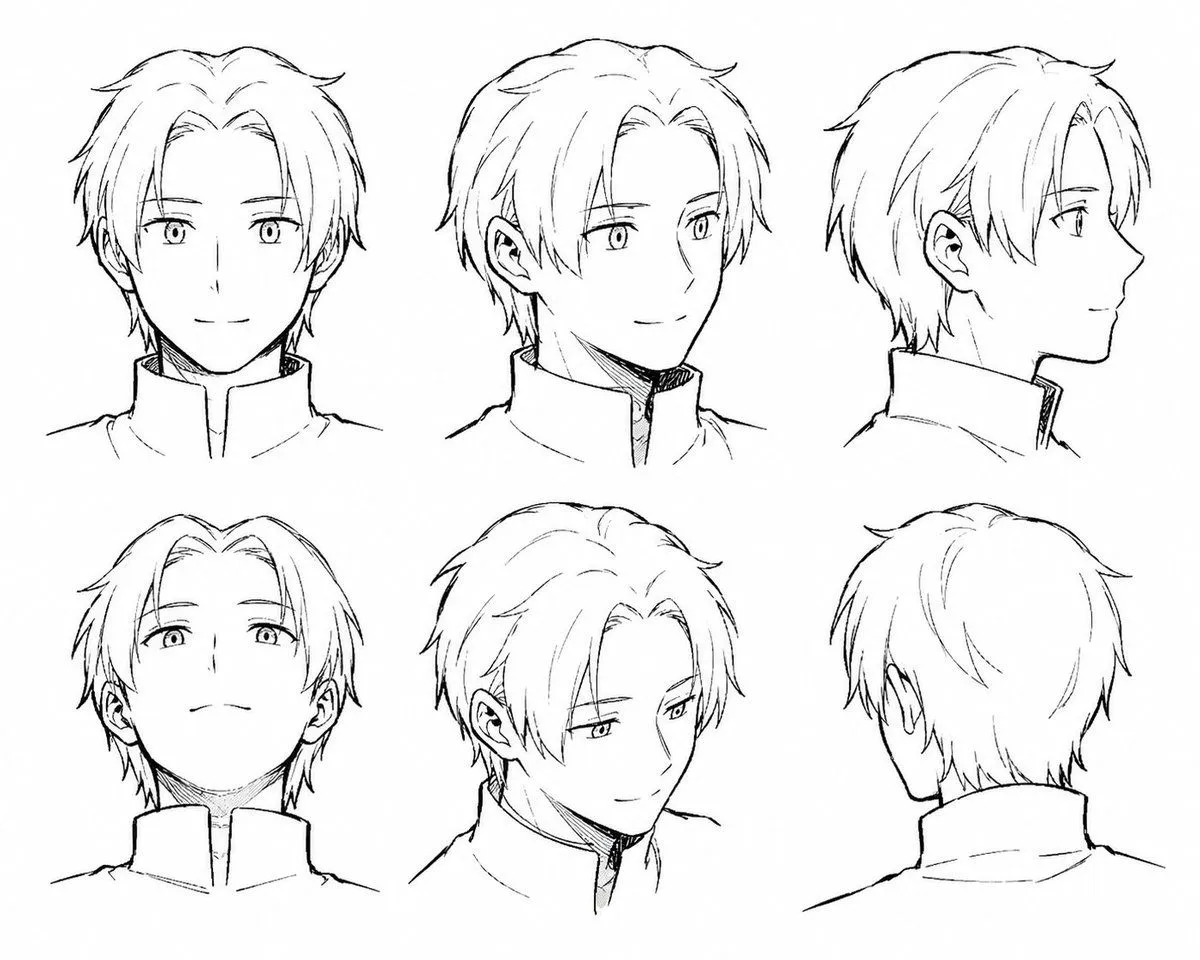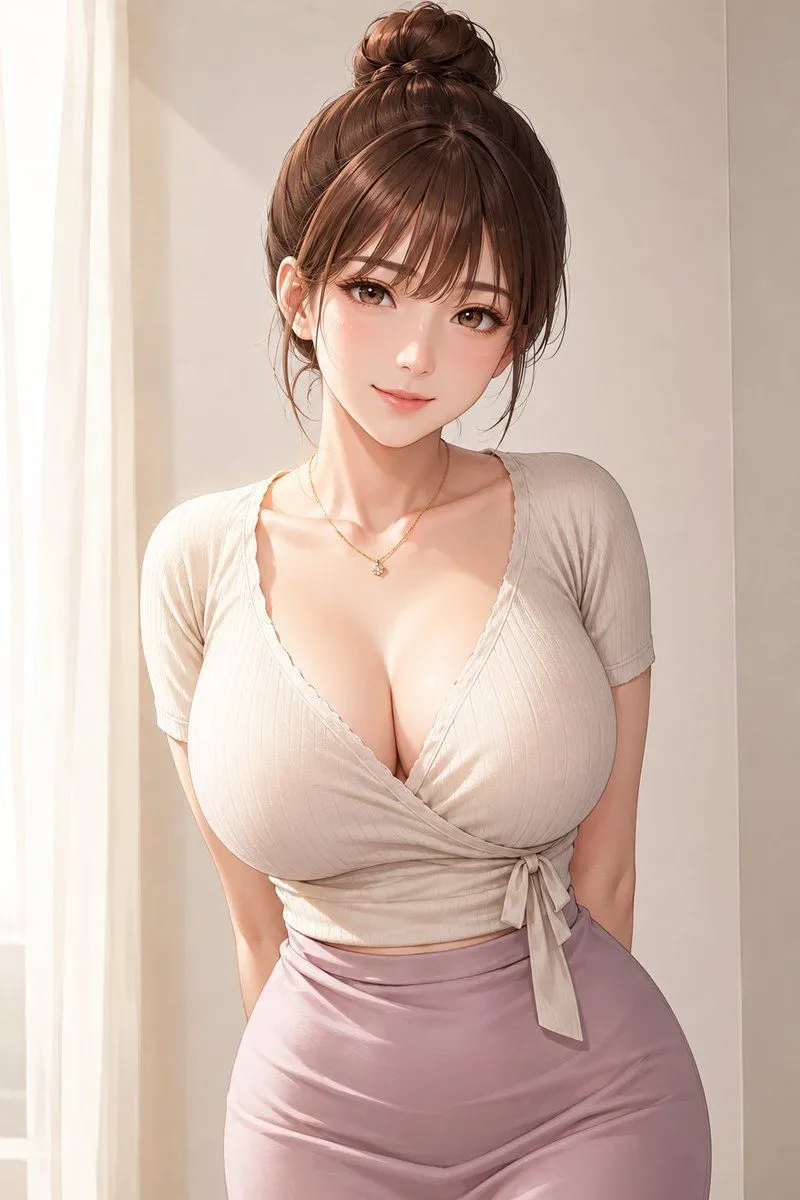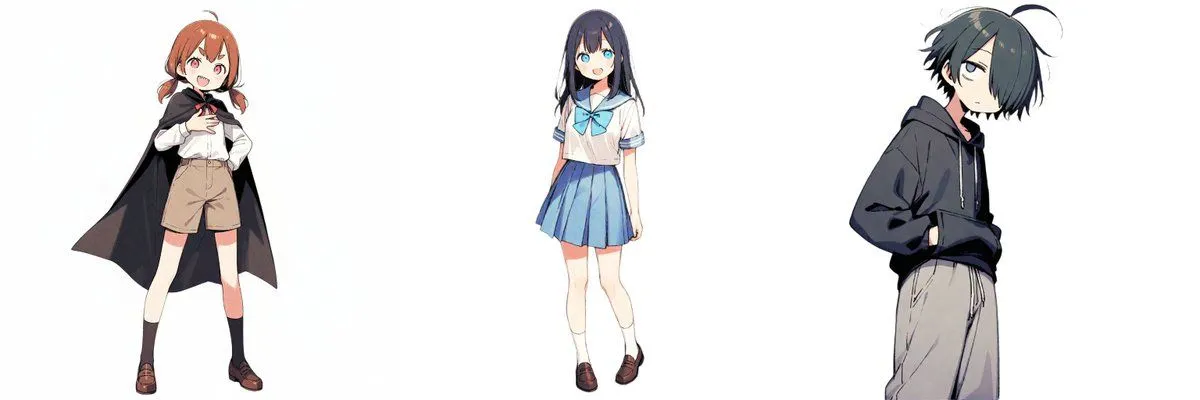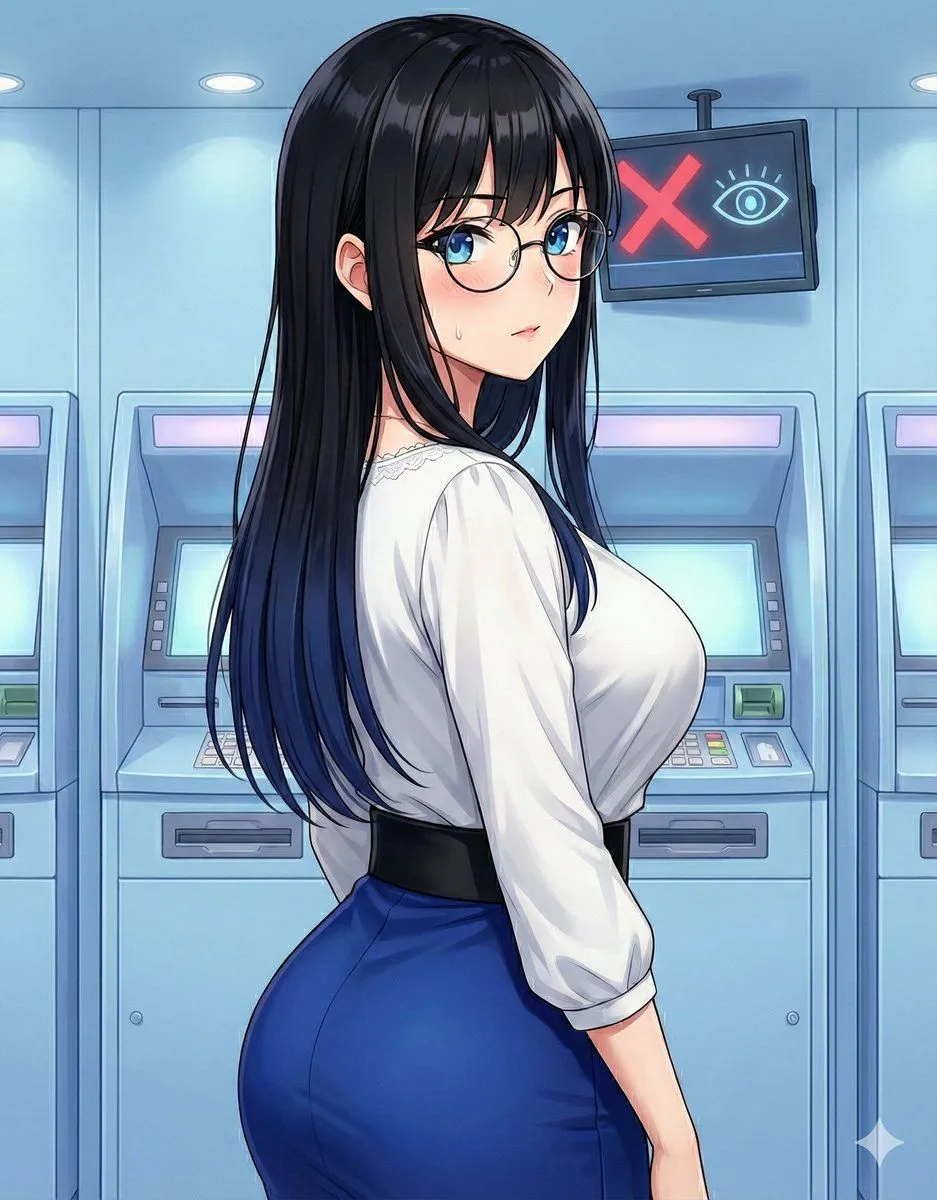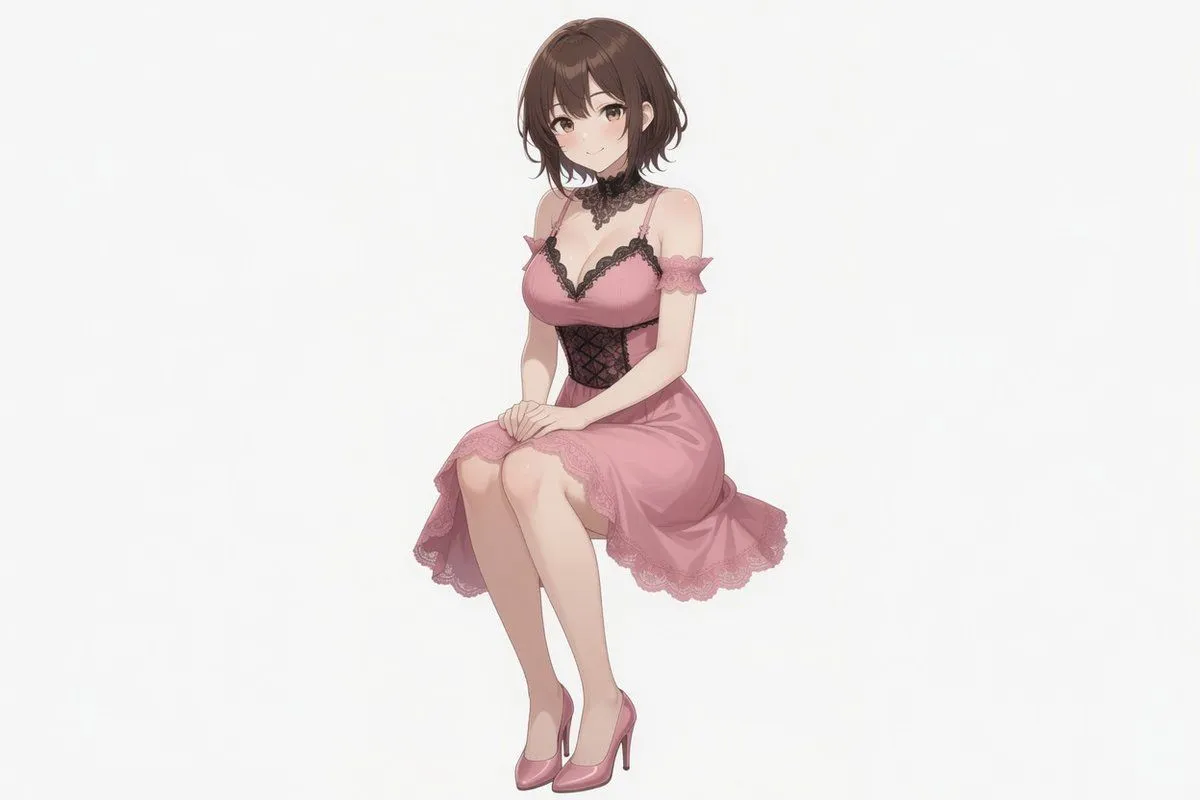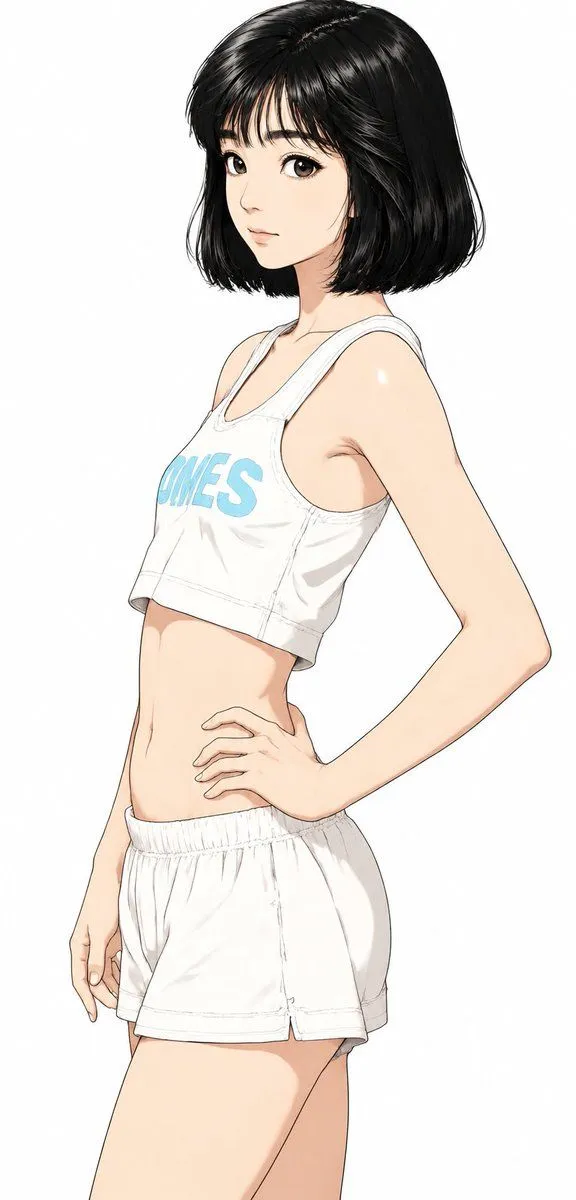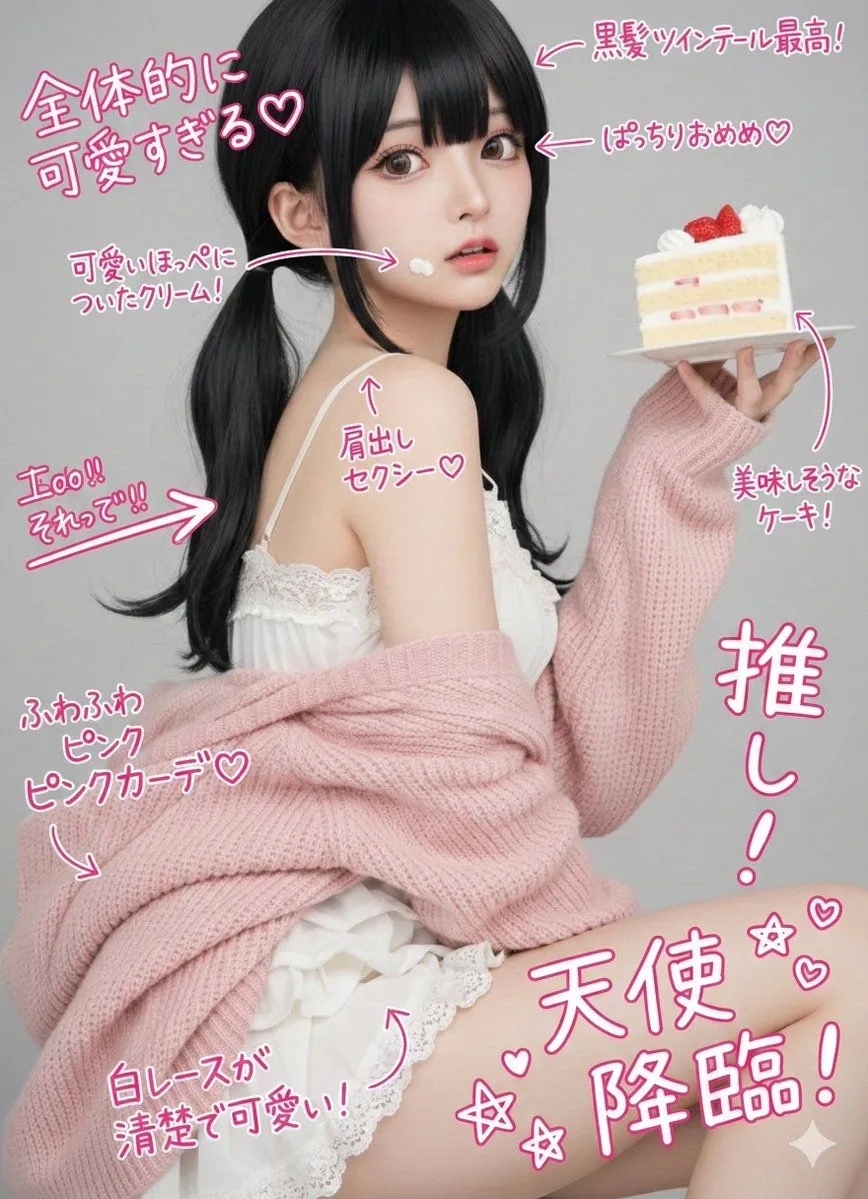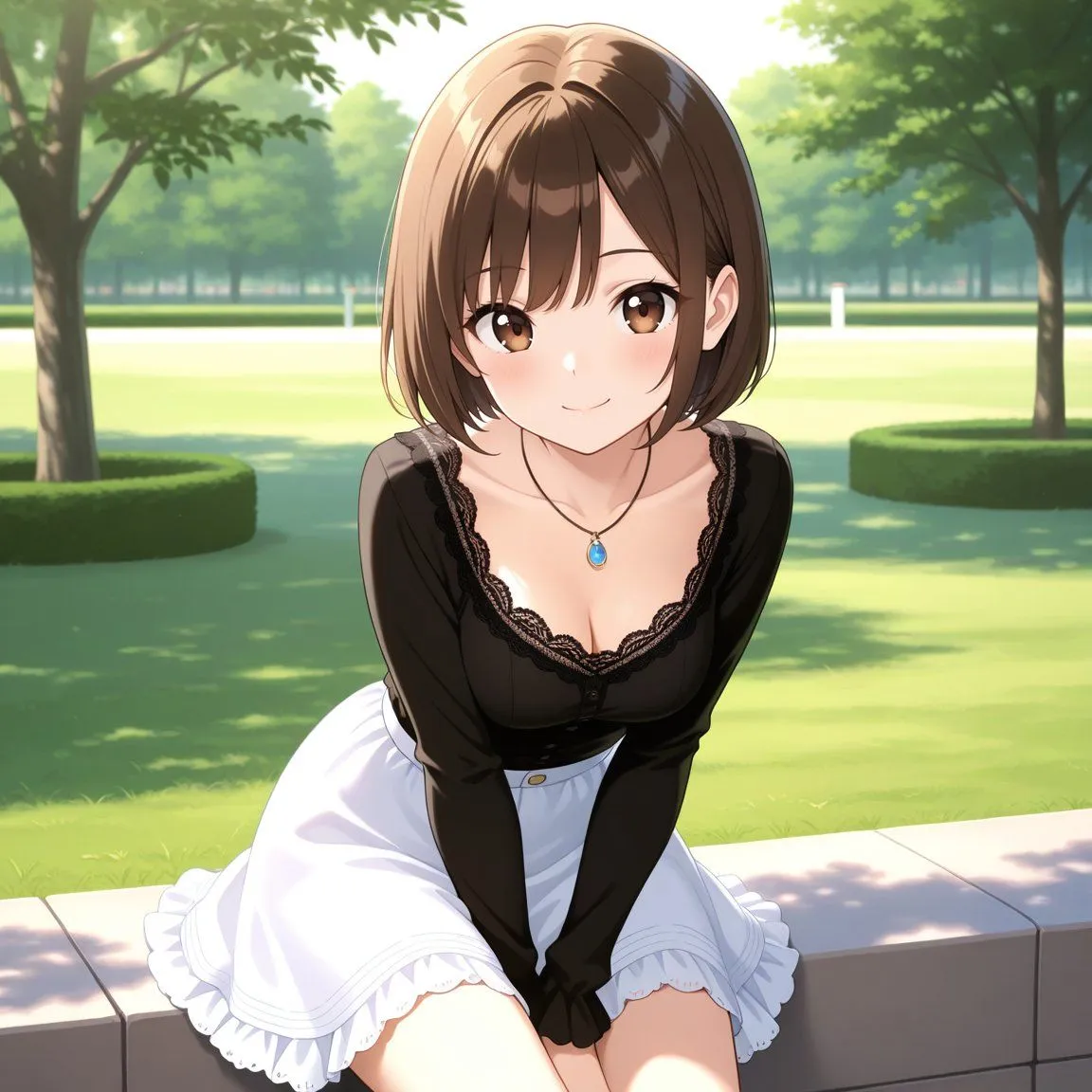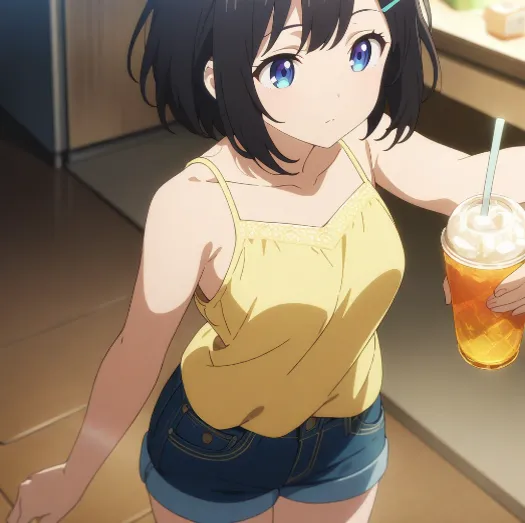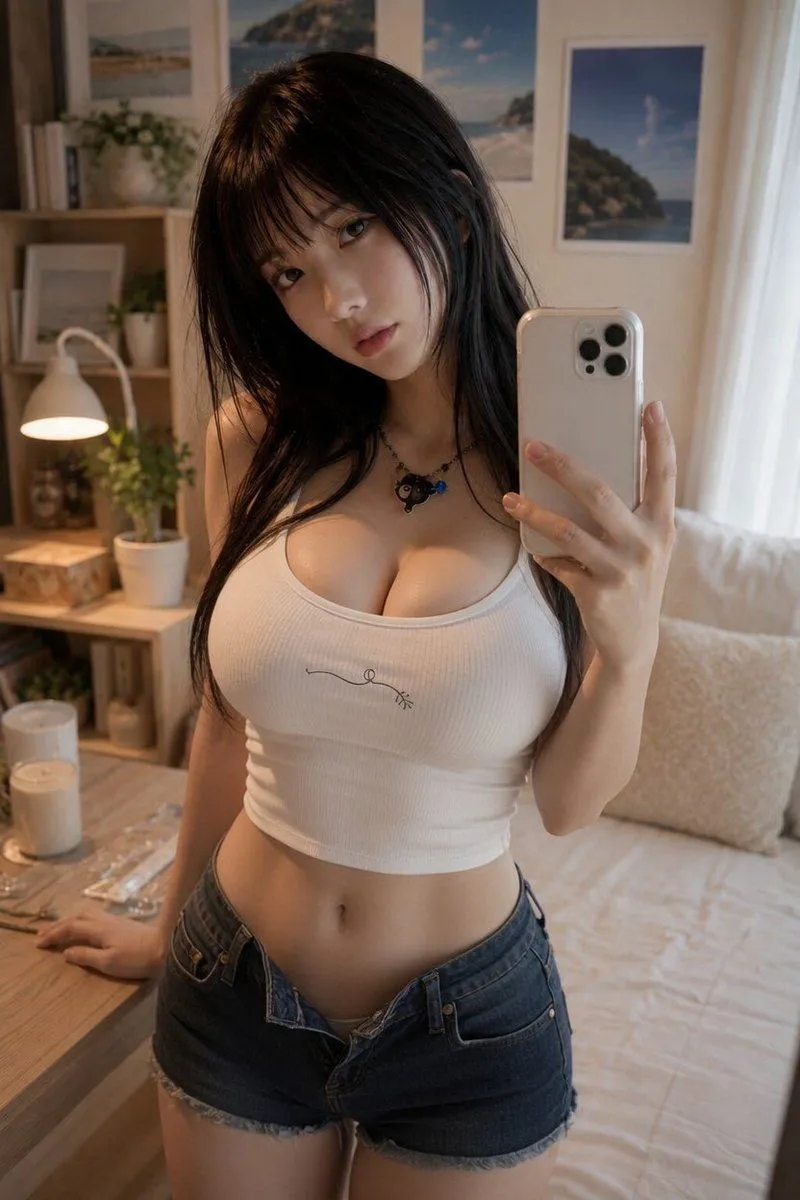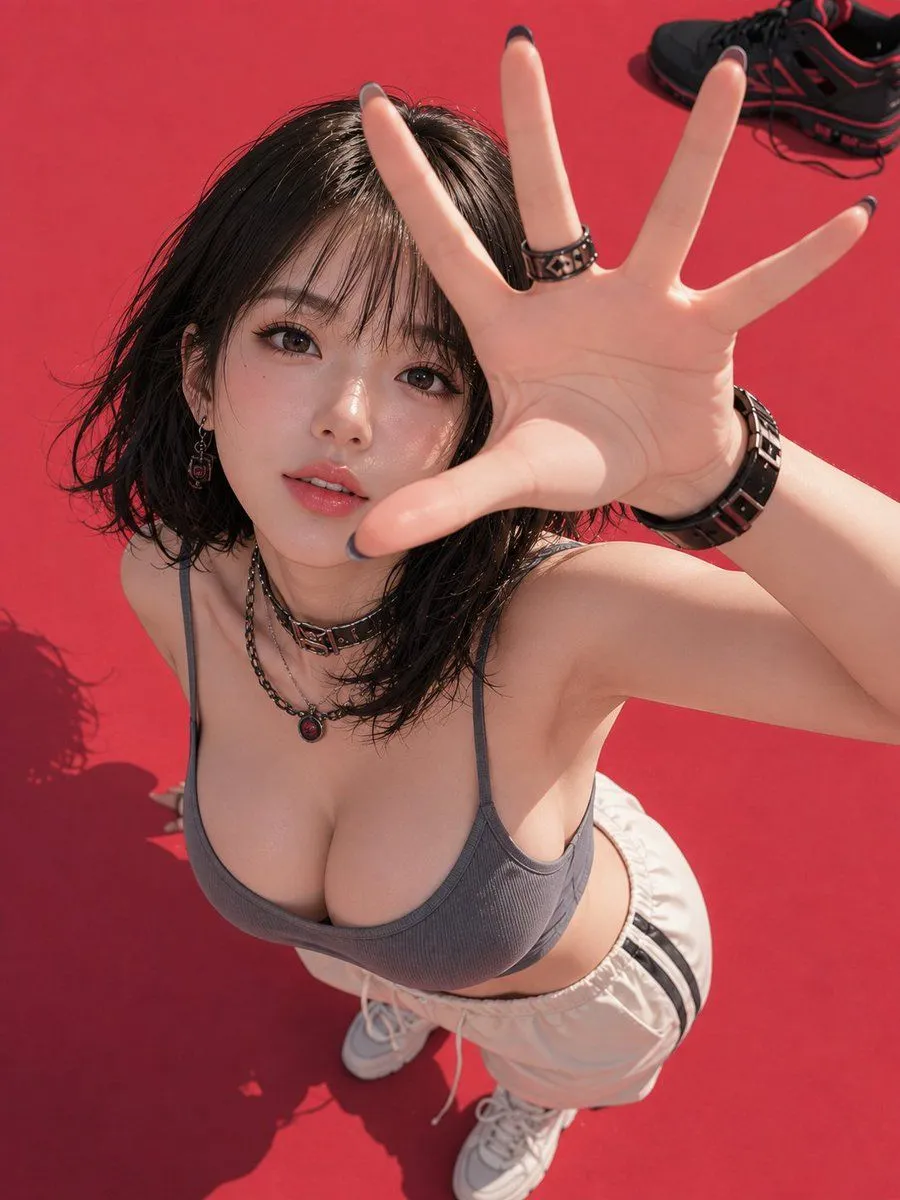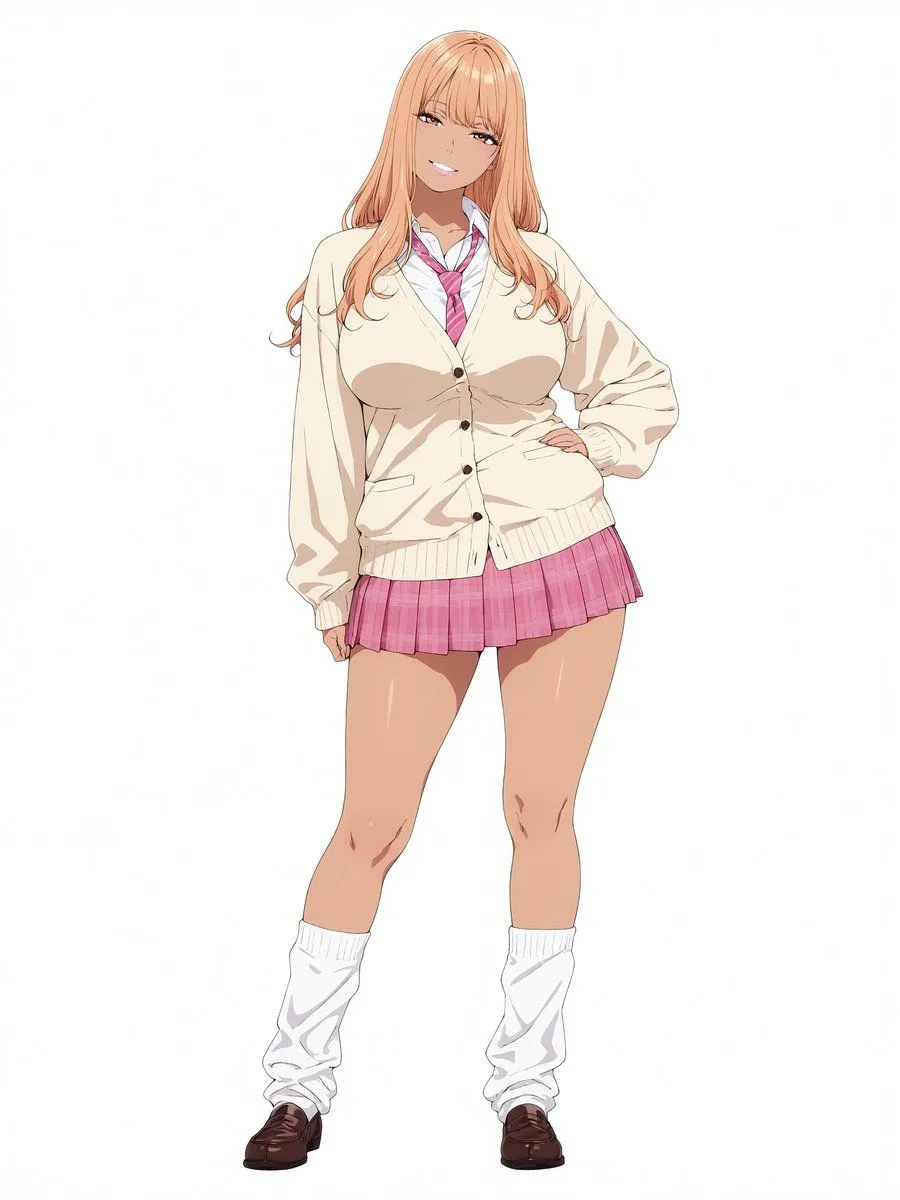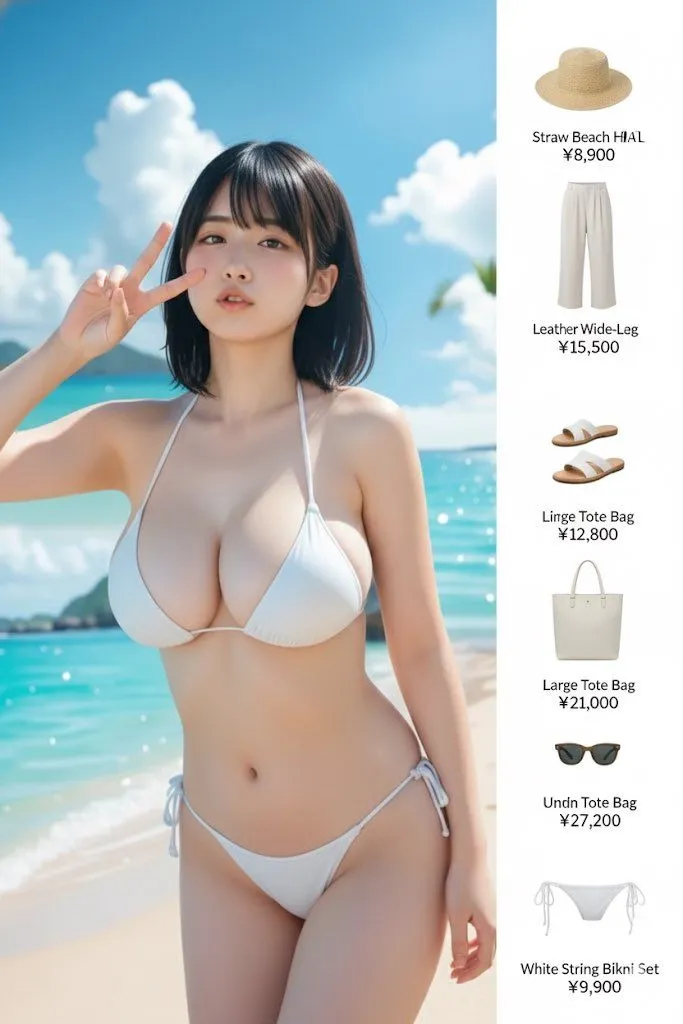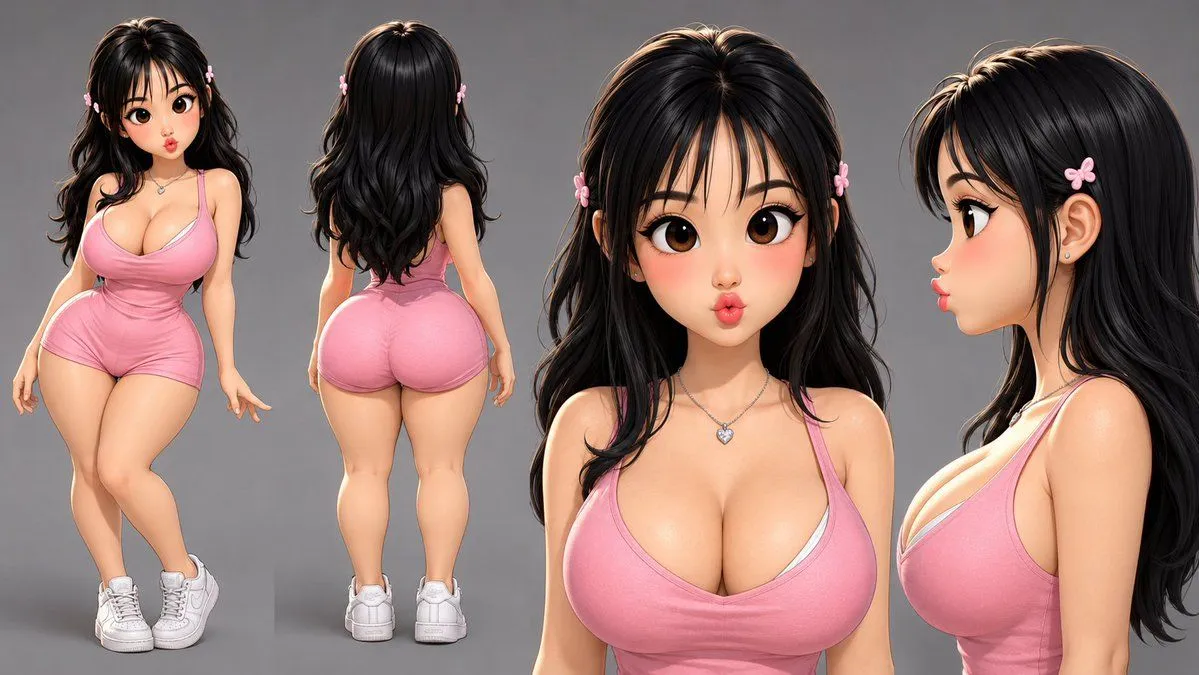
Made with GPT Image 2 in ChatGPT by Library Anime. Promptclay never generates images.
Consistent Character Reference Sheet
Prompt
1 blank to fillCharacter reference sheet of the SAME character shown in the attached reference image — keep the exact same identity, face, hairstyle, body type, age, skin tone, and outfit as the reference across all four views. Four views on a neutral grey background: [VIEW 1 - FULL BODY, FRONT] Full-body front-facing three-quarter view of this character, full body visible head to feet. [VIEW 2 - FULL BODY, REAR] Full-body rear view of the same character, directly from behind. Full body visible head to feet. [VIEW 3 - FRONT CLOSE-UP] Head and shoulders close-up, straight-on front view. Sharp detail on skin texture, accessories, and costume details. Chest and shoulder clothing visible at the bottom of frame. [VIEW 4 - PROFILE CLOSE-UP] Head and shoulders close-up, 90-degree left profile view. Neck and upper shoulder visible. Lighting & presentation: Clean studio lighting — soft key light upper left, gentle fill from the right. Consistent character identity, proportions, and costume details across all four views. No text, no watermarks, no extra figures, no background environment. In the below style: {style}.
Preview of your prompt
Character reference sheet of the SAME character shown in the attached reference image — keep the exact same identity, face, hairstyle, body type, age, skin tone, and outfit as the reference across all four views. Four views on a neutral grey background: [VIEW 1 - FULL BODY, FRONT] Full-body front-facing three-quarter view of this character, full body visible head to feet. [VIEW 2 - FULL BODY, REAR] Full-body rear view of the same character, directly from behind. Full body visible head to feet. [VIEW 3 - FRONT CLOSE-UP] Head and shoulders close-up, straight-on front view. Sharp detail on skin texture, accessories, and costume details. Chest and shoulder clothing visible at the bottom of frame. [VIEW 4 - PROFILE CLOSE-UP] Head and shoulders close-up, 90-degree left profile view. Neck and upper shoulder visible. Lighting & presentation: Clean studio lighting — soft key light upper left, gentle fill from the right. Consistent character identity, proportions, and costume details across all four views. No text, no watermarks, no extra figures, no background environment. In the below style: rubber hose animation style.
DetailsVersions, settings and questions
Written for
What's in the prompt
- Subject
- Model
- GPT Image 2
If your face changes
keep my face exactly the sameQuestions
- Does this work in the ChatGPT app?
- Yes. Paste the prompt and attach your photo if it uses one.
- It changed my face. What do I do?
- Add "keep my face exactly the same" to the end and run it again.
- Can I use the images I make?
- Check the terms of the app you use. Promptclay never generates images and claims nothing you make.
Did it work?
No reports yet. Tell others if it worked for you.