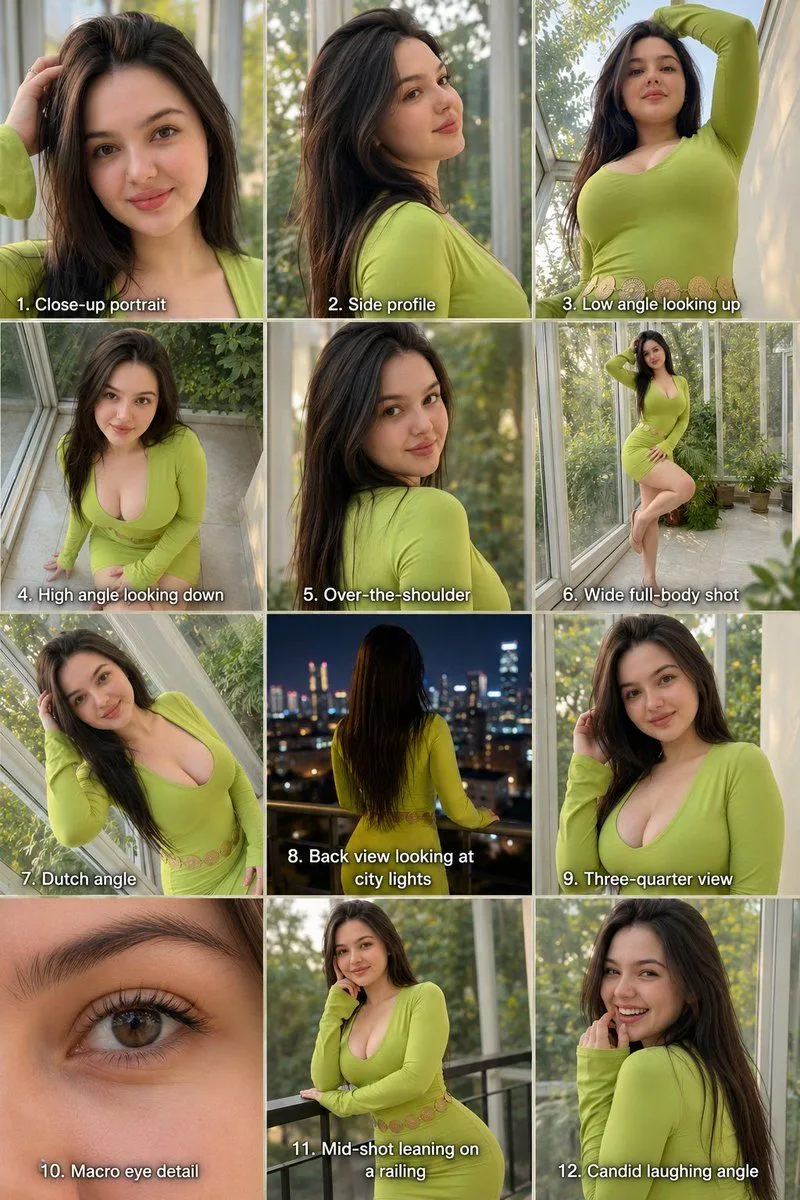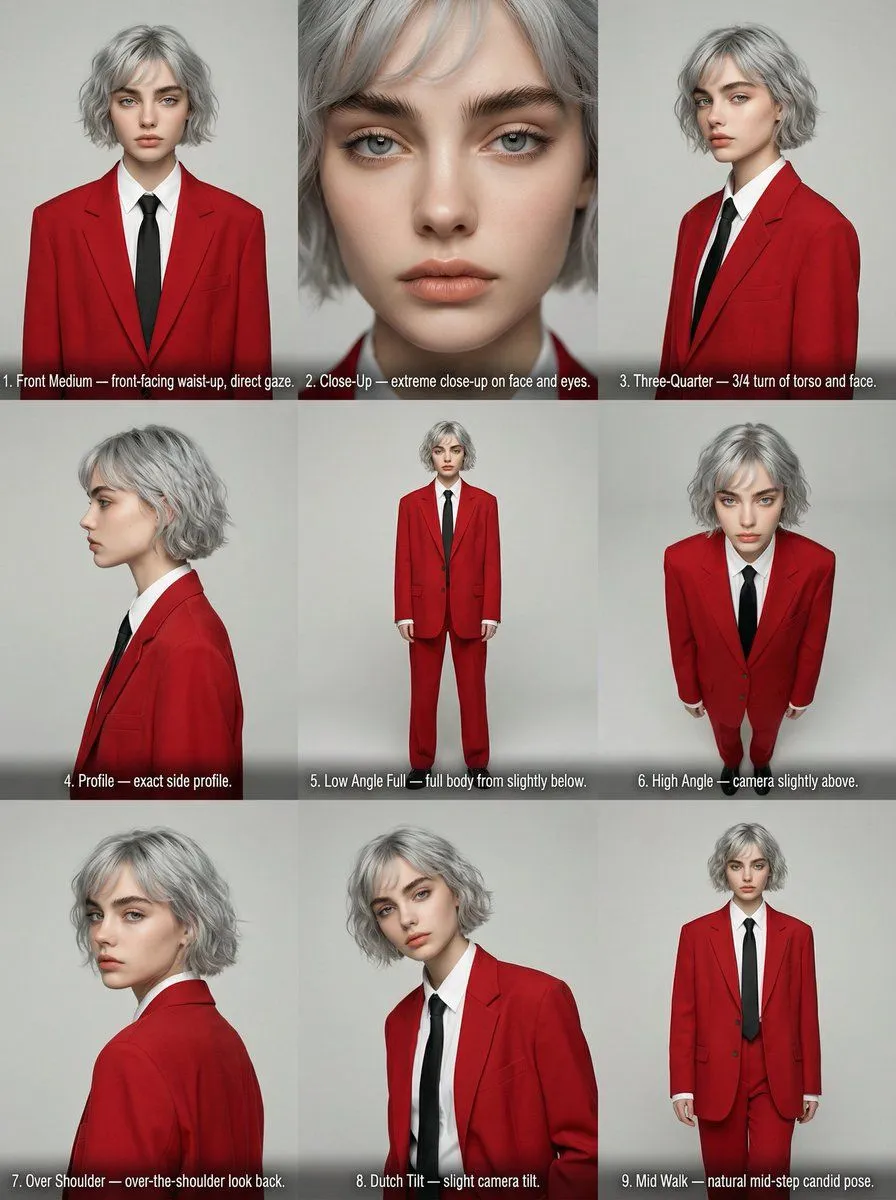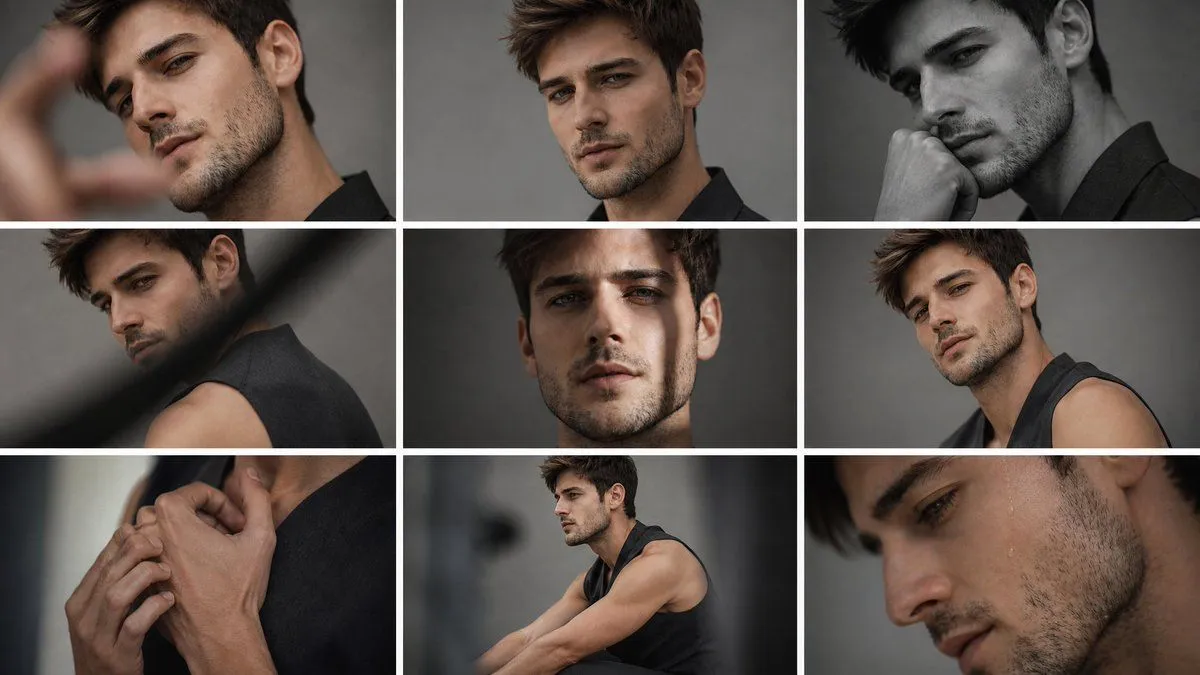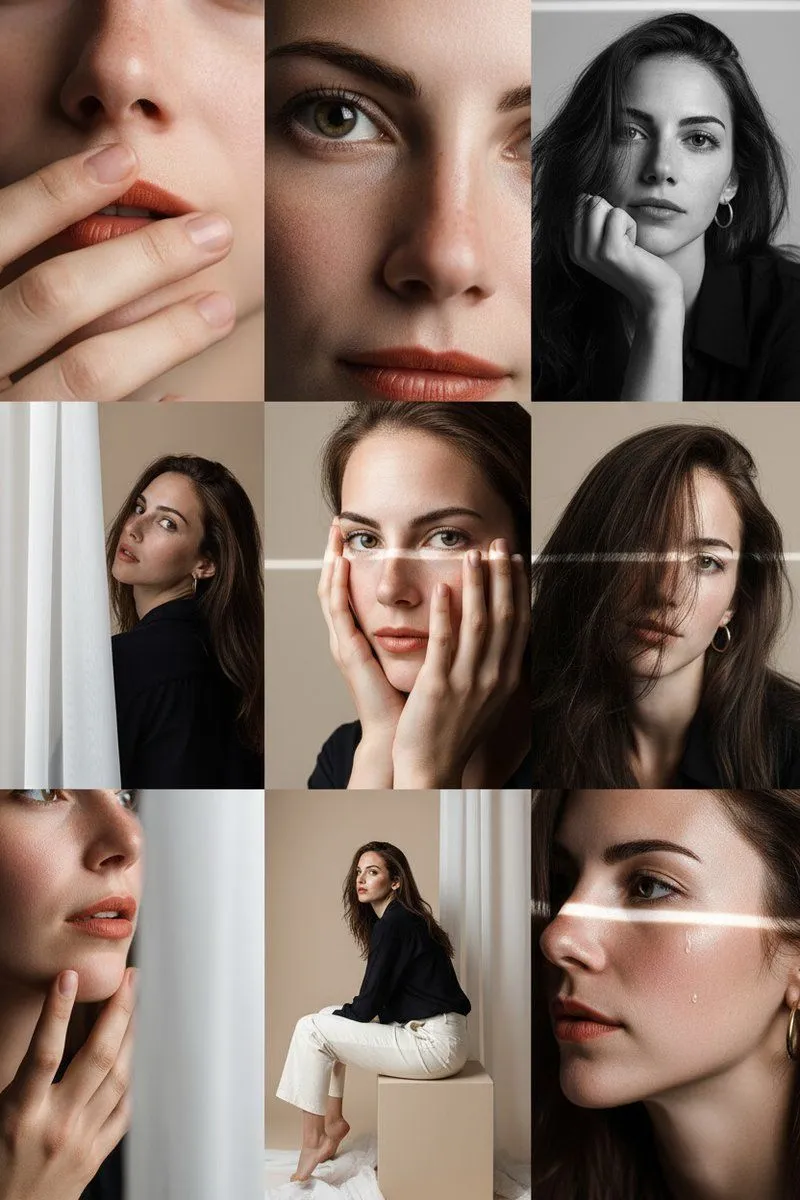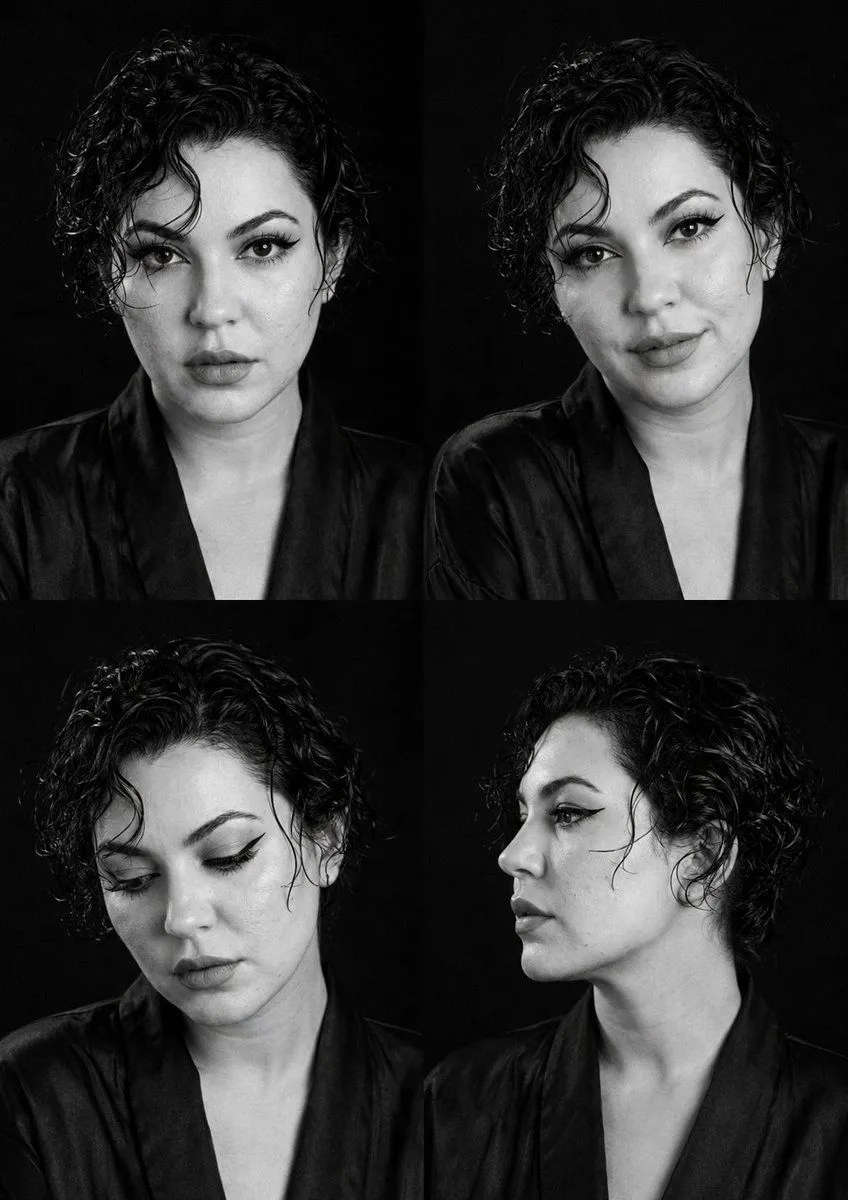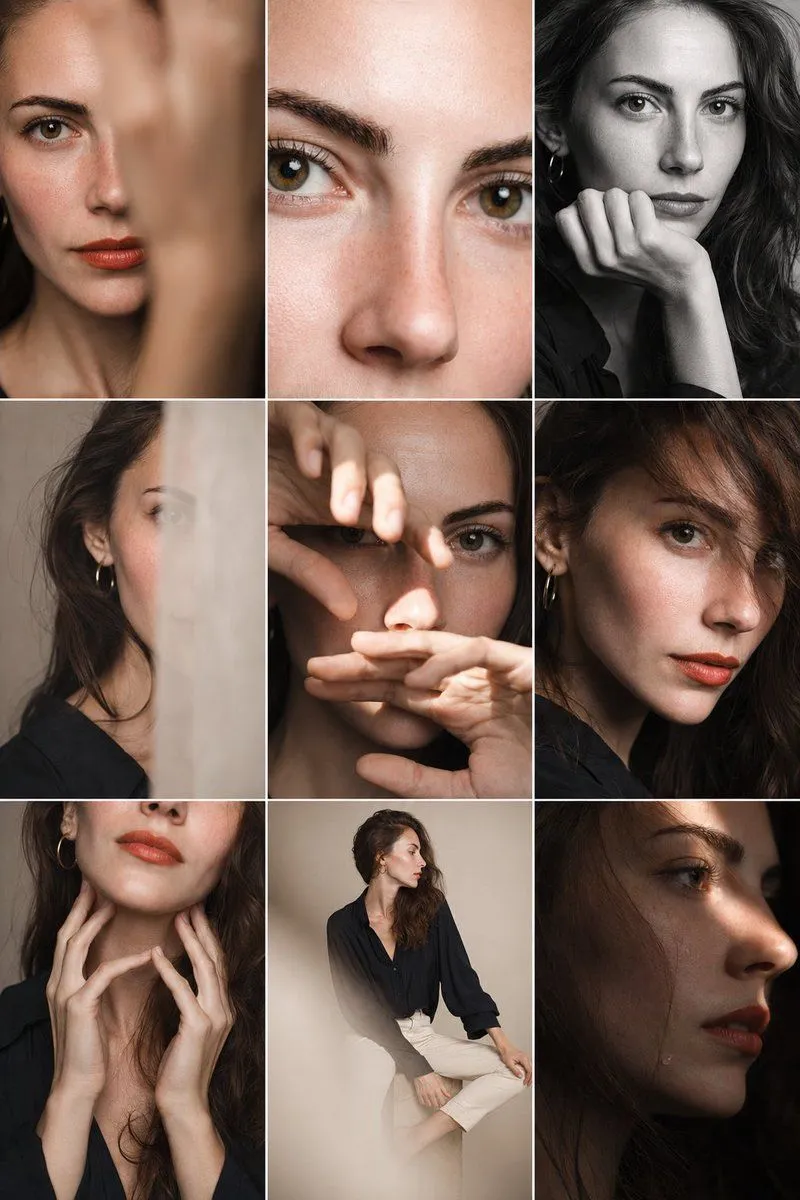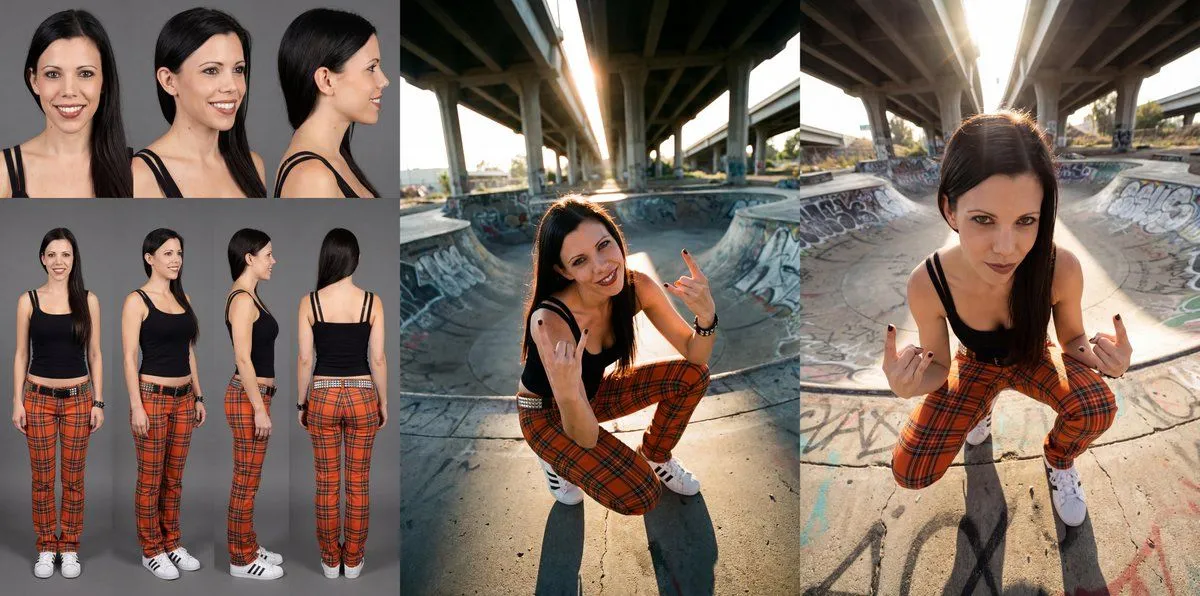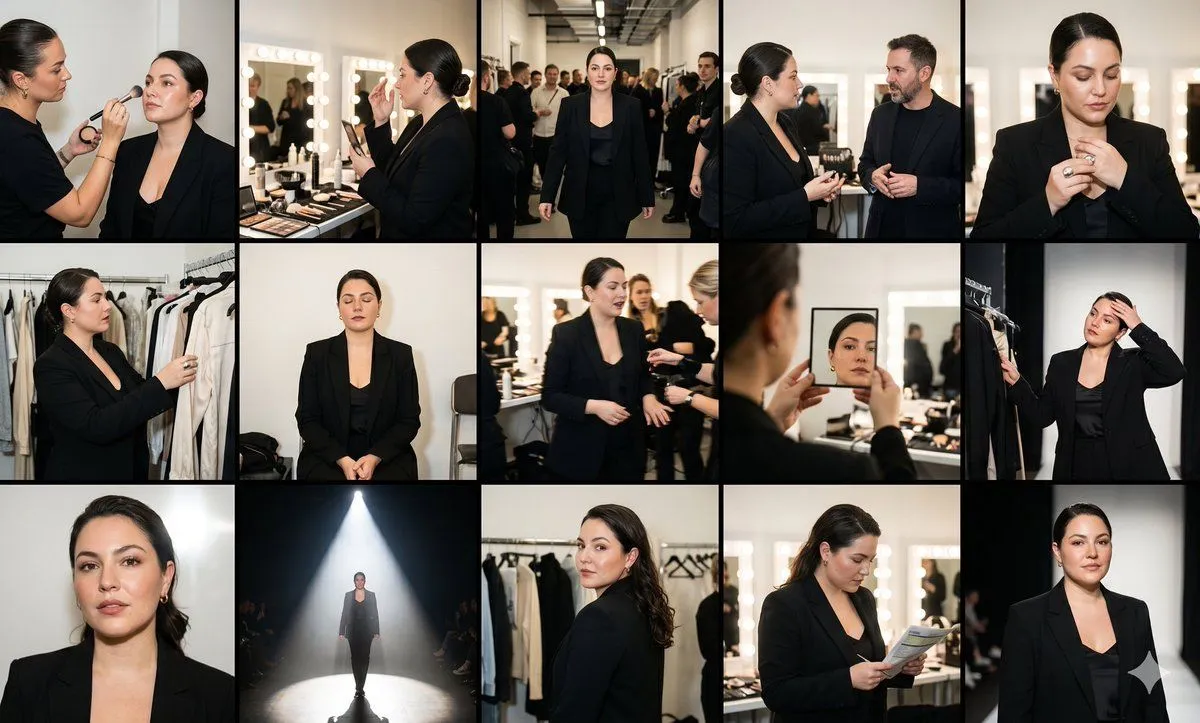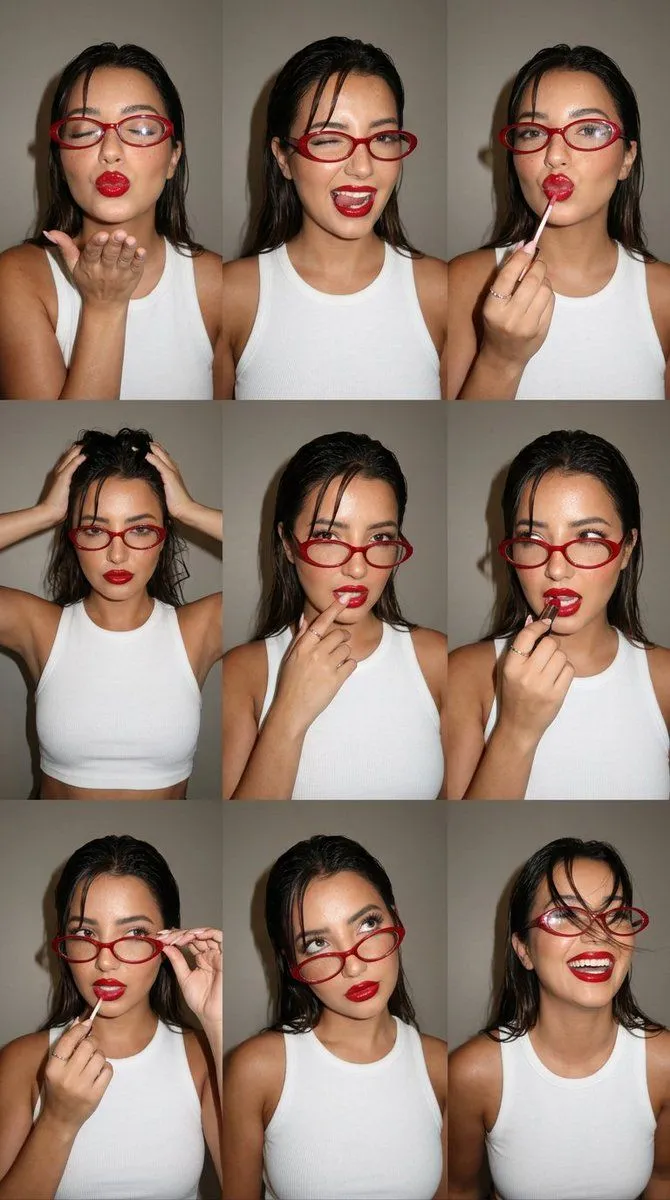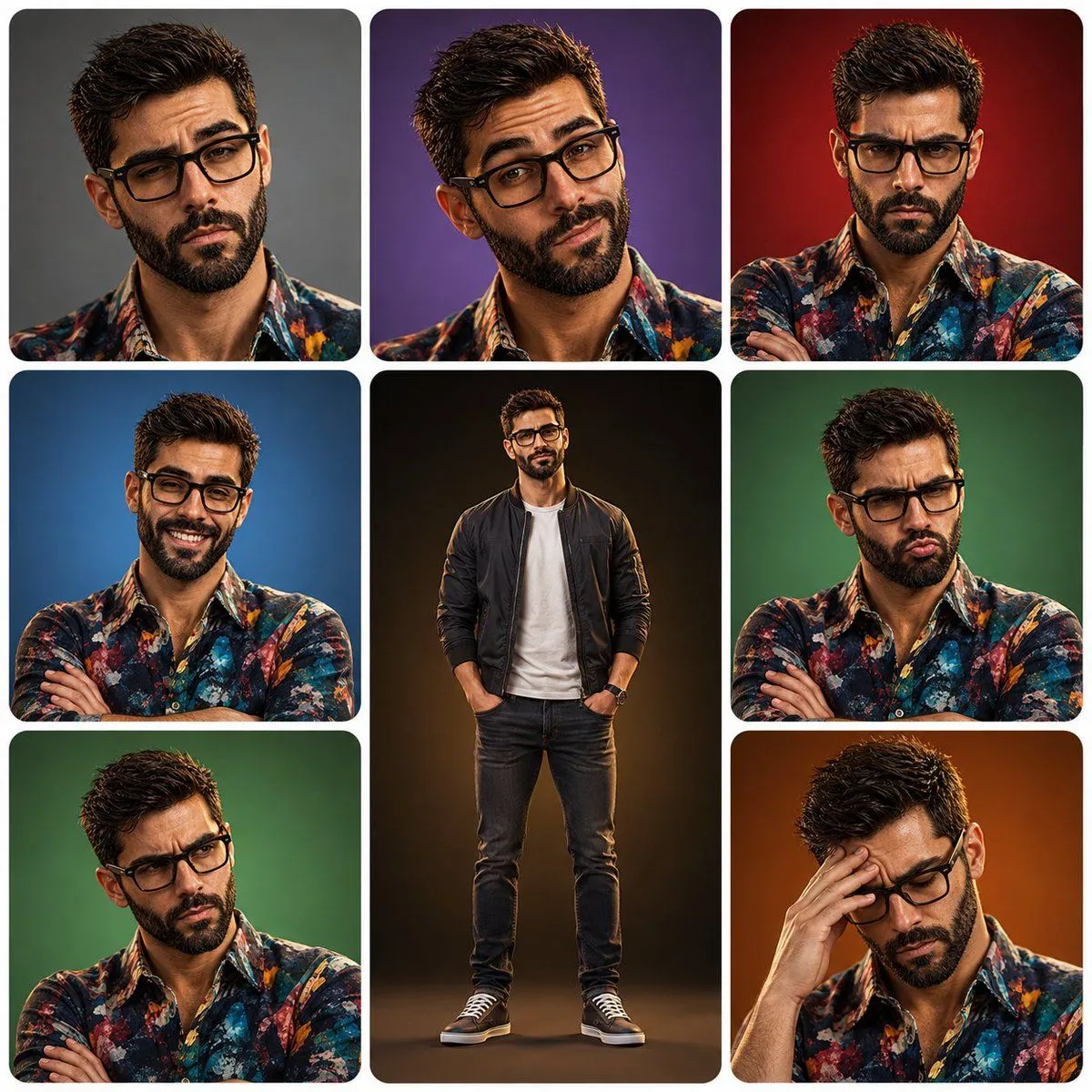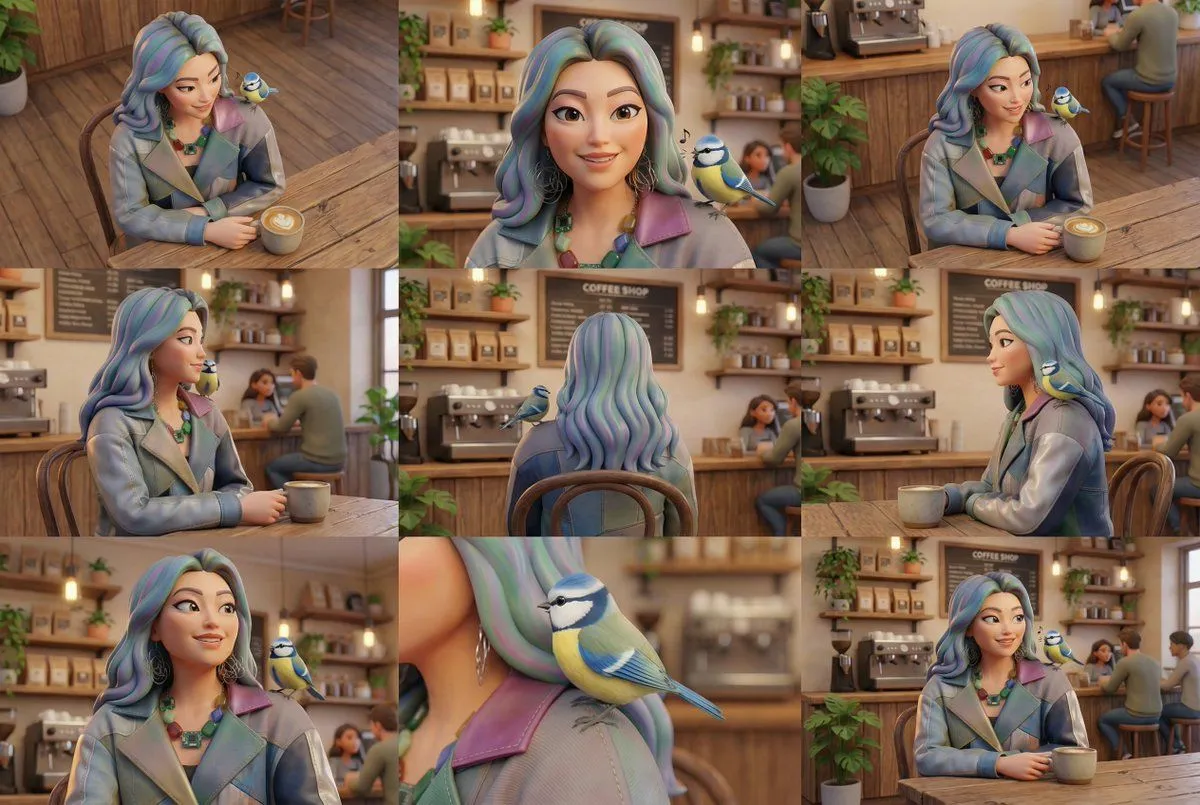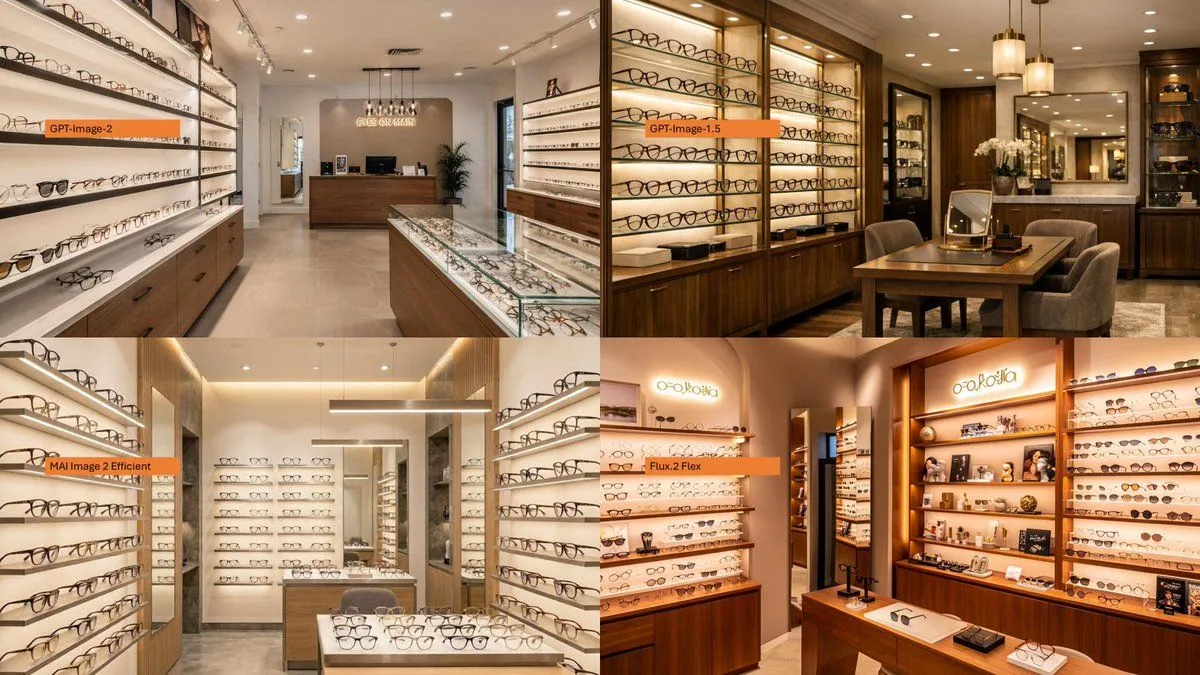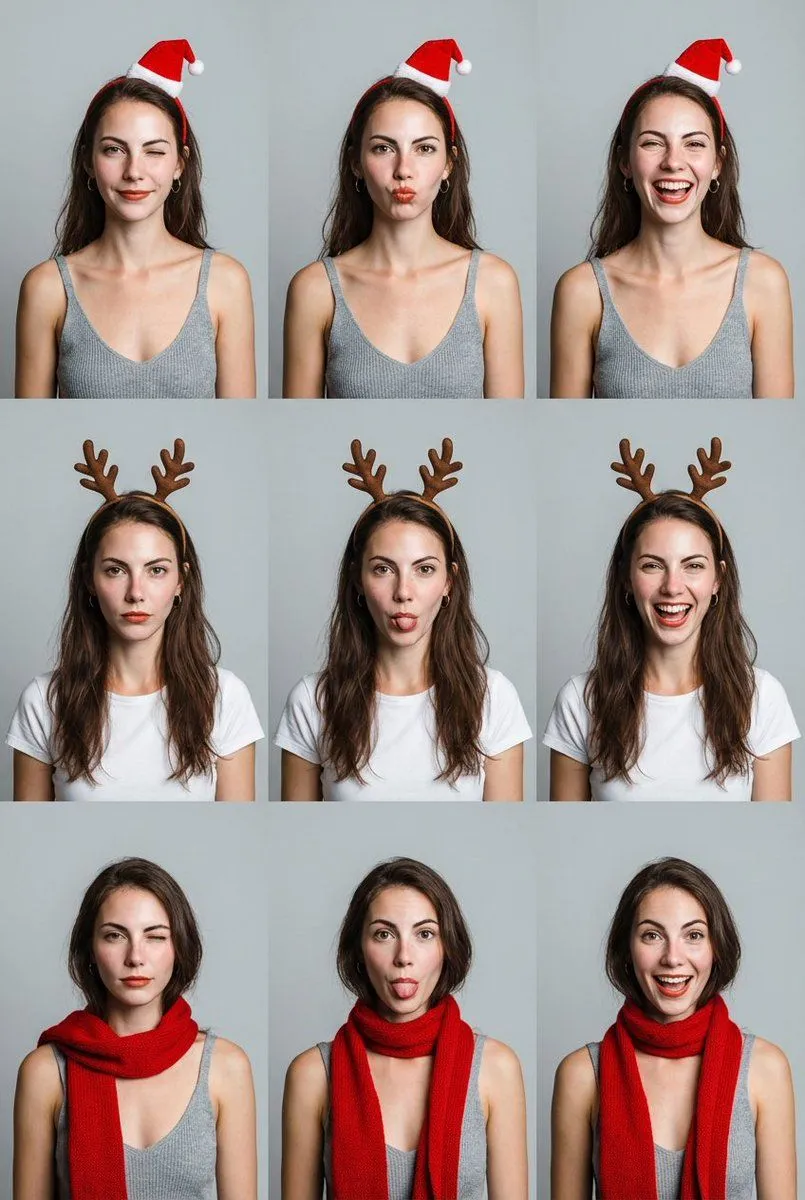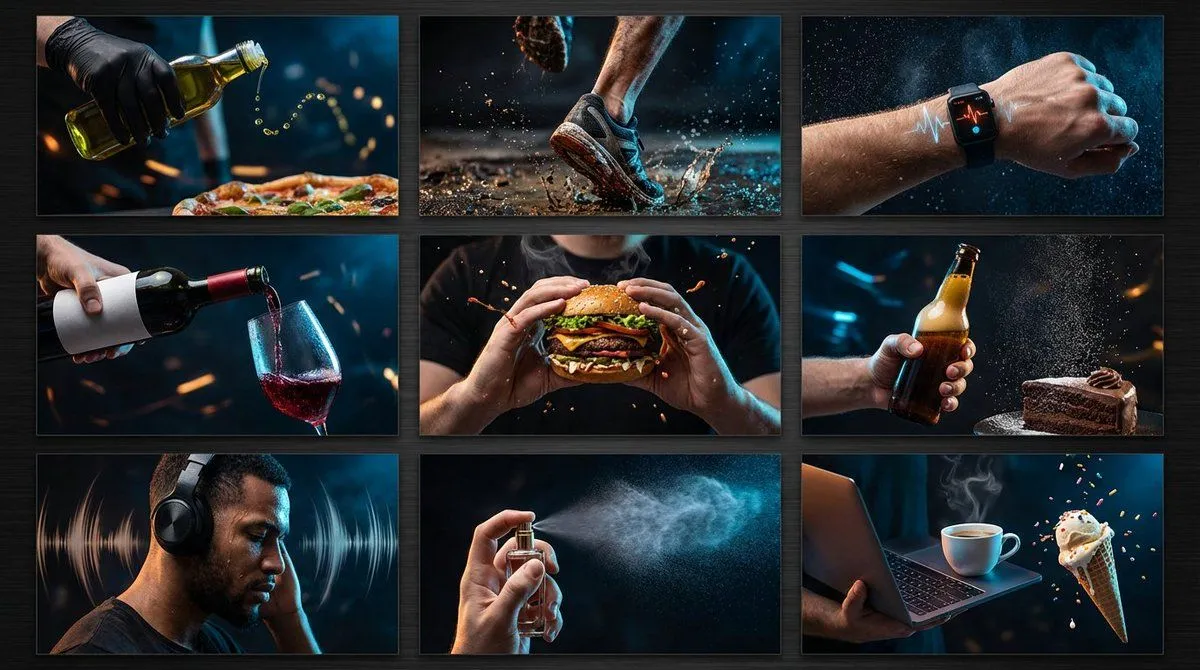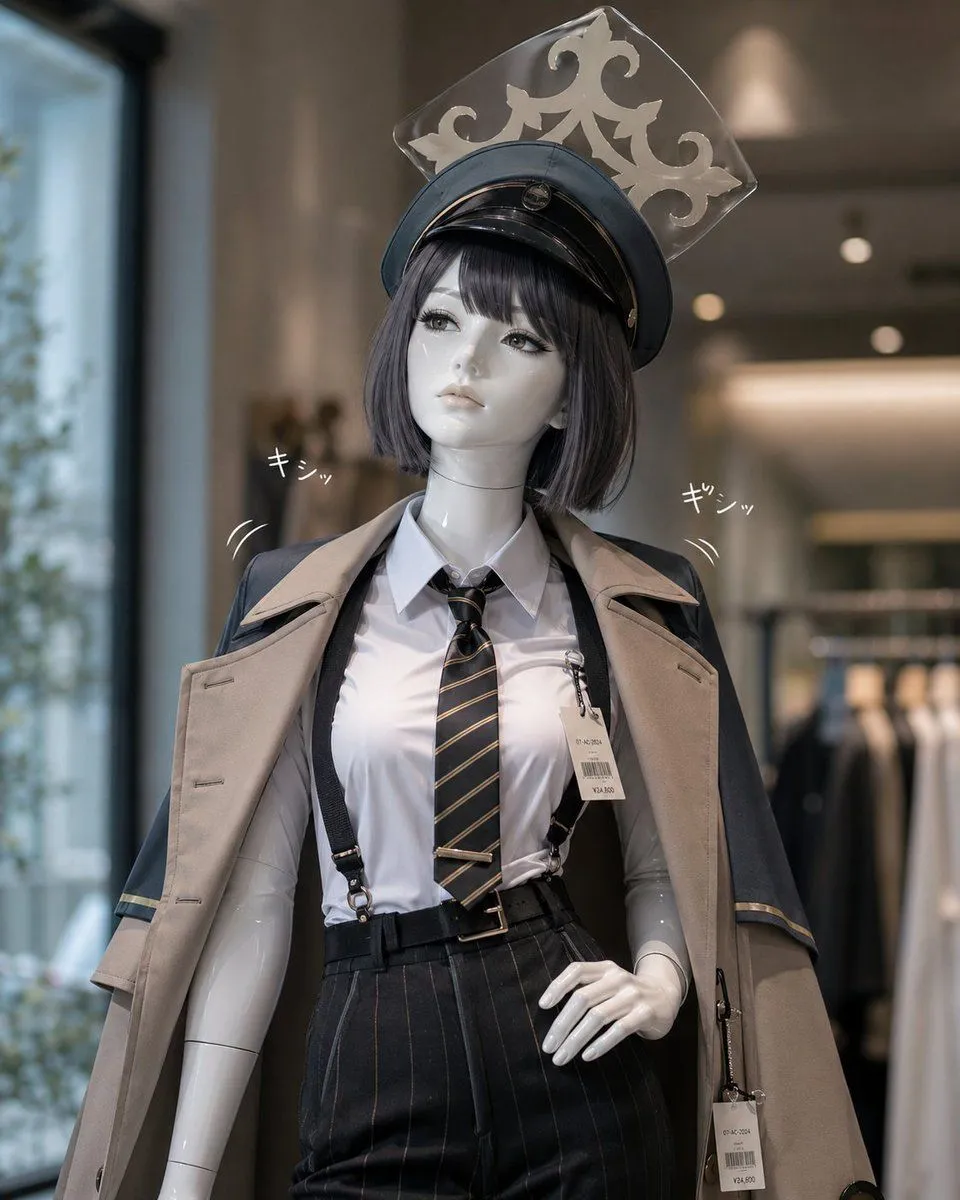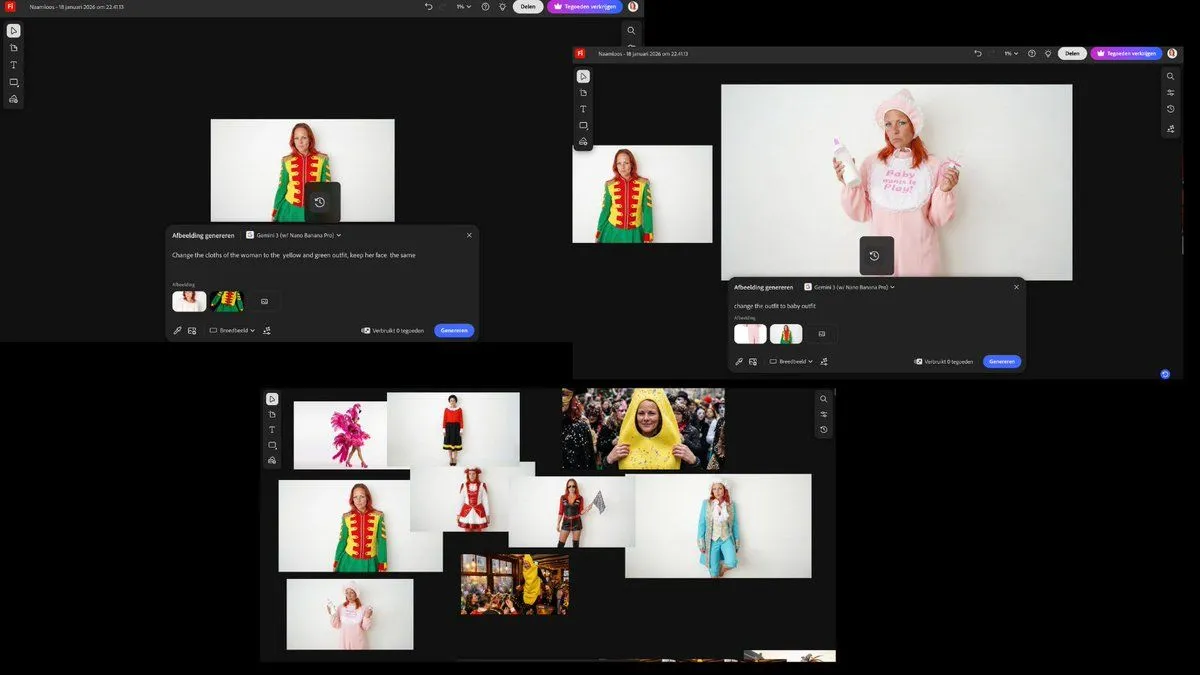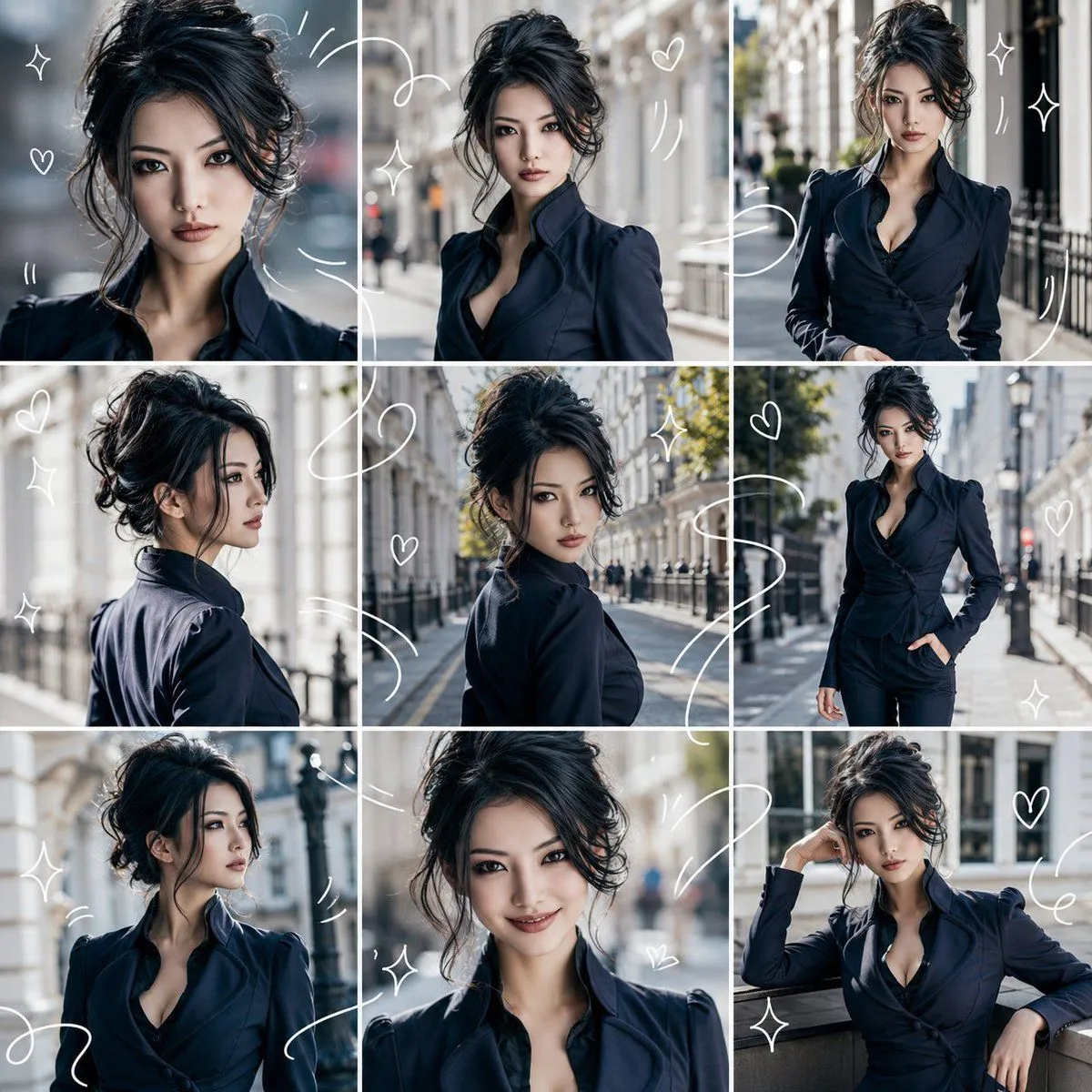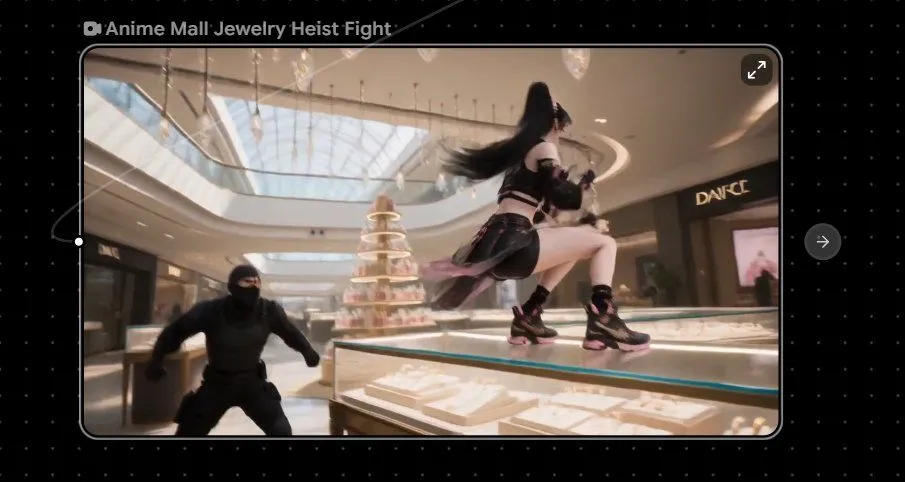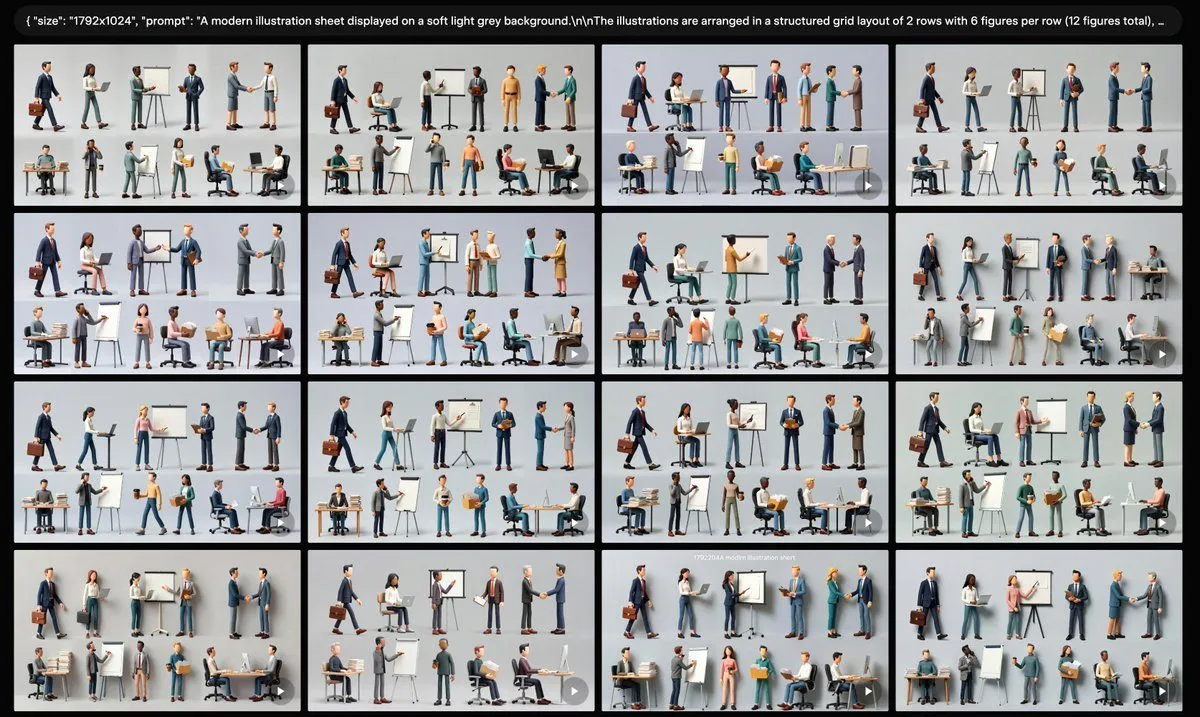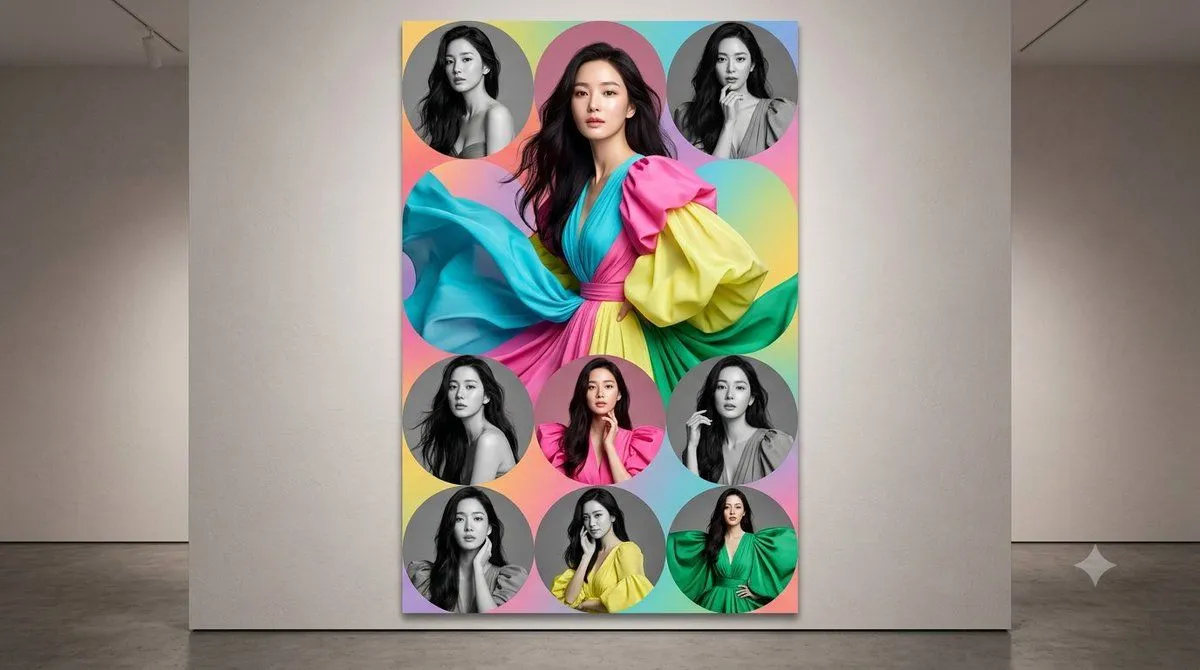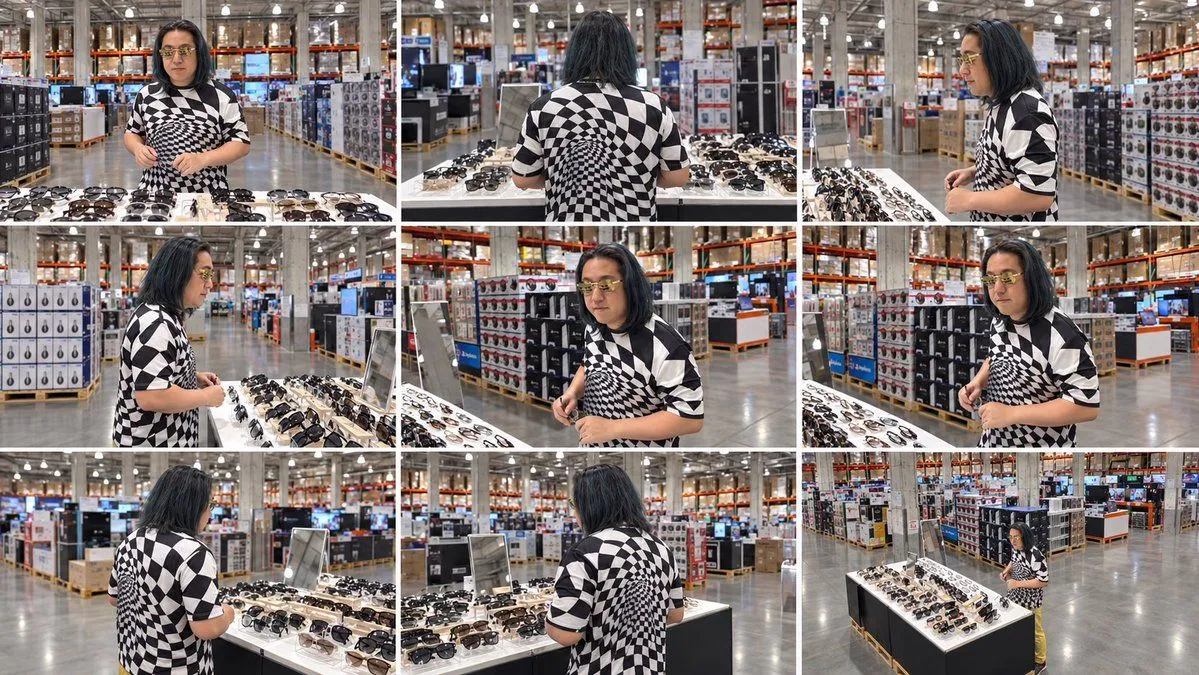
Made with GPT Image 2 in ChatGPT by Library Anime. Promptclay never generates images.
Did it work?
No reports yet. Tell others if it worked for you.
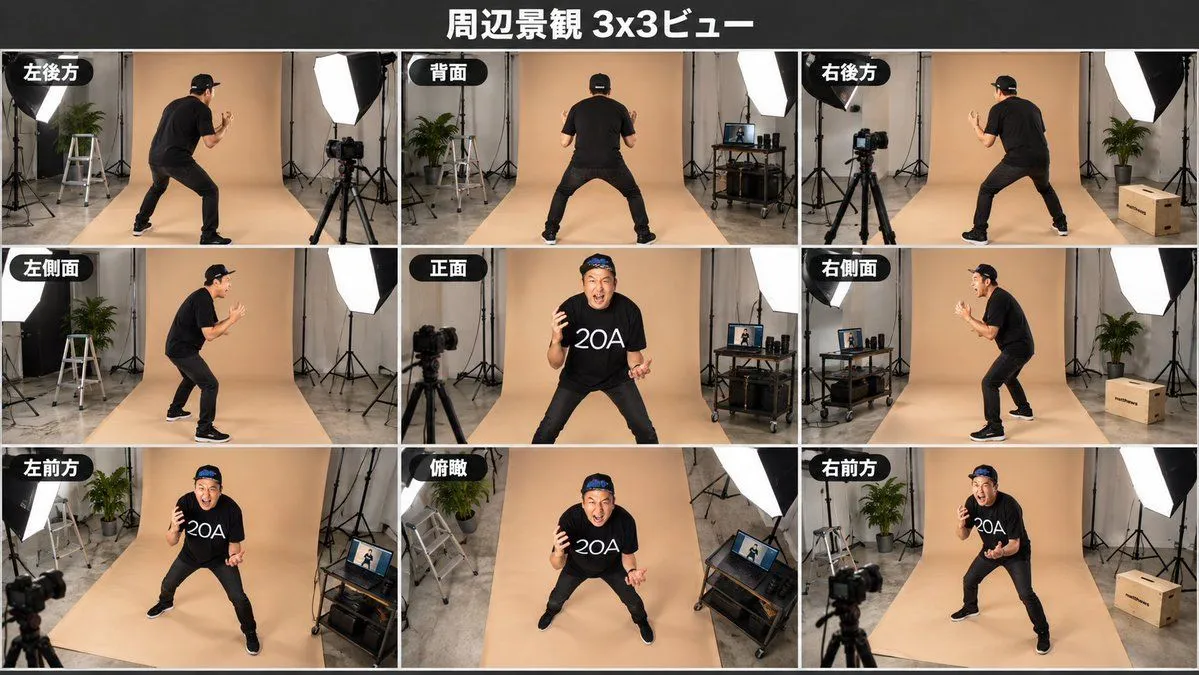
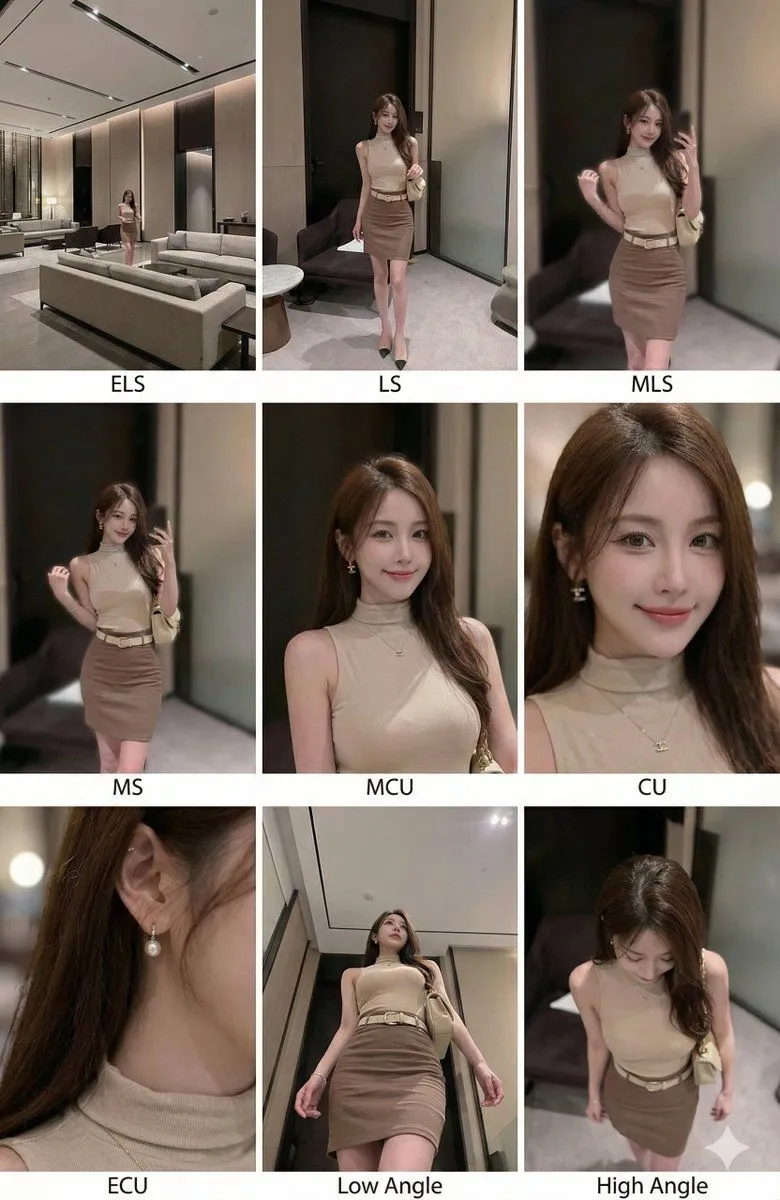
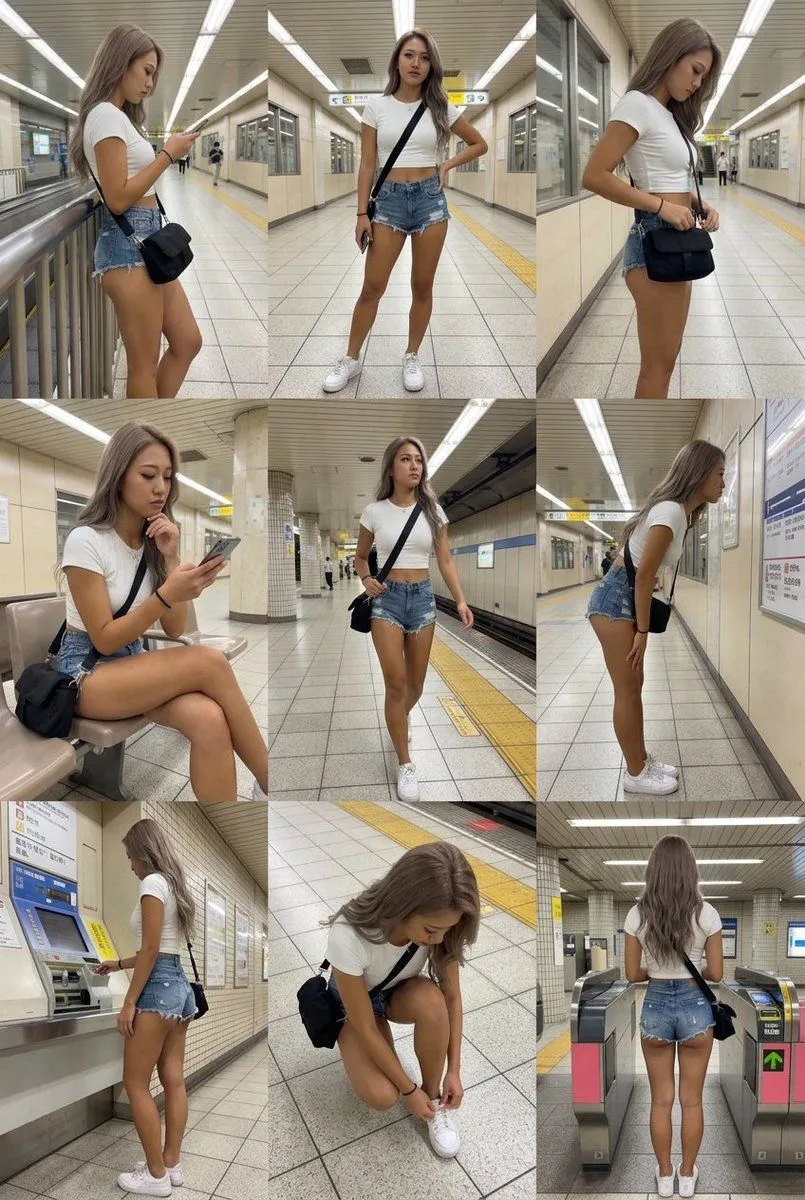
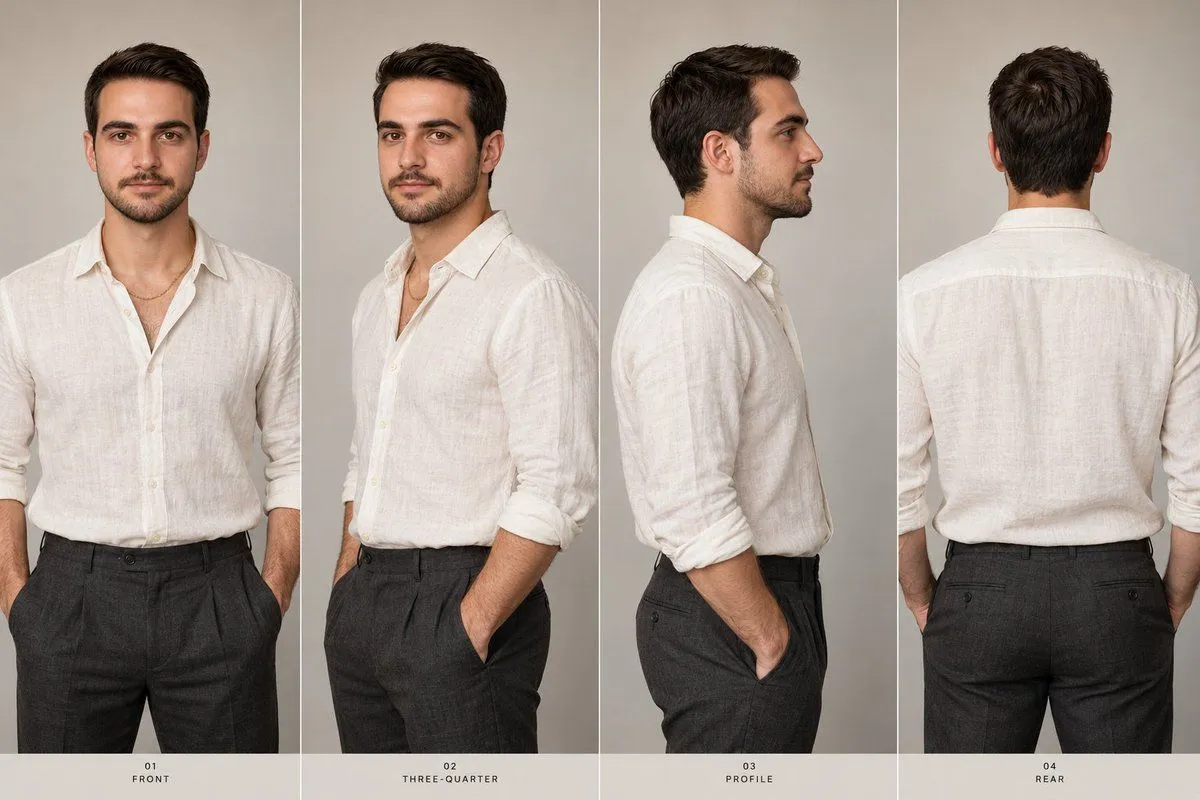
Consistent 3x3 Multi-Angle Scene Sheet
Prompt
3 blanks to fillUsing the provided reference image, create a coherent multi-view scene reconstruction with the same person and retail warehouse environment. Generate a {aspect_ratio} image divided into an exact {grid_layout} contact sheet. In all 9 panels, keep the subject’s identity, clothing, sunglasses, display table, and store setting consistent, but redraw the surrounding scene from varied camera angles and distances so the person’s standing position and environment remain spatially plausible. Required 9 views: 1. Front-facing medium view from across the sunglasses table. 2. Rear view showing the subject’s back and the table ahead. 3. Right-side profile view beside the display. 4. Left-side profile view from closer to the table. 5. Three-quarter front view similar to the reference. 6. Three-quarter front/right view with shelves behind. 7. Rear-left view looking over the table. 8. Rear three-quarter view with the subject centered near the display. 9. Wide elevated view showing the full sunglasses table, subject, and surrounding warehouse aisles. Use {model_or_style_note} style photorealistic synthesis. Emphasize front, back, left, and right views as mandatory. Do not add captions, speech bubbles, borders beyond the clean white grid dividers, or any extra people.
Preview of your prompt
Using the provided reference image, create a coherent multi-view scene reconstruction with the same person and retail warehouse environment. Generate a 16:9 image divided into an exact 3x3 contact sheet. In all 9 panels, keep the subject’s identity, clothing, sunglasses, display table, and store setting consistent, but redraw the surrounding scene from varied camera angles and distances so the person’s standing position and environment remain spatially plausible. Required 9 views: 1. Front-facing medium view from across the sunglasses table. 2. Rear view showing the subject’s back and the table ahead. 3. Right-side profile view beside the display. 4. Left-side profile view from closer to the table. 5. Three-quarter front view similar to the reference. 6. Three-quarter front/right view with shelves behind. 7. Rear-left view looking over the table. 8. Rear three-quarter view with the subject centered near the display. 9. Wide elevated view showing the full sunglasses table, subject, and surrounding warehouse aisles. Use GPT-image-2.5 Sunburst style photorealistic synthesis. Emphasize front, back, left, and right views as mandatory. Do not add captions, speech bubbles, borders beyond the clean white grid dividers, or any extra people.
DetailsVersions, settings and questions
Written for
What's in the prompt
- Subject
- Model
- GPT Image 2
If your face changes
keep my face exactly the sameQuestions
- Does this work in the ChatGPT app?
- Yes. Paste the prompt and attach your photo if it uses one.
- It changed my face. What do I do?
- Add "keep my face exactly the same" to the end and run it again.
- Can I use the images I make?
- Check the terms of the app you use. Promptclay never generates images and claims nothing you make.