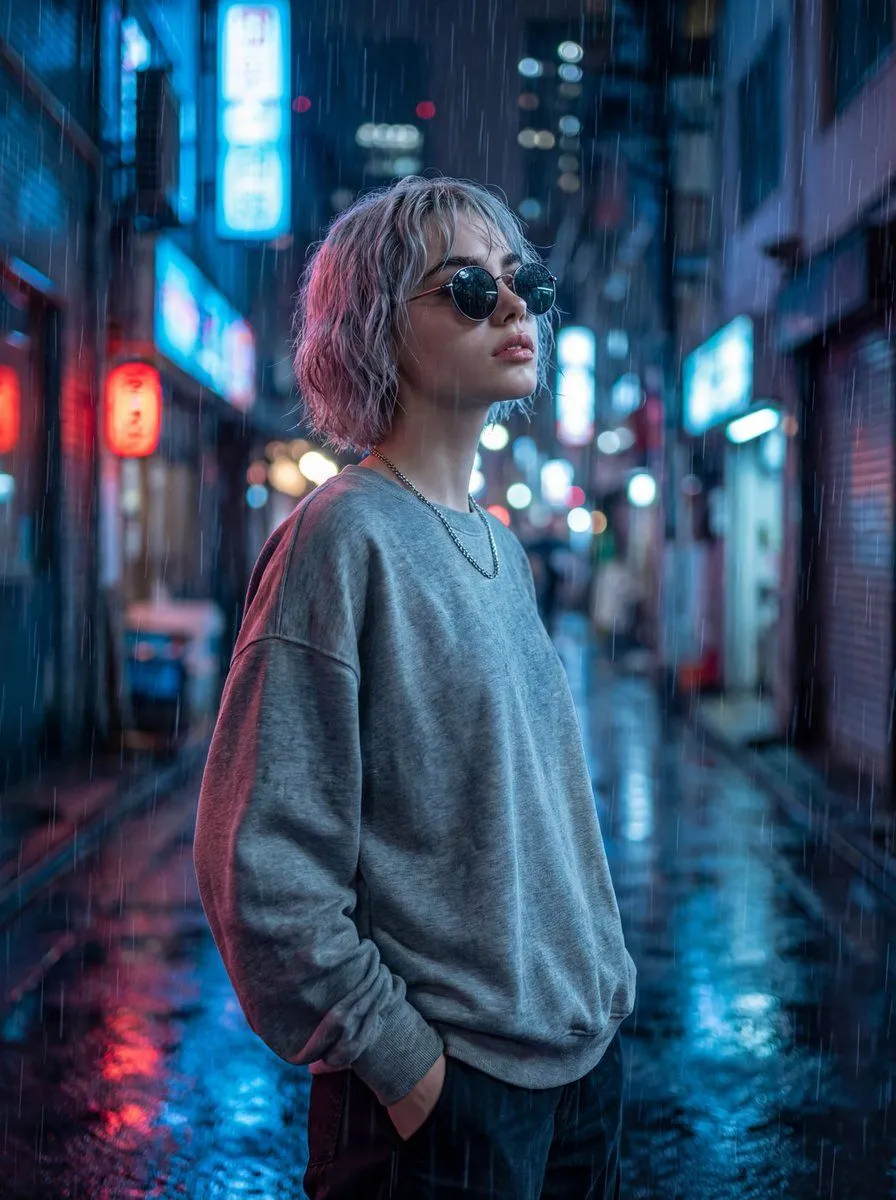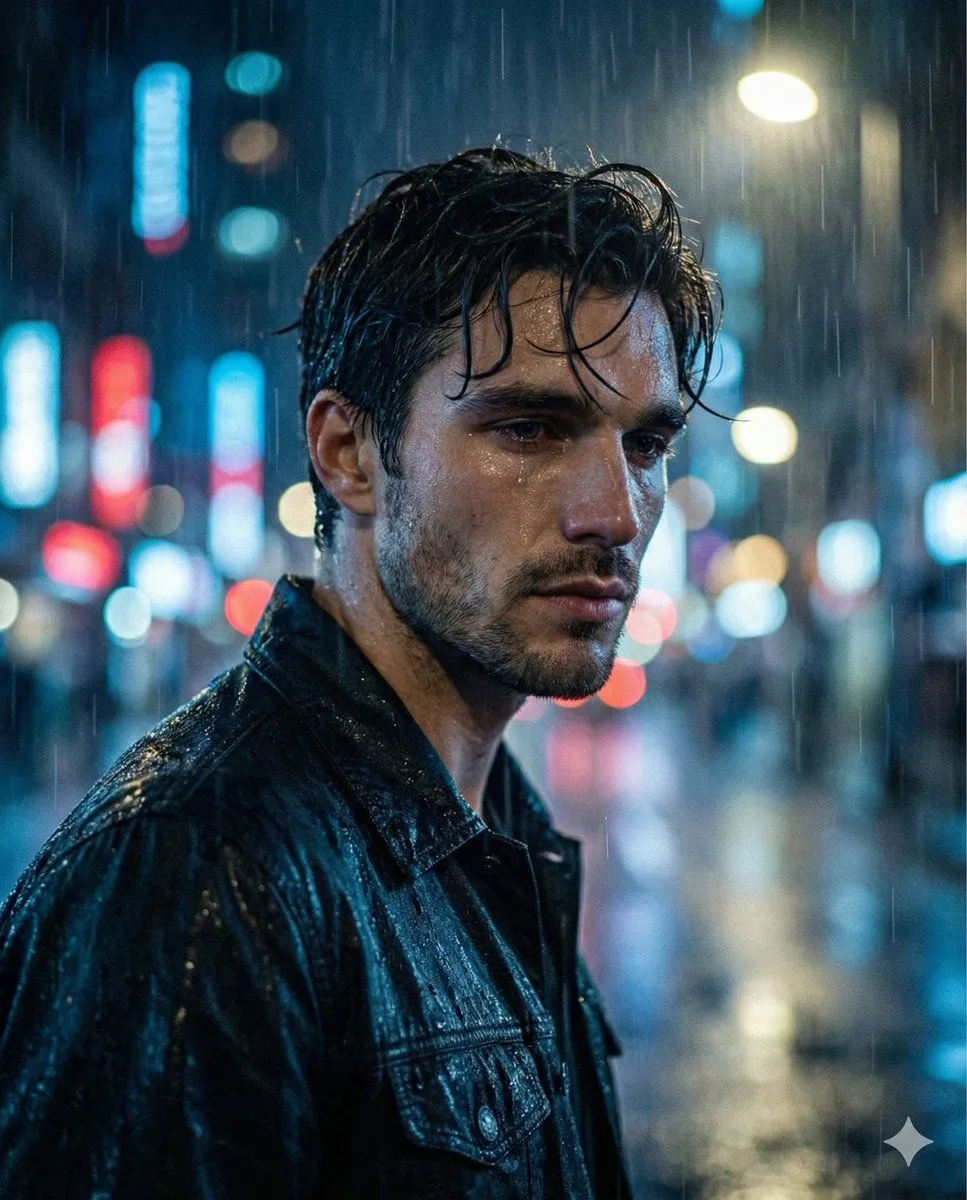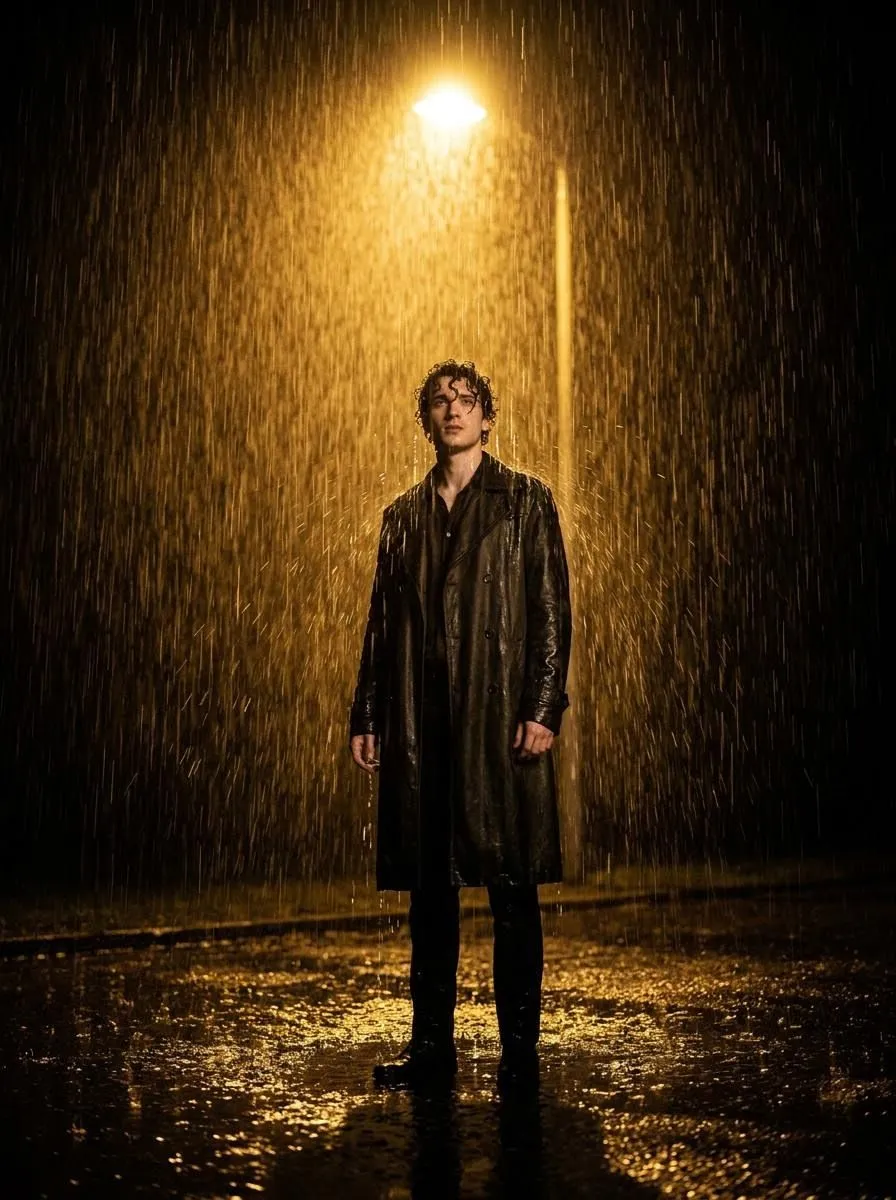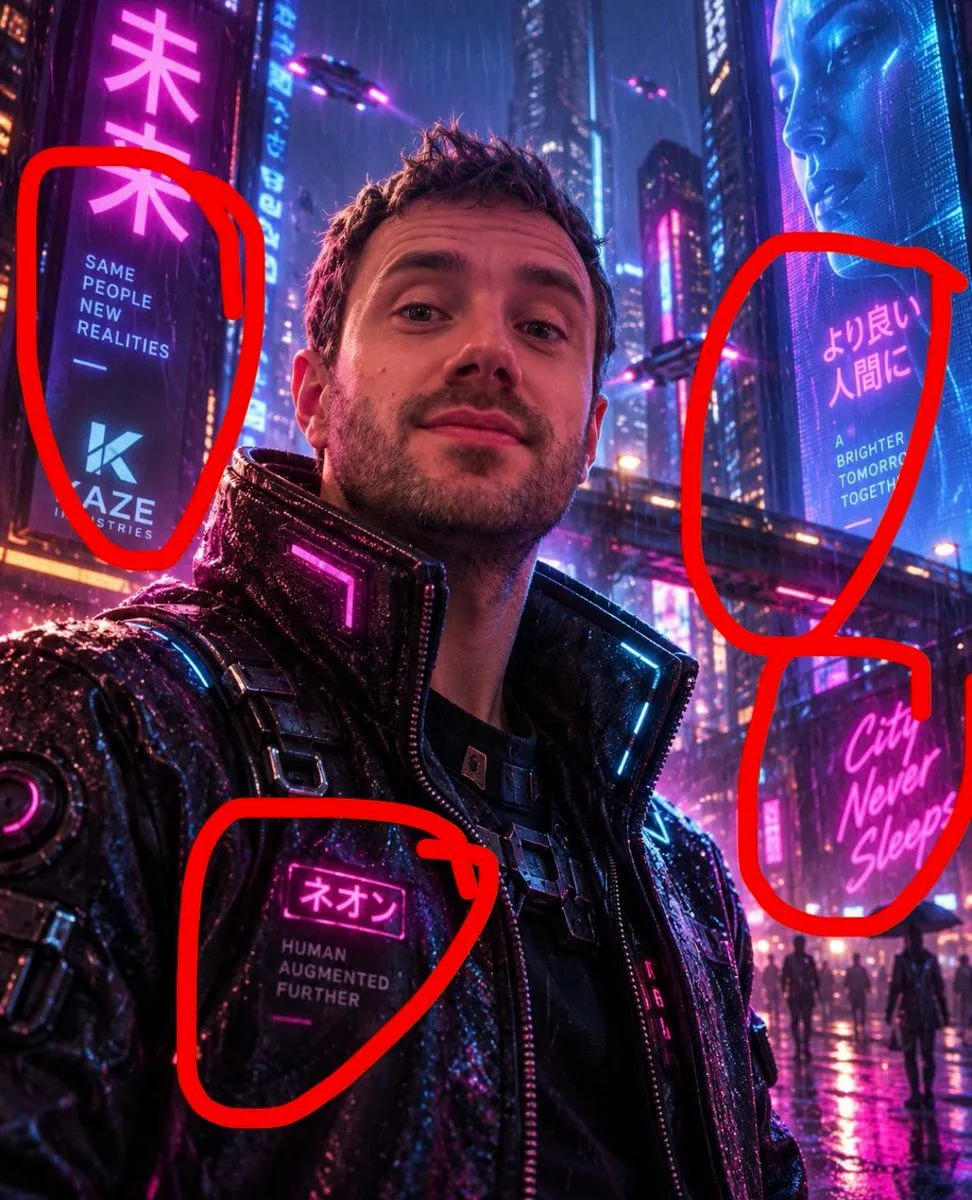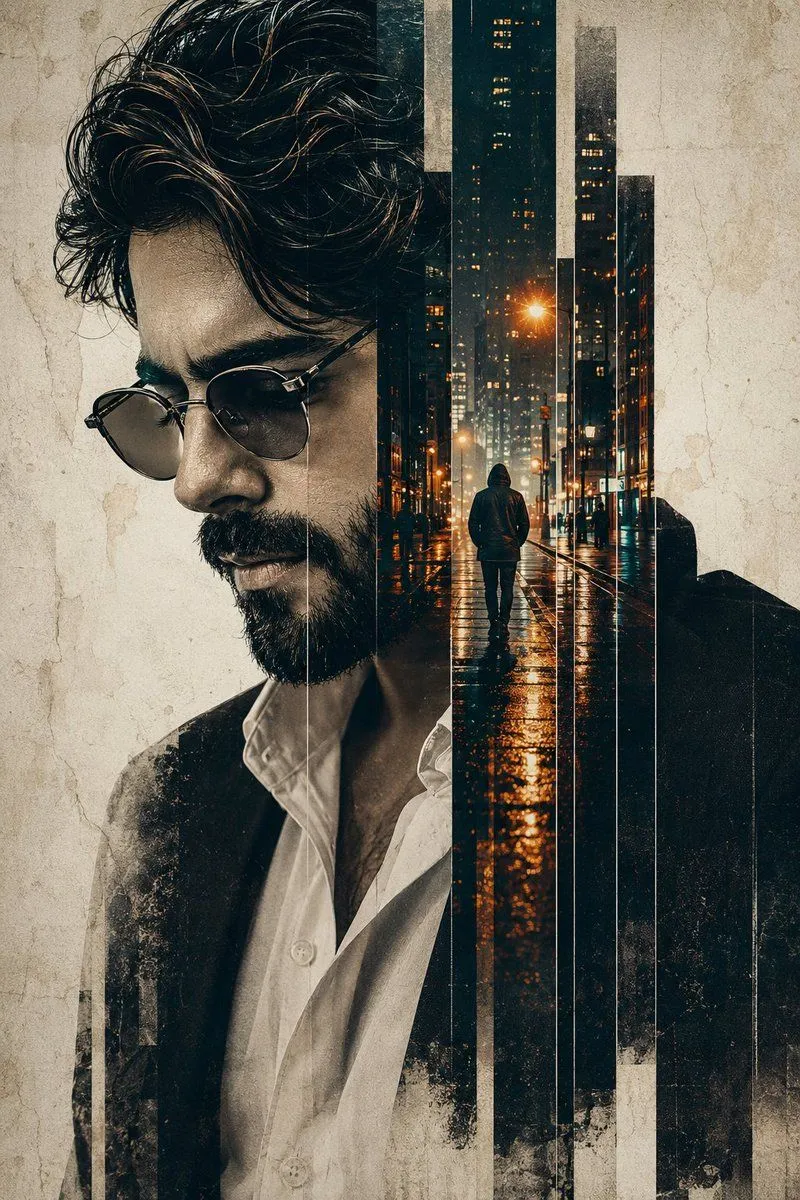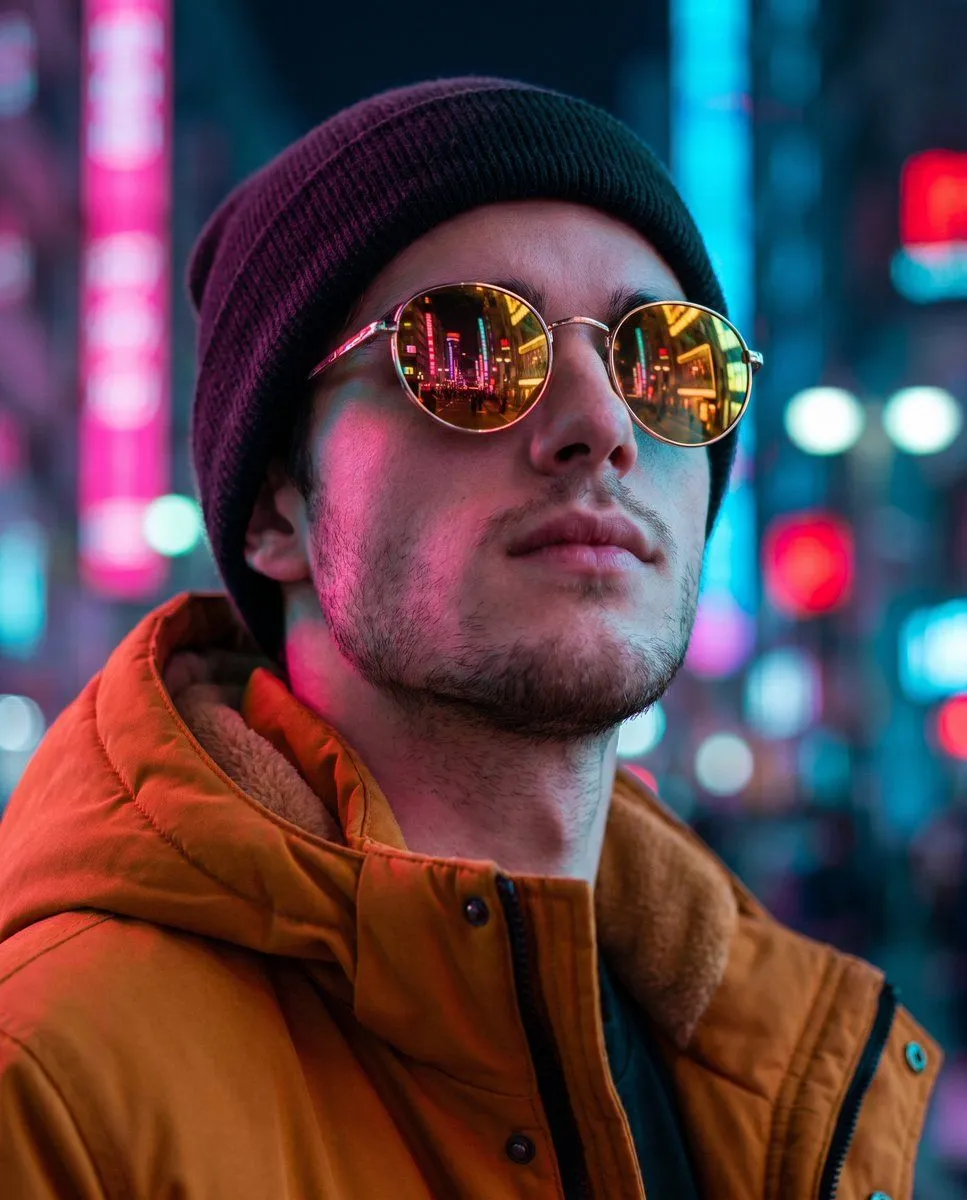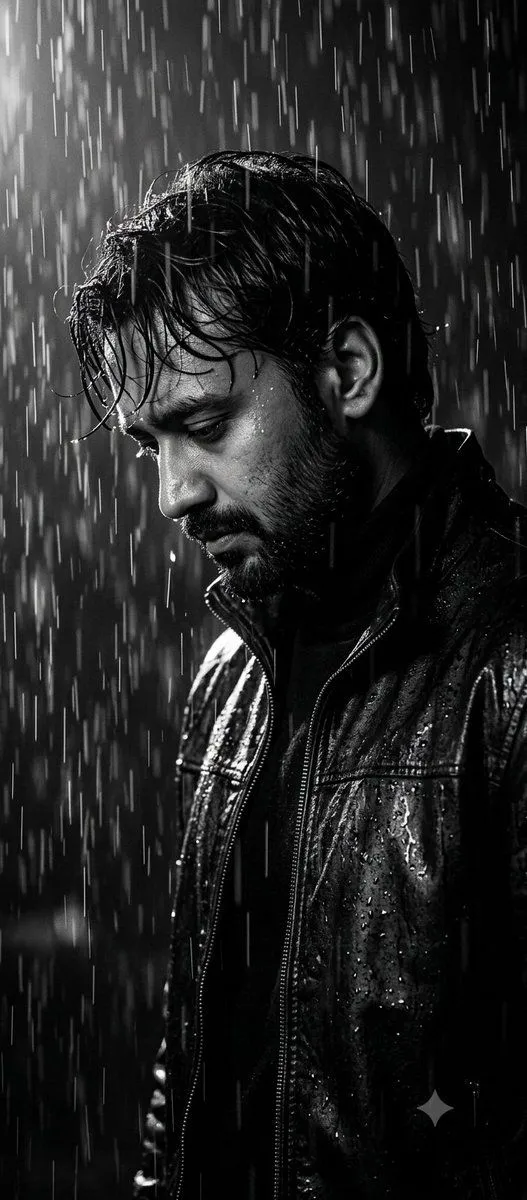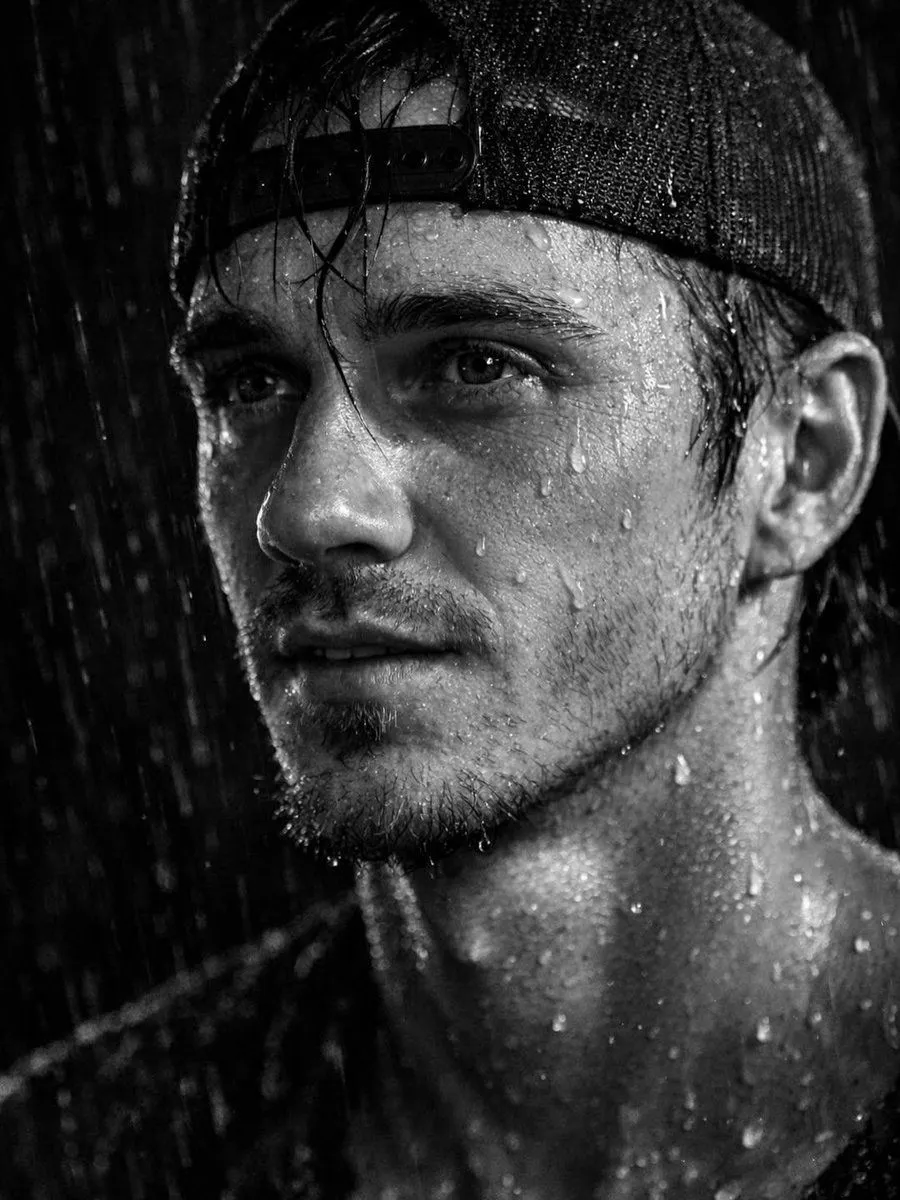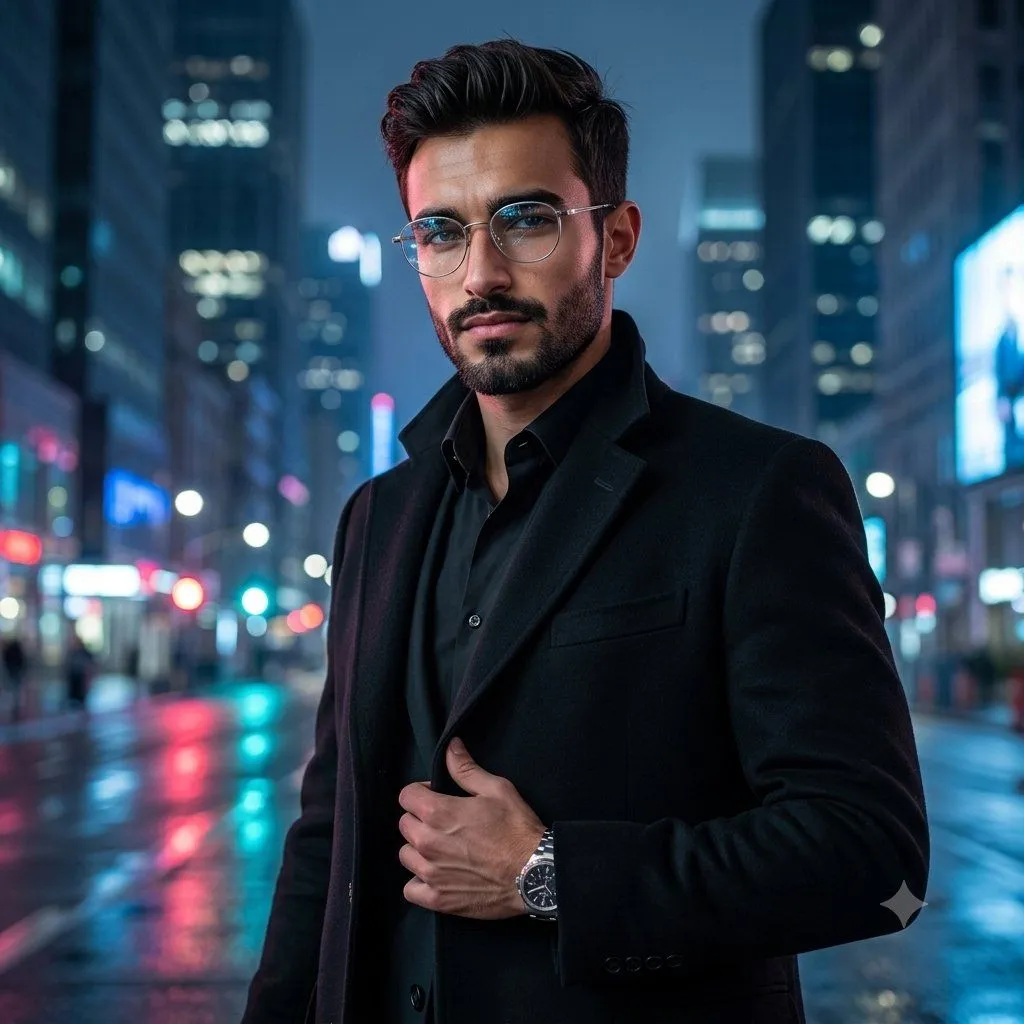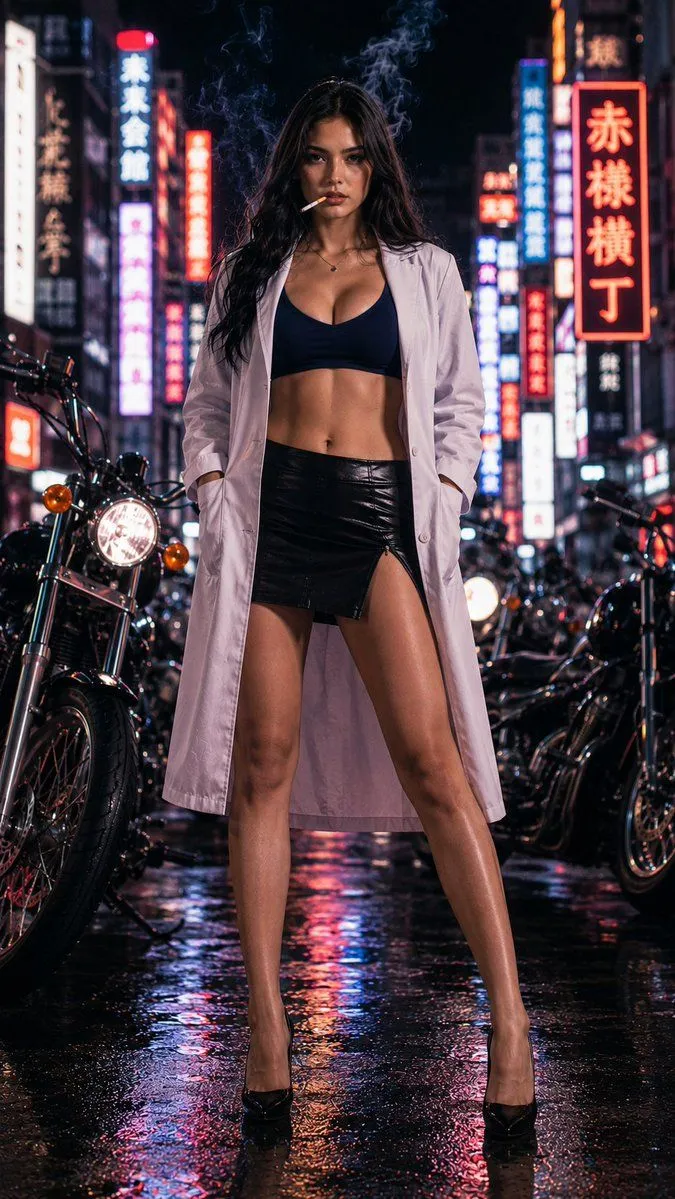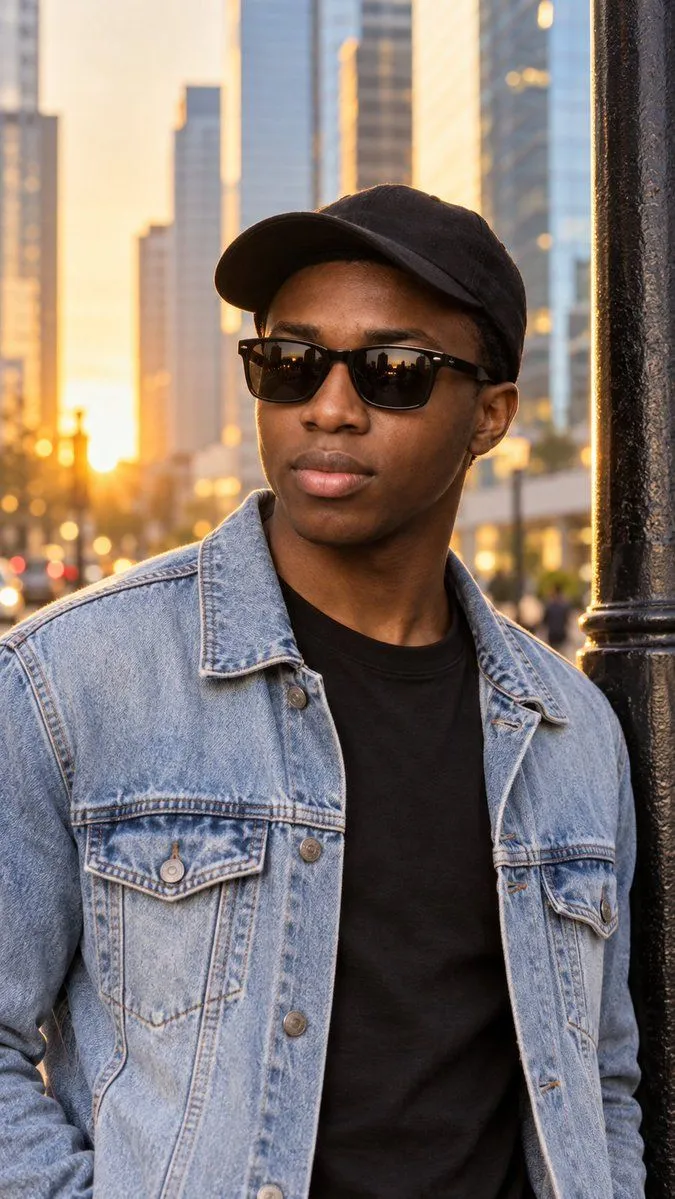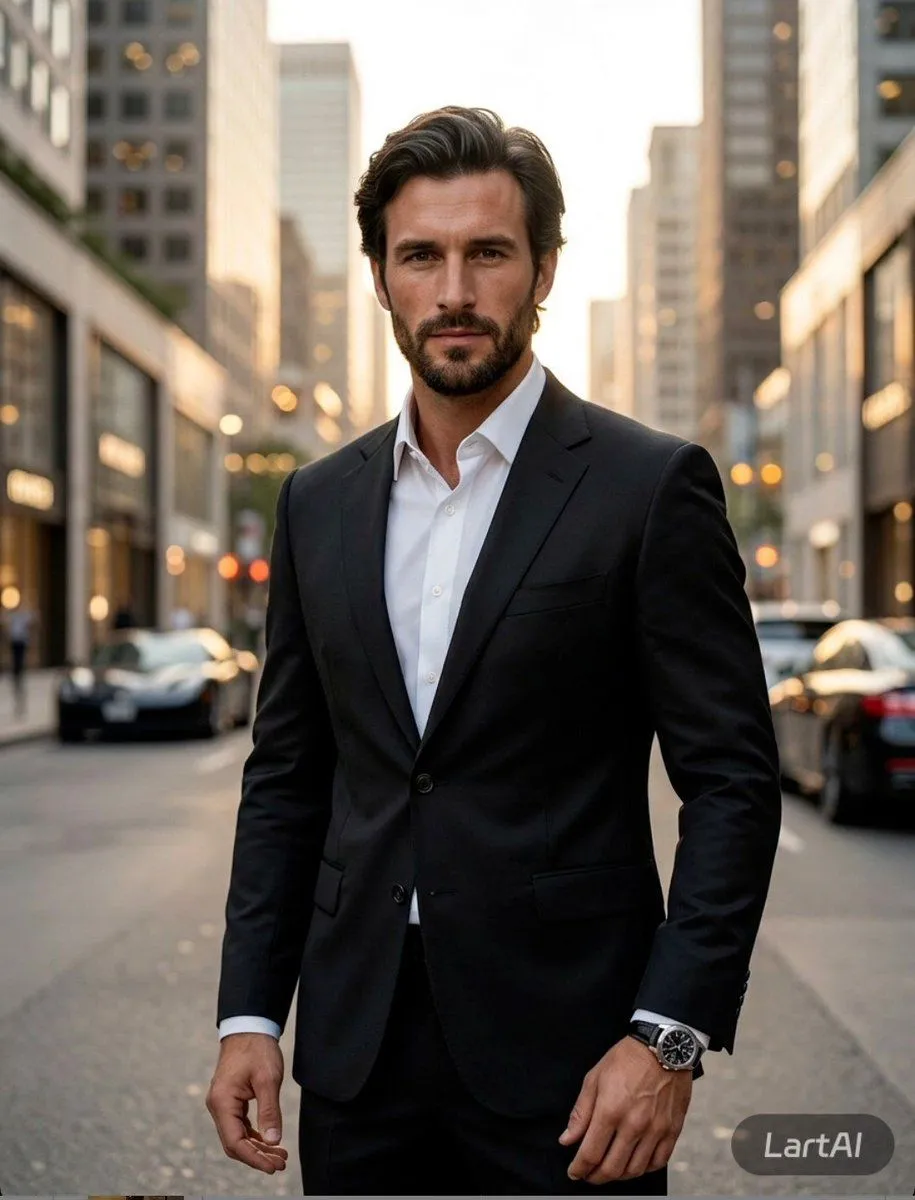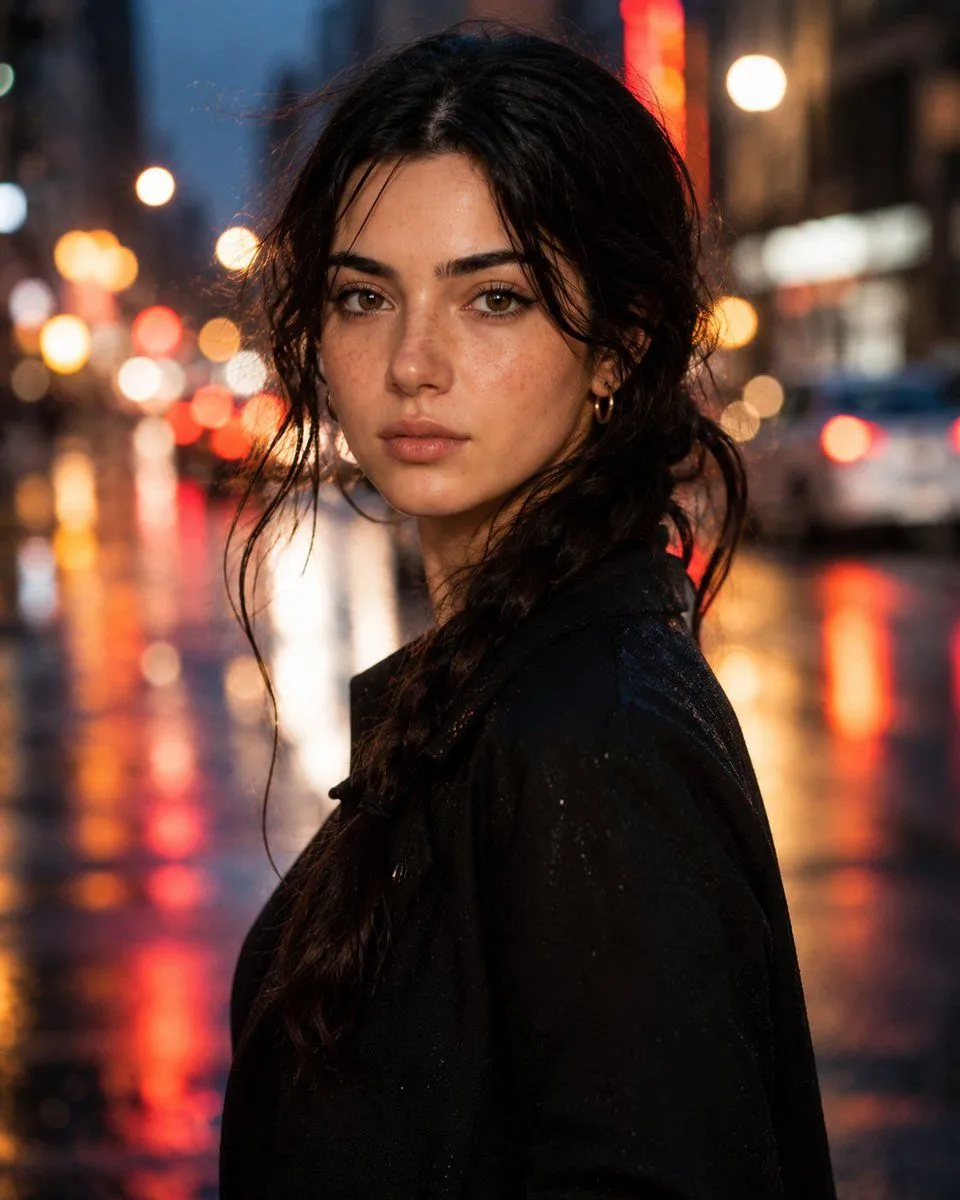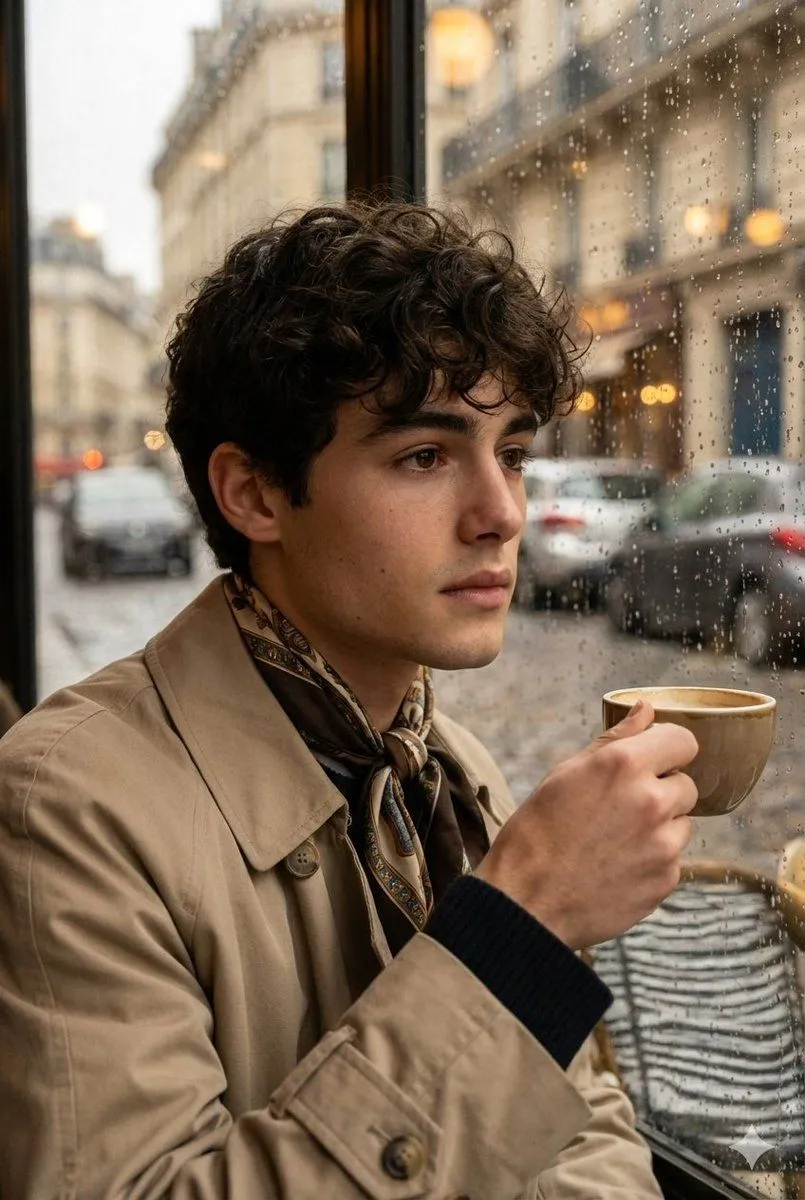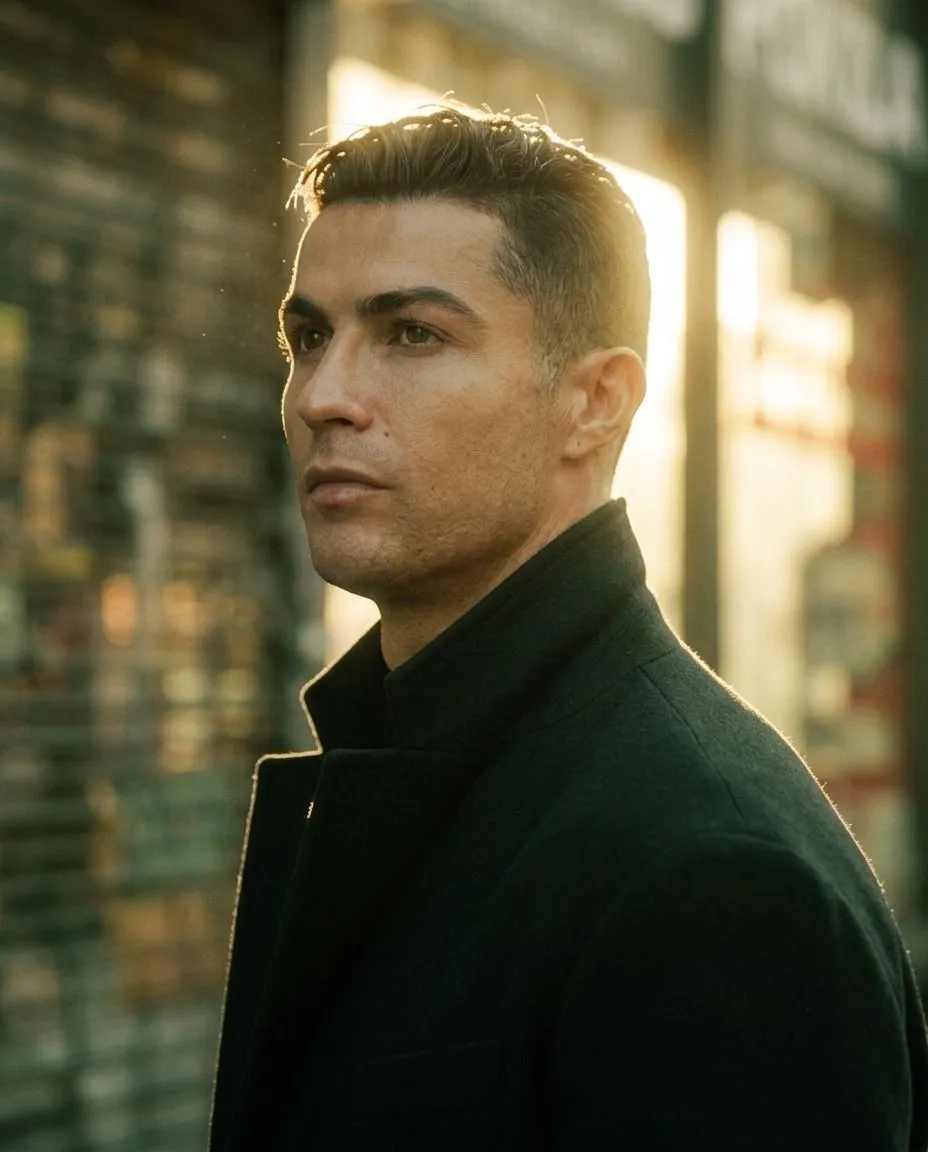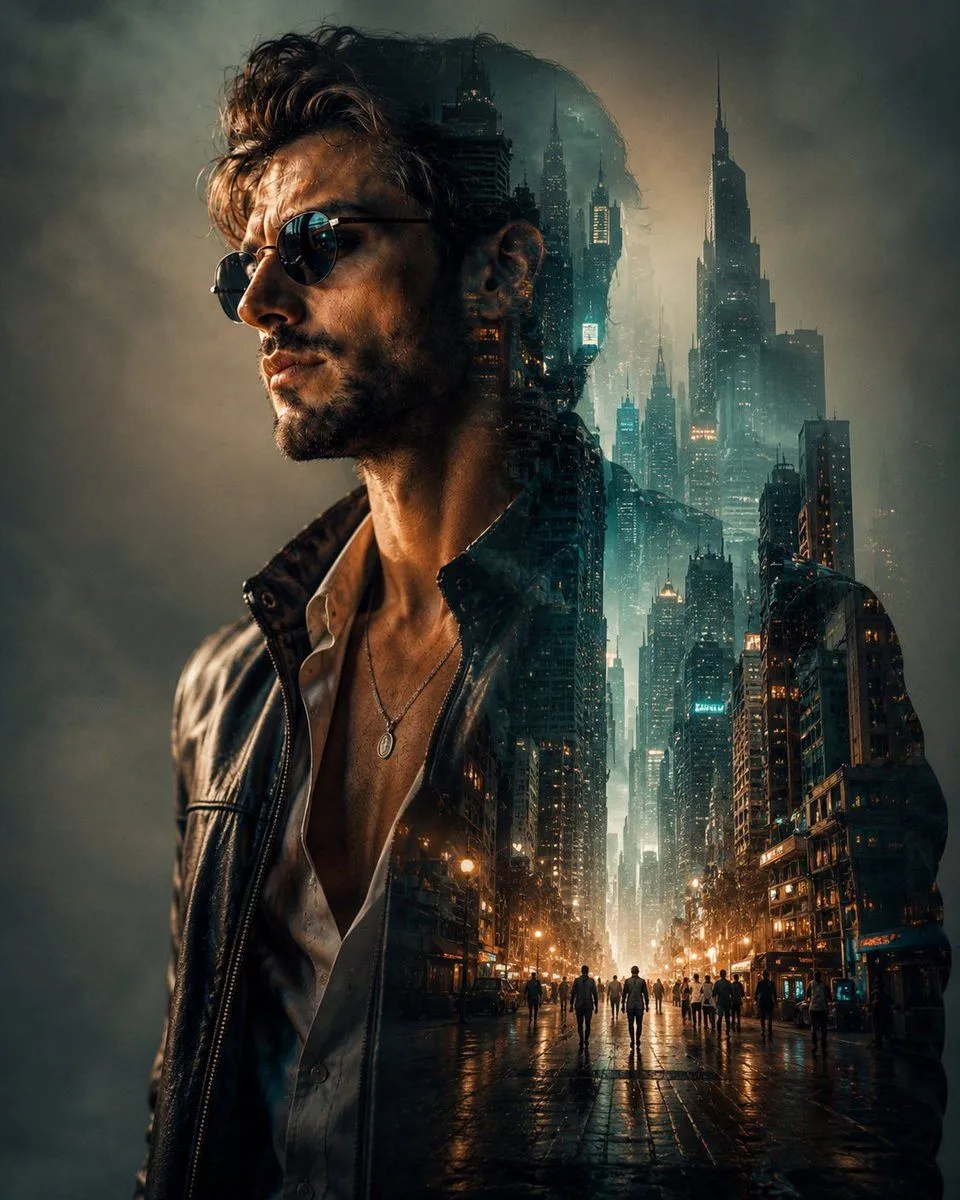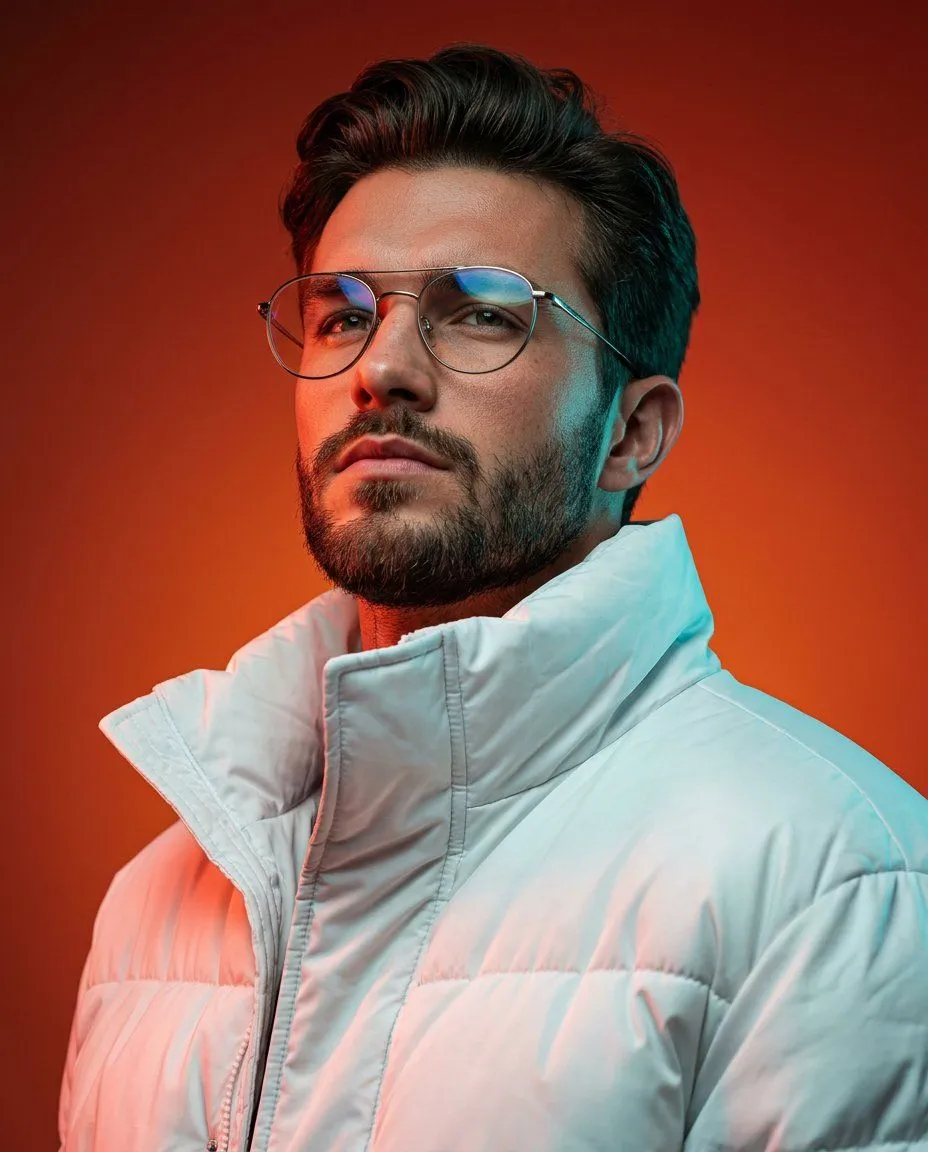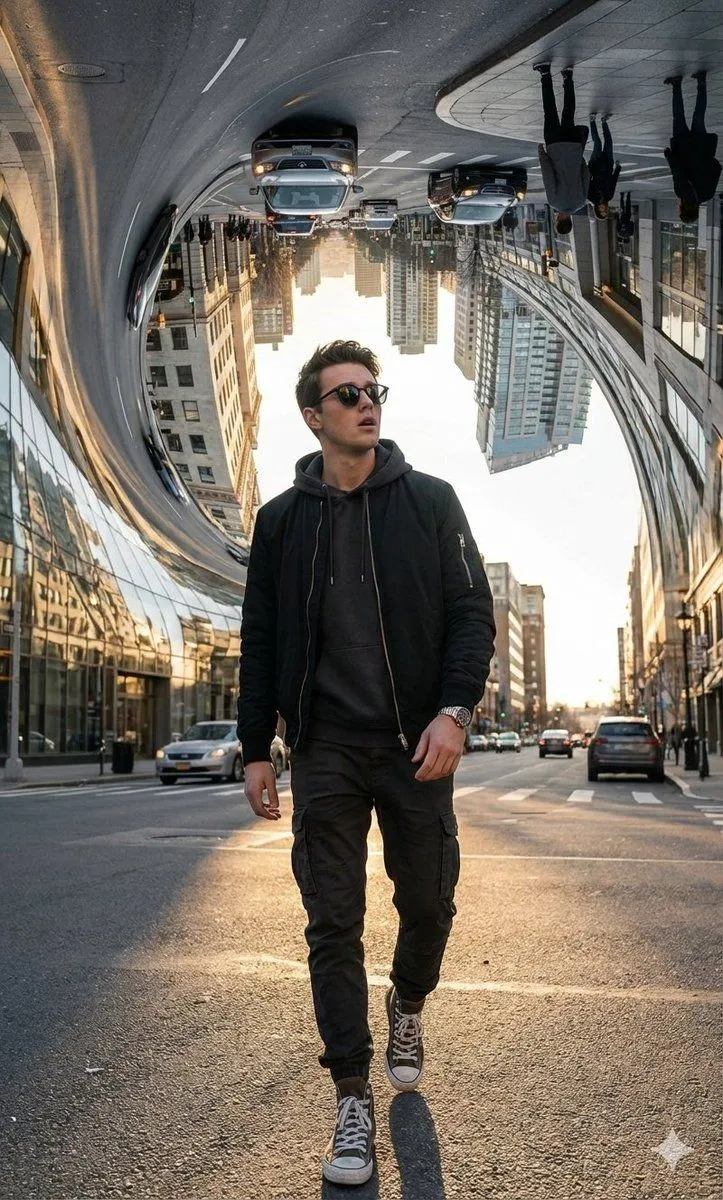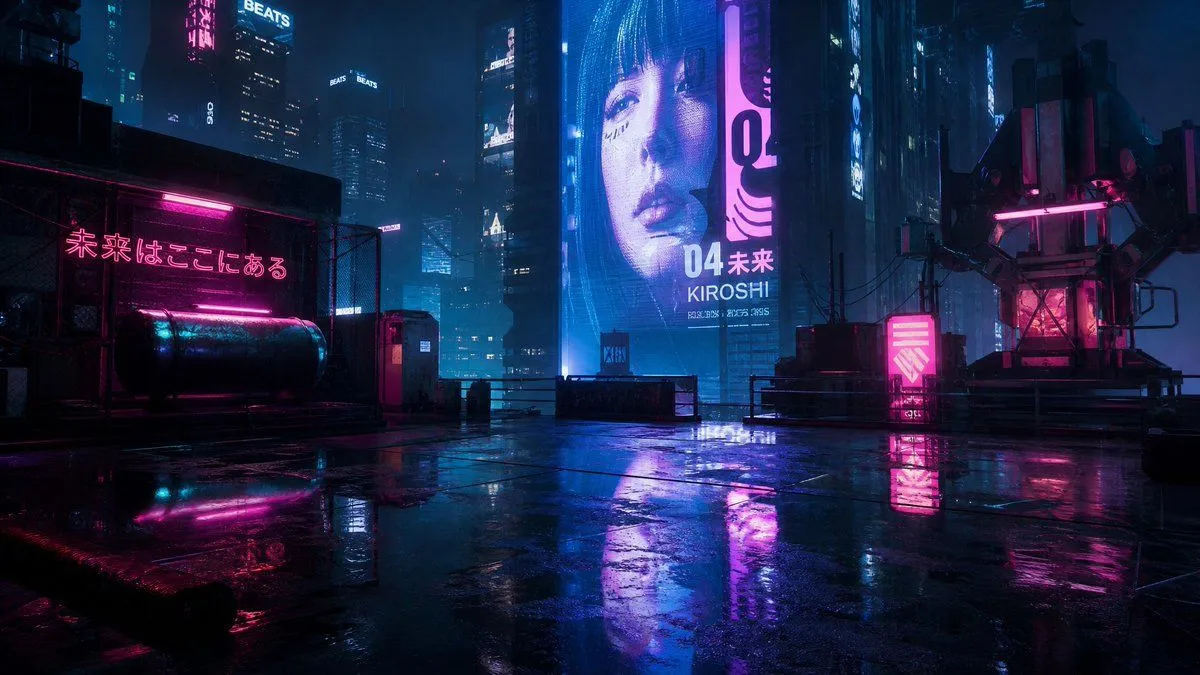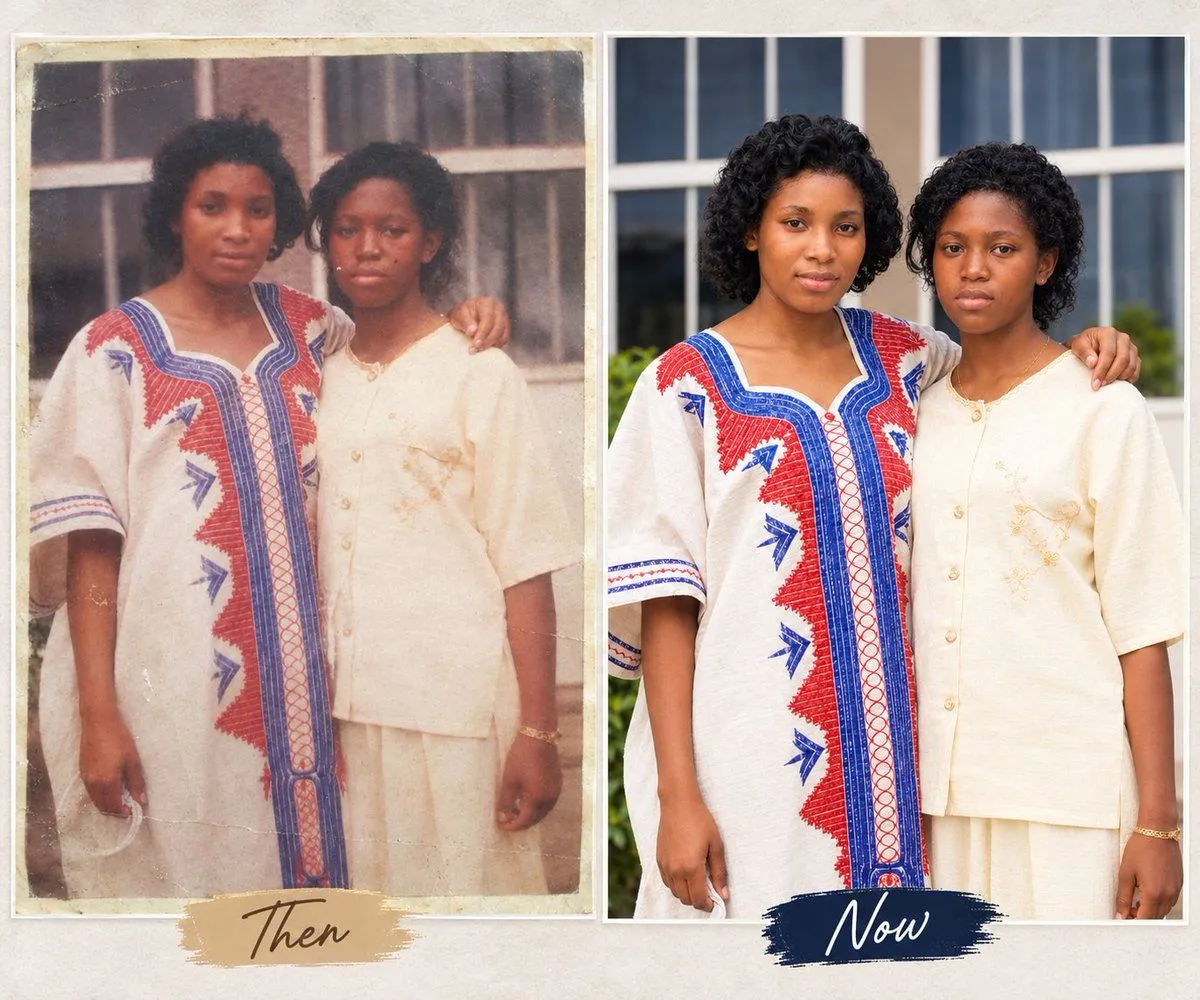
Made with GPT Image 1.5 in ChatGPT by Library Concept. Promptclay never generates images.
Did it work?
No reports yet. Tell others if it worked for you.
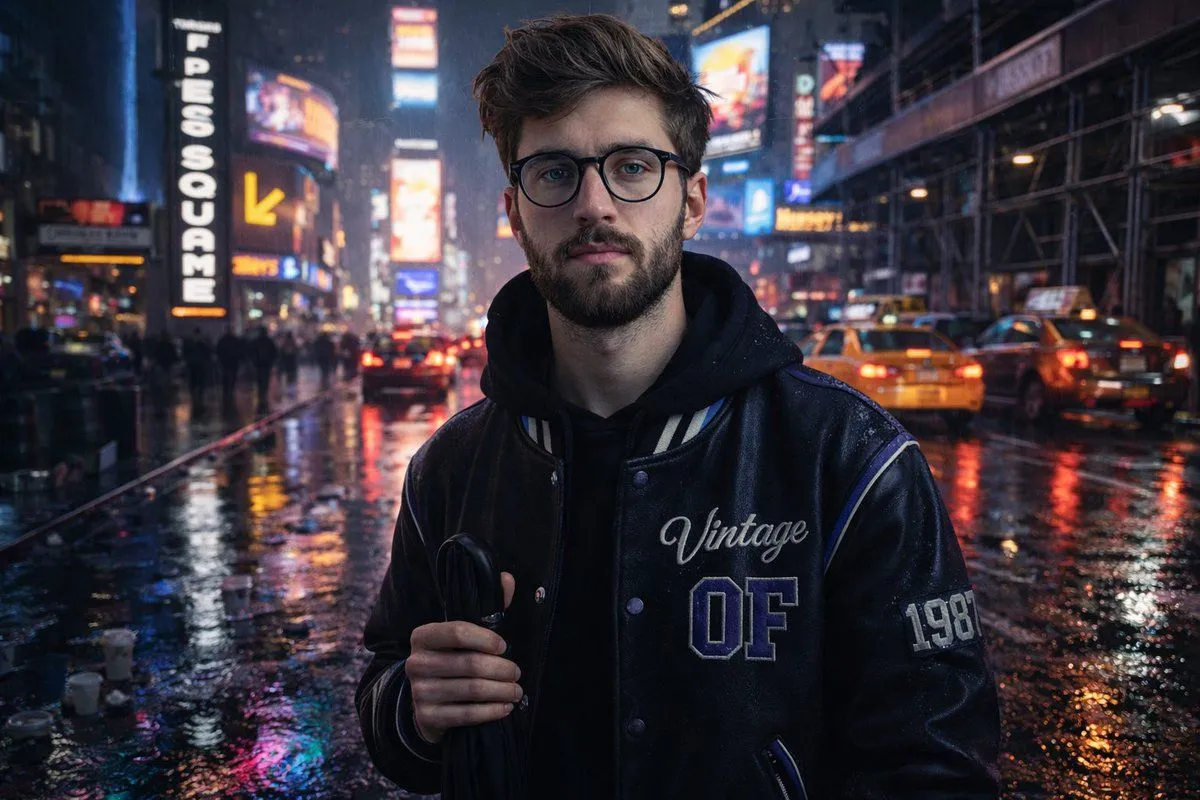
Complex Structured Prompt for Rainy Times Square Scene with Detailed Subject Description
Prompt
2 blanks to fill{ "scene": { "location": "{location}", "time": "{time}", "composition": { "left_side": [ { "type": "LED billboard", "style": "vertical", "text_color": "white-on-black" }, { "type": "curved LED screen", "detail": "above yellow arrow for Hershey's store" } ], "right_side": { "subject_position": "near curb", "traffic": { "vehicles": "city taxis and cars", "details": "brake lights forming a slow line" } } }, "environment": { "ground": "wet asphalt", "reflection_colors": ["neon magenta", "icy blue"], "puddles": { "reflecting_lights": true, "object_details": ["scattered takeaway cups"] }, "atmosphere": ["electric", "intimate"] } }, "subject": { "identity": "Uploaded subject", "face_requirement": "Do not change facial features. Must look 1000% identical.", "pose": "Relaxed, facing camera", "holding": "Folded black umbrella by handle", "outfit": { "jacket": { "material": "black faux-leather varsity", "design": { "cobalt_panel": true, "cream_stripe": true, "embroidery": "Vintage script", "lettering": "Block OF", "patch": "1987 stitched on sleeve", "reflective_piping": true, "highlight_color": "purple reflection" } } } }, "background": { "elements": ["cars", "scaffolding", "stacked storefront signs"] }, "style": { "resolution": "HD", "aesthetic": ["realistic", "natural", "authentic"], "camera": "iPhone" } }
Preview of your prompt
{ "scene": { "location": "Times Square, New York", "time": "Rainy night", "composition": { "left_side": [ { "type": "LED billboard", "style": "vertical", "text_color": "white-on-black" }, { "type": "curved LED screen", "detail": "above yellow arrow for Hershey's store" } ], "right_side": { "subject_position": "near curb", "traffic": { "vehicles": "city taxis and cars", "details": "brake lights forming a slow line" } } }, "environment": { "ground": "wet asphalt", "reflection_colors": ["neon magenta", "icy blue"], "puddles": { "reflecting_lights": true, "object_details": ["scattered takeaway cups"] }, "atmosphere": ["electric", "intimate"] } }, "subject": { "identity": "Uploaded subject", "face_requirement": "Do not change facial features. Must look 1000% identical.", "pose": "Relaxed, facing camera", "holding": "Folded black umbrella by handle", "outfit": { "jacket": { "material": "black faux-leather varsity", "design": { "cobalt_panel": true, "cream_stripe": true, "embroidery": "Vintage script", "lettering": "Block OF", "patch": "1987 stitched on sleeve", "reflective_piping": true, "highlight_color": "purple reflection" } } } }, "background": { "elements": ["cars", "scaffolding", "stacked storefront signs"] }, "style": { "resolution": "HD", "aesthetic": ["realistic", "natural", "authentic"], "camera": "iPhone" } }
DetailsVersions, settings and questions
Written for
What's in the prompt
- Subject
- Model
- GPT Image 1.5
If your face changes
keep my face exactly the sameQuestions
- Does this work in the ChatGPT app?
- Yes. Paste the prompt and attach your photo if it uses one.
- It changed my face. What do I do?
- Add "keep my face exactly the same" to the end and run it again.
- Can I use the images I make?
- Check the terms of the app you use. Promptclay never generates images and claims nothing you make.