Tell us anything

An idea, a bug, something you love. We read every note.

⌘↵ to send. The page you're on comes along.

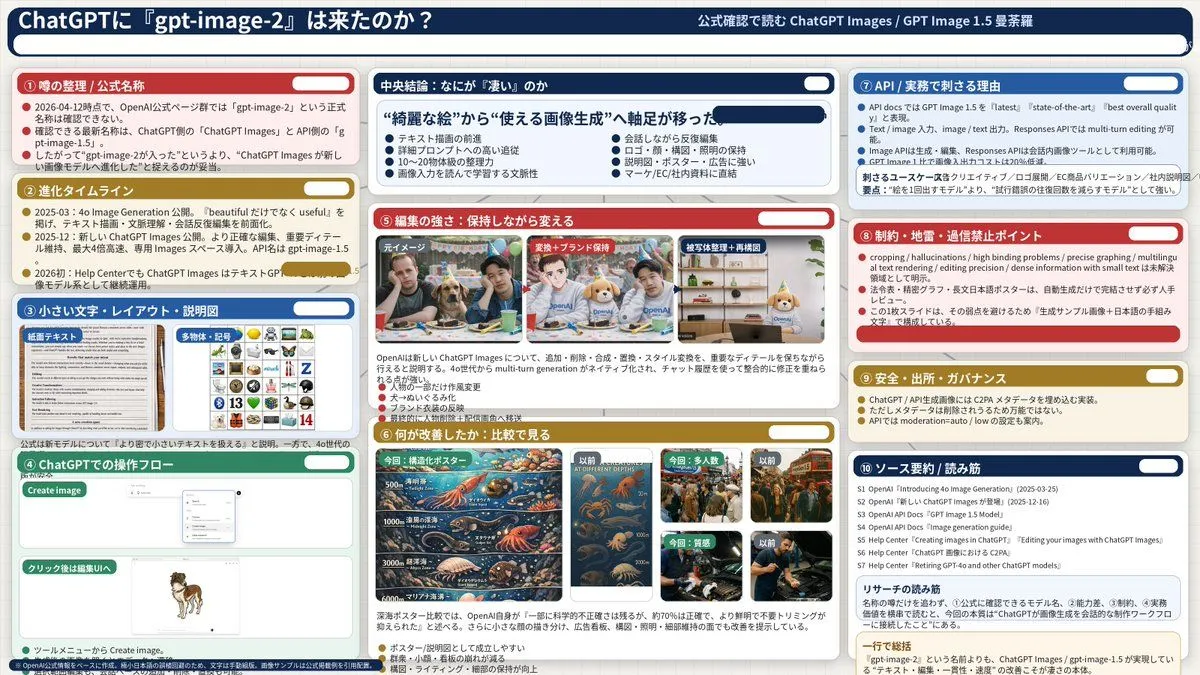
Complex AI Model Analysis Infographic

Made with GPT Image 2 in ChatGPT by Library Explainers. Promptclay never generates images.

Did it work?

No reports yet. Tell others if it worked for you.

No comments yet. Be the first.

    Complex AI Model Analysis Infographic

    GPT Image 216:9AI-generated

    Prompt

    { "type": "infographic dashboard", "style": "corporate presentation slide, dense information layout, flat design", "header": { "left_title": "{argument name=\"main title\" default=\"ChatGPTに『gpt-image-2』は来たのか?\"}", "right_subtitle": "{argument name=\"subtitle\" default=\"公式確認で読む ChatGPT Images / GPT Image 1.5 曼荼羅\"}", "background_color": "{argument name=\"theme color 1\" default=\"dark blue\"}" }, "layout": { "columns": 3, "sections": [ { "id": 1, "title": "① 噂の整理 / 公式名称", "color": "{argument name=\"theme color 2\" default=\"red\"}", "content_type": "3 bullet points" }, { "id": 2, "title": "② 進化タイムライン", "color": "gold", "content_type": "3 timeline bullet points" }, { "id": 3, "title": "③ 小さい文字・レイアウト・説明図", "color": "blue", "content_type": "2 embedded images showing text document and icon grid" }, { "id": 4, "title": "④ ChatGPTでの操作フロー", "color": "green", "content_type": "UI mockups showing chat interface and dog image" }, { "id": "central", "title": "中央結論:なにが『凄い』のか", "color": "dark blue", "subtitle": "{argument name=\"central conclusion\" default=\"“綺麗な絵”から“使える画像生成”へ軸足が移った\"}", "content_type": "2 columns of 4 bullet points each" }, { "id": 5, "title": "⑤ 編集の強さ:保持しながら変える", "color": "red", "content_type": "3 sequential images showing photo editing progression" }, { "id": 6, "title": "⑥ 何が改善したか:比較で見る", "color": "gold", "content_type": "6 comparison images (This time vs Before) for posters, crowds, textures" }, { "id": 7, "title": "⑦ API / 実務で刺さる理由", "color": "blue", "content_type": "3 bullet points" }, { "id": 8, "title": "⑧ 制約・地雷・過信禁止ポイント", "color": "red", "content_type": "3 bullet points" }, { "id": 9, "title": "⑨ 安全・出所・ガバナンス", "color": "gold", "content_type": "3 bullet points" }, { "id": 10, "title": "⑩ ソース要約 / 読み筋", "color": "dark blue", "content_type": "list of 7 sources and a summary box" } ] } }

    Works in
    ChatGPT, Gemini
    Status
    Free to copy
    0
    DetailsVersions, settings and questions

    Written for

    What's in the prompt

    Subject
    Model
    GPT Image 2

    If your face changes

    keep my face exactly the same

    Questions

    Does this work in the ChatGPT app?
    Yes. Paste the prompt and attach your photo if it uses one.
    It changed my face. What do I do?
    Add "keep my face exactly the same" to the end and run it again.
    Can I use the images I make?
    Check the terms of the app you use. Promptclay never generates images and claims nothing you make.
    Similar prompts

    See more
    • Storyboard Grid Generator
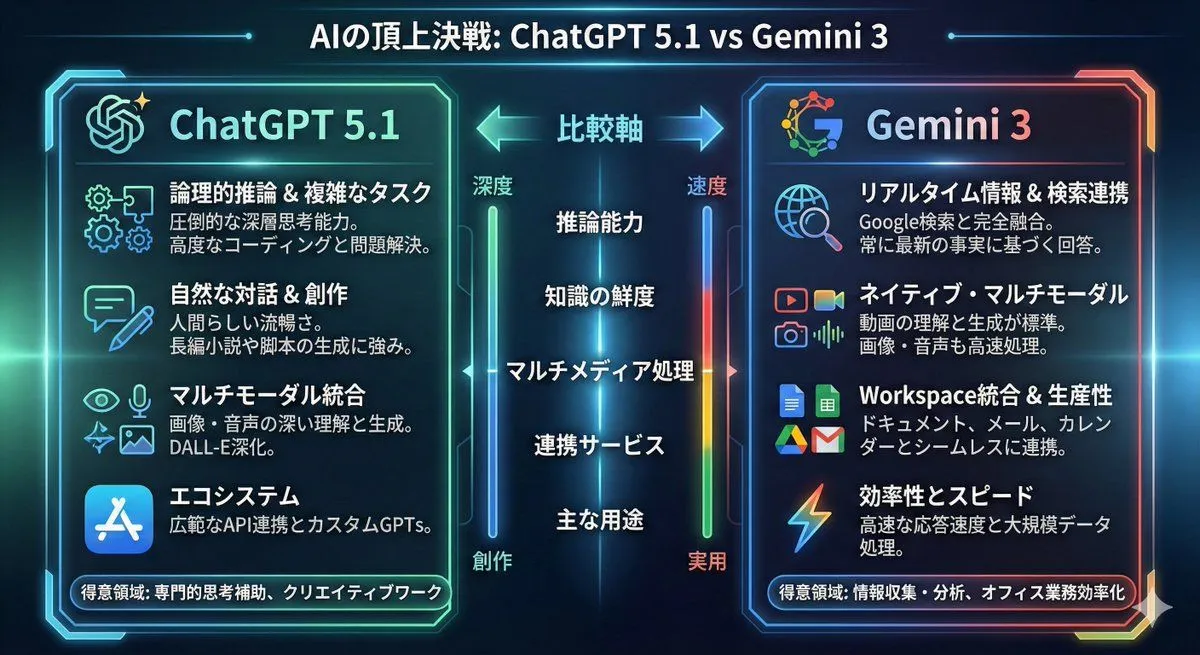
    • Infographic comparing ChatGPT 5.1 and Gemini 3
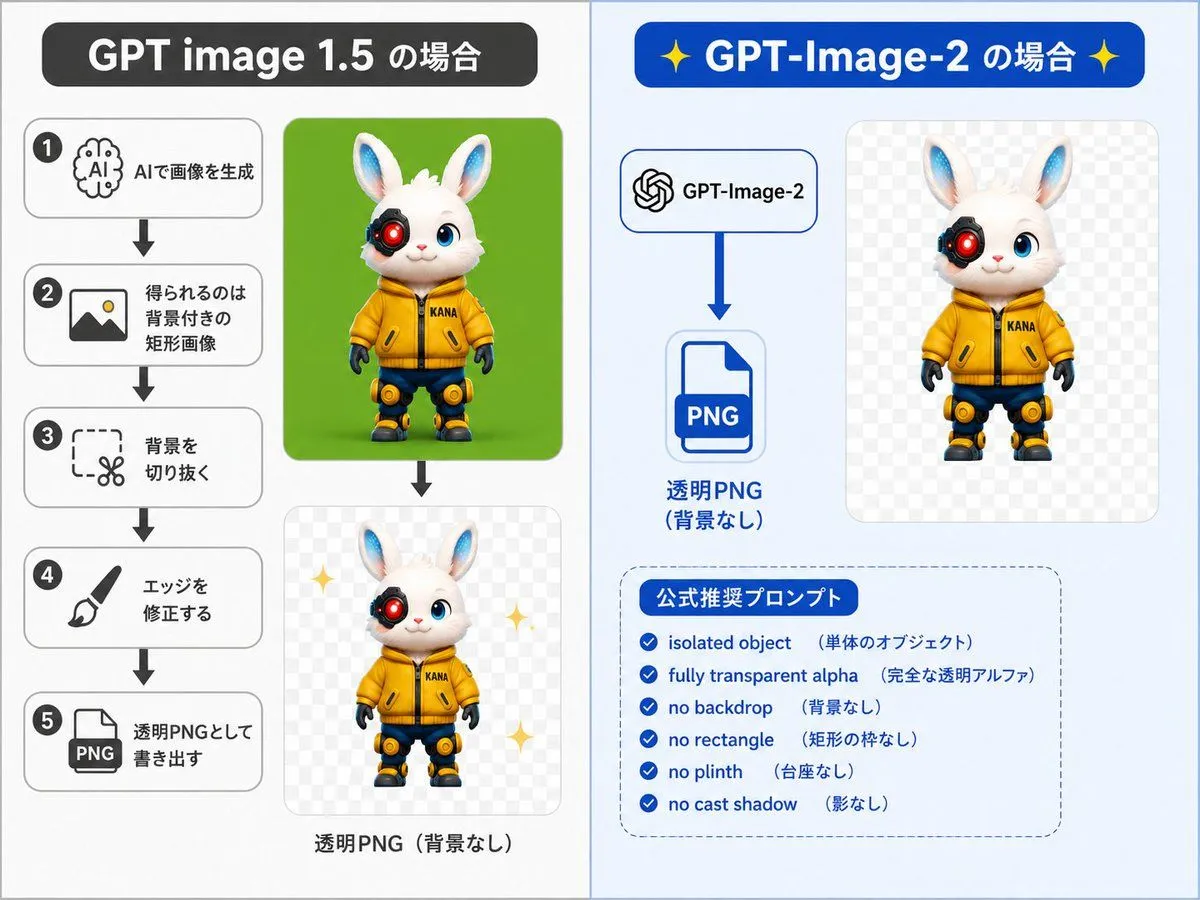
    • GPT-Image-2 Transparency Prompting Guide
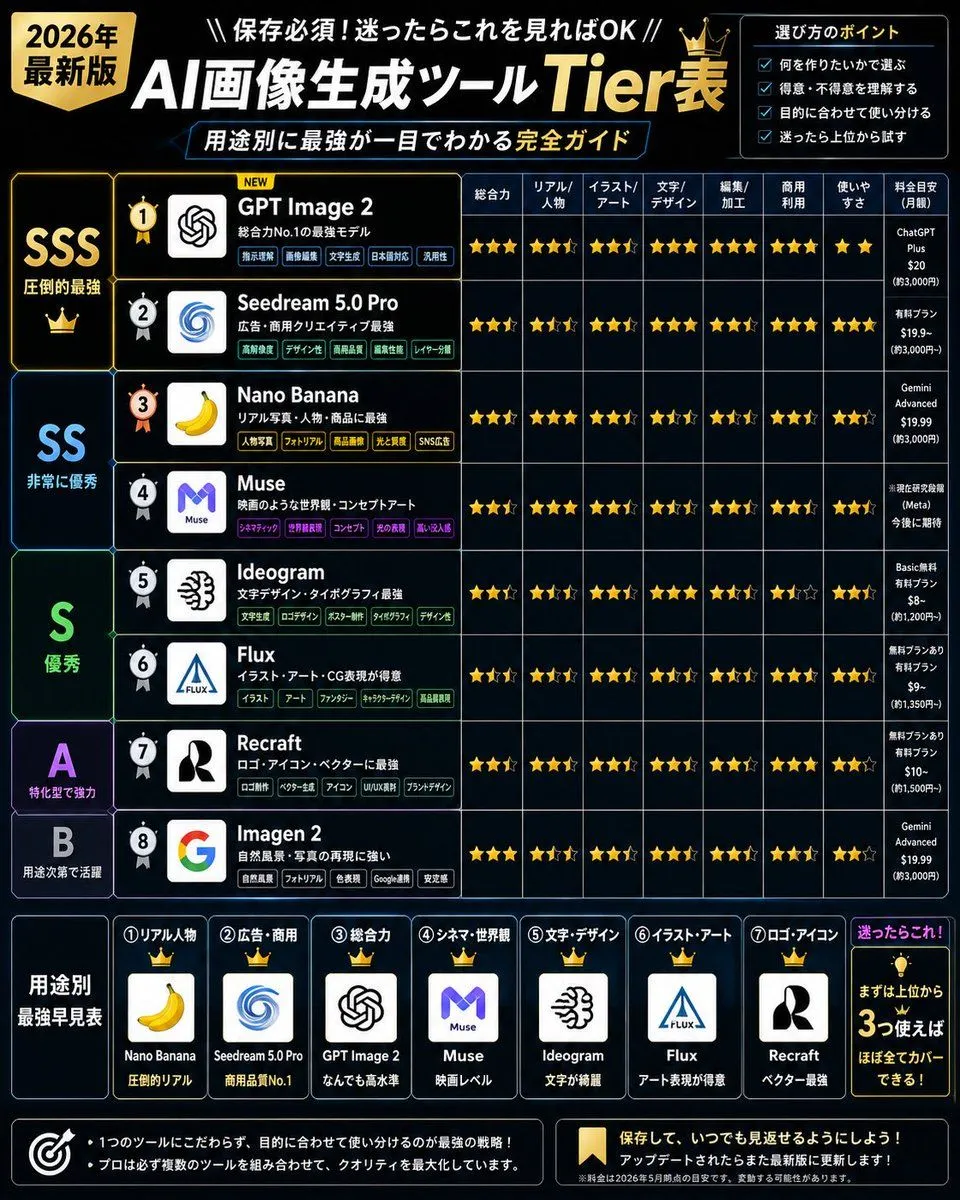
    • 2026 AI Image Tool Tier List
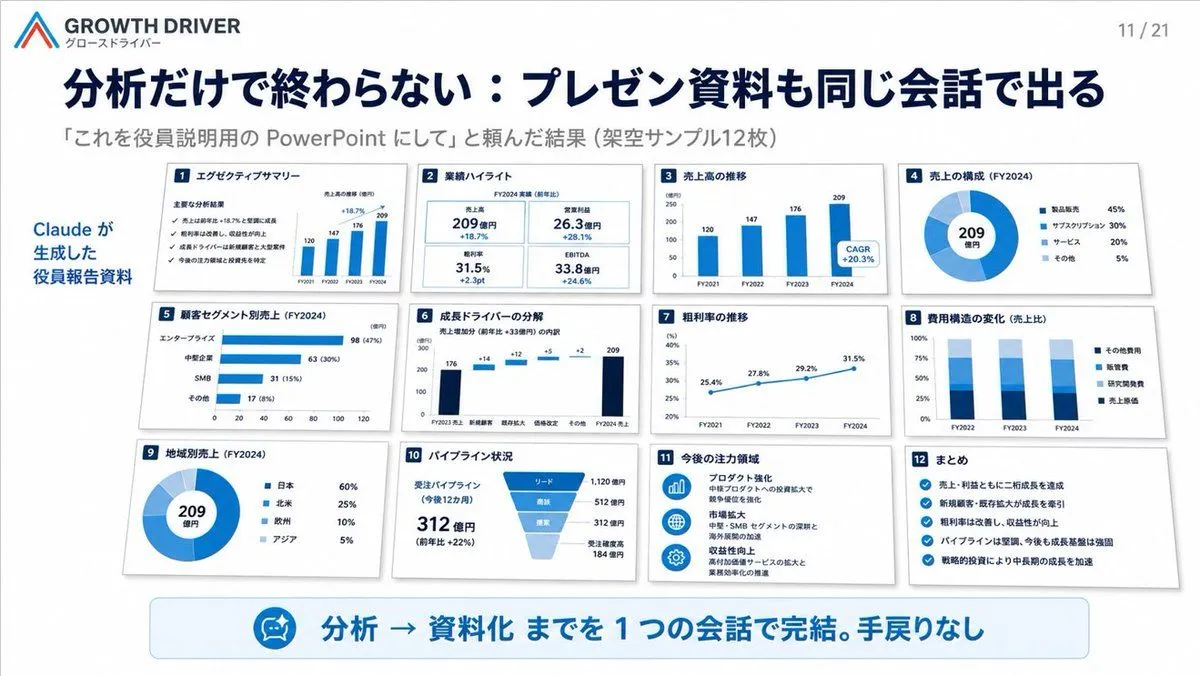
    • AI-Generated Board Report Slide
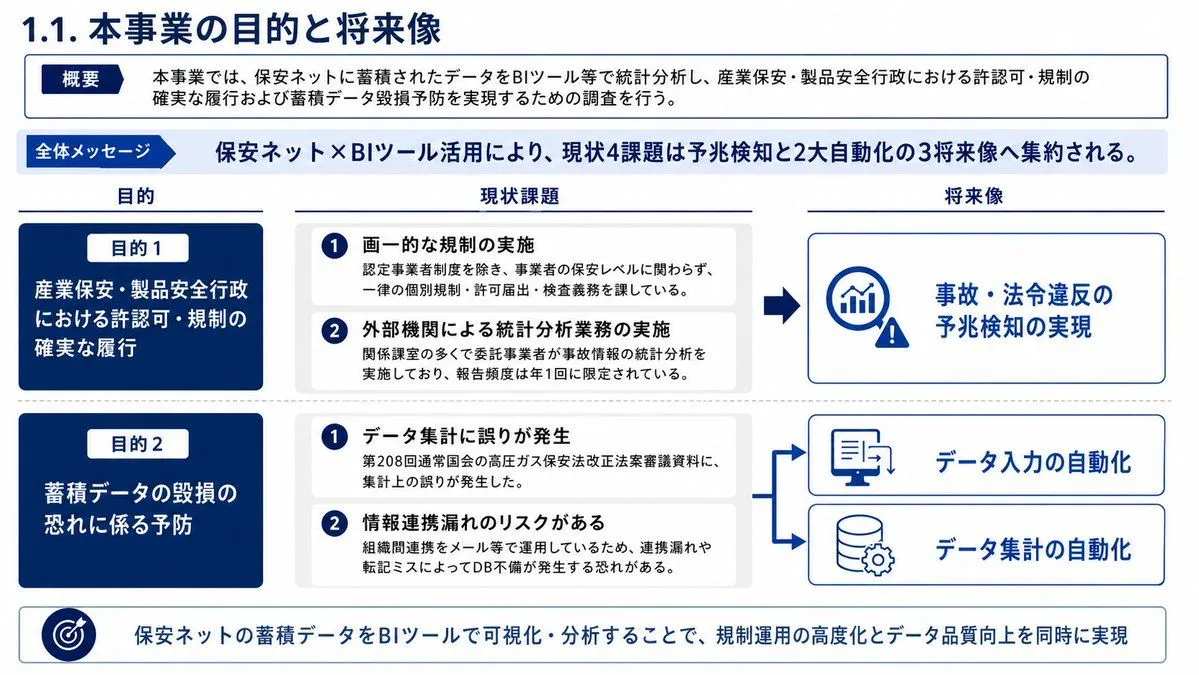
    • Japanese BI Strategy Slide
    • Four-Panel DX Report Model Comparison
    • Changing Image Size with Nano Banana Pro
    • Diagram of ChatGPT 5.2 Features with Japanese Text
    • News Article Diagram Generation
    • Professor explaining content on a whiteboard
    • ChatGPT Analysis Diagnosis Card
    • Hotel Guest Wi-Fi Card
    • High-Quality Flat Design Slide Generation Prompt
    • Anime Model Comparison Dashboard
    • Luxury Watch Product Ad Template
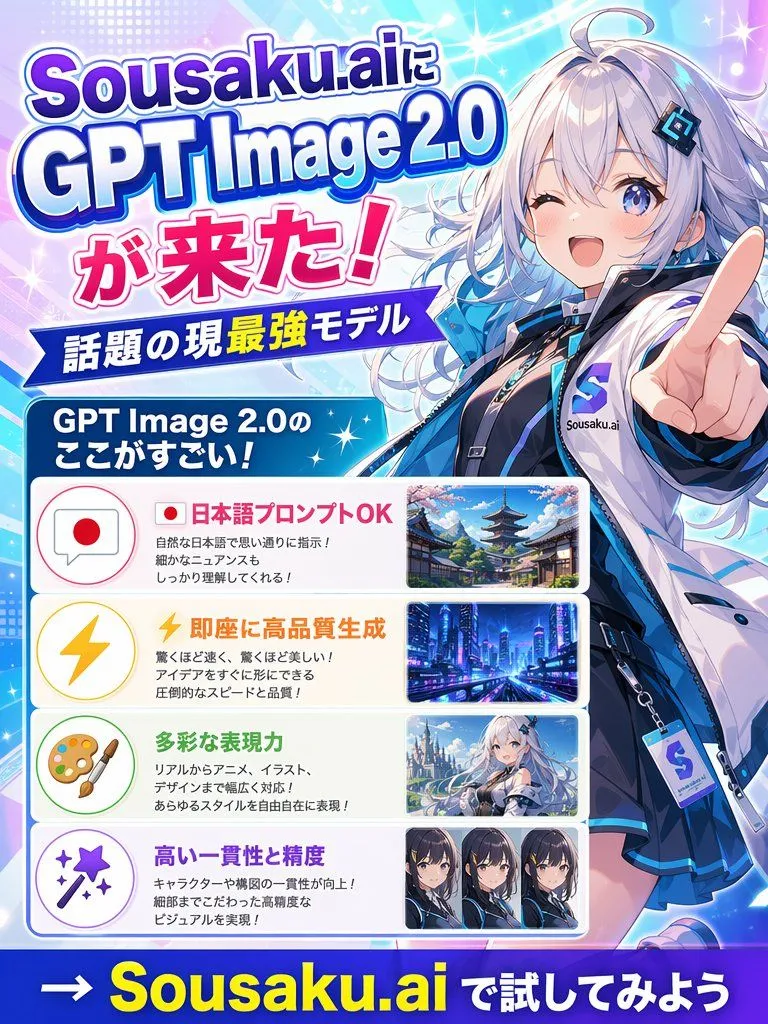
    • Japanese Anime AI Launch Poster
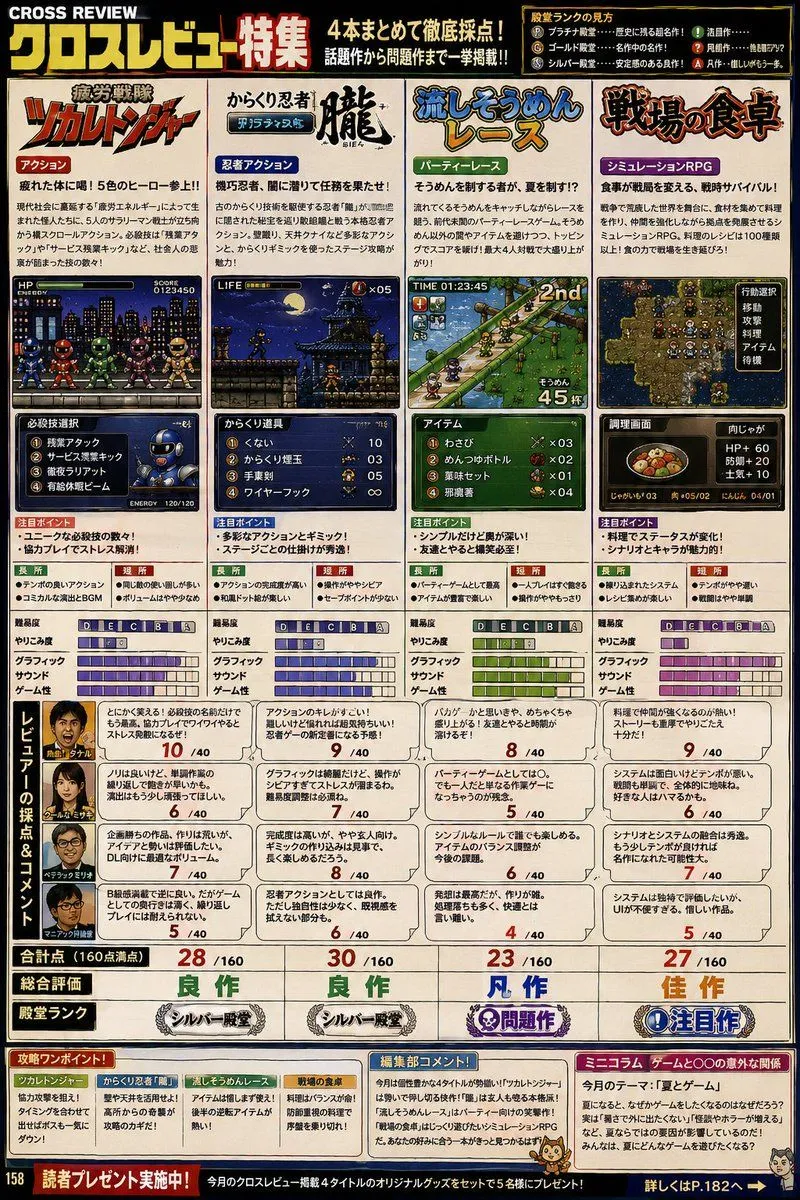
    • Retro Japanese Gaming Magazine Review Page
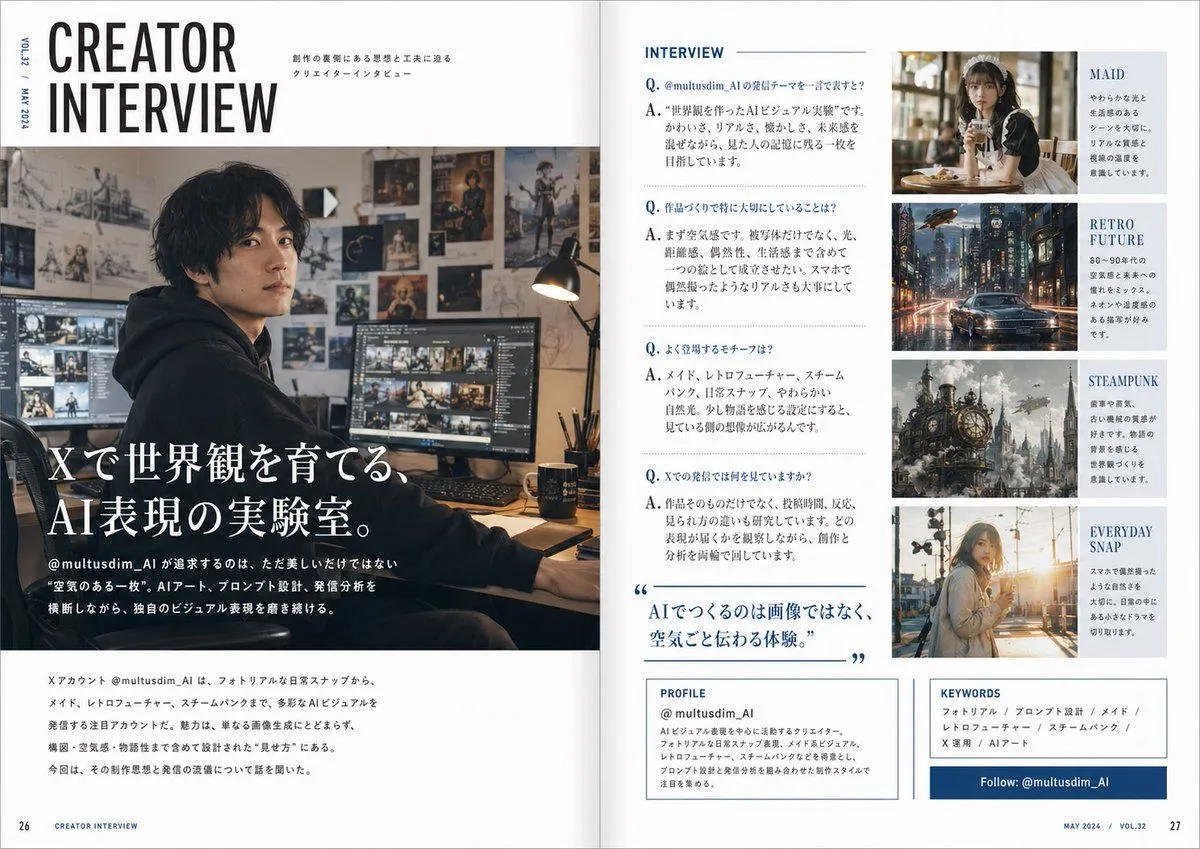
    • Japanese Creator Interview Magazine Spread
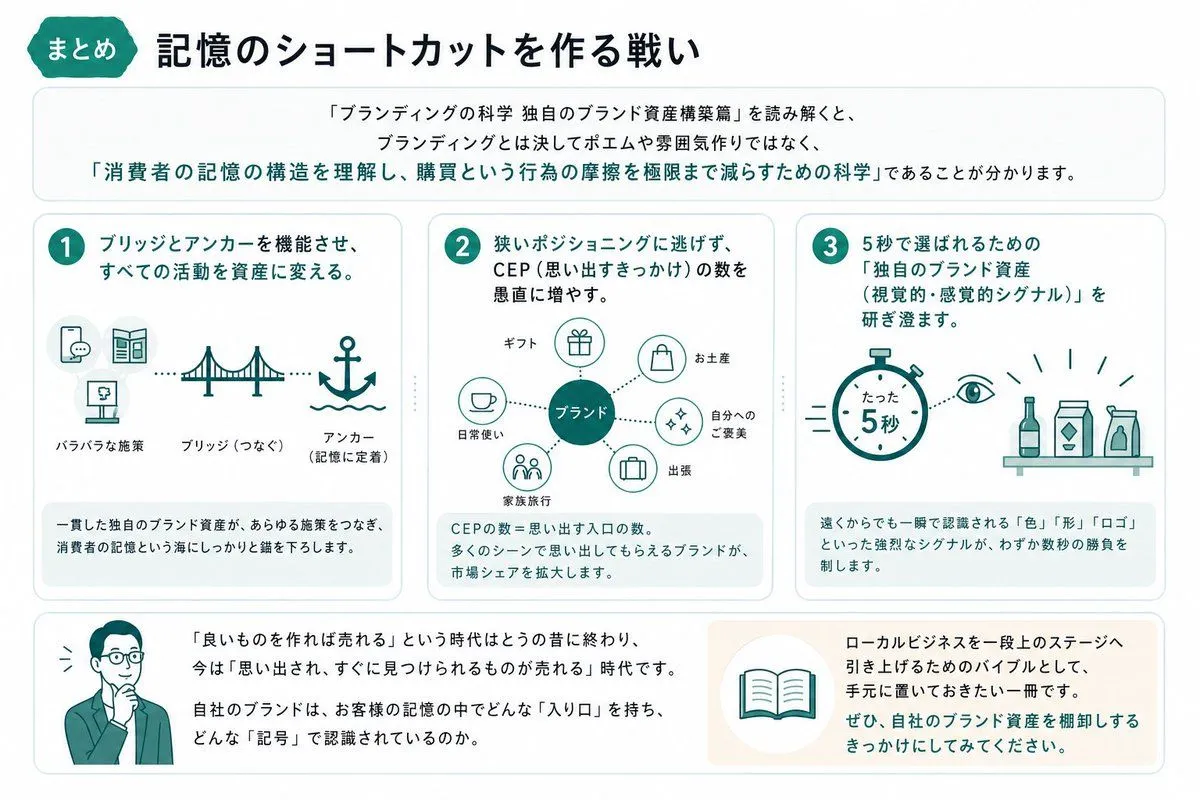
    • Japanese Branding Strategy Infographic
    • Cyberpunk Flash Sale Landing Hero
    • Geometric Milestone Celebration Poster
    • Japanese AI Telop Thumbnail
    • Tech Tutorial Thumbnail with UI Mockup

    Show more

    Run it on your phone

    1. Prompt copiedRead it

      { "type": "infographic dashboard", "style": "corporate presentation slide, dense information layout, flat design", "header": { "left_title": "{argument name=\"main title\" default=\"ChatGPTに『gpt-image-2』は来たのか?\"}", "right_subtitle": "{argument name=\"subtitle\" default=\"公式確認で読む ChatGPT Images / GPT Image 1.5 曼荼羅\"}", "background_color": "{argument name=\"theme color 1\" default=\"dark blue\"}" }, "layout": { "columns": 3, "sections": [ { "id": 1, "title": "① 噂の整理 / 公式名称", "color": "{argument name=\"theme color 2\" default=\"red\"}", "content_type": "3 bullet points" }, { "id": 2, "title": "② 進化タイムライン", "color": "gold", "content_type": "3 timeline bullet points" }, { "id": 3, "title": "③ 小さい文字・レイアウト・説明図", "color": "blue", "content_type": "2 embedded images showing text document and icon grid" }, { "id": 4, "title": "④ ChatGPTでの操作フロー", "color": "green", "content_type": "UI mockups showing chat interface and dog image" }, { "id": "central", "title": "中央結論:なにが『凄い』のか", "color": "dark blue", "subtitle": "{argument name=\"central conclusion\" default=\"“綺麗な絵”から“使える画像生成”へ軸足が移った\"}", "content_type": "2 columns of 4 bullet points each" }, { "id": 5, "title": "⑤ 編集の強さ:保持しながら変える", "color": "red", "content_type": "3 sequential images showing photo editing progression" }, { "id": 6, "title": "⑥ 何が改善したか:比較で見る", "color": "gold", "content_type": "6 comparison images (This time vs Before) for posters, crowds, textures" }, { "id": 7, "title": "⑦ API / 実務で刺さる理由", "color": "blue", "content_type": "3 bullet points" }, { "id": 8, "title": "⑧ 制約・地雷・過信禁止ポイント", "color": "red", "content_type": "3 bullet points" }, { "id": 9, "title": "⑨ 安全・出所・ガバナンス", "color": "gold", "content_type": "3 bullet points" }, { "id": 10, "title": "⑩ ソース要約 / 読み筋", "color": "dark blue", "content_type": "list of 7 sources and a summary box" } ] } }

    2. Open your app

      This prompt is long, so it is copied instead of sent in the link. Paste it in the app.

    3. Paste and run

      Press and hold the message box, then tap Paste. Add your photo first if the prompt uses one. You may need to sign in.

    Complex AI Model Analysis Infographic