Tell us anything

An idea, a bug, something you love. We read every note.

⌘↵ to send. The page you're on comes along.

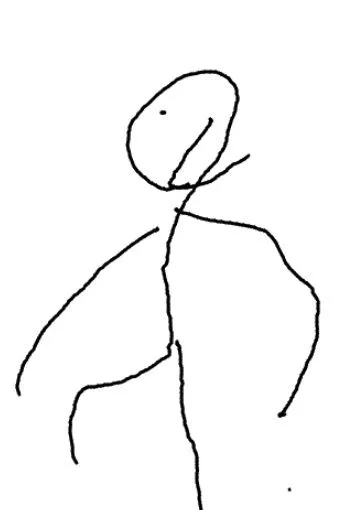
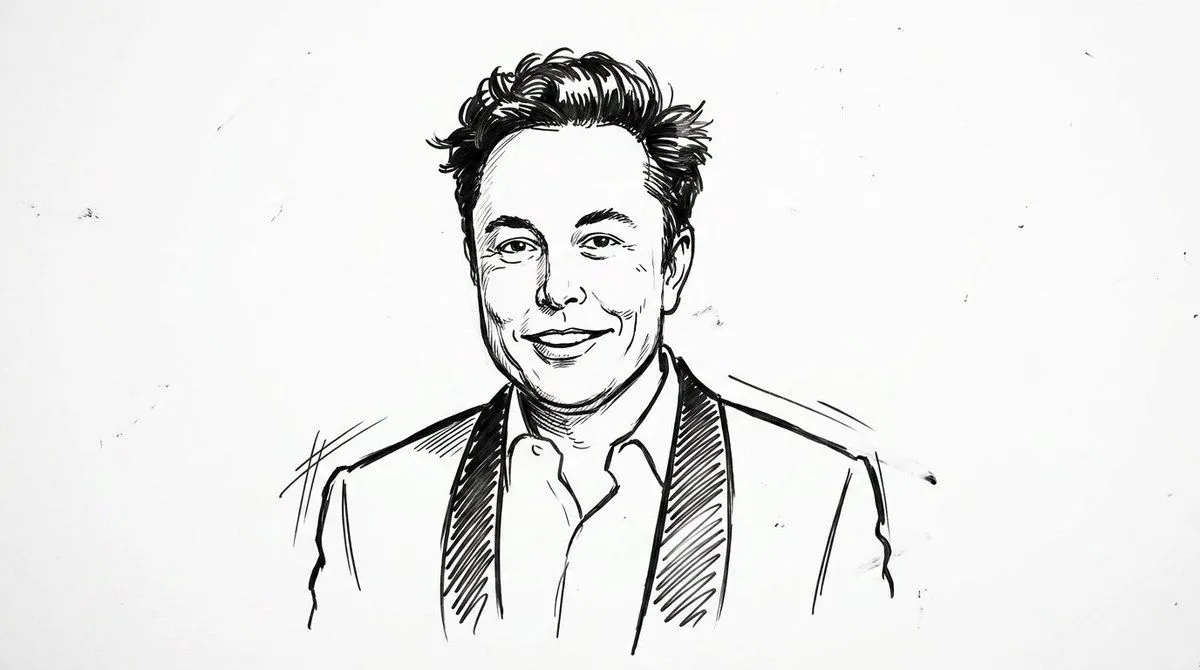
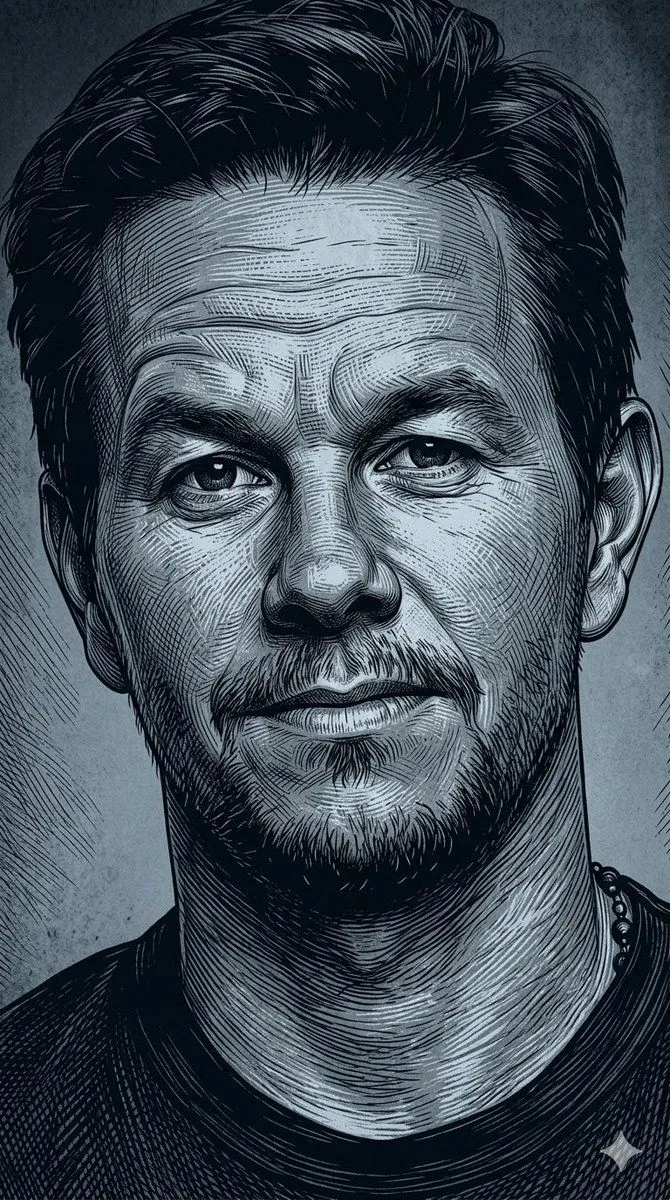
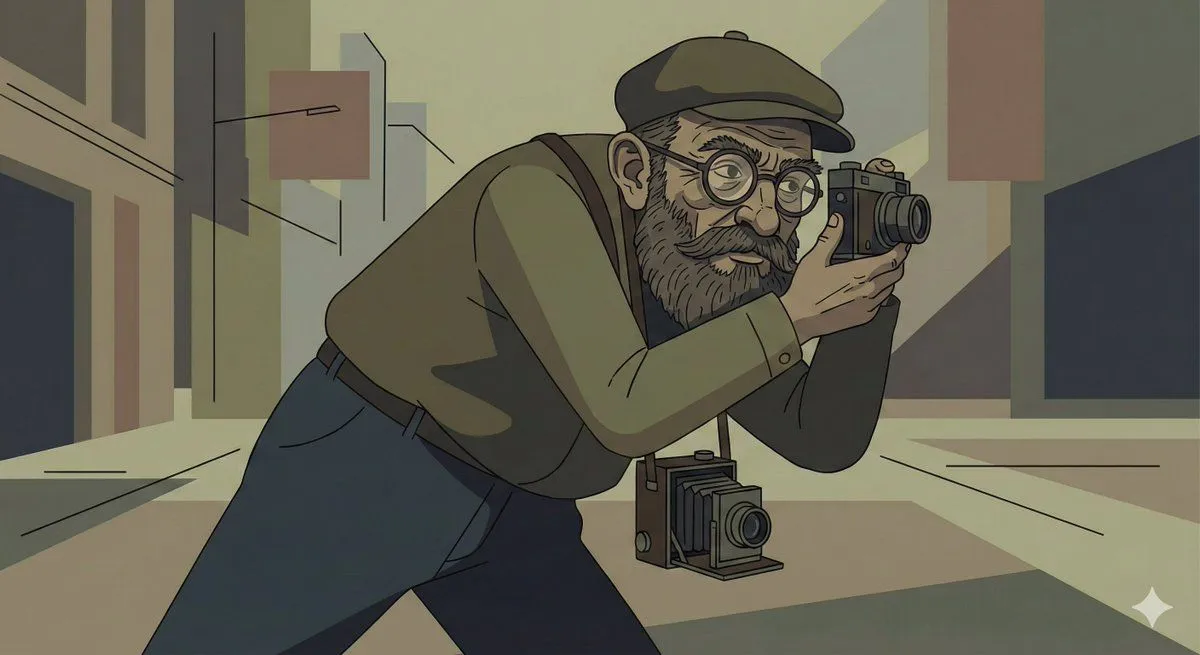
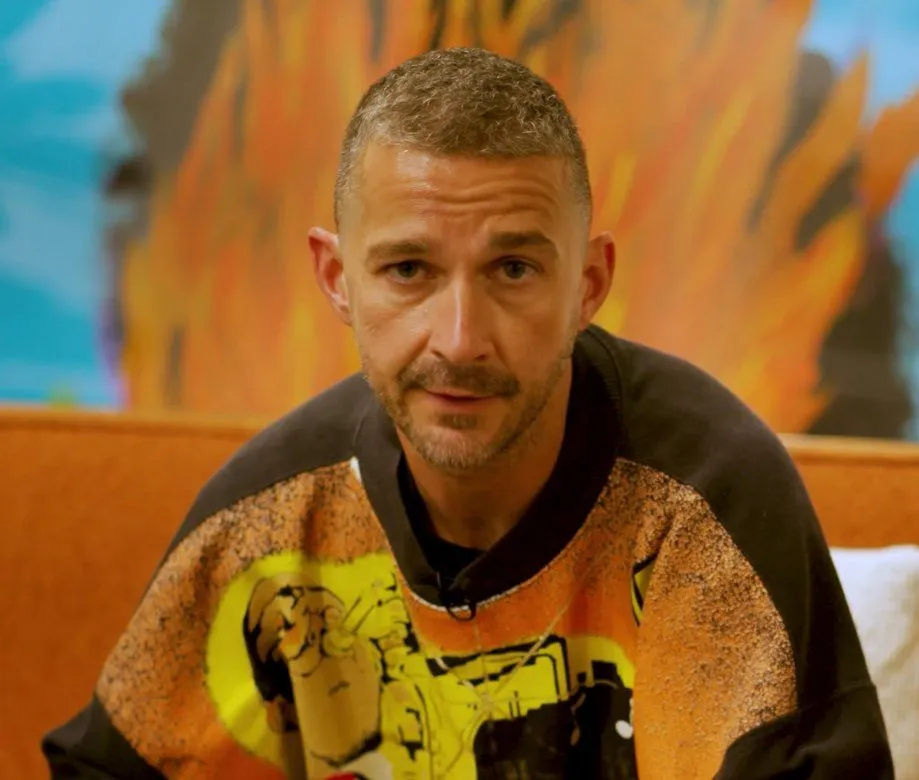
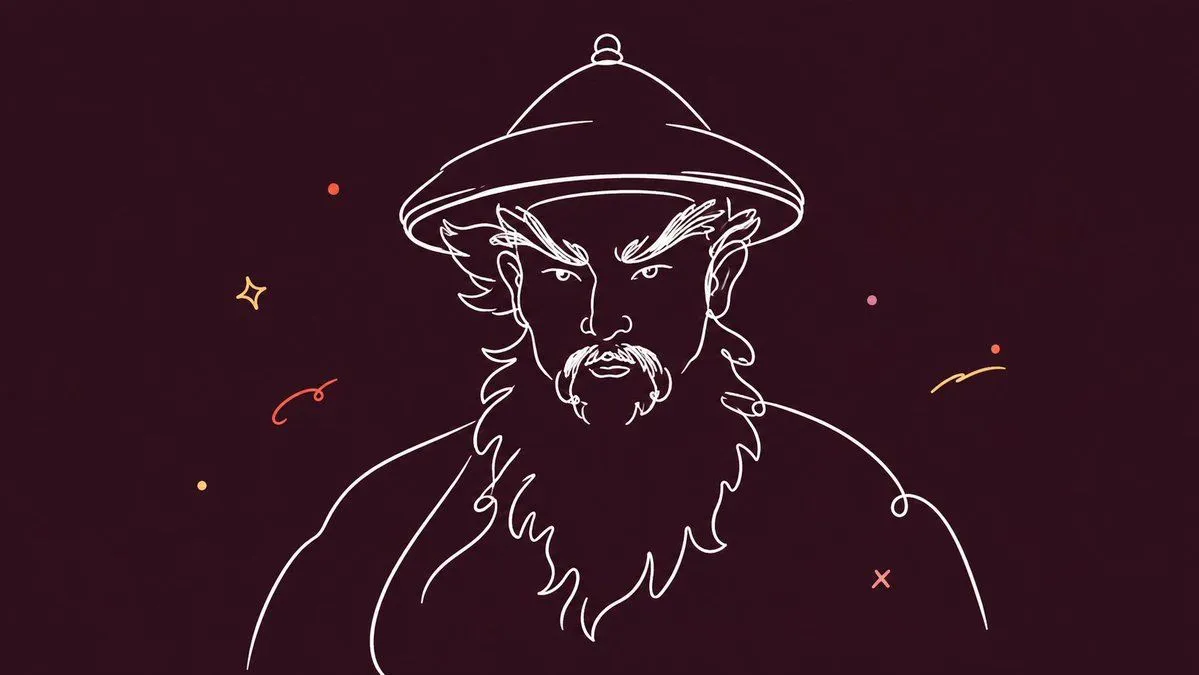
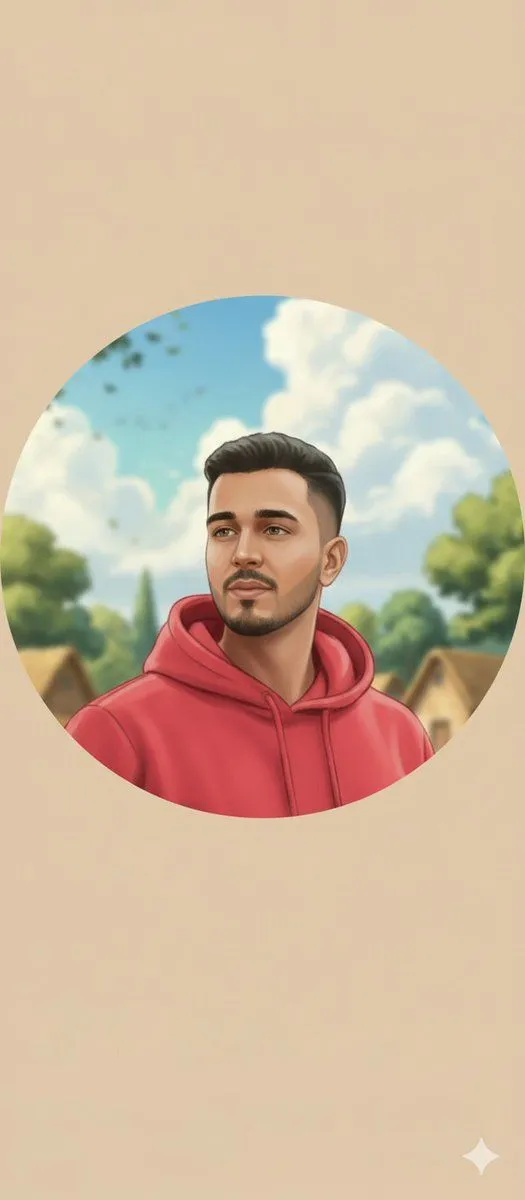
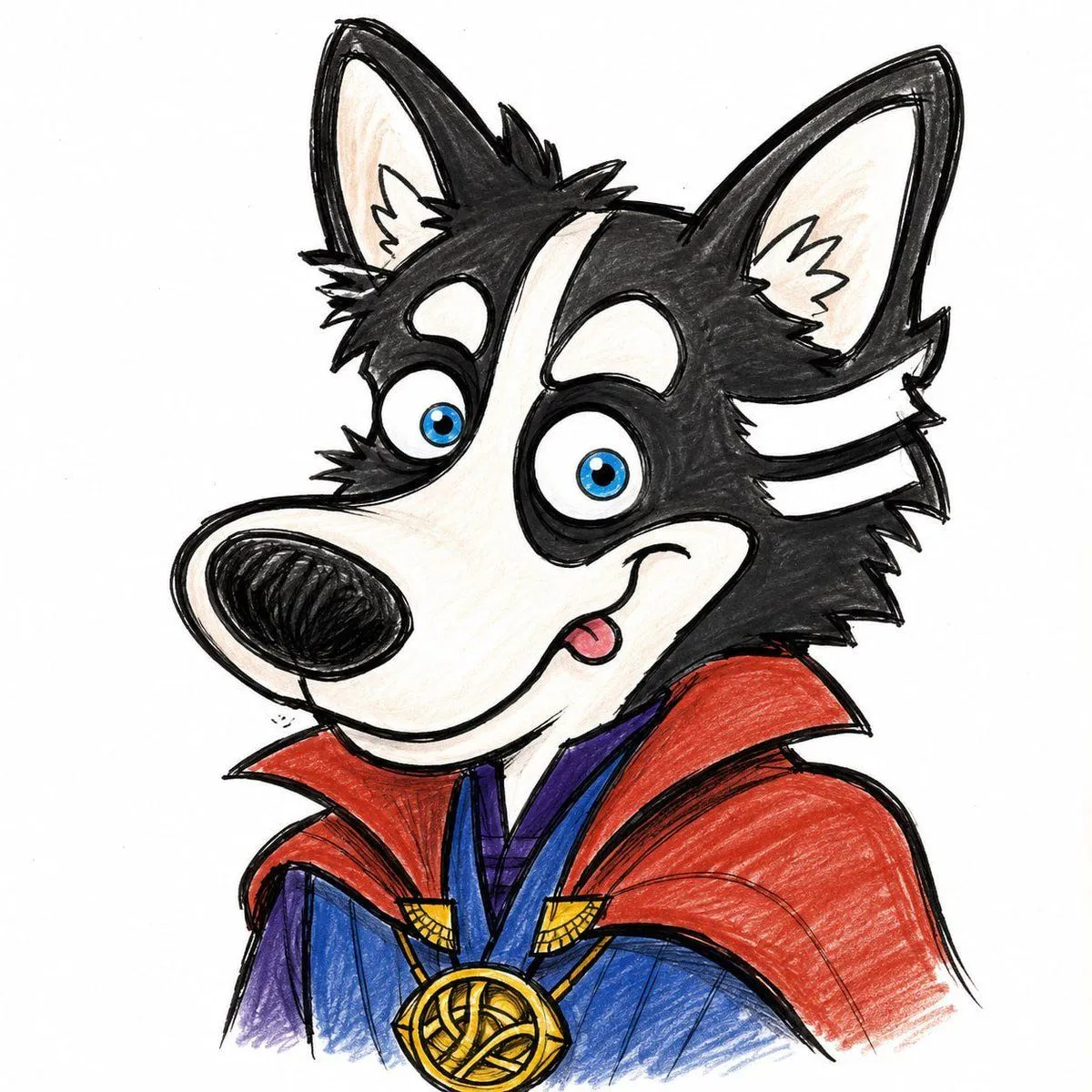
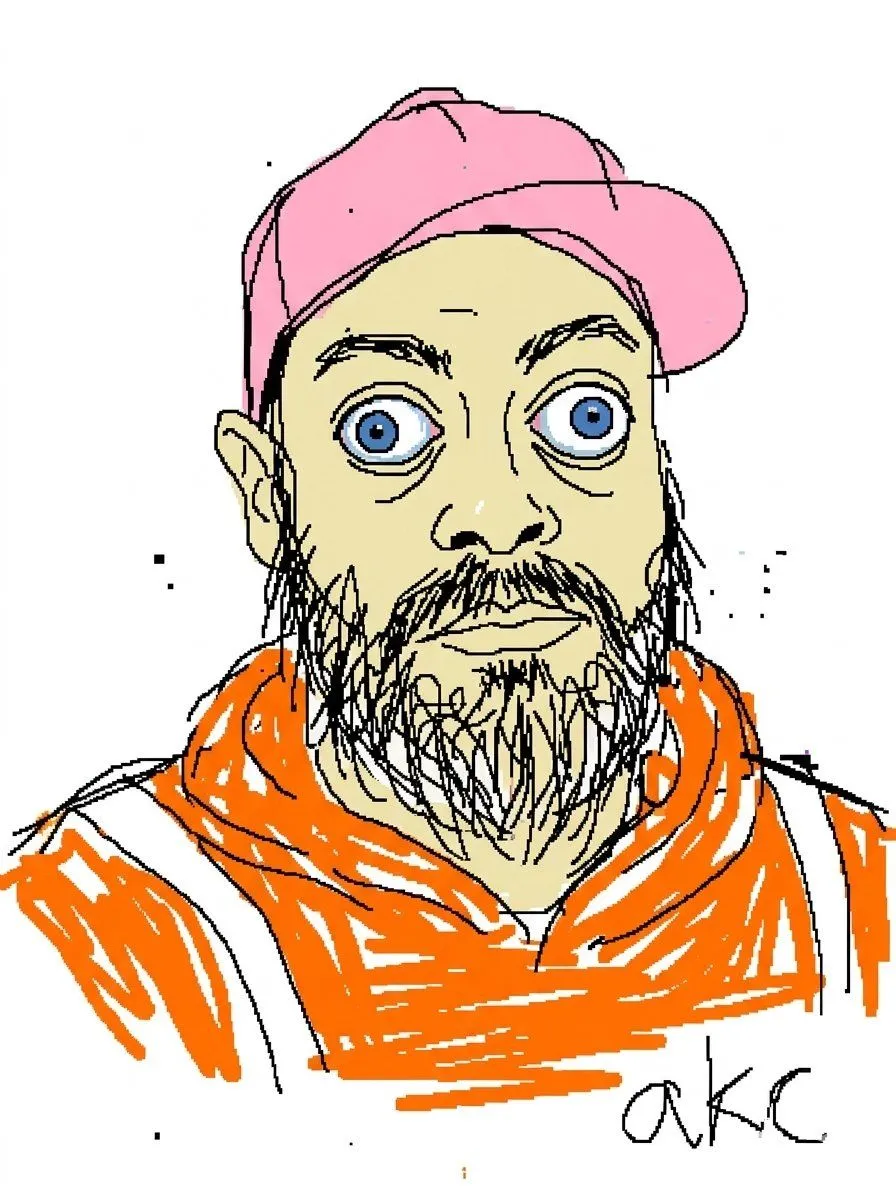
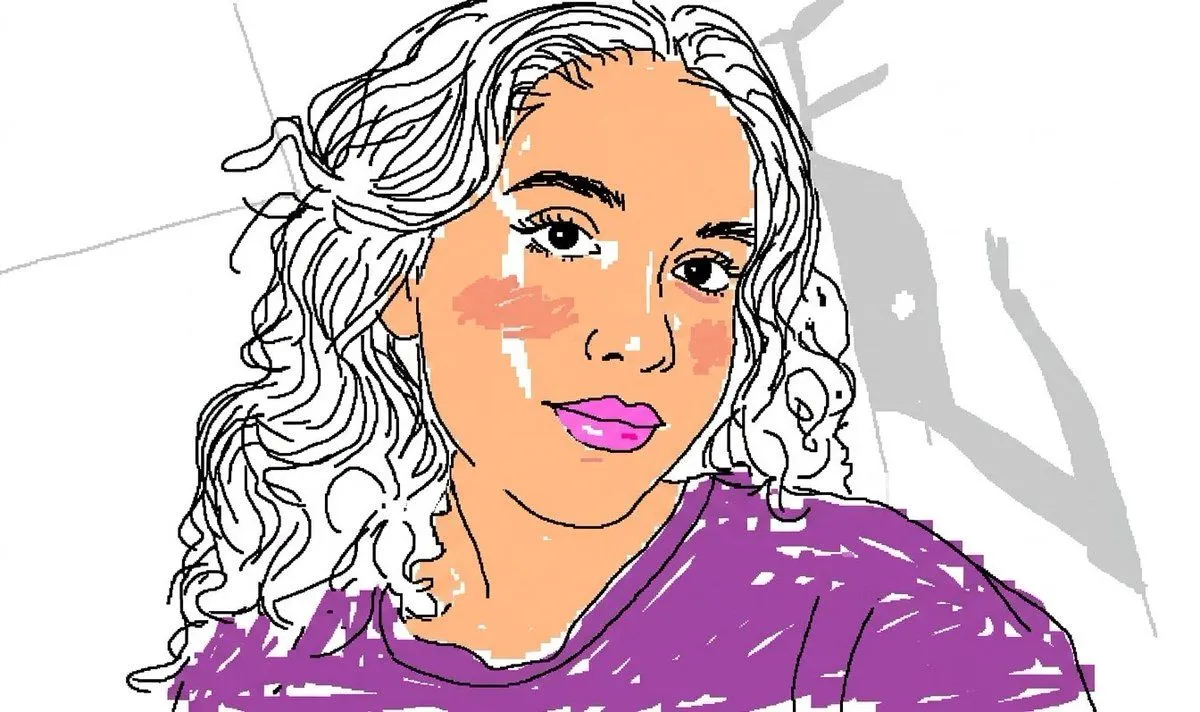
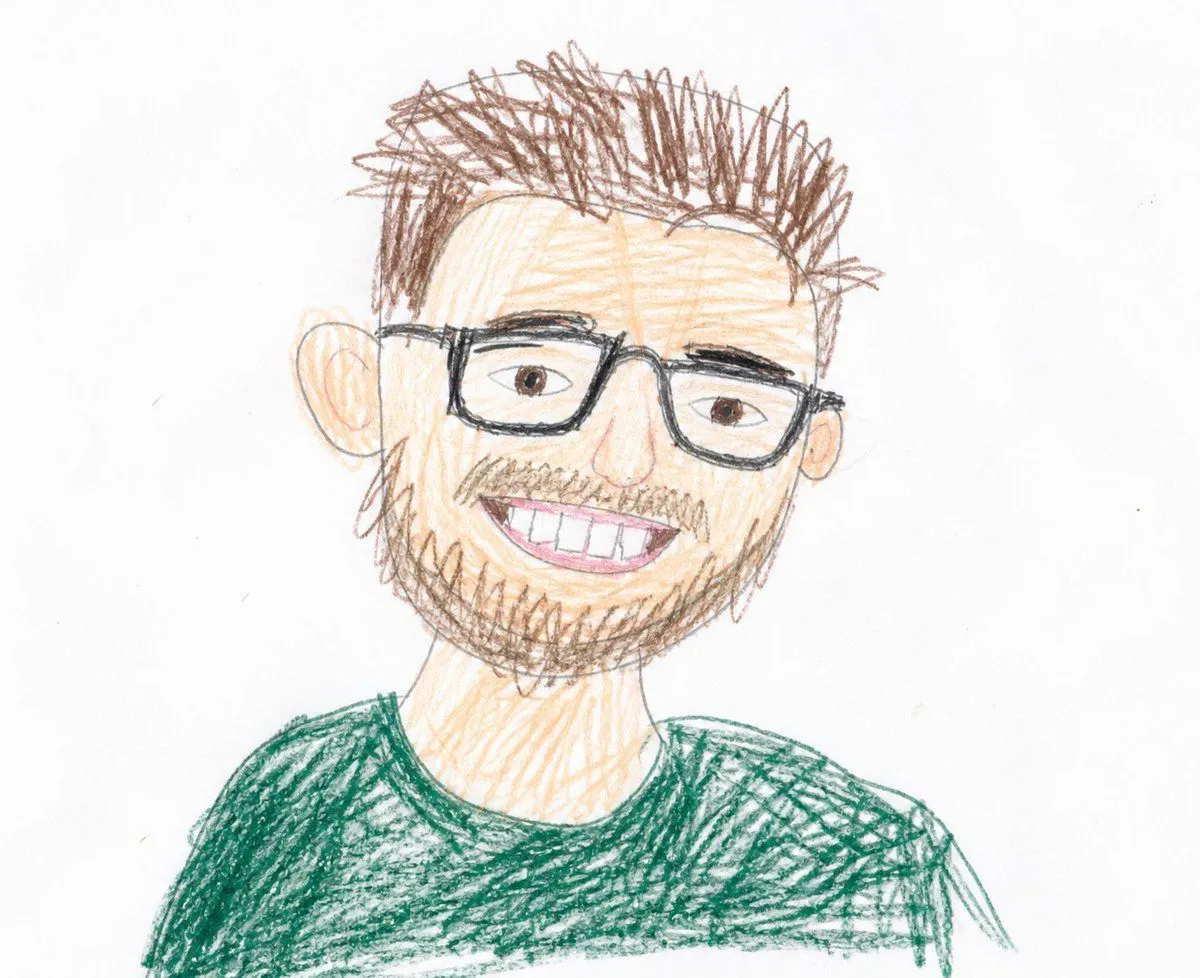
Clumsy MS Paint Mouse Redraw

Made with GPT Image 2 in ChatGPT by Library Concept. Promptclay never generates images.

Did it work?

No reports yet. Tell others if it worked for you.

No comments yet. Be the first.

    Clumsy MS Paint Mouse Redraw

    GPT Image 23:4AI-generated

    Prompt

    3 blanks to fill

    Redraw the attached image in the most {style}. Use a {background}, and make it look like it was drawn in {tool} with a mouse. It should be vaguely similar but also not really, kind of matching but also off in a confusing, awkward way, with that low-quality pixel-by-pixel feel that really emphasizes how ridiculously bad it is. Actually, you know what, whatever, just draw it however you want.

    Works in
    ChatGPT, Gemini
    Status
    Free to copy
    0
    DetailsVersions, settings and questions

    Written for

    What's in the prompt

    Subject
    Model
    GPT Image 2

    If your face changes

    keep my face exactly the same

    Questions

    Does this work in the ChatGPT app?
    Yes. Paste the prompt and attach your photo if it uses one.
    It changed my face. What do I do?
    Add "keep my face exactly the same" to the end and run it again.
    Can I use the images I make?
    Check the terms of the app you use. Promptclay never generates images and claims nothing you make.
    Similar prompts

    See more
    • Scribbly MS Paint Redraw
    • Childlike Colored Pencil Drawing
    • Minimal Stick Figure Pose Sketch
    • Clean Whiteboard Animation Illustration
    • Dark Monochrome Illustration Style Prompt with Reference Photo
    • Stylized Character Illustration Template
    • Image Editing and Background Replacement Workflow
    • Minimalist Single Line Social Media Avatar
    • Circular Profile Picture Style Transfer
    • GPT-Image-2 Street Caricature Artist
    • Stylized 3D Clay Character Generation
    • Cinematic 2D Anime Illustration
    • 3D Claymation Character Transformation
    • Ink-Wash Style Illustration Prompt
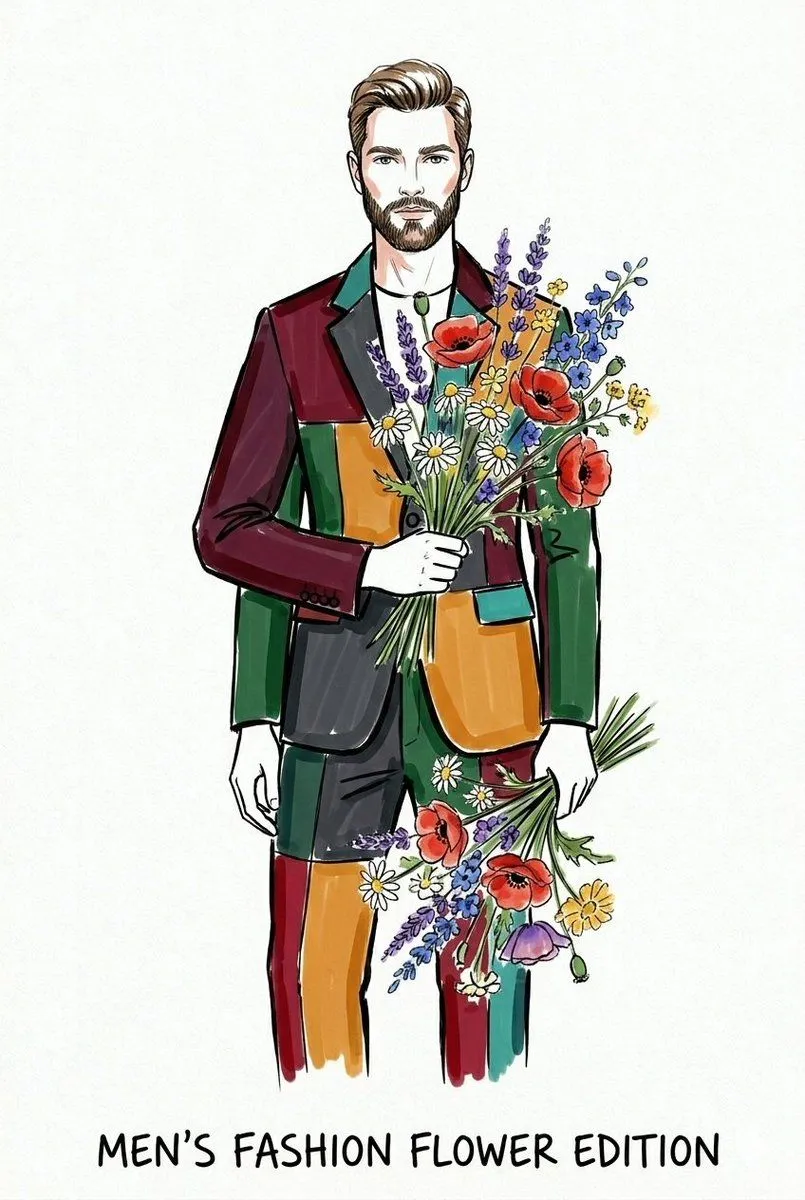
    • Watercolor Fashion Illustration Sketch
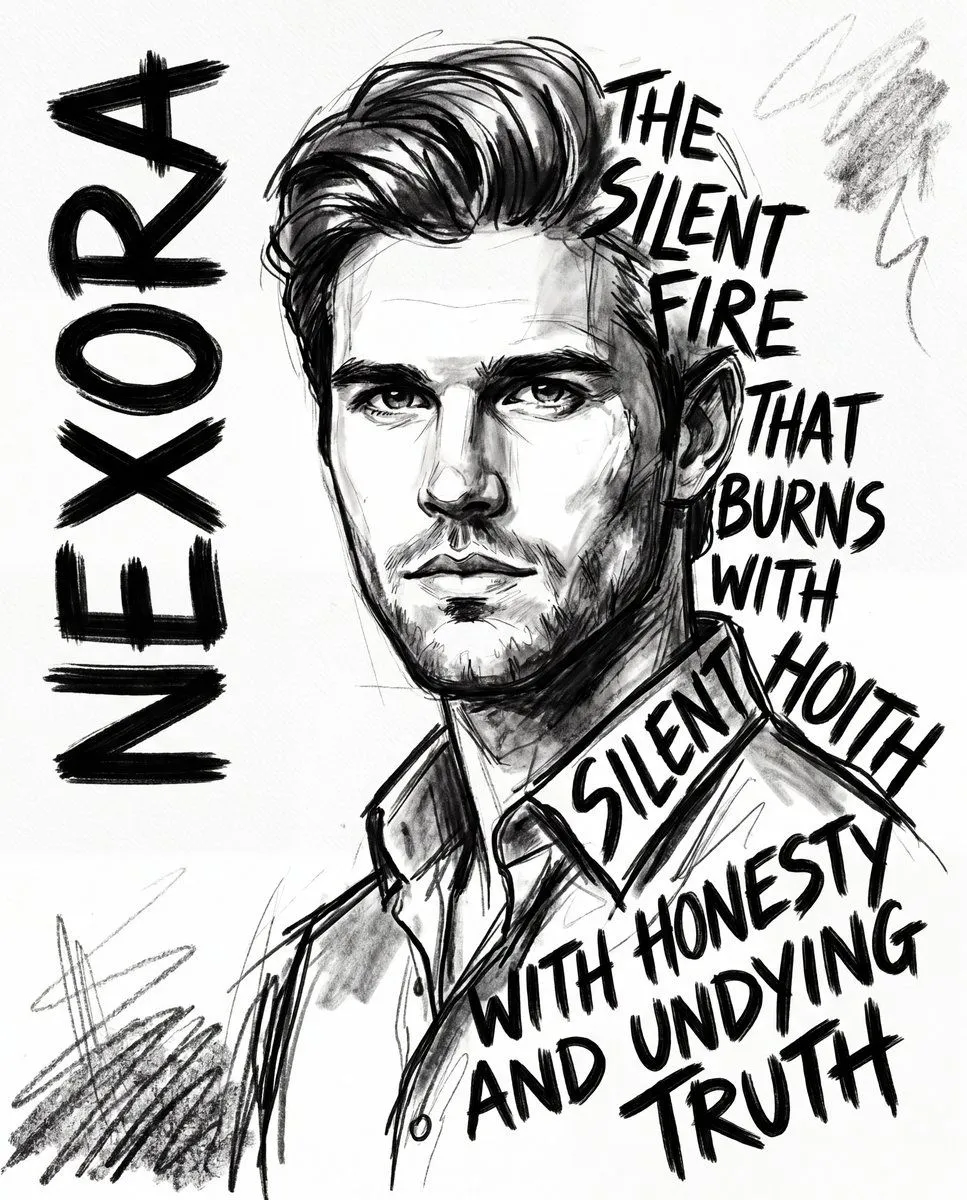
    • Expressionist Sketch Art Poster
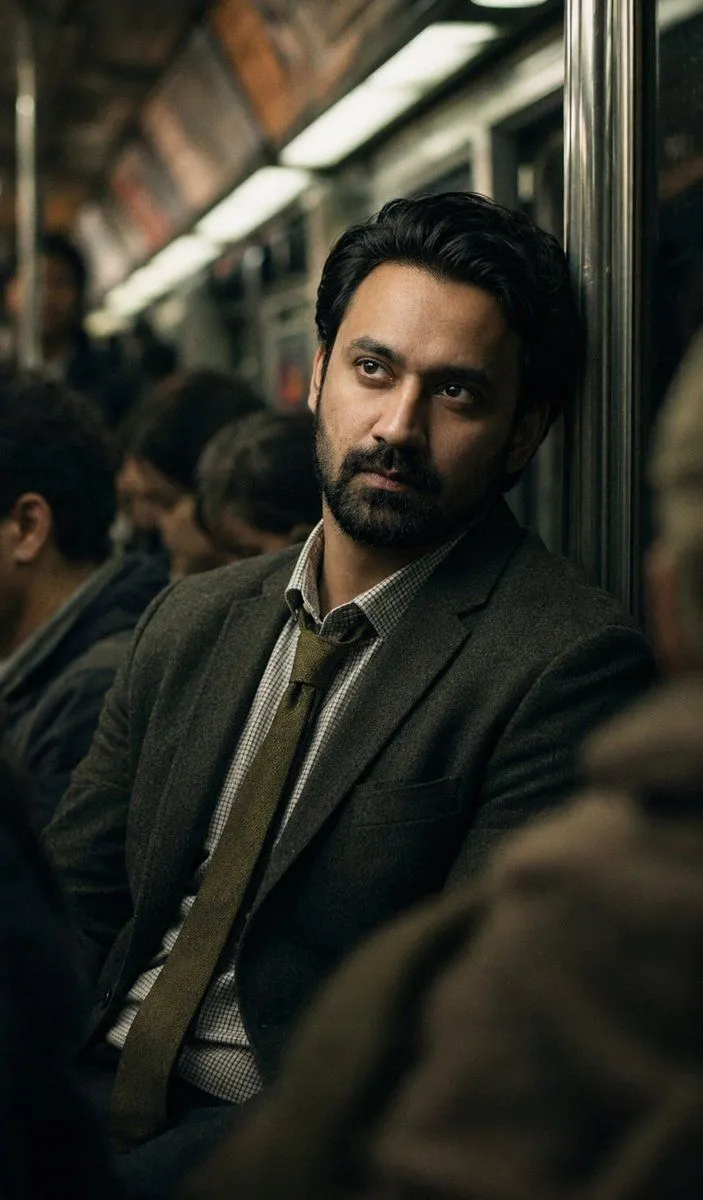
    • Melancholic Subway Commuter Portrait
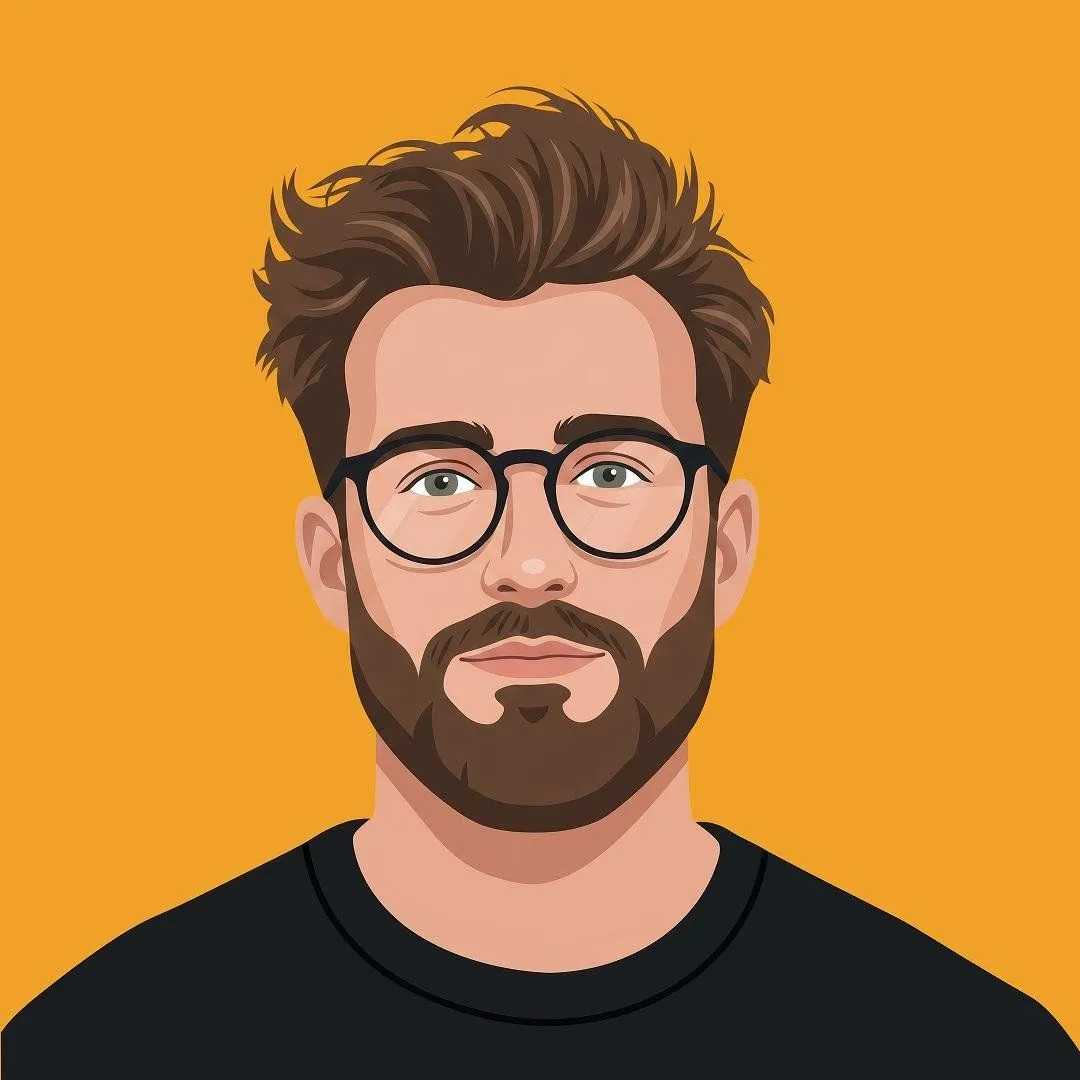
    • Modern Flat Illustration Avatar
    • 3D Character Sheet for Varsity Jacket Prompt
    • Monochrome Engraving Portrait Style
    • Retro Duotone Editorial Illustration
    • Censored Urban Collage Portrait
    • Cinematic Muslim Woman Portrait
    • Cyberpunk Chibi Tactical Hero

    Show more

    Run it on your phone

    1. Prompt copiedRead it

      Redraw the attached image in the most {style}. Use a {background}, and make it look like it was drawn in {tool} with a mouse. It should be vaguely similar but also not really, kind of matching but also off in a confusing, awkward way, with that low-quality pixel-by-pixel feel that really emphasizes how ridiculously bad it is. Actually, you know what, whatever, just draw it however you want.

    2. Open your app

    3. Paste and run

      Press and hold the message box, then tap Paste. Add your photo first if the prompt uses one. You may need to sign in.

    Clumsy MS Paint Mouse Redraw