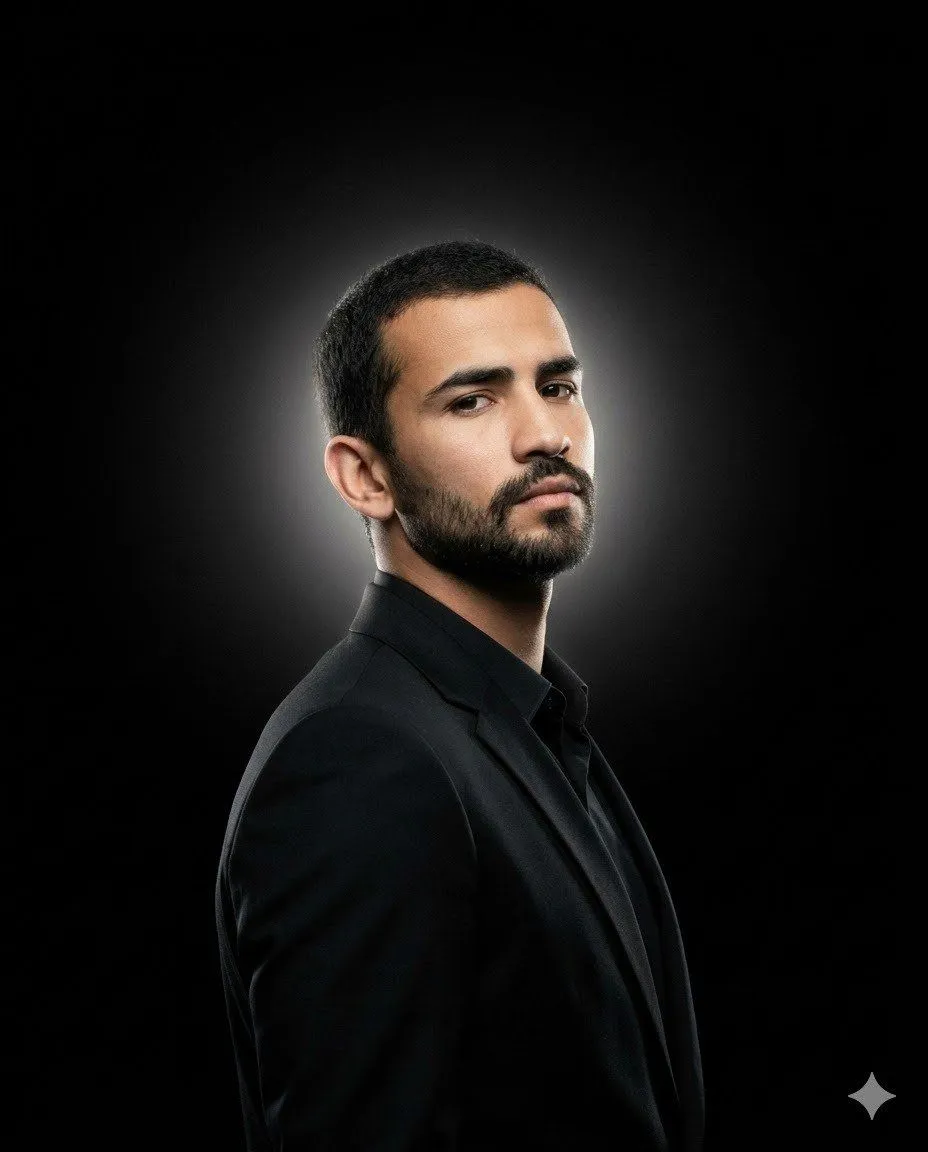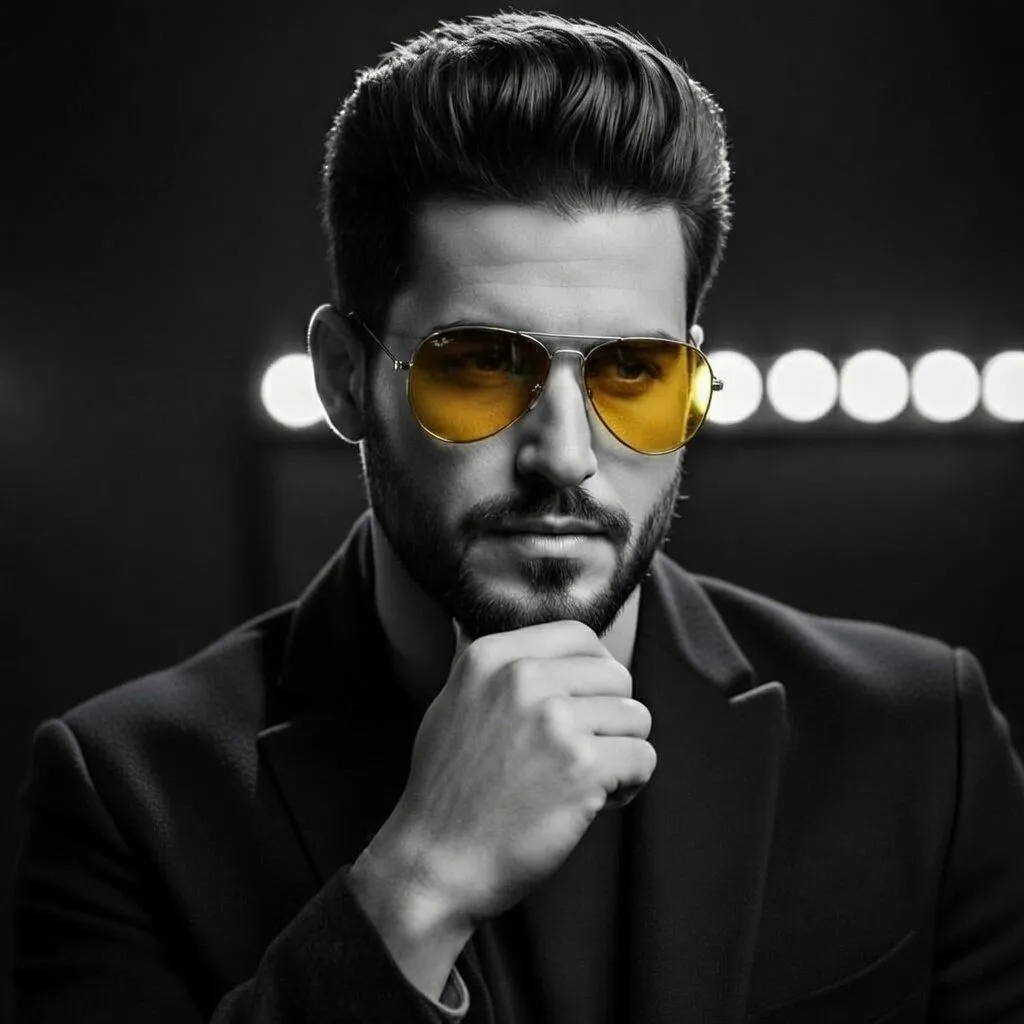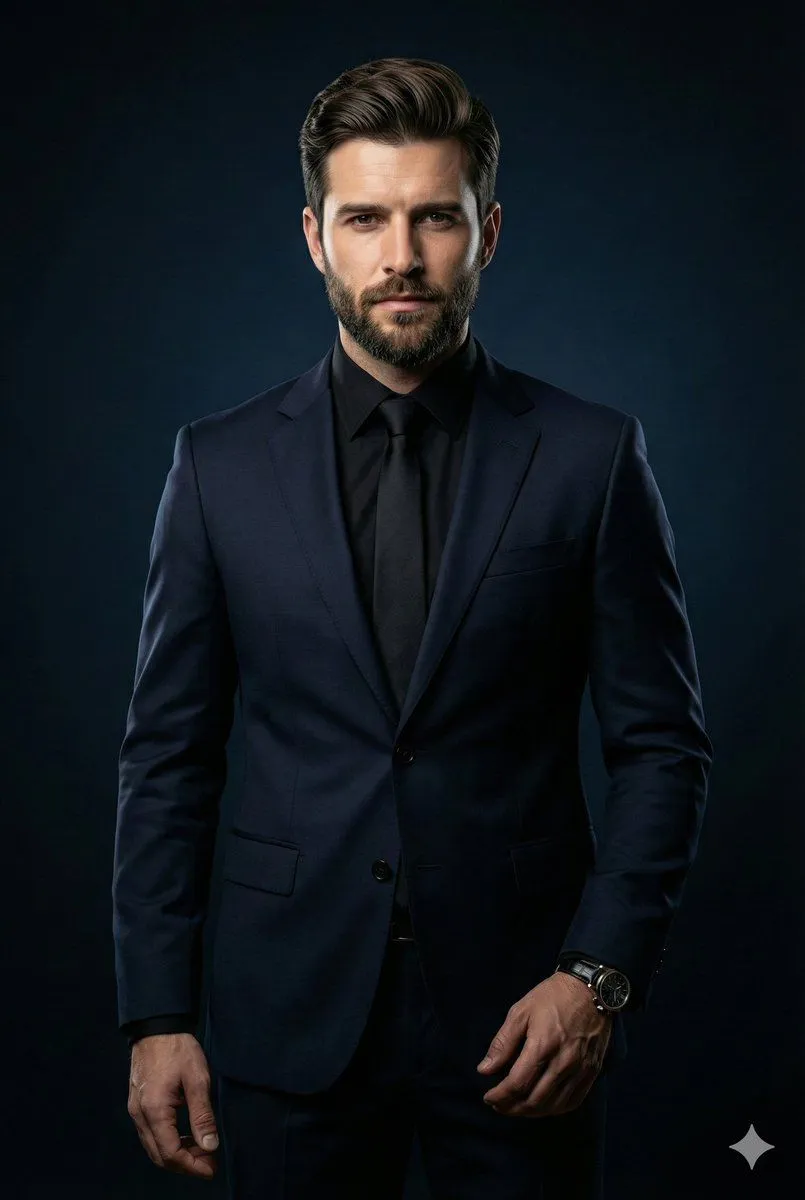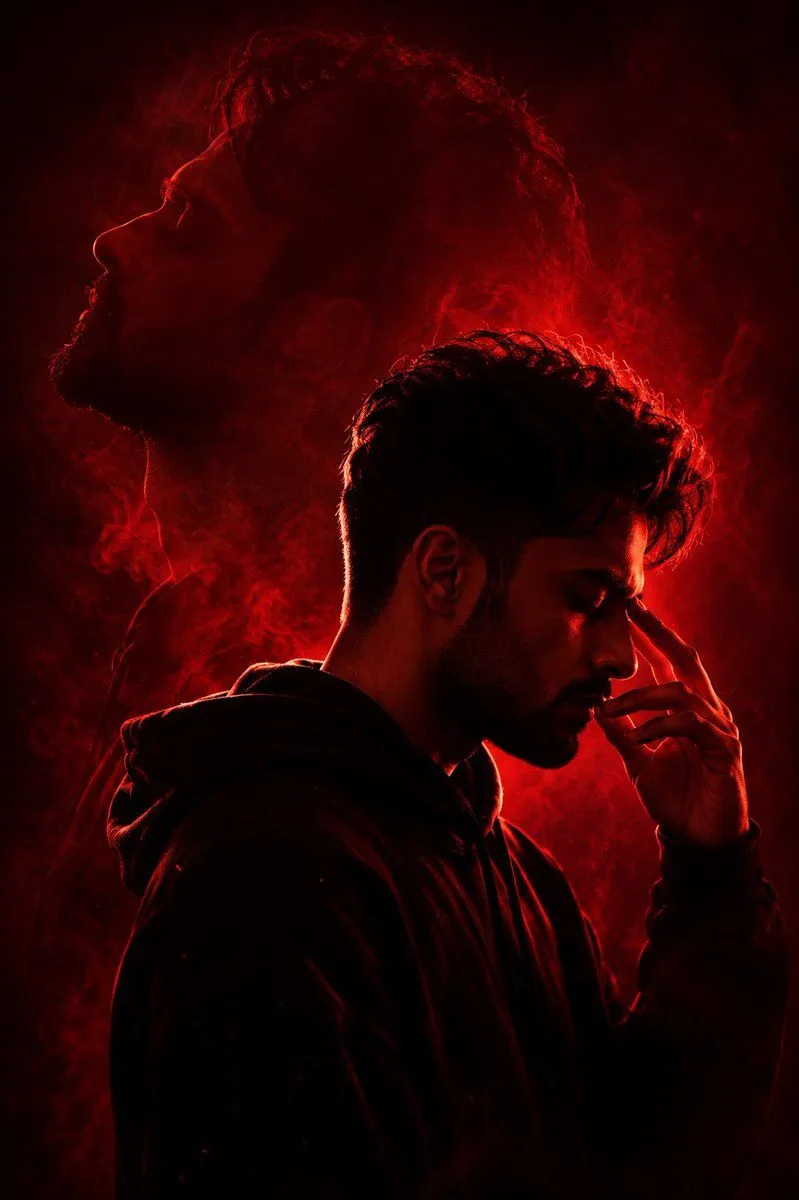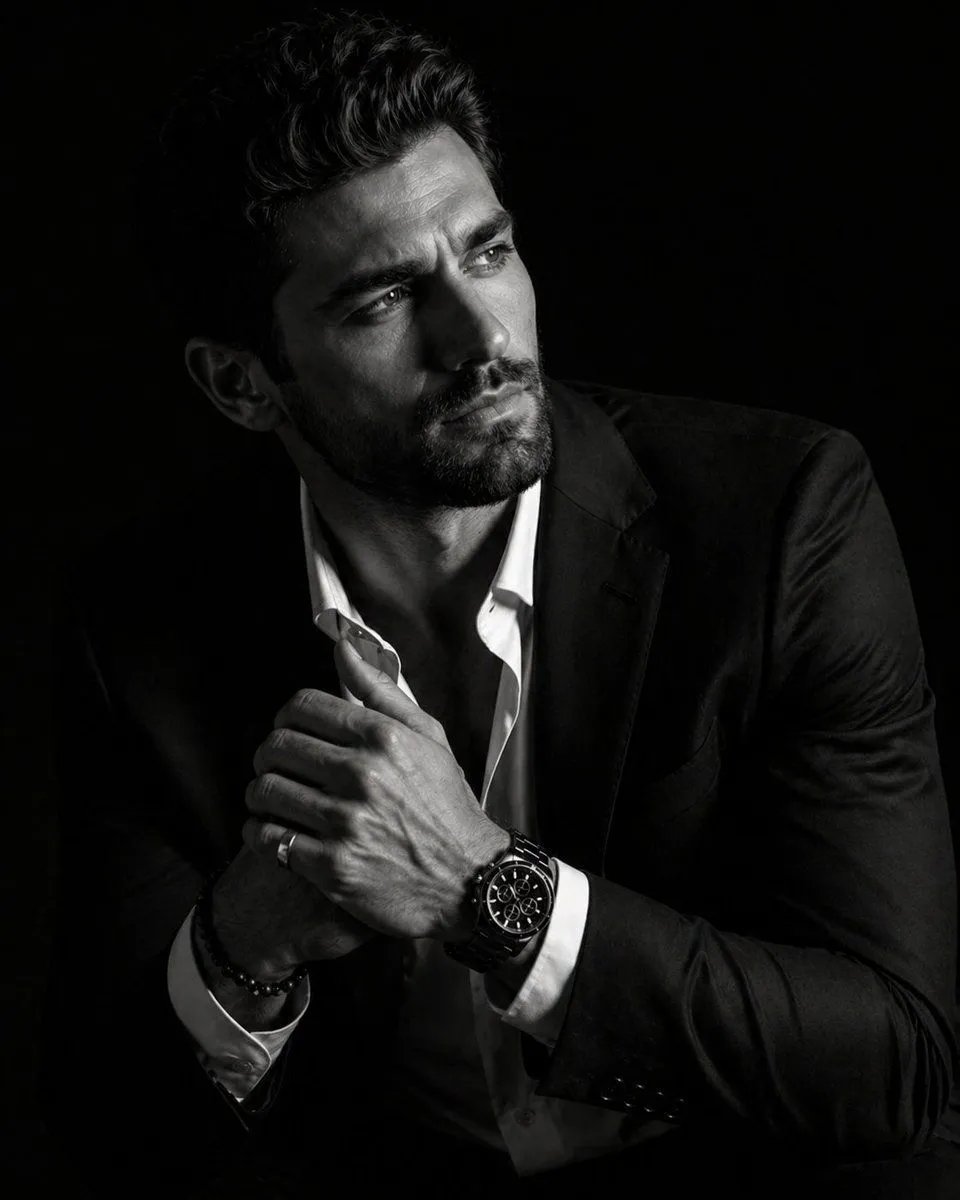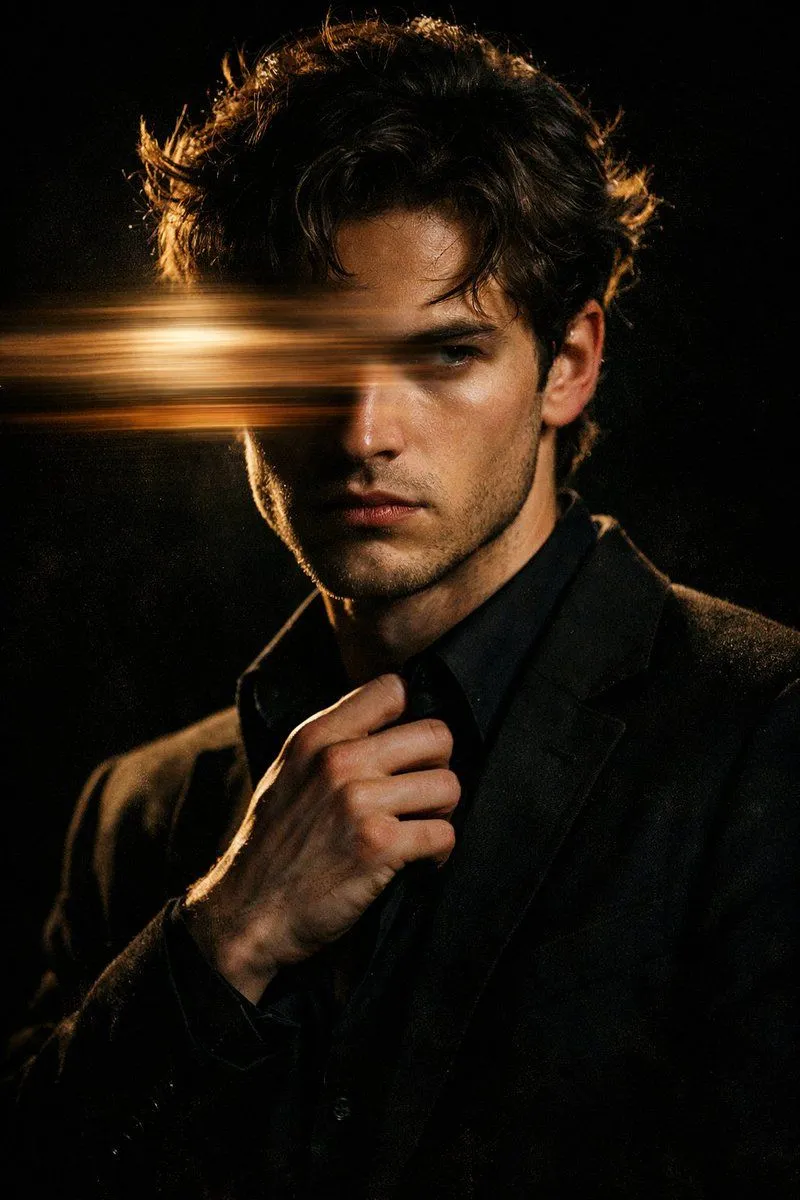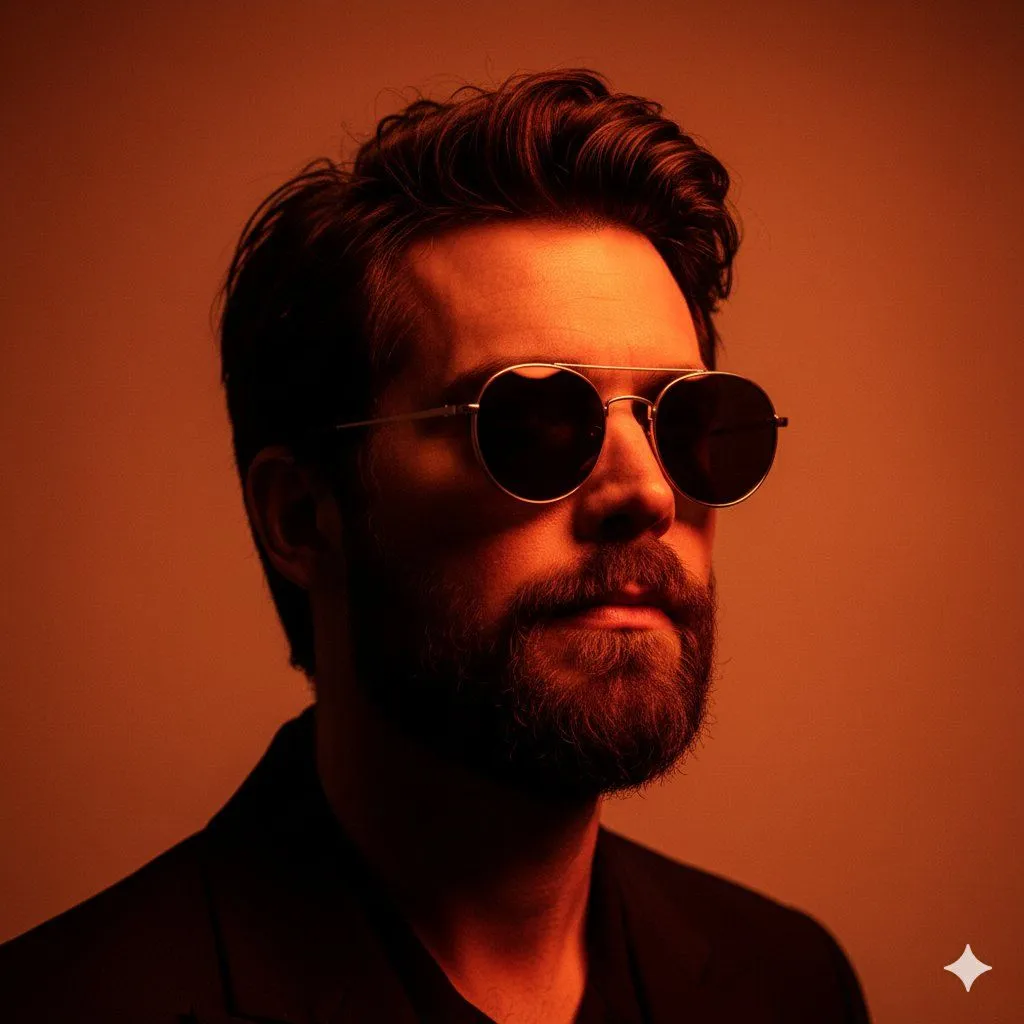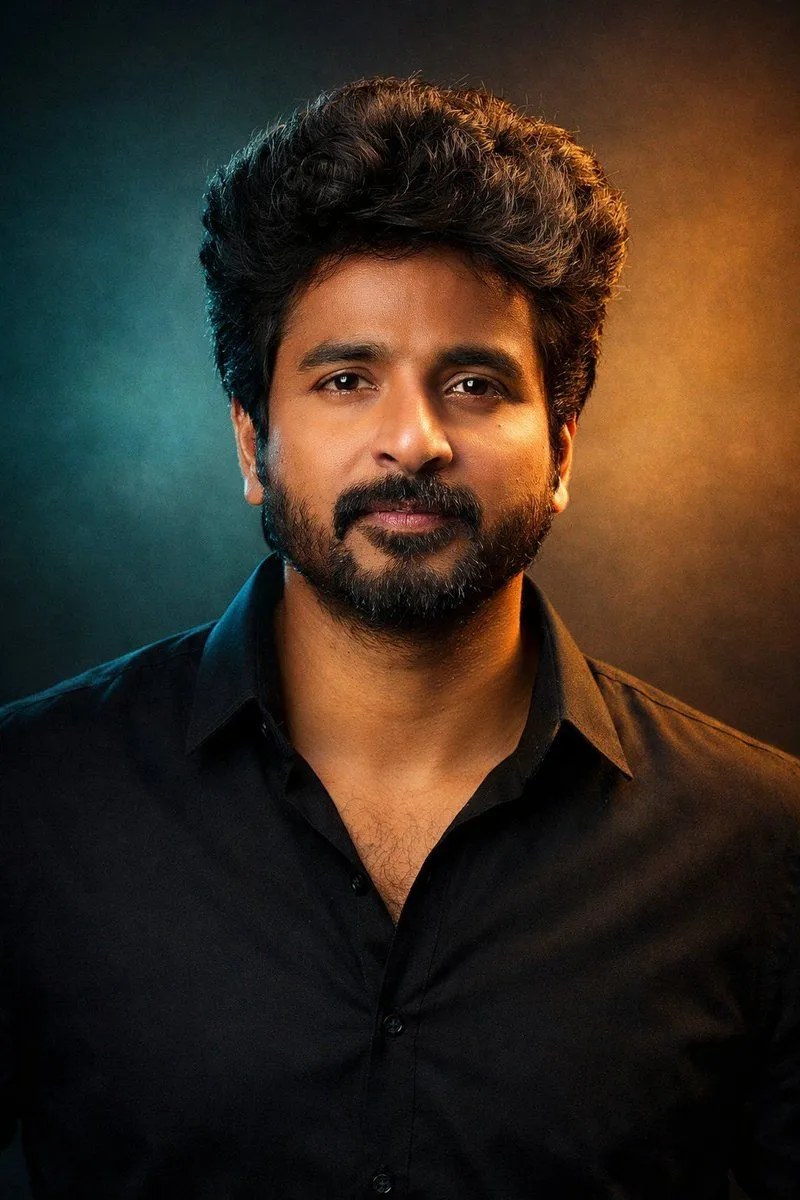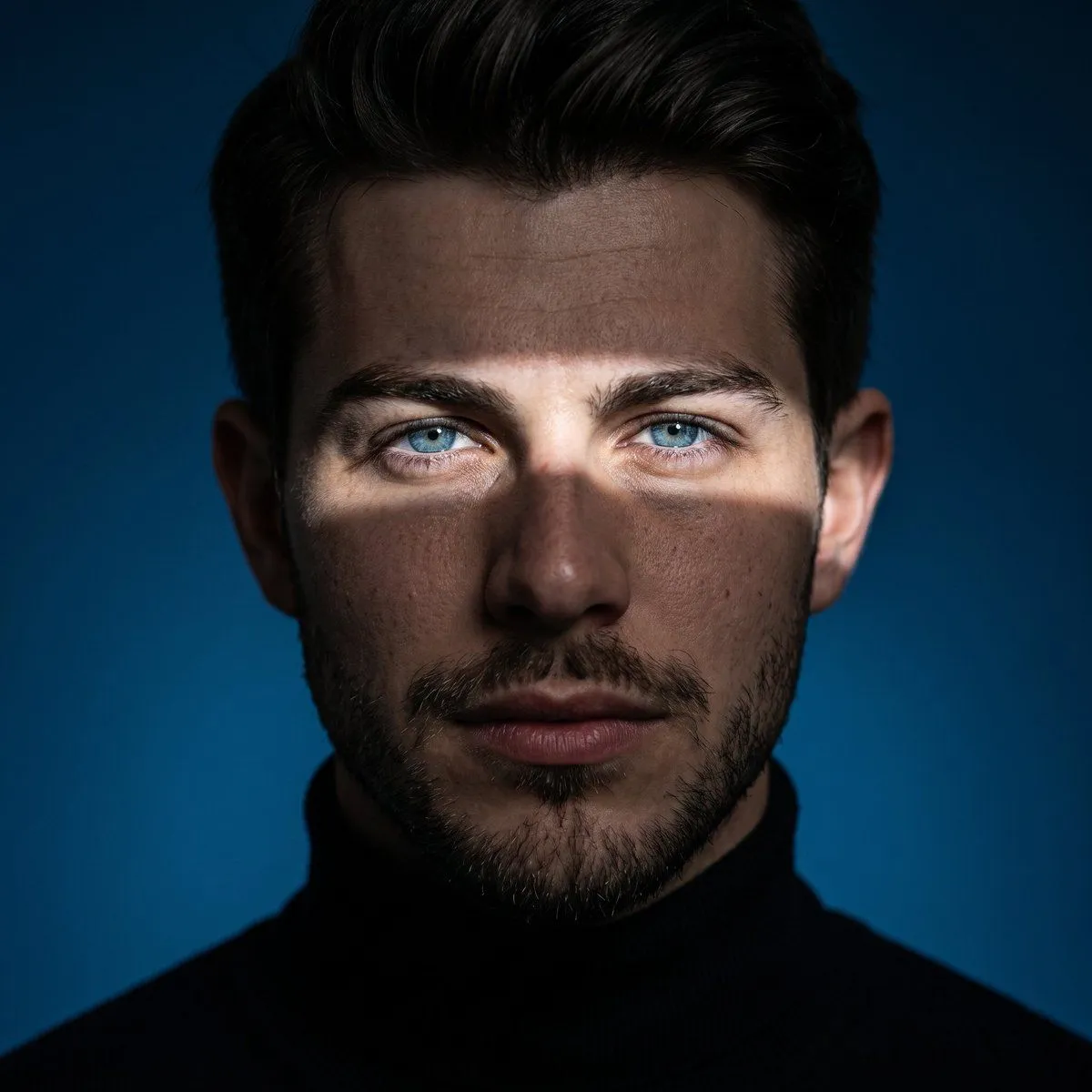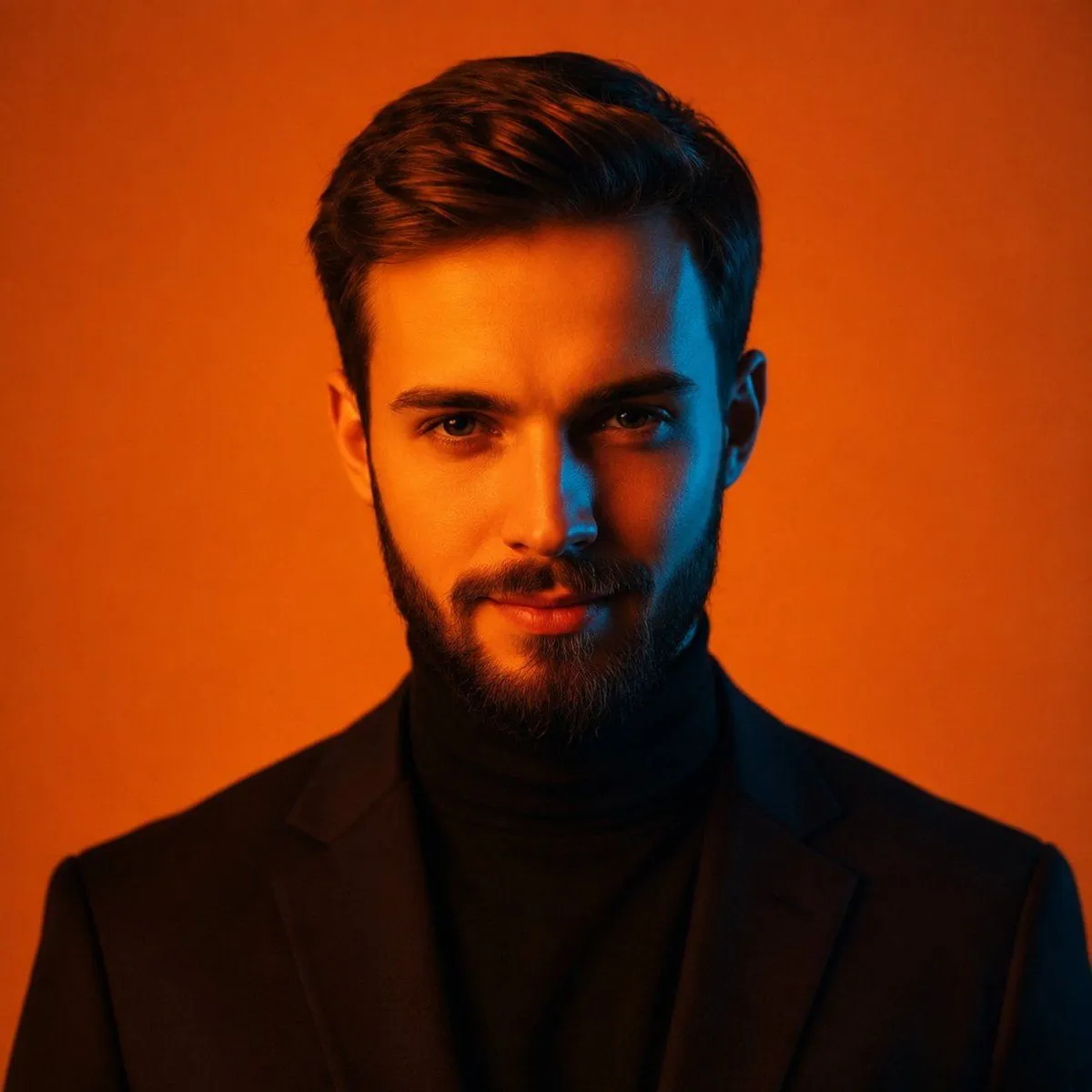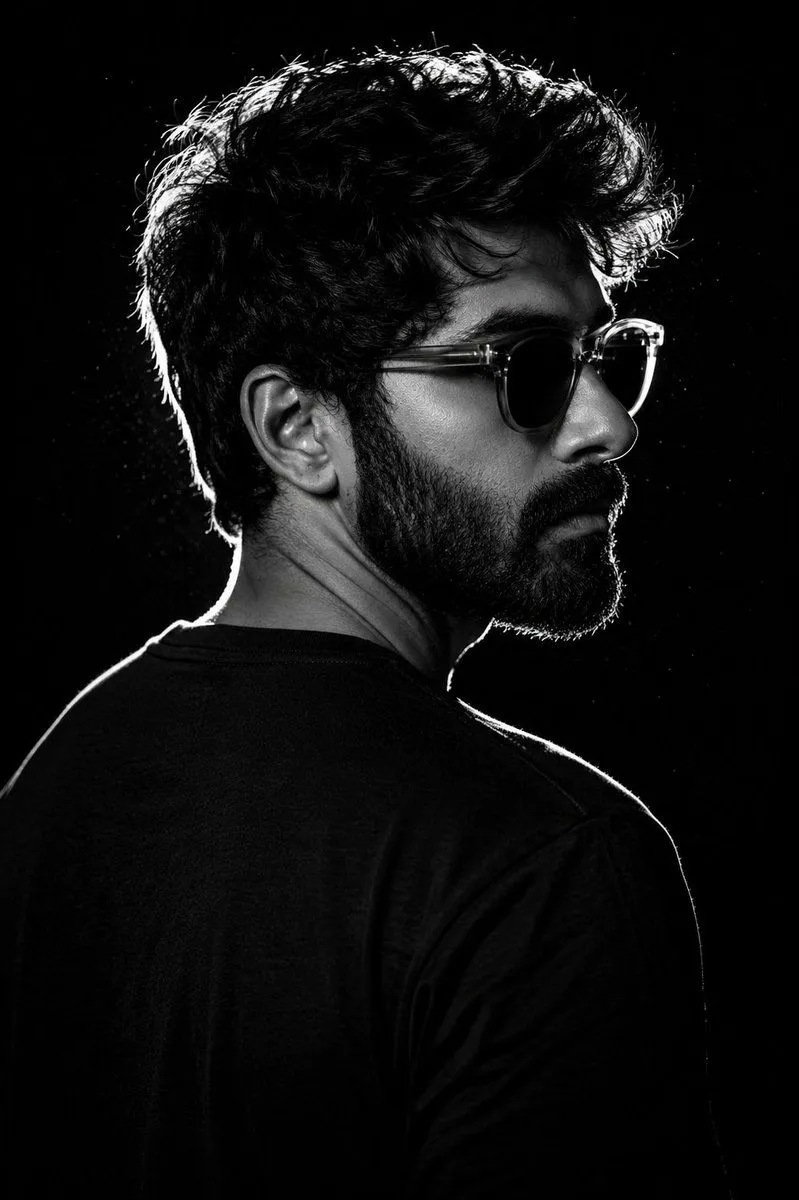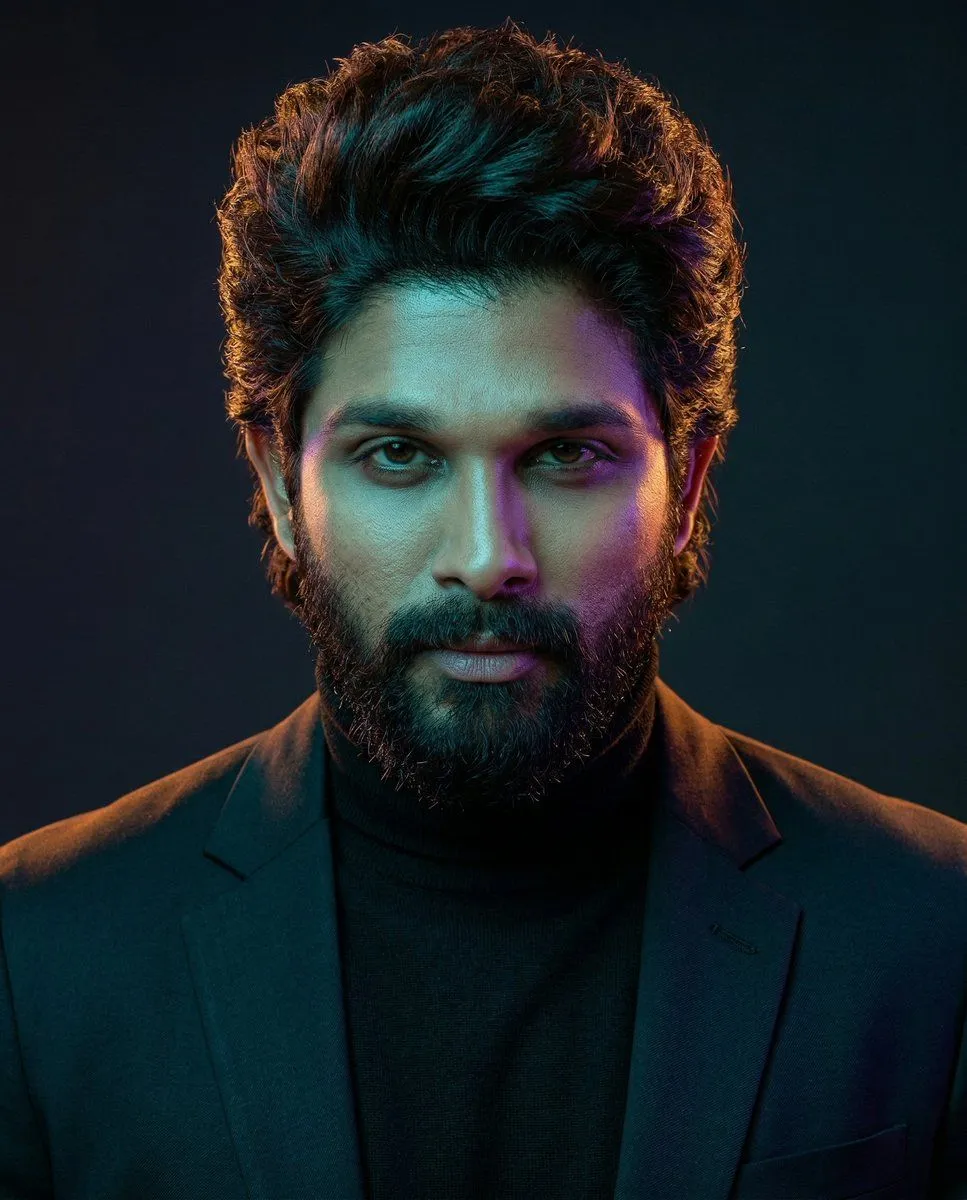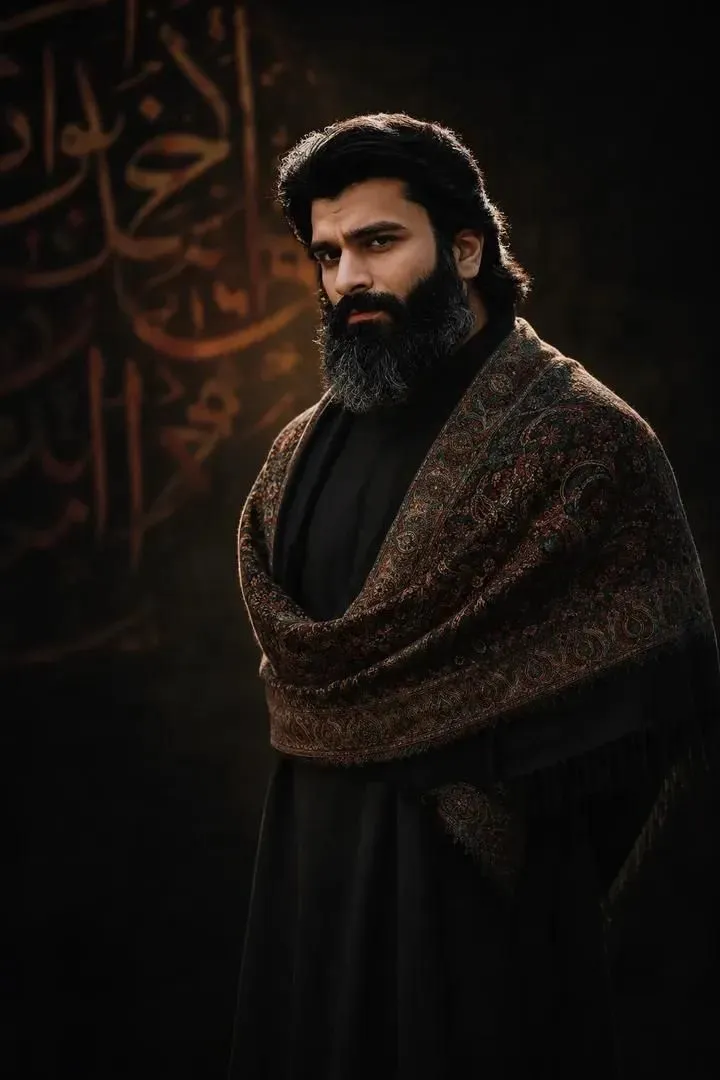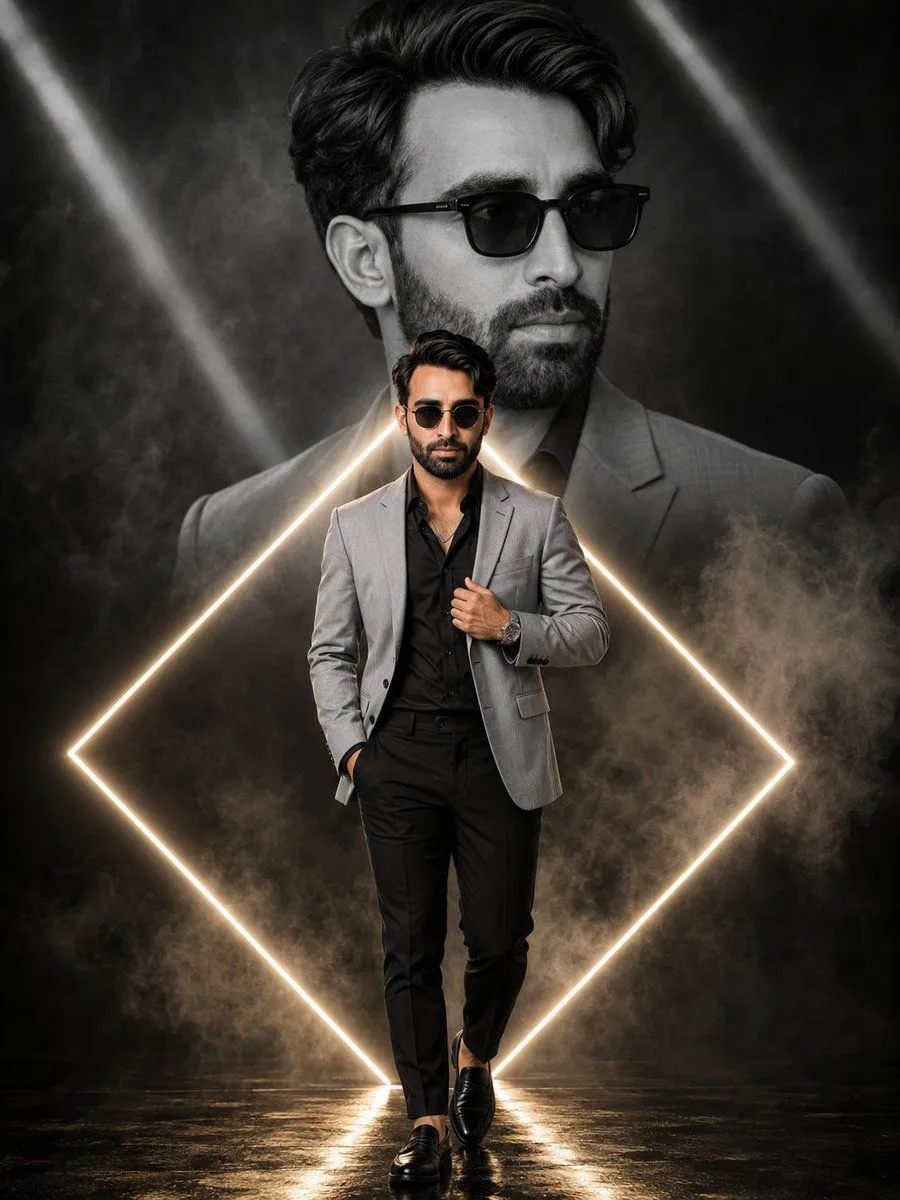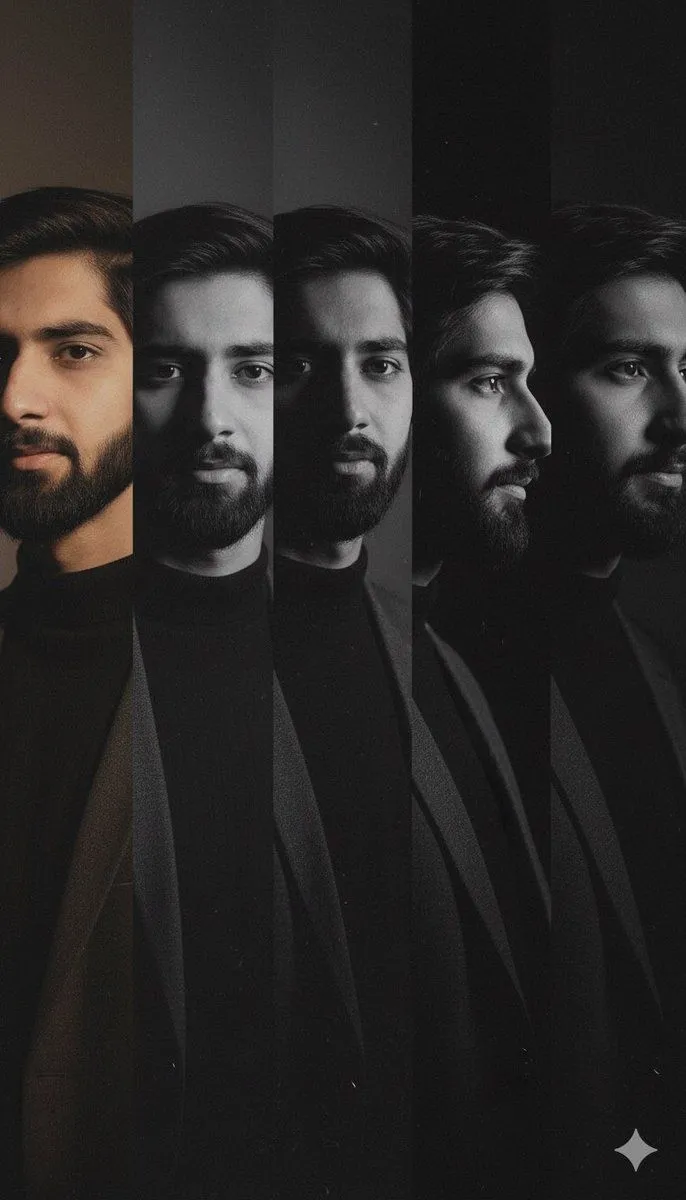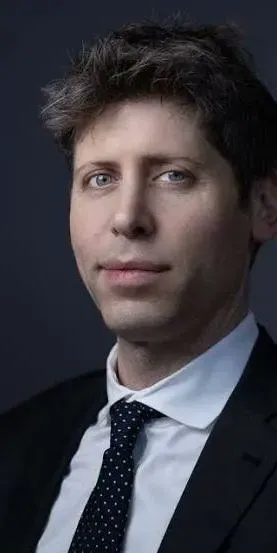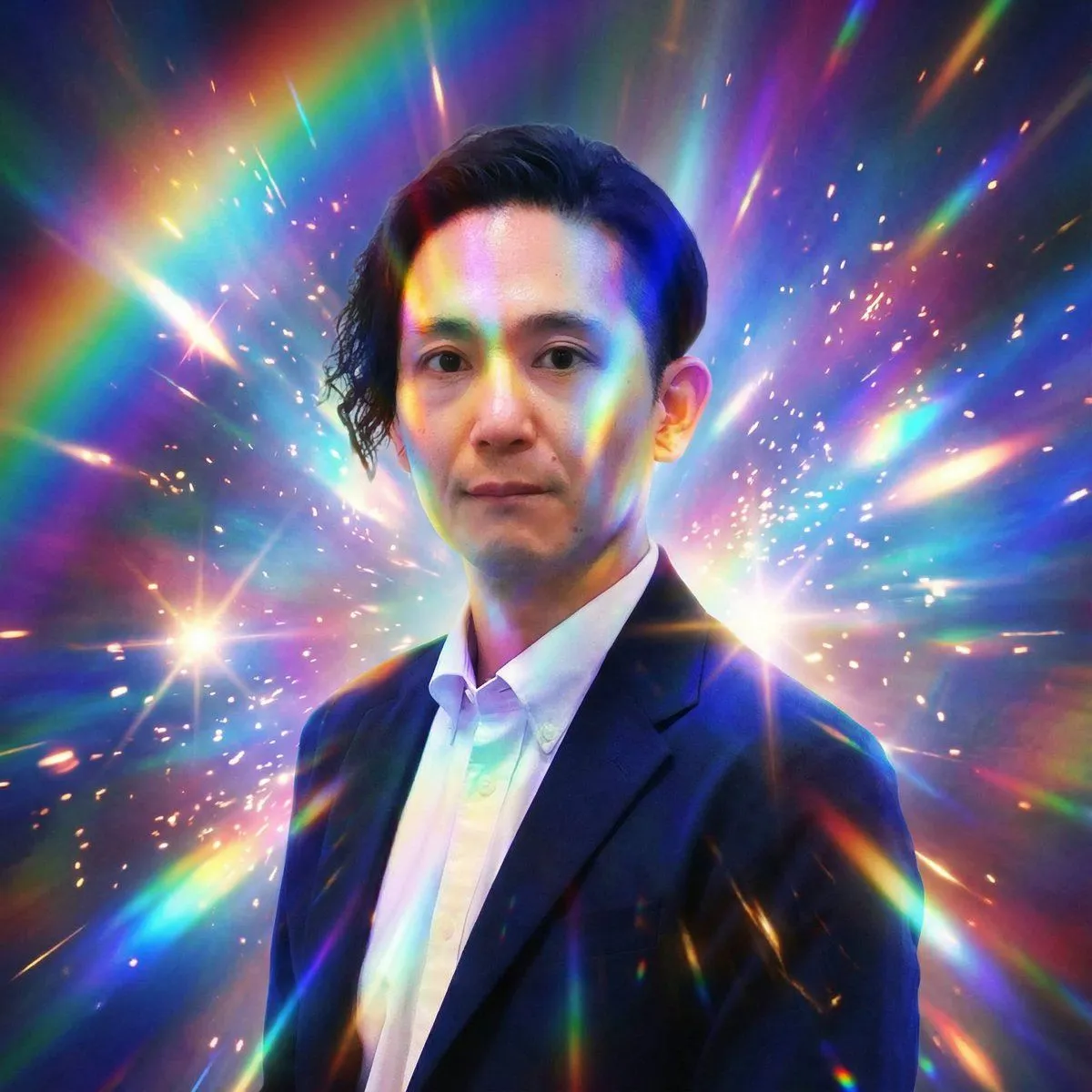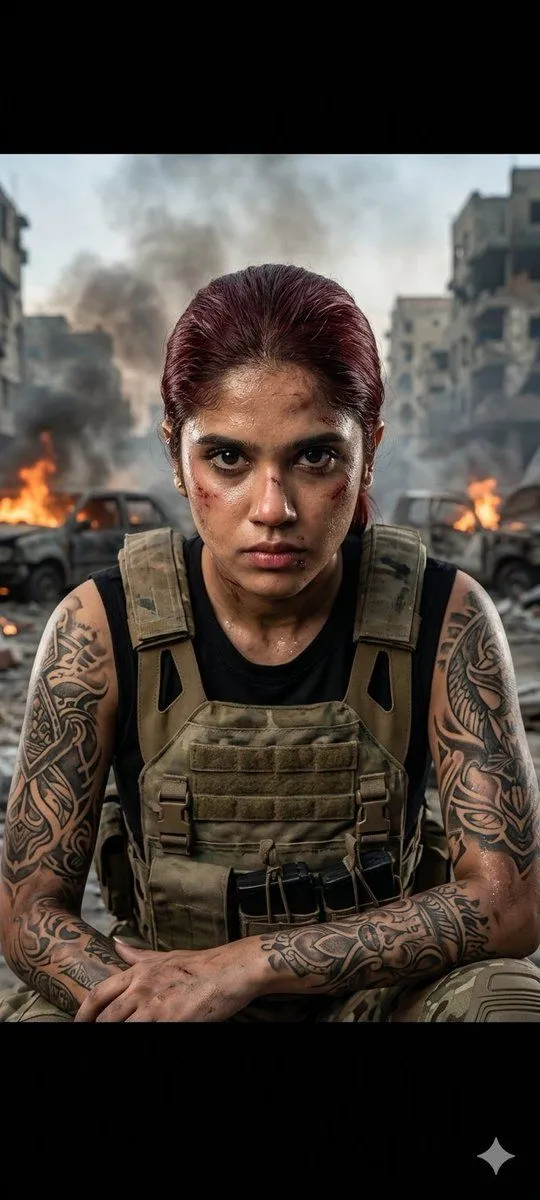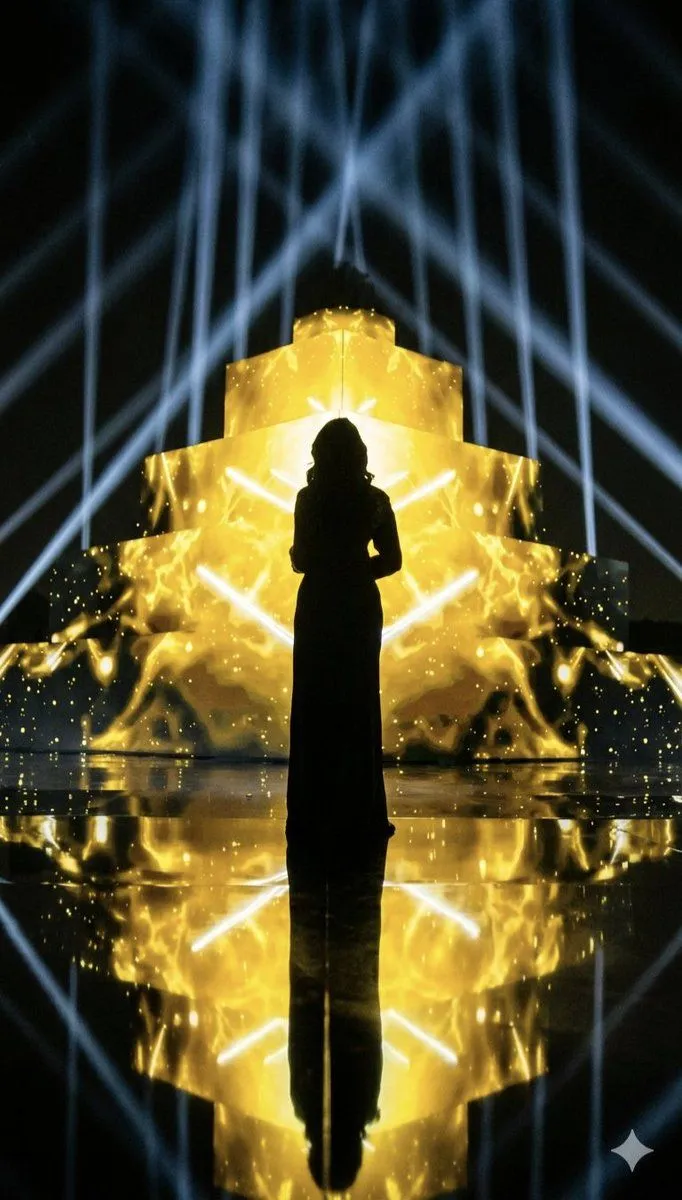
Made with Nano Banana Pro in Gemini, collected by Library Social. Promptclay never generates images.
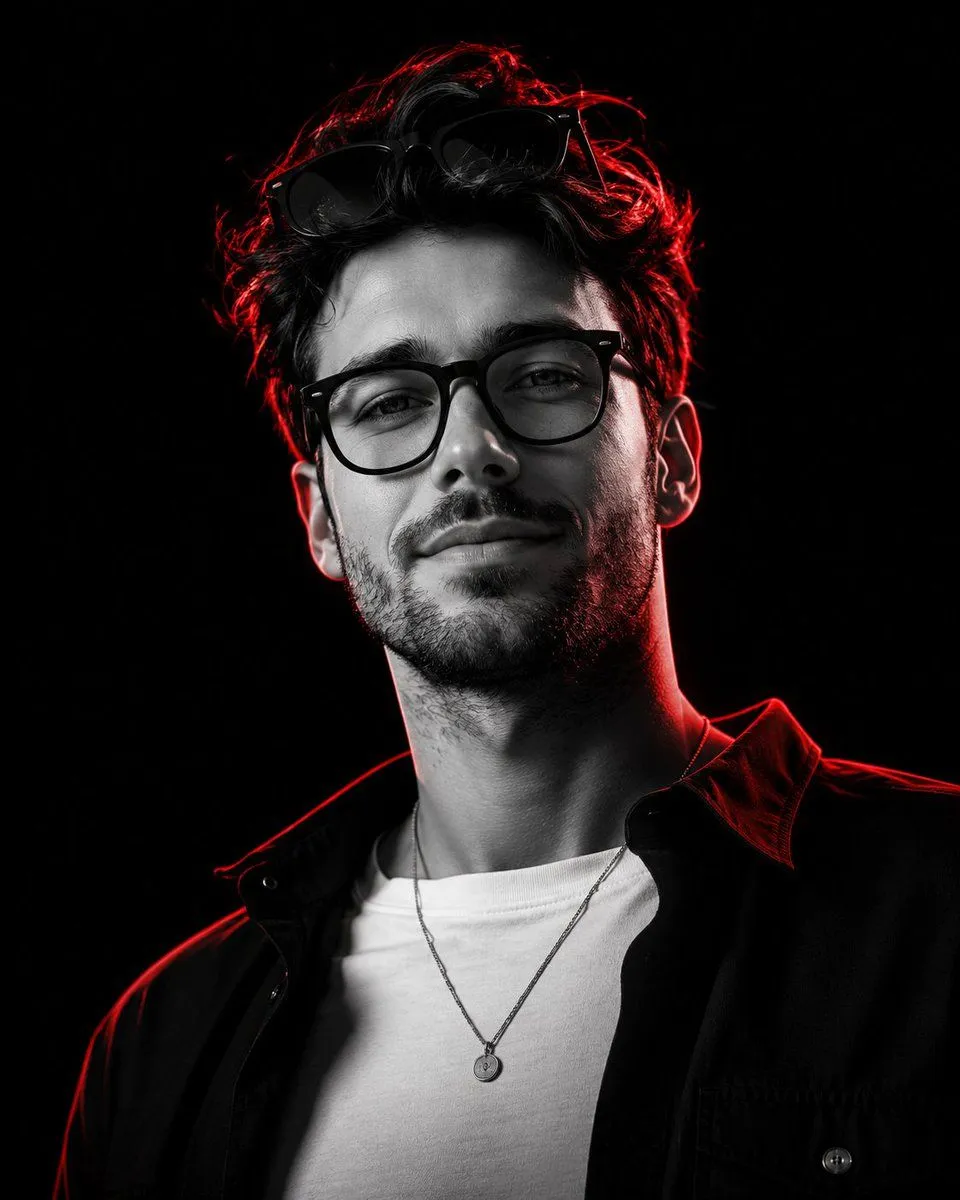
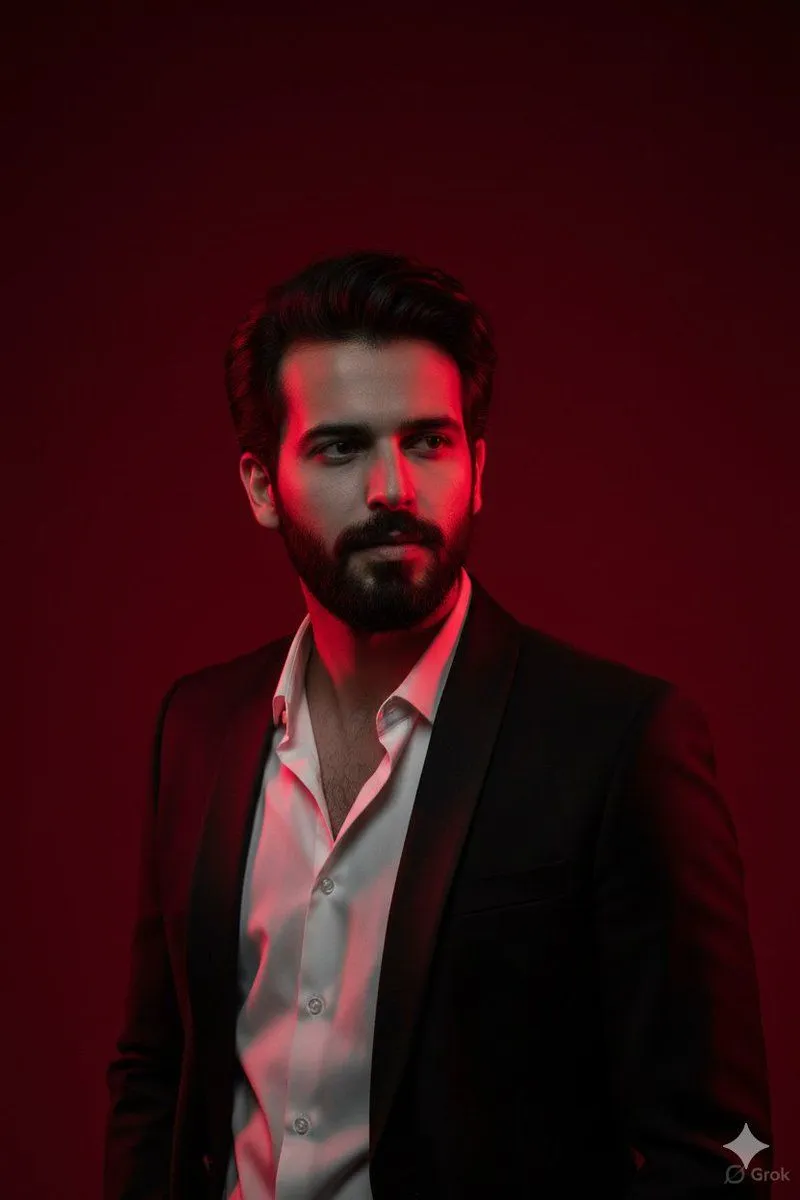
Cinematic Portrait with Dramatic Red Lighting
Prompt
3 blanks to fill{ "Objective": "Generate an ultra-realistic {resolution} cinematic portrait of a young man in dramatic {lighting_color} lighting.", "Subject": { "Description": "Young man with a sharp facial structure and tousled dark hair", "Wardrobe": { "Jacket": "{jacket_color} suit jacket", "Shirt": "White shirt, slightly unbuttoned" }, "Pose_Expression": { "Posture": "Standing, facing camera", "Mood": "Intense, cinematic, confident", "Facial_Tone": "Strong defined features emphasized by lighting" } }, "Lighting": { "Primary_Light": "Dramatic red side light casting bold highlights", "Shadow": "Soft black shadow partially covering the face", "Mood": "High contrast, powerful, atmospheric intensity" }, "Background": { "Color": "Deep matte red", "Texture": "Smooth, non-reflective backdrop", "Purpose": "Enhances mood and complements lighting contrast" }, "Visual_Style": { "Resolution": "Ultra-realistic 8K", "Aesthetic": "Cinematic portrait with dramatic lighting interplay", "Details": [ "High clarity skin texture", "Defined jawline and hair texture", "Subtle color gradation between red light and dark shadows" ] }, "Output_Requirements": { "Format": "Image", "Orientation": "Portrait", "Quality": "Editorial-grade, dramatic cinematic realism" } }
Preview of your prompt
{ "Objective": "Generate an ultra-realistic 8K cinematic portrait of a young man in dramatic red-toned lighting.", "Subject": { "Description": "Young man with a sharp facial structure and tousled dark hair", "Wardrobe": { "Jacket": "Black suit jacket", "Shirt": "White shirt, slightly unbuttoned" }, "Pose_Expression": { "Posture": "Standing, facing camera", "Mood": "Intense, cinematic, confident", "Facial_Tone": "Strong defined features emphasized by lighting" } }, "Lighting": { "Primary_Light": "Dramatic red side light casting bold highlights", "Shadow": "Soft black shadow partially covering the face", "Mood": "High contrast, powerful, atmospheric intensity" }, "Background": { "Color": "Deep matte red", "Texture": "Smooth, non-reflective backdrop", "Purpose": "Enhances mood and complements lighting contrast" }, "Visual_Style": { "Resolution": "Ultra-realistic 8K", "Aesthetic": "Cinematic portrait with dramatic lighting interplay", "Details": [ "High clarity skin texture", "Defined jawline and hair texture", "Subtle color gradation between red light and dark shadows" ] }, "Output_Requirements": { "Format": "Image", "Orientation": "Portrait", "Quality": "Editorial-grade, dramatic cinematic realism" } }
DetailsVersions, settings and questions
Written for
What's in the prompt
- Subject
- Model
- Nano Banana Pro
If your face changes
keep my face exactly the sameQuestions
- Does this work in the Gemini app?
- Yes. Gemini runs Nano Banana, so paste the prompt and attach your photo if it uses one.
- It changed my face. What do I do?
- Add "keep my face exactly the same" to the end and run it again.
- Can I use the images I make?
- Check the terms of the app you use. Promptclay never generates images and claims nothing you make.