Tell us anything

An idea, a bug, something you love. We read every note.

⌘↵ to send. The page you're on comes along.

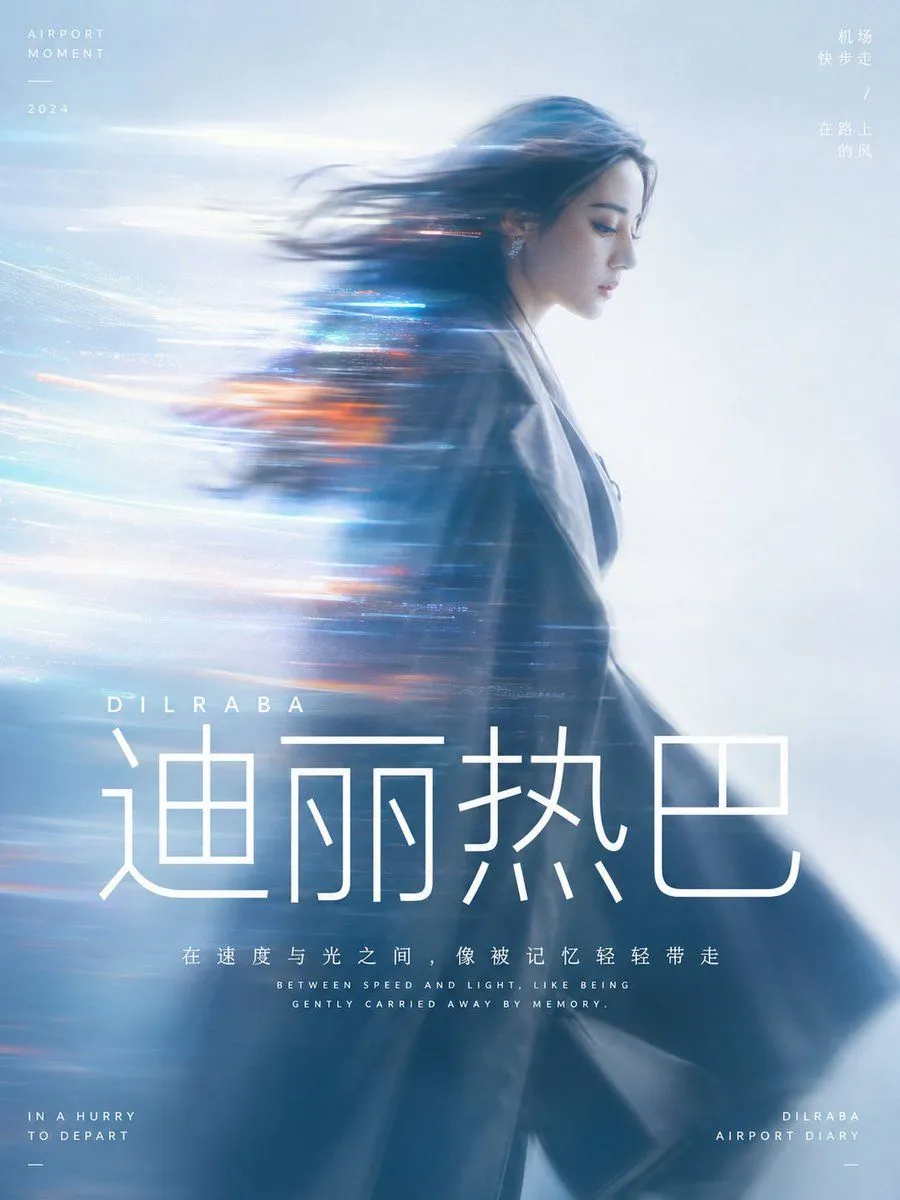
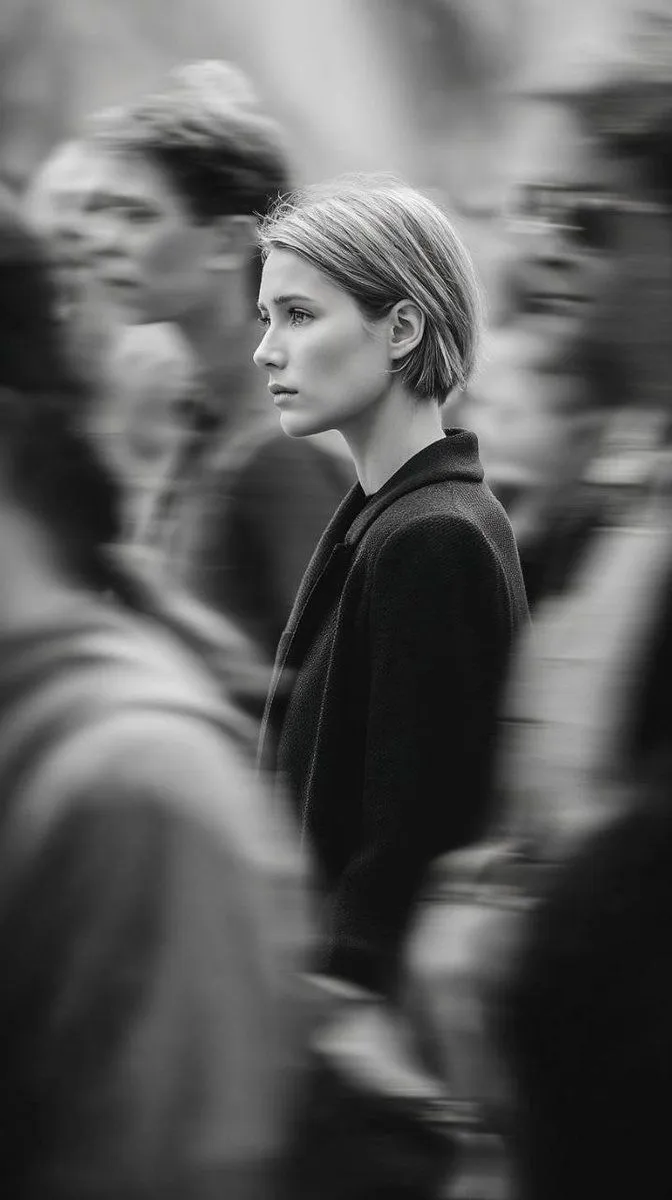
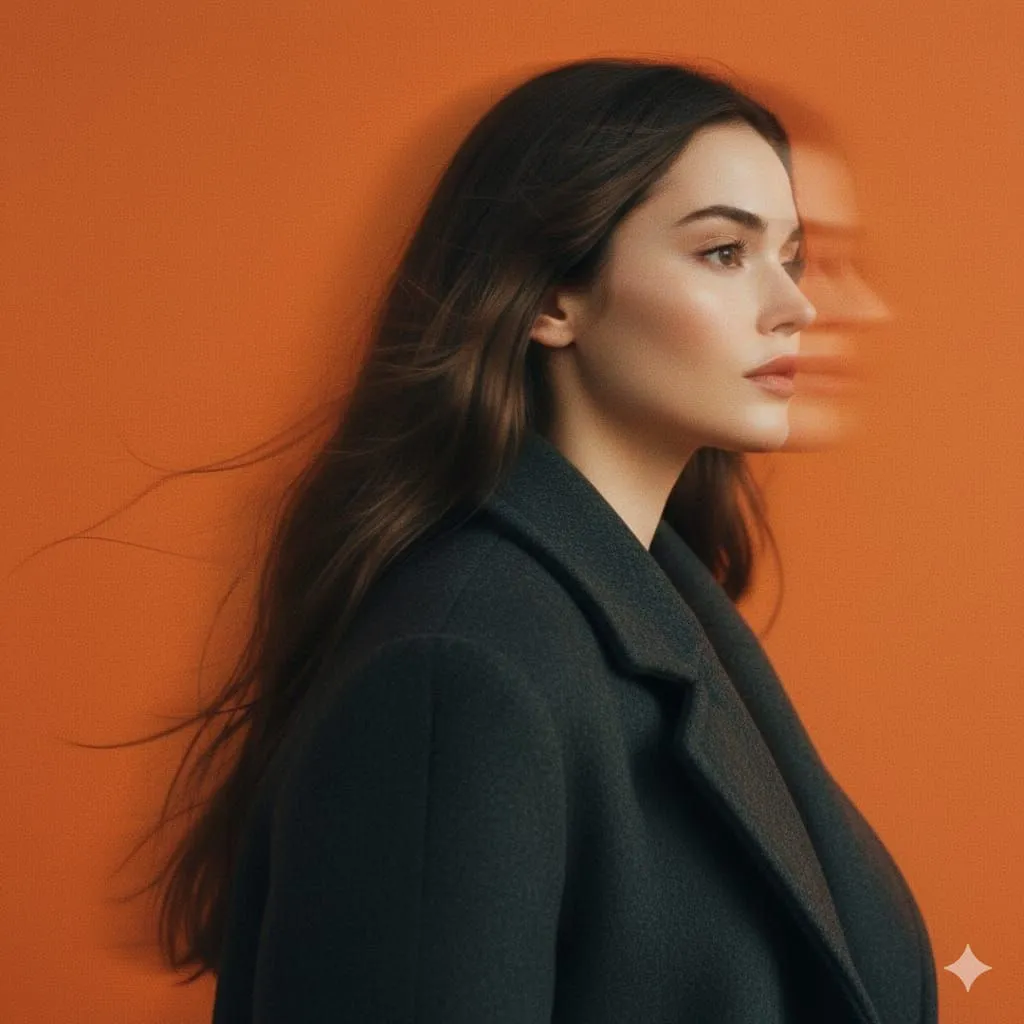
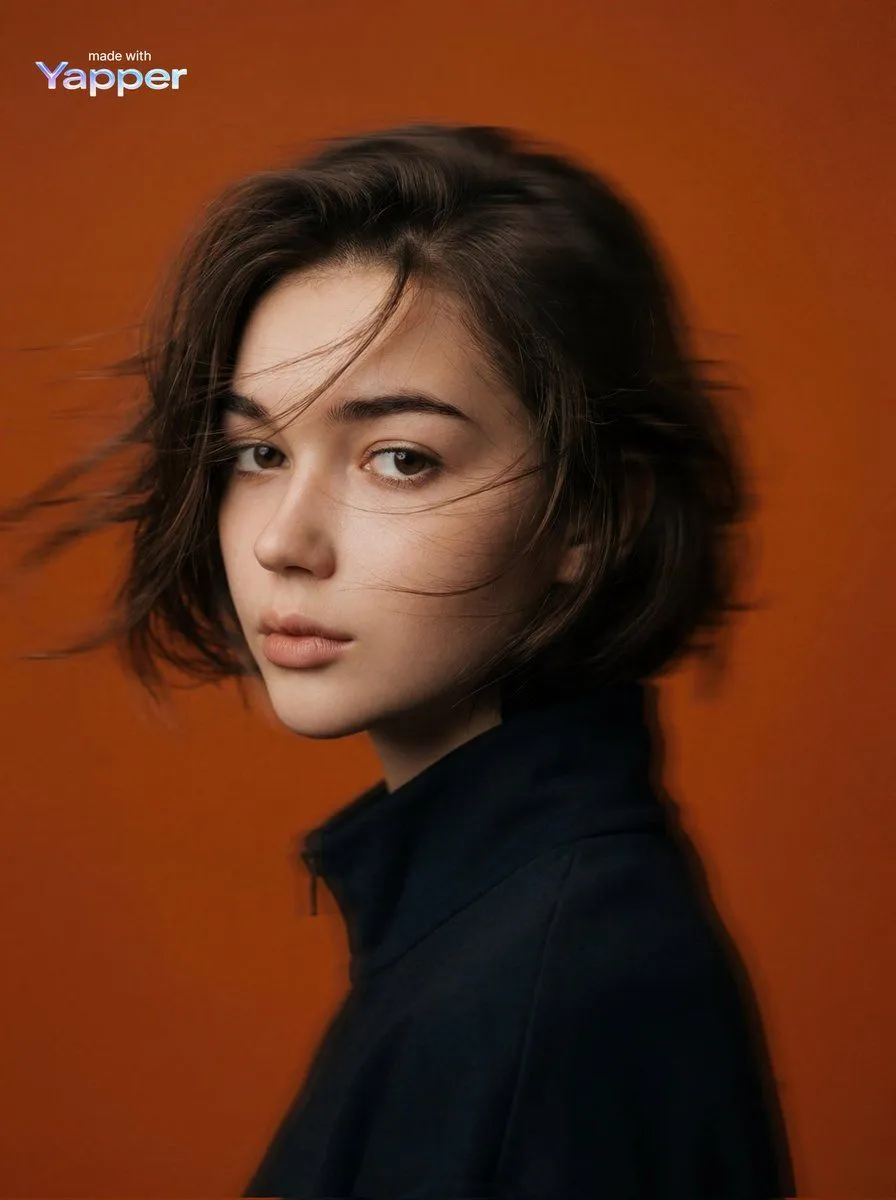
Cinematic Panning Studio Portrait with Motion Blur

Made with Nano Banana Pro in Gemini, collected by Library Product. Promptclay never generates images.

Did it work?

No reports yet. Tell others if it worked for you.

No comments yet. Be the first.

    Cinematic Panning Studio Portrait with Motion Blur

    Nano Banana Pro1:1AI-generated

    Prompt

    A panning studio portrait of a mysterious female figure captured in side profile, her head subtly turned forward as motion blur streaks softly through her hair and jawline. She wears a matte charcoal wool coat with softened edges, standing against a solid Pantone 137 C orange background that fills the frame entirely. The image features intentional horizontal motion blur from a slow shutter pan, preserving facial structure while allowing peripheral smearing. Soft studio lighting with diffused highlights, low contrast, and lifted blacks creates a faded analog film look with fine grain and muted saturation. Shot on a full-frame camera using a 50mm lens at f/2.8, ISO 200, shutter speed 1/15s, vertical orientation, tight portrait framing, shallow depth of field. The mood is cinematic, introspective, and modern editorial visual language aligned with 032c and A24 aesthetics.

    Works in
    Gemini, ChatGPT
    Status
    Free to copy
    0
    DetailsVersions, settings and questions

    Written for

    What's in the prompt

    Subject
    Model
    Nano Banana Pro

    If your face changes

    keep my face exactly the same

    Questions

    Does this work in the Gemini app?
    Yes. Gemini runs Nano Banana, so paste the prompt and attach your photo if it uses one.
    It changed my face. What do I do?
    Add "keep my face exactly the same" to the end and run it again.
    Can I use the images I make?
    Check the terms of the app you use. Promptclay never generates images and claims nothing you make.
    Similar prompts

    See more
    • Cinematic Editorial Portrait Prompt
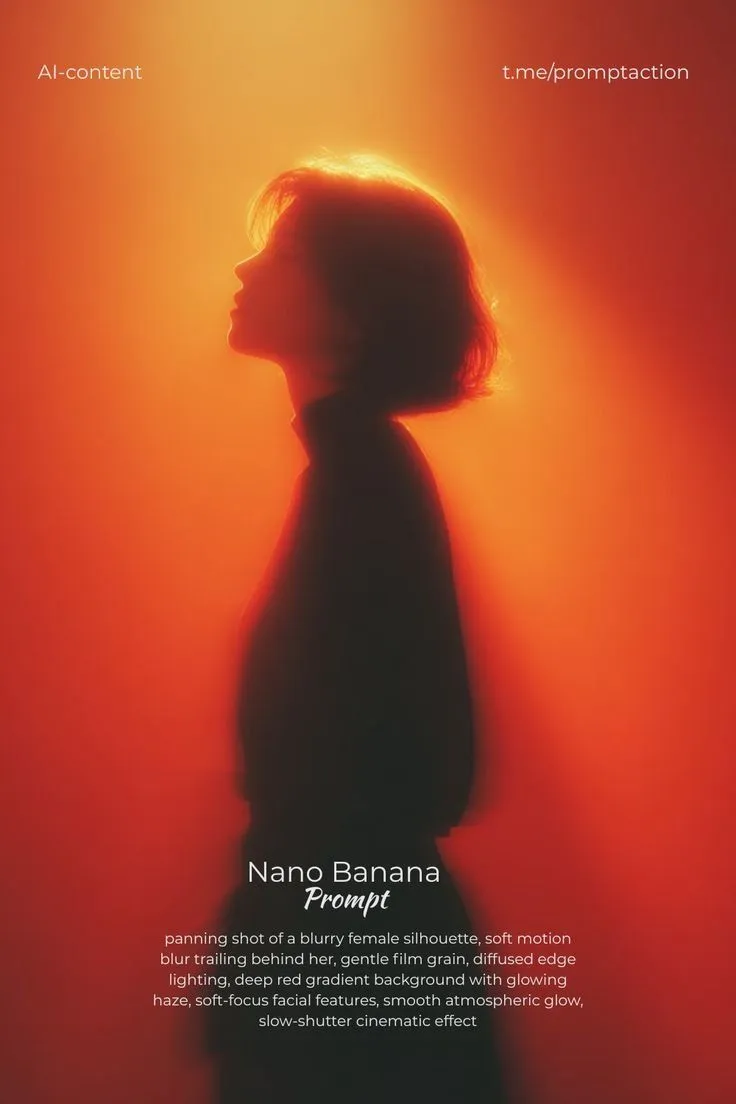
    • Red Motion Blur Silhouette
    • Cinematic Motion Blur Portrait with Typography
    • Cinematic Studio Orange and Blue Portrait
    • Cinematic Triple Exposure Portrait
    • Luxury High-Fashion Editorial Portrait
    • Burgundy Hair Cinematic Studio Portrait
    • Cinematic 35mm Analog Film Photo Series
    • Editorial Monochrome Street Photograph (Leica SL3)
    • Cinematic Monochrome Studio Portrait
    • Cinematic Portrait with Identity Preservation and Prism Lighting
    • Cinematic Skyline Portrait with Identity Reference
    • Cinematic Profile Portrait with Identity Preservation
    • Selective Color Urban Portrait
    • Futuristic Monochrome Projection Portrait
    • Editorial Portrait Photo Grid
    • Monochrome Fine Art Portrait with Dramatic Rim Lighting
    • Minimalist Editorial Fashion Sketch
    • Cinematic Portrait Drenched in Electric Blue Water Splashes
    • Neo-Noir Sci-Fi Sky Portrait
    • High-Contrast Abstract Mixed Media Portrait Prompt
    • Hand-Carved Wooden Miniature Figure
    • Multi-Angle Scene Generation Prompt (Oshi no Ko Style)
    • Nano Banana Pro Thumbnail Generation Example

    Show more

    Run it on your phone

    1. Prompt copiedRead it

      A panning studio portrait of a mysterious female figure captured in side profile, her head subtly turned forward as motion blur streaks softly through her hair and jawline. She wears a matte charcoal wool coat with softened edges, standing against a solid Pantone 137 C orange background that fills the frame entirely. The image features intentional horizontal motion blur from a slow shutter pan, preserving facial structure while allowing peripheral smearing. Soft studio lighting with diffused highlights, low contrast, and lifted blacks creates a faded analog film look with fine grain and muted saturation. Shot on a full-frame camera using a 50mm lens at f/2.8, ISO 200, shutter speed 1/15s, vertical orientation, tight portrait framing, shallow depth of field. The mood is cinematic, introspective, and modern editorial visual language aligned with 032c and A24 aesthetics.

    2. Open your app

    3. Paste and run

      Press and hold the message box, then tap Paste. Add your photo first if the prompt uses one. You may need to sign in.

    Cinematic Panning Studio Portrait with Motion Blur