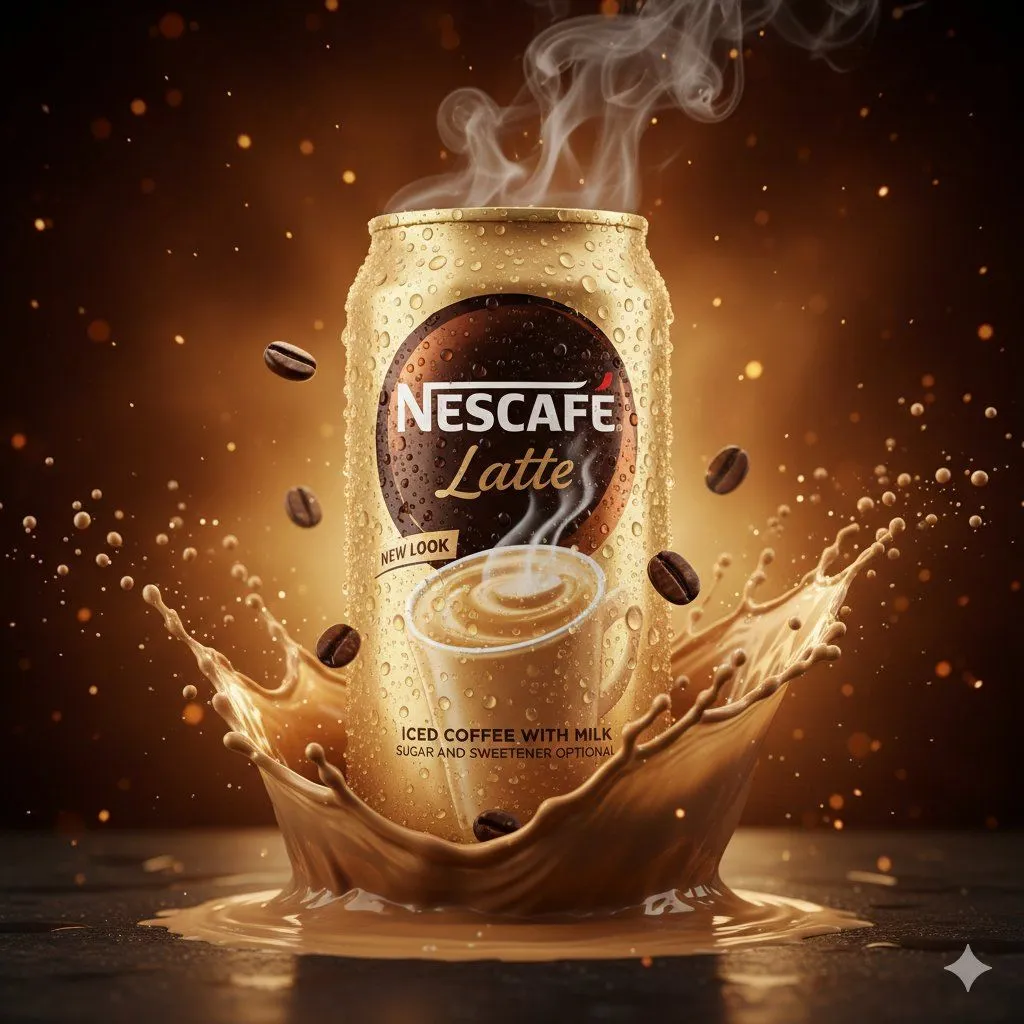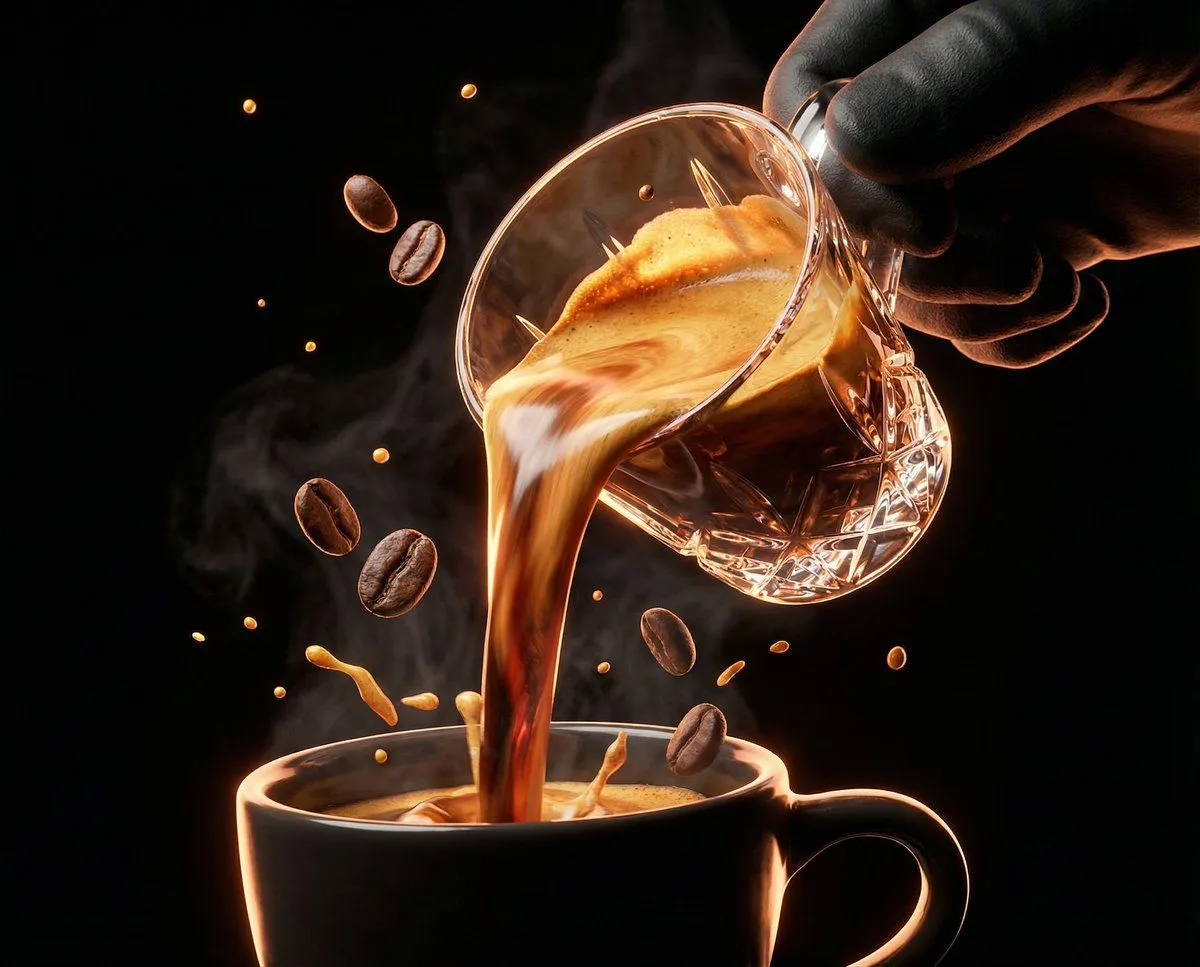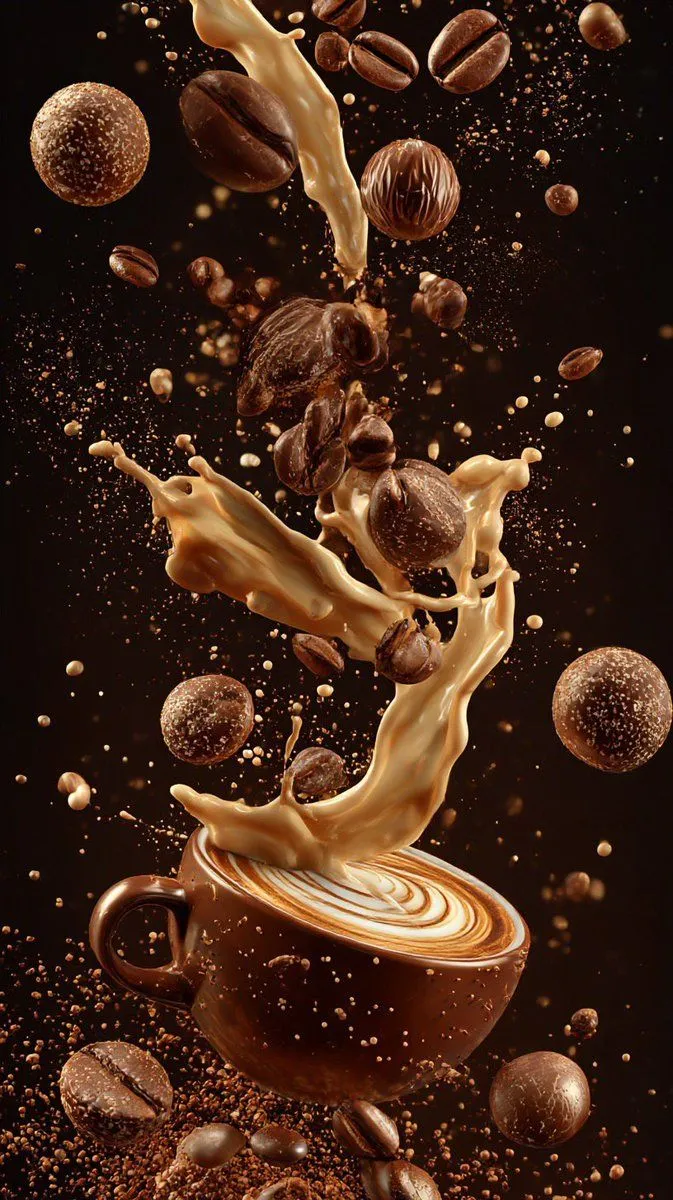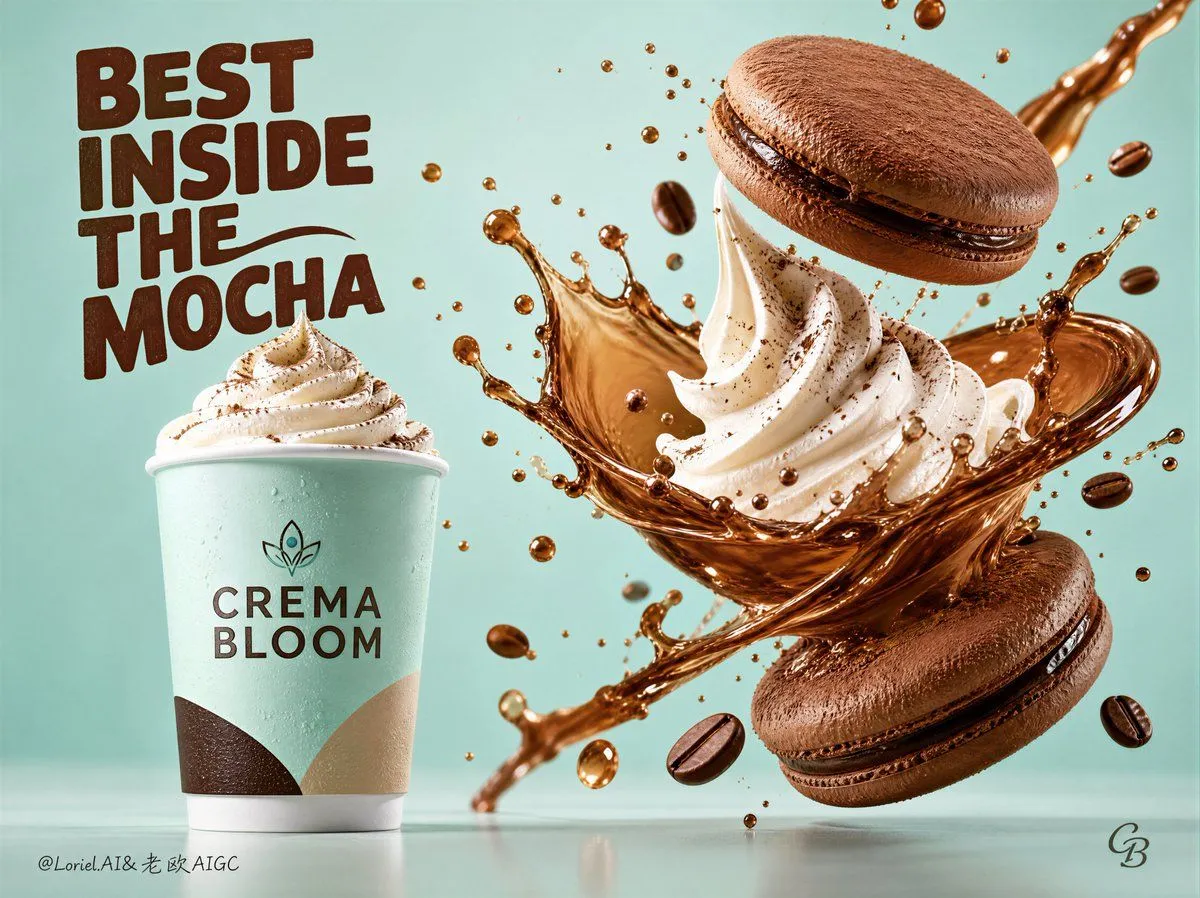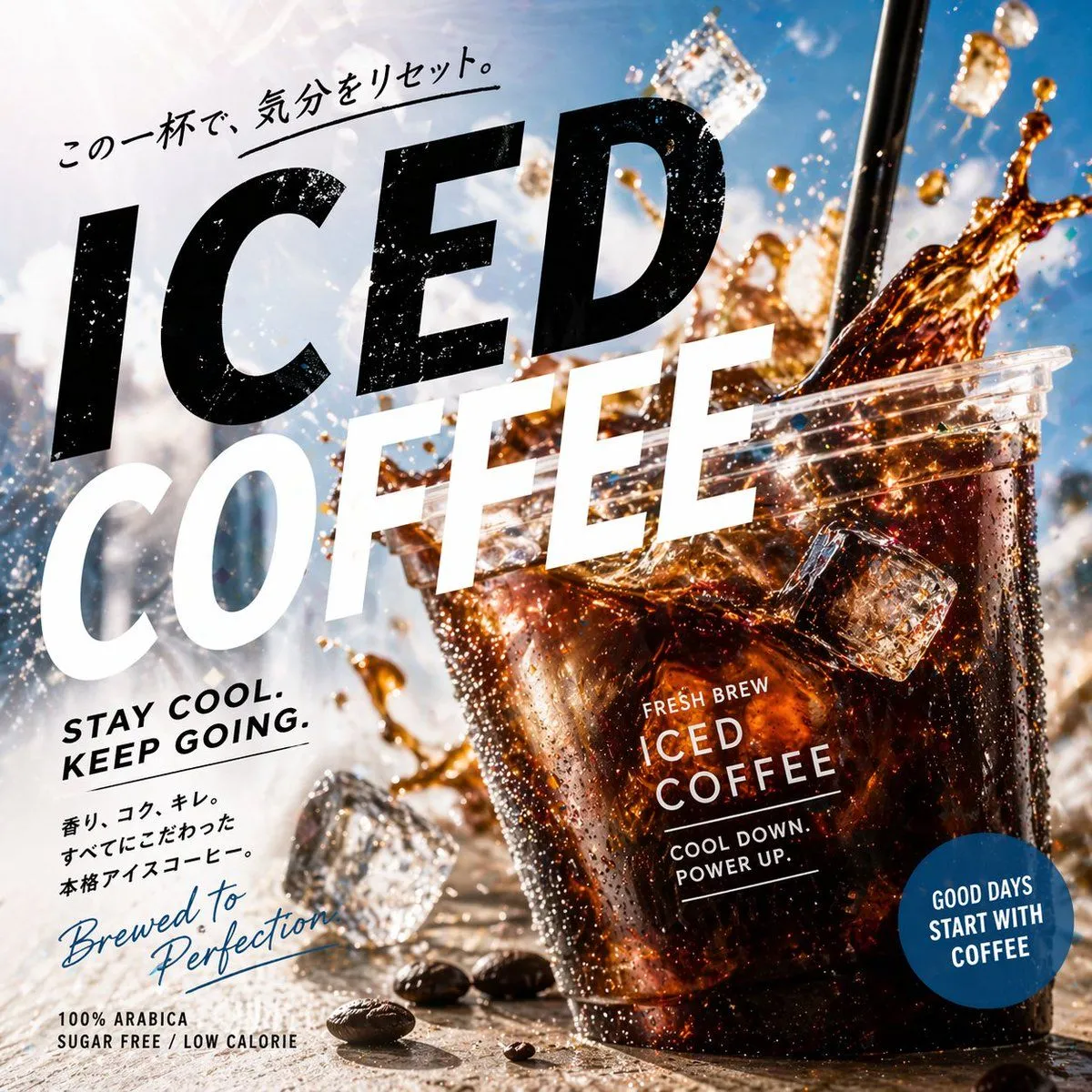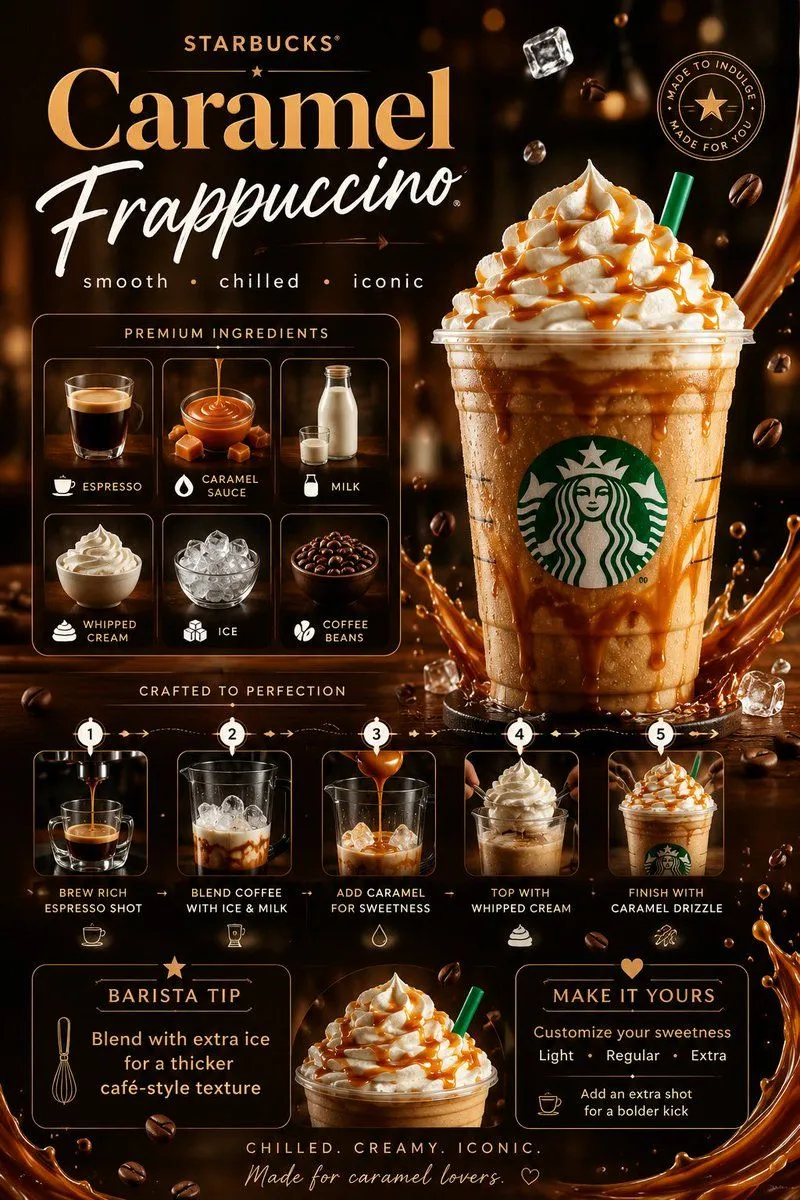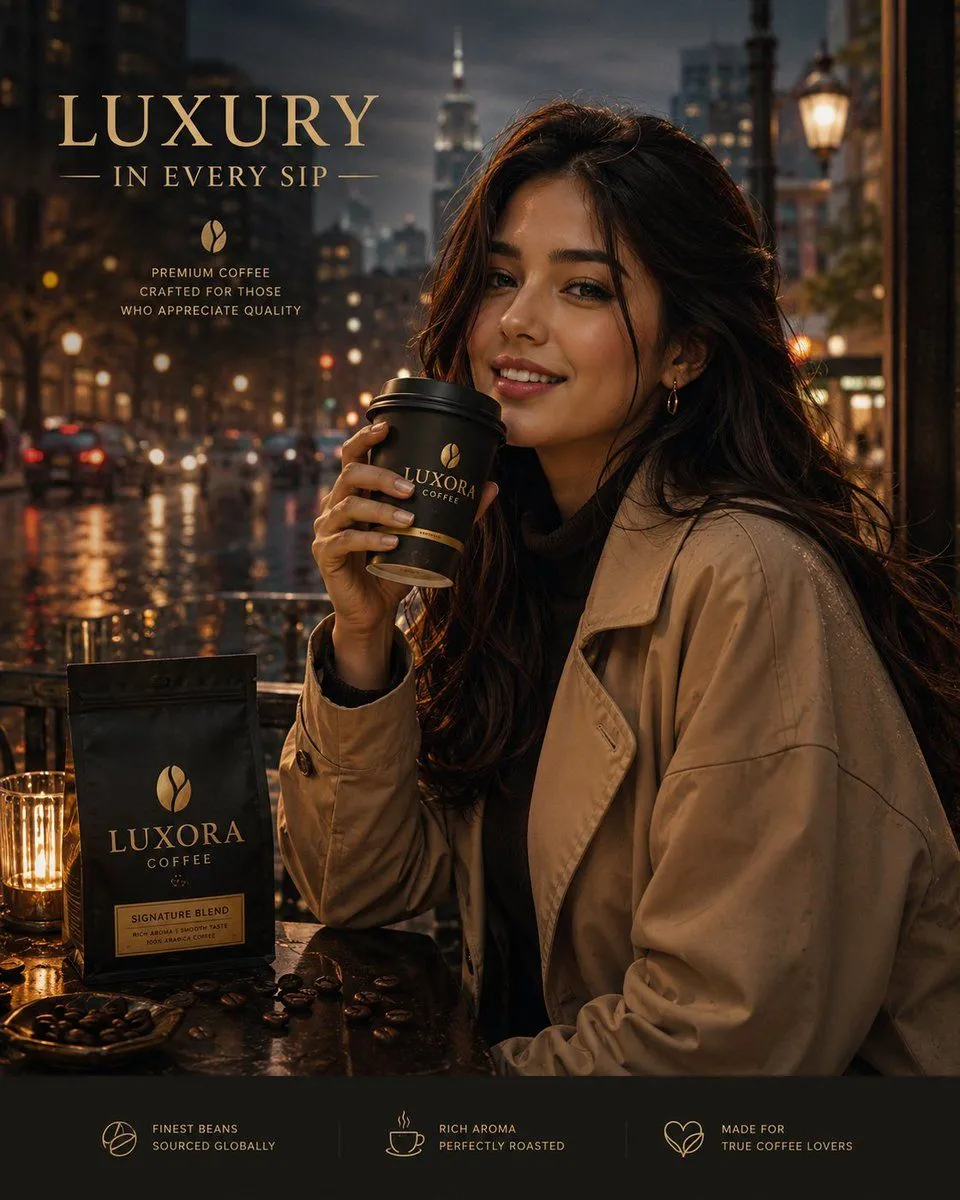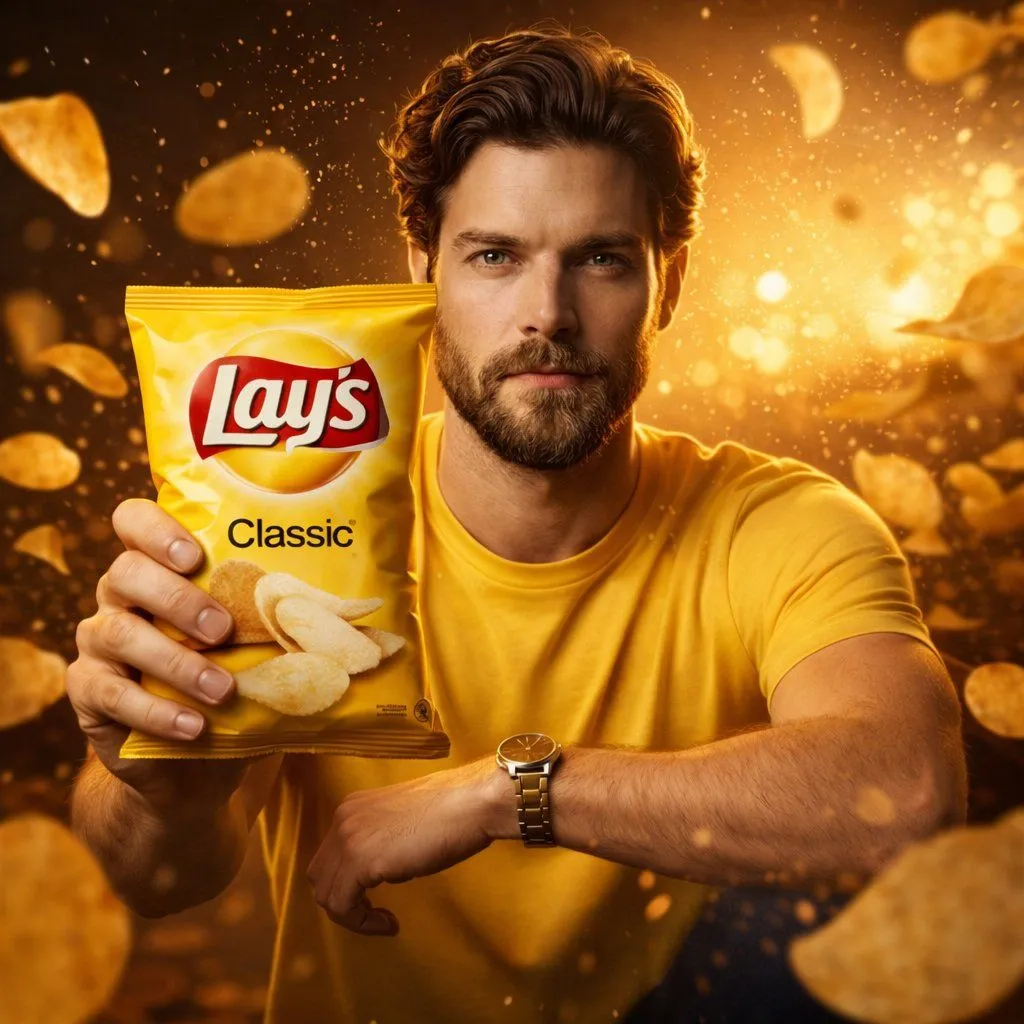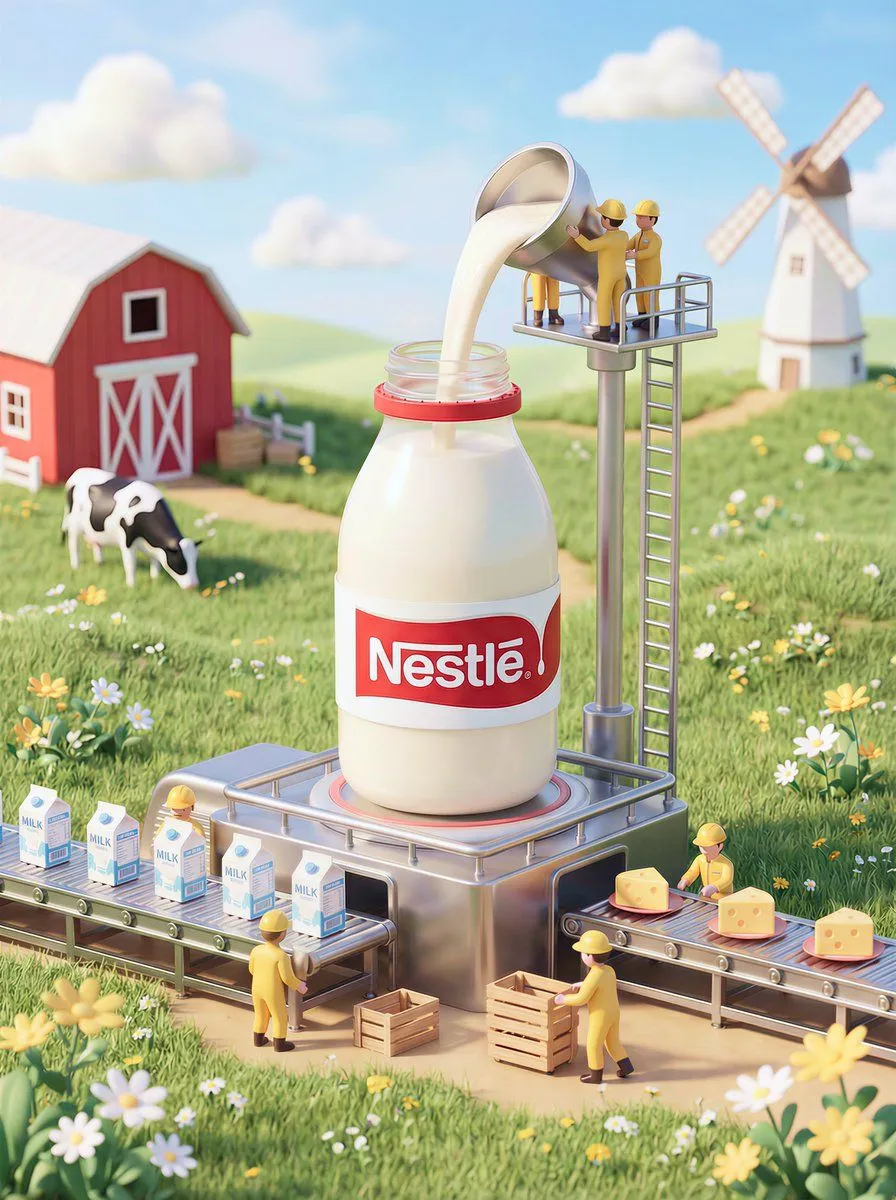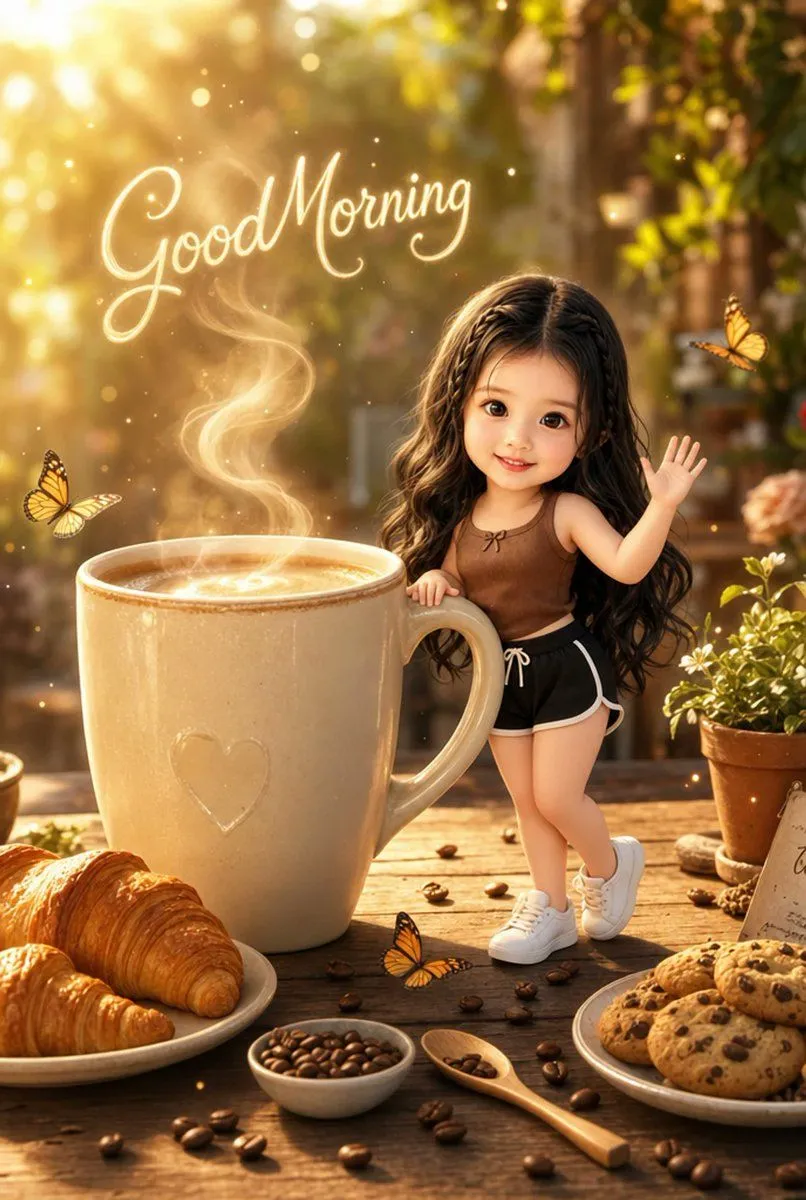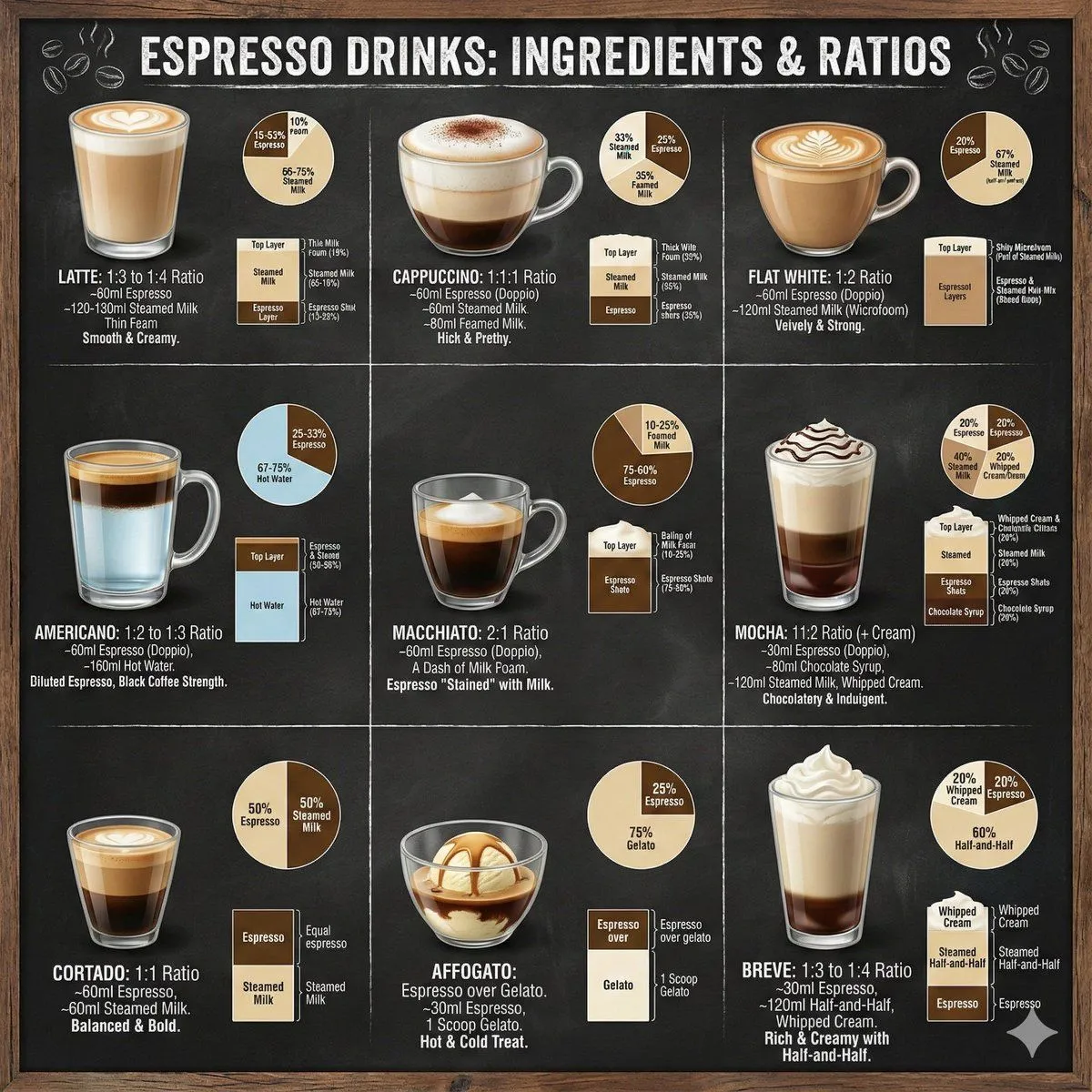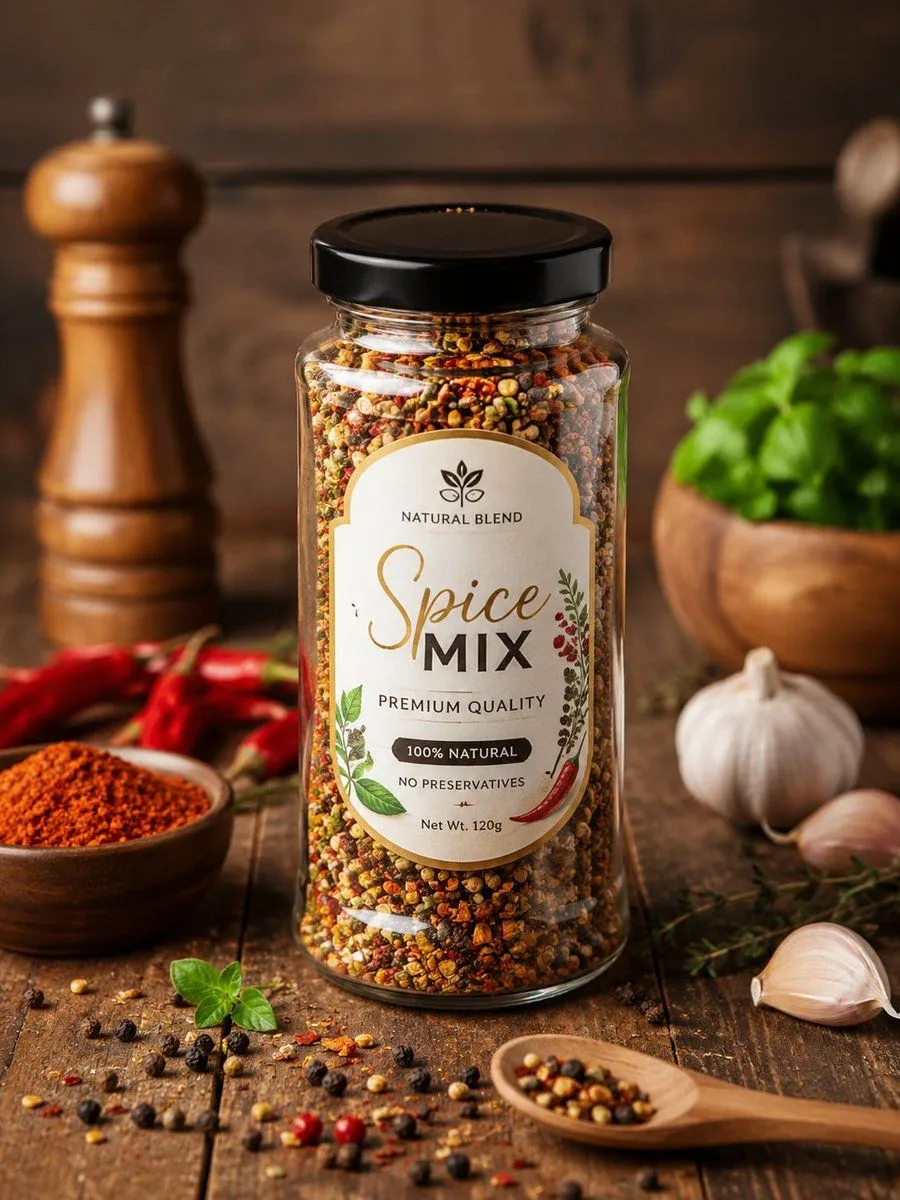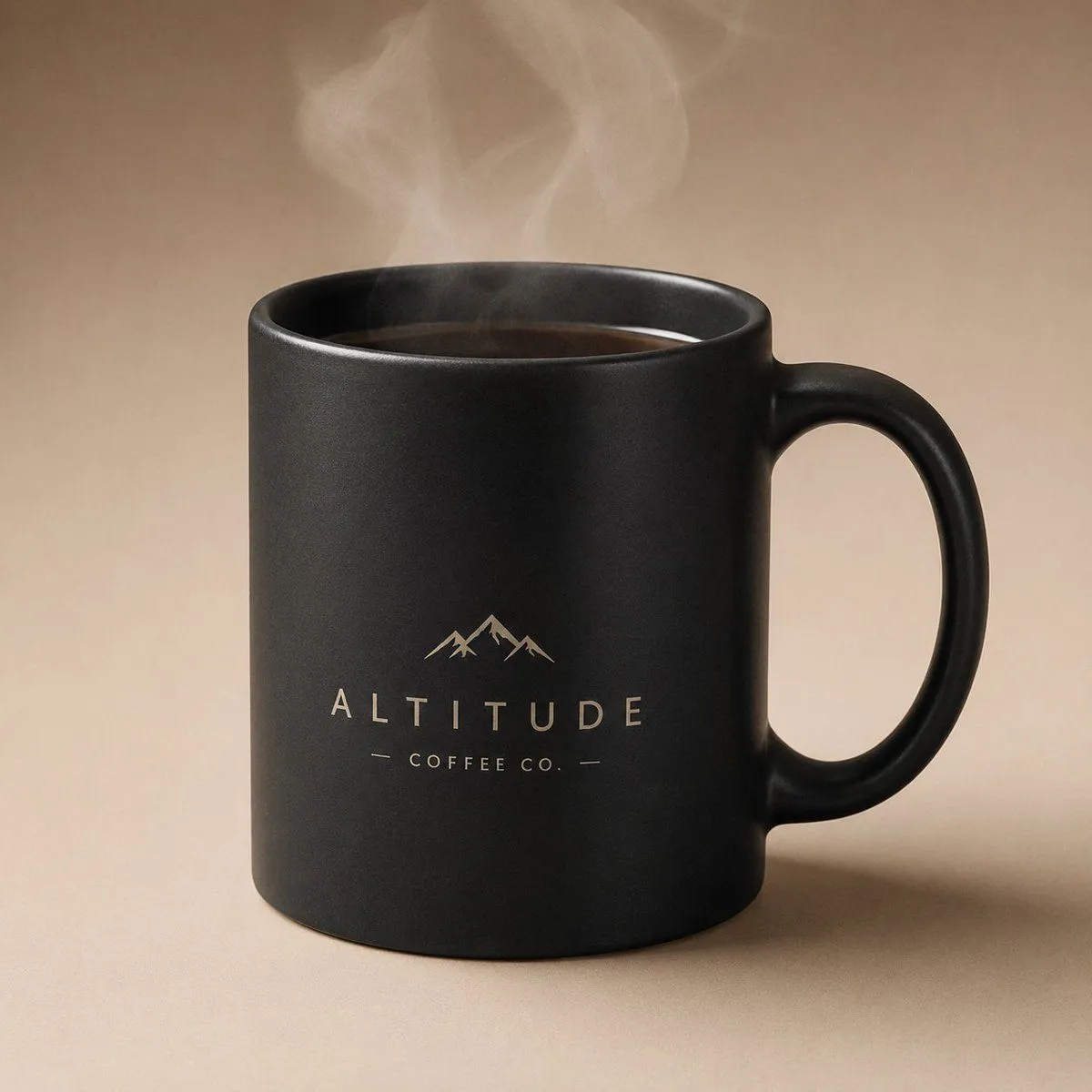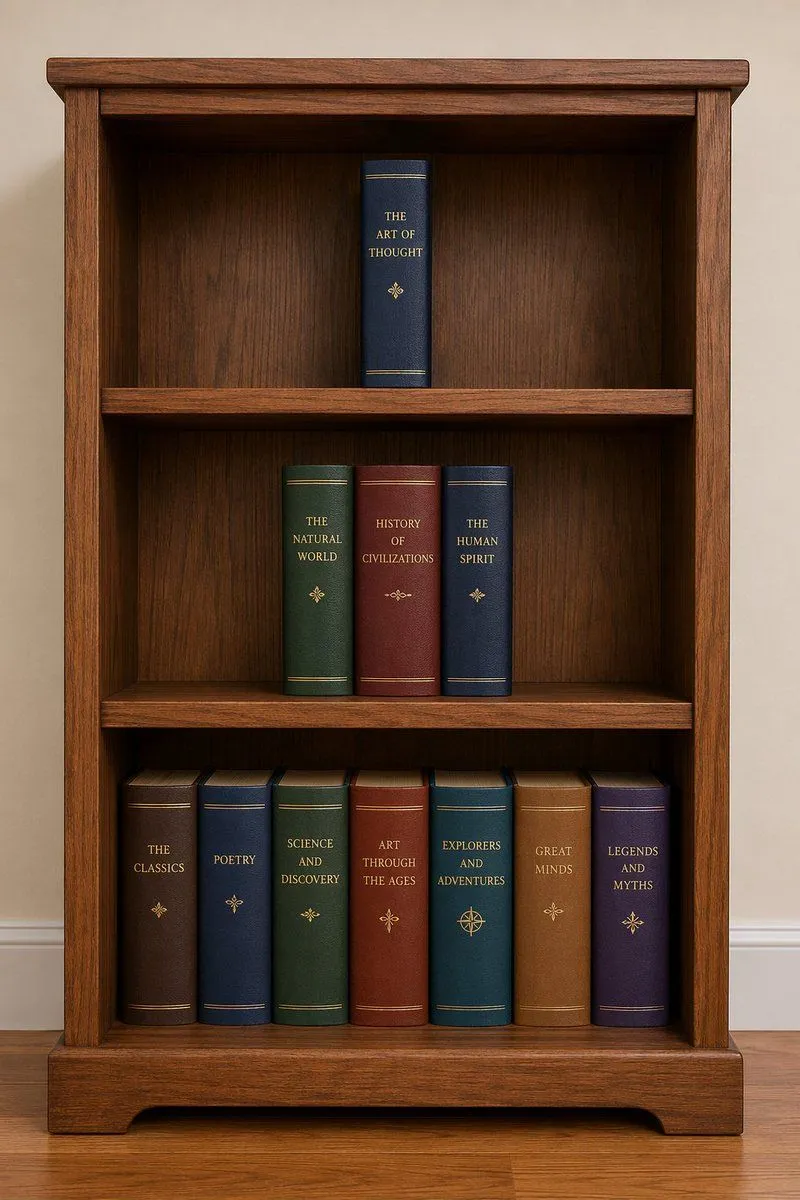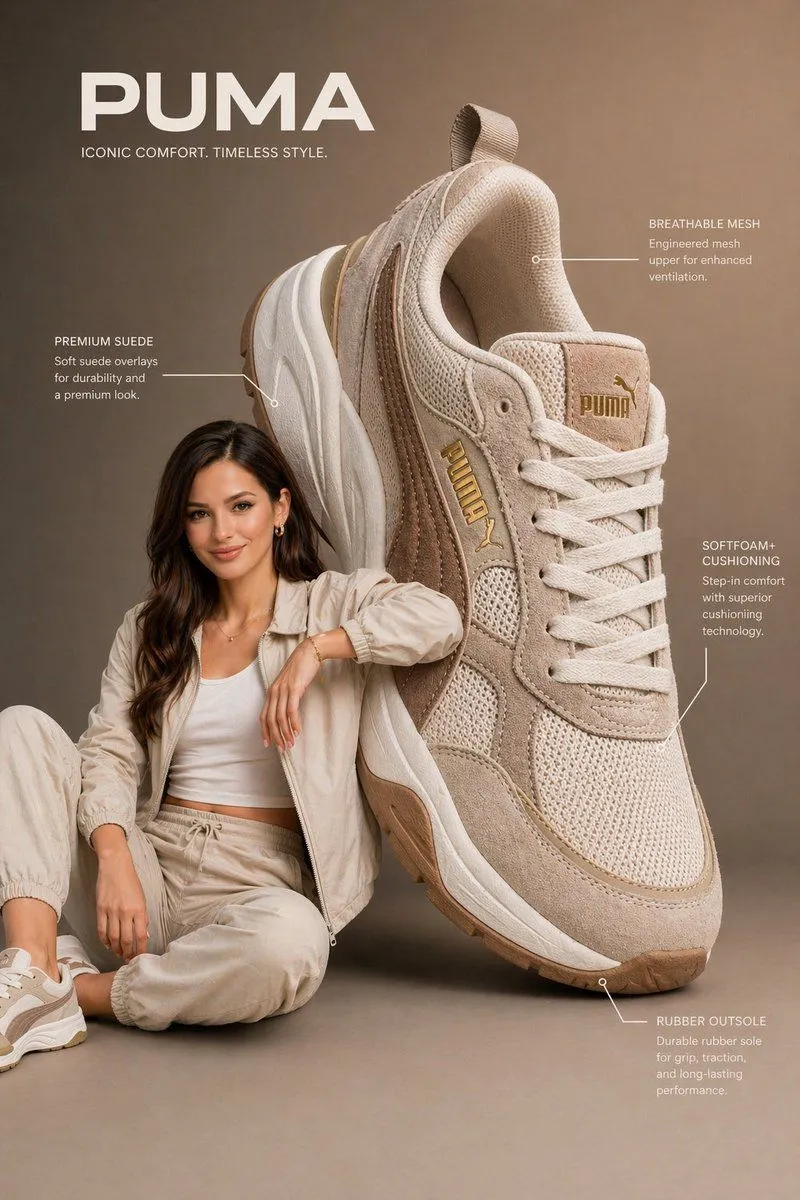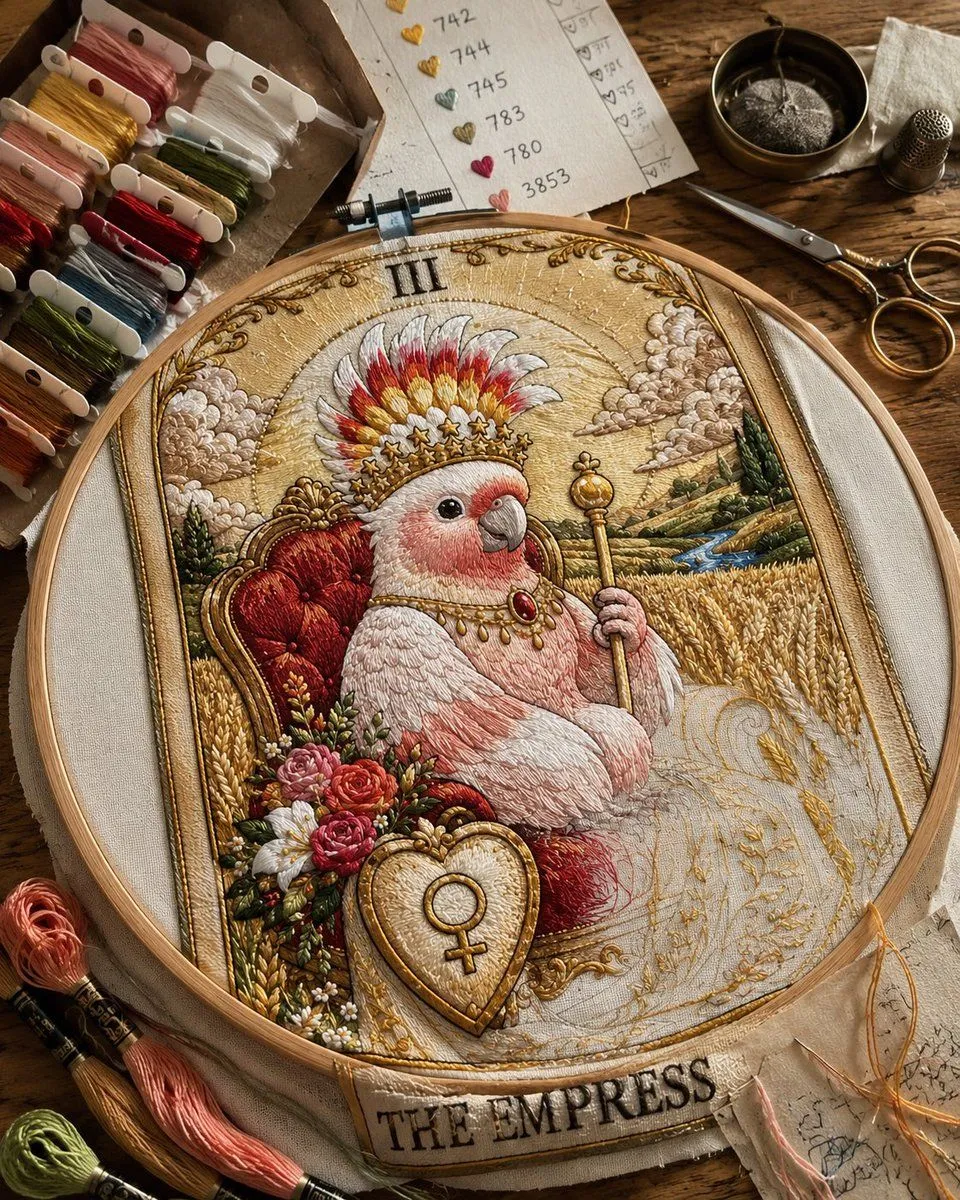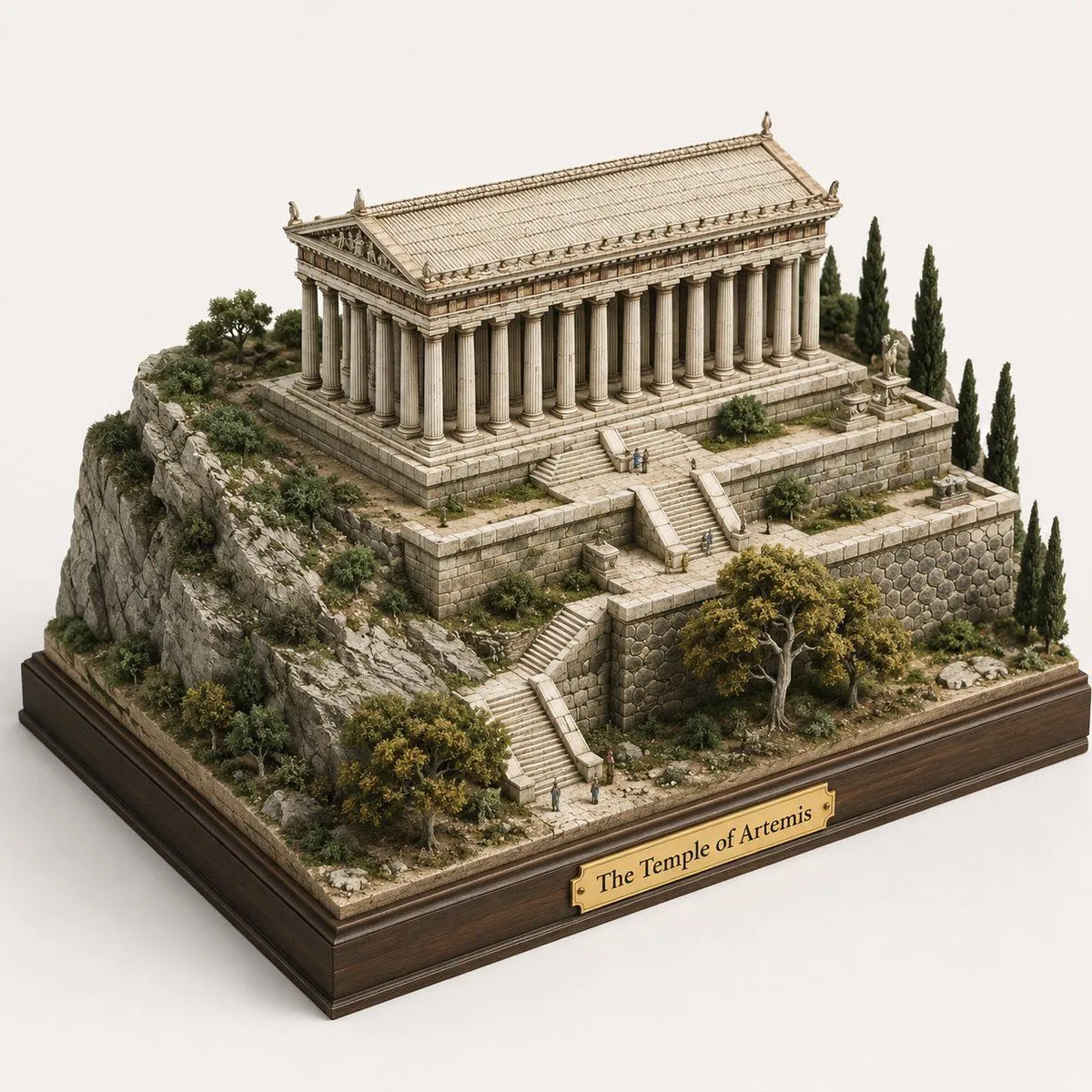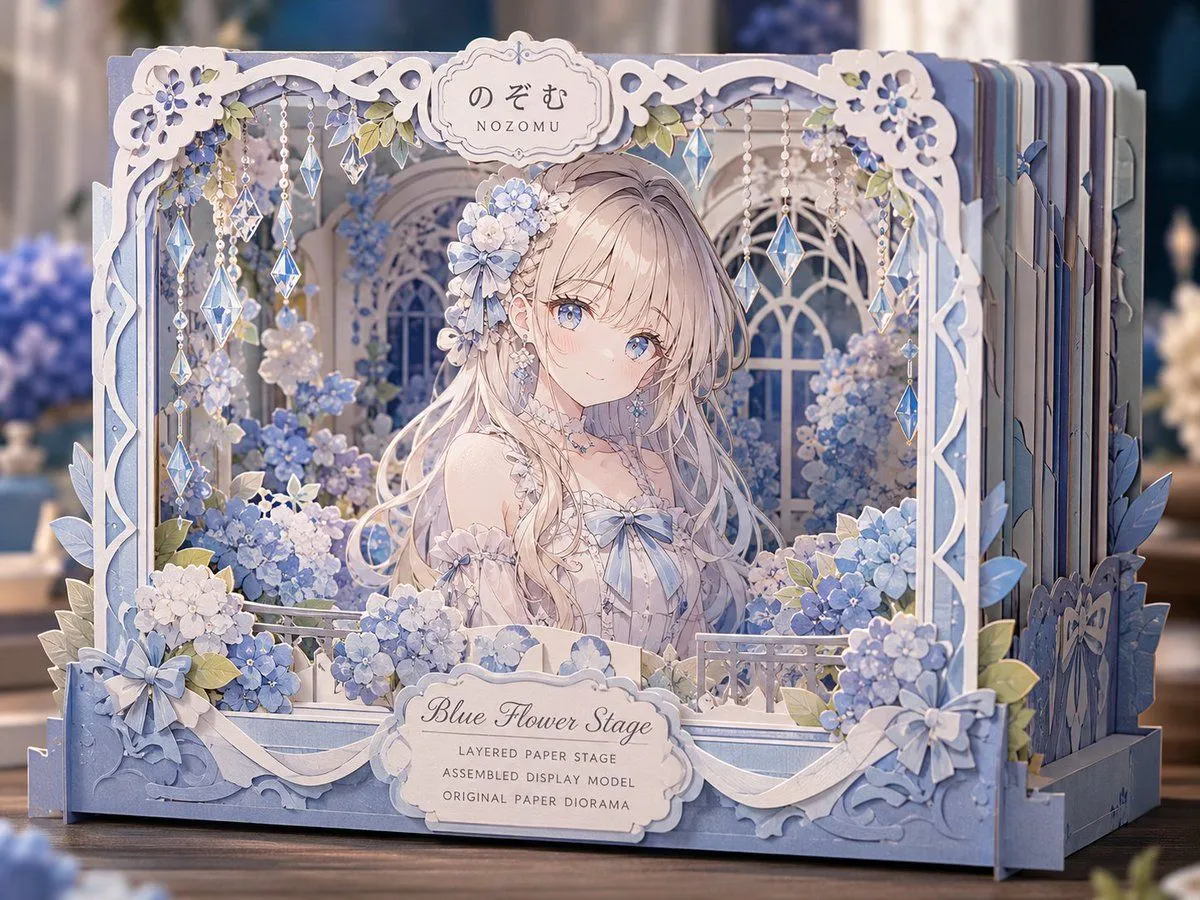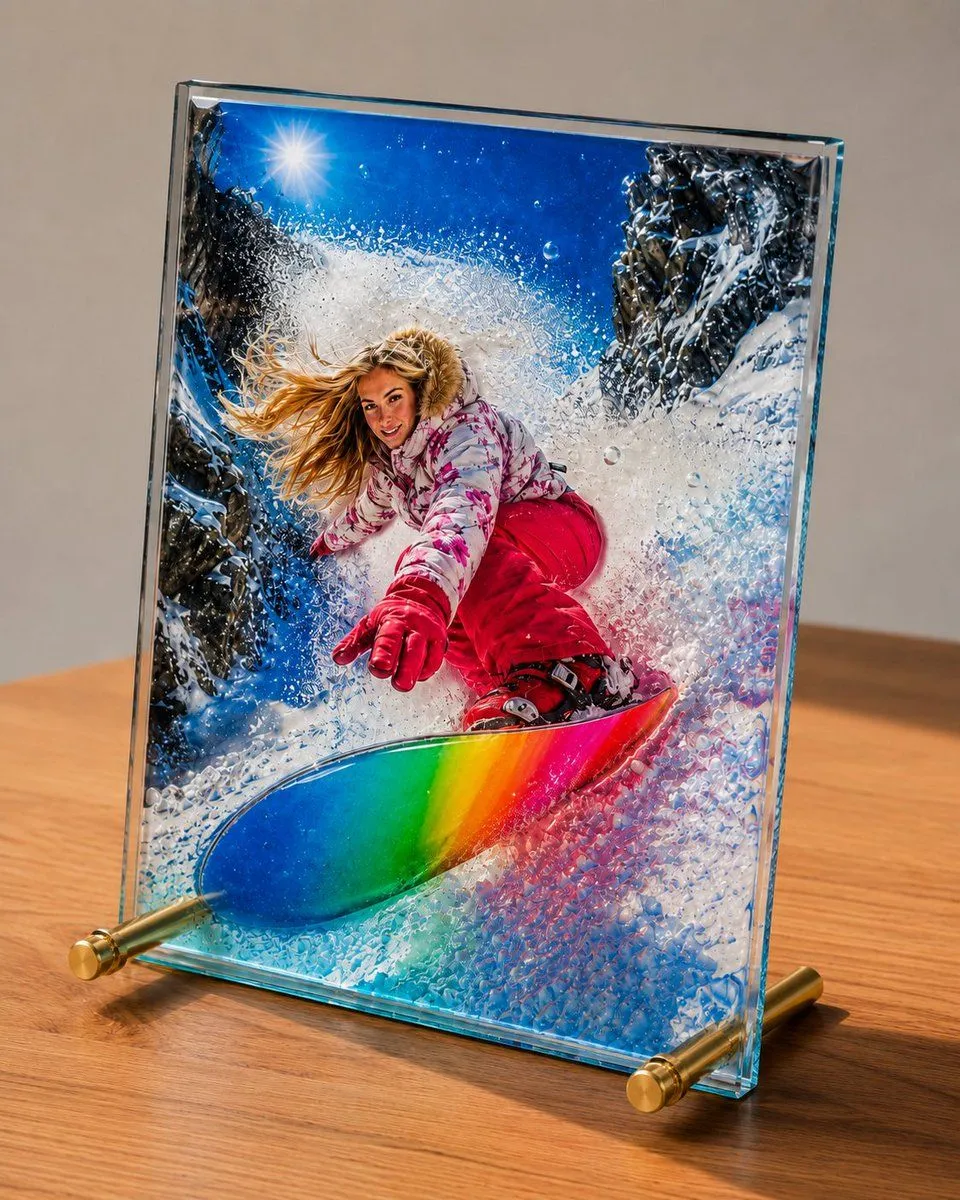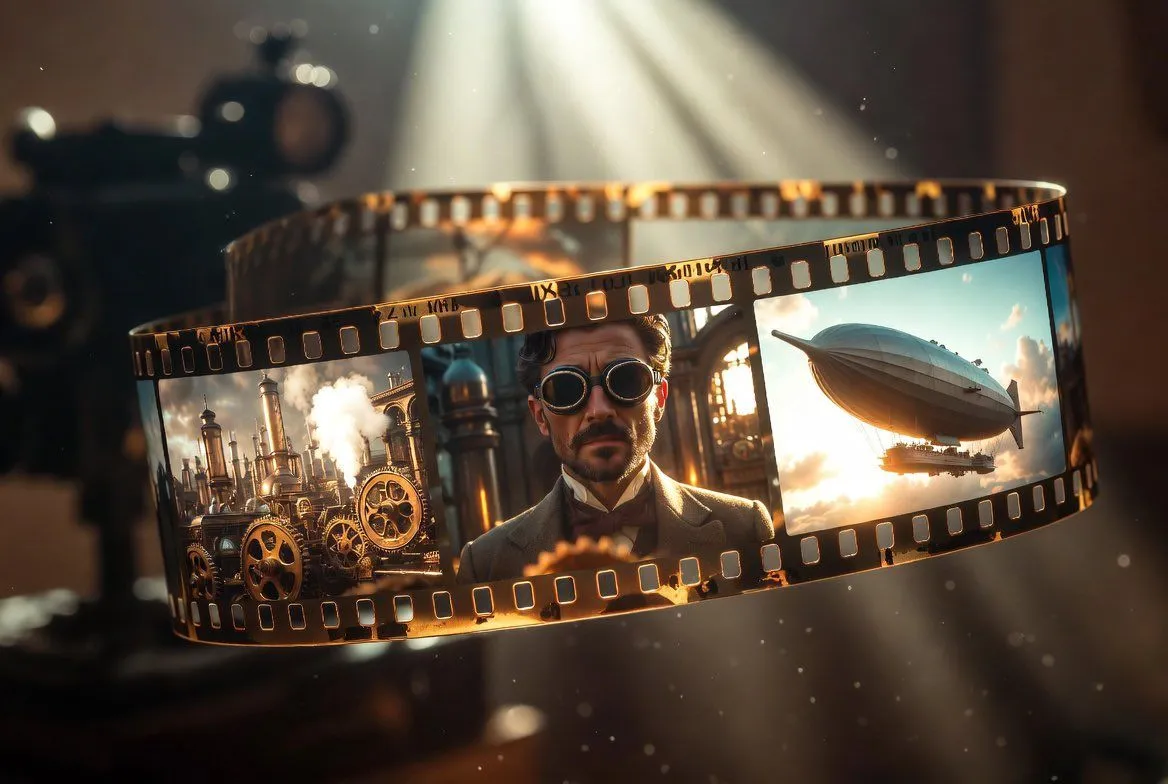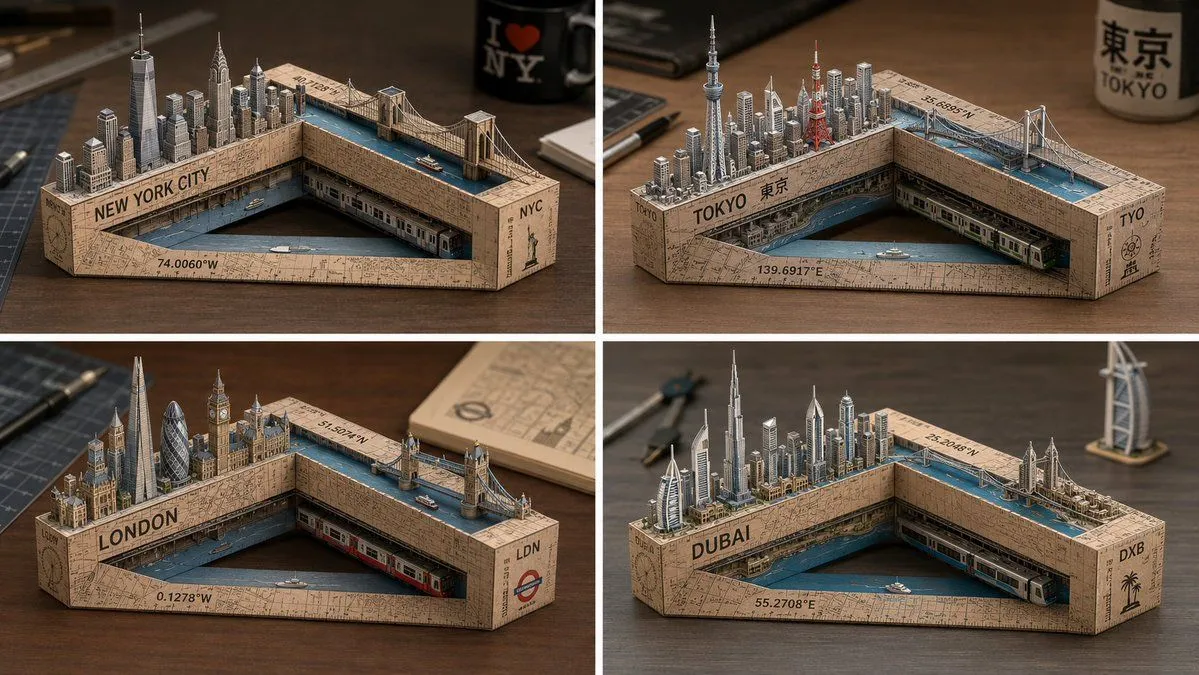
Made with GPT Image 2 in ChatGPT by Library Brand. Promptclay never generates images.
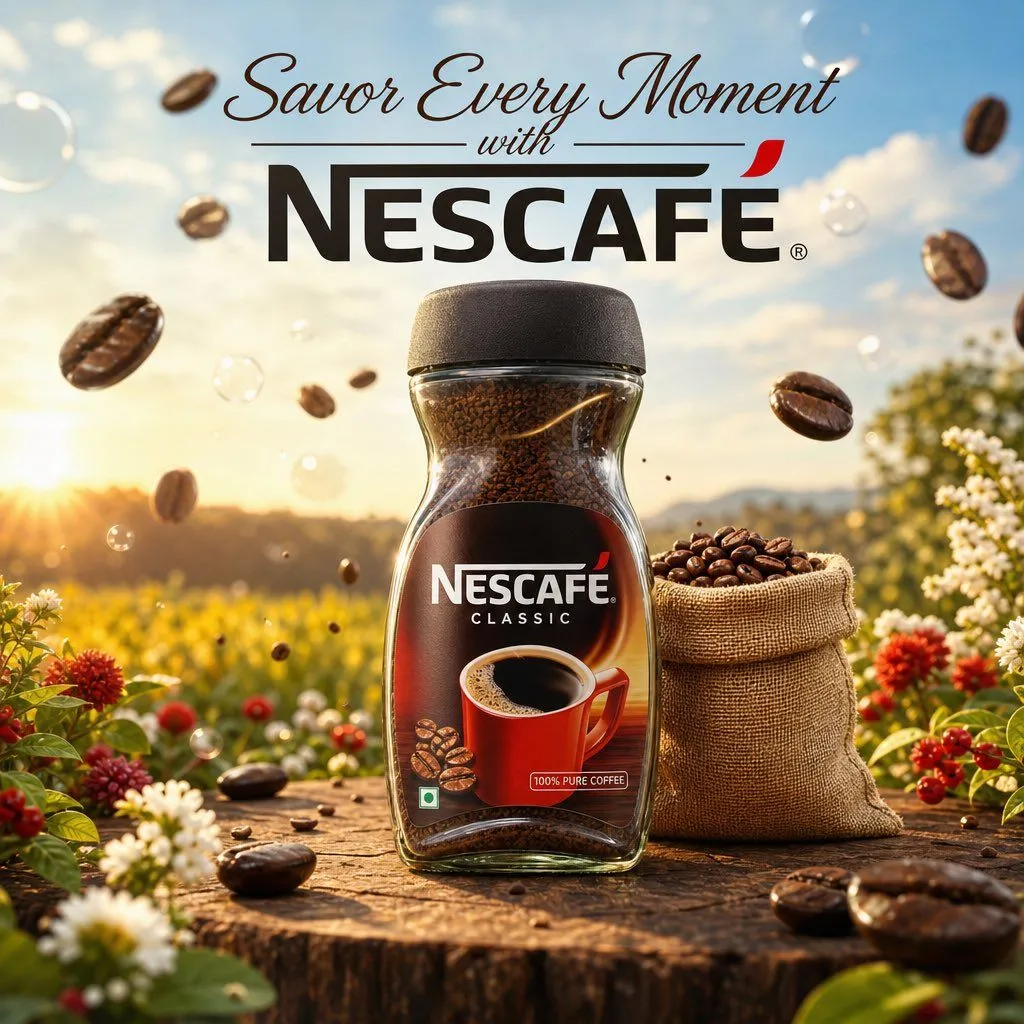
Cinematic Nescafé Product Advertisement
Prompt
3 blanks to fillCreate a premium cinematic product advertisement for a {product} placed at the center on a rustic wooden platform in a {setting} during golden morning light. Add realistic coffee beans floating in the air with soft depth of field and dreamy bokeh bubbles around the scene. Include a small burlap sack filled with roasted coffee beans beside the jar and oversized glossy coffee beans near the foreground for a luxury commercial feel. Use a bright blue sky with soft clouds in the background and warm sunlight hitting the product naturally. The jar should look ultra realistic with detailed glass reflections, rich dark coffee granules visible inside, and a sharp branded label. Typography at the top should say "{tagline}" in elegant modern fonts with clean advertising composition. Highly detailed, photorealistic, commercial product photography, shallow depth of field, vibrant colors, soft shadows, premium beverage branding, 8k quality.
Preview of your prompt
Create a premium cinematic product advertisement for a Nescafé coffee jar placed at the center on a rustic wooden platform in a fresh outdoor flower field during golden morning light. Add realistic coffee beans floating in the air with soft depth of field and dreamy bokeh bubbles around the scene. Include a small burlap sack filled with roasted coffee beans beside the jar and oversized glossy coffee beans near the foreground for a luxury commercial feel. Use a bright blue sky with soft clouds in the background and warm sunlight hitting the product naturally. The jar should look ultra realistic with detailed glass reflections, rich dark coffee granules visible inside, and a sharp branded label. Typography at the top should say "Savor Every Moment with NESCAFÉ" in elegant modern fonts with clean advertising composition. Highly detailed, photorealistic, commercial product photography, shallow depth of field, vibrant colors, soft shadows, premium beverage branding, 8k quality.
DetailsVersions, settings and questions
Written for
What's in the prompt
- Subject
- Model
- GPT Image 2
If your face changes
keep my face exactly the sameQuestions
- Does this work in the ChatGPT app?
- Yes. Paste the prompt and attach your photo if it uses one.
- It changed my face. What do I do?
- Add "keep my face exactly the same" to the end and run it again.
- Can I use the images I make?
- Check the terms of the app you use. Promptclay never generates images and claims nothing you make.
Did it work?
No reports yet. Tell others if it worked for you.