Tell us anything

An idea, a bug, something you love. We read every note.

⌘↵ to send. The page you're on comes along.

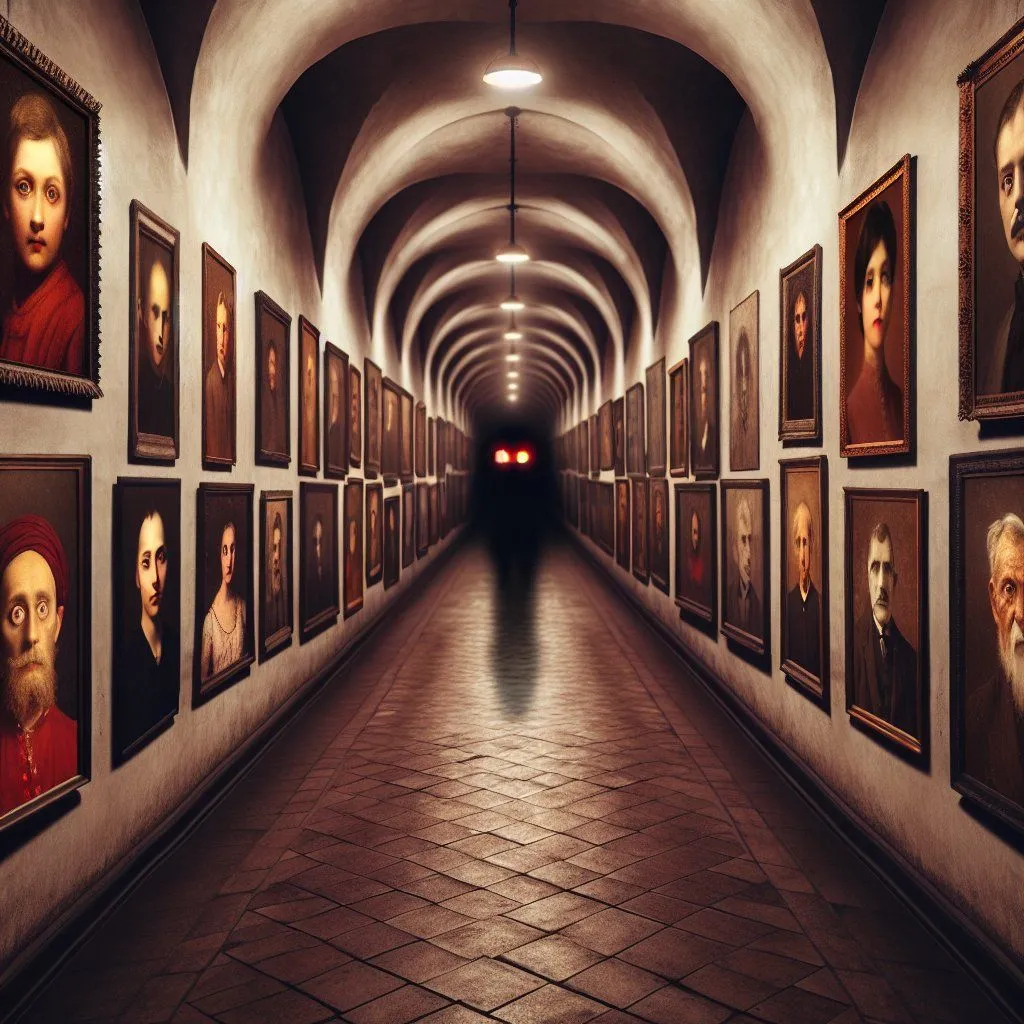
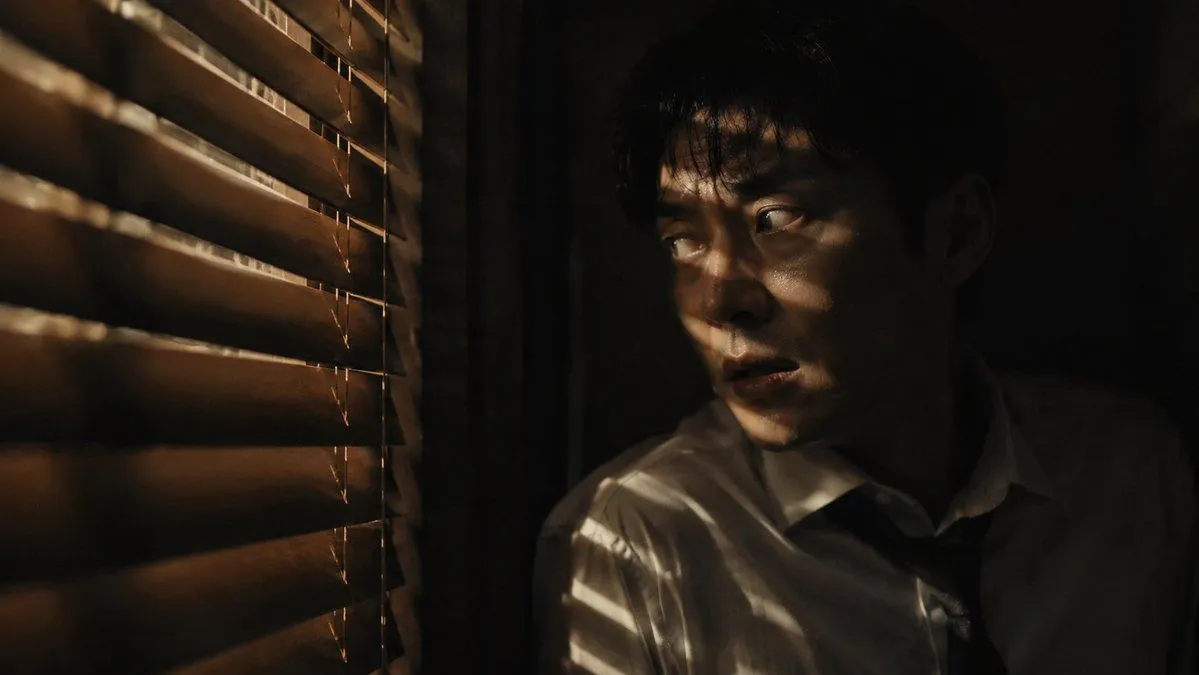
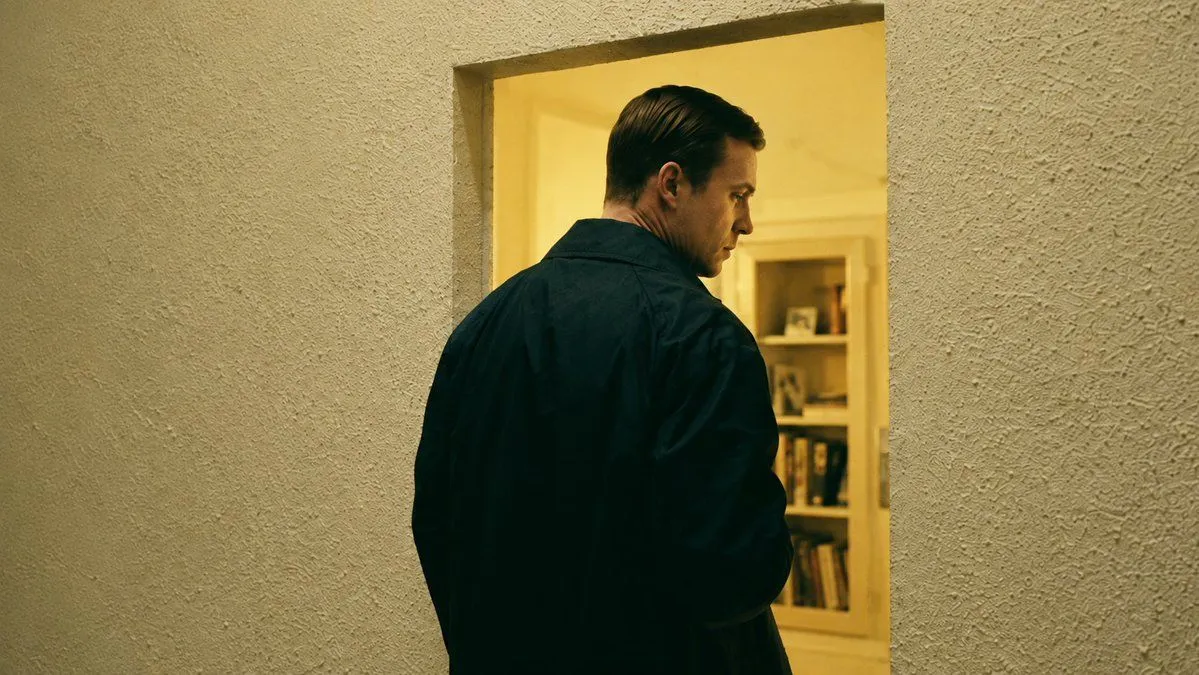
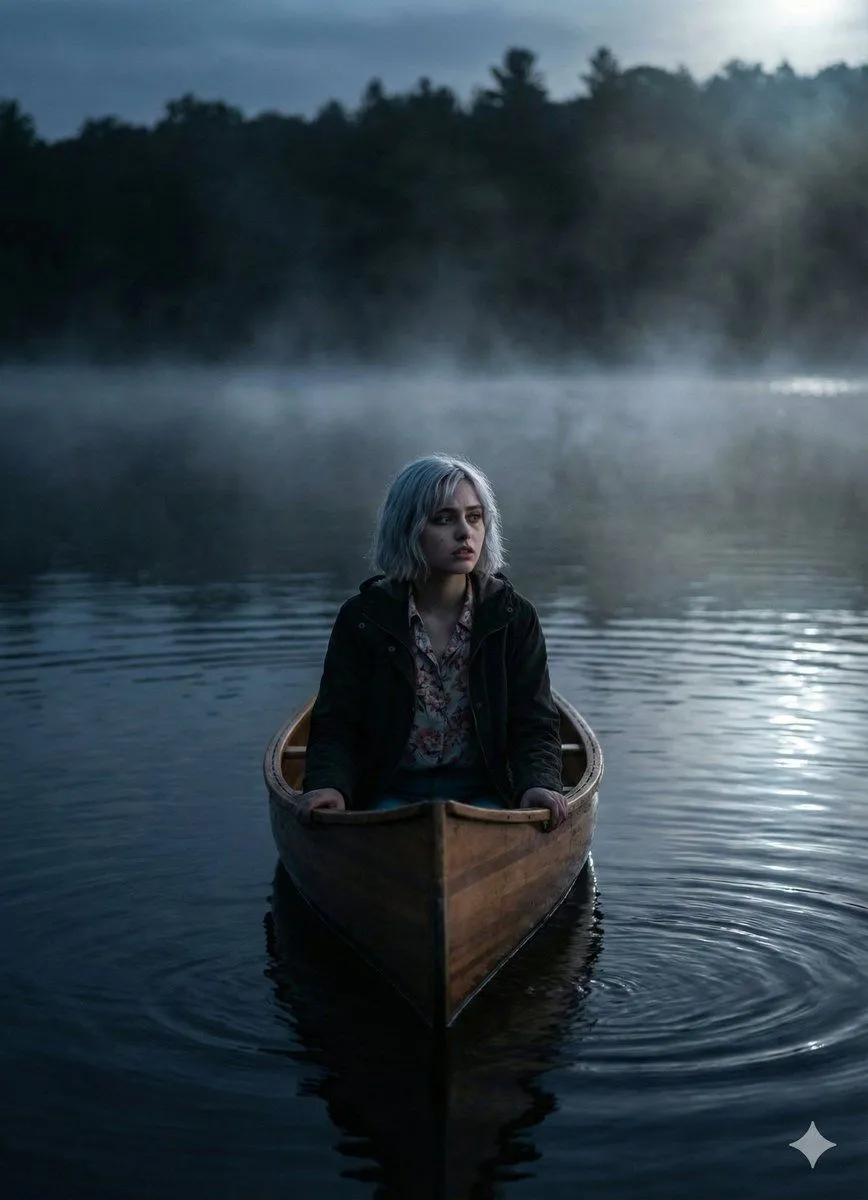
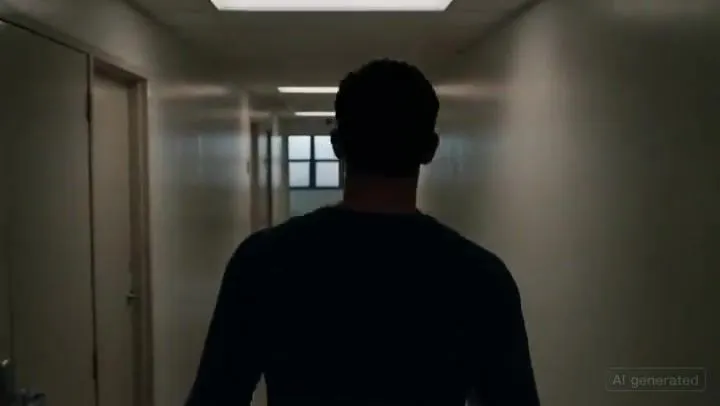
Cinematic Horror Scene: Corridor Attack

Made with Seedance 2.0 in Kling by Library Cinema. Promptclay never generates images.

Did it work?

No reports yet. Tell others if it worked for you.

No comments yet. Be the first.

    Cinematic Horror Scene: Corridor Attack

    Seedance 2.016:9AI-generated

    Prompt

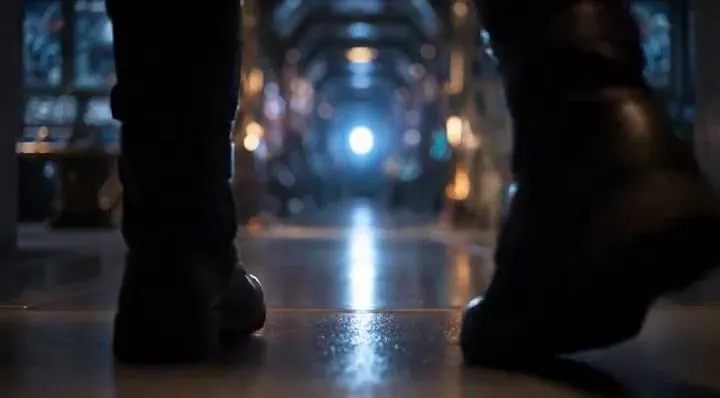
    Medium tracking shot following a character walking quickly down a corridor from behind.The camera follows at shoulder height, steady and close.AMBIENCE: distant ventilation noise, subtle rumble.The character slows down slightly, sensing something wrong.SFX: faint whisper-like sound moving from left to right in the stereo space.Without warning, a creature slams violently out of a side doorway, colliding with the character and throwing them sideways against the wall.SFX: explosive impact, bone-crushing hit, sudden creature scream.The camera jolts slightly from the shock but does not cut.The creature pins the character briefly, snarling close to their face.BGM: aggressive low-frequency hit, then sustained dread tone.Chaotic motion, strong physicality, cinematic horror realism.

    Works in
    Kling
    Status
    Free to copy
    0
    DetailsVersions, settings and questions

    Written for

    What's in the prompt

    Subject
    Model
    Seedance 2.0

    If your face changes

    keep my face exactly the same

    Questions

    Does this work in the Kling app?
    Yes. Paste the prompt and attach your photo if it uses one.
    It changed my face. What do I do?
    Add "keep my face exactly the same" to the end and run it again.
    Can I use the images I make?
    Check the terms of the app you use. Promptclay never generates images and claims nothing you make.
    Similar prompts

    See more
    • Cinematic horror sequence from base image
    • Recreate Screenshot as Next-Gen Video Game
    • Eerie Hallway with Shadow Creature Prompt
    • Dark Thriller Cinematic Still
    • Cinematic Man in Doorway
    • Horror Cinematic Image with Identity Consistency
    • Gemini Nano Banana Pro 3.0 Stranger Things Edition Prompt
    • Netflix Thriller Design Prompt
    • Sci-Fi Cinematic Corridor WalkVideo, 0:10
    • Empty Corridor with Shotgun Shells
    • Cinematic Daybreak Silhouette Portrait
    • Corridor of Floating Memories
    • Cinematic Parking Garage Action Portrait
    • Cinematic Neo-Noir Image Transformation
    • Cinematic Night Portrait with Neon Silhouette
    • Minimal Silhouette Spotlight Prompt with Signature
    • Cinematic Portrait of a Man in a Dimly Lit Hallway
    • Black and White Cinematic Motion Portrait
    • Dark Portrait Cinematic
    • Cinematic sci-fi hospital video sceneVideo, 0:14
    • Cinematic Urban Street Fashion Portrait
    • Low-Key Masculine Portrait
    • Sci-Fi Cinematic Image: Man in Cryo-Chamber
    • Existential Cinematic Solitude Film Still

    Show more

    Run it on your phone

    1. Prompt copiedRead it

      Medium tracking shot following a character walking quickly down a corridor from behind.The camera follows at shoulder height, steady and close.AMBIENCE: distant ventilation noise, subtle rumble.The character slows down slightly, sensing something wrong.SFX: faint whisper-like sound moving from left to right in the stereo space.Without warning, a creature slams violently out of a side doorway, colliding with the character and throwing them sideways against the wall.SFX: explosive impact, bone-crushing hit, sudden creature scream.The camera jolts slightly from the shock but does not cut.The creature pins the character briefly, snarling close to their face.BGM: aggressive low-frequency hit, then sustained dread tone.Chaotic motion, strong physicality, cinematic horror realism.

    2. Open your app

    3. Paste and run

      Press and hold the message box, then tap Paste. Add your photo first if the prompt uses one. You may need to sign in.