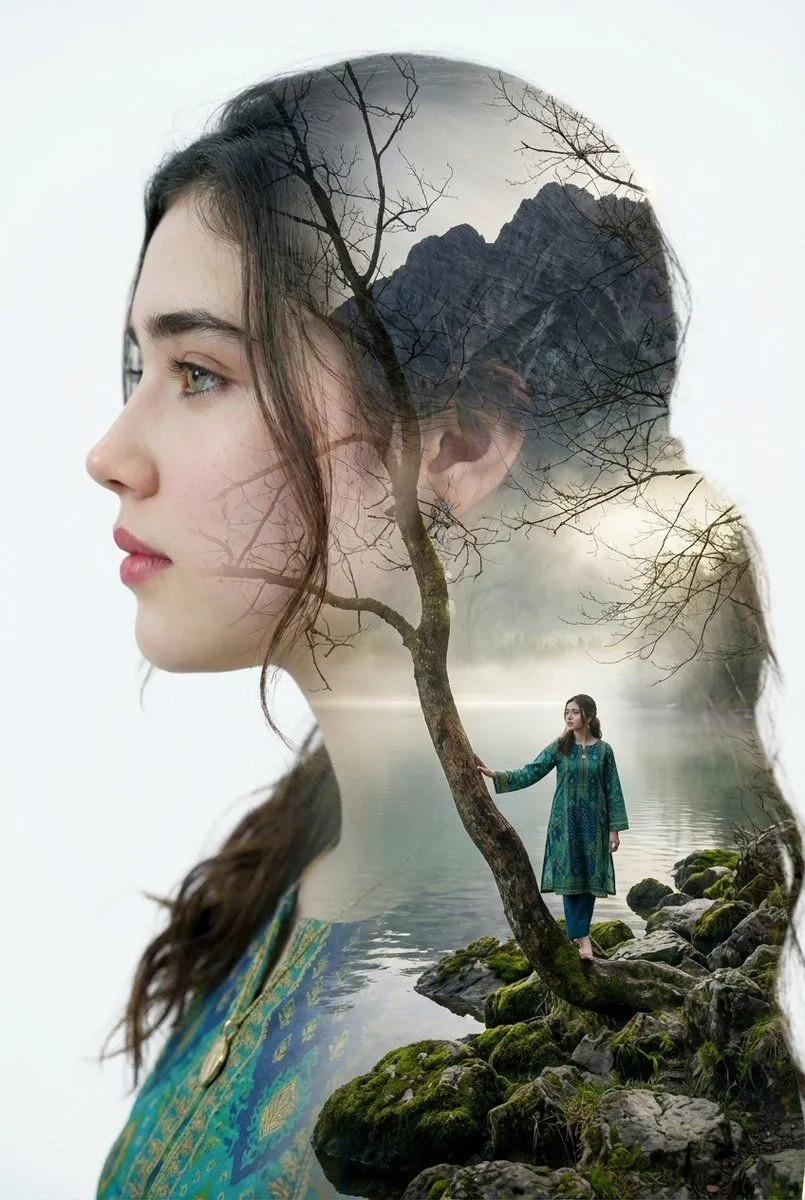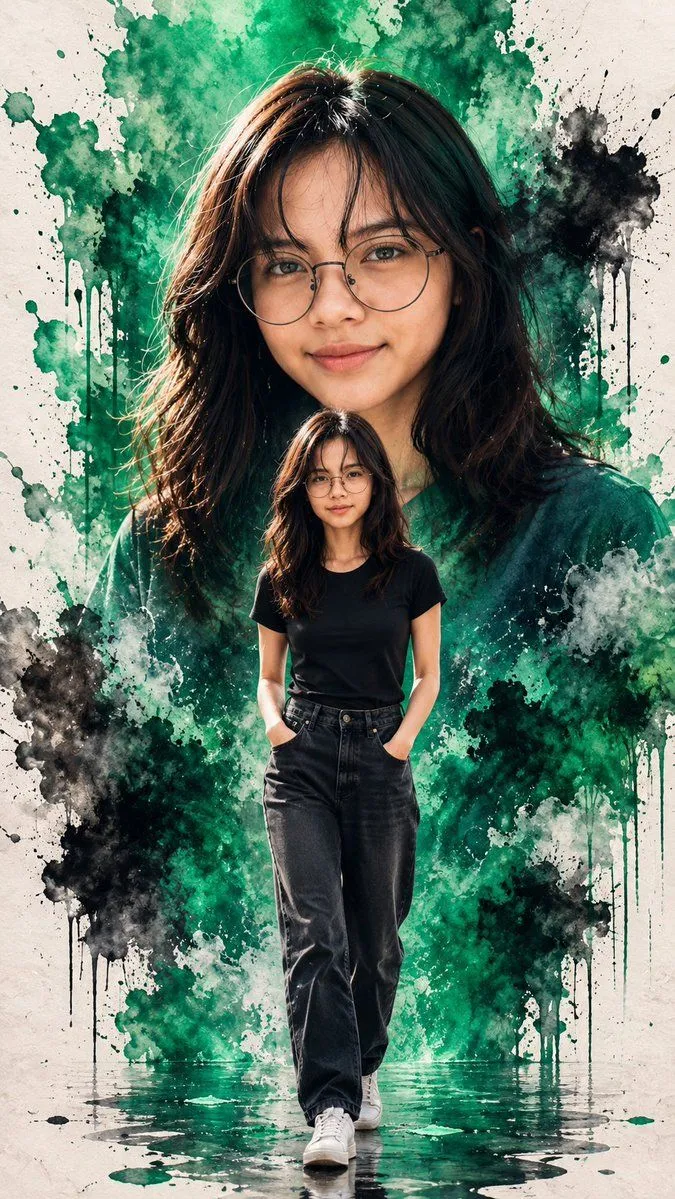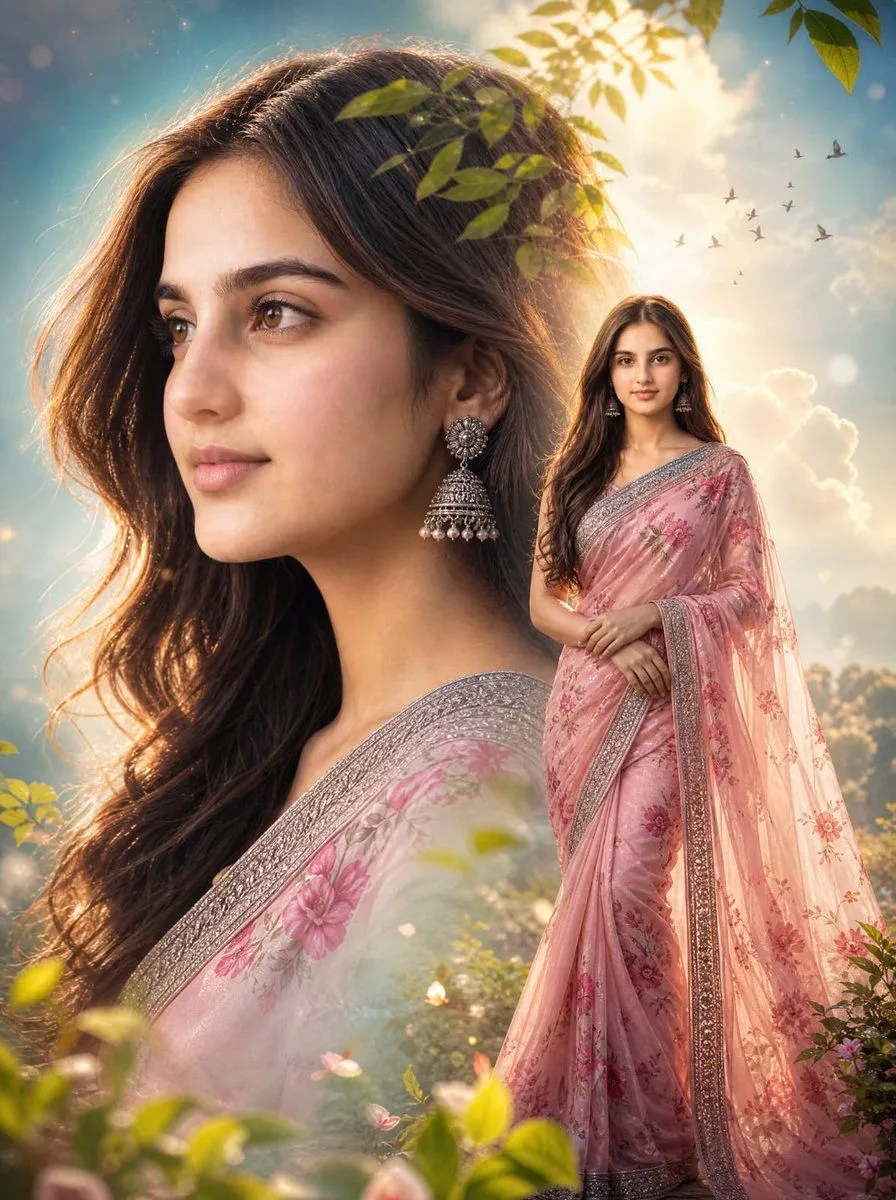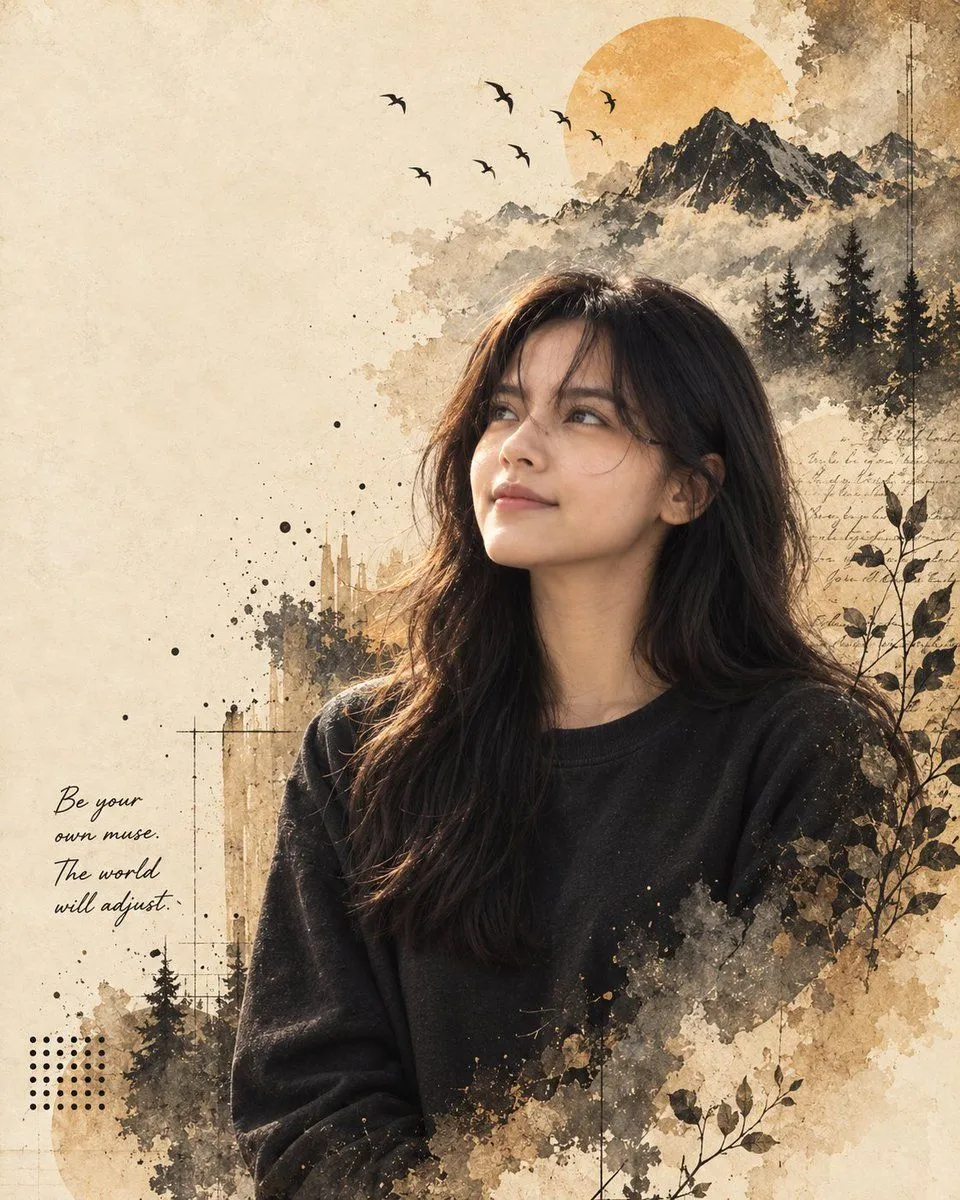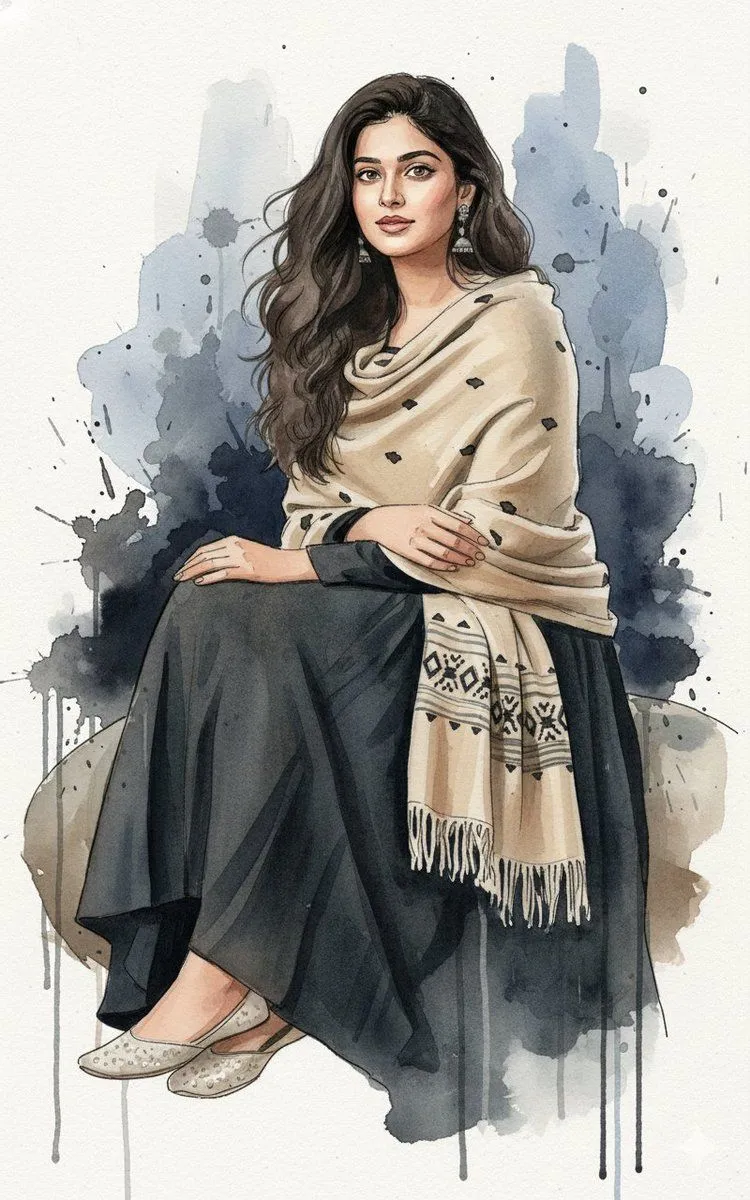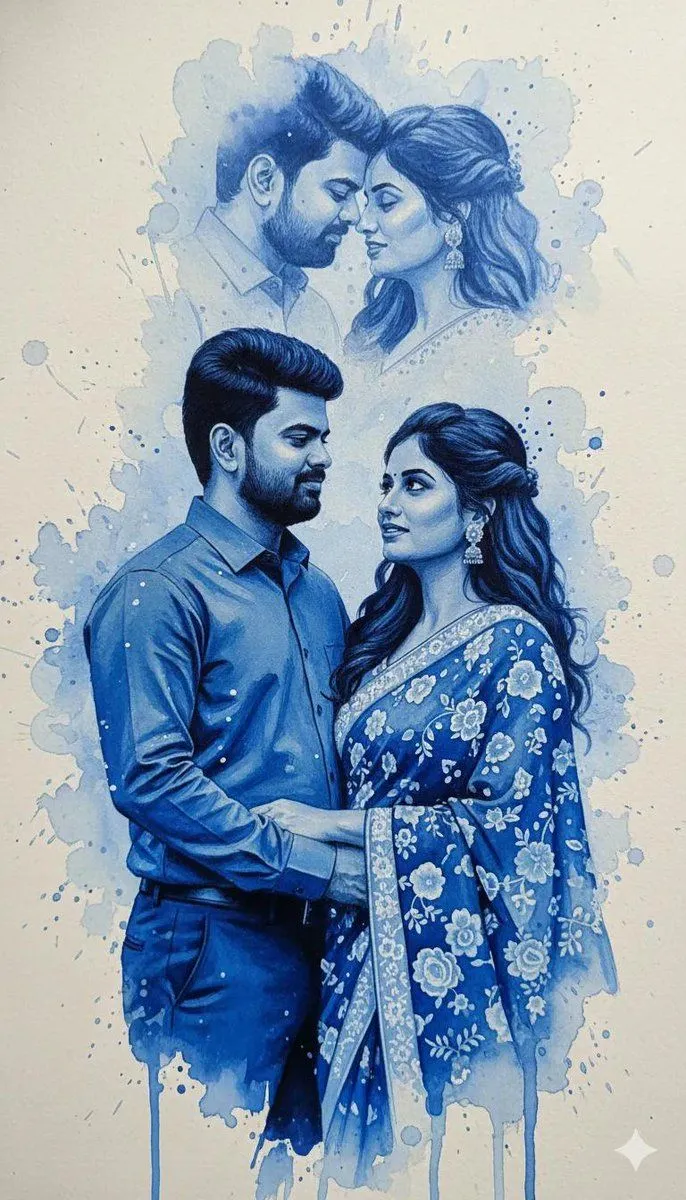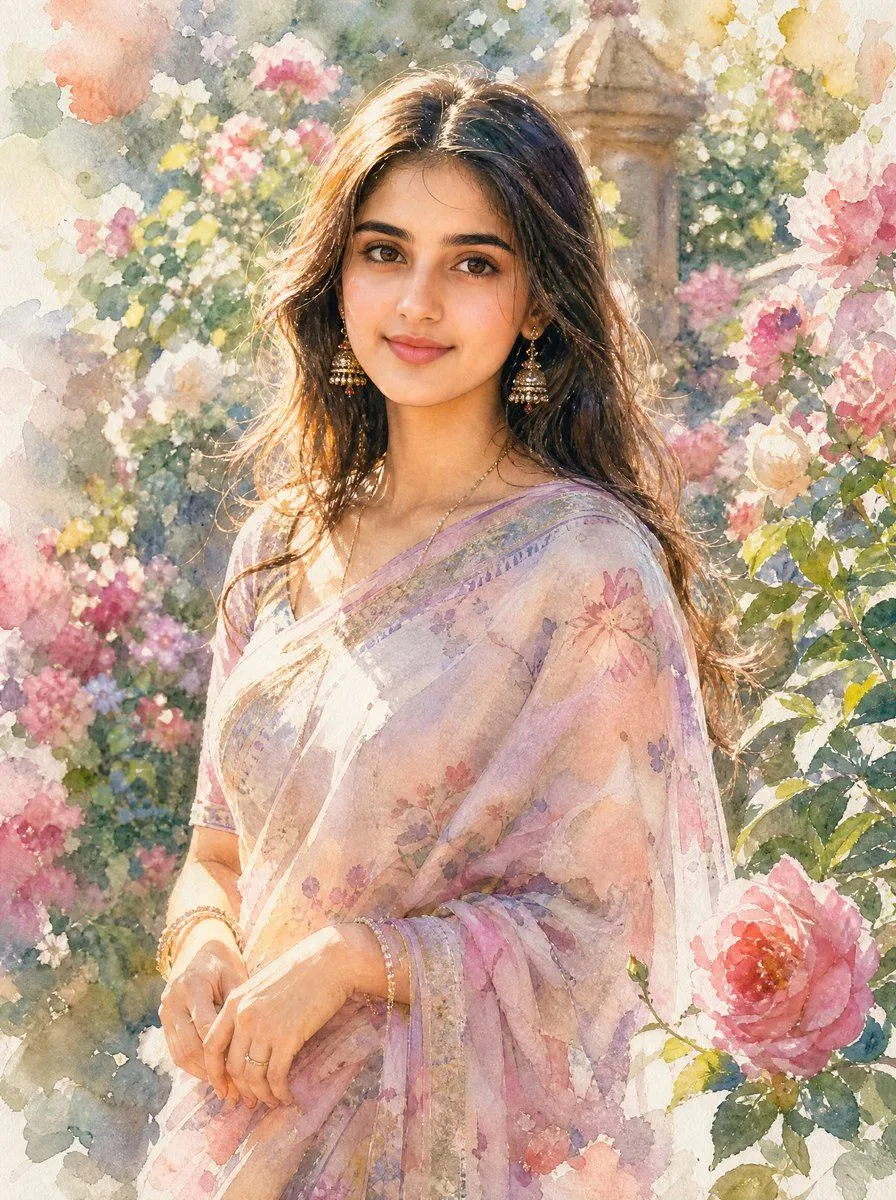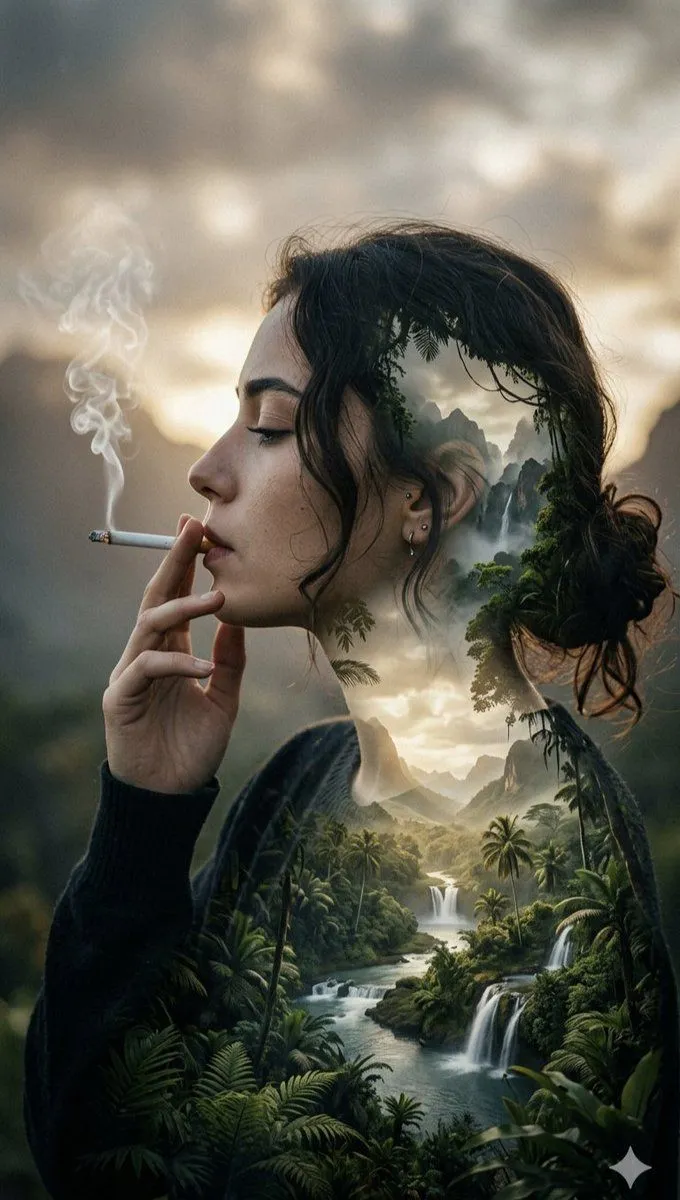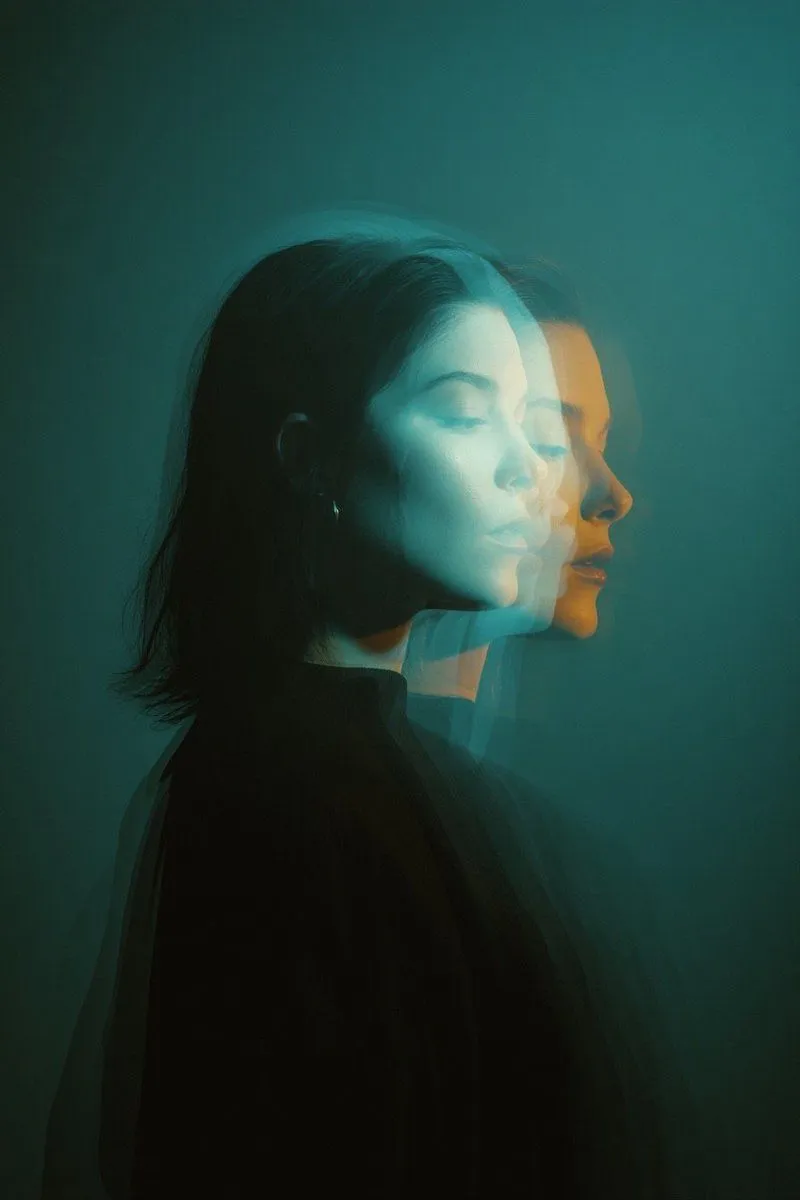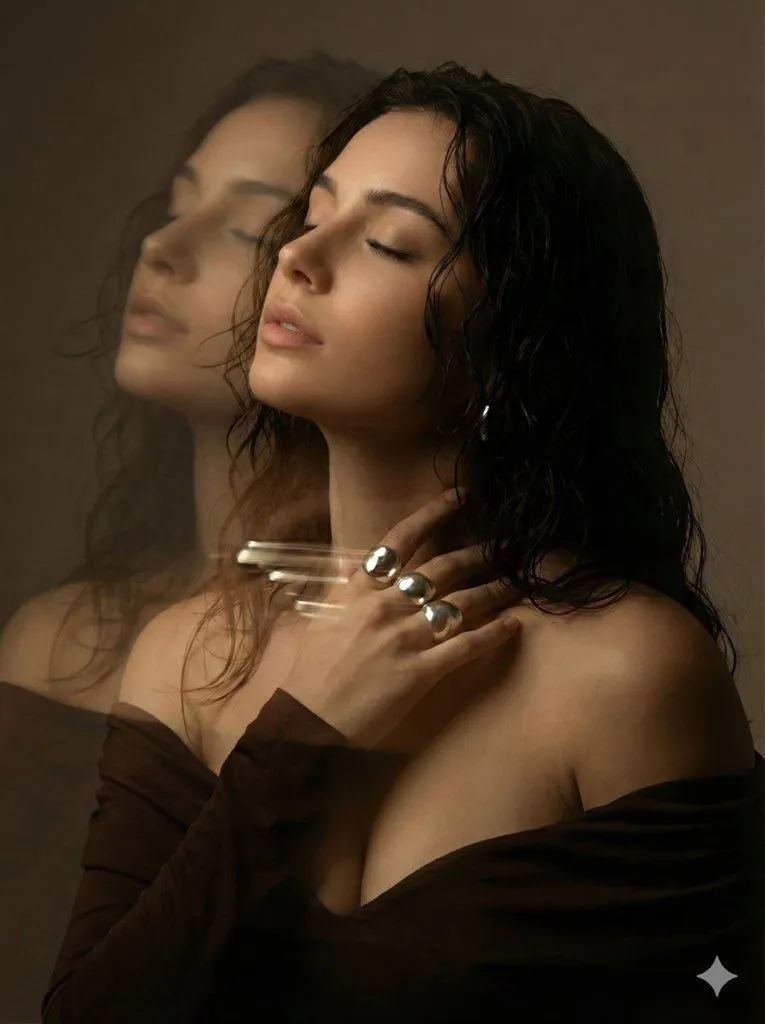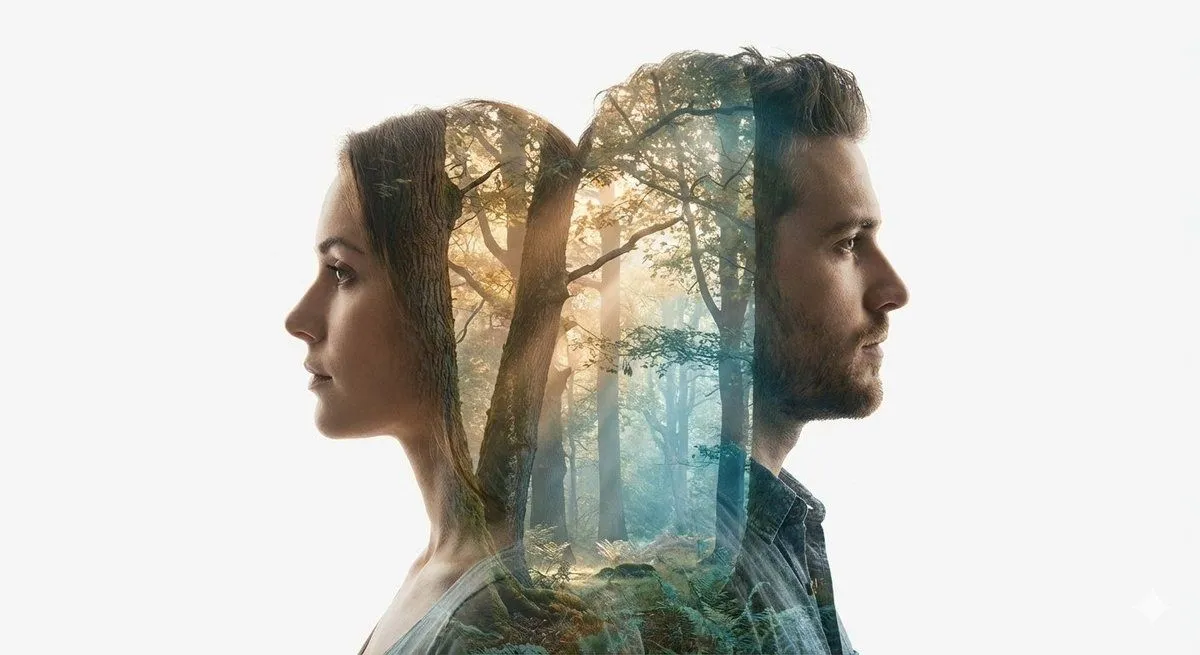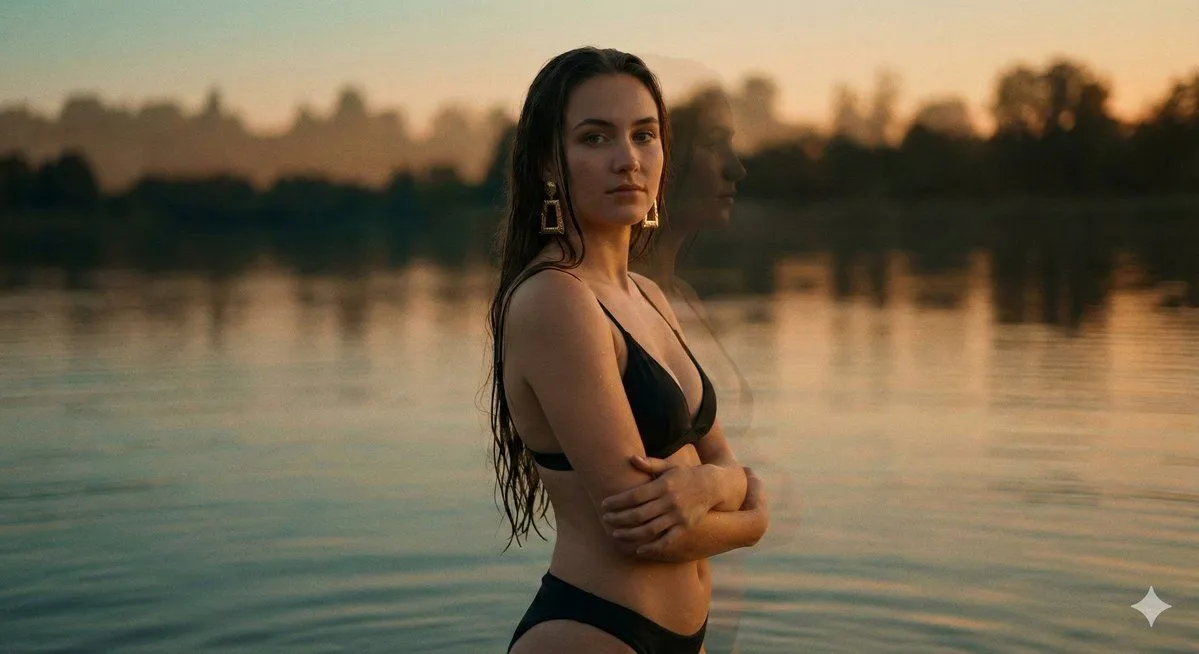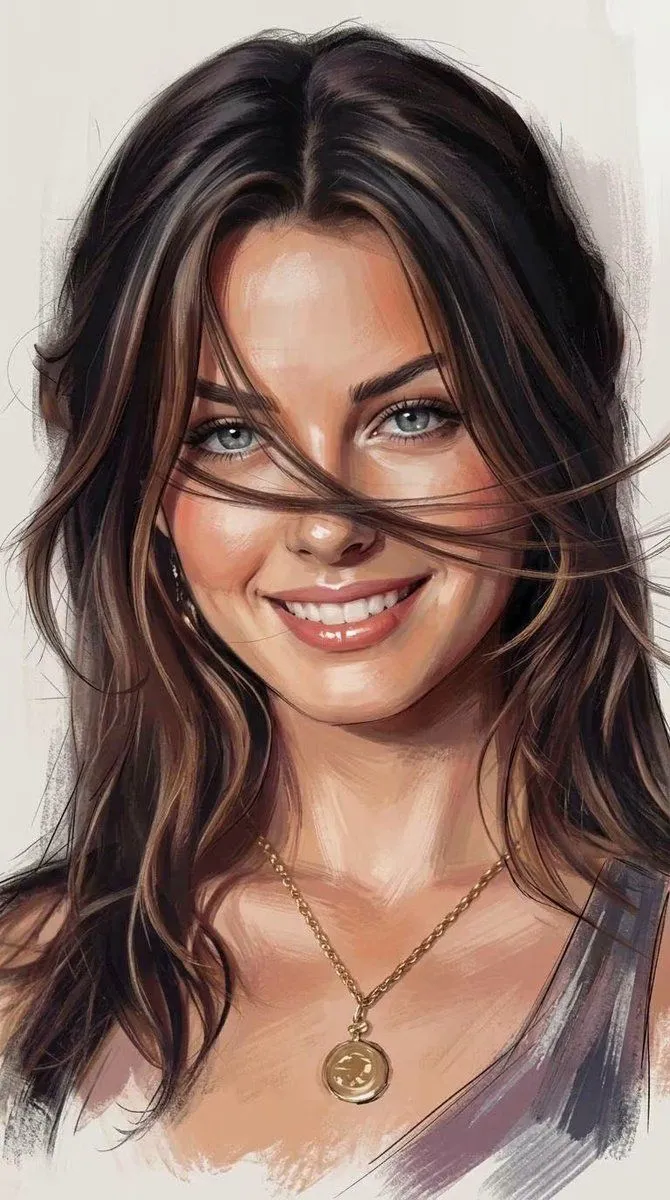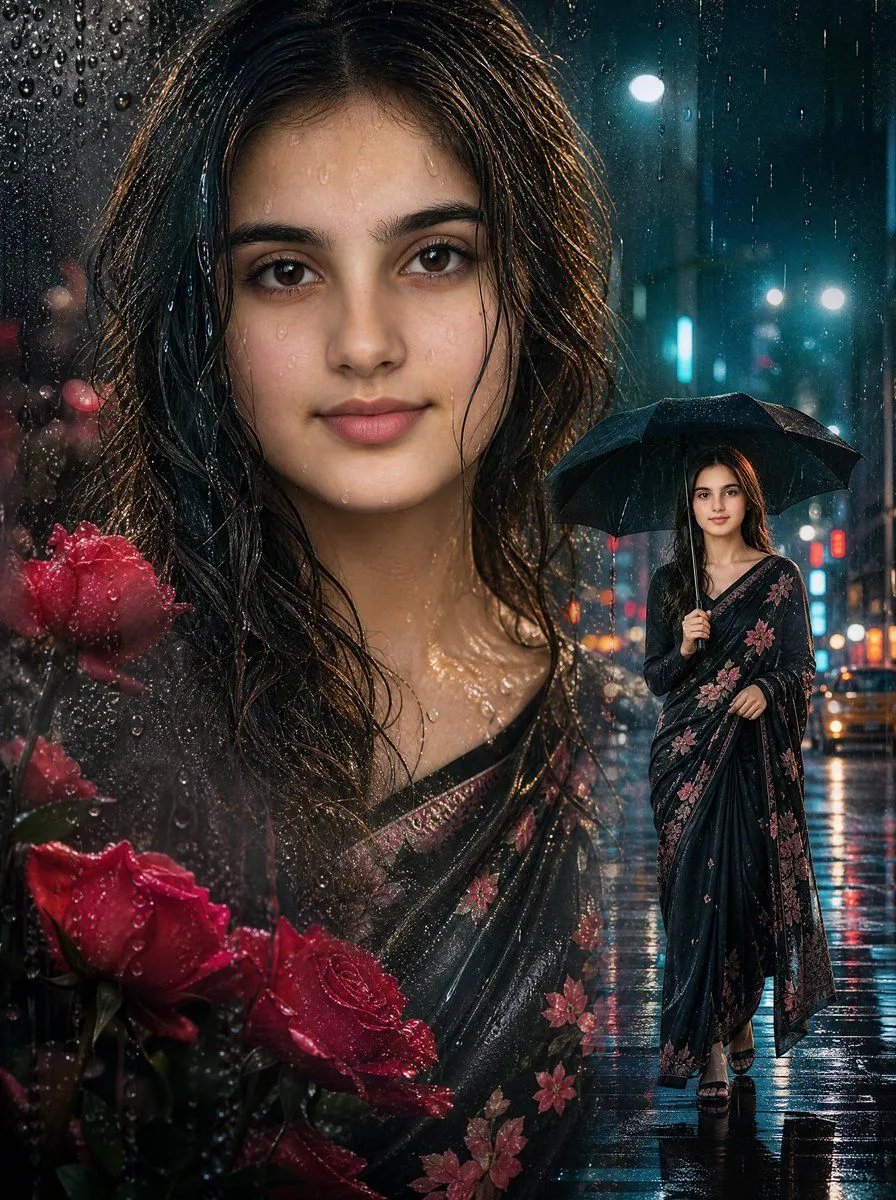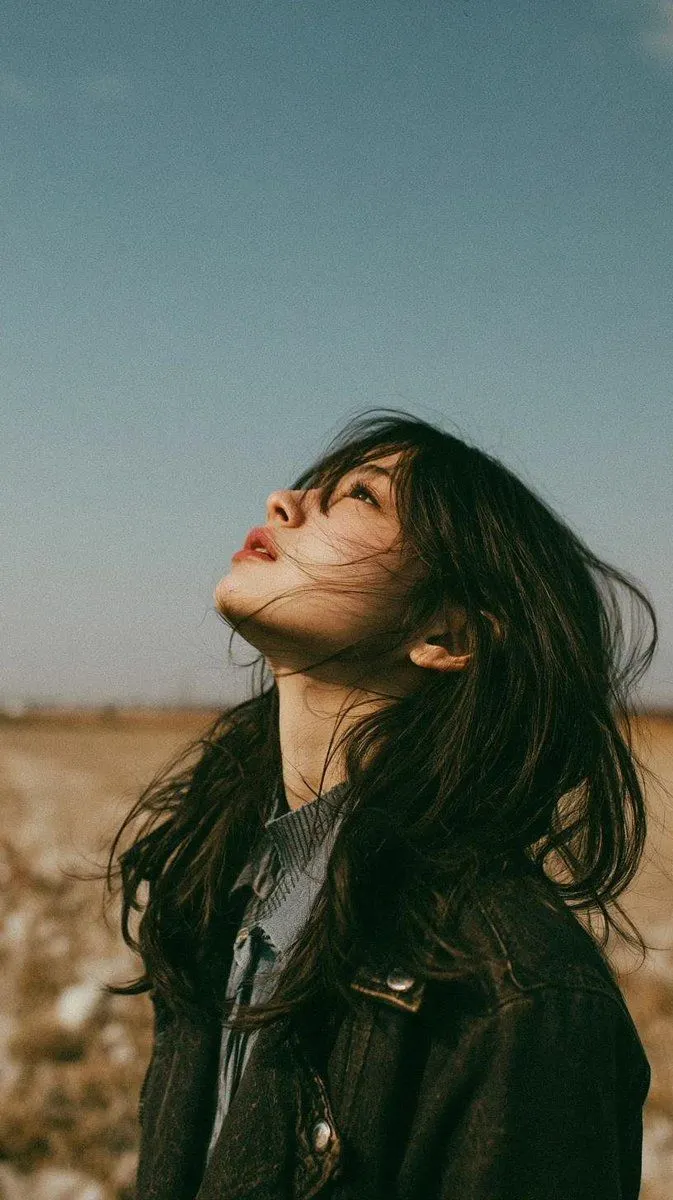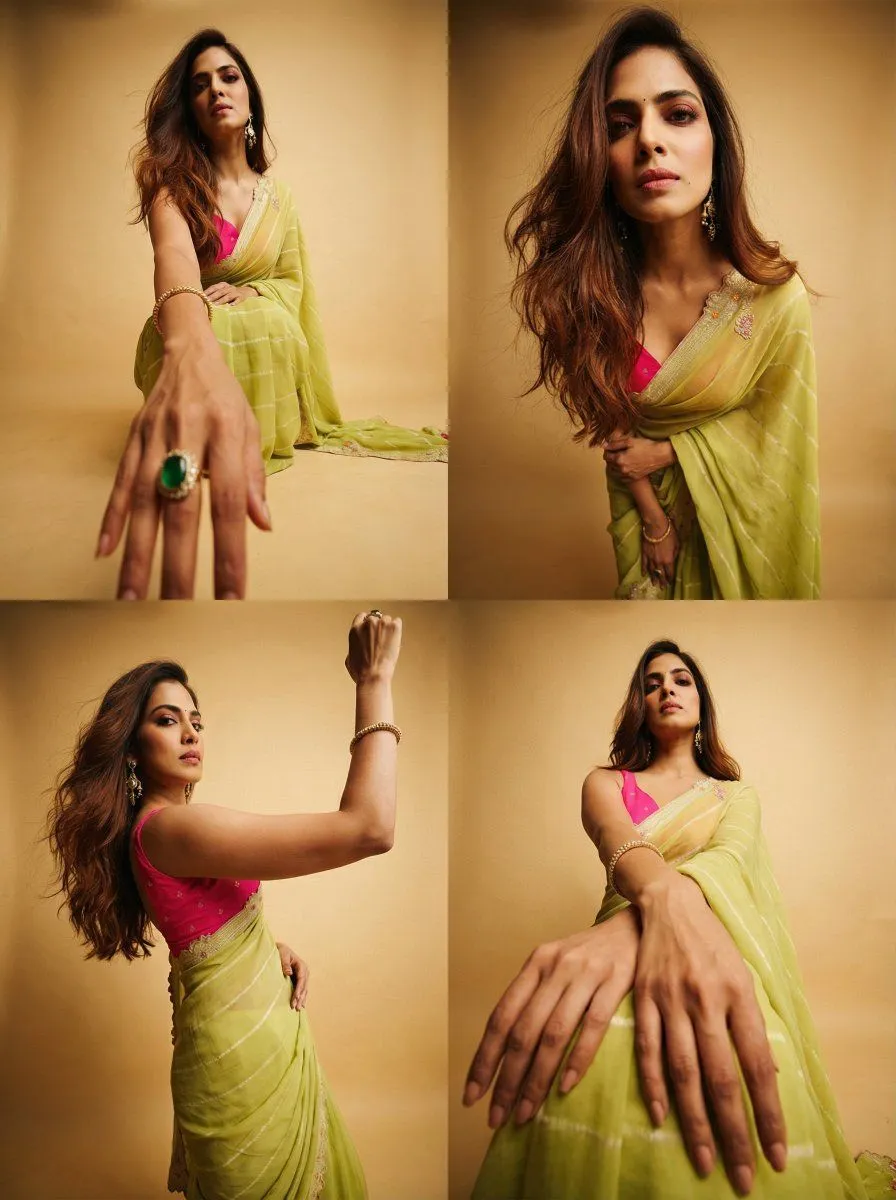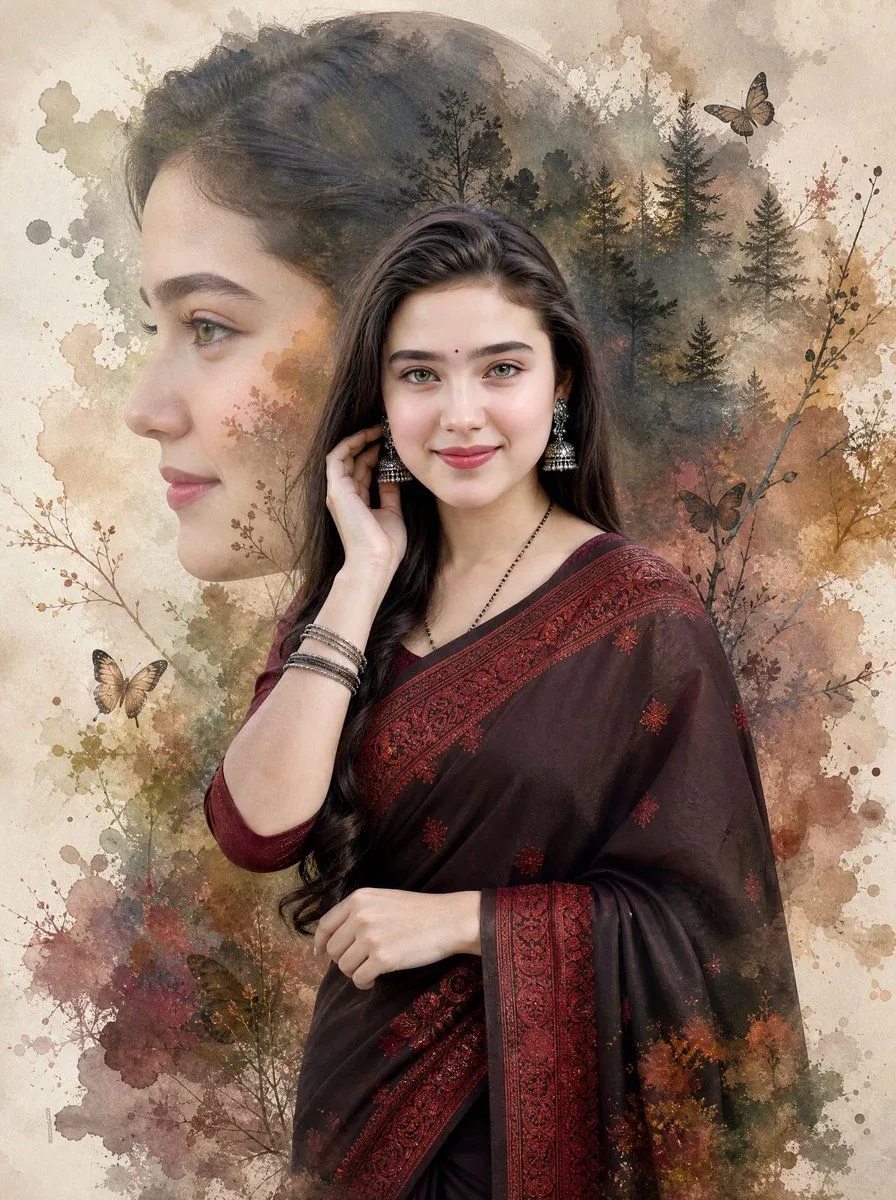
Made with GPT Image 2 in ChatGPT by Library Lifestyle. Promptclay never generates images.
Cinematic Double Exposure Saree Portrait
Prompt
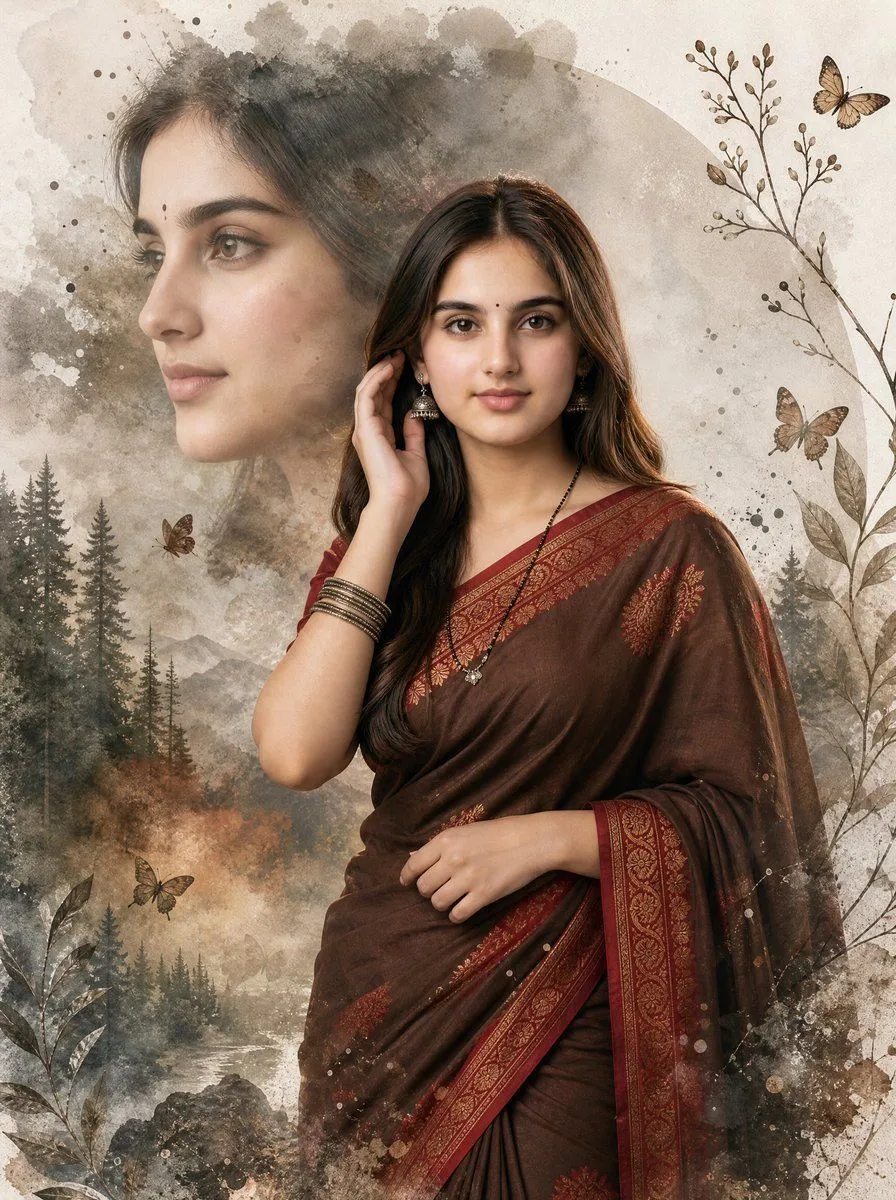
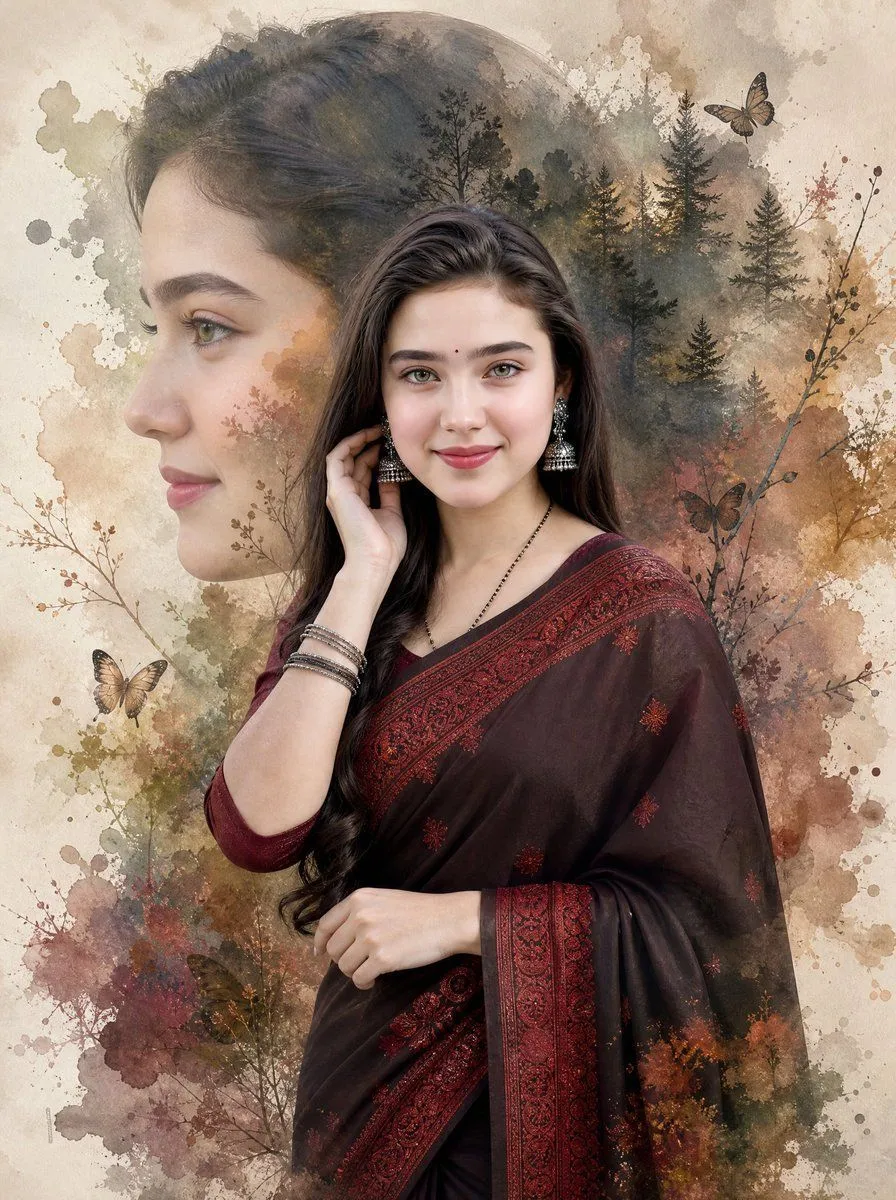
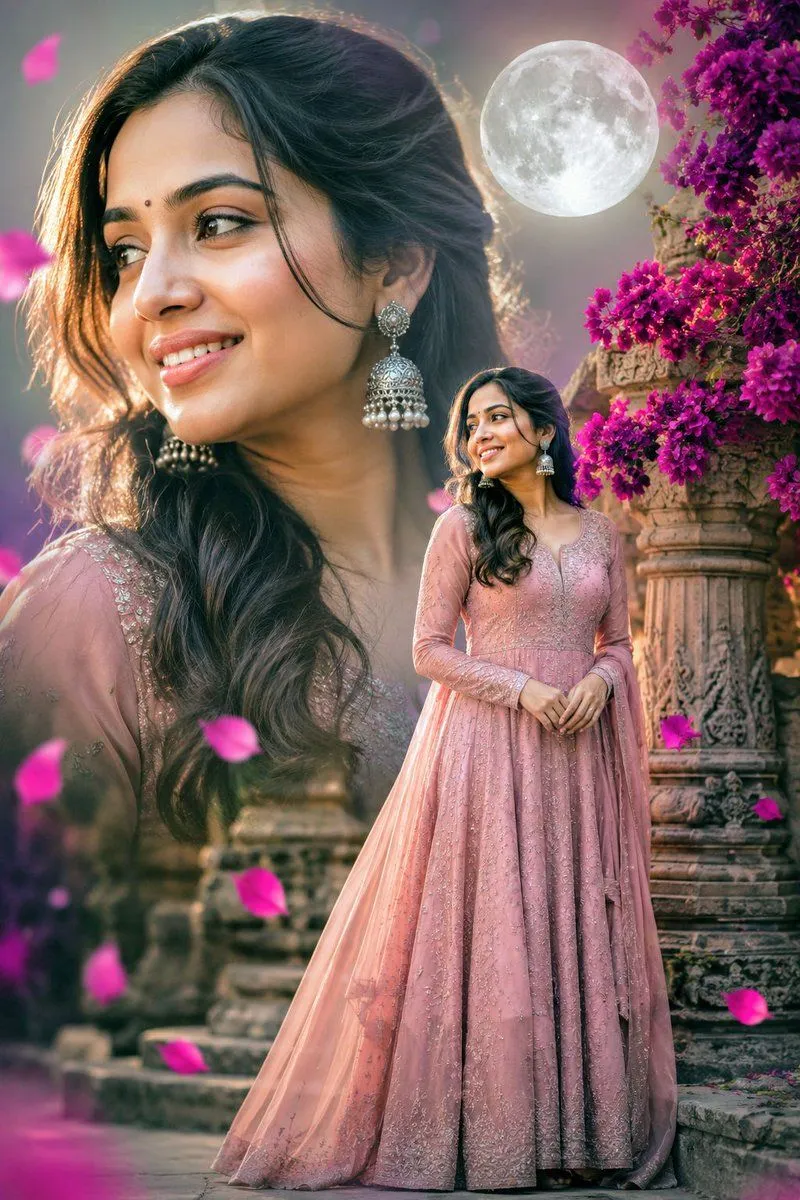
2 blanks to fillCreate a cinematic double-exposure portrait in a vertical 4:5 composition, ultra-realistic DSLR quality blended with delicate watercolor art. The subject is a beautiful young woman with {hair_color}, fair skin, expressive hazel-green eyes, soft makeup, defined brows, and a small bindi, wearing {outfit}. She stands slightly right of center, facing forward with a gentle confident smile, one hand raised near her earring and the other resting at her waist; include silver jhumka earrings, stacked bangles, and a thin black necklace. Behind and partially overlapping her, create one large translucent side-profile portrait of the same woman on the left, facing left, softly blended into the background. Fill the portrait silhouette and surrounding area with a moody forest double exposure: tall pine trees, bare branches, autumn foliage, misty shadows, and warm earthy watercolor washes. Add exactly 3 visible butterflies: one near the upper right above the trees, one near the lower left, and one darker butterfly near the mid-right branches. Use a textured cream parchment background with watercolor splashes in beige, sepia, olive green, rust, burgundy, and muted brown, with ink-like botanical stems around the edges. Lighting should be soft and cinematic, with realistic skin detail, crisp facial features, painterly edges, and seamless blending between portrait, forest, and watercolor textures. No text, no watermark, no frame.
Preview of your prompt
Create a cinematic double-exposure portrait in a vertical 4:5 composition, ultra-realistic DSLR quality blended with delicate watercolor art. The subject is a beautiful young woman with long dark brown hair, fair skin, expressive hazel-green eyes, soft makeup, defined brows, and a small bindi, wearing a deep black and burgundy saree with ornate red embroidered borders. She stands slightly right of center, facing forward with a gentle confident smile, one hand raised near her earring and the other resting at her waist; include silver jhumka earrings, stacked bangles, and a thin black necklace. Behind and partially overlapping her, create one large translucent side-profile portrait of the same woman on the left, facing left, softly blended into the background. Fill the portrait silhouette and surrounding area with a moody forest double exposure: tall pine trees, bare branches, autumn foliage, misty shadows, and warm earthy watercolor washes. Add exactly 3 visible butterflies: one near the upper right above the trees, one near the lower left, and one darker butterfly near the mid-right branches. Use a textured cream parchment background with watercolor splashes in beige, sepia, olive green, rust, burgundy, and muted brown, with ink-like botanical stems around the edges. Lighting should be soft and cinematic, with realistic skin detail, crisp facial features, painterly edges, and seamless blending between portrait, forest, and watercolor textures. No text, no watermark, no frame.
DetailsVersions, settings and questions
Written for
What's in the prompt
- Subject
- Model
- GPT Image 2
If your face changes
keep my face exactly the sameQuestions
- Does this work in the ChatGPT app?
- Yes. Paste the prompt and attach your photo if it uses one.
- It changed my face. What do I do?
- Add "keep my face exactly the same" to the end and run it again.
- Can I use the images I make?
- Check the terms of the app you use. Promptclay never generates images and claims nothing you make.