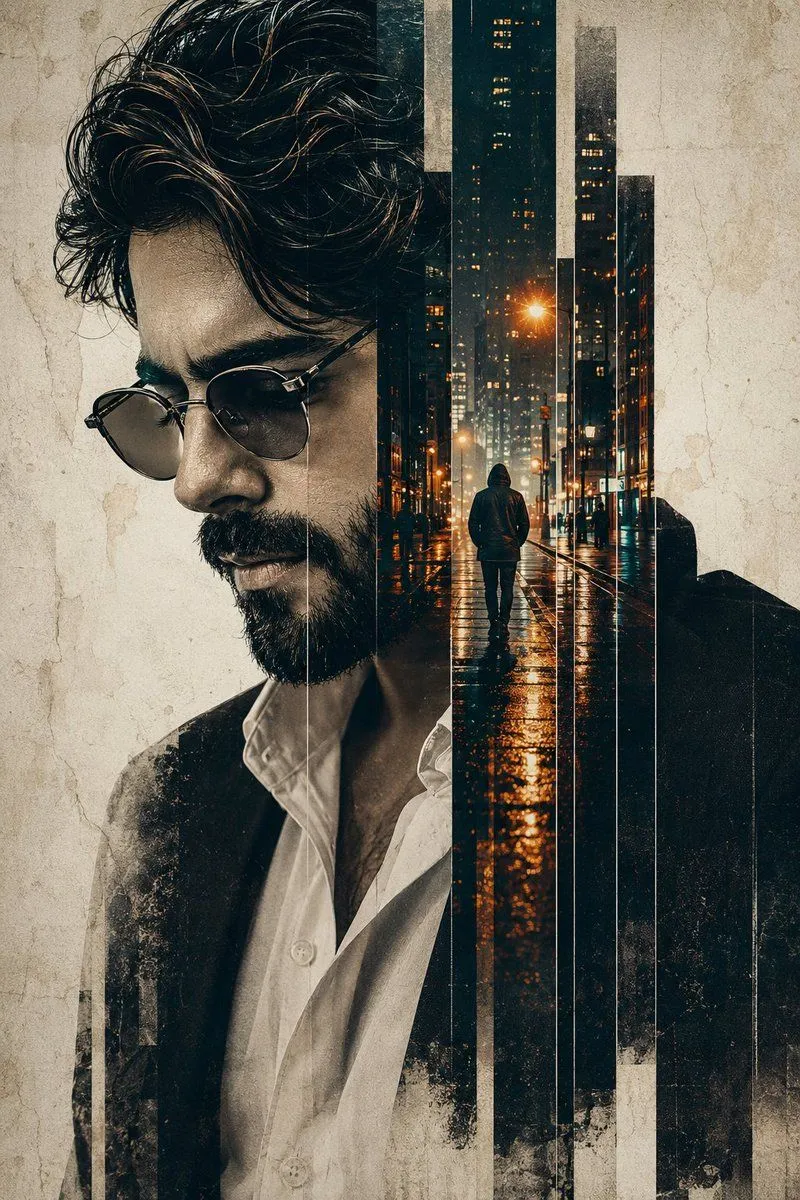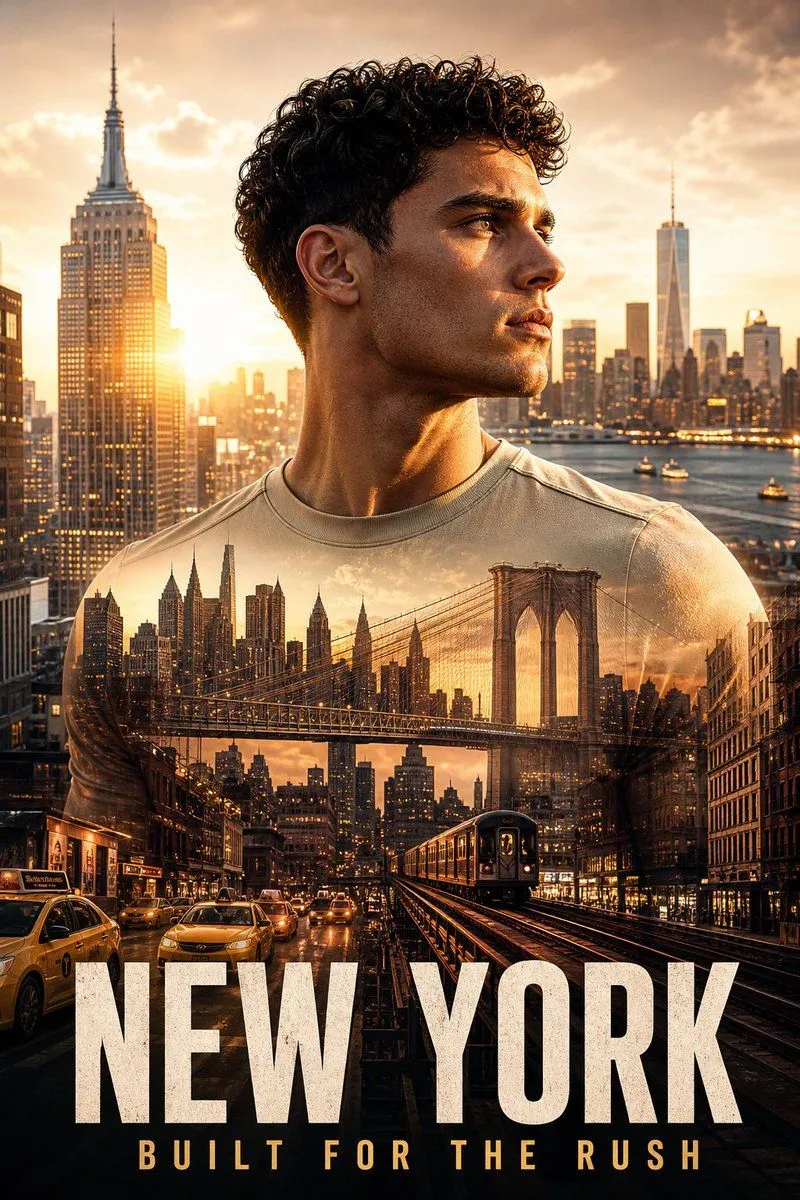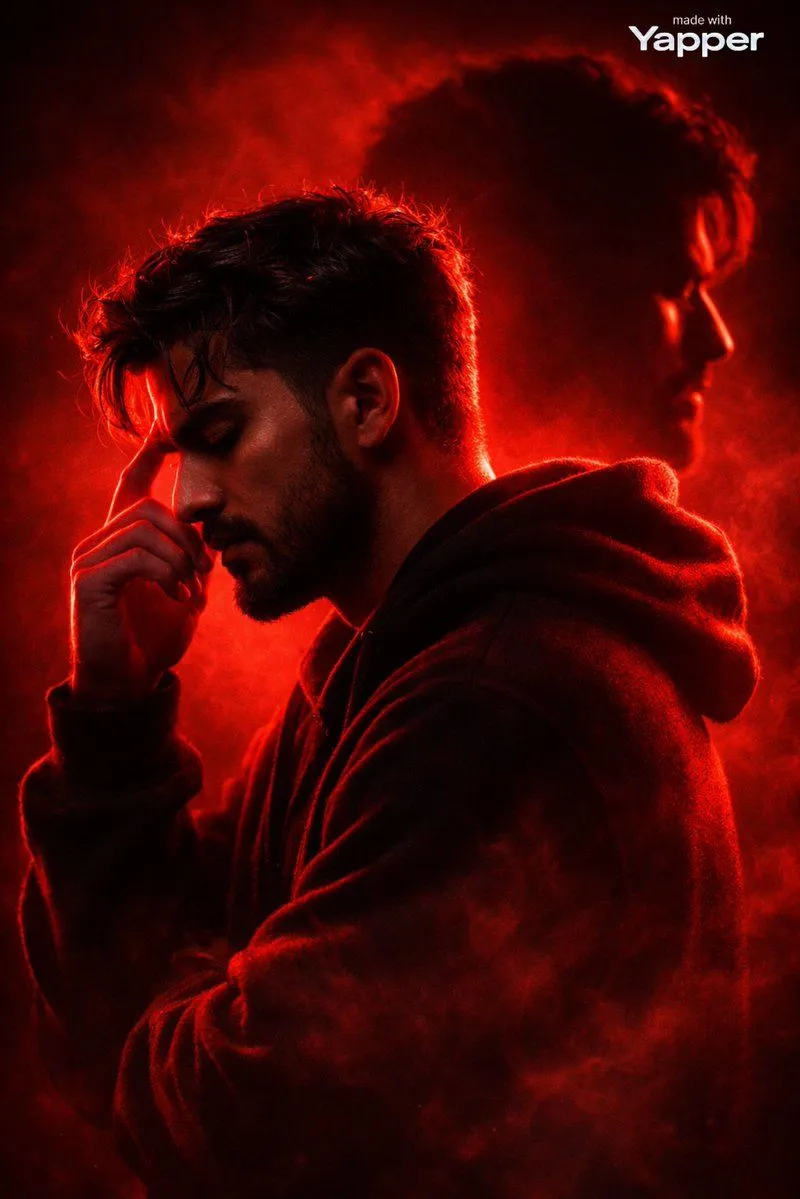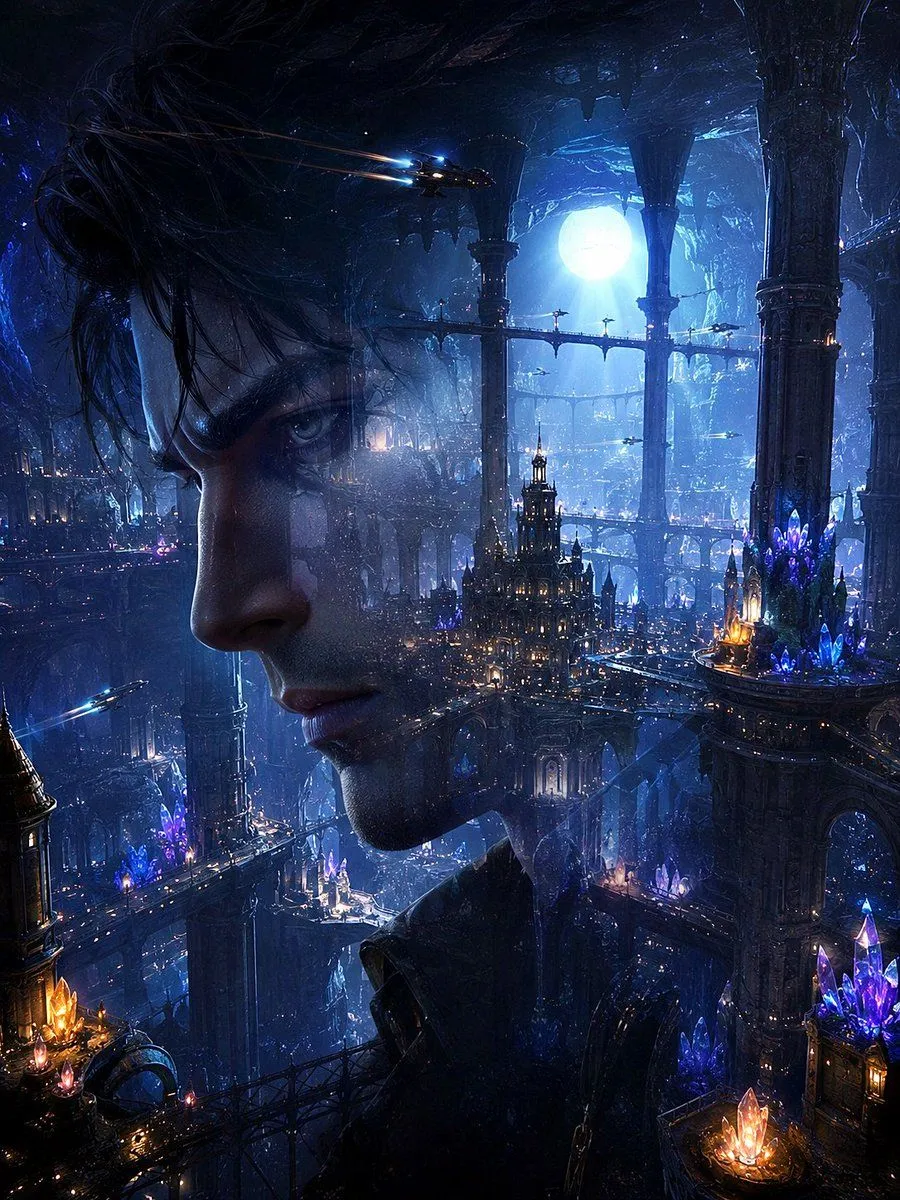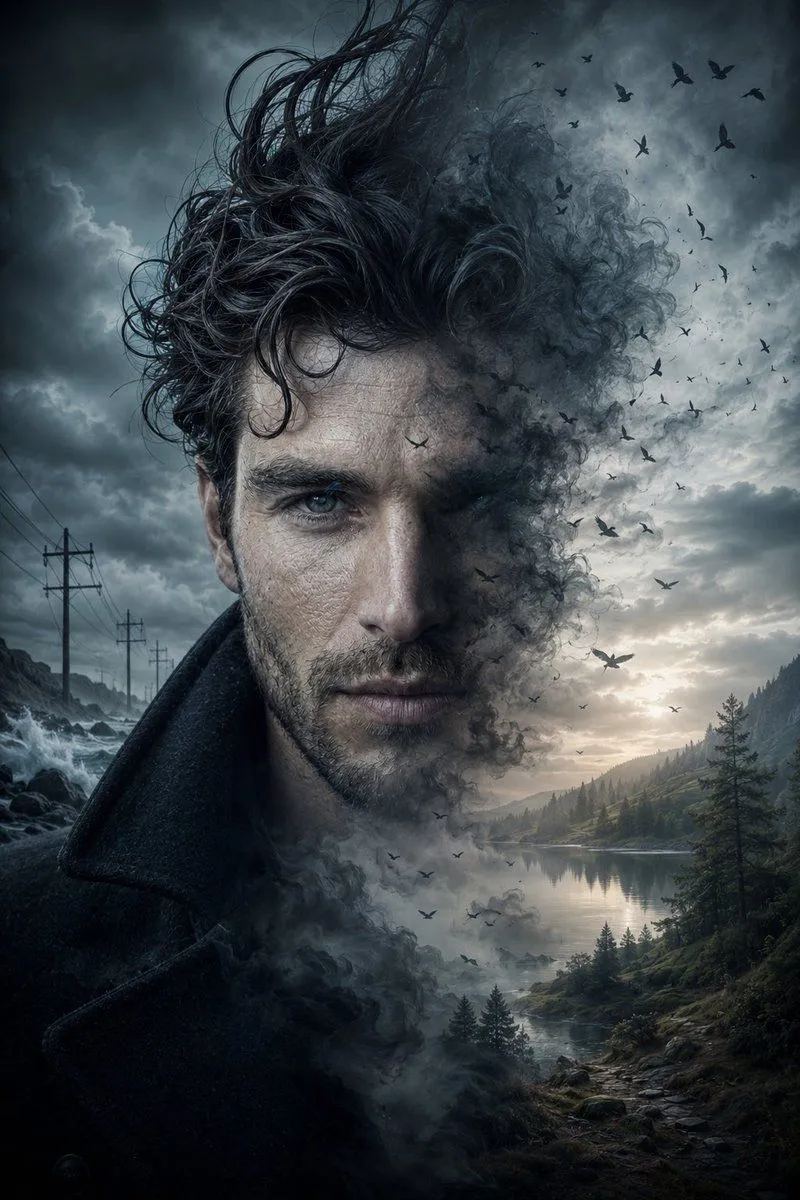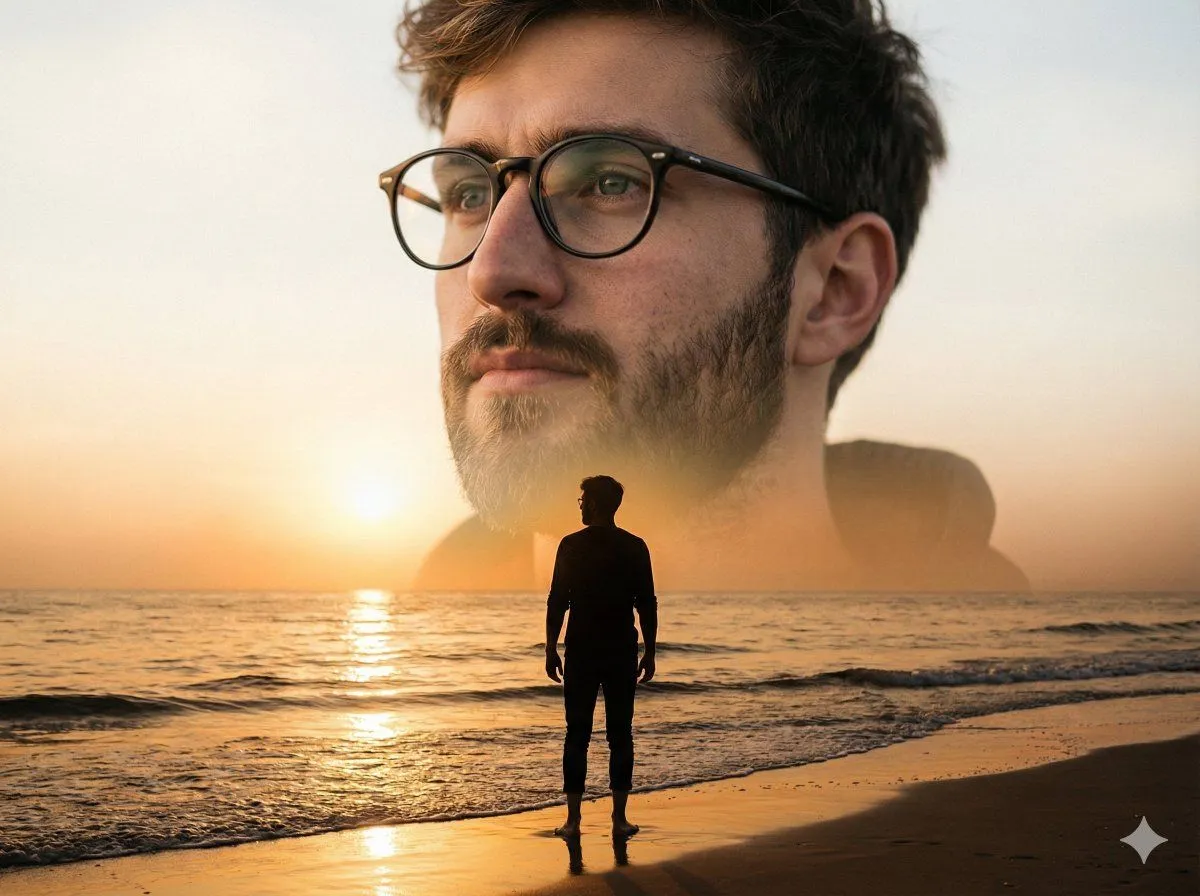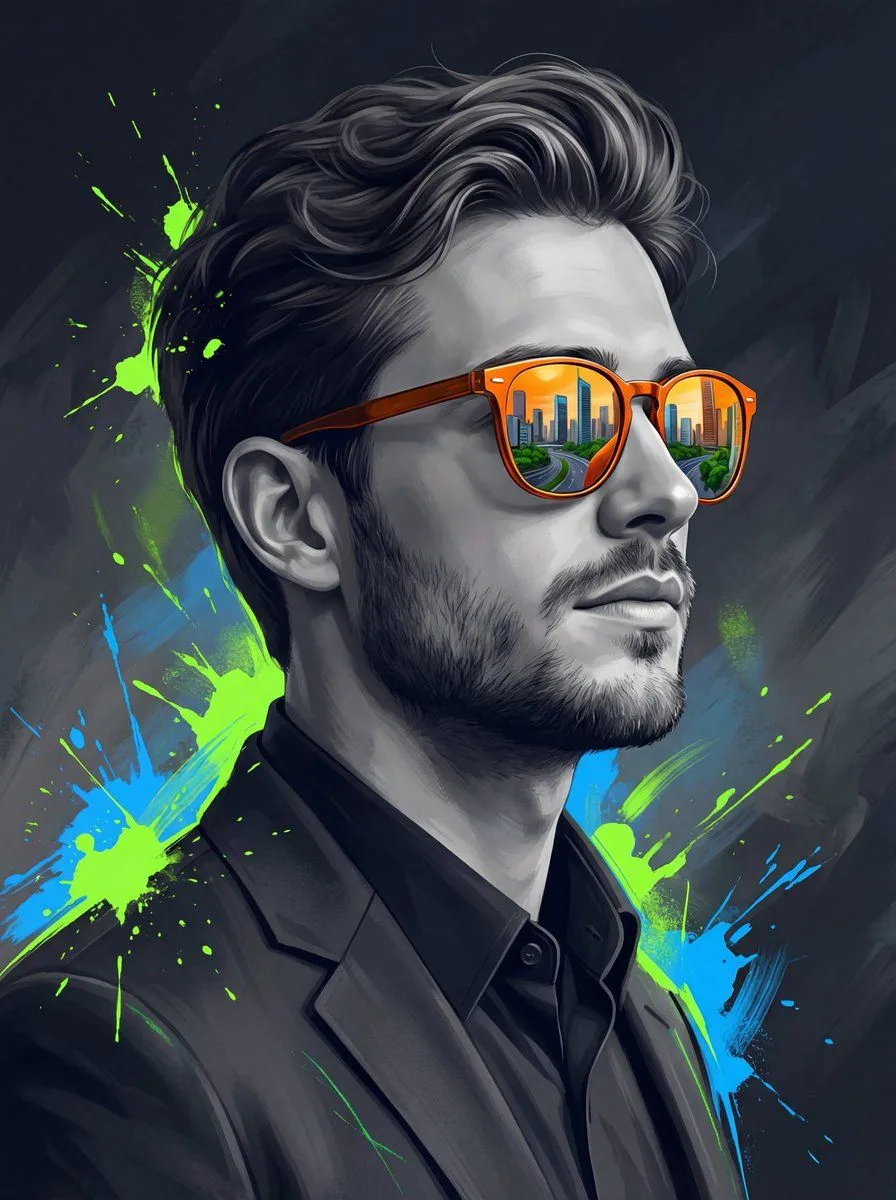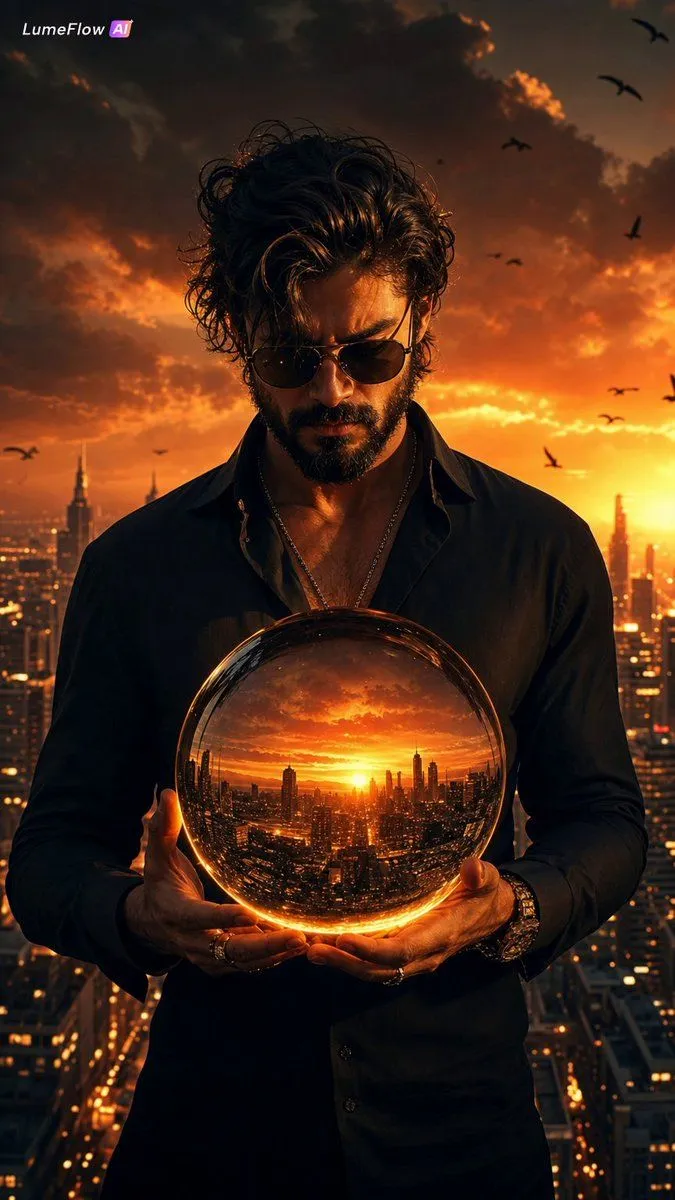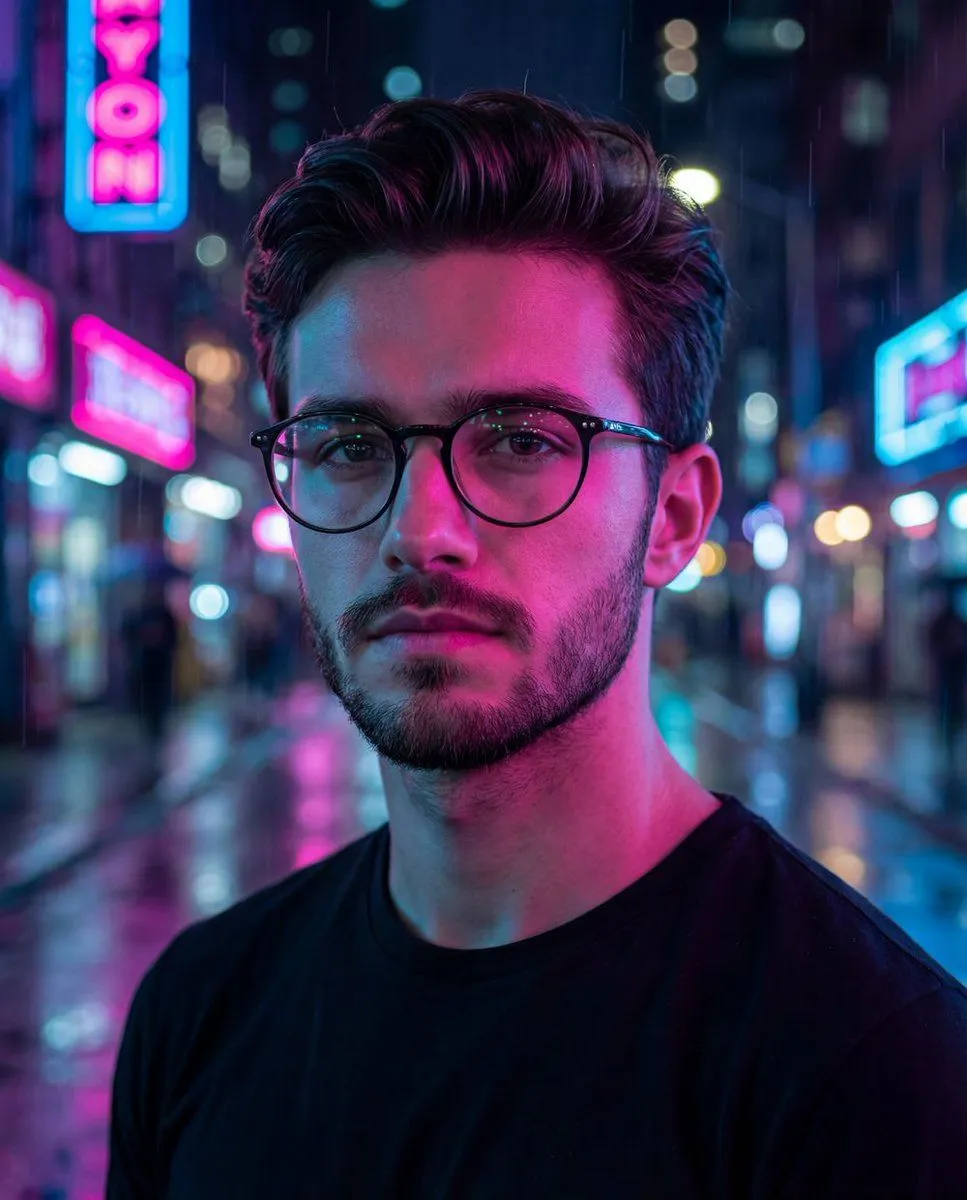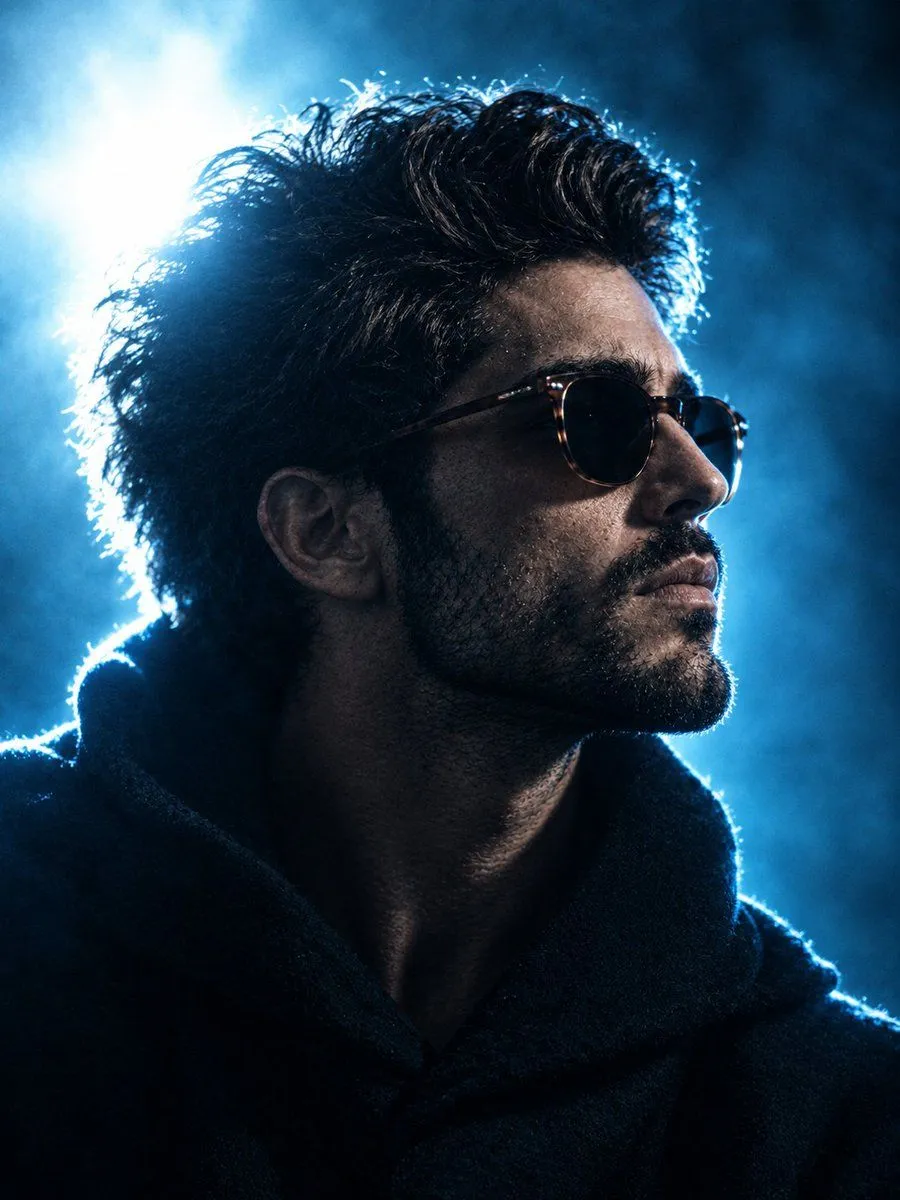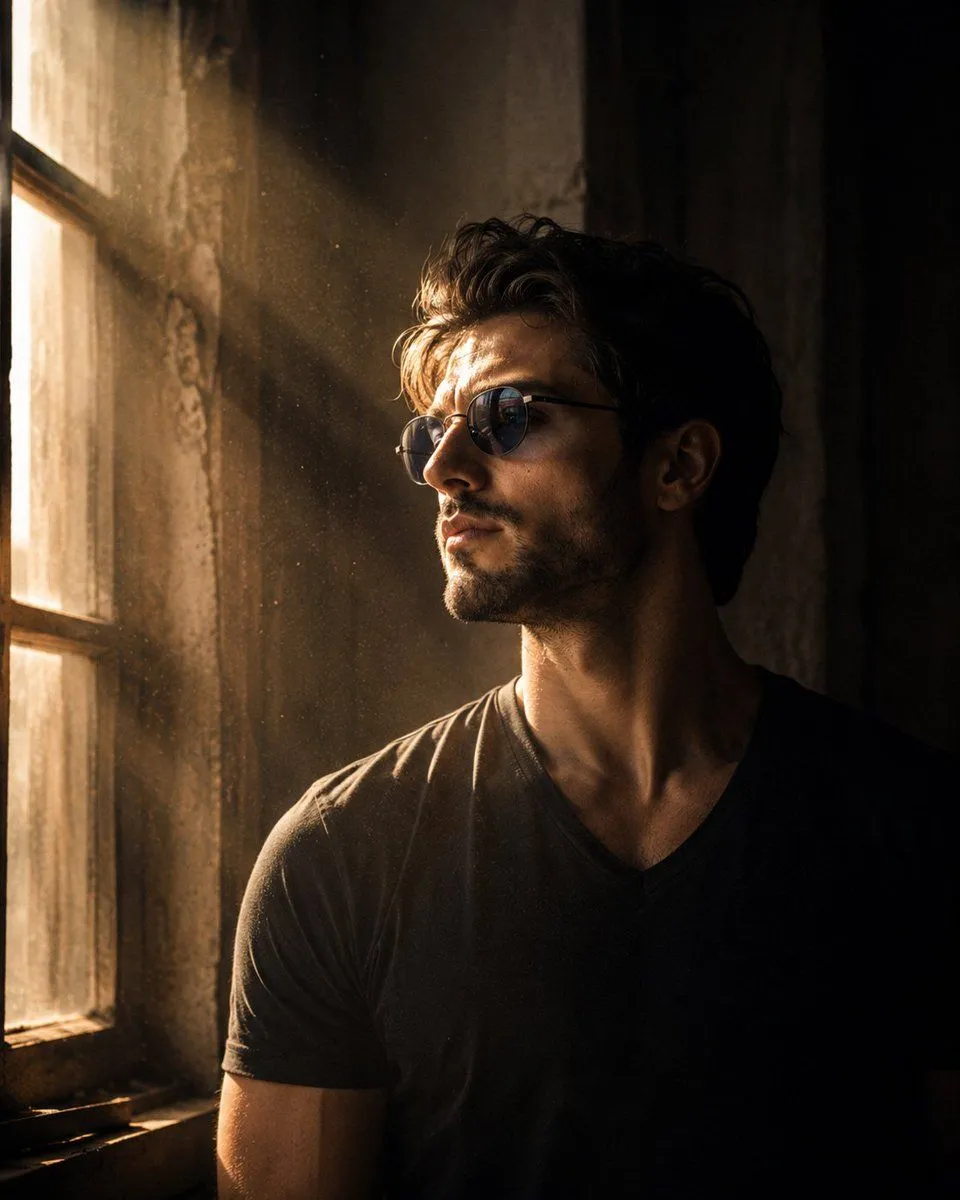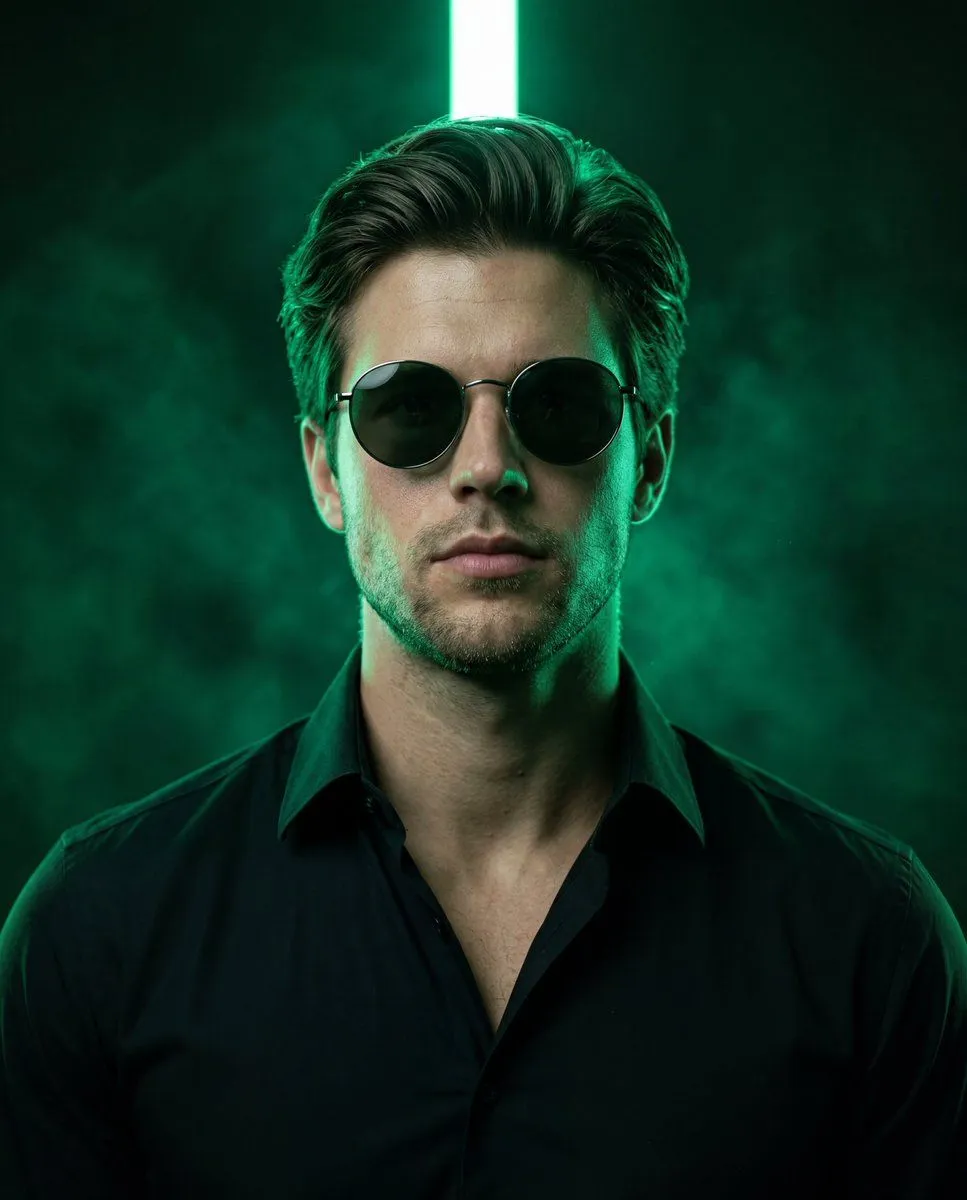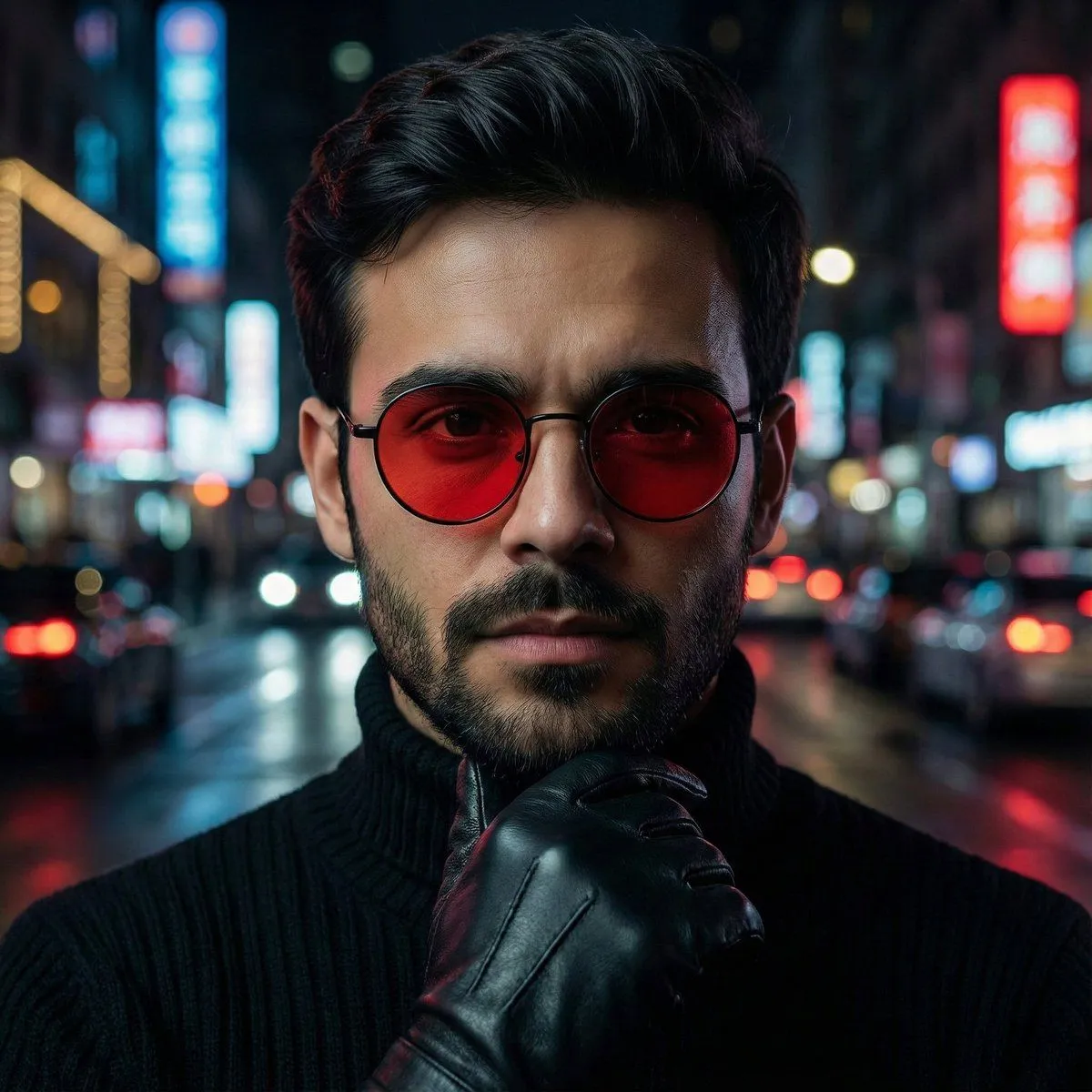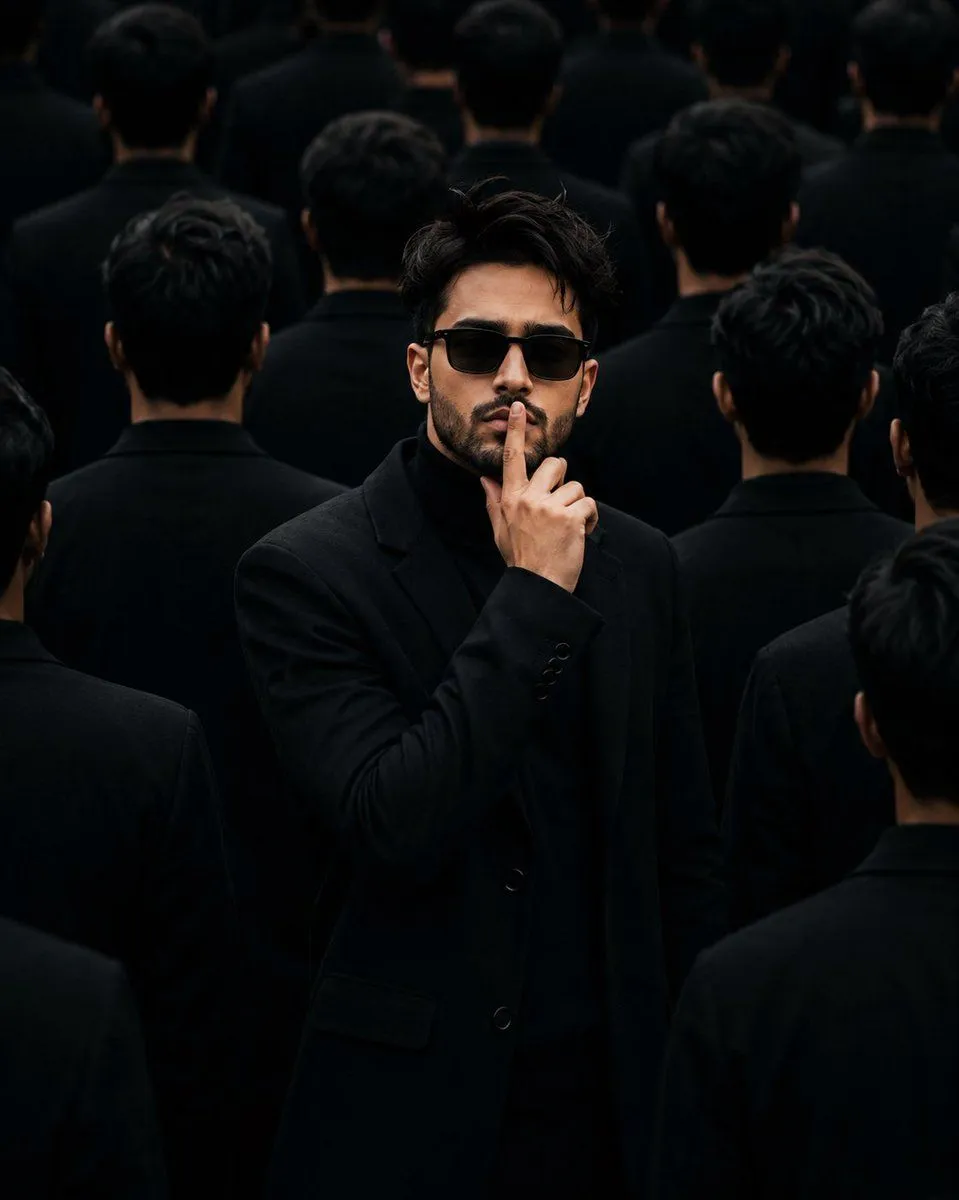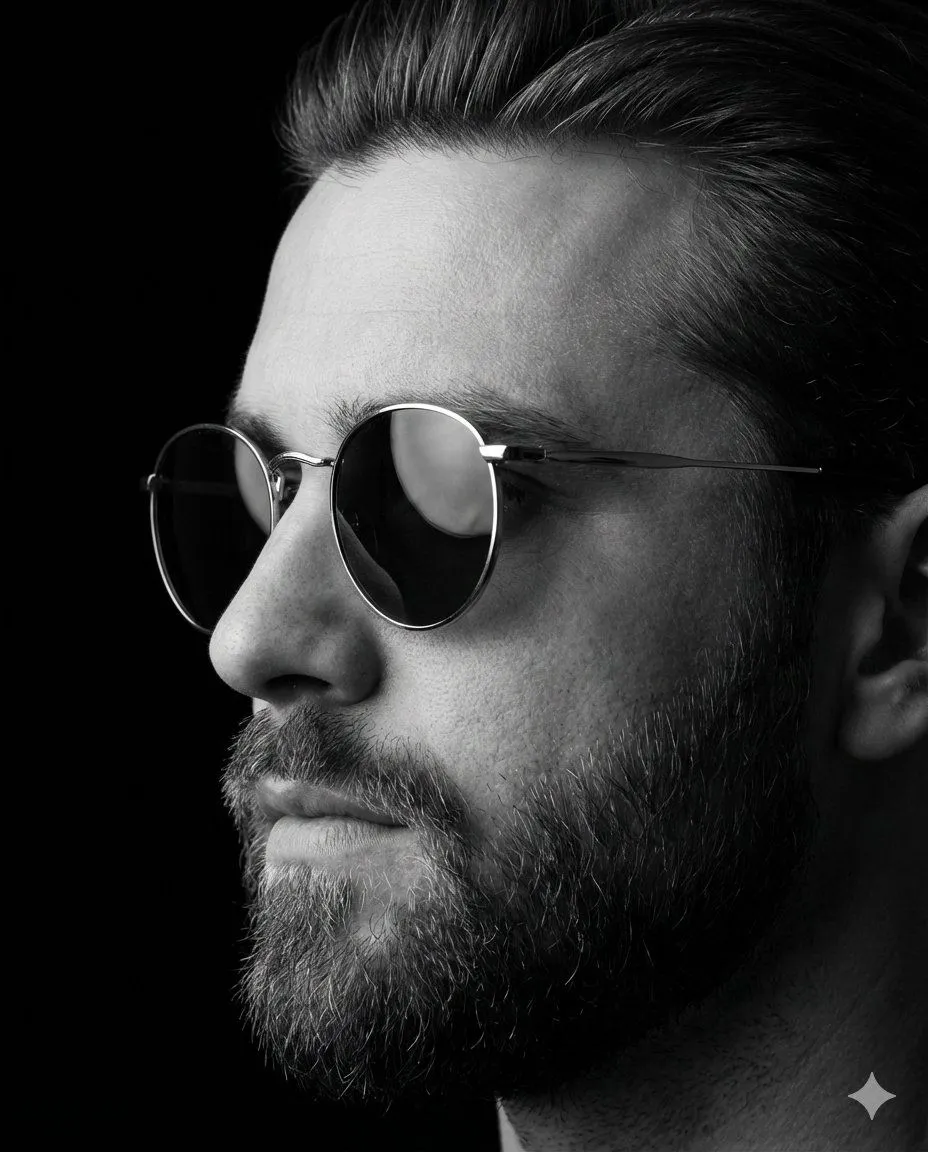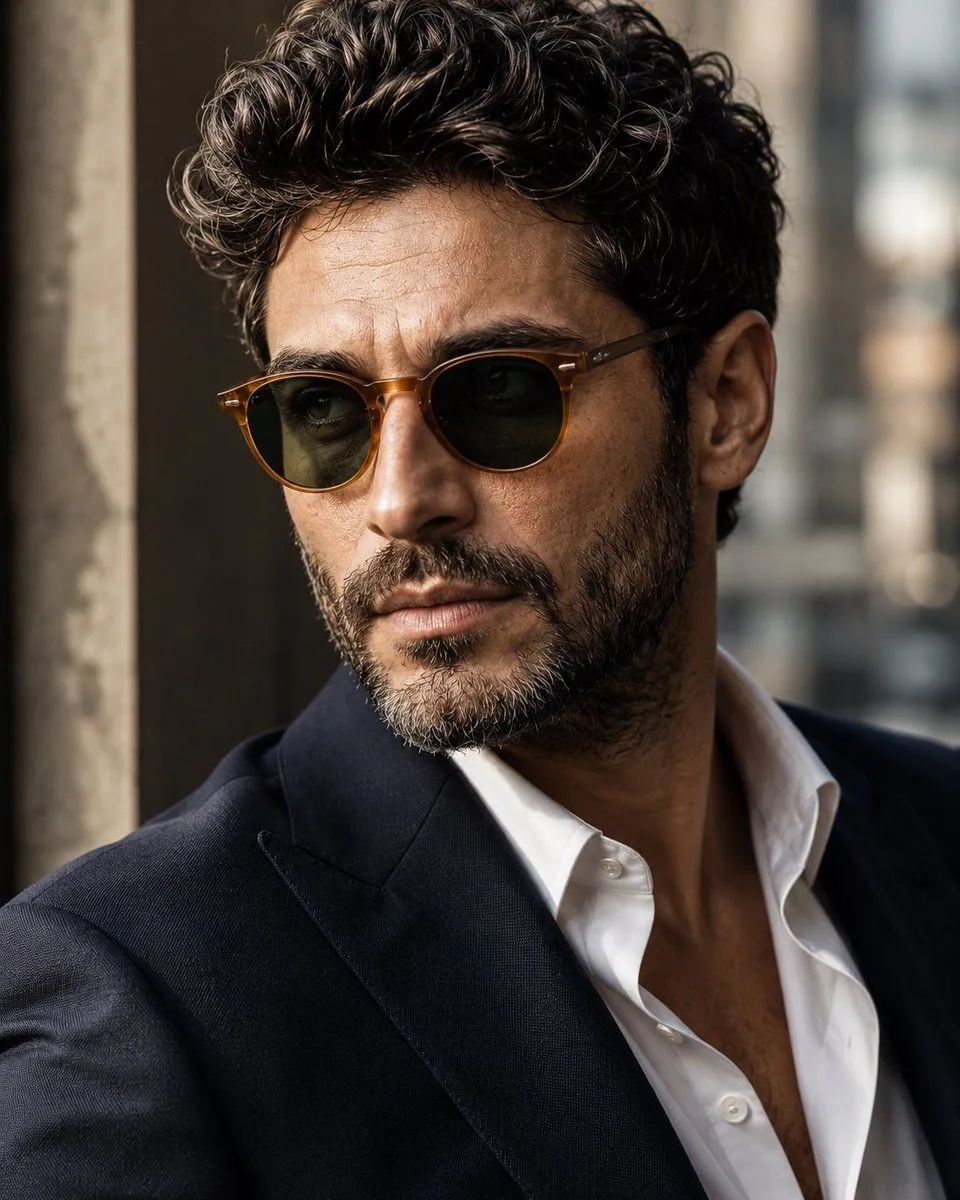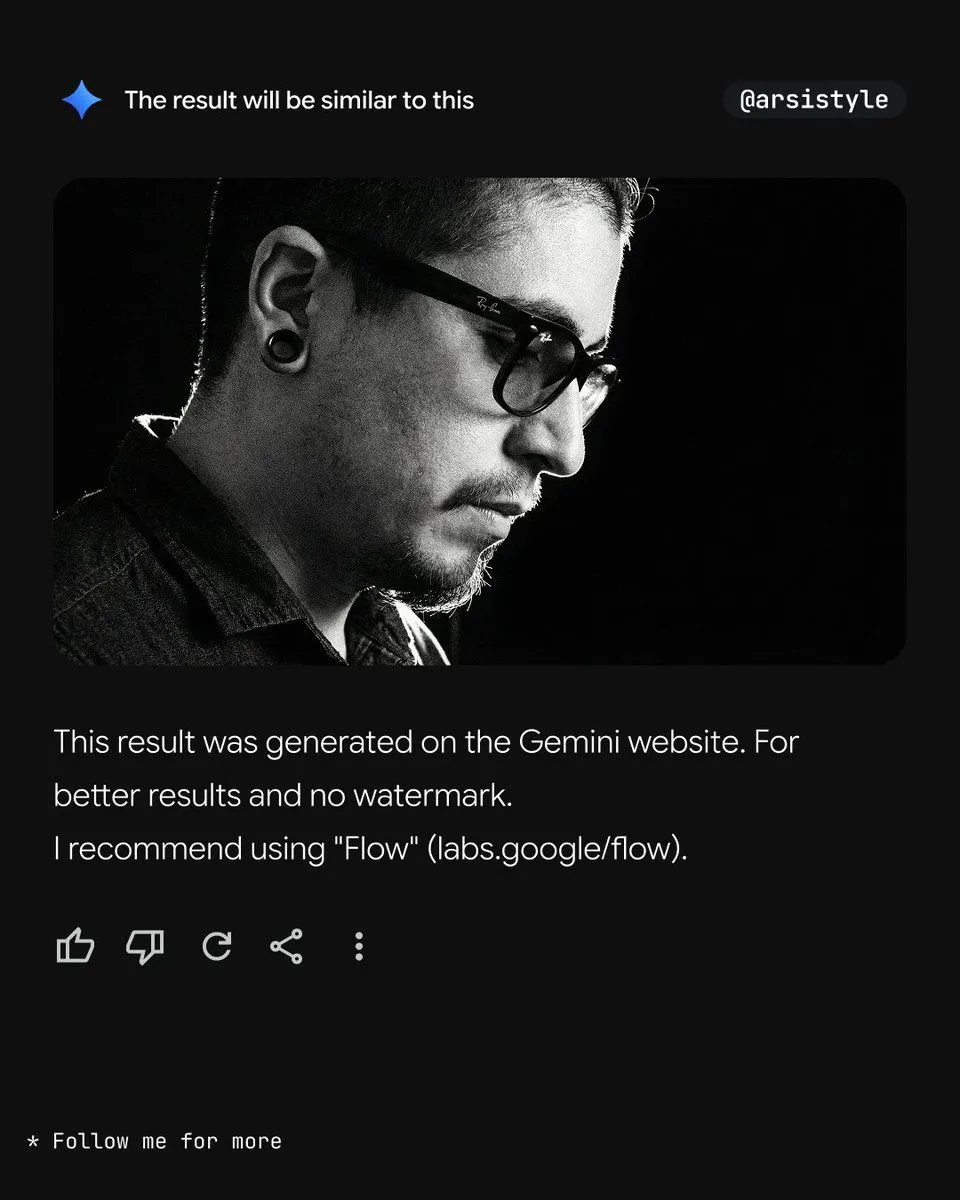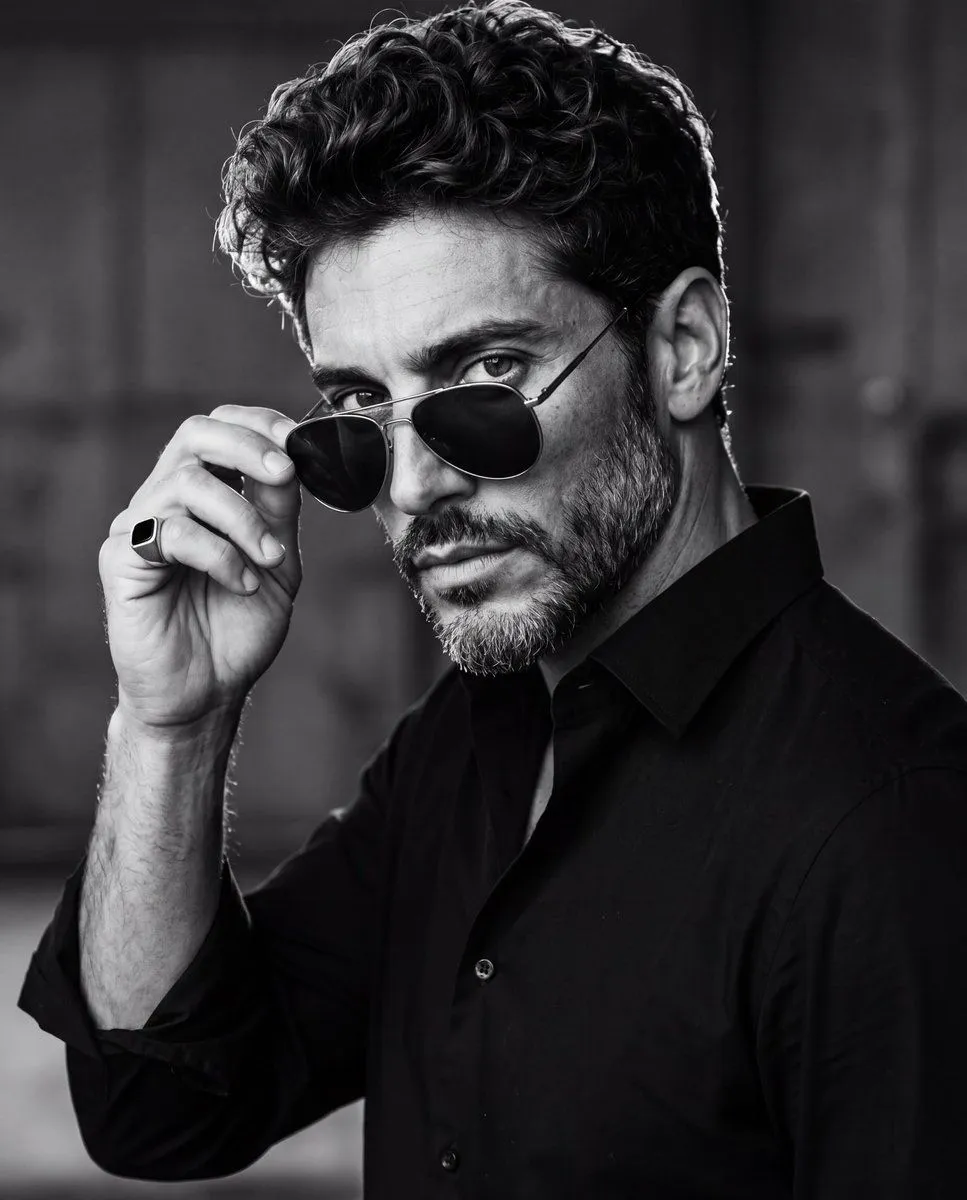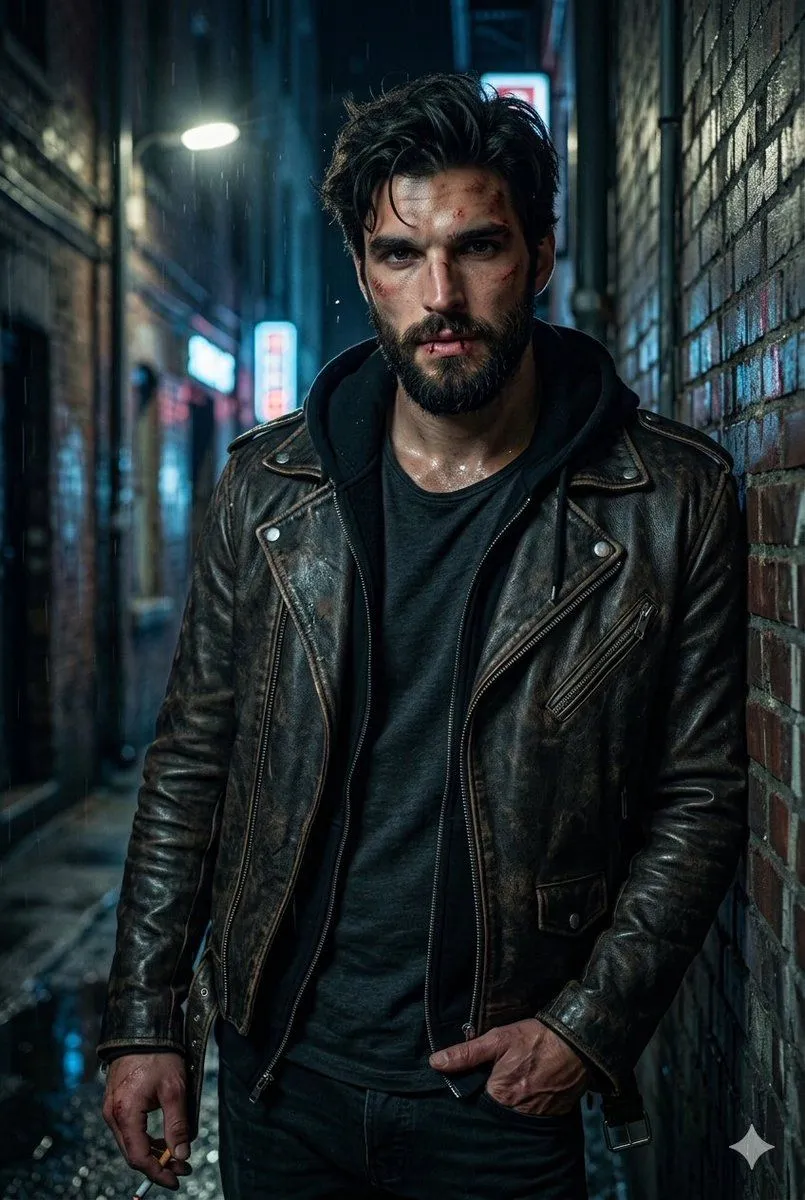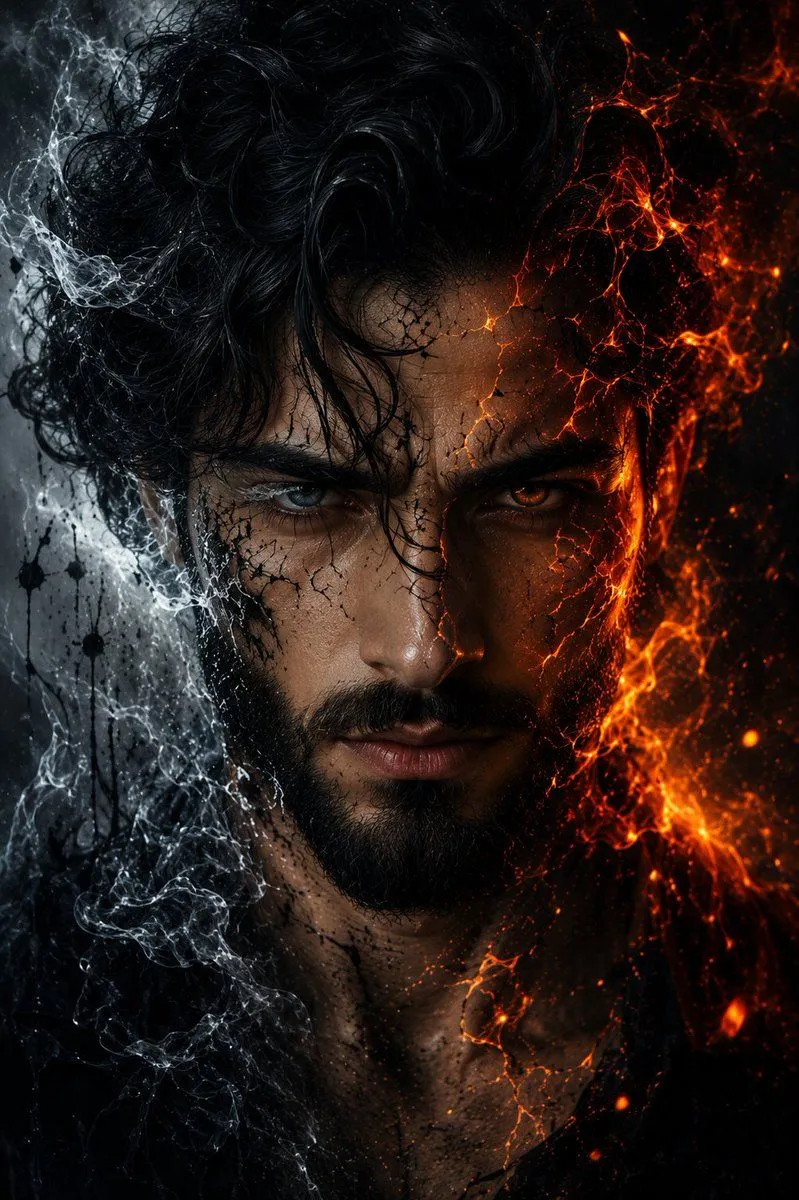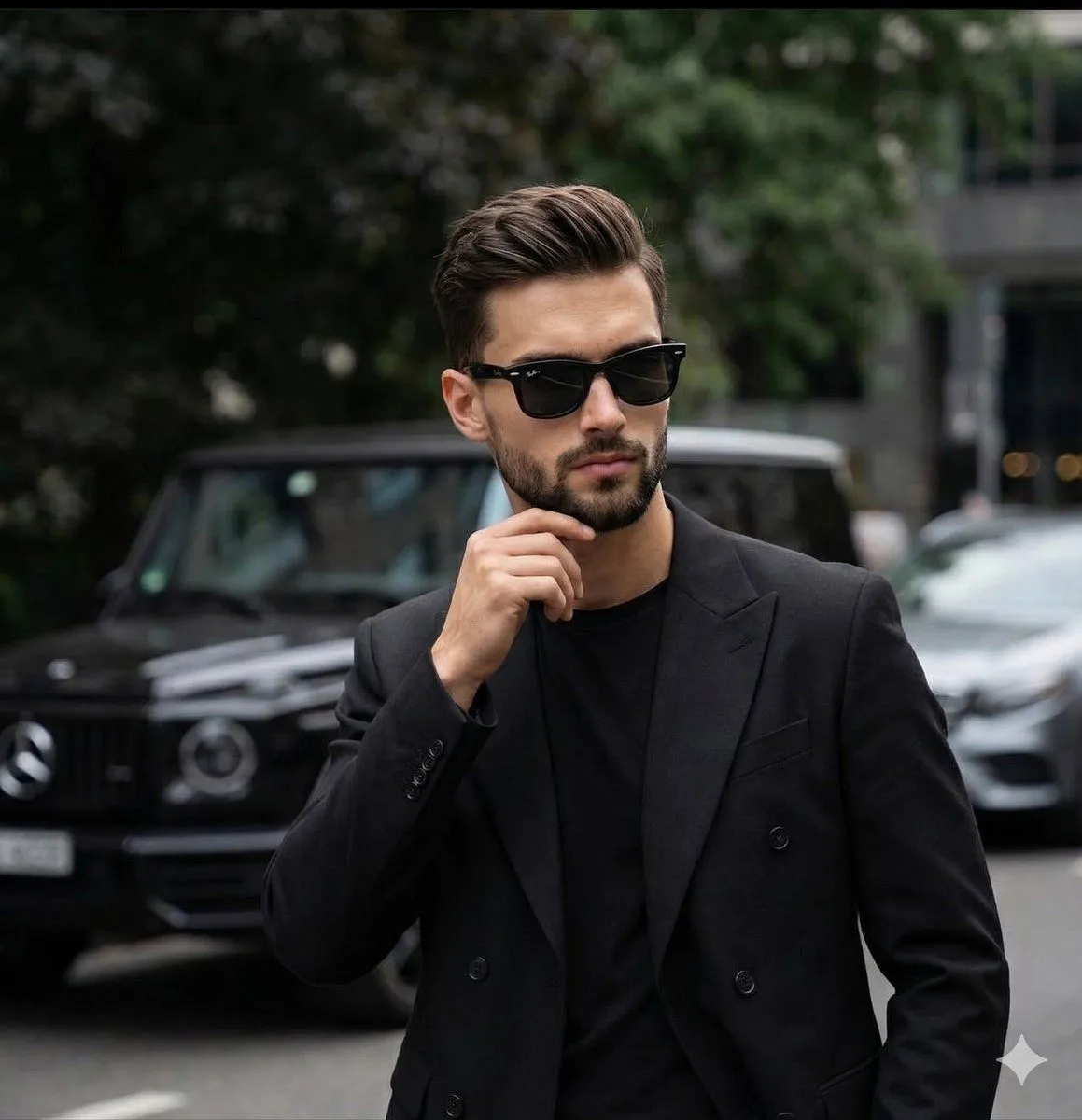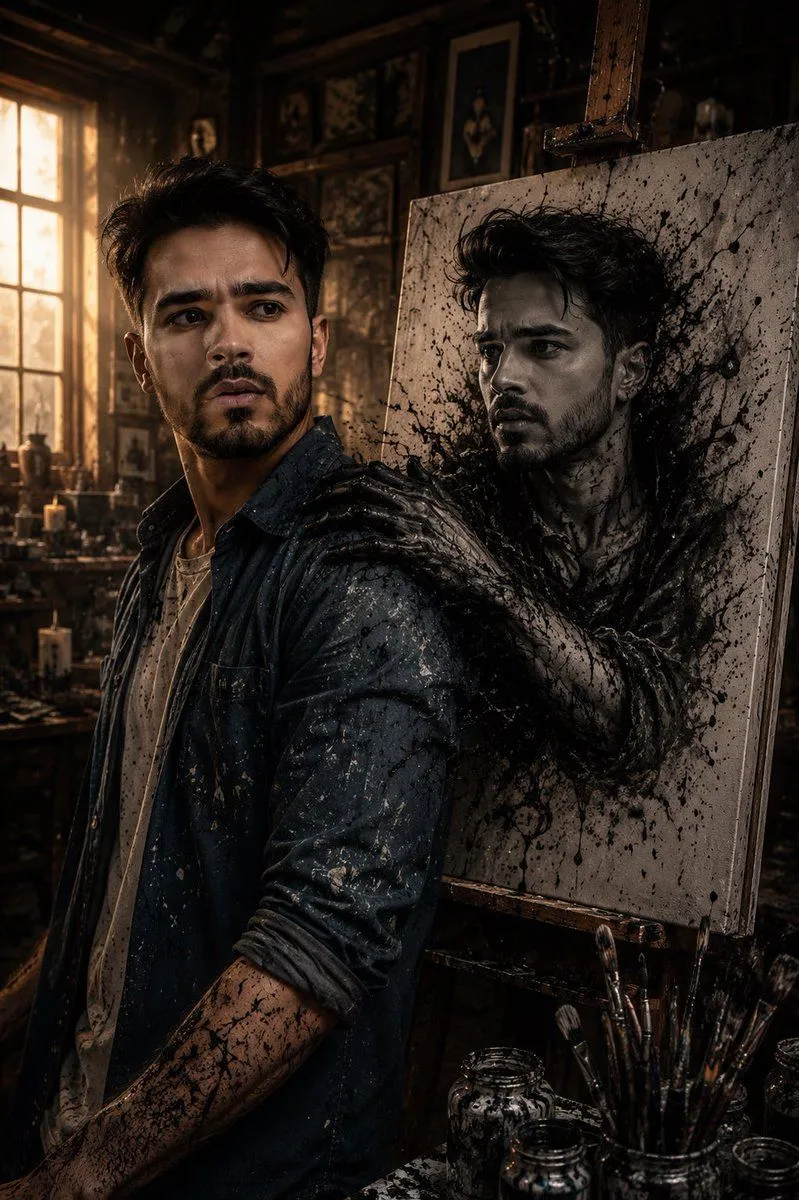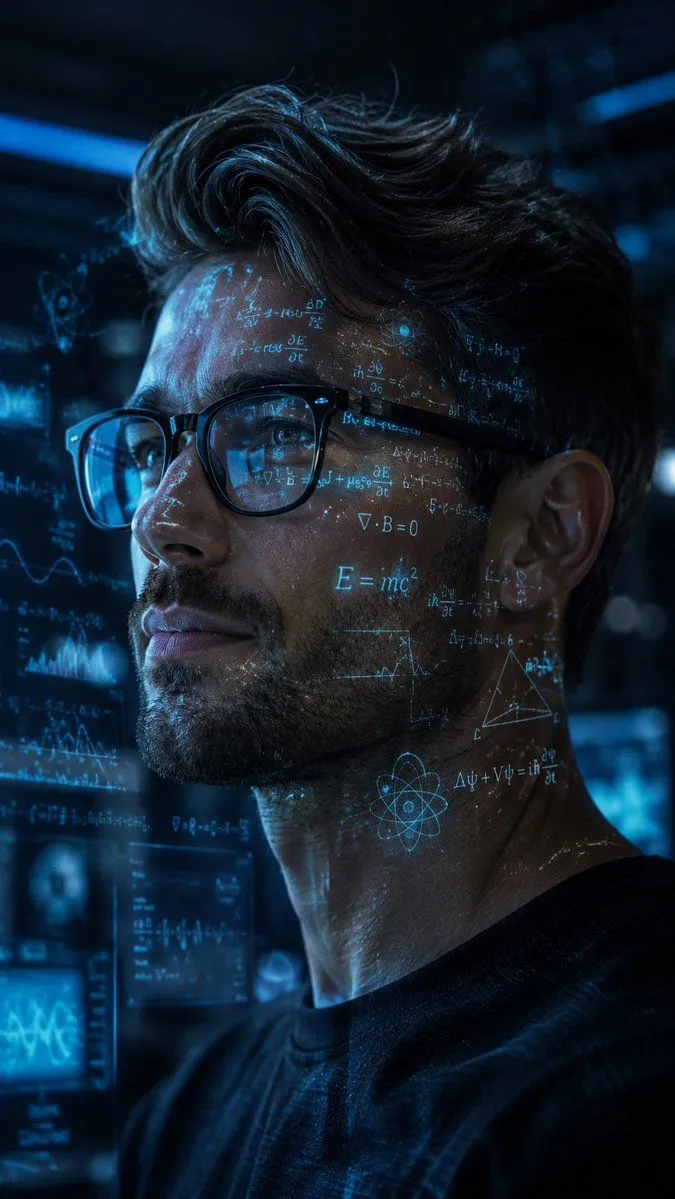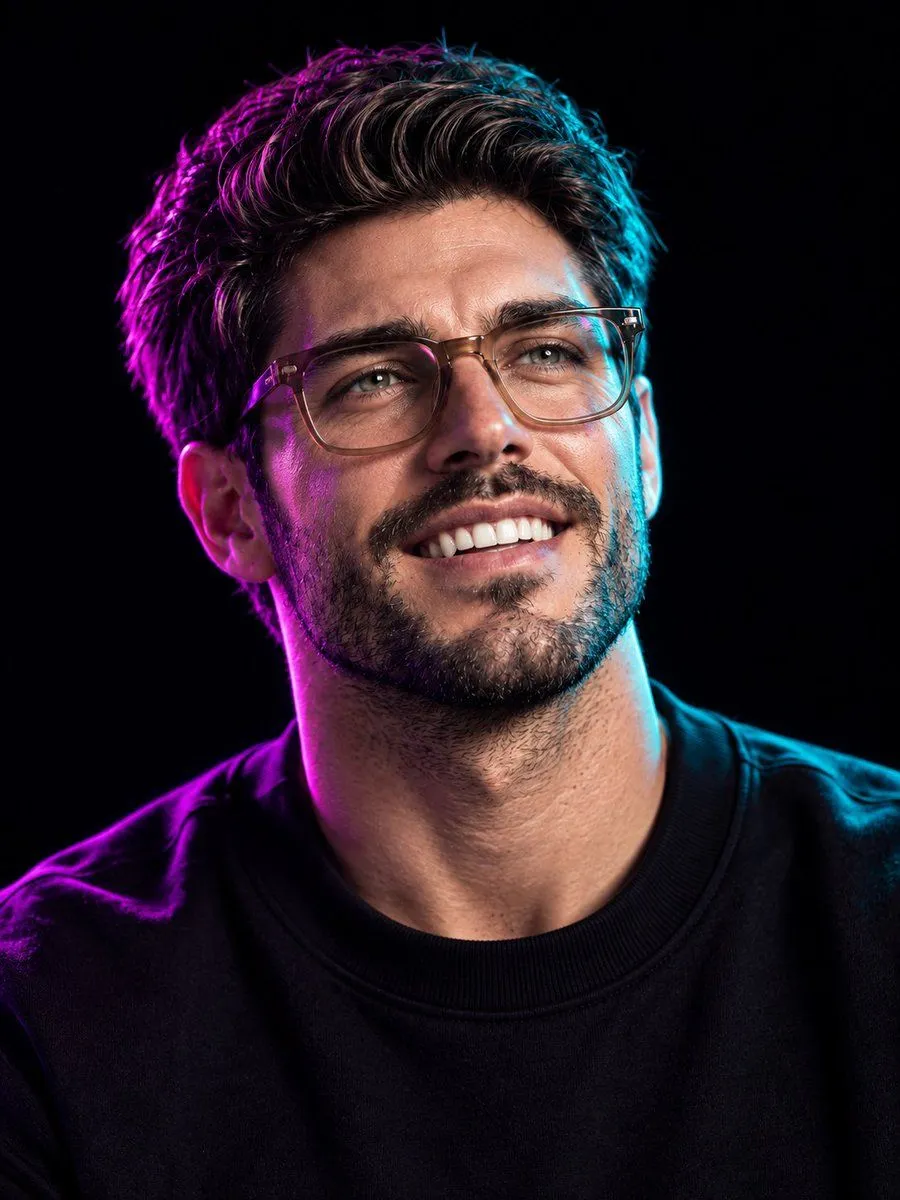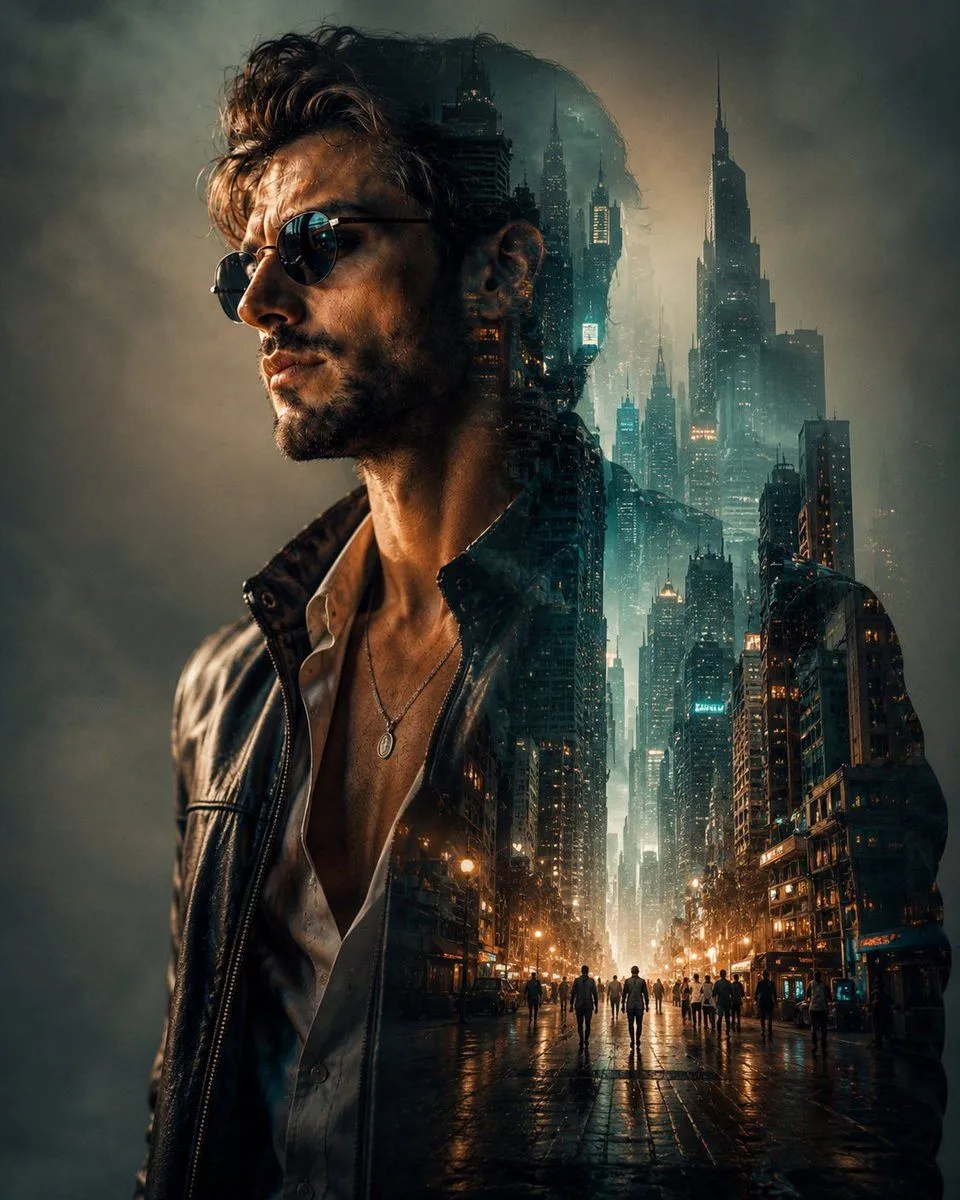
Made with GPT Image 2 in ChatGPT by Library Typography. Promptclay never generates images.
Cinematic Double Exposure Portrait
Prompt
3 blanks to fillUsing the uploaded image and without changing face, create a cinematic double-exposure portrait of the {subject} in side profile, seamlessly blending the silhouette with a {background}. Dress the subject in a {outfit} while preserving every facial feature, hair detail, and expression. Use dramatic teal and amber color grading,soft urban bokeh, volumetric lighting, subtle fog, realistic reflections, and layered transparency to merge the city naturally into the body. Create a luxury editorial composition with a clean background, ultra-realistic textures, moody atmosphere, hyper-detailed architecture, masterpiece digital art, and stunning 8K photorealism.
Preview of your prompt
Using the uploaded image and without changing face, create a cinematic double-exposure portrait of the subject in side profile, seamlessly blending the silhouette with a futuristic metropolitan skyline filled with towering skyscrapers, glowing city streets, and tiny walking figures. Dress the subject in a premium black leather jacket while preserving every facial feature, hair detail, and expression. Use dramatic teal and amber color grading,soft urban bokeh, volumetric lighting, subtle fog, realistic reflections, and layered transparency to merge the city naturally into the body. Create a luxury editorial composition with a clean background, ultra-realistic textures, moody atmosphere, hyper-detailed architecture, masterpiece digital art, and stunning 8K photorealism.
DetailsVersions, settings and questions
Written for
What's in the prompt
- Subject
- Model
- GPT Image 2
If your face changes
keep my face exactly the sameQuestions
- Does this work in the ChatGPT app?
- Yes. Paste the prompt and attach your photo if it uses one.
- It changed my face. What do I do?
- Add "keep my face exactly the same" to the end and run it again.
- Can I use the images I make?
- Check the terms of the app you use. Promptclay never generates images and claims nothing you make.