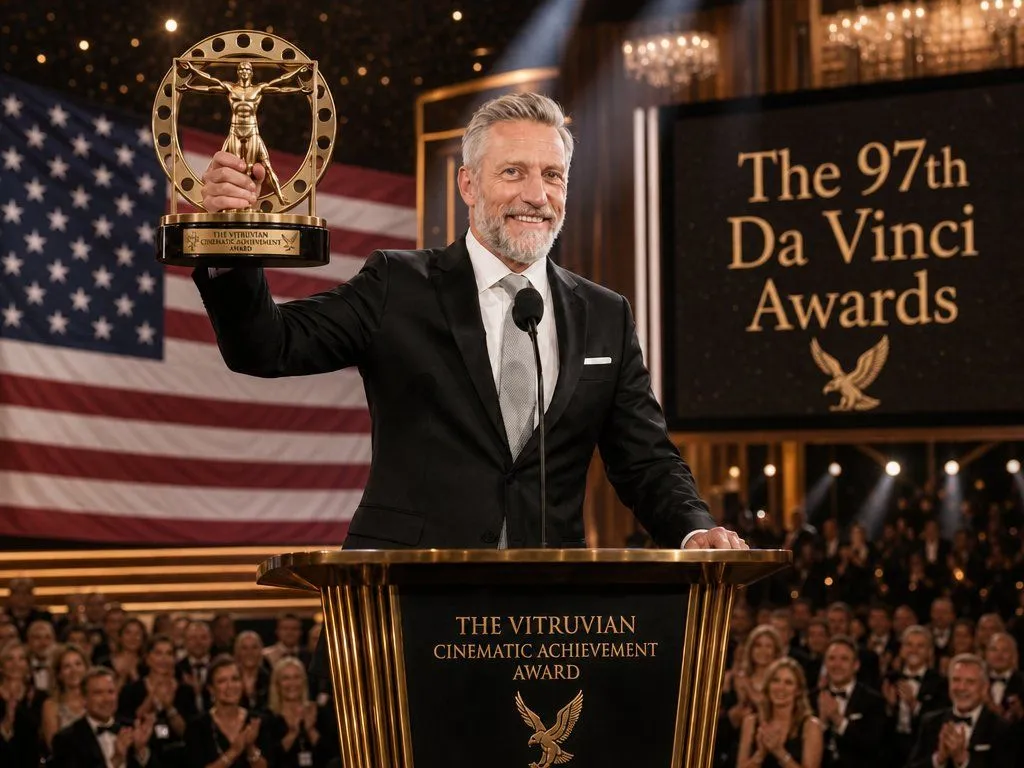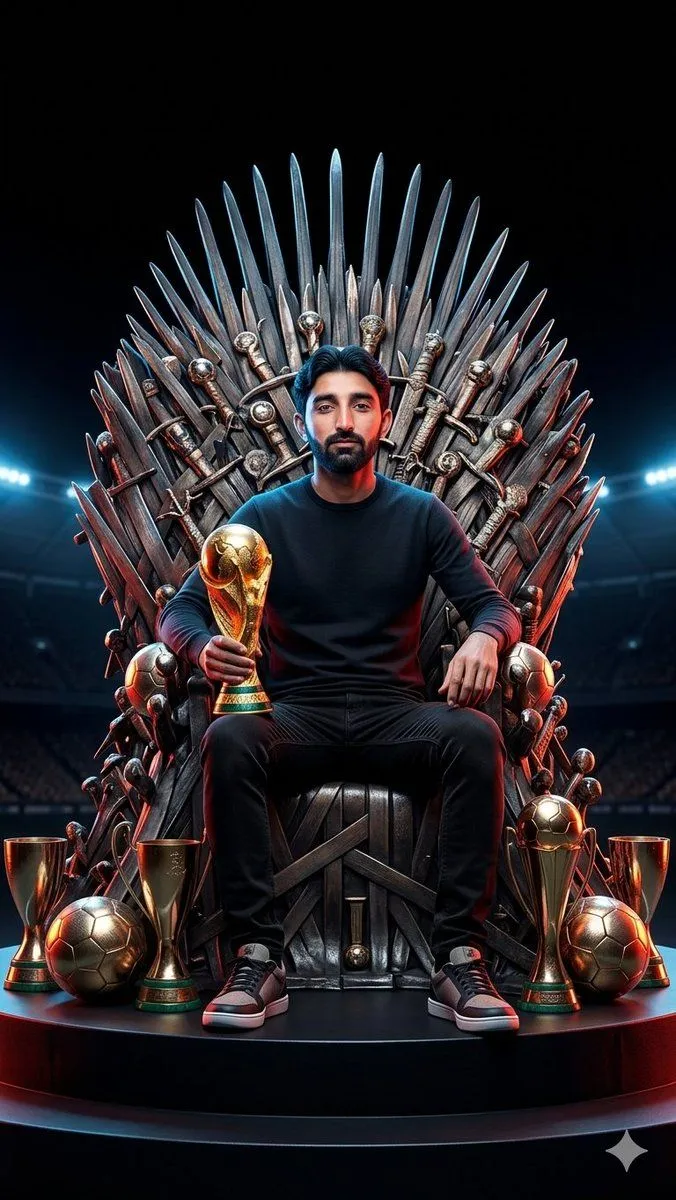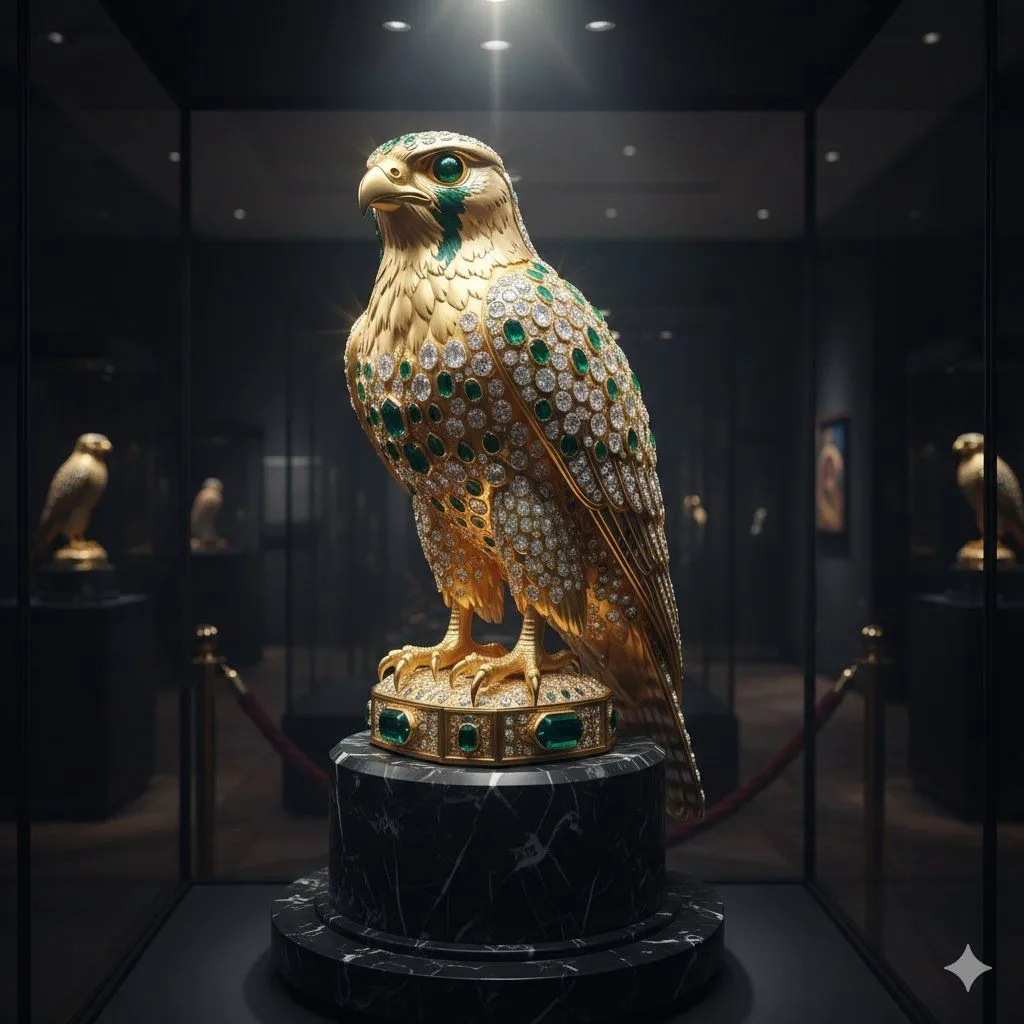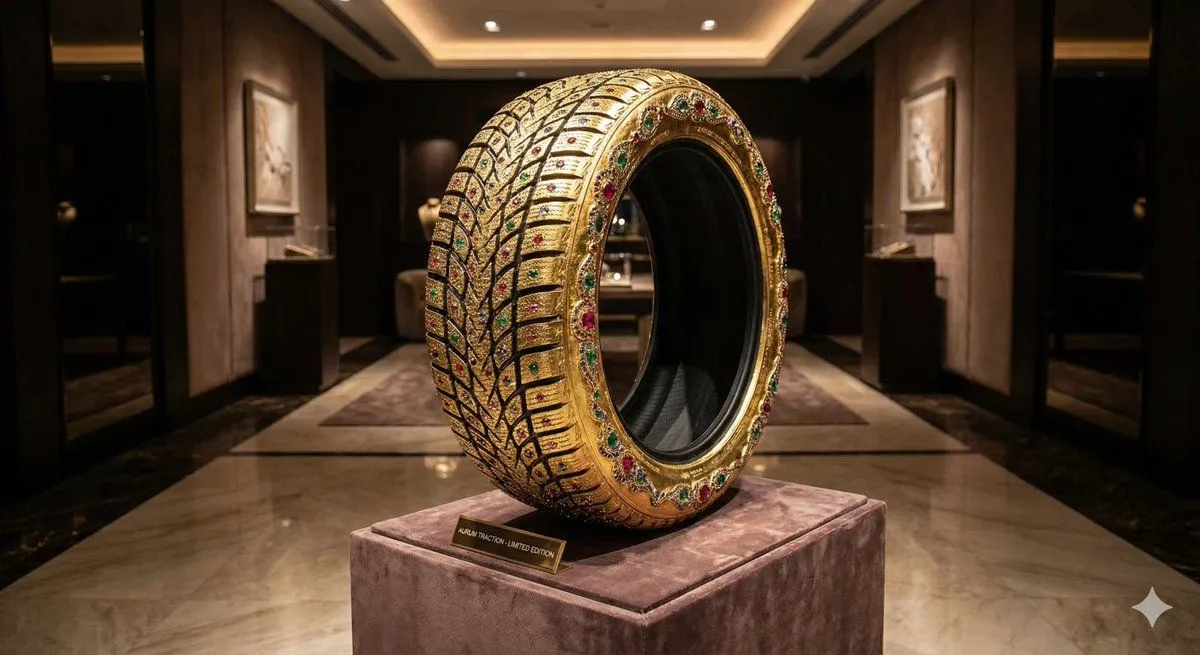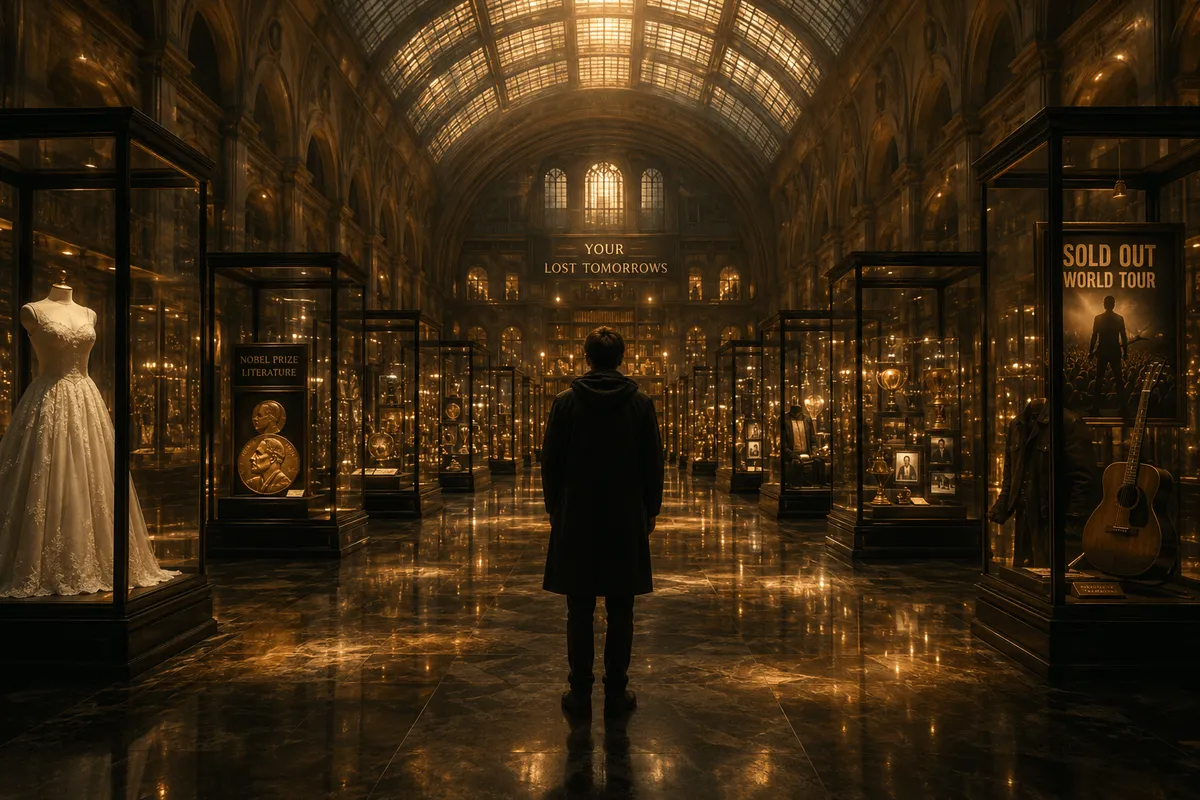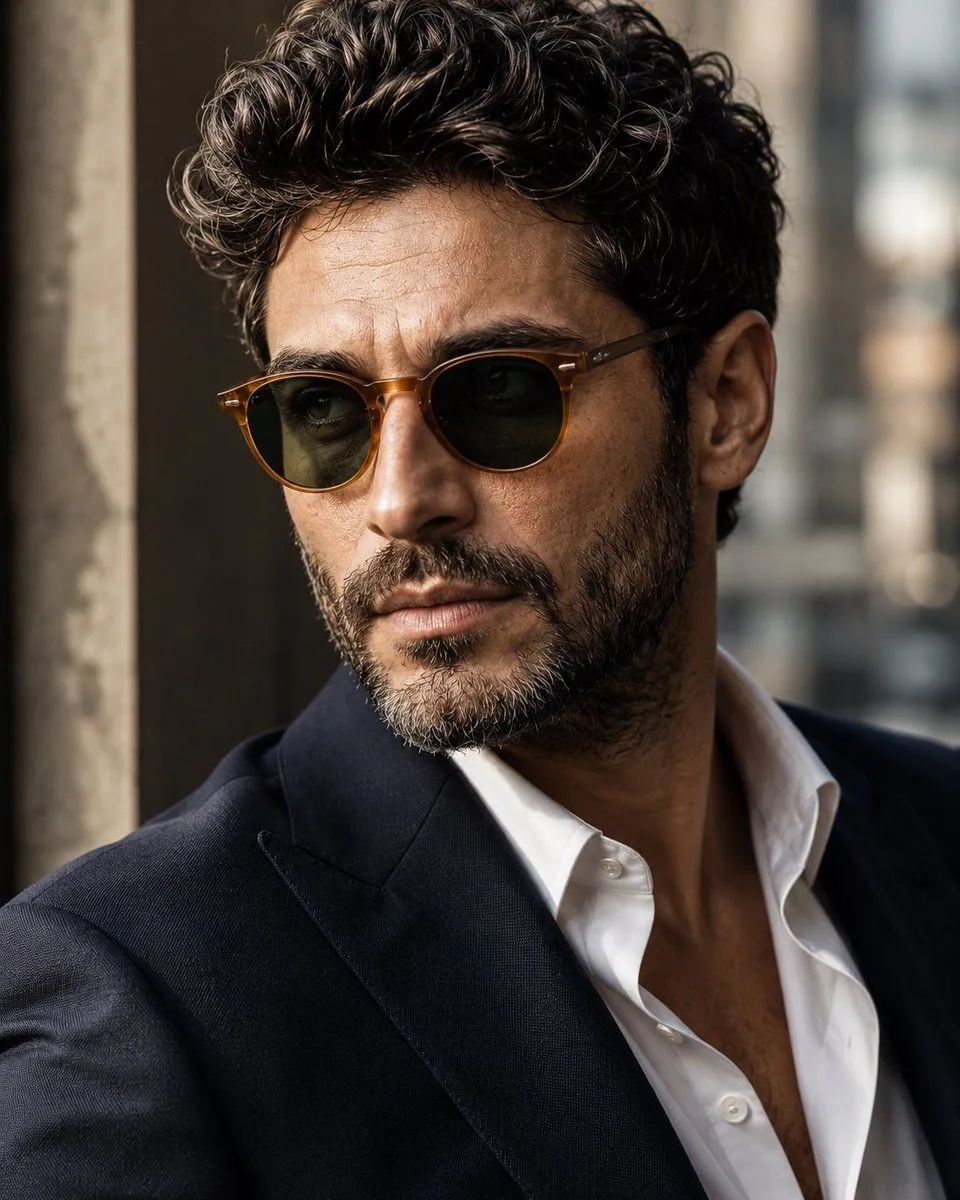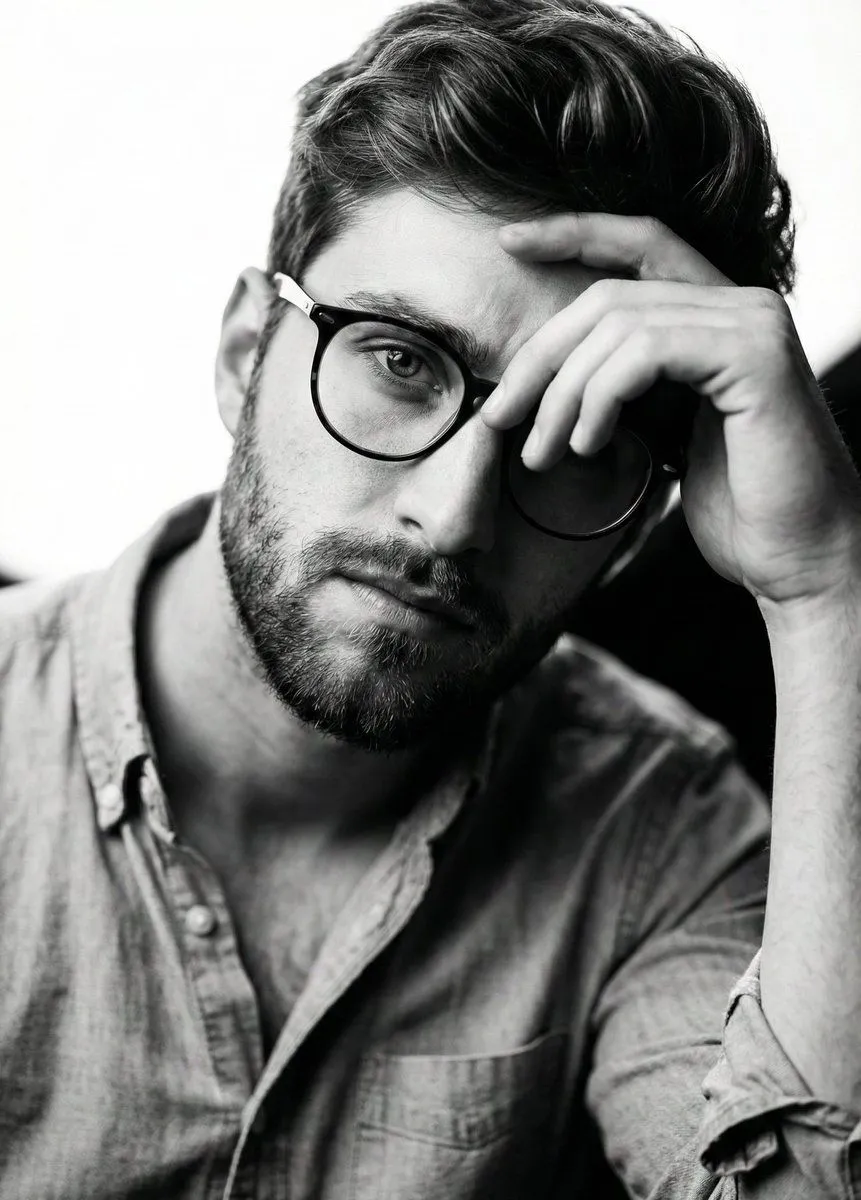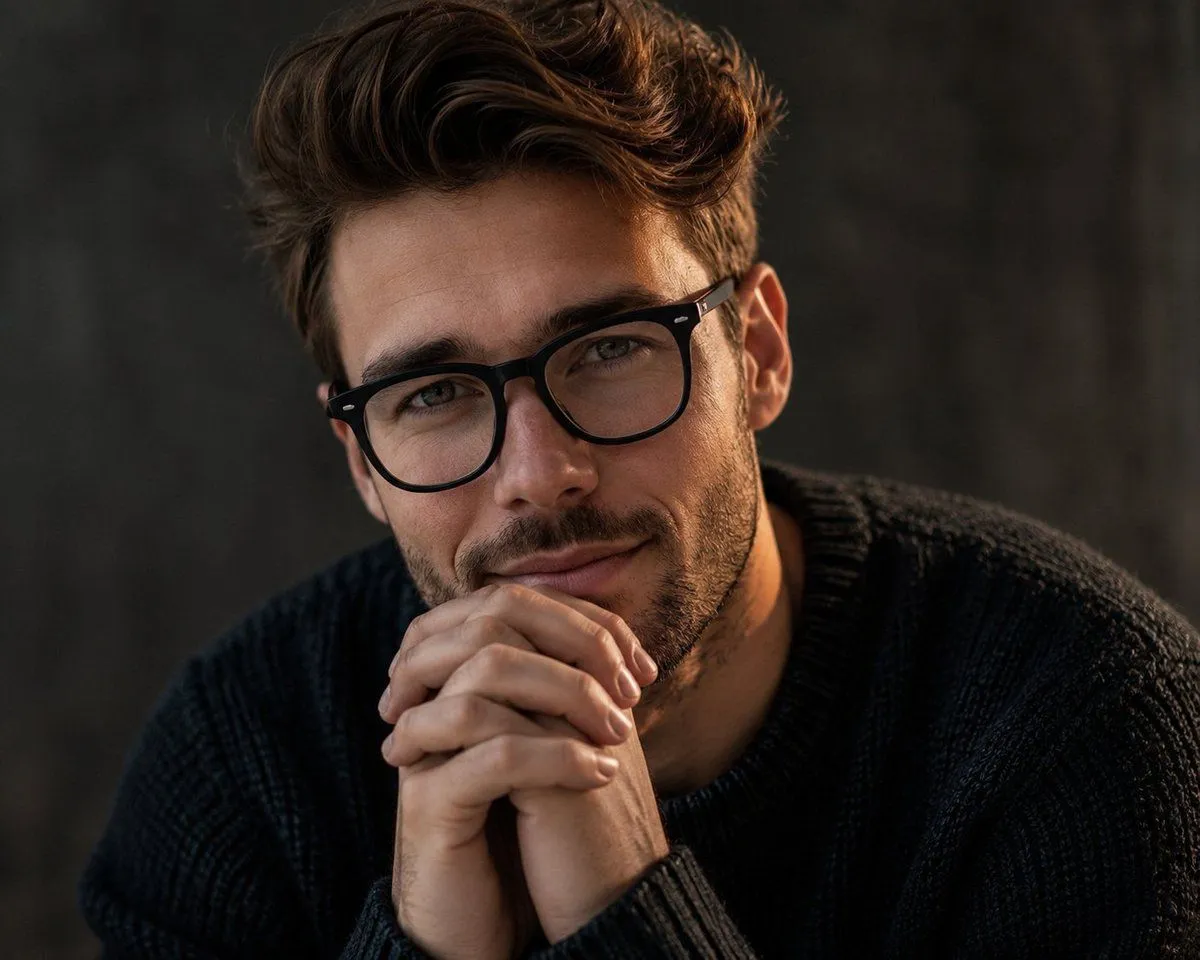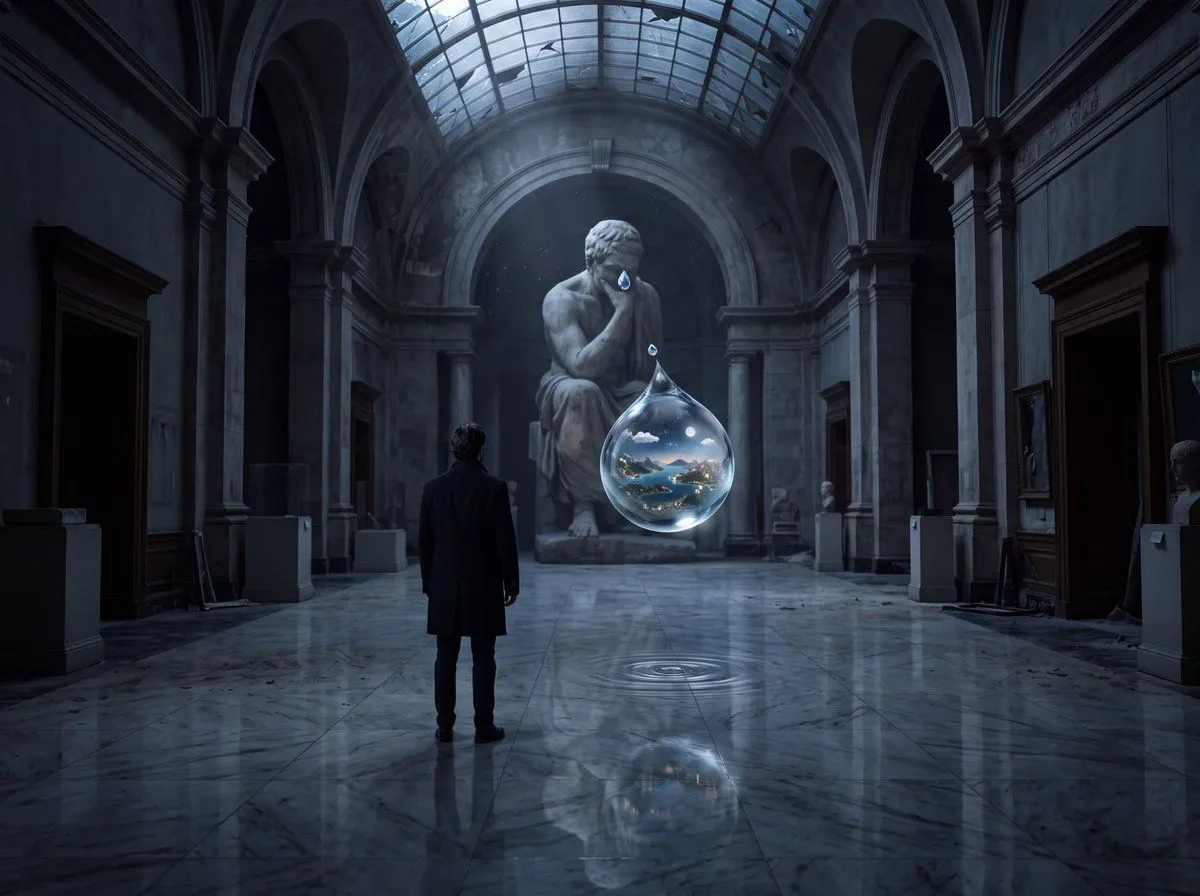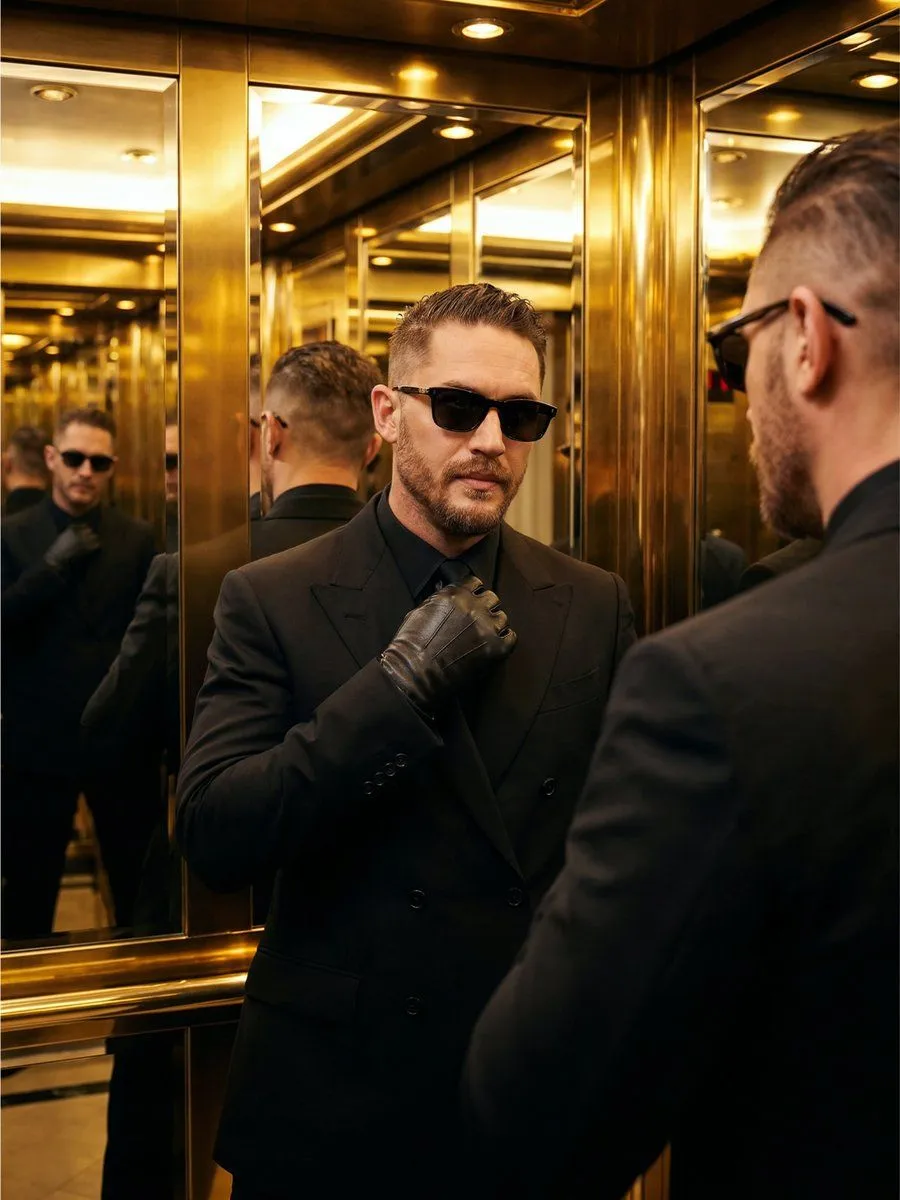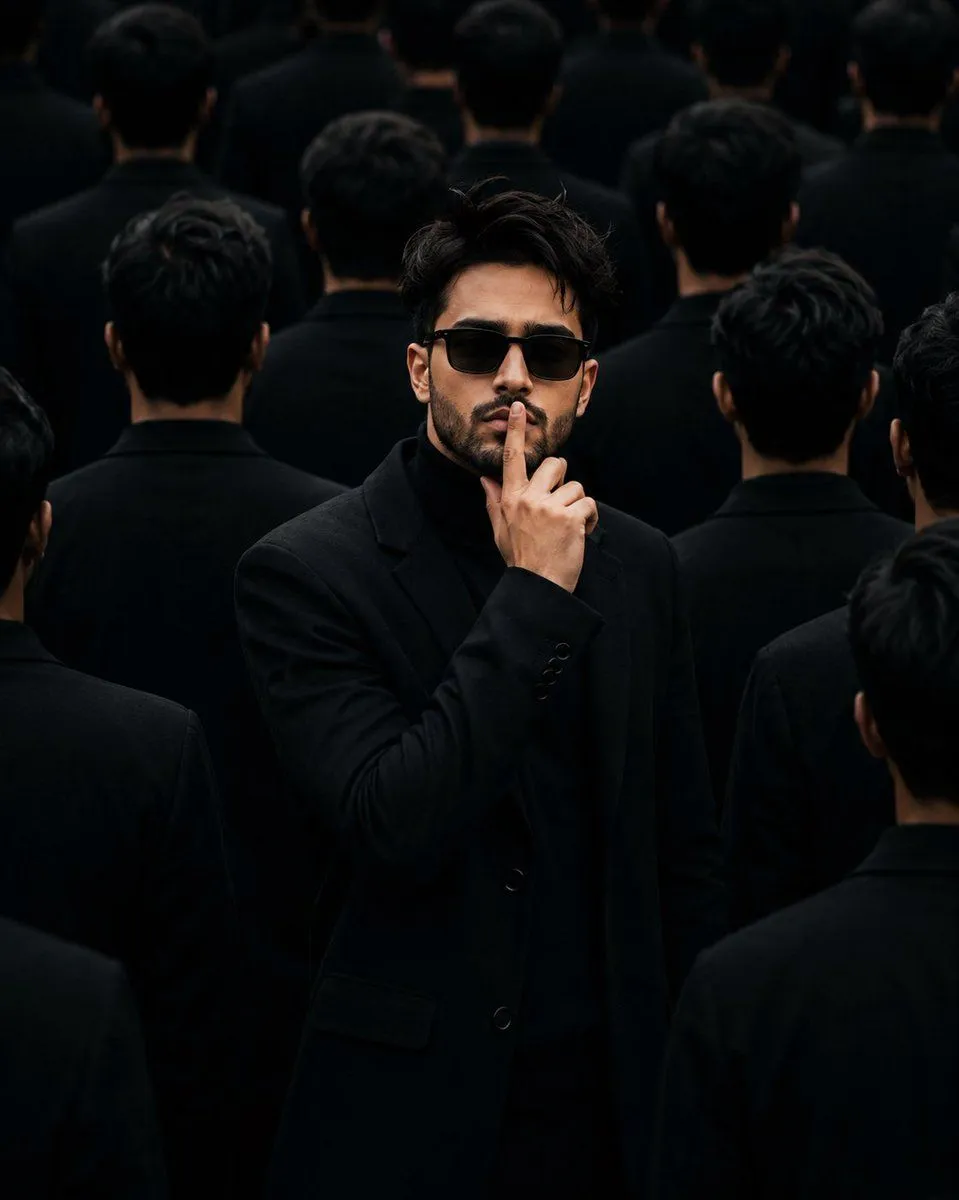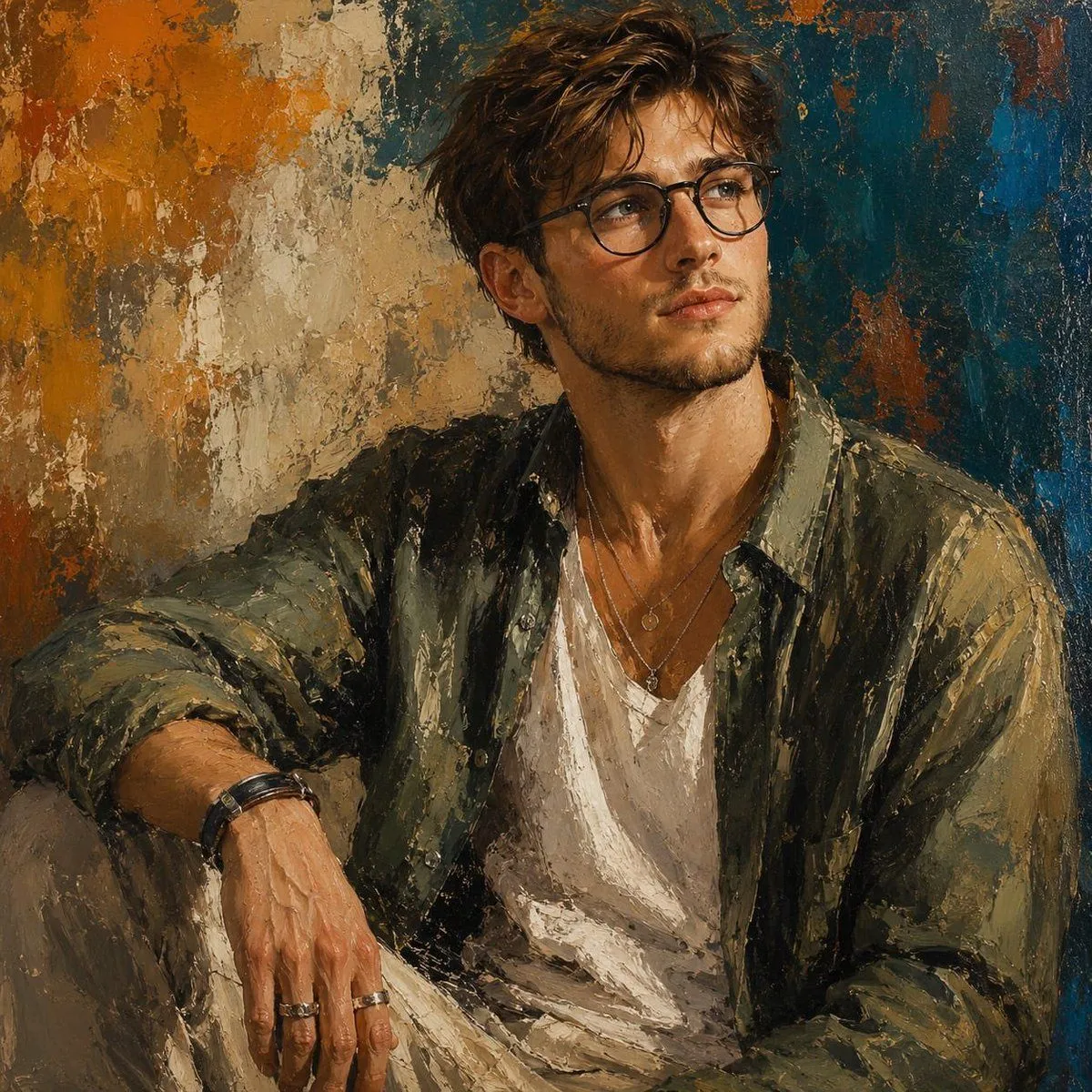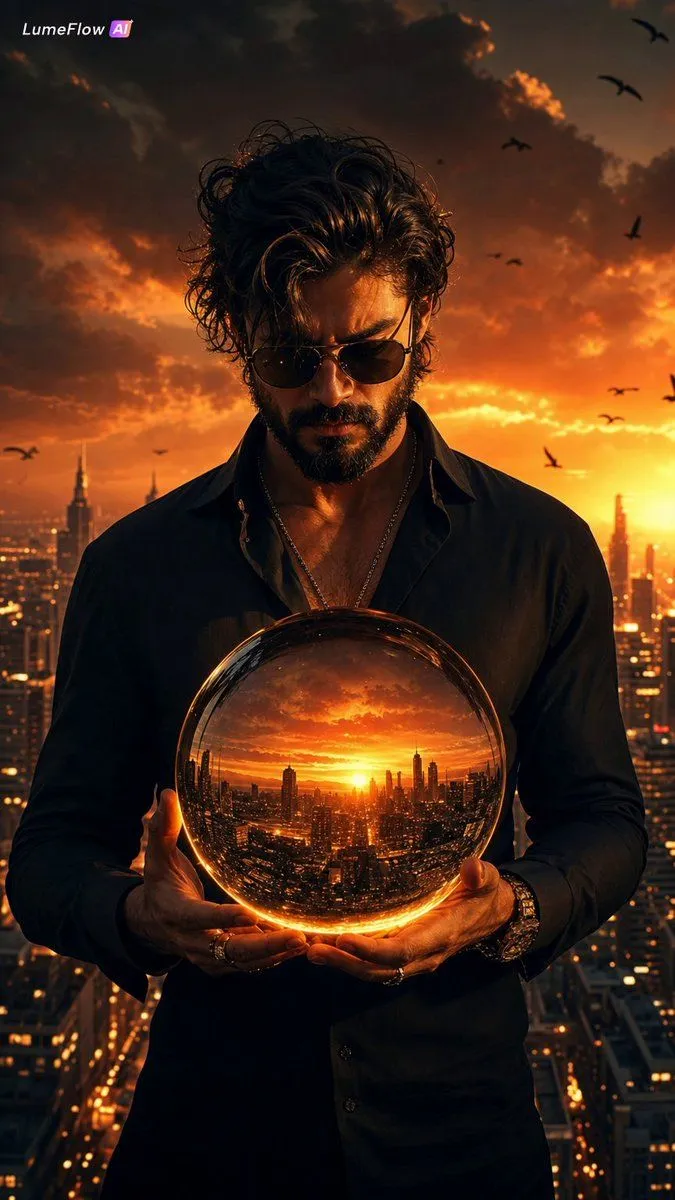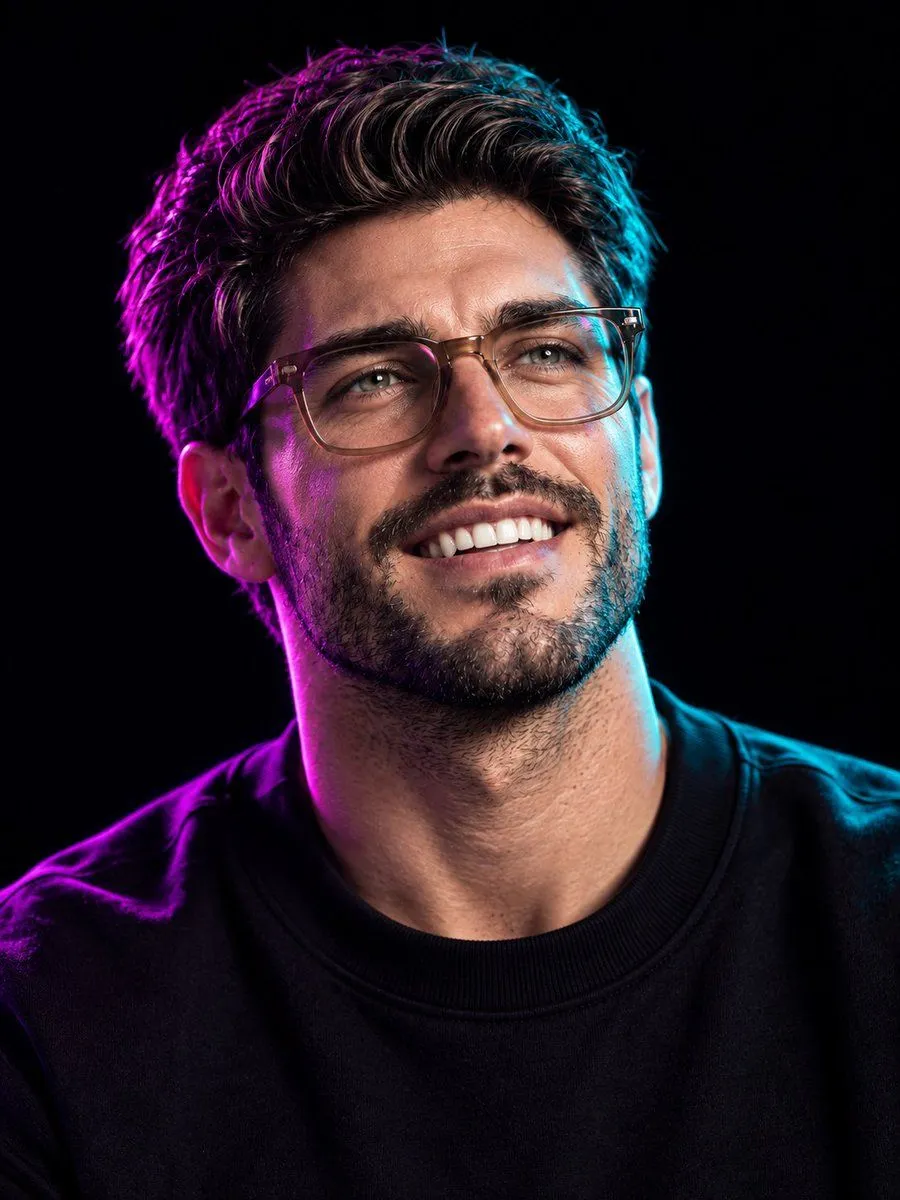
Made with GPT Image 2 in ChatGPT by Library Brand. Promptclay never generates images.
Did it work?
No reports yet. Tell others if it worked for you.
Cinematic 8K Photo Enhancer
Prompt
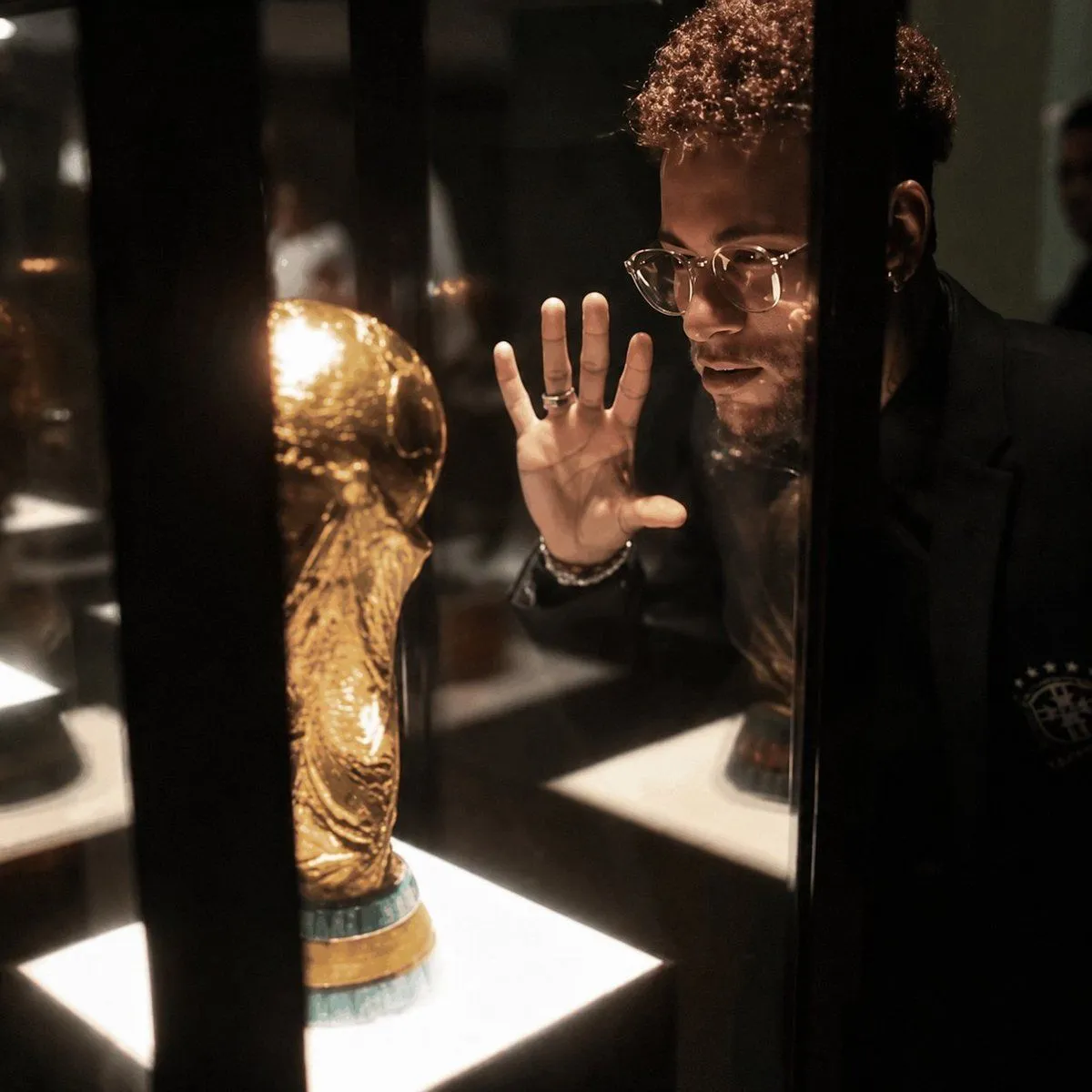
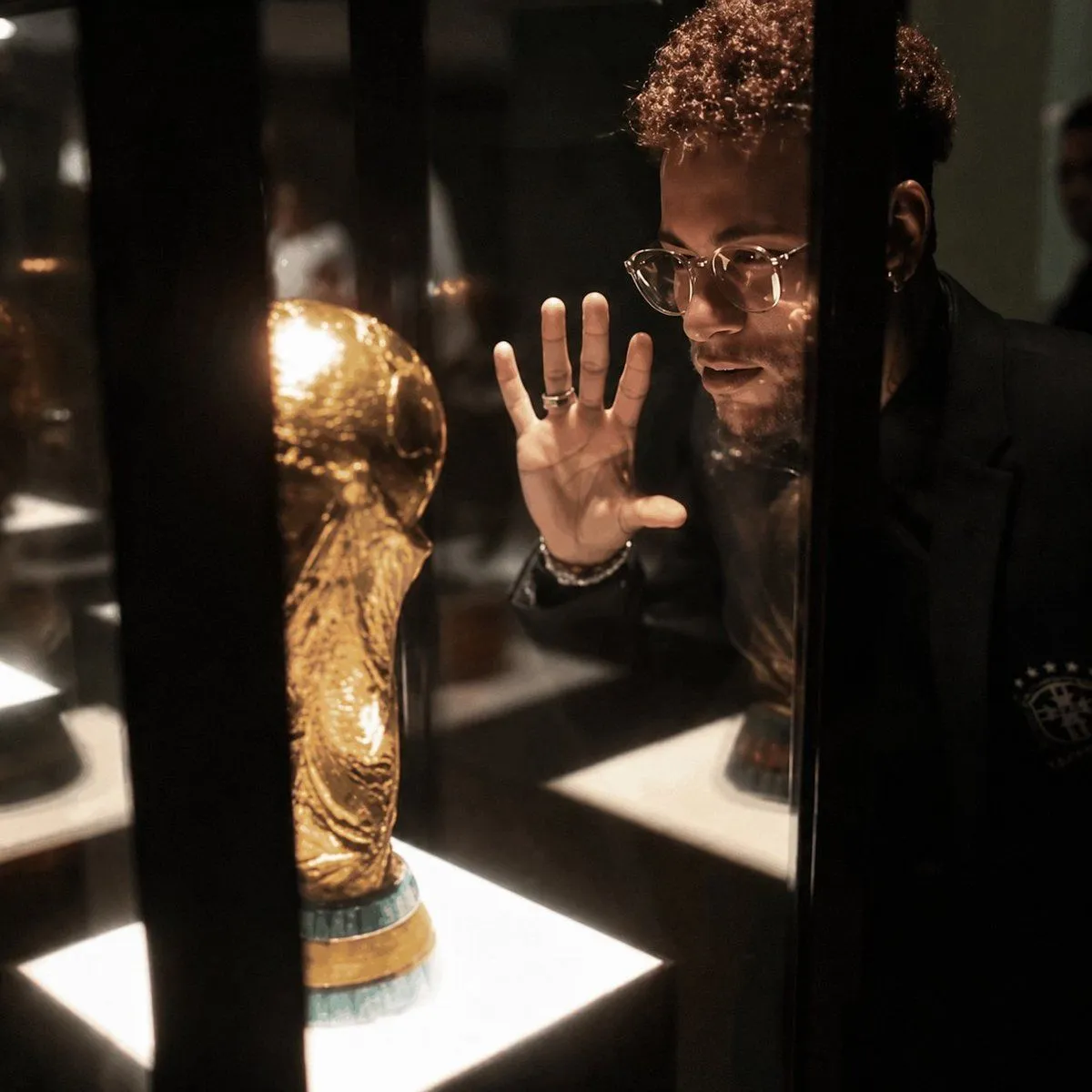
4 blanks to fillUsing the provided reference image, enhance it into an ultra-premium cinematic 8K photo while preserving 100% of the original composition, pose, objects, lighting placement, and the face-obscuring censor block. Improve the image quality dramatically: recover sharp microdetails in the glass display case, the golden trophy, hair texture, hand, rings, clothing, reflections, and illuminated display bases. Make it photorealistic with studio-grade contrast, richer warm museum lighting, cleaner shadows, reduced blur and pixelation, crisp edges, realistic glass reflections, and a high-end editorial/cinema finish. Do not change the subject’s position, the trophy location, the black vertical display bars, or the overall framing. Use {output_quality}, {visual_style}, {detail_emphasis}, and {lighting_mood}.
Preview of your prompt
Using the provided reference image, enhance it into an ultra-premium cinematic 8K photo while preserving 100% of the original composition, pose, objects, lighting placement, and the face-obscuring censor block. Improve the image quality dramatically: recover sharp microdetails in the glass display case, the golden trophy, hair texture, hand, rings, clothing, reflections, and illuminated display bases. Make it photorealistic with studio-grade contrast, richer warm museum lighting, cleaner shadows, reduced blur and pixelation, crisp edges, realistic glass reflections, and a high-end editorial/cinema finish. Do not change the subject’s position, the trophy location, the black vertical display bars, or the overall framing. Use ultra-premium 8K, cinematic photorealism, sharp microdetails, realistic pores, hair, glass, and metal reflections, and warm high-contrast museum display lighting.
DetailsVersions, settings and questions
Written for
What's in the prompt
- Subject
- Model
- GPT Image 2
If your face changes
keep my face exactly the sameQuestions
- Does this work in the ChatGPT app?
- Yes. Paste the prompt and attach your photo if it uses one.
- It changed my face. What do I do?
- Add "keep my face exactly the same" to the end and run it again.
- Can I use the images I make?
- Check the terms of the app you use. Promptclay never generates images and claims nothing you make.