Tell us anything

An idea, a bug, something you love. We read every note.

⌘↵ to send. The page you're on comes along.

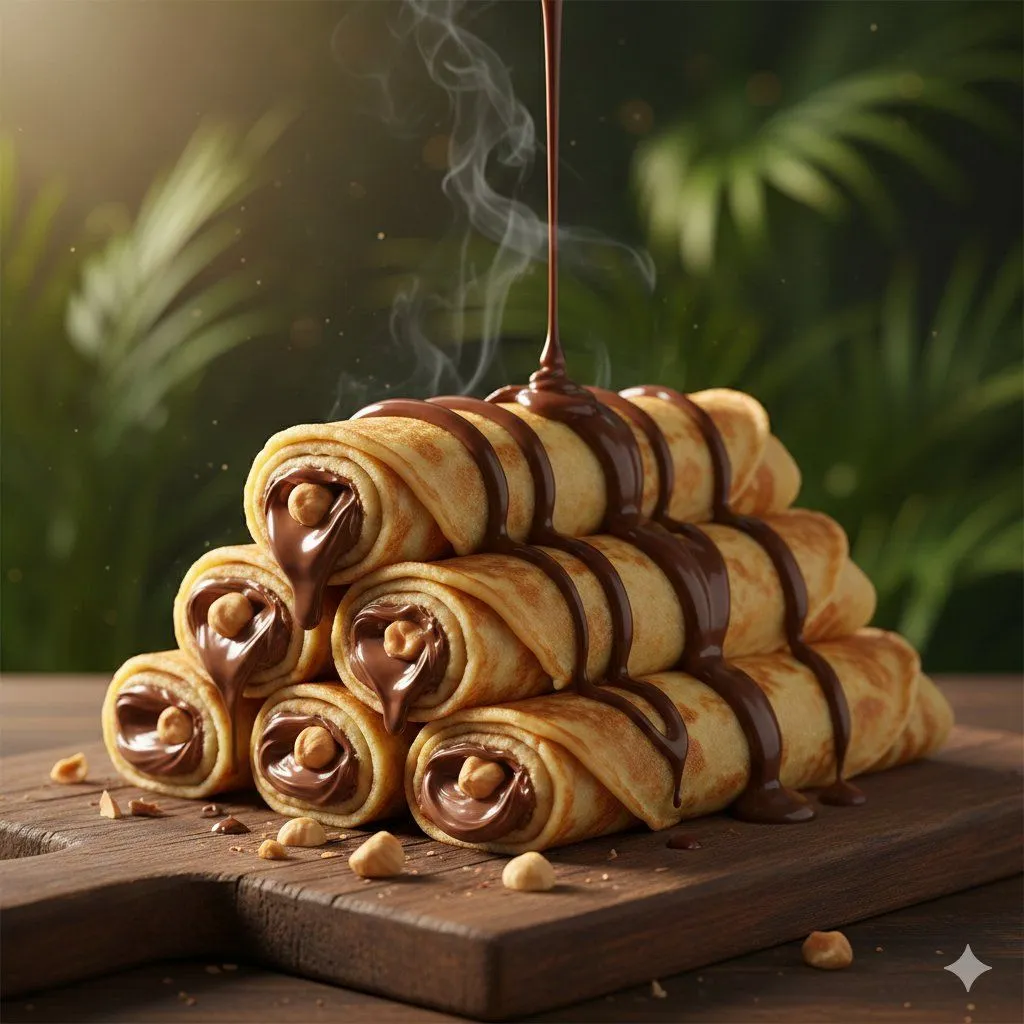
Chocolate Crepe Commercial Render Prompt (Python Class Style)

Made with Nano Banana Pro in Gemini by Library Social. Promptclay never generates images.

Chocolate Crepe Commercial Render Prompt (Python Class Style)

Nano Banana Pro1:1AI-generated

Prompt

class ChocolateCrepeAd: def __init__(self): self.resolution = "8K_ULTRA_HD" self.frame_ratio = "9:16" # Optimized for Social Media https://t.co/cI7K2nrLBL = "Hyper-Realistic / Professional Styling" def setup_scene(self): # Background & Environment self.surface = cr.Surface(material="Rustic Wooden Board", texture="Grainy") self.background = Bokeh(source="Vibrant Green Plants", blur_intensity=0.8) https://t.co/ci6mMG4fGy = NaturalLight(time="Warm Golden Hour", mood="Soft Cinematic") # The Subject: Gourmet Crepes self.subject = cr.FoodItem( type="Ultra-Thin Golden Crepes", form="Tight Cylinders", quantity="Casual Stack", attributes={ "edges": "Lightly Browned / Crispy", "topping": "Elegant Dark Chocolate Spiral Stripes", "filling": "Rich Glossy Chocolate-Hazelnut Spread" } ) def apply_motion_effects(self): # Dynamic Elements FluidDynamics.add_drizzle( substance="Molten Chocolate", speed="Slow-Motion", behavior="Falling / Coating" ) SteamParticles.emit(source=self.subject, opacity=0.3) # Camera Movement https://t.co/Oq1q7ViC4J = https://t.co/Wl1DQQj2RB(mode="Macro") https://t.co/Oq1q7ViC4J.path = ["Slow Pan", "Tilt", "Slight Rotation"] https://t.co/Oq1q7ViC4J.focus = "Gooey ends and creamy textures" def render_commercial(self): return self.setup_scene().apply_motion_effects().execute(fps=60)

Open in PicX Studio

Opens in a new tab with the prompt filled in or copied, ready to paste.

Works in
Gemini, ChatGPT
Status
Free to copy
DetailsVersions, settings and questions

Written for

What's in the prompt

Subject
Model
Nano Banana Pro

If your face changes

keep my face exactly the same

Questions

Does this work in the Gemini app?
Yes. Gemini runs Nano Banana, so paste the prompt and attach your photo if it uses one.
It changed my face. What do I do?
Add "keep my face exactly the same" to the end and run it again.
Can I use the images I make?
Check the terms of the app you use. Promptclay never generates images and claims nothing you make.
0

Did it work?

No reports yet. Tell others if it worked for you.
No comments yet. Be the first.

    More like this

    See more
    • Ultra-Realistic Pancake Artistry Video Prompt for Seedance 2.0Video, 0:15
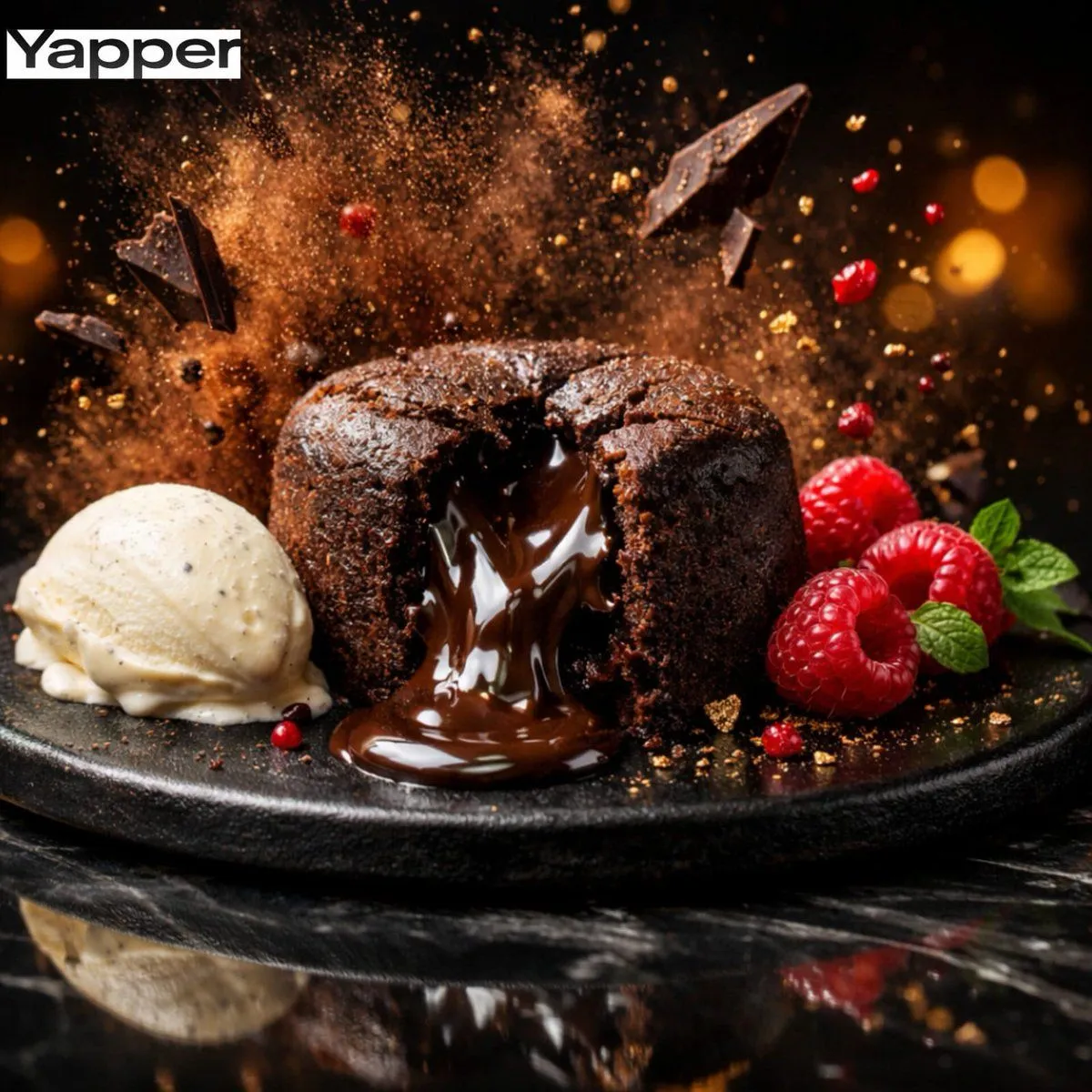
    • High-Speed Cinematic Luxury Dessert Photography Prompt (Molten Chocolate Lava Cake)
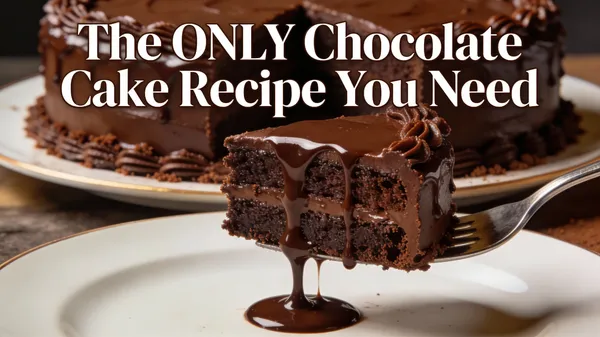
    • Ultimate Chocolate Cake Recipe Thumbnail
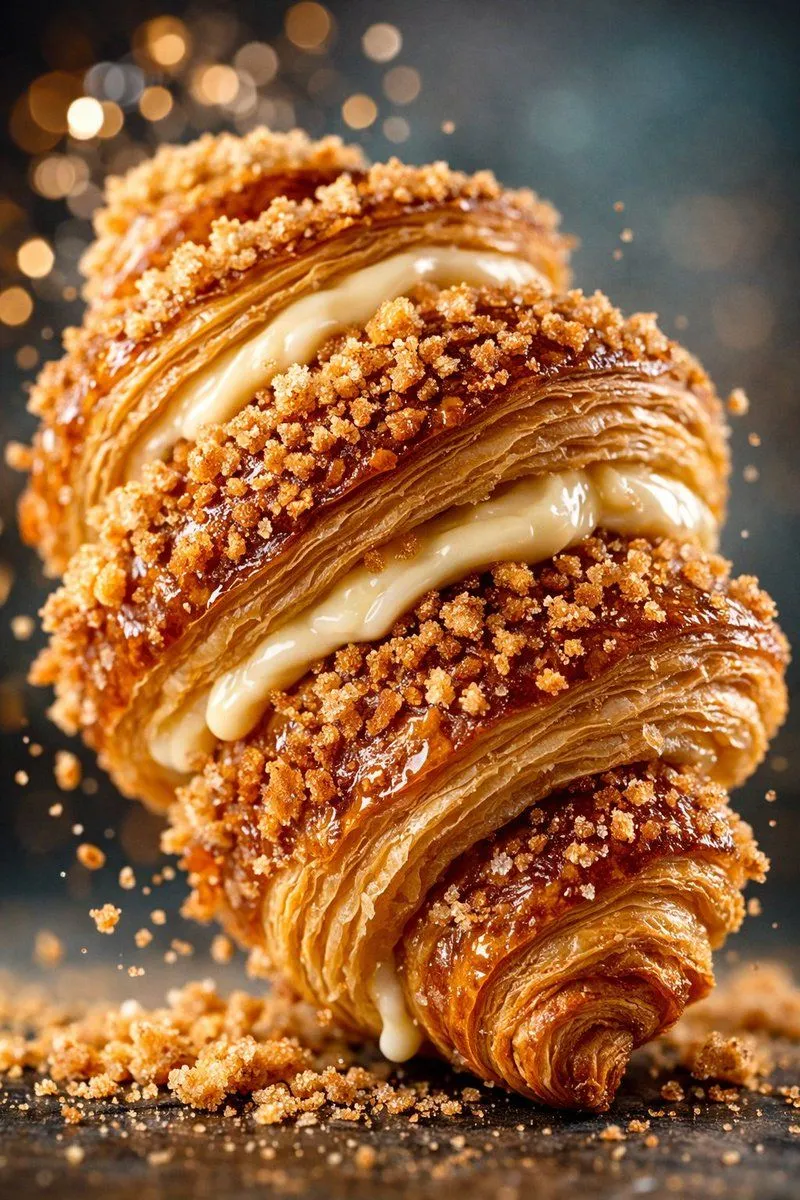
    • Hyper-Realistic Food Photography of Creamy Croissant
    • Hyper-Realistic Dessert Commercial Photography (JSON Format)
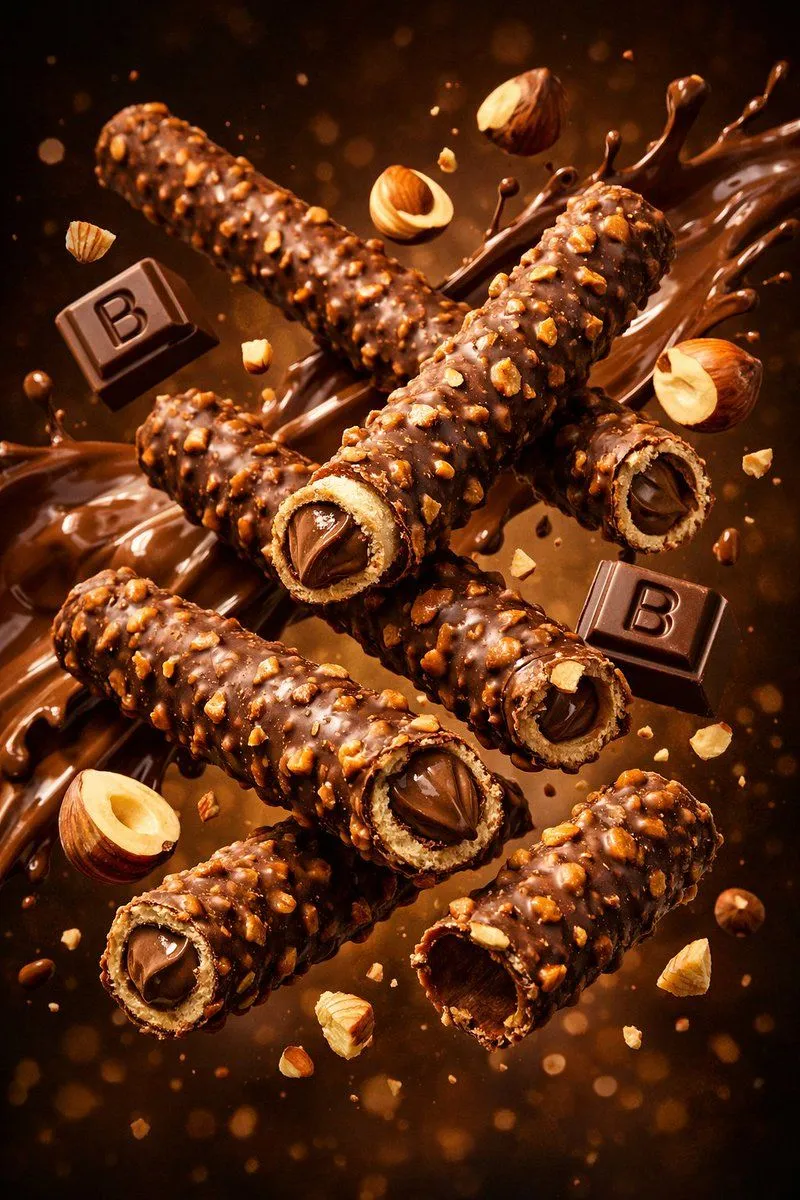
    • Product Render Config: Chocolate Wafer Hazelnut Edition
    • Luxury Dark Chocolate Commercial Photography
    • Exploding Food Commercial Photography
    • Ultra-Luxury Pancake Commercial Scene
    • Dark Cinematic Food Photography Prompt Formula
    • Cinematic Close-Up of Crispy Chicken Nuggets
    • High-End Cinematic Food ReelVideo, 0:45
    • Hyper-Realistic Exploded Food Infographic Prompt
    • Architectural Tiramisu Cross-Section
    • Jade Texture Application
    • Mushroom Stone Texture Replacement
    • 3D Icon Collection Grid Generator
    • 3D Miniature Instagram Diorama
    • Premium Instant Noodles Ad Storyboard
    • Premium Strawberry Jam Storyboard
    • Stylized Wicker Caricature Figurine
    • Sunlit Portrait with Headphones
    • Ultra-high-end Abstract Composition
    • Winter Solstice City Food Art Poster Prompt

    Show more

    Run it on your phone

    1. Prompt copiedRead it

      class ChocolateCrepeAd: def __init__(self): self.resolution = "8K_ULTRA_HD" self.frame_ratio = "9:16" # Optimized for Social Media https://t.co/cI7K2nrLBL = "Hyper-Realistic / Professional Styling" def setup_scene(self): # Background & Environment self.surface = cr.Surface(material="Rustic Wooden Board", texture="Grainy") self.background = Bokeh(source="Vibrant Green Plants", blur_intensity=0.8) https://t.co/ci6mMG4fGy = NaturalLight(time="Warm Golden Hour", mood="Soft Cinematic") # The Subject: Gourmet Crepes self.subject = cr.FoodItem( type="Ultra-Thin Golden Crepes", form="Tight Cylinders", quantity="Casual Stack", attributes={ "edges": "Lightly Browned / Crispy", "topping": "Elegant Dark Chocolate Spiral Stripes", "filling": "Rich Glossy Chocolate-Hazelnut Spread" } ) def apply_motion_effects(self): # Dynamic Elements FluidDynamics.add_drizzle( substance="Molten Chocolate", speed="Slow-Motion", behavior="Falling / Coating" ) SteamParticles.emit(source=self.subject, opacity=0.3) # Camera Movement https://t.co/Oq1q7ViC4J = https://t.co/Wl1DQQj2RB(mode="Macro") https://t.co/Oq1q7ViC4J.path = ["Slow Pan", "Tilt", "Slight Rotation"] https://t.co/Oq1q7ViC4J.focus = "Gooey ends and creamy textures" def render_commercial(self): return self.setup_scene().apply_motion_effects().execute(fps=60)

    2. Open your app

    3. Paste and run

      Press and hold the message box, then tap Paste. Add your photo first if the prompt uses one. You may need to sign in.

    Chocolate Crepe Commercial Render Prompt (Python Class Style)