Tell us anything

An idea, a bug, something you love. We read every note.

⌘↵ to send. The page you're on comes along.

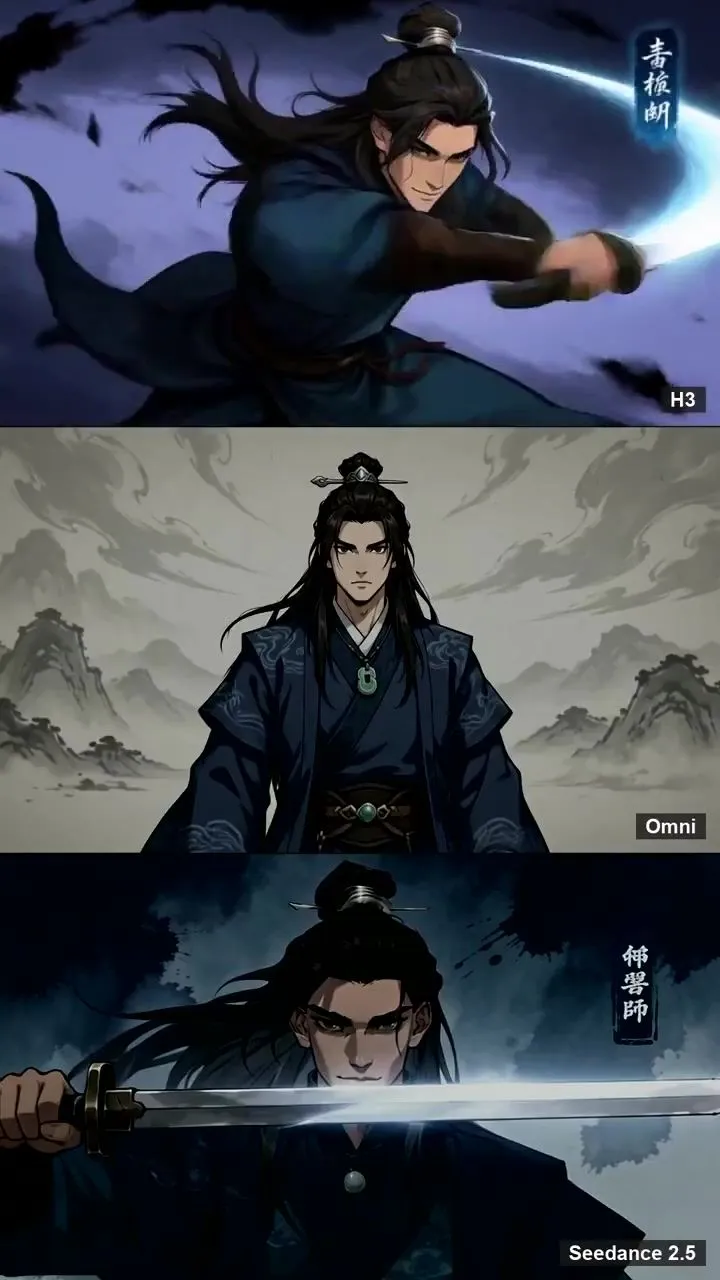
Chinese Anime Character Montage

Made with Seedance 2.5 in Kling by Library Cinema. Promptclay never generates images.

Did it work?

No reports yet. Tell others if it worked for you.

No comments yet. Be the first.

    Chinese Anime Character Montage

    Seedance 2.59:16AI-generated

    Prompt

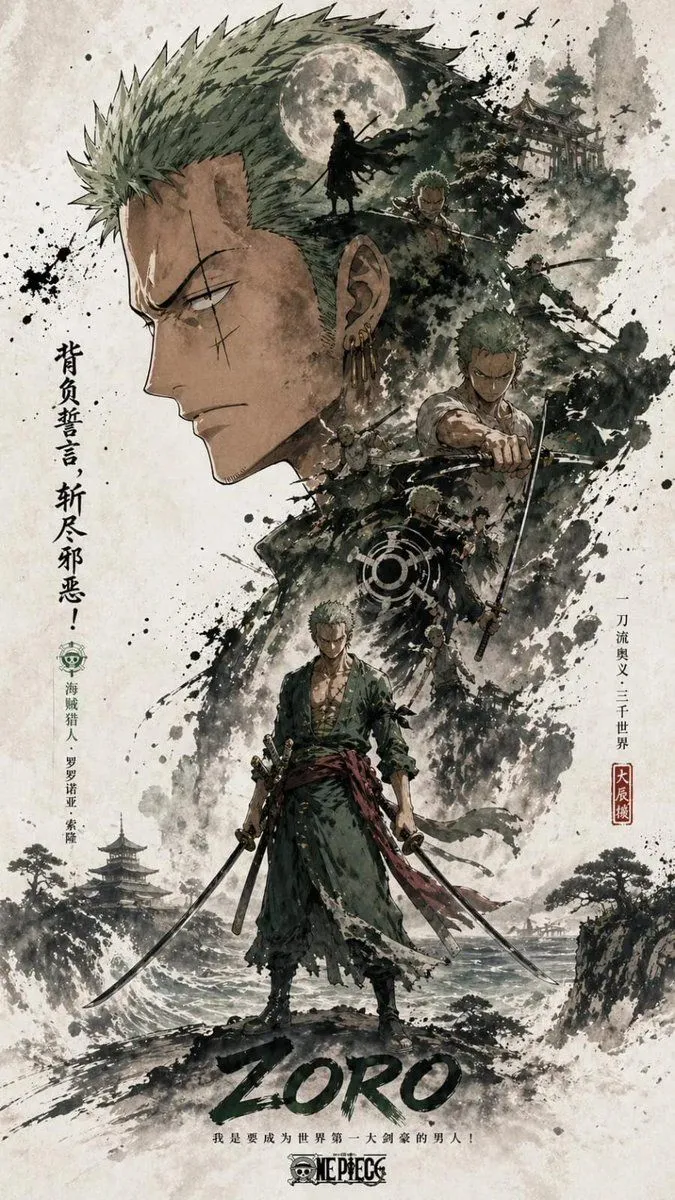
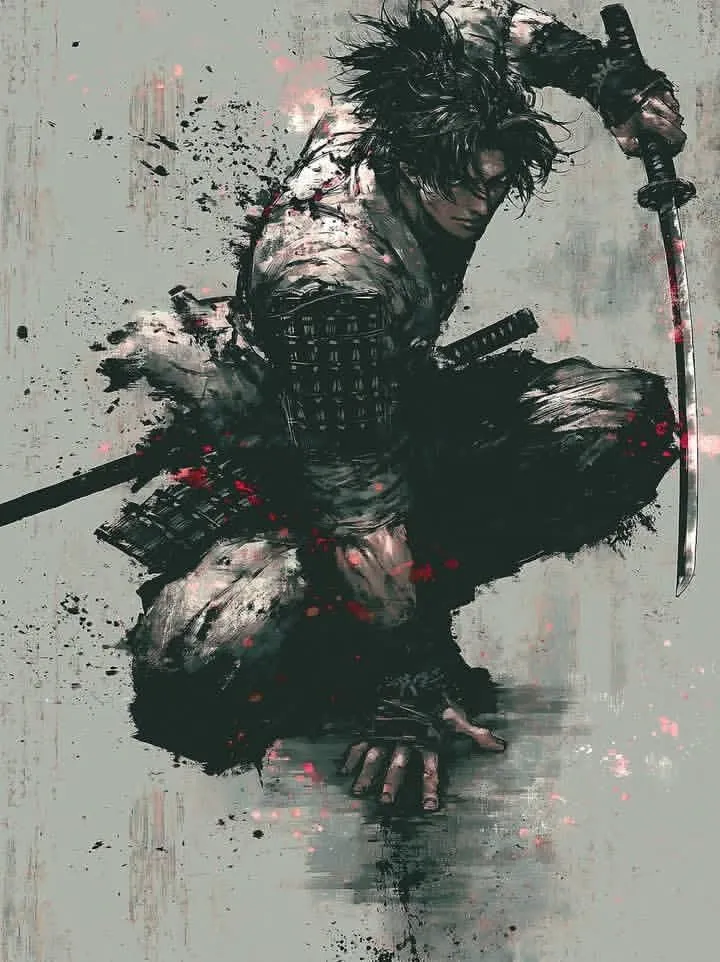
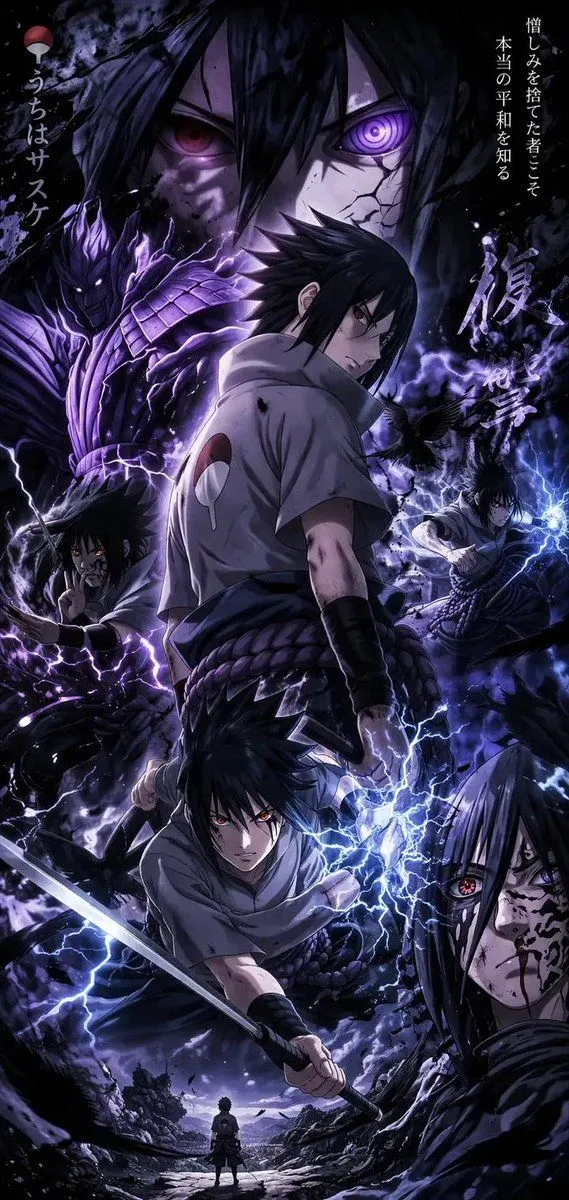
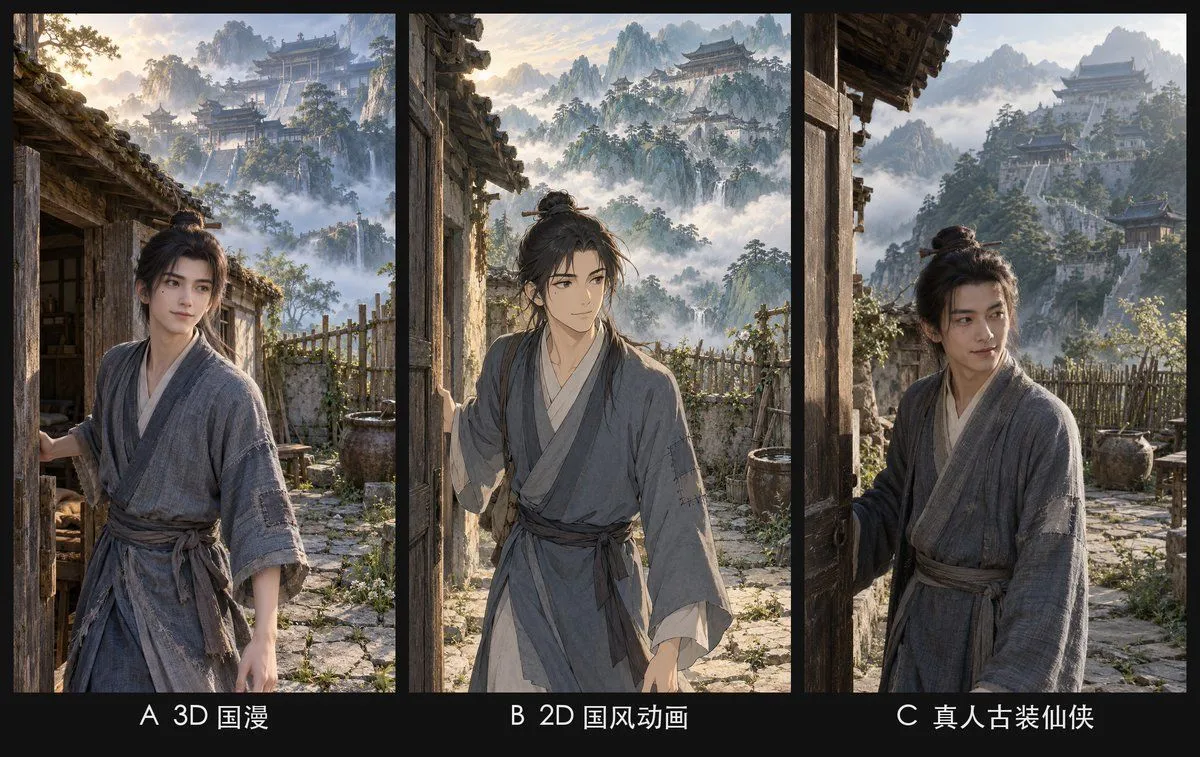
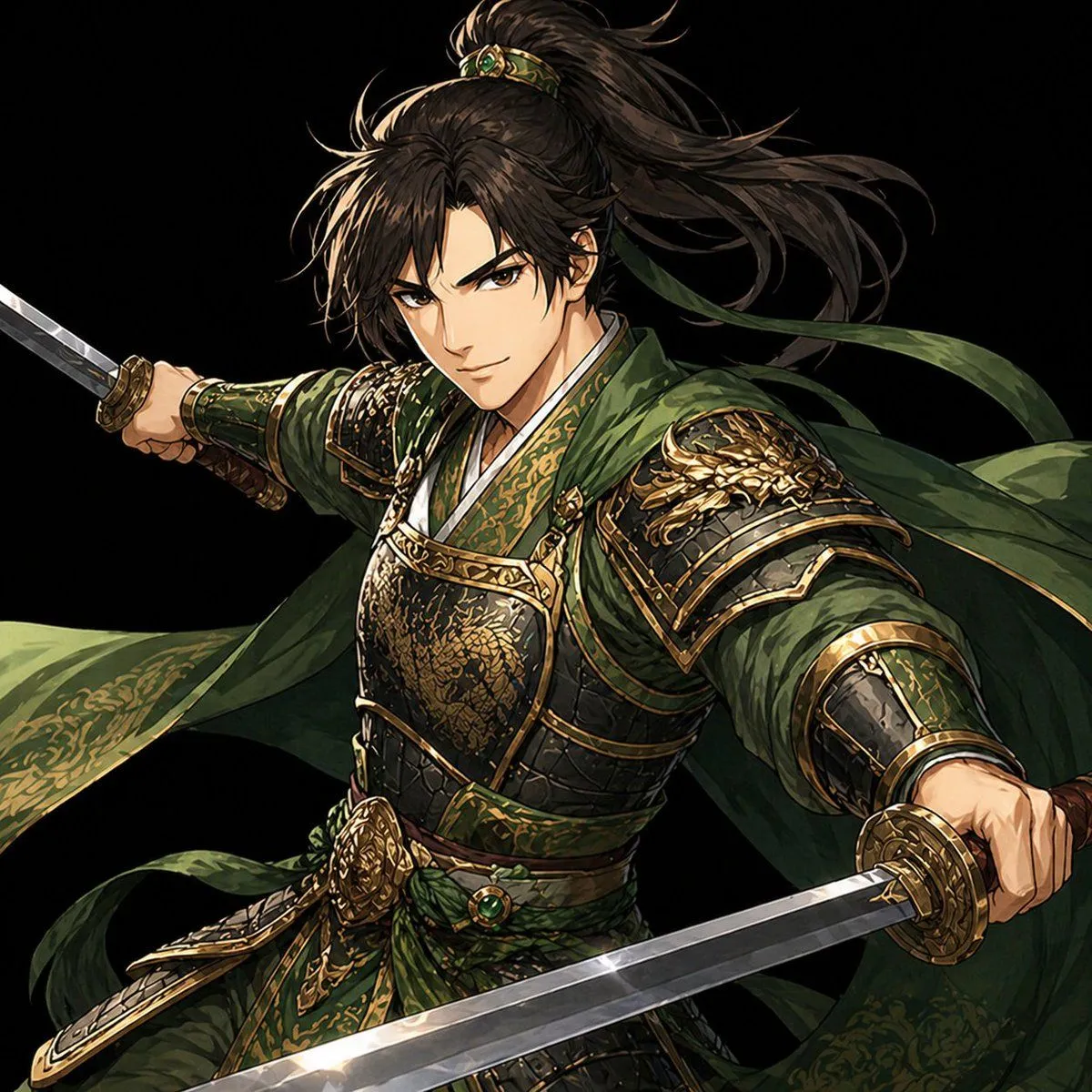
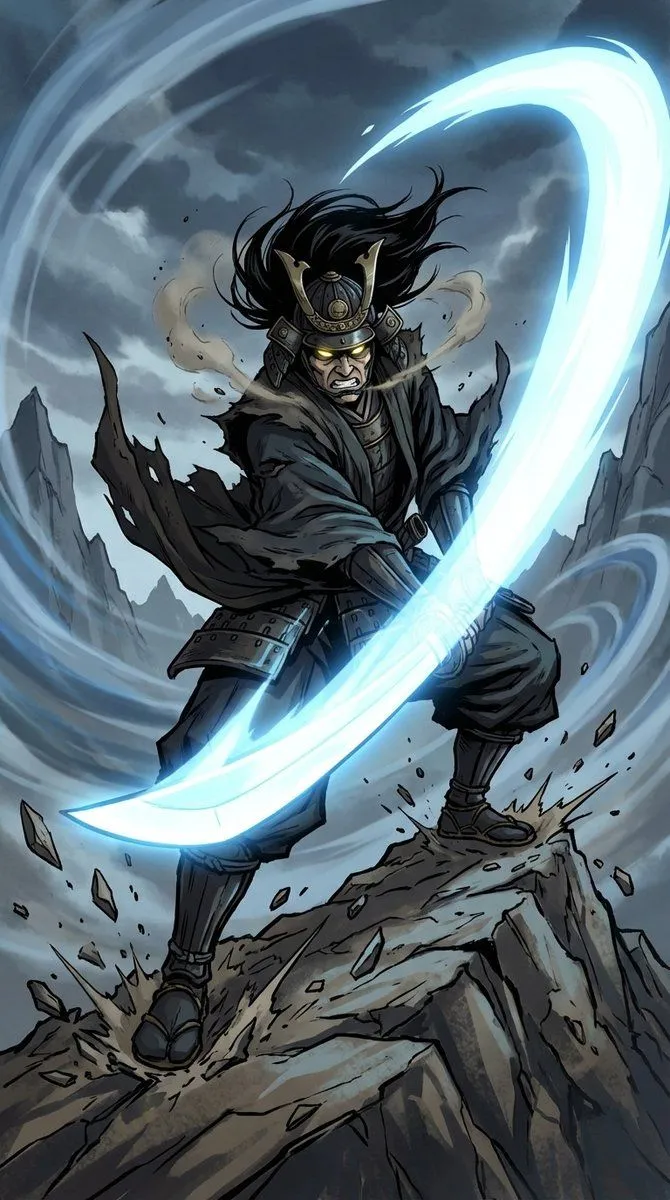
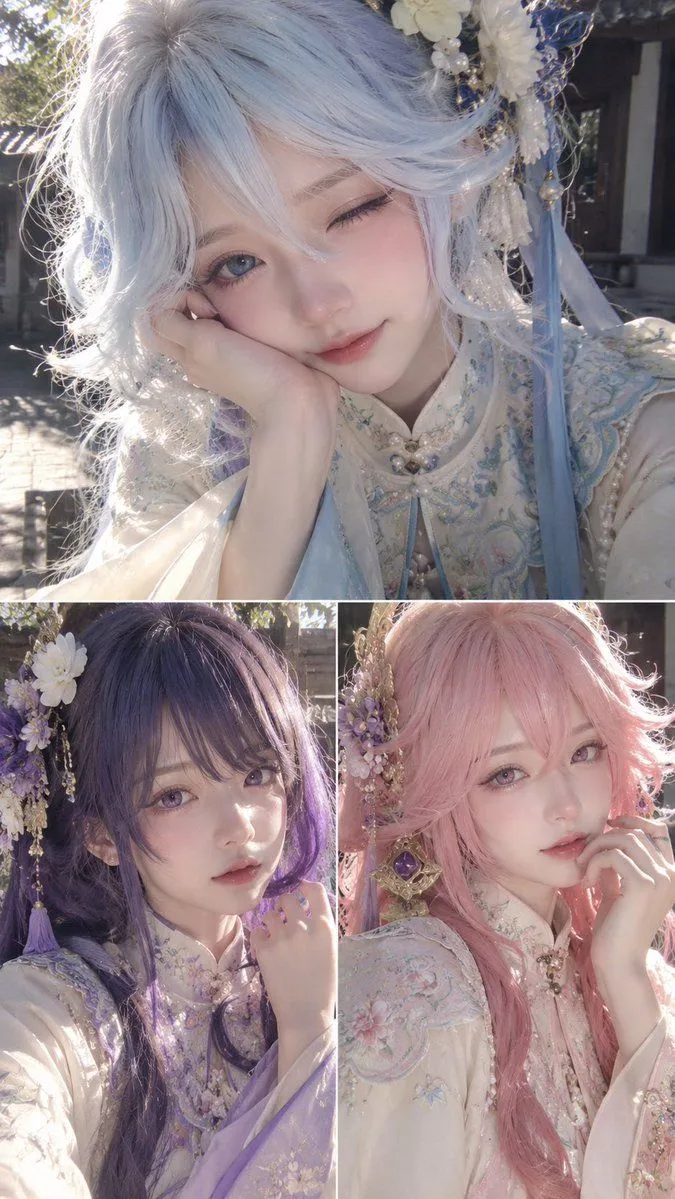
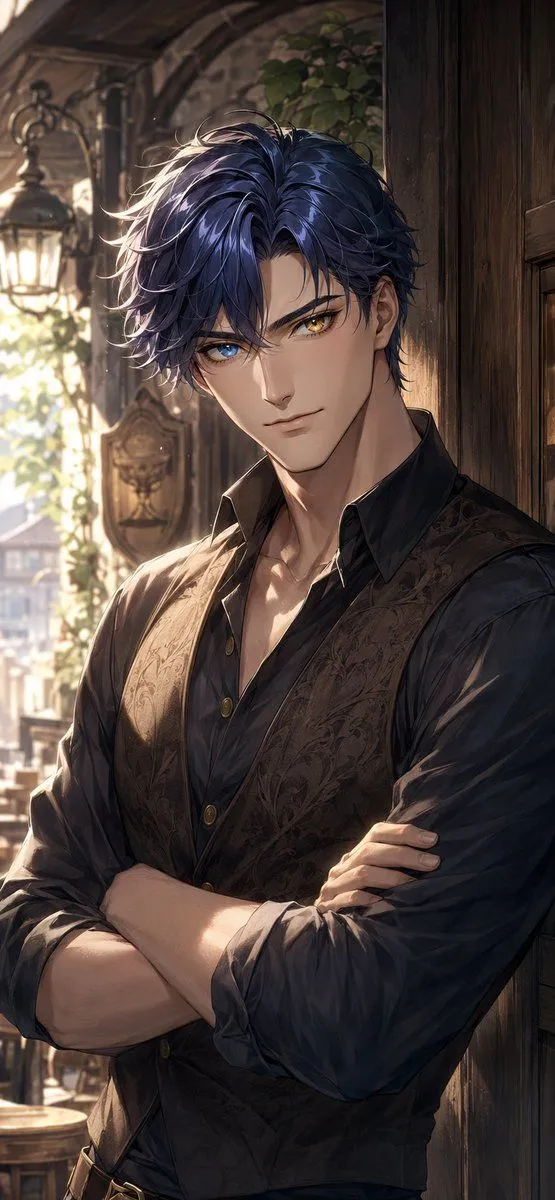
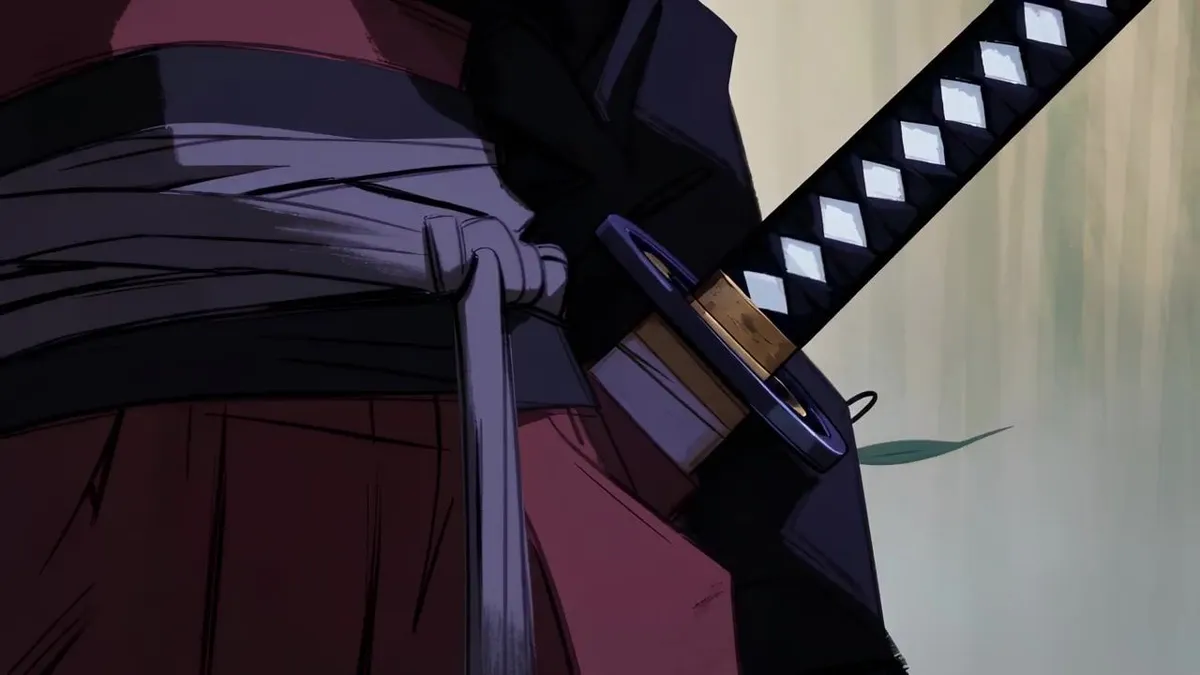
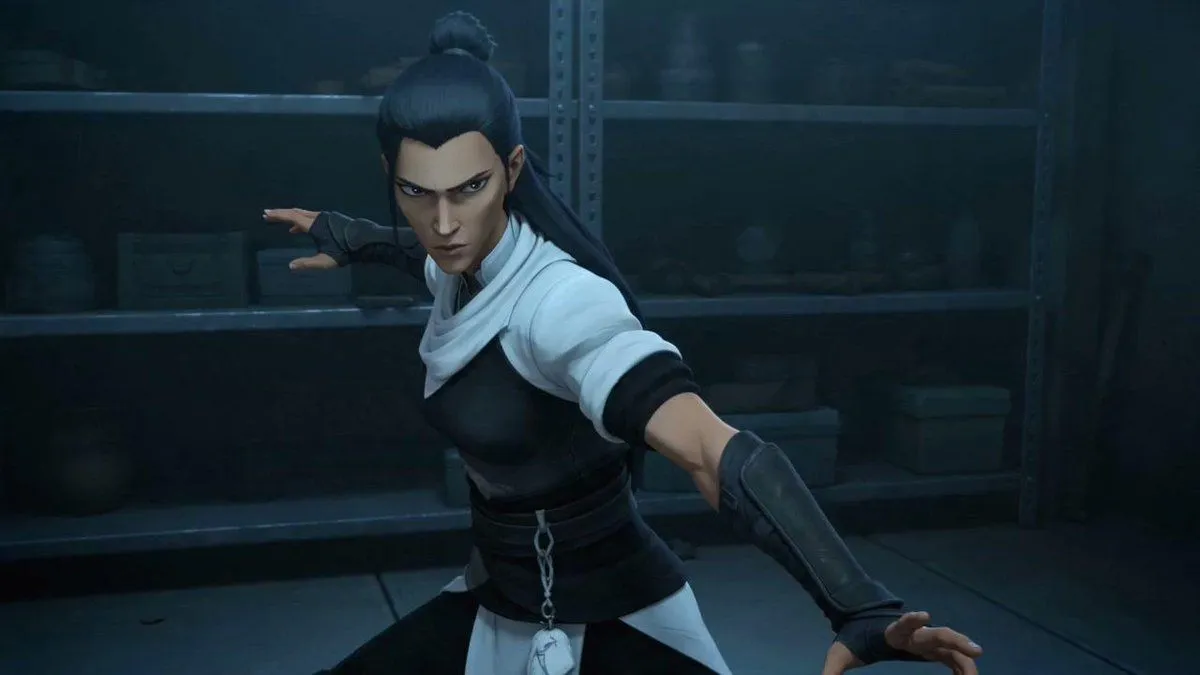
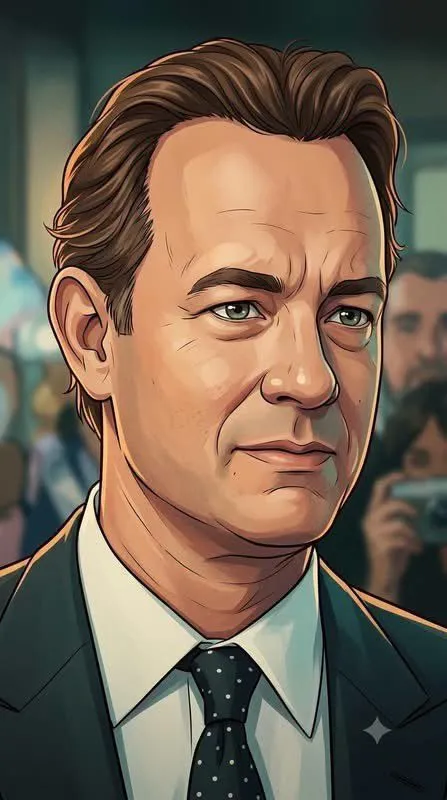
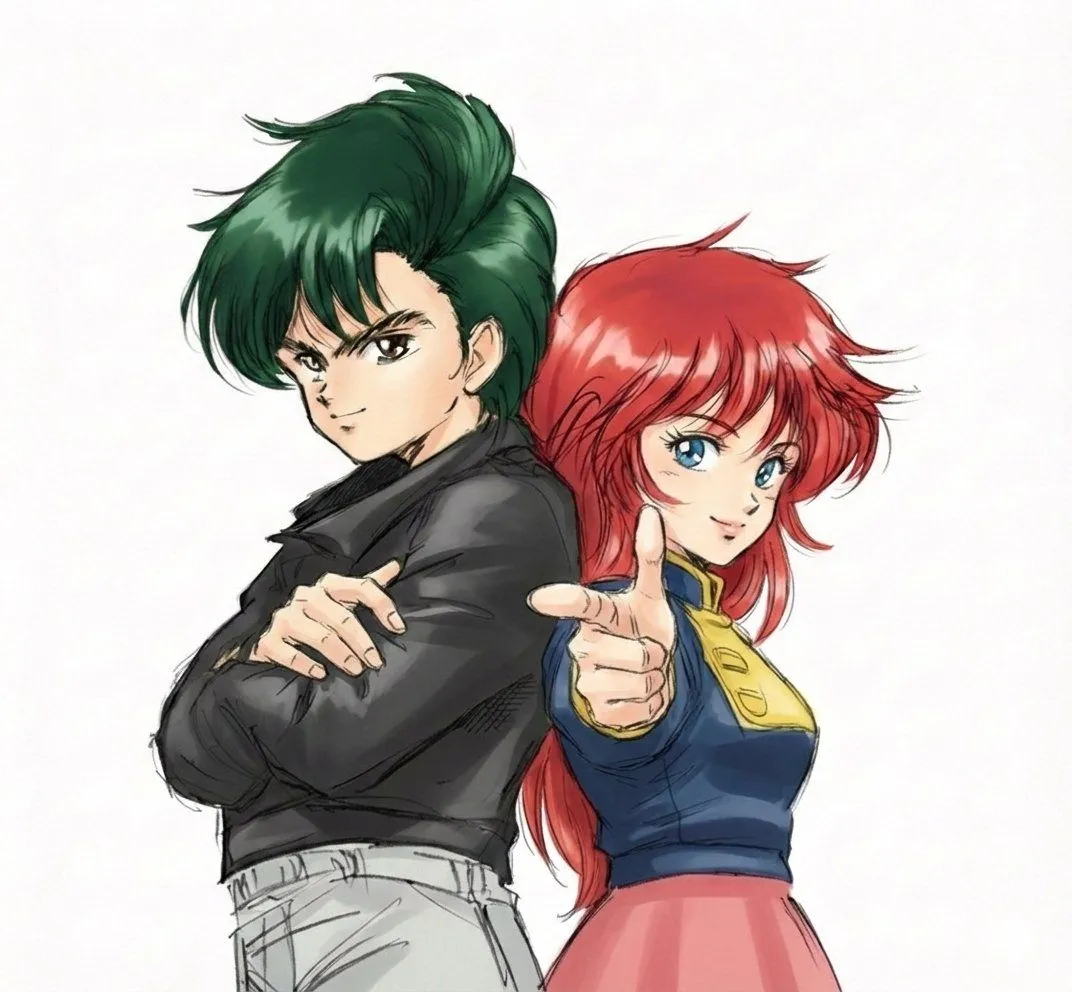
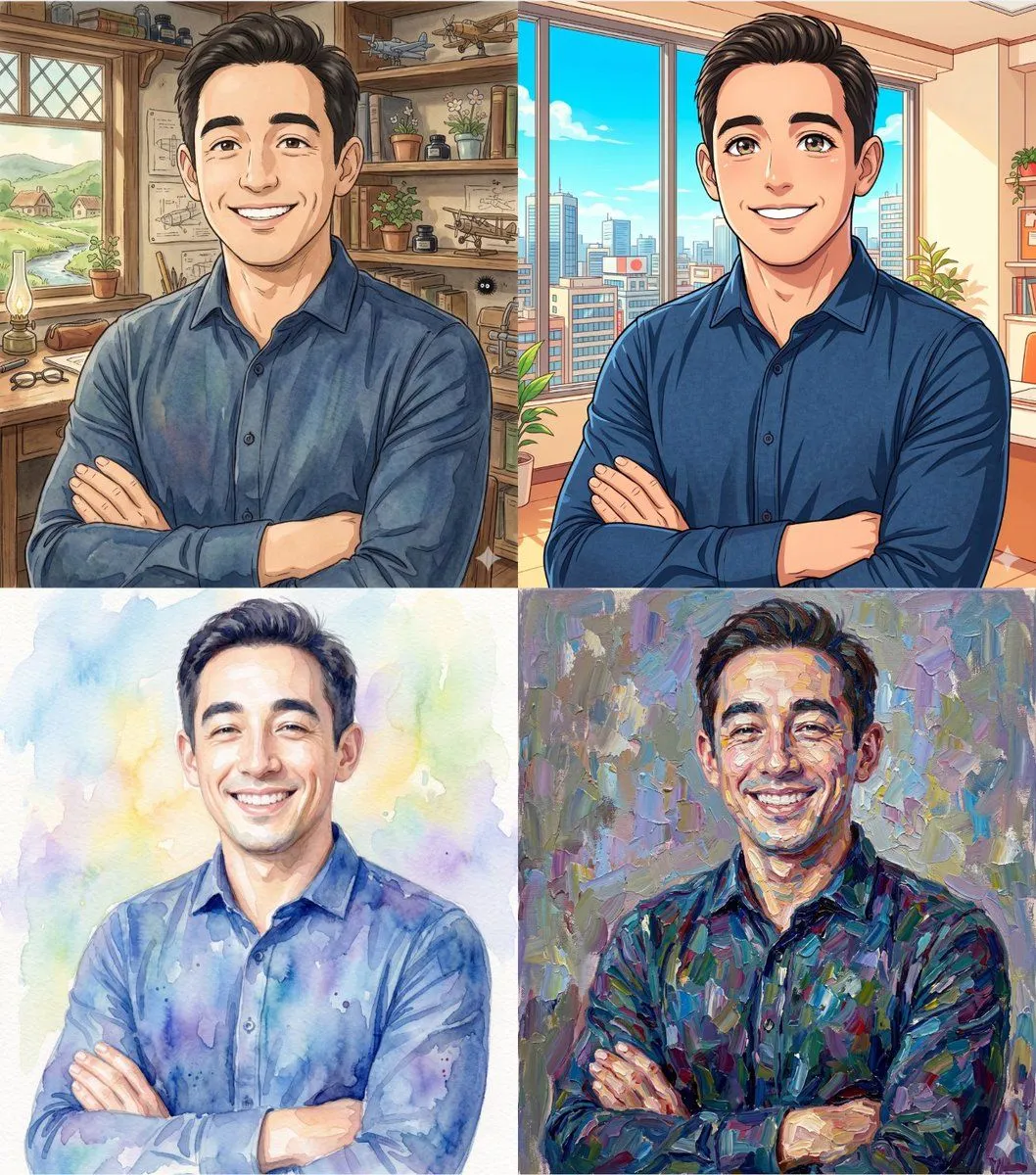
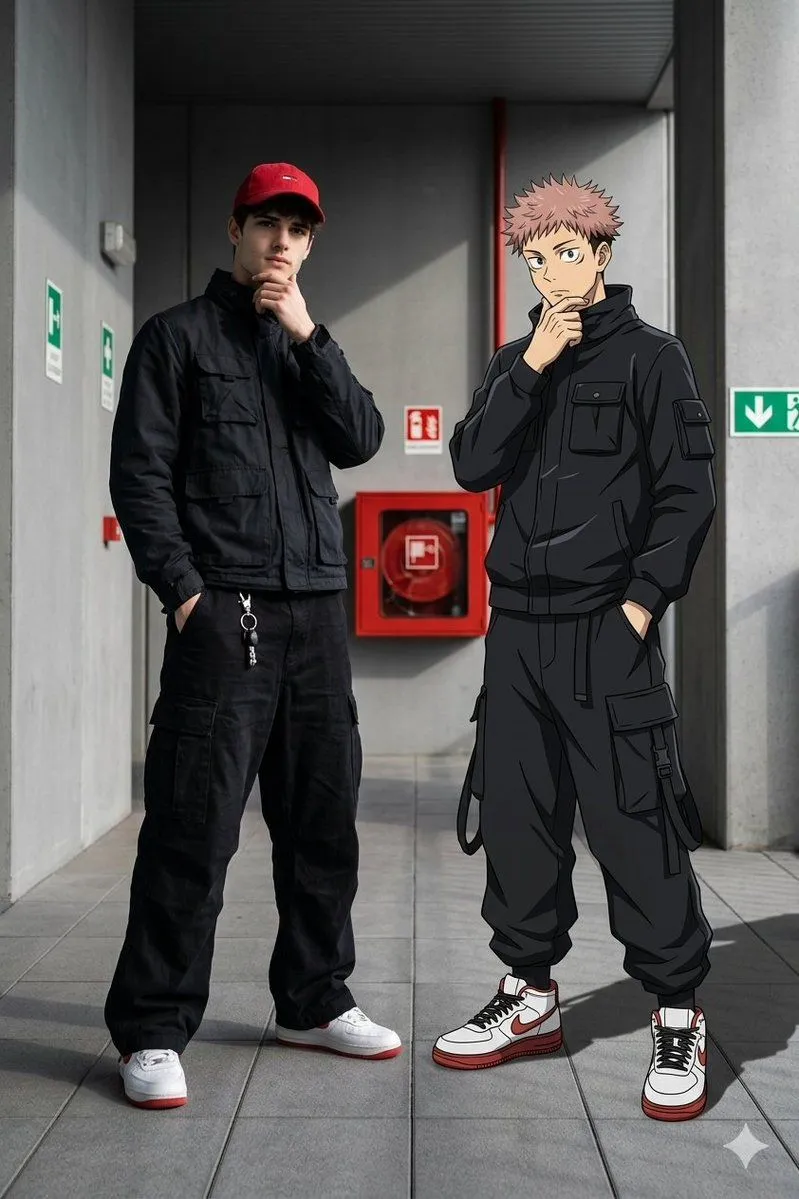
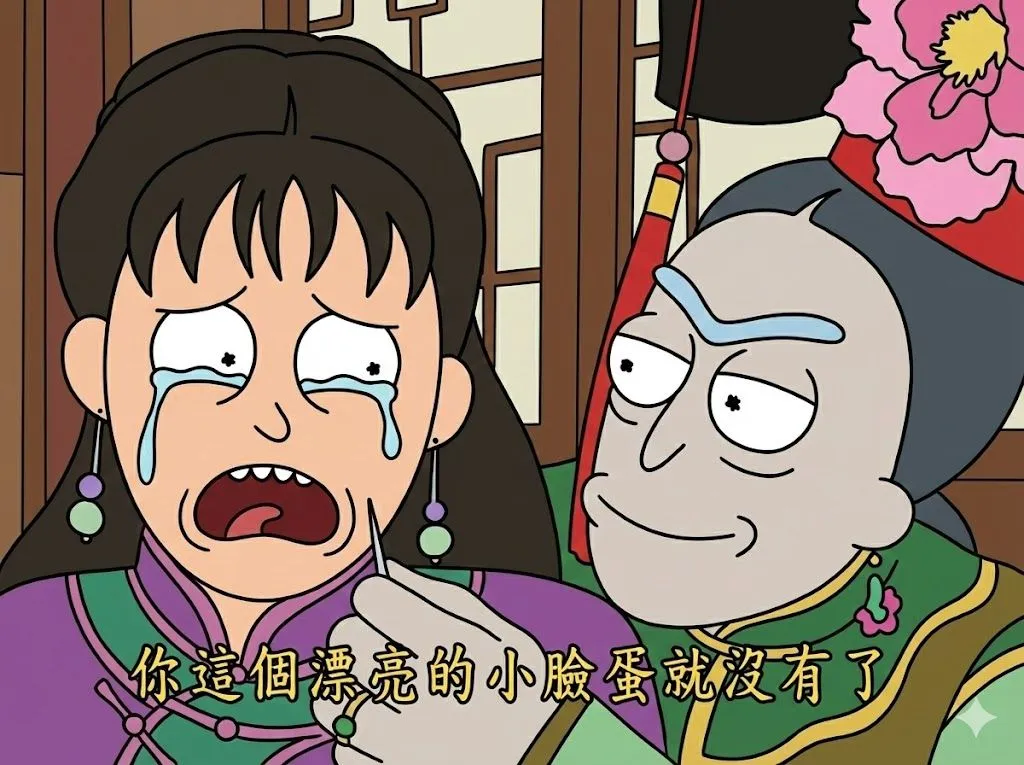
    Create a fast-paced 5-second 2D Chinese anime (guoman) character introduction montage using the three supplied reference images. IMPORTANT: @Image1, @Image2, @Image3 are three completely different characters. Preserve each character's exact face, hairstyle, skin tone, outfit, body type, and accessories from their corresponding reference image. Never merge, morph, blend, or exchange their identities. Show only one character at a time. Background device: each character gets a distinct ink-wash color field (indigo / vermilion / pine green) with flying brush-stroke particles, and a name-seal stamping into the corner. CUT 01 | 0.0-1.6s - @Image1 snaps in from a whip-pan blur, hero pose, face 40% of frame height, indigo ink field, seal stamps top-right. CUT 02 | 1.6-3.2s - Hard cut. @Image2 slides in on diagonal speed-lines, vermilion field, seal stamps on the left. CUT 03 | 3.2-5.0s - Hard cut. @Image3 lands from above with an impact frame and screen shake, pine-green field; all three seals align along the bottom; hold the end frame. Camera: fast push-ins only. No wide full-body distant shots; faces stay 35-50% of frame height. Audio: three taiko-style percussion hits + ink-splash SFX on each cut. DO NOT: identity morph, two characters in one frame, redesigned outfits, western comic style, any readable text other than the seals.

    Works in
    Kling
    Status
    Free to copy
    0
    DetailsVersions, settings and questions

    Written for

    What's in the prompt

    Subject
    Model
    Seedance 2.5

    If your face changes

    keep my face exactly the same

    Questions

    Does this work in the Kling app?
    Yes. Paste the prompt and attach your photo if it uses one.
    It changed my face. What do I do?
    Add "keep my face exactly the same" to the end and run it again.
    Can I use the images I make?
    Check the terms of the app you use. Promptclay never generates images and claims nothing you make.
    Similar prompts

    See more
    • Wushan Wuxing Style High-Energy Fight Scene Prompt for Seedance 2.0Video, 0:10
    • Ink-Wash Cinematic Montage Poster
    • Oriental Aesthetics Silhouette Poster
    • Samurai Ink Wash Manga Art
    • Anime Character Mobile Wallpaper
    • Three-Panel Character Style Comparison
    • Green Armored Dual-Sword Warrior
    • Samurai Swordsman Dynamic Battle Scene Prompt
    • Anime Cosplay Collage: New Chinese Style
    • Heterochromatic Nobleman Anime Portrait
    • Cinematic 2.5D Matte AnimationVideo, 0:20
    • Censored Ninja Fighter Cutscene
    • Cinematic 2D Anime Illustration
    • Anime Martial Arts Battle Illustration
    • Recreate Image in Realistic Style
    • Complex Multi-Instruction Image Generation
    • Anime Realistic Ninja Duo Portrait
    • Anime movie poster generator
    • Real People Transforming into Comic Characters in a Future City
    • Ghibli and Anime Style Photo Transformation
    • Real-Life and Anime Character Composite
    • Style Transfer to Rick and Morty
    • Dynamic Anime Hero Figure Render
    • Anime Lunar Eclipse Swordswoman Poster

    Show more

    Run it on your phone

    1. Prompt copiedRead it

      Create a fast-paced 5-second 2D Chinese anime (guoman) character introduction montage using the three supplied reference images. IMPORTANT: @Image1, @Image2, @Image3 are three completely different characters. Preserve each character's exact face, hairstyle, skin tone, outfit, body type, and accessories from their corresponding reference image. Never merge, morph, blend, or exchange their identities. Show only one character at a time. Background device: each character gets a distinct ink-wash color field (indigo / vermilion / pine green) with flying brush-stroke particles, and a name-seal stamping into the corner. CUT 01 | 0.0-1.6s - @Image1 snaps in from a whip-pan blur, hero pose, face 40% of frame height, indigo ink field, seal stamps top-right. CUT 02 | 1.6-3.2s - Hard cut. @Image2 slides in on diagonal speed-lines, vermilion field, seal stamps on the left. CUT 03 | 3.2-5.0s - Hard cut. @Image3 lands from above with an impact frame and screen shake, pine-green field; all three seals align along the bottom; hold the end frame. Camera: fast push-ins only. No wide full-body distant shots; faces stay 35-50% of frame height. Audio: three taiko-style percussion hits + ink-splash SFX on each cut. DO NOT: identity morph, two characters in one frame, redesigned outfits, western comic style, any readable text other than the seals.

    2. Open your app

    3. Paste and run

      Press and hold the message box, then tap Paste. Add your photo first if the prompt uses one. You may need to sign in.