Tell us anything

An idea, a bug, something you love. We read every note.

⌘↵ to send. The page you're on comes along.

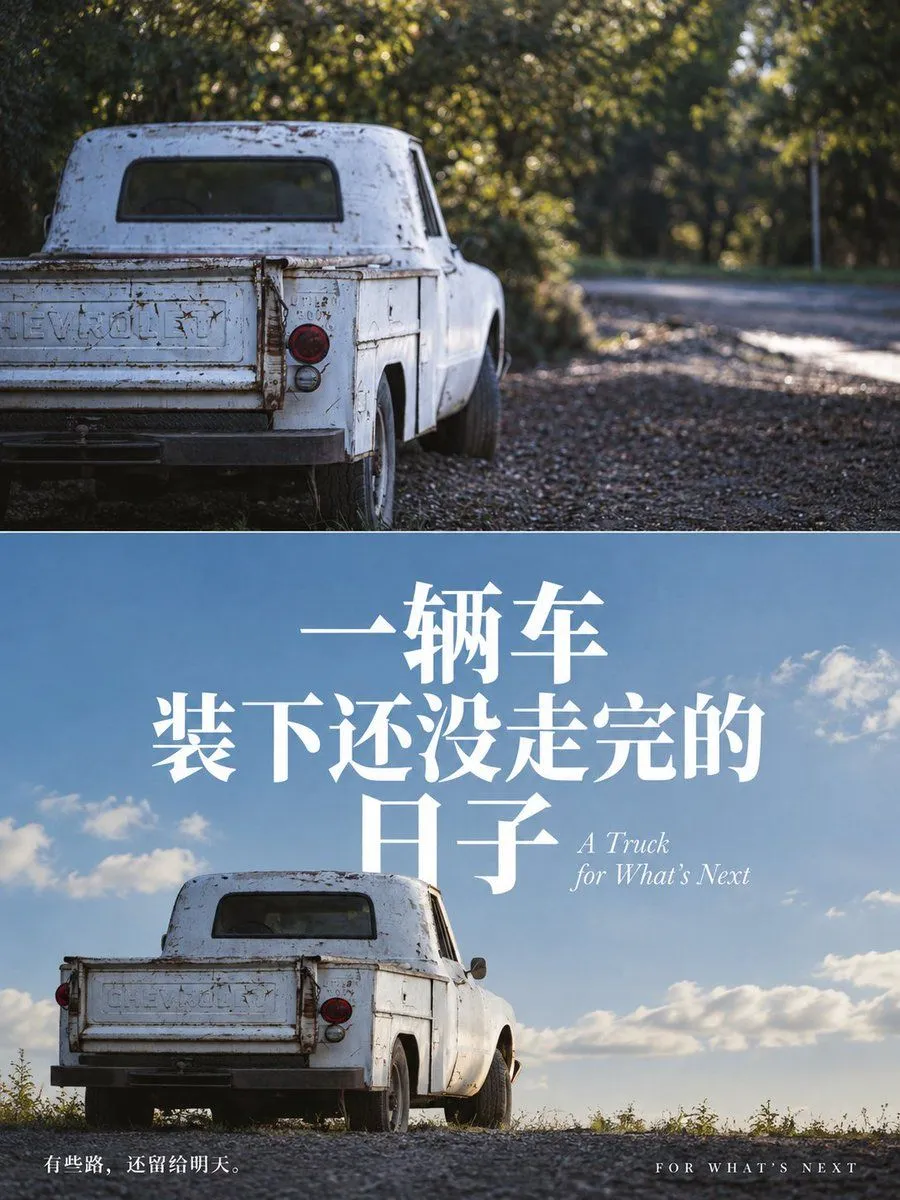
Chevrolet Truck Split-Screen Poster

Made with GPT Image 2.5 in ChatGPT by Library Typography. Promptclay never generates images.

Did it work?

No reports yet. Tell others if it worked for you.

No comments yet. Be the first.

    Chevrolet Truck Split-Screen Poster

    GPT Image 2.53:4AI-generated

    Prompt

    Create a vertical split-screen poster design. The top half features a realistic photograph of the rear three-quarter view of an old, weathered white Chevrolet pickup truck parked on a gravel road with trees in the background; the lighting is moody and slightly desaturated. The bottom half shows the same truck from a similar angle but against a bright blue sky with fluffy white clouds, representing a hopeful future. Large, bold white Chinese text overlays the center-bottom section reading '一辆车' (One Truck) on the first line, '装下还没走完的' (Carrying what hasn't been traveled yet) on the second line, and '日子' (Days/Life) on the third line. To the right of the last character, include smaller italicized English text: 'A Truck for What's Next'. At the very bottom left, add small white text: '有些路,还留给明天。' (Some roads are left for tomorrow). At the bottom right, add spaced-out uppercase English text: 'FOR WHAT'S NEXT'.

    Works in
    ChatGPT, Gemini
    Status
    Free to copy
    0
    DetailsVersions, settings and questions

    Written for

    What's in the prompt

    Subject
    Model
    GPT Image 2.5

    If your face changes

    keep my face exactly the same

    Questions

    Does this work in the ChatGPT app?
    Yes. Paste the prompt and attach your photo if it uses one.
    It changed my face. What do I do?
    Add "keep my face exactly the same" to the end and run it again.
    Can I use the images I make?
    Check the terms of the app you use. Promptclay never generates images and claims nothing you make.
    Similar prompts

    See more
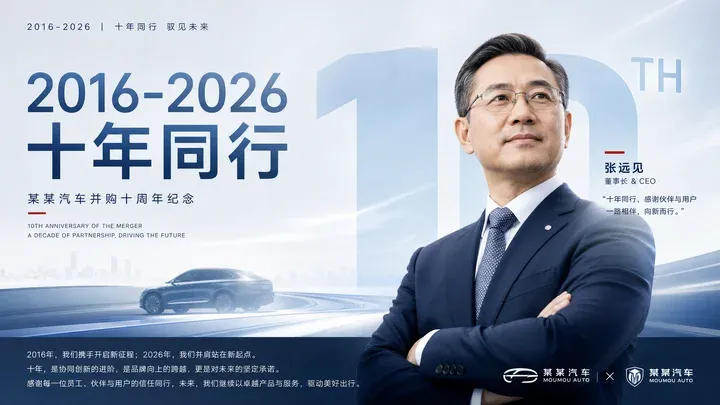
    • Corporate Anniversary CEO Poster
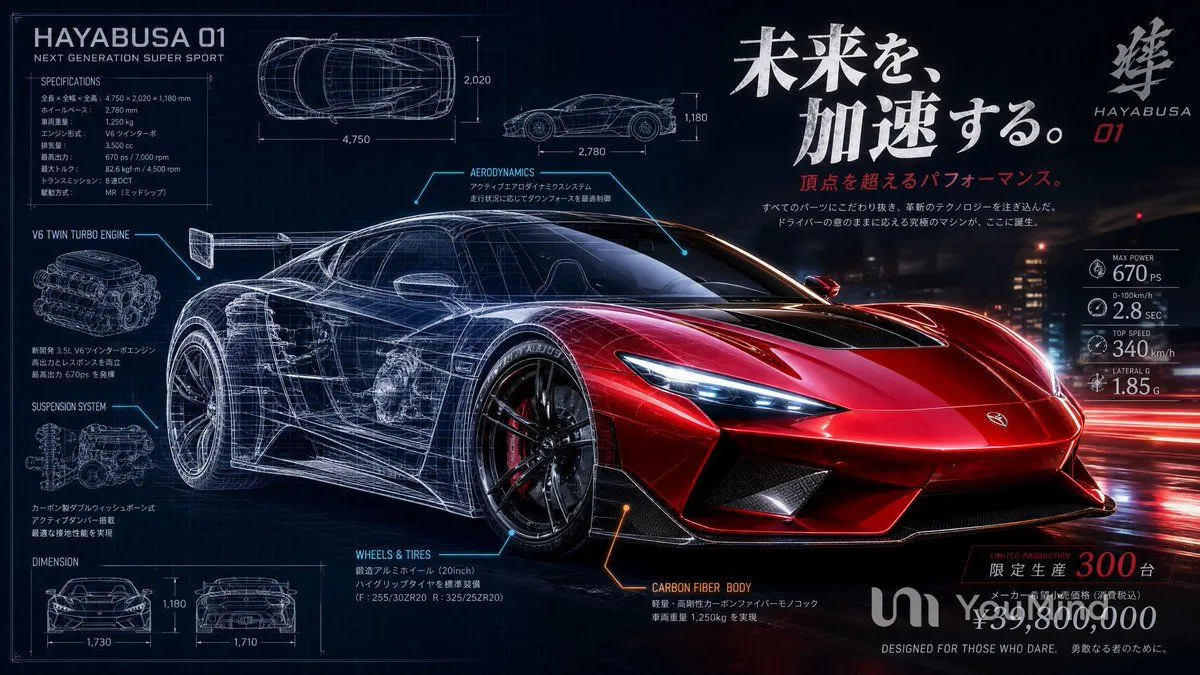
    • Japanese Hypercar Blueprint Poster
    • Grunge Racing Poster Transformation
    • Female Street Racer Movie Poster
    • Memory Card Photo Illustration Split
    • Artistic Hollow Line Font Redraw
    • Luxury x E-commerce Split Poster
    • Editorial Art Poster with Impasto Miniature
    • Split-Screen Time Travel Scene
    • Chinese Novel Quote Typography Poster
    • Dual-Personality Cinematic Poster
    • Split-Identity Cinematic Movie Poster Prompt with Face Lock
    • Split-Screen Chibi Selfie Scrapbook
    • Cinematic Vigilante Graphic Poster
    • Romantic Sunset Beach Movie Poster
    • Watercolor Travel Poster Fusion
    • Book Product Photography Prompt
    • Live-Action Movie Poster & Character Sheet
    • Snow Flower Hashira Diagnosis Poster
    • Cinematic Spring Cherry Blossom Portrait
    • Pop Idol Typography Cover Art
    • Risograph Style Poetic Illustration
    • Surreal Library Multi-Angle Portrait
    • Zen-Style Oolong Tea Ecommerce Detail Page

    Show more

    Run it on your phone

    1. Prompt copiedRead it

      Create a vertical split-screen poster design. The top half features a realistic photograph of the rear three-quarter view of an old, weathered white Chevrolet pickup truck parked on a gravel road with trees in the background; the lighting is moody and slightly desaturated. The bottom half shows the same truck from a similar angle but against a bright blue sky with fluffy white clouds, representing a hopeful future. Large, bold white Chinese text overlays the center-bottom section reading '一辆车' (One Truck) on the first line, '装下还没走完的' (Carrying what hasn't been traveled yet) on the second line, and '日子' (Days/Life) on the third line. To the right of the last character, include smaller italicized English text: 'A Truck for What's Next'. At the very bottom left, add small white text: '有些路,还留给明天。' (Some roads are left for tomorrow). At the bottom right, add spaced-out uppercase English text: 'FOR WHAT'S NEXT'.

    2. Open your app

    3. Paste and run

      Press and hold the message box, then tap Paste. Add your photo first if the prompt uses one. You may need to sign in.

    Chevrolet Truck Split-Screen Poster