Tell us anything

An idea, a bug, something you love. We read every note.

⌘↵ to send. The page you're on comes along.

Character Swap Video Edit Prompt

Made with Seedance 2.5 in Kling by Library Cinema. Promptclay never generates images.

Did it work?

No reports yet. Tell others if it worked for you.

No comments yet. Be the first.

    Character Swap Video Edit Prompt

    Seedance 2.516:9AI-generated

    Prompt

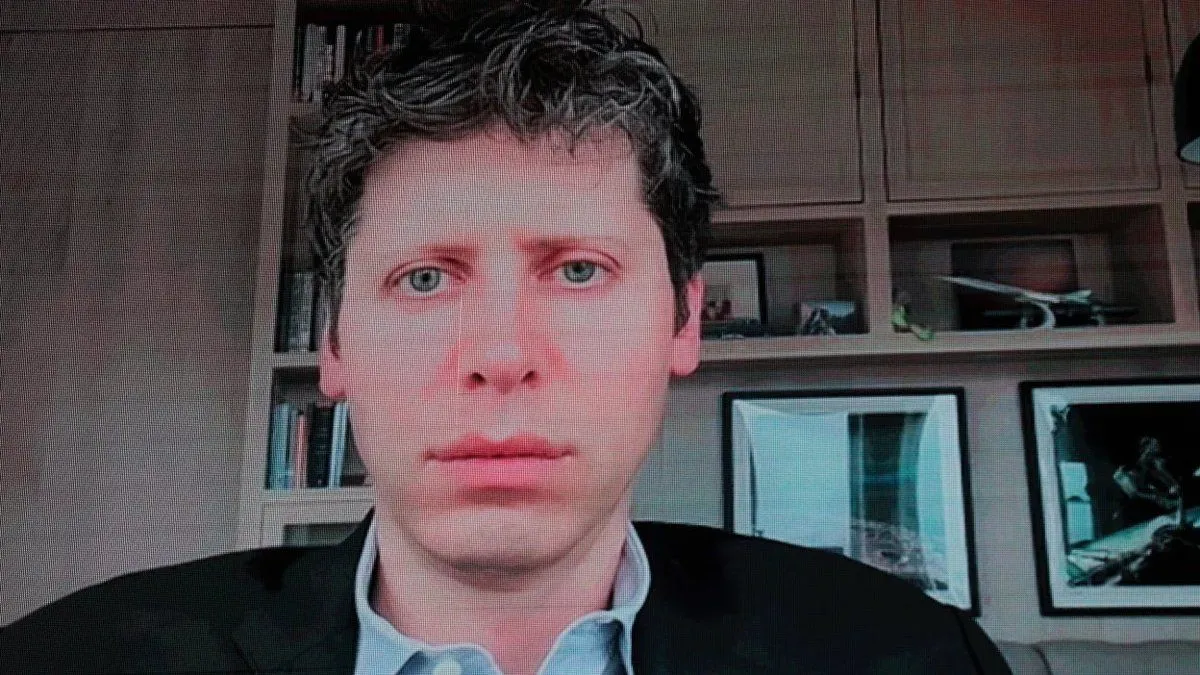
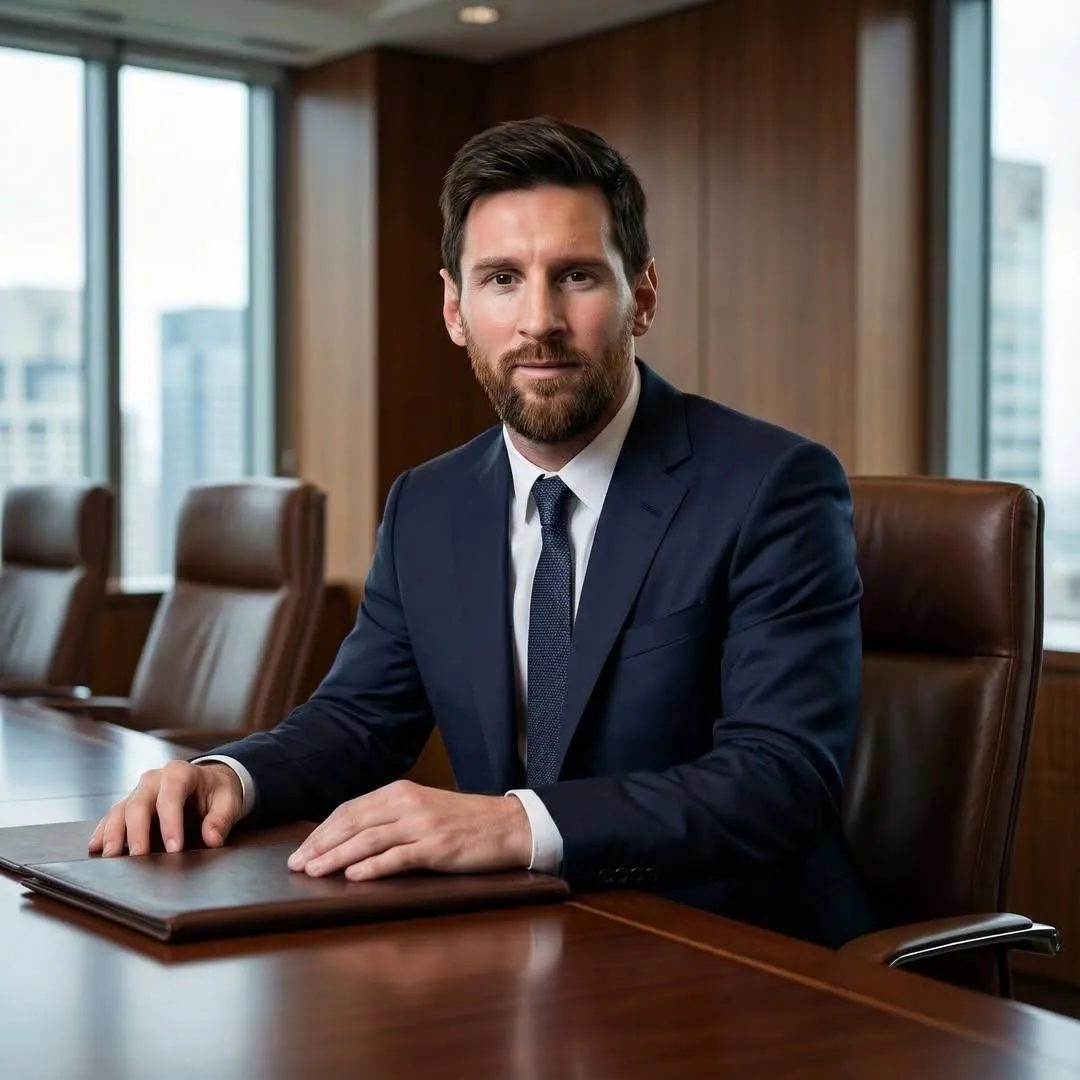
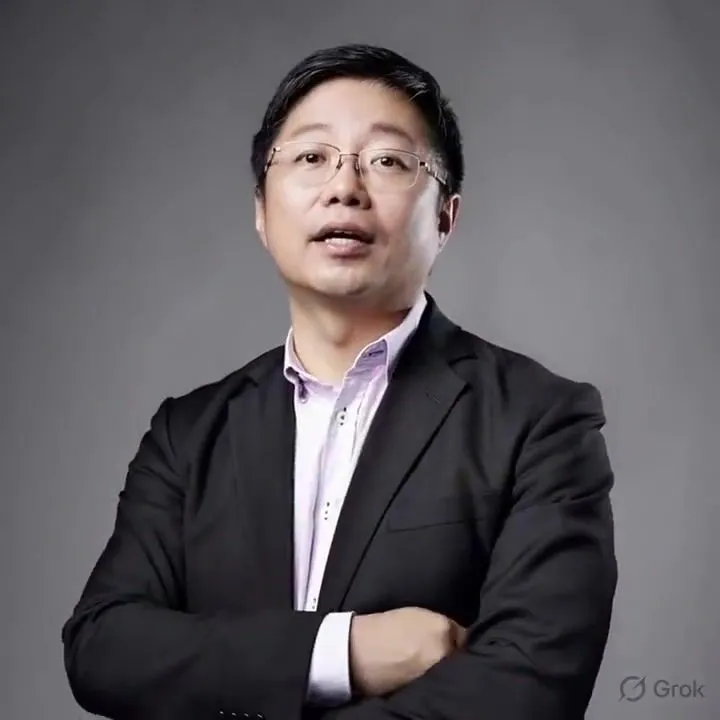
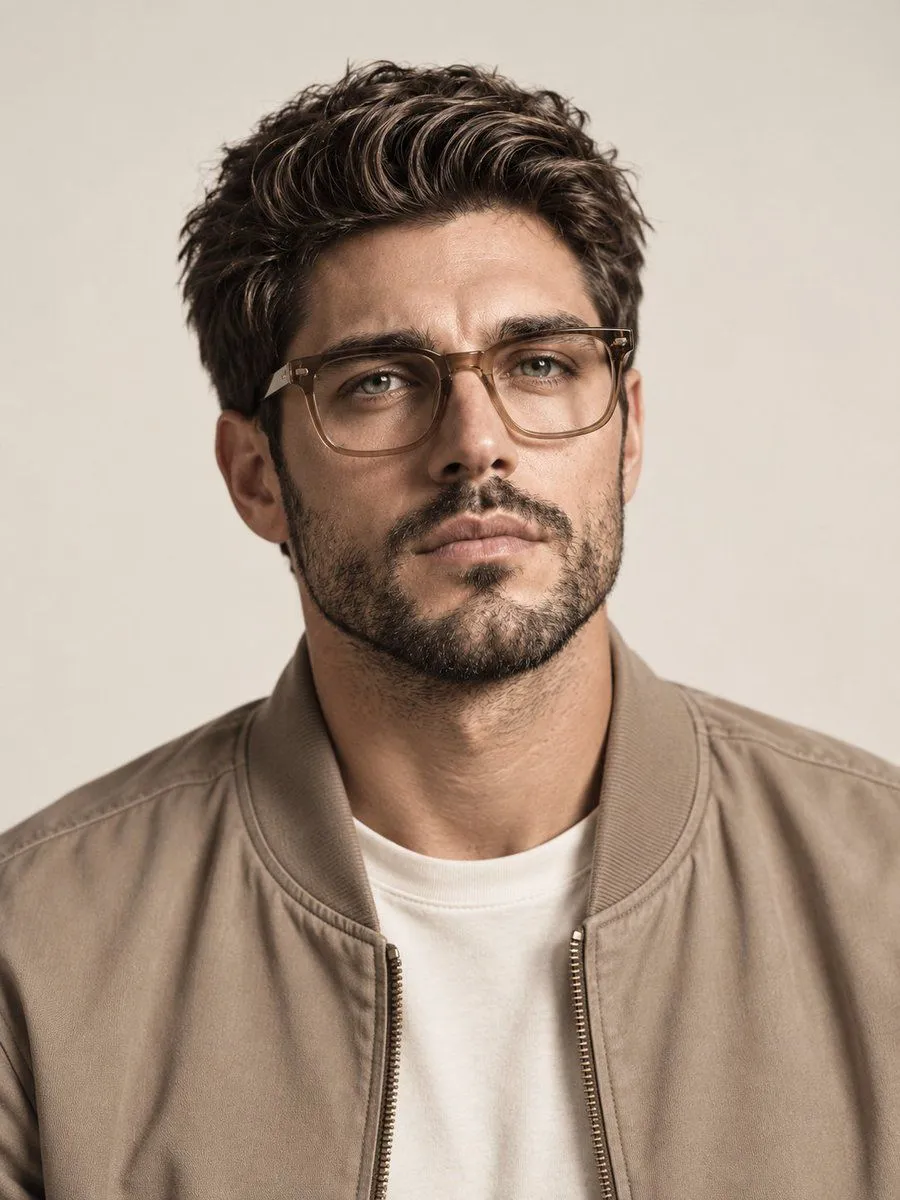
    Edit the entire source video @ Video1. Replace the viewer's FAR RIGHT performer with the man in @ Image1 in the same pink shirt and blue / gray hoodie. Keep the LEFT and MIDDLE performers the same. The photos provide identity and wardrobe only. The video provides motion, expressions, gestures, timing, interactions, camera cuts, framing, lighting and background. Preserve the original performance as faithfully as possible. Do not swap positions or invent new movement or scene elements.

    Works in
    Kling
    Status
    Free to copy
    0
    DetailsVersions, settings and questions

    Written for

    What's in the prompt

    Subject
    Model
    Seedance 2.5

    If your face changes

    keep my face exactly the same

    Questions

    Does this work in the Kling app?
    Yes. Paste the prompt and attach your photo if it uses one.
    It changed my face. What do I do?
    Add "keep my face exactly the same" to the end and run it again.
    Can I use the images I make?
    Check the terms of the app you use. Promptclay never generates images and claims nothing you make.

    Similar prompts

    See more
    • Executive Office Phone Call Portrait
    • Structured Candid Indoor Portrait Prompt
    • Hyper-Realistic Webcam Portrait
    • Ultra-Realistic Corporate Lifestyle Portrait
    • Low-Altitude Aircraft Flight Video Prompt for Seedance 2.0Video, 0:10
    • Studio Portrait with Vintage Glasses
    • Cinematic Close-Up Portrait with Lens Flares
    • Cinematic Male Portrait Reference
    • Ultrarrealista Retrato Profesional de Oficina 8K
    • Hand-Painted Digital Art Illustration
    • Image Editing and Background Replacement Workflow
    • Digital Oil Painting Portrait Style Prompt
    • Luxury Car Lifestyle Portrait
    • Thin Mixed-Reality Headset Close-Up
    • 1995 Independent Wrestling Event PromptVideo, 0:10
    • Chinese New Year Selfie in New YorkVideo, 0:14
    • Seedance 2.0 Video Prompt: Realistic Life Vlog SceneVideo, 0:15
    • Elegant 23rd Birthday Studio Portrait
    • Hyper-Realistic Mirror Selfie Prompt (Pajamas)
    • Consistent Character Portrait: Alev in a Cozy Library (JSON)
    • 1956 Famous People Group Photo
    • Cinematic Horror Forest Rain Scene Prompt
    • Monochrome BMX Studio Editorial Poster
    • Refreshing Beverage Commercial Portrait

    Show more

    Run it on your phone

    1. Prompt copiedRead it

      Edit the entire source video @ Video1. Replace the viewer's FAR RIGHT performer with the man in @ Image1 in the same pink shirt and blue / gray hoodie. Keep the LEFT and MIDDLE performers the same. The photos provide identity and wardrobe only. The video provides motion, expressions, gestures, timing, interactions, camera cuts, framing, lighting and background. Preserve the original performance as faithfully as possible. Do not swap positions or invent new movement or scene elements.

    2. Open your app

    3. Paste and run

      Press and hold the message box, then tap Paste. Add your photo first if the prompt uses one. You may need to sign in.