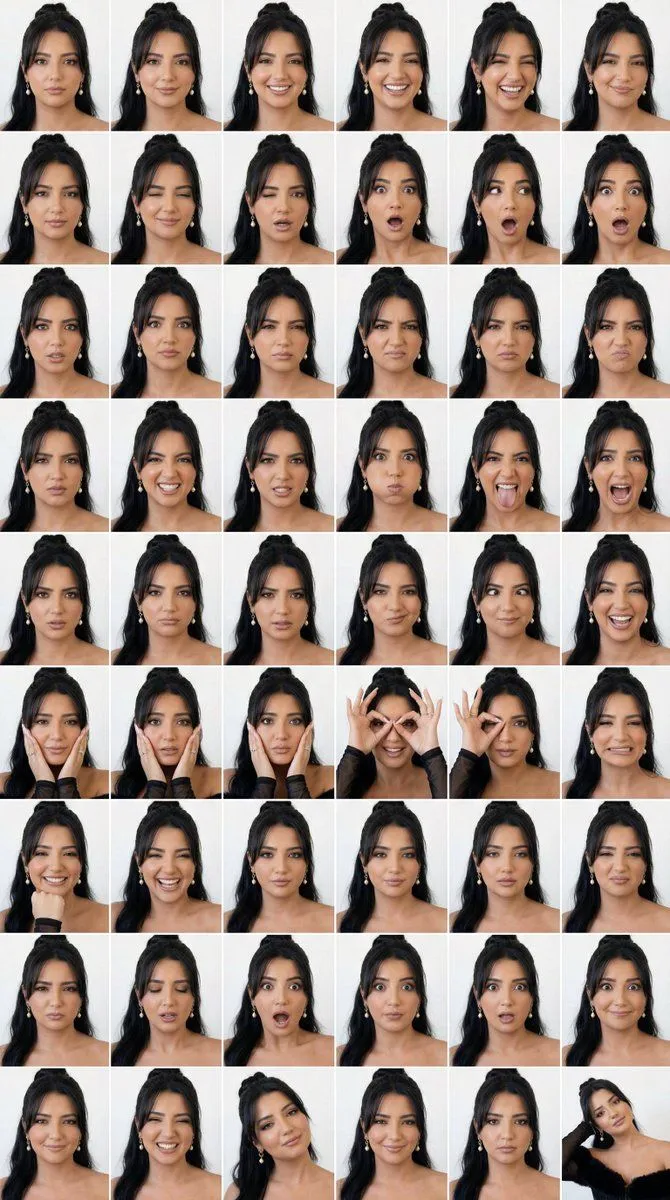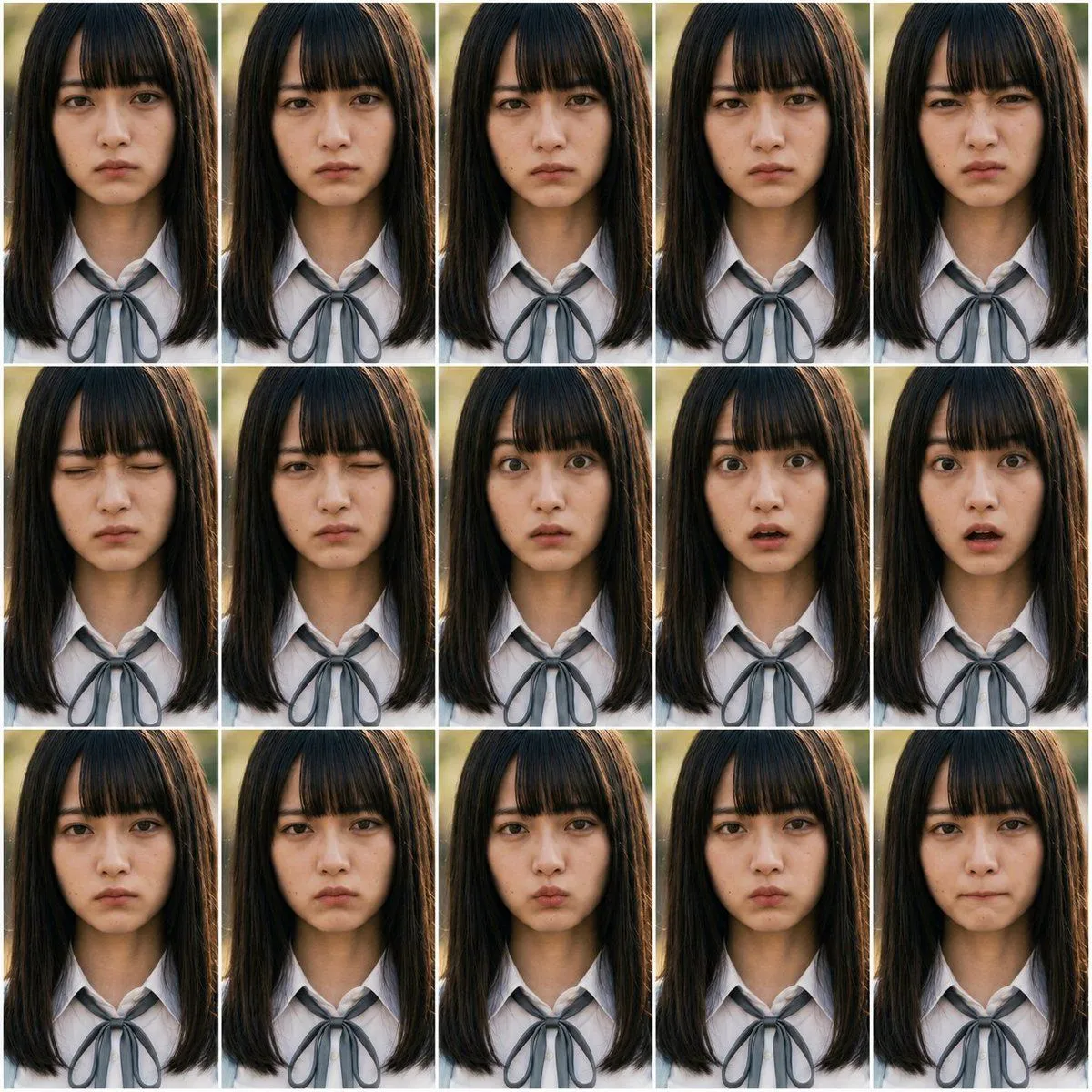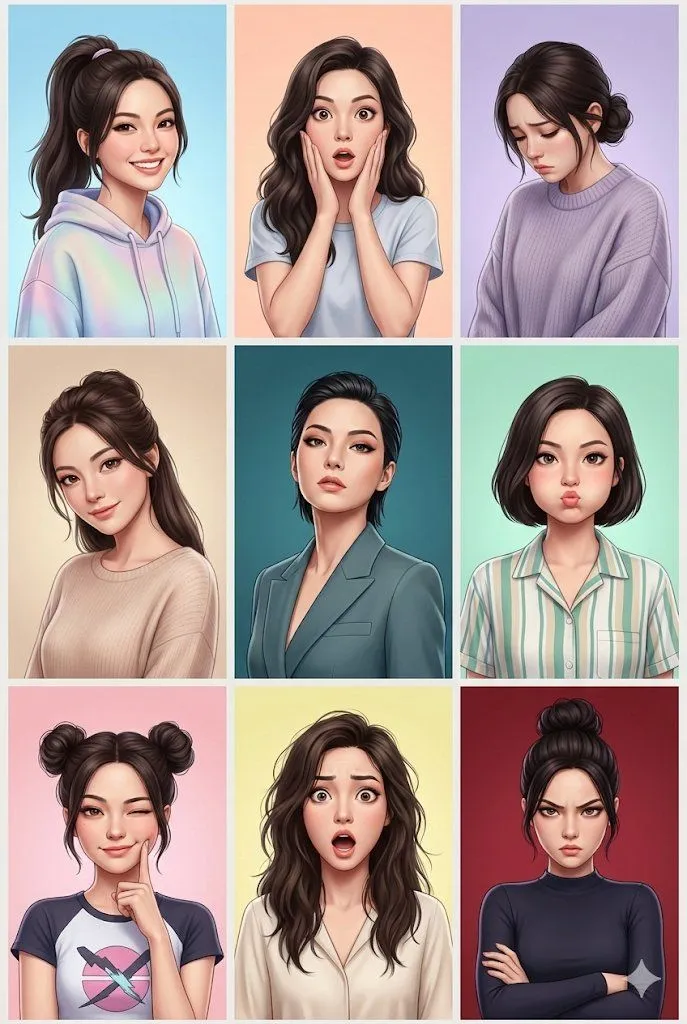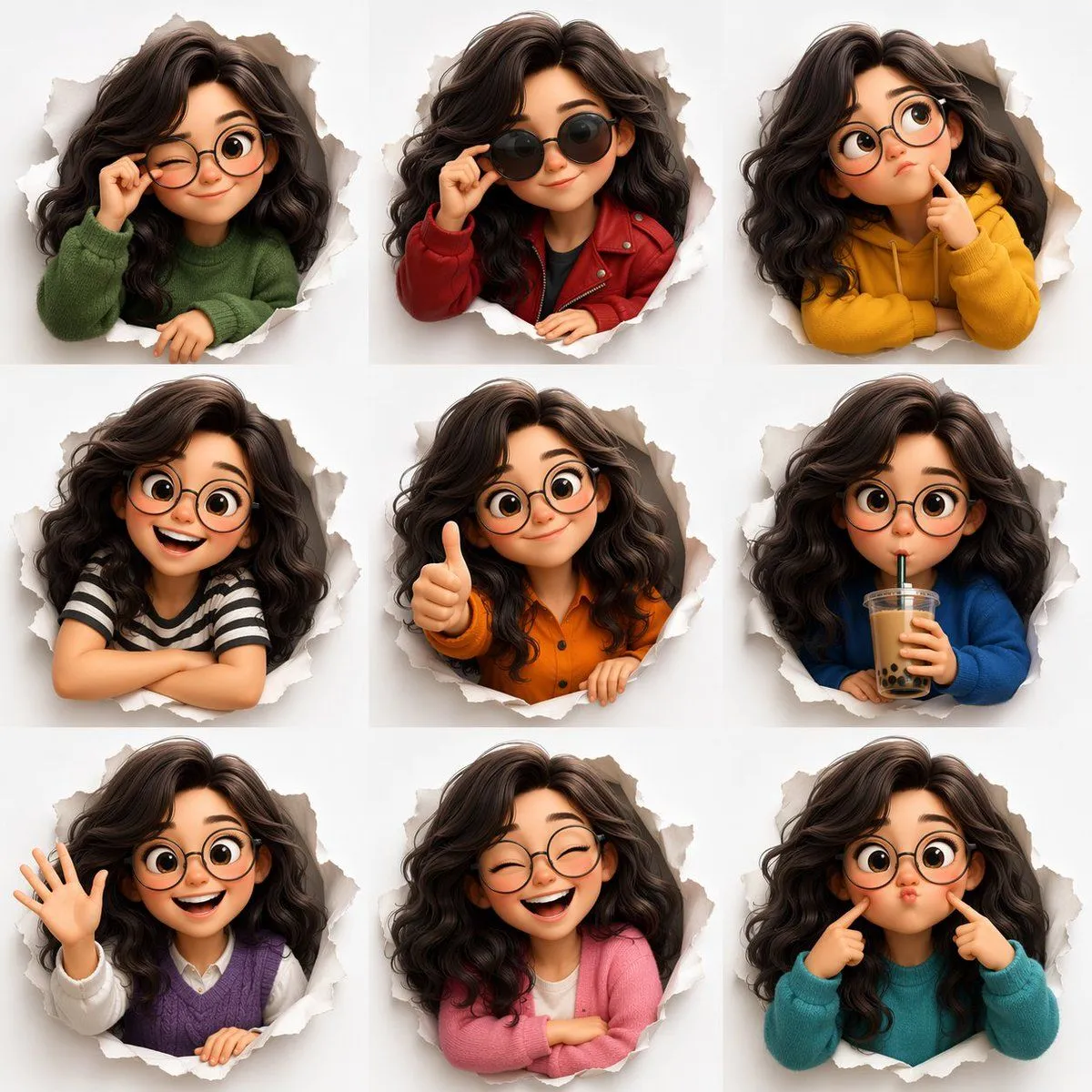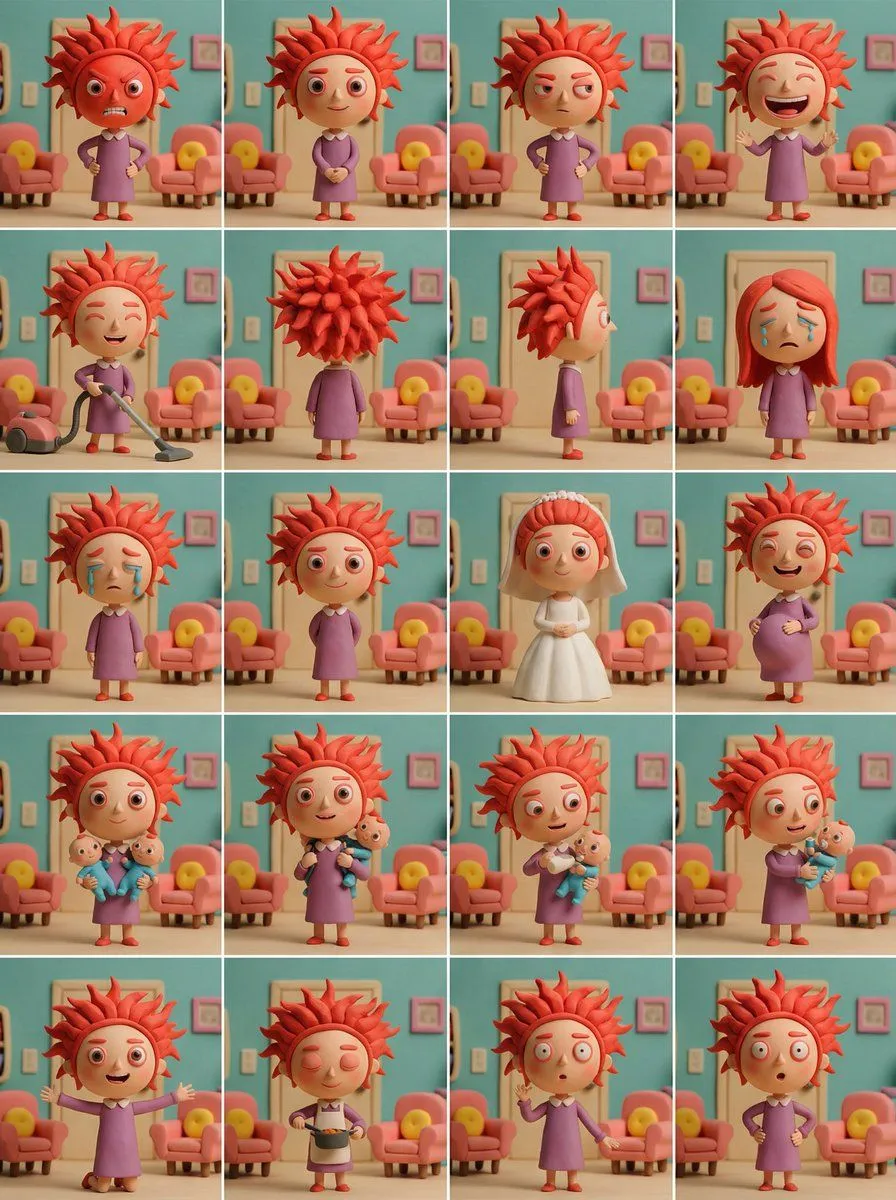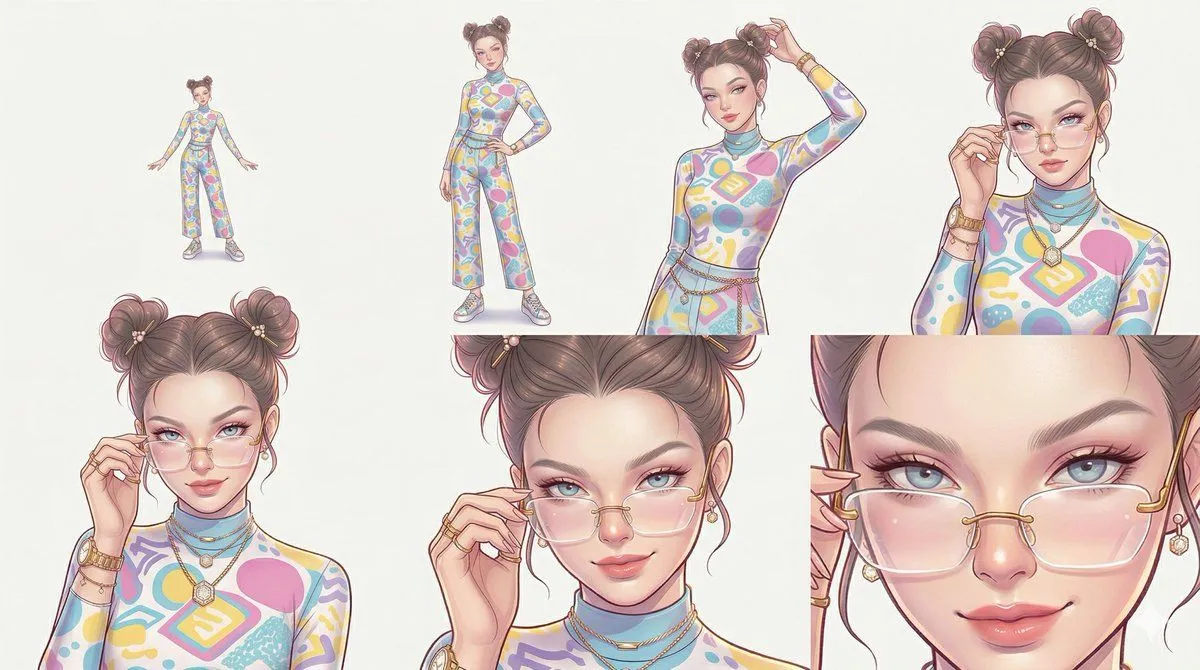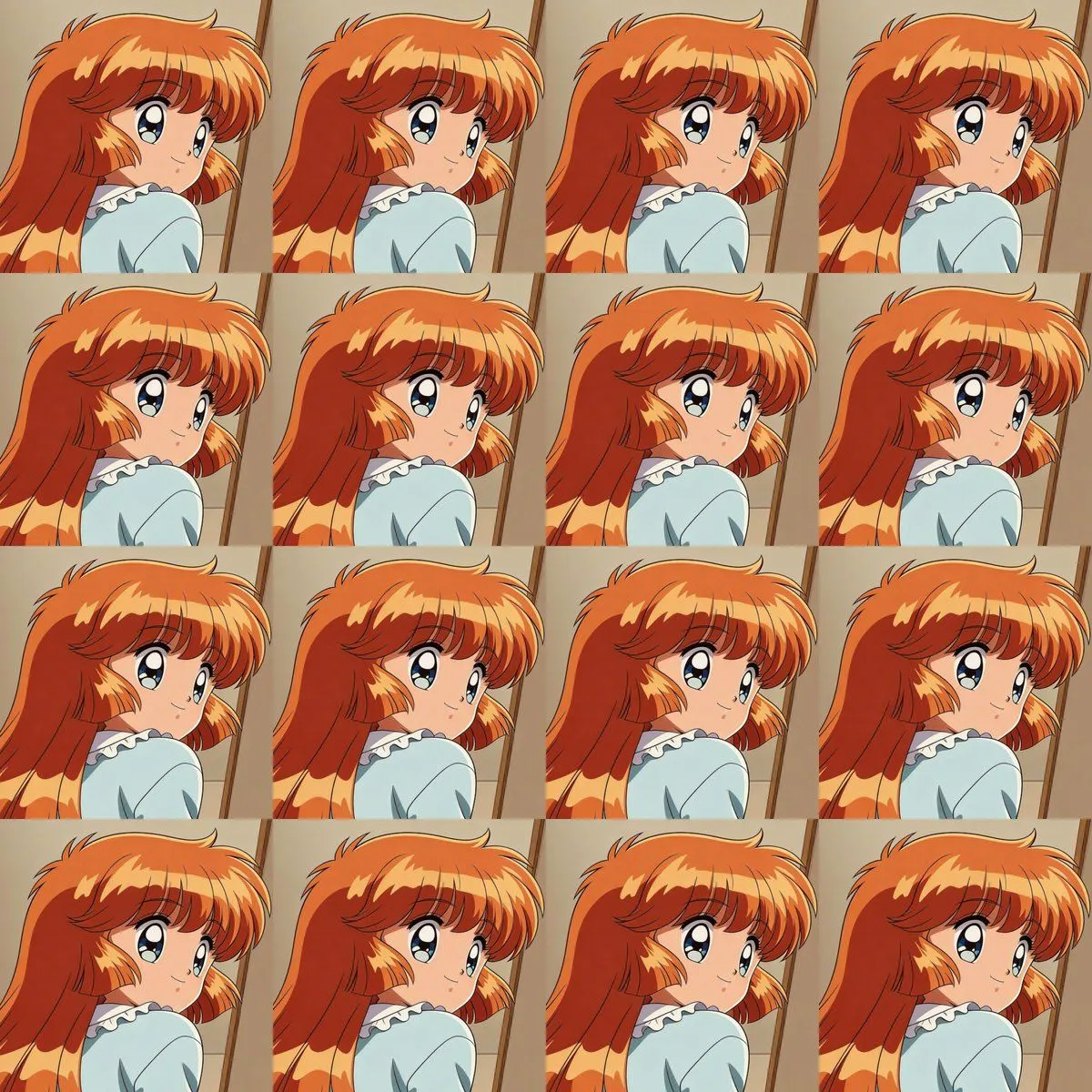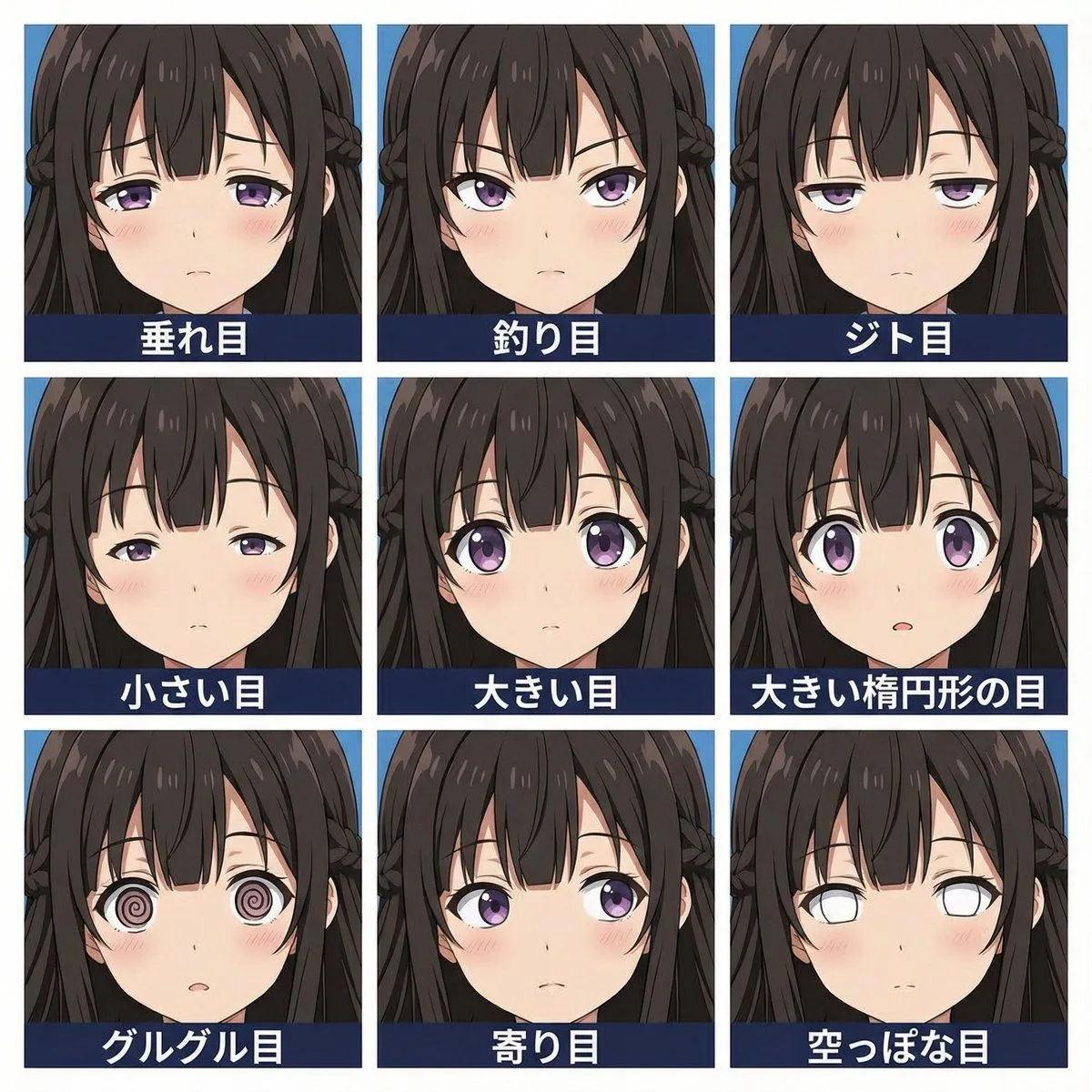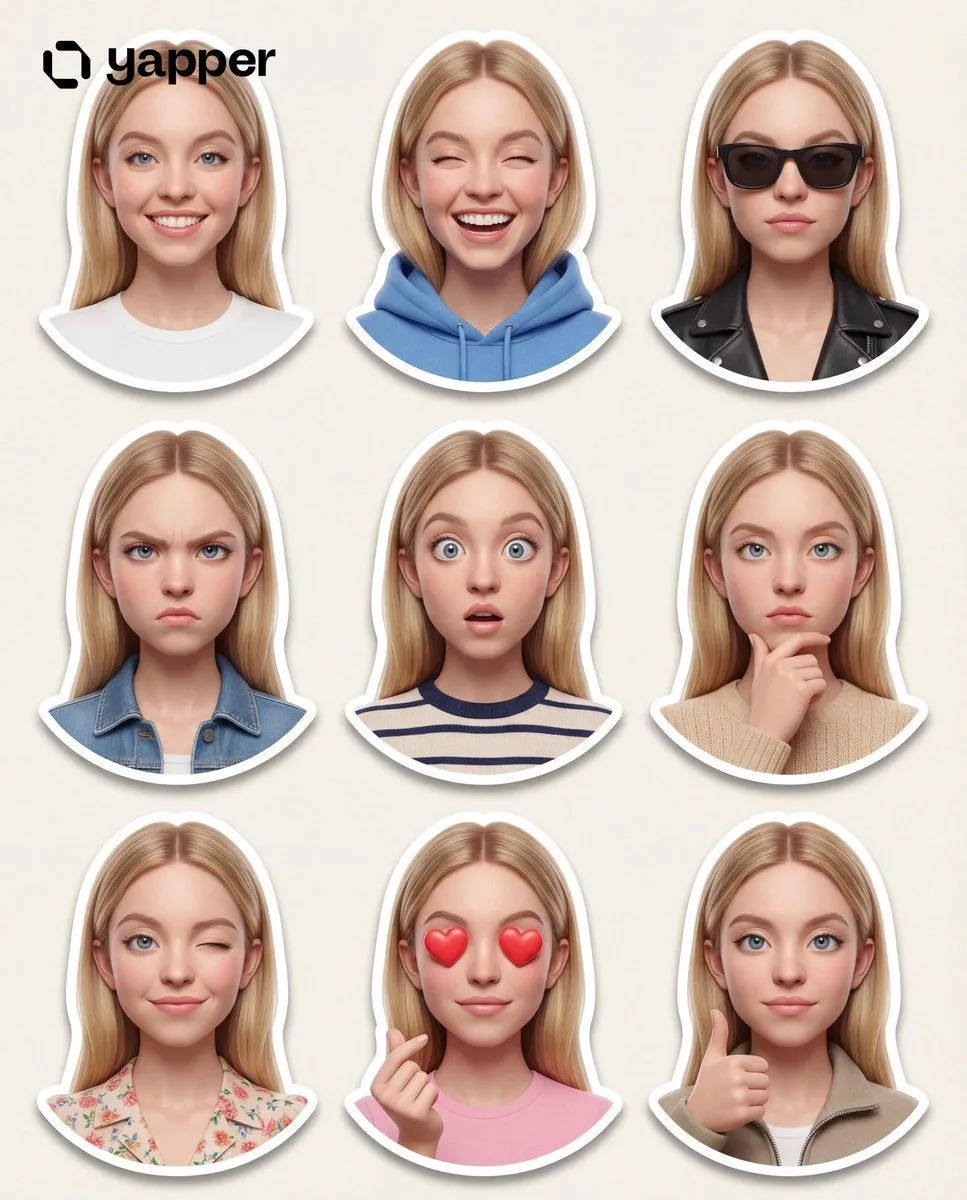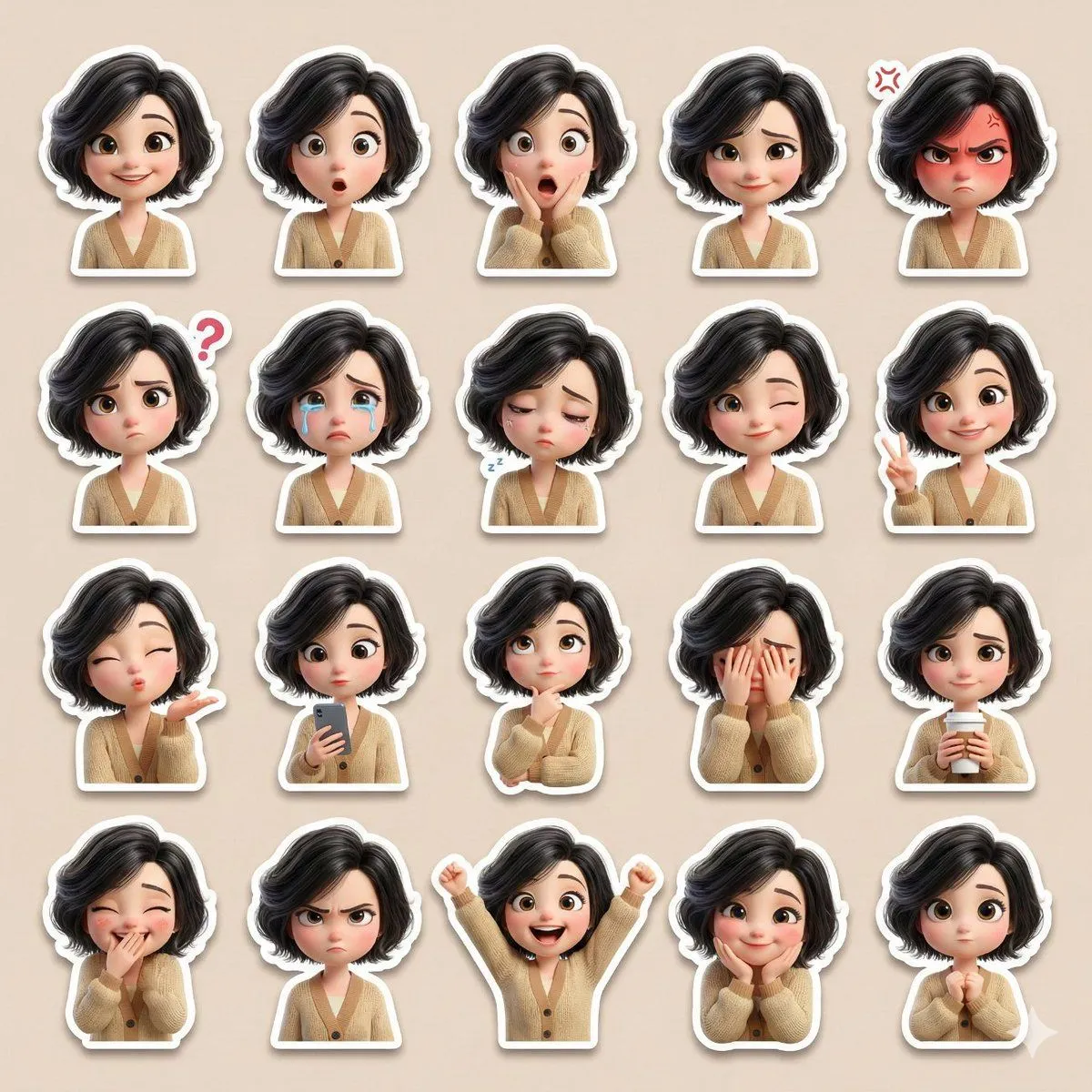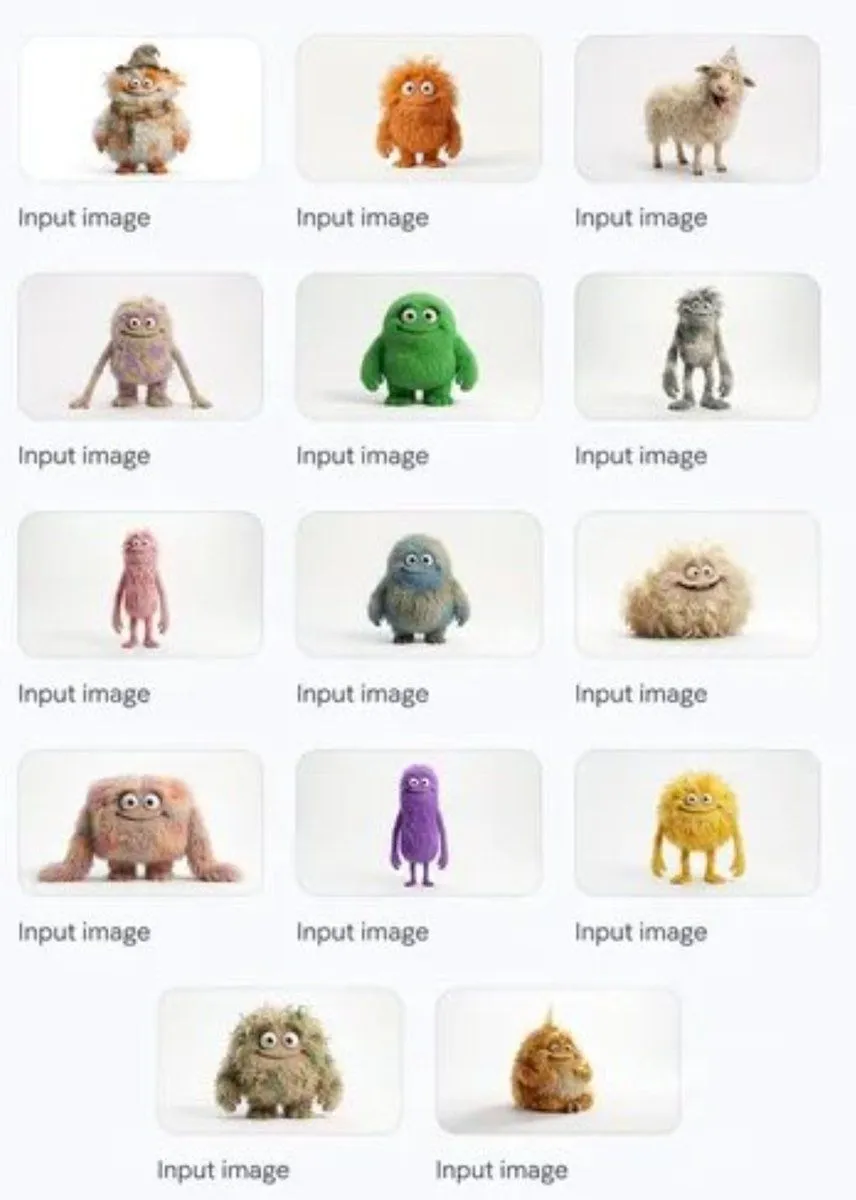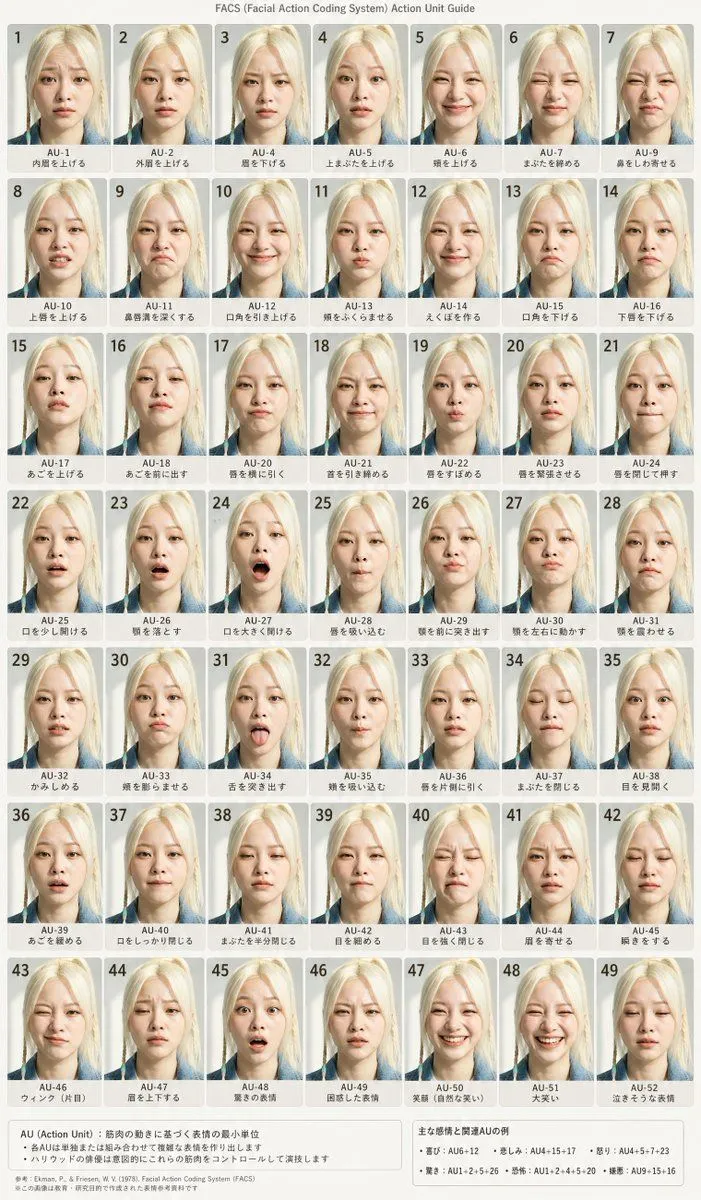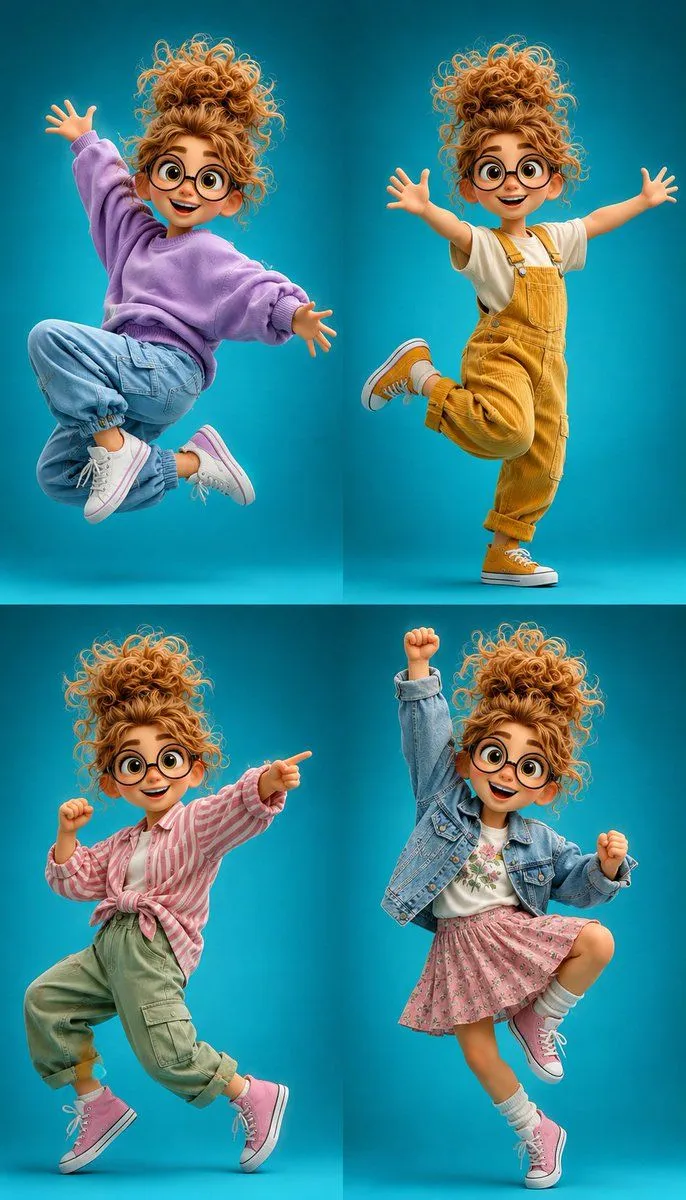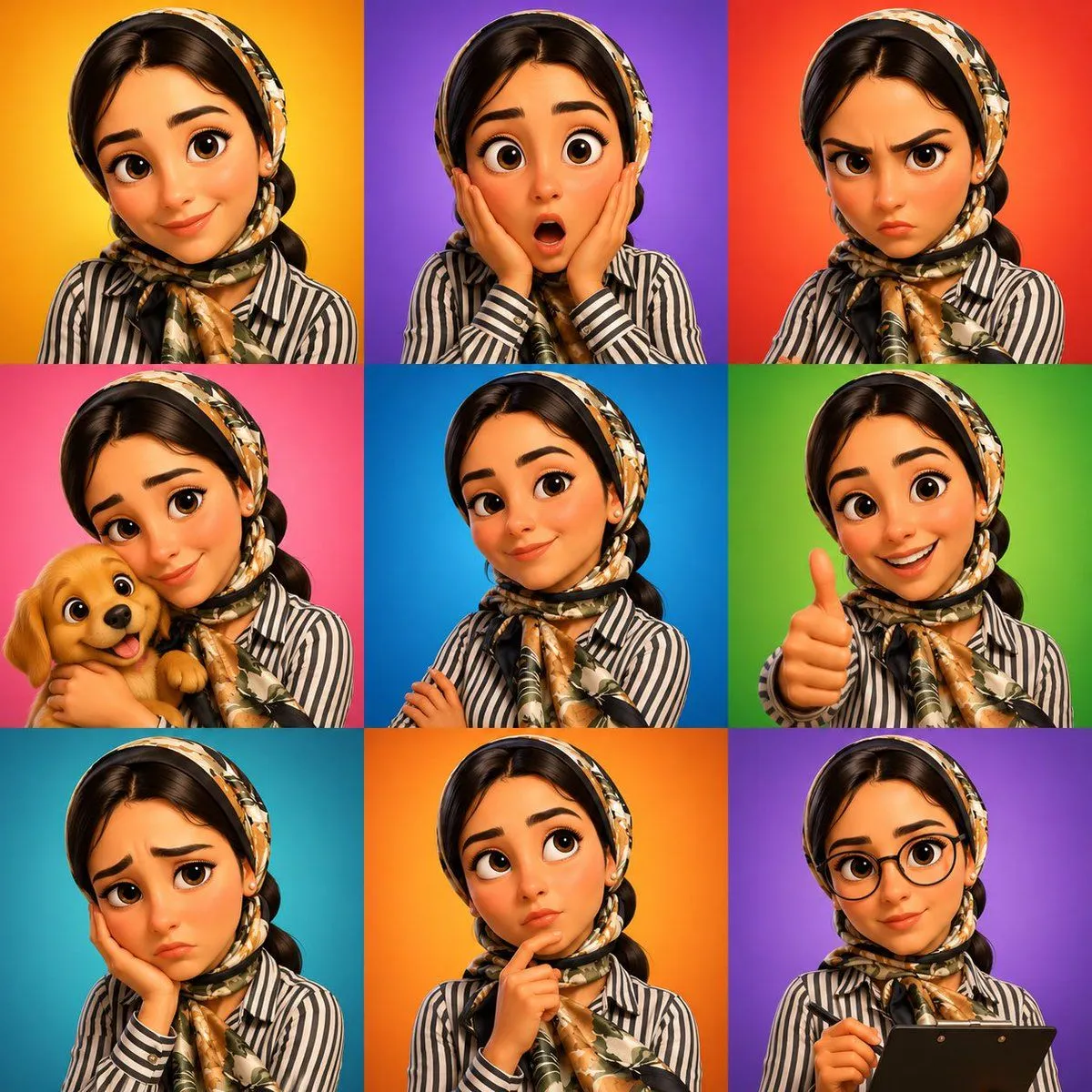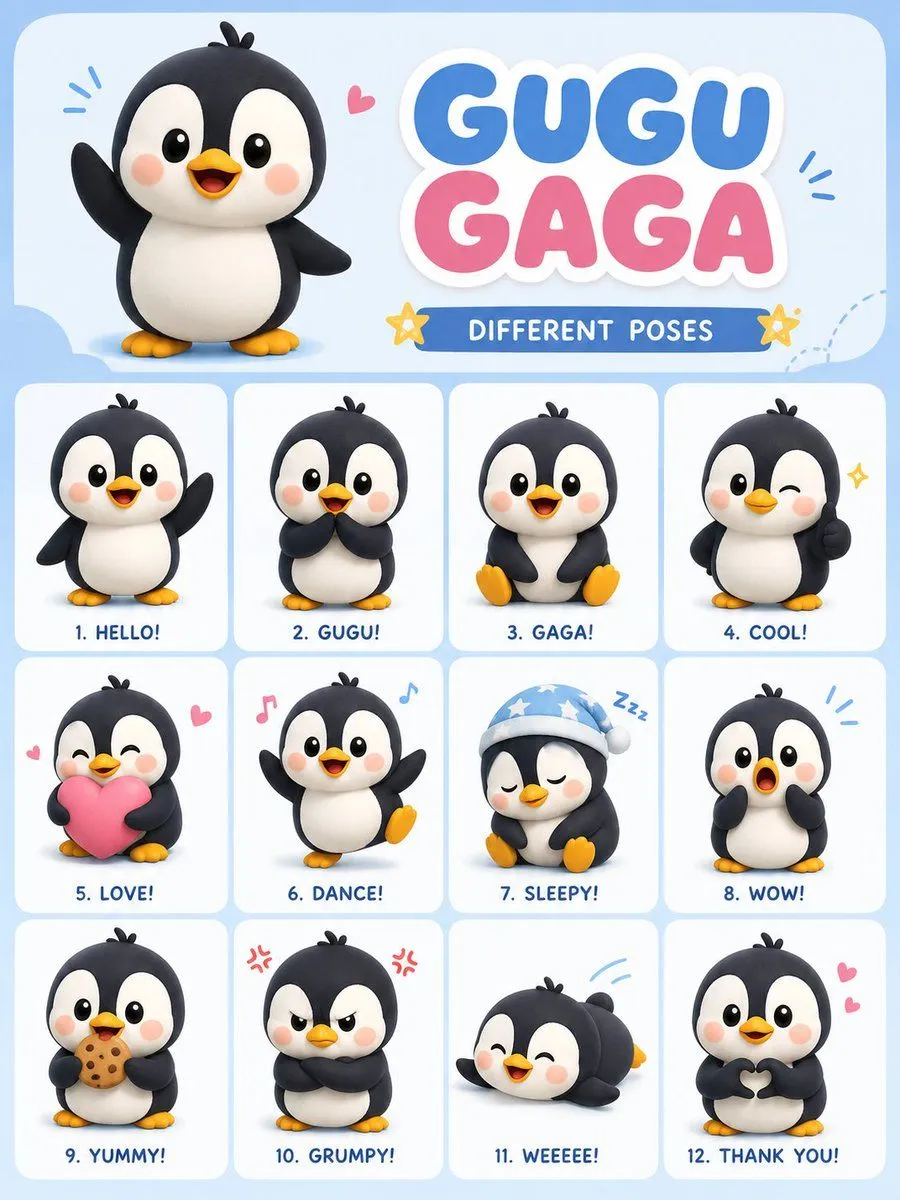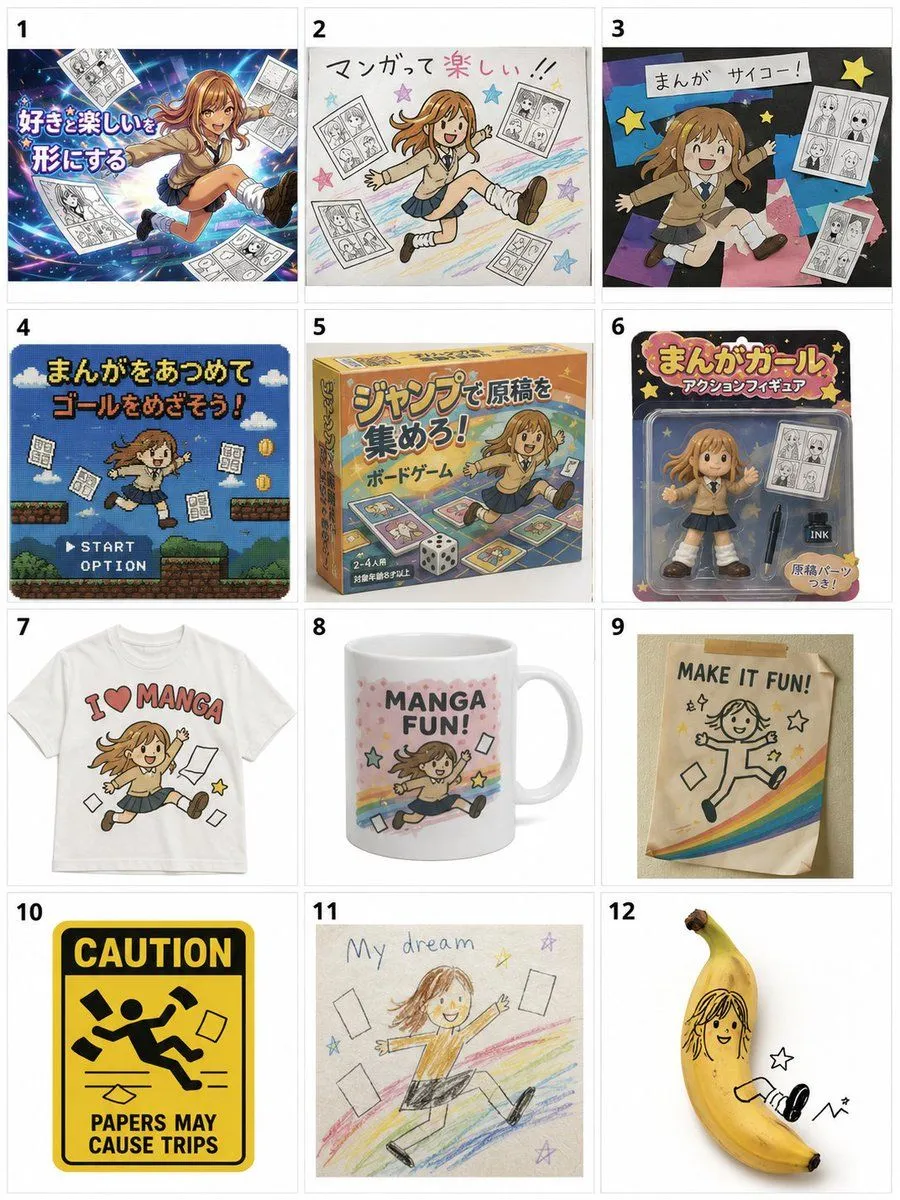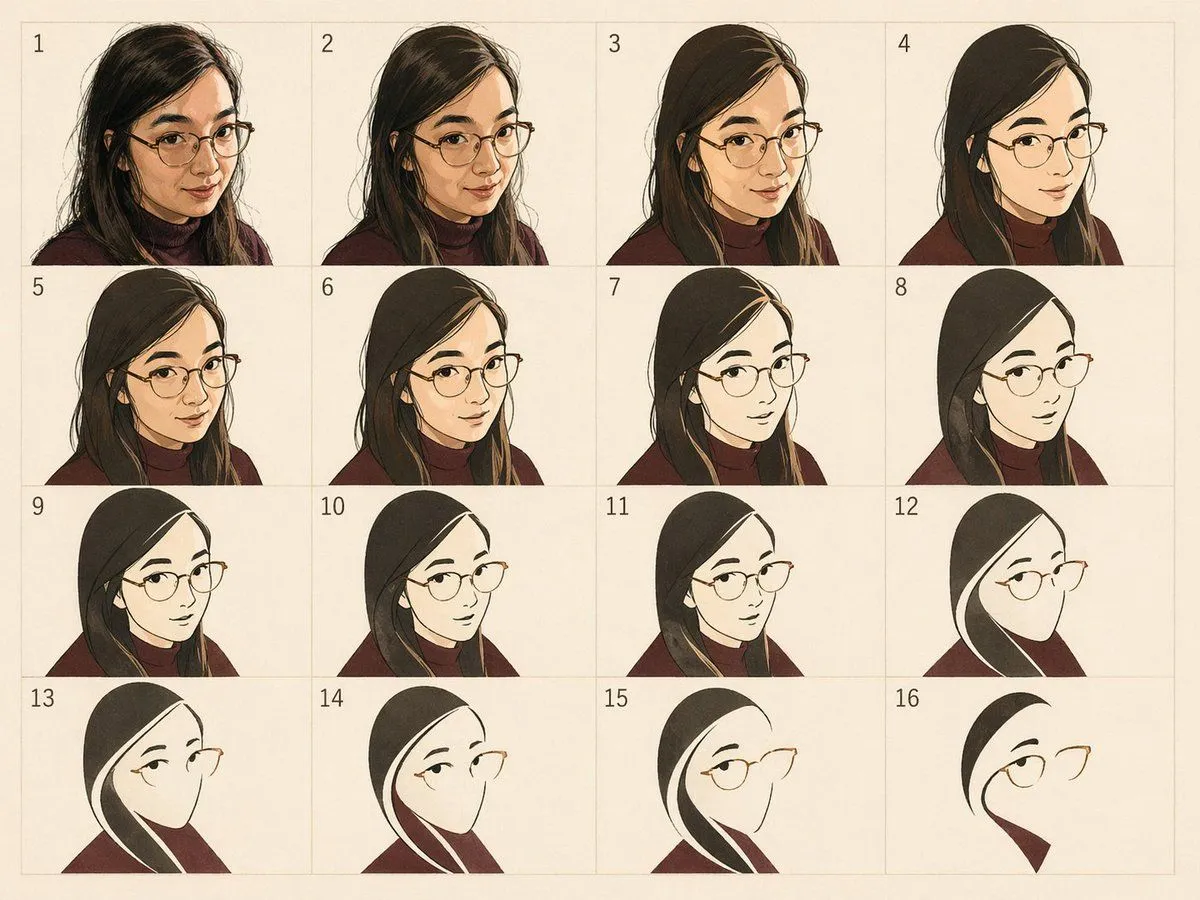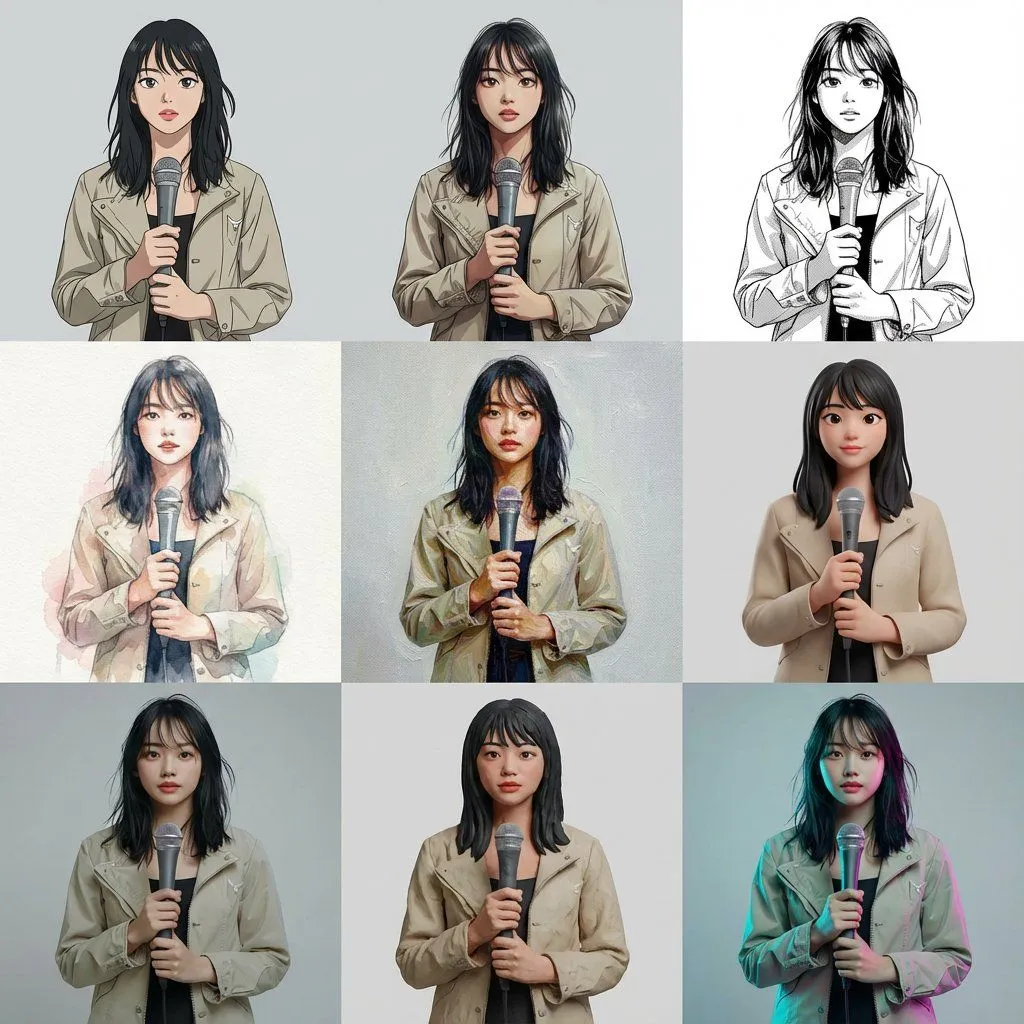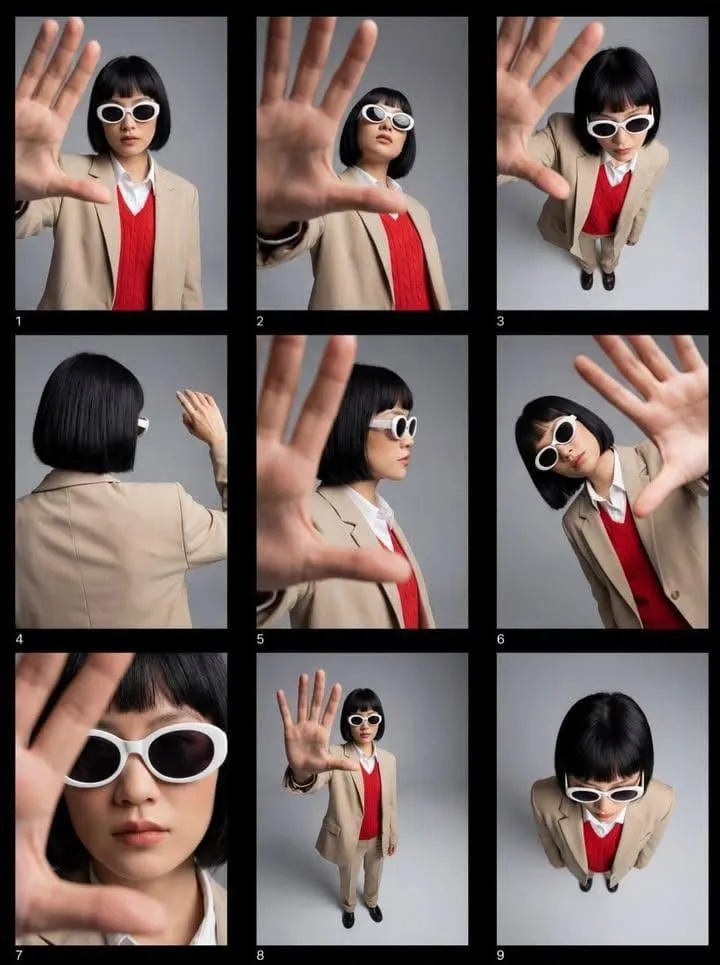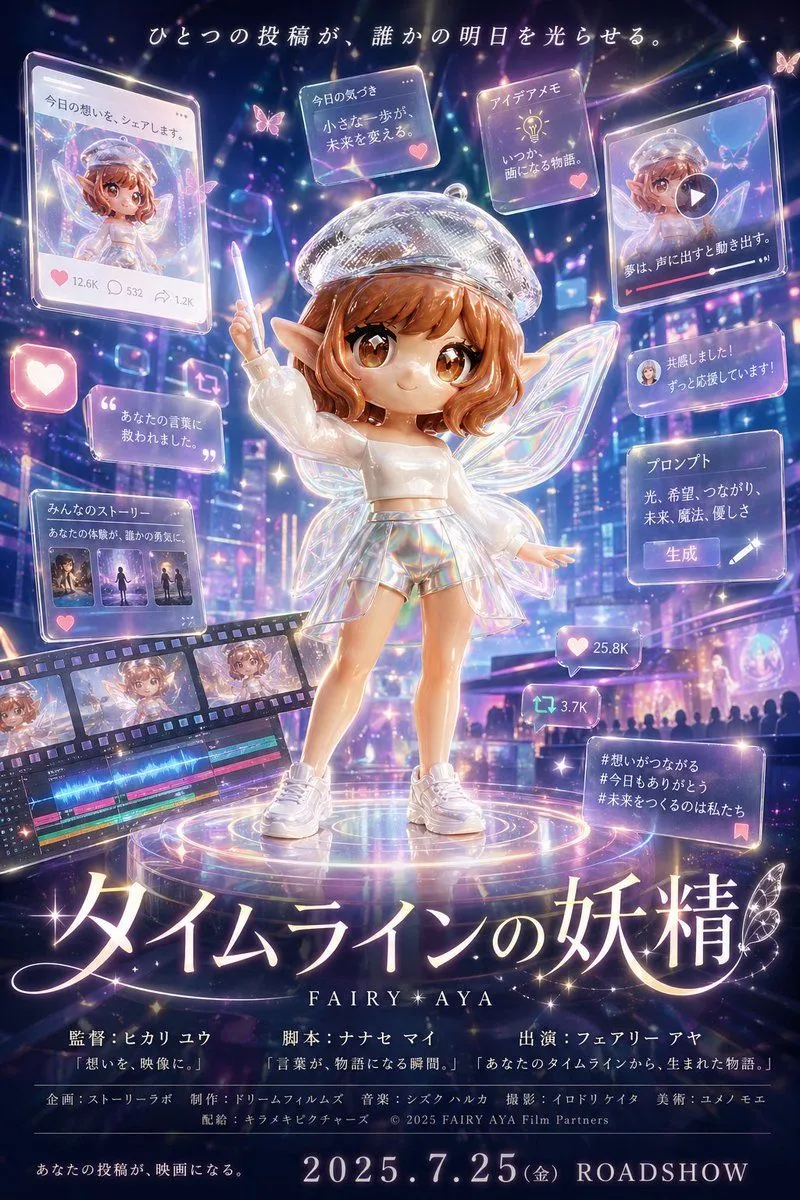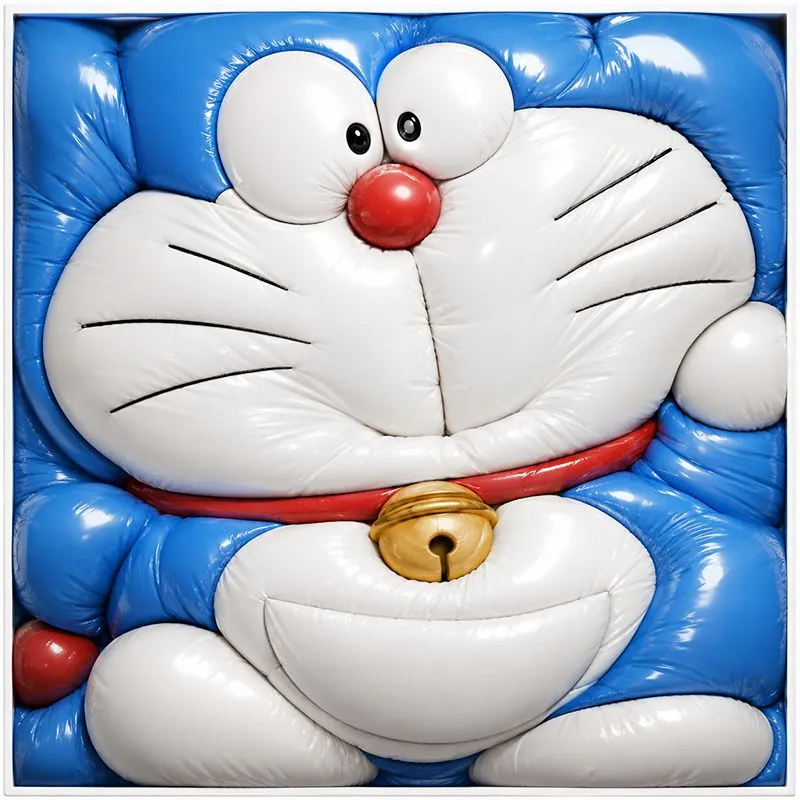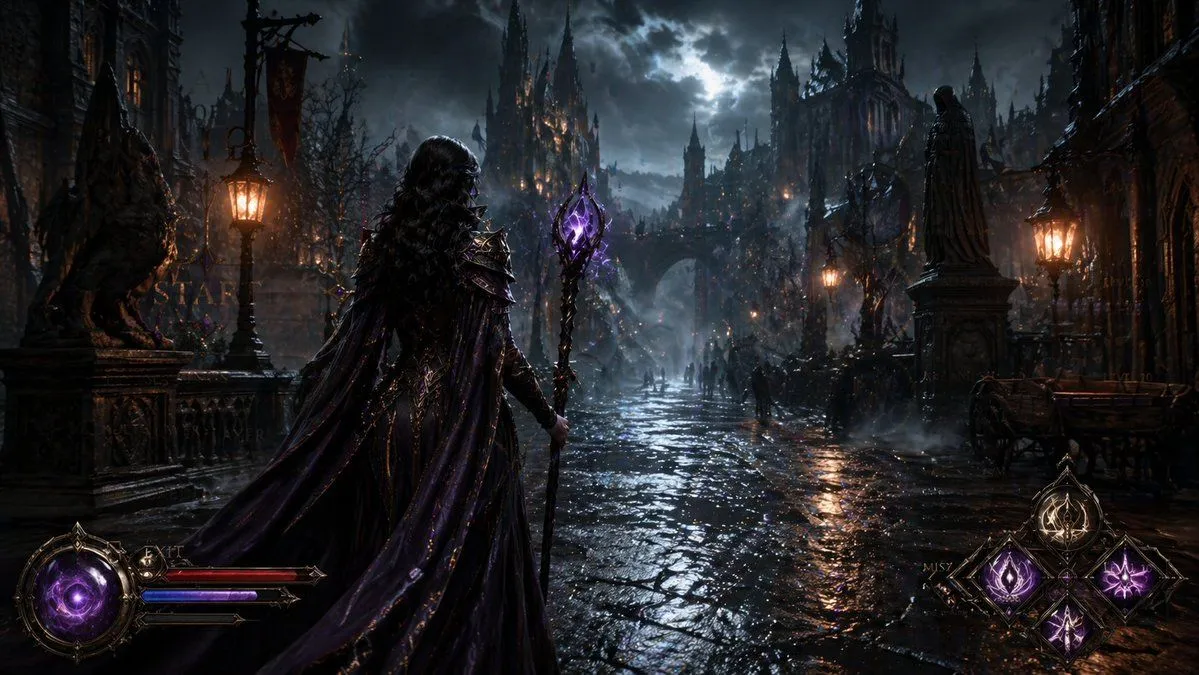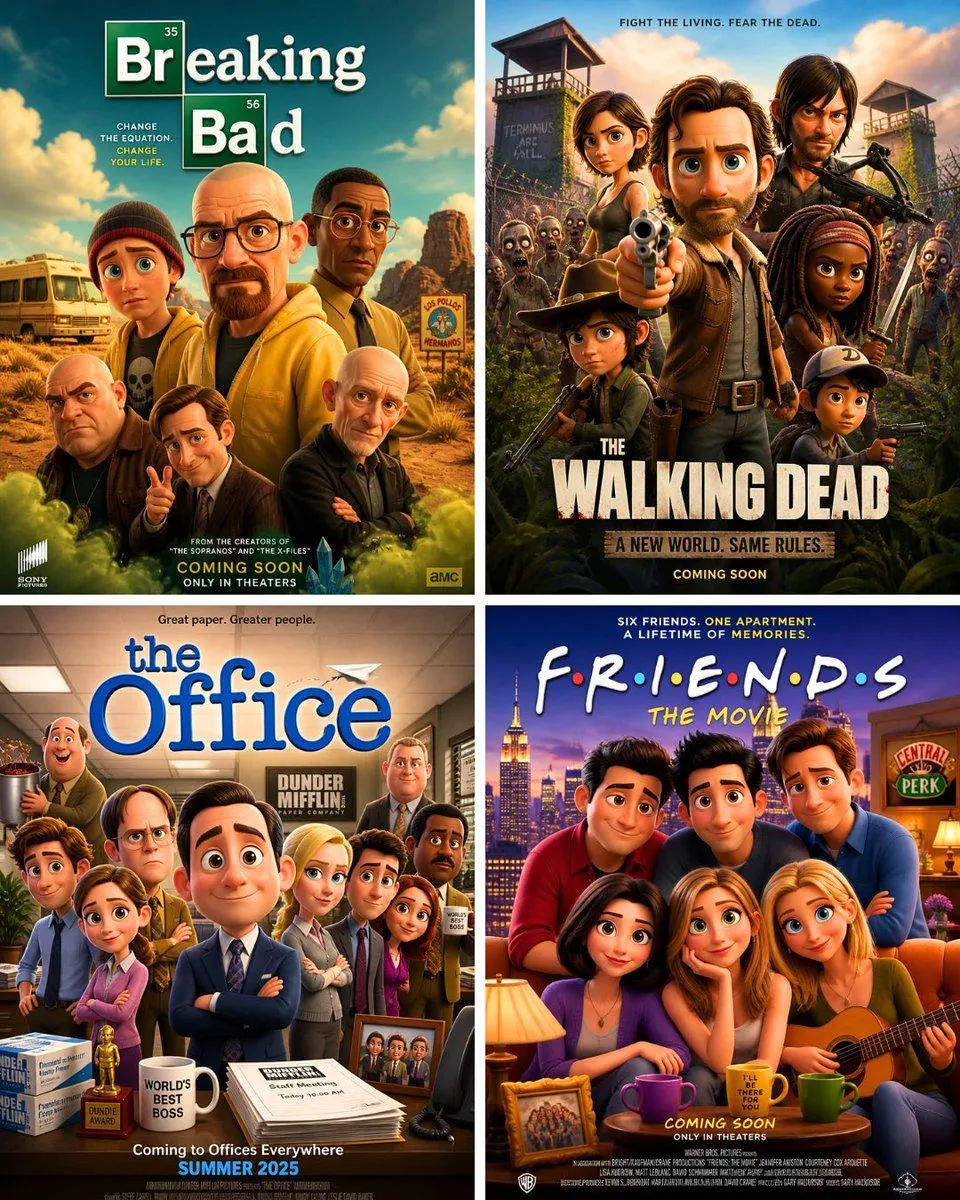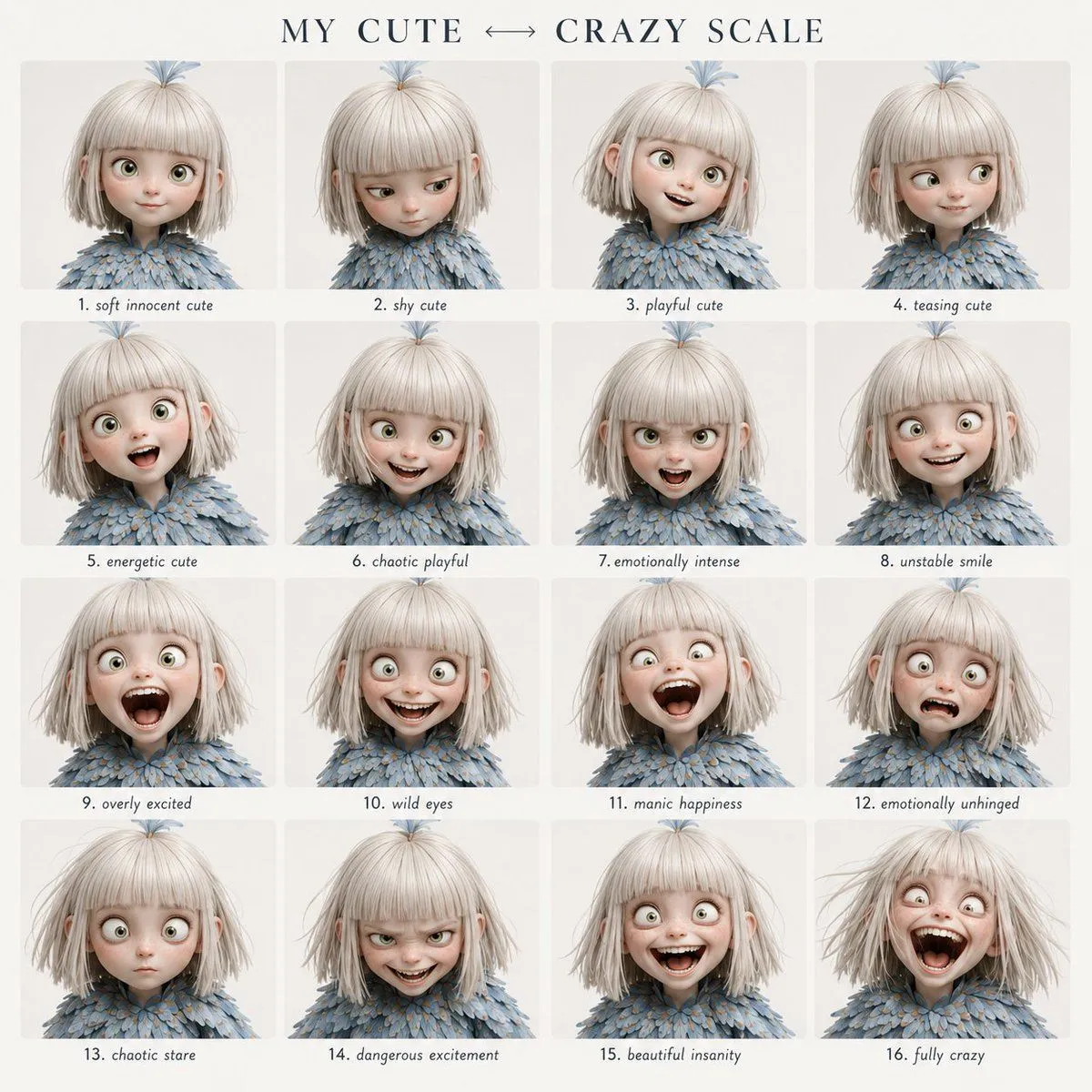
Made with GPT Image 2 in ChatGPT by Library Lifestyle. Promptclay never generates images.
Did it work?
No reports yet. Tell others if it worked for you.
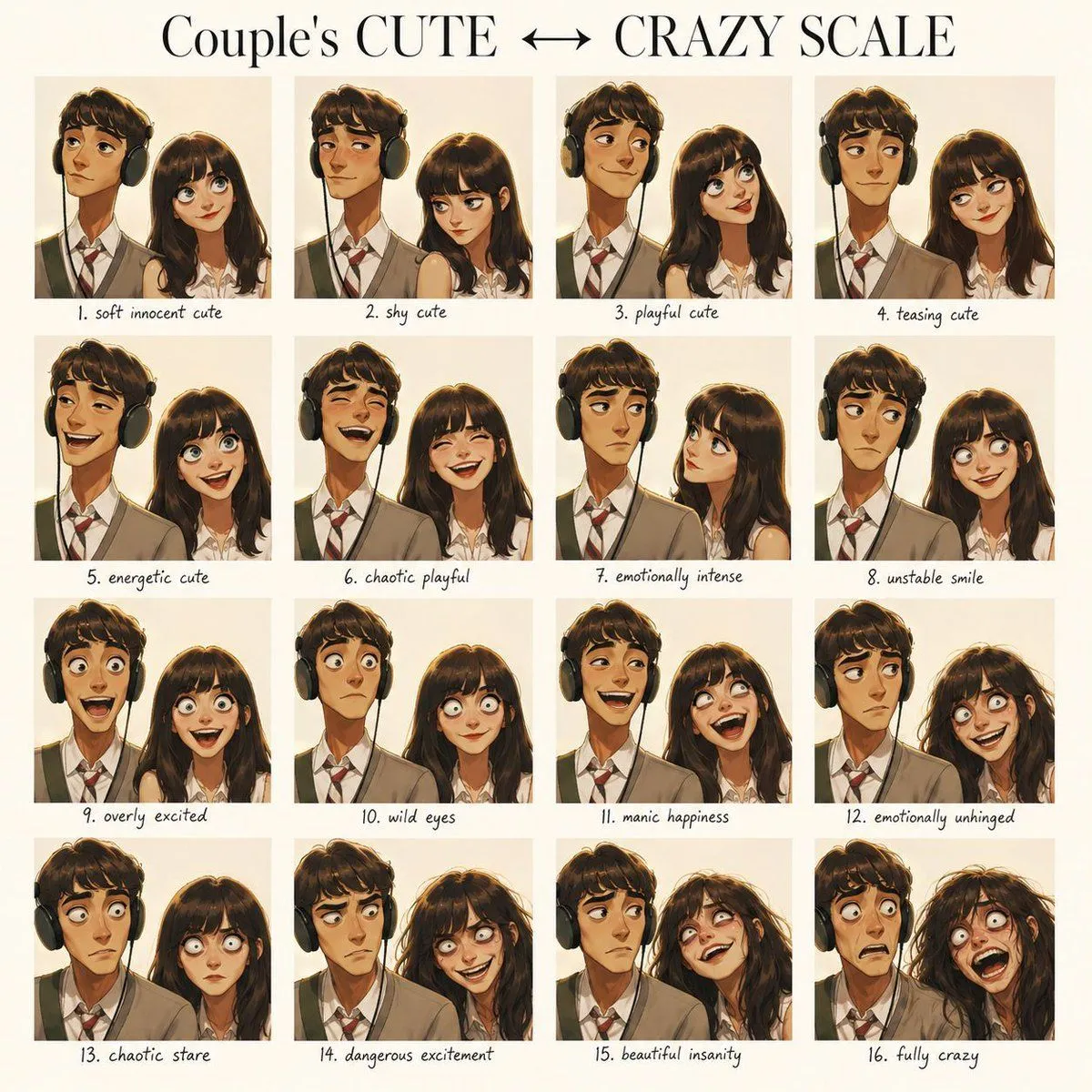
Character Emotional Performance Grid
Prompt
2 blanks to fillCreate a clean 4x4 emotional performance grid using the provided character as the fixed identity reference. Visual style: Clean modern graphic design layout. Elegant serif header at the top, soft off-white background, even spacing, small readable handwritten-style labels centered below each panel. Header text: “{grid_title}” Preserve strict facial identity consistency across all 16 panels. Follow the exact emotional progression from top-left to bottom-right. Do not randomize expressions or intensity. GRID ORDER: Row 1: 1. soft innocent cute 2. shy cute 3. playful cute 4. teasing cute Row 2: 5. energetic cute 6. chaotic playful 7. emotionally intense 8. unstable smile Row 3: 9. overly excited 10. wild eyes 11. manic happiness 12. emotionally unhinged Row 4: 13. chaotic stare 14. dangerous excitement 15. beautiful insanity 16. fully crazy Format: 4x4 grid, {style} style, neutral background, tight close-up framing, shallow depth of field, no watermark.
Preview of your prompt
Create a clean 4x4 emotional performance grid using the provided character as the fixed identity reference. Visual style: Clean modern graphic design layout. Elegant serif header at the top, soft off-white background, even spacing, small readable handwritten-style labels centered below each panel. Header text: “MY CUTE ↔ CRAZY SCALE” Preserve strict facial identity consistency across all 16 panels. Follow the exact emotional progression from top-left to bottom-right. Do not randomize expressions or intensity. GRID ORDER: Row 1: 1. soft innocent cute 2. shy cute 3. playful cute 4. teasing cute Row 2: 5. energetic cute 6. chaotic playful 7. emotionally intense 8. unstable smile Row 3: 9. overly excited 10. wild eyes 11. manic happiness 12. emotionally unhinged Row 4: 13. chaotic stare 14. dangerous excitement 15. beautiful insanity 16. fully crazy Format: 4x4 grid, cinematic portrait photography style, neutral background, tight close-up framing, shallow depth of field, no watermark.
DetailsVersions, settings and questions
Written for
What's in the prompt
- Subject
- Model
- GPT Image 2
If your face changes
keep my face exactly the sameQuestions
- Does this work in the ChatGPT app?
- Yes. Paste the prompt and attach your photo if it uses one.
- It changed my face. What do I do?
- Add "keep my face exactly the same" to the end and run it again.
- Can I use the images I make?
- Check the terms of the app you use. Promptclay never generates images and claims nothing you make.