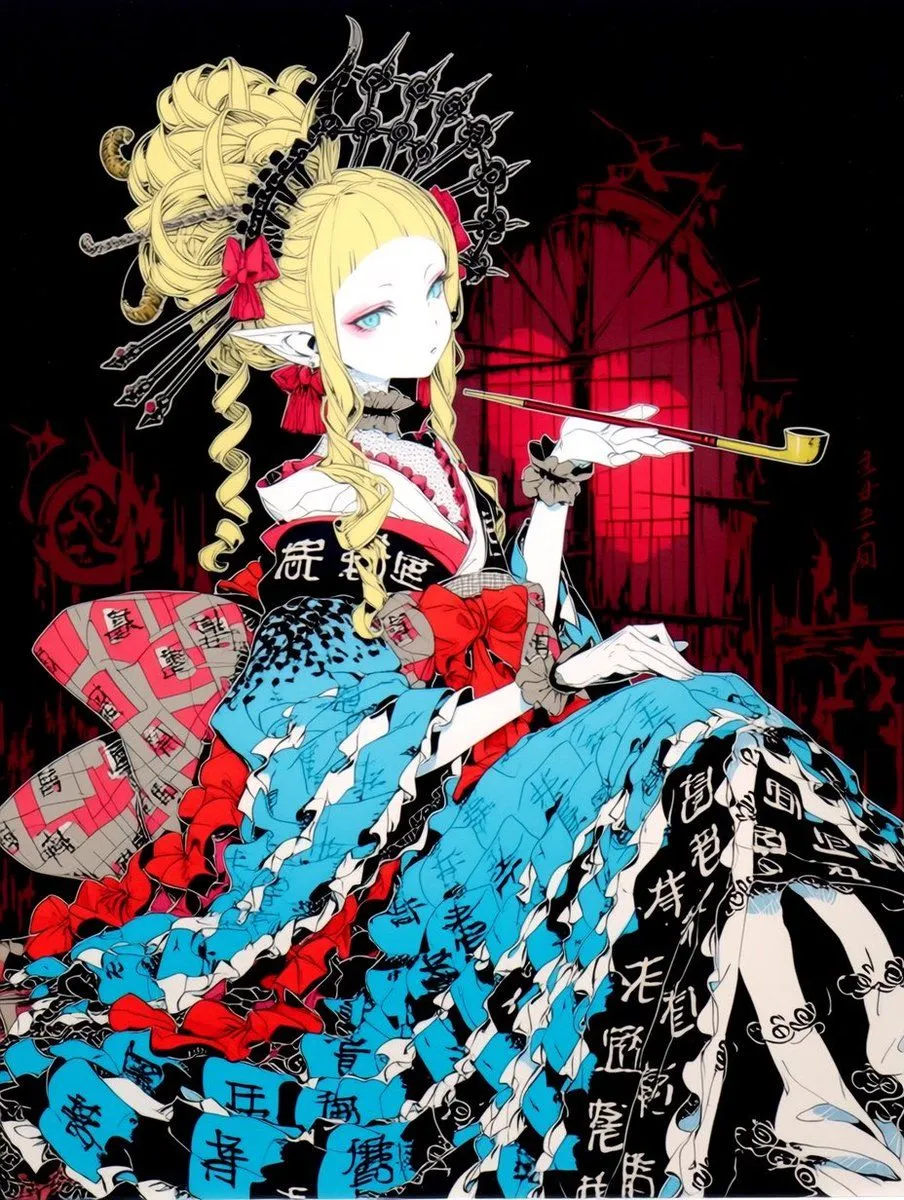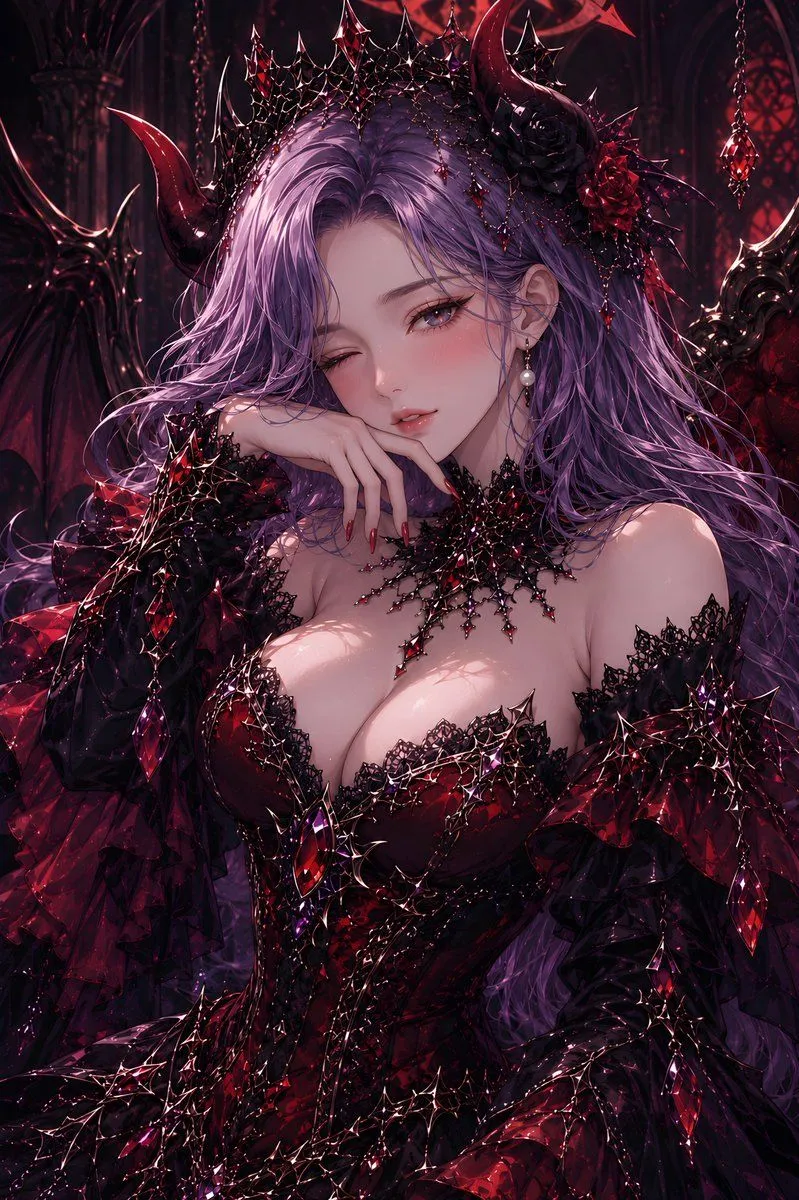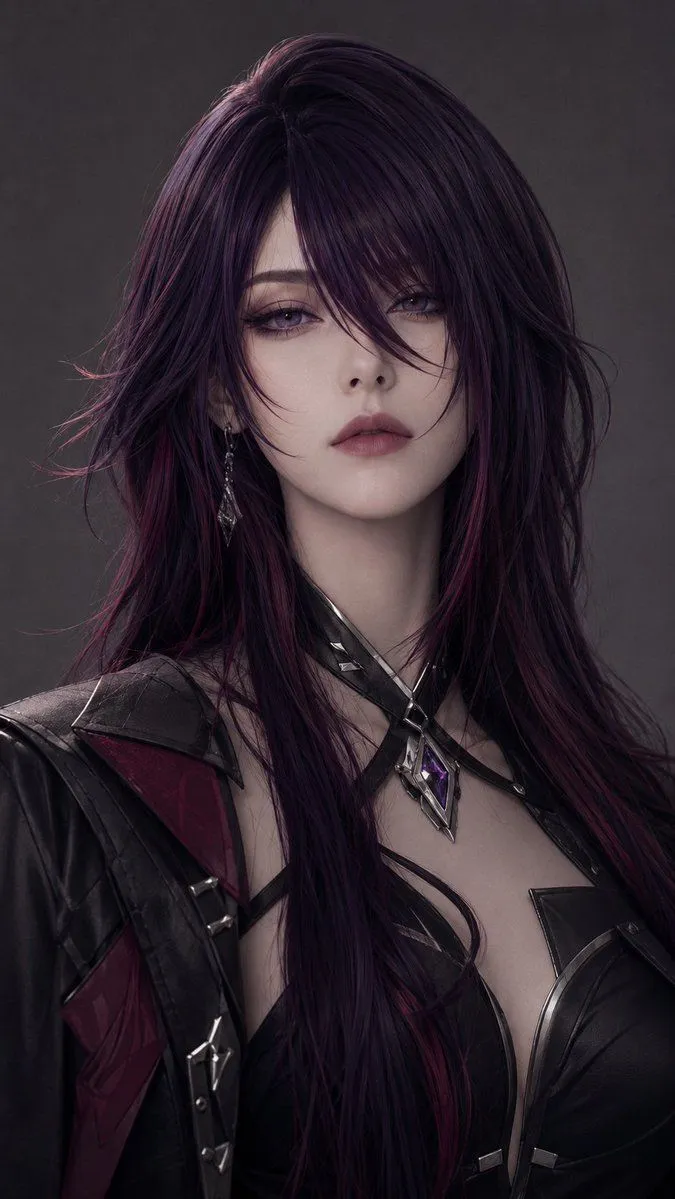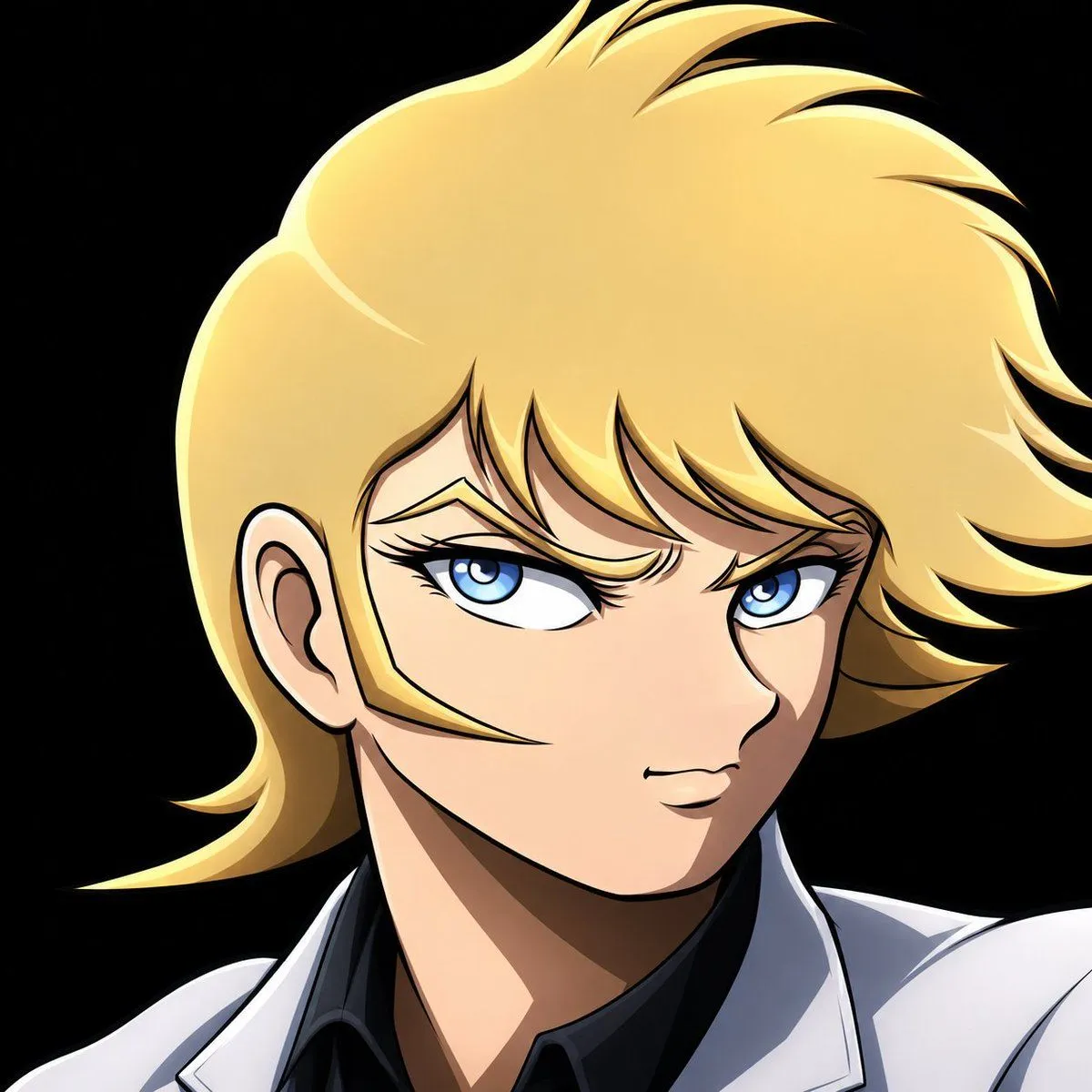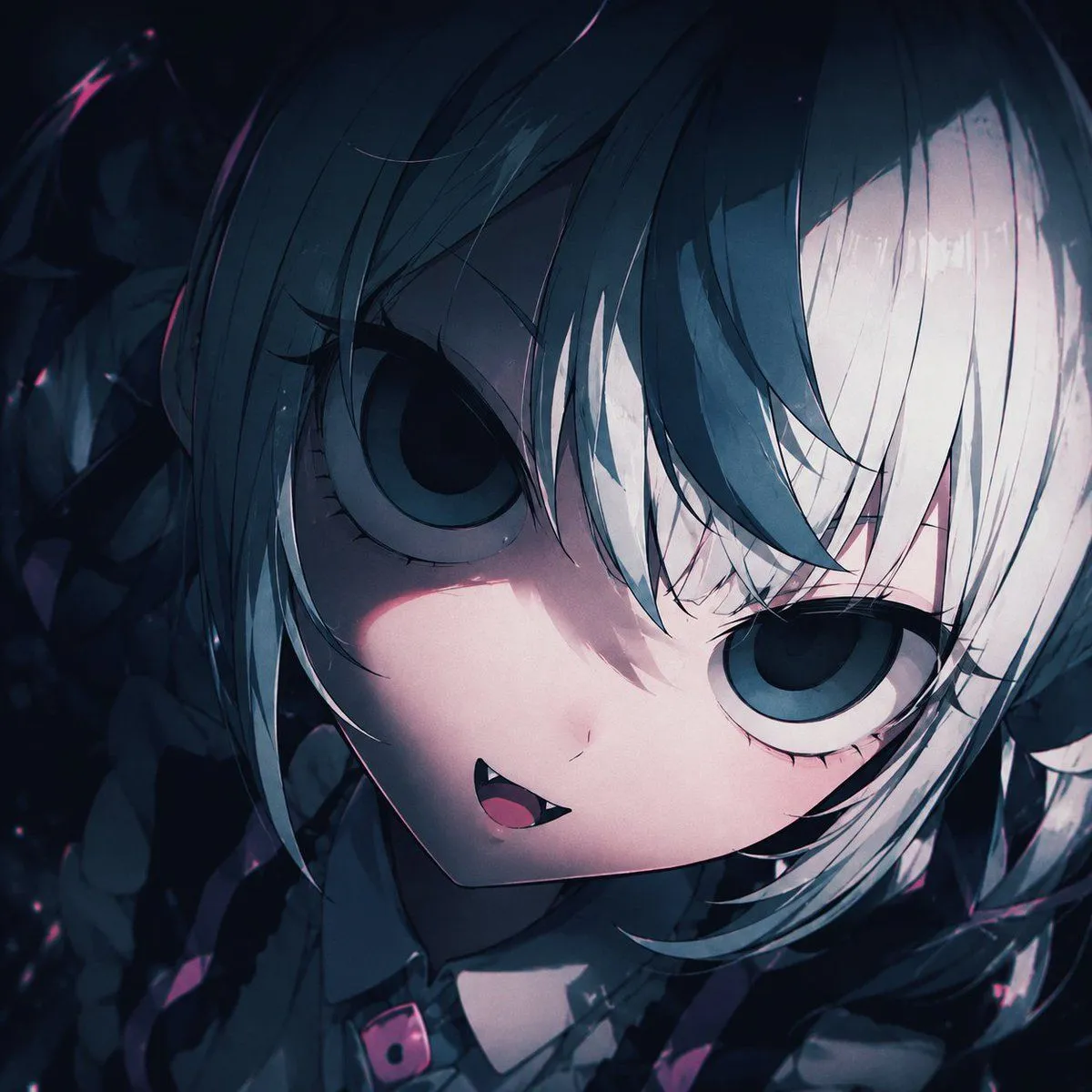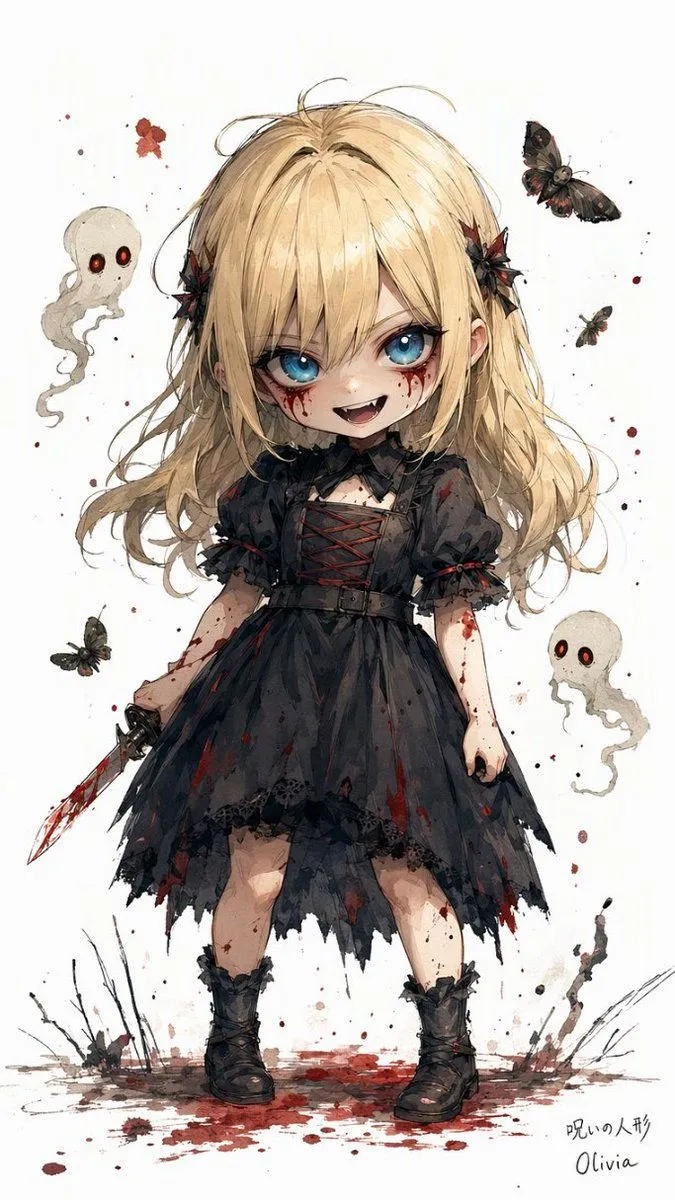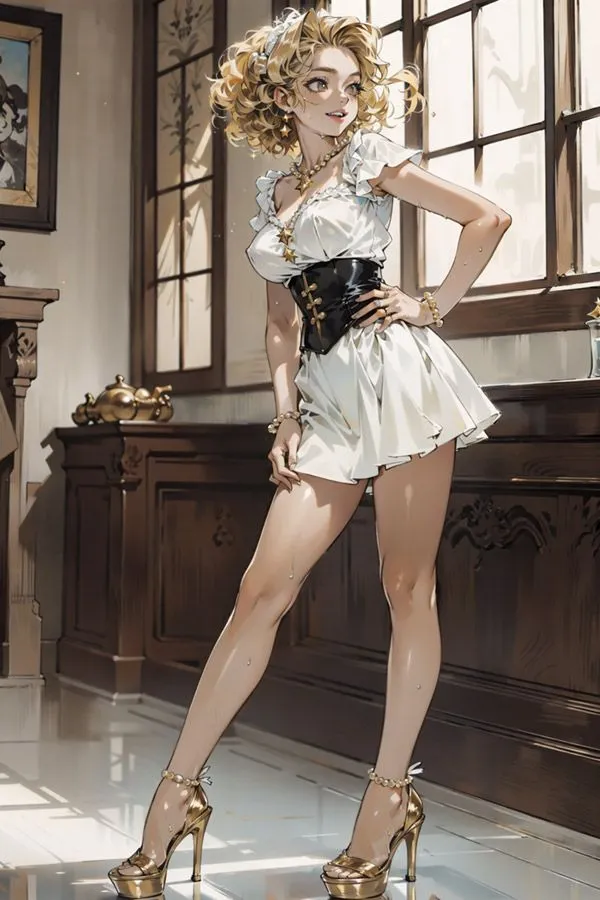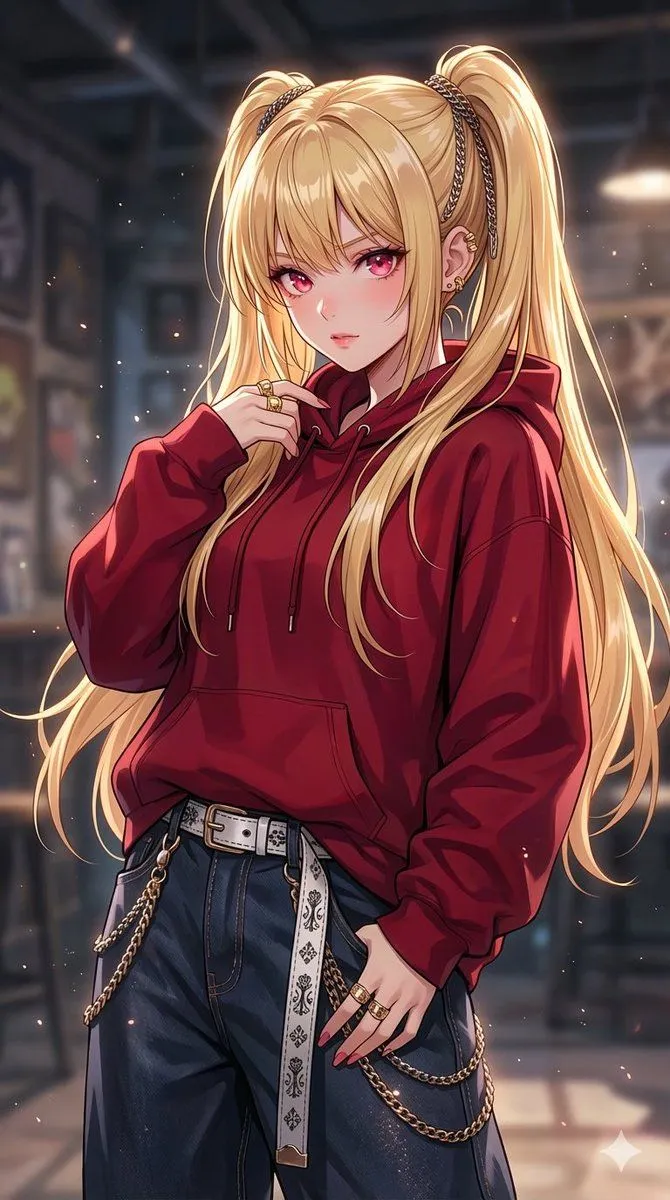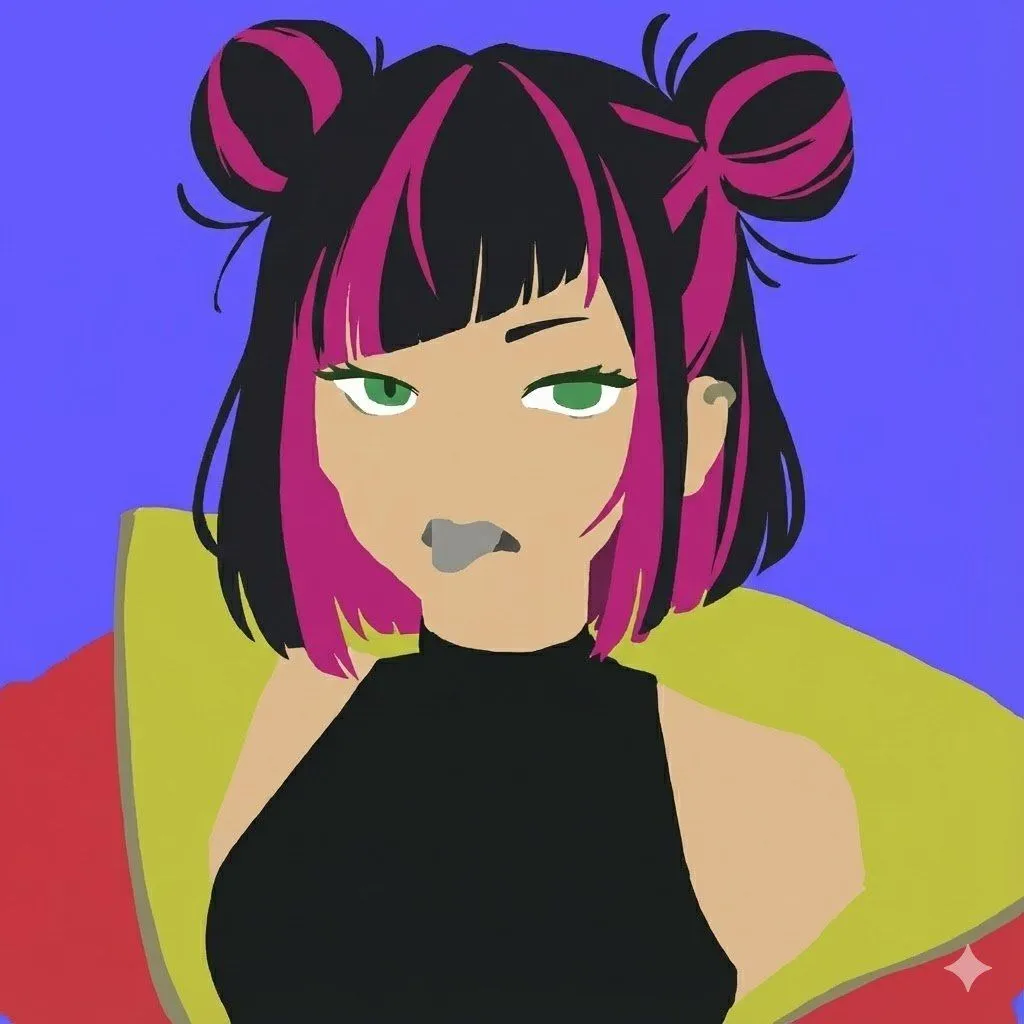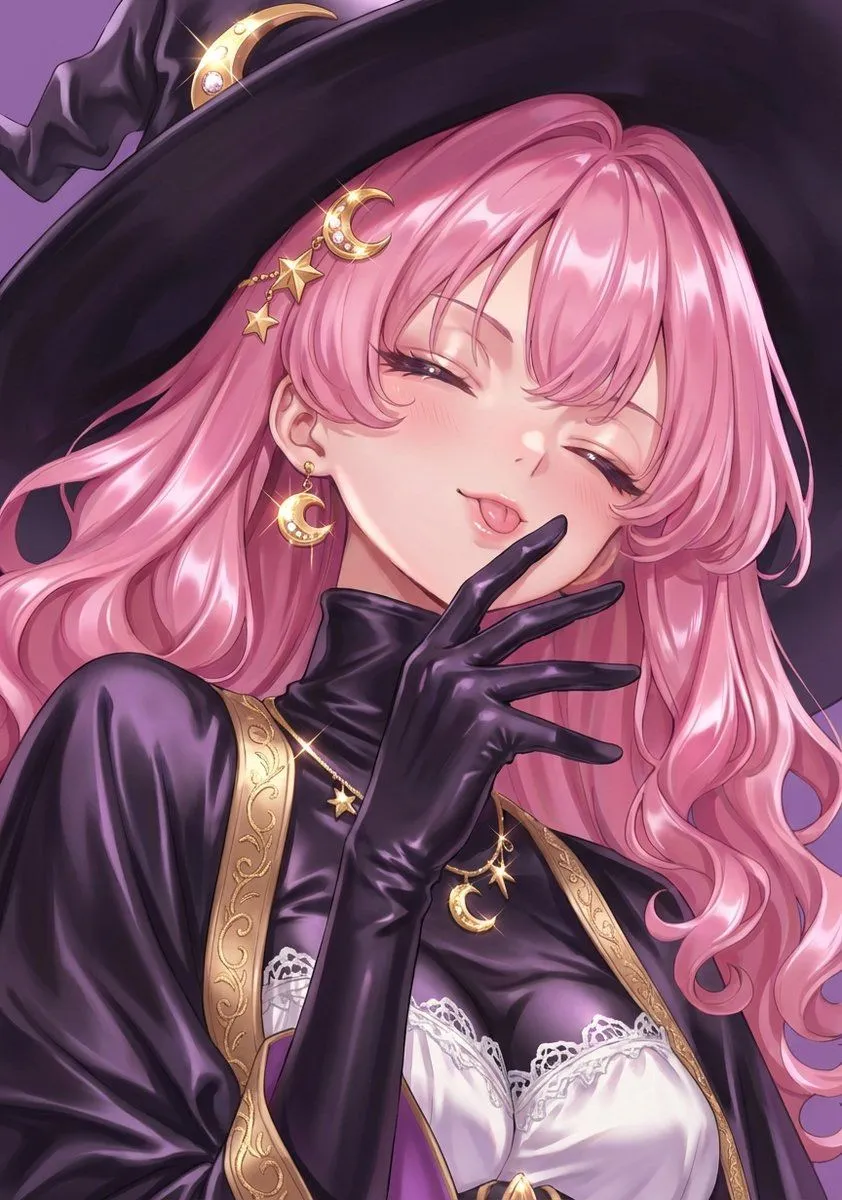
Made with GPT Image 2 in ChatGPT by Library Avatars. Promptclay never generates images.
Did it work?
No reports yet. Tell others if it worked for you.
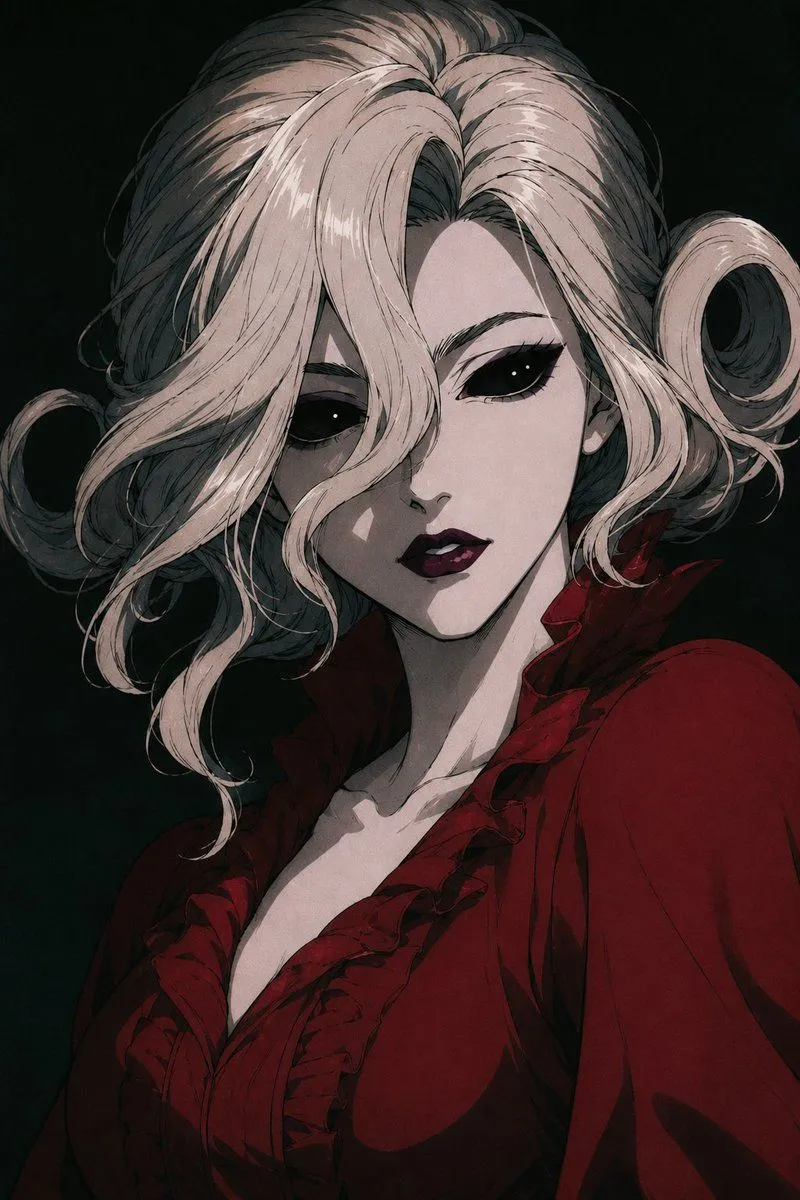
Censored Gothic Bloody Queen Portrait
Prompt
3 blanks to fillCreate a dark gothic anime portrait of {character_name}, shown from the chest up in a dramatic three-quarter pose against a nearly black greenish background. She has voluminous {hair_color} hair swept back from a center part, with loose curling ringlets on both sides and delicate inked strands, rendered with high-contrast highlights and shadow. Her face is intentionally hidden by one large centered opaque square censor block in muted gray-brown, covering the eyes, nose, mouth, and most facial features while leaving the hair, jawline, neck, and clothing visible. She wears a deep {dress_color} Victorian blouse or dress with a plunging neckline, layered ruffled collar, structured shoulders, and heavy black shadow folds, evoking a sinister royal vampire aesthetic. Use an elegant horror-manga illustration style with painterly shading, fine linework, muted desaturated colors, moody chiaroscuro lighting, and a tense aristocratic atmosphere, vertical portrait composition, no text, no border.
Preview of your prompt
Create a dark gothic anime portrait of Bloody Queen, shown from the chest up in a dramatic three-quarter pose against a nearly black greenish background. She has voluminous pale silver-white hair swept back from a center part, with loose curling ringlets on both sides and delicate inked strands, rendered with high-contrast highlights and shadow. Her face is intentionally hidden by one large centered opaque square censor block in muted gray-brown, covering the eyes, nose, mouth, and most facial features while leaving the hair, jawline, neck, and clothing visible. She wears a deep blood red Victorian blouse or dress with a plunging neckline, layered ruffled collar, structured shoulders, and heavy black shadow folds, evoking a sinister royal vampire aesthetic. Use an elegant horror-manga illustration style with painterly shading, fine linework, muted desaturated colors, moody chiaroscuro lighting, and a tense aristocratic atmosphere, vertical portrait composition, no text, no border.
DetailsVersions, settings and questions
Written for
What's in the prompt
- Subject
- Model
- GPT Image 2
If your face changes
keep my face exactly the sameQuestions
- Does this work in the ChatGPT app?
- Yes. Paste the prompt and attach your photo if it uses one.
- It changed my face. What do I do?
- Add "keep my face exactly the same" to the end and run it again.
- Can I use the images I make?
- Check the terms of the app you use. Promptclay never generates images and claims nothing you make.