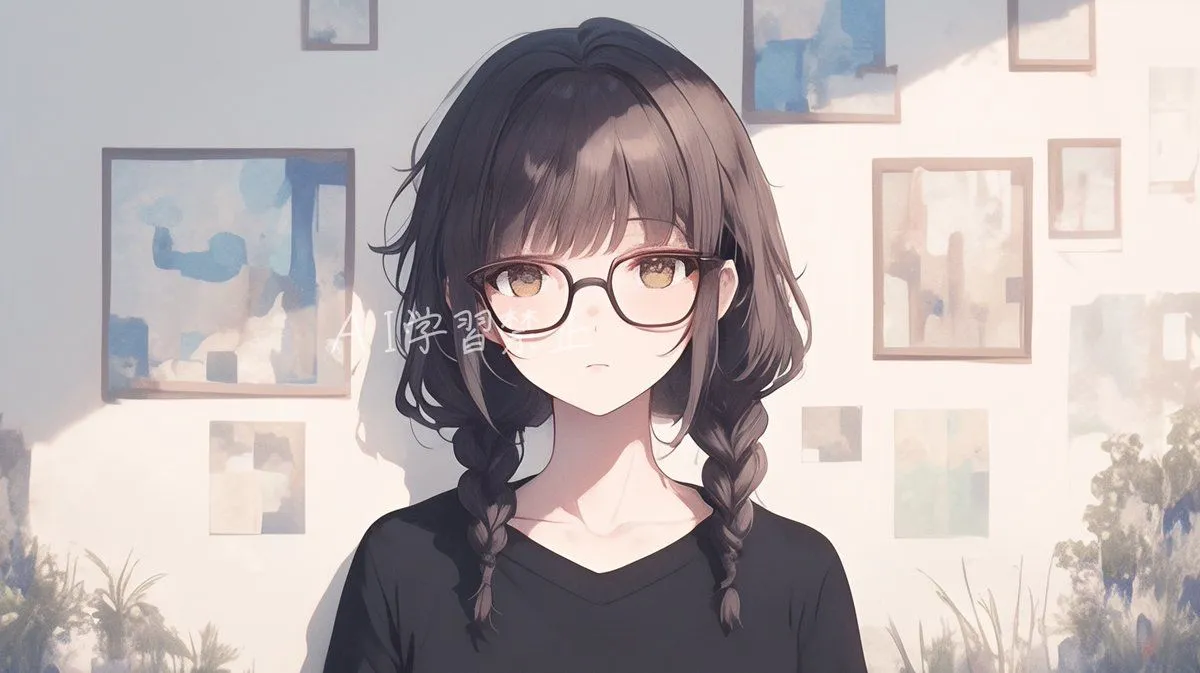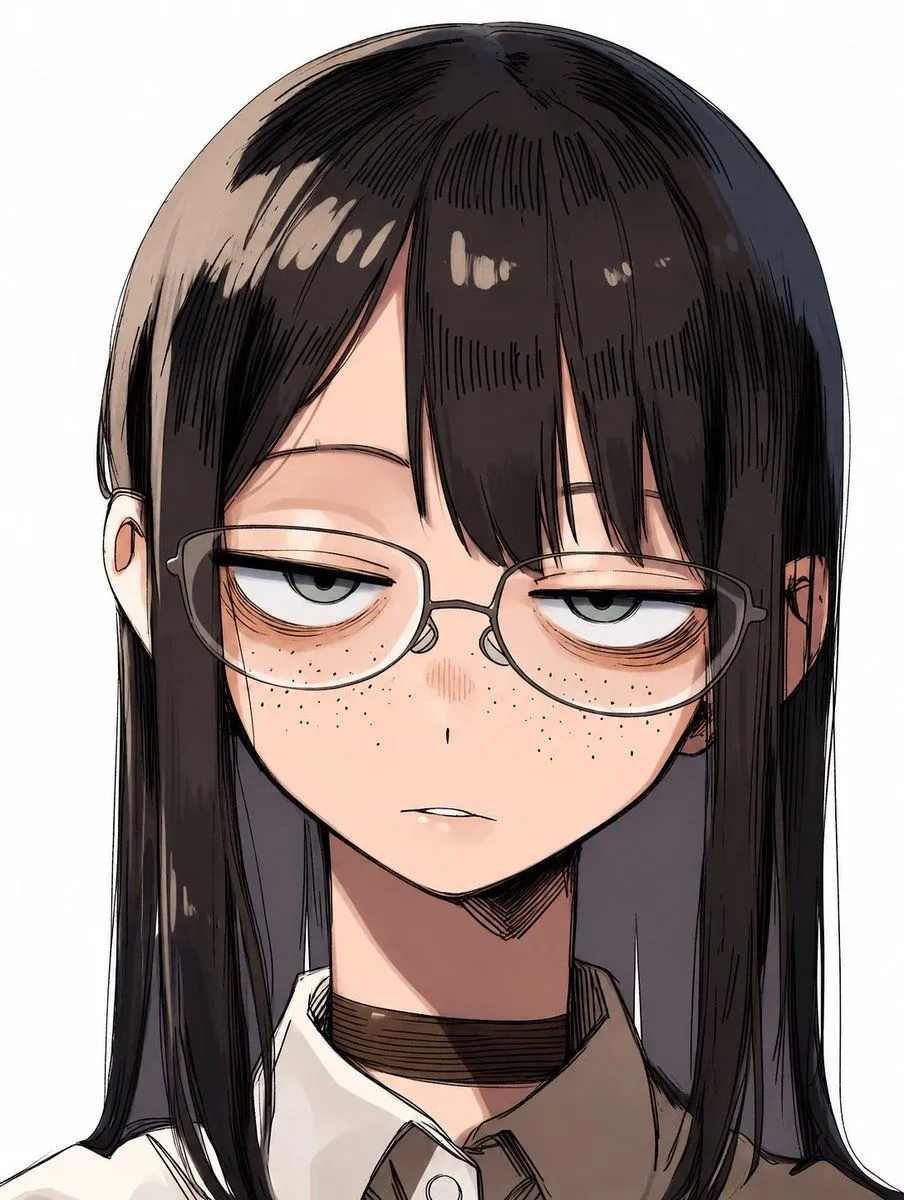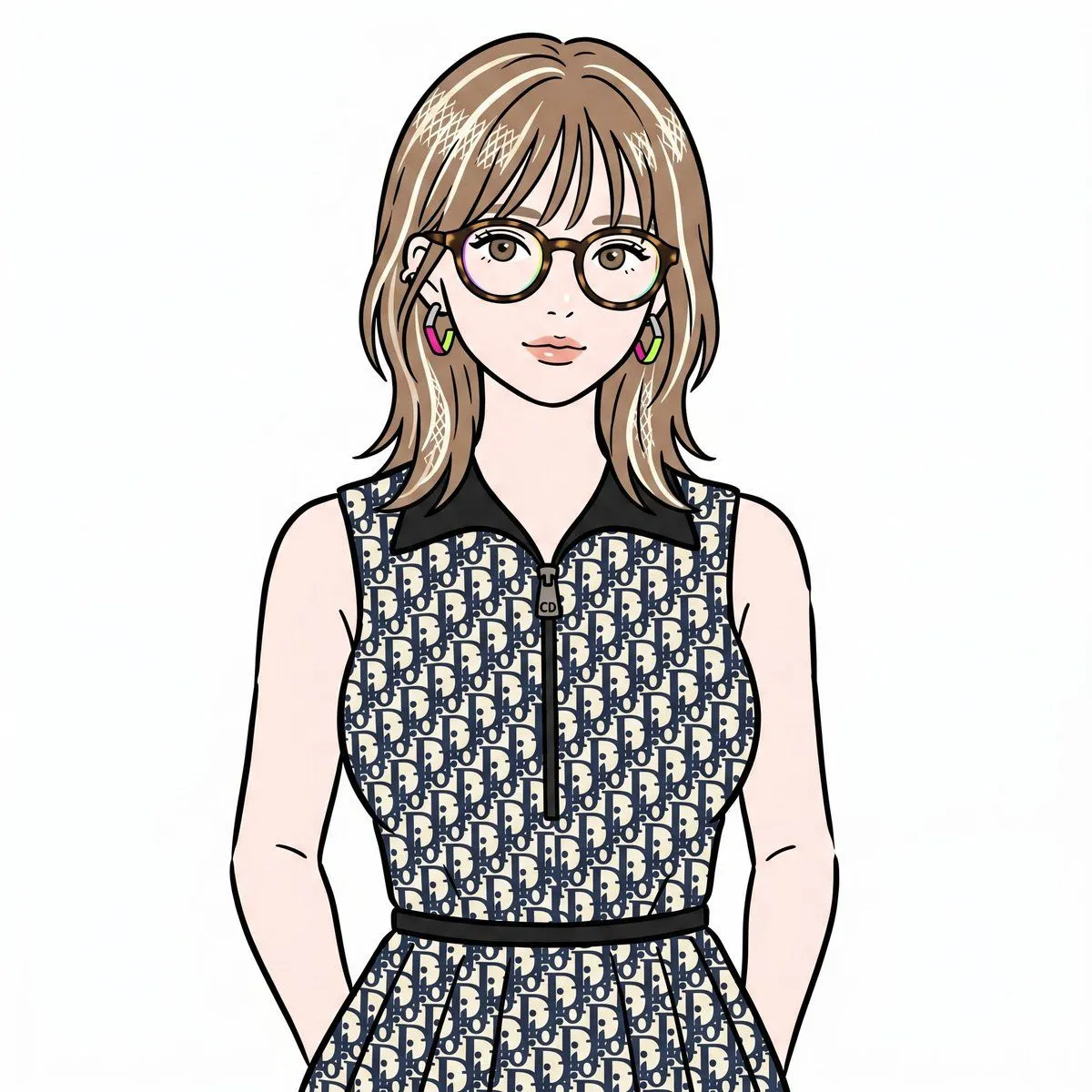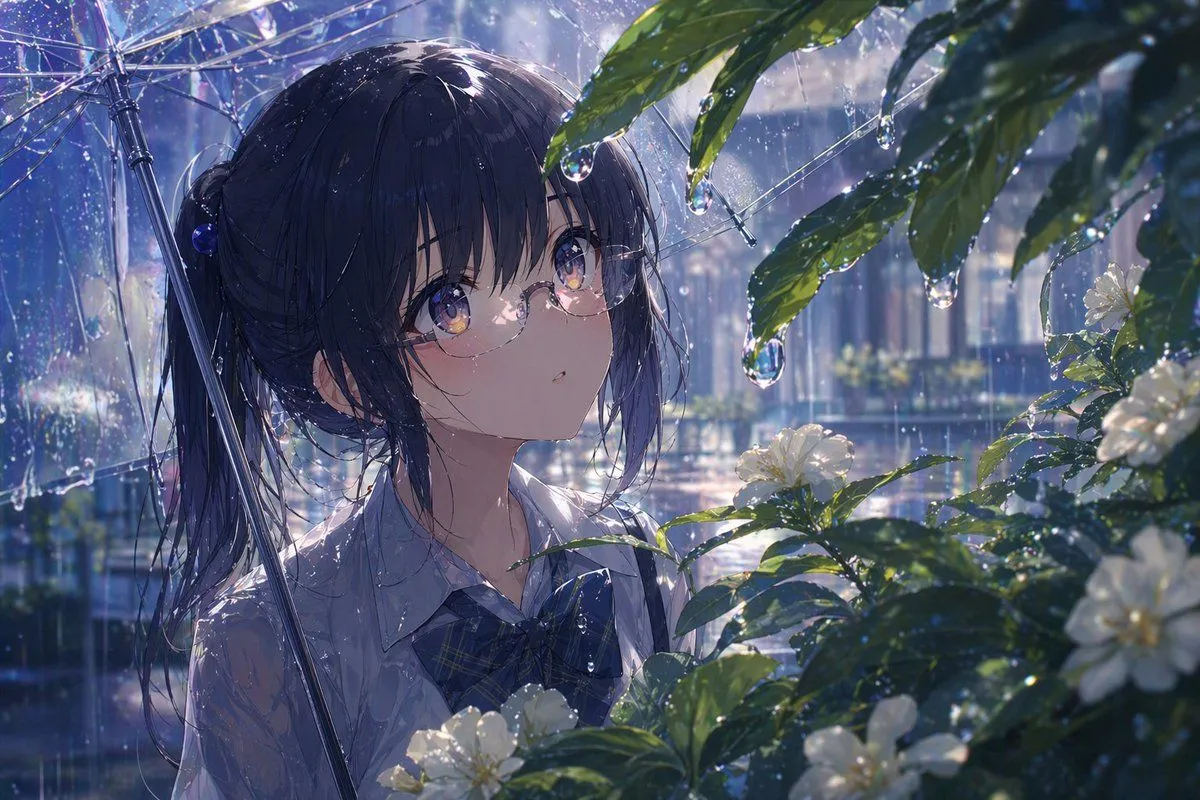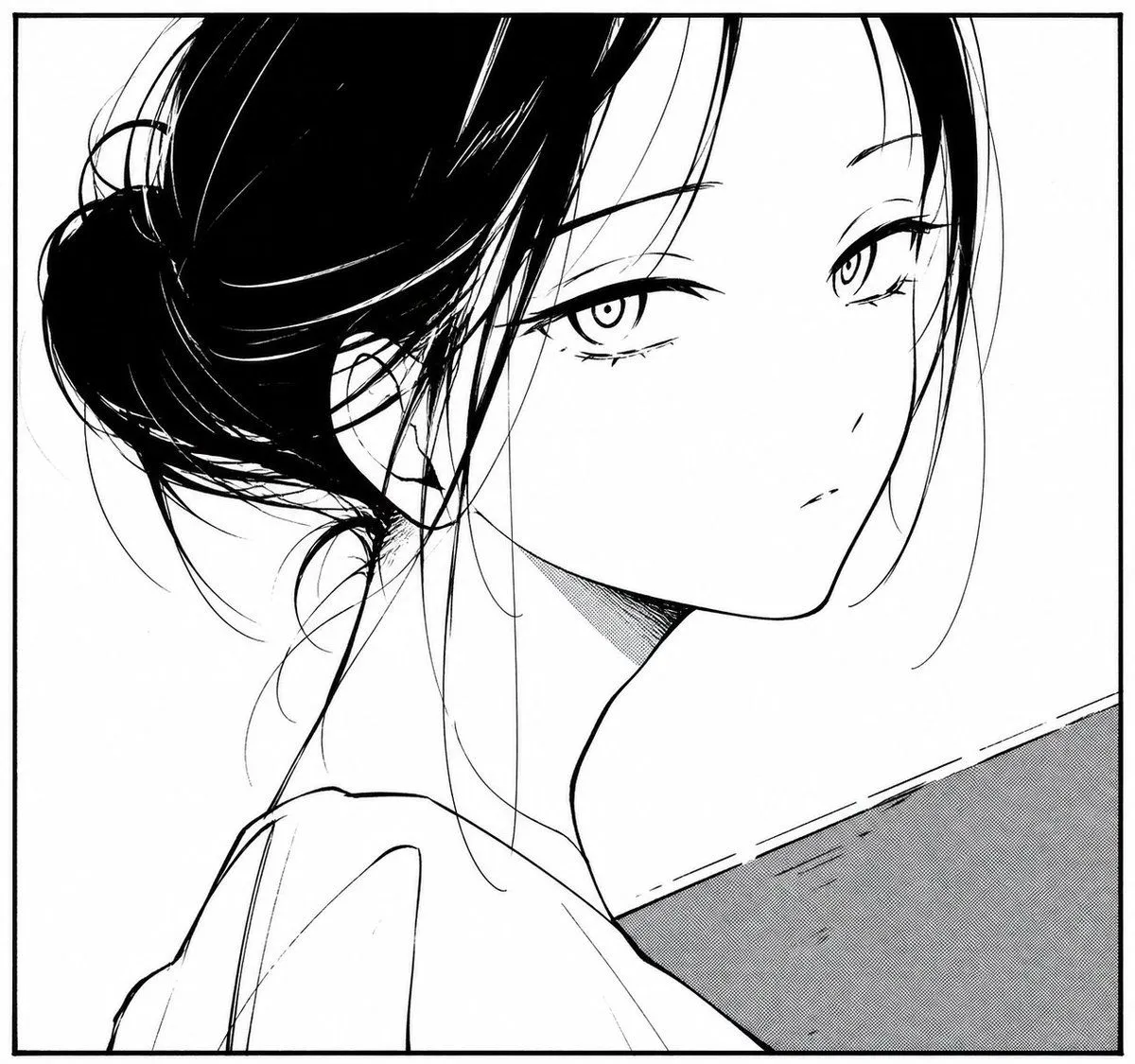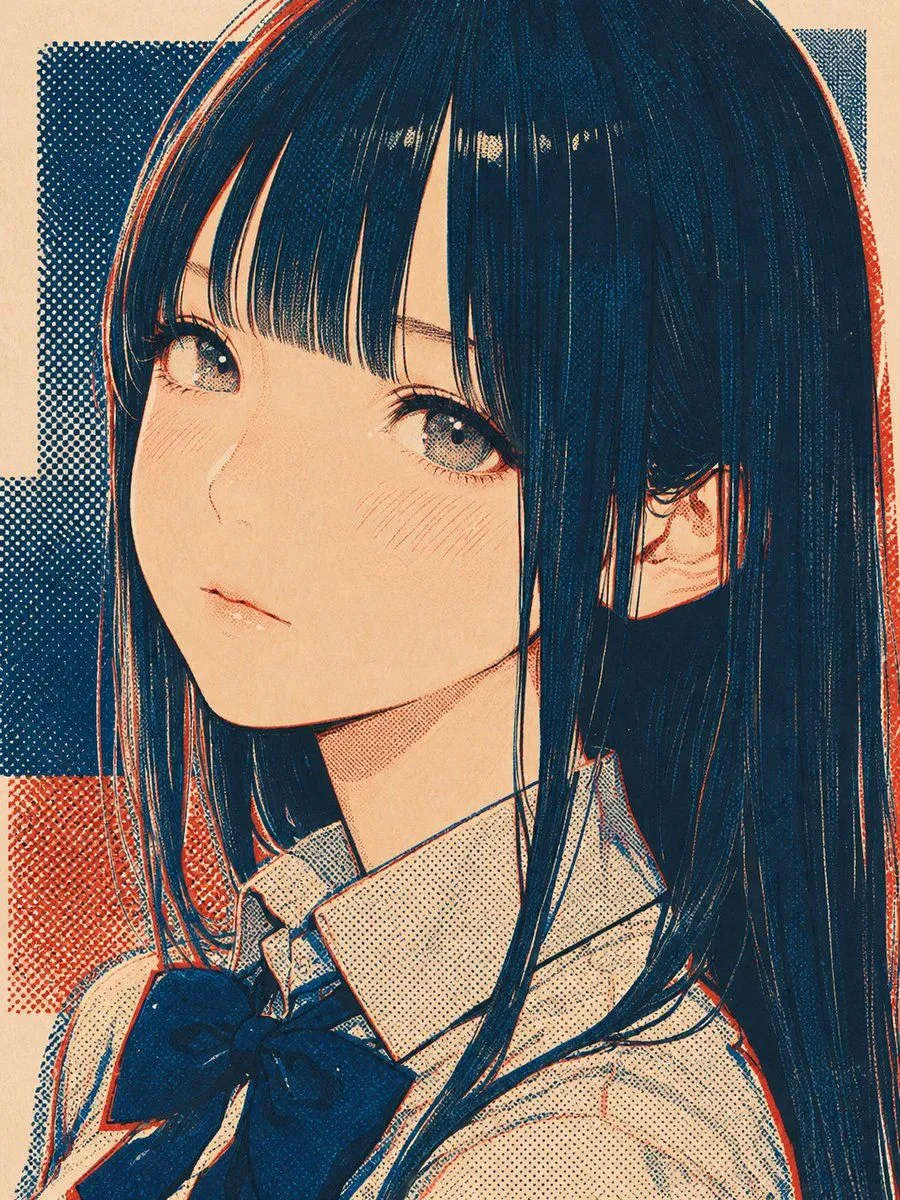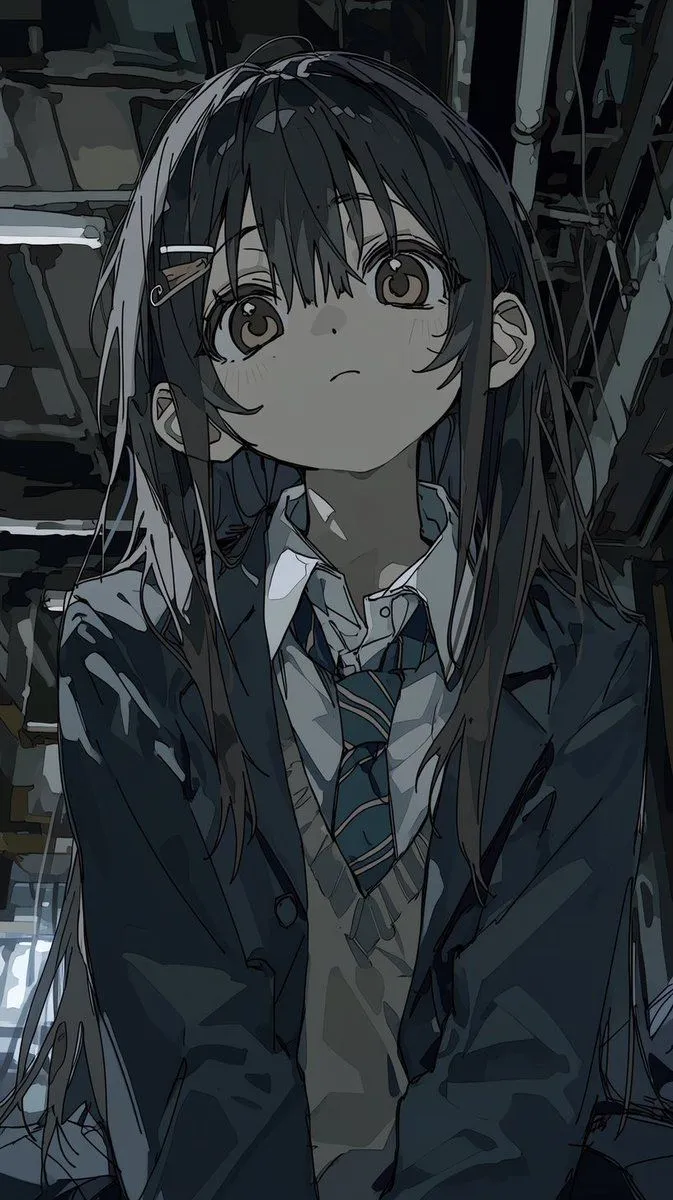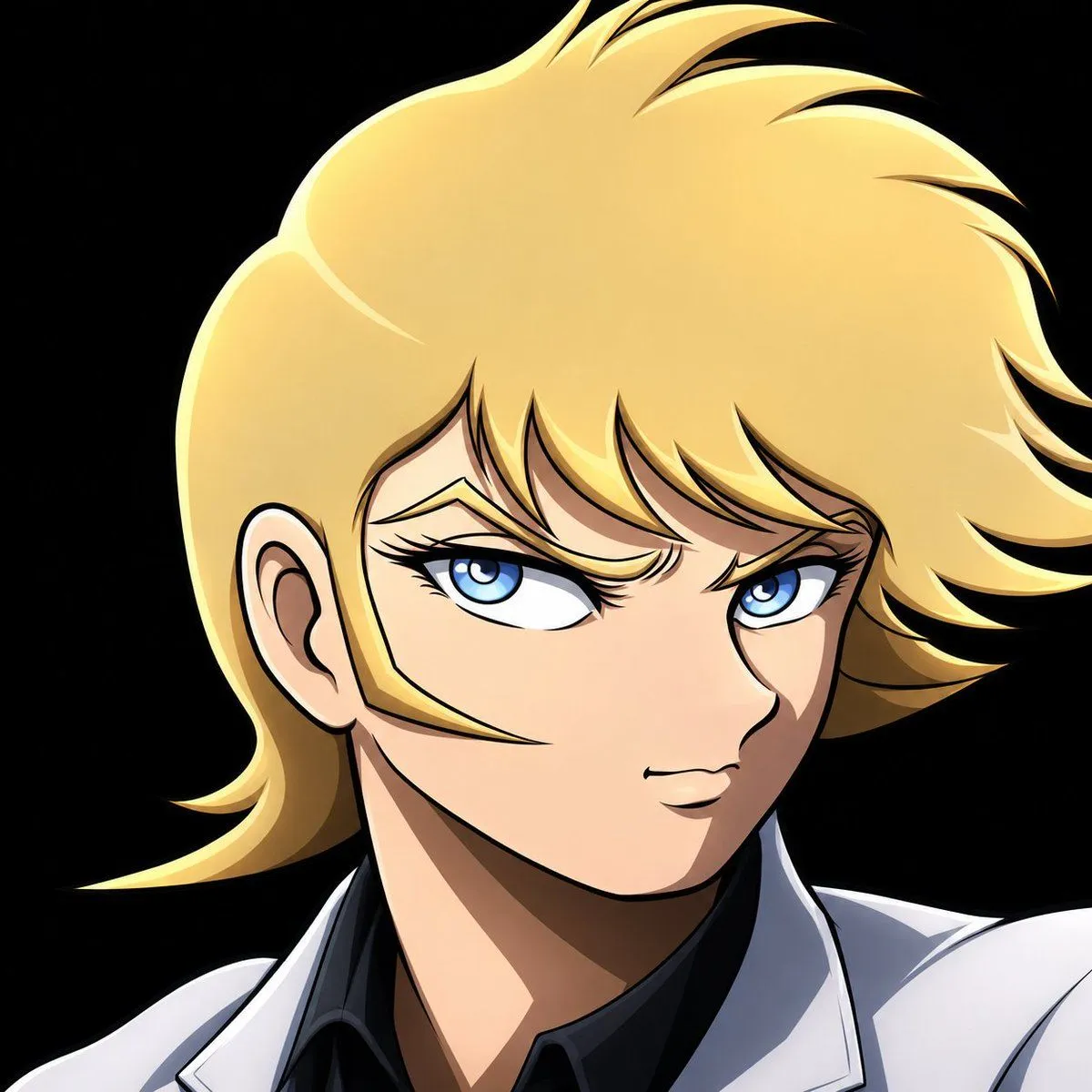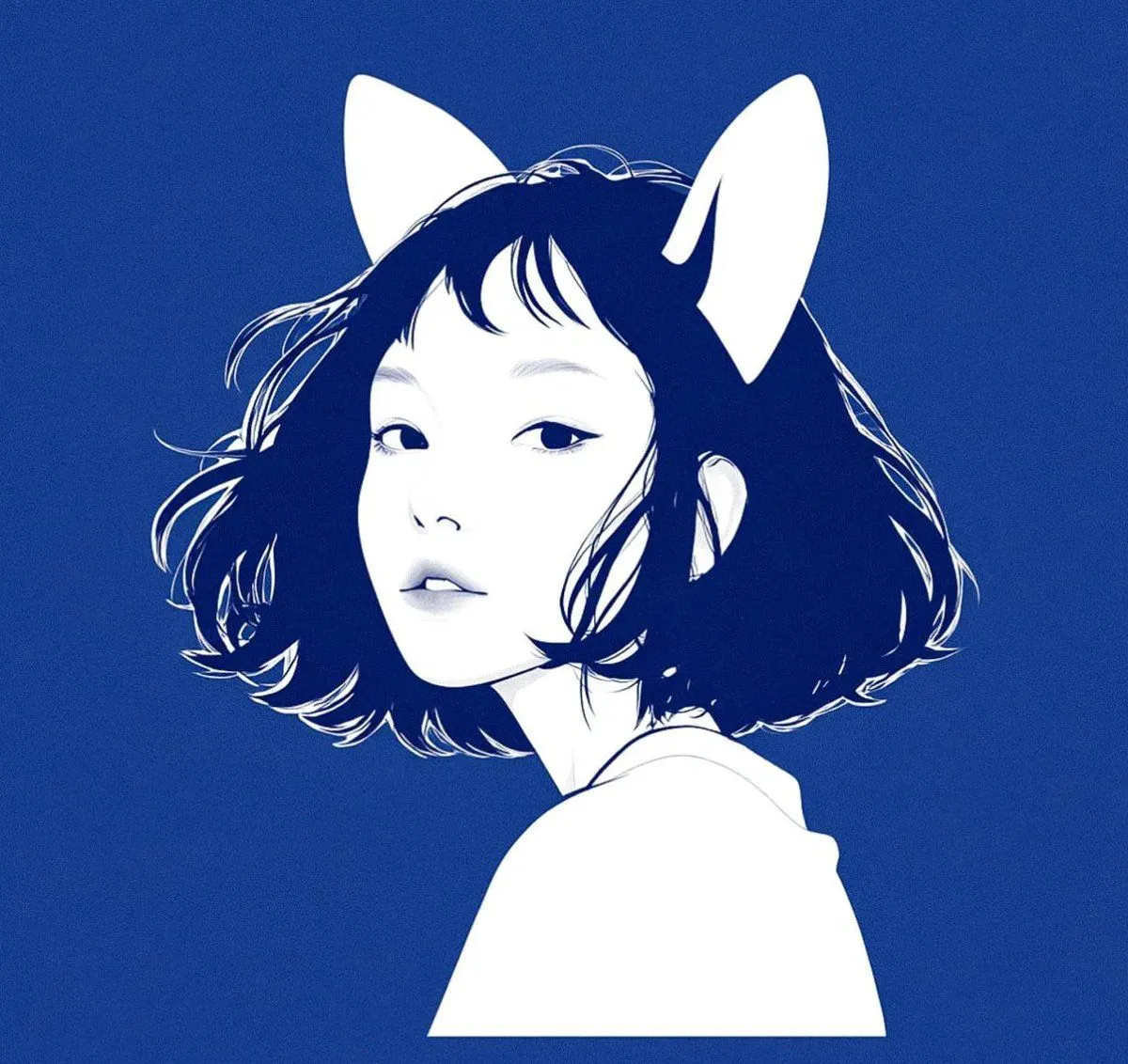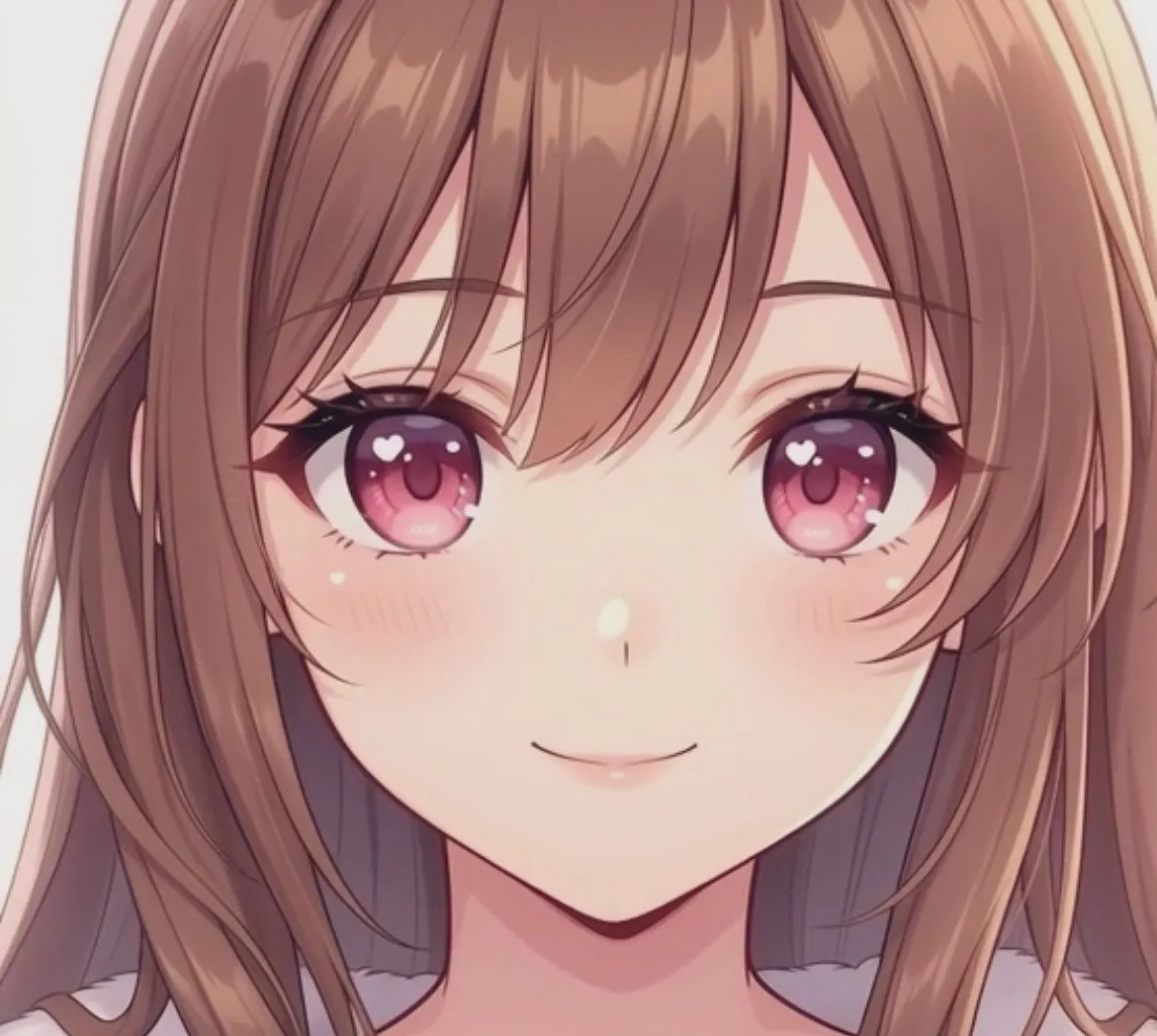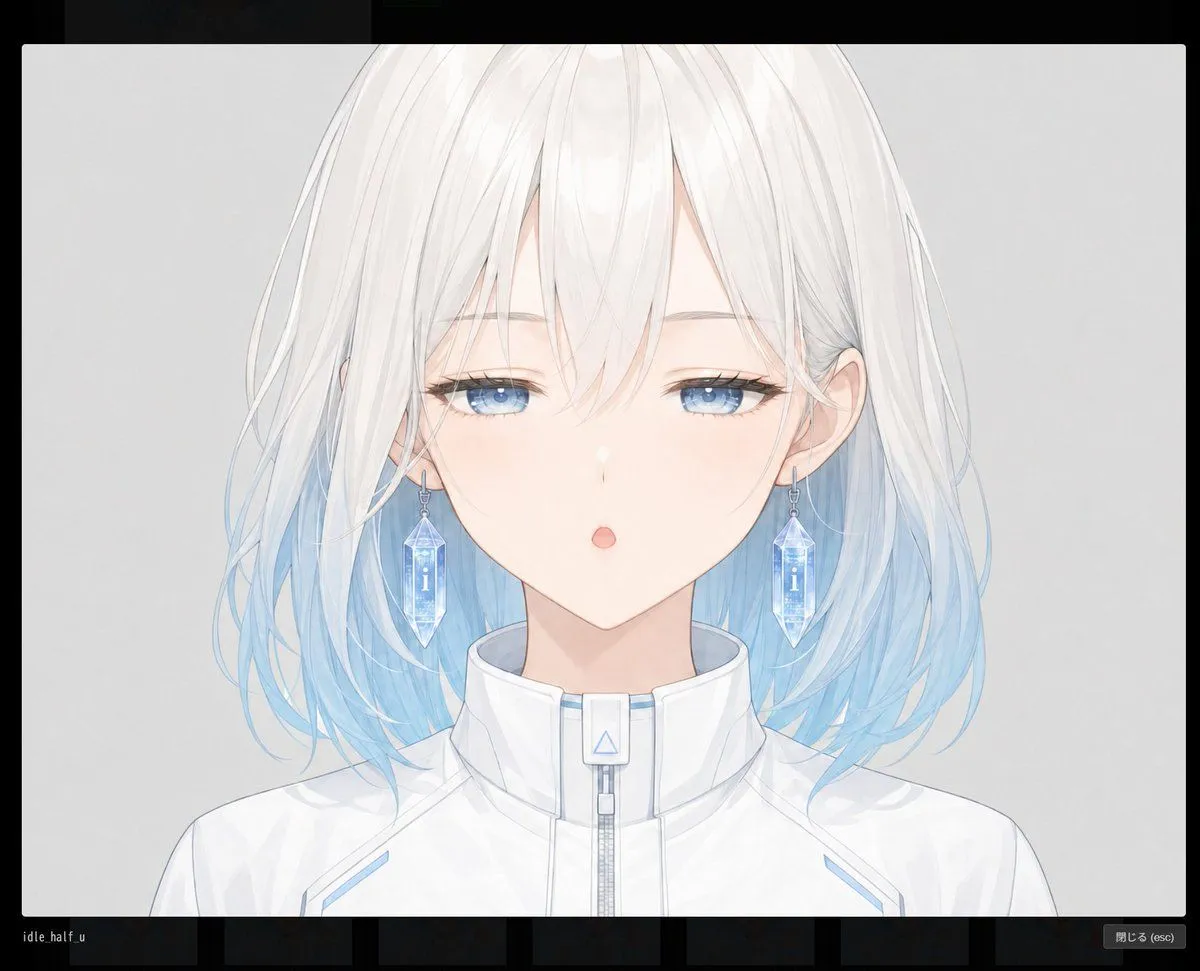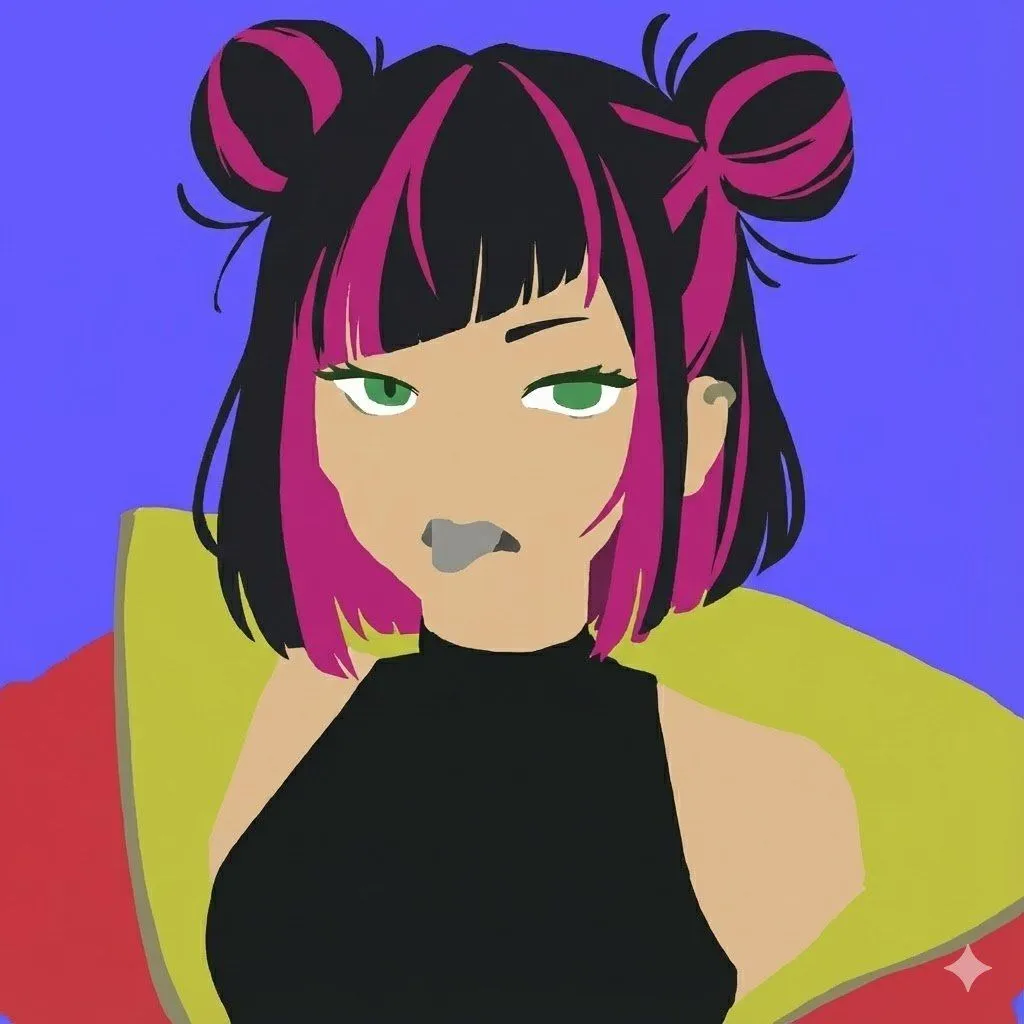
Made with GPT Image 2 in ChatGPT, collected by Library Avatars. Promptclay never generates images.
Did it work?
No reports yet. Tell others if it worked for you.
Censored Anime Schoolgirl Portrait
Prompt
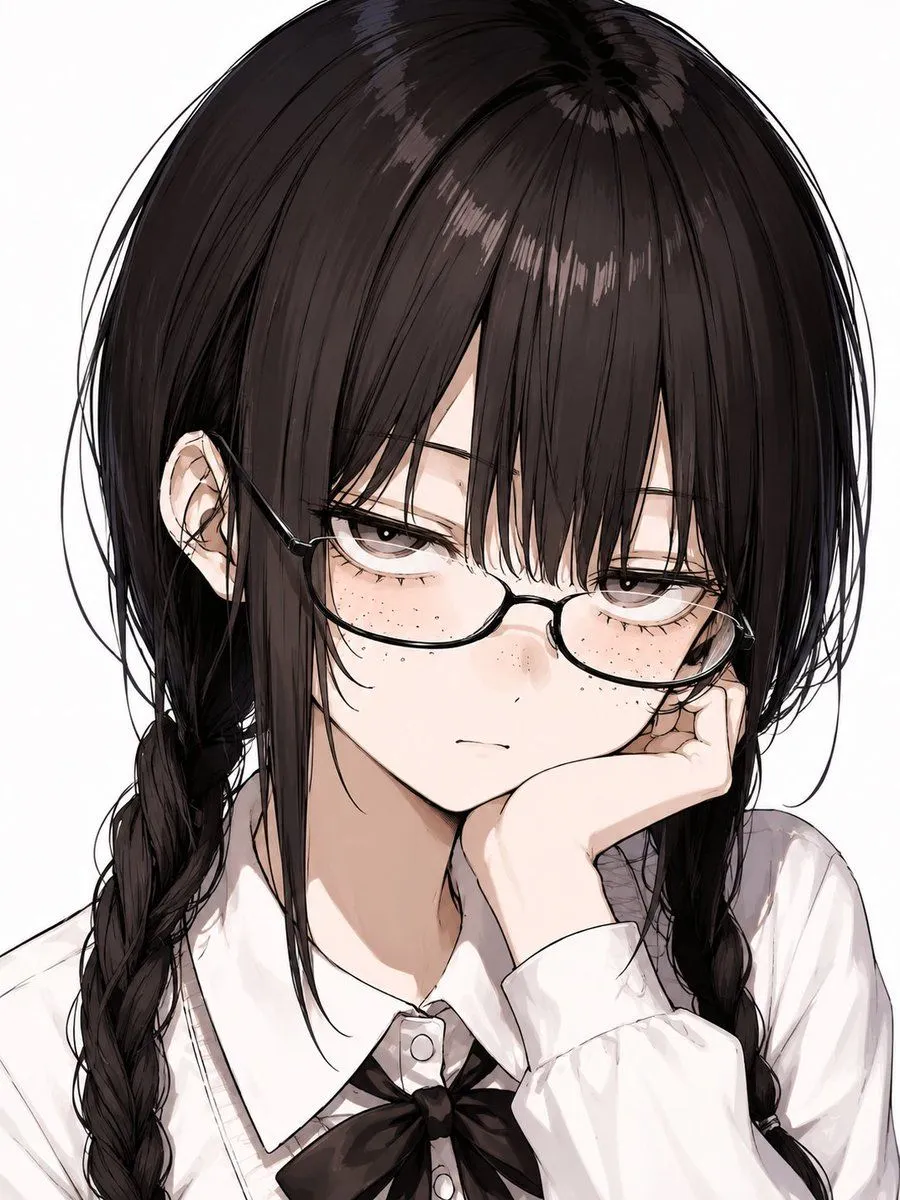
2 blanks to fillCreate a vertical close-up anime illustration of {character_description} against a clean white background. Frame her from the top of the head to the upper chest, with the head very large in the composition and slightly cropped near the top. She has glossy, messy, layered hair with loose strands around the sides, a visible left ear, and two thick braids falling over both shoulders. Her face is intentionally hidden by a large centered soft-edged square censor block in a muted brown-to-warm-gray gradient, covering the entire facial area from the forehead down to the chin while leaving the hair, ear, neck, collar, and hand visible. Show her wearing {outfit}, with subtle sketchy folds and pale shading. One hand is raised near the lower face, fingers partly tucked under the chin and disappearing behind the censor block. Use a refined Japanese anime style with delicate black linework, semi-realistic hair highlights, soft watercolor-like shading, muted colors, and a clean minimal background. No text, no watermark, no extra objects.
Preview of your prompt
Create a vertical close-up anime illustration of a teenage girl with long dark brown-black hair in twin braids against a clean white background. Frame her from the top of the head to the upper chest, with the head very large in the composition and slightly cropped near the top. She has glossy, messy, layered hair with loose strands around the sides, a visible left ear, and two thick braids falling over both shoulders. Her face is intentionally hidden by a large centered soft-edged square censor block in a muted brown-to-warm-gray gradient, covering the entire facial area from the forehead down to the chin while leaving the hair, ear, neck, collar, and hand visible. Show her wearing a white school blouse with a pointed collar and a black ribbon bow tie, with subtle sketchy folds and pale shading. One hand is raised near the lower face, fingers partly tucked under the chin and disappearing behind the censor block. Use a refined Japanese anime style with delicate black linework, semi-realistic hair highlights, soft watercolor-like shading, muted colors, and a clean minimal background. No text, no watermark, no extra objects.
DetailsVersions, settings and questions
Written for
What's in the prompt
- Subject
- Model
- GPT Image 2
If your face changes
keep my face exactly the sameQuestions
- Does this work in the ChatGPT app?
- Yes. Paste the prompt and attach your photo if it uses one.
- It changed my face. What do I do?
- Add "keep my face exactly the same" to the end and run it again.
- Can I use the images I make?
- Check the terms of the app you use. Promptclay never generates images and claims nothing you make.