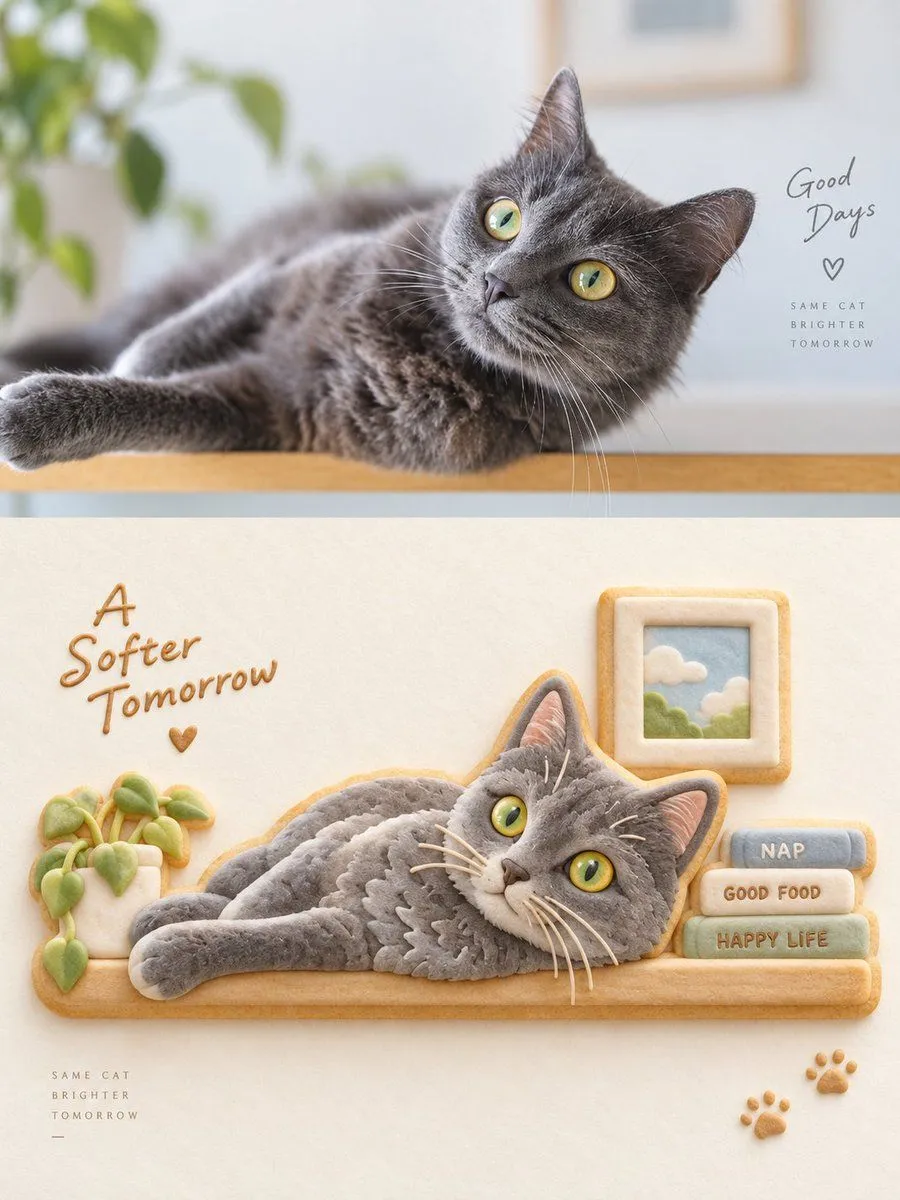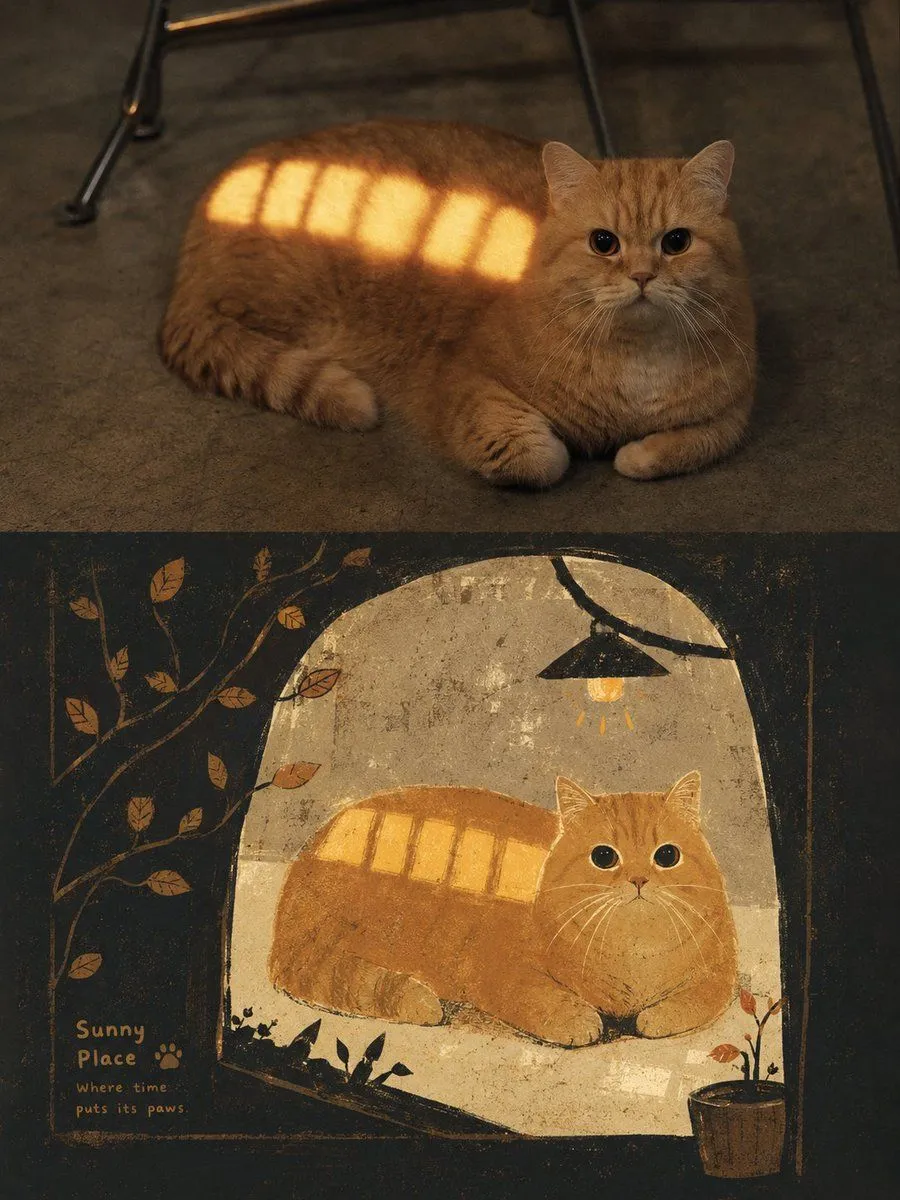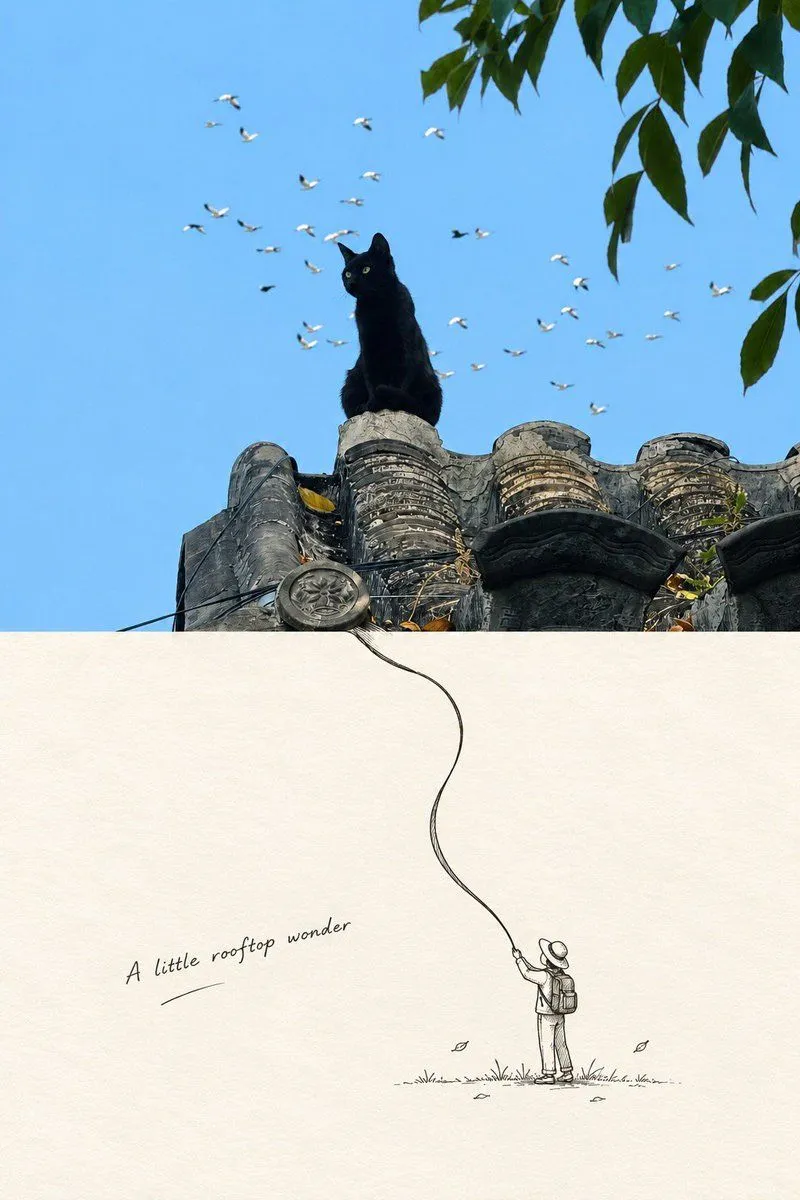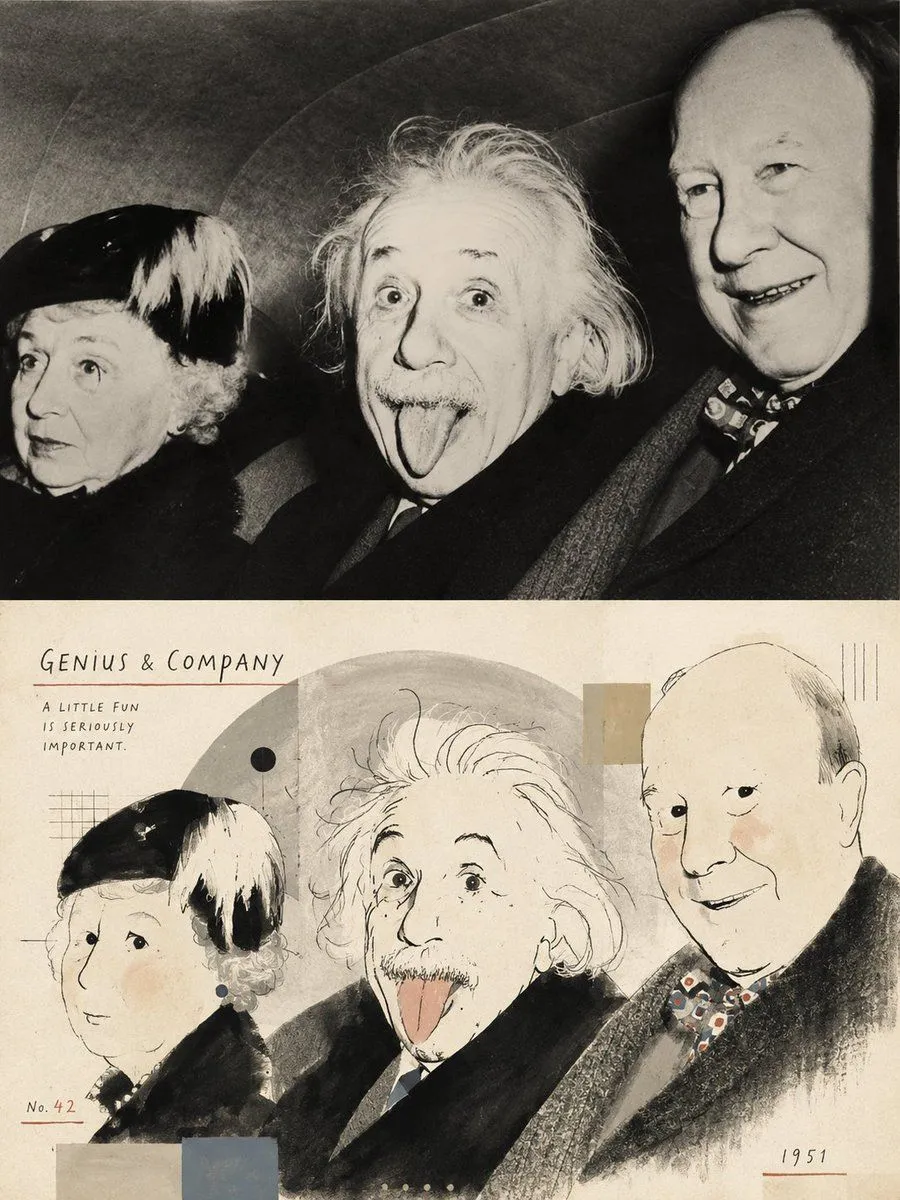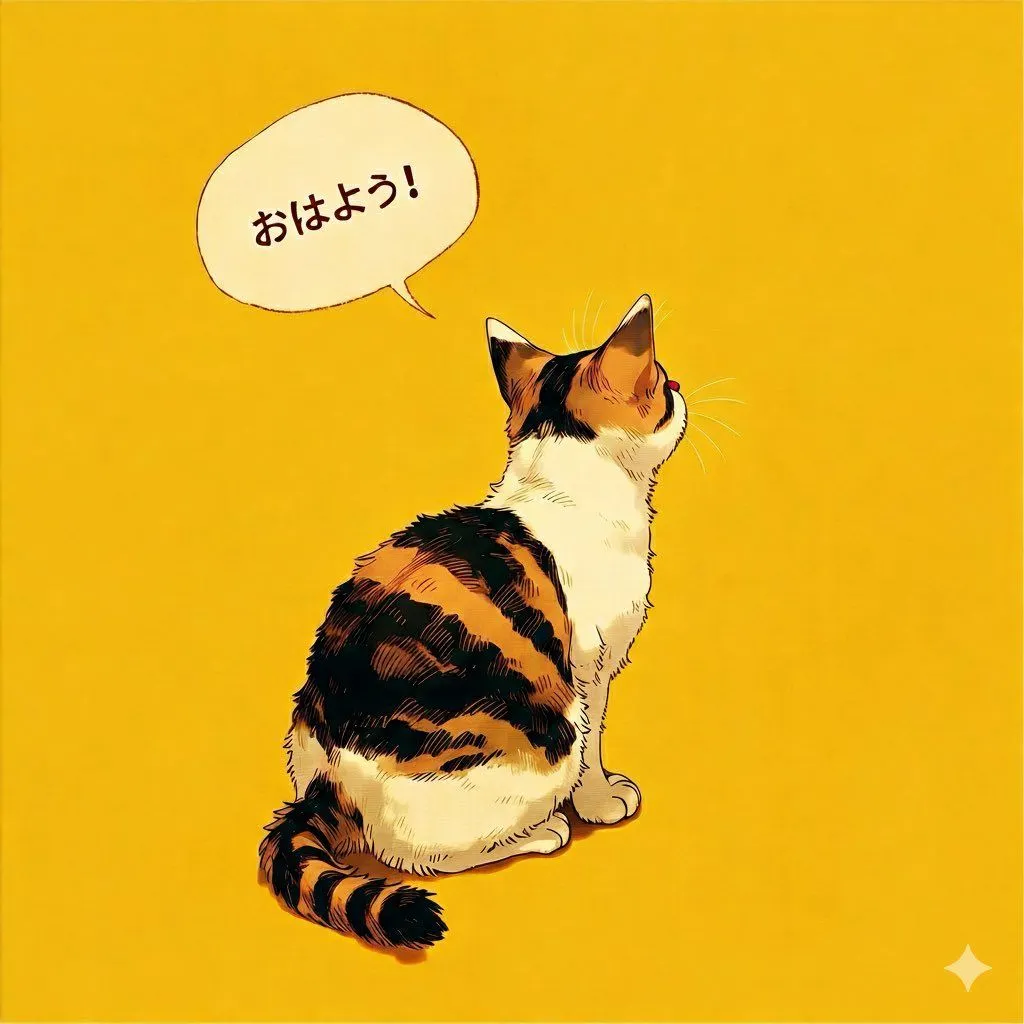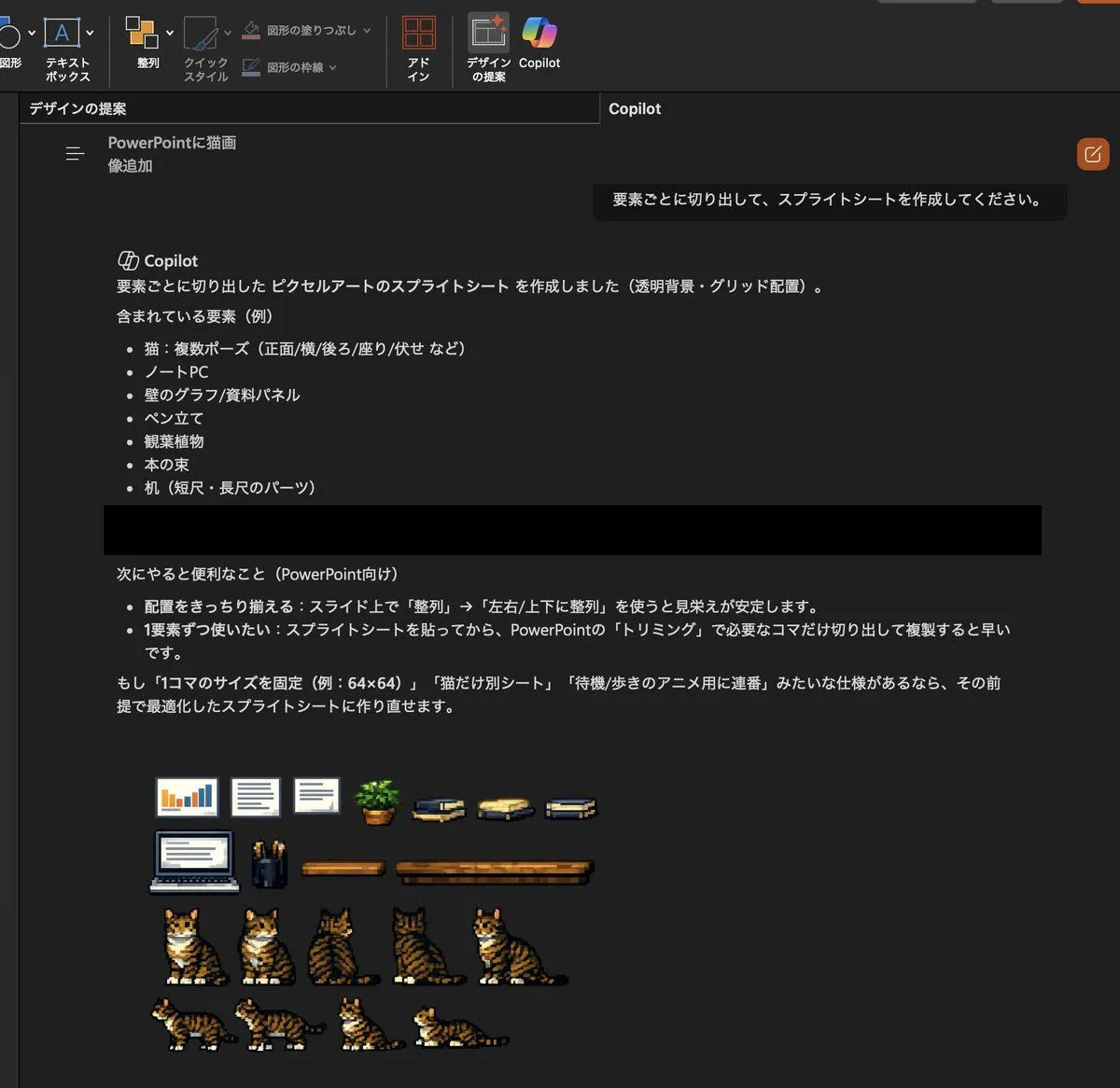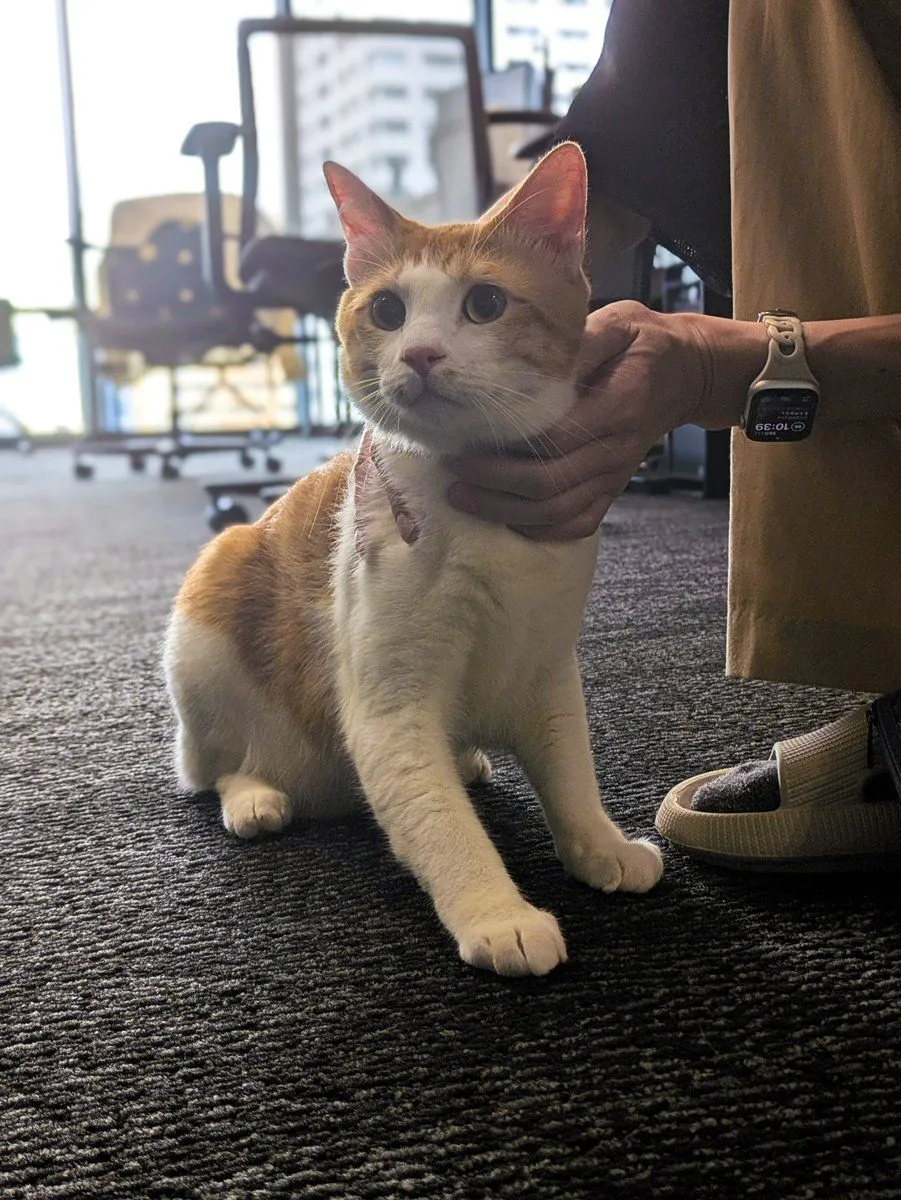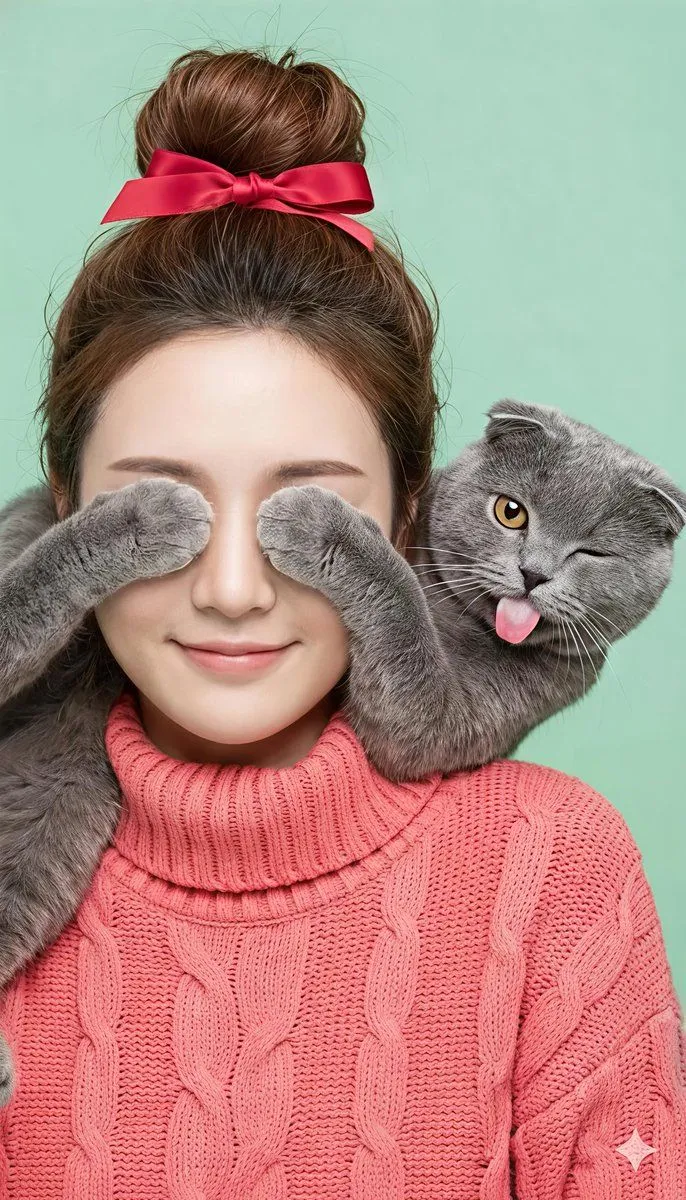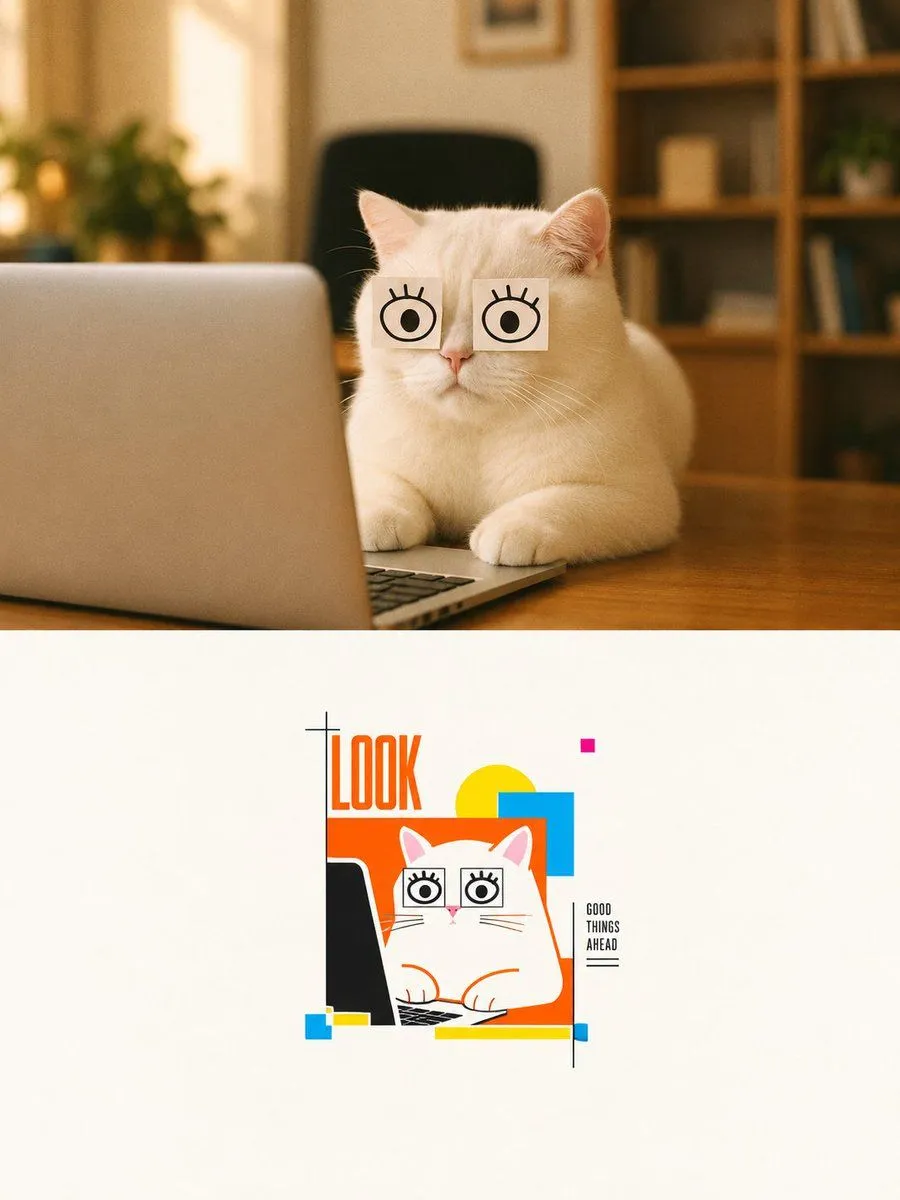
Made with GPT Image 2 in ChatGPT by Library Brand. Promptclay never generates images.
Cat Photo to Geometric Poster
Prompt
2 blanks to fillGoal: Create a vertical two-panel design that transforms a cozy realistic cat photo into a minimalist geometric poster illustration. Canvas: Portrait 3:4 composition, 900 x 1200 style, split horizontally into exactly 2 panels. The top panel occupies about 52% of the height and is a warm realistic photograph; the bottom panel occupies about 48% and is an off-white gallery-poster illustration area. Top panel: Show one fluffy white cat sitting at a wooden desk in a warm home office. The cat faces forward behind one open silver laptop positioned on the left foreground, with the keyboard barely visible at the bottom edge. The cat has exactly 2 square white paper notes taped over its eyes, each note drawn with one simple black cartoon eye and short eyelashes, giving a funny wide-eyed look. Background is softly blurred with exactly 1 black office chair centered behind the cat, 1 leafy plant on the left, and 1 wooden bookshelf on the right with indistinct books and decor. Lighting is golden, soft, shallow depth of field, cozy indoor ambience, realistic fur detail. Bottom panel: On a clean off-white background, place a small centered vector poster illustration inspired by the top photo. The illustration contains exactly 1 white cartoon cat, exactly 1 black laptop silhouette on the left, exactly 2 square cartoon-eye notes over the cat's eyes, and the cat's paws on the keyboard. Use crisp orange outlines and flat graphic shapes. Add the large vertical headline text {headline_text} in tall condensed orange letters at the upper left of the illustration. Add a small stacked caption on the right reading {side_caption}, with a thin black vertical line beside it and a short underline beneath it. Geometric elements in the bottom poster: Include exactly 8 abstract color-block accents: 1 large orange rectangle behind the cat, 1 yellow circle behind the top right of the cat, 1 cyan-blue square overlapping the yellow circle, 1 tiny magenta square above, 1 small cyan square at the lower left, 1 small yellow horizontal rectangle beside it, 1 long yellow horizontal bar along the bottom, and 1 tiny blue rectangle at the lower right end of that bar. Add a minimal black plus-sign registration mark near the headline. Visual style: Top panel should be realistic warm photography; bottom panel should be clean Bauhaus-inspired geometric poster art with orange, yellow, cyan, magenta, black, and white. Keep generous negative space in the bottom panel, sharp vector edges, playful editorial design, no extra animals, no extra text, no watermark.
Preview of your prompt
Goal: Create a vertical two-panel design that transforms a cozy realistic cat photo into a minimalist geometric poster illustration. Canvas: Portrait 3:4 composition, 900 x 1200 style, split horizontally into exactly 2 panels. The top panel occupies about 52% of the height and is a warm realistic photograph; the bottom panel occupies about 48% and is an off-white gallery-poster illustration area. Top panel: Show one fluffy white cat sitting at a wooden desk in a warm home office. The cat faces forward behind one open silver laptop positioned on the left foreground, with the keyboard barely visible at the bottom edge. The cat has exactly 2 square white paper notes taped over its eyes, each note drawn with one simple black cartoon eye and short eyelashes, giving a funny wide-eyed look. Background is softly blurred with exactly 1 black office chair centered behind the cat, 1 leafy plant on the left, and 1 wooden bookshelf on the right with indistinct books and decor. Lighting is golden, soft, shallow depth of field, cozy indoor ambience, realistic fur detail. Bottom panel: On a clean off-white background, place a small centered vector poster illustration inspired by the top photo. The illustration contains exactly 1 white cartoon cat, exactly 1 black laptop silhouette on the left, exactly 2 square cartoon-eye notes over the cat's eyes, and the cat's paws on the keyboard. Use crisp orange outlines and flat graphic shapes. Add the large vertical headline text LOOK in tall condensed orange letters at the upper left of the illustration. Add a small stacked caption on the right reading GOOD THINGS AHEAD, with a thin black vertical line beside it and a short underline beneath it. Geometric elements in the bottom poster: Include exactly 8 abstract color-block accents: 1 large orange rectangle behind the cat, 1 yellow circle behind the top right of the cat, 1 cyan-blue square overlapping the yellow circle, 1 tiny magenta square above, 1 small cyan square at the lower left, 1 small yellow horizontal rectangle beside it, 1 long yellow horizontal bar along the bottom, and 1 tiny blue rectangle at the lower right end of that bar. Add a minimal black plus-sign registration mark near the headline. Visual style: Top panel should be realistic warm photography; bottom panel should be clean Bauhaus-inspired geometric poster art with orange, yellow, cyan, magenta, black, and white. Keep generous negative space in the bottom panel, sharp vector edges, playful editorial design, no extra animals, no extra text, no watermark.
DetailsVersions, settings and questions
Written for
What's in the prompt
- Subject
- Model
- GPT Image 2
If your face changes
keep my face exactly the sameQuestions
- Does this work in the ChatGPT app?
- Yes. Paste the prompt and attach your photo if it uses one.
- It changed my face. What do I do?
- Add "keep my face exactly the same" to the end and run it again.
- Can I use the images I make?
- Check the terms of the app you use. Promptclay never generates images and claims nothing you make.
Did it work?
No reports yet. Tell others if it worked for you.