Tell us anything

An idea, a bug, something you love. We read every note.

⌘↵ to send. The page you're on comes along.

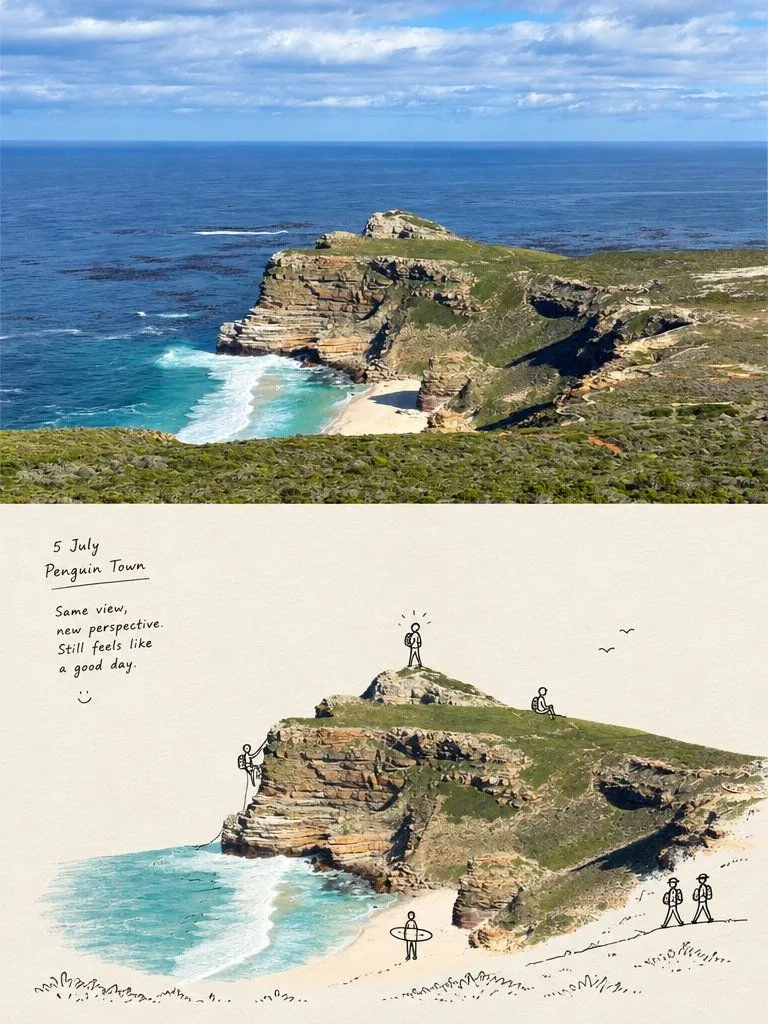
Cape Town Travel Photo to Journal Illustration

Made with GPT Image 2.5 in ChatGPT by Library Lifestyle. Promptclay never generates images.

Did it work?

No reports yet. Tell others if it worked for you.

No comments yet. Be the first.

    Cape Town Travel Photo to Journal Illustration

    GPT Image 2.53:4AI-generated

    Prompt

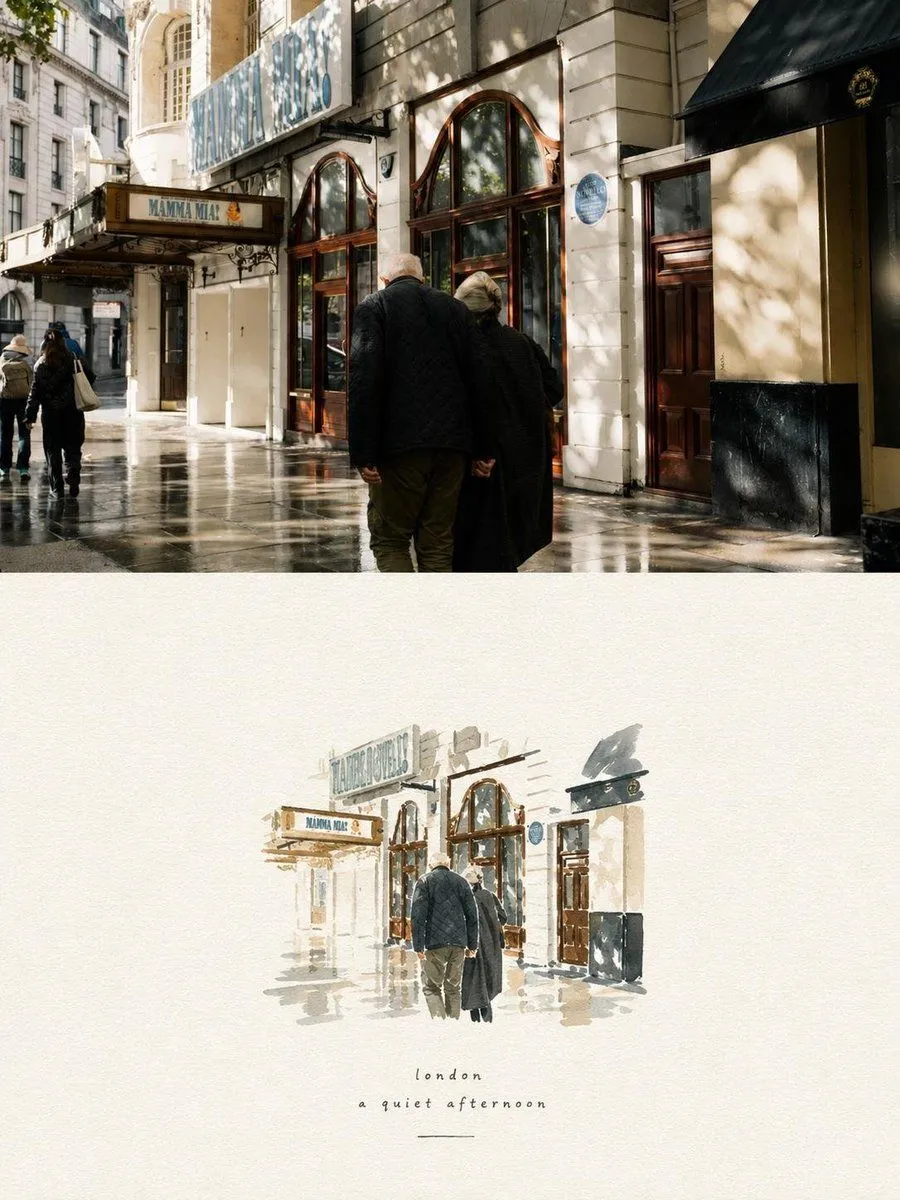
    Create a vertical split-screen image divided evenly into top and bottom halves. The top half is a realistic, high-resolution photograph of the Cape Town coastline featuring rugged cliffs, turquoise ocean water, white sandy beach, and green vegetation under a partly cloudy blue sky with natural magazine-style color grading. The bottom half transforms this same scene into a hand-drawn travel journal illustration on textured cream-colored paper. In the bottom left corner, include handwritten text reading "5 July Penguin Town" followed by the quote "Same view, new perspective. Still feels like a good day." Add small doodle details including stick figures hiking on the cliffs, birds flying in the distance, and loose ink sketch lines outlining the terrain features.

    Works in
    ChatGPT, Gemini
    Status
    Free to copy
    0
    DetailsVersions, settings and questions

    Written for

    What's in the prompt

    Subject
    Model
    GPT Image 2.5

    If your face changes

    keep my face exactly the same

    Questions

    Does this work in the ChatGPT app?
    Yes. Paste the prompt and attach your photo if it uses one.
    It changed my face. What do I do?
    Add "keep my face exactly the same" to the end and run it again.
    Can I use the images I make?
    Check the terms of the app you use. Promptclay never generates images and claims nothing you make.
    Similar prompts

    See more
    • Travel Journal Sketch Poster
    • Photo to Watercolor Travel Split
    • Photo to Watercolor Travel Illustration
    • Departure Diary Journal Page
    • Same Sea Different Light Diptych
    • Sunset Photo to Crayon Art Split
    • Split-Screen Time Travel Scene
    • Tokyo Time-Blend Split-Screen
    • Watercolor Travel App Phone Mockups
    • Wingsuit Proximity Flight along the Great Ocean RoadVideo, 0:15
    • Storybook Style Photo-to-Illustration Split
    • Split Face Photo and Ink Illustration
    • Photo to Storybook Illustration Split
    • Split-Screen Cinematic Shot for Time Travel Comparison
    • Fantasy Coastal City Landscape
    • Anime Countryside iPhone Lock Screen
    • Pixel Art Retrowave Motel Roadside
    • Anime Floral Personality Poster
    • Broken Links Cybernetic Bust Poster
    • Four-Model Earbud Product Comparison
    • Japanese Chalkboard Cleaning Sign
    • Lady Death Fighting Demons
    • Realistic Casual Mirror Selfie
    • Surreal Library Multi-Angle Portrait

    Show more

    Run it on your phone

    1. Prompt copiedRead it

      Create a vertical split-screen image divided evenly into top and bottom halves. The top half is a realistic, high-resolution photograph of the Cape Town coastline featuring rugged cliffs, turquoise ocean water, white sandy beach, and green vegetation under a partly cloudy blue sky with natural magazine-style color grading. The bottom half transforms this same scene into a hand-drawn travel journal illustration on textured cream-colored paper. In the bottom left corner, include handwritten text reading "5 July Penguin Town" followed by the quote "Same view, new perspective. Still feels like a good day." Add small doodle details including stick figures hiking on the cliffs, birds flying in the distance, and loose ink sketch lines outlining the terrain features.

    2. Open your app

    3. Paste and run

      Press and hold the message box, then tap Paste. Add your photo first if the prompt uses one. You may need to sign in.

    Cape Town Travel Photo to Journal Illustration