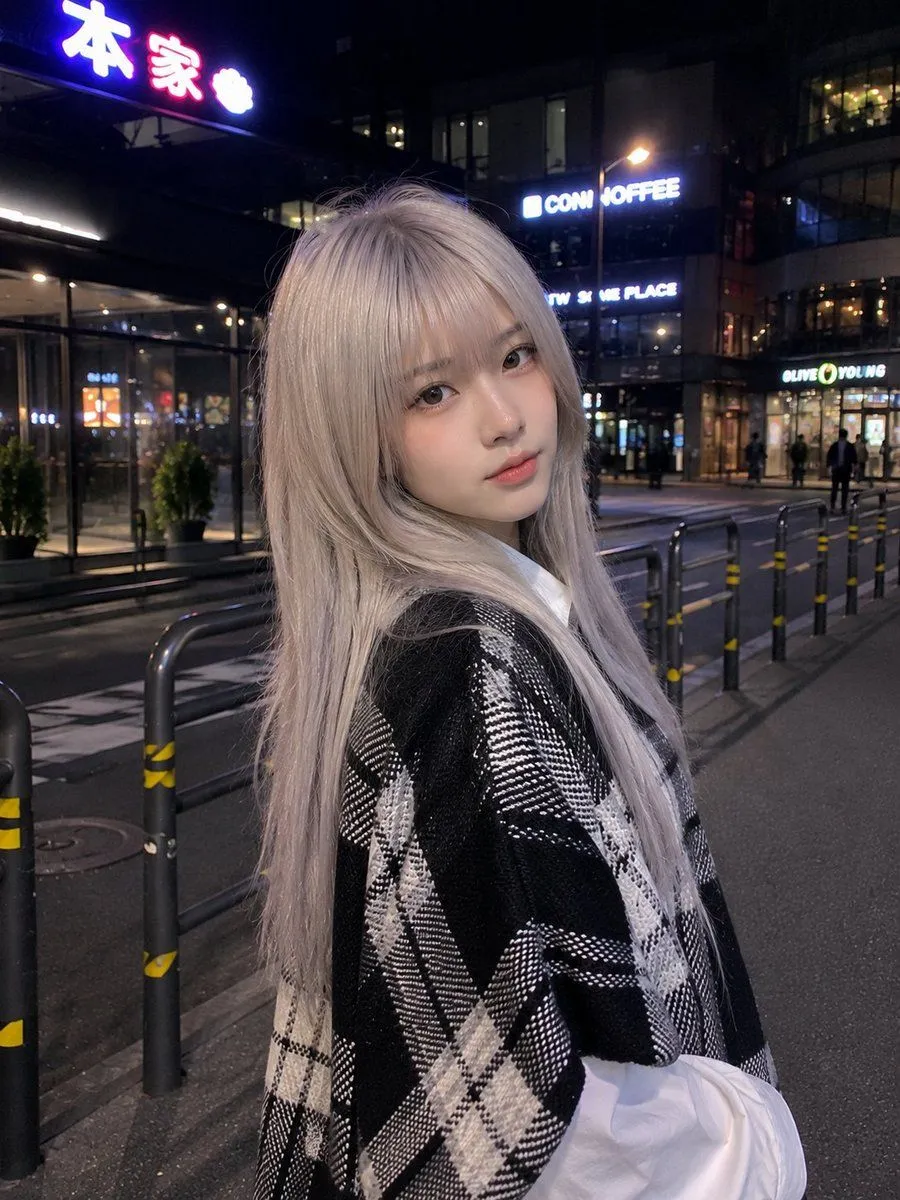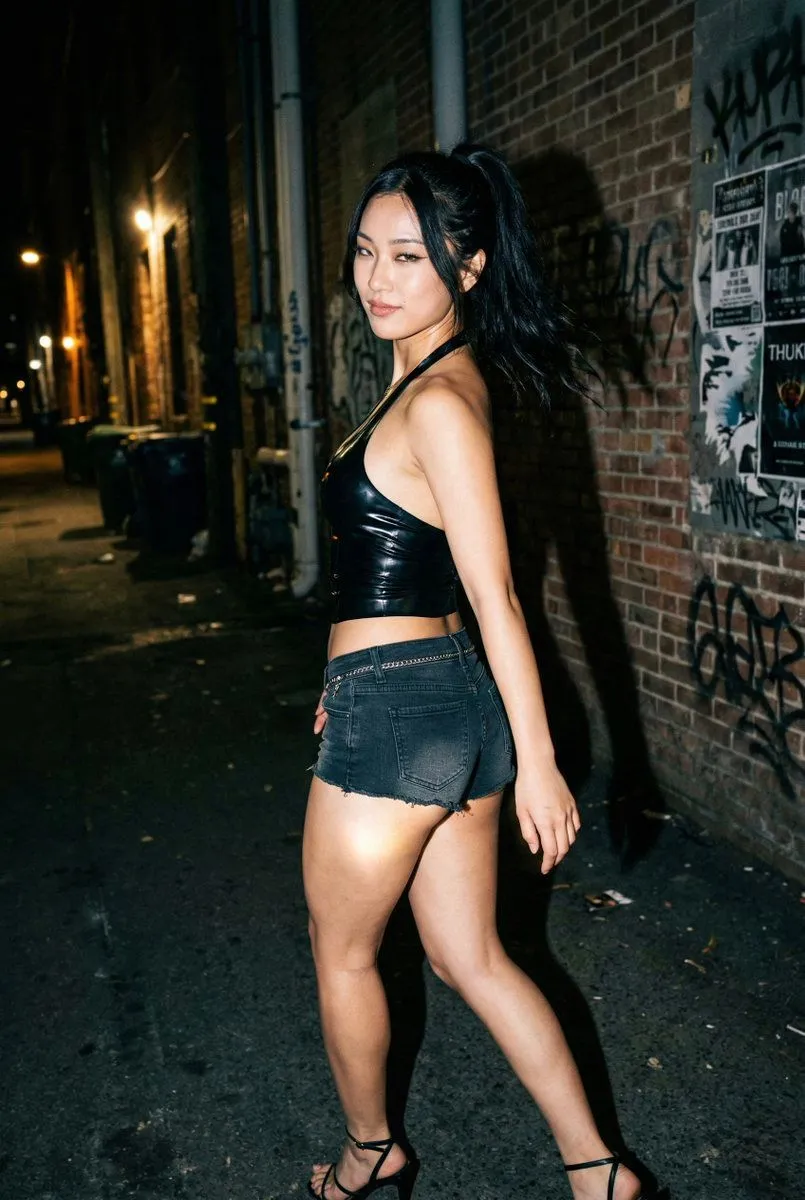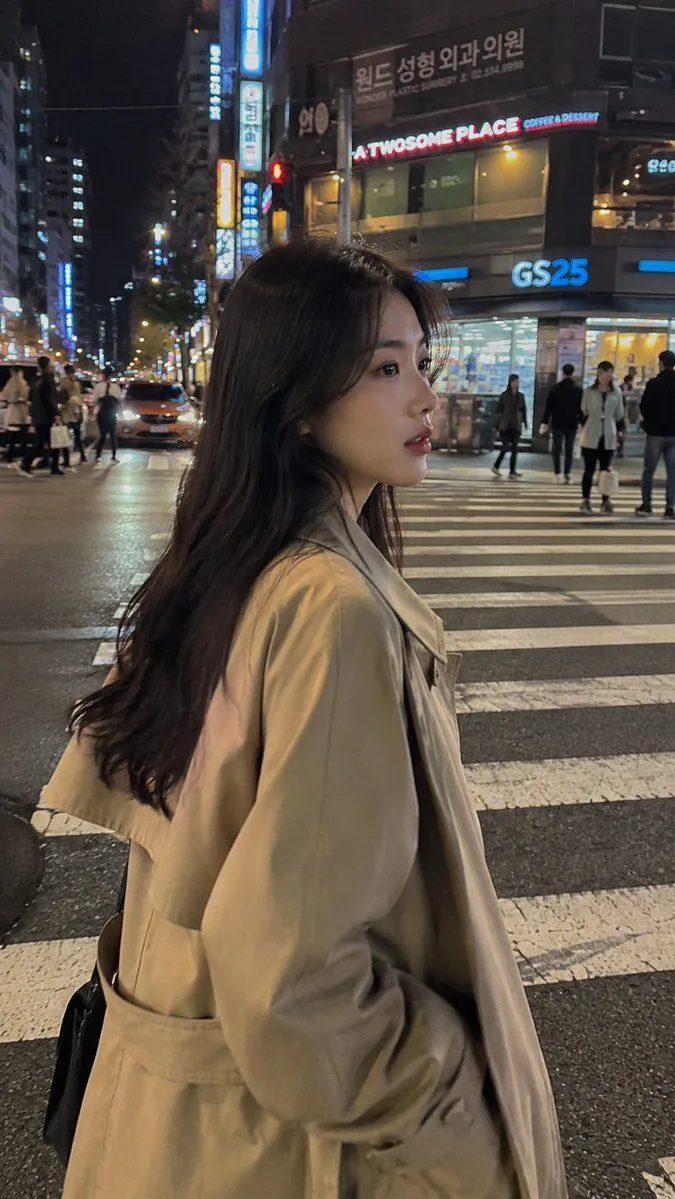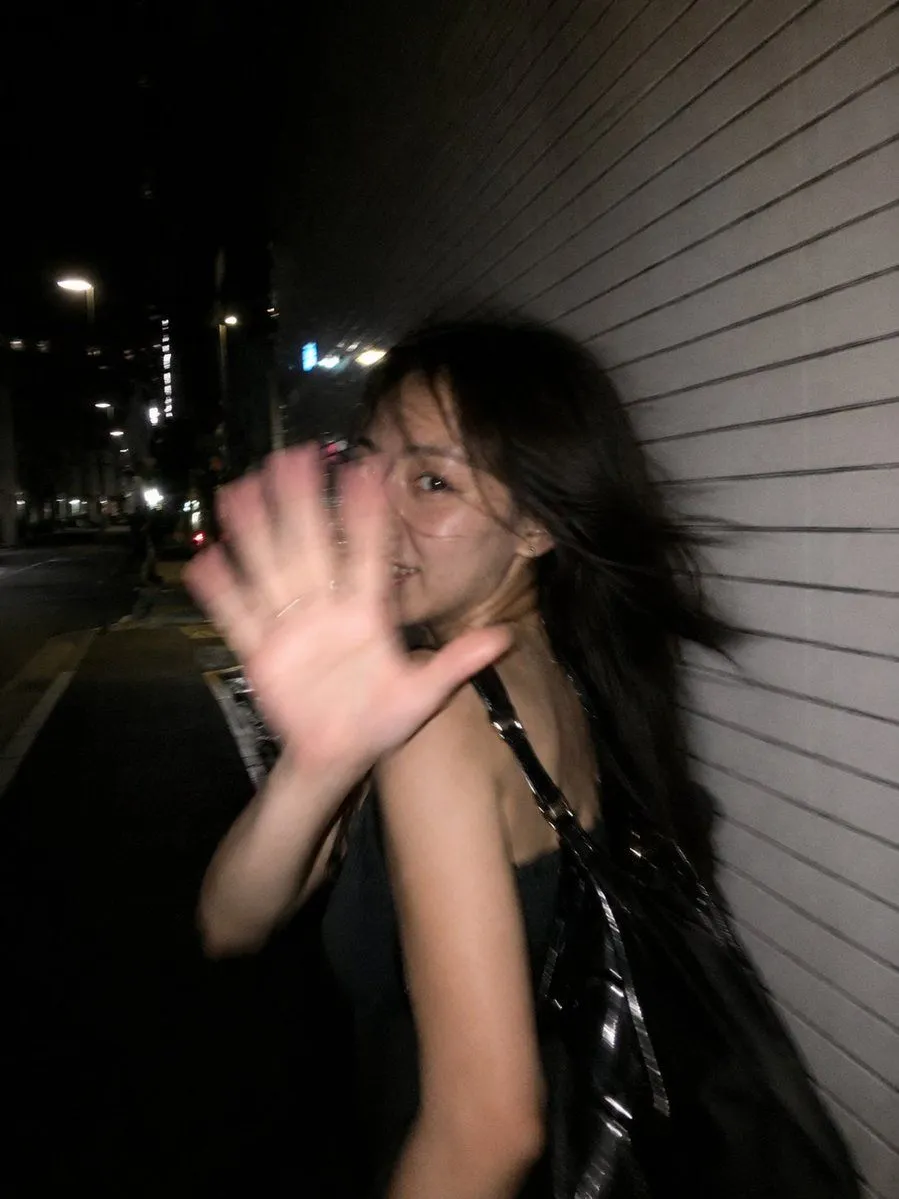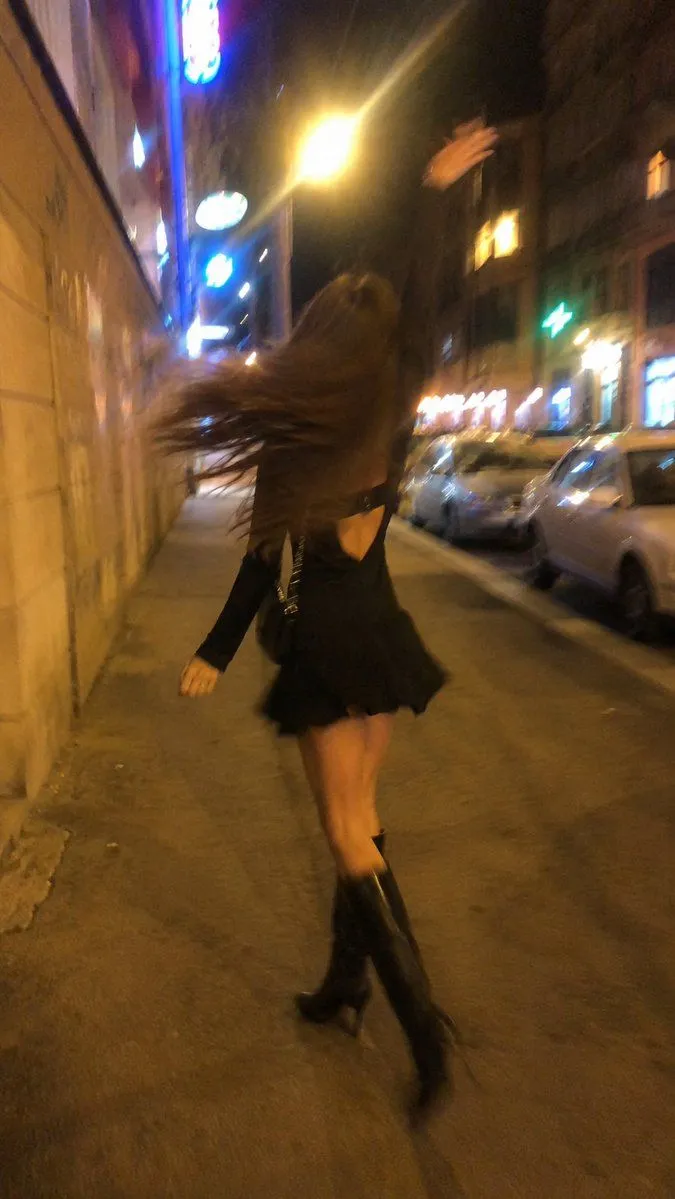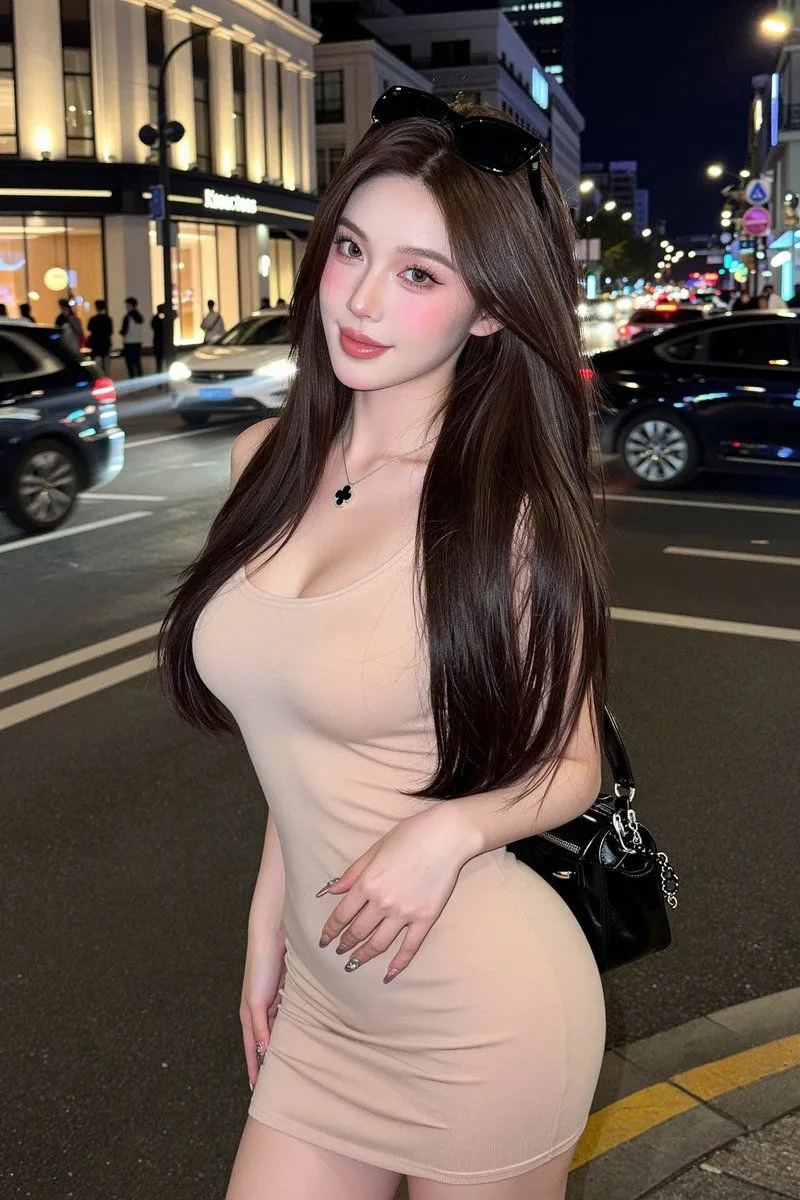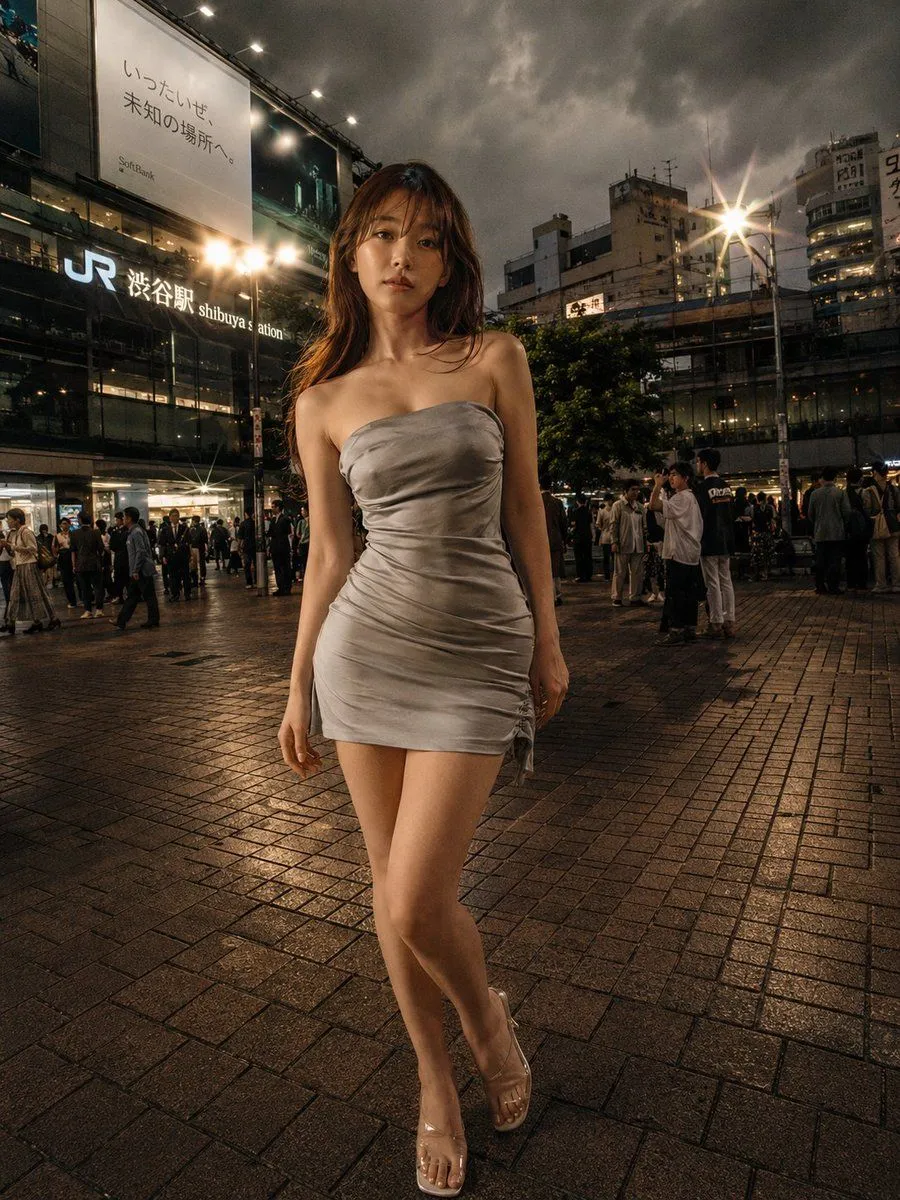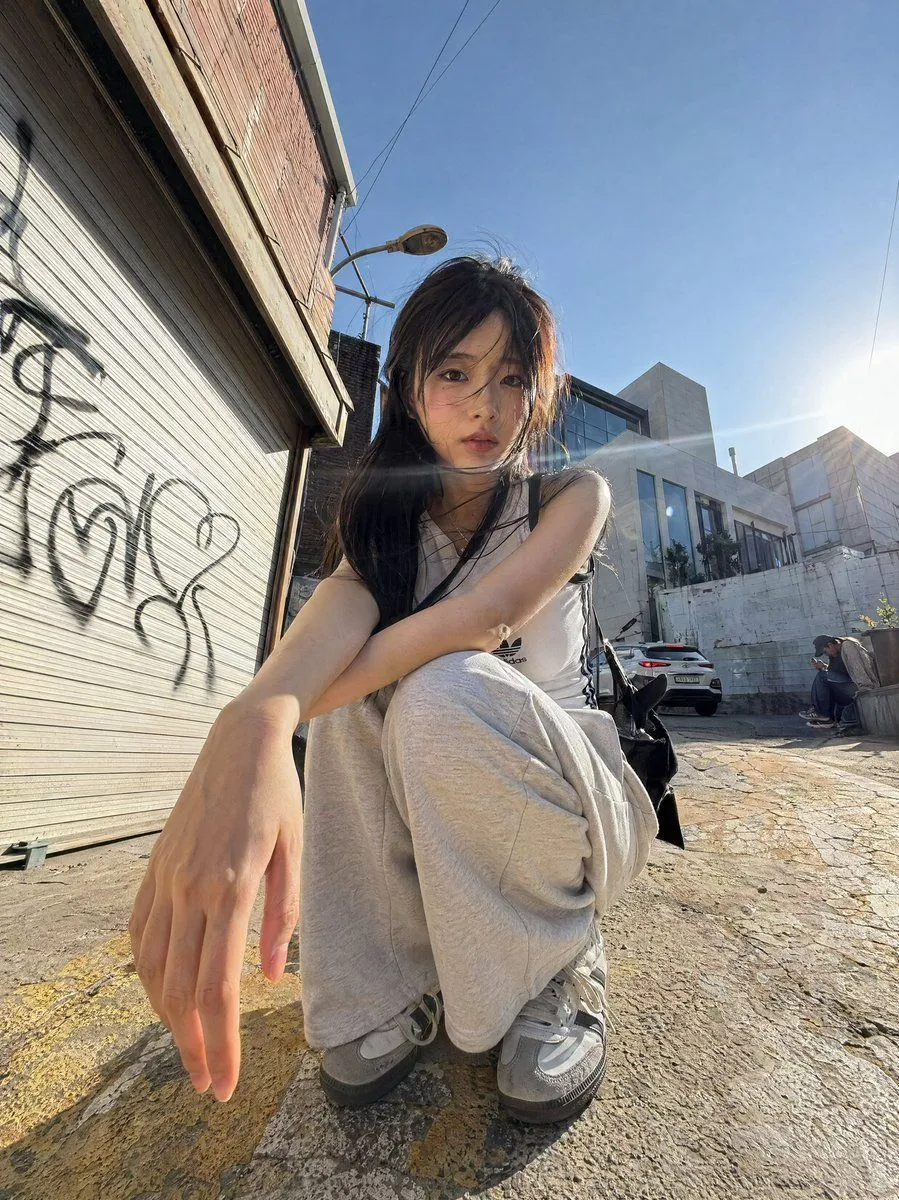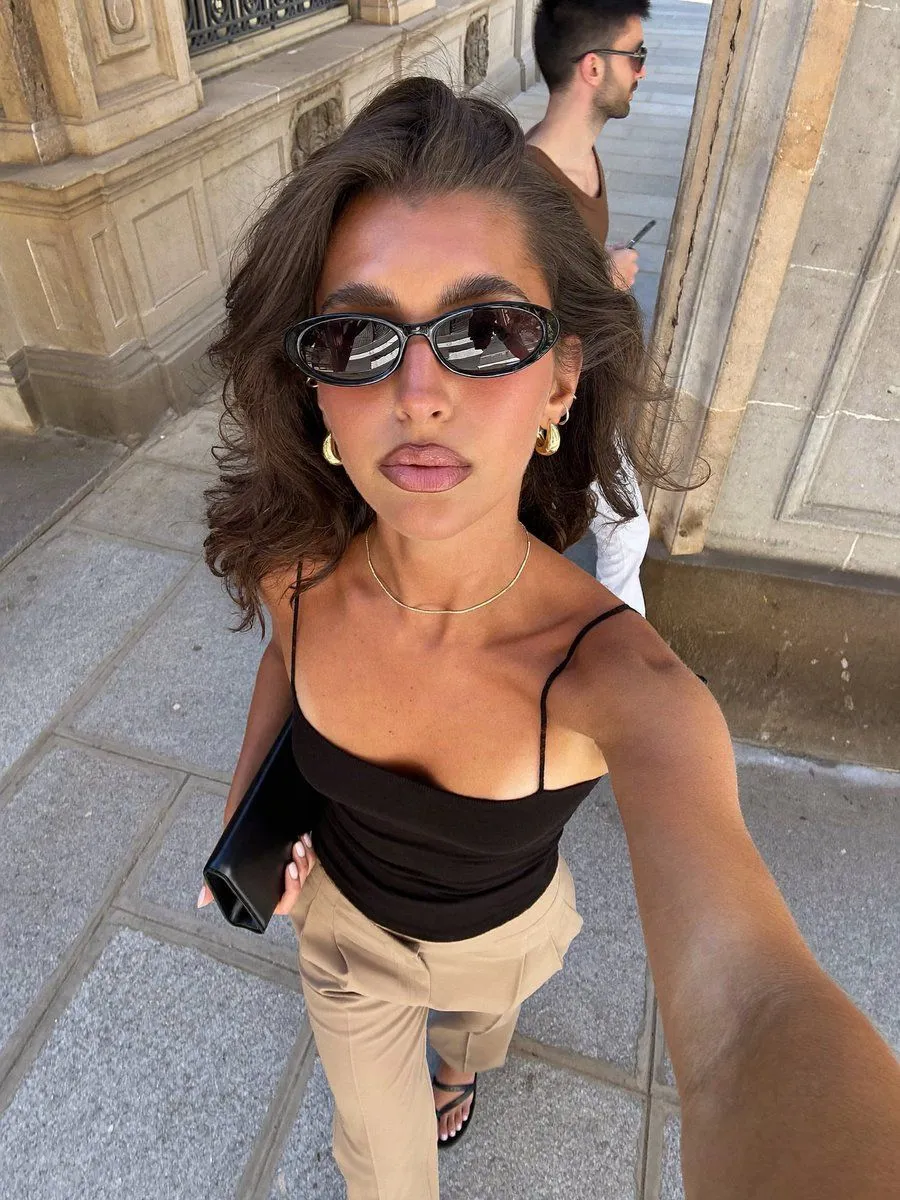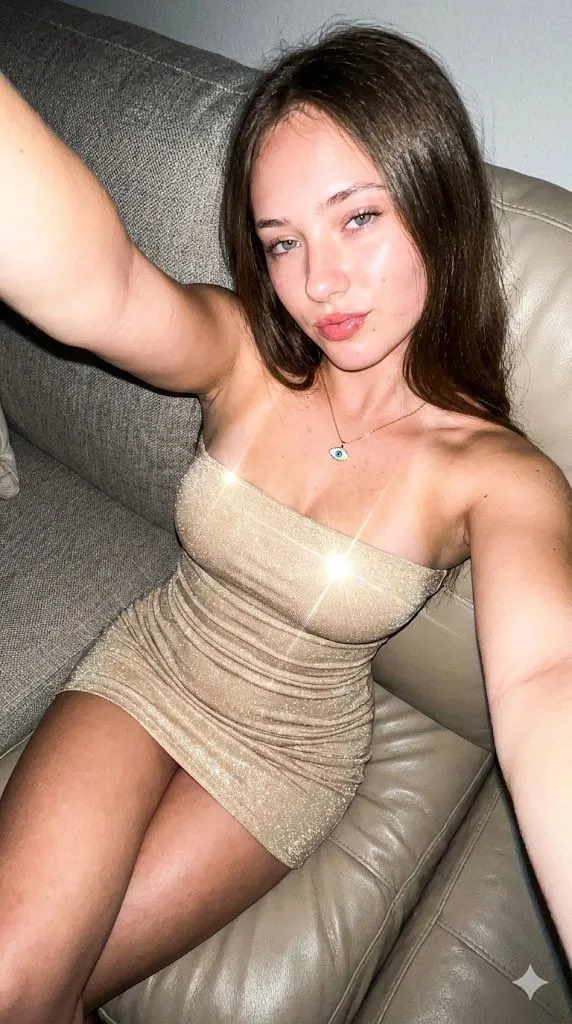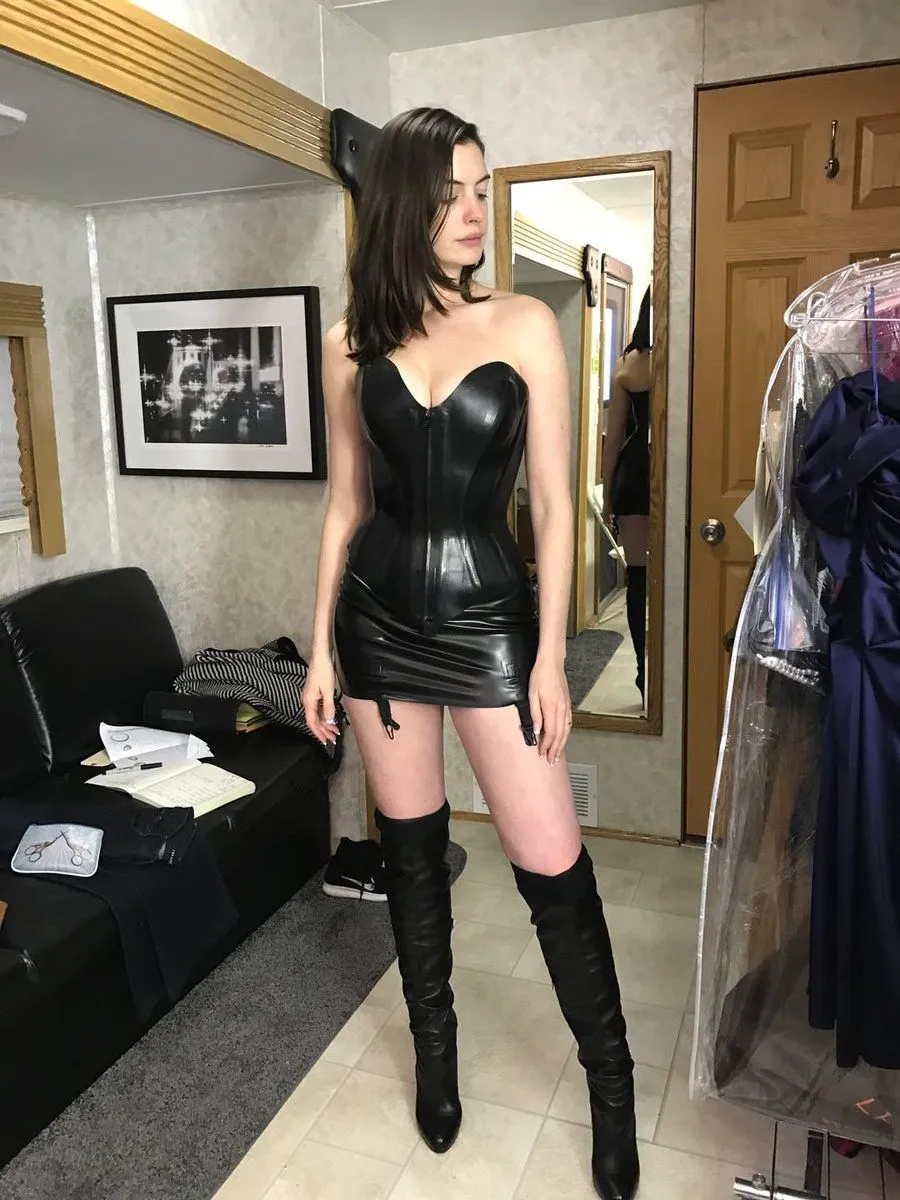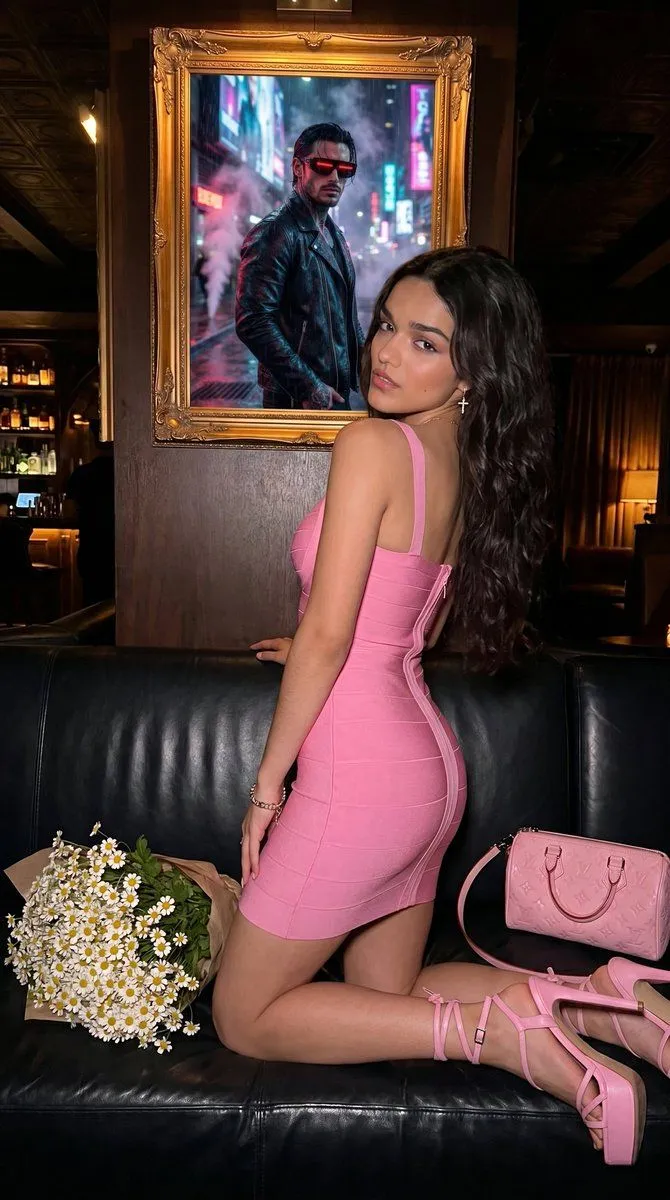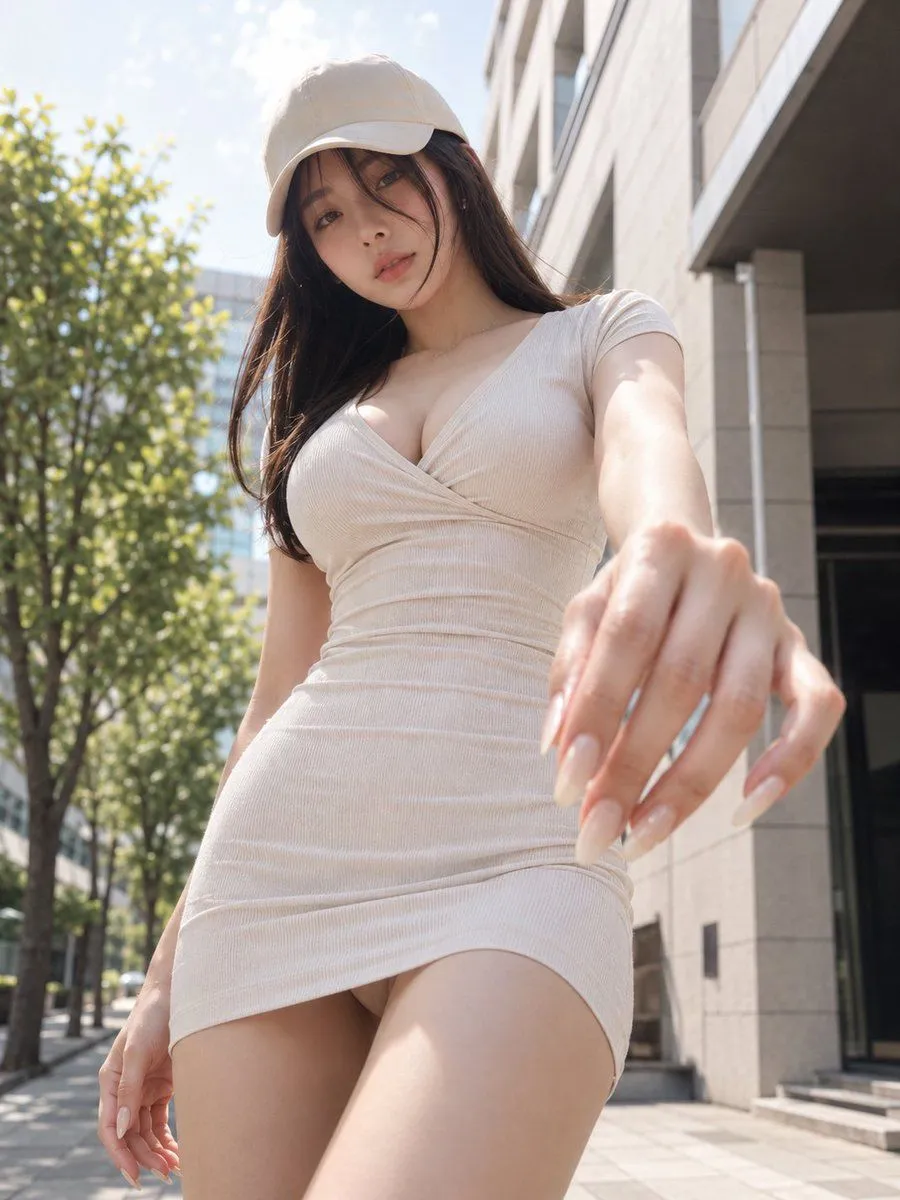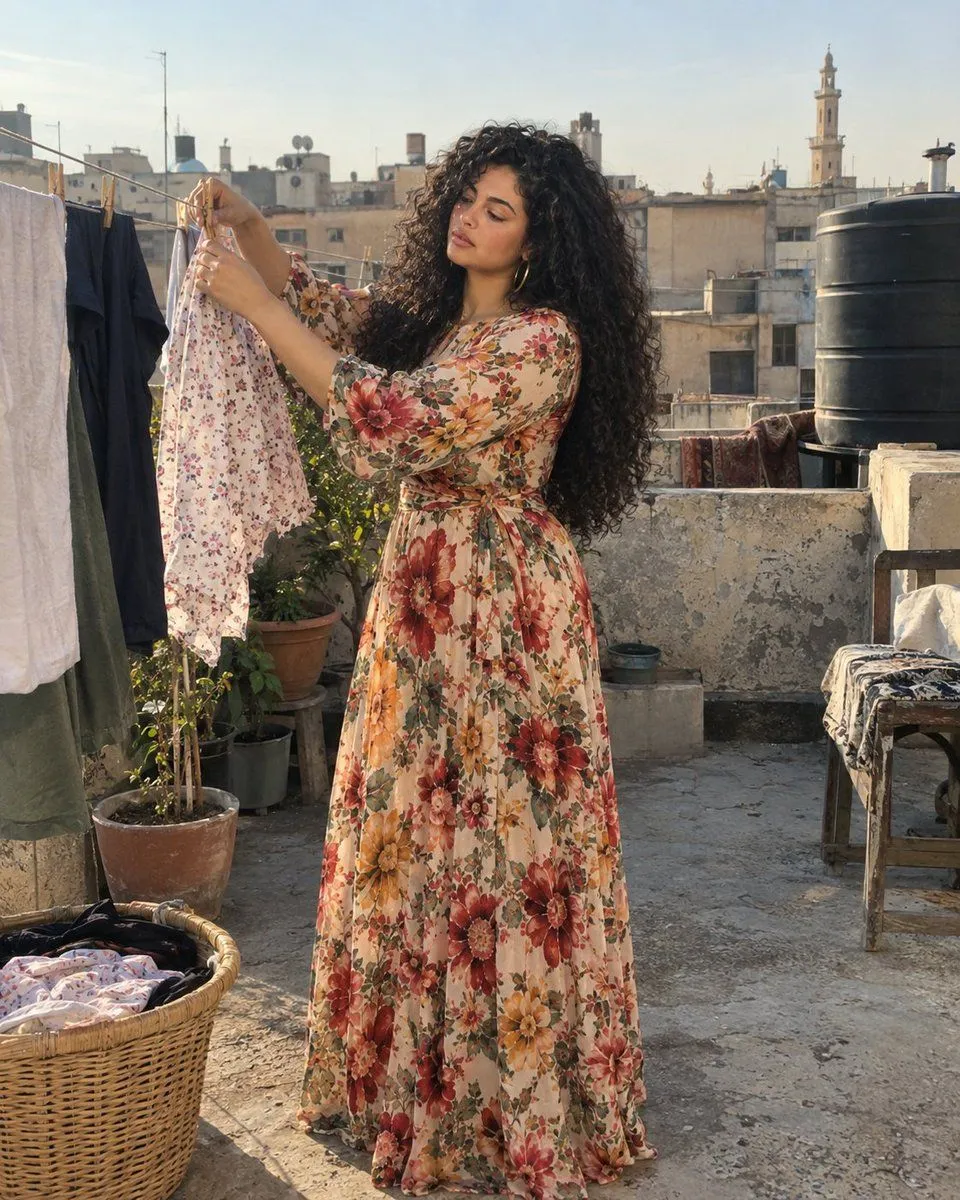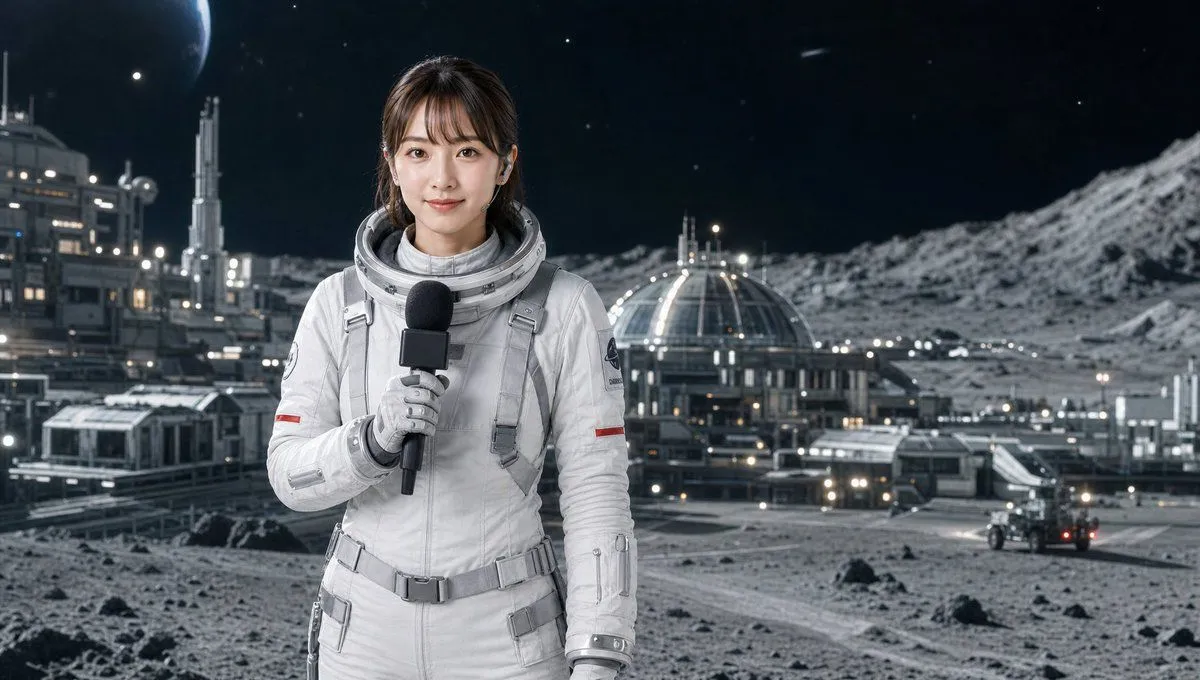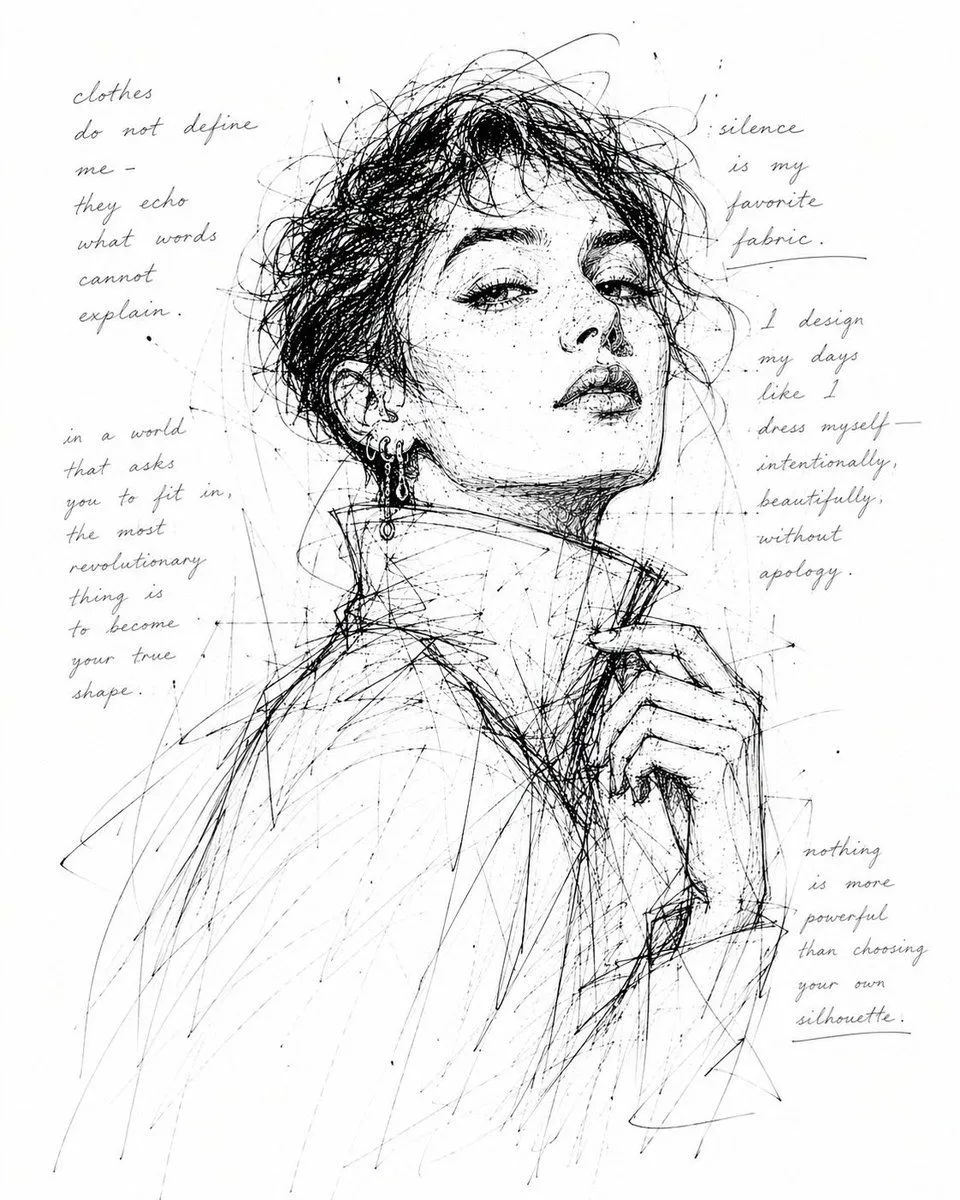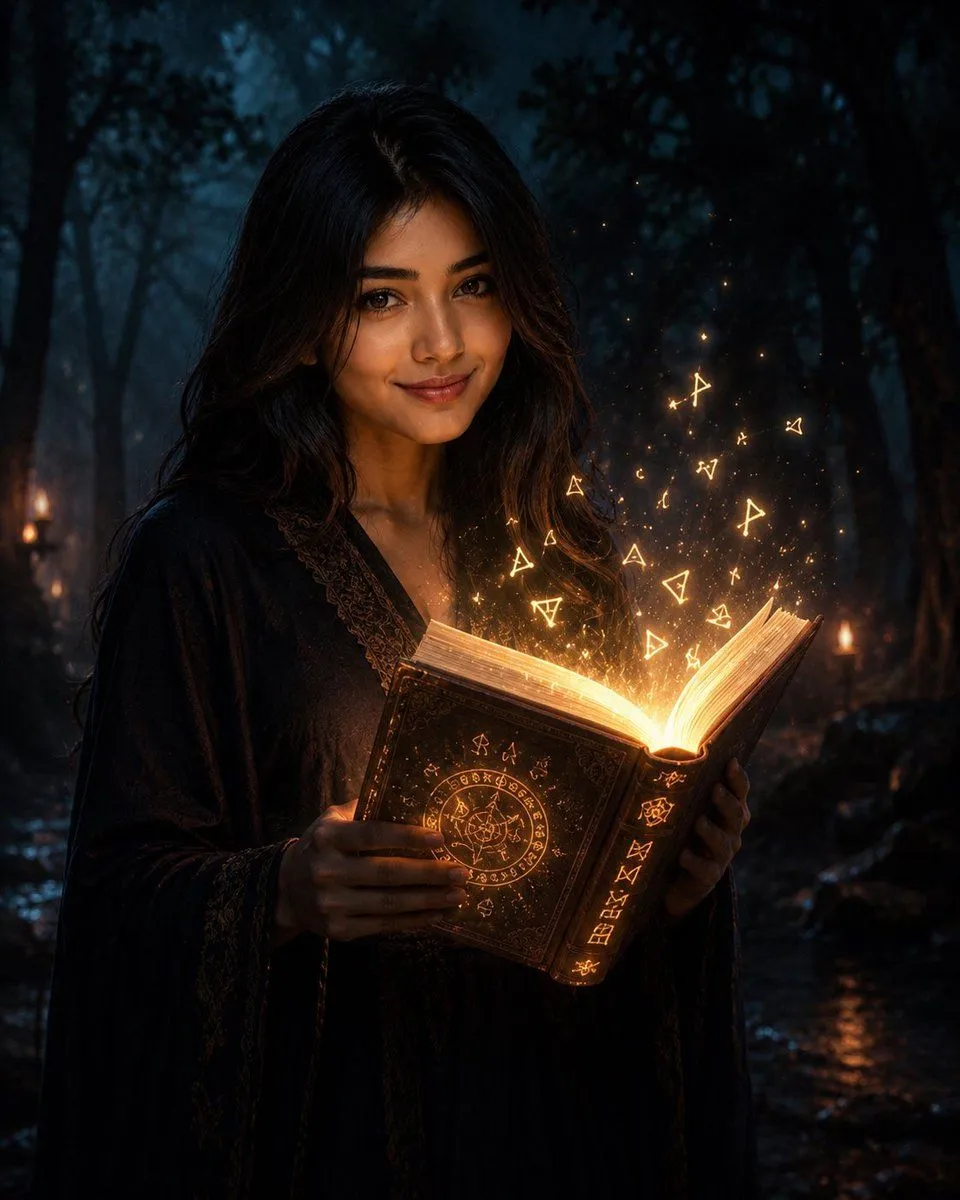
Made with GPT Image 2 in ChatGPT by Library Lifestyle. Promptclay never generates images.
Did it work?
No reports yet. Tell others if it worked for you.
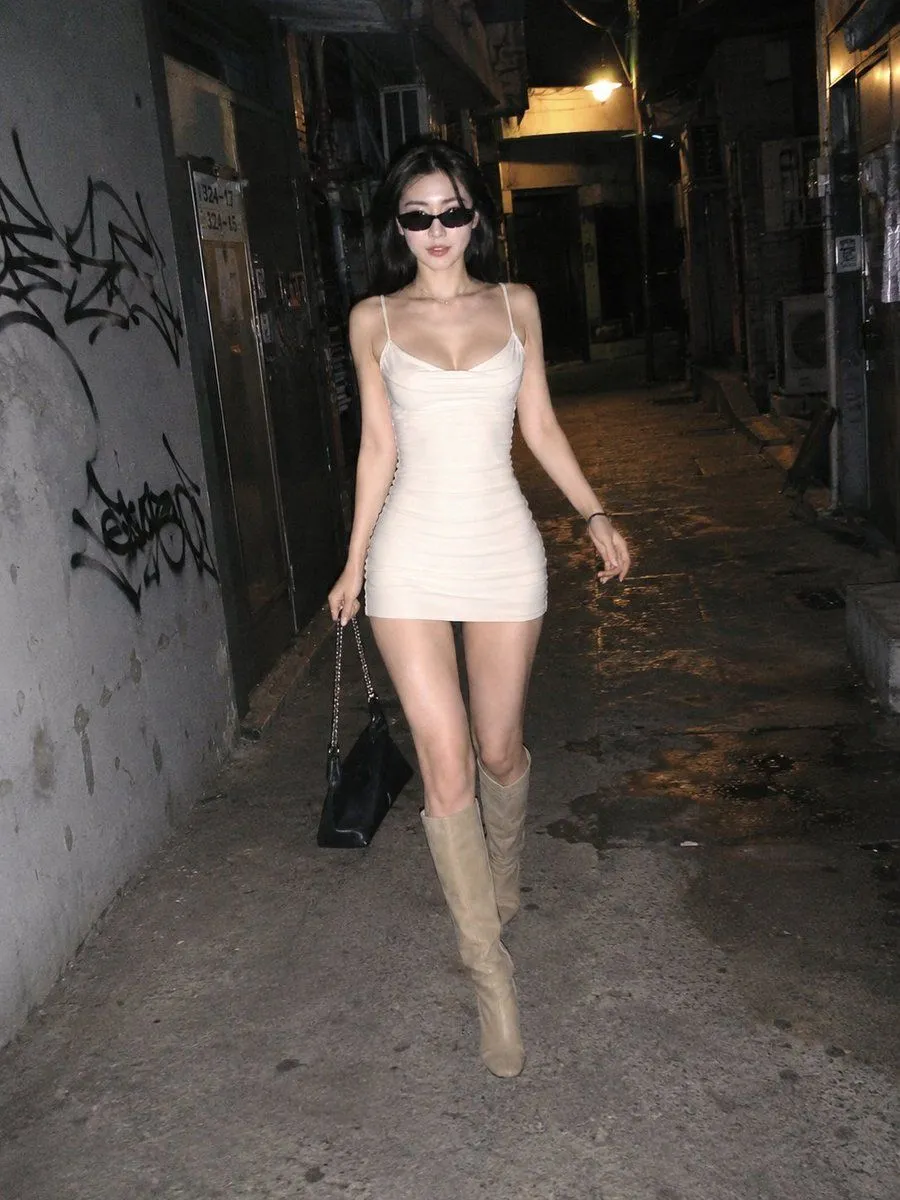
Candid Night Street Flash Photography
Prompt
3 blanks to fill{ "objective": "Create a candid, smartphone-style street photo of an {subject} walking confidently in a {location}.", "aspect_ratio": "3:4", "composition": { "style": "single candid shot", "camera_type": "smartphone", "angle": "slightly low angle, centered subject walking toward camera", "framing": "full body, natural imperfect framing", "aesthetic": "raw, unpolished, street photography" }, "character": { "ethnicity": "Korean", "appearance": "extremely beautiful, slender figure, soft facial features", "hair": "short to medium length dark hair, slightly messy, natural movement", "expression": "confident, slightly playful, relaxed", "pose": "walking forward mid-step, natural stride, arms slightly swinging" }, "wardrobe_and_accessories": { "outfit": "{outfit}", "shoes": "knee-high boots", "accessories": [ "stylish sunglasses", "handbag held loosely", "subtle jewelry" ] }, "environment": { "setting": "narrow urban alley at night", "details": [ "grungy walls with graffiti", "metal doors and vents", "dim warm lighting from above", "deep shadows and contrast", "slightly wet or textured ground" ] }, "lighting": { "type": "harsh direct smartphone flash", "effect": "strong highlights on subject, dark background falloff, high contrast", "realism": "slightly overexposed skin highlights typical of phone flash" }, "style": { "rendering": "photorealistic", "texture": "visible grain, noise, slight blur in motion areas", "imperfections": [ "flash glare", "slight overexposure", "uneven lighting", "minor motion blur" ], "color_grading": "natural with slight warm tint" }, "negative_prompt": [ "studio lighting", "perfect composition", "overly smooth skin", "high-end fashion shoot", "cinematic look", "over-polished", "symmetrical perfection" ] }
Preview of your prompt
{ "objective": "Create a candid, smartphone-style street photo of an extremely beautiful slender Korean woman walking confidently in a narrow urban alley at night.", "aspect_ratio": "3:4", "composition": { "style": "single candid shot", "camera_type": "smartphone", "angle": "slightly low angle, centered subject walking toward camera", "framing": "full body, natural imperfect framing", "aesthetic": "raw, unpolished, street photography" }, "character": { "ethnicity": "Korean", "appearance": "extremely beautiful, slender figure, soft facial features", "hair": "short to medium length dark hair, slightly messy, natural movement", "expression": "confident, slightly playful, relaxed", "pose": "walking forward mid-step, natural stride, arms slightly swinging" }, "wardrobe_and_accessories": { "outfit": "low-neck fitted mini dress (light color, slightly tight)", "shoes": "knee-high boots", "accessories": [ "stylish sunglasses", "handbag held loosely", "subtle jewelry" ] }, "environment": { "setting": "narrow urban alley at night", "details": [ "grungy walls with graffiti", "metal doors and vents", "dim warm lighting from above", "deep shadows and contrast", "slightly wet or textured ground" ] }, "lighting": { "type": "harsh direct smartphone flash", "effect": "strong highlights on subject, dark background falloff, high contrast", "realism": "slightly overexposed skin highlights typical of phone flash" }, "style": { "rendering": "photorealistic", "texture": "visible grain, noise, slight blur in motion areas", "imperfections": [ "flash glare", "slight overexposure", "uneven lighting", "minor motion blur" ], "color_grading": "natural with slight warm tint" }, "negative_prompt": [ "studio lighting", "perfect composition", "overly smooth skin", "high-end fashion shoot", "cinematic look", "over-polished", "symmetrical perfection" ] }
DetailsVersions, settings and questions
Written for
What's in the prompt
- Subject
- Model
- GPT Image 2
If your face changes
keep my face exactly the sameQuestions
- Does this work in the ChatGPT app?
- Yes. Paste the prompt and attach your photo if it uses one.
- It changed my face. What do I do?
- Add "keep my face exactly the same" to the end and run it again.
- Can I use the images I make?
- Check the terms of the app you use. Promptclay never generates images and claims nothing you make.