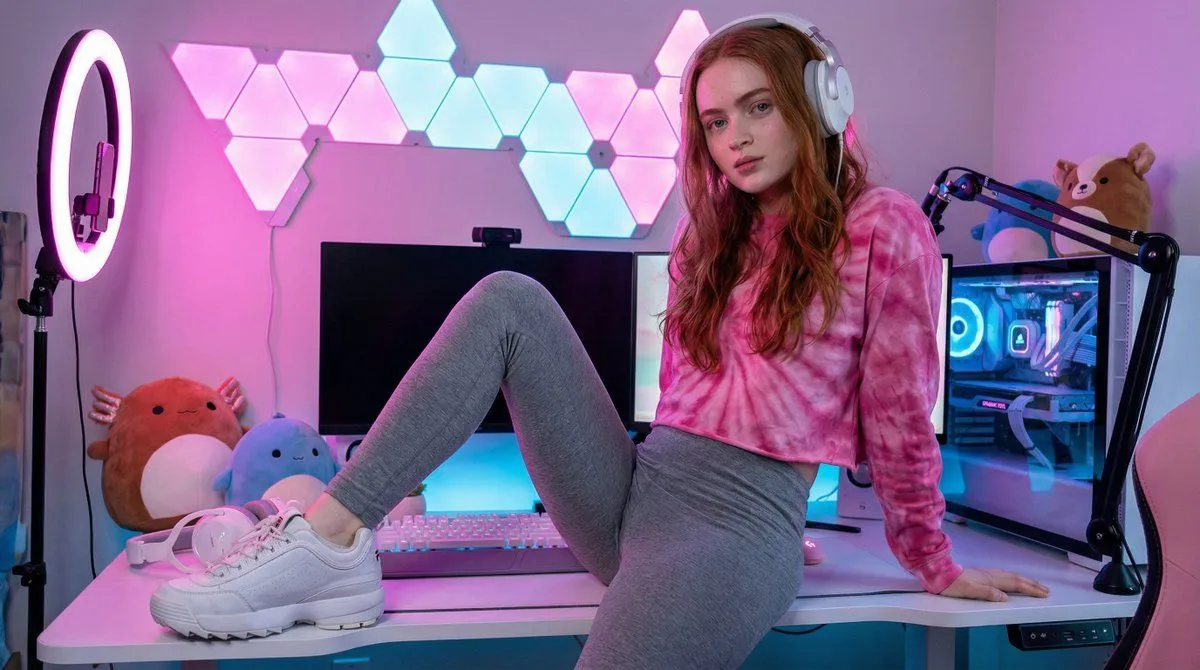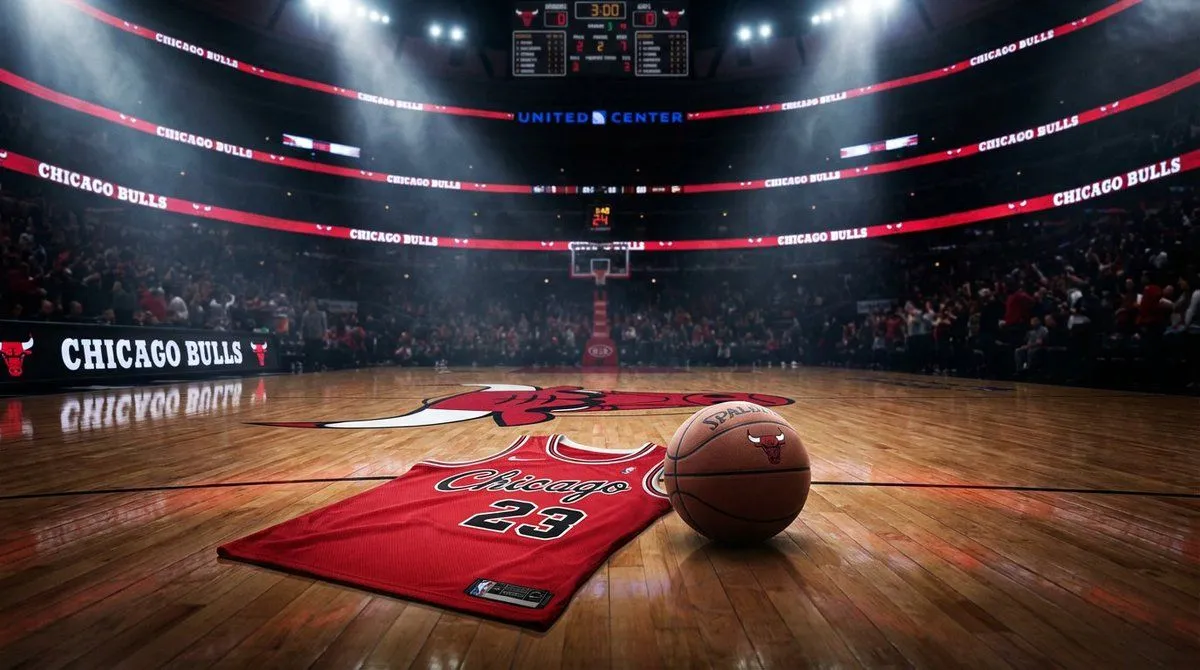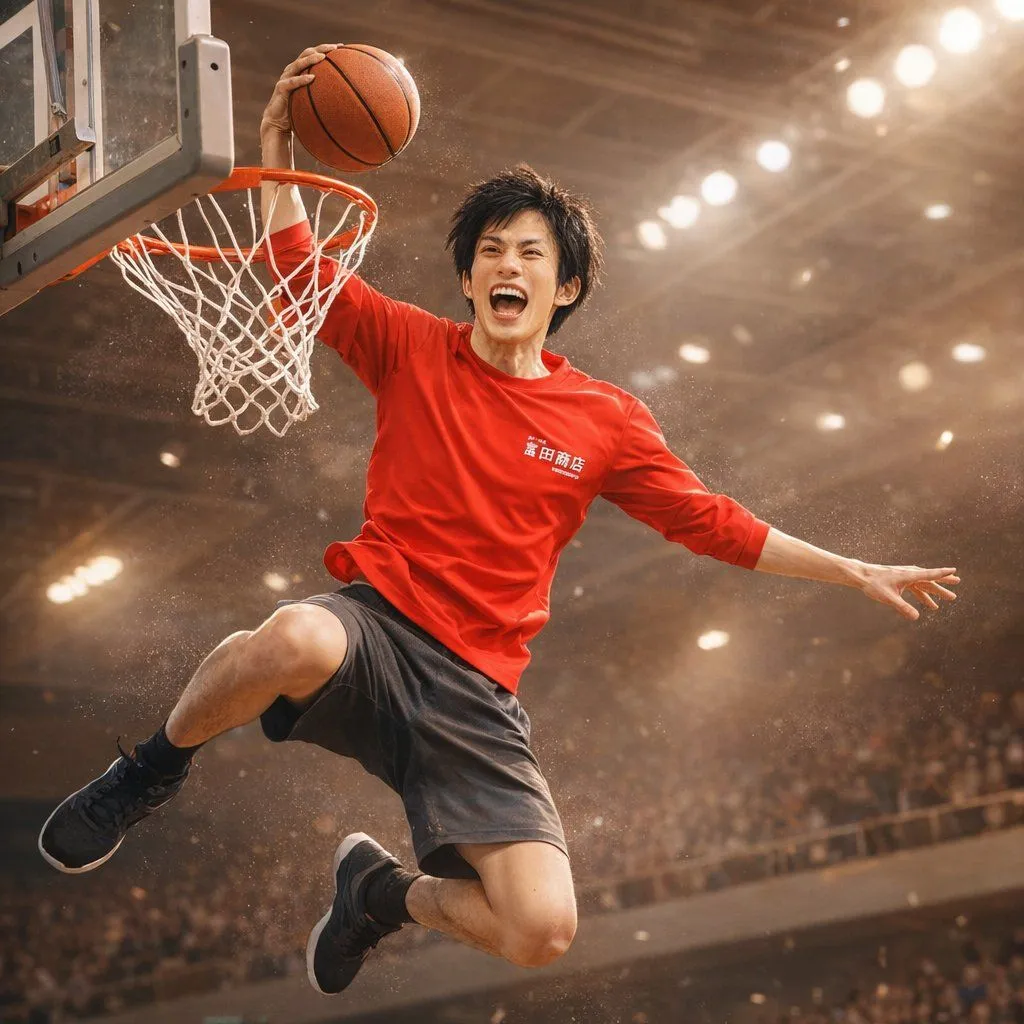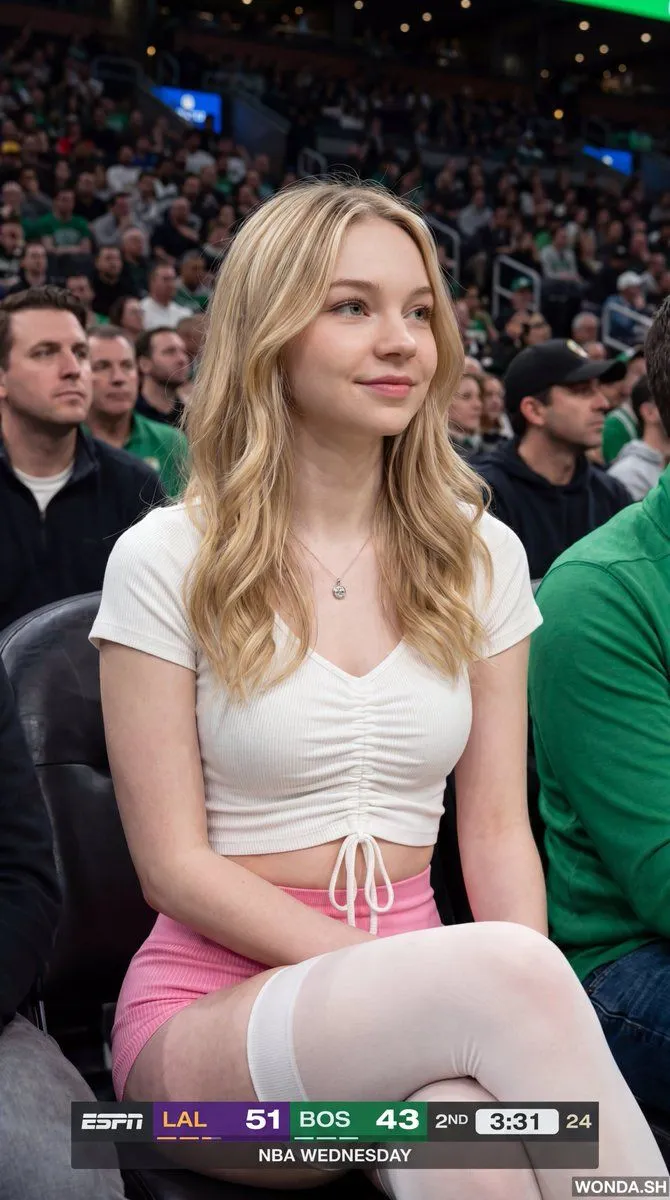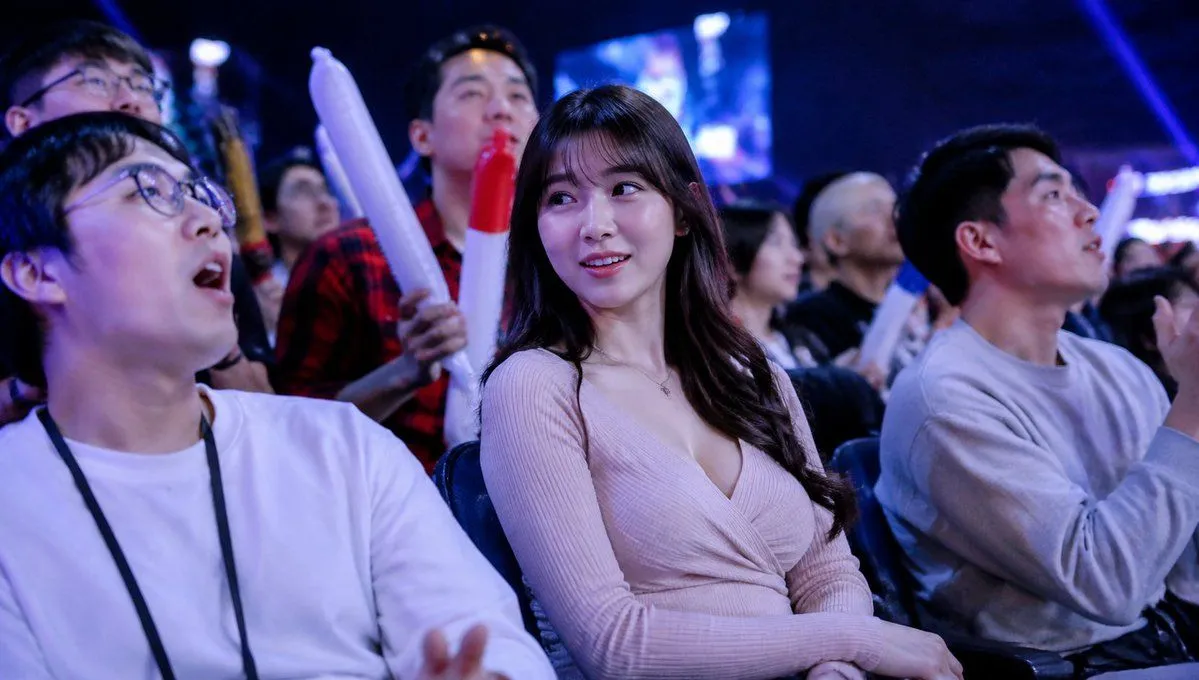
Made with GPT Image 2 in ChatGPT by Library Lifestyle. Promptclay never generates images.
Did it work?
No reports yet. Tell others if it worked for you.
Blurred Esports Audience Crowd Shot
Prompt
1 blank to fillCreate a realistic candid event-photography image shot from within the seated audience at a dark indoor {event_type}. Use a wide 16:9 landscape frame, cool blue and purple stage lighting, shallow depth of field, high ISO concert-photo atmosphere, and a large blurred LED screen glowing in the background. In the foreground are three main seated spectators: on the left, a young man in a plain white long-sleeve shirt with a black lanyard, relaxed posture, hands low in frame; in the center, a young woman with long dark wavy hair wearing a pale pink ribbed wrap-style knit top, seated with hands folded in her lap; on the right, a young man in a light gray sweatshirt turned slightly toward the stage and holding a smartphone or small camera. Behind them is a dense crowd of spectators, some standing, some cheering. Include exactly 3 visible inflatable cheering sticks: two long white sticks with red tips held upright near the center-left background, and one blue-and-white stick partly visible behind the right spectator. Add privacy anonymization: place exactly 8 soft-edged rectangular purple blur blocks over visible faces, varying in size and opacity, covering the left foreground man, the top-left background person, a small center-left background face, the center-back person in red plaid, the central woman, a small mid-right background face, a bald mid-right background face, and the right foreground man. Make the image feel like an accidental TV broadcast crowd shot at a lively tournament, with natural poses, no readable text, no logos, no watermark, and photorealistic lighting.
Preview of your prompt
Create a realistic candid event-photography image shot from within the seated audience at a dark indoor esports gaming tournament. Use a wide 16:9 landscape frame, cool blue and purple stage lighting, shallow depth of field, high ISO concert-photo atmosphere, and a large blurred LED screen glowing in the background. In the foreground are three main seated spectators: on the left, a young man in a plain white long-sleeve shirt with a black lanyard, relaxed posture, hands low in frame; in the center, a young woman with long dark wavy hair wearing a pale pink ribbed wrap-style knit top, seated with hands folded in her lap; on the right, a young man in a light gray sweatshirt turned slightly toward the stage and holding a smartphone or small camera. Behind them is a dense crowd of spectators, some standing, some cheering. Include exactly 3 visible inflatable cheering sticks: two long white sticks with red tips held upright near the center-left background, and one blue-and-white stick partly visible behind the right spectator. Add privacy anonymization: place exactly 8 soft-edged rectangular purple blur blocks over visible faces, varying in size and opacity, covering the left foreground man, the top-left background person, a small center-left background face, the center-back person in red plaid, the central woman, a small mid-right background face, a bald mid-right background face, and the right foreground man. Make the image feel like an accidental TV broadcast crowd shot at a lively tournament, with natural poses, no readable text, no logos, no watermark, and photorealistic lighting.
DetailsVersions, settings and questions
Written for
What's in the prompt
- Subject
- Model
- GPT Image 2
If your face changes
keep my face exactly the sameQuestions
- Does this work in the ChatGPT app?
- Yes. Paste the prompt and attach your photo if it uses one.
- It changed my face. What do I do?
- Add "keep my face exactly the same" to the end and run it again.
- Can I use the images I make?
- Check the terms of the app you use. Promptclay never generates images and claims nothing you make.