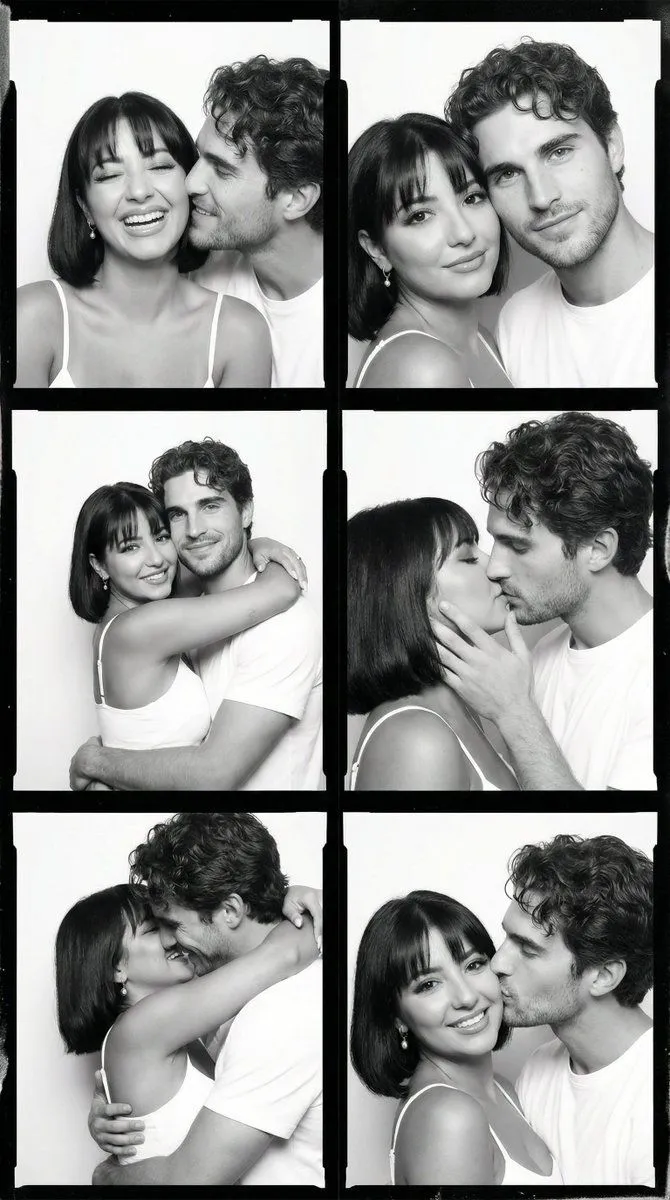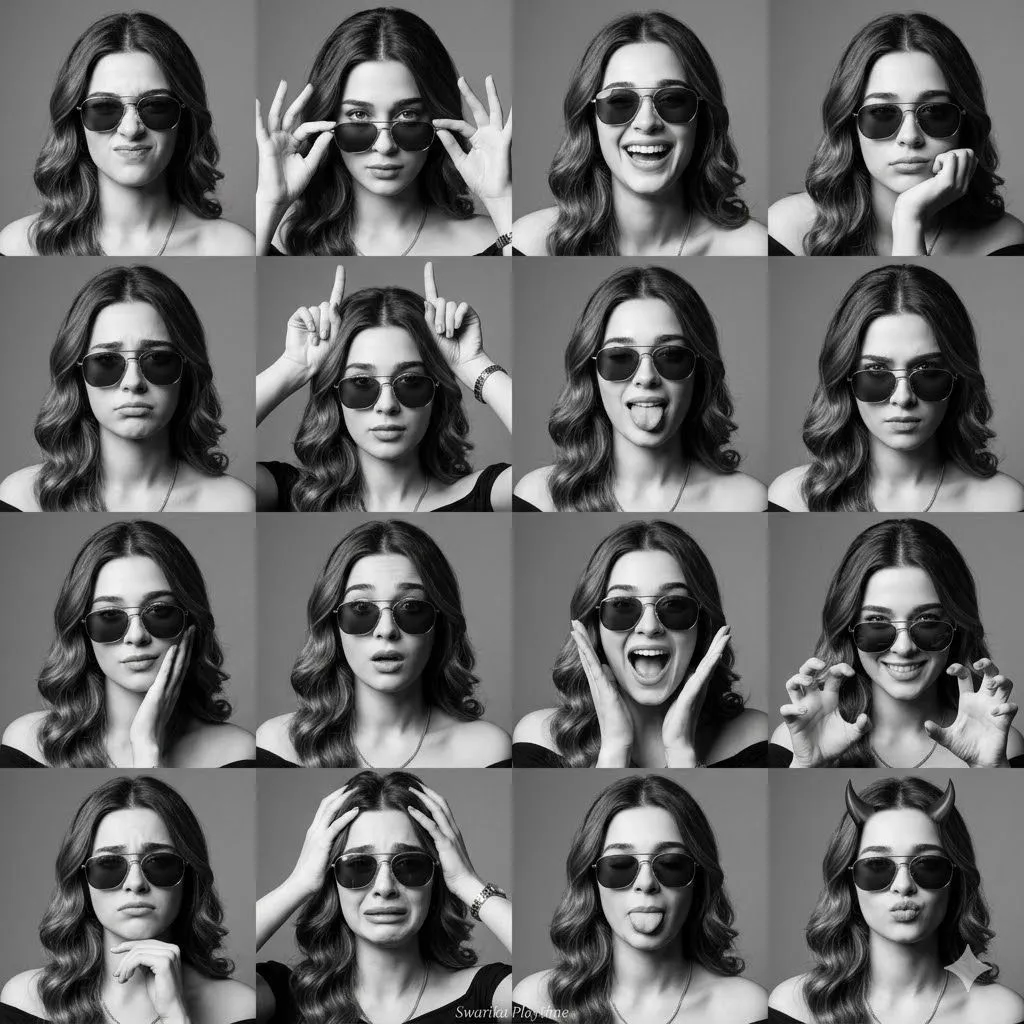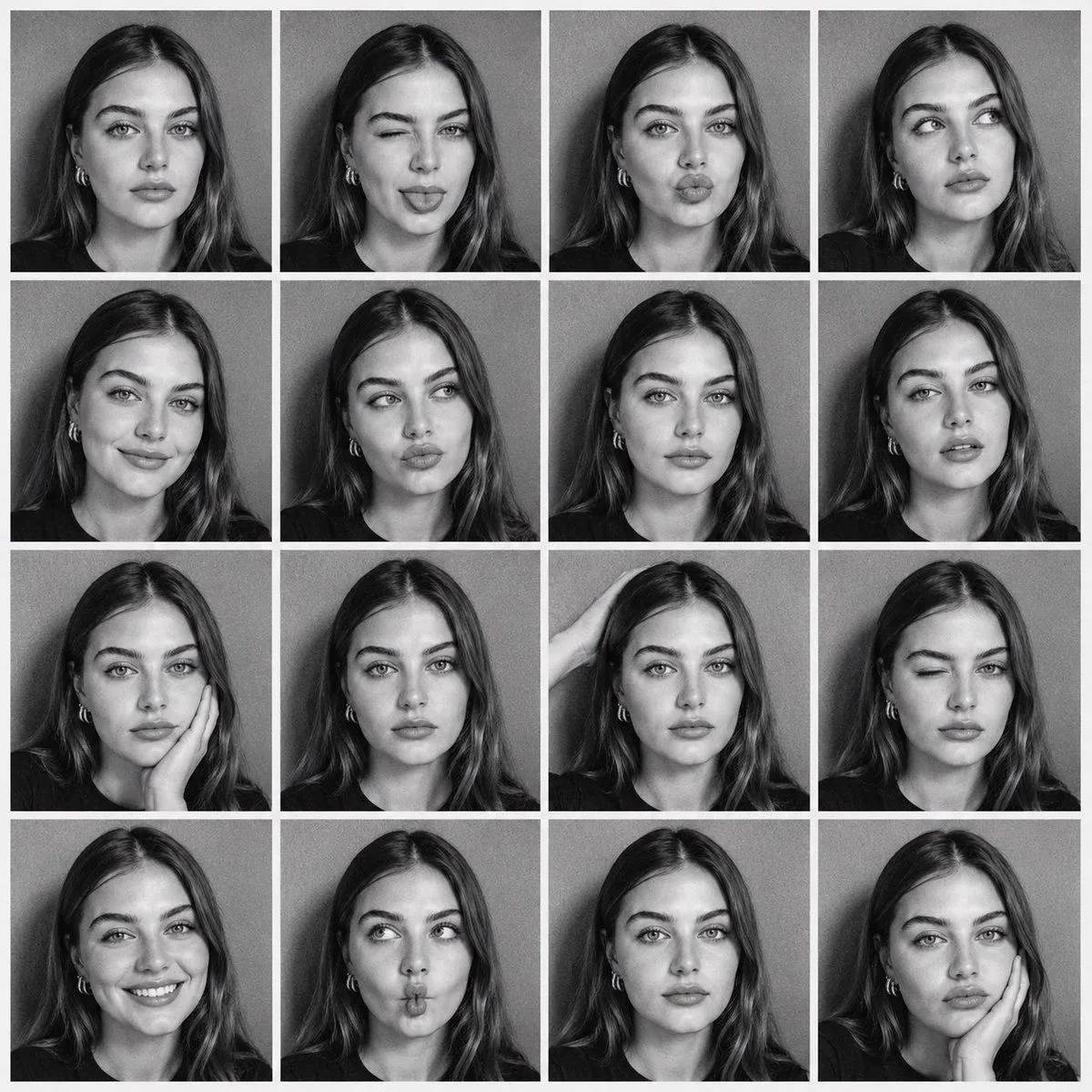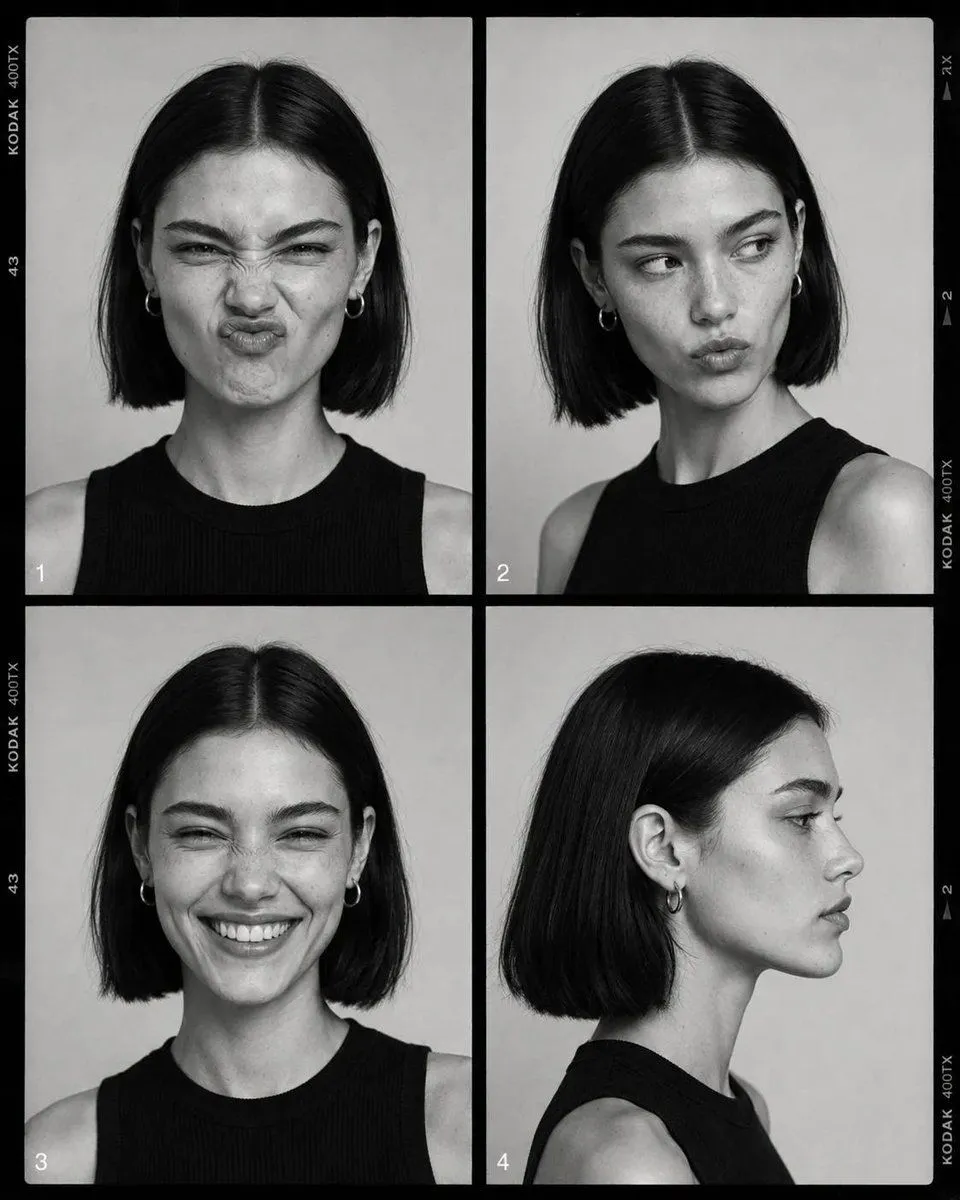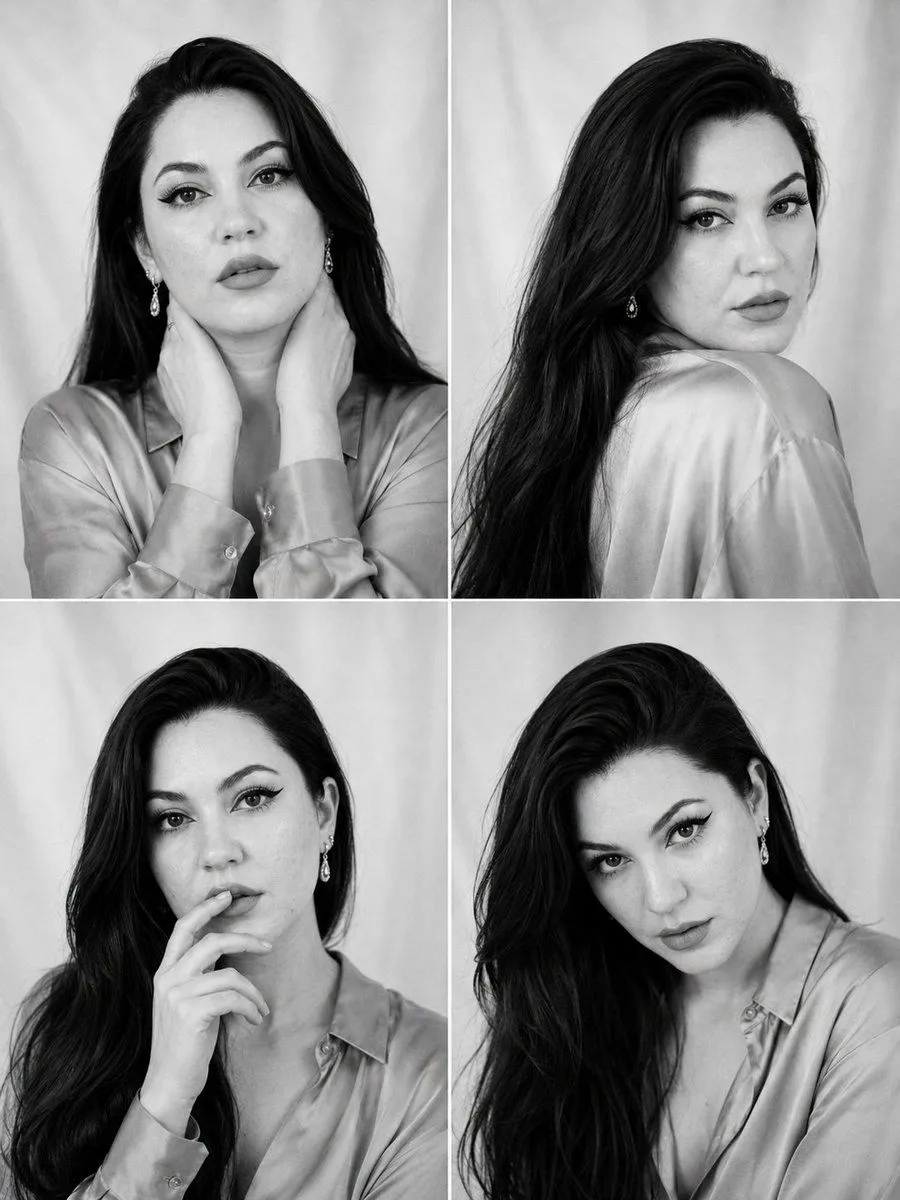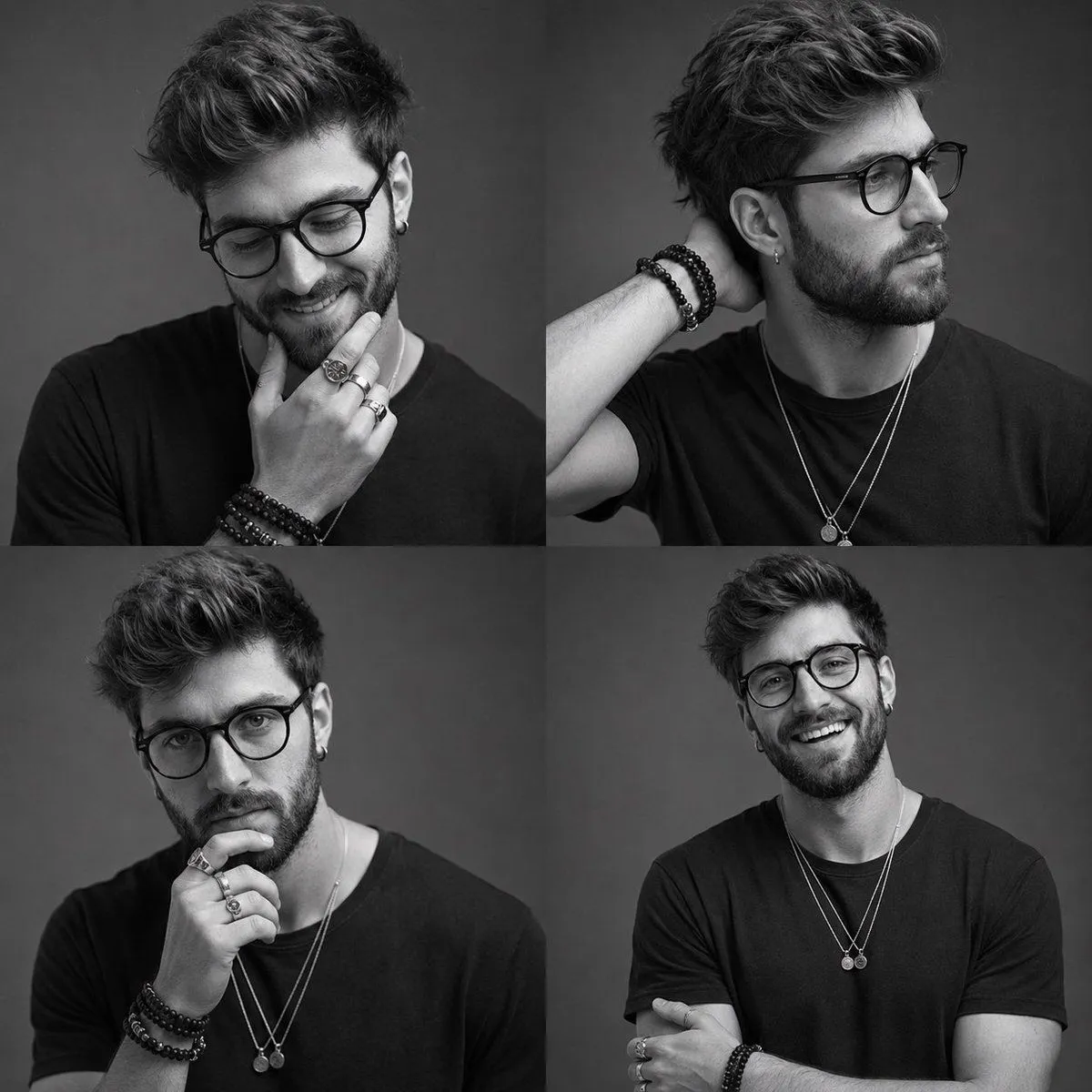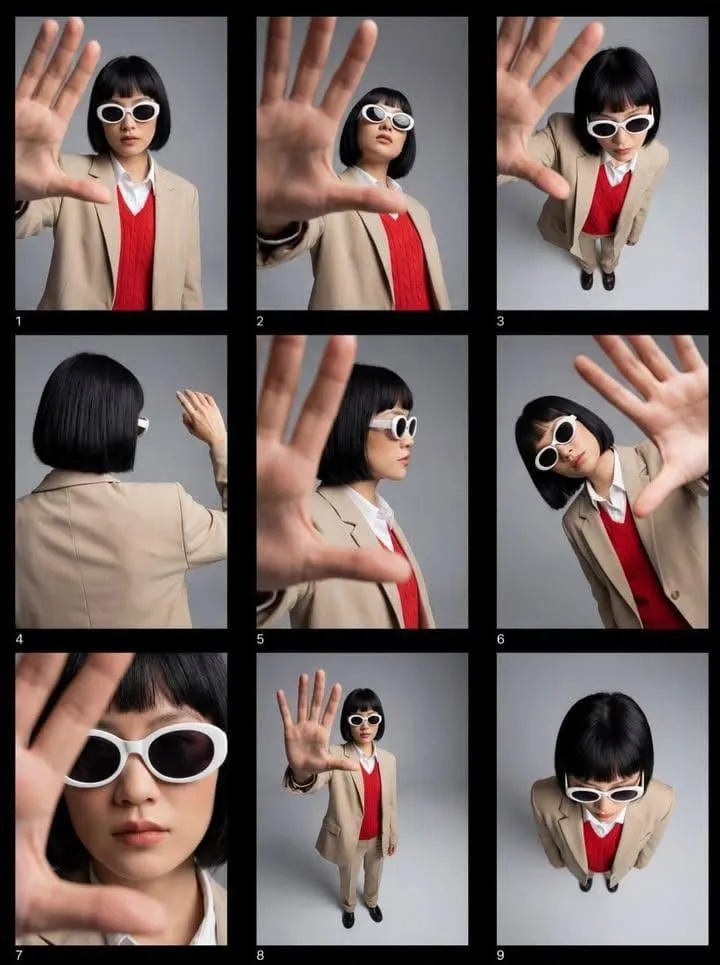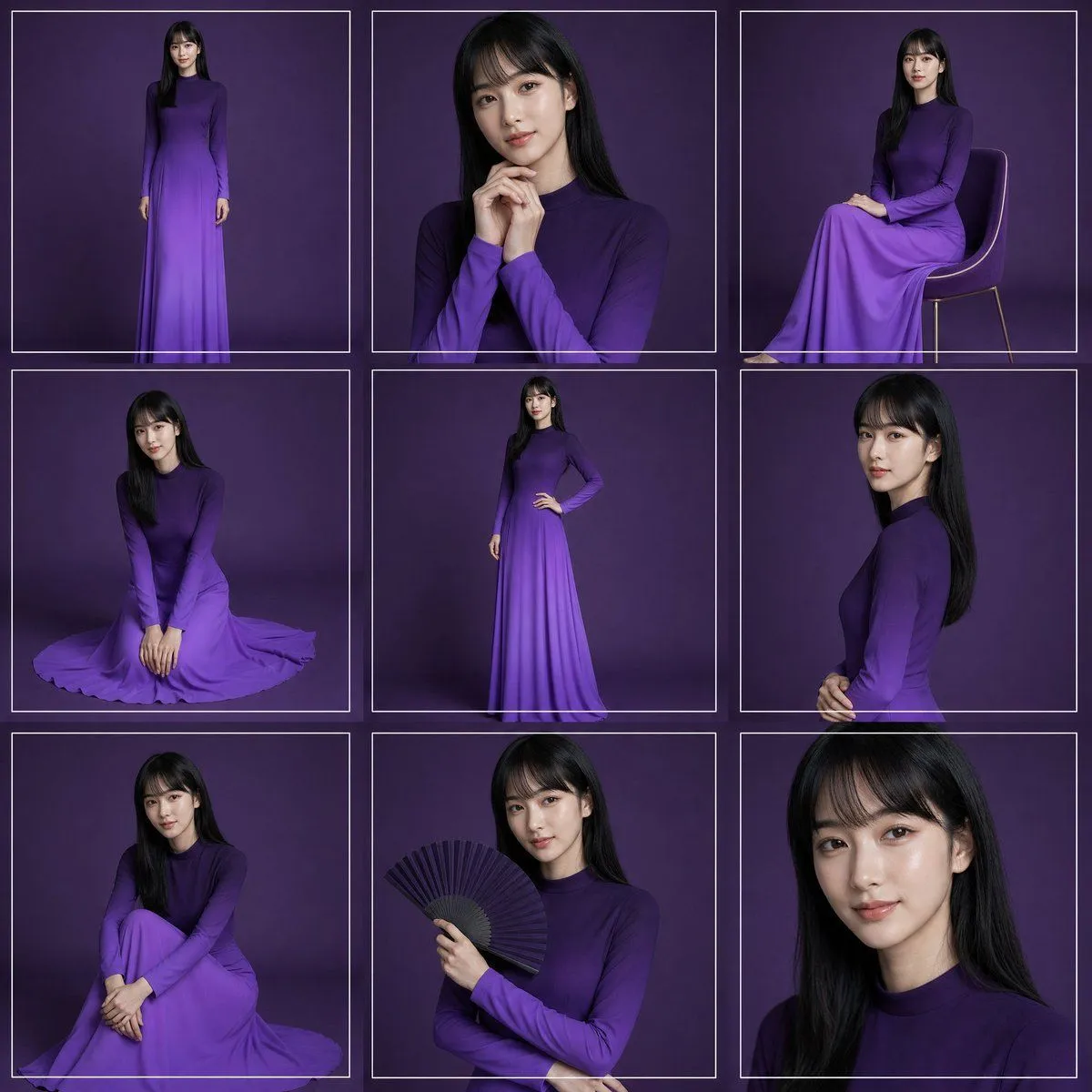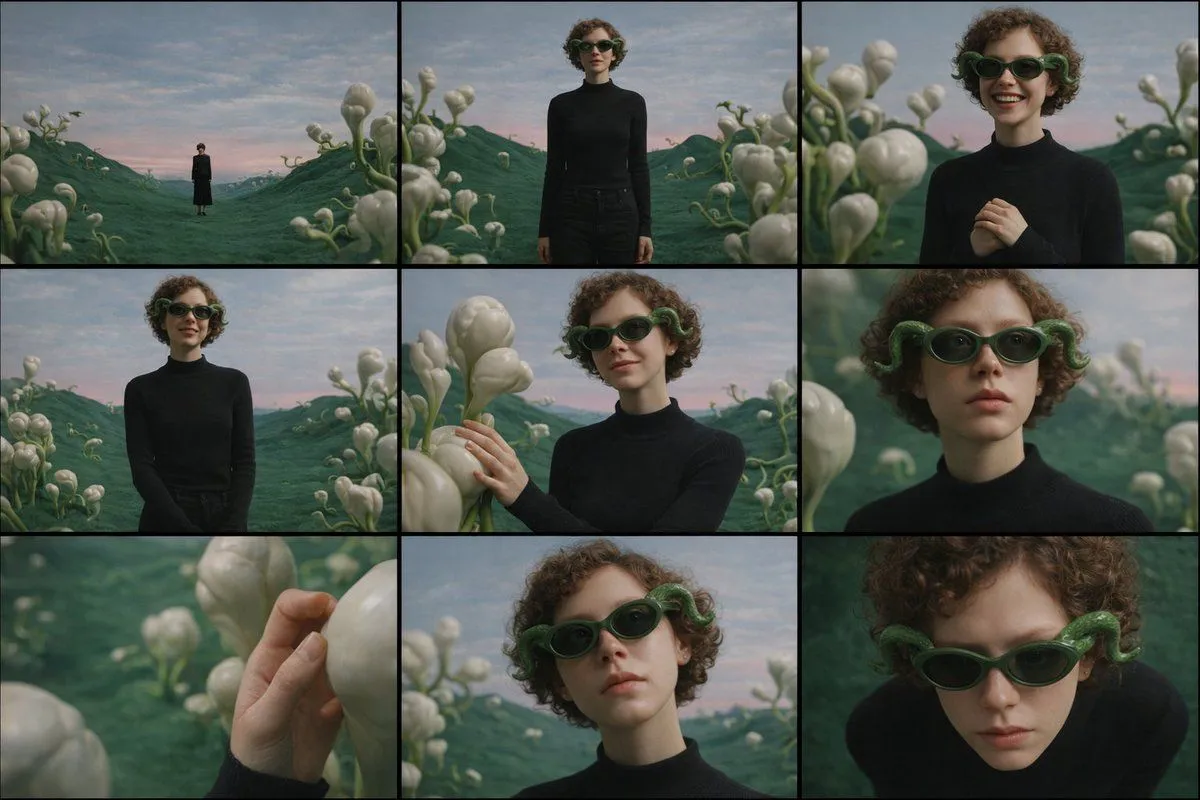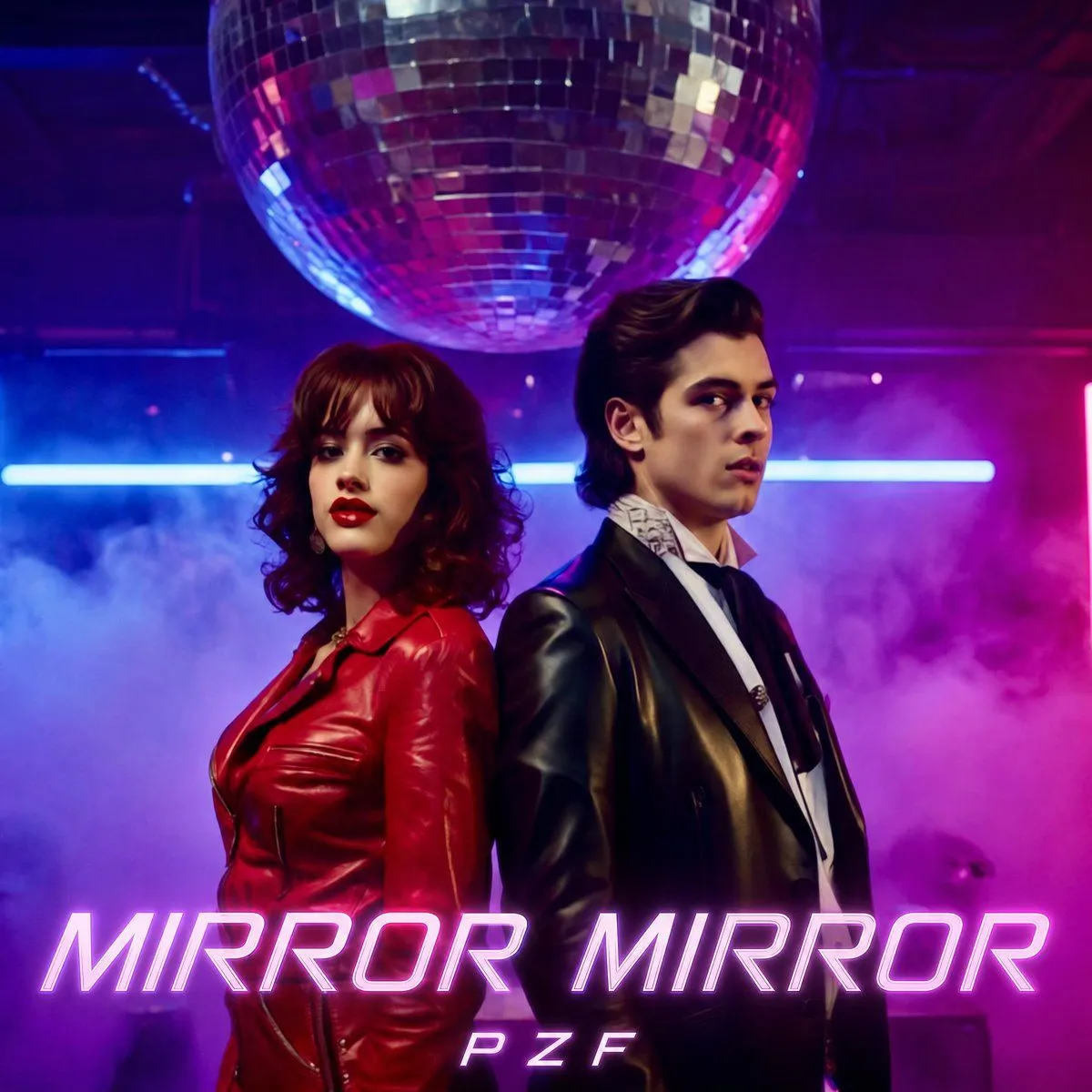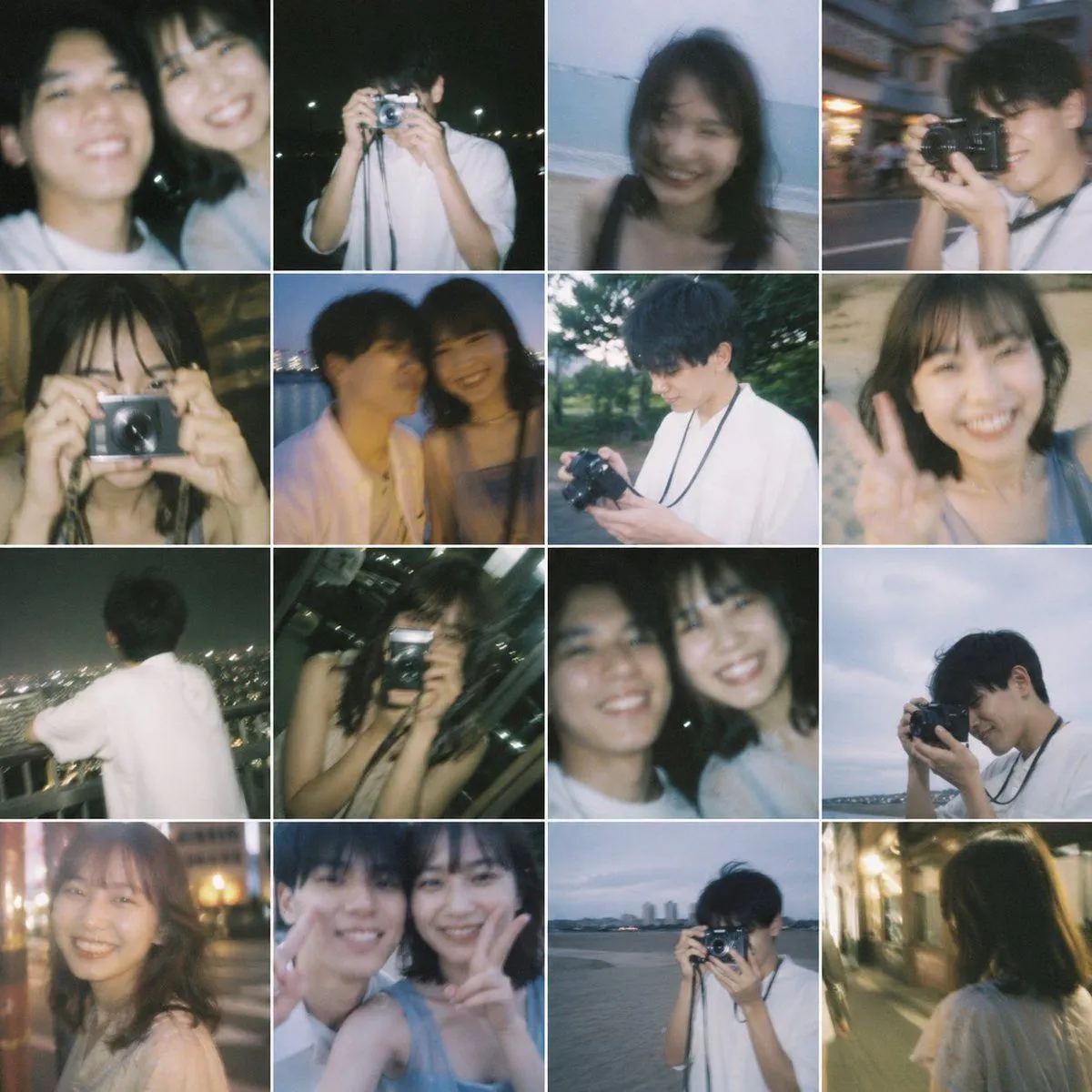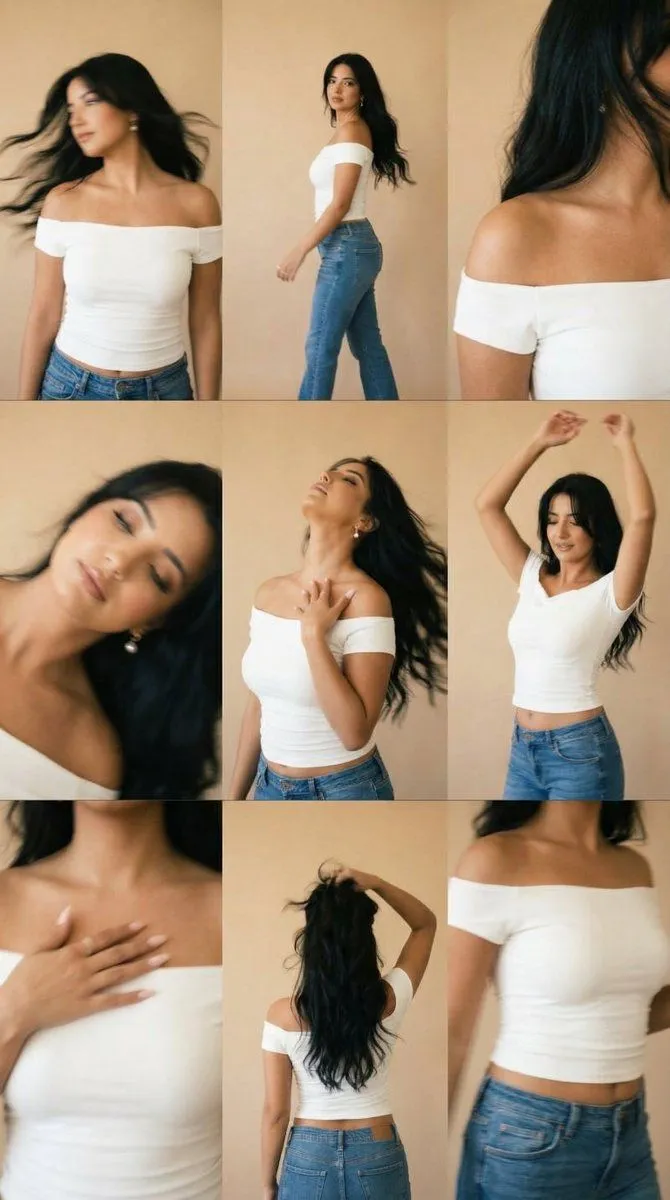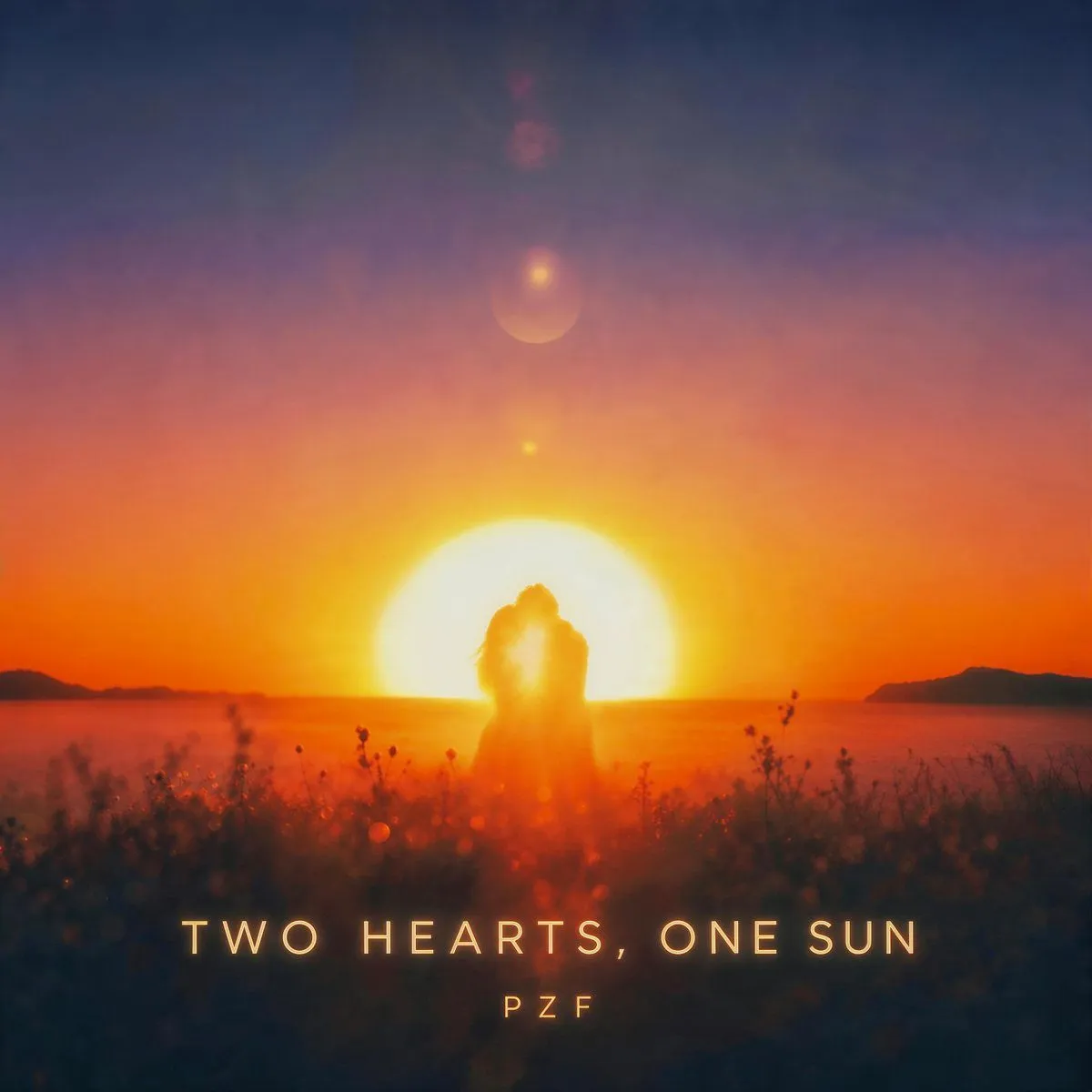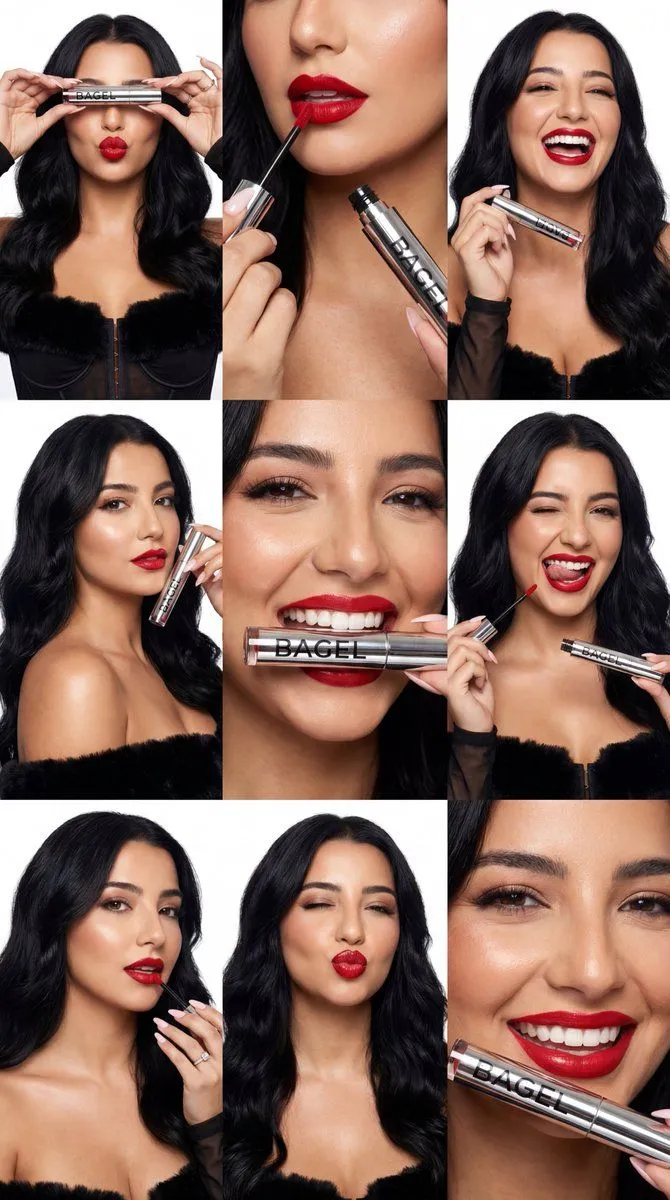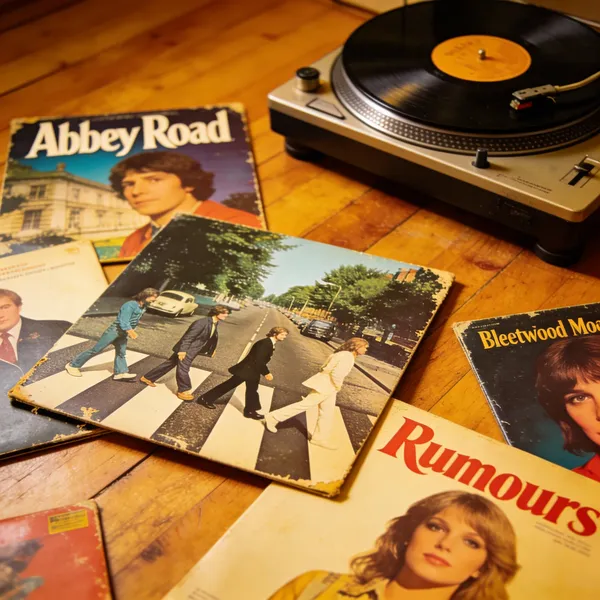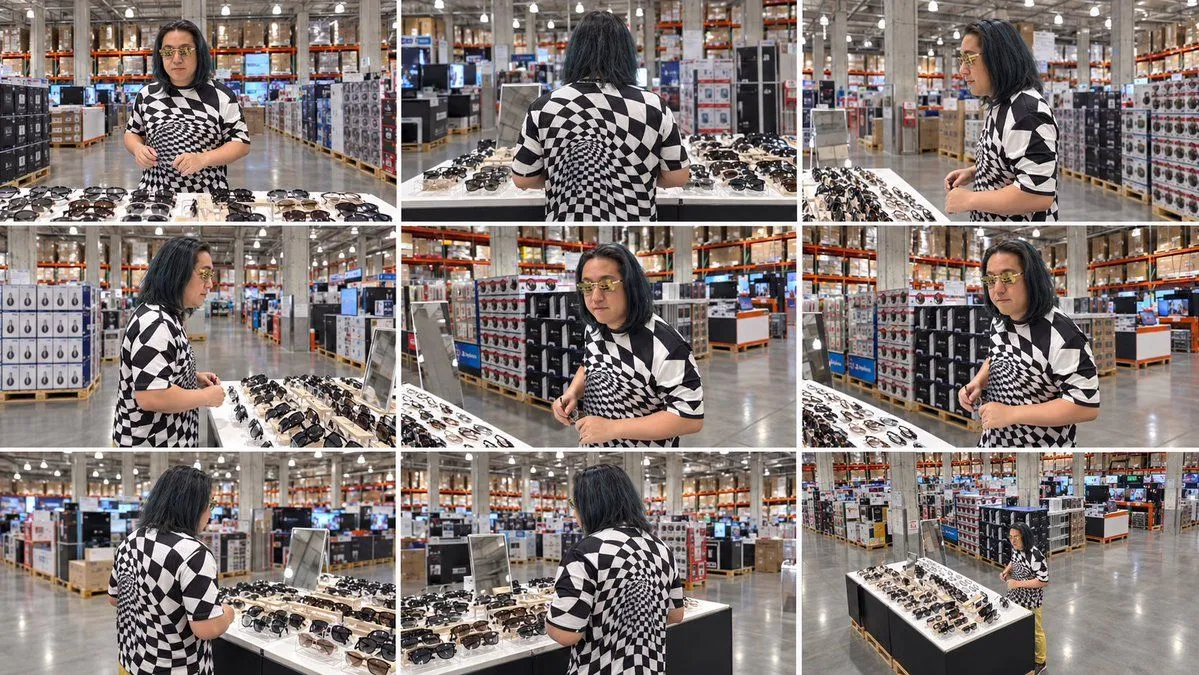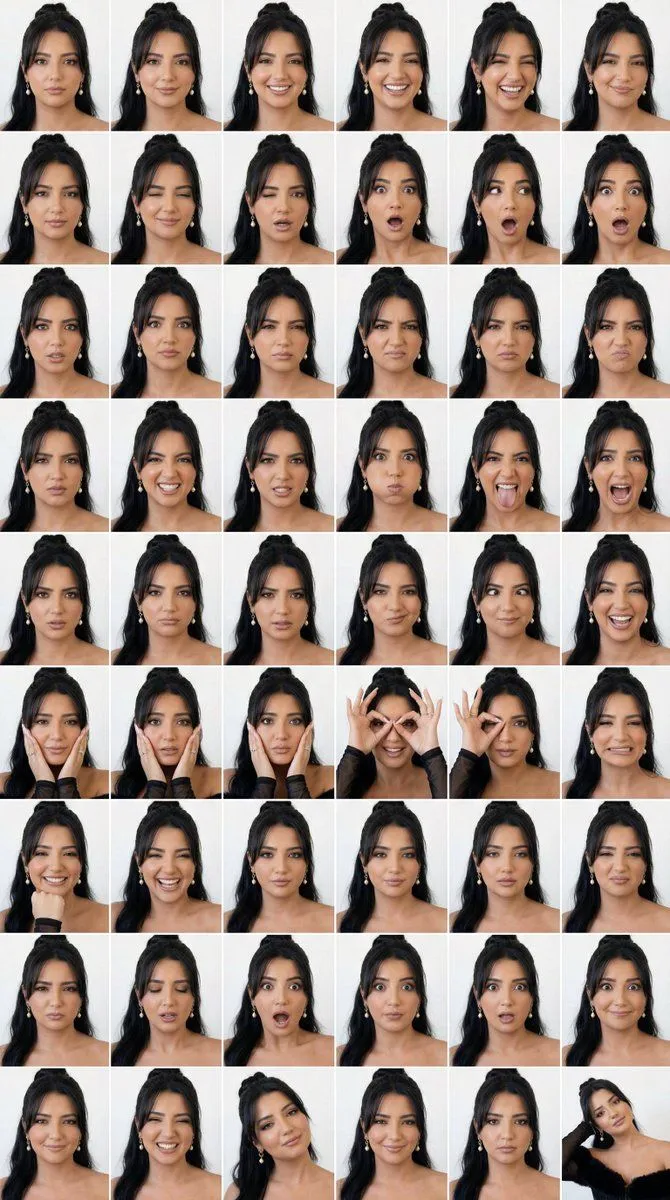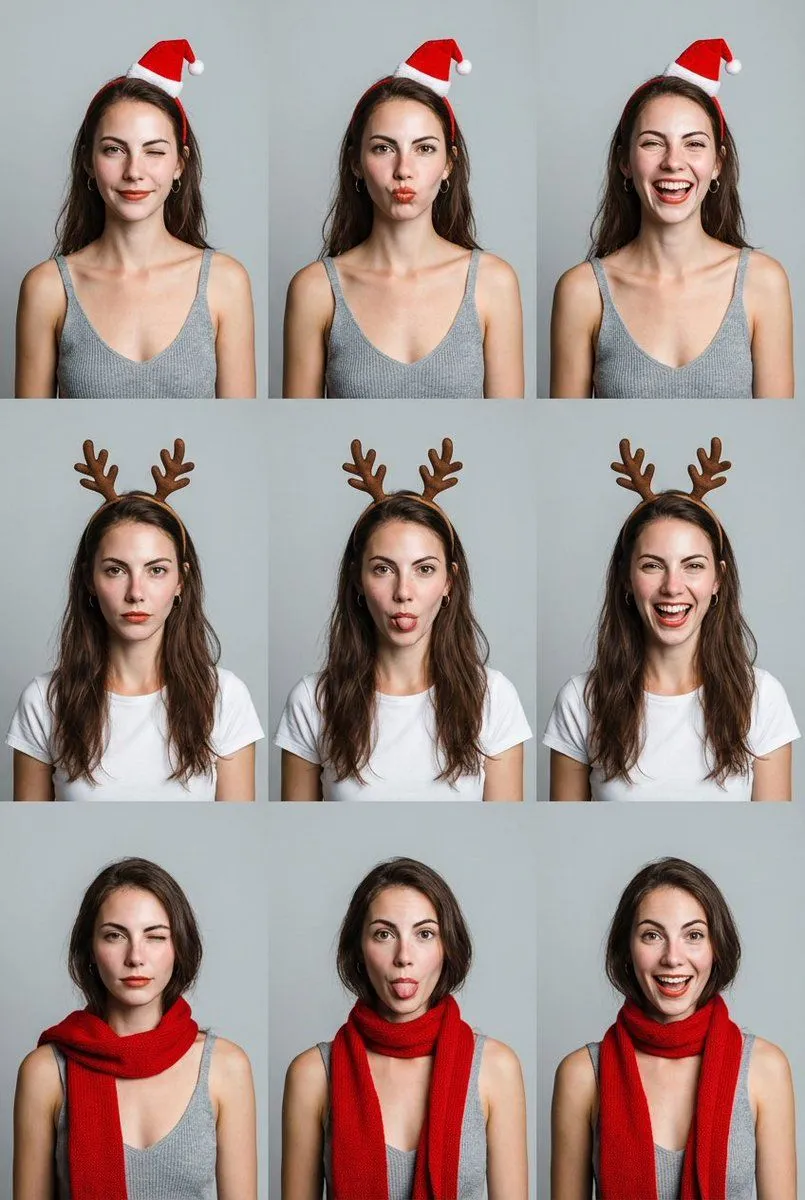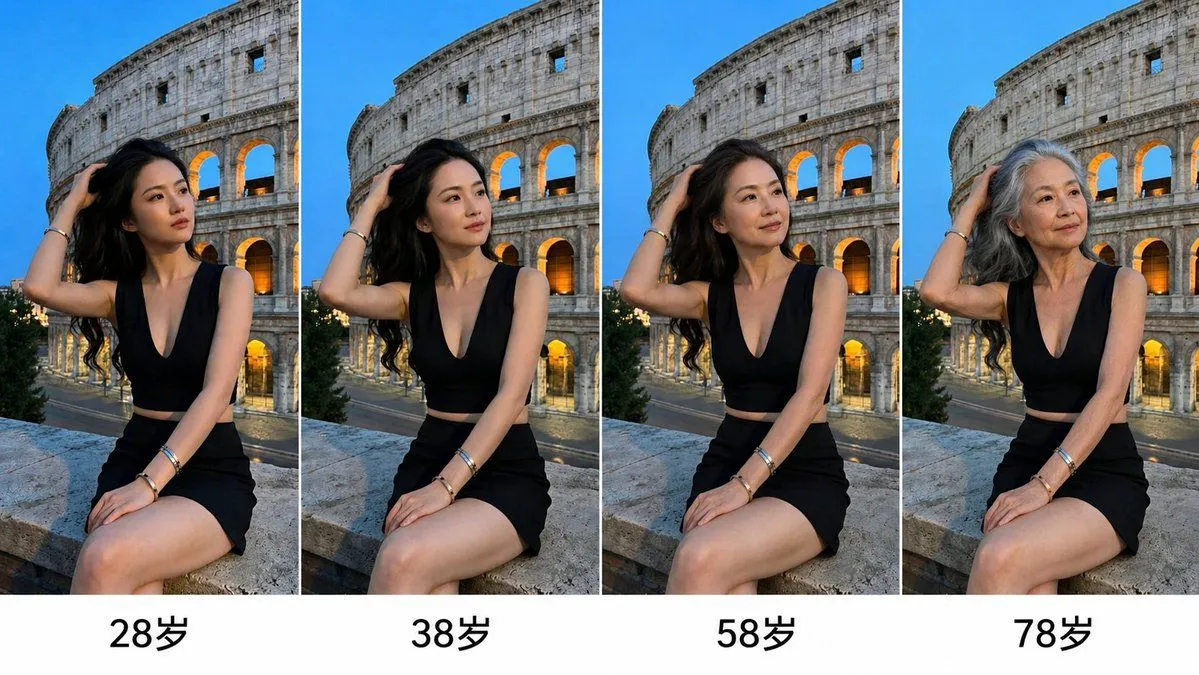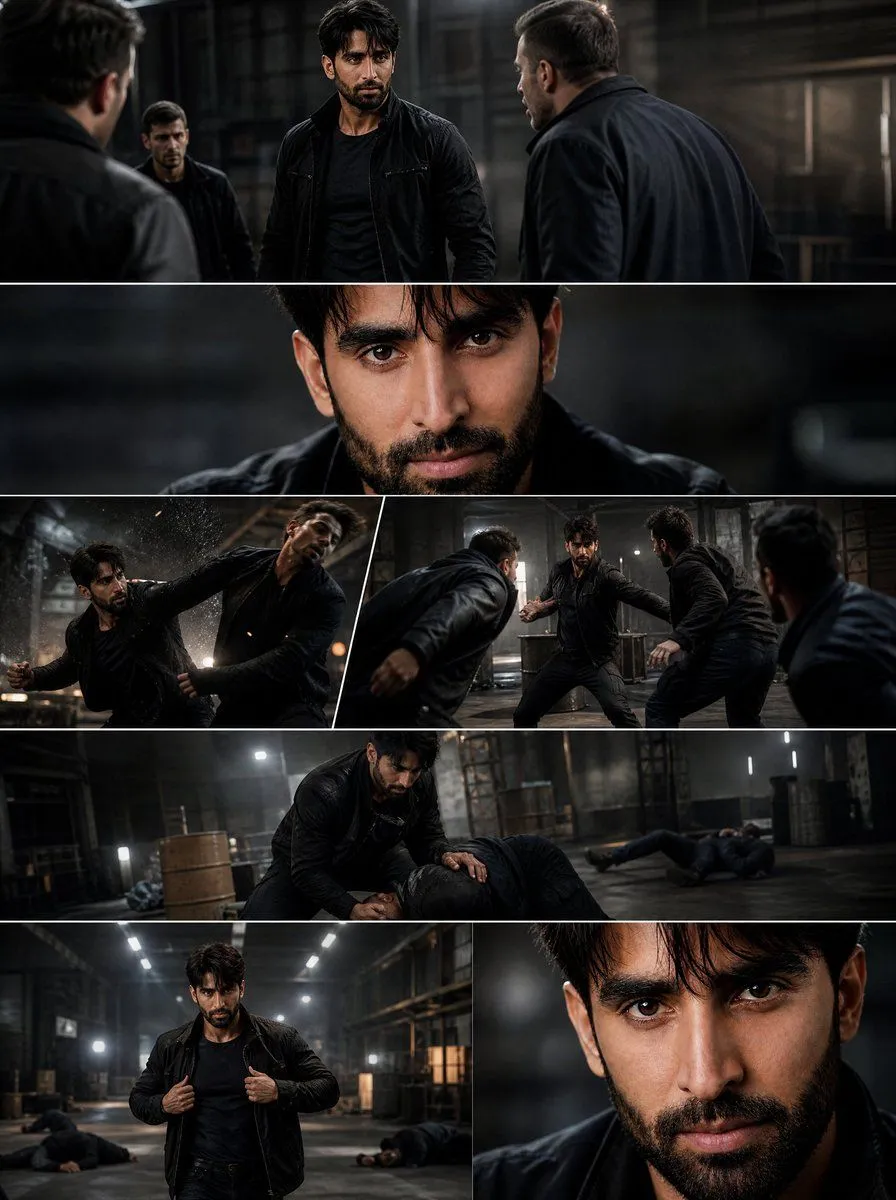
Made with GPT Image 2.5 in ChatGPT by Library Typography. Promptclay never generates images.
Did it work?
No reports yet. Tell others if it worked for you.
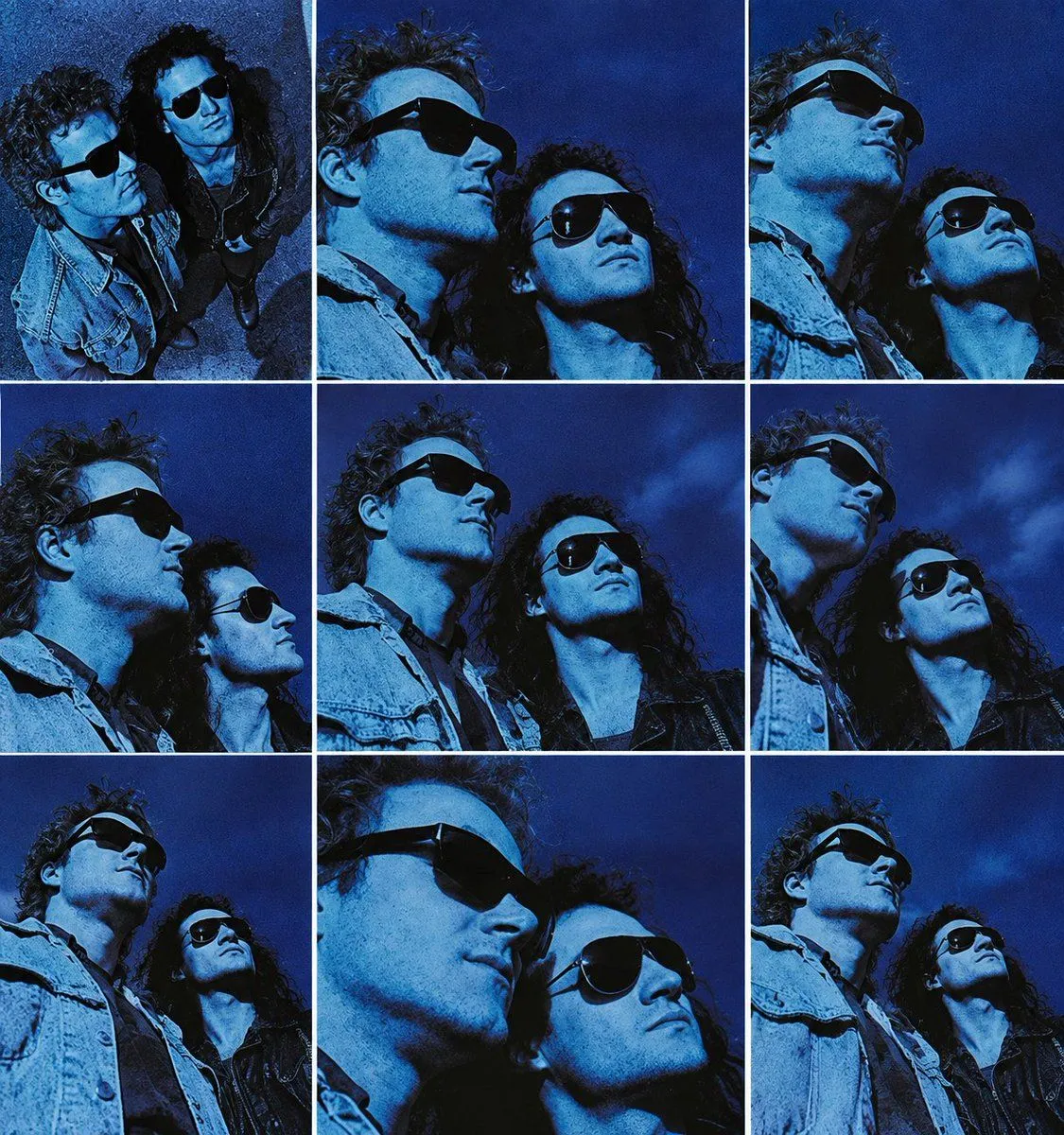
Blue Rock Album Contact Sheet
Prompt
3 blanks to fillUsing the provided reference image, expand it into a square album-cover contact sheet made of exactly 9 separate panels in a 3×3 grid. Keep the same two musicians, blue monochrome night-film color grading, sunglasses, denim styling, rocky outdoor setting, and moody sky aesthetic from the reference. Generate alternate crops and camera angles as if from the same photo shoot: mostly low-angle close-ups and mid-close portraits looking upward, plus one top-down overhead panel in the upper-left. Separate every panel with clean white grid borders. Vary the framing across the 9 panels: 1 overhead two-person shot, 2 extreme close-up face crops, 4 low-angle two-person close-ups, and 2 looser mid-close shots showing more jacket/torso. Maintain gritty 1980s rock album photography, high contrast, visible film grain, deep cobalt blue tones, dramatic shadows, and no added typography or logos. Output as a square {album_cover_format} with {color_grade} and {border_color}.
Preview of your prompt
Using the provided reference image, expand it into a square album-cover contact sheet made of exactly 9 separate panels in a 3×3 grid. Keep the same two musicians, blue monochrome night-film color grading, sunglasses, denim styling, rocky outdoor setting, and moody sky aesthetic from the reference. Generate alternate crops and camera angles as if from the same photo shoot: mostly low-angle close-ups and mid-close portraits looking upward, plus one top-down overhead panel in the upper-left. Separate every panel with clean white grid borders. Vary the framing across the 9 panels: 1 overhead two-person shot, 2 extreme close-up face crops, 4 low-angle two-person close-ups, and 2 looser mid-close shots showing more jacket/torso. Maintain gritty 1980s rock album photography, high contrast, visible film grain, deep cobalt blue tones, dramatic shadows, and no added typography or logos. Output as a square 3×3 contact sheet collage with deep monochrome cobalt blue and white.
DetailsVersions, settings and questions
Written for
What's in the prompt
- Subject
- Model
- GPT Image 2.5
If your face changes
keep my face exactly the sameQuestions
- Does this work in the ChatGPT app?
- Yes. Paste the prompt and attach your photo if it uses one.
- It changed my face. What do I do?
- Add "keep my face exactly the same" to the end and run it again.
- Can I use the images I make?
- Check the terms of the app you use. Promptclay never generates images and claims nothing you make.