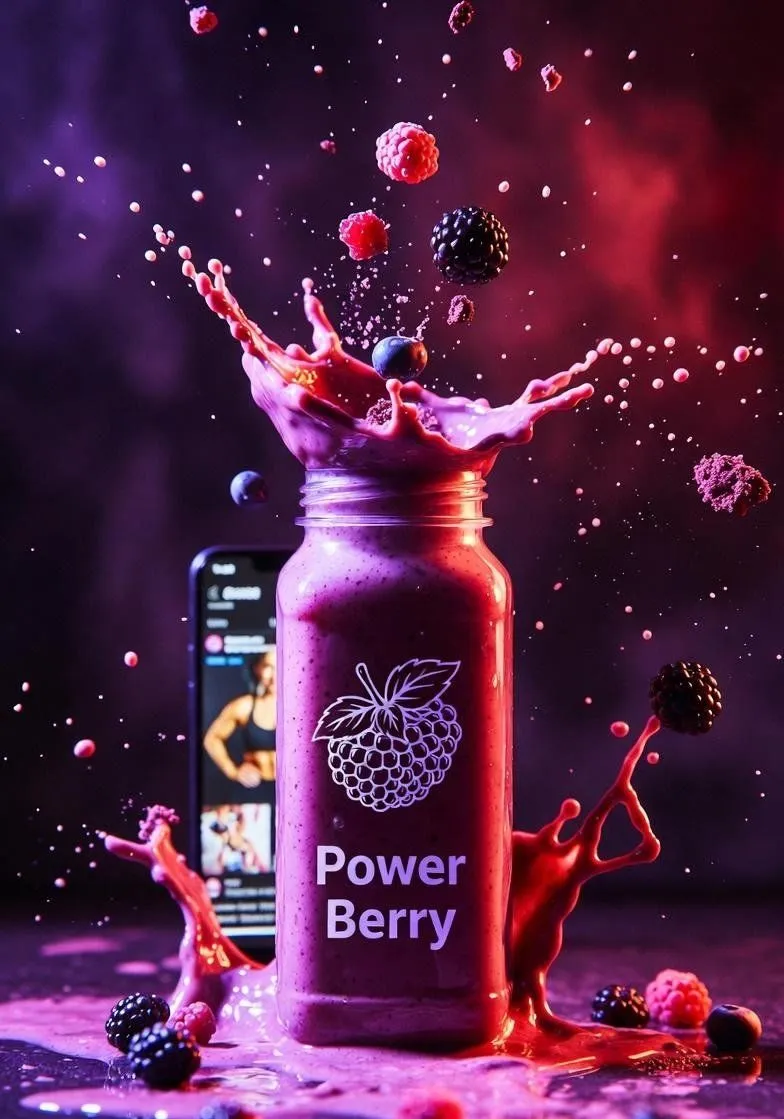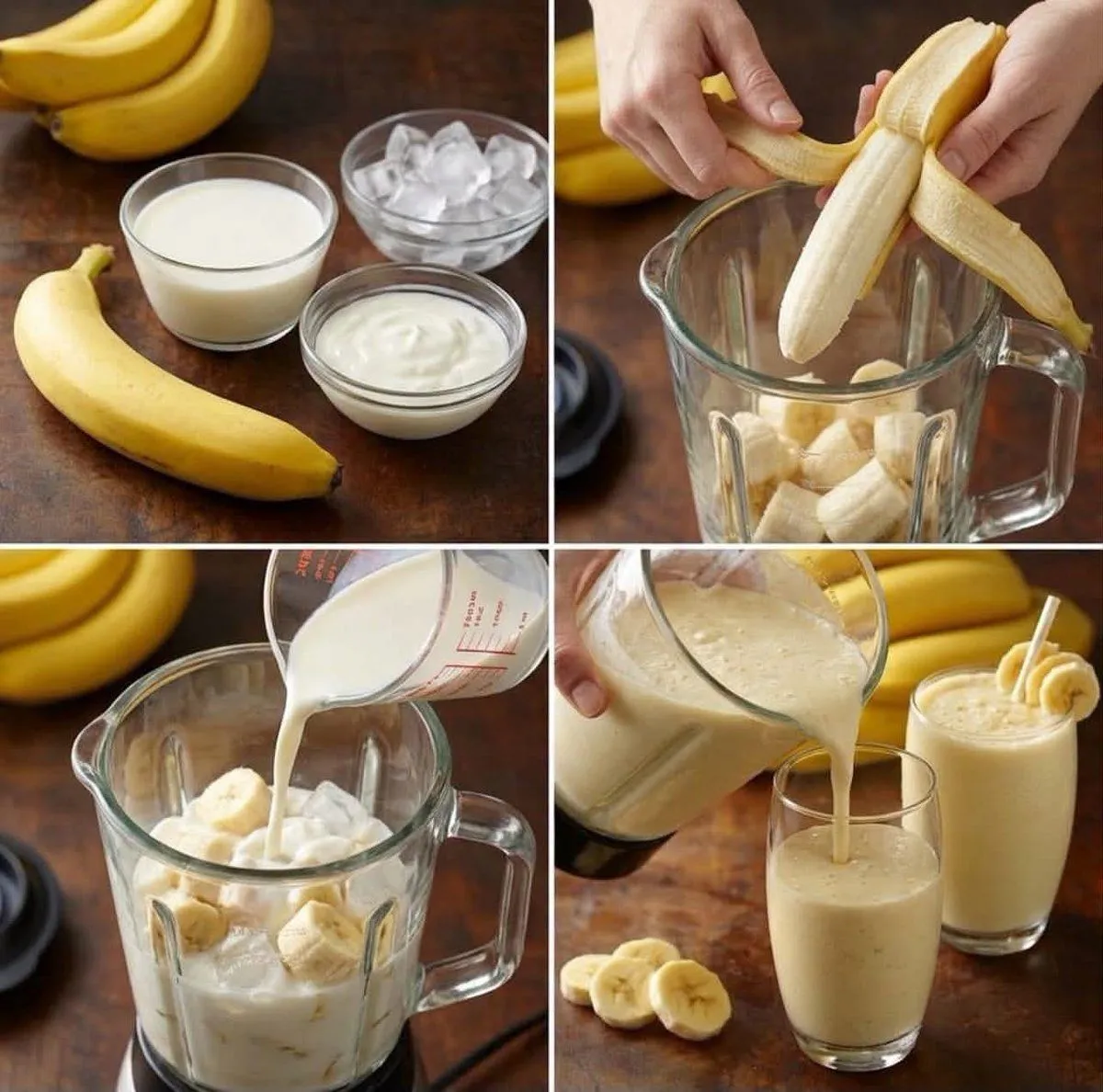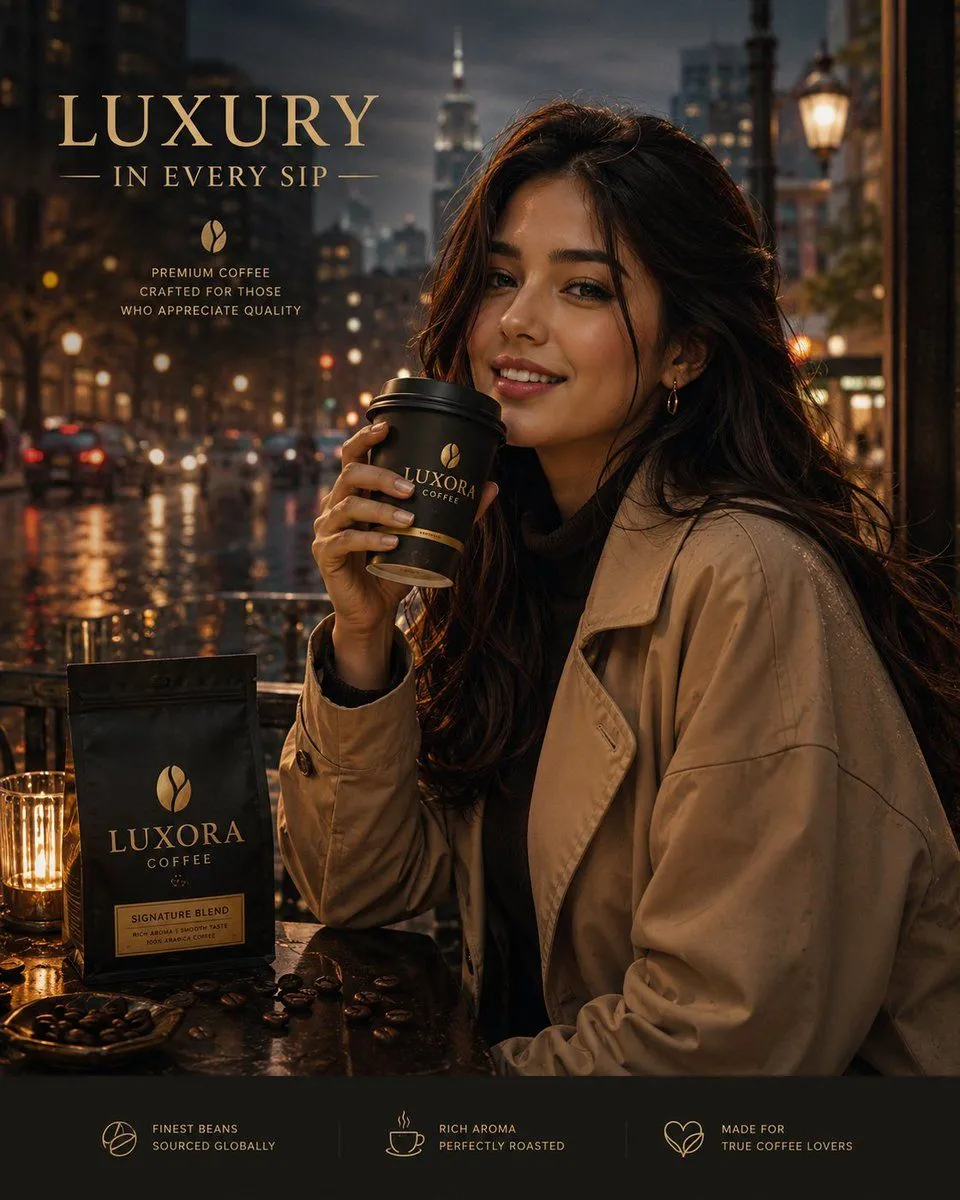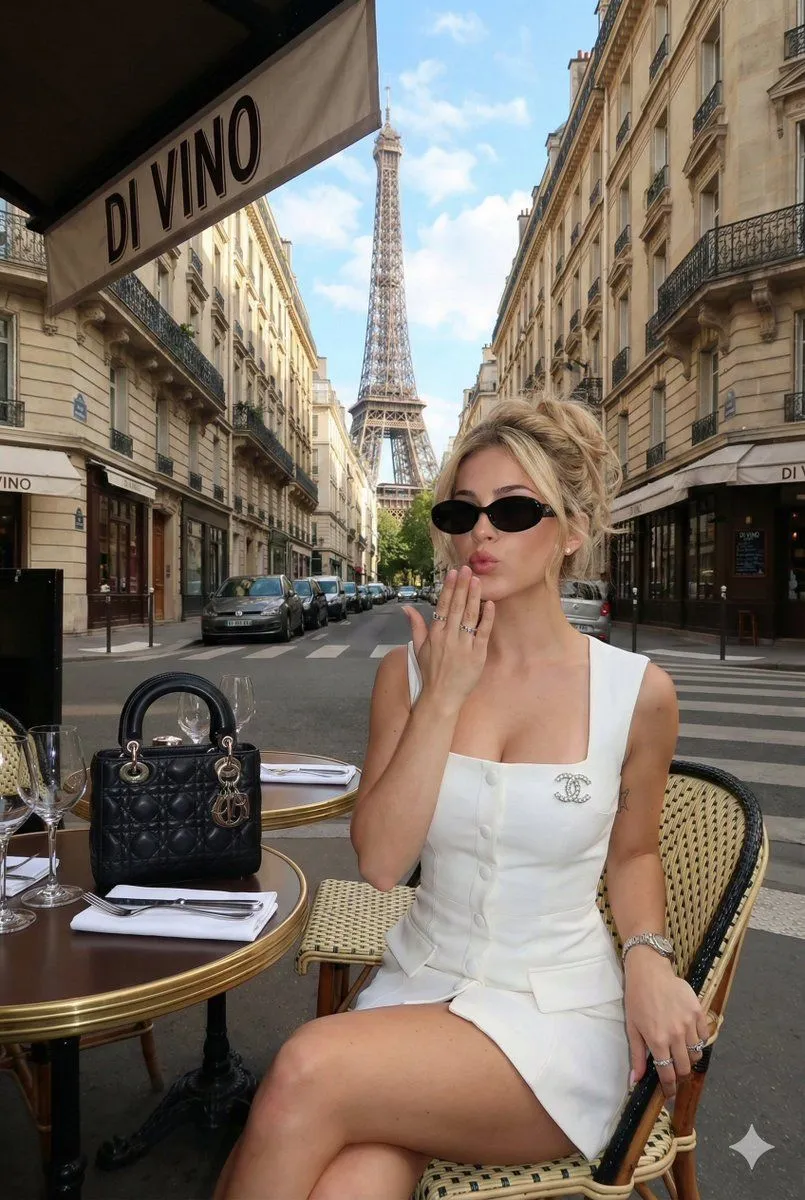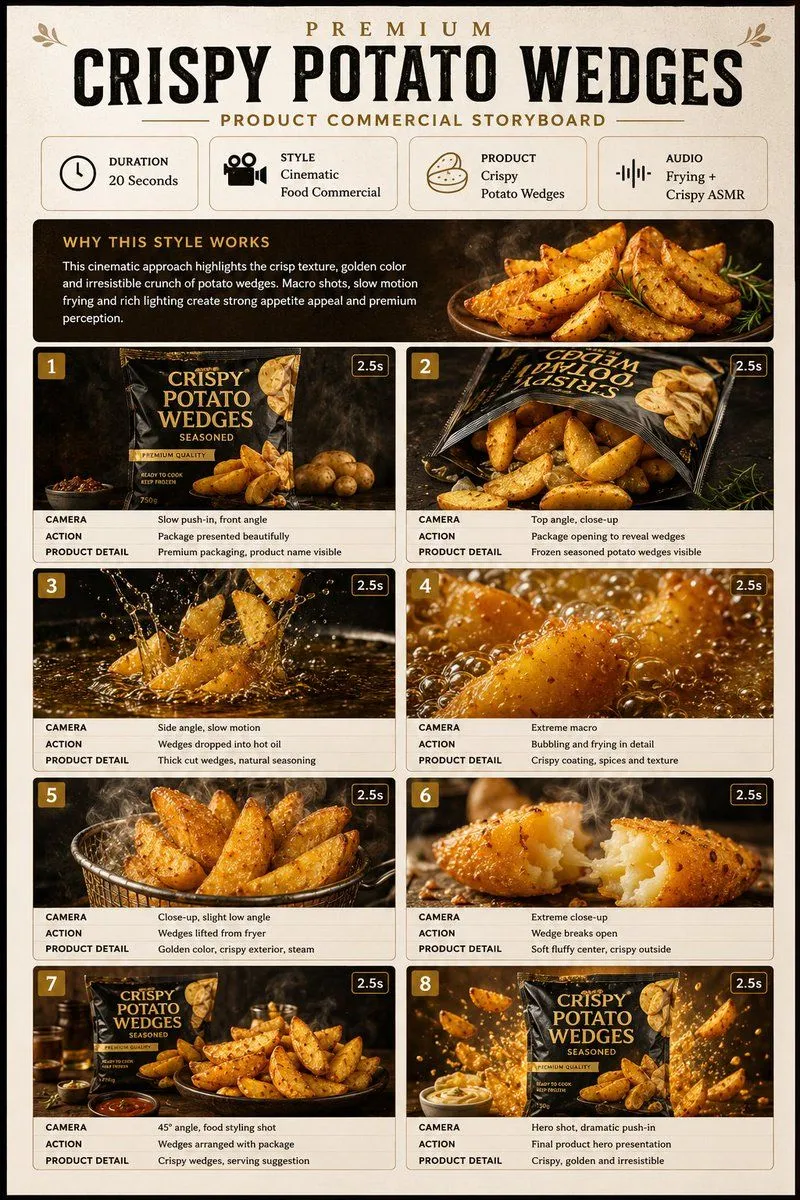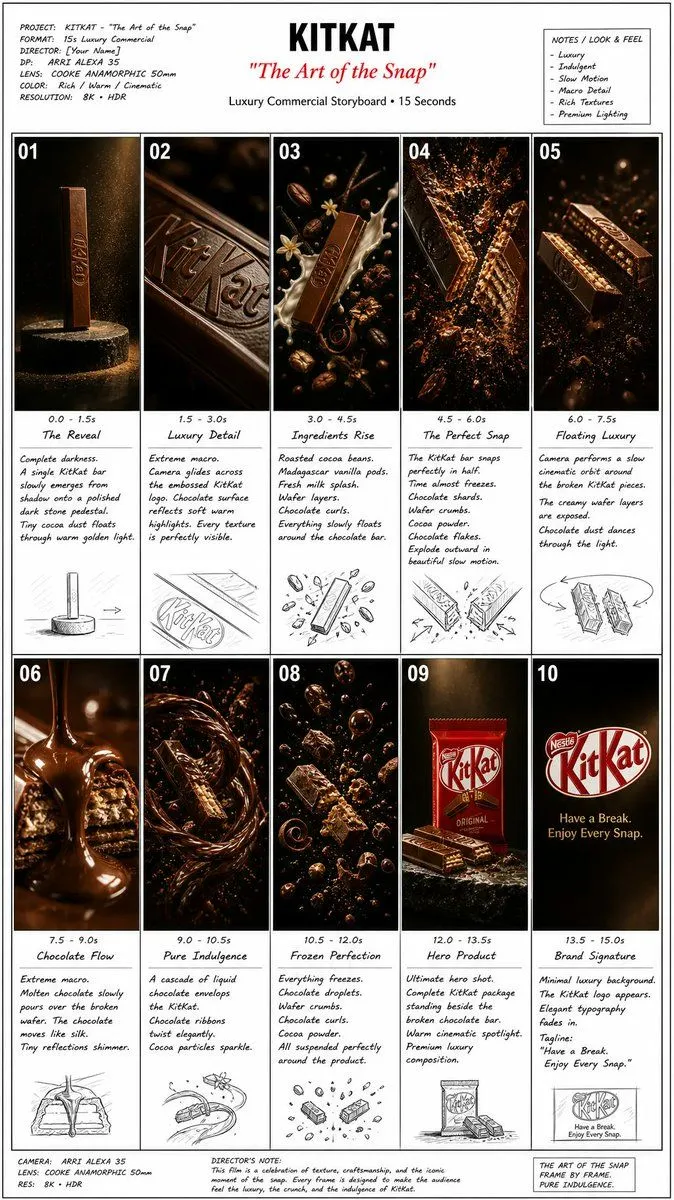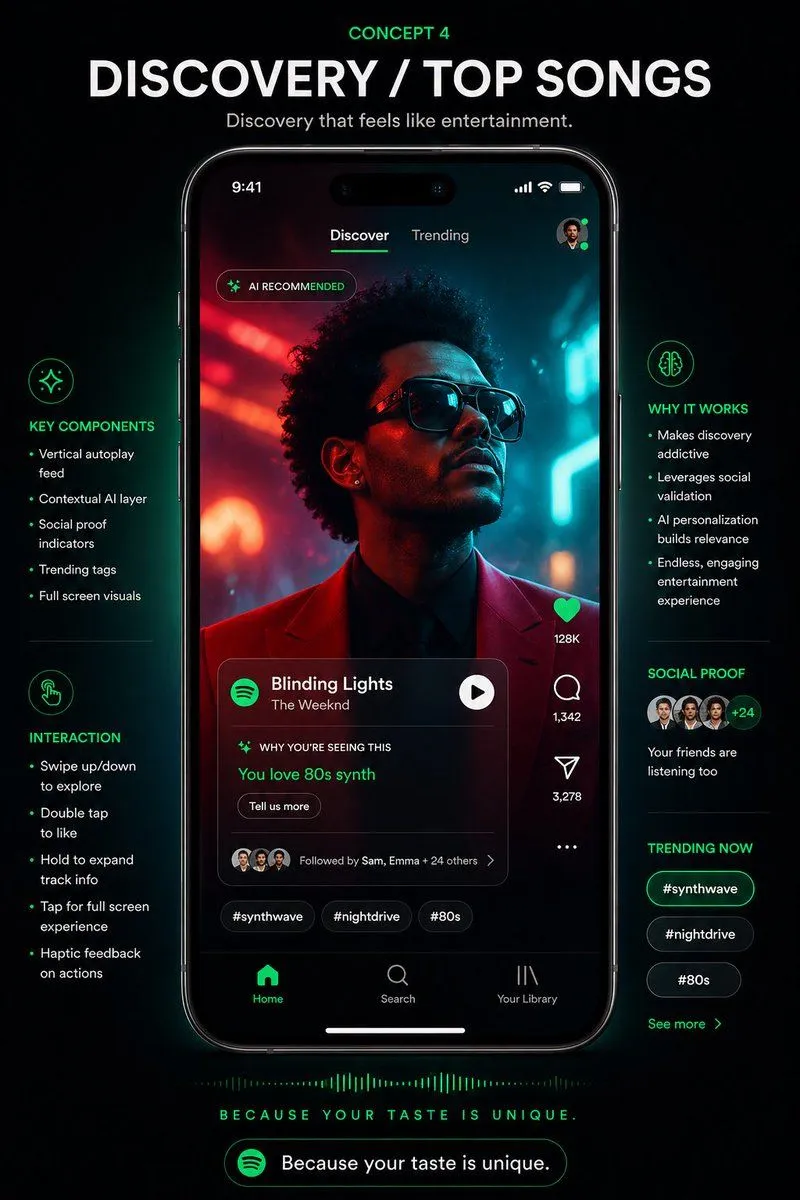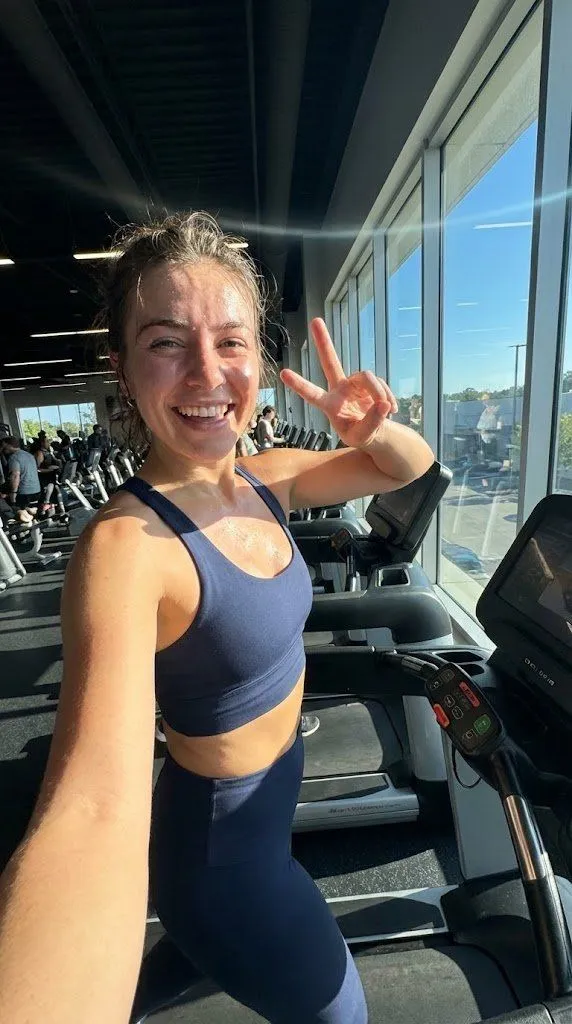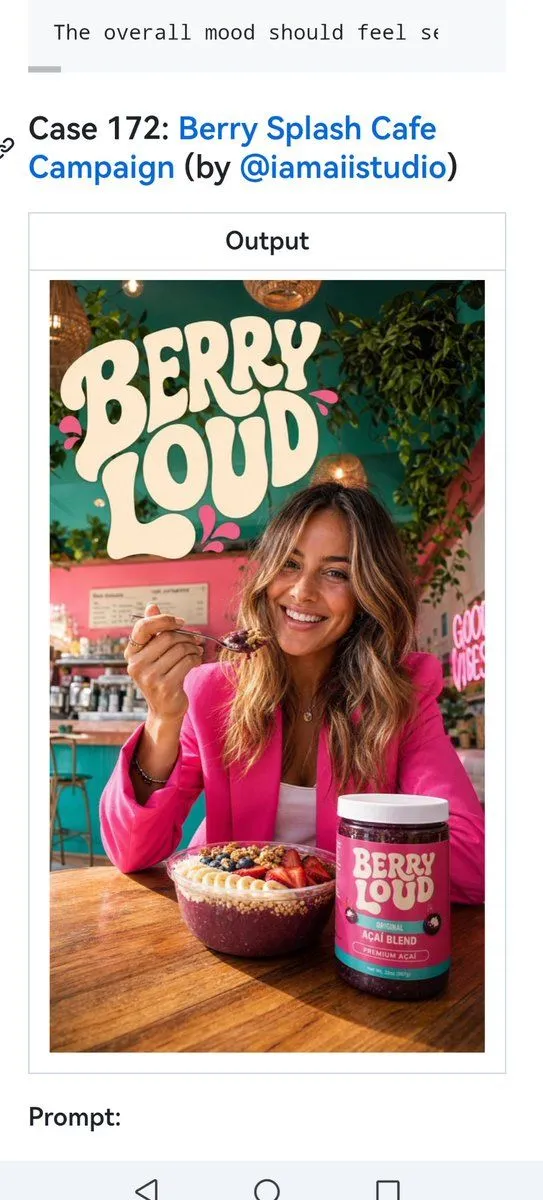
Made with GPT Image 2 in ChatGPT by Library Brand. Promptclay never generates images.
Did it work?
No reports yet. Tell others if it worked for you.
Berry Loud Cafe Campaign Screenshot
Prompt
1 blank to fillUsing the provided reference image as the layout and webpage screenshot template, replace the existing KFC case with a new social-media prompt-library entry for a colorful cafe brand campaign. Keep the same cropped mobile screenshot composition, white page background, blue linked case title styling, centered bordered “Output” box, and “Prompt:” label below. Update the visible page text to exactly 4 main text elements: 1 cropped line at the very top reading “The overall mood should feel se”, 1 case title reading “Case 172: Berry Splash Cafe Campaign (by @iamaiistudio)” with the campaign title and handle in blue, 1 centered label reading “Output”, and 1 lower label reading “Prompt:”. Inside the Output frame, create a vertical lifestyle advertising poster for {brand_name}: a vibrant cafe interior with teal-green and pink walls, hanging plants, warm pendant lights, and a wooden table. Feature exactly 1 woman seated at the table, holding a spoonful of berry smoothie bowl, wearing a bright hot-pink blazer. Add exactly 2 product items on the table: 1 berry smoothie/acai bowl topped with granola, berries, banana slices, and seeds, and 1 cylindrical product jar with a teal-and-magenta label. Include exactly 3 visible poster text areas: a large cream retro bubble-letter logo “BERRY LOUD” at the top left, the product jar label “BERRY LOUD” with smaller text “ORIGINAL AÇAÍ BLEND” and “PREMIUM ACAI”, and a pink neon wall sign on the right reading “GOOD VIBES”. Style the poster as a polished commercial cafe campaign shot: wide-angle lifestyle photography, bright saturated colors, soft natural depth of field, warm cozy lighting, trendy wellness-brand aesthetic, realistic product packaging, and clean readable typography. Preserve the screenshot framing and do not add extra UI elements, watermarks, or unrelated text.
Preview of your prompt
Using the provided reference image as the layout and webpage screenshot template, replace the existing KFC case with a new social-media prompt-library entry for a colorful cafe brand campaign. Keep the same cropped mobile screenshot composition, white page background, blue linked case title styling, centered bordered “Output” box, and “Prompt:” label below. Update the visible page text to exactly 4 main text elements: 1 cropped line at the very top reading “The overall mood should feel se”, 1 case title reading “Case 172: Berry Splash Cafe Campaign (by @iamaiistudio)” with the campaign title and handle in blue, 1 centered label reading “Output”, and 1 lower label reading “Prompt:”. Inside the Output frame, create a vertical lifestyle advertising poster for Berry Loud: a vibrant cafe interior with teal-green and pink walls, hanging plants, warm pendant lights, and a wooden table. Feature exactly 1 woman seated at the table, holding a spoonful of berry smoothie bowl, wearing a bright hot-pink blazer. Add exactly 2 product items on the table: 1 berry smoothie/acai bowl topped with granola, berries, banana slices, and seeds, and 1 cylindrical product jar with a teal-and-magenta label. Include exactly 3 visible poster text areas: a large cream retro bubble-letter logo “BERRY LOUD” at the top left, the product jar label “BERRY LOUD” with smaller text “ORIGINAL AÇAÍ BLEND” and “PREMIUM ACAI”, and a pink neon wall sign on the right reading “GOOD VIBES”. Style the poster as a polished commercial cafe campaign shot: wide-angle lifestyle photography, bright saturated colors, soft natural depth of field, warm cozy lighting, trendy wellness-brand aesthetic, realistic product packaging, and clean readable typography. Preserve the screenshot framing and do not add extra UI elements, watermarks, or unrelated text.
DetailsVersions, settings and questions
Written for
What's in the prompt
- Subject
- Model
- GPT Image 2
If your face changes
keep my face exactly the sameQuestions
- Does this work in the ChatGPT app?
- Yes. Paste the prompt and attach your photo if it uses one.
- It changed my face. What do I do?
- Add "keep my face exactly the same" to the end and run it again.
- Can I use the images I make?
- Check the terms of the app you use. Promptclay never generates images and claims nothing you make.