Tell us anything

An idea, a bug, something you love. We read every note.

⌘↵ to send. The page you're on comes along.

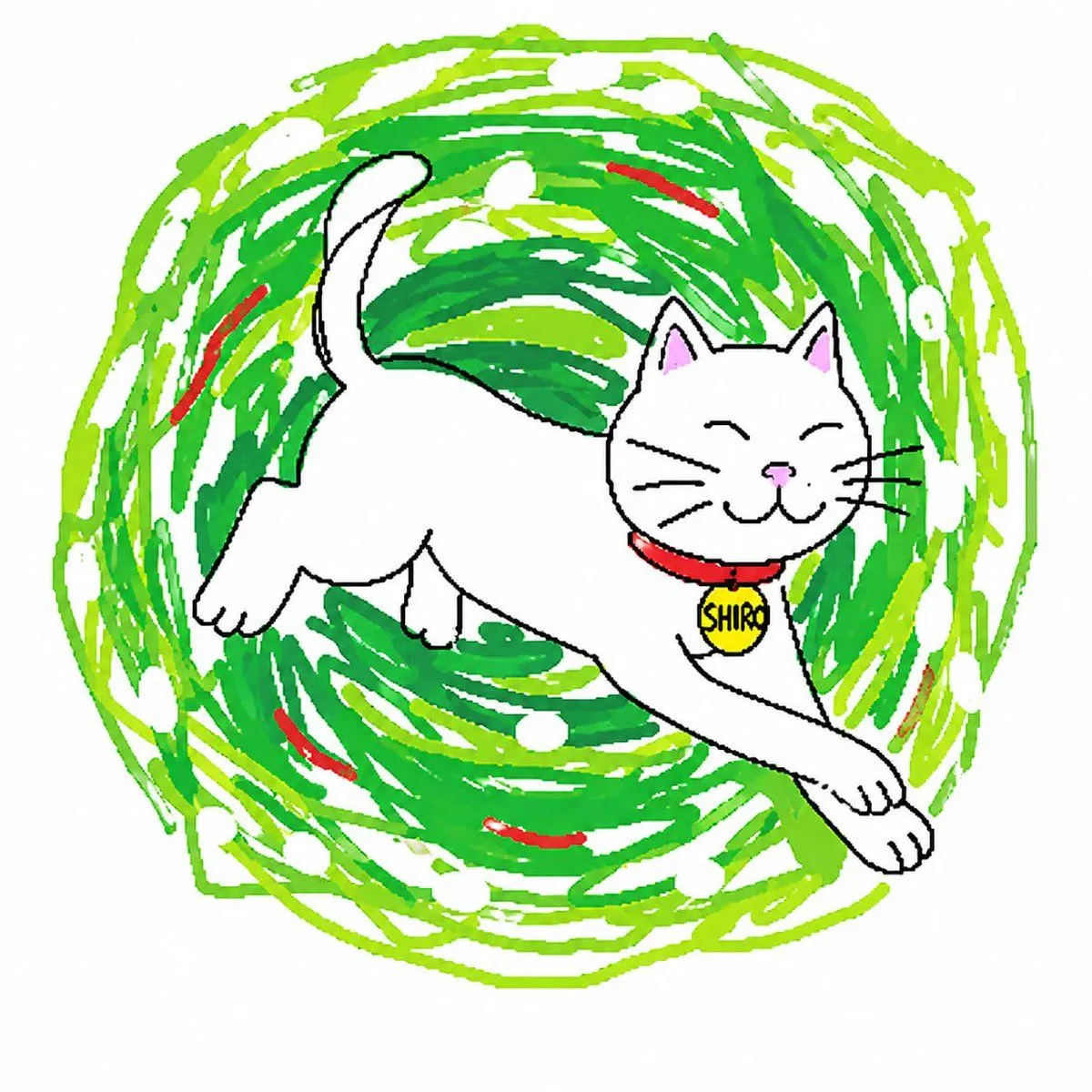
Bad MS Paint Cat Redraw

Made with GPT Image 2 in ChatGPT by Library Avatars. Promptclay never generates images.

Did it work?

No reports yet. Tell others if it worked for you.

No comments yet. Be the first.

    Bad MS Paint Cat Redraw

    GPT Image 21:1AI-generated

    Prompt

    Using the provided reference image, redraw the same cat as a deliberately clumsy computer-mouse doodle in a simple MS Paint style. Keep the original centered composition and plain light background, but transform the realistic photo into rough hand-drawn line art with visible wobbly strokes, minimal detail, and an amateur low-effort look. Use thin orange outlines for the head, ears, fur stripes, chest fluff, and body edges; pink scribbled inner ears and nose; black curved closed-eye lines and mouth; and light gray whiskers. Preserve the sleepy closed-eye expression and front-facing pose, but make the drawing look awkward, naive, and slightly messy, like a quick bad sketch traced from the photo.

    Works in
    ChatGPT, Gemini
    Status
    Free to copy
    0
    DetailsVersions, settings and questions

    Written for

    What's in the prompt

    Subject
    Model
    GPT Image 2

    If your face changes

    keep my face exactly the same

    Questions

    Does this work in the ChatGPT app?
    Yes. Paste the prompt and attach your photo if it uses one.
    It changed my face. What do I do?
    Add "keep my face exactly the same" to the end and run it again.
    Can I use the images I make?
    Check the terms of the app you use. Promptclay never generates images and claims nothing you make.
    Similar prompts

    See more
    • Sloppy Doodle Cat Portrait
    • Clumsy Scribble Cat Doodle
    • Clumsy MS Paint Style Redraw
    • Scribbly MS Paint Redraw
    • Childlike MS Paint Café Redraw
    • MS Paint Childlike Redraw
    • Kindergarten Crayon Doodle Illustration Prompt
    • Crayon Style Profile Transformation
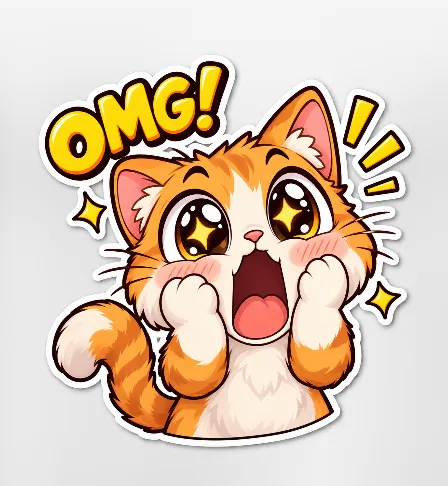
    • Excited Kawaii Kitten OMG Sticker
    • Minimalist Dog Sketch Clipart
    • Textbook Scribble on Crumpled Paper
    • Abstract Chaos Character Art
    • Akita Dog Embroidered Patch Design
    • Soft UI Style Illustration Generator
    • Poetic Minimal Illustration Template
    • Japanese Miniature Poster Ad
    • Grimm's Fairy Tale Woodcut Poster
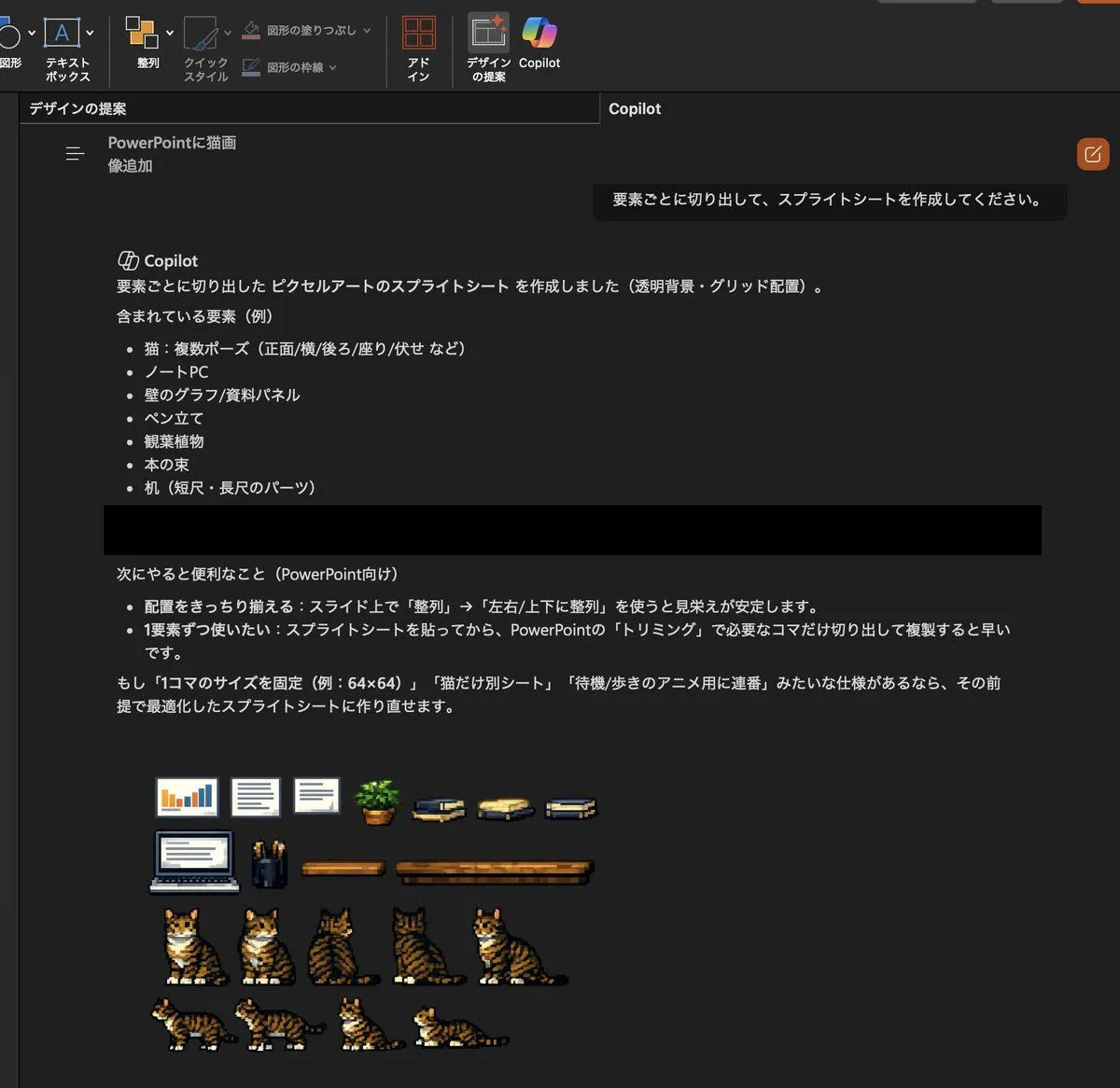
    • Convert Copilot cat image to pixel art
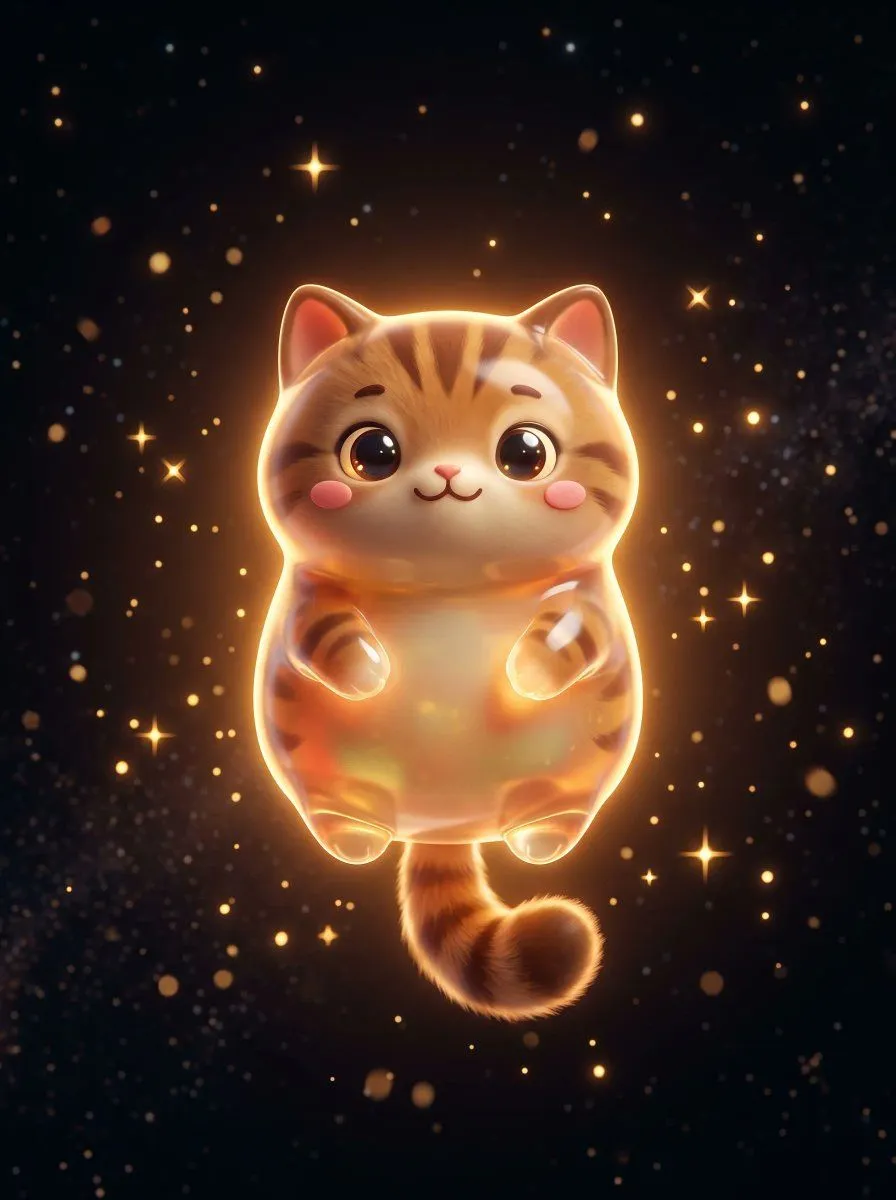
    • Cute Floating Glossy Space Tabby Cat
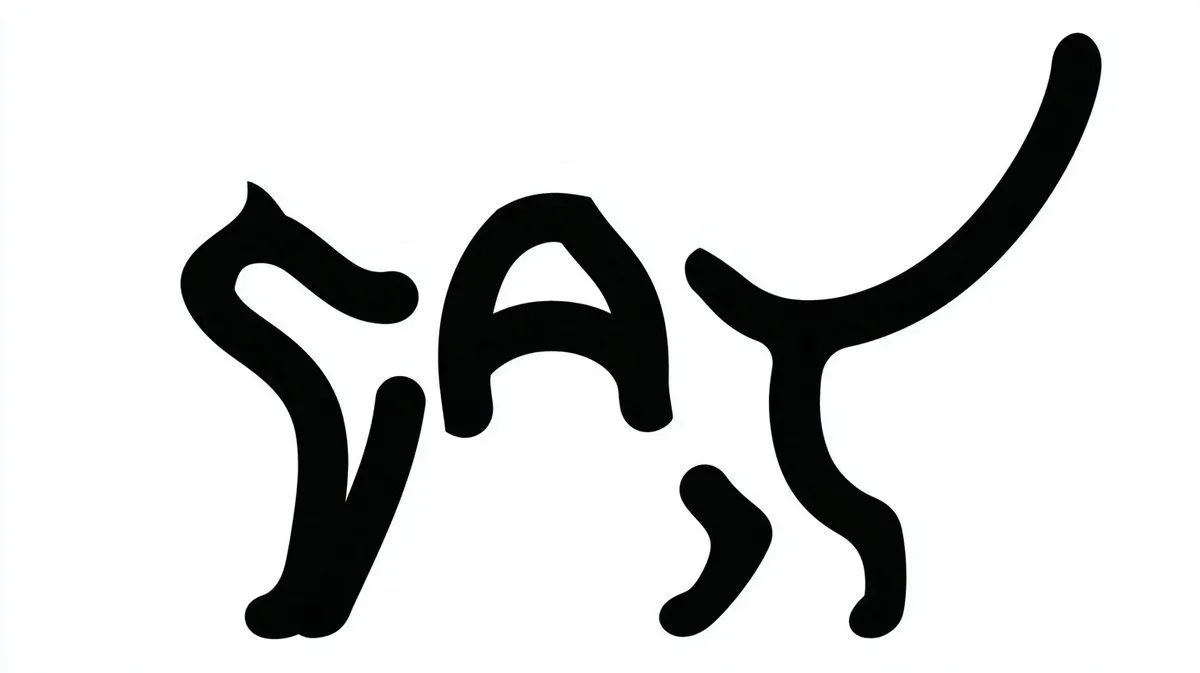
    • Monochrome Typographic Cat Illustration
    • Pixel Art Sprite Sheet from Cat Photo
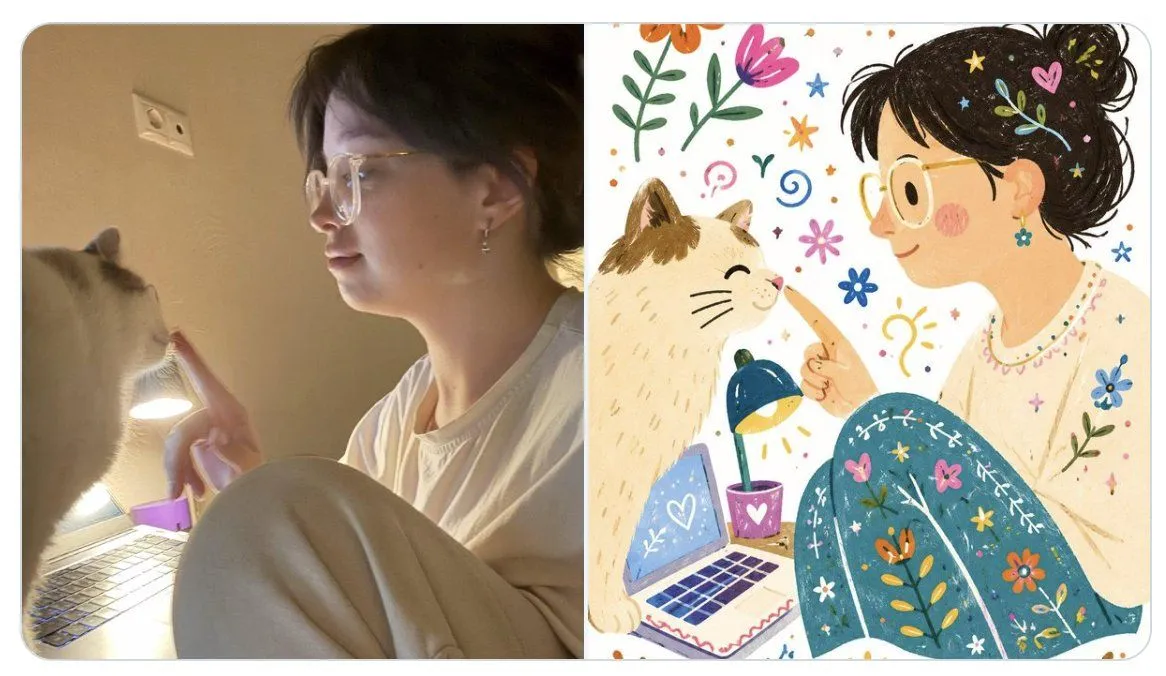
    • Photo to Folk Flat Illustration Comparison
    • Minimalist Anime Saudi Streetwear Portrait
    • Hyper-Realistic Robotic Frog Design

    Show more

    Run it on your phone

    1. Prompt copiedRead it

      Using the provided reference image, redraw the same cat as a deliberately clumsy computer-mouse doodle in a simple MS Paint style. Keep the original centered composition and plain light background, but transform the realistic photo into rough hand-drawn line art with visible wobbly strokes, minimal detail, and an amateur low-effort look. Use thin orange outlines for the head, ears, fur stripes, chest fluff, and body edges; pink scribbled inner ears and nose; black curved closed-eye lines and mouth; and light gray whiskers. Preserve the sleepy closed-eye expression and front-facing pose, but make the drawing look awkward, naive, and slightly messy, like a quick bad sketch traced from the photo.

    2. Open your app

    3. Paste and run

      Press and hold the message box, then tap Paste. Add your photo first if the prompt uses one. You may need to sign in.

    Bad MS Paint Cat Redraw