Tell us anything

An idea, a bug, something you love. We read every note.

⌘↵ to send. The page you're on comes along.

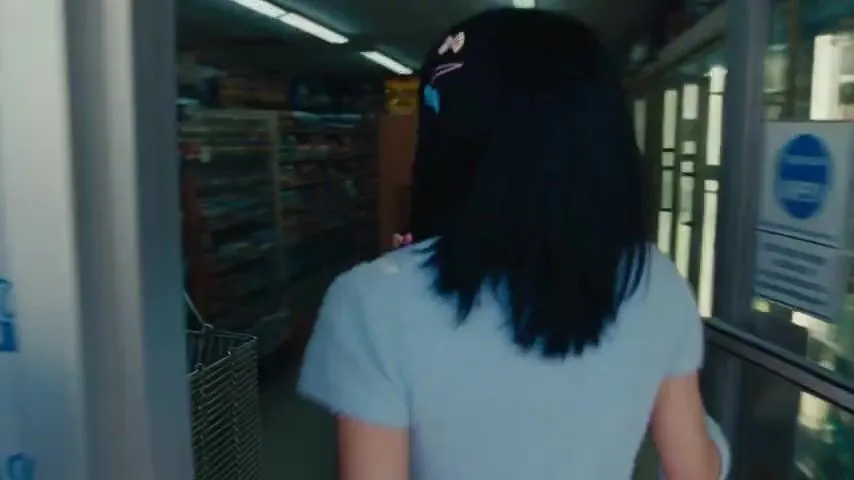
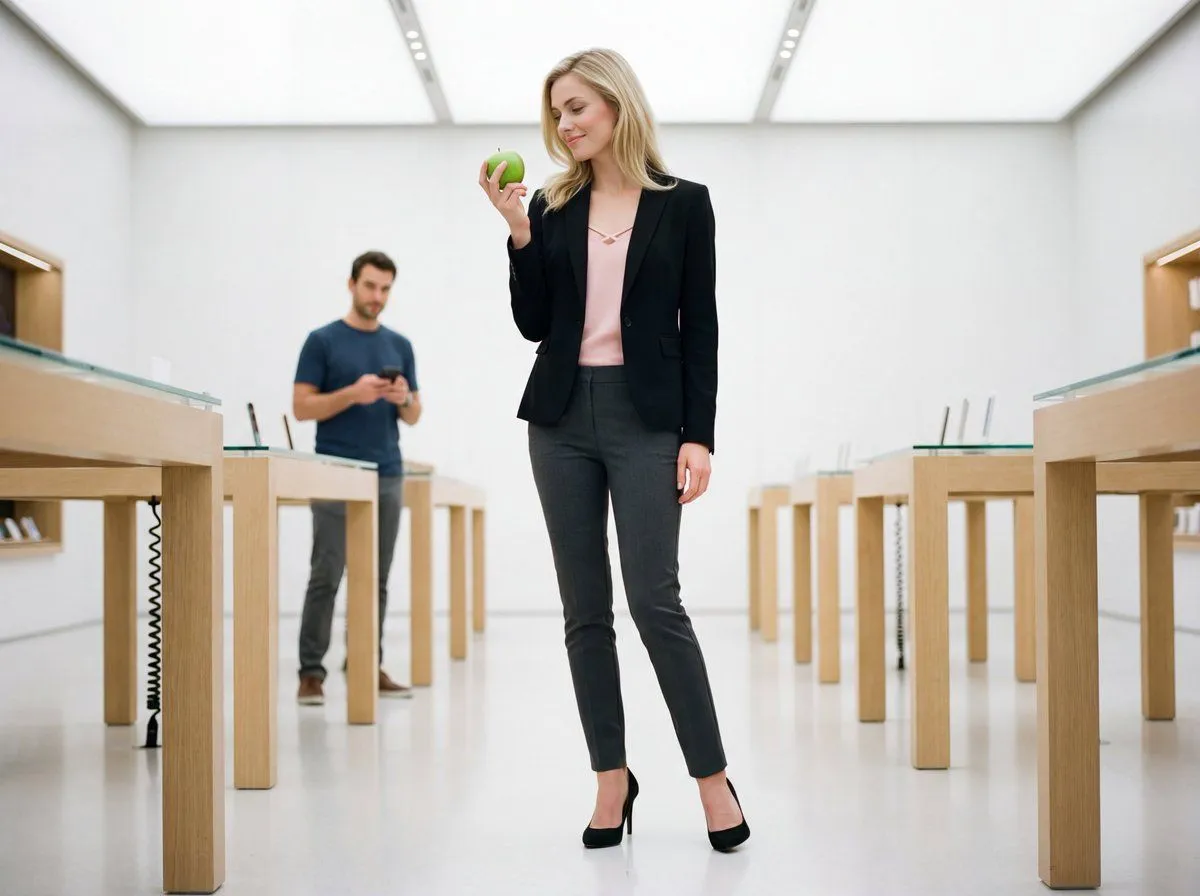
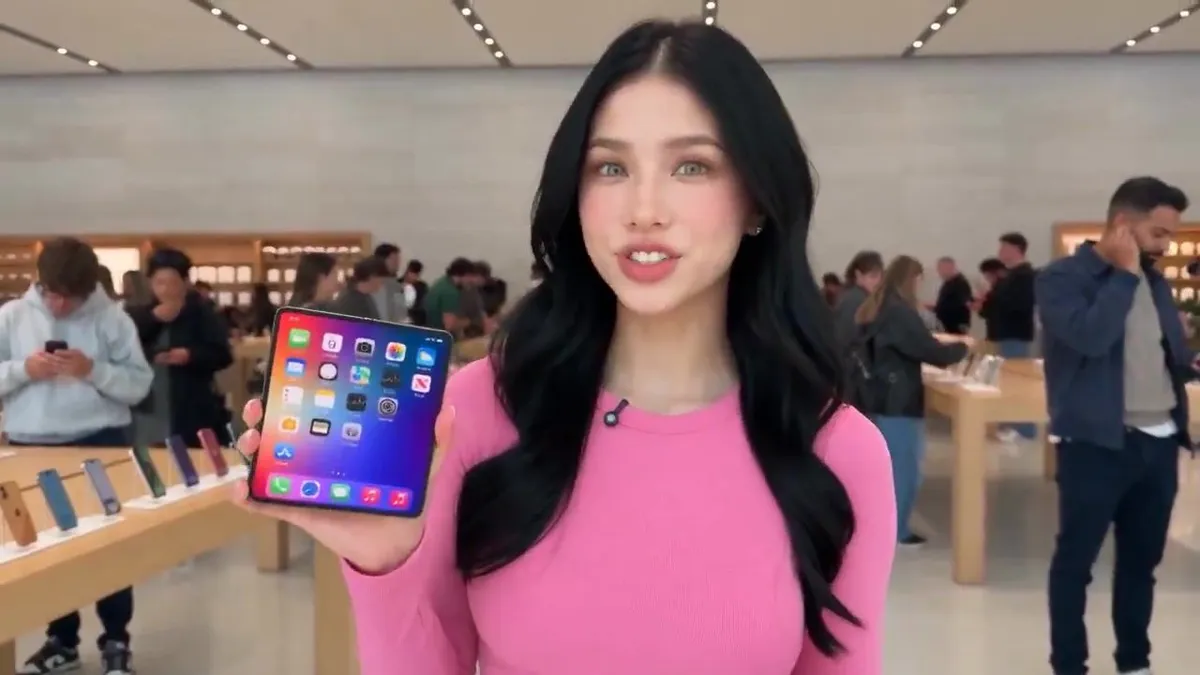
Apple Store Vlog with iPhone Launch

Made with Seedance 2.5 in Kling by Library Cinema. Promptclay never generates images.

Did it work?

No reports yet. Tell others if it worked for you.

No comments yet. Be the first.

    Apple Store Vlog with iPhone Launch

    Seedance 2.516:9AI-generated

    Prompt

    Create a 30-second ultra-realistic handheld vlog video, filmed entirely inside a busy Apple-style retail store during the launch of a new iPhone. A young female tech vlogger wearing a pink fitted top and jeans is inside the store, surrounded by display tables with the new iPhones. Other vloggers, influencers, and customers are visible in the background testing phones, filming content, and talking about the launch. She holds the new iPhone in her hand and films herself in an authentic, energetic vlogger style. She occasionally turns the phone toward the camera to show its design, back, and camera system. Dialogue: “Okay, I’m inside the store checking out the new iPhone, and honestly, it looks so cool. I really love the design, the camera is seriously impressive, and the battery life looks really good too. This might actually be a really nice upgrade.” ENDING ACTION: As she finishes speaking, the phone accidentally slips from her hand and falls onto the store floor. She immediately reacts with a surprised expression, quickly bends down and picks it up. She checks the screen carefully, turns it over to inspect the phone, then looks back at the camera and says: “All good!” She then laughs naturally, relieved by what just happened. Style: authentic smartphone vlog, handheld movement, spontaneous reactions, realistic store lighting, busy background, natural facial expressions, realistic physics, detailed phone reflections, cinematic realism but not overly polished. Important: Keep the entire scene inside the store. The phone should visibly fall naturally, remain intact, and look exactly the same before and after the drop. No exterior shots or location changes.

    Works in
    Kling
    Status
    Free to copy
    0
    DetailsVersions, settings and questions

    Written for

    What's in the prompt

    Subject
    Model
    Seedance 2.5

    If your face changes

    keep my face exactly the same

    Questions

    Does this work in the Kling app?
    Yes. Paste the prompt and attach your photo if it uses one.
    It changed my face. What do I do?
    Add "keep my face exactly the same" to the end and run it again.
    Can I use the images I make?
    Check the terms of the app you use. Promptclay never generates images and claims nothing you make.

    Similar prompts

    See more
    • Photorealistic Selfie Prompts (Japanese Restaurant & Bathroom)
    • Identity Preserved iPhone Portrait
    • Image-to-Image Editing Example
    • Social Media Influencer Portrait (JSON)
    • Lifestyle Portrait in Japanese Cosmetic Shop
    • Soft Studio Portrait With Pink Device
    • Grocery Shopping Vlog PromptVideo, 0:30
    • E-commerce Product Infographic
    • High-End Influencer Mirror Selfie
    • Luxury Boutique Two-Woman Selfie
    • Luxury Retail Editorial Scene with Symbolic Apple
    • EVOX Electric Cycle UGC AdVideo, 0:30
    • Smartphone Photo Identity Transformation
    • Image-to-Image Prompt for Character and UI Generation
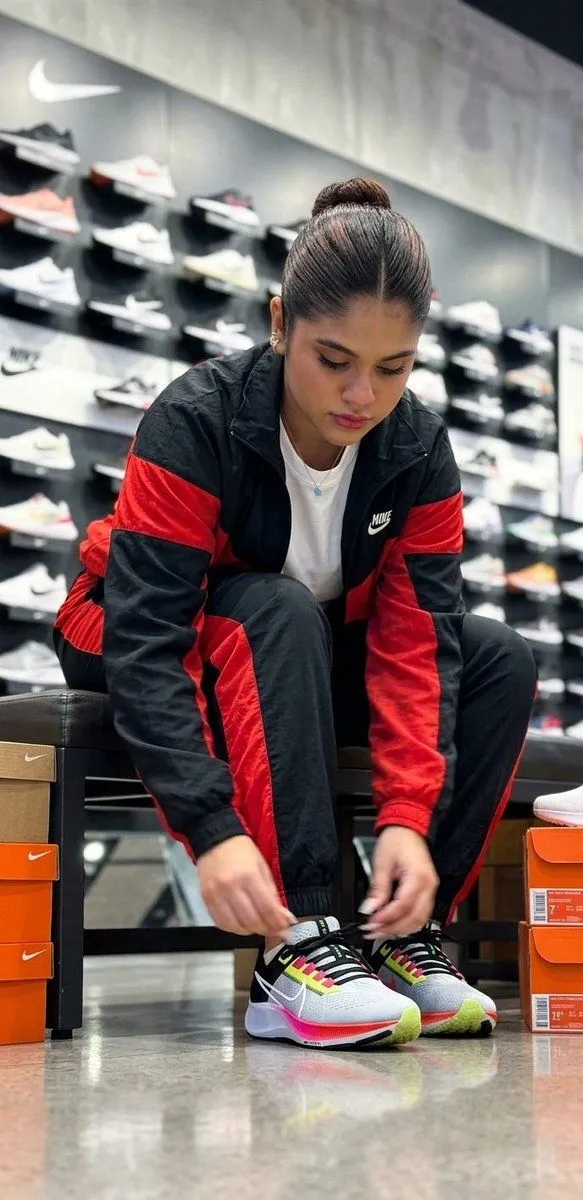
    • Candid Sneaker Shopping Moment
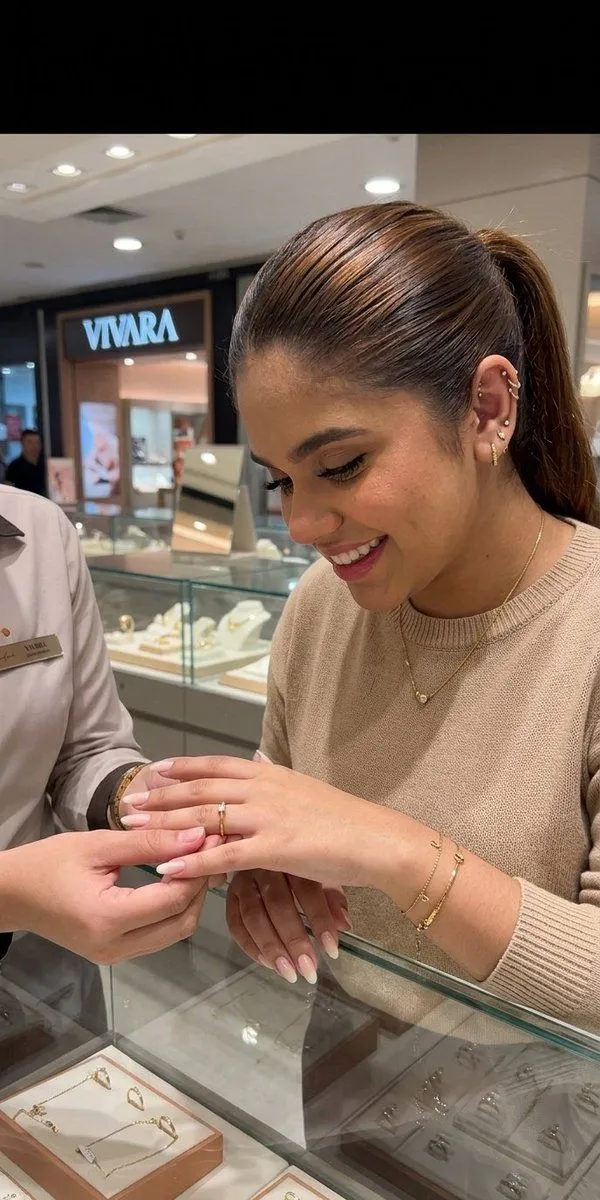
    • Luxury Jewelry Retail Candid Photography
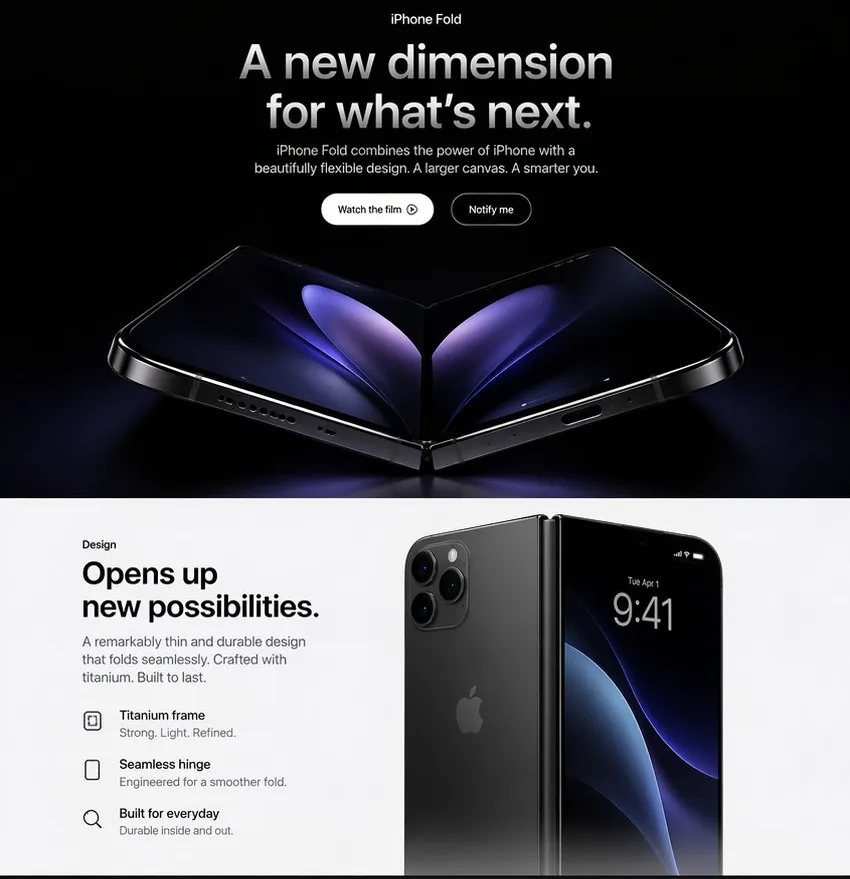
    • Apple-Style iPhone Fold Landing Page
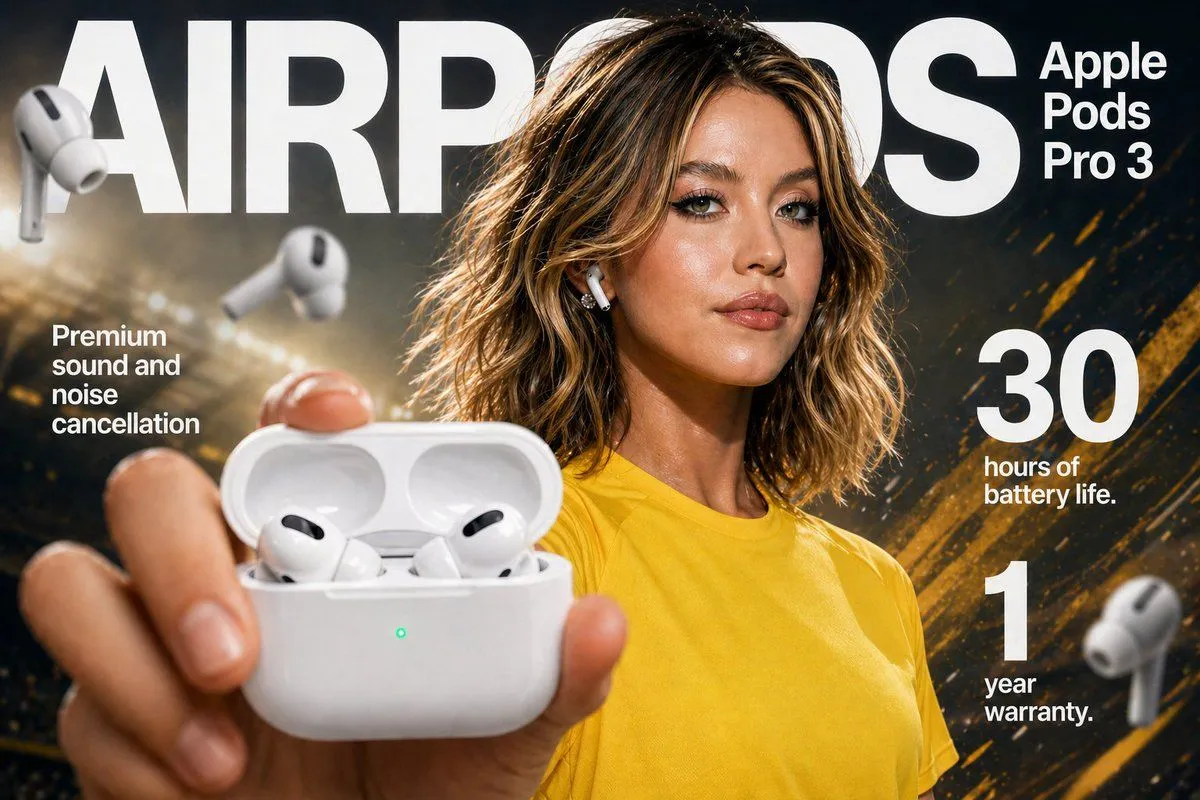
    • Earbuds E-commerce Infographic
    • E-commerce Livestream UI Mockup
    • Multi-Panel Cinematic Studio Shot
    • Surrealist Fashion Advertising Poster
    • Water Slide Fail Compilation Viral VideoVideo, 0:30
    • Five-Slice Emotional Fashion Portrait
    • Mad Max Wasteland Survivor Film Still

    Show more

    Run it on your phone

    1. Prompt copiedRead it

      Create a 30-second ultra-realistic handheld vlog video, filmed entirely inside a busy Apple-style retail store during the launch of a new iPhone. A young female tech vlogger wearing a pink fitted top and jeans is inside the store, surrounded by display tables with the new iPhones. Other vloggers, influencers, and customers are visible in the background testing phones, filming content, and talking about the launch. She holds the new iPhone in her hand and films herself in an authentic, energetic vlogger style. She occasionally turns the phone toward the camera to show its design, back, and camera system. Dialogue: “Okay, I’m inside the store checking out the new iPhone, and honestly, it looks so cool. I really love the design, the camera is seriously impressive, and the battery life looks really good too. This might actually be a really nice upgrade.” ENDING ACTION: As she finishes speaking, the phone accidentally slips from her hand and falls onto the store floor. She immediately reacts with a surprised expression, quickly bends down and picks it up. She checks the screen carefully, turns it over to inspect the phone, then looks back at the camera and says: “All good!” She then laughs naturally, relieved by what just happened. Style: authentic smartphone vlog, handheld movement, spontaneous reactions, realistic store lighting, busy background, natural facial expressions, realistic physics, detailed phone reflections, cinematic realism but not overly polished. Important: Keep the entire scene inside the store. The phone should visibly fall naturally, remain intact, and look exactly the same before and after the drop. No exterior shots or location changes.

    2. Open your app

    3. Paste and run

      Press and hold the message box, then tap Paste. Add your photo first if the prompt uses one. You may need to sign in.