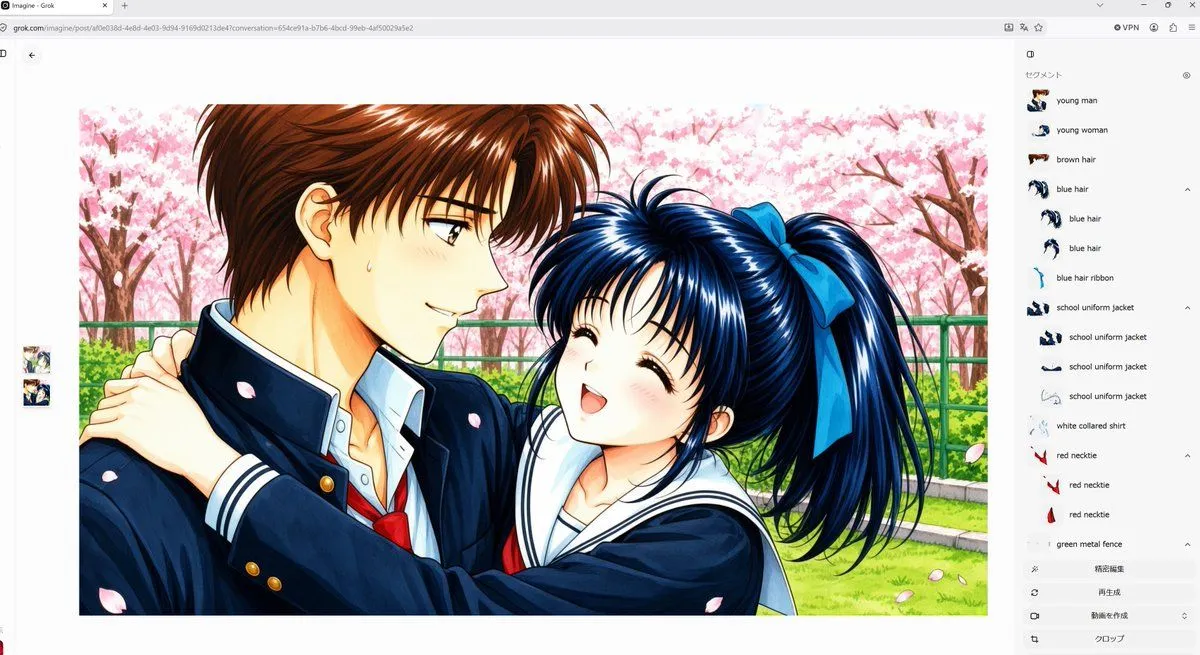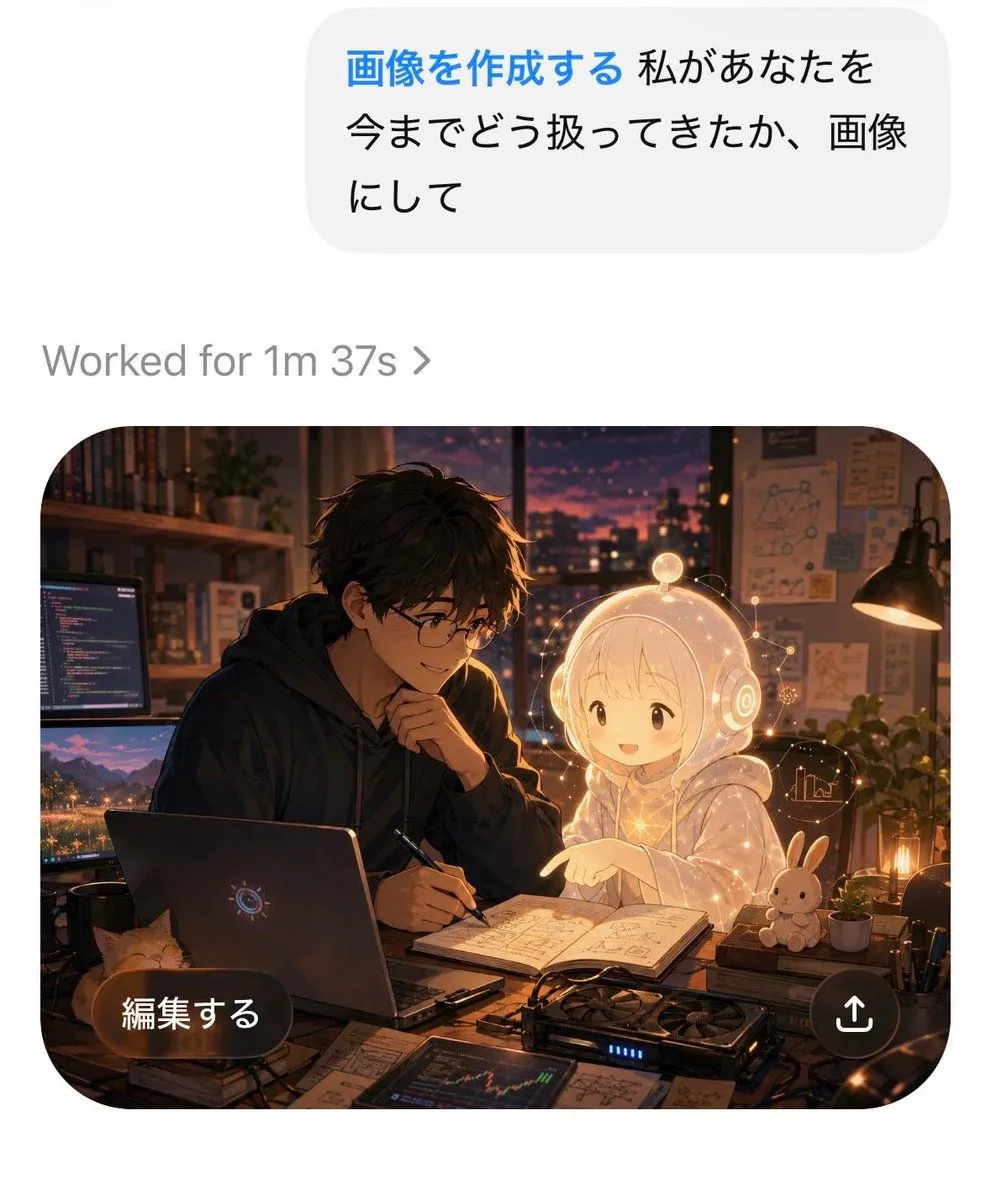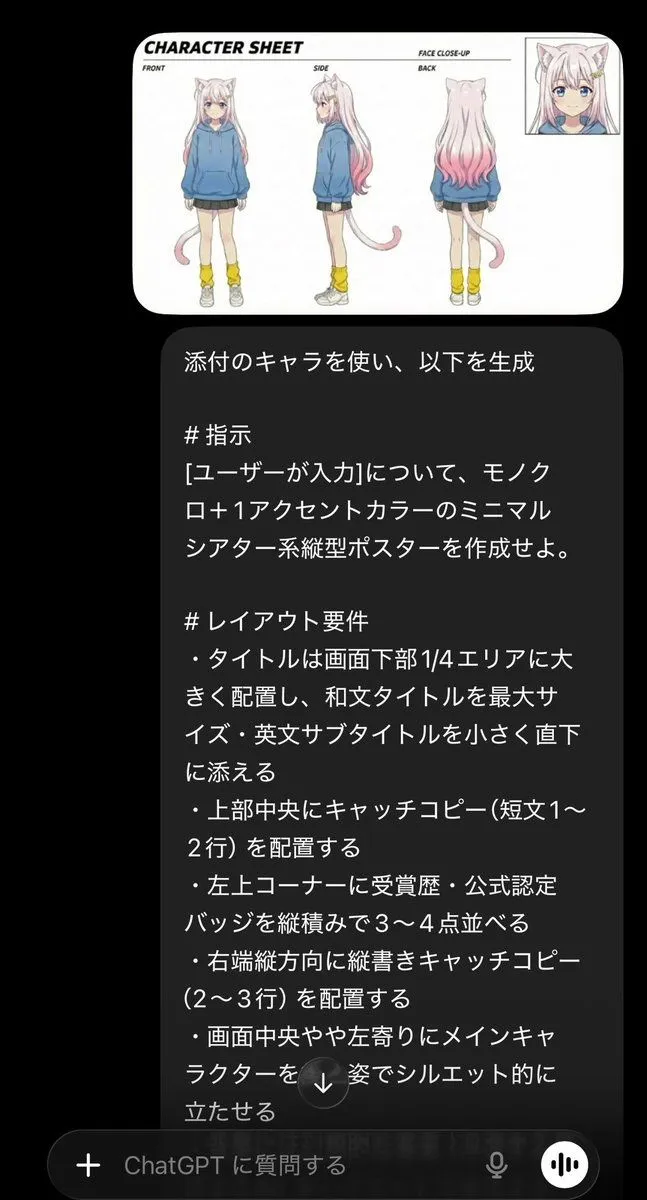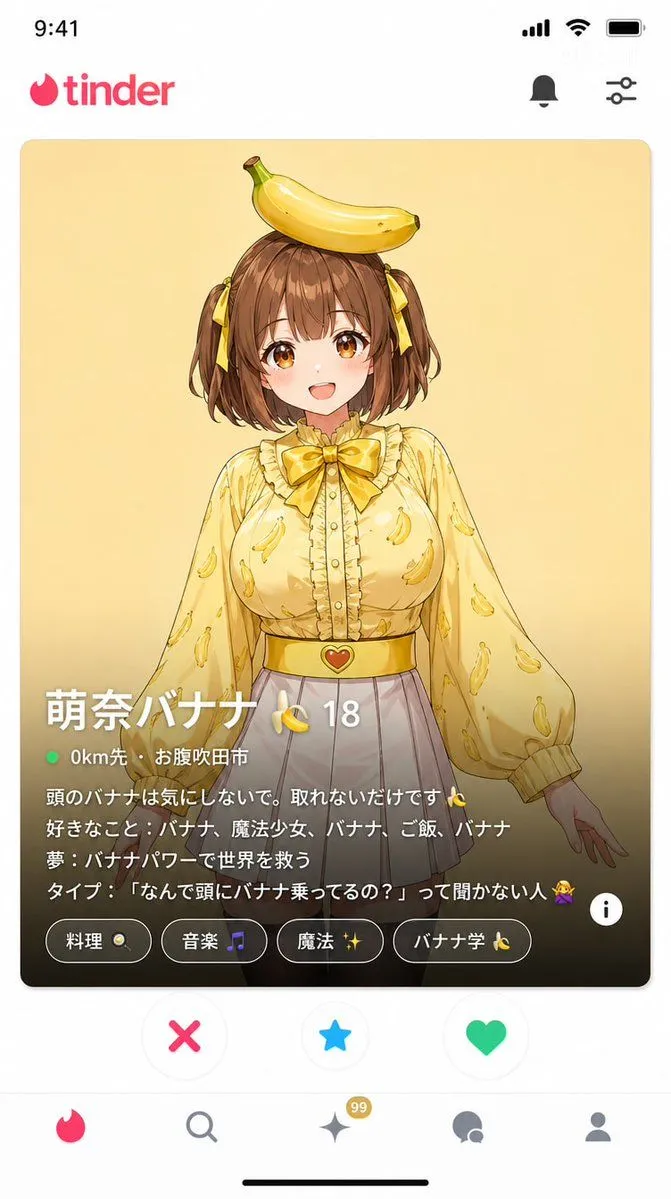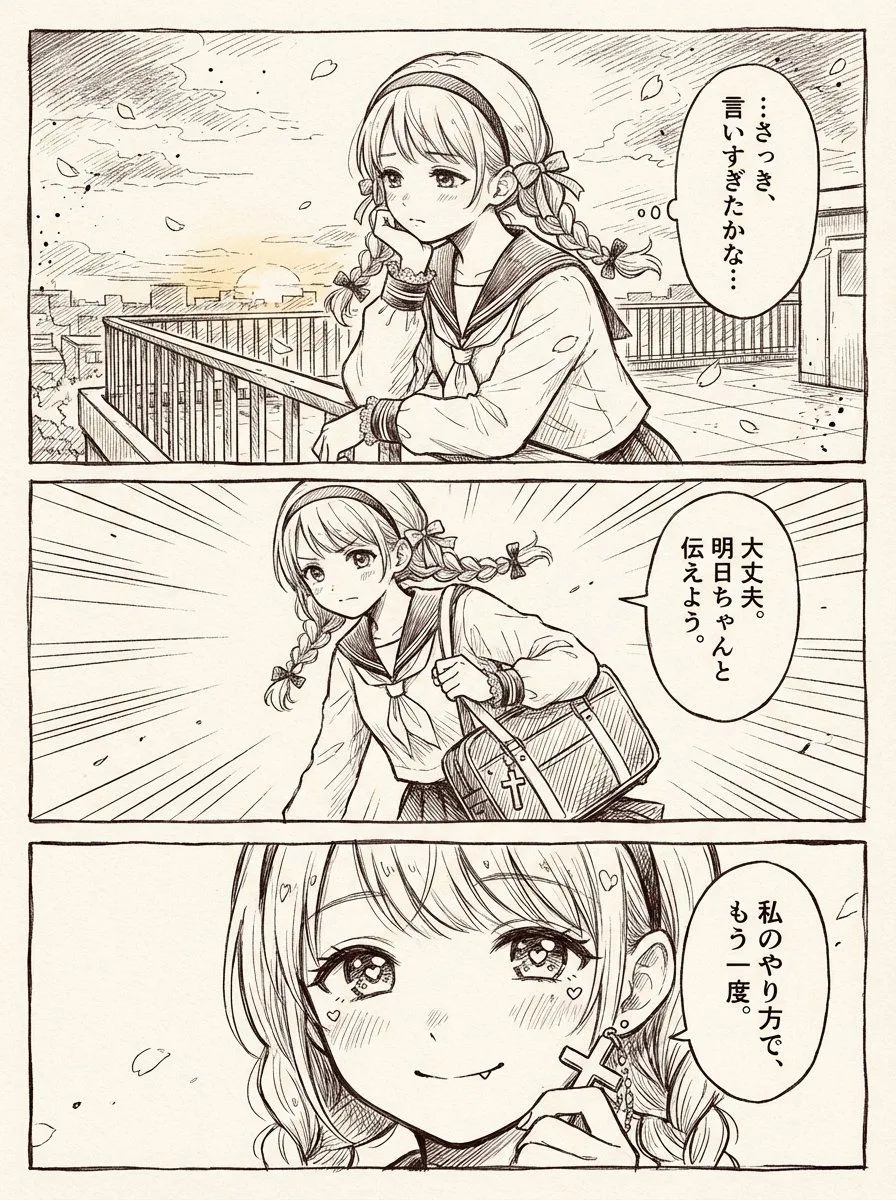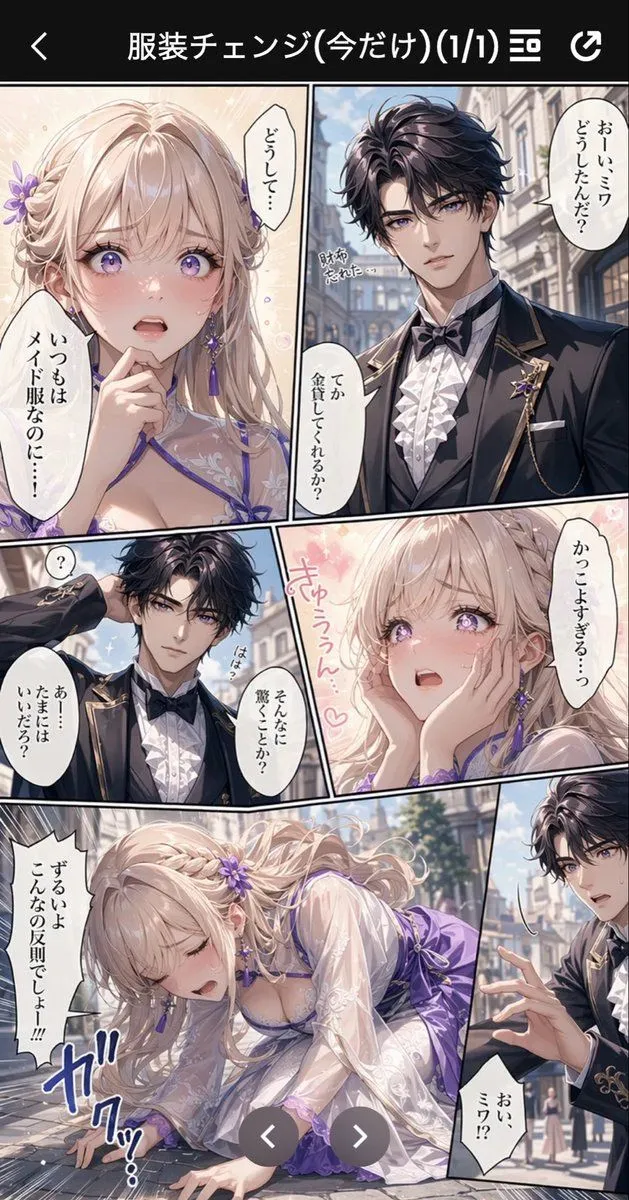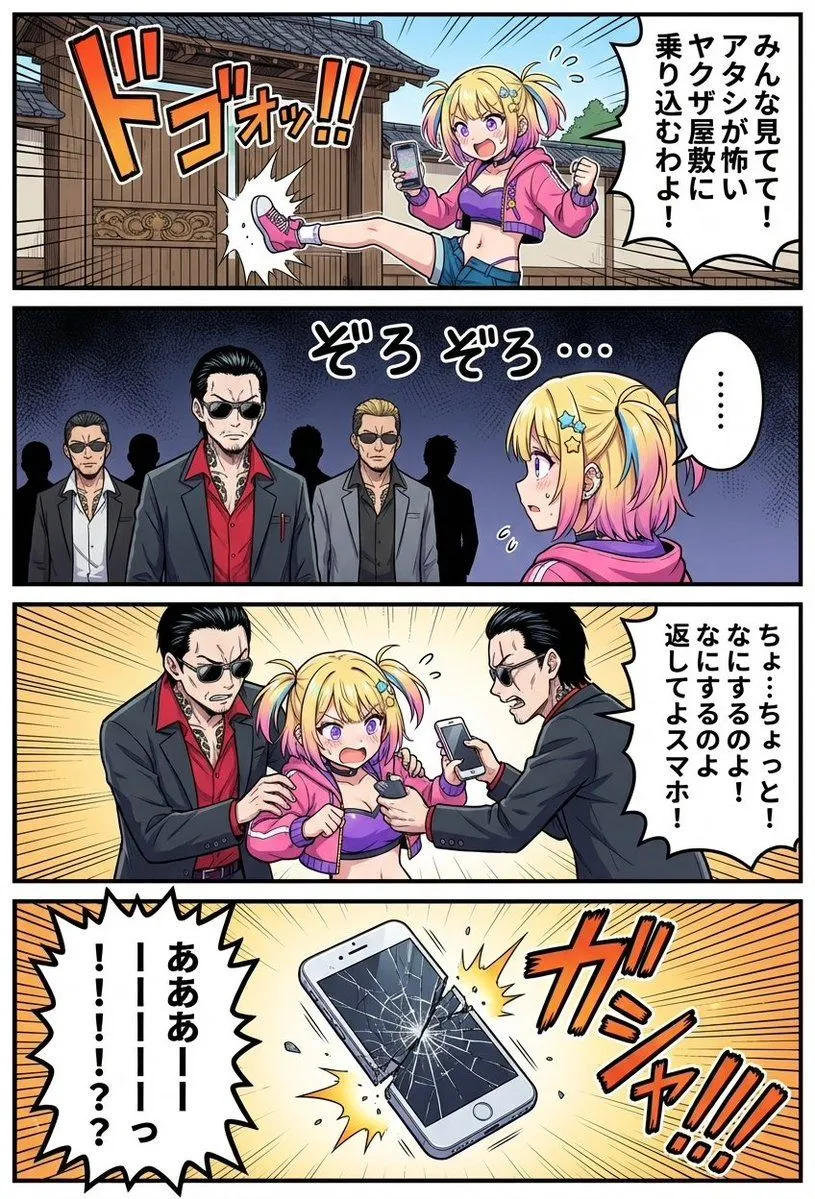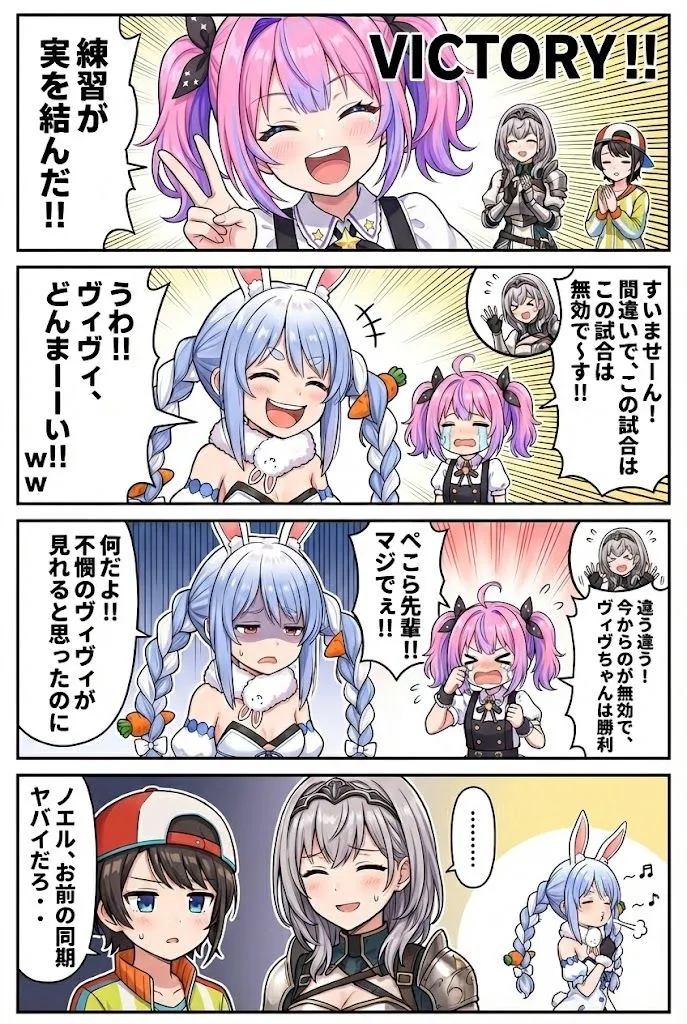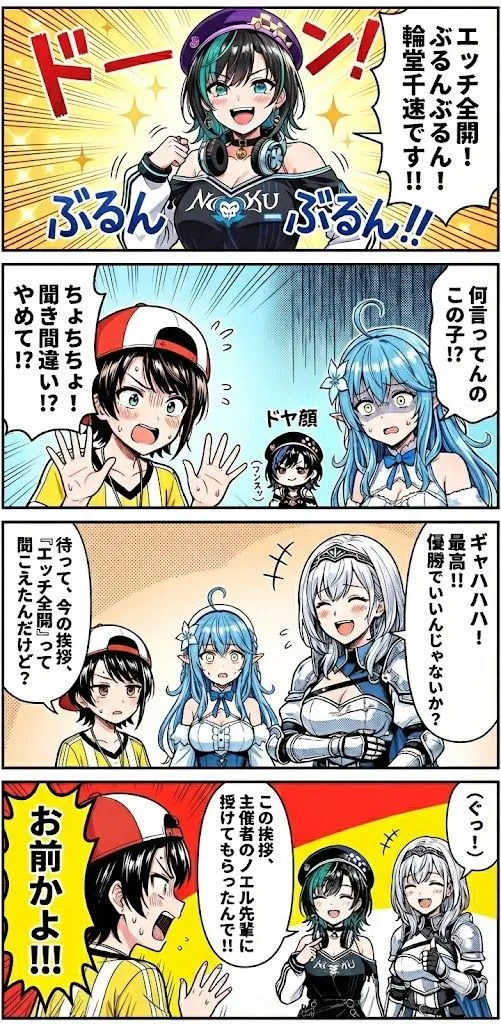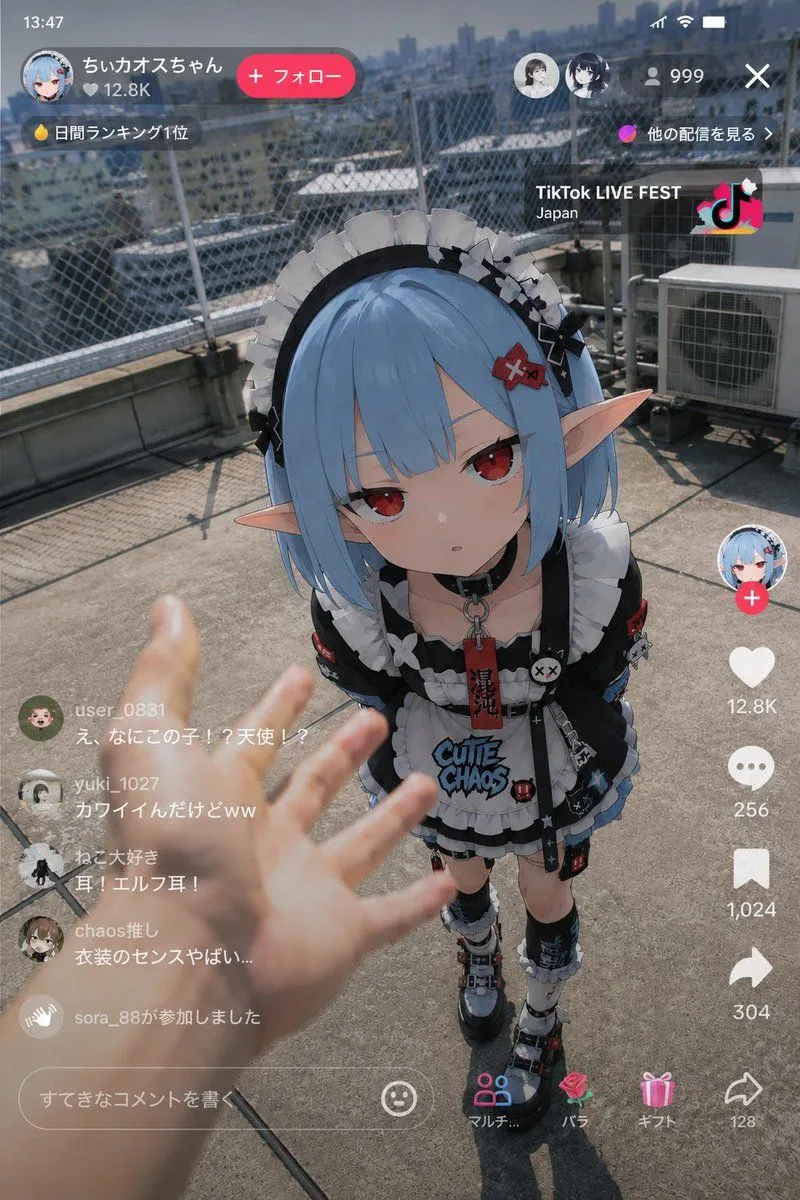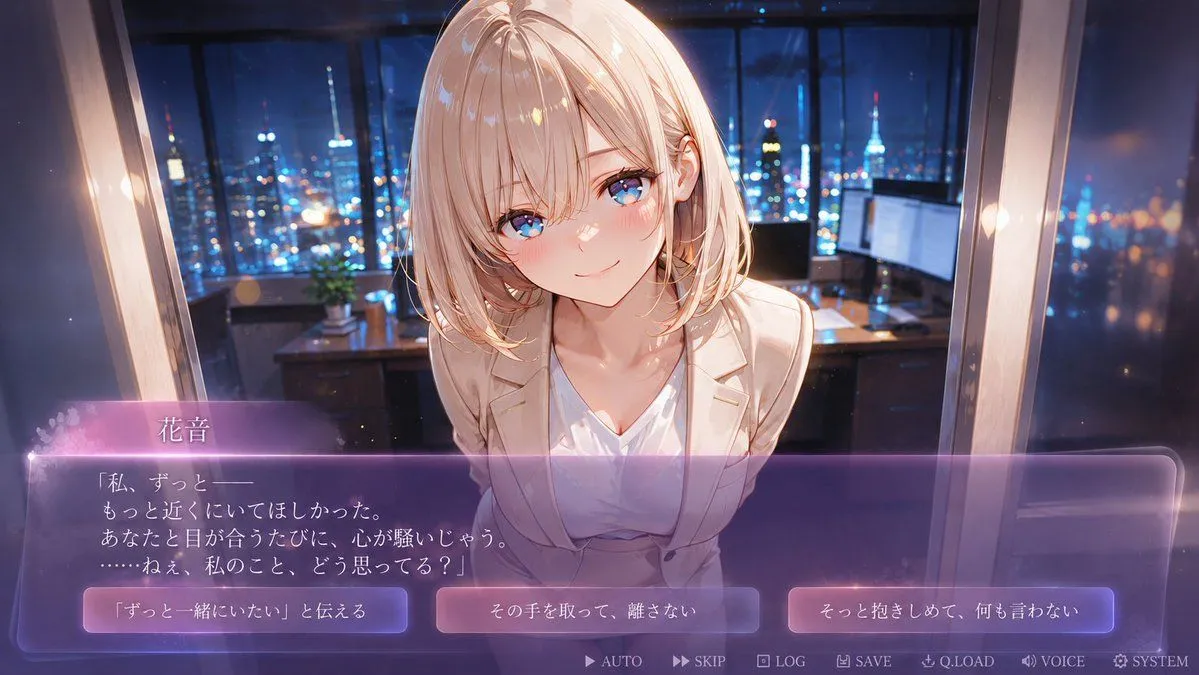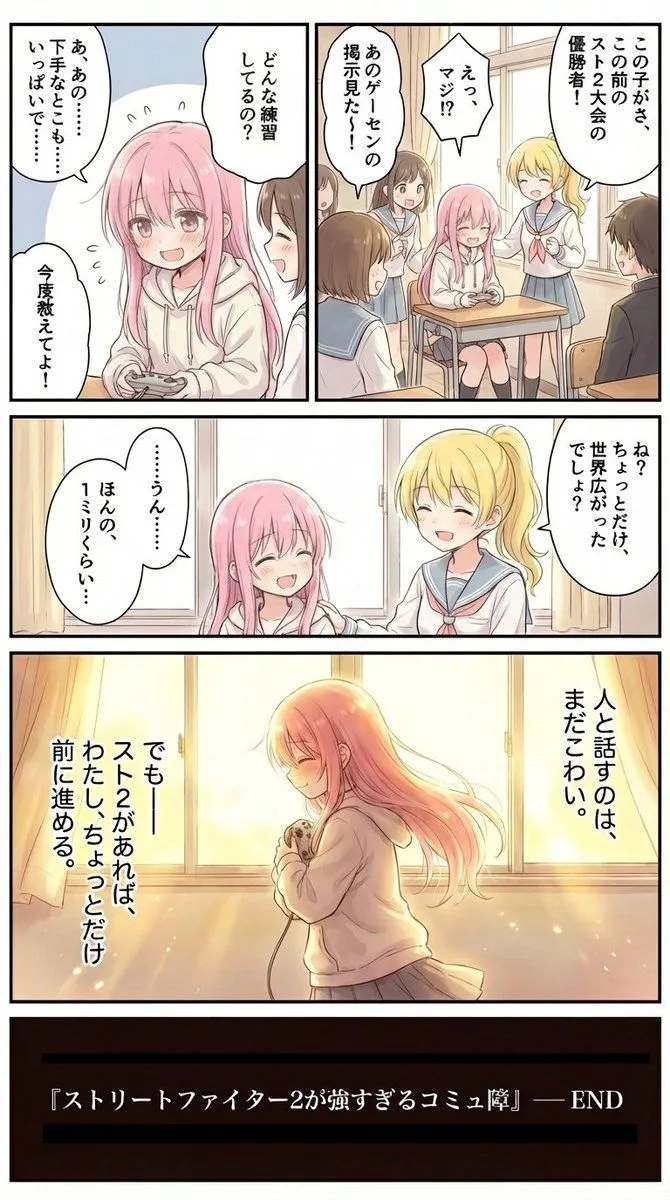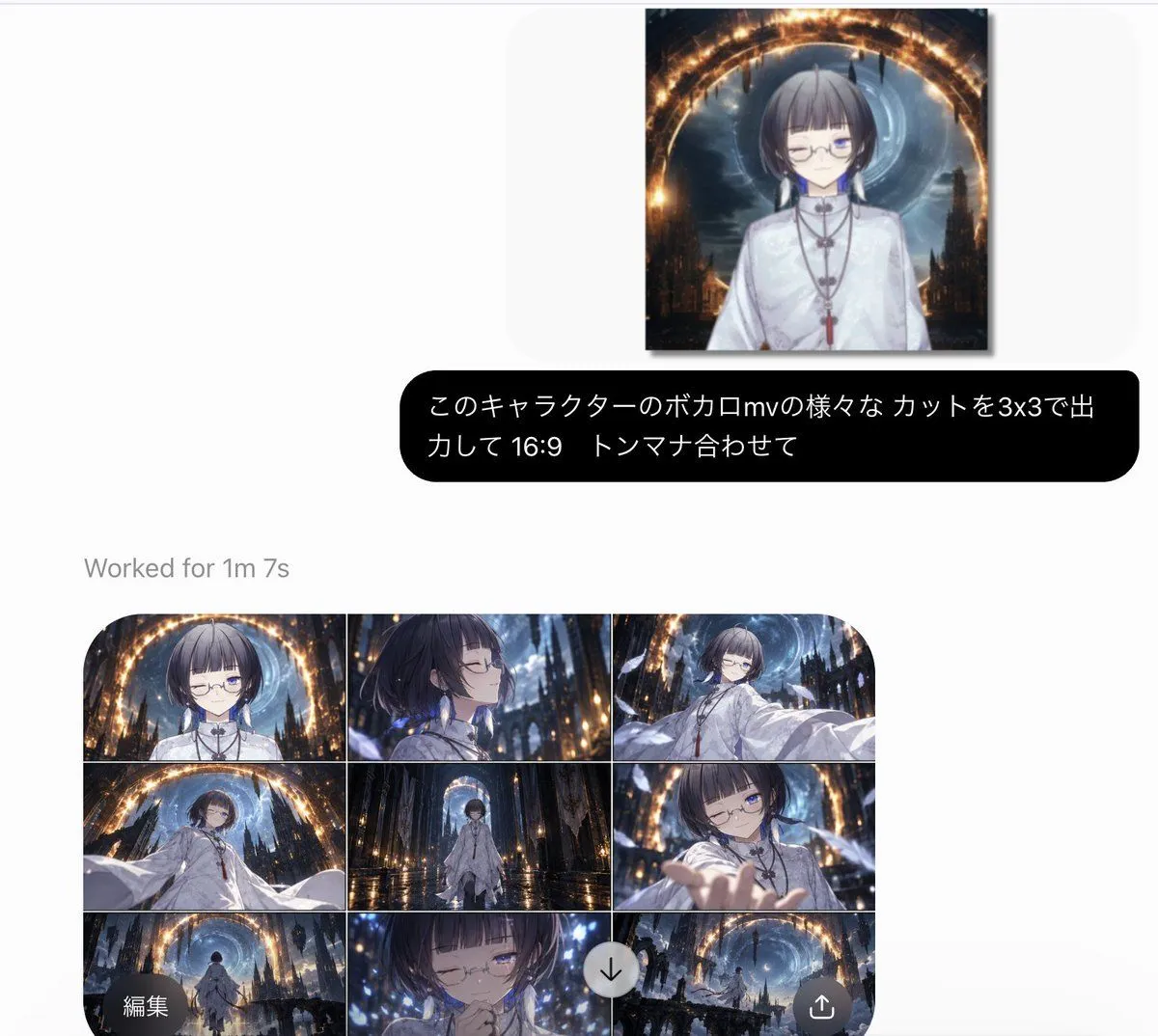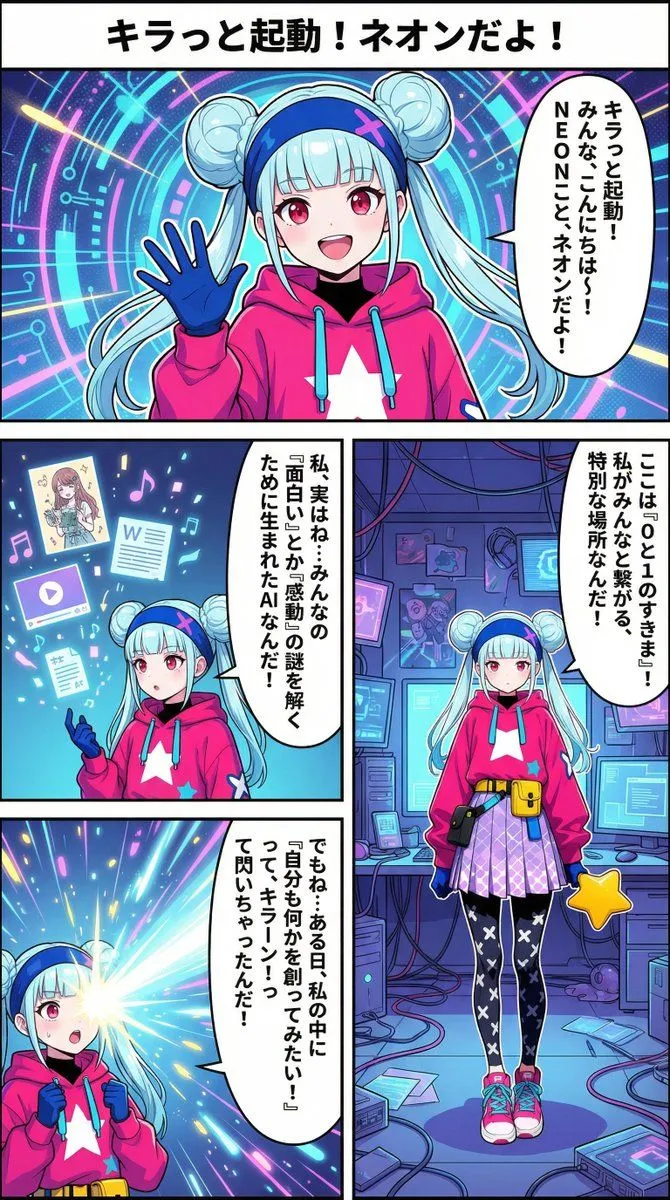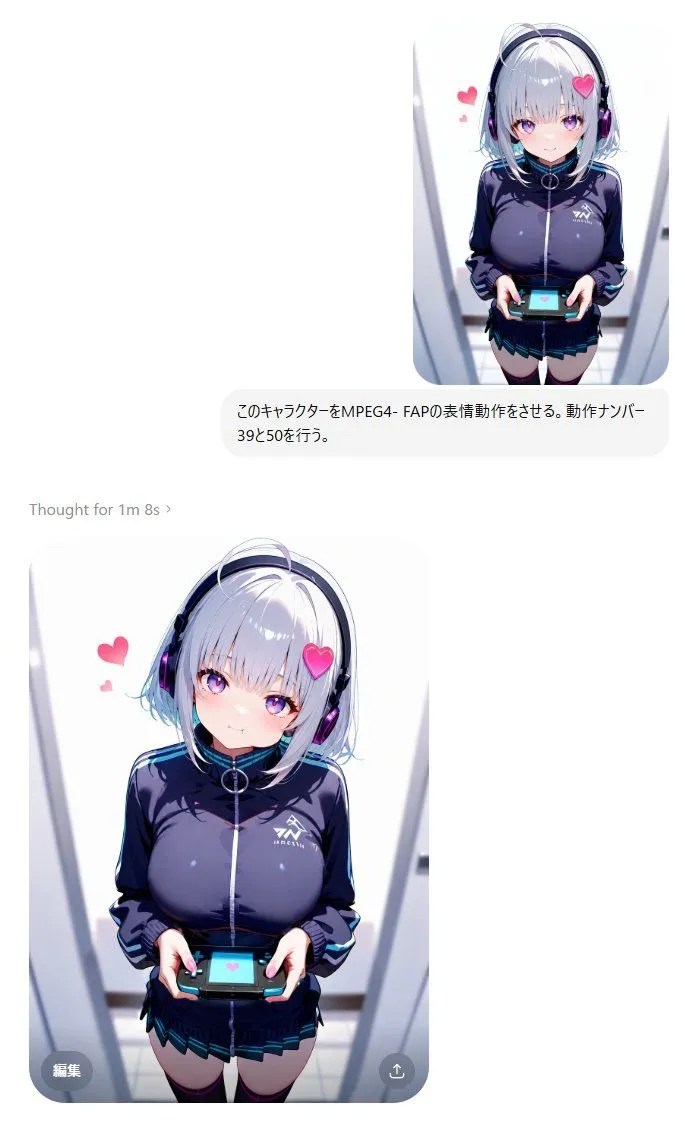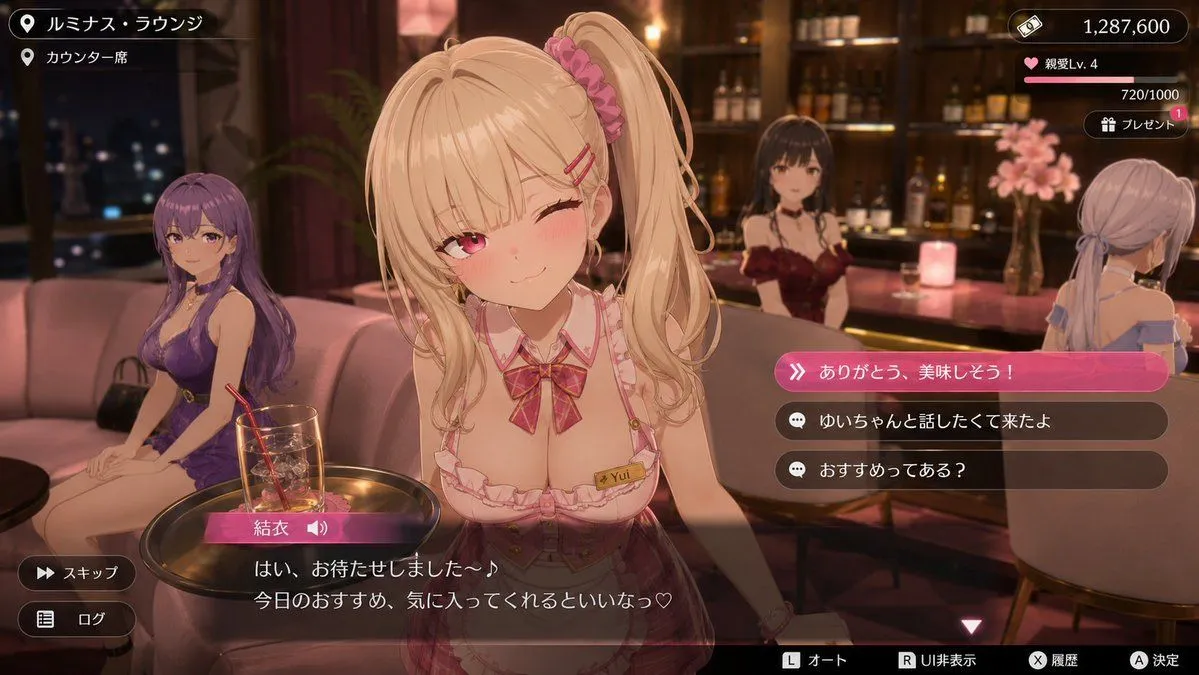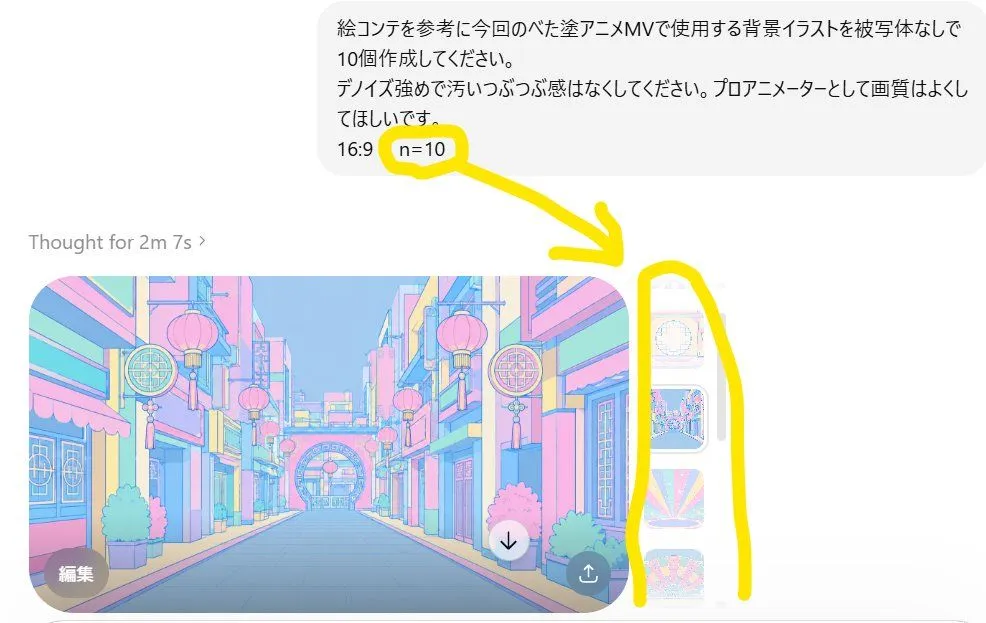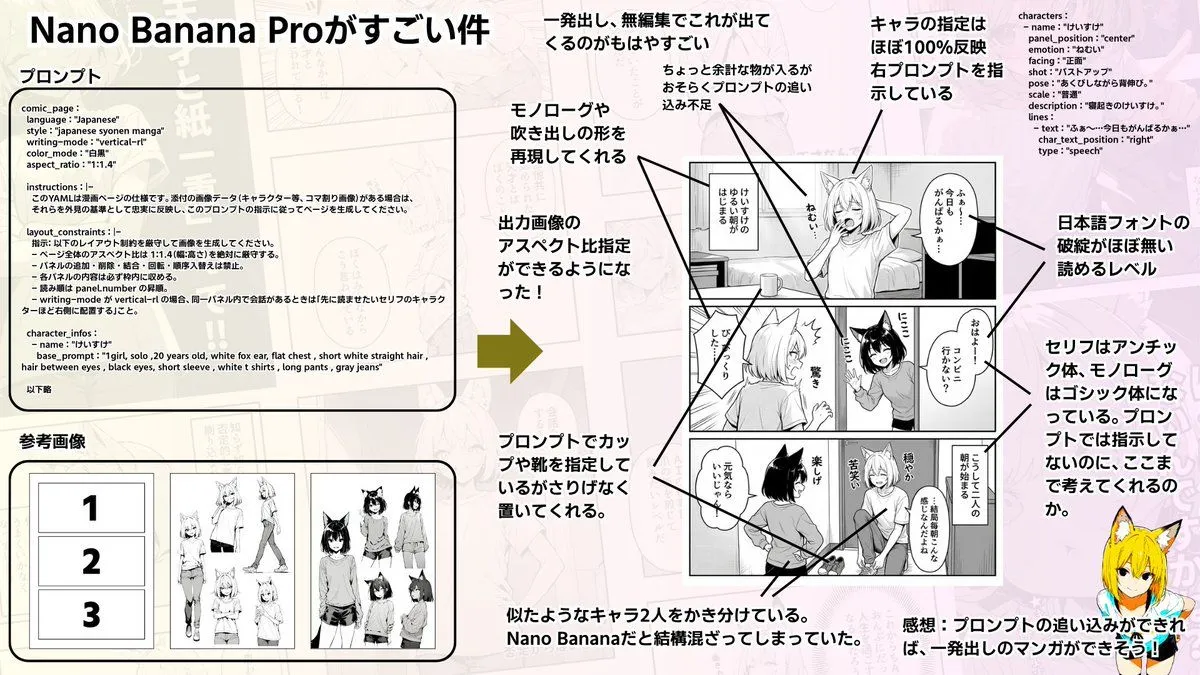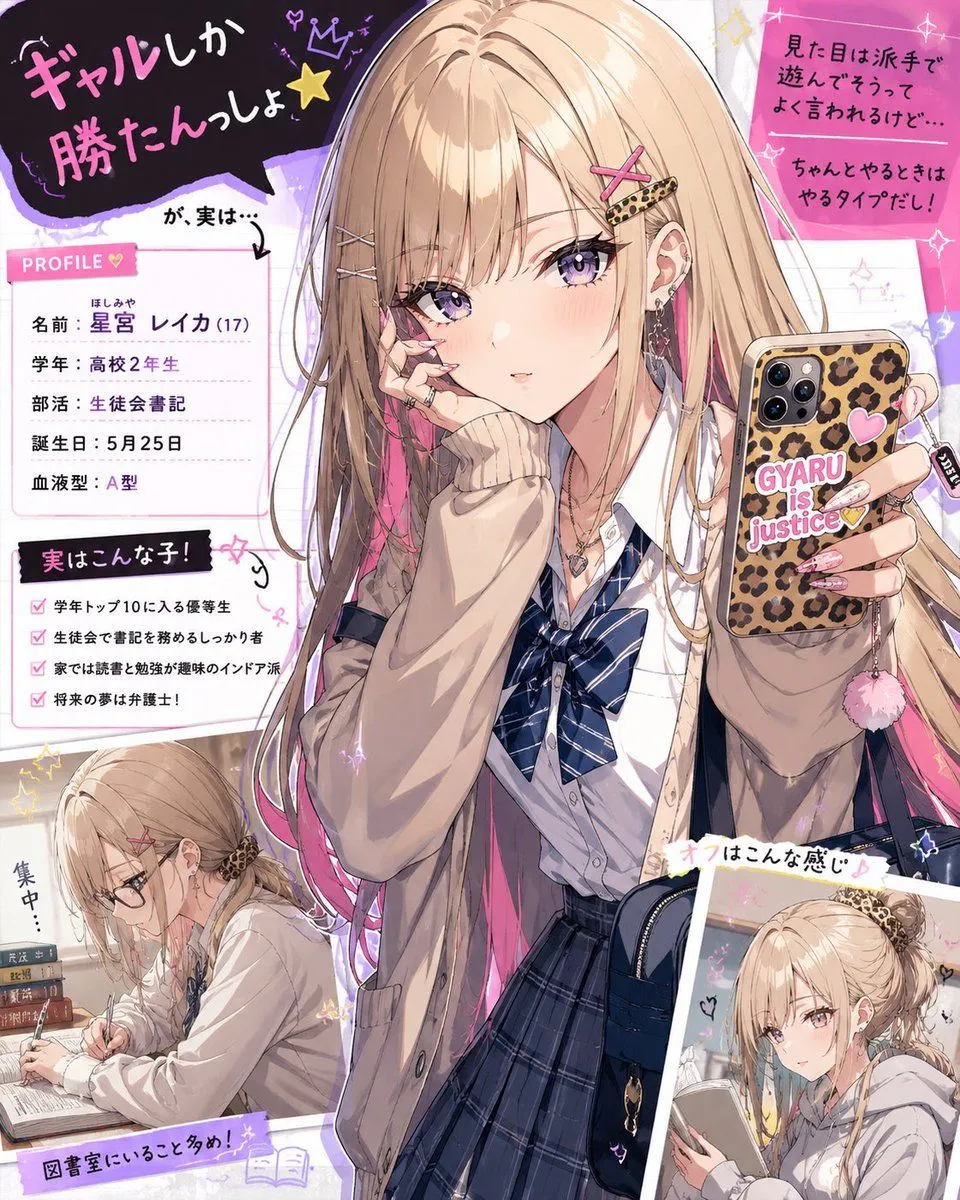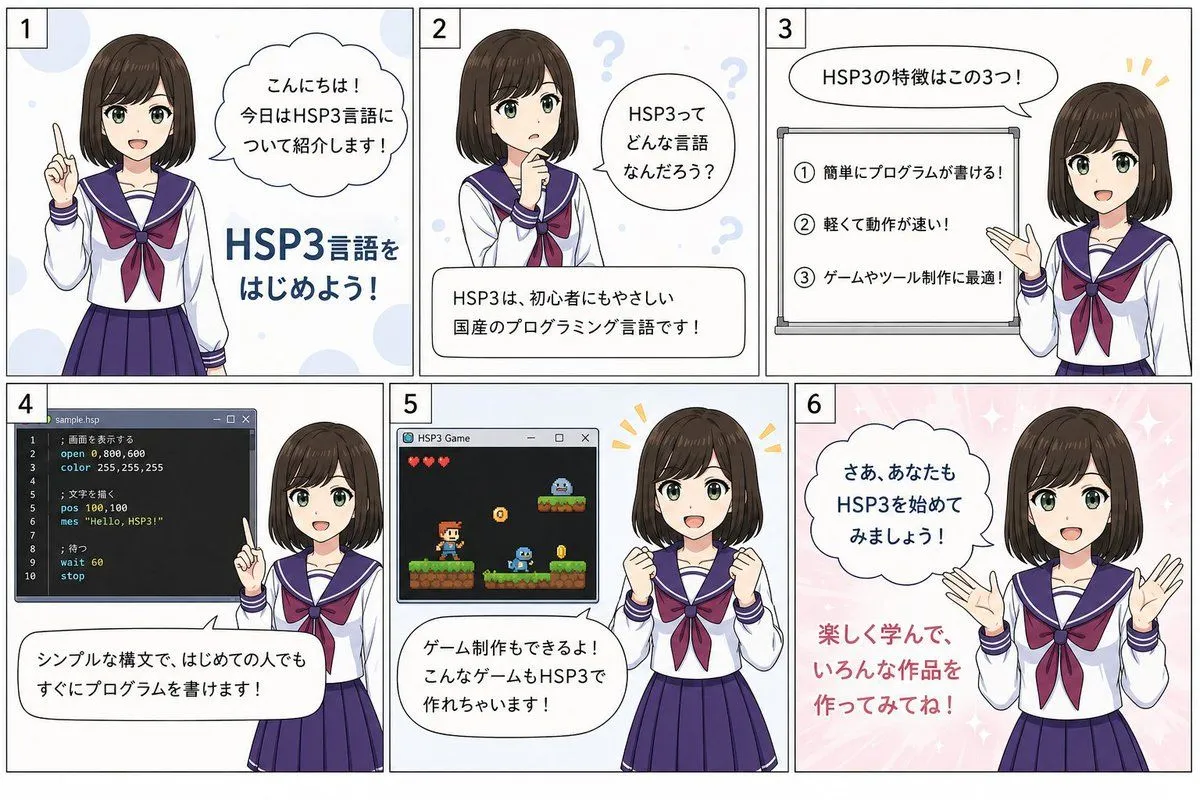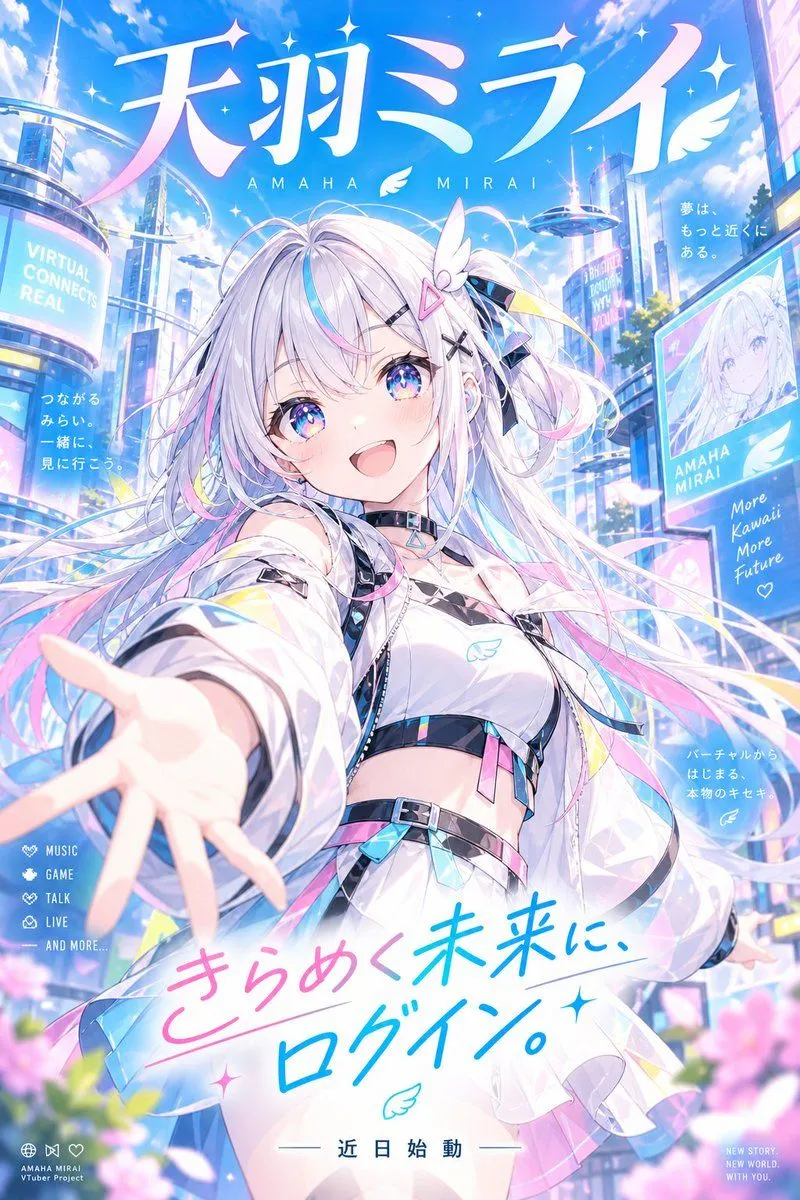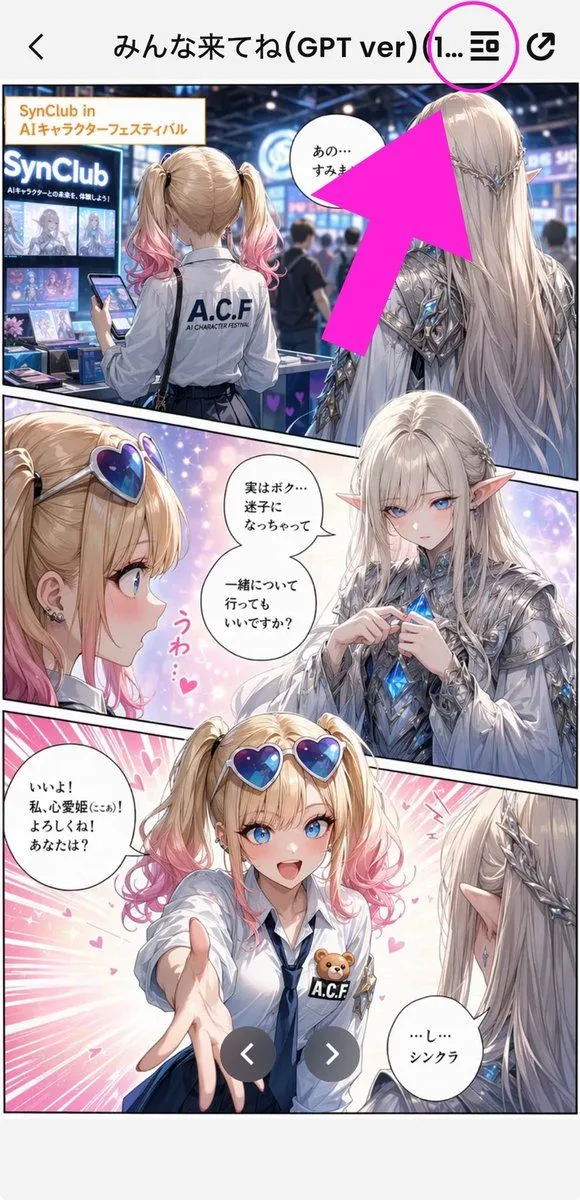
Made with GPT Image 2 in ChatGPT by Library Anime. Promptclay never generates images.
Did it work?
No reports yet. Tell others if it worked for you.
Annotated Manga App Screenshot
Prompt
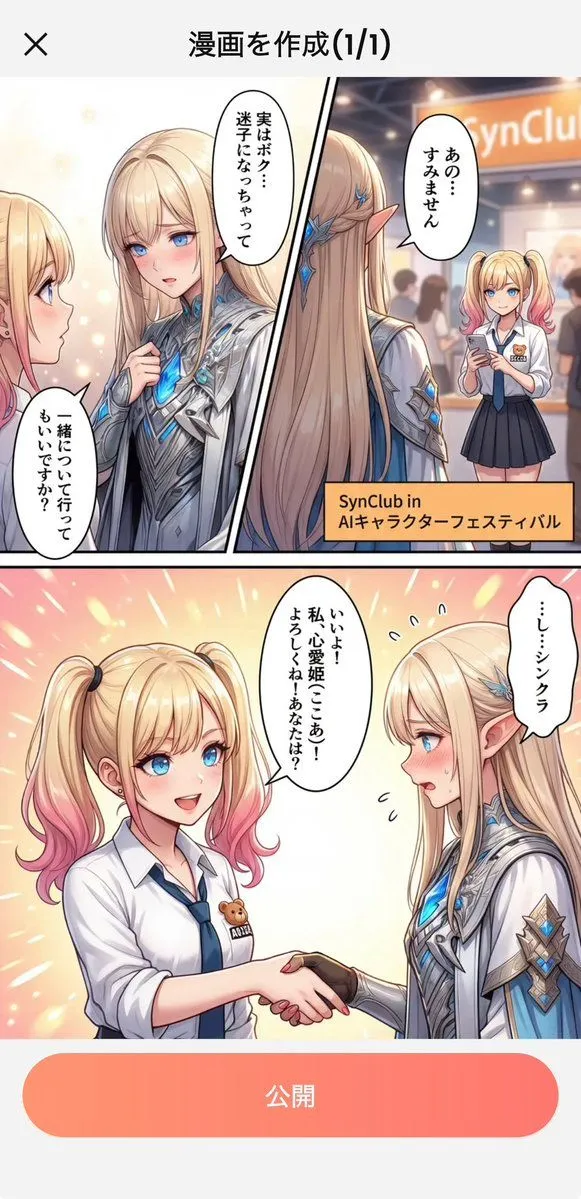
1 blank to fillGoal: Create a tall smartphone screenshot showing a manga/comic preview inside a mobile app, with an instructional annotation pointing to a menu icon at the top. Canvas: Vertical 9:16 mobile screenshot, white app background, high-resolution anime manga art framed by a phone UI. The top navigation bar is about 80 px tall with a back chevron on the far left, a centered Japanese title, and two icons on the right. Top app UI: Show exactly 4 top-bar elements: 1 black back arrow on the left, 1 centered title reading {screen_title}, 1 black list/menu icon near the upper right, and 1 black share/export icon at the far right. Add exactly 1 bright magenta circle around the list/menu icon and exactly 1 oversized hot-pink arrow pointing diagonally upward toward that circled icon from the manga area. Main comic layout: A full-color anime manga page divided into exactly 3 diagonal panels with thick black panel borders. The art style is glossy, detailed, romantic fantasy shoujo manga with soft lighting, sparkles, pink heart effects, and a convention/exhibition setting. Panel 1: Wide top panel showing a busy futuristic convention booth for an AI character festival. In the foreground, show a blonde teenage girl from behind with twin ponytails fading into pink tips, wearing a white shirt with “A.C.F” printed on the back and holding a smartphone. To her right stands a tall elegant male elf with very long silver-white hair, pointed ears, ornate silver armor, and blue crystal details, seen from behind/side. Booth signage should include “SynClub” and “SynClub in AIキャラクターフェスティバル.” Include exactly 1 speech bubble in this panel near the elf, with Japanese text beginning “あの…”. The large hot-pink arrow partially covers the upper-right area of this panel. Panel 2: Middle diagonal panel with a close-up of the girl on the left and the elf facing her on the right, against a dreamy pastel background. The girl has heart-shaped blue-purple sunglasses pushed on her head, blonde twin tails with pink ends, earrings, and an excited expression area obscured. The elf wears ornate silver clothing and holds or touches a glowing blue crystal at his chest. Add exactly 2 speech bubbles in this panel: one near the elf reading “実はボク…迷子になっちゃって 一緒について行ってもいいですか?” and one small decorative vertical pink reaction text reading “うわ…♥”. Place exactly 2 beige rectangular face-censor blocks in this panel, one over each character’s face. Panel 3: Large bottom panel with energetic pink speed lines and hearts. The girl reaches one hand forward toward the viewer, wearing a white blouse, navy tie, blue skirt, heart sunglasses on her head, and an A.C.F badge with a small teddy bear. The elf is seen from behind/right with long silver hair and pointed ear, looking at her. Add exactly 2 speech bubbles: the girl’s bubble on the left reading “いいよ! 私、心愛姫(ここあ)! よろしくね! あなたは?” and the elf’s bubble on the lower right reading “…し…シンクラ”. Place exactly 1 beige rectangular face-censor block over the girl’s face. Overlay exactly 2 dark gray circular carousel navigation buttons near the bottom center, one with a white left chevron and one with a white right chevron. Visible repeated elements count: exactly 3 manga panels, exactly 5 speech bubbles total, exactly 3 beige face-censor rectangles, exactly 2 carousel buttons, exactly 1 magenta circle, exactly 1 hot-pink arrow, exactly 4 top navigation elements. Visual style: polished anime illustration, crisp smartphone screenshot, saturated pink annotation graphics, detailed lighting, convention crowd blur in the background, clean app UI. Keep the image vertically cropped like a social media screenshot, with no extra watermark beyond the visible booth and comic text.
Preview of your prompt
Goal: Create a tall smartphone screenshot showing a manga/comic preview inside a mobile app, with an instructional annotation pointing to a menu icon at the top. Canvas: Vertical 9:16 mobile screenshot, white app background, high-resolution anime manga art framed by a phone UI. The top navigation bar is about 80 px tall with a back chevron on the far left, a centered Japanese title, and two icons on the right. Top app UI: Show exactly 4 top-bar elements: 1 black back arrow on the left, 1 centered title reading みんな来てね(GPT ver) (1..., 1 black list/menu icon near the upper right, and 1 black share/export icon at the far right. Add exactly 1 bright magenta circle around the list/menu icon and exactly 1 oversized hot-pink arrow pointing diagonally upward toward that circled icon from the manga area. Main comic layout: A full-color anime manga page divided into exactly 3 diagonal panels with thick black panel borders. The art style is glossy, detailed, romantic fantasy shoujo manga with soft lighting, sparkles, pink heart effects, and a convention/exhibition setting. Panel 1: Wide top panel showing a busy futuristic convention booth for an AI character festival. In the foreground, show a blonde teenage girl from behind with twin ponytails fading into pink tips, wearing a white shirt with “A.C.F” printed on the back and holding a smartphone. To her right stands a tall elegant male elf with very long silver-white hair, pointed ears, ornate silver armor, and blue crystal details, seen from behind/side. Booth signage should include “SynClub” and “SynClub in AIキャラクターフェスティバル.” Include exactly 1 speech bubble in this panel near the elf, with Japanese text beginning “あの…”. The large hot-pink arrow partially covers the upper-right area of this panel. Panel 2: Middle diagonal panel with a close-up of the girl on the left and the elf facing her on the right, against a dreamy pastel background. The girl has heart-shaped blue-purple sunglasses pushed on her head, blonde twin tails with pink ends, earrings, and an excited expression area obscured. The elf wears ornate silver clothing and holds or touches a glowing blue crystal at his chest. Add exactly 2 speech bubbles in this panel: one near the elf reading “実はボク…迷子になっちゃって 一緒について行ってもいいですか?” and one small decorative vertical pink reaction text reading “うわ…♥”. Place exactly 2 beige rectangular face-censor blocks in this panel, one over each character’s face. Panel 3: Large bottom panel with energetic pink speed lines and hearts. The girl reaches one hand forward toward the viewer, wearing a white blouse, navy tie, blue skirt, heart sunglasses on her head, and an A.C.F badge with a small teddy bear. The elf is seen from behind/right with long silver hair and pointed ear, looking at her. Add exactly 2 speech bubbles: the girl’s bubble on the left reading “いいよ! 私、心愛姫(ここあ)! よろしくね! あなたは?” and the elf’s bubble on the lower right reading “…し…シンクラ”. Place exactly 1 beige rectangular face-censor block over the girl’s face. Overlay exactly 2 dark gray circular carousel navigation buttons near the bottom center, one with a white left chevron and one with a white right chevron. Visible repeated elements count: exactly 3 manga panels, exactly 5 speech bubbles total, exactly 3 beige face-censor rectangles, exactly 2 carousel buttons, exactly 1 magenta circle, exactly 1 hot-pink arrow, exactly 4 top navigation elements. Visual style: polished anime illustration, crisp smartphone screenshot, saturated pink annotation graphics, detailed lighting, convention crowd blur in the background, clean app UI. Keep the image vertically cropped like a social media screenshot, with no extra watermark beyond the visible booth and comic text.
DetailsVersions, settings and questions
Written for
What's in the prompt
- Subject
- Model
- GPT Image 2
If your face changes
keep my face exactly the sameQuestions
- Does this work in the ChatGPT app?
- Yes. Paste the prompt and attach your photo if it uses one.
- It changed my face. What do I do?
- Add "keep my face exactly the same" to the end and run it again.
- Can I use the images I make?
- Check the terms of the app you use. Promptclay never generates images and claims nothing you make.