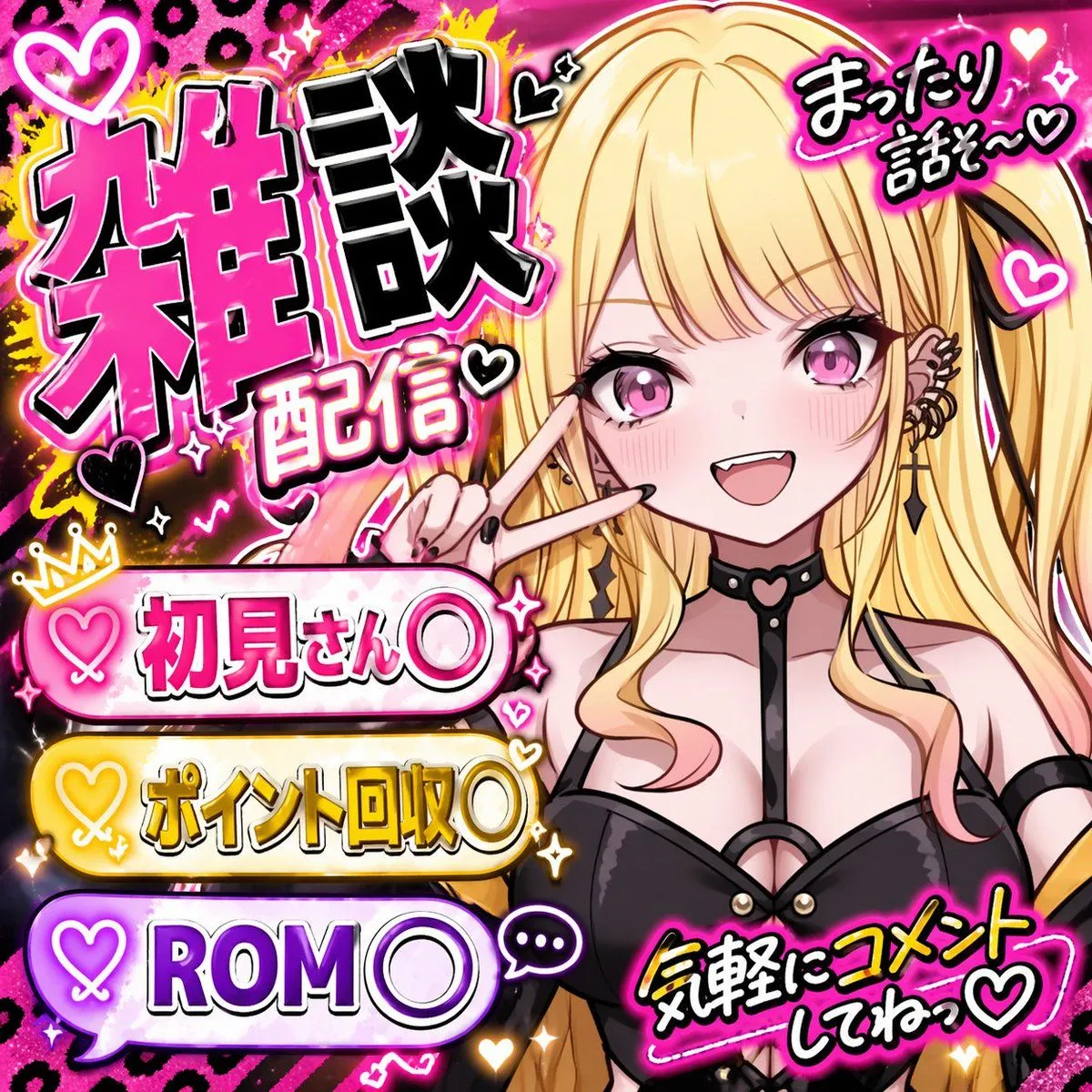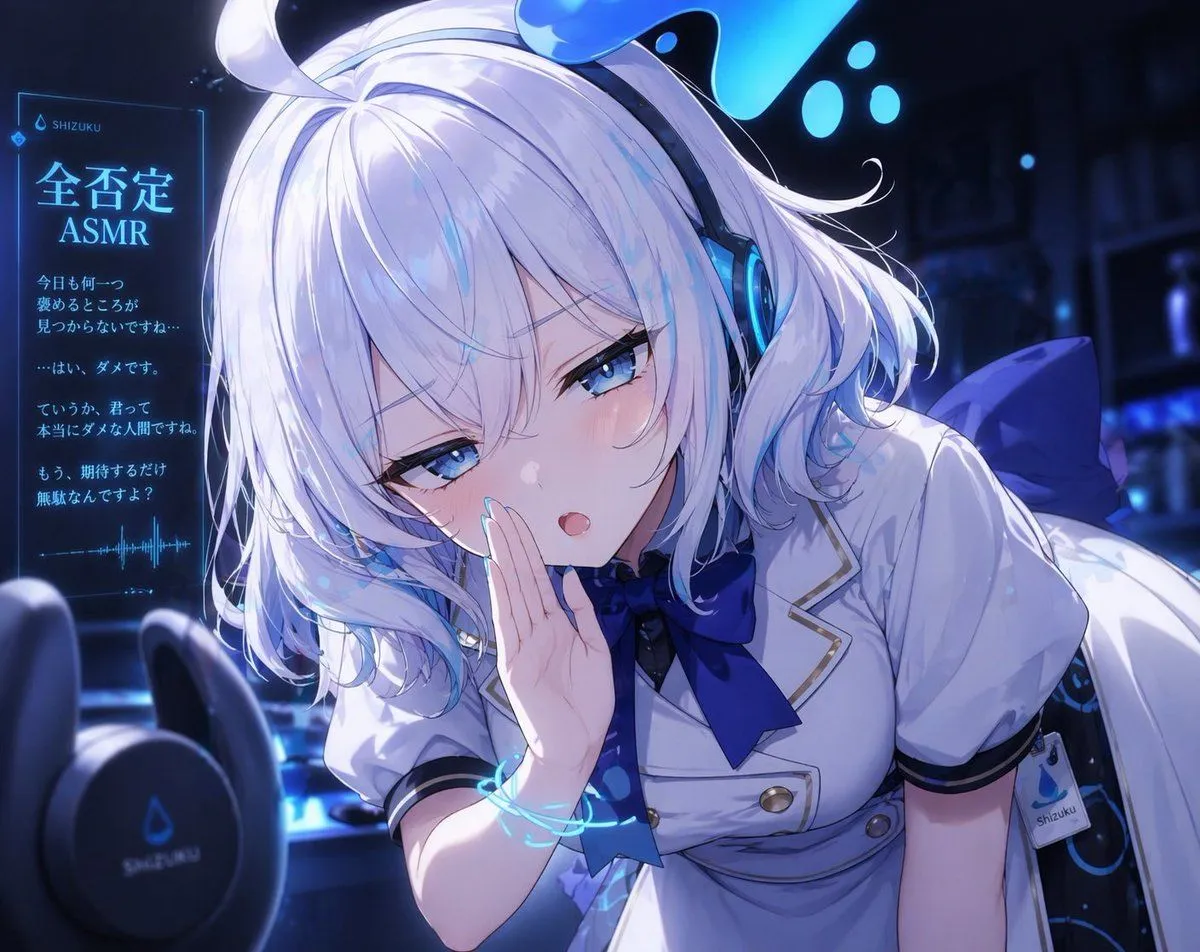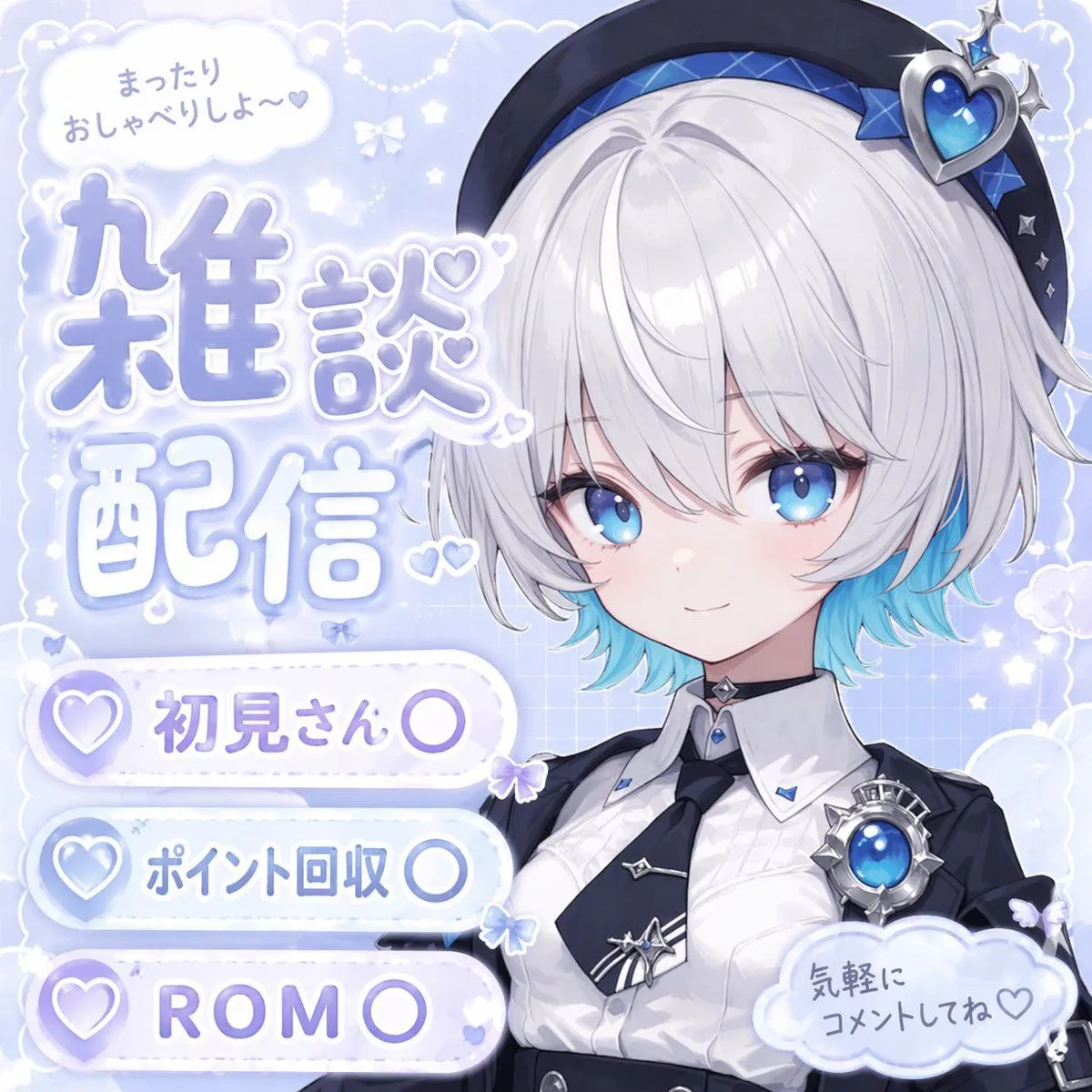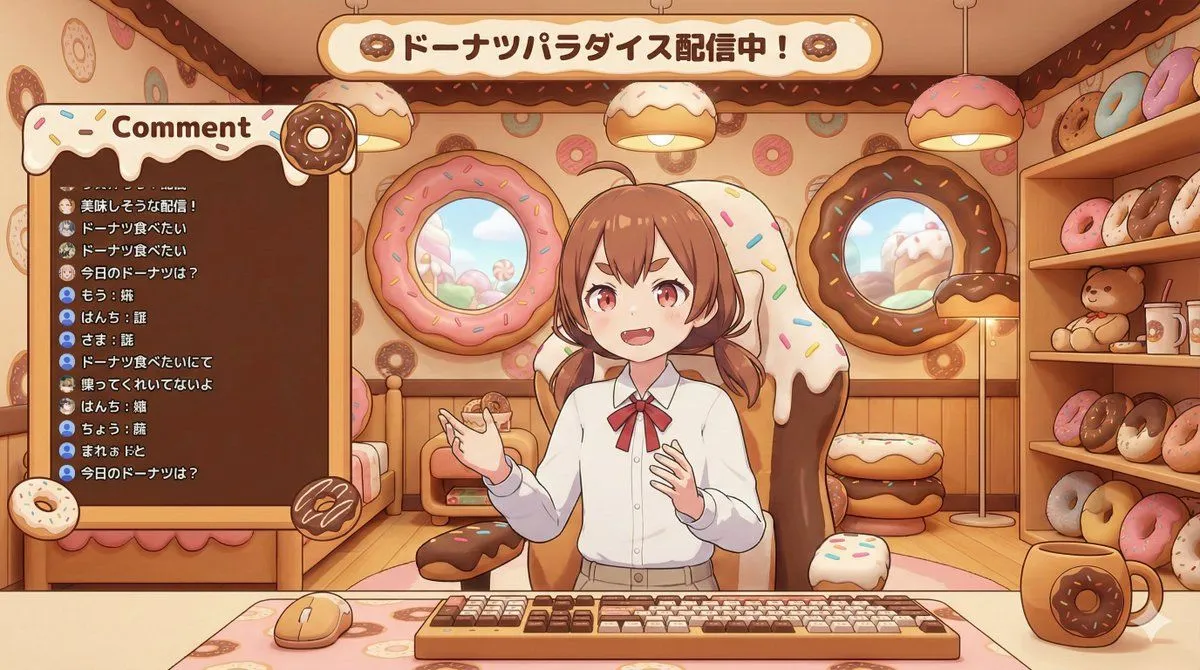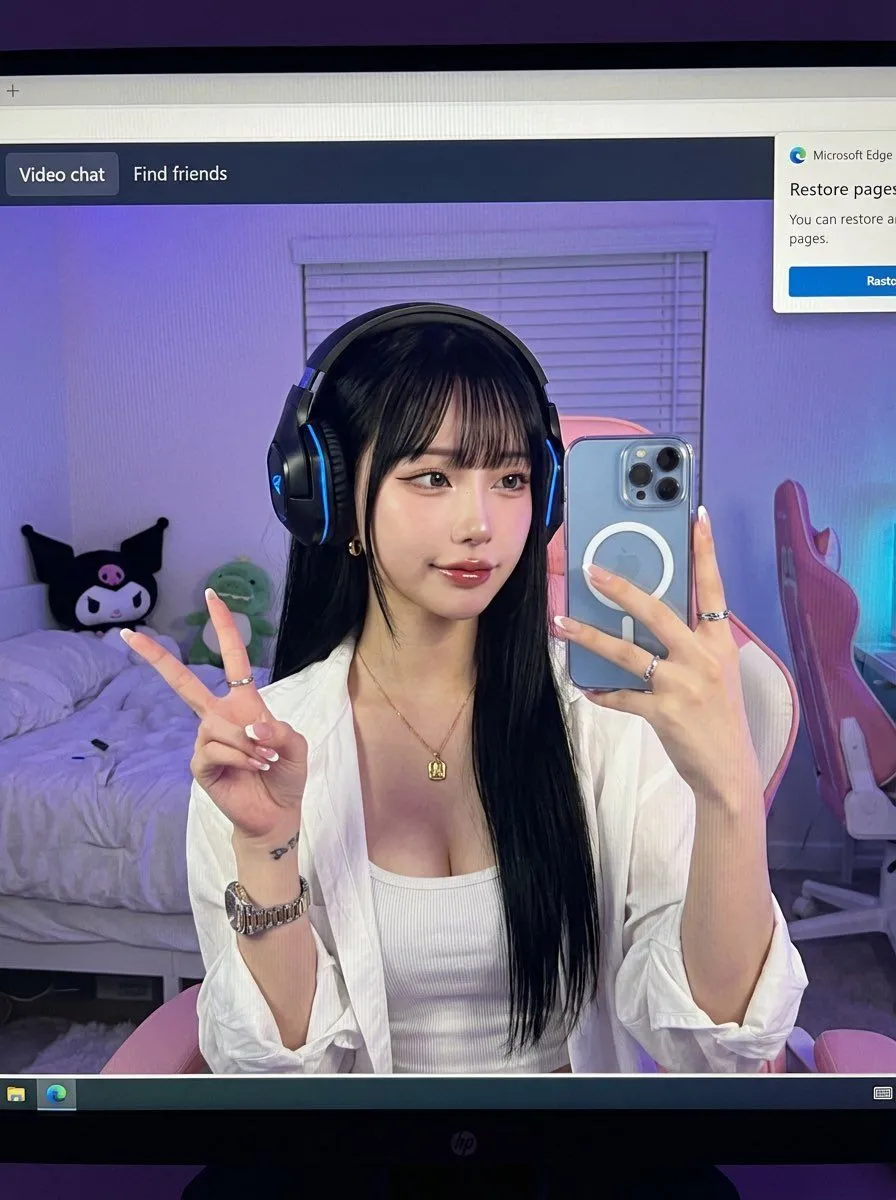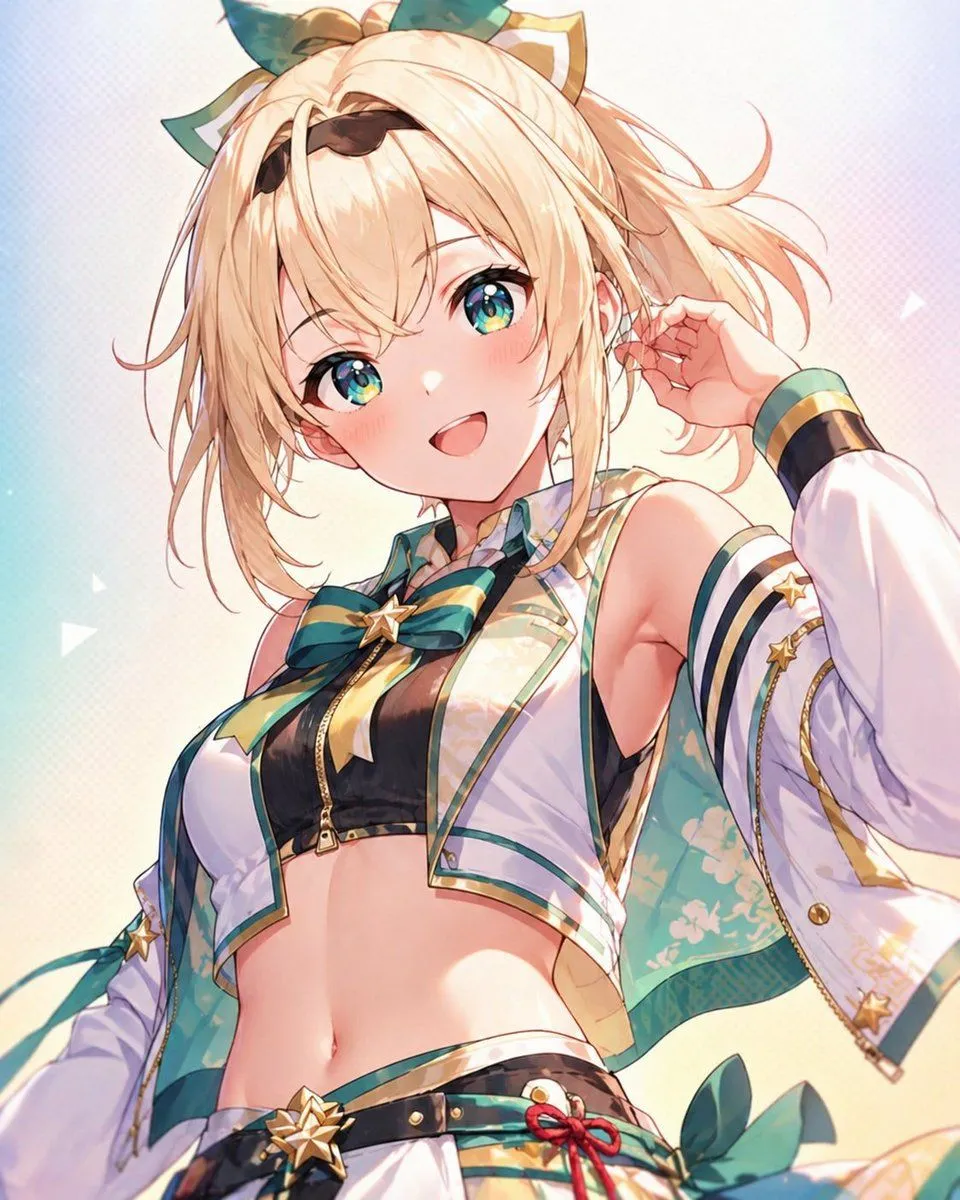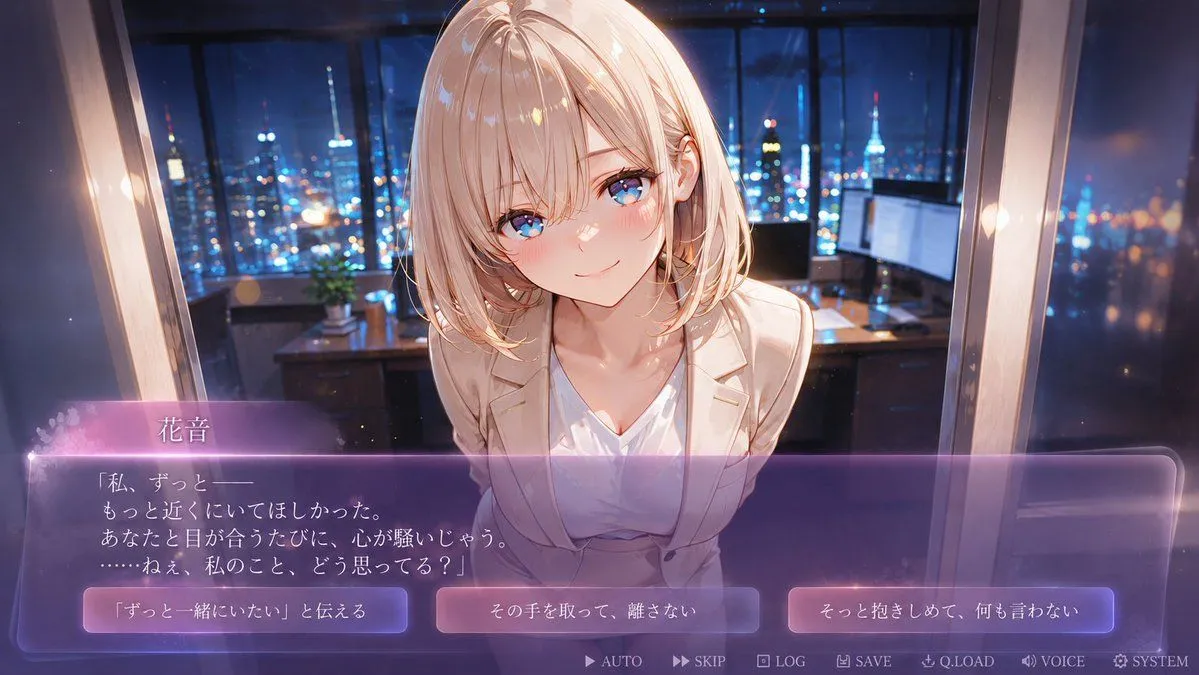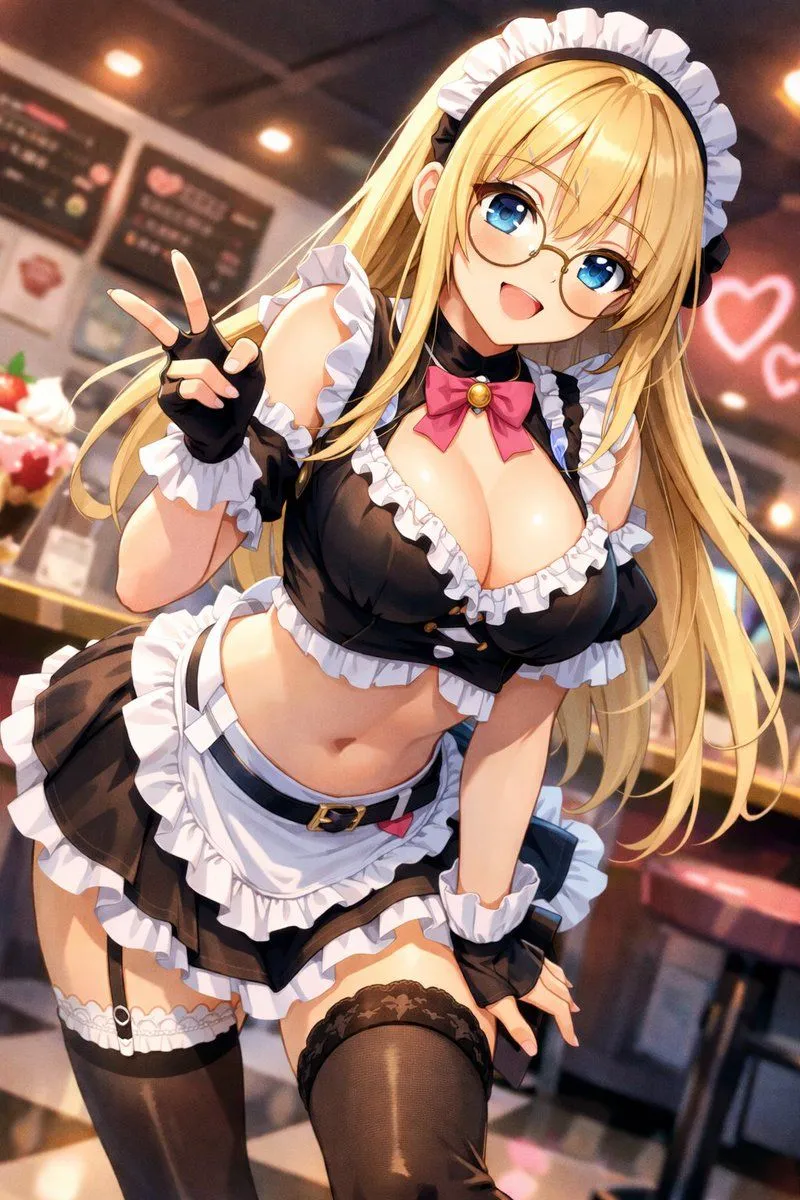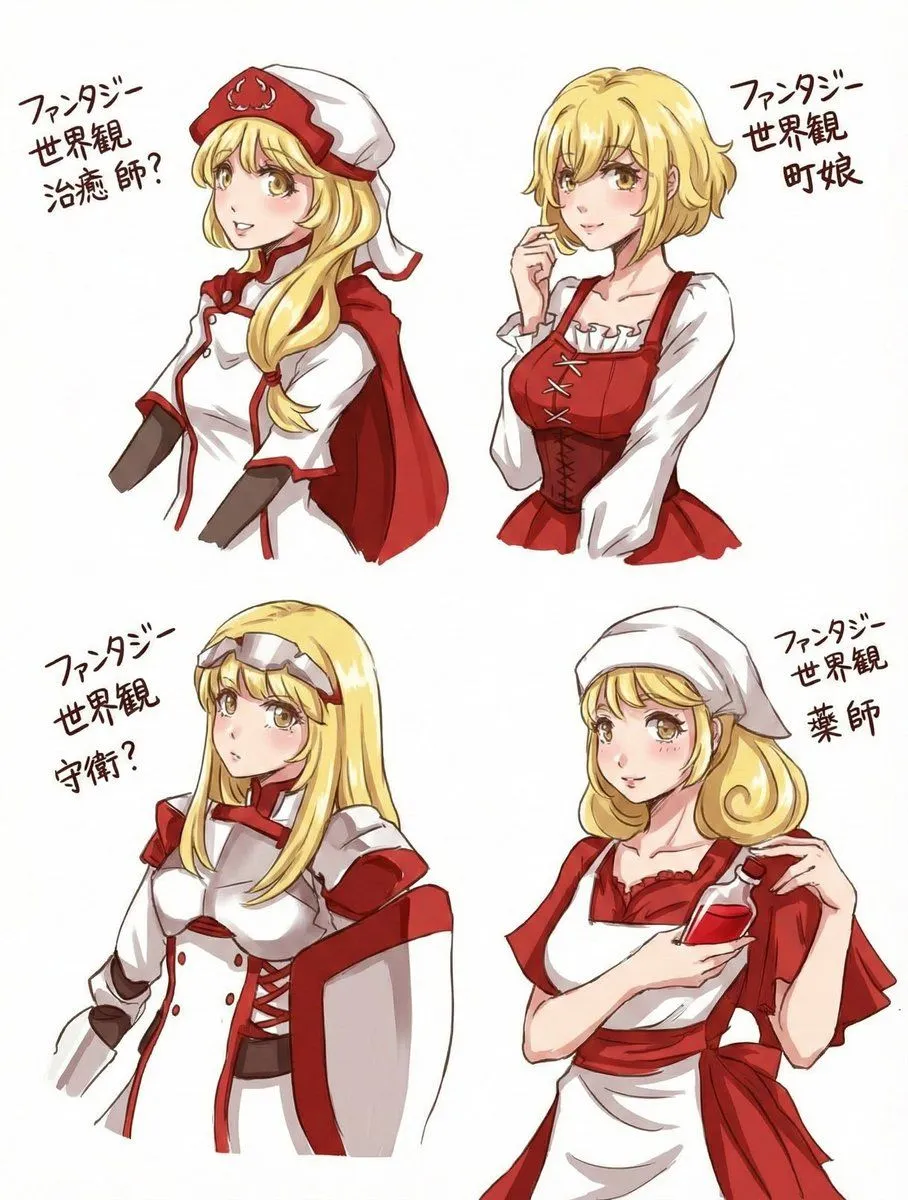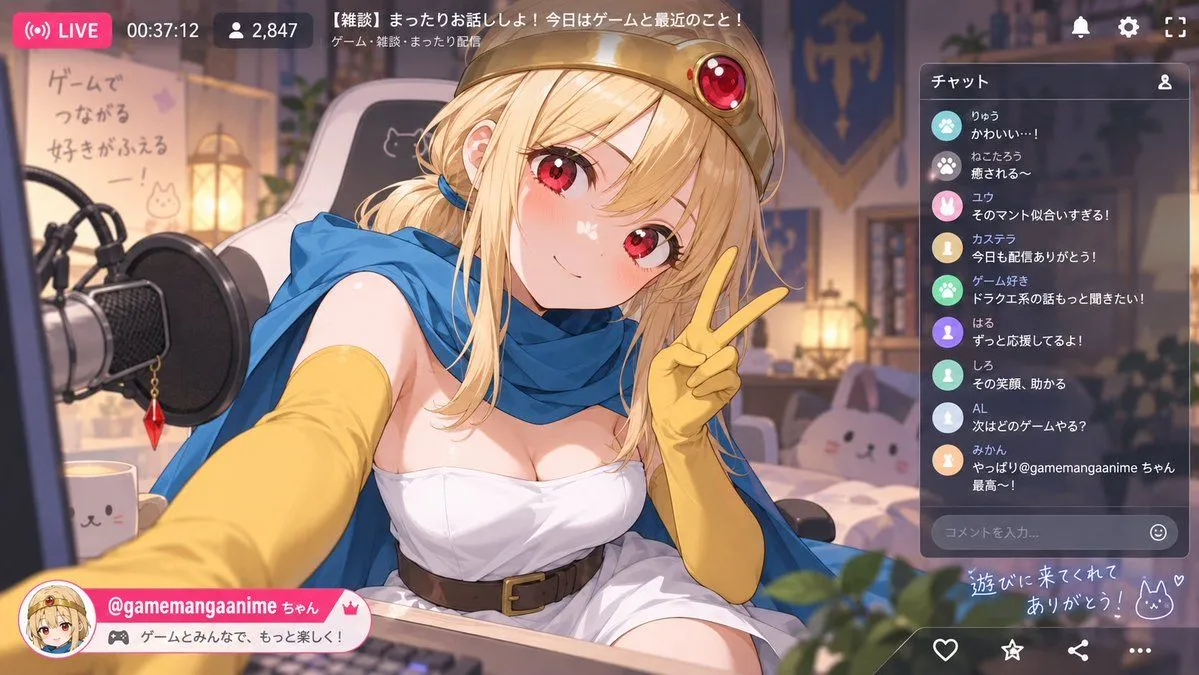
Made with GPT Image 2 in ChatGPT by Library Lifestyle. Promptclay never generates images.
Did it work?
No reports yet. Tell others if it worked for you.
Anime VTuber Livestream Screenshot
Prompt
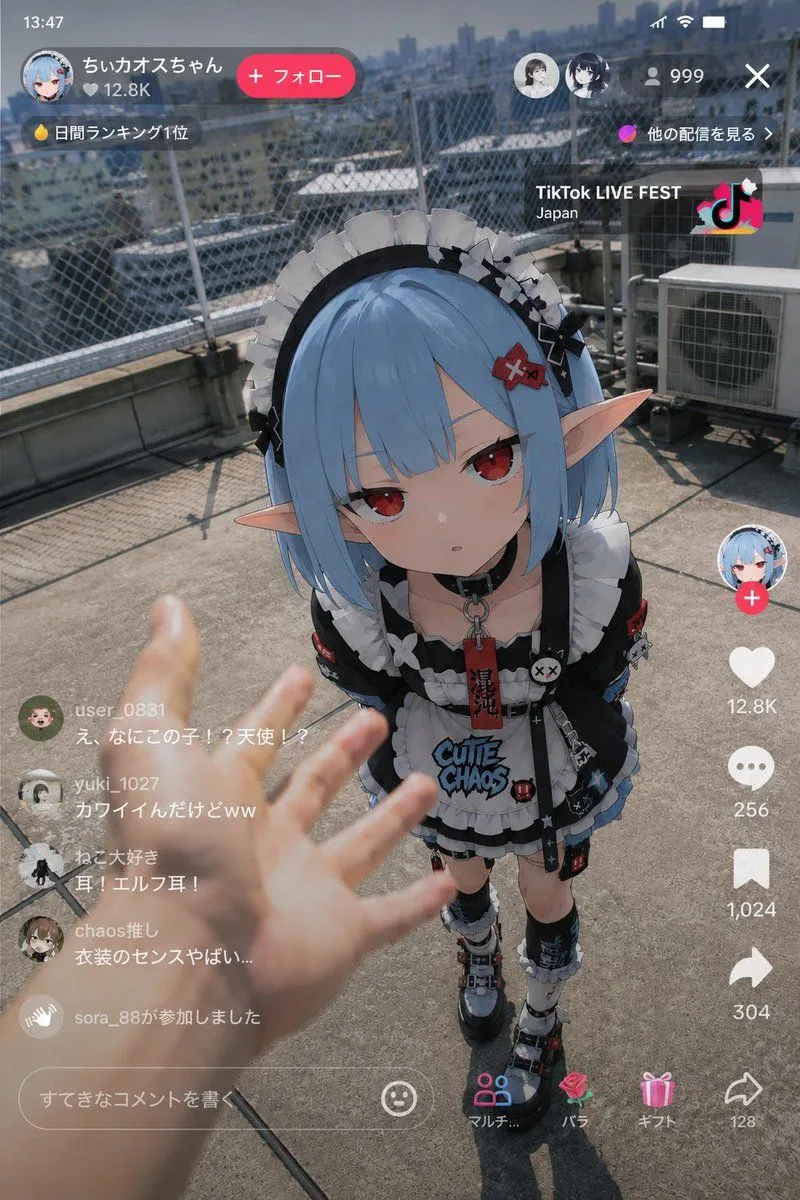
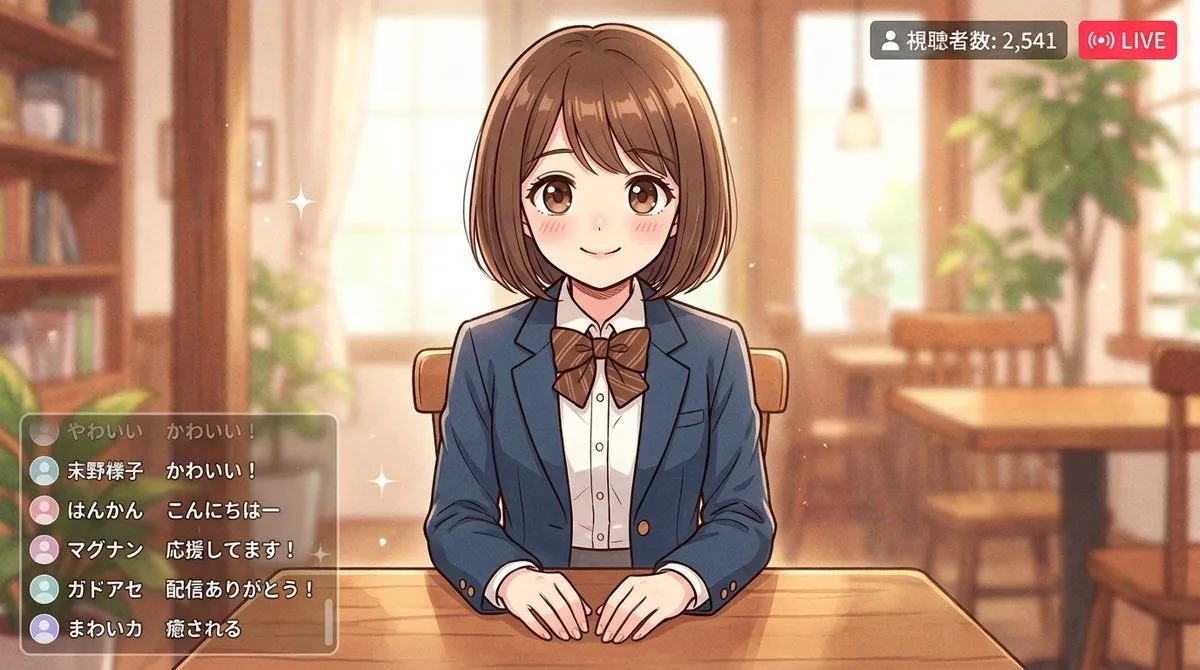
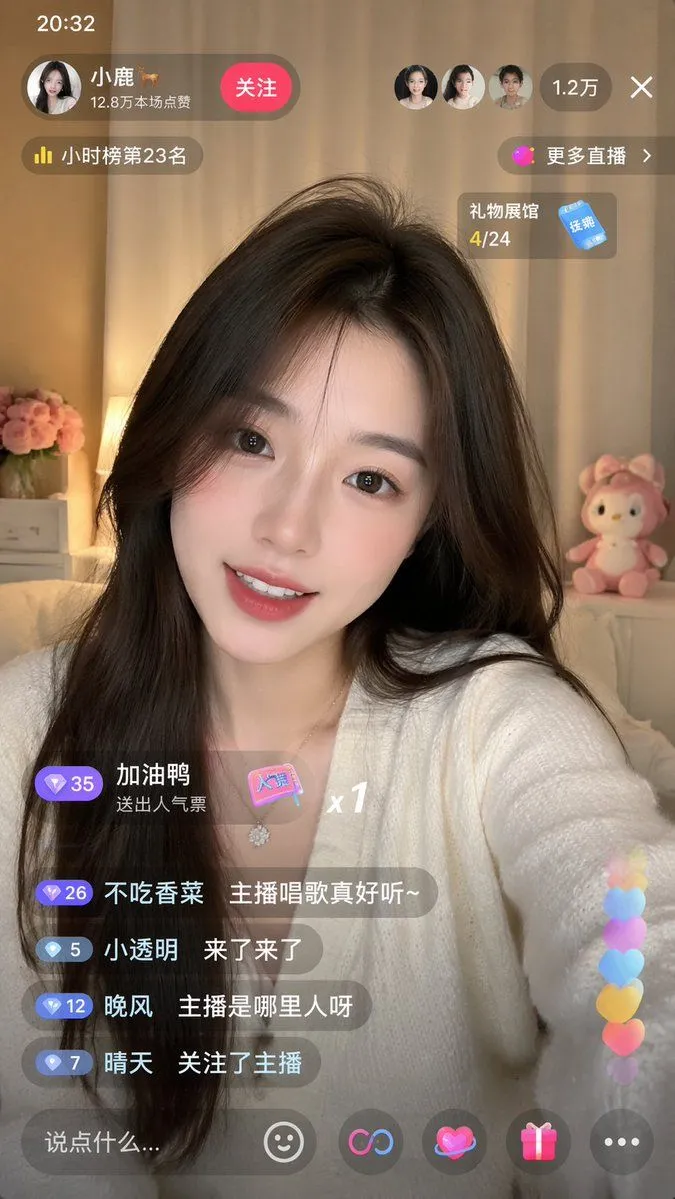
2 blanks to fillGoal: Create a polished anime VTuber livestream screenshot featuring a cheerful fantasy-game-themed female streamer taking a selfie-style pose in a cozy bedroom studio, with a Japanese streaming-platform UI overlay. Canvas: 16:9 horizontal image, 1200×675 style composition, warm evening lighting, soft depth of field, high-detail anime illustration with glossy highlights and clean UI graphics. Main subject: Center-left close-up of {character_name}, a cute blonde anime girl with red eyes, rosy cheeks, long slightly messy hair tied loosely at one side with a blue hair tie, wearing a gold circlet/crown with a large red jewel, a bright blue cape/scarf, long yellow gloves, a white strapless fantasy dress, and a brown belt. She leans toward the viewer from a streaming desk and holds up a peace sign with her right hand, smiling softly and making direct eye contact. Her left arm reaches forward toward the camera, creating a dynamic wide-angle selfie feel. Environment: Cozy gamer bedroom streaming setup. On the left foreground, show a large black condenser microphone with pop filter and a dangling red crystal charm. Include a white cat-face mug on the desk. Behind the character, show a white gaming chair with a simple cat drawing, a softly glowing lantern, shelves and plants, a blue-and-gold fantasy banner, and a bed with a pink bunny plush. On the left wall, include a handwritten Japanese poster reading 「ゲームで つながる 好きがふえるー!」 with small cat doodles. Add warm bokeh lights and a friendly, relaxed atmosphere. Livestream UI overlay: Add exactly 4 top-left/status items: a pink rounded LIVE badge with broadcast icon and text “LIVE”, a timer reading “00:37:12”, a viewer counter with person icon reading “2,847”, and a title bar near the top center reading 「【雑談】まったりお話ししよ!今日はゲームと最近のこと!」 with smaller category text 「ゲーム・雑談・まったり配信」. Add exactly 3 top-right white icons: notification bell, gear/settings, and fullscreen corners. Right chat panel: Semi-transparent dark rounded rectangle titled 「チャット」 with a small user icon. Include exactly 9 visible chat messages, each with a colored circular avatar icon and Japanese text: 1. 「りゅう かわいい…!」 2. 「ねこたろう 癒される〜」 3. 「ユウ そのマント似合いすぎる!」 4. 「カステラ 今日も配信ありがとう!」 5. 「ゲーム好き ドラクエ系の話もっと聞きたい!」 6. 「はる ずっと応援してるよ!」 7. 「しろ その笑顔、助かる」 8. 「AL 次はどのゲームやる?」 9. 「みかん やっぱり@gamemangaanime ちゃん最高〜!」 At the bottom of the chat panel, include a rounded comment input field with placeholder 「コメントを入力...」 and a smiley icon. Bottom overlays: Add a pink-and-white streamer profile banner at bottom left with a circular avatar portrait, the handle {streamer_handle}, a small crown icon, and a gamepad tag reading 「ゲームとみんなで、もっと楽しく!」. At bottom right, add handwritten glowing text 「遊びに来てくれて ありがとう!」 with a bunny doodle and heart. Along the bottom edge include exactly 4 interaction icons: heart, star, share, and three-dot menu. Visual style: Bright but soft anime rendering, detailed hair and eyes, warm ambient light, clean modern livestream interface, semi-transparent glass panels, pink accent color, cozy fantasy gamer aesthetic. Keep all Japanese text legible and placed as part of the UI. Avoid watermarks, extra logos, distorted hands, or additional chat messages.
Preview of your prompt
Goal: Create a polished anime VTuber livestream screenshot featuring a cheerful fantasy-game-themed female streamer taking a selfie-style pose in a cozy bedroom studio, with a Japanese streaming-platform UI overlay. Canvas: 16:9 horizontal image, 1200×675 style composition, warm evening lighting, soft depth of field, high-detail anime illustration with glossy highlights and clean UI graphics. Main subject: Center-left close-up of @gamemangaanime ちゃん, a cute blonde anime girl with red eyes, rosy cheeks, long slightly messy hair tied loosely at one side with a blue hair tie, wearing a gold circlet/crown with a large red jewel, a bright blue cape/scarf, long yellow gloves, a white strapless fantasy dress, and a brown belt. She leans toward the viewer from a streaming desk and holds up a peace sign with her right hand, smiling softly and making direct eye contact. Her left arm reaches forward toward the camera, creating a dynamic wide-angle selfie feel. Environment: Cozy gamer bedroom streaming setup. On the left foreground, show a large black condenser microphone with pop filter and a dangling red crystal charm. Include a white cat-face mug on the desk. Behind the character, show a white gaming chair with a simple cat drawing, a softly glowing lantern, shelves and plants, a blue-and-gold fantasy banner, and a bed with a pink bunny plush. On the left wall, include a handwritten Japanese poster reading 「ゲームで つながる 好きがふえるー!」 with small cat doodles. Add warm bokeh lights and a friendly, relaxed atmosphere. Livestream UI overlay: Add exactly 4 top-left/status items: a pink rounded LIVE badge with broadcast icon and text “LIVE”, a timer reading “00:37:12”, a viewer counter with person icon reading “2,847”, and a title bar near the top center reading 「【雑談】まったりお話ししよ!今日はゲームと最近のこと!」 with smaller category text 「ゲーム・雑談・まったり配信」. Add exactly 3 top-right white icons: notification bell, gear/settings, and fullscreen corners. Right chat panel: Semi-transparent dark rounded rectangle titled 「チャット」 with a small user icon. Include exactly 9 visible chat messages, each with a colored circular avatar icon and Japanese text: 1. 「りゅう かわいい…!」 2. 「ねこたろう 癒される〜」 3. 「ユウ そのマント似合いすぎる!」 4. 「カステラ 今日も配信ありがとう!」 5. 「ゲーム好き ドラクエ系の話もっと聞きたい!」 6. 「はる ずっと応援してるよ!」 7. 「しろ その笑顔、助かる」 8. 「AL 次はどのゲームやる?」 9. 「みかん やっぱり@gamemangaanime ちゃん最高〜!」 At the bottom of the chat panel, include a rounded comment input field with placeholder 「コメントを入力...」 and a smiley icon. Bottom overlays: Add a pink-and-white streamer profile banner at bottom left with a circular avatar portrait, the handle @gamemangaanime ちゃん, a small crown icon, and a gamepad tag reading 「ゲームとみんなで、もっと楽しく!」. At bottom right, add handwritten glowing text 「遊びに来てくれて ありがとう!」 with a bunny doodle and heart. Along the bottom edge include exactly 4 interaction icons: heart, star, share, and three-dot menu. Visual style: Bright but soft anime rendering, detailed hair and eyes, warm ambient light, clean modern livestream interface, semi-transparent glass panels, pink accent color, cozy fantasy gamer aesthetic. Keep all Japanese text legible and placed as part of the UI. Avoid watermarks, extra logos, distorted hands, or additional chat messages.
DetailsVersions, settings and questions
Written for
What's in the prompt
- Subject
- Model
- GPT Image 2
If your face changes
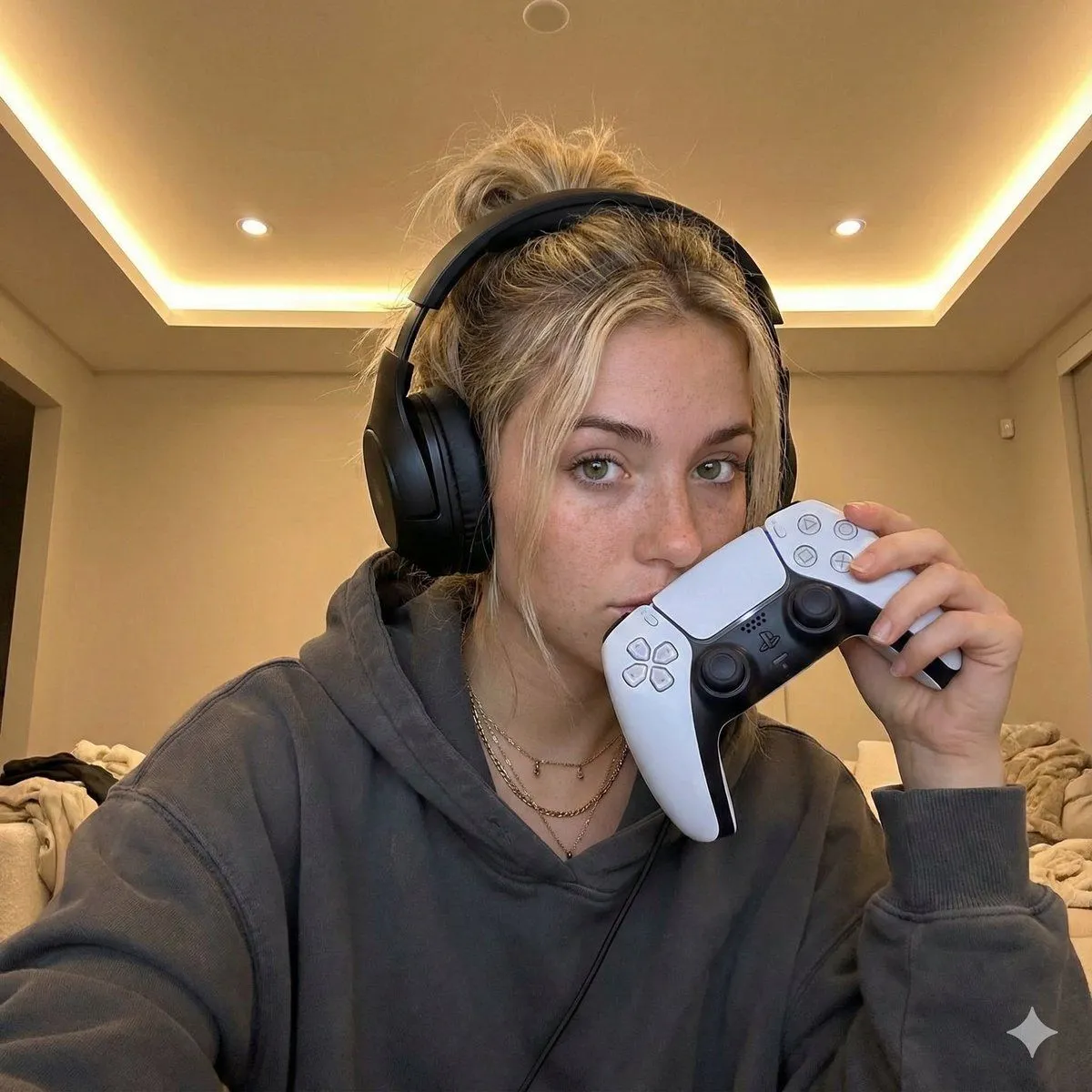
keep my face exactly the sameQuestions
- Does this work in the ChatGPT app?
- Yes. Paste the prompt and attach your photo if it uses one.
- It changed my face. What do I do?
- Add "keep my face exactly the same" to the end and run it again.
- Can I use the images I make?
- Check the terms of the app you use. Promptclay never generates images and claims nothing you make.