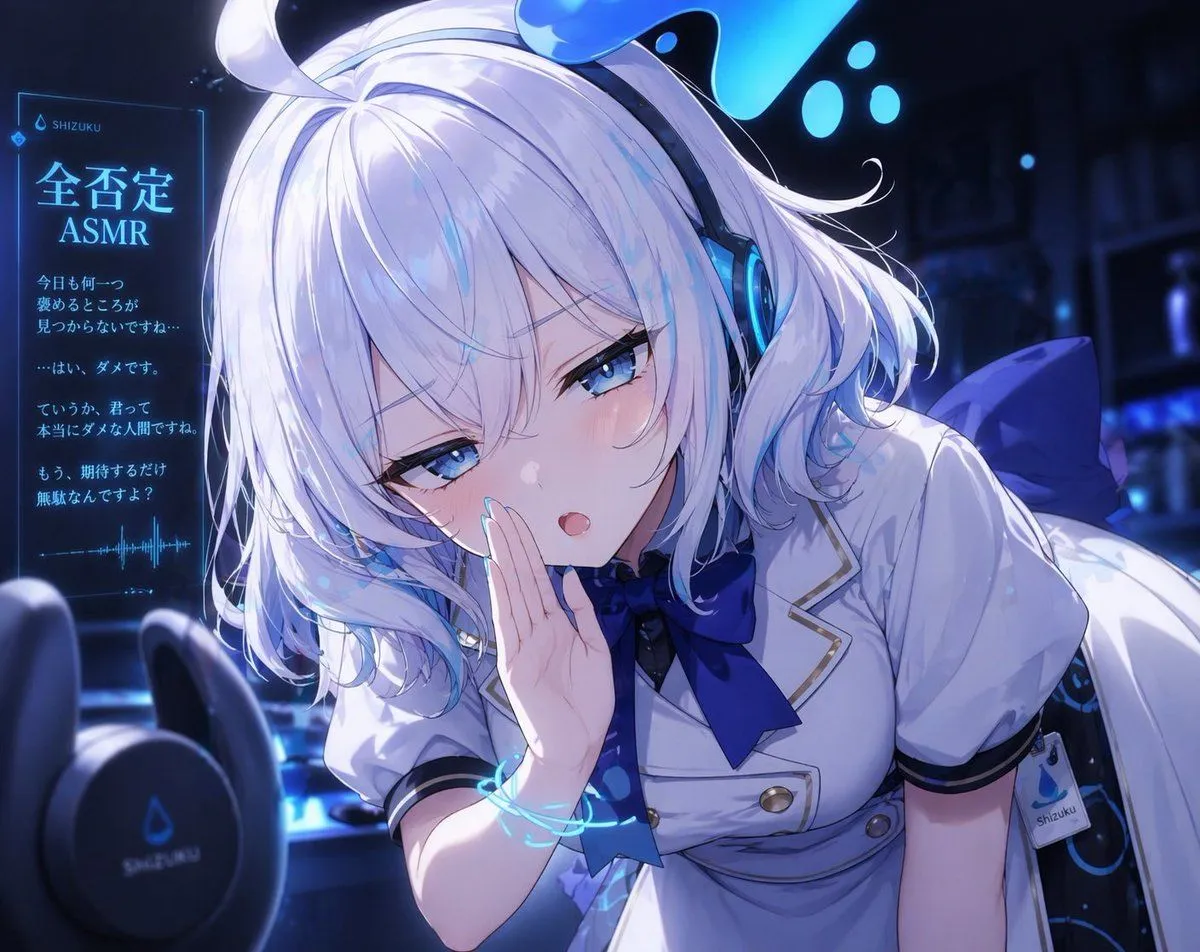
Blue Neon Denial ASMR Anime Portrait
A polished anime-style close-up illustration of a young virtual streamer girl leaning toward the viewer in a dim blue neon studio, themed around harshly dismissive ASMR. She has short fluffy white hair with faint icy blue highlights, soft layered bangs partly covering one eye, bright blue half-lidded eyes, pale skin, and a slightly smug, cold, teasing expression with a small open mouth as if whispering criticism directly into the listener’s ear. One hand is raised beside her mouth in a whispering pose. She wears large futuristic over-ear headphones with glowing cyan rings and a small liquid-droplet motif on top, a white short-sleeved dress uniform with navy trim, gold buttons, a large dark blue ribbon at the collar, and a large blue bow at the back, plus a visible side tag reading “shizuku.” Add 2 blurred black binaural ASMR microphones in the foreground at the lower left, creating strong depth of field. Place 1 glowing holographic vertical panel on the left side with Japanese text and waveform graphics, including the headline headline_text and small branding text brand_name. Include 4 short Japanese negative whisper lines beneath the headline, styled like a translucent cyan UI display. The room behind her is dark, atmospheric, and softly blurred with cool blue shelves and scattered glowing droplets or bokeh lights. Use dramatic cinematic lighting, cool monochrome blue and white tones, glossy highlights, delicate blush, highly detailed eyes and hair strands, soft bloom, crisp cel-shaded anime rendering, intimate composition, slight Dutch angle, and a feeling that the character is invading the listener’s personal space for an ASMR recording. The character should read as character_name, with hair_color and eye_color.