Tell us anything

An idea, a bug, something you love. We read every note.

⌘↵ to send. The page you're on comes along.

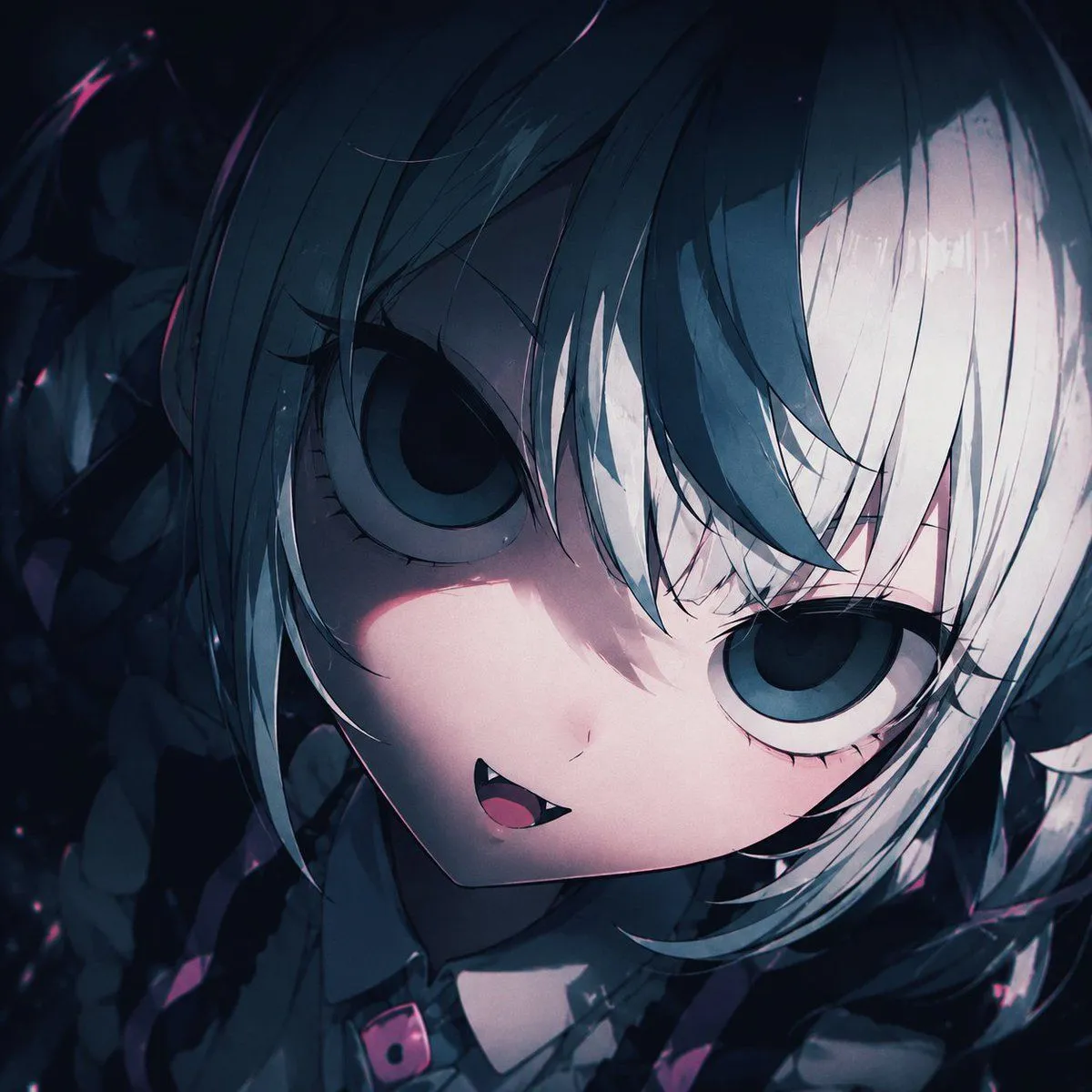
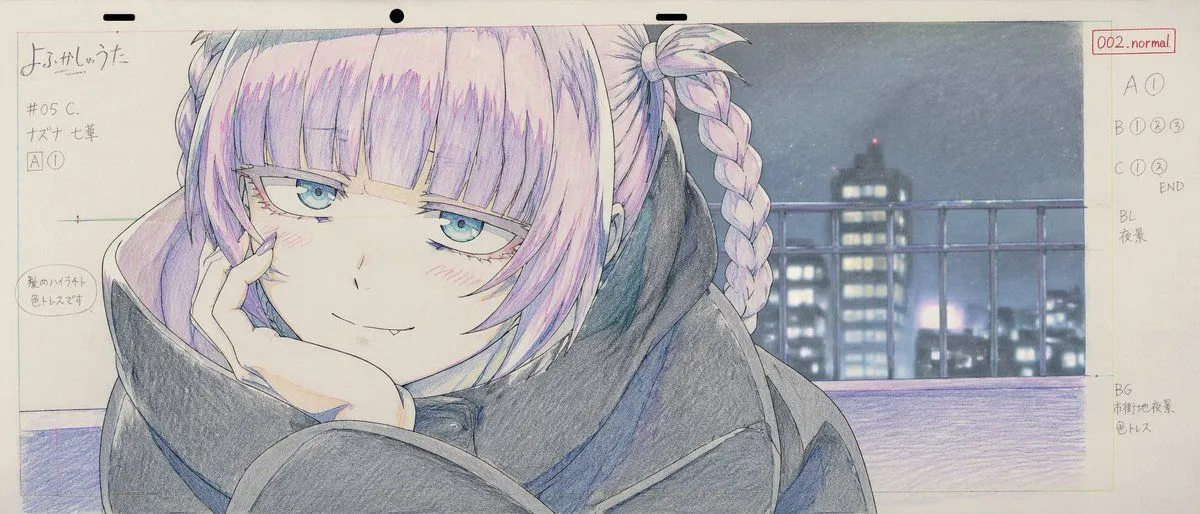
Anime Production Layout Sheet

Made with GPT Image 2 in ChatGPT by Library Anime. Promptclay never generates images.

Did it work?

No reports yet. Tell others if it worked for you.

No comments yet. Be the first.

    Anime Production Layout Sheet

    GPT Image 221:9AI-generated

    Prompt

    { "type": "anime production layout sheet", "style": "traditional colored pencil genga, key animation drawing", "subject": { "character": "{argument name=\"character name\" default=\"ナズナ 七草\"}", "appearance": "anime girl with {argument name=\"hair color\" default=\"light purple\"} hair styled in twin braids and bangs, blue eyes, wearing a dark oversized coat", "pose_and_expression": "{argument name=\"expression\" default=\"smug with a small fang, resting chin on hand\"}" }, "background": "{argument name=\"background scene\" default=\"nighttime city skyline with a railing\"}, soft focus", "layout": { "top_edge": "standard animation paper peg holes", "left_margin": { "series_title": "{argument name=\"anime title\" default=\"よふかしのうた\"}", "production_codes": ["#05 C.", "[A] (1)"], "circled_note": "髪のハイライト 色トレスです" }, "right_margin": { "red_box": "002.normal", "timing_layers": ["A (1)", "B (1) (2) (3)", "C (1) (2) END"], "background_notes": ["BL 夜景", "BG 市街地夜景 色トレス"] } } }

    Works in
    ChatGPT, Gemini
    Status
    Free to copy
    0
    DetailsVersions, settings and questions

    Written for

    What's in the prompt

    Subject
    Model
    GPT Image 2

    If your face changes

    keep my face exactly the same

    Questions

    Does this work in the ChatGPT app?
    Yes. Paste the prompt and attach your photo if it uses one.
    It changed my face. What do I do?
    Add "keep my face exactly the same" to the end and run it again.
    Can I use the images I make?
    Check the terms of the app you use. Promptclay never generates images and claims nothing you make.
    Similar prompts

    See more
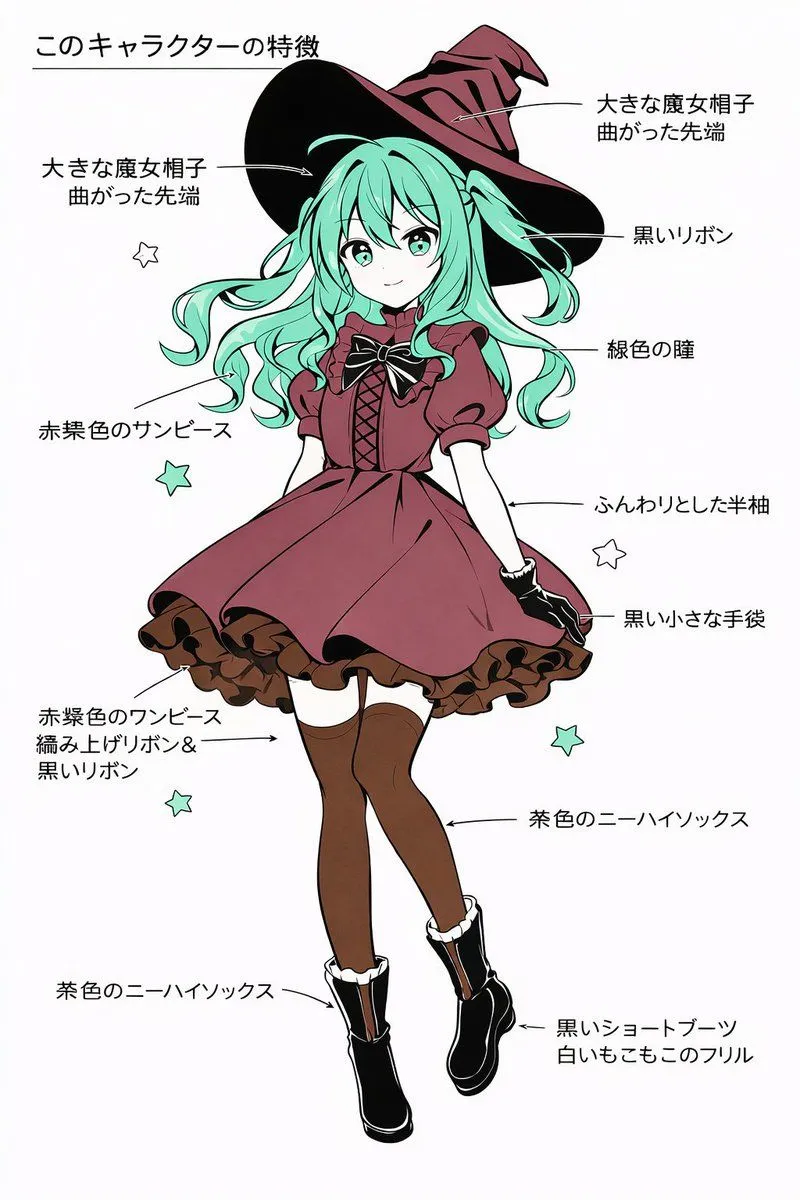
    • Character Feature Description Prompt (Japanese)
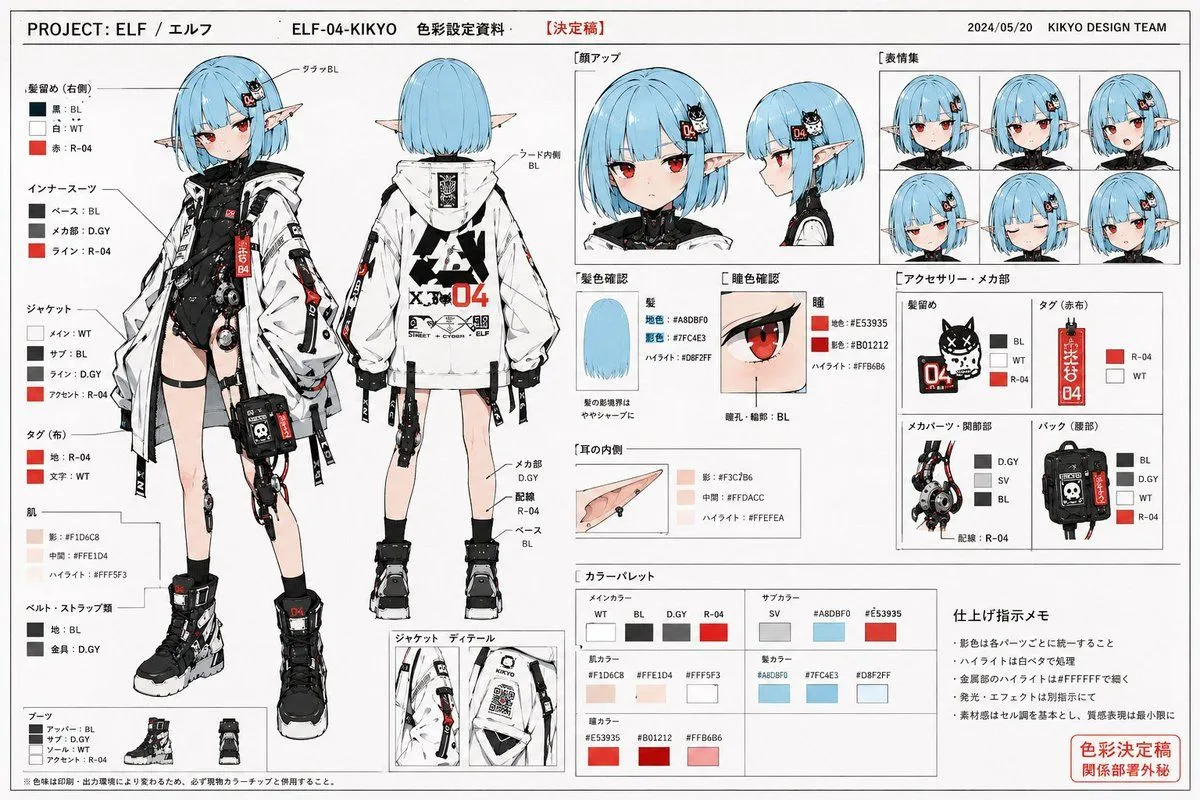
    • Anime Character Color Setting Sheet
    • Anime Character Sheet Multi-Angle Generator
    • Comprehensive manga one-page scene creation system prompt
    • Lumina Stellar Witch Character Sheet
    • Character Design Sheet for a Villainess
    • Anime Schoolgirl Reference Sheet
    • Japanese Anime Character Sheet Prompt
    • Pastel Anime Character Sketch
    • Pastel Street Lolita Reference Sheet
    • VTuber Profile Sheet Generator
    • Basic Prompt for Carol Malus Dienheim Character Generation
    • Reference-Based Costume Transfer
    • Artistic Character Reference Sheet
    • Gothic Chibi Vampire Album Cover
    • Lavender Catgirl at Sunset Street
    • Anime Girl at Summer Festival Mask Stall
    • Rainy Gothic Alley Anime Girl
    • AI Image Generation Prompts for Multiple Angles
    • Anime Floral Personality Poster
    • Anime VTuber Livestream Thumbnail
    • Graffiti Sketch Style Template
    • Water Mirror Fantasy Maiden
    • Risograph Style Poetic Illustration

    Show more

    Run it on your phone

    1. Prompt copiedRead it

      { "type": "anime production layout sheet", "style": "traditional colored pencil genga, key animation drawing", "subject": { "character": "{argument name=\"character name\" default=\"ナズナ 七草\"}", "appearance": "anime girl with {argument name=\"hair color\" default=\"light purple\"} hair styled in twin braids and bangs, blue eyes, wearing a dark oversized coat", "pose_and_expression": "{argument name=\"expression\" default=\"smug with a small fang, resting chin on hand\"}" }, "background": "{argument name=\"background scene\" default=\"nighttime city skyline with a railing\"}, soft focus", "layout": { "top_edge": "standard animation paper peg holes", "left_margin": { "series_title": "{argument name=\"anime title\" default=\"よふかしのうた\"}", "production_codes": ["#05 C.", "[A] (1)"], "circled_note": "髪のハイライト 色トレスです" }, "right_margin": { "red_box": "002.normal", "timing_layers": ["A (1)", "B (1) (2) (3)", "C (1) (2) END"], "background_notes": ["BL 夜景", "BG 市街地夜景 色トレス"] } } }

    2. Open your app

    3. Paste and run

      Press and hold the message box, then tap Paste. Add your photo first if the prompt uses one. You may need to sign in.

    Anime Production Layout Sheet