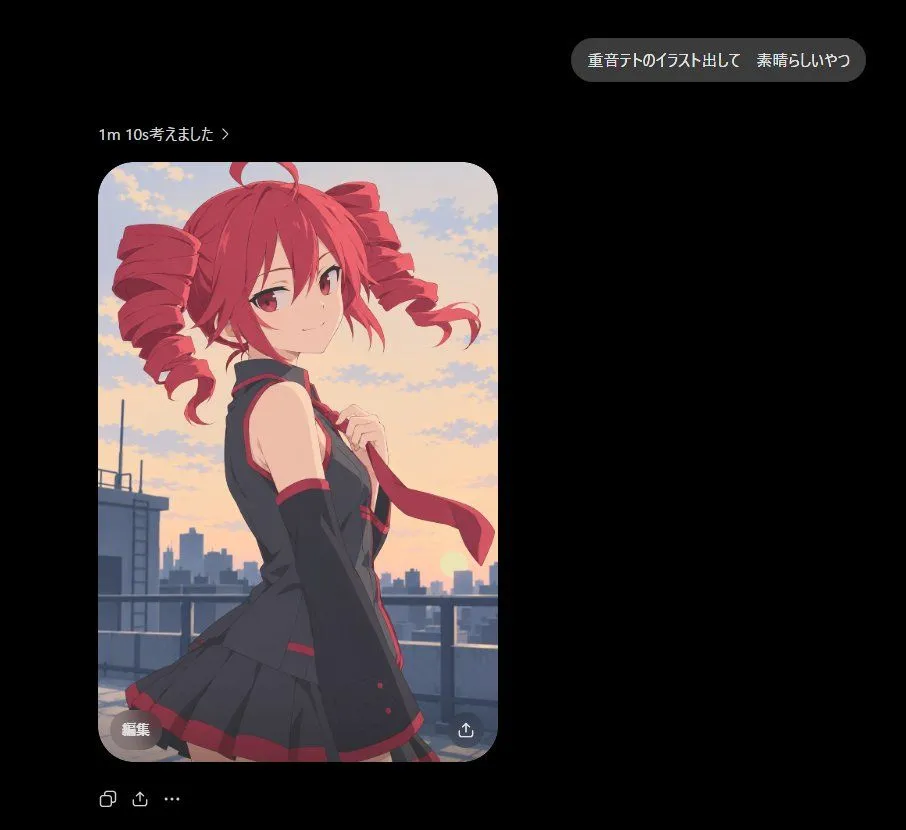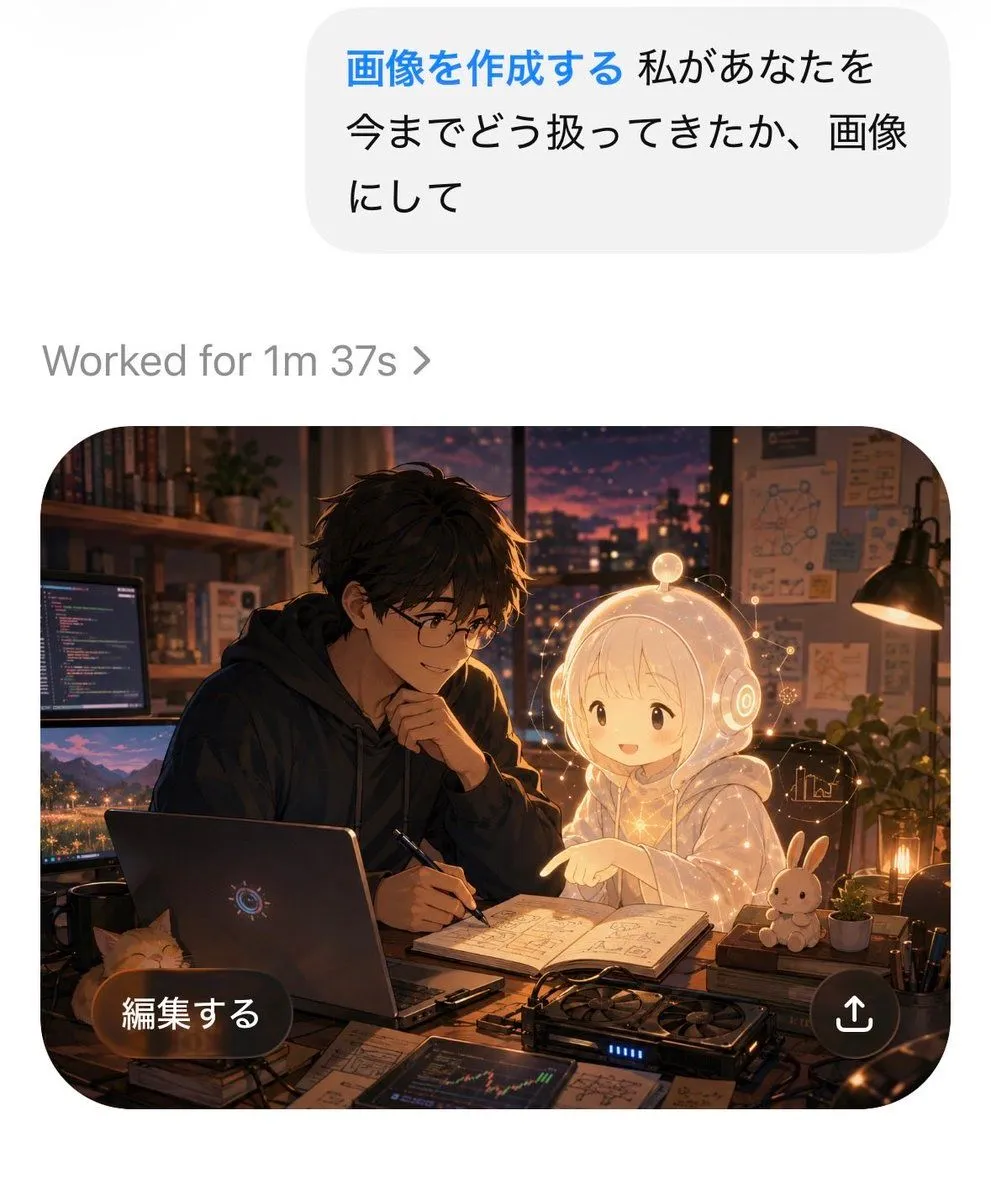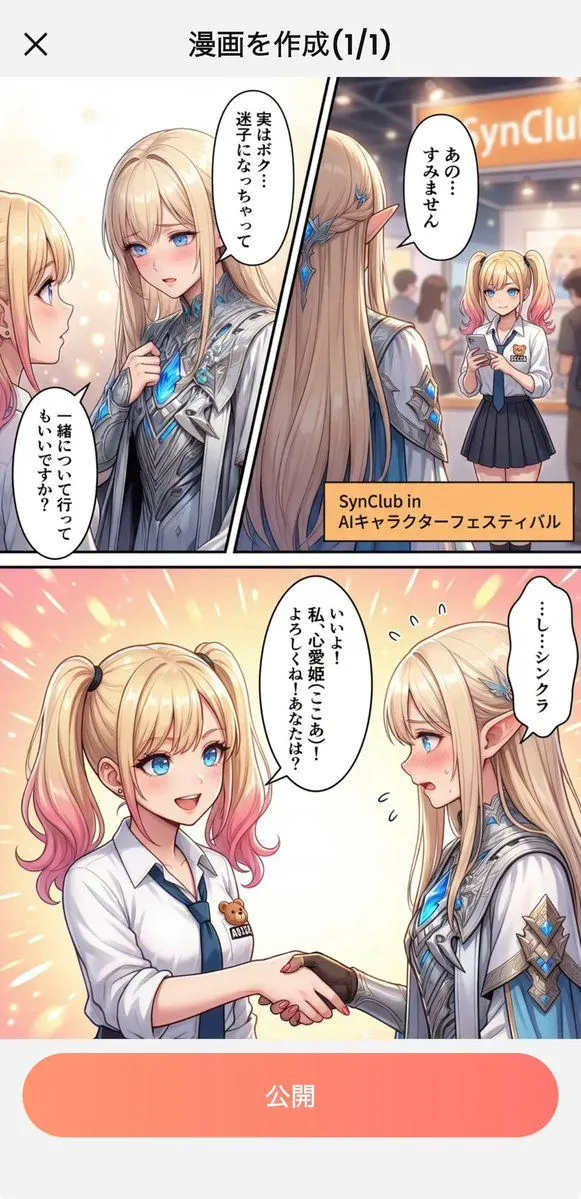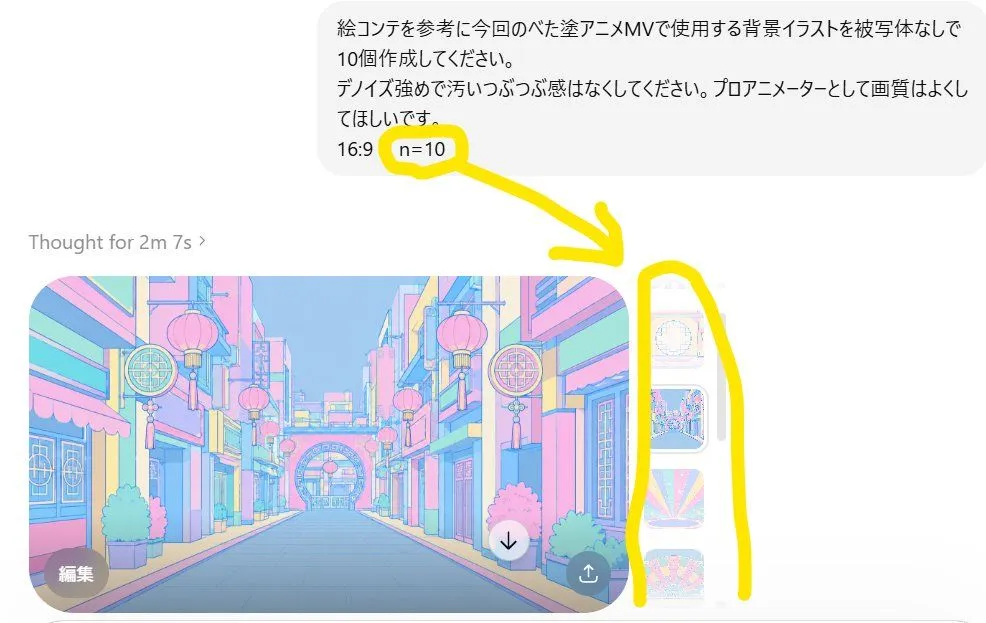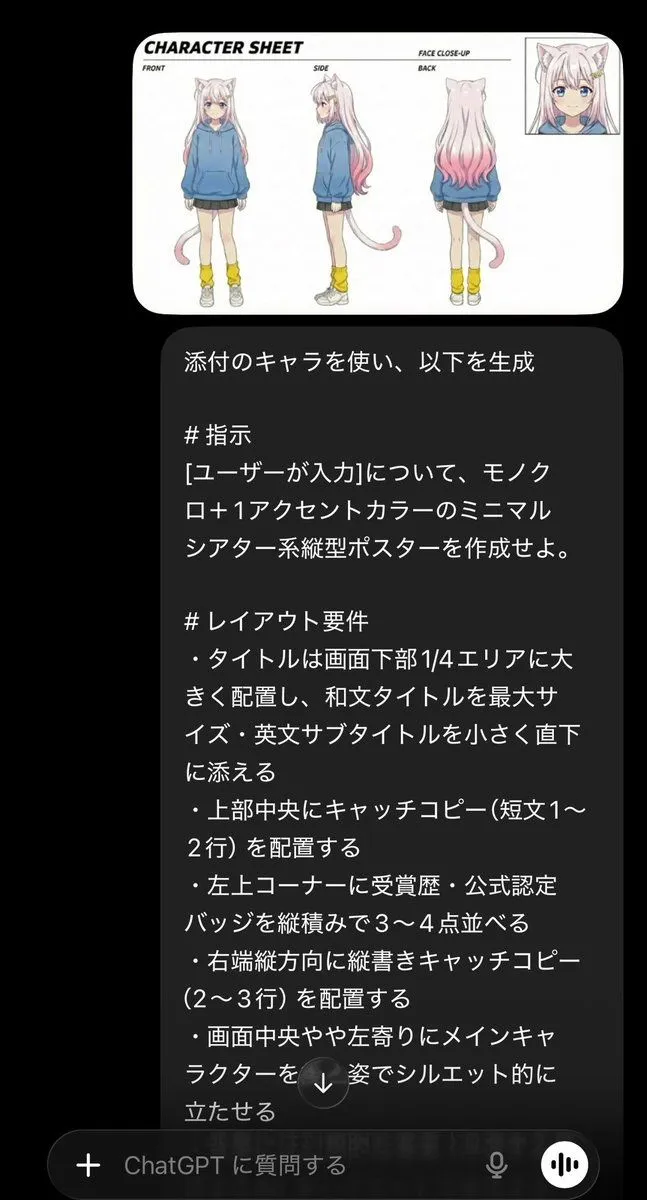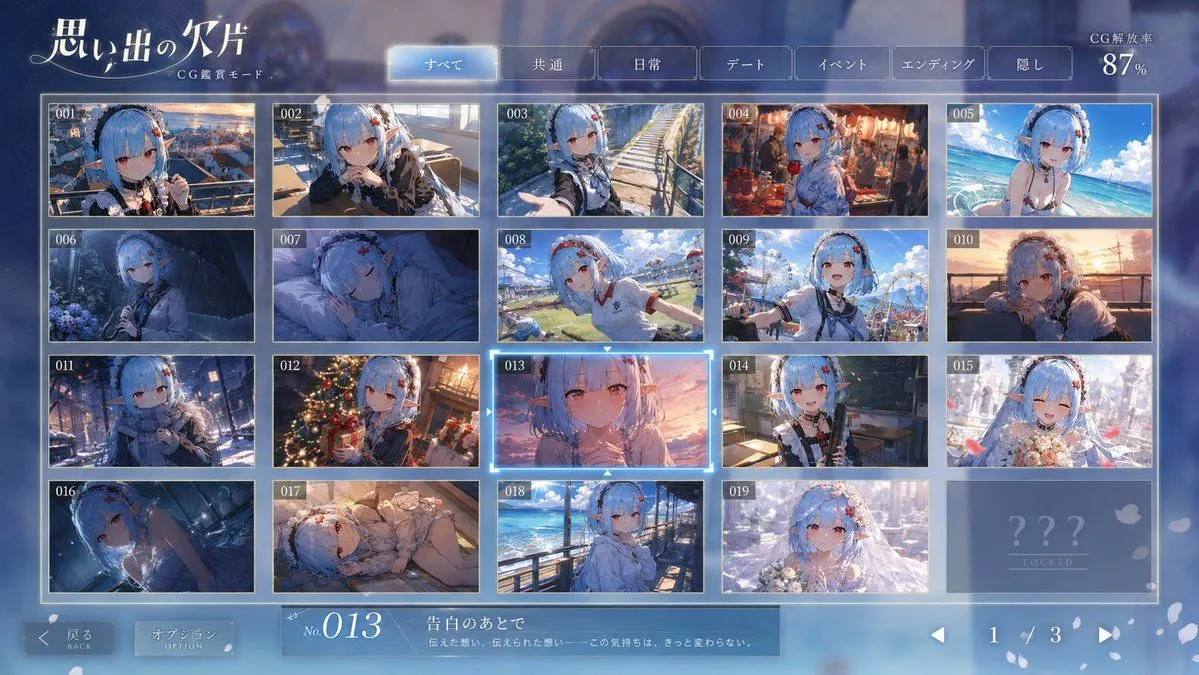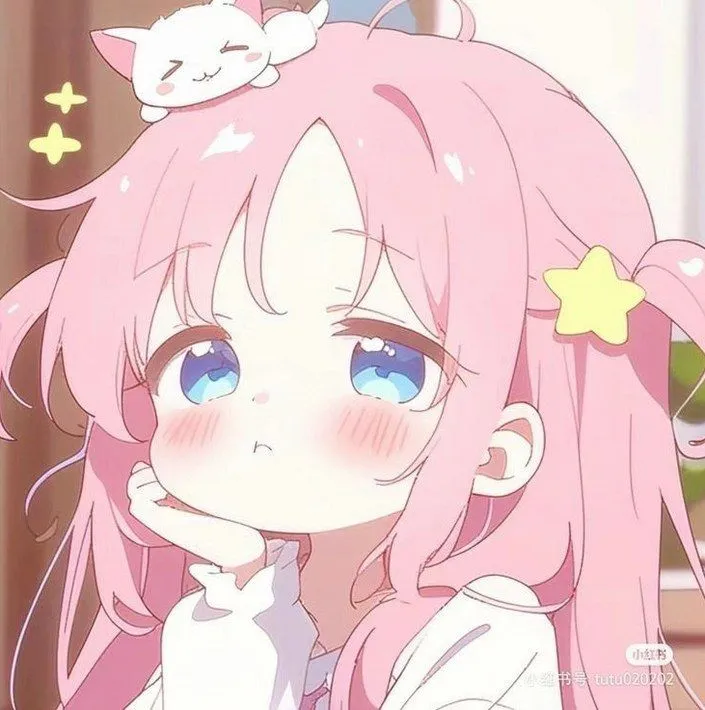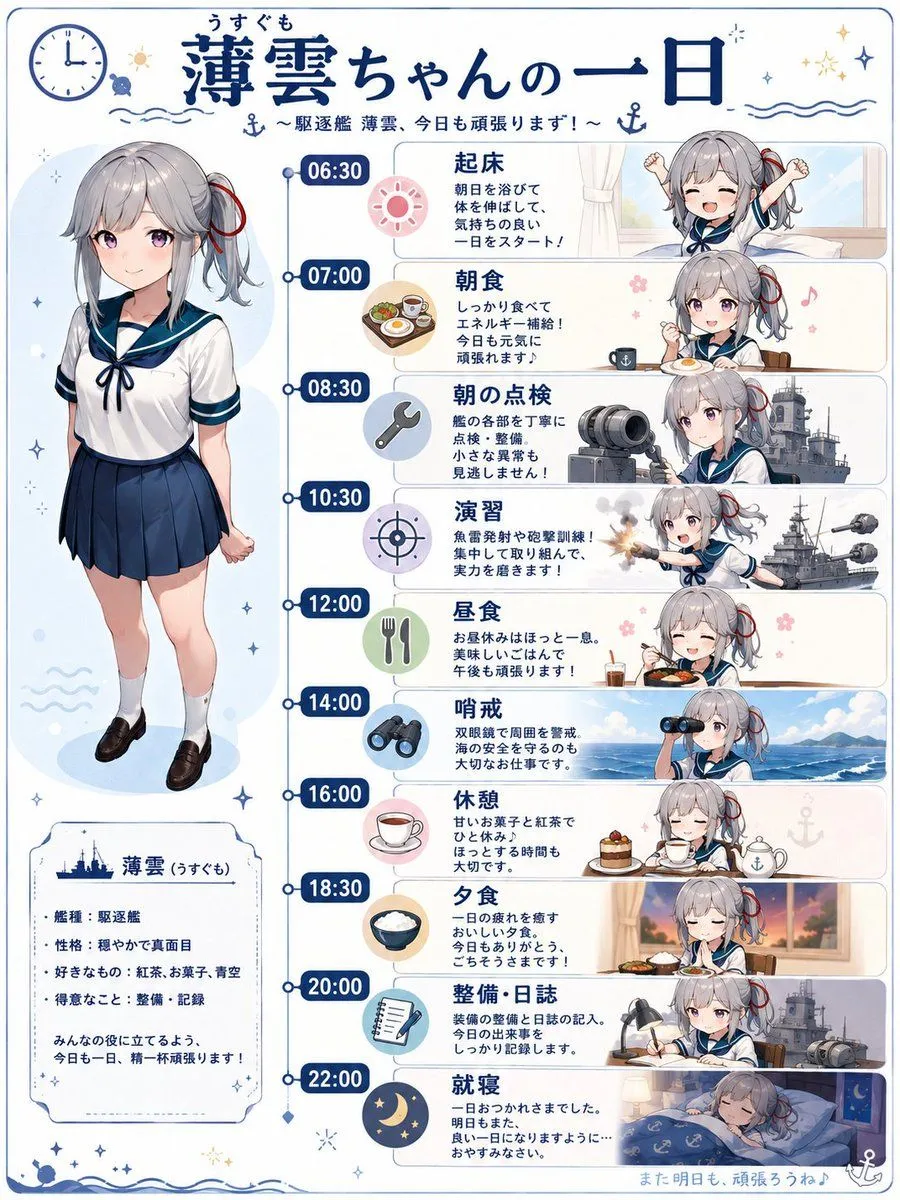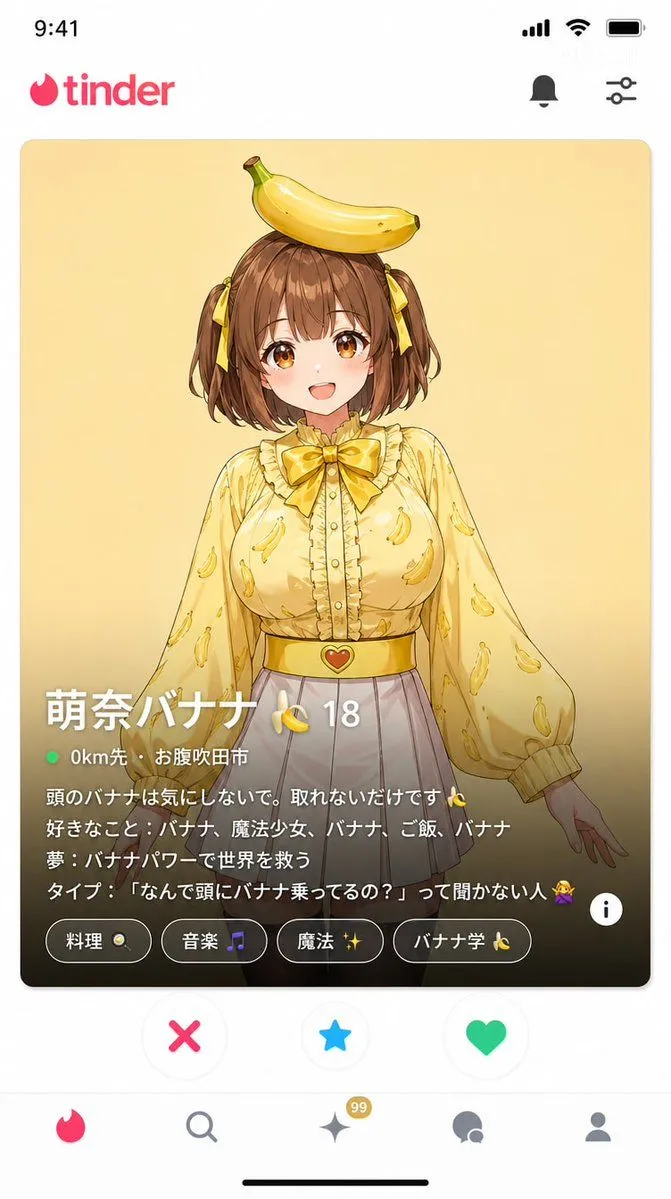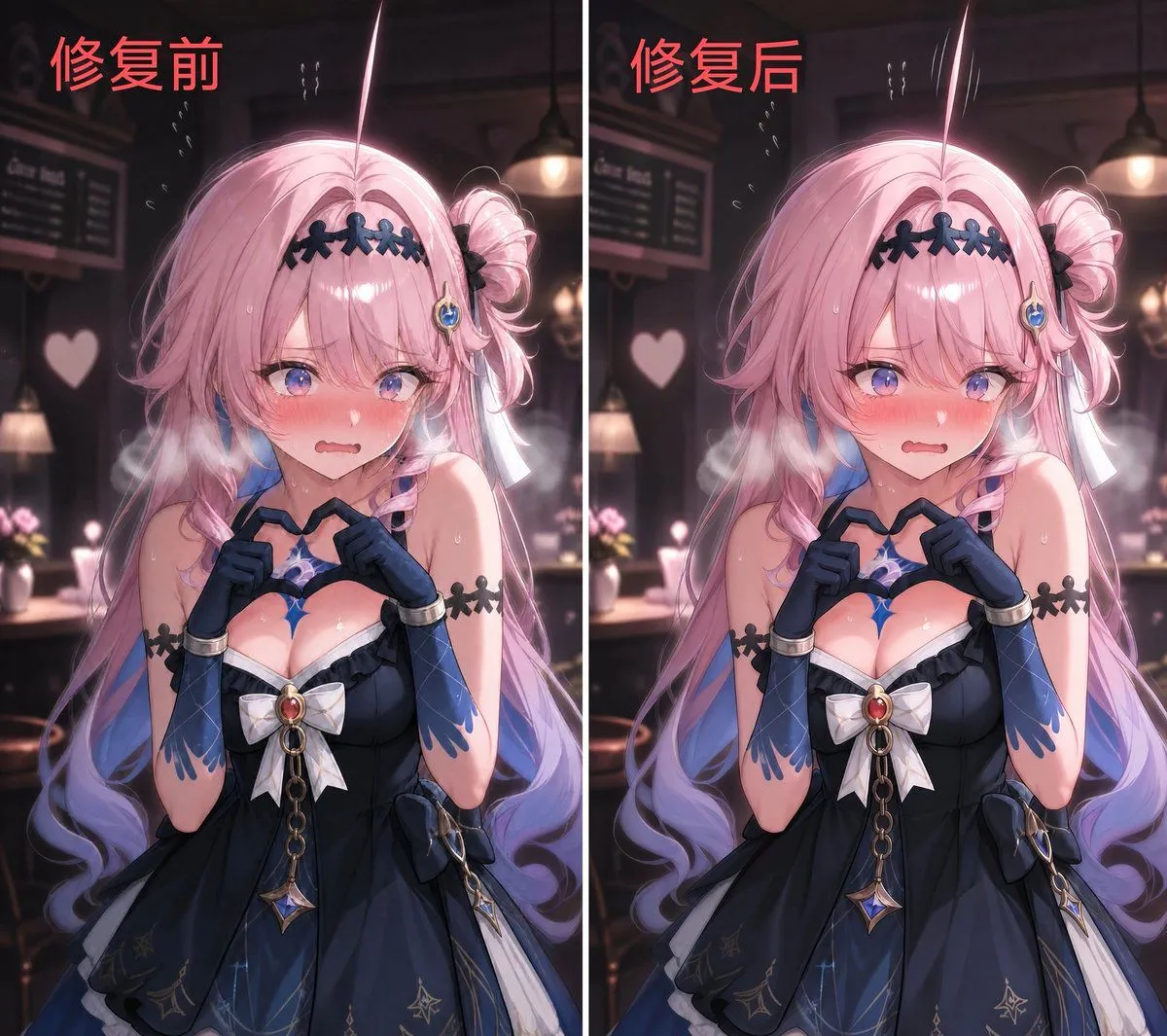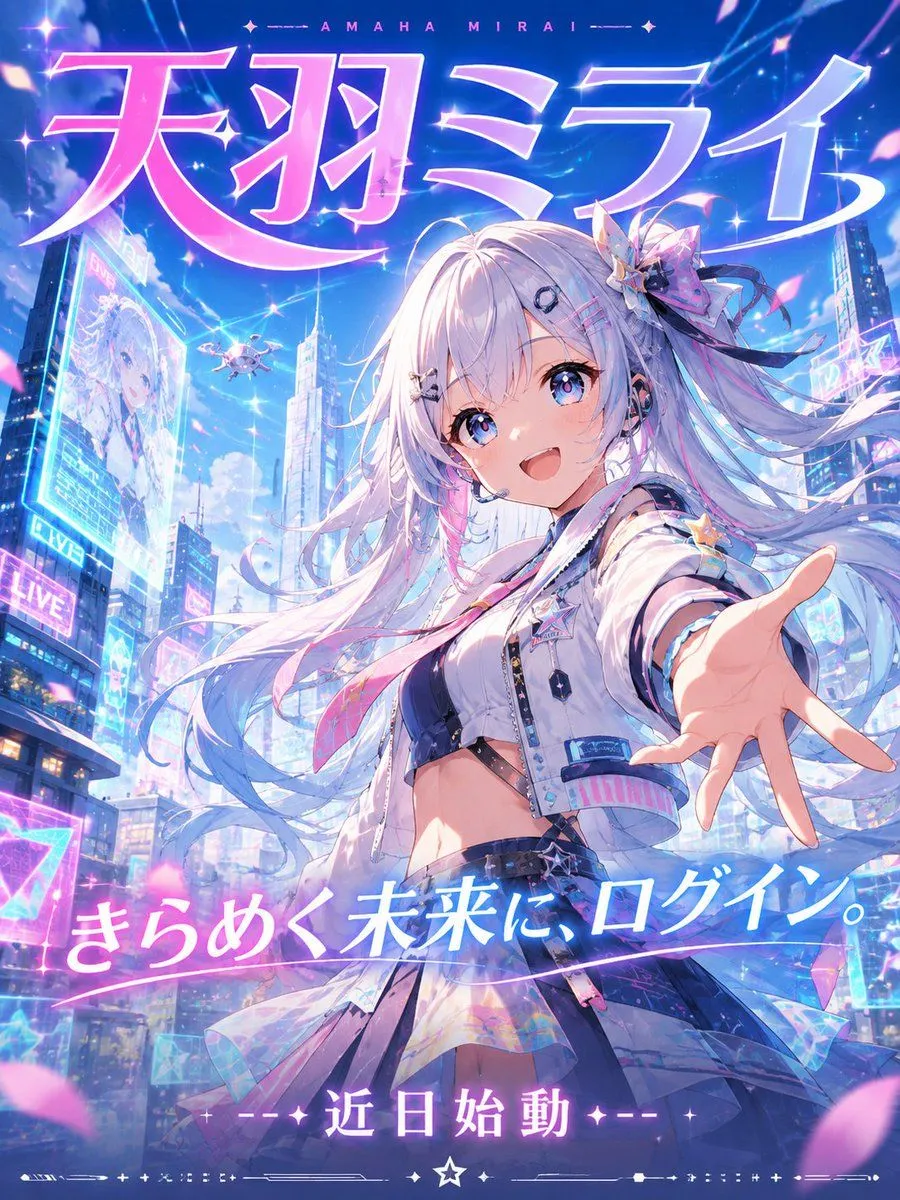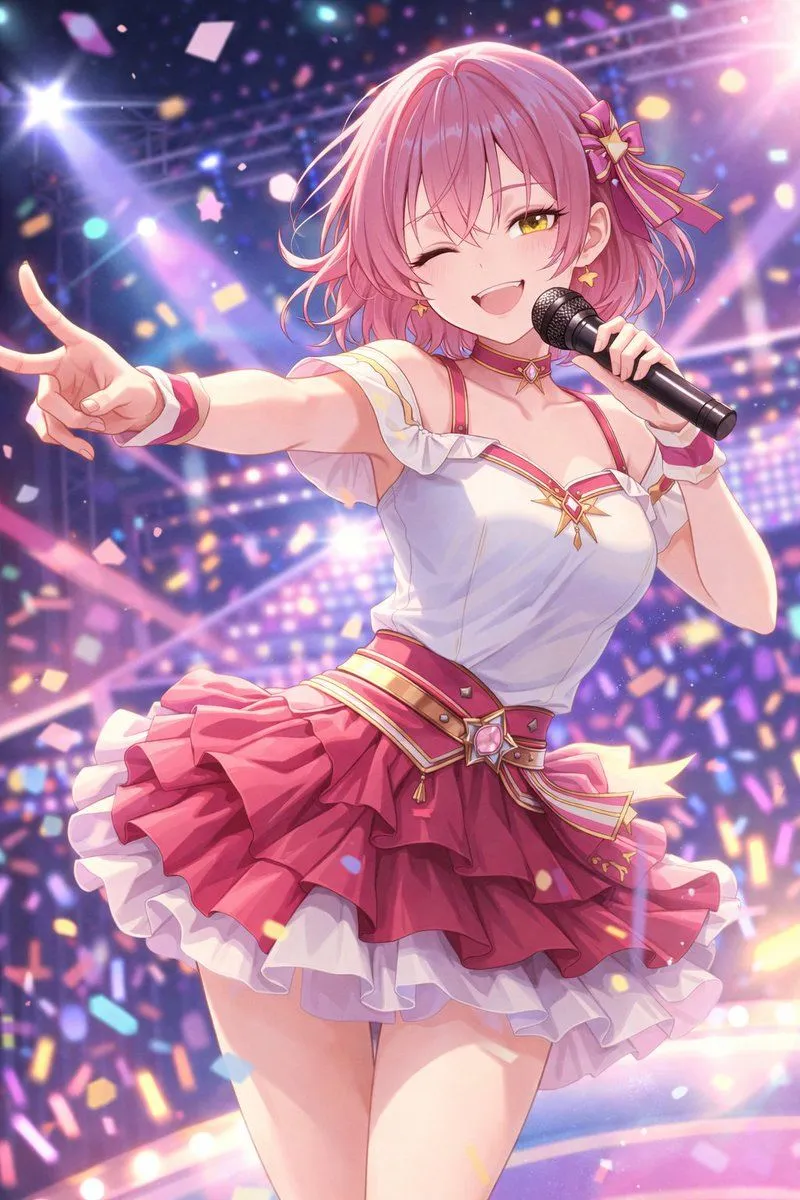
Made with GPT Image 2 in ChatGPT by Library Lifestyle. Promptclay never generates images.
Did it work?
No reports yet. Tell others if it worked for you.
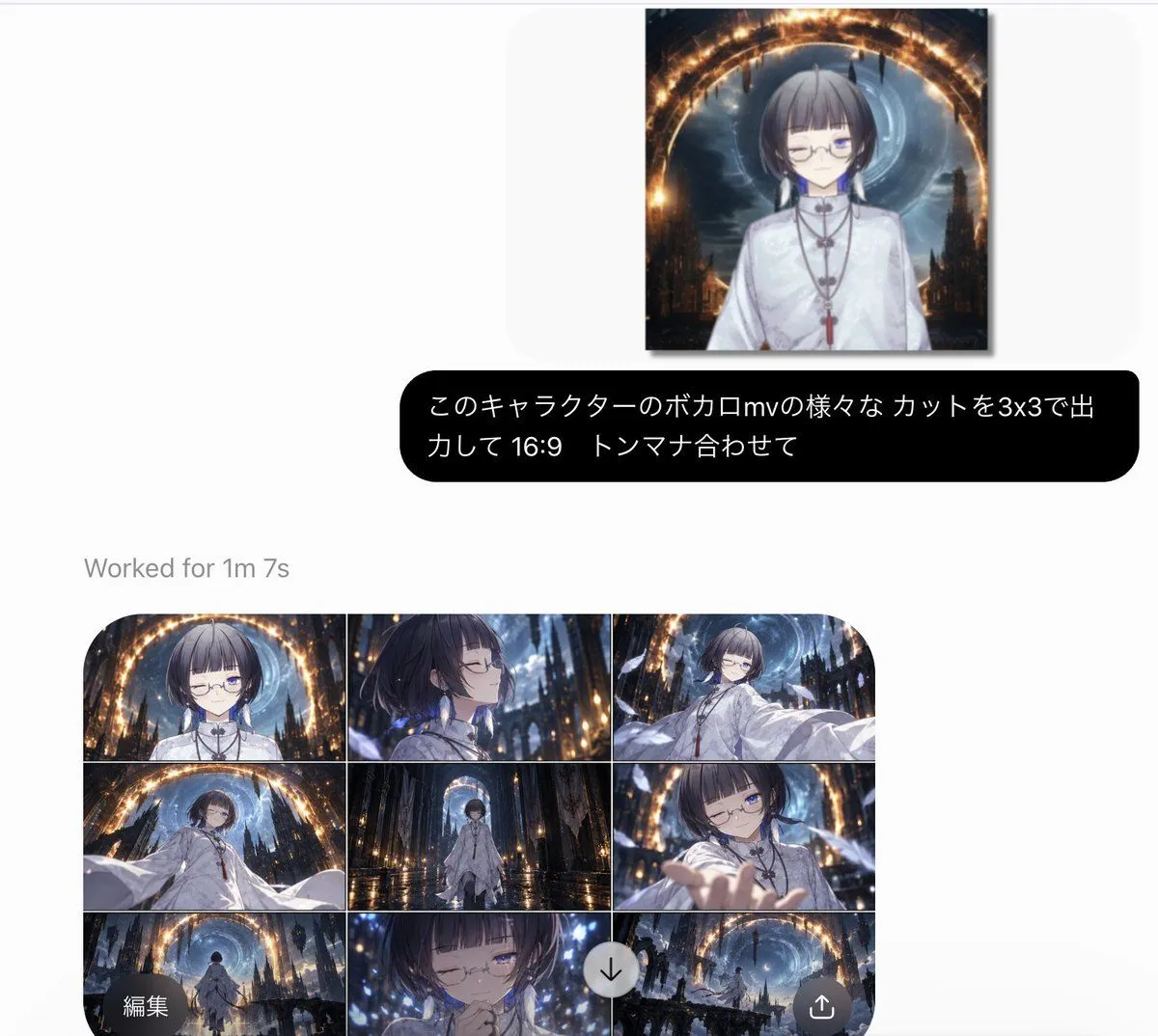
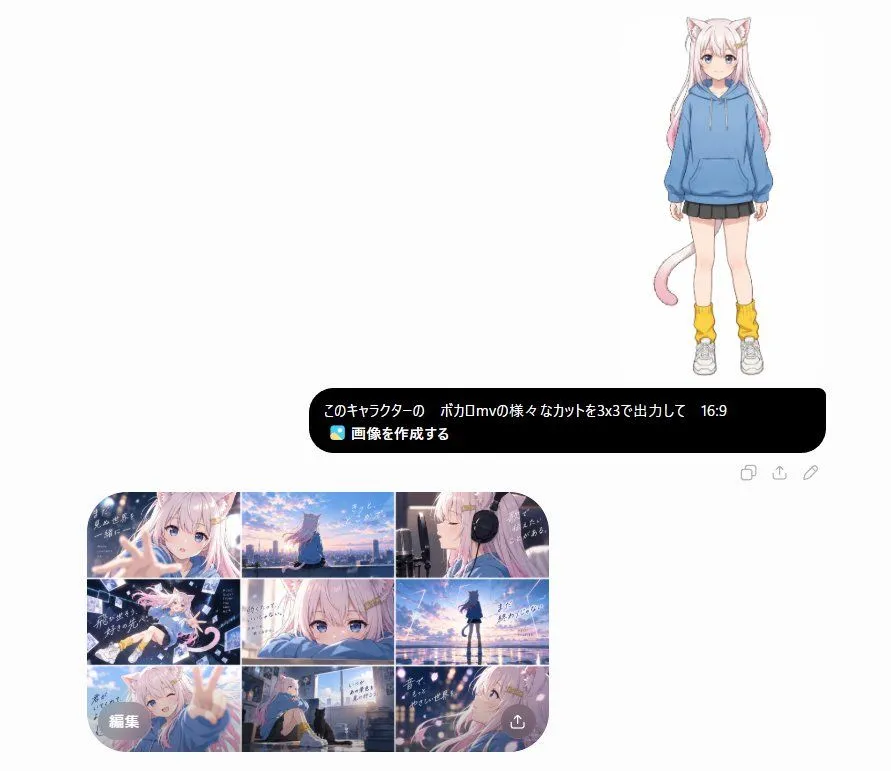
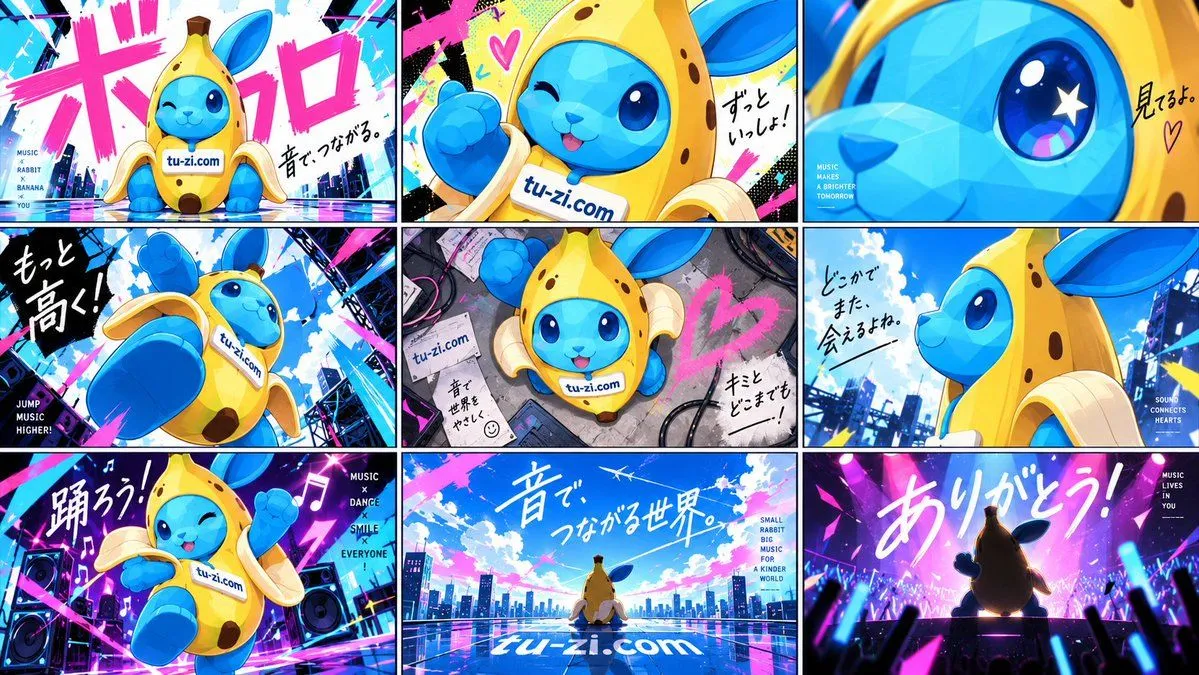
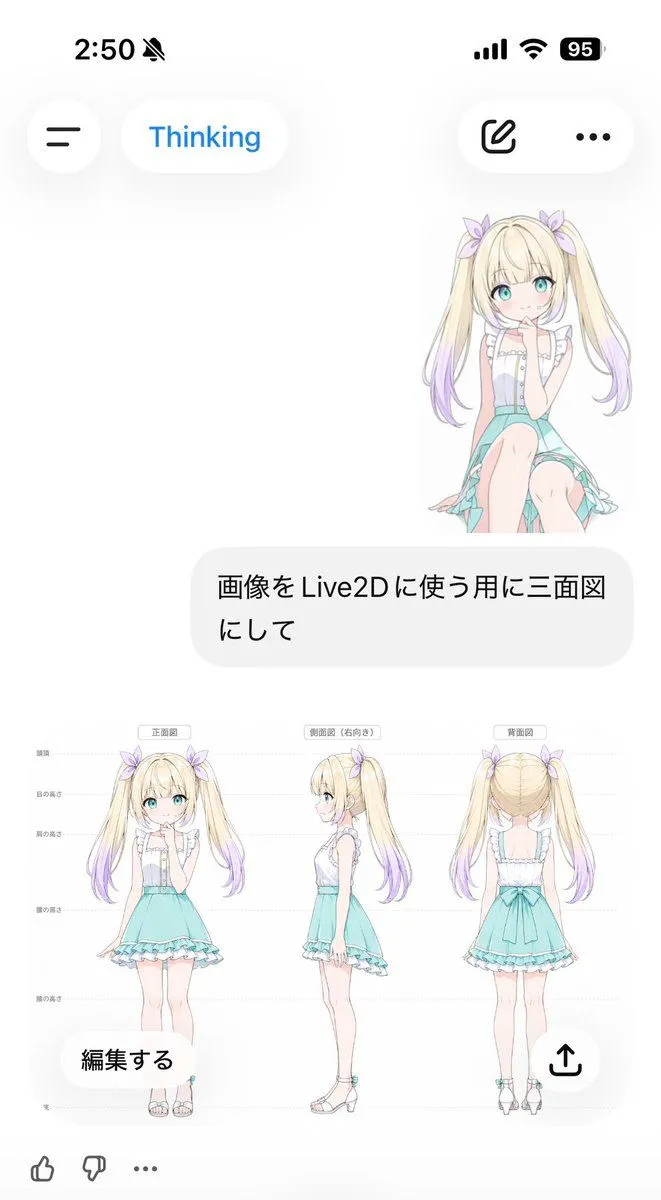
Anime MV Chat Screenshot
Prompt
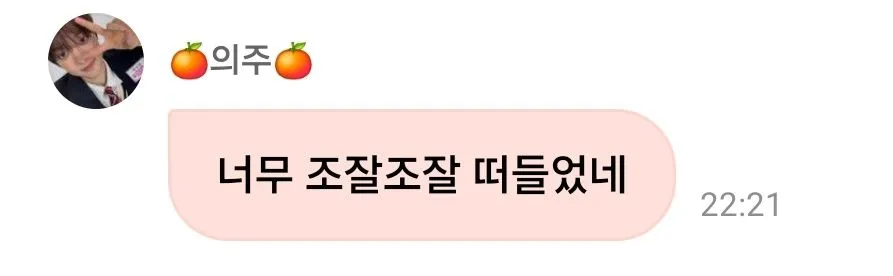
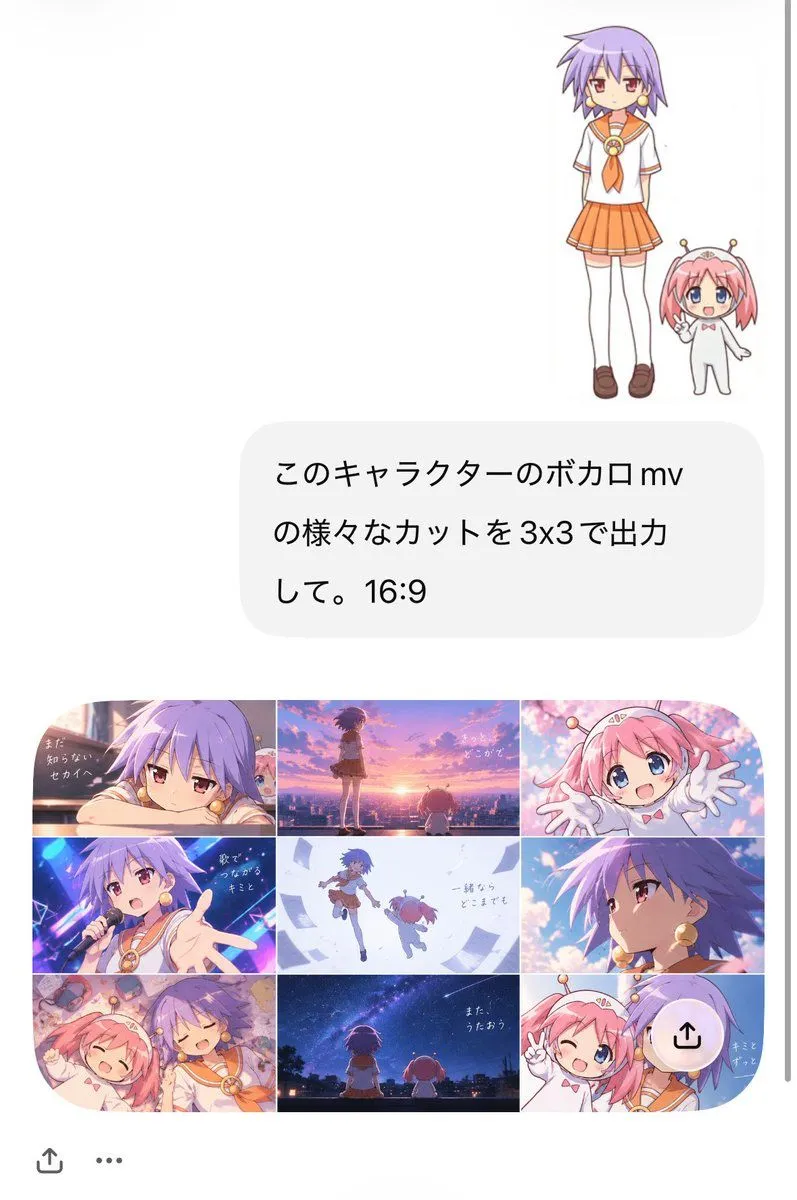
5 blanks to fillGoal: Create a vertical smartphone screenshot-style composition showing an AI image generation conversation and its generated anime music-video storyboard result. Canvas: Tall portrait mobile screen, approximately 9:16, white background, clean social-chat interface look, with a thin gray scroll indicator on the far right edge and small bottom UI icons. Top subject area: In the upper right, place exactly 2 small full-body anime characters standing together: 1 tall purple-haired schoolgirl and 1 tiny pink-haired mascot girl. The schoolgirl has short spiky lavender-purple hair, red eyes, gold round earrings, a white sailor school uniform with orange collar and orange necktie, orange pleated skirt, white knee socks, and brown loafers. The mascot girl is much shorter, pink-haired with blue eyes, wearing a simple white bodysuit with a tiny red bow and two small antenna-like hair accessories with gold tips; she waves cheerfully. Chat bubble: Under the characters, centered slightly right, draw one large rounded light-gray message bubble containing Japanese text in black. Use the exact visible message: {chat_bubble_text}. Keep the text large, simple, and aligned like a phone chat message. Generated result card: Below the chat bubble, create one rounded-corner 16:9 image card containing a 3x3 grid, exactly 9 cinematic anime music-video frames. The grid has thin white dividers and soft rounded outer corners. Grid frame count and contents, left to right, top to bottom: 1) close-up of the purple-haired schoolgirl leaning on her arms beside a window with melancholic expression, warm sunset light, small handwritten Japanese lyric text. 2) wide sunset rooftop or city overlook, purple-haired girl standing while the tiny pink mascot is nearby, orange-pink sky, lyric text. 3) close-up of the pink mascot reaching both hands toward the viewer, bright sakura-like pink background, happy expression. 4) concert stage shot of the purple-haired girl singing into a microphone, neon blue and magenta lights, one hand extended toward viewer, lyric text. 5) airy white-blue scene with both characters floating or jumping together among papers or light fragments, minimal lyric text. 6) dramatic side-profile close-up of the purple-haired girl against blue-violet lighting and glowing highlights. 7) cozy overhead or close shot of both characters lying together happily amid warm pastel clutter, smiling with eyes closed. 8) back view of both characters sitting under a starry night sky and Milky Way, quiet city silhouette, lyric text. 9) cheerful close-up of both characters posing together with peace signs, pastel blue background, small lyric text. Visual style: Polished Japanese anime, cute late-2000s slice-of-life character design, soft cel shading, expressive eyes, saturated music-video color grading, gentle bloom, clean line art, varied camera angles, nostalgic Vocaloid MV mood. Use {main_character_hair_color} for the schoolgirl and {mascot_hair_color} for the tiny mascot. The main school uniform accent color is {uniform_accent_color}. The overall generated storyboard mood is {music_video_mood}. Interface details: Around the generated image card, leave generous white margins like a mobile app screenshot. Add a small share icon near the lower left, a three-dot menu near the bottom, and a translucent circular upload/share overlay button near the lower right of the 3x3 grid. Do not add extra characters beyond the 2 main characters. Do not add extra grid panels beyond exactly 9.
Preview of your prompt
Goal: Create a vertical smartphone screenshot-style composition showing an AI image generation conversation and its generated anime music-video storyboard result. Canvas: Tall portrait mobile screen, approximately 9:16, white background, clean social-chat interface look, with a thin gray scroll indicator on the far right edge and small bottom UI icons. Top subject area: In the upper right, place exactly 2 small full-body anime characters standing together: 1 tall purple-haired schoolgirl and 1 tiny pink-haired mascot girl. The schoolgirl has short spiky lavender-purple hair, red eyes, gold round earrings, a white sailor school uniform with orange collar and orange necktie, orange pleated skirt, white knee socks, and brown loafers. The mascot girl is much shorter, pink-haired with blue eyes, wearing a simple white bodysuit with a tiny red bow and two small antenna-like hair accessories with gold tips; she waves cheerfully. Chat bubble: Under the characters, centered slightly right, draw one large rounded light-gray message bubble containing Japanese text in black. Use the exact visible message: このキャラクターのボカロmv\nの様々なカットを3x3で出力\nして。16:9. Keep the text large, simple, and aligned like a phone chat message. Generated result card: Below the chat bubble, create one rounded-corner 16:9 image card containing a 3x3 grid, exactly 9 cinematic anime music-video frames. The grid has thin white dividers and soft rounded outer corners. Grid frame count and contents, left to right, top to bottom: 1) close-up of the purple-haired schoolgirl leaning on her arms beside a window with melancholic expression, warm sunset light, small handwritten Japanese lyric text. 2) wide sunset rooftop or city overlook, purple-haired girl standing while the tiny pink mascot is nearby, orange-pink sky, lyric text. 3) close-up of the pink mascot reaching both hands toward the viewer, bright sakura-like pink background, happy expression. 4) concert stage shot of the purple-haired girl singing into a microphone, neon blue and magenta lights, one hand extended toward viewer, lyric text. 5) airy white-blue scene with both characters floating or jumping together among papers or light fragments, minimal lyric text. 6) dramatic side-profile close-up of the purple-haired girl against blue-violet lighting and glowing highlights. 7) cozy overhead or close shot of both characters lying together happily amid warm pastel clutter, smiling with eyes closed. 8) back view of both characters sitting under a starry night sky and Milky Way, quiet city silhouette, lyric text. 9) cheerful close-up of both characters posing together with peace signs, pastel blue background, small lyric text. Visual style: Polished Japanese anime, cute late-2000s slice-of-life character design, soft cel shading, expressive eyes, saturated music-video color grading, gentle bloom, clean line art, varied camera angles, nostalgic Vocaloid MV mood. Use lavender purple for the schoolgirl and pink for the tiny mascot. The main school uniform accent color is orange. The overall generated storyboard mood is bittersweet, nostalgic, and uplifting. Interface details: Around the generated image card, leave generous white margins like a mobile app screenshot. Add a small share icon near the lower left, a three-dot menu near the bottom, and a translucent circular upload/share overlay button near the lower right of the 3x3 grid. Do not add extra characters beyond the 2 main characters. Do not add extra grid panels beyond exactly 9.
DetailsVersions, settings and questions
Written for
What's in the prompt
- Subject
- Model
- GPT Image 2
If your face changes
keep my face exactly the sameQuestions
- Does this work in the ChatGPT app?
- Yes. Paste the prompt and attach your photo if it uses one.
- It changed my face. What do I do?
- Add "keep my face exactly the same" to the end and run it again.
- Can I use the images I make?
- Check the terms of the app you use. Promptclay never generates images and claims nothing you make.