Tell us anything

An idea, a bug, something you love. We read every note.

⌘↵ to send. The page you're on comes along.

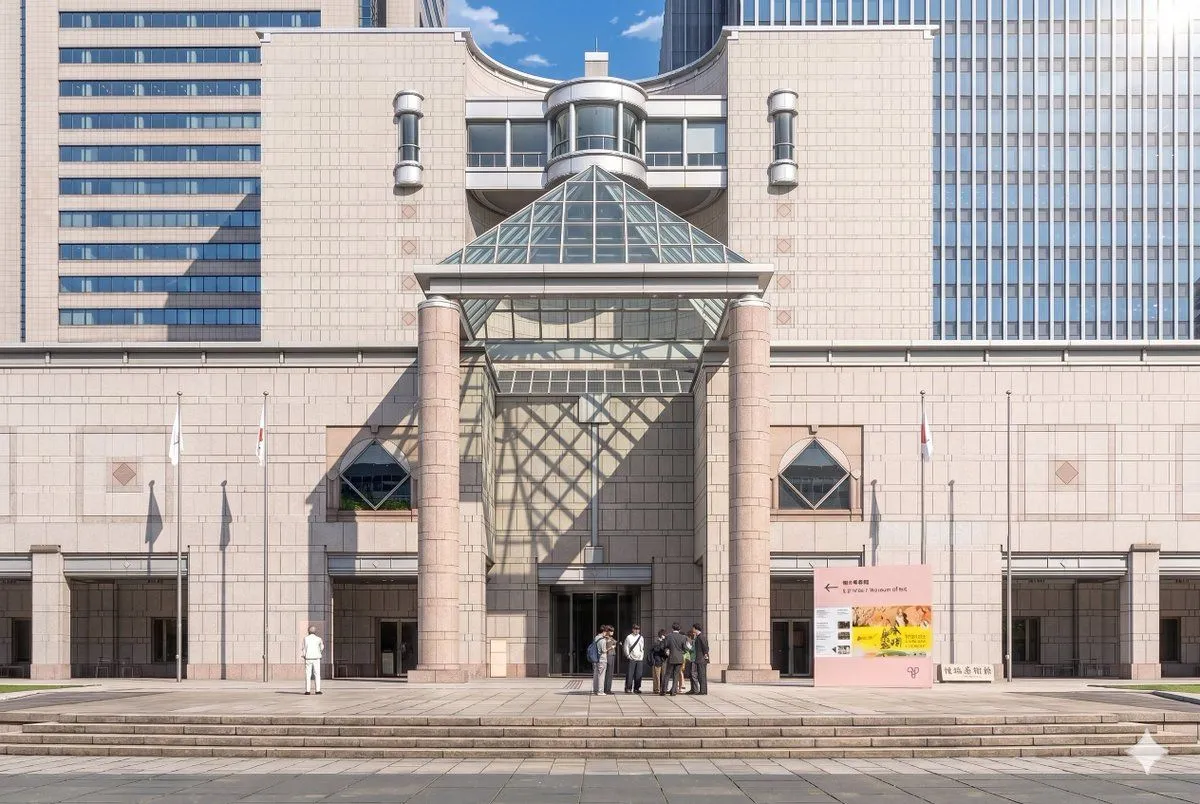
Anime Museum Background Conversion

Made with GPT Image 2 in ChatGPT by Library Anime. Promptclay never generates images.

Anime Museum Background Conversion

GPT Image 23:2AI-generated

Prompt

Using the provided reference photo, recreate the same museum facade and frontal composition as a polished theatrical anime background illustration. Keep the architecture, signage, 3 flagpoles, broad steps, and overall layout consistent, but convert the image from realistic photography into a highly detailed hand-painted anime film style with clean linework, soft cel shading, gentle pastel stone colors, and crisp atmospheric lighting. Add dramatic sunlight from the upper right so the glass pyramid casts a large geometric lattice shadow across the central wall and left side of the entrance. Simplify and stylize the people into anime background characters, keeping the 2 visible groups: 1 lone figure on the left and 1 small cluster of 7 people near the center-right entrance. Preserve the clear blue-sky daytime mood while making the scene feel elegant, refined, and cinematic.

Opens in a new tab with the prompt filled in or copied, ready to paste.

Works in
ChatGPT, Gemini
Status
Free to copy
DetailsVersions, settings and questions

Written for

What's in the prompt

Subject
Model
GPT Image 2

If your face changes

keep my face exactly the same

Questions

Does this work in the ChatGPT app?
Yes. Paste the prompt and attach your photo if it uses one.
It changed my face. What do I do?
Add "keep my face exactly the same" to the end and run it again.
Can I use the images I make?
Check the terms of the app you use. Promptclay never generates images and claims nothing you make.
0

Did it work?

No reports yet. Tell others if it worked for you.
No comments yet. Be the first.

    More like this

    See more
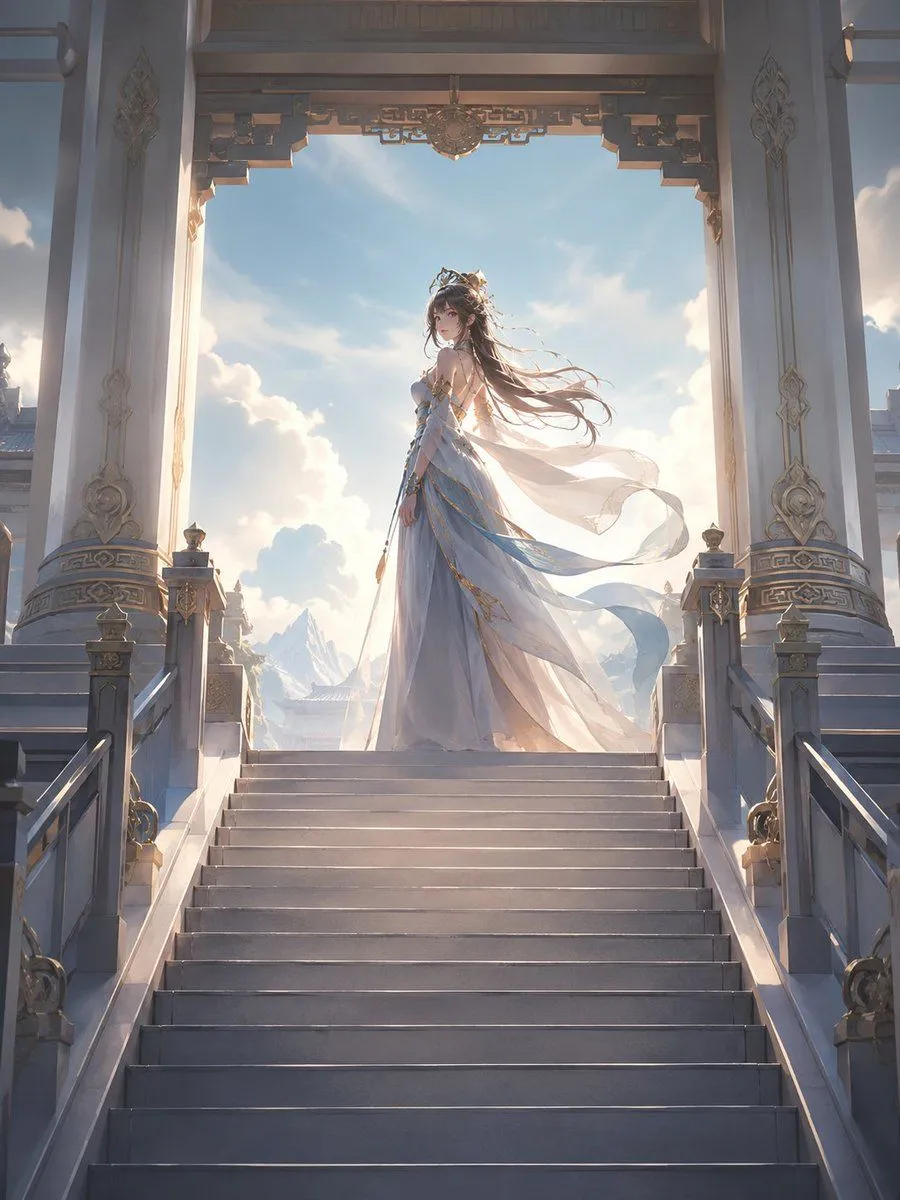
    • Fantasy Princess Temple Staircase
    • Jindaiji Temple Approach Background
    • Crystal Sky City Anime Vista
    • Retro-Future Pinup Background Conversion Prompt
    • Futuristic Anime Leap
    • Anime Movie Poster from Reference
    • Extreme low-angle shot
    • Anime Girl at Chuo Station
    • Anime Crowd POV Comparison
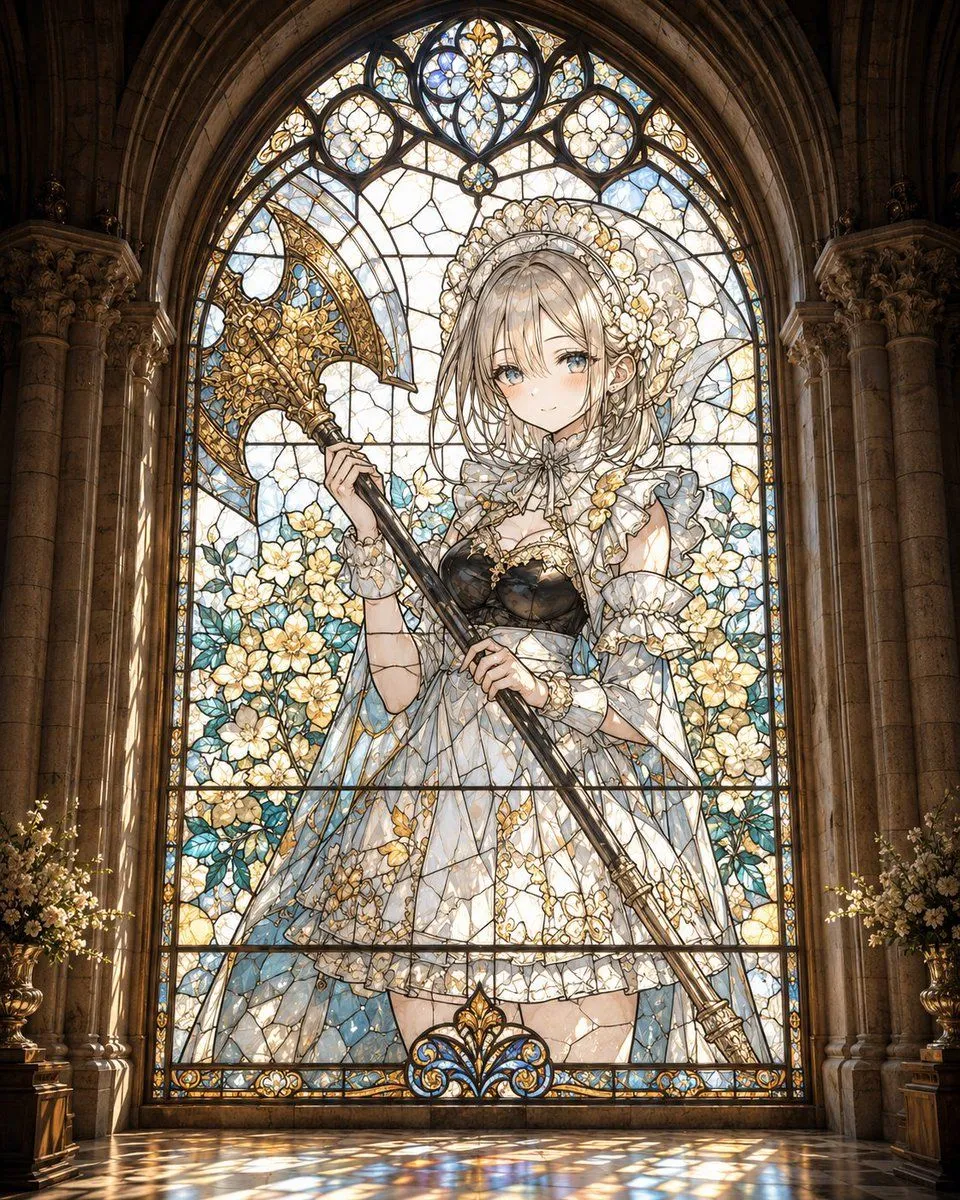
    • Gothic Stained Glass Anime Maiden
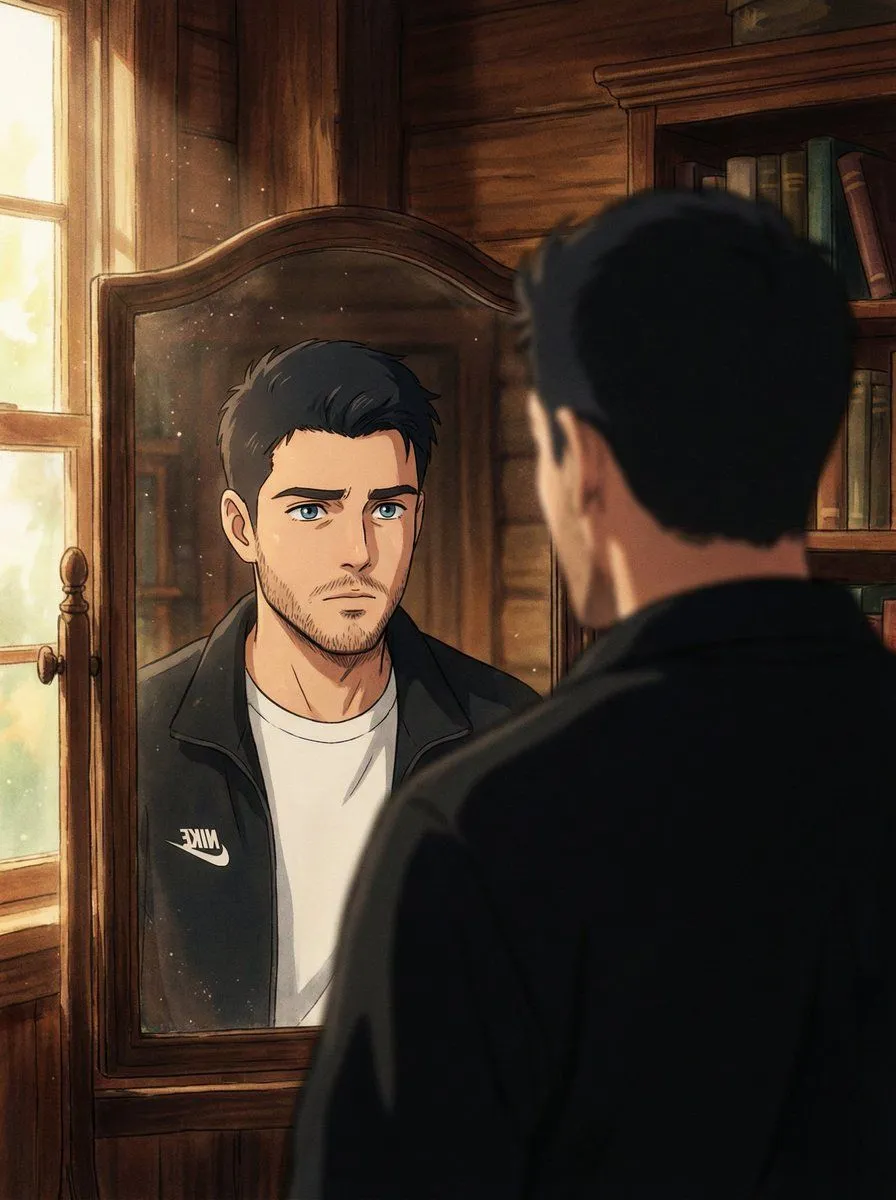
    • Cinematic Portrait Reflection with Ghibli Effect
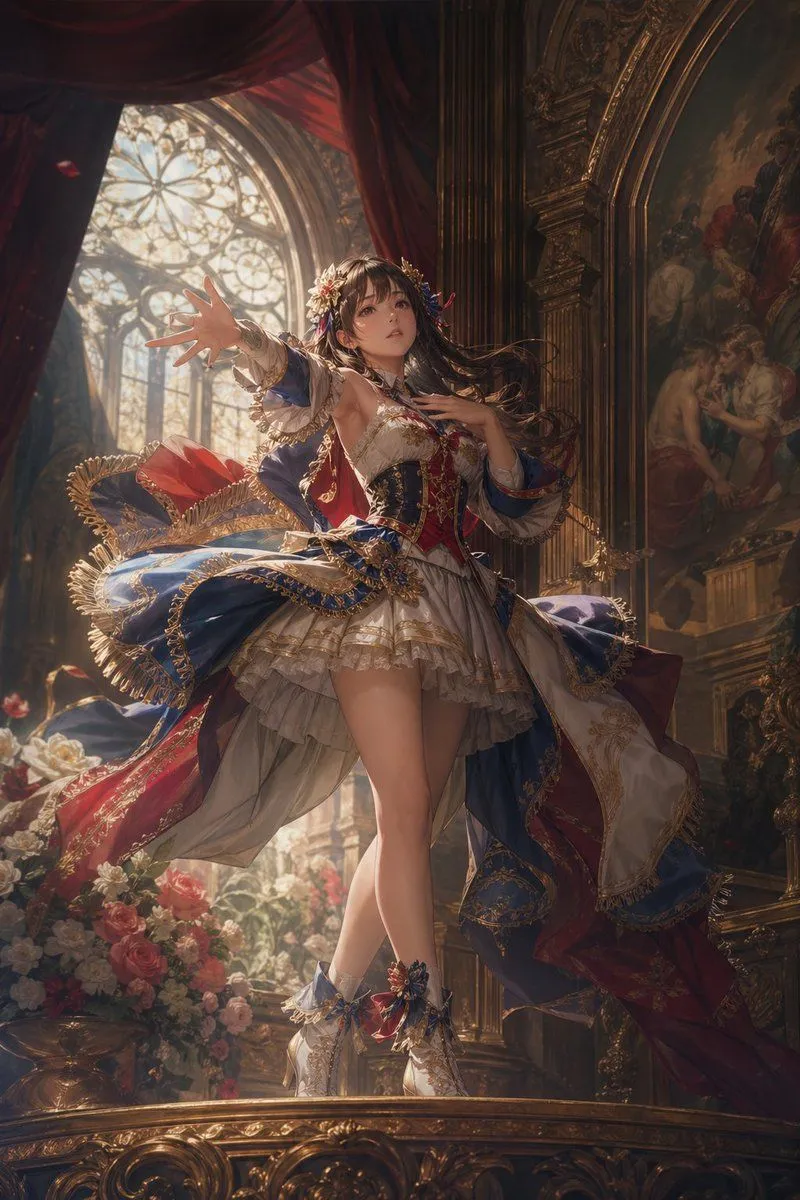
    • Baroque Fantasy Idol Performance
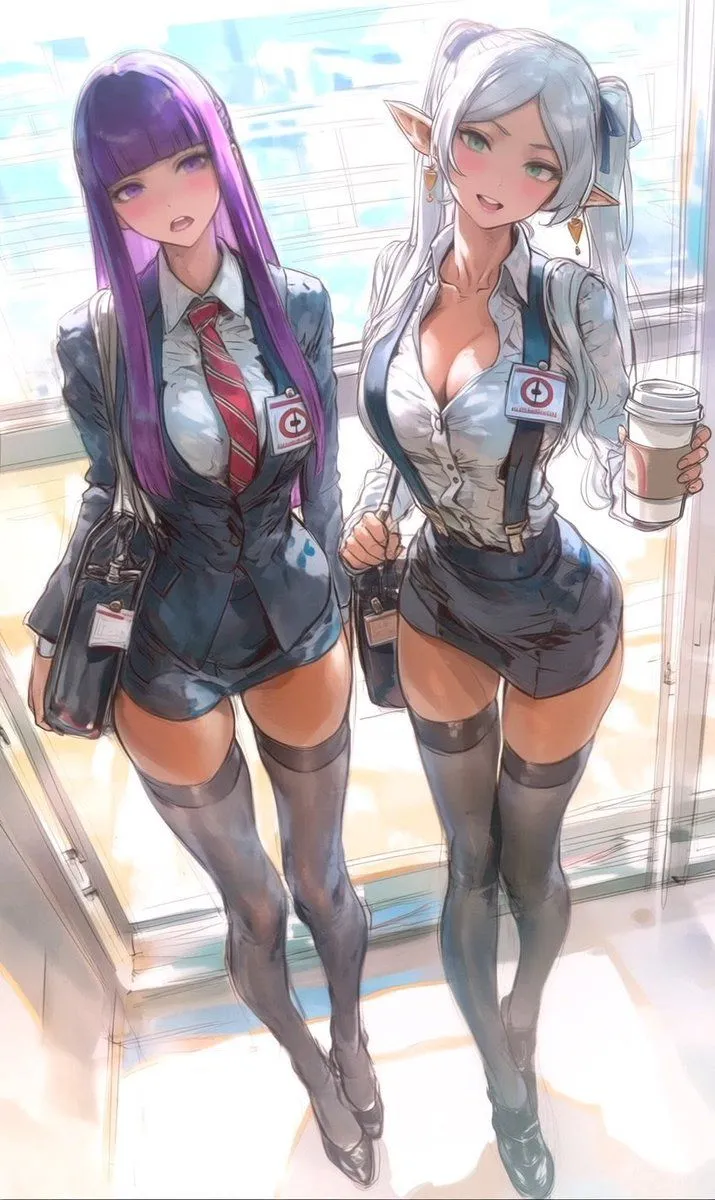
    • Two Anime Office Workers at Glass Doors
    • Artist and Ethereal Muse at Night
    • Cinematic 2D Anime Illustration
    • Crystalline Cybernetic Anime Girl
    • Style Transfer to Anime Cartoon
    • Four Anime Figures in Glass Display
    • Elegant Office Lady in Jewelry Store
    • Kimetsu no Yaiba-style anime transformation with brush calligraphy
    • Samurai Sniper Dynamic Battle Scene Prompt
    • Epic Anime Movie Poster from Photo
    • Logo Integration and Marker Overlay
    • Anime Art Process Infographic

    Show more

    Run it on your phone

    1. Prompt copiedRead it

      Using the provided reference photo, recreate the same museum facade and frontal composition as a polished theatrical anime background illustration. Keep the architecture, signage, 3 flagpoles, broad steps, and overall layout consistent, but convert the image from realistic photography into a highly detailed hand-painted anime film style with clean linework, soft cel shading, gentle pastel stone colors, and crisp atmospheric lighting. Add dramatic sunlight from the upper right so the glass pyramid casts a large geometric lattice shadow across the central wall and left side of the entrance. Simplify and stylize the people into anime background characters, keeping the 2 visible groups: 1 lone figure on the left and 1 small cluster of 7 people near the center-right entrance. Preserve the clear blue-sky daytime mood while making the scene feel elegant, refined, and cinematic.

    2. Open your app

    3. Paste and run

      Press and hold the message box, then tap Paste. Add your photo first if the prompt uses one. You may need to sign in.

    Anime Museum Background Conversion