Tell us anything

An idea, a bug, something you love. We read every note.

⌘↵ to send. The page you're on comes along.

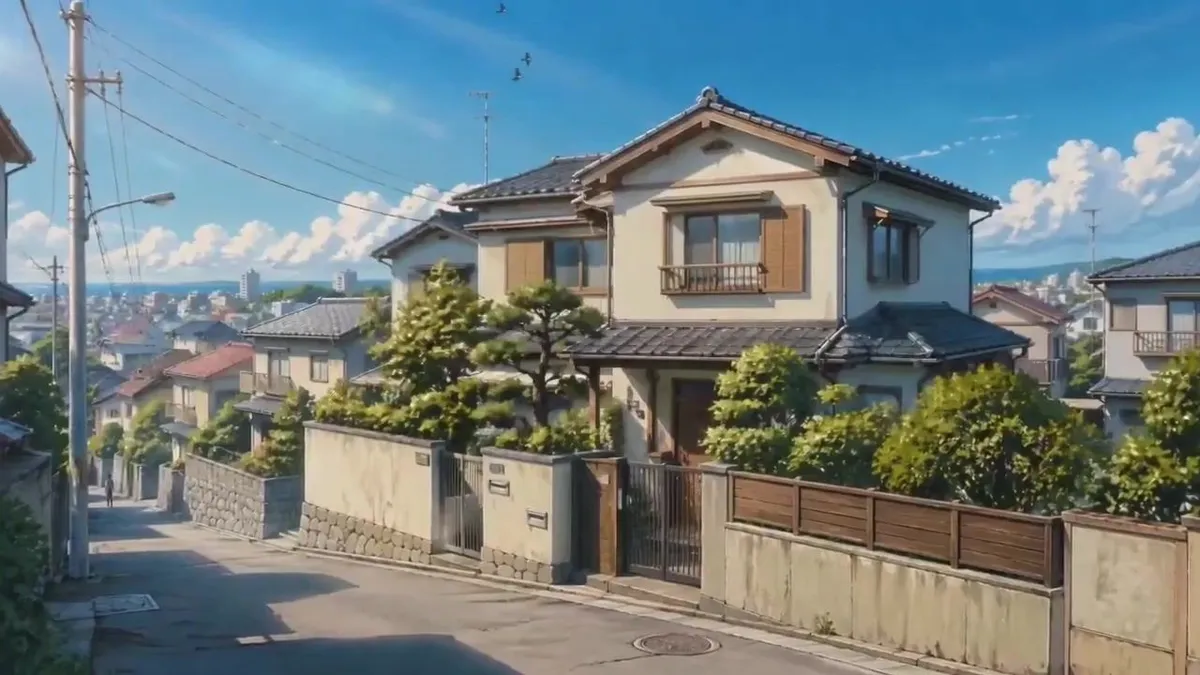
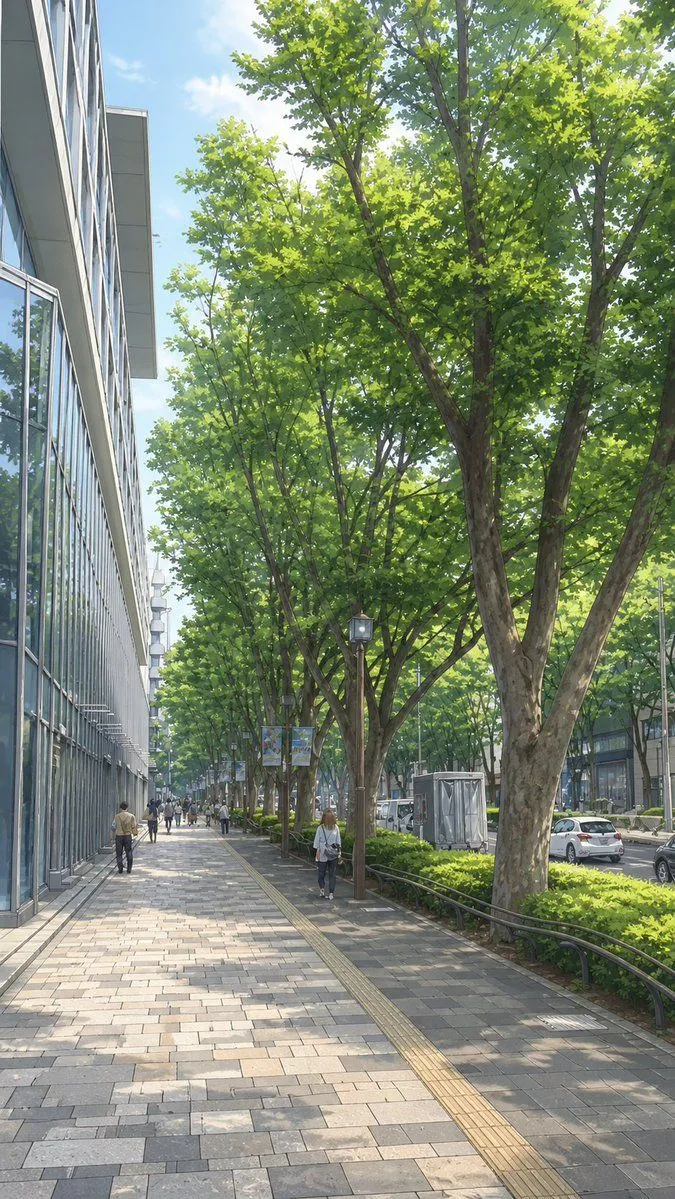
Anime Morning Commute Sequence

Made with Seedance 2.5 in Kling by Library Cinema. Promptclay never generates images.

Did it work?

No reports yet. Tell others if it worked for you.

No comments yet. Be the first.

    Anime Morning Commute Sequence

    Seedance 2.516:9AI-generated

    Prompt

    Create a 10-second cinematic anime-style sequence set in a peaceful Japanese town on a bright summer morning. Start with a wide shot of a quiet residential street with Japanese houses, greenery, utility poles and soft blue skies → show a schoolgirl waking up in a sunlit bedroom, stretching beside the window → close-up of breakfast cooking in a warm kitchen with gentle steam → she grabs her school bag and runs outside to catch the school bus → show her walking along a sunny street before meeting a schoolboy riding a bicycle → they travel together toward school, with natural wind moving their hair and clothes → end with the girl entering a bright classroom and sitting beside the window as sunlight fills the room. Beautiful anime visuals, detailed backgrounds, expressive characters, soft golden lighting, smooth camera movement, natural animation, subtle motion blur, nostalgic coming-of-age atmosphere, consistent character appearance, no text, subtitles or watermark.

    Works in
    Kling
    Status
    Free to copy
    0
    DetailsVersions, settings and questions

    Written for

    What's in the prompt

    Subject
    Model
    Seedance 2.5

    If your face changes

    keep my face exactly the same

    Questions

    Does this work in the Kling app?
    Yes. Paste the prompt and attach your photo if it uses one.
    It changed my face. What do I do?
    Add "keep my face exactly the same" to the end and run it again.
    Can I use the images I make?
    Check the terms of the app you use. Promptclay never generates images and claims nothing you make.
    Similar prompts

    See more
    • Jindaiji Temple Approach Background
    • Street View to Anime Background
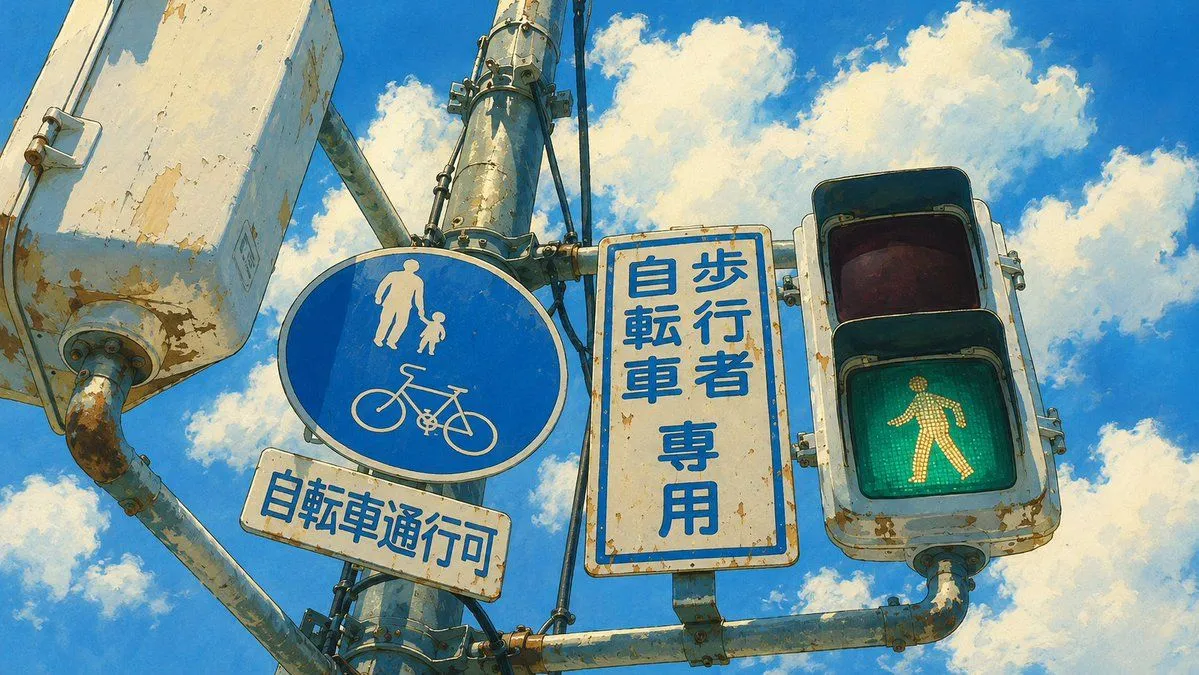
    • Weathered Japanese Crossing Signs
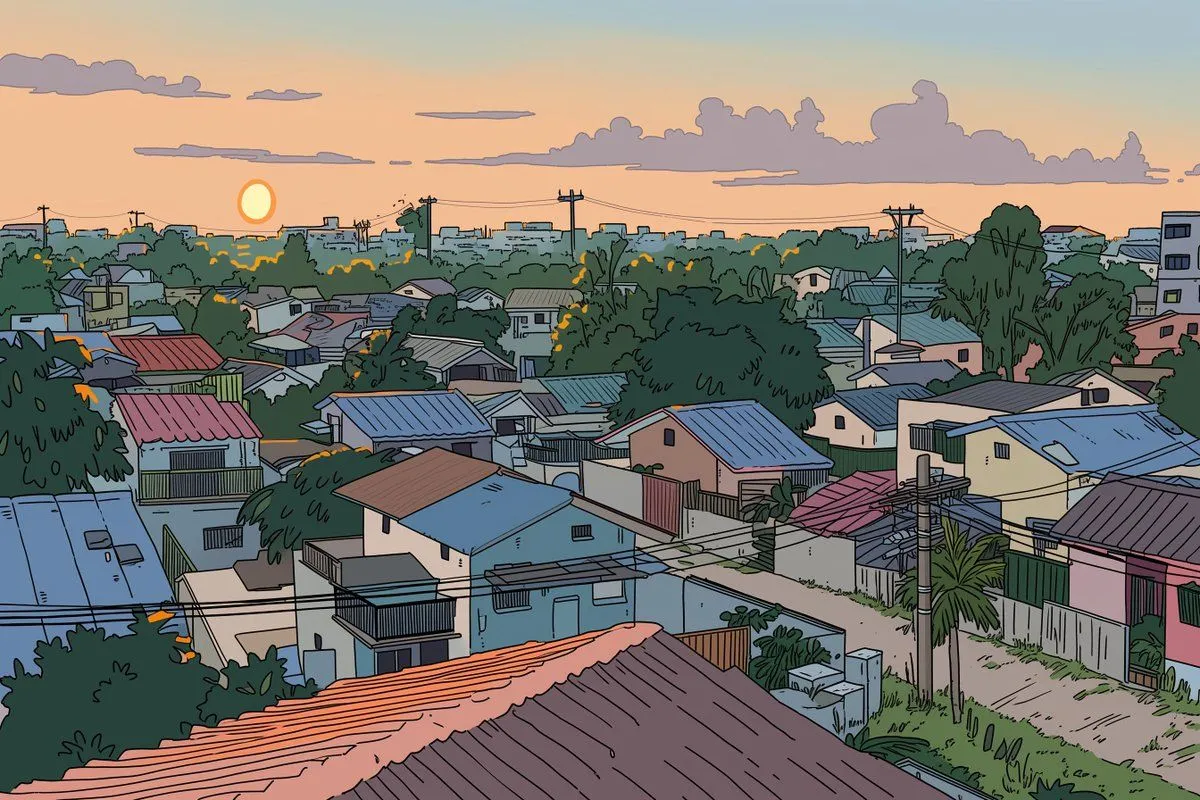
    • Ligne Claire Suburban Landscape
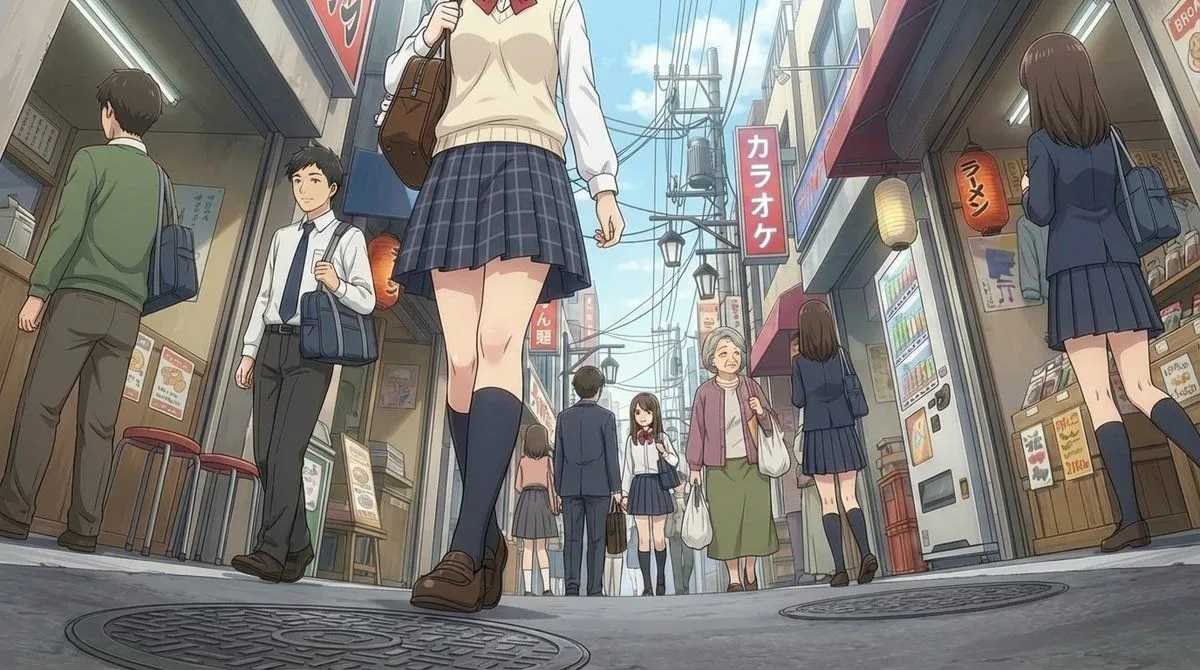
    • Extreme low-angle shot
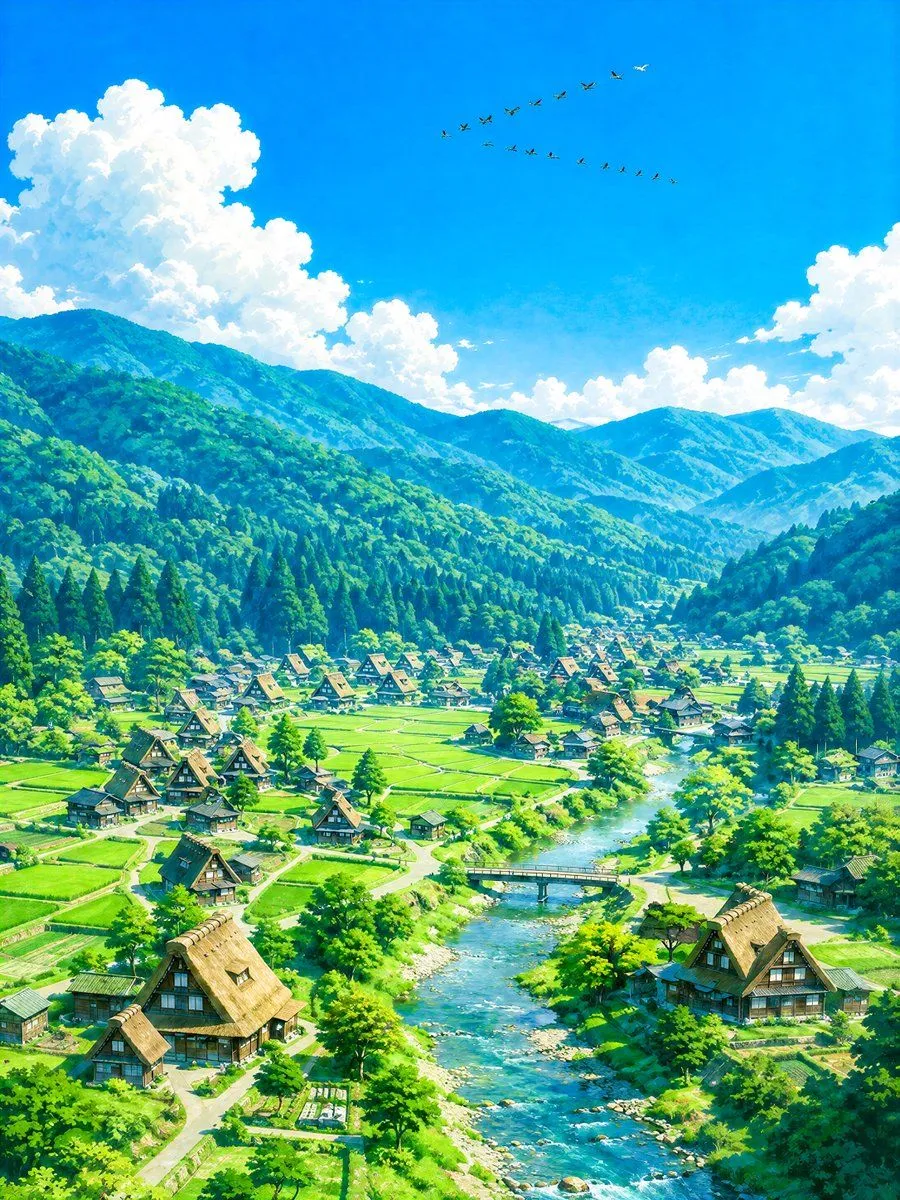
    • Aerial Summer Shirakawa-go Valley
    • Anime Mirror Lake Sky Background
    • Rural Station Schoolgirl Scene
    • Anime Maid at Rural Train Station
    • Four Seasons Japanese Panorama
    • Urban Anime Garden Illustration
    • Image Manipulation Prompt for Advertising Placement
    • Japanese Anime Girl Illustration
    • Anime Polka Dot Summer Outfit
    • Sunlit Riverside City Fantasy
    • Seamless Four-Season Skate/Snowboard Journey Video PromptVideo, 0:15
    • Anime Dawn at Kuala Lumpur Sentral
    • Cinematic Storyboard Generation Prompt
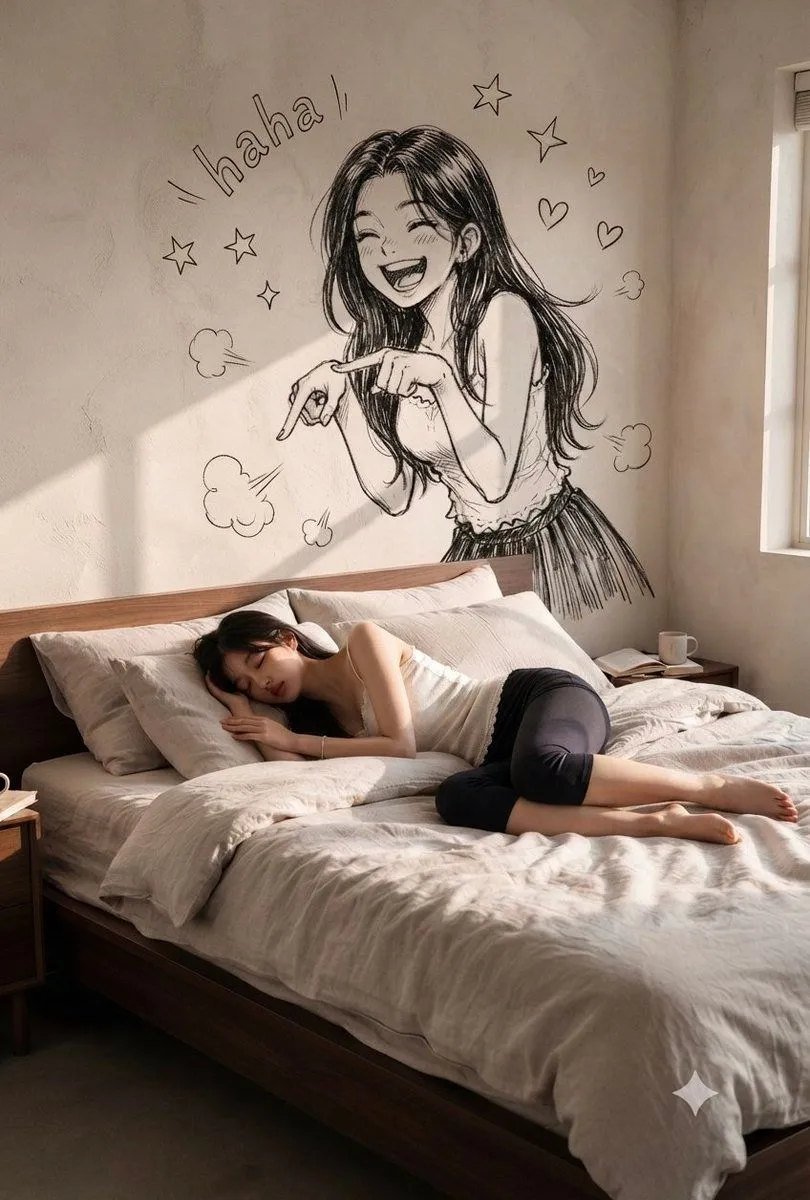
    • Serene Bedroom with Anime Wall Art
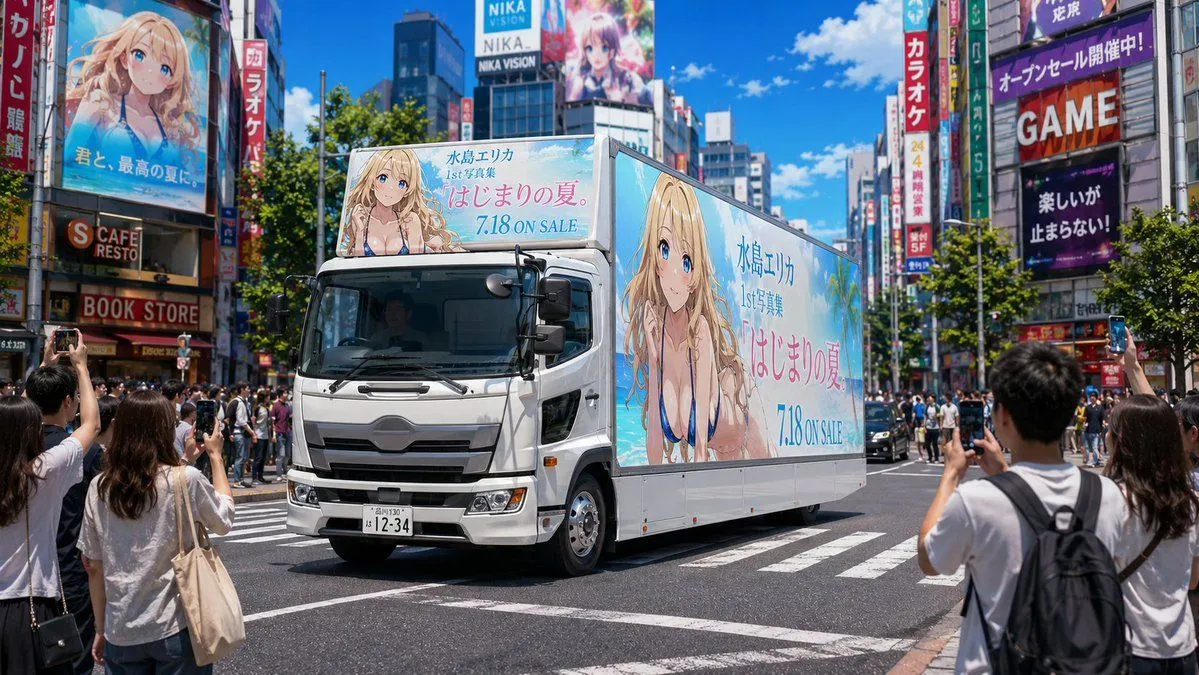
    • Anime Idol Ad Truck in Japan
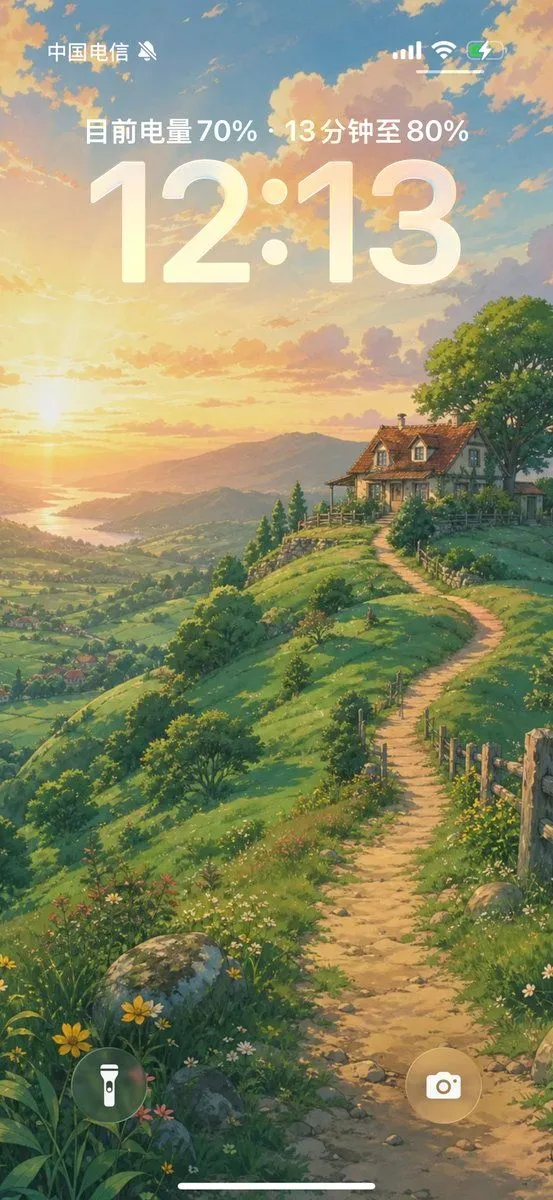
    • Anime Countryside iPhone Lock Screen
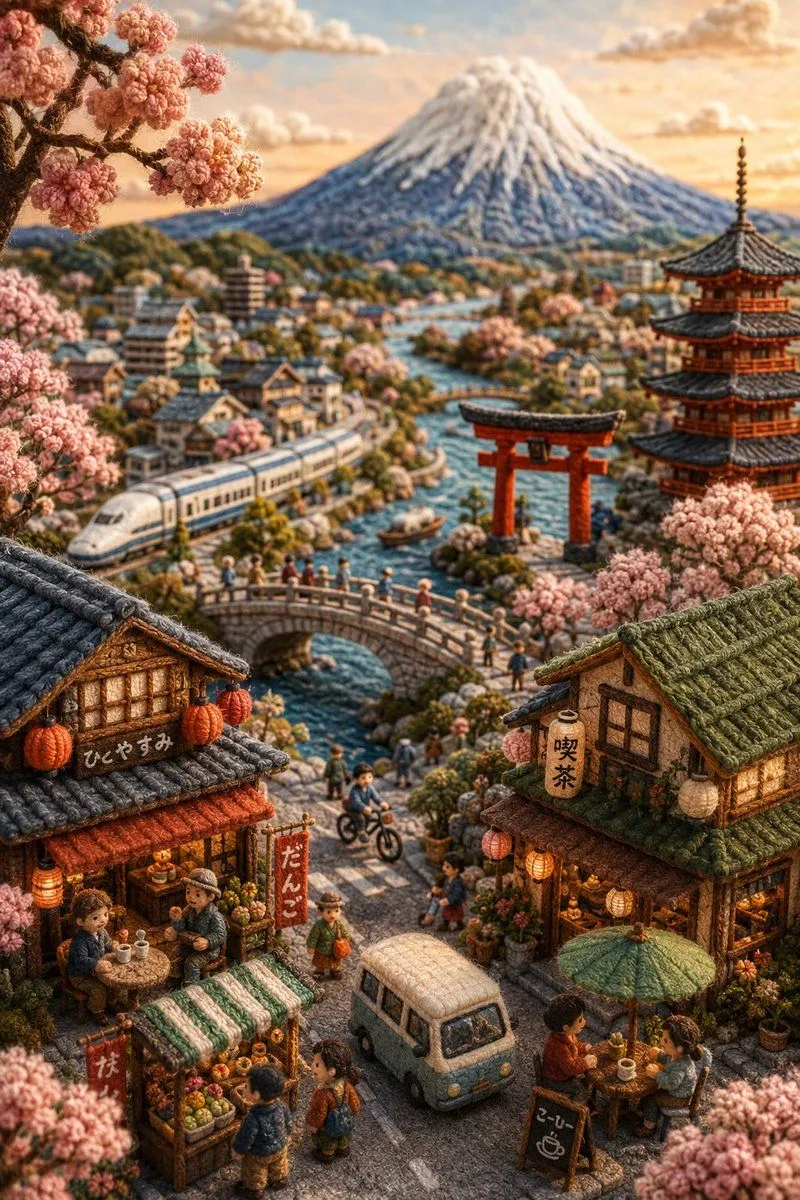
    • Handmade Miniature Diorama of Japan
    • Midnight Bloodline Action ThrillerVideo, 0:30
    • Floating Sky Castle Digital Art Poster Prompt

    Show more

    Run it on your phone

    1. Prompt copiedRead it

      Create a 10-second cinematic anime-style sequence set in a peaceful Japanese town on a bright summer morning. Start with a wide shot of a quiet residential street with Japanese houses, greenery, utility poles and soft blue skies → show a schoolgirl waking up in a sunlit bedroom, stretching beside the window → close-up of breakfast cooking in a warm kitchen with gentle steam → she grabs her school bag and runs outside to catch the school bus → show her walking along a sunny street before meeting a schoolboy riding a bicycle → they travel together toward school, with natural wind moving their hair and clothes → end with the girl entering a bright classroom and sitting beside the window as sunlight fills the room. Beautiful anime visuals, detailed backgrounds, expressive characters, soft golden lighting, smooth camera movement, natural animation, subtle motion blur, nostalgic coming-of-age atmosphere, consistent character appearance, no text, subtitles or watermark.

    2. Open your app

    3. Paste and run

      Press and hold the message box, then tap Paste. Add your photo first if the prompt uses one. You may need to sign in.