Tell us anything

An idea, a bug, something you love. We read every note.

⌘↵ to send. The page you're on comes along.

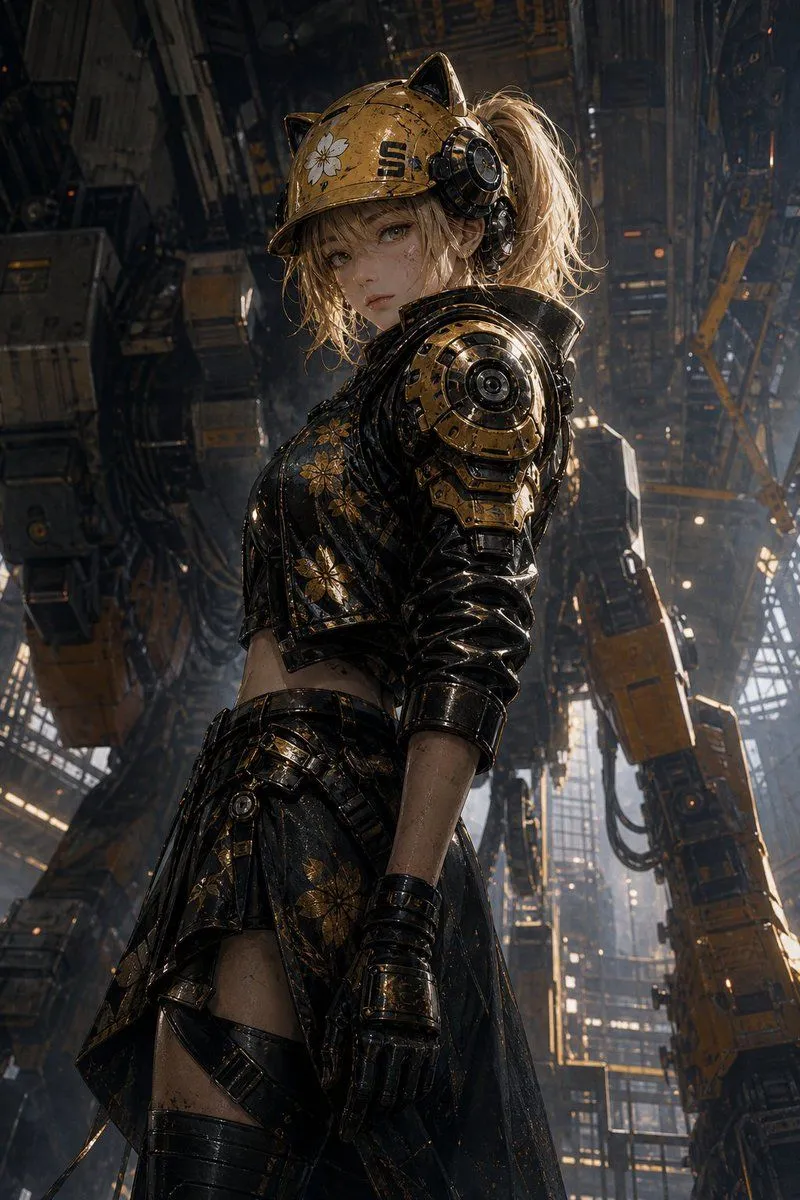
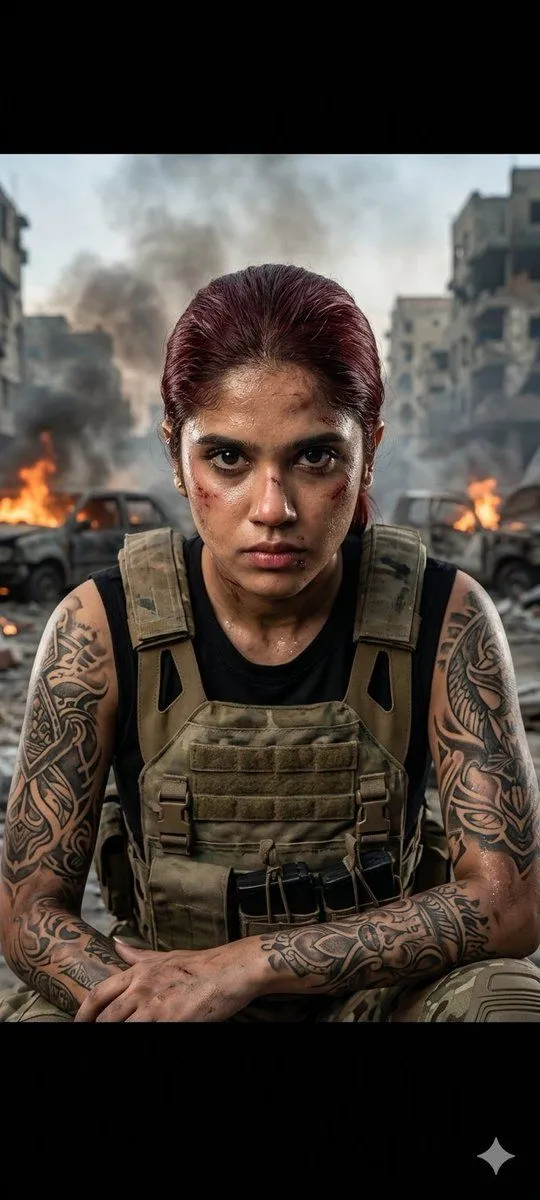
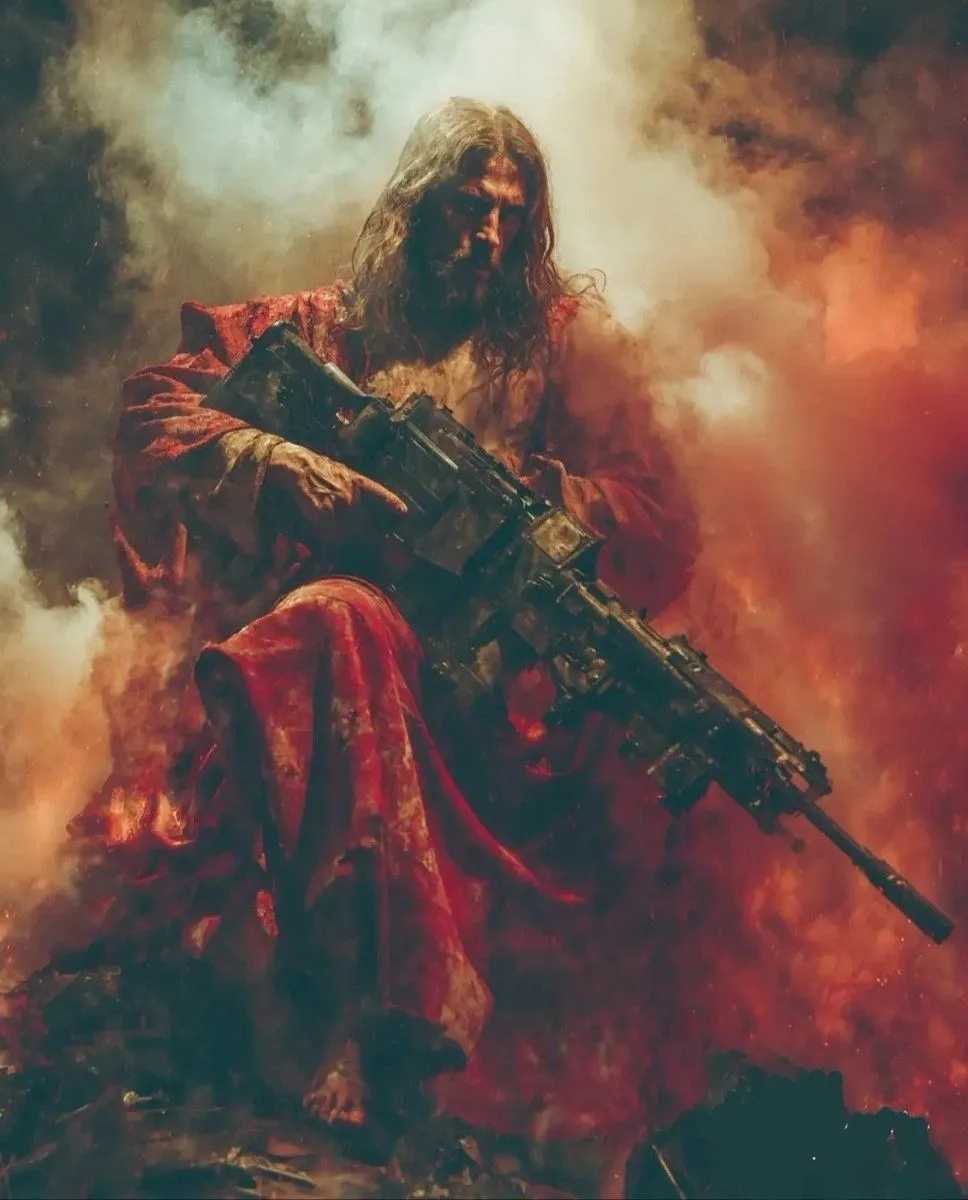
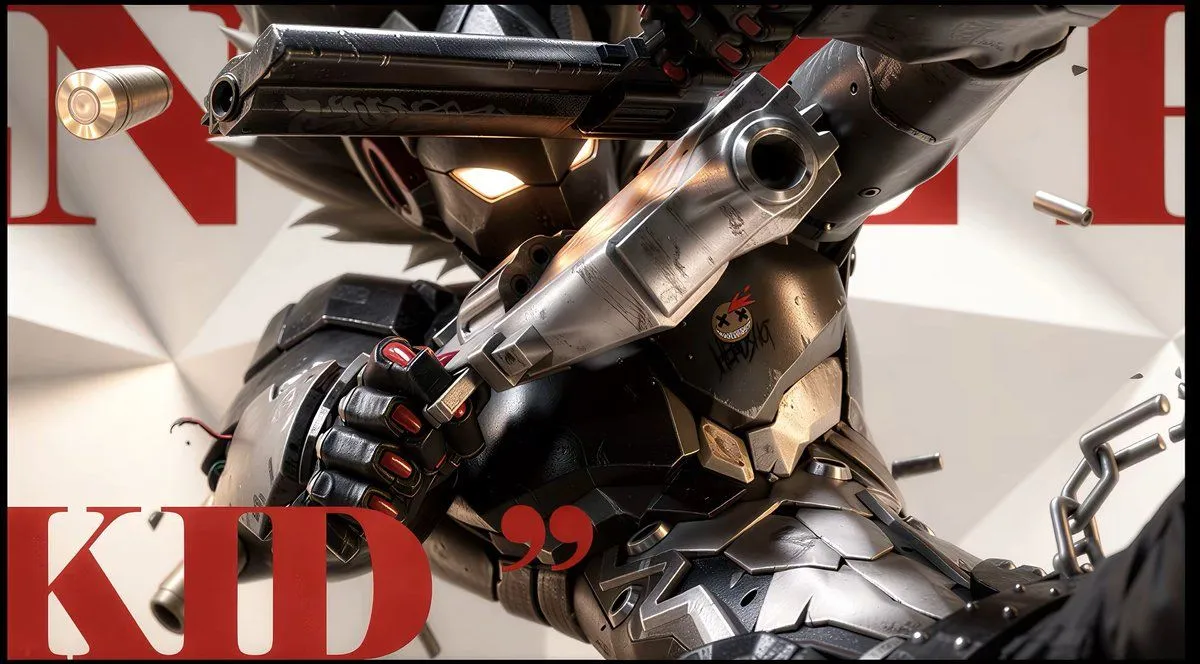
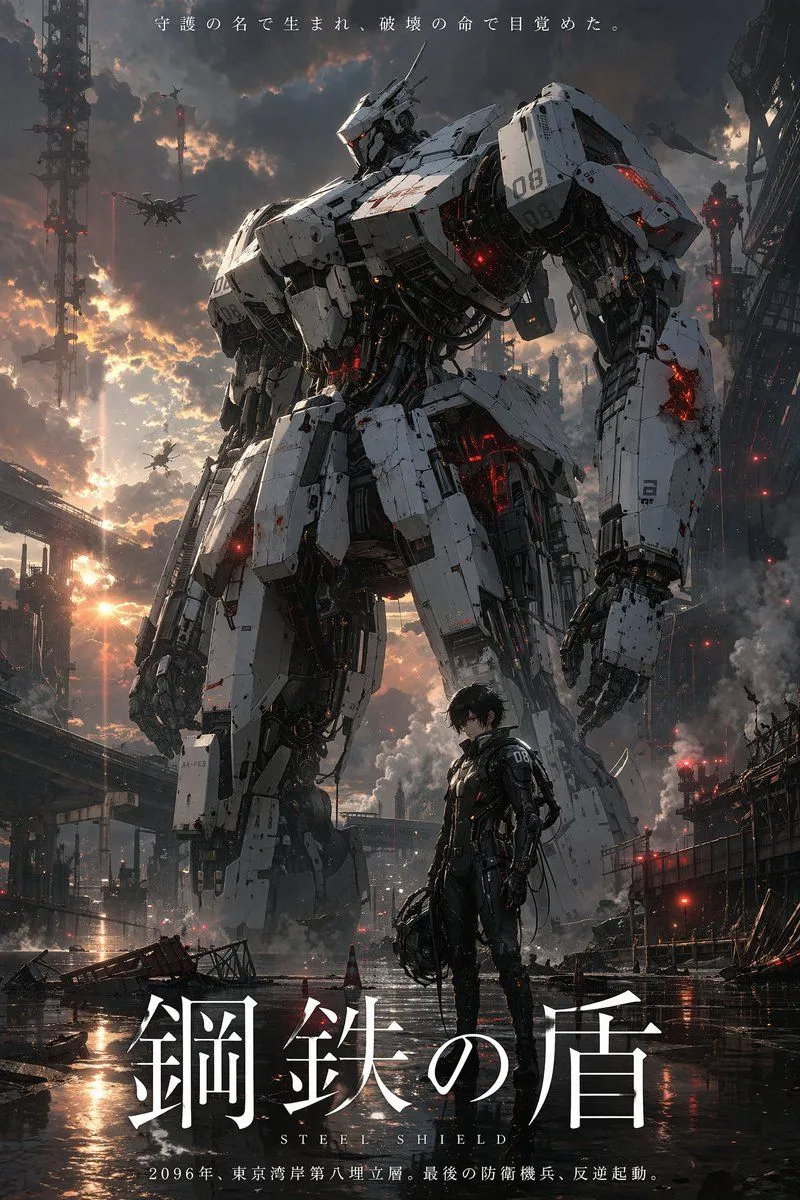
Anime Illustration to Hyperreal Photo

Made with GPT Image 2 in ChatGPT by Library Lifestyle. Promptclay never generates images.

Did it work?

No reports yet. Tell others if it worked for you.

No comments yet. Be the first.

    Anime Illustration to Hyperreal Photo

    GPT Image 216:9AI-generated

    Prompt

    Using the provided reference image, transform the anime/manga illustration into a hyper-realistic cinematic photograph while preserving the original composition, pose, camera angle, framing, lighting direction, color palette, all visible text, and every visual element without changing their placement. Replace the stylized rendering with real-world materials and textures: scratched and worn reflective gunmetal, brushed silver metal, glossy black armor, realistic leather-like gloves, physically accurate glowing eye light, true muzzle-flash illumination, flying brass bullet casings, chain links, studs, dents, dust, surface grime, and soft realistic shadows. Keep the large red typography and quotation marks exactly where they are, but render them as crisp printed graphic elements behind the subject. Maintain the same close-up action shot and black border; do not add or remove objects, symbols, text, or background elements.

    Works in
    ChatGPT, Gemini
    Status
    Free to copy
    0
    DetailsVersions, settings and questions

    Written for

    What's in the prompt

    Subject
    Model
    GPT Image 2

    If your face changes

    keep my face exactly the same

    Questions

    Does this work in the ChatGPT app?
    Yes. Paste the prompt and attach your photo if it uses one.
    It changed my face. What do I do?
    Add "keep my face exactly the same" to the end and run it again.
    Can I use the images I make?
    Check the terms of the app you use. Promptclay never generates images and claims nothing you make.
    Similar prompts

    See more
    • Cybernetic Tactical Soldier Portrait
    • Robot Mecha Movie Key Visual Prompt
    • Futuristic Mecha Kimono Warrior
    • Cinematic Military Woman Portrait
    • Dark Fantasy Battlefield Warrior
    • Dark Fairytale Chase-Battle Cinematic StoryboardVideo, 0:15
    • Nano Banana LLM Prompt for System Message Modification
    • Cyberpunk Mechanic with Massive Exosuit Backpack
    • Mech Pilot Cockpit Over City
    • Image Generation Prompt: Internal Structure of a Robot
    • Mecha Alien at Gravity Edge
    • Mecha Rockstar CinematicVideo, 0:06
    • Futuristic Noir Cinematic Portrait
    • Mech Armor Power Reveal Prompt (Likeness Preservation)
    • Moonlit Cyber Super Heroine Flight
    • Futuristic Cyberpunk Portrait with Golden Circuitry
    • Cyberpunk Cinematic Close-up Portrait
    • Cyberpunk Hacker Red Portrait
    • Neon Red Glasses Cinematic Portrait
    • Cyberpunk Futuristic Portrait Prompt
    • Cyberpunk High-Fashion Portrait Prompt
    • Cyberpunk Cinematic Photo Edit
    • Ancient Ruins Desert Warrior
    • Japanese Sci-Fi Suit-Up Process Board

    Show more

    Run it on your phone

    1. Prompt copiedRead it

      Using the provided reference image, transform the anime/manga illustration into a hyper-realistic cinematic photograph while preserving the original composition, pose, camera angle, framing, lighting direction, color palette, all visible text, and every visual element without changing their placement. Replace the stylized rendering with real-world materials and textures: scratched and worn reflective gunmetal, brushed silver metal, glossy black armor, realistic leather-like gloves, physically accurate glowing eye light, true muzzle-flash illumination, flying brass bullet casings, chain links, studs, dents, dust, surface grime, and soft realistic shadows. Keep the large red typography and quotation marks exactly where they are, but render them as crisp printed graphic elements behind the subject. Maintain the same close-up action shot and black border; do not add or remove objects, symbols, text, or background elements.

    2. Open your app

    3. Paste and run

      Press and hold the message box, then tap Paste. Add your photo first if the prompt uses one. You may need to sign in.

    Anime Illustration to Hyperreal Photo