Tell us anything

An idea, a bug, something you love. We read every note.

⌘↵ to send. The page you're on comes along.

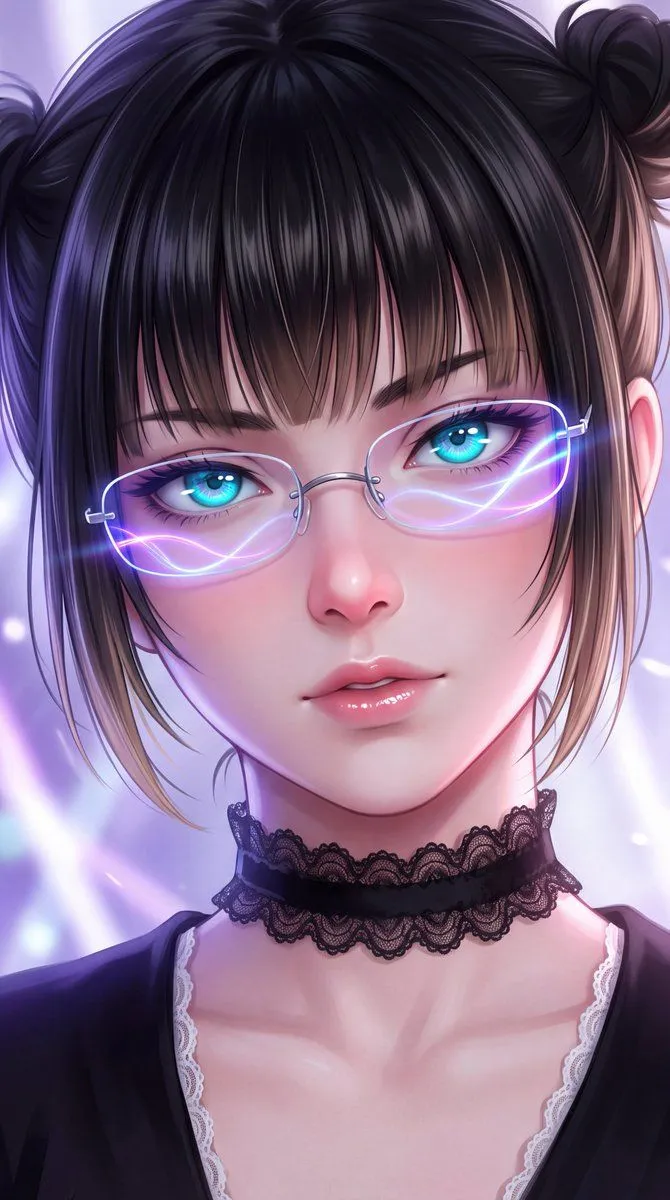
Anime Character Portrait Prompt

Made with GPT Image 2 in ChatGPT by Library Avatars. Promptclay never generates images.

Did it work?

No reports yet. Tell others if it worked for you.

No comments yet. Be the first.

    Anime Character Portrait Prompt

    GPT Image 24:5AI-generated

    Prompt

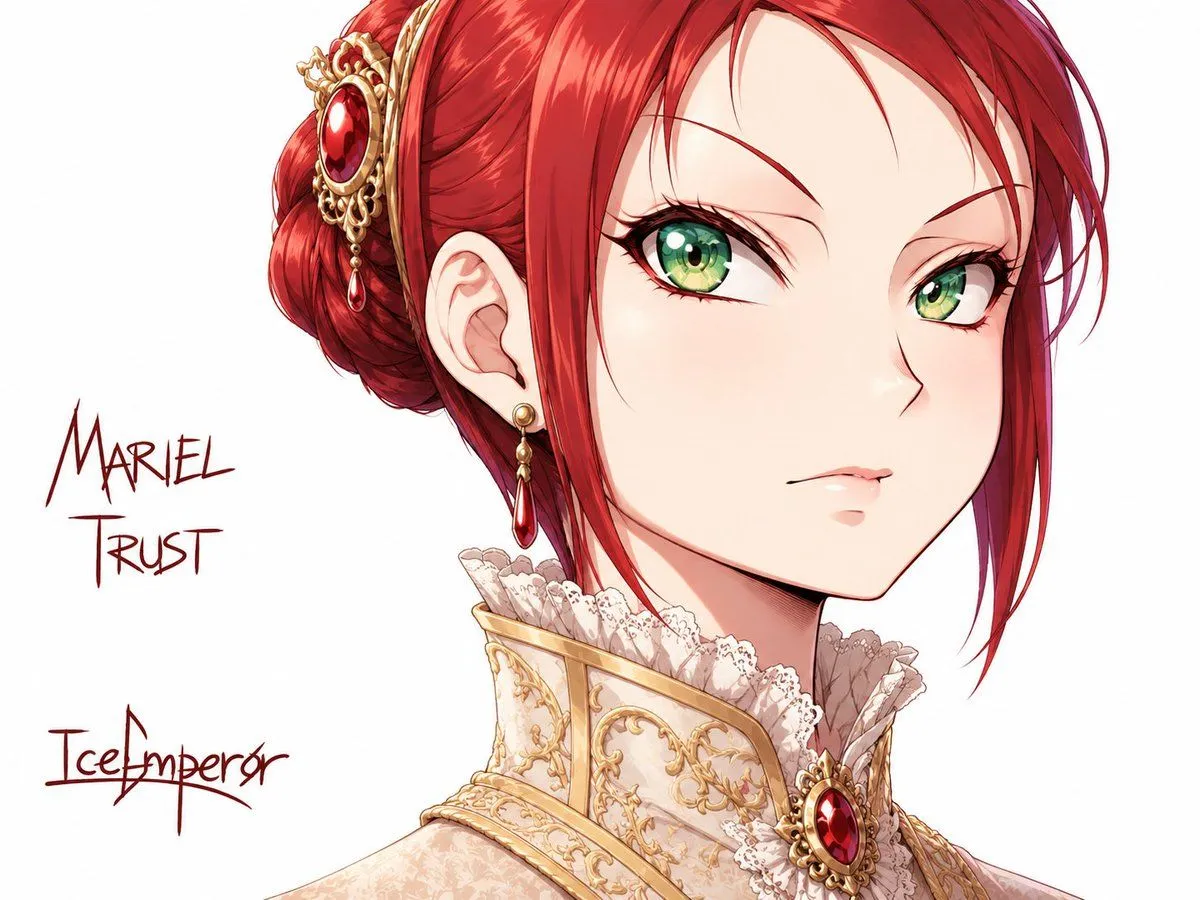
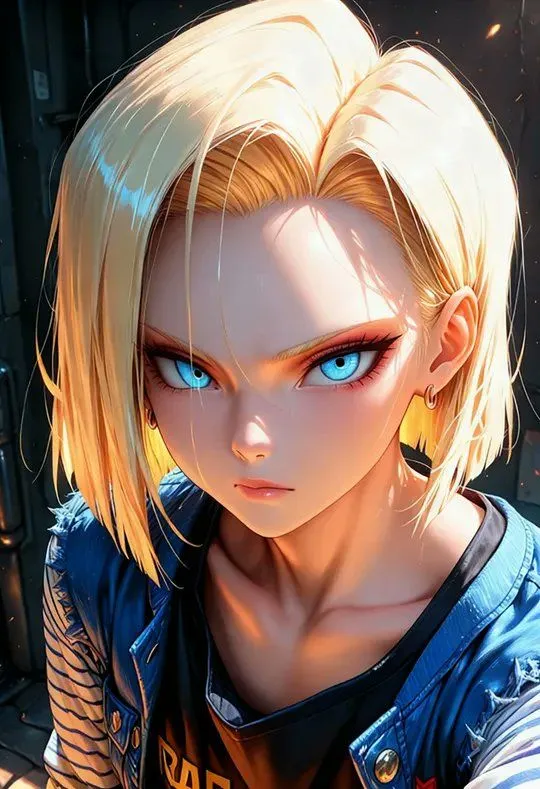
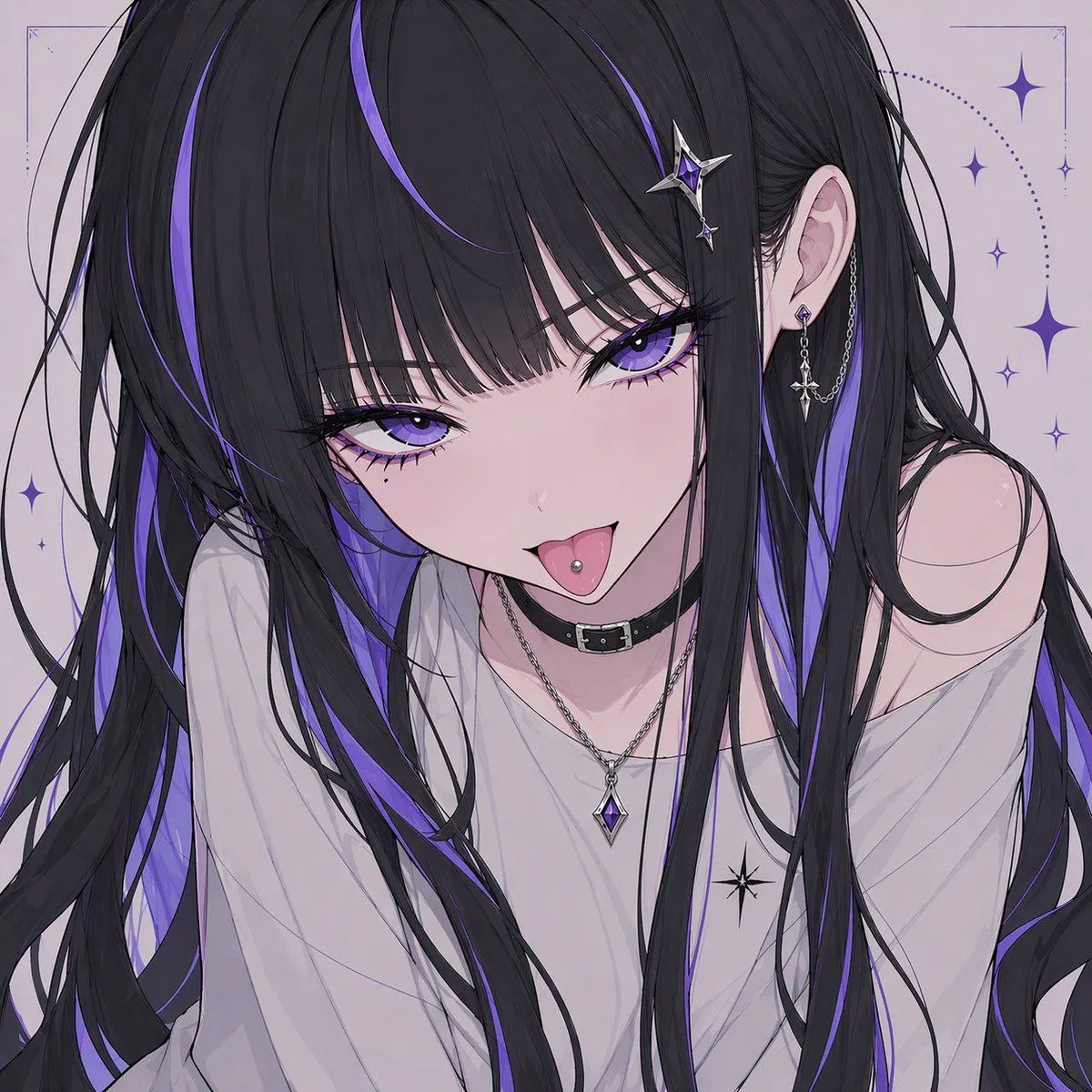
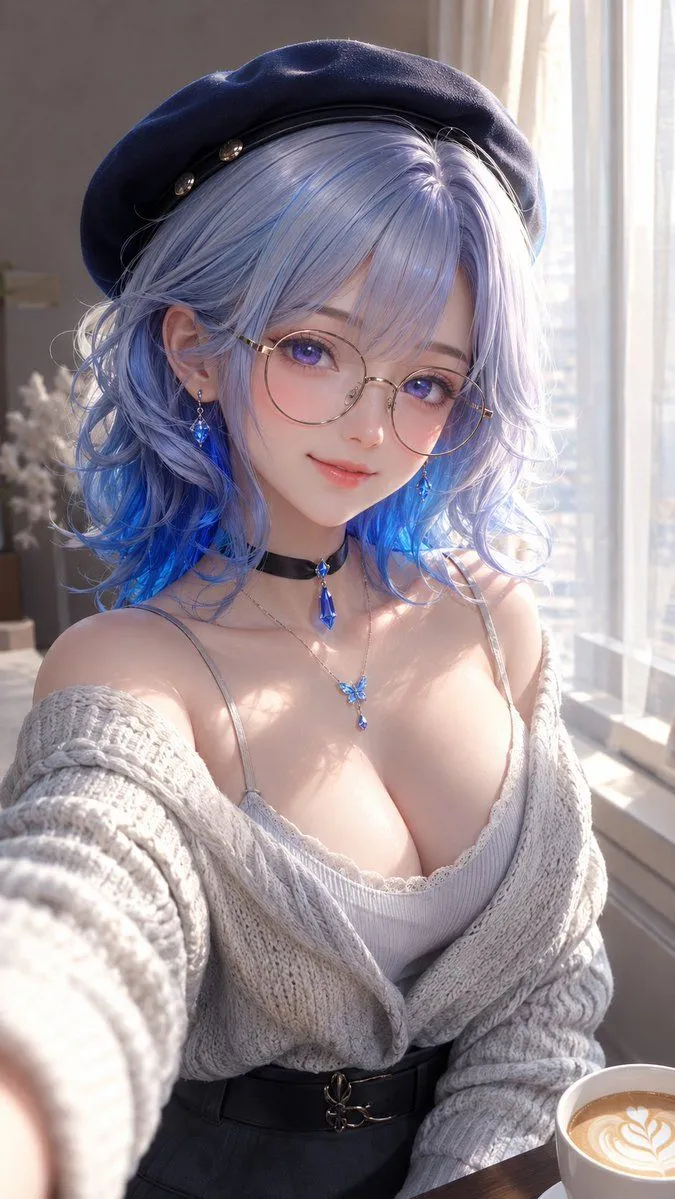
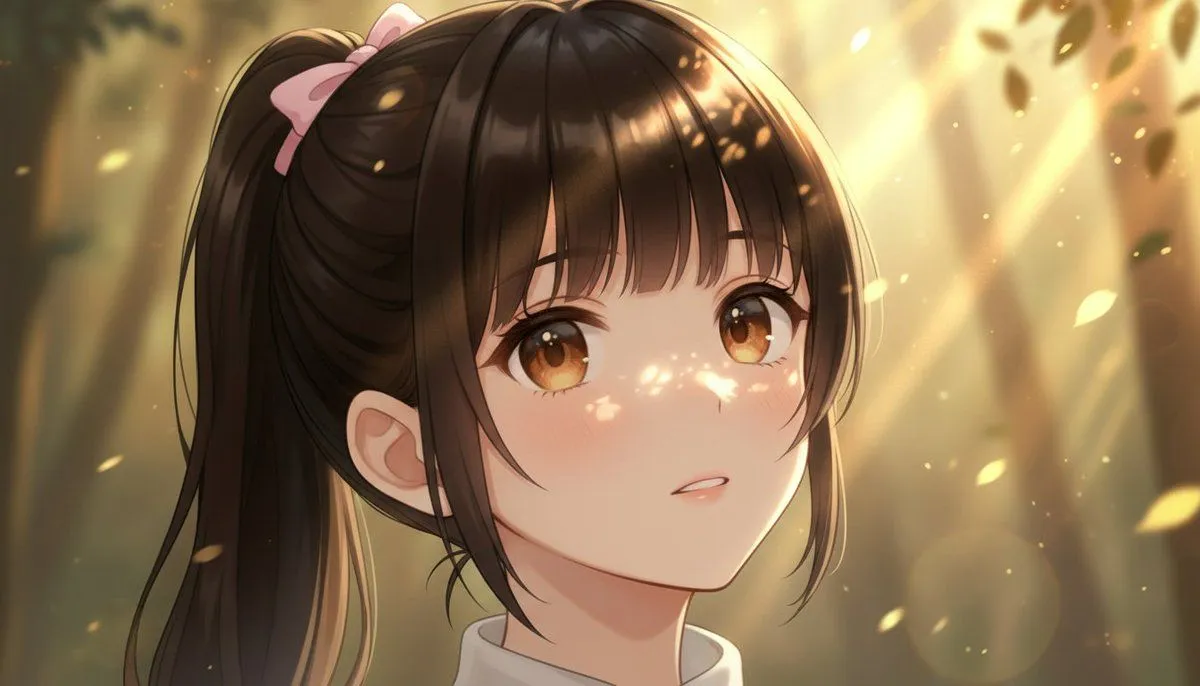
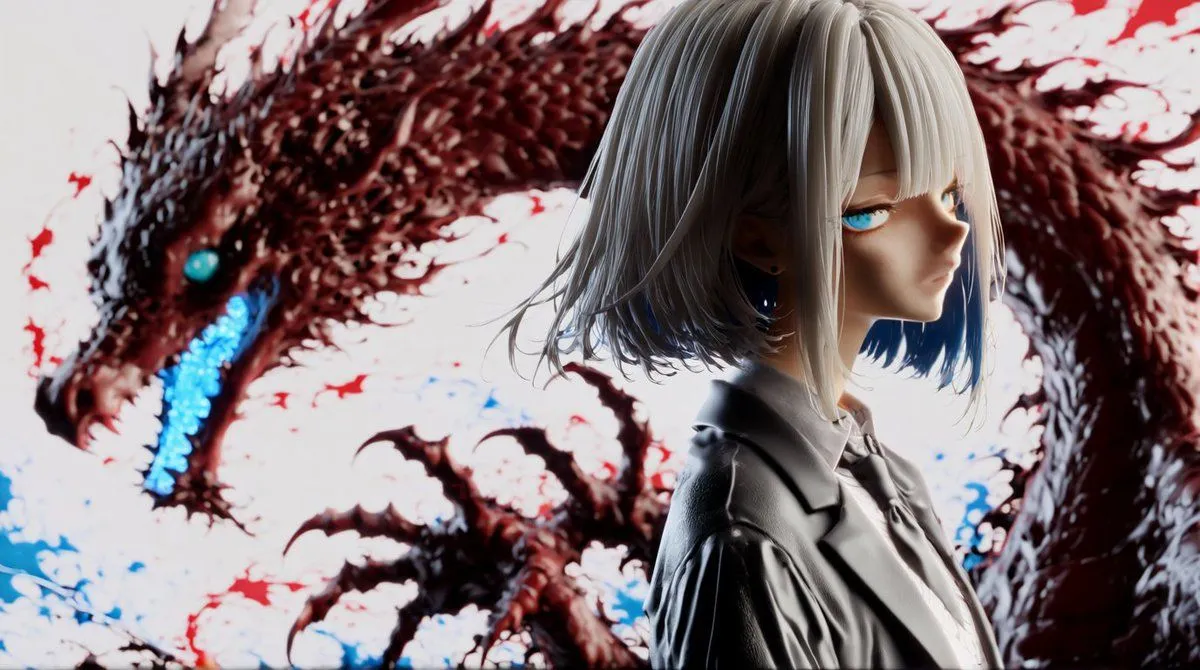
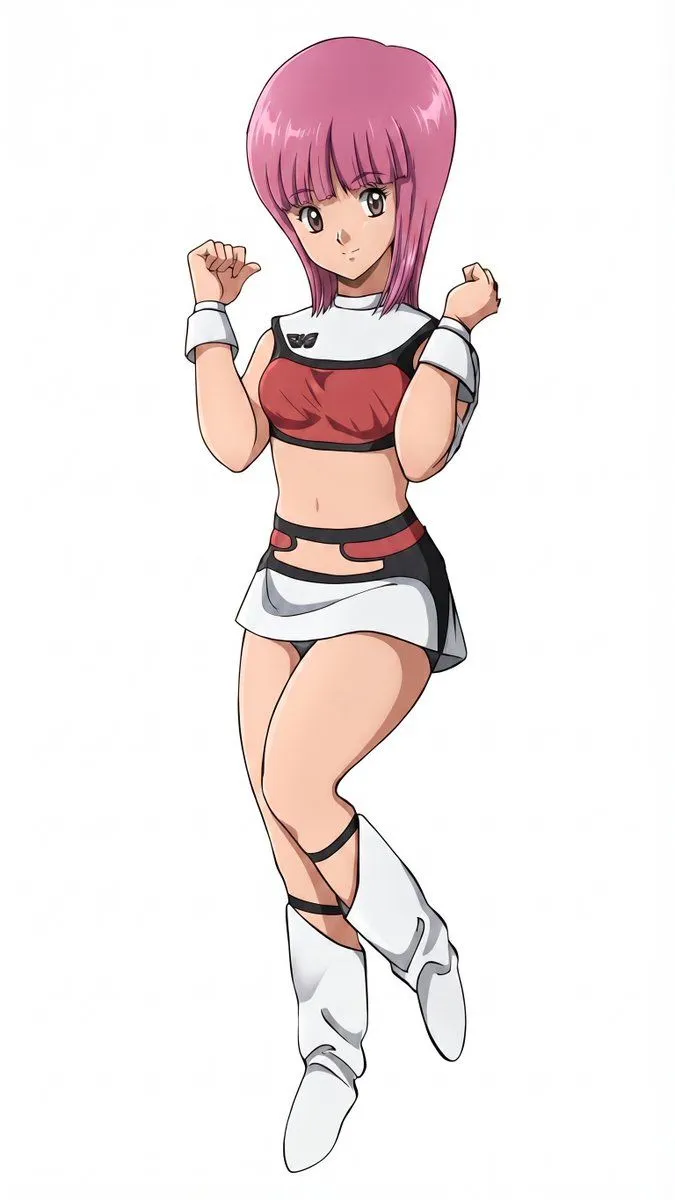
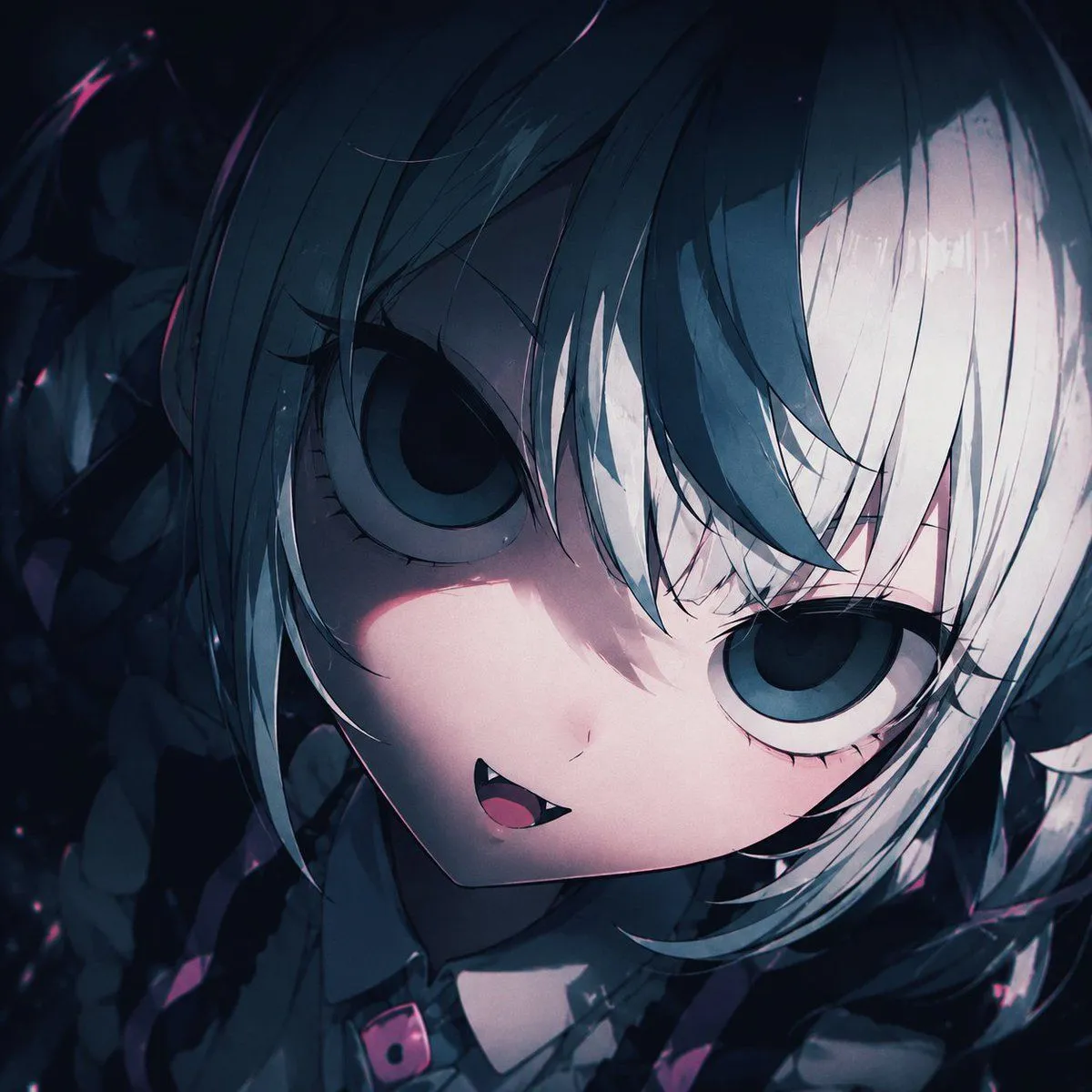
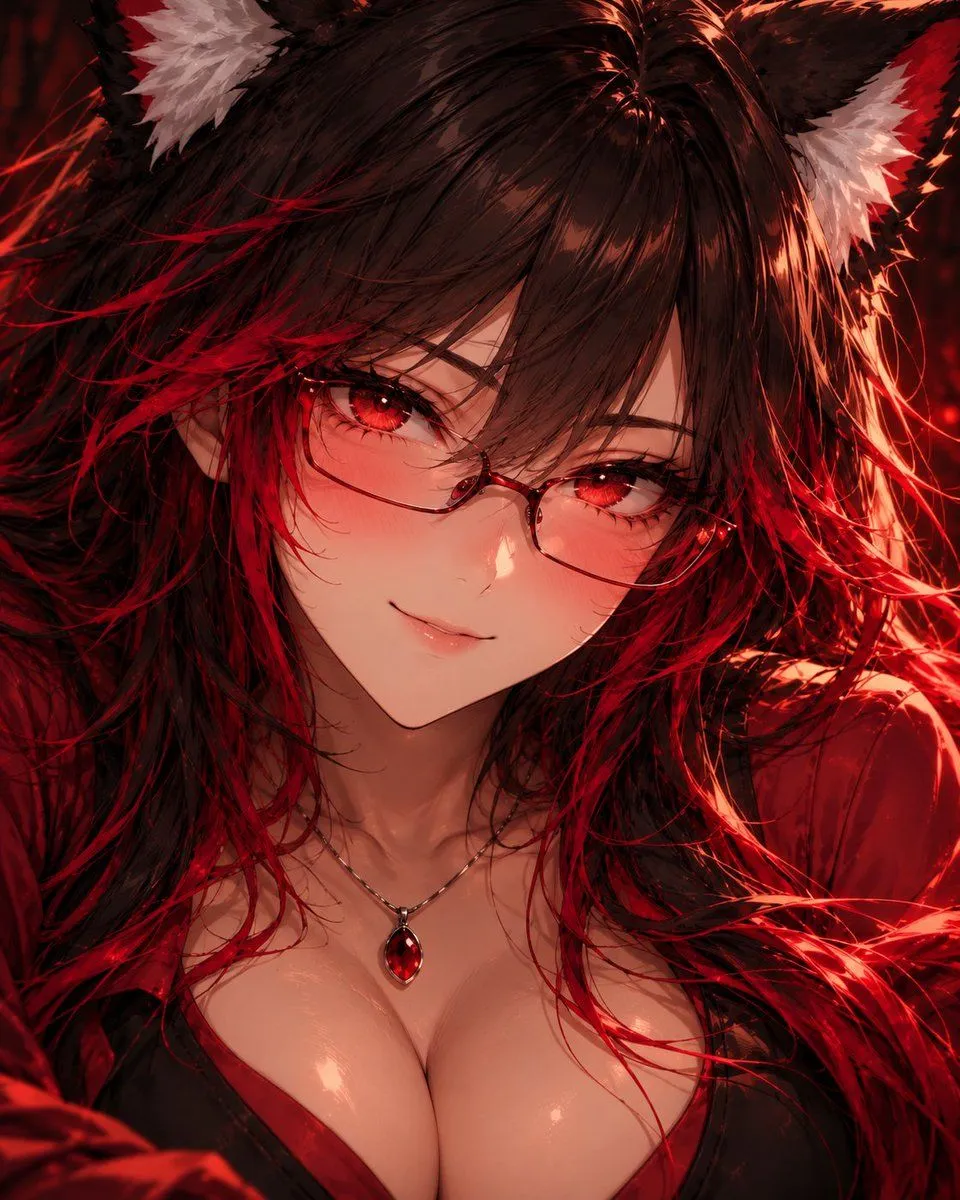
    Create an extreme close-up portrait of the character in the attached character reference sheet. Treat that sheet as the absolute authority for the character's identity and design: preserve their face, facial proportions, skin tone, hair style/color, eyes, ears or other character features, and any visible clothing/accessories. Do not redesign the character. The second attached portrait is ONLY a rendering-quality reference. Do not copy that character's identity, face, hair, colors, clothing, accessories, expression, pose, or composition. Use it only as the target for detail density and finish: highly defined facial features, dimensional anime shading, intricate eyes and eyelashes, individually rendered hair strands, subtle skin highlights and warmth, sophisticated lighting, depth, material definition, and extremely polished cinematic anime rendering. Frame the subject very tightly from approximately the upper chest/clavicle to the tips of their hair/ears, with the face dominating the image. Use an eye-level camera and direct eye contact. Give them a small natural smile with subtle blush. Preserve recognizable anime facial proportions while adding significantly more dimensional definition and fine detail; do not make the face photorealistic. Use a simple dark atmospheric background and cinematic lighting that complements the character's existing palette. Keep the eyes, face, and nearest hair strands exceptionally sharp, with gentle depth falloff elsewhere. Do not show the waist, hips, legs, or full body. Do not create a detailed environment. Do not copy the second portrait's scene or character. Character sheet = WHO the character is. Second portrait = ONLY the LEVEL OF RENDERING QUALITY. Generate the portrait now.

    Works in
    ChatGPT, Gemini
    Status
    Free to copy
    0
    DetailsVersions, settings and questions

    Written for

    What's in the prompt

    Subject
    Model
    GPT Image 2

    If your face changes

    keep my face exactly the same

    Questions

    Does this work in the ChatGPT app?
    Yes. Paste the prompt and attach your photo if it uses one.
    It changed my face. What do I do?
    Add "keep my face exactly the same" to the end and run it again.
    Can I use the images I make?
    Check the terms of the app you use. Promptclay never generates images and claims nothing you make.
    Similar prompts

    See more
    • Post-Apocalyptic Desert Night Scene
    • Detailed Maki Zenin Anime Portrait
    • Multi-Step Comic Generation with MJ and Nano Banana Pro
    • Generating Siblings Based on a Reference Character
    • Dark Fantasy Anime Gothic Portrait
    • Hyperrealistic Anime Portrait with Split Lighting Prompt
    • Polished Anime Noble Portrait
    • Create a Realistic Photo of Her (Iterative Refinement)
    • Fox Shrine Maiden Postcard
    • Fantasy Oni Girl Anime Illustration
    • Censored Gothic Anime Girl Portrait
    • 3D CG Anime Girl Illustration
    • Image Generation Comparison Prompt: Extreme Zoom on a Girl's Face
    • 3D Anime Style Transformation
    • Kawaii Doll Magical Realism Character Portrait Prompt
    • Anime Beauty Editorial Portrait
    • Extracting Color and Shadow for Transparency
    • ASCII Art of a Figure with a Small House
    • Manga to Anime Style Transformation
    • Improving Asymmetrical Element Identification in GPT Image 1.5
    • Gothic Chibi Vampire Album Cover
    • Real-Life and Anime Duo Portrait
    • Adding Fabric Texture to Clothing
    • Japanese Personality Map Poster

    Show more

    Run it on your phone

    1. Prompt copiedRead it

      Create an extreme close-up portrait of the character in the attached character reference sheet. Treat that sheet as the absolute authority for the character's identity and design: preserve their face, facial proportions, skin tone, hair style/color, eyes, ears or other character features, and any visible clothing/accessories. Do not redesign the character. The second attached portrait is ONLY a rendering-quality reference. Do not copy that character's identity, face, hair, colors, clothing, accessories, expression, pose, or composition. Use it only as the target for detail density and finish: highly defined facial features, dimensional anime shading, intricate eyes and eyelashes, individually rendered hair strands, subtle skin highlights and warmth, sophisticated lighting, depth, material definition, and extremely polished cinematic anime rendering. Frame the subject very tightly from approximately the upper chest/clavicle to the tips of their hair/ears, with the face dominating the image. Use an eye-level camera and direct eye contact. Give them a small natural smile with subtle blush. Preserve recognizable anime facial proportions while adding significantly more dimensional definition and fine detail; do not make the face photorealistic. Use a simple dark atmospheric background and cinematic lighting that complements the character's existing palette. Keep the eyes, face, and nearest hair strands exceptionally sharp, with gentle depth falloff elsewhere. Do not show the waist, hips, legs, or full body. Do not create a detailed environment. Do not copy the second portrait's scene or character. Character sheet = WHO the character is. Second portrait = ONLY the LEVEL OF RENDERING QUALITY. Generate the portrait now.

    2. Open your app

    3. Paste and run

      Press and hold the message box, then tap Paste. Add your photo first if the prompt uses one. You may need to sign in.

    Anime Character Portrait Prompt